Customer Ratings & Reviews
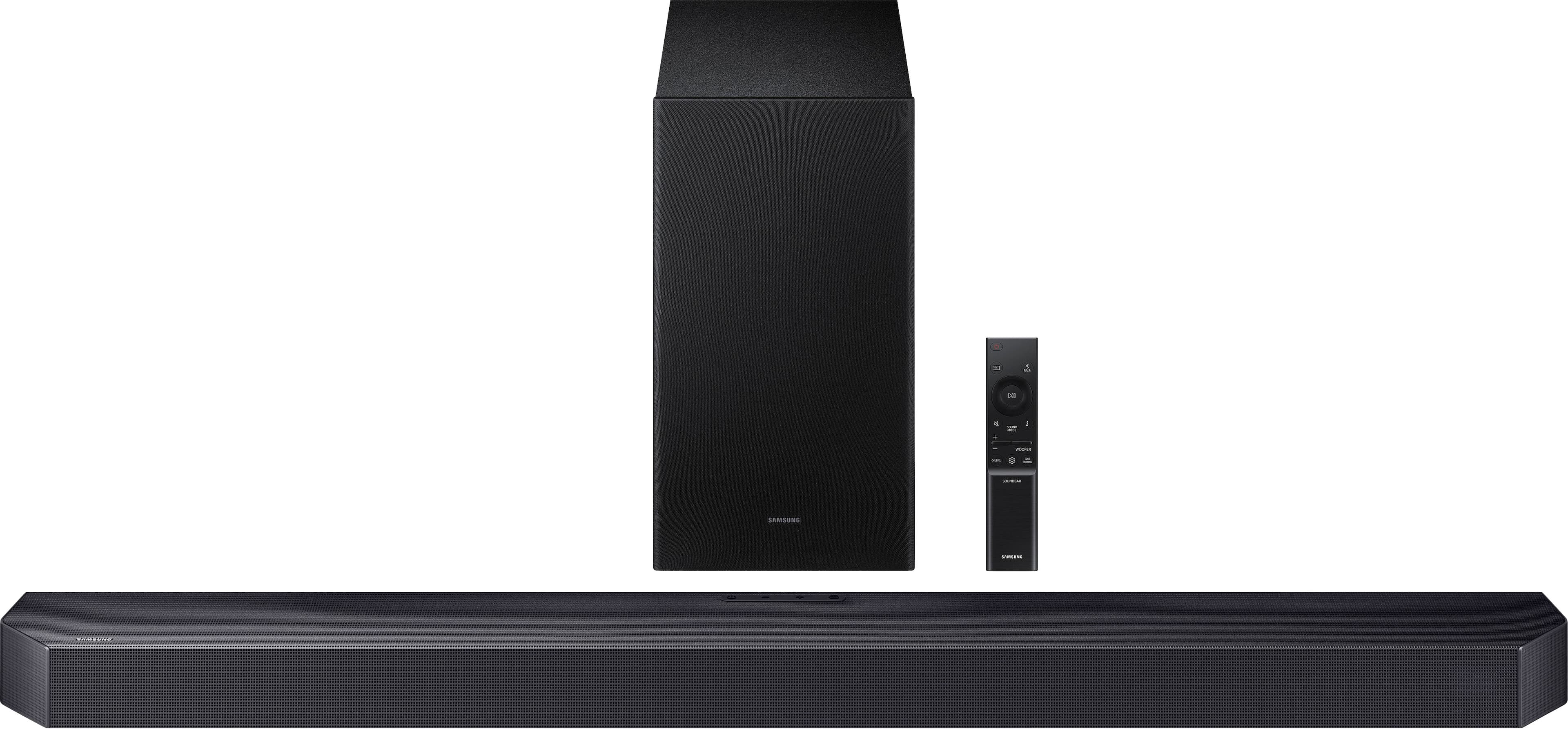
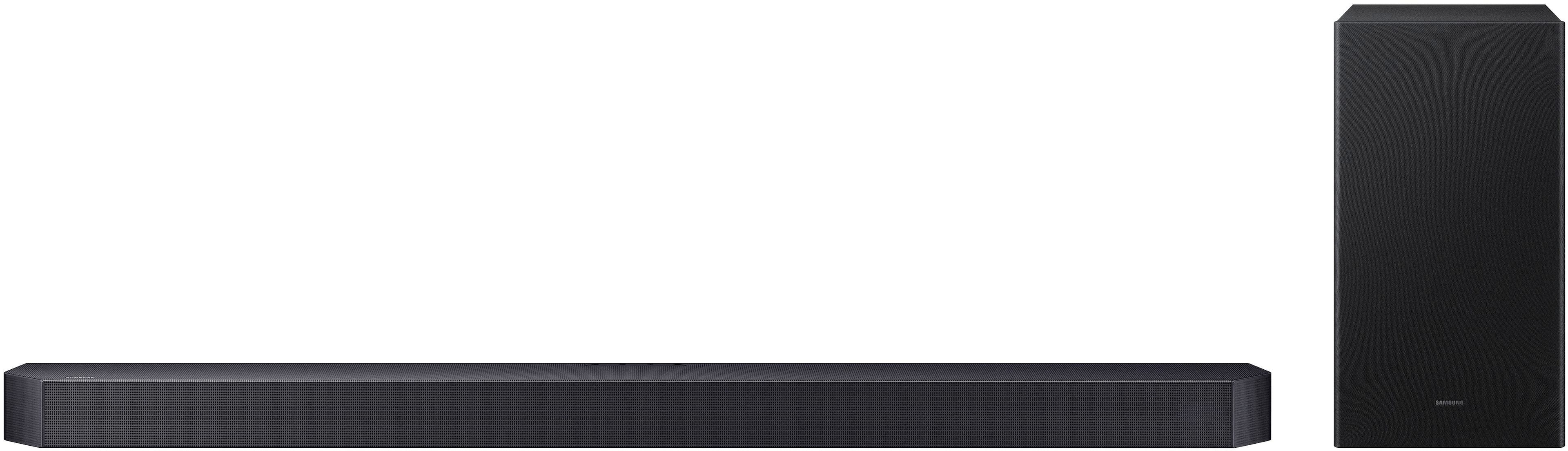
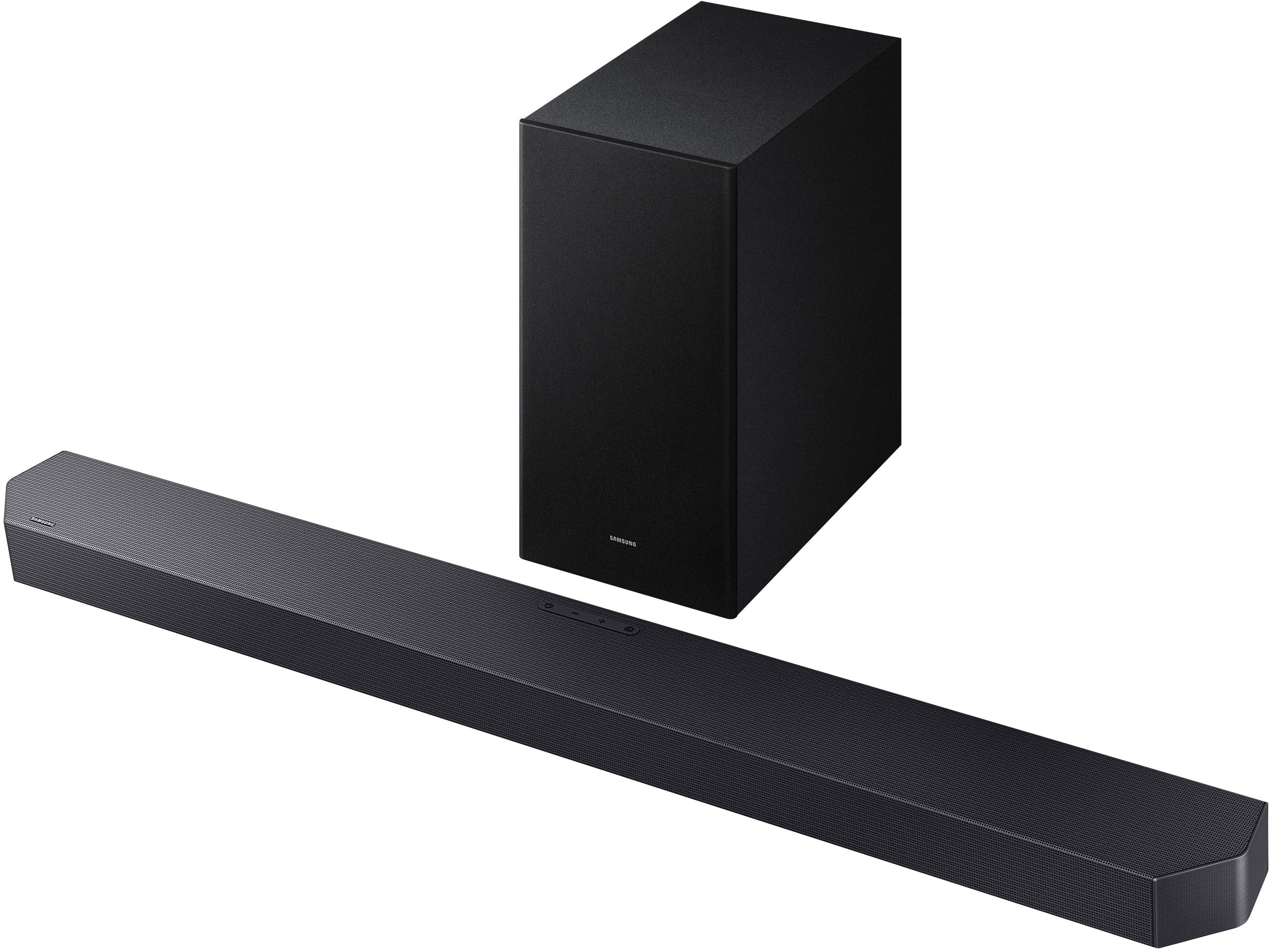

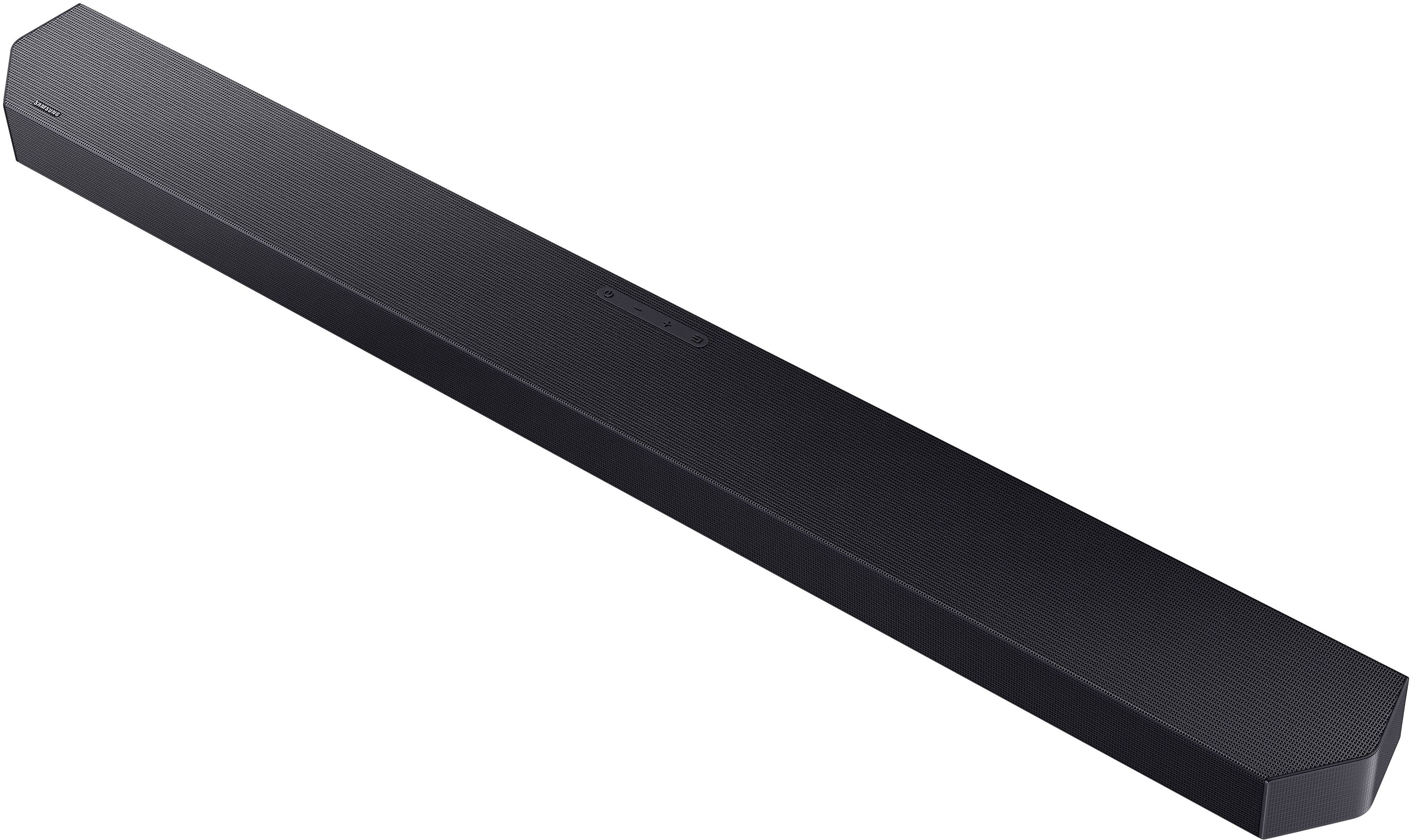
- Model:
- HW-Q600F/ZA
- SKU:
- 6619392
Rating by feature
- Value
Rating 4.6 out of 5 stars
- Quality
Rating 4.7 out of 5 stars
- Ease of Use
Rating 4.7 out of 5 stars
Customers are saying
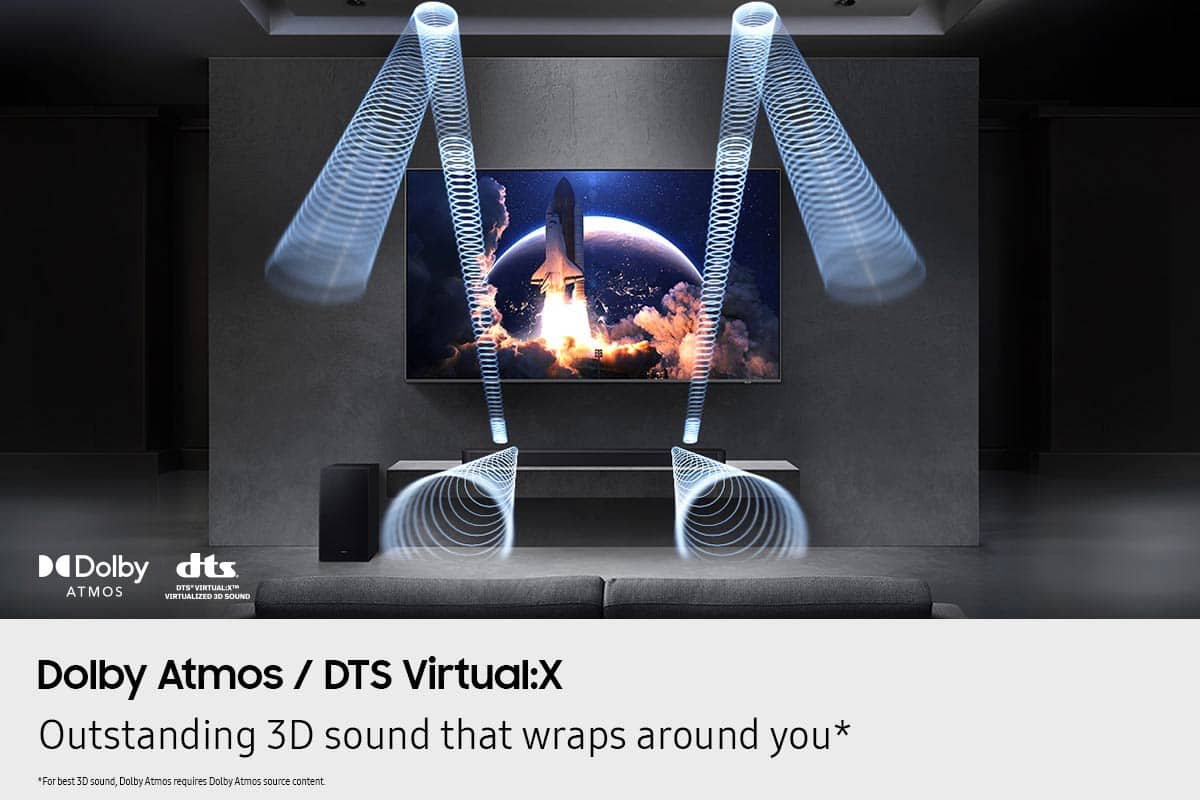
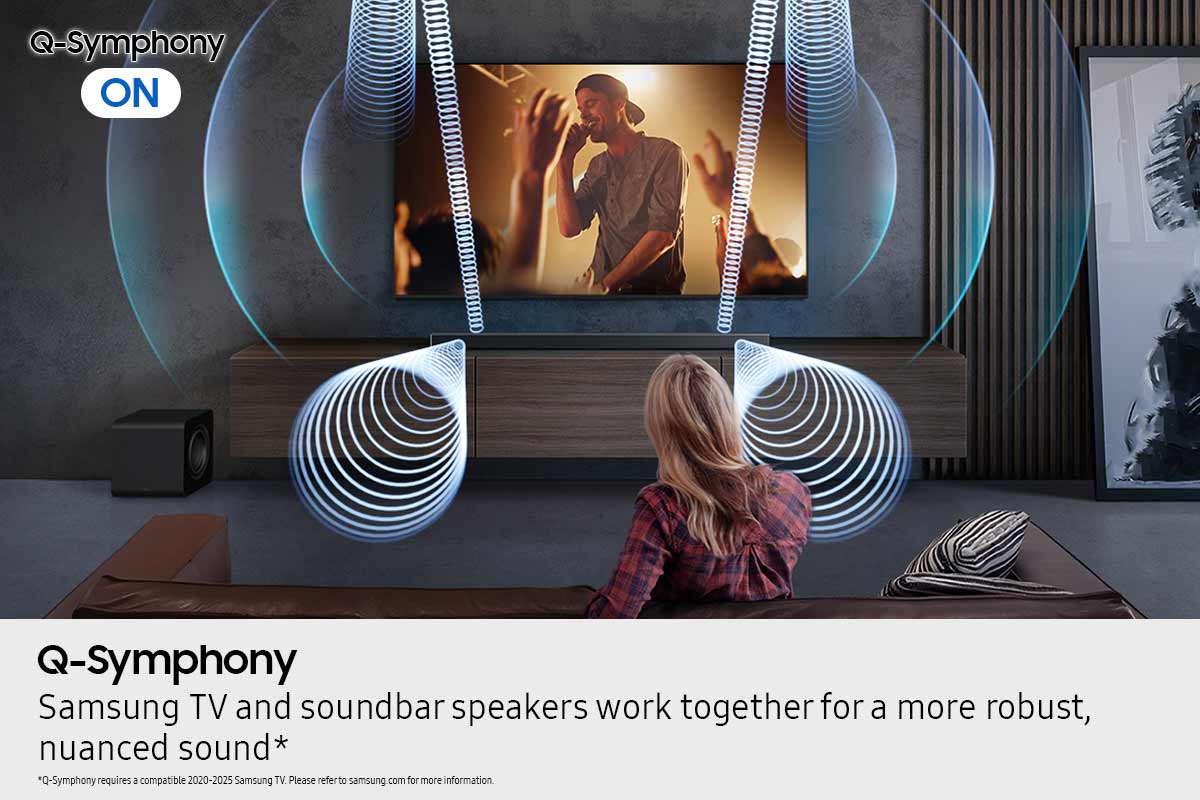
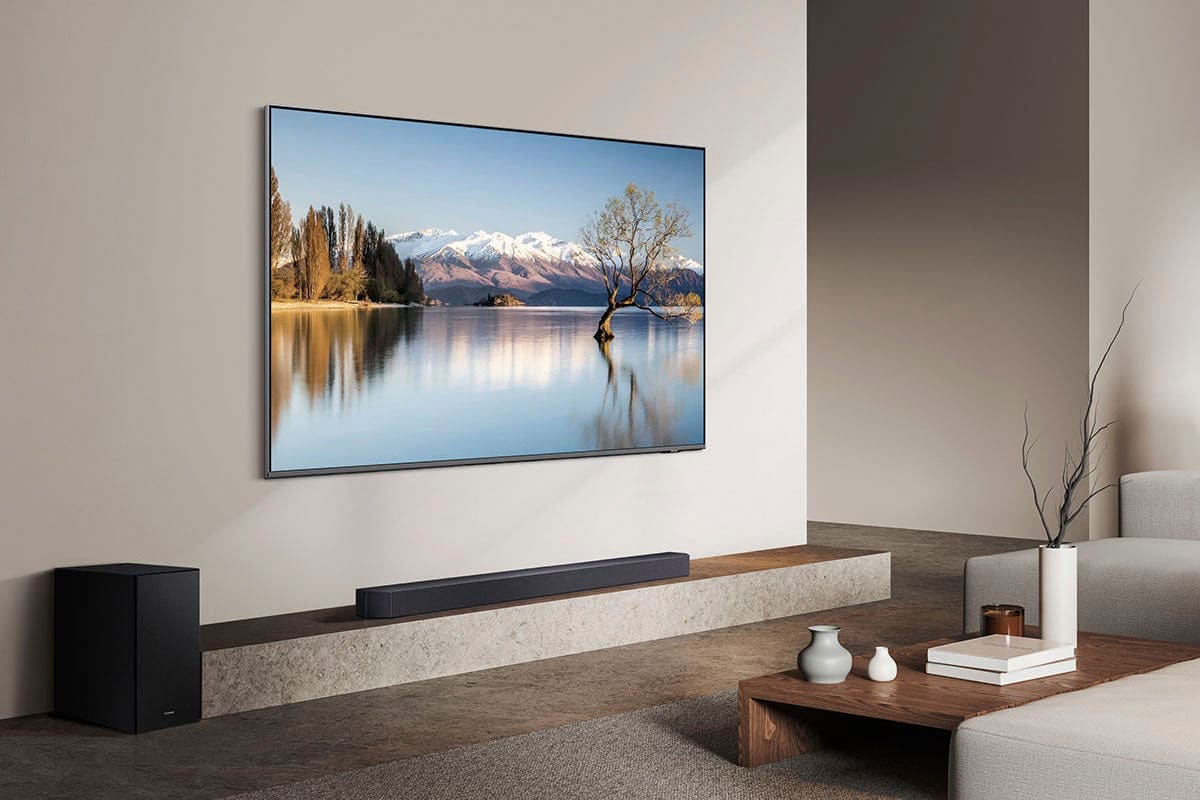
Customers highly value the Q-series HW-Q600F ATMOS 3.1.2 Ch Soundbar with Subwoofer for its very good and clear sound quality. Users also appreciate the easy setup and sleek design, as well as its seamless connectivity to Samsung TVs and space-saving size. There were no cons mentioned for this product.
This summary was generated by AI based on customer reviews.
Sound bar
Posted .This reviewer received promo considerations or sweepstakes entry for writing a review.Very expensive, quality of sound not that great, sub buffer sound terrible
No, I would not recommend this to a friendBrand response from Samsung
Posted .Hi Peter,
We appreciate you taking a few moments to review the Samsung HW-Q600F Soundbar.
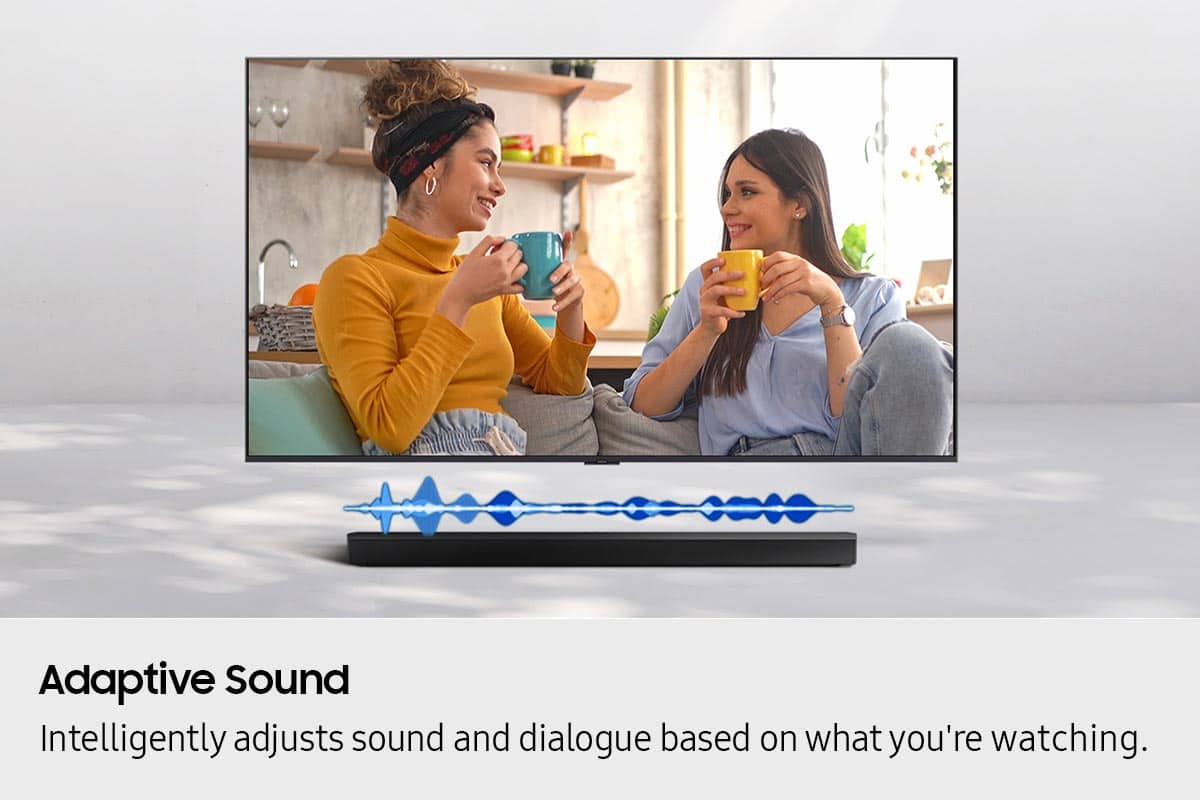
You can manually optimize your audio experience by pressing the SOUND MODE button to select the desired pre-equalized sound setting. The choices are SURROUND SOUND – GAME – ADAPTIVE SOUND – DTS VIRTUAL:X – STANDARD.
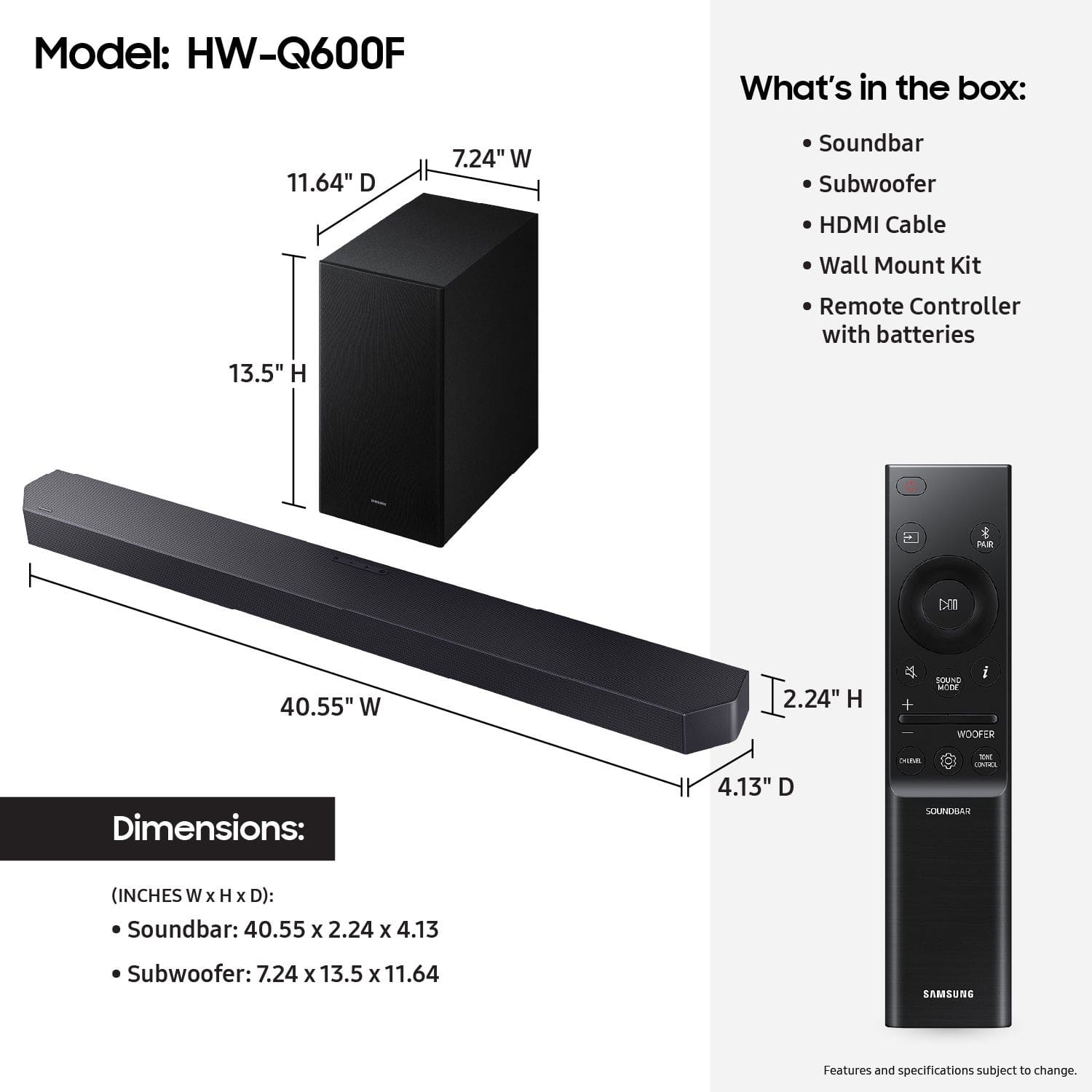
To control the volume of the treble or bass sound, press the TONE CONTROL button and then adjust the volume between -6 to +6 by using the Up/Down buttons.
Press and hold the SOUND CONTROL button for about 5 seconds to adjust the sound for each frequency band. 150Hz, 300Hz, 600Hz, 1.2kHz, 2.5kHz, 5kHz, and 10kHz are selectable using the Left/Right buttons and each can be adjusted to a setting between -6 to +6 using the Up/Down buttons. (Make sure the Sound mode is set to “STANDARD”.)
Press the CH LEVEL button so you can adjust the volume of each speaker. CENTER LEVEL or TOP LEVEL can be adjusted using the UP/DOWN buttons from -6 to +6.
With the optional SWA-9250S Wireless Rear Speaker Kit connected you can adjust the volume by using the provided Soundbar remote. Press CH LEVEL and select REAR LEVEL, then use the Up/Down buttons to adjust the volume within a -6 to +6 range.
I hope these tips help you enjoy your new product.
You can always contact us for further help at 1-800-SAMSUNG (Ask for Soundbars), 8 AM – 12 AM EST, 7 days a week. Our Live Chat agents are also available by clicking on the ‘Support’ link on our website.
~ Samsung Solutions