Customer Ratings & Reviews
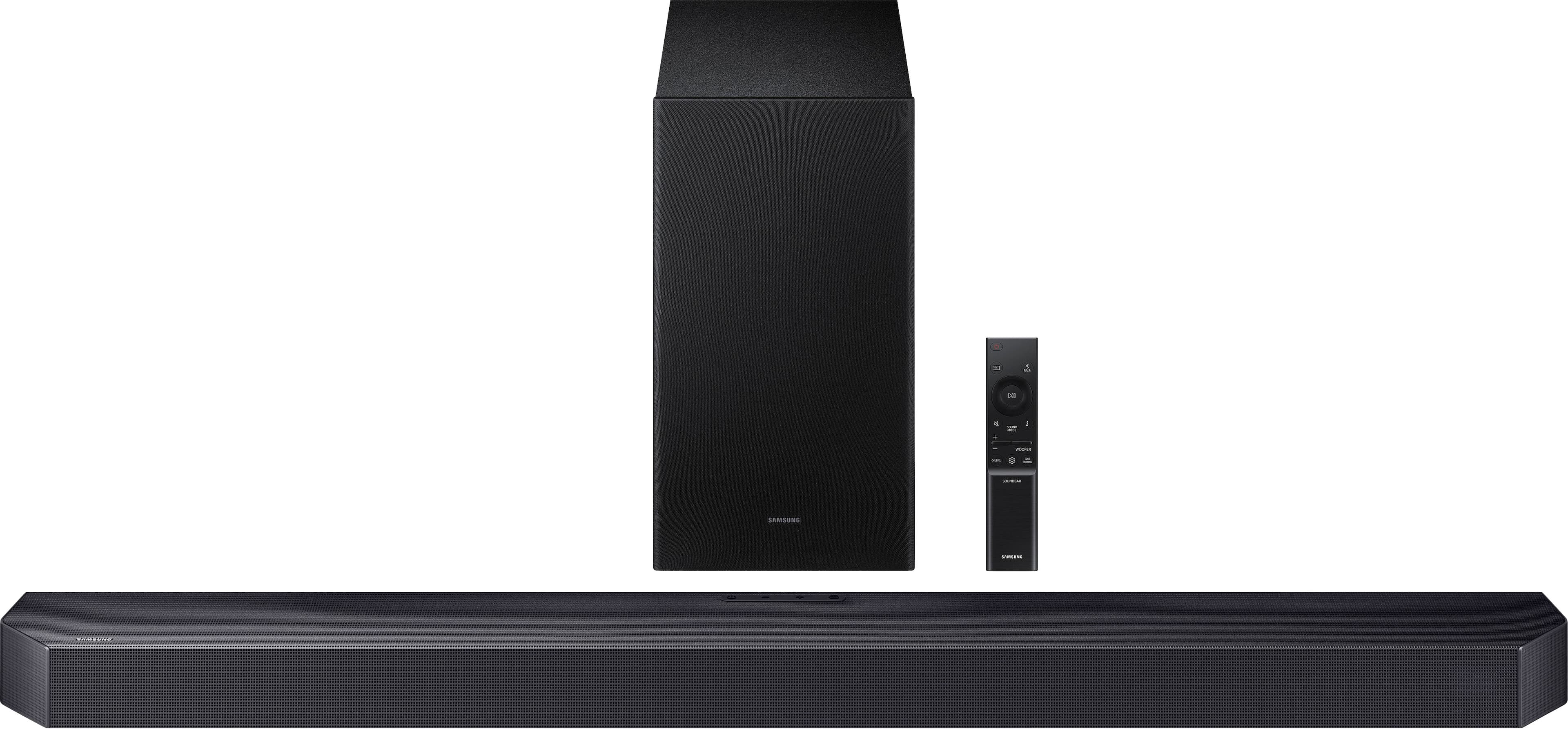
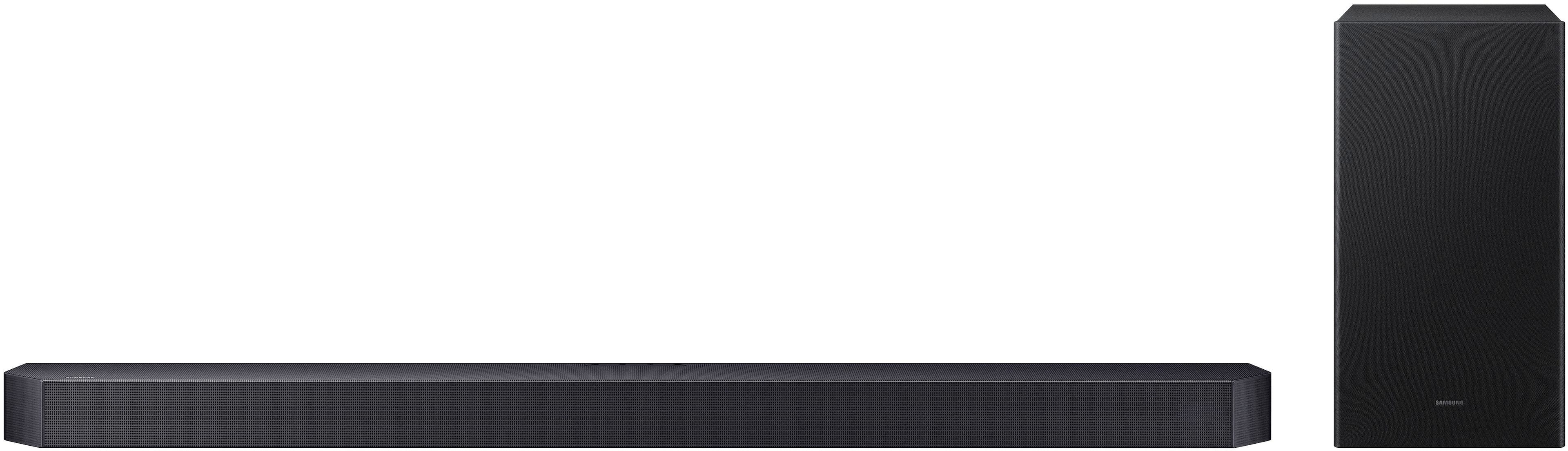
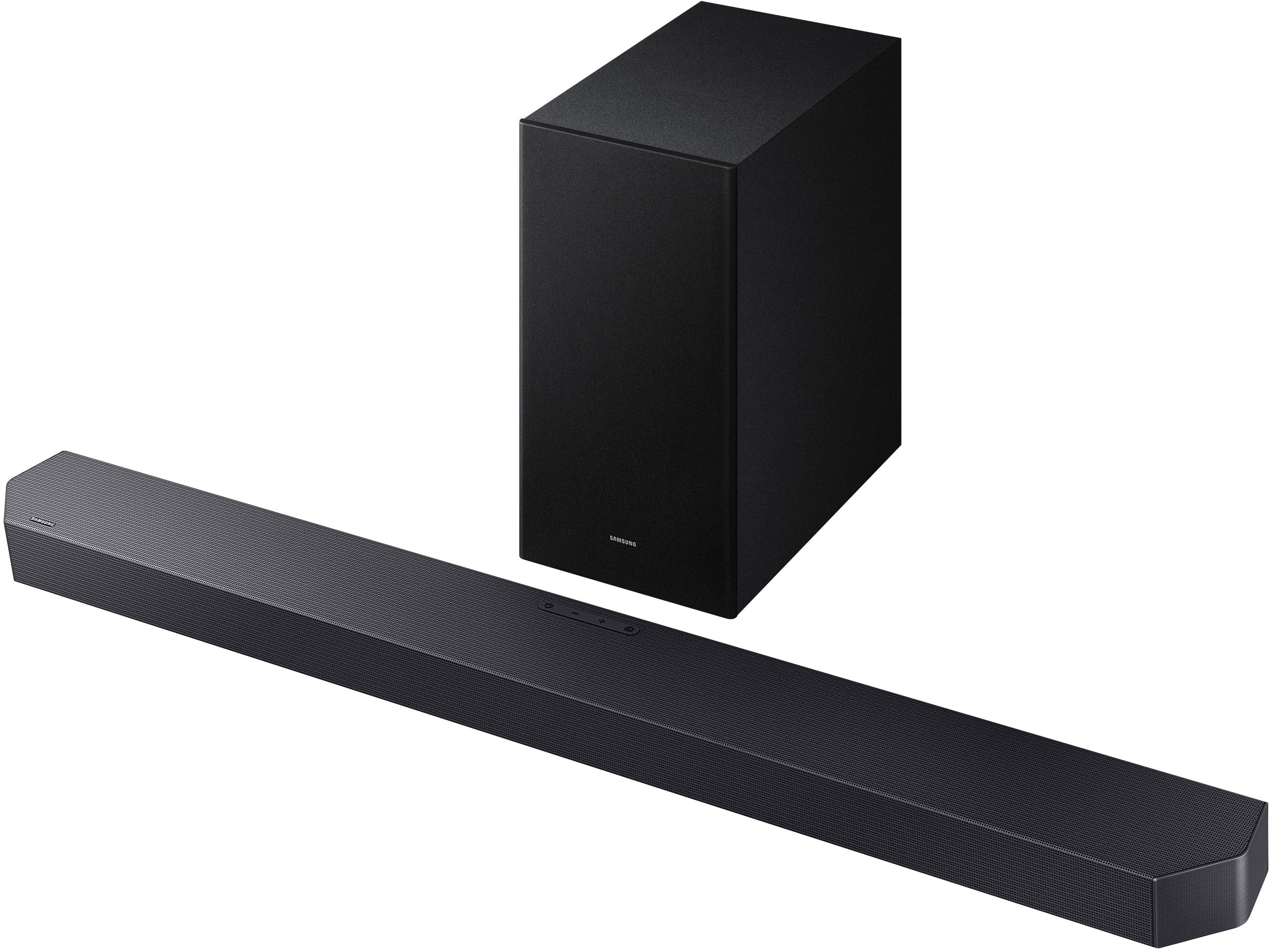

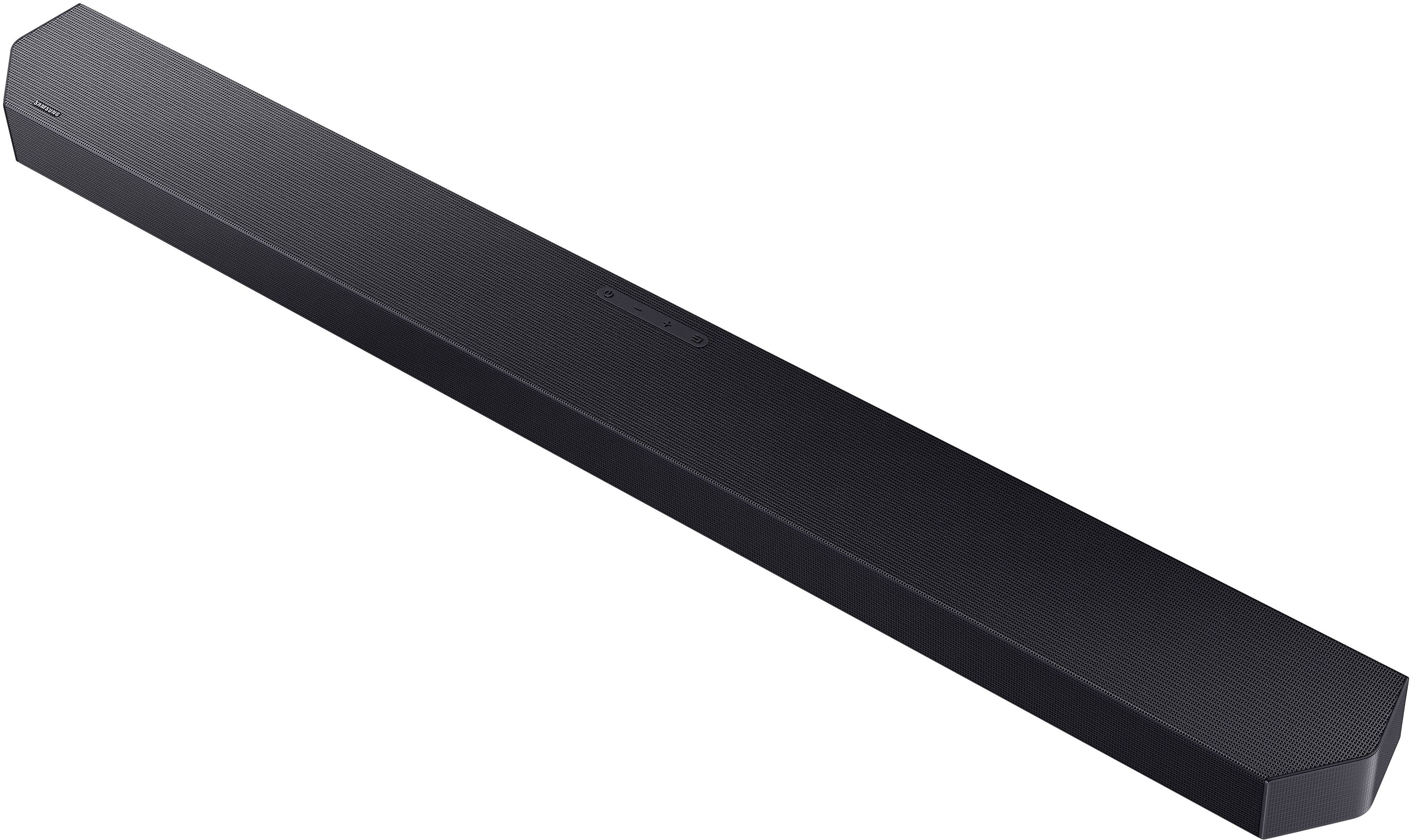
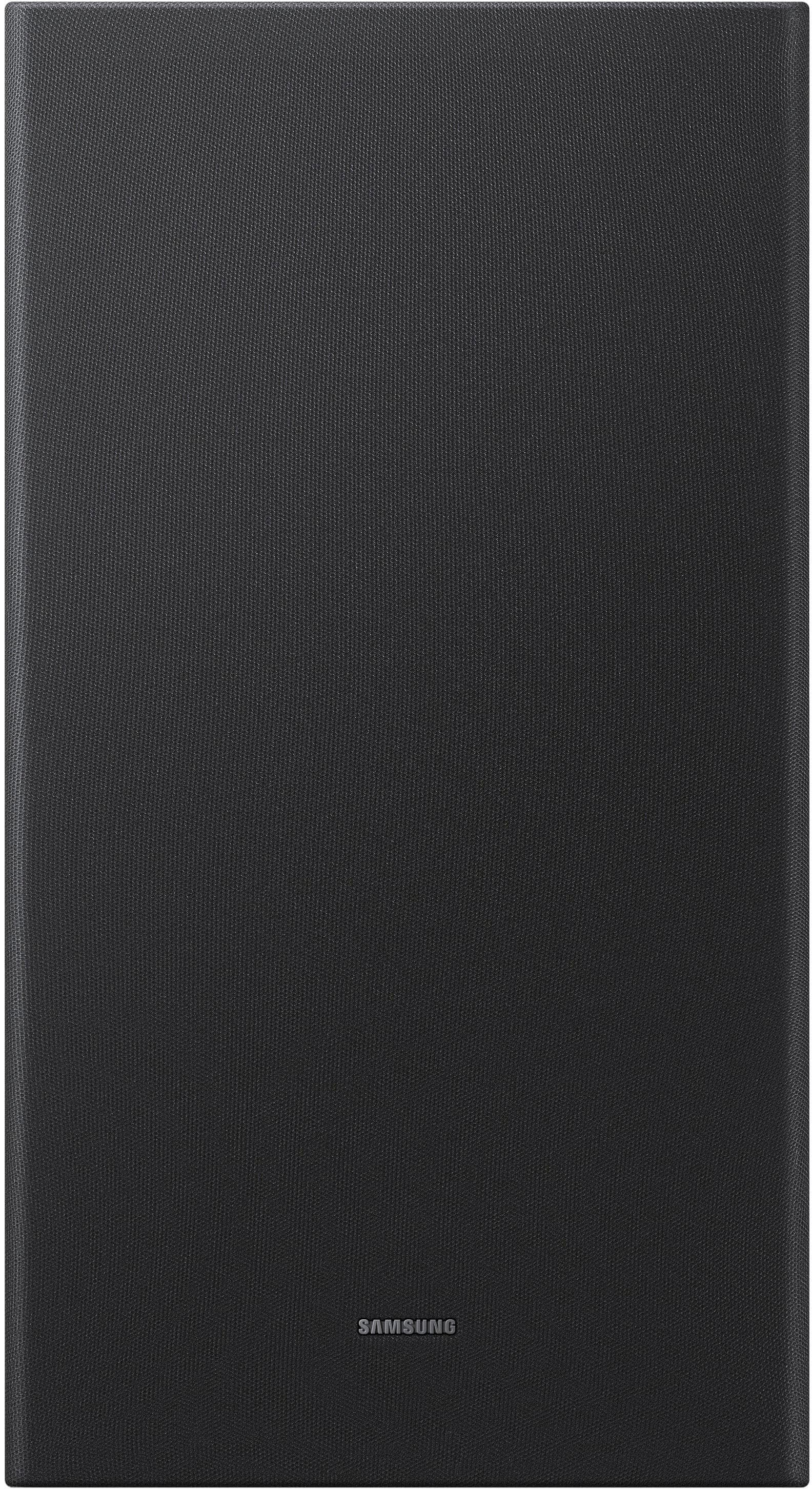
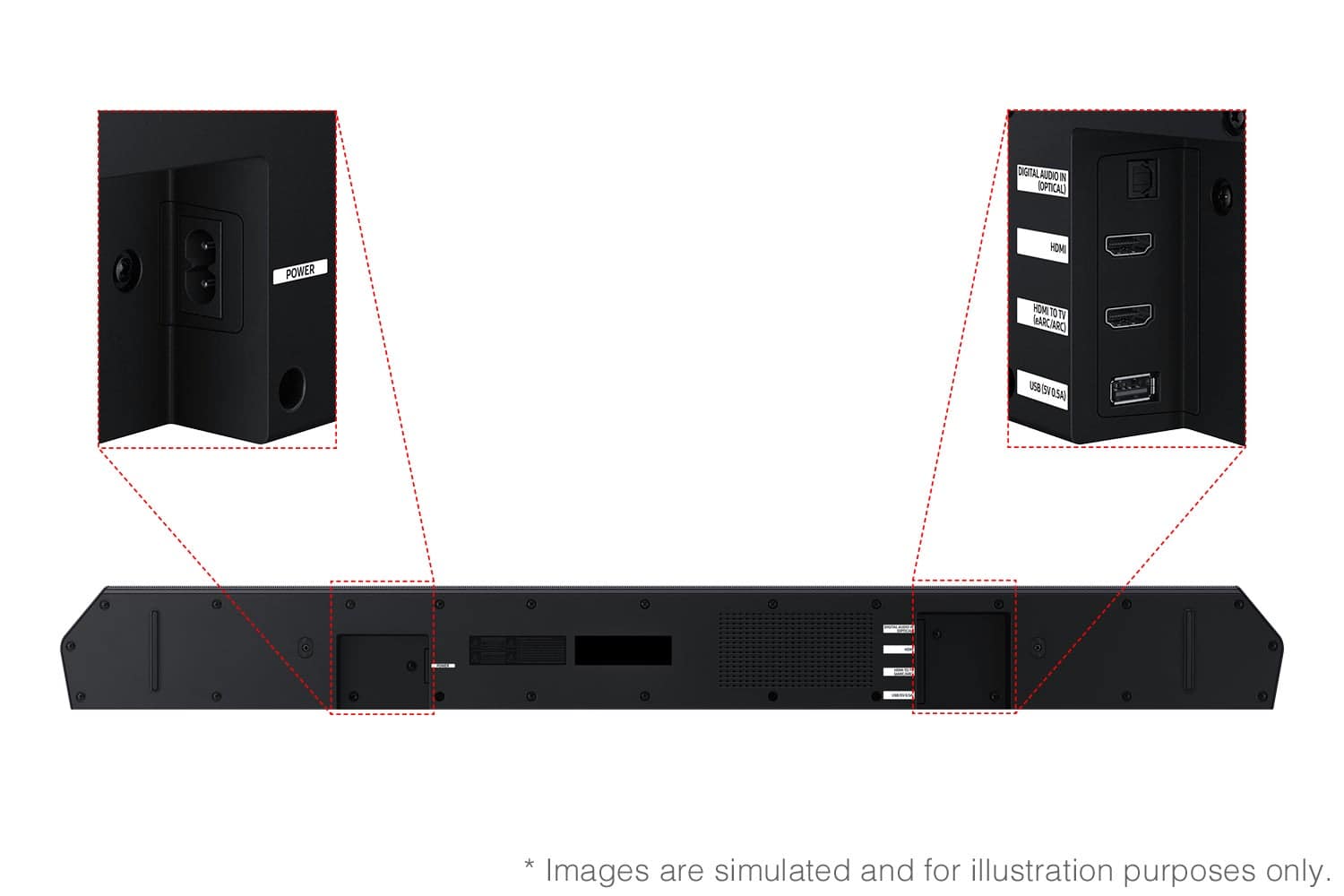
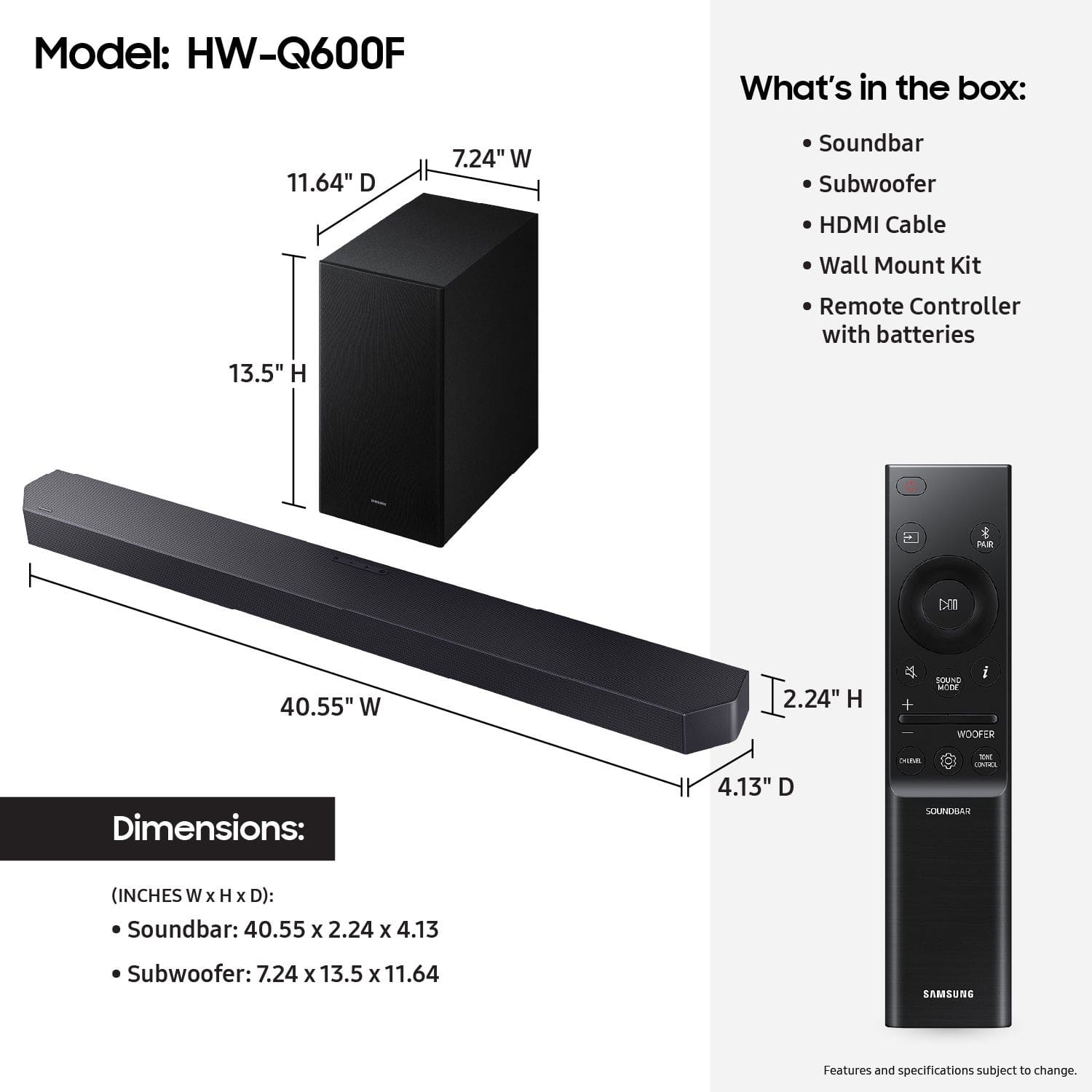
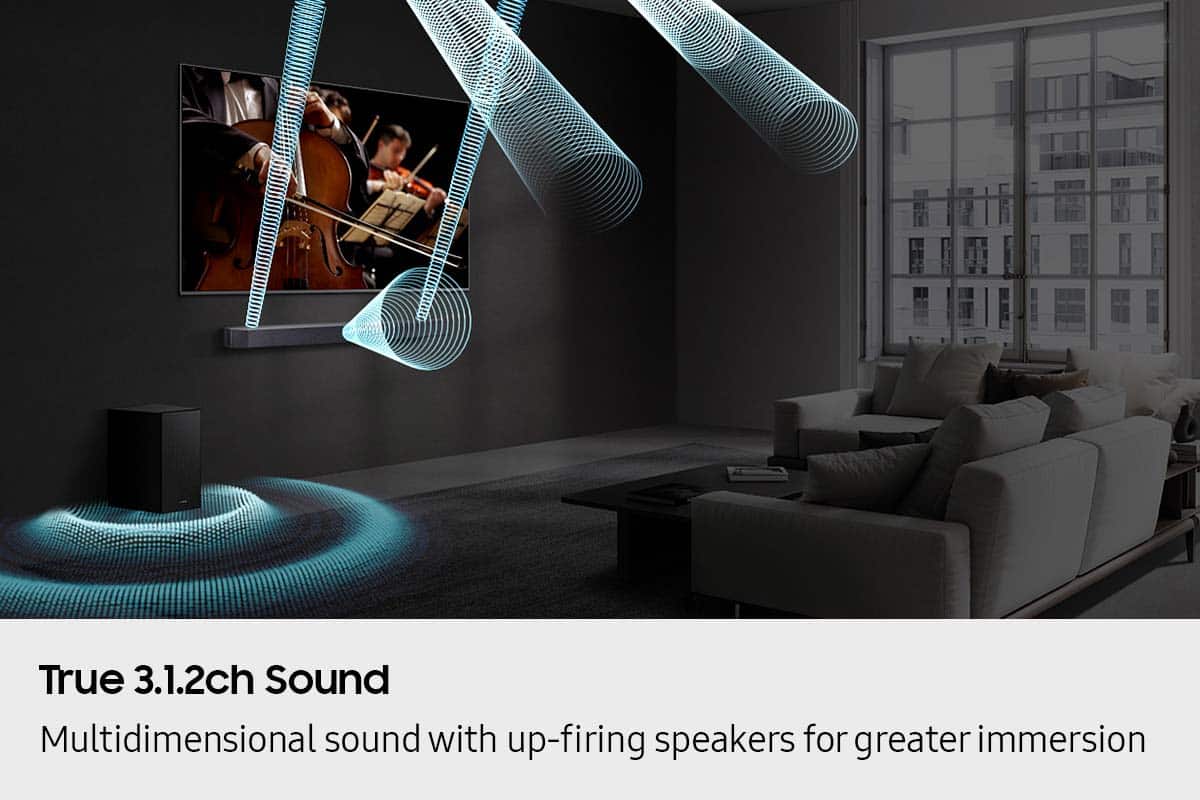
- Model:
- HW-Q600F/ZA
- SKU:
- 6619392
Rating by feature
- Value
Rating 4.6 out of 5 stars
- Quality
Rating 4.7 out of 5 stars
- Ease of Use
Rating 4.7 out of 5 stars
Customers are saying
Customers highly value the Q-series HW-Q600F ATMOS 3.1.2 Ch Soundbar with Subwoofer for its very good and clear sound quality. Users also appreciate the easy setup and sleek design, as well as its seamless connectivity to Samsung TVs and space-saving size. There were no cons mentioned for this product.
This summary was generated by AI based on customer reviews.
Excellent sound, good connectivity
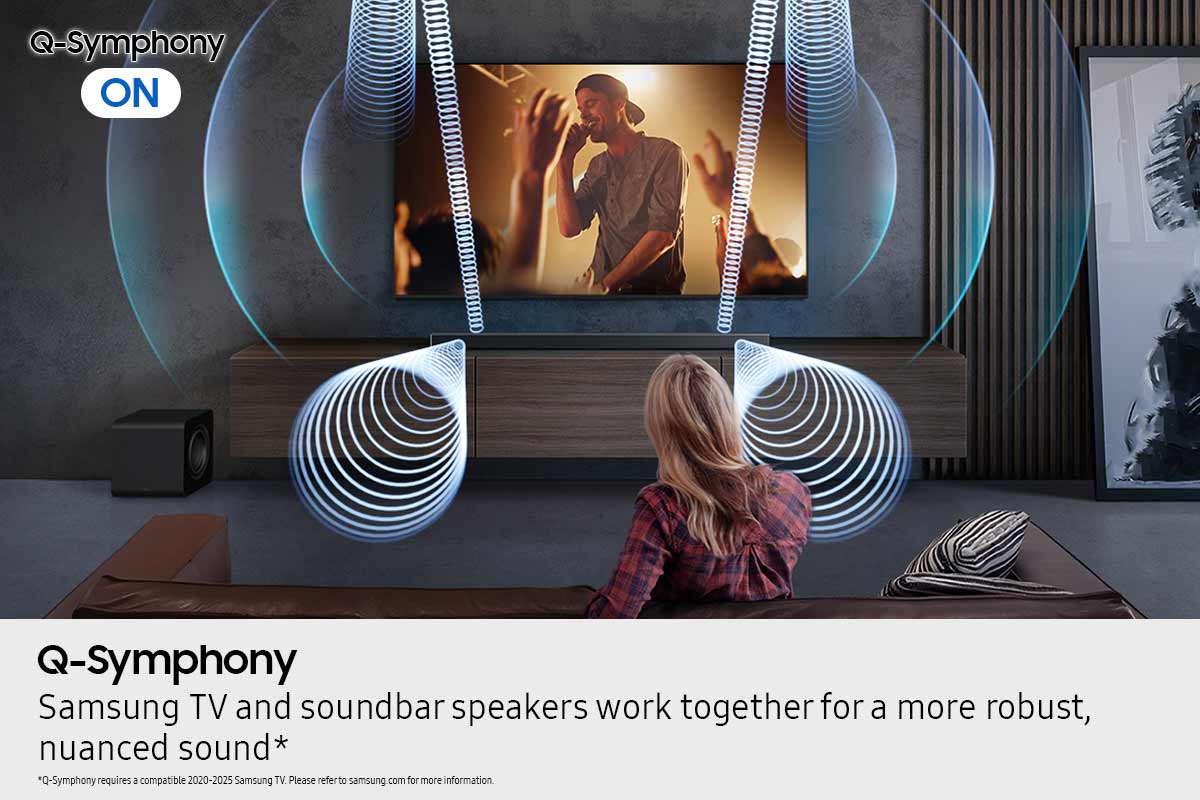
||Posted . Owned for 2 weeks when reviewed.This reviewer received promo considerations or sweepstakes entry for writing a review.I’d reccomend setting the sound mode to “surround” and disabling Q-symphony. This is how i found the dialogue to come through the clearest
I would recommend this to a friendSamsung Sound Bar
||Posted . Owned for 2 months when reviewed.This reviewer received promo considerations or sweepstakes entry for writing a review.It’s great goes well with my tv, no complaints cool features
I would recommend this to a friendSounds
||Posted . Owned for 1 month when reviewed.This reviewer received promo considerations or sweepstakes entry for writing a review.Great product and nice price easy to install and use. Wonderful
I would recommend this to a friendGreat sound and pairs well with the Samsung TV
||Posted . Owned for 2 weeks when reviewed.This reviewer received promo considerations or sweepstakes entry for writing a review.The Best Buy guy was so helpful. Went over all the ins and outs of the soundbar. It is so much better than our old one. We are loving the Samsung TV and soundbar combo.
I would recommend this to a friendSound bar
||Posted .This reviewer received promo considerations or sweepstakes entry for writing a review.Great sound, easy to use, waiting on rear channels to see how that sounds
I would recommend this to a friendIt's ALOT lounder than it looks!
||Posted . Owned for 1 month when reviewed.This reviewer received promo considerations or sweepstakes entry for writing a review.The subwoofer is not as strong as I would like, but the EQ adjustments fixed that. It was easy to setup and I then intergrated the wireless 2.0.2 rear speakers, and WOW!
I would recommend this to a friendFriendly and very knowledgeable
||Posted . Owned for 2 weeks when reviewed.This reviewer received promo considerations or sweepstakes entry for writing a review.Very courteous and efficient! They are friendly and put you at ease!
I would recommend this to a friendGood, but not great…
||Posted . Owned for 1 month when reviewed.This reviewer received promo considerations or sweepstakes entry for writing a review.This was part of a package when I bought my Samsung tv. I went for this one because I thought a Samsung product would sync up easier with a Samsung product… that being said I’m a little disappointed with the bass. It’s okay, nothing special. The sound bar is good and adds depth, however I could have saved money knowing how poor the bass is.
No, I would not recommend this to a friendBrand response from Samsung
Posted .Hi JJ76,
We appreciate you taking a moment to review the Samsung HW-Q600F Soundbar.
There are two adjustments that can be made to maximize bass from the soundbar and subwoofer:
1. Using the WOOFER button on the remote, you can adjust the level between -6 to +6. To set the subwoofer volume level to 0, press the button in.
2. Adjust the bass control by pressing the TONE CONTROL button on the remote control, then select BASS to increase the level. You can adjust the volume between -6 to +6 by using the Up/Down buttons.
For precise audio adjustments, you can use the 7-band frequency equalizer to optimize the sound for your room acoustics.
I hope this tip helps improve your enjoyment. For more help, please call us at 1-800-SAMSUNG (Ask for Soundbars), 8 AM – 12 AM EST, 7 days a week. Live Chat with an agent as well as manuals, software, creating a service ticket, and warranty info can be found at the ‘Support’ link on our Samsung website.
~ Samsung Solutions
Sound system
||Posted . Owned for 3 weeks when reviewed.This reviewer received promo considerations or sweepstakes entry for writing a review.This sound system has made a difference in the clarity of the sound. Would highly recommend it.
I would recommend this to a friendGreat Soundbar
||Posted . Owned for 1 month when reviewed.This reviewer received promo considerations or sweepstakes entry for writing a review.Excellent partner for my Samsung 77" TV OLED. This is my first time to buy a soundbar and glad I did.
I would recommend this to a friend- Pros mentioned:Sound quality
Mediocre
||Posted .This reviewer received promo considerations or sweepstakes entry for writing a review.Not impressed. Subwoofer is super weak. Sound is good but not a lot of volume. Disappointed I missed the return window.
No, I would not recommend this to a friendBrand response from Samsung
Posted .Hi JackG,
We appreciate you taking a moment to review the Samsung HW-Q600F Soundbar.
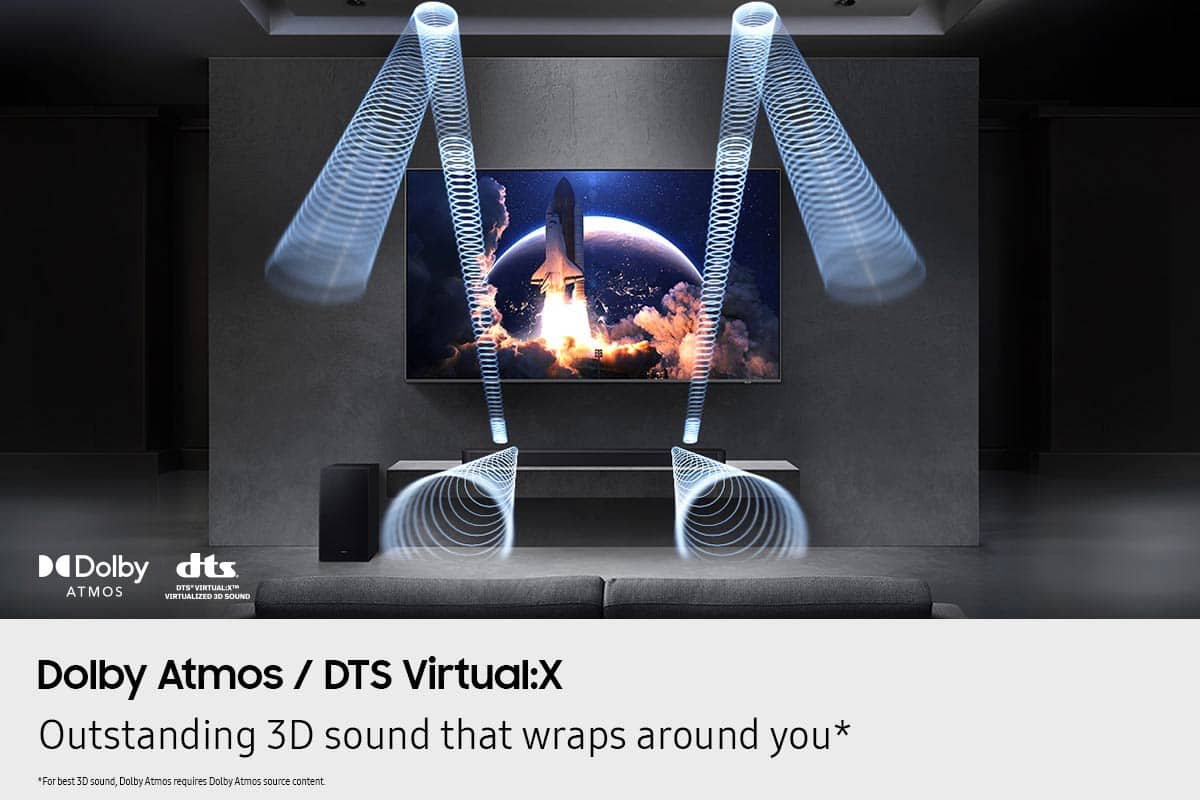
You can manually optimize your audio experience by pressing the SOUND MODE button to select the desired pre-equalized sound setting. The choices are SURROUND SOUND – GAME – ADAPTIVE SOUND – DTS VIRTUAL:X – STANDARD.
To control the volume of the treble or bass sound, press the TONE CONTROL button and then adjust the volume between -6 to +6 by using the Up/Down buttons.
Press and hold the SOUND CONTROL button for about 5 seconds to adjust the sound for each frequency band. 150Hz, 300Hz, 600Hz, 1.2kHz, 2.5kHz, 5kHz, and 10kHz are selectable using the Left/Right buttons and each can be adjusted to a setting between -6 to +6 using the Up/Down buttons. (Make sure the Sound mode is set to “STANDARD”.)
Press the CH LEVEL button so you can adjust the volume of each speaker. CENTER LEVEL or TOP LEVEL can be adjusted using the UP/DOWN buttons from -6 to +6.
With the optional SWA-9250S Wireless Rear Speaker Kit connected you can adjust the volume by using the provided Soundbar remote. Press CH LEVEL and select REAR LEVEL, then use the Up/Down buttons to adjust the volume within a -6 to +6 range.
If you need more help, Samsung is here for you. Please call us at 1-800-SAMSUNG, 8AM - 12AM EST (Ask for Soundbars), 7 days a week. Our Live Chat agents are also available by clicking on the ‘Support’ link on our website.
~ Samsung Solutions
Good sound, not great connectivity
||Posted .This reviewer received promo considerations or sweepstakes entry for writing a review.The soundbar is okay. The subwoofer is not very strong. The system loses pairing occasionally. The menu screen is very small and hard to read. There is no menu that can be access through the tv or your phone.
No, I would not recommend this to a friendBrand response from Samsung
Posted .Hi SPJ1,
Thank you for sharing your review of Samsung’s HW-Q600F Soundbar. We’re sorry your experience didn’t match your expectations. Your feedback is very important to us as we continuously strive for best-in-class product and service.
Updating the firmware on your soundbar gives you all the benefits of the latest improvements. When an update is available, you can update the Soundbar by connecting the USB drive that contains the update firmware to the SERVICE port of the Soundbar.
1.Go to the Samsung Electronics website (www.samsung.com) → click on the “Support” option in the upper right corner.
2.Click on “Manuals & Software” from the pop-up list > TVs & Home Theater > Home Theater > Select your model
2. Download the firmware file (USB type).
3. Unzip the file to create a folder with the file name.
4. Store the created folder in a USB and then connect it to the Soundbar.
5. A sequence of “UPDATE” > “BYE” > “ON” will appear on the display 3 times. This will take around 6 minutes.
- During update, do not turn it off or remove the USB.
- If “UPDATE” does not appear on the display window, remove the power cord from the Soundbar and then reconnect it.
- When the latest Version is installed, no update is performed.
- Depending on the USB type, update may not be supported.
6. After the 3 cycles are complete, the Soundbar will restart and last source used will appear on the display for about 20 seconds and then it will go off (“UPDATE” > “BYE” > “ON”) 3 times “D.IN” > off
To control the volume of the treble or bass sound, press the TONE CONTROL button and then adjust the volume between -6 to +6 by using the Up/Down buttons.
Press and hold the SOUND CONTROL button for about 5 seconds to adjust the sound for each frequency band. 150Hz, 300Hz, 600Hz, 1.2kHz, 2.5kHz, 5kHz, and 10kHz are selectable using the Left/Right buttons and each can be adjusted to a setting between -6 to +6 using the Up/Down buttons. (Make sure the Sound mode is set to “STANDARD”.)
Press the CH LEVEL button so you can adjust the volume of each speaker. CENTER LEVEL or TOP LEVEL can be adjusted using the UP/DOWN buttons from -6 to +6.
If you need more help, Samsung is here for you. Please call us at 1-800-SAMSUNG, 8AM - 12AM EST (Ask for Soundbars), 7 days a week. Live Chat with an agent as well as manuals, software, creating a service ticket, and warranty info can be found at the ‘Support’ link on our Samsung website.
~ Samsung Solutions
Subwoofer
||Posted .This reviewer received promo considerations or sweepstakes entry for writing a review.Seems pretty good so far We needed this because the sound quality on the Samsung tv is not good at all especially over time
I would recommend this to a friendNot bad
||Posted . Owned for 2 weeks when reviewed.This reviewer received promo considerations or sweepstakes entry for writing a review.Good system for the price. Quality is good. Seems to be much better when watching Atmos enabled obviously.
I would recommend this to a friendEPIC and worth every cent!
||Posted . Owned for 3 weeks when reviewed.This reviewer received promo considerations or sweepstakes entry for writing a review.Fantastic system! Cannot say enough, it pairs wonderfully with the Samsung TV, Q Symphony ROCKS!
I would recommend this to a friendSamsung sound bar,
||Posted . Owned for 1 month when reviewed.This reviewer received promo considerations or sweepstakes entry for writing a review.Awesome addition to our entertainment center, we love it!!!!
I would recommend this to a friendWorks great
||Posted . Owned for 3 weeks when reviewed.This reviewer received promo considerations or sweepstakes entry for writing a review.The speakers sound great, and I haven't encountered any problems with them so far.
I would recommend this to a friendSamsung sound bar !!
||Posted . Owned for 3 weeks when reviewed.This reviewer received promo considerations or sweepstakes entry for writing a review.I was given a sound bar, from my friends. Subsequently it started to disconnect . So i decided to purchase a Samsung product, since that's the make of my television. I'm extremely satisfied with the new product !!!!!
I would recommend this to a friendWorks great
||Posted . Owned for 1 month when reviewed.This reviewer received promo considerations or sweepstakes entry for writing a review.Product is great. Works a lot better than the Bose soundbar.
I would recommend this to a friendEm
||Posted . Owned for 3 weeks when reviewed.This reviewer received promo considerations or sweepstakes entry for writing a review.Great soundbar. Only problem with them in general is the sound is either to low or too loud. No happy medium
I would recommend this to a friendBrand response from Samsung
Posted .Hello EmilyF,
We appreciate you taking a moment to review the Samsung HW-Q600F Soundbar.
Here are a few tips to help improve your sound.
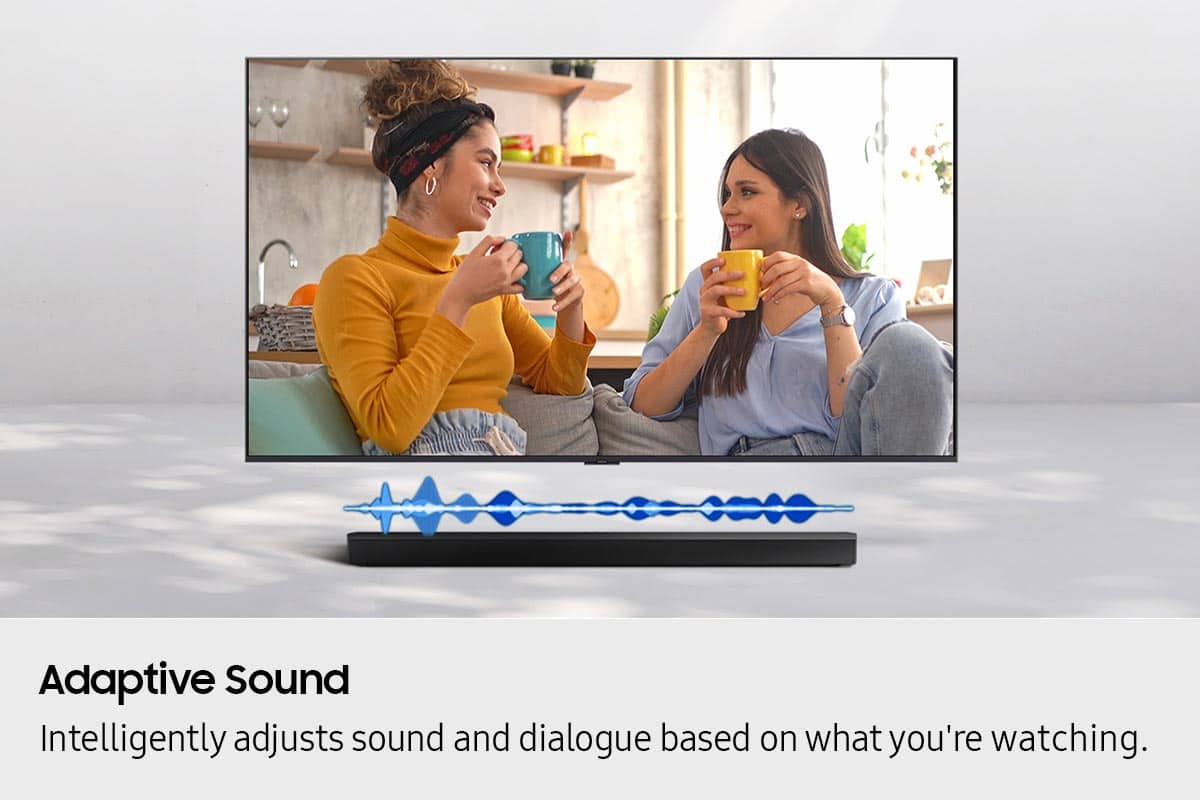
When selecting Adaptive Sound, your soundbar will intelligently optimize the audio by analyzing the content in real time to pull out the most important audio based on the type of content.
To control the volume of the treble or bass sound, press the TONE CONTROL button and then adjust the volume between -6 to +6 by using the Up/Down buttons.
Press and hold the SOUND CONTROL button for about 5 seconds to adjust the sound for each frequency band. 150Hz, 300Hz, 600Hz, 1.2kHz, 2.5kHz, 5kHz, and 10kHz are selectable using the Left/Right buttons and each can be adjusted to a setting between -6 to +6 using the Up/Down buttons. (Make sure the Sound mode is set to “STANDARD”.)
Press the CH LEVEL button so you can adjust the volume of each speaker. CENTER LEVEL or TOP LEVEL can be adjusted using the UP/DOWN buttons from -6 to +6.
With the optional SWA-9250S Wireless Rear Speaker Kit connected you can adjust the volume by using the provided Soundbar remote. Press CH LEVEL and select REAR LEVEL, then use the Up/Down buttons to adjust the volume within a -6 to +6 range.
I hope this tip helps improve your enjoyment. For more help, please call us at 1-800-SAMSUNG (Ask for Soundbars), 8 AM – 12 AM EST, 7 days a week. Live Chat with an agent as well as manuals, software, and warranty info can be found at the ‘Support’ link on our Samsung website.
~ Samsung Solutions