Customer Ratings & Reviews


- Model:
- HW-Q990F/ZA
- |
- SKU:
- 10852837
Customer reviews
Rating 4.9 out of 5 stars with 152 reviews
(152 customer reviews)Rating by feature
- Value4.7
Rating 4.7 out of 5 stars
- Quality4.8
Rating 4.8 out of 5 stars
- Ease of Use4.9
Rating 4.9 out of 5 stars
Customers are saying
Customers appreciate the excellent sound quality. They also find the product very easy to set up and note its seamless connectivity, particularly with LG TVs.
This summary was generated by AI based on customer reviews.
- Pros mentioned:Sound quality
Rated 5 out of 5 stars
Incredible sound performance!
||Posted . Owned for 1 month when reviewed.This reviewer received promo considerations or sweepstakes entry for writing a review.First heard this soundbar at my brother’s house and I can’t believe how amazing it sounds in a very open space. So I decided I needed to upgrade my first premium soundbar after my soundbar quit working. All I have to say is the sound is undoubtedly amazing in my living room. I get to enjoy premium soundbar right at home with my family.
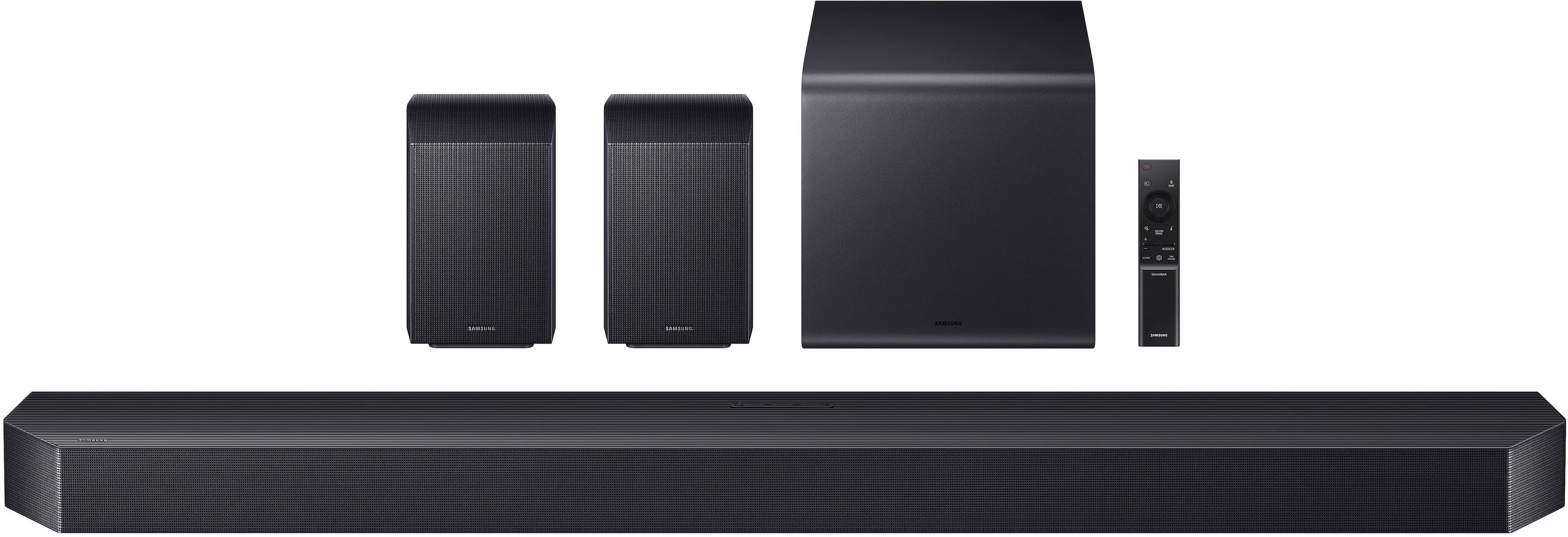
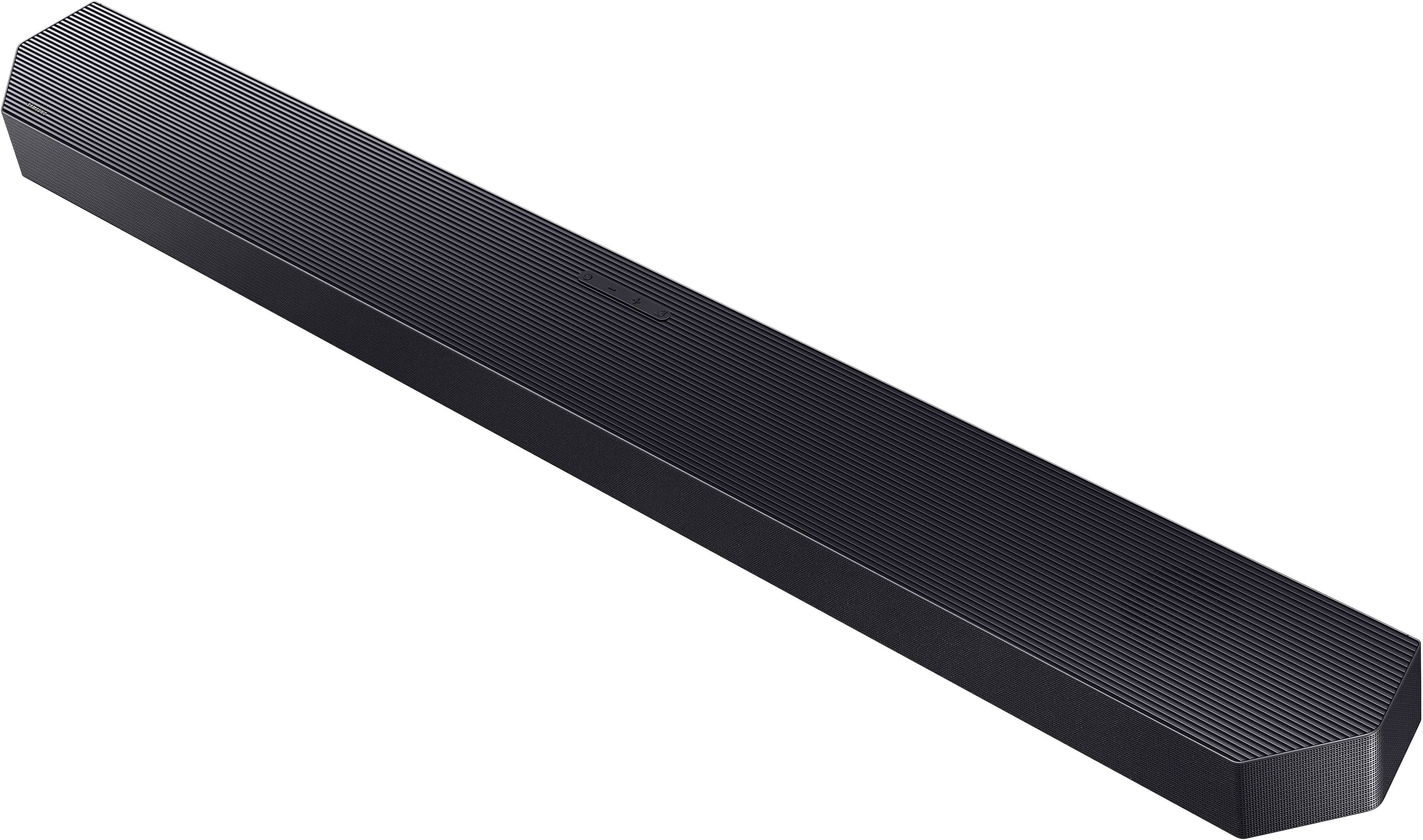
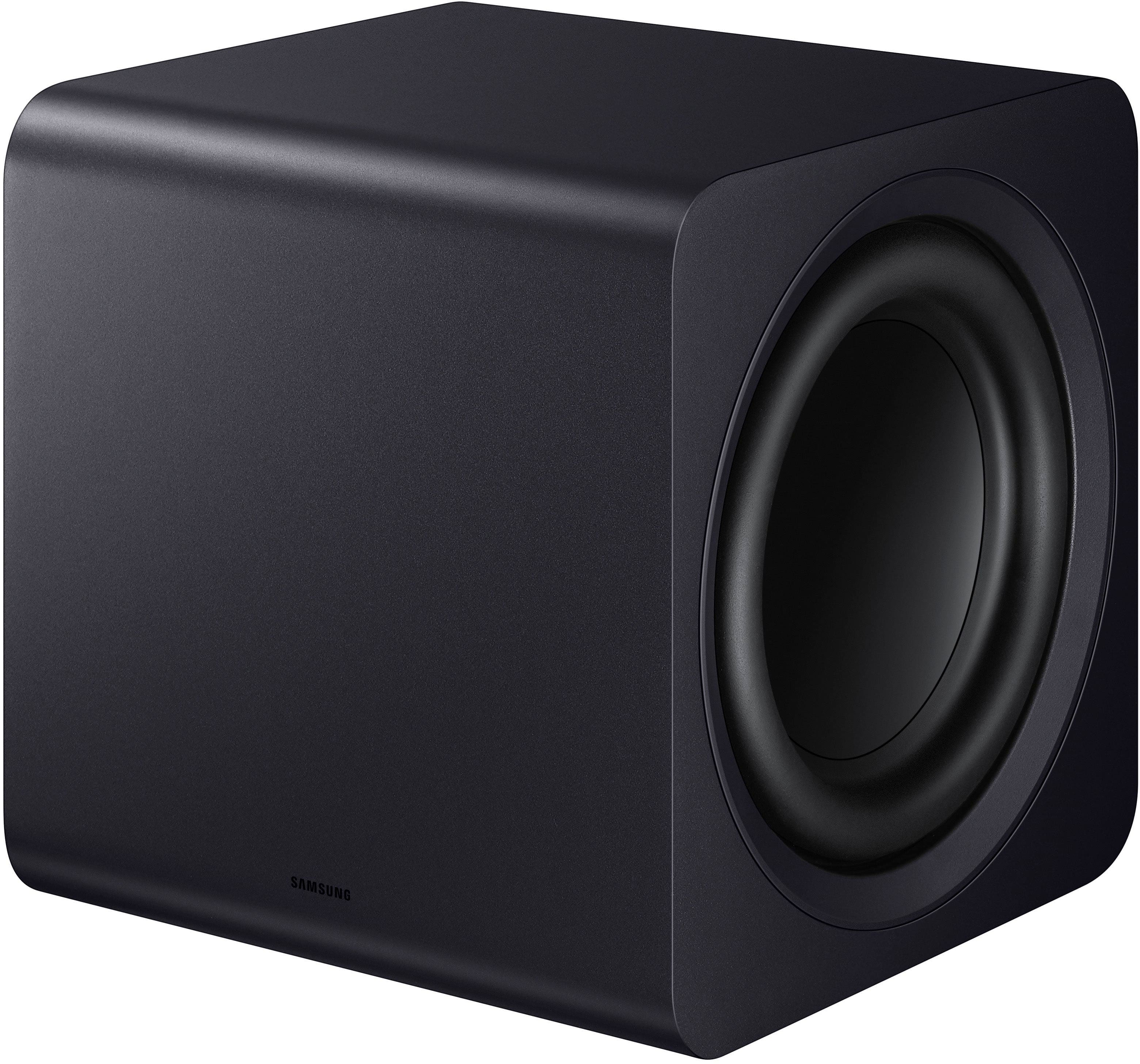
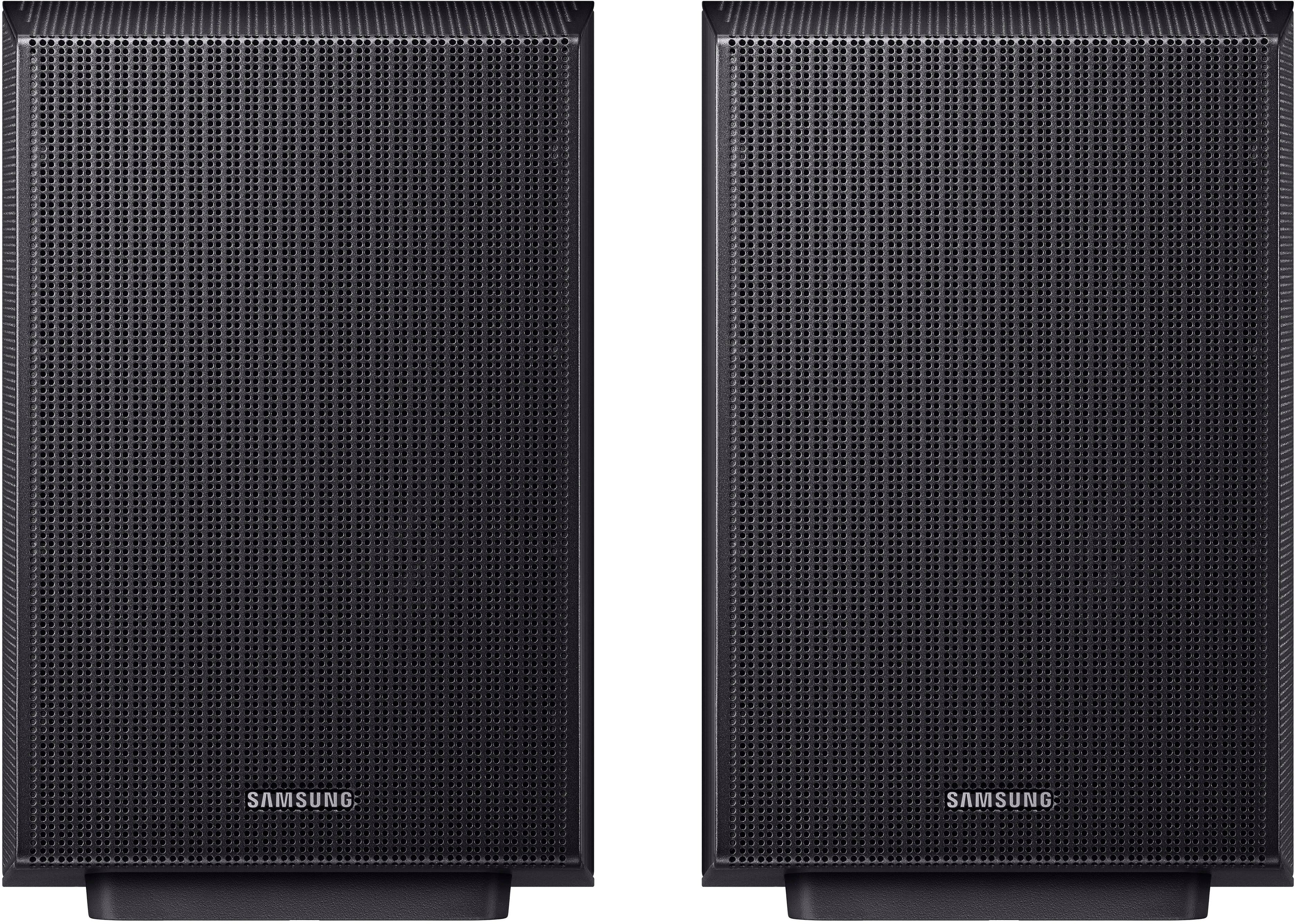
This review is from Samsung - Q-Series Soundbar HW-Q990F 11.1.4 ch w/ Subwoofer and Rear Speaker - Graphite Black
I would recommend this to a friend - Pros mentioned:Sound quality
Rated 5 out of 5 stars
Great Value and Amazing Performance.
||Posted . Owned for 1 month when reviewed.This reviewer received promo considerations or sweepstakes entry for writing a review.Honestly, I'm blown away by the clarity of this sound system. It looks very modern and high-end. The surround sound effect is very immersive for this price point. It arrived well-packaged and earlier than expected. Truly a 5-star experience from start to finish!
This review is from Samsung - Q-Series Soundbar HW-Q990F 11.1.4 ch w/ Subwoofer and Rear Speaker - Graphite Black
I would recommend this to a friend - Pros mentioned:Sound quality
Rated 5 out of 5 stars
Samsung Q‑Series HW‑Q990F 11.1.4 soundbar
||Posted . Owned for 4 months when reviewed.This reviewer received promo considerations or sweepstakes entry for writing a review.The Q990F delivers incredible surround sound, deep bass, and crystal‑clear dialogue. The 11.1.4 setup fills the room with immersive audio that rivals a theater. Easy setup, powerful performance, and flawless Dolby Atmos make it an outstanding upgrade.
This review is from Samsung - Q-Series Soundbar HW-Q990F 11.1.4 ch w/ Subwoofer and Rear Speaker - Graphite Black
I would recommend this to a friend Rated 4 out of 5 stars
Immersive sound without cluttering your decor
||Posted . Owned for 2 weeks when reviewed.This reviewer received promo considerations or sweepstakes entry for writing a review.I have a dedicated home theater setup already in the basement (AV receiver, separate speakers), but needed something in the living room that doesn’t ruin the decor but can still deliver a big sound. And this thing delivers! I was skeptical seeing the little woofer but it’s pretty loud yet tight and clear. Nothing beats having true separated speakers for that Dolby Atmos soundscape, but for a soundbar set, this is pretty impressive
This review is from Samsung - Q-Series Soundbar HW-Q990F 11.1.4 ch w/ Subwoofer and Rear Speaker - Graphite Black
I would recommend this to a friendRated 5 out of 5 stars
Amazing Speaker System!
||Posted . Owned for 2 weeks when reviewed.This reviewer received promo considerations or sweepstakes entry for writing a review.This sourround system is so good, it makes my livingroom sound and feel like a movie theater! Sounds jump around the room and sound like real life! I recommend this system to anybody.
This review is from Samsung - Q-Series Soundbar HW-Q990F 11.1.4 ch w/ Subwoofer and Rear Speaker - Graphite Black
I would recommend this to a friend- Pros mentioned:Sound quality
Rated 5 out of 5 stars
What a difference in sound quality.
||Posted . Owned for 2 weeks when reviewed.This reviewer received promo considerations or sweepstakes entry for writing a review.My soundbar was 8 years old, and the subwoofer kept cutting out. I kept having to troubleshoot the problem, and now I'm getting movie theater sound quality. I am very pleased with this upgrade.
This review is from Samsung - Q-Series Soundbar HW-Q990F 11.1.4 ch w/ Subwoofer and Rear Speaker - Graphite Black
I would recommend this to a friend - Pros mentioned:Sound quality
Rated 5 out of 5 stars
Best wireless Sound Quality Bar on the Market
||Posted . Owned for 1 month when reviewed.This reviewer received promo considerations or sweepstakes entry for writing a review.Pleasantly surprised by the sound quality of this soundbar. I got tired of all the wires and this provides a nice clean look with the ability to connect a second set of wireless speakers
This review is from Samsung - Q-Series Soundbar HW-Q990F 11.1.4 ch w/ Subwoofer and Rear Speaker - Graphite Black
I would recommend this to a friend - Pros mentioned:Sound quality
Rated 5 out of 5 stars
The Ultimate Home Theater Soundbar
||Posted . Owned for less than 1 week when reviewed.This reviewer received promo considerations or sweepstakes entry for writing a review.The Q990F is incredible — crystal-clear dialogue, powerful bass, and truly immersive Atmos with sound coming from every direction. Setup was simple, and it feels like a full theater system without the hassle. Worth every penny!
This review is from Samsung - Q-Series Soundbar HW-Q990F 11.1.4 ch w/ Subwoofer and Rear Speaker - Graphite Black
I would recommend this to a friend - Pros mentioned:Sound quality
Rated 5 out of 5 stars
Love this soundbar
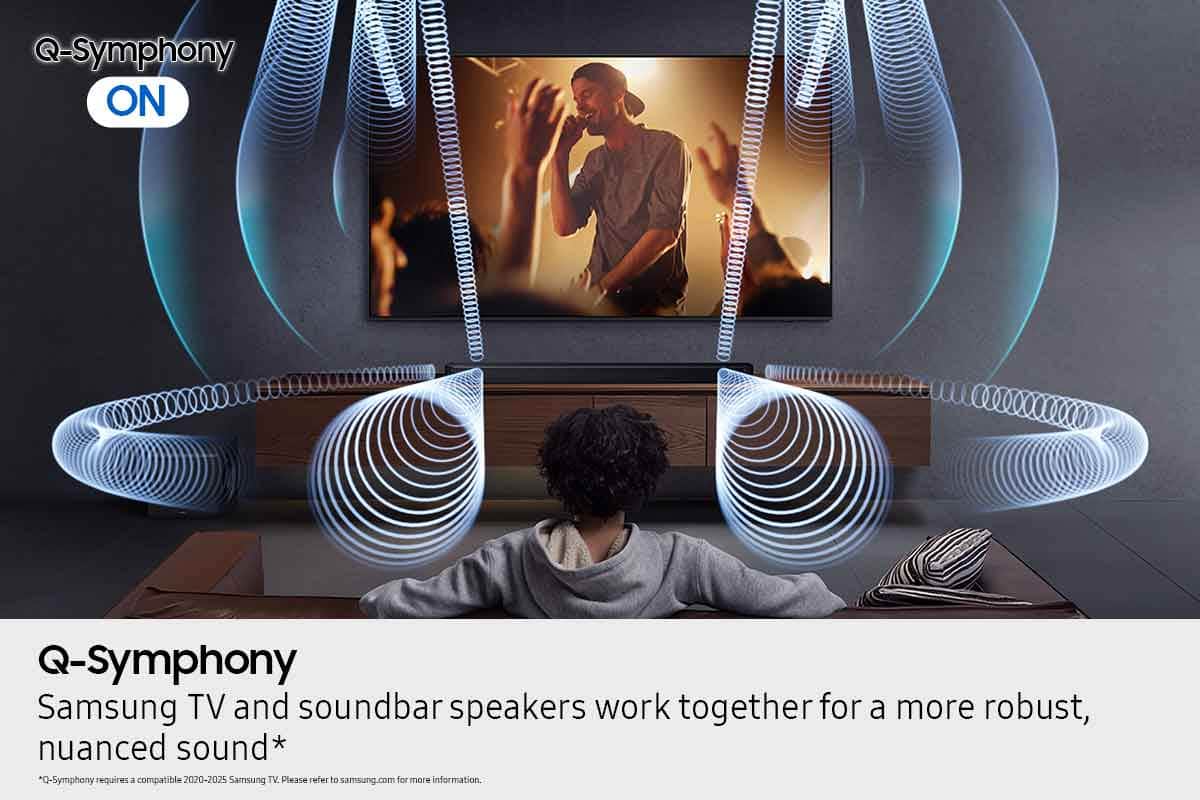
||Posted .This reviewer received promo considerations or sweepstakes entry for writing a review.Amazing quality sound bar. Probably the best true surround you can get without getting a full home theater system. The q symphony with Samsung TVs is a nice touch too
This review is from Samsung - Q-Series Soundbar HW-Q990F 11.1.4 ch w/ Subwoofer and Rear Speaker - Graphite Black
I would recommend this to a friend - Pros mentioned:Sound quality
Rated 5 out of 5 stars
Cinema grade
||Posted .This reviewer received promo considerations or sweepstakes entry for writing a review.Fully immersive sound reproduction from film to music it does it all in ever frequency and direction!
This review is from Samsung - Q-Series Soundbar HW-Q990F 11.1.4 ch w/ Subwoofer and Rear Speaker - Graphite Black
I would recommend this to a friend - Pros mentioned:Sound quality
Rated 5 out of 5 stars
My setup
||Posted . Owned for 1 week when reviewed.This reviewer received promo considerations or sweepstakes entry for writing a review.Made a big difference. Had the Samsung 990B before . Voices are so much clearer
This review is from Samsung - Q-Series Soundbar HW-Q990F 11.1.4 ch w/ Subwoofer and Rear Speaker - Graphite Black
I would recommend this to a friend - Pros mentioned:Sound quality
Rated 5 out of 5 stars
Best sound system
||Posted .This reviewer received promo considerations or sweepstakes entry for writing a review.Amazing sound quality. Surround sound system makes it feel like you’re watching a movie in theater.
This review is from Samsung - Q-Series Soundbar HW-Q990F 11.1.4 ch w/ Subwoofer and Rear Speaker - Graphite Black
I would recommend this to a friend - Pros mentioned:Sound quality
Rated 5 out of 5 stars
Great system
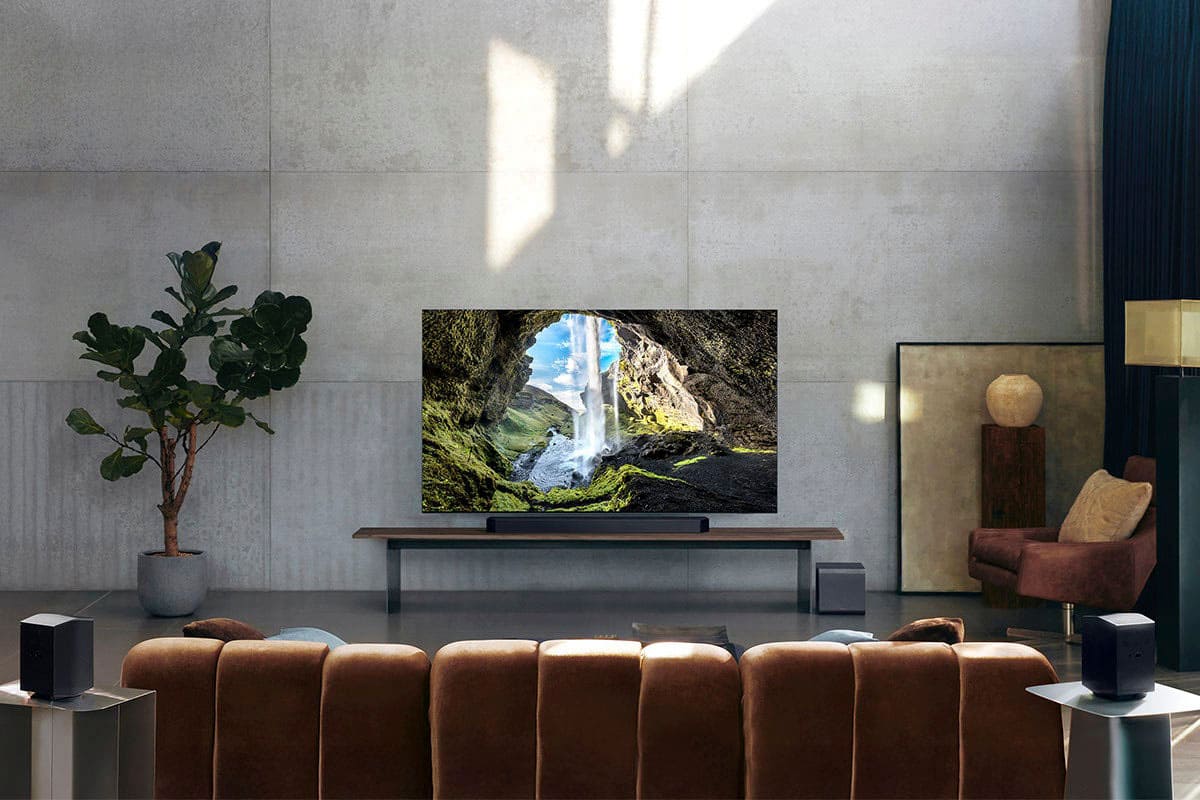
||Posted .This reviewer received promo considerations or sweepstakes entry for writing a review.Love the sound from this. Added speaker stands to the side speakers and the surround sound works really well.
This review is from Samsung - Q-Series Soundbar HW-Q990F 11.1.4 ch w/ Subwoofer and Rear Speaker - Graphite Black
I would recommend this to a friend - Pros mentioned:Sound quality
Rated 5 out of 5 stars
Super sound
||Posted . Owned for 3 weeks when reviewed.This reviewer received promo considerations or sweepstakes entry for writing a review.Good quality and all speakers works great with a special sound, bass kinks super Love it .
This review is from Samsung - Q-Series Soundbar HW-Q990F 11.1.4 ch w/ Subwoofer and Rear Speaker - Graphite Black
I would recommend this to a friend - Pros mentioned:Sound quality
Rated 4 out of 5 stars
MORE Bass
||Posted . Owned for 5 months when reviewed.This reviewer received promo considerations or sweepstakes entry for writing a review.Amazing sound! Easy to connect especially with my Samsung TV
This review is from Samsung - Q-Series Soundbar HW-Q990F 11.1.4 ch w/ Subwoofer and Rear Speaker - Graphite Black
I would recommend this to a friend Rated 5 out of 5 stars
!!Powerful sound!!
||Posted . Owned for 3 weeks when reviewed.This reviewer received promo considerations or sweepstakes entry for writing a review.I'm delighted with my purchase. The product arrived in perfect condition and exactly as described on the website. Shipping was also fast, and customer service was exceptional.
This review is from Samsung - Q-Series Soundbar HW-Q990F 11.1.4 ch w/ Subwoofer and Rear Speaker - Graphite Black
I would recommend this to a friend- Pros mentioned:Sound quality
Rated 5 out of 5 stars
Product review.
||Posted . Owned for 1 month when reviewed.This reviewer received promo considerations or sweepstakes entry for writing a review.Sounds every where in tv room, best item in the market.
This review is from Samsung - Q-Series Soundbar HW-Q990F 11.1.4 ch w/ Subwoofer and Rear Speaker - Graphite Black
I would recommend this to a friend Rated 5 out of 5 stars
Best quality I've heard
||Posted . Owned for 2 weeks when reviewed.This reviewer received promo considerations or sweepstakes entry for writing a review.Well worth it for the price. I would definitely recommend to friends.
This review is from Samsung - Q-Series Soundbar HW-Q990F 11.1.4 ch w/ Subwoofer and Rear Speaker - Graphite Black
I would recommend this to a friendRated 5 out of 5 stars
Q990f Soundbar
||Posted .This reviewer received promo considerations or sweepstakes entry for writing a review.It's fantastic, everything is so perfect. I love this sound system.
I would recommend this to a friendRated 4 out of 5 stars
Lost communication
||Posted .This reviewer received promo considerations or sweepstakes entry for writing a review.It works great. I haven’t figured out the adjustment.
This review is from Samsung - Q-Series Soundbar HW-Q990F 11.1.4 ch w/ Subwoofer and Rear Speaker - Graphite Black
No, I would not recommend this to a friend