Customer Ratings & Reviews
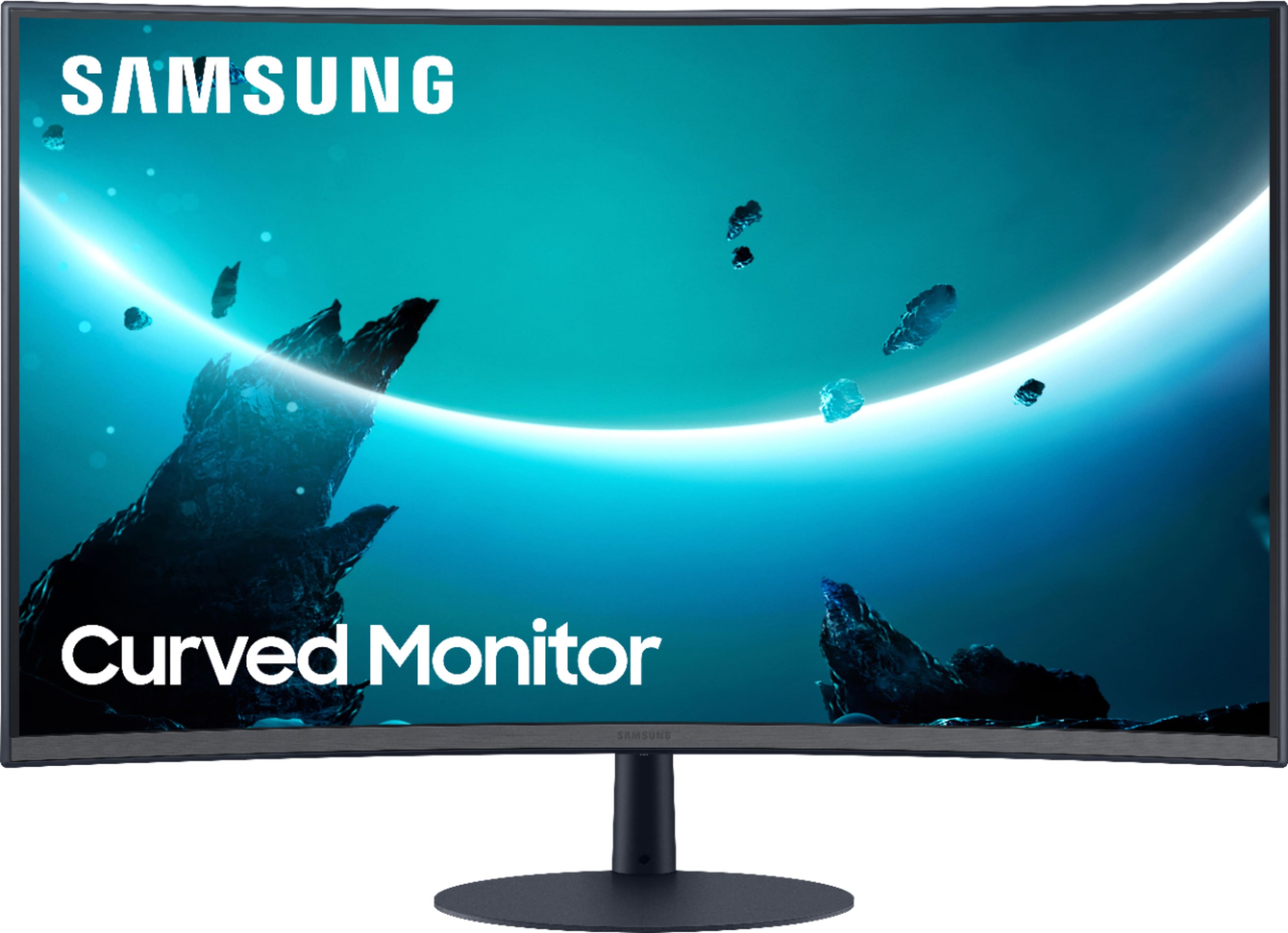
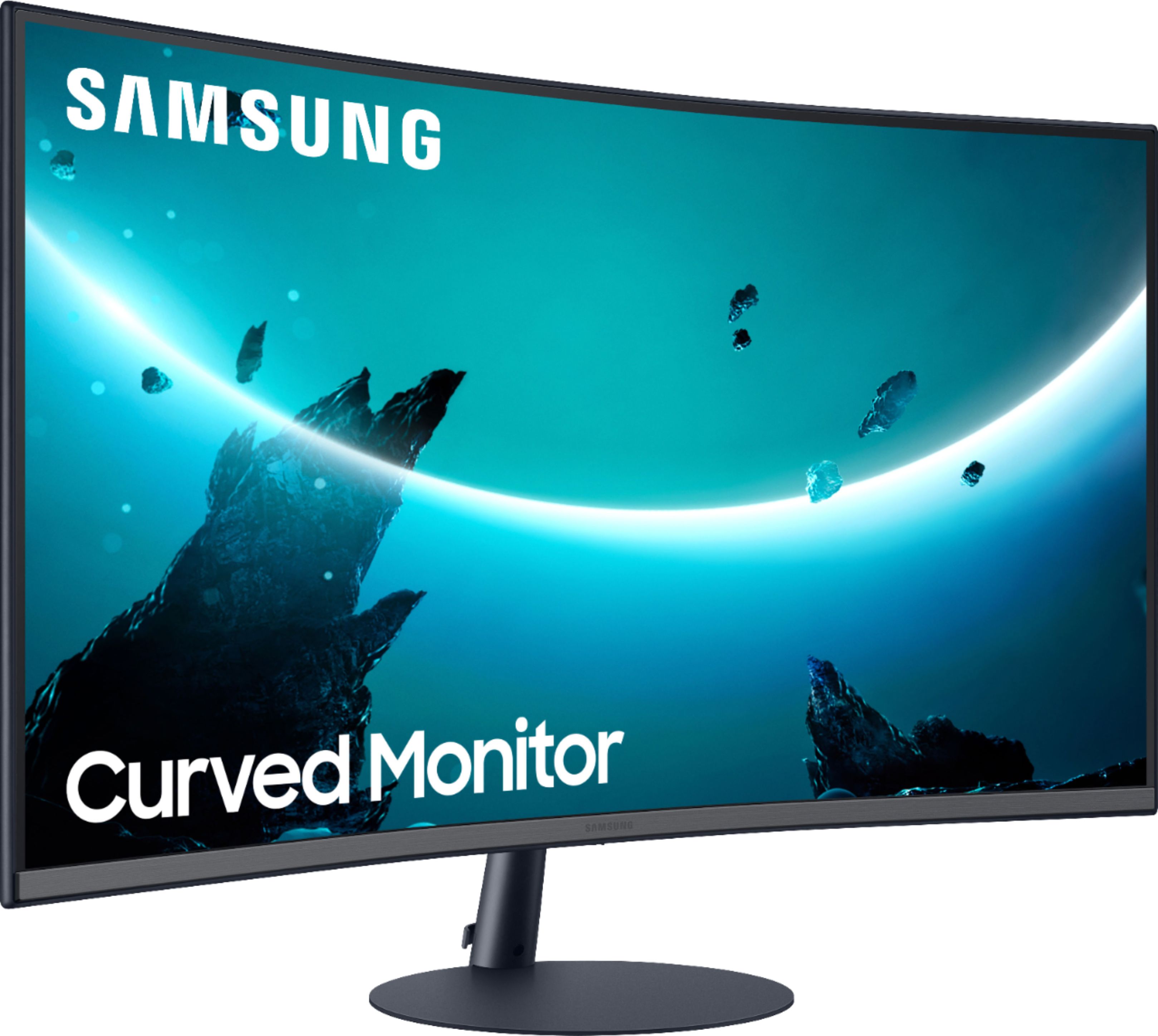
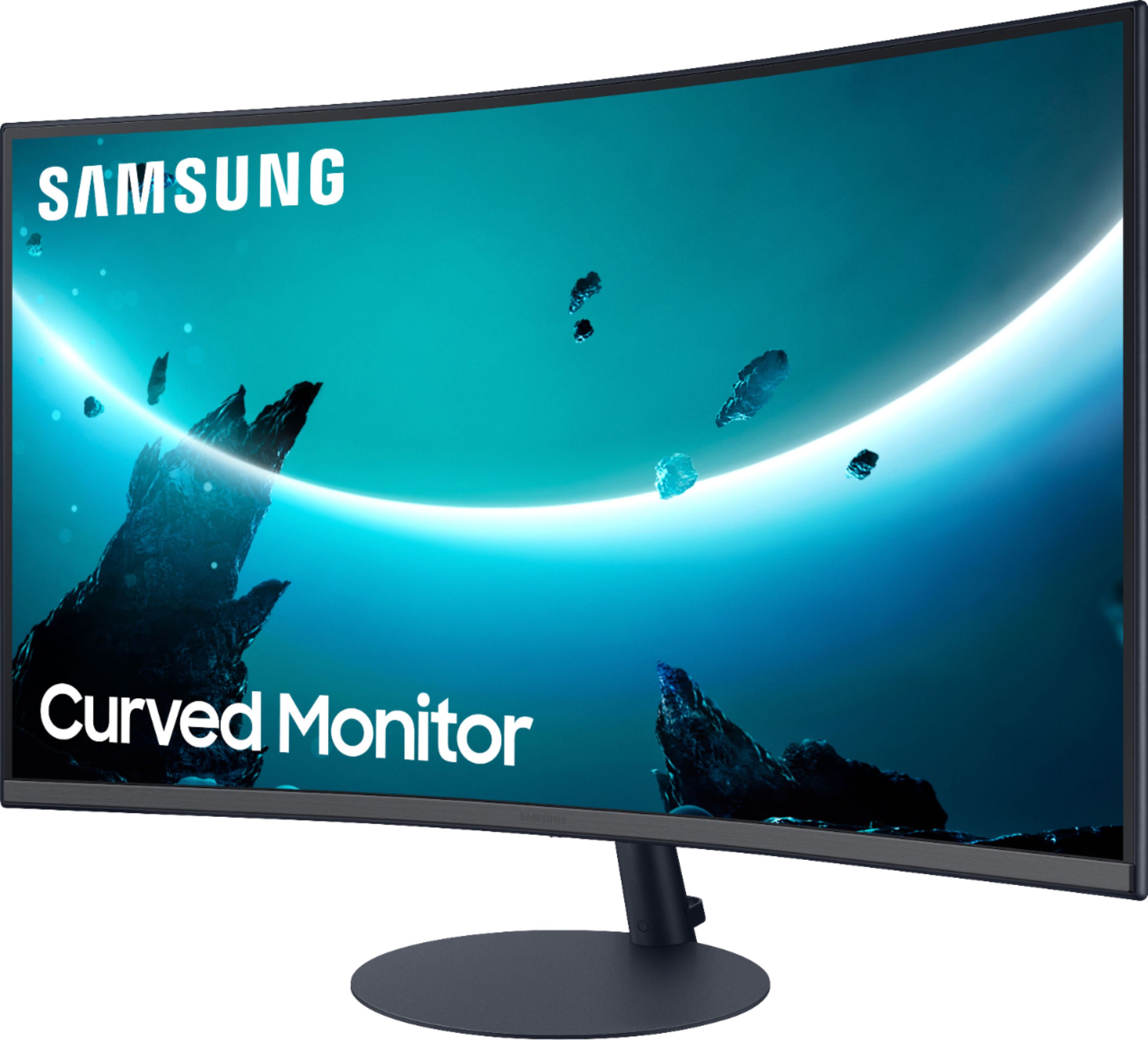
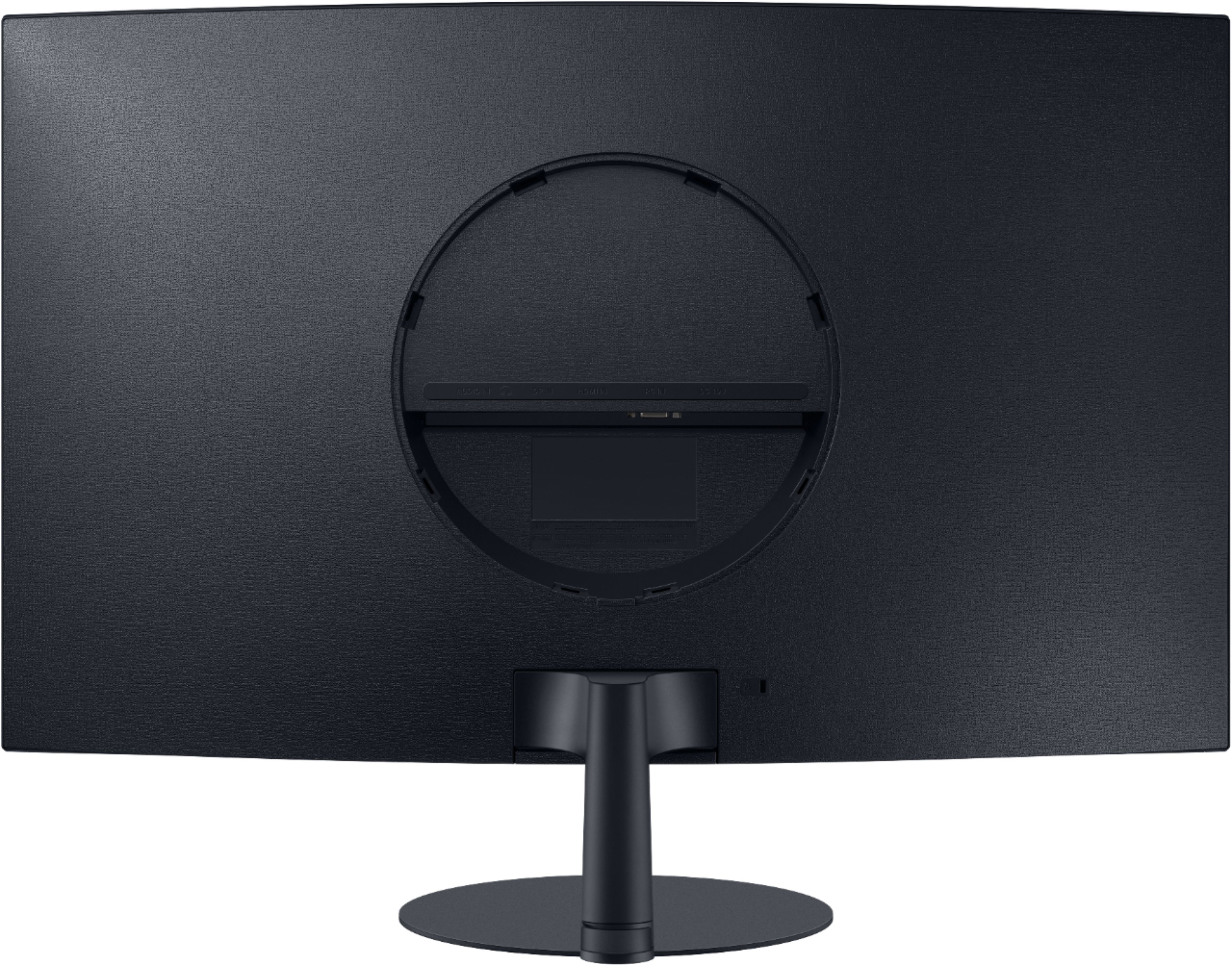
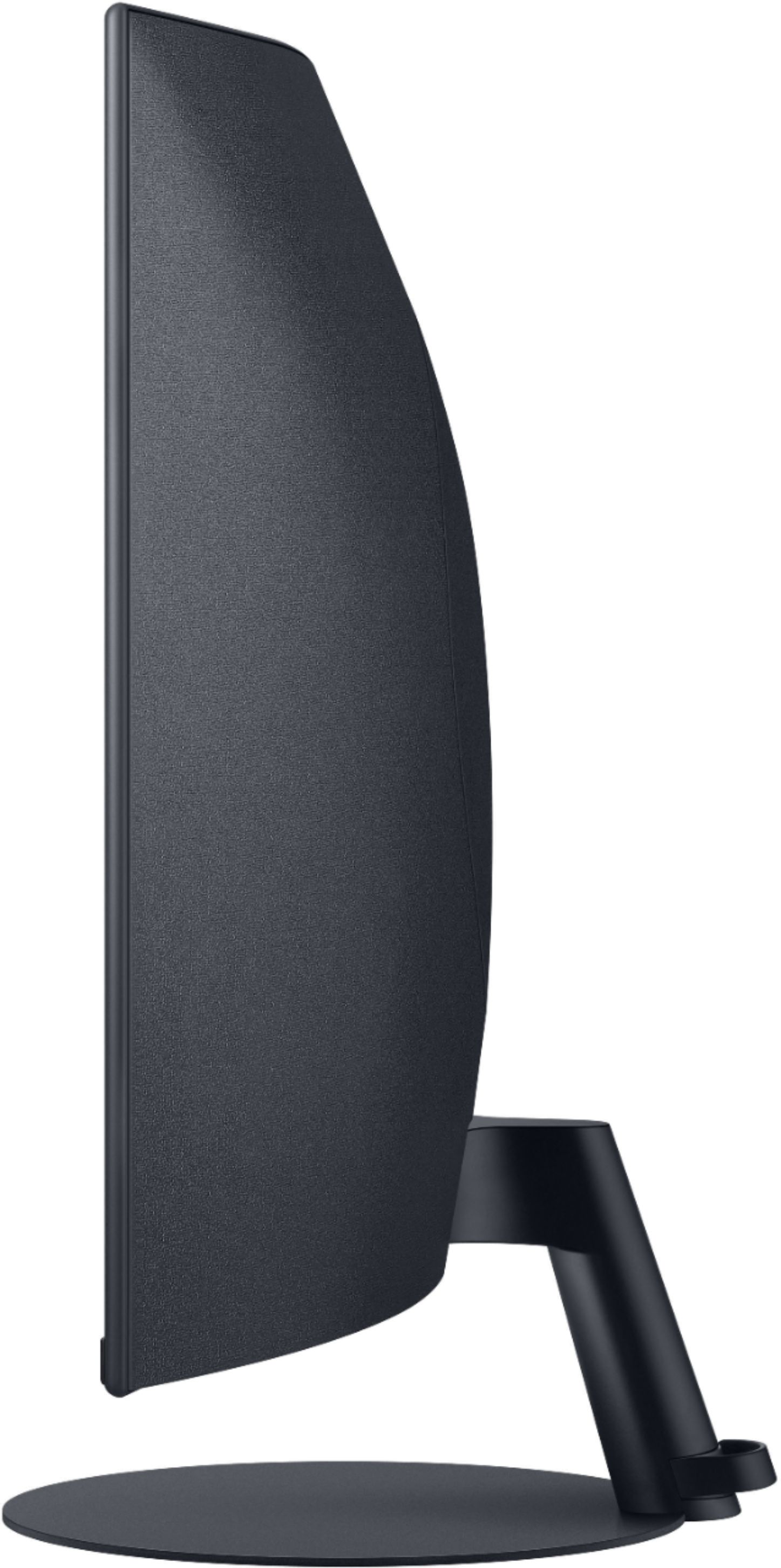
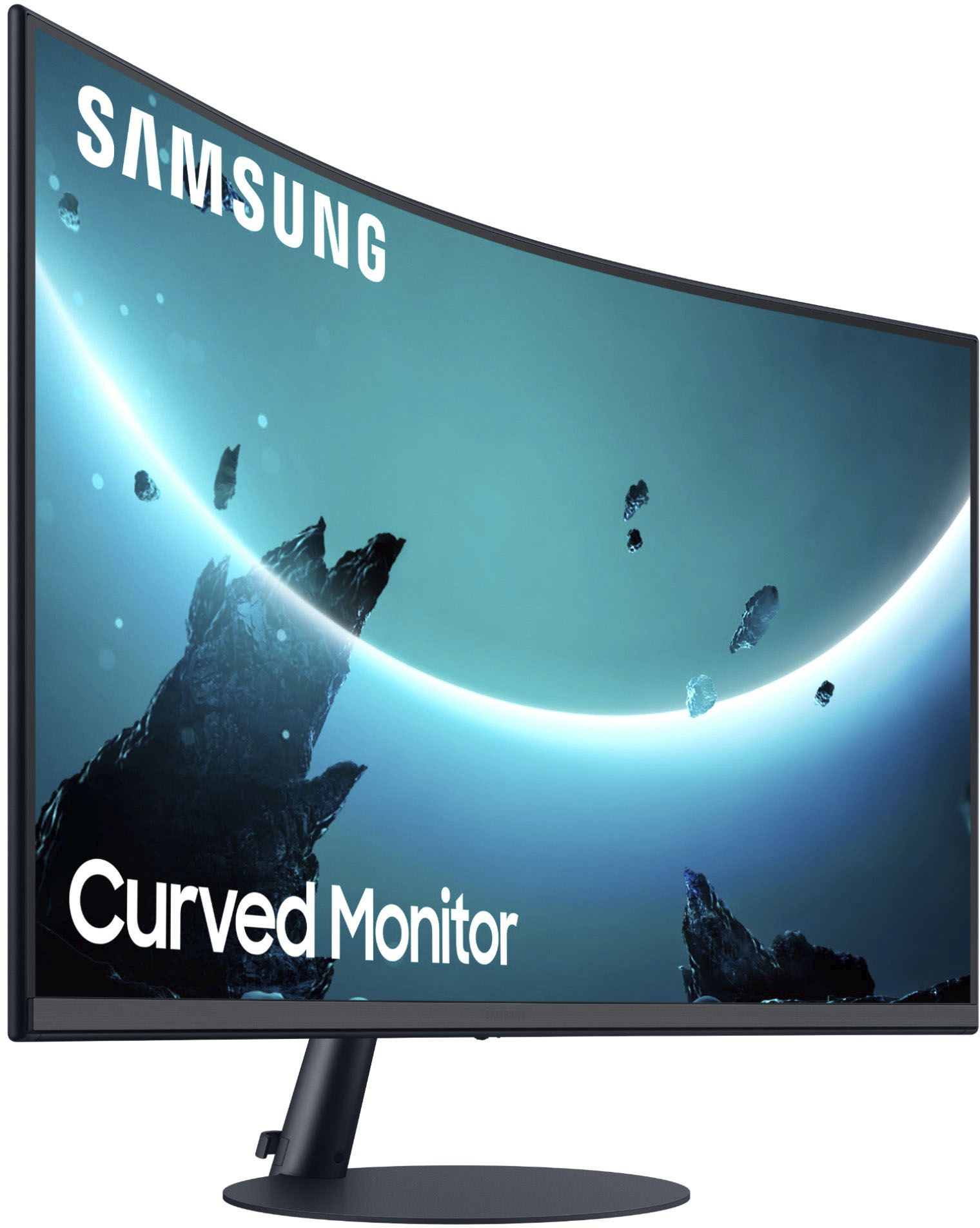
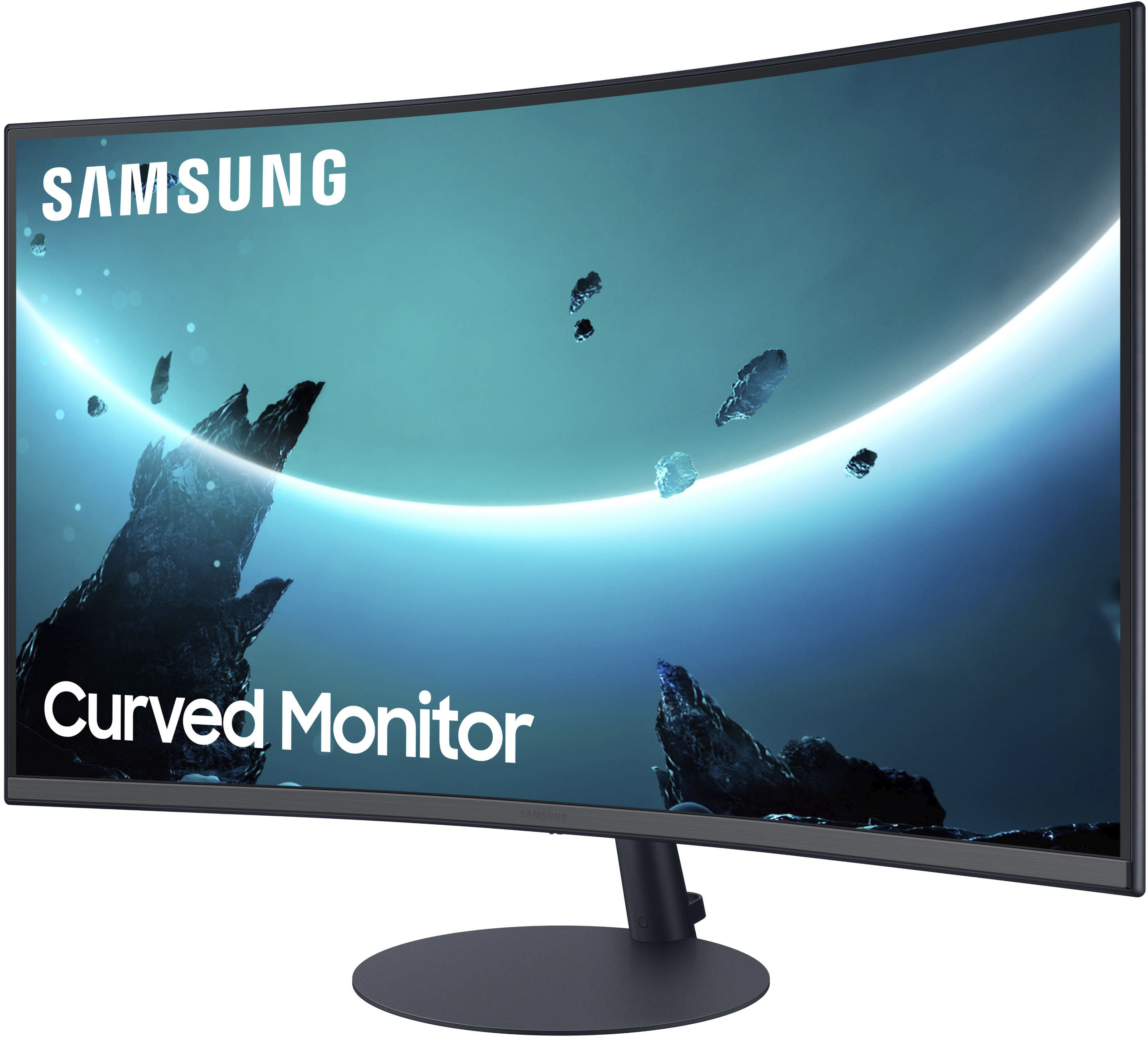
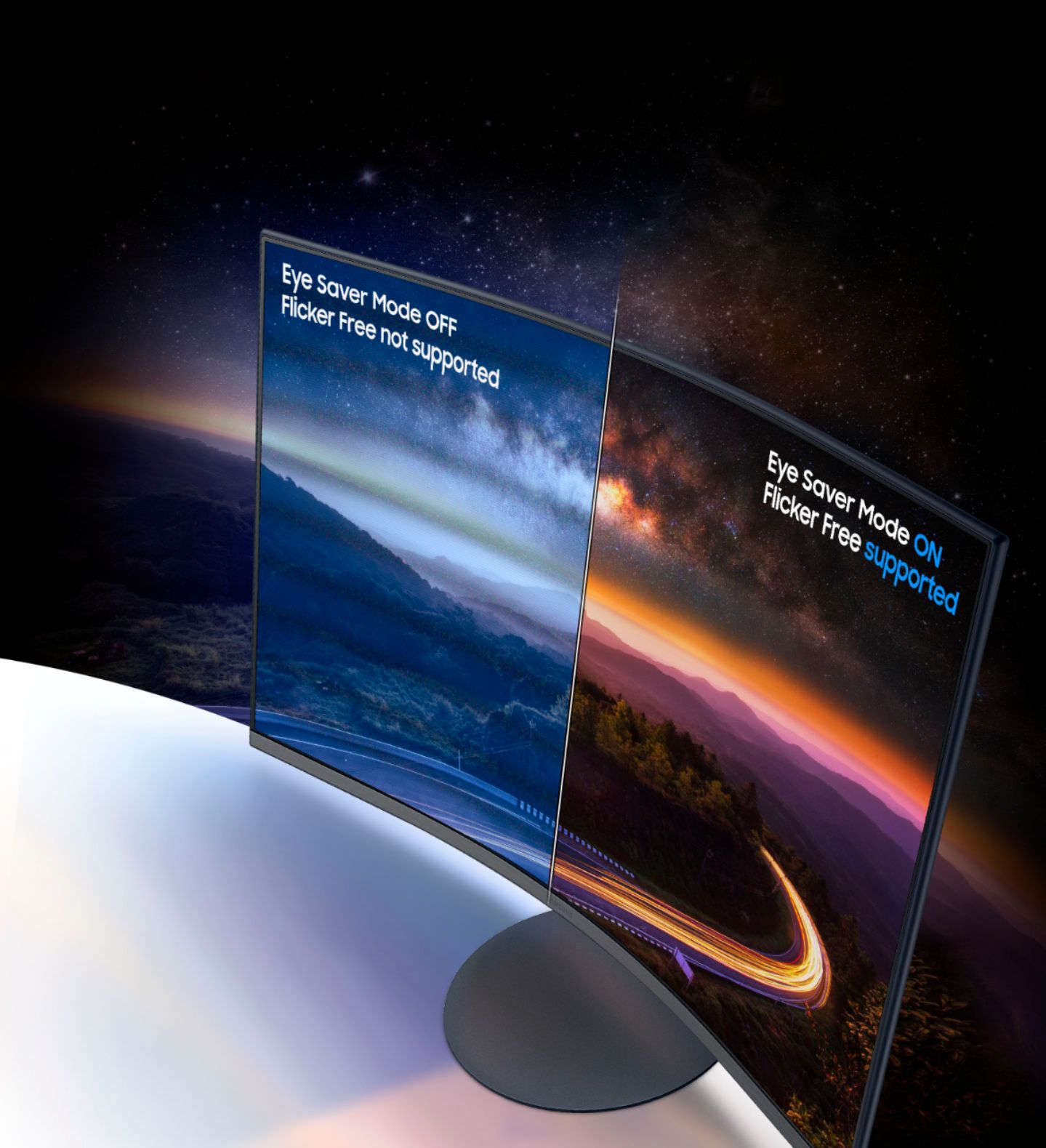
- Model:
- LC27T550FDNXZA
- SKU:
- 6402202
Rating by feature
- Display Quality
Rating 4.7 out of 5 stars
- Ease of Use
Rating 4.6 out of 5 stars
- Features
Rating 4.6 out of 5 stars
Customers are saying
Customers are delighted by the picture quality, curvature, and ease of use of the T55 Series monitor. Many also appreciate the integrated speakers and find the color reproduction to be excellent, considering it a good value for the price. However, some users have noted issues with the stand's stability and the limited refresh rate. A few customers also mentioned limitations in the height adjustment and the number of HDMI ports.
This summary was generated by AI based on customer reviews.
Had to return twice and just bought the 4K monitor
||Posted . Owned for 2 weeks when reviewed.This reviewer received promo considerations or sweepstakes entry for writing a review.Dead pixels, ghosting, just everything was a mess. I ended up returning it twice and just bought the Samsung 4K monitor. I don’t regret switching to the 4K monitor at all for $100 more, and I am almost glad this happened. The curved screens are surprisingly just not ready for prime time yet, and they’ve had these products for a while now.
No, I would not recommend this to a friendBrand response from Samsung
Posted .AKReviews,
I am sorry to see that you had an unfortunate issues with dead pixels and ghosting. I am happy that you have decided to purchase another Samsung product.
Should you need any assistance once you receive your replacement monitor, please know we are always here to help and can be reached via any of the below options:
1-800-SAMSUNG, available 8AM - 12AM EST (Mon-Fri) / 9AM - 11PM EST (Sat-Sun).
Or visit our Samsung website and click on the SUPPORT link in the upper right corner for:
• Contact Us Options (LiveChat, Remote Support, Facebook, Twitter)
• Product Support
• Manuals and Downloads
• Warranty Info
• Product Registration: Registering your product gives you access to easy warranty support, convenient opt-in to special promos and offers, faster troubleshooting and service, and quick notification of system updates
• Samsung Community: A great resource for getting help from Samsung moderators and customers
• …and more
Samsung is committed to providing the best possible product experience, quality, and value, and we are always here to help with any of your questions or concerns.
Samsung Monitors
Poor image quality and hard to acces menues
||Posted . Owned for 2 months when reviewed.This reviewer received promo considerations or sweepstakes entry for writing a review.Poor image quality for a big screen low resolution and hard to turn of only 1 button to acces all funtions
No, I would not recommend this to a friendBrand response from Samsung
Posted .I am very sorry for the image quality issues you have encountered with your Samsung - T55 Series 27" LED 1000R Curved FHD FreeSync Monitor.
Please contact Samsung Customer Support so that we can better understand your issue and assist with a solution.
You can reach us via any of the below options:
If you need further assistance, we are here to help. You can reach Samsung Support at 1-800-SAMSUNG, available 8AM - 12AM EST (Mon-Fri) / 9AM - 11PM EST (Sat-Sun).
Or visit our Samsung website and click on the SUPPORT link in the upper right corner for:
• Contact Us Options (LiveChat, Remote Support, Facebook, Twitter)
• Product Support
• Manuals and Downloads
• Warranty Info
• Product Registration: Registering your product gives you access to easy warranty support, convenient opt-in to special promos and offers, faster troubleshooting and service, and quick notification of system updates
• Samsung Community: A great resource for getting help from Samsung moderators and customers
• …and more
Registering your product gives you access to easy warranty support, convenient opt-in to special promos and offers, faster troubleshooting and service, and quick notification of system updates.
Samsung stands behind the quality and performance of every product we manufacture, and we back this model with a 1-year manufacturer's limited warranty, if purchased brand-new directly from an authorized seller.
Again, I am very sorry for the inconveniences you have had and hope that we will hear from you soon.
-Samsung Monitors
Curved Screen
||Posted . Owned for 1 month when reviewed.This reviewer received promo considerations or sweepstakes entry for writing a review.Quality of screen was great but I couldn’t tolerate the curved screen. Ended up returning it.
No, I would not recommend this to a friendNot recommended
||Posted . Owned for less than 1 week when reviewed.This reviewer received promo considerations or sweepstakes entry for writing a review.The screen has a pink hue to it that it is difficult to remove. Not recommended
No, I would not recommend this to a friendBrand response from Samsung
Posted .Wilaondavidp,
I am very sorry to see that you have encountered issues with a pink hue with the Samsung - T55 Series C27T550FDN 27" Monitor. I understand your disappointment and hope that you will give us a chance to assist with troubleshooting or warranty service.
Samsung products are engineered to the highest standards of performance and quality and we back this model with a 1-year limited manufacturer's warranty, if purchased brand-new from an authorized dealer.
For further assistance or to begin warranty service, please contact Samsung Customer Support via:
1-800-SAMSUNG, available 8AM - 12AM EST (Mon-Fri) / 9AM - 11PM EST (Sat-Sun).
Or visit our Samsung website and click on the SUPPORT link in the upper right corner for:
• Contact Us Options (LiveChat, Remote Support, Facebook, Twitter)
• Product Support
• Manuals and Downloads
• Warranty Info
• Product Registration: Registering your product gives you access to easy warranty support, convenient opt-in to special promos and offers, faster troubleshooting and service, and quick notification of system updates
• Samsung Community: A great resource for getting help from Samsung moderators and customers
• …and more
Samsung is committed to providing the best possible product experience, quality, and value, and we are always here to help with any of your questions or concerns.
Samsung Monitors
Wouldn’t purchase again but it does the job
||Posted . Owned for 1 month when reviewed.This reviewer received promo considerations or sweepstakes entry for writing a review.It’s a decent monitor. It has no adjustment to tilt up or down though so the ergonomics are horrible.
No, I would not recommend this to a friendBrand response from Samsung
Posted .Thank you for purchasing the Samsung T55 Series 27" LED Curved Monitor. I am sorry that you were not aware that this model does not tilt up and down.
For complete product specs, please visit samsung.com: http://www.samsung.com/us/support/owners/product/LU28D590DS/ZA
For assistance with adjusting scaling, please contact Samsung Customer Support and a representative will gladly help you:
1-800-SAMSUNG, available 8AM - 12AM EST (Mon-Fri) / 9AM - 11PM EST (Sat-Sun).
Samsung is committed to providing the best possible product experience, quality, and value, and we are always here to help with any of your questions or concerns.
-Samsung Monitors
Not adjustable
||Posted . Owned for 3 weeks when reviewed.This reviewer received promo considerations or sweepstakes entry for writing a review.It looks nice but you can't adjust it at all and you can't make it higher or lower or tilt it in any way.
No, I would not recommend this to a friendBrand response from Samsung
Posted .Alexisnicky,
Thank you for purchasing the Samsung - T55 Series 27" Display. Please know that this monitor does indeed tilt. It has a tilt range of -3° to +20°, as listed in the User Manual. Place the monitor on a flat sturdy surface, hold the base down firmly with one hand, grasp the top center of the bezel with your other hand and push firmly and gently back. This should tilt the monitor screen back. To tilt the monitor down, just push the bottom of the bezel gently and firmly back while pulling the top of the bezel towards you.
Samsung Monitors
Terrible for designer
||Posted . Owned for less than 1 week when reviewed.This reviewer received promo considerations or sweepstakes entry for writing a review.The monitor looks nice but the image quality is terrible. Just used it for two days and returned.
No, I would not recommend this to a friendBrand response from Samsung
Posted .I’m sorry to see that you rated this product 2stars, which indicates dissatisfaction.
If there is anything we can do to assist you and improve your product experience, please contact Samsung Customer Support via:
1-800-SAMSUNG, available 8AM - 12AM EST (Mon-Fri) / 9AM - 11PM EST (Sat-Sun).
Your thoughts and opinions are very important to Samsung and we hope to hear from you.
- Samsung Monitors
Spend $300 on a monitor that turns on consistently
||Posted .This reviewer received promo considerations or sweepstakes entry for writing a review.After about a month, the montor would not turn on. The jog button stays blue. After several hours of Googling, the only fix seemed to be to unplug the monitor for ~1 hour and let the capacitors drain. Not what I paid $300 for. Sent it to Samsung under the warranty, pulled it out of the box, and the same issue occured the same day. Dang.
No, I would not recommend this to a friendBrand response from Samsung
Posted .Thank you for purchasing the Samsung - T55 Series 27" LED 1000R Curved FHD FreeSync Monitor. I am sorry that you are experiencing power issues with your new monitor.
For assistance, please contact Samsung Customer Support and a representative will gladly help you:
1-800-SAMSUNG, available 8AM - 12AM EST (Mon-Fri) / 9AM - 11PM EST (Sat-Sun).
Samsung is committed to providing the best possible product experience, quality, and value, and we are always here to help with any of your questions or concerns.
DON'T WASTE YOUR MONEY!!!
||Posted . Owned for 4 months when reviewed.This reviewer received promo considerations or sweepstakes entry for writing a review.I bought this for my sons gaming computer and within a month when he would try to turn it on the screen would just stay black. He would have to turn it off and on multiple times to get it to work. Now it will not work at all. Best Buy only guarantees their items up to 30 days!! So 4 months later and I have to buy him a new monitor already!!!
No, I would not recommend this to a friendBrand response from Samsung
Posted .I am very sorry for the wake issues you have encountered with your Samsung - T55 Series 27" LED 1000R Curved FHD FreeSync Monitor.
Please contact Samsung Customer Support so that we can better understand your issue and assist with a solution.
You can reach us via any of the below options:
If you need further assistance, we are here to help. You can reach Samsung Support at 1-800-SAMSUNG, available 8AM - 12AM EST (Mon-Fri) / 9AM - 11PM EST (Sat-Sun).
Or visit our Samsung website and click on the SUPPORT link in the upper right corner for:
• Contact Us Options (LiveChat, Remote Support, Facebook, Twitter)
• Product Support
• Manuals and Downloads
• Warranty Info
• Product Registration: Registering your product gives you access to easy warranty support, convenient opt-in to special promos and offers, faster troubleshooting and service, and quick notification of system updates
• Samsung Community: A great resource for getting help from Samsung moderators and customers
• …and more
Registering your product gives you access to easy warranty support, convenient opt-in to special promos and offers, faster troubleshooting and service, and quick notification of system updates.
Samsung stands behind the quality and performance of every product we manufacture, and we back this model with a 1-year manufacturer's limited warranty, if purchased brand-new directly from an authorized seller.
Again, I am very sorry for the inconveniences you have had and hope that we will hear from you soon.
-Samsung Monitors
Poor longevity
||Posted . Owned for 1 year when reviewed.This reviewer received promo considerations or sweepstakes entry for writing a review.Worked nice until after 1 year half the display disappeared.
No, I would not recommend this to a friendNot great
||Posted . Owned for 1 month when reviewed.This reviewer received promo considerations or sweepstakes entry for writing a review.The unusual way these need mounted make it very annoying and pretty much unusable with regular desk mounts.
No, I would not recommend this to a friendBrand response from Samsung
Posted .James,
Thank you for purchasing the Samsung - T55 Series C27T550FDN 27" Monitor. I am sorry that you are not satisfied with the way this monitor needs to be mounted.
For assistance with with this monitor, please contact Samsung Customer Support and a representative will gladly help you:
1-800-SAMSUNG, available 8AM - 12AM EST (Mon-Fri) / 9AM - 11PM EST (Sat-Sun).
Or visit our Samsung website and click on the SUPPORT link in the upper right corner for:
• Contact Us Options (LiveChat, Remote Support, Facebook, Twitter)
• Product Support
• Manuals and Downloads
• Warranty Info
• Product Registration: Registering your product gives you access to easy warranty support, convenient opt-in to special promos and offers, faster troubleshooting and service, and quick notification of system updates
• Samsung Community: A great resource for getting help from Samsung moderators and customers
• …and more
Samsung is committed to providing the best possible product experience, quality, and value, and we are always here to help with any of your questions or concerns.
Samsung Monitors
Monitor
||Posted . Owned for 1 month when reviewed.This reviewer received promo considerations or sweepstakes entry for writing a review.The monitor is not sturdy. The monitor keep falling over.
No, I would not recommend this to a friendNot working
||Posted . Owned for 2 weeks when reviewed.This reviewer received promo considerations or sweepstakes entry for writing a review.Connected monitor to two PCs and it worked fine on each PC. On day 3 of use it was a blank screen, but power light says it is on. Checked all cables, cycled power to unit, no response until I left it unplugged for two hours and then it worked. On day 4 seeing another blank screen and same symptoms/lack of response. I will return this as soon as I can.
No, I would not recommend this to a friendBrand response from Samsung
Posted .navydavy,
I am very sorry for the power issues you have encountered with your Samsung - T55 Series C27T550FDN 27"Monitor.
Please contact Samsung Customer Support so that we can better understand your issue and assist with a solution.
You can reach us via any of the below options:
If you need further assistance, we are here to help. You can reach Samsung Support at 1-800-SAMSUNG, available 8AM - 12AM EST (Mon-Fri) / 9AM - 11PM EST (Sat-Sun).
Or visit our Samsung website and click on the SUPPORT link in the upper right corner for:
• Contact Us Options (LiveChat, Remote Support, Facebook, Twitter)
• Product Support
• Manuals and Downloads
• Warranty Info
• Product Registration: Registering your product gives you access to easy warranty support, convenient opt-in to special promos and offers, faster troubleshooting and service, and quick notification of system updates
• Samsung Community: A great resource for getting help from Samsung moderators and customers
• …and more
Registering your product gives you access to easy warranty support, convenient opt-in to special promos and offers, faster troubleshooting and service, and quick notification of system updates.
Samsung stands behind the quality and performance of every product we manufacture, and we back this model with a 1-year manufacturer's limited warranty, if purchased brand-new directly from an authorized seller.
Again, I am very sorry for the inconveniences you have had and hope that we will hear from you soon.
Samsung Monitors
There are better Samsung Monitors
||Posted . Owned for 4 months when reviewed.This reviewer received promo considerations or sweepstakes entry for writing a review.Screen has had red tint and shadow regardless of settings and being reset to factory settings. Due to this effect on the screen this is a rarely used monitor and simply used to monitor email for work from home. Even then, using dark mode on Outlook results in having a red tint to the screen.
No, I would not recommend this to a friendBrand response from Samsung
Posted .I am very sorry to see that you have encountered issues with the Samsung - T55 Series 27" LED 1000R Curved FHD FreeSync Monitor. I understand your disappointment and hope that you will give us a chance to assist with troubleshooting or warranty service.
Samsung products are engineered to the highest standards of performance and quality and we back this model with a 1-year limited manufacturer's warranty, if purchased brand-new from an authorized dealer.
For further assistance or to begin warranty service, please contact Samsung Customer Support via:
1-800-SAMSUNG, available 8AM - 12AM EST (Mon-Fri) / 9AM - 11PM EST (Sat-Sun)
Samsung is committed to providing the best possible product experience, quality, and value, and we are always here to help with any of your questions or concerns.
Can't adjust the angle
||Posted .This reviewer received promo considerations or sweepstakes entry for writing a review.The monitor sits too low and it's hard to view. You also can't adjust the viewable height.
No, I would not recommend this to a friendBrand response from Samsung
Posted .Chris,
Thank you for purchasing the Samsung - T55 Series C27T550FDN 27" 1000R Curved Monitor.
Please know that this monitor does indeed tilt. It has a tilt range of -3'(±2') ~ 20'(±2'), as listed in the User Manual.
Place the monitor on a flat sturdy surface, hold the base down firmly with one hand, grasp the top center of the bezel with your other hand, and push firmly and gently back. This should tilt the monitor screen back. To tilt the monitor down, just push the bottom of the bezel gently and firmly back while pulling the top of the bezel towards you.
Samsung Monitors
Pic quality is 90s
||Posted . Owned for less than 1 week when reviewed.This reviewer received promo considerations or sweepstakes entry for writing a review.The pic quality is so bad! Dont bother. And it was black not silver like the display in store
No, I would not recommend this to a friendBrand response from Samsung
Posted .Urmom,
Thank you for sharing your feedback on the Samsung - T55 Series C27T550FDN 27" Monitor. I am sorry to see that this model fell short of your expectations.
Please know that the T55 features AMD FreeSync and delivers seamless gaming, while 75Hz makes scenes smooth. This flawless imagery comes together with Game Mode and the renowned 1000R curve for intensely realistic immersion.
Please reach out to us for assistance with your image quality issues.
You can reach us via any of the below options:
1-800-SAMSUNG, available 8AM - 12AM EST (Mon-Fri) / 9AM - 11PM EST (Sat-Sun).
Or visit our Samsung website and click on the SUPPORT link in the upper right corner for:
• Contact Us Options (LiveChat, Remote Support, Facebook, Twitter)
• Product Support
• Manuals and Downloads
• Warranty Info
• Product Registration: Registering your product gives you access to easy warranty support, convenient opt-in to special promos and offers, faster troubleshooting and service, and quick notification of system updates
• Samsung Community: A great resource for getting help from Samsung moderators and customers
• …and more
We look forward to hearing from you.
Samsung Monitors
Broken screen, too bulky and bad quality image
||Posted . Owned for 8 months when reviewed.This reviewer received promo considerations or sweepstakes entry for writing a review.Small line of black and pixelated tiles on the right side of screen. Thought it was because of my computer and waited too long to return. After trying with a new computer same issue. Also very bulky heavy for a modern screen. Not very high resolution.
No, I would not recommend this to a friendHard to read and montior is pixelated.
||Posted . Owned for 1 week when reviewed.This reviewer received promo considerations or sweepstakes entry for writing a review.I am truly not sure who is giving this monitor such high ratings. The image is extremely pixelated and its hard to read on it. No I am not old, I am 33 years old. I am using a GTX 1660 Super graphics card on a brand new Legion PC w/ a 1660 Super graphics card.. I will be returning this tomorrow.
No, I would not recommend this to a friendBrand response from Samsung
Posted .Thank you for bringing this issue to our attention as Samsung is committed to providing the best possible product experience, quality, and value. Samsung greatly values our customers’ feedback and we utilize your concerns and opinions in our relentless efforts towards delivering world-class products. We hope to have you back as a customer again.
-Samsung Monitors
Not good for dual monitor setup
||Posted . Owned for 1 month when reviewed.This reviewer received promo considerations or sweepstakes entry for writing a review.Purchased this thinking it would look cool but it doesnt look good unless its centered directly in front of you which makes using it with another monitor difficult. It also takes up more desk space than a flat monitor. I returned it and got a regular monitor.
No, I would not recommend this to a friendBrand response from Samsung
Posted .Enzo123,
I am very sorry to see that you have encountered issues with the Samsung - T55 Series C27T550FDN 27 Monitor and have returned it
Your feedback is very important to us and will be shared with our product team.
Should you ever decide to give Samsung Monitor products another try and have concerns or questions, please know we are always here to help. You can contact Samsung Customer Support via:
1) Phone: 1-800-SAMSUNG
2) LiveChat: https://www.samsung.com/us/support/#contact_us_for_support
3) Facebook Messenger: http://m.me/samsungsupport
4) Twitter: https://twitter.com/messages/compose?recipient_id=18768513
5) The Samsung Members Community is also a great resource for getting help from Samsung moderators and customers: https://us.community.samsung.com
Again, thank you for taking the time to share your experience and provide us with information that helps improve our service. We hope to regain you as a customer in the near future.
Samsung Monitors
Would not buy again
||Posted . Owned for 1 month when reviewed.This reviewer received promo considerations or sweepstakes entry for writing a review.not a fan of this monitor at all. Display is very dark and cannot adjust it
No, I would not recommend this to a friendBrand response from Samsung
Posted .irmg,
Thank you for purchasing the Samsung - T55 Series 27" Monitor. I am sorry to hear that you are not satisfied with the color performance of this model.
Please know that we want you to be satisfied with your purchase. Samsung products are engineered to the highest standards of performance and quality and we back the Samsung C27T550 with a 1-year limited manufacturer's warranty, if purchased brand-new from an authorized dealer.
To better assist you with step-by-step troubleshooting and picture adjustment, please contact Samsung Customer Support and a representative will gladly help you:
1-800-SAMSUNG, available 8AM - 12AM EST (Mon-Fri) / 9AM - 11PM EST (Sat-Sun).
Samsung is committed to providing the best possible product experience, quality, and value, and we are always here to help with any of your questions or concerns.
Samsung Monitors