Customer Ratings & Reviews
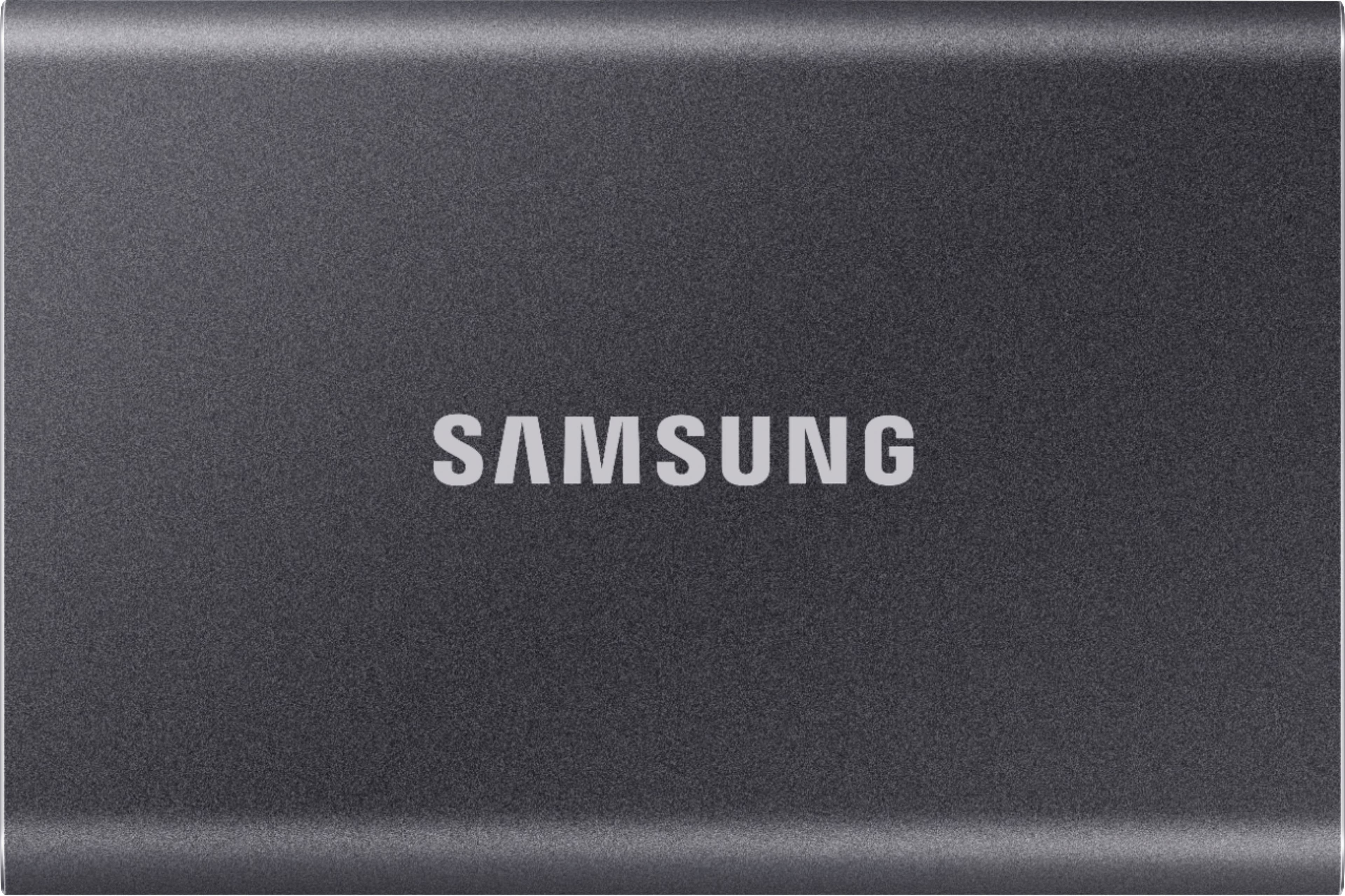
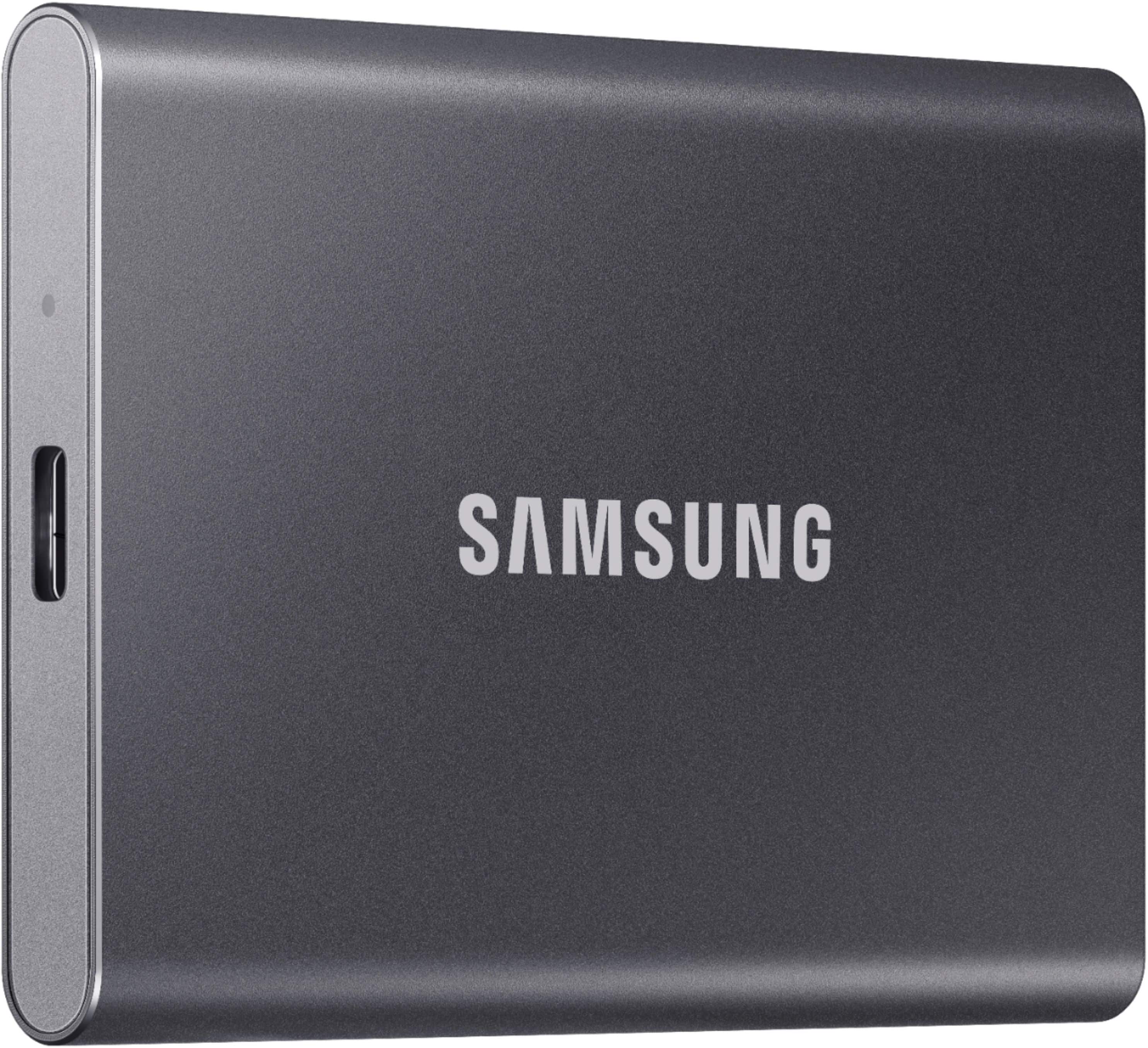
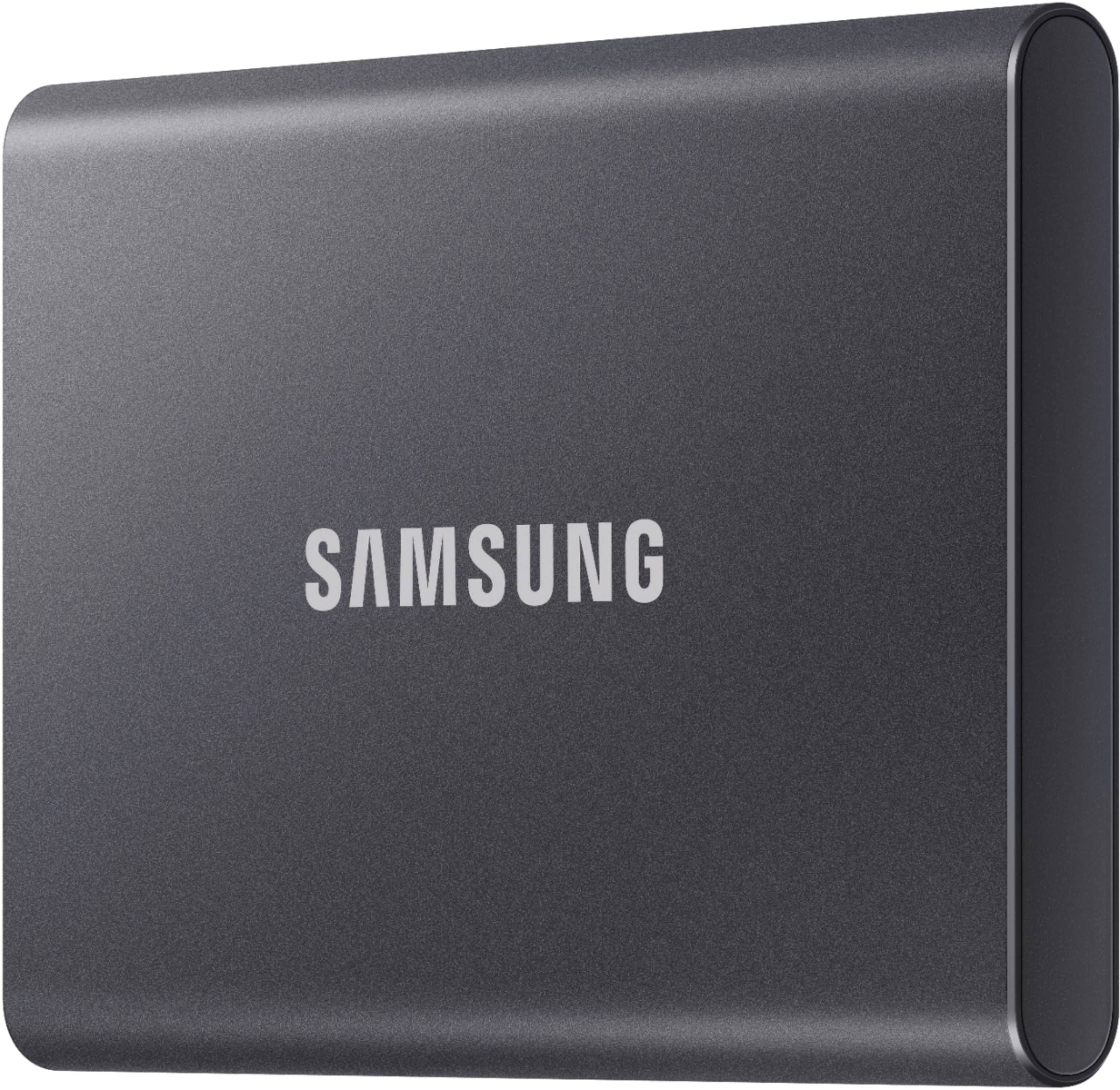
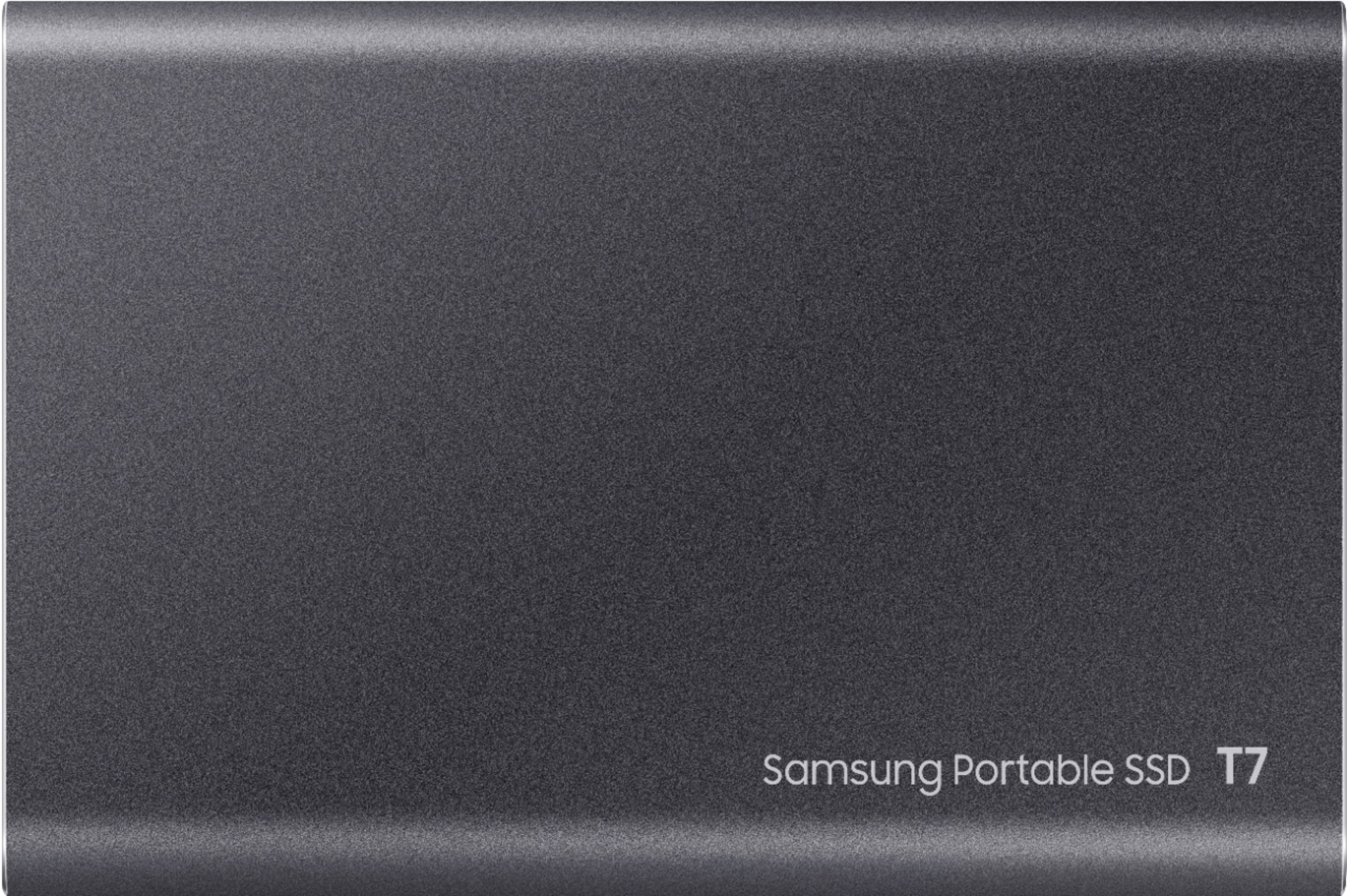
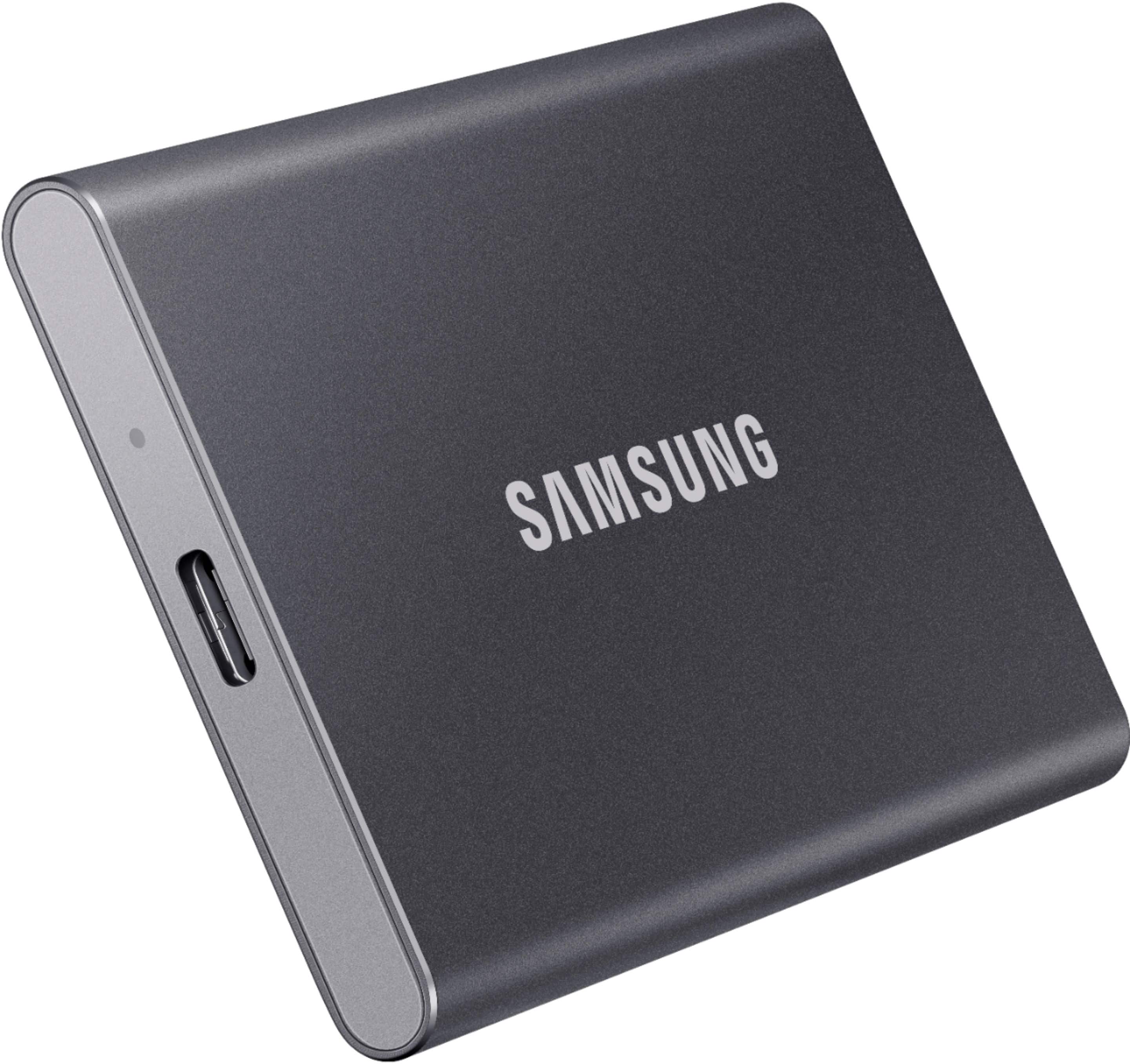
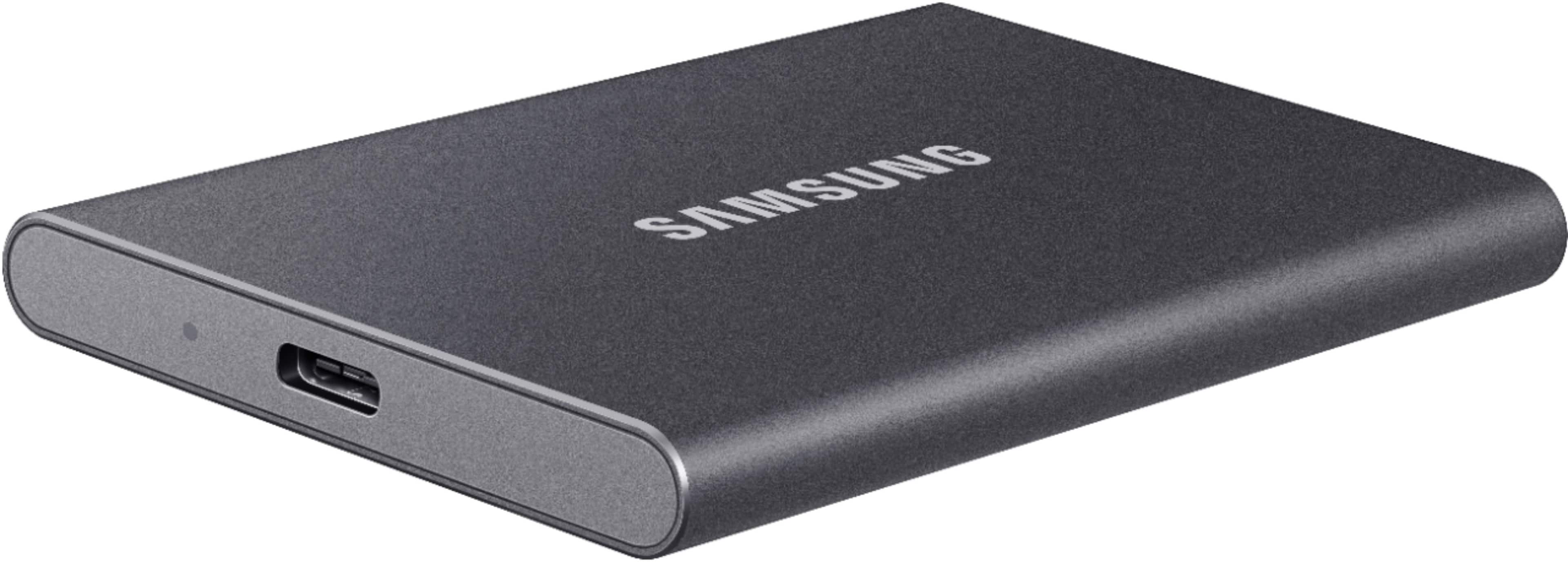
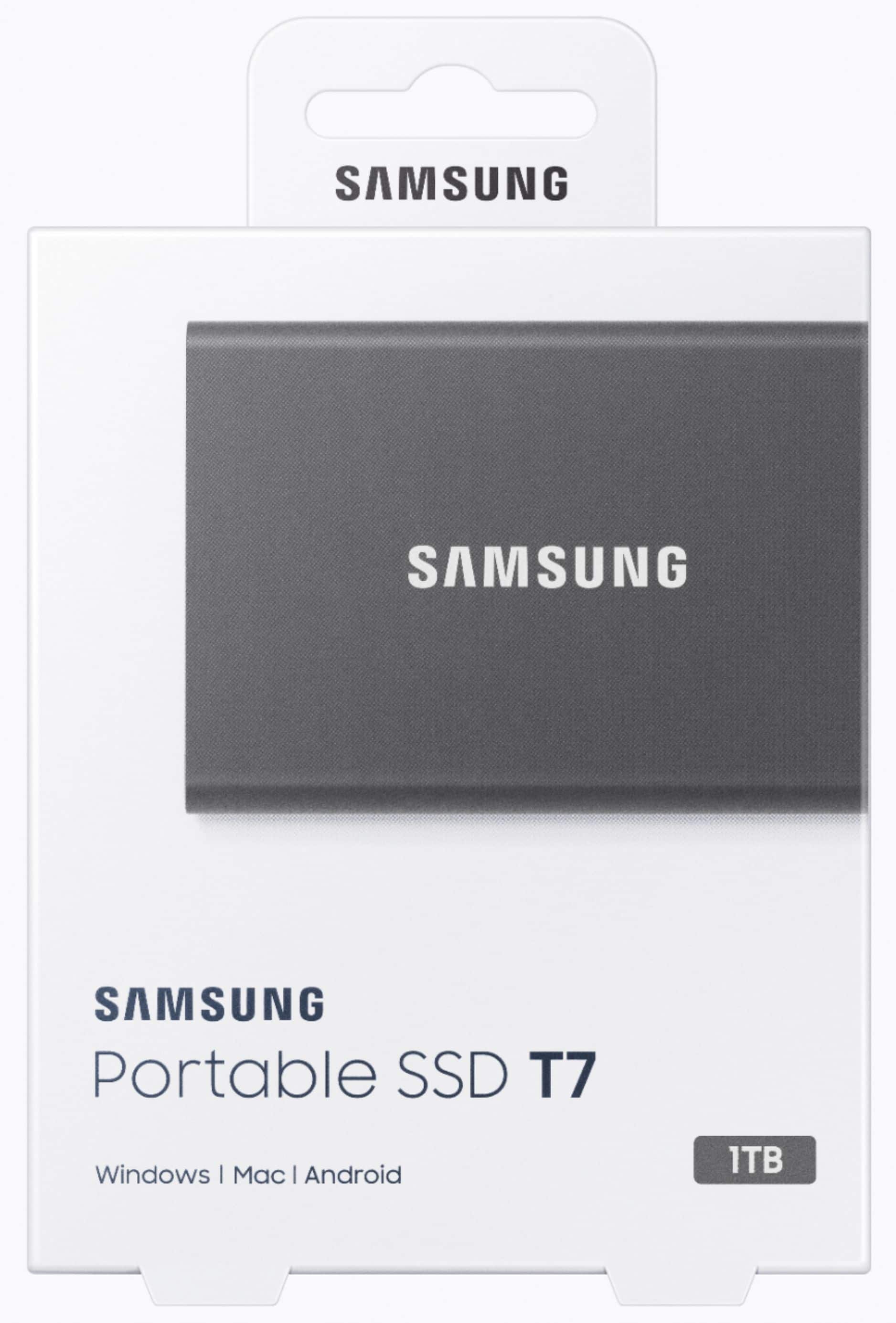
- Model:
- MU-PC1T0T/AM
- SKU:
- 10517975
Rating by feature
- Value
Rating 4.7 out of 5 stars
- Quality
Rating 4.9 out of 5 stars
- Ease of Use
Rating 4.9 out of 5 stars
Customers are saying
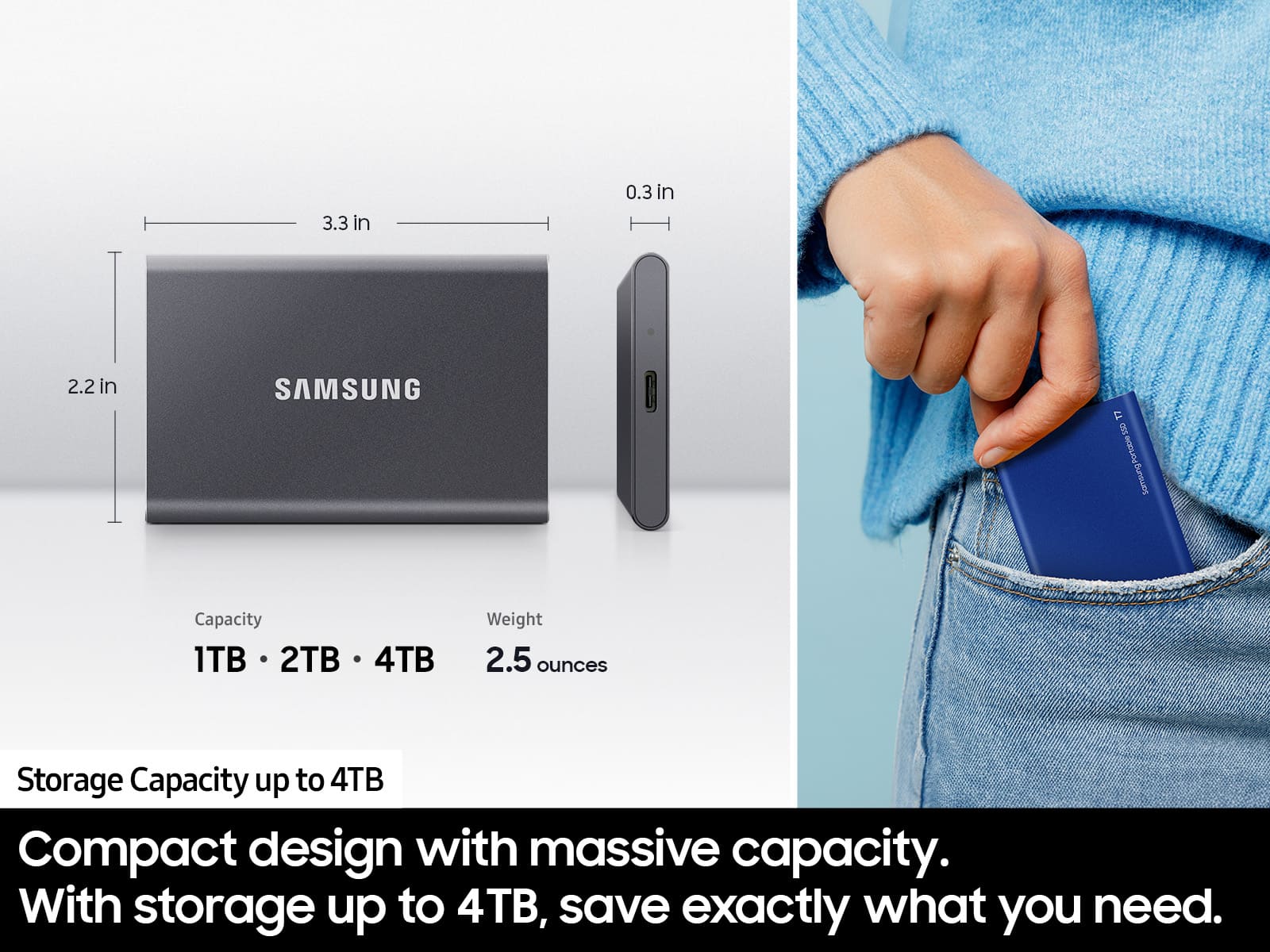
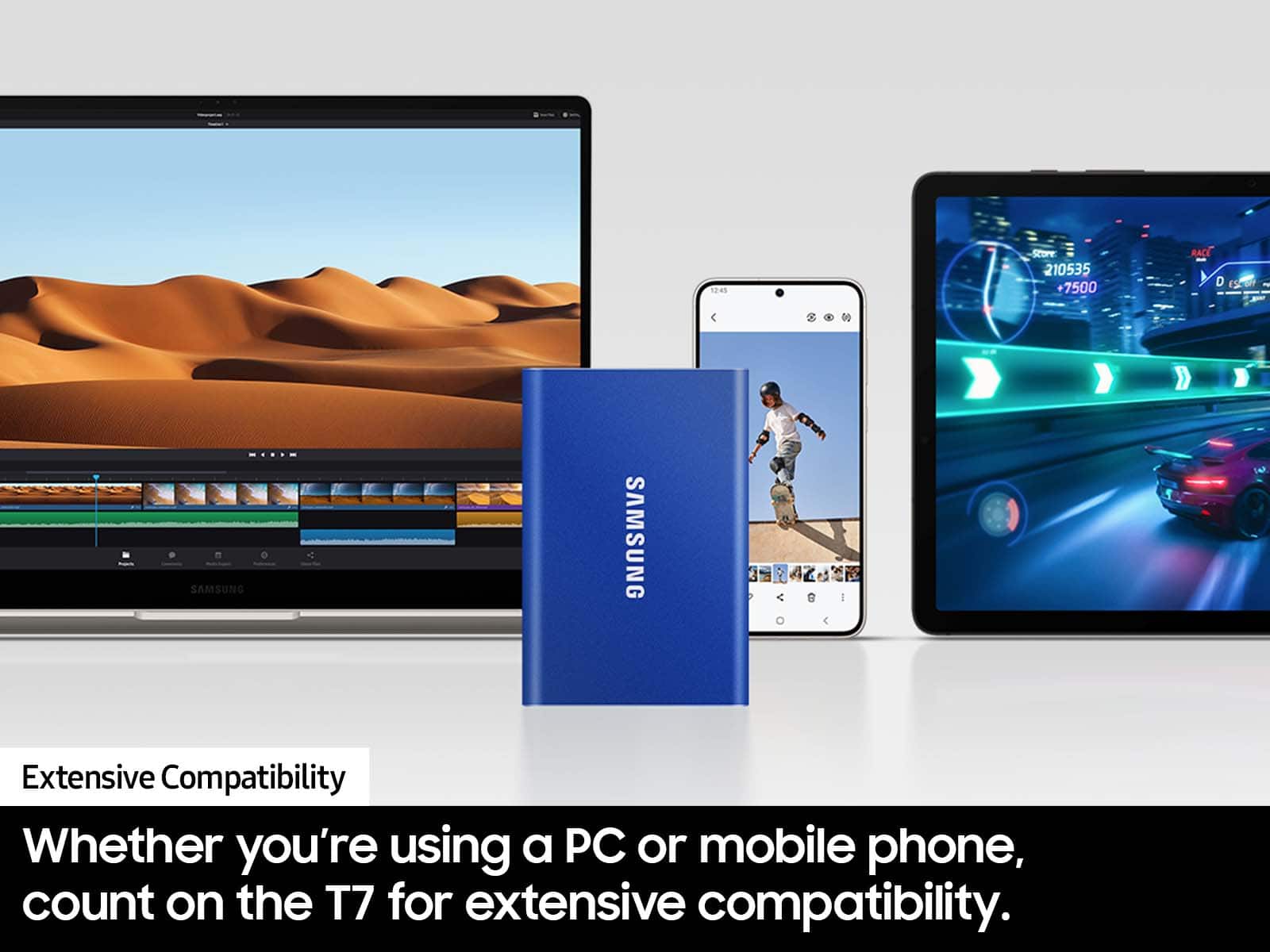
Customers love the impressive speed and overall performance of this device, which significantly enhances gaming experiences. Users frequently highlight its compact size and excellent portability as standout features that make it convenient for travel. While the storage capacity is generally considered sufficient, some users have noted minor concerns regarding heat dissipation and compatibility with Mac systems. Overall, the product is viewed as a high-quality solution despite some feedback regarding its premium price point.
This summary was generated by AI based on customer reviews.
Samsung T7
||Posted . Owned for 3 weeks when reviewed.This reviewer received promo considerations or sweepstakes entry for writing a review.Not user friendly. To many steps to save data. Not sure if I would purchase a second one in the future.
No, I would not recommend this to a friend- Pros mentioned:Overall performance
Samsung T7 2TB
||Posted . Owned for 1 month when reviewed.This reviewer received promo considerations or sweepstakes entry for writing a review.Works fine. No problems installing the software. Would buy again.
I would recommend this to a friend No option for Automatic Backup of Computer
||Posted . Owned for 9 months when reviewed.This reviewer received promo considerations or sweepstakes entry for writing a review.I purchased this Samsung external USB as a backup for a Windows 11 desktop computer. It does not have the option for automatic backups. If you want to back up your computer, you have to manually drag and drop copies of the files into this drive. I wish I never purchased it and now it's too late to return it.
No, I would not recommend this to a friend- Cons mentioned:Connectivity
Don’t buy
||Posted . Owned for 1 month when reviewed.This reviewer received promo considerations or sweepstakes entry for writing a review.Past return period and drive not recognized. Completely unusable after spending $260
No, I would not recommend this to a friendBrand response from Samsung
Posted .JoeK:
I'm sorry to hear you're having trouble with your Samsung T7 SSD. Here are some steps you can try to troubleshoot the issue:
Check the Connection: Ensure the USB cable is securely connected to both the SSD and your computer. Try using a different USB port or cable to rule out any connection issues.
Update Drivers: Outdated or corrupted drivers can prevent your SSD from being detected. Check for updates in the Device Manager under "Disk drives" and "Universal Serial Bus controllers".
Initialize the SSD: If the SSD is new, it might need to be initialized. Open Disk Management, find your SSD, right-click it, and select "Initialize Disk".
Check BIOS Settings: Ensure that your BIOS settings are configured to recognize the SSD. You may need to enable the SSD in the BIOS menu.
Update Firmware: Outdated firmware can cause compatibility issues. The latest downloadable Samsung Tools & Software can be found here:
https://www.samsung.com/semiconductor/minisite/ssd/download/tools/
Should you need assistance with troubleshooting, please contact Samsung Customer Support:
1) Call: 1-800-SAMSUNG (ask for Memory). Available 9AM - 12AM EST (Mon-Fri)
2) Email: samsungmemorysupport@sea.samsung.com
3) LiveChat 9AM-9PM EST (Mon-Fri) - https://www.livehelpnow.net/lhn/lcv.aspx?d=34834&ms=&zzwindow=0&lhnid=29783
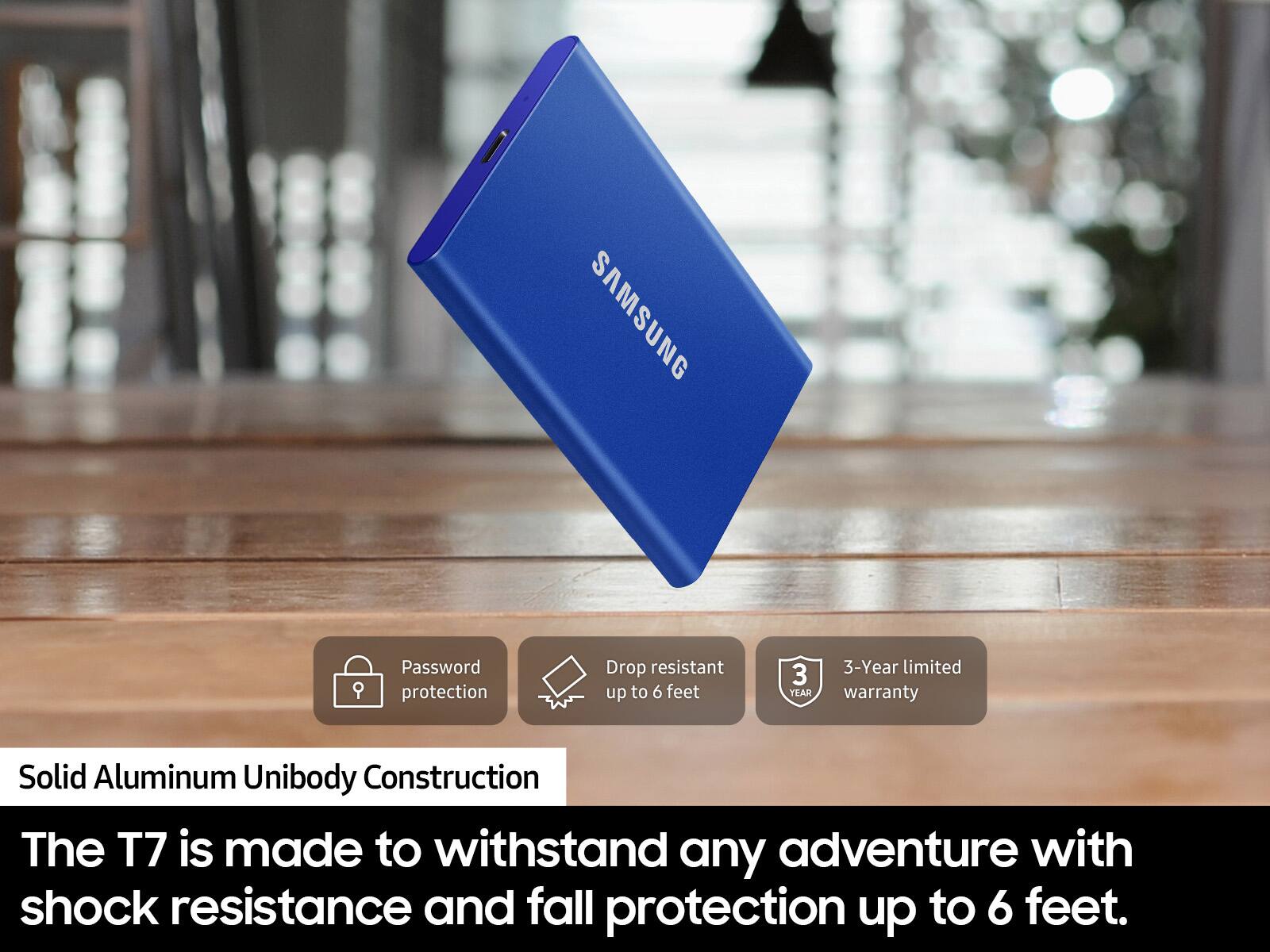
Samsung stands behind the quality and performance of every T7 SSD we manufacture with a limited 3-year manufacturer’s warranty when purchased brand-new, directly from any authorized dealer, like Best Buy.
Thank you for choosing Samsung.
~ Samsung Memory
Frustrated Customer
||Posted .This reviewer received promo considerations or sweepstakes entry for writing a review.The product seems fine. I'm a bit disappointed with the fact that less than 30 days after purchase it drops $10 in price. I request a price match and it's "after the 15 day return period". Maybe I'll look at another business in the future when I need to purchase tech products.
I would recommend this to a friendBrand response from Samsung
Posted .RS2025:
We appreciate you sharing your experience. We recommend you contact Best Buy Customer Support or your local Best Buy store directly for assistance in correcting this situation. We hope your issue is resolved in a timely manner.
Should you have questions or concerns regarding the usage or setup of your SSD once your issue has been resolved, please contact Samsung Customer Support:
1) Call: 1-800-SAMSUNG (ask for Storage Devices). Available 9AM - 12AM EST (Mon-Fri)
2) Email: samsungmemorysupport@sea.samsung.com
3) LiveChat 9AM-9PM EST (Mon-Fri) - https://www.livehelpnow.net/lhn/lcv.aspx?d=34834&ms=&zzwindow=0&lhnid=29783
- Samsung Memory
Can't digure it out
||Posted . Owned for 3 weeks when reviewed.This reviewer received promo considerations or sweepstakes entry for writing a review.Haven't gotten it work right so far. Downloaded app
No, I would not recommend this to a friend- Pros mentioned:Overall performance, Portability, Speed
Blazing Fast and Incredibly Reliable
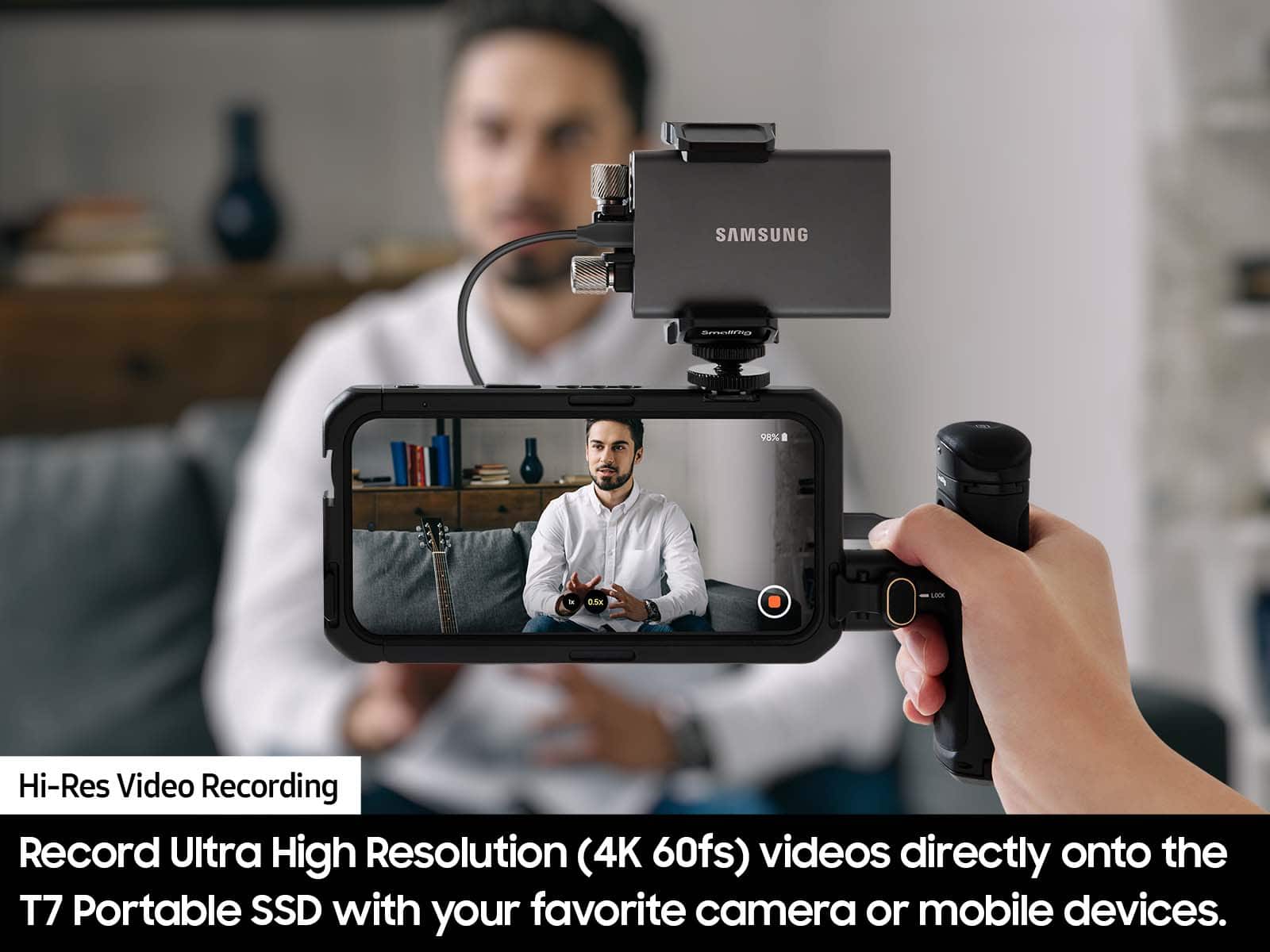
Posted .This reviewer received promo considerations or sweepstakes entry for writing a review.I recently purchased the Samsung T7 portable SSD, and I must say, I am thoroughly impressed! As a video editor, I require a high-speed, dependable storage solution that can keep up with my demanding workflow, and the T7 has exceeded my expectations. First off, the data transfer speed is phenomenal. With USB 3.2 Gen 2, I am able to move large 4K video files in a fraction of the time it used to take with other external drives. This efficiency has significantly streamlined my editing process, making it smoother and faster. The build quality is also top-notch. The sleek, compact design is not only stylish but also very practical. It fits perfectly in my bag without adding any bulk, making it ideal for travel. Despite its light weight, it feels sturdy and durable, which gives me peace of mind when I'm on the go. Security is another aspect where the T7 shines. The built-in hardware encryption provides an extra layer of data protection, ensuring that my files are safe even if the drive were to fall into the wrong hands. Overall, the Samsung T7 has been a fantastic purchase. It offers superb performance, reliability, and security, all wrapped up in a stylish and portable package. I would highly recommend it to anyone looking for a high-performance external SSD. It's truly a game-changer for professionals and hobbyists alike.
I would recommend this to a friend where the rest of my gb went??
||Posted . Owned for less than 1 week when reviewed.This reviewer received promo considerations or sweepstakes entry for writing a review.my 1tb ssd is 931 gb?? i bought the 1tb ssd hoping it would come with 1 tb but it doesnt, other than that its good
No, I would not recommend this to a friendBrand response from Samsung
Posted .roachna:
Thank you for purchasing the Samsung T7 Portable SSD. Samsung drives adhere to the IDEMA standard of advanced formatting, which will result in the drive appearing as less than the listed size.
The amount of space that appears to be "missing" is in fact used by the drive/card for storing firmware, metadata and spare blocks. Your operating system (Windows, Linux, etc.) will also affect the usable space -- different operating systems will use different amounts of space to store their metadata. Consequently, formatted space will always be less than unformatted space.
You can look IDEMA up online for more technical details about this standard, which is established by The International Disk Drive Equipment and Materials Association.
Should you ever have questions or need assistance using this product, please contact Samsung Customer Support.
1) Call: 1-800-SAMSUNG (ask for Memory) Available 9AM - 12AM EST (Mon-Fri)
2) Email: samsungmemorysupport@sea.samsung.com
3) LiveChat: https://www.livehelpnow.net/lhn/lcv.aspx?d=34834&ms=&zzwindow=0&lhnid=29783
Available 12PM-6PM EST (Mon-Fri)
The Samsung Members Community is also a great resource for getting help from Samsung moderators and customers: https://us.community.samsung.com/t5/Get-Help/ct-p/get-help
If you have not already so, we encourage you to register your new Samsung SSD at: https://www.samsung.com/us/account/signin/?redirect=https%3A%2F%2Fwww.samsung.com%2Fus%2Fsupport%2Fregister%2F
Registering your product gives you access to easy warranty support, convenient opt-in to special promos & offers, faster troubleshooting & service, and quick notification of system updates.
Samsung is committed to providing the best possible product experience, quality, and value, and we are always here to help with any of your questions or concerns.
~ Samsung Memory
Does not work
||Posted . Owned for 3 weeks when reviewed.This reviewer received promo considerations or sweepstakes entry for writing a review.Brand new and doesn't work from the get go. Unable to play the cinematic of a video game: freezes every 2 seconds for a second. Basically unusable. Nothing else is installed than that one game. I moved the game to an old hard drive and it worked just fine there. I need a refund.
No, I would not recommend this to a friendNice But A Bit Slow
||Posted . Owned for 2 weeks when reviewed.This reviewer received promo considerations or sweepstakes entry for writing a review.Nice and convenient, but don't buy if you need professional-level speed. They are a bit slow.
I would recommend this to a friendBrand response from Samsung
Posted .MarkF:
Thank you for purchasing the Samsung T7 Portable SSD and for your review. Thank you for sharing your experience with the performance speeds.
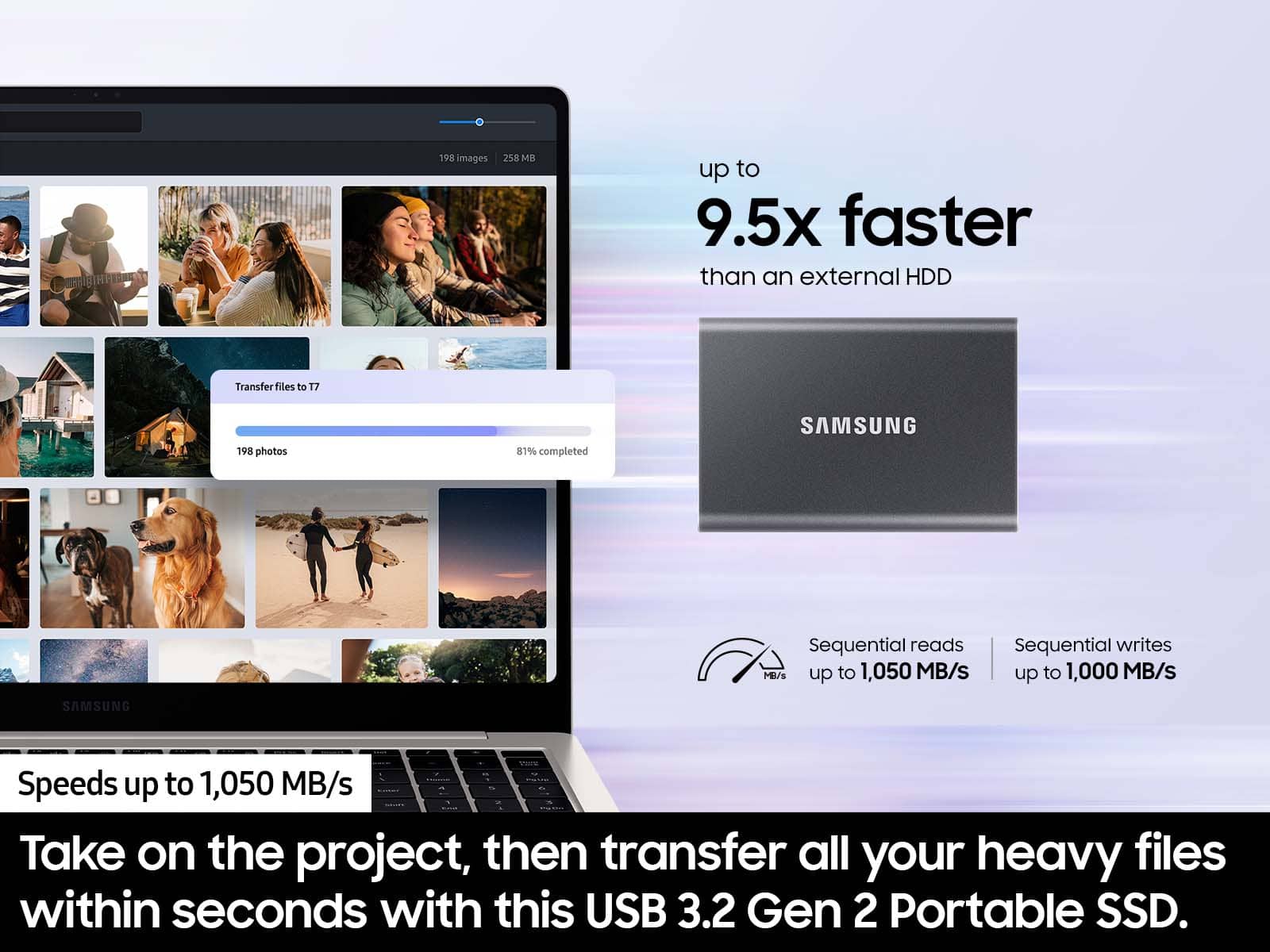
The maximum transfer speed that can be achieved by the T7 is 1,050MB/s on a PC that supports USB 3.2 Gen2, UASP mode, but the speed may vary depending on the user‘s PC environment and the types of data being transferred. Please look to the details below for possible causes (and solutions) if you think your T7 is under performing.
Scenario 1 (PC Environment)
Your PC's USB Type C Port must support USB 3.2 Gen 2 (10Gbps) in order to fully utilize the speed of the T7. USB 3.0 Gen.1, USB 3.1 Gen 1. USB 3.2 Gen.1 are restricted to 5Gbs speeds any may be the bottleneck to the performance of your T7.
Scenario 2 (Cable)
Using other cables besides the enclosed cable that comes with the T7 may cause performance degradation. Due to the varying internal resistance and maximum allowable current of other the cable types that does not come officially with the T7.
Scenario 3 (Dynamic Thermal Guard, DTG)
The T7 is designed to activate the DTG (Dynamic Thermal Guard) when the product reaches a its threshold temperature due to prolonged data transfers and usage. The smartly activated DTG function prevents the product from overheating and automatically slows down providing it a cool off period. The DTG technology enhances safety and reliability by preventing the product from reaching an excessively high temperature.
Should you need further assistance, please contact Samsung Customer Support directly so that we can better investigate your speed issue and assist you towards a resolution.
1) Call: 1-800-SAMSUNG (ask for Memory or press #, then 6 for Memory products)
Available 9AM – 12AM EST (Mon-Fri)
2) Email: samsungmemorysupport@sea.samsung.com
3) Or visit us on the Samsung website and click on the SUPPORT link in the upper right corner of the homepage for:
a) Chat with Us/Product Help: To begin a chat or find solutions, choose ‘Computing – Memory & Storage’ and select your model & topic.
b) Manuals & Software
c) Warranty Info
d) Register a Product: For access to easy warranty support, convenient opt-in to special promos and offers, faster troubleshooting and service, and quick notification of system updates
e) Contact Us
The Samsung Members Community is also a great resource for getting help from Samsung moderators and customers: https://us.community.samsung.com/
We look forward to hearing from you.
- Samsung Memory
Not the best SSD I had :/
||Posted .This reviewer received promo considerations or sweepstakes entry for writing a review.Not sure if I just got unlucky or something, but speed of this ssd was not that I was expecting.
I would recommend this to a friendBrand response from Samsung
Posted .Vasyl:
Thank you for purchasing the Samsung T7 SSD and for your review.
The maximum transfer speed that can be achieved by the T7 is sequential read/write speeds of up to 1,050/1,000 MB/s, on a PC that supports USB 3.2 Gen 2, but the speed may vary depending on the user‘s PC environment and the types of data being transferred.
As there are various factors that could affect speed, I would encourage you to call Samsung Customer Support if you need further assistance to troubleshoot your issue.
1) Call: 1-800-SAMSUNG (ask for Memory or press #, then 6 for Memory products)
Available 9AM – 12AM EST (Mon-Fri)
2) Email: samsungmemorysupport@sea.samsung.com
3) LiveChat: https://www.samsung.com/us/support/contact/ Available 9AM-6PM EST (Mon-Fri)
The Samsung Members Community is also a great resource for getting help from Samsung moderators and customers: https://us.community.samsung.com/
Samsung stands behind the quality and performance of every T7 SSD we manufacture with a limited 3-year manufacturer’s warranty when purchased brand-new, directly from any authorized dealer, like Best Buy.
~ Samsung Memory
Size is great but don't expect an easy transfer
||Posted . Owned for 3 weeks when reviewed.This reviewer received promo considerations or sweepstakes entry for writing a review.Bought a new phone and this compact little unit stored all of my information just in case something happened to it during the transfer. It will recognize your phone but it is quite difficult to transfer information from phone to phone. I had to call customer service to help me out. Overall satisfied with purchase.
I would recommend this to a friendBrand response from Samsung
Posted .udubsalum:
I’m very sorry for the difficulties you’ve experienced with your T7 SSD.
Should you have any further questions or need help, please know our team is at your fingertips and always ready to help!
1) Call: 1-800-SAMSUNG (ask for Memory or press #, then 6 for Memory products)
Available 9AM – 12AM EST (Mon-Fri)
2) Email: samsungmemorysupport@sea.samsung.com
3) Or visit us on the Samsung website and click on the SUPPORT link in the upper right corner of the homepage for:
a) Chat with Us/Product Help: To begin a chat or find solutions, choose ‘Computing – Memory & Storage’ and select your model & topic.
b) Manuals & Software
c) Warranty Info
d) Register a Product: For access to easy warranty support, convenient opt-in to special promos and offers, faster troubleshooting and service, and quick notification of system updates
e) Contact Us
The Samsung Members Community is also a great resource for getting help from Samsung moderators and customers: https://us.community.samsung.com/
Your experience is very important to us and we will share your feedback with our product team.
- Samsung Memory
Speedy and Expensive
||Posted . Owned for 3 weeks when reviewed.This reviewer received promo considerations or sweepstakes entry for writing a review.Super fast write speeds with a steep price. If the price was lower this would be a must have.
I would recommend this to a friendNot worth the money!
||Posted . Owned for 1 month when reviewed.This reviewer received promo considerations or sweepstakes entry for writing a review.The product works ok if you don't try to use the built in encryption. If you use the built in security it will connect and disconnect a lot regardless of drive activity. Also the security application window has to stay open and running if you use the security feature.
No, I would not recommend this to a friendBrand response from Samsung
Posted .Sh0nuff:
I’m sorry to hear that you’re not fully satisfied with the built in encryption of the T7 SSD. We would love the opportunity to investigate the disconnecting for you so we can provide additional troubleshooting assistance.
1) Call: 1-800-SAMSUNG (ask for Memory or press #, then 6 for Memory products)
Available 9AM – 12AM EST (Mon-Fri)
2) Email: samsungmemorysupport@sea.samsung.com
3) Or visit us on the Samsung website and click on the SUPPORT link in the upper right corner of the homepage for:
a) Chat with Us/Product Help: To begin a chat or find solutions, choose ‘Computing – Memory & Storage’ and select your model & topic.
b) Manuals & Software
c) Warranty Info
d) Contact Us
We look forward to hearing from you soon.
- Samsung Memory
Samsung SSD
||Posted . Owned for 1 month when reviewed.This reviewer received promo considerations or sweepstakes entry for writing a review.Maybe it was me but the download was slower than expected. Returned this.
No, I would not recommend this to a friendBrand response from Samsung
Posted .Ross:
I am very sorry to see that you were unhappy with download speeds of the Samsung T7 Portable SSD and have returned it. Your feedback is very important to us and will be shared with our product team.
The maximum transfer speed that can be achieved by the T7 is 1,050MB/s on a PC that supports USB 3.2 Gen2, UASP mode, but the speed may vary depending on the user‘s PC environment and the types of data being transferred.
Should you ever decide to give Samsung SSD products another try and have concerns or questions, please know we are always here to help.
You can reach Samsung Memory Support via any of the below options:
1) Call: 1-800-SAMSUNG (ask for Memory) Available 9AM - 12AM EST (Mon-Fri)
2) Email: samsungmemorysupport@sea.samsung.com
3) LiveChat: https://www.livehelpnow.net/lhn/lcv.aspx?d=34834&ms=&zzwindow=0&lhnid=29783 - Available 12PM-6PM EST (Mon-Fri)
The Samsung Members Community is also a great resource for getting help from Samsung moderators and customers: https://us.community.samsung.com/t5/Get-Help/ct-p/get-help
We hope to regain you as a customer in the near future.
~ Samsung Memory
Fairly good
||Posted . Owned for 3 weeks when reviewed.This reviewer received promo considerations or sweepstakes entry for writing a review.Not what I was expecting, very similar to my T5 but quite more expensive.
No, I would not recommend this to a friendBrand response from Samsung
Posted .Tomas:
Thanks for choosing the Samsung T7 SSD. I hope that your SSD is meeting your expectations.
If there is anything we can do to help improve your experience, please contact Samsung Customer Support.
1) Call: 1-800-SAMSUNG (ask for Memory) Available 9AM - 12AM EST (Mon-Fri)
2) Email: samsungmemorysupport@sea.samsung.com
3) LiveChat: https://www.livehelpnow.net/lhn/lcv.aspx?d=34834&ms=&zzwindow=0&lhnid=29783
Available 12PM-6PM EST (Mon-Fri)
The Samsung Members Community is also a great resource for getting help from Samsung moderators and customers: https://us.community.samsung.com/t5/Get-Help/ct-p/get-help
If you have not already done so, we invite you to register your new Samsung product at: https://www.samsung.com/us/account/signin/?redirect=https%3A%2F%2Fwww.samsung.com%2Fus%2Fsupport%2Fregister%2F
Registering your product gives you access to easy warranty support, convenient opt-in to special promos & offers, faster troubleshooting & service, and quick notification of system updates.
Samsung is committed to providing the best possible product experience, quality, and value, and we are always here to help with any of your questions or concerns.
~ Samsung Memory
Data storage
||Posted . Owned for 3 weeks when reviewed.This reviewer received promo considerations or sweepstakes entry for writing a review.Good product! Good price! Does exactly what I bought it for. Safe date storage…
I would recommend this to a friendNot sure if it's worth it.
||Posted . Owned for 1 month when reviewed.This reviewer received promo considerations or sweepstakes entry for writing a review.I've had it for not even a month and it has stopped working now I'm waiting on a phone call from the tech to get it fixed!
No, I would not recommend this to a friendNot that fast for PS5 games
||Posted . Owned for 1 week when reviewed.This reviewer received promo considerations or sweepstakes entry for writing a review.Transfer of large from to and from ps5 are very slow.
No, I would not recommend this to a friendBrand response from Samsung
Posted .Chris203:
Thank you for sharing the speed issues you are experiencing with your Samsung T7 SSD and PS5. This model is designed to deliver speeds of up to 1,050MB/s Seq. Read & 51,000MB/s Seq. Write.
Please contact Samsung Memory Support directly so that we can better investigate your speed issue and assist you towards a solution.
1) Call: 1-800-SAMSUNG (ask for Memory or press #, then 6 for Memory products)
Available 9AM – 12AM EST (Mon-Fri)
2) Email: samsungmemorysupport@sea.samsung.com
3) LiveChat: https://www.samsung.com/us/support/contact/ Available 9AM-6PM EST (Mon-Fri)
The Samsung Members Community is also a great resource for getting help from Samsung moderators and customers: https://us.community.samsung.com/
Samsung is committed to providing the best possible product experience, quality, and value, and we are always here to help with any of your questions or concerns.
~ Samsung Memory
Defective Tripp Lite USB-C-USB-C Cables
||Posted . Owned for less than 1 week when reviewed.This reviewer received promo considerations or sweepstakes entry for writing a review.Received three of my 4 drives I ordered—T7. Drives are wonderful. Two of my three Tripp Lite USB-C to USB-C cables are defective. The drives repeatedly Get disconnected from my Mackbookpro. I feel it is terrible that Samsung supplies defective cables.
No, I would not recommend this to a friendBrand response from Samsung
Posted .DefectiveCables:
I’m very sorry for the difficulties you’ve experienced with your T7 SSD. We completely understand your frustrations with the cables, and we are here to help.
Samsung products are engineered to the highest standards of performance and quality and we back this SSD model with a 3-year limited manufacturer's warranty, if purchased brand-new from Best Buy.
Please contact us at:
1) Call: 1-800-SAMSUNG (ask for Memory or press #, then 6 for Memory products)
Available 9AM – 12AM EST (Mon-Fri)
2) Email: samsungmemorysupport@sea.samsung.com
3) Or visit us on the Samsung website and click on the SUPPORT link in the upper right corner of the homepage for:
a) Chat with Us/Product Help: To begin a chat or find solutions, choose ‘Computing – Memory & Storage’ and select your model & topic.
b) Manuals & Software
c) Warranty Info
d) Register a Product: For access to easy warranty support, convenient opt-in to special promos and offers, faster troubleshooting and service, and quick notification of system updates
e) Contact Us
The Samsung Members Community is also a great resource for getting help from Samsung moderators and customers: https://us.community.samsung.com/
Samsung is committed to providing the best possible product experience, quality, and value, and we are always here to help with any of your questions or concerns.
We look forward to hearing from you soon.
~ Samsung Memory