Skip to contentGo to Product Search
Gift Ideas
Main Content

Customer Ratings & Reviews
$229.99

Customer reviews

Rating 4.8 out of 5 stars with 4171 reviews

Rating Filter

Rating by feature

  • Value

    Rating 4.7 out of 5 stars

  • Quality

    Rating 4.9 out of 5 stars

  • Ease of Use

    Rating 4.9 out of 5 stars

Pros mentioned filter

Cons mentioned filter

97%would recommend to a friend
The vast majority of our reviews come from verified purchases. Reviews from customers may include My Best Buy members, employees, and Tech Insider Network members (as tagged). Select reviewers may receive discounted products, promotional considerations or entries into drawings for honest, helpful reviews.
Page 198 Showing 3,941-3,960 of 4,171 reviews
  • Pros mentioned:
    Speed

    Rated 1 out of 5 stars

    SAMSUMG 2TB SSD EXTERNAL HARD DRIVE,

    |
    |
    Posted . Owned for 1 week when reviewed.
    This reviewer received promo considerations or sweepstakes entry for writing a review.

    This is an external drive. I have 1 TB in files in my laptop, Drive hardware's can only transfer a maximum of 175 MB at a time. It does not work for me as backup. To transfer up to 175 MB of files is does the job really well.

    No, I would not recommend this to a friend
    • Brand response from Samsung
      Posted .

      CAYAGUA:

      I’m sorry to hear that you’re not fully satisfied with the performance of your T7 SSD.

      Samsung stands behind the quality and performance of every T7 SSD we manufacture with a limited 3-year manufacturer’s warranty when purchased brand-new, directly from any authorized dealer, like Best Buy.

      Please contact Samsung Customer Support directly so that we can better investigate your issue and assist you towards a resolution or replacement.
      1) Call: 1-800-SAMSUNG (ask for Memory or press #, then 6 for Memory products)
      Available 9AM – 9PM EST (Mon-Fri)
      2) Email: samsungmemorysupport@sea.samsung.com
      3) Or visit us on the Samsung website and click on the SUPPORT link in the upper right corner of the homepage for:
      a) Chat with Us/Product Help: To begin a chat or find solutions, choose ‘Computing – Memory & Storage’ and select your model & topic.

      Thank you for choosing Samsung, we hope to hear from you.

      - Samsung Memory Samsung

  • Rated 3 out of 5 stars

    Won’t work

    |
    |
    Posted . Owned for 7 months when reviewed.
    This reviewer received promo considerations or sweepstakes entry for writing a review.

    It was working then stopped working. Don’t know How to get it going again looked up help guide and still nothing waist of money.

    No, I would not recommend this to a friend
    • Brand response from Samsung
      Posted .

      Eric:

      I’m very sorry for the difficulties you’ve experienced with your T7 SSD. We completely understand your frustrations, and we are here to help.

      Samsung stands behind the quality and performance of every T7 SSD we manufacture with a limited 3-year manufacturer’s warranty when purchased brand-new, directly from any authorized dealer, like Best Buy.

      Please contact Samsung Customer Support directly so that we can better investigate your issue and assist you towards a resolution or replacement.

      1) Call: 1-800-SAMSUNG (ask for Memory or press #, then 6 for Memory products)
      Available 9AM – 9PM EST (Mon-Fri)
      2) Email: samsungmemorysupport@sea.samsung.com
      3) Or visit us on the Samsung website and click on the SUPPORT link in the upper right corner of the homepage for:
      a) Chat with Us/Product Help: To begin a chat or find solutions, choose ‘Computing – Memory & Storage’ and select your model & topic.

      We look forward to hearing from you soon.

      - Samsung Memory Samsung

  • Rated 3 out of 5 stars

    Good, but touch ID is better

    |
    |
    Posted . Owned for 7 months when reviewed.
    This reviewer received promo considerations or sweepstakes entry for writing a review.

    I returned this product not because there was anything wrong. I just like to the touch ID instead, so it was more convenient and faster.

    No, I would not recommend this to a friend
  • Rated 3 out of 5 stars

    Storage

    |
    |
    Posted . Owned for 4 months when reviewed.
    This reviewer received promo considerations or sweepstakes entry for writing a review.

    It works, but BUYERS BEWARE!!! You cannot use this as an extended storage to play games off of your PS5

    I would recommend this to a friend
  • Rated 3 out of 5 stars

    Speed lacking

    |
    |
    Posted . Owned for 1 month when reviewed.
    This reviewer received promo considerations or sweepstakes entry for writing a review.

    A little disappointed in the speed. Using with Unreal Engine for development and many times projects wait opening from this drive. This doesn't occur with other drives.

    No, I would not recommend this to a friend
    • Brand response from Samsung
      Posted .

      KorbenDallas:

      Thank you for purchasing the Samsung T7 SSD and for your review. We value your feedback regarding the speed of your T7 SSD.

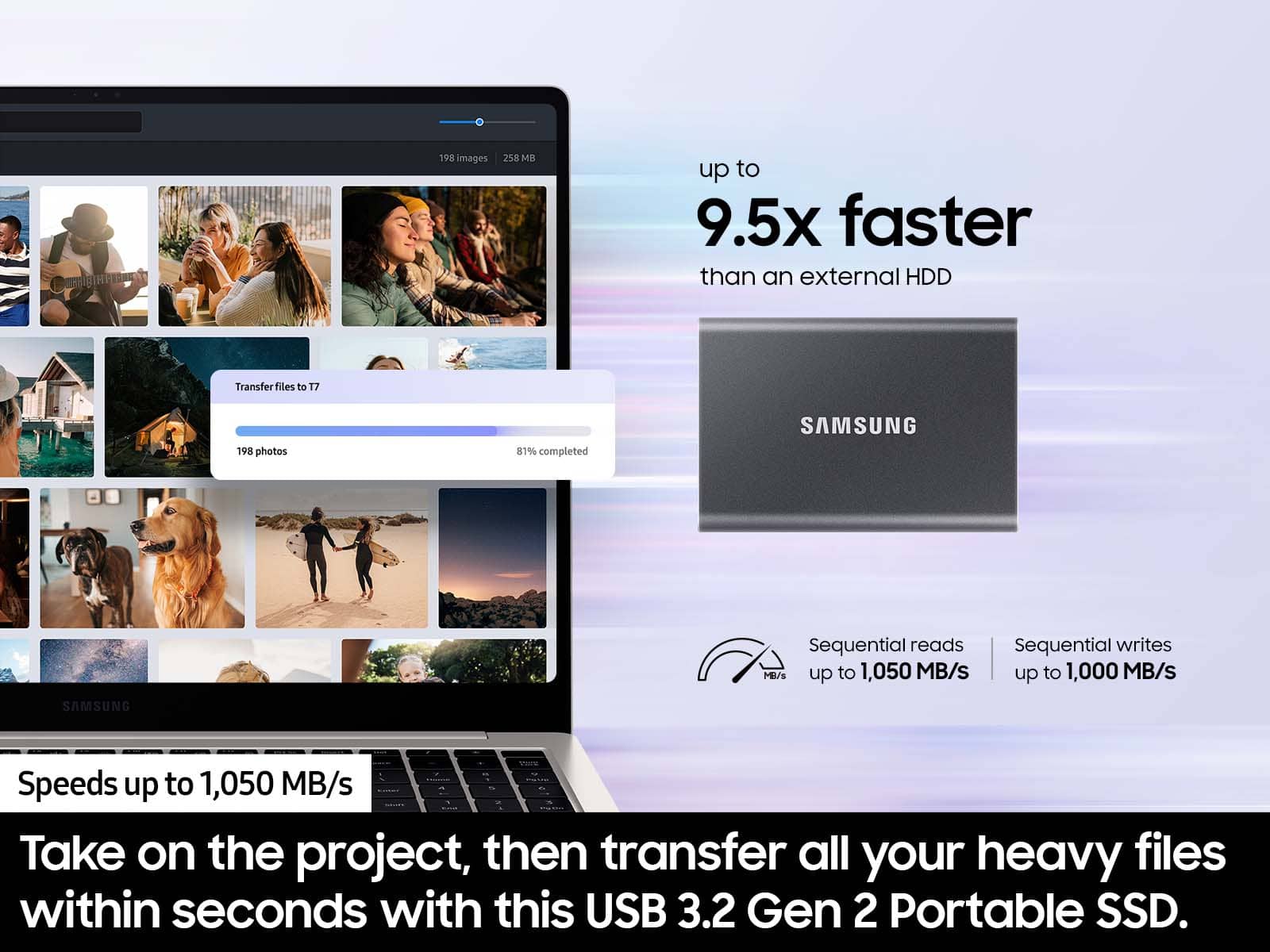
      Your 1TB drive was engineered to deliver speeds of up to 1,050MB/s Seq. Read and 1,000MB/s Seq. Write but the speed may vary depending on the user‘s PC environment and the types of data being transferred.

      As there are various factors that could affect speed, I would encourage you to call Samsung Customer Support if you need further assistance to troubleshoot your issue.

      1) Call: 1-800-SAMSUNG (ask for Memory or press #, then 6 for Memory products)
      Available 9AM – 12AM EST (Mon-Fri)
      2) Email: samsungmemorysupport@sea.samsung.com
      3) Or visit us on the Samsung website and click on the SUPPORT link in the upper right corner of the homepage for:
      a) Chat with Us/Product Help: To begin a chat or find solutions, choose ‘Computing – Memory & Storage’ and select your model & topic.
      b) Manuals & Software
      c) Warranty Info
      d) Register a Product: For access to easy warranty support, convenient opt-in to special promos and offers, faster troubleshooting and service, and quick notification of system updates
      e) Contact Us

      The Samsung Members Community is also a great resource for getting help from Samsung moderators and customers:  https://us.community.samsung.com/

      Samsung is committed to providing the best possible product experience, quality, and value, and we are always here to help with any of your questions or concerns.

      - Samsung Memory Samsung

  • Rated 1 out of 5 stars

    No option for Automatic Backup of Computer

    |
    |
    Posted . Owned for 9 months when reviewed.
    This reviewer received promo considerations or sweepstakes entry for writing a review.

    I purchased this Samsung external USB as a backup for a Windows 11 desktop computer. It does not have the option for automatic backups. If you want to back up your computer, you have to manually drag and drop copies of the files into this drive. I wish I never purchased it and now it's too late to return it.

    No, I would not recommend this to a friend
  • Cons mentioned:
    Heat dissipation

    Rated 1 out of 5 stars

    Extremely Unstable

    |
    |
    Posted . Owned for 1 month when reviewed.
    This reviewer received promo considerations or sweepstakes entry for writing a review.

    Drive gets extremely hot under Light Load, And Thermals and Disconnects.... I'm AN audio Engineer and I can't afford to have this drive Fail....

    No, I would not recommend this to a friend
    • Brand response from Samsung
      Posted .

      Studiorat:

      Thank you for purchasing the Samsung T7 Portable SSD. I am sorry to hear that you are experiencing heat issues with your SSD.

      Please know that the T7 features advanced thermal solution that uses ePCM technology and Dynamic Thermal Guard to withstand and control heat, so the Portable SSD stays at an optimal temperature even at fast speeds. This protects your data while maintaining responsiveness to help ensure your drive is always safe from overheating.

      However, please do reach out to us so that we can better diagnose your concern.

      1) Call: 1-800-SAMSUNG (ask for Memory) Available 9AM - 12AM EST (Mon-Fri)
      2) Email: [email protected]
      3) LiveChat: https://www.livehelpnow.net/lhn/lcv.aspx?d=34834&ms=&zzwindow=0&lhnid=29783
      Available 12PM-6PM EST (Mon-Fri)

      The Samsung Members Community is also a great resource for getting help from Samsung moderators and customers:  https://us.community.samsung.com/t5/Get-Help/ct-p/get-help

      Samsung stands behind the quality and performance of every T7 SSD we manufacture with a limited 3-year manufacturer’s warranty when purchased brand-new, directly from an authorized dealer, like Best Buy.

      We look forward to hearing from you soon.

      ~ Samsung Memory Samsung

  • Rated 3 out of 5 stars

    Expensive and not blazing fast

    |
    |
    Posted . Owned for 3 weeks when reviewed.
    This reviewer received promo considerations or sweepstakes entry for writing a review.

    I like this SSD because it works with the iPad Pro. I will say the claims of it be blazing fast for 4K gopro footage is not so much. It works like a average SSD drive.

    No, I would not recommend this to a friend
    • Brand response from Samsung
      Posted .

      Badgirlrockstar:

      Thank you for purchasing the Samsung T7 Portable SSD and for your review. I am sorry to hear that you are not completely happy with the performance speeds.

      The maximum transfer speed that can be achieved by the T7 is 1,050MB/s on a PC that supports USB 3.2 Gen2, UASP mode, but the speed may vary depending on the user‘s PC environment and the types of data being transferred. Please look to the details below for possible causes (and solutions), if you think your T7 is under performing.

      Scenario 1 (PC Environment)
      Your PC's USB Type C Port must support USB 3.2 Gen 2 (10Gbps) in order to fully utilize the speed of the T7. USB 3.0 Gen.1, USB 3.1 Gen 1. USB 3.2 Gen.1 are restricted to 5Gbs speeds any may be the bottleneck to the performance of your T7.

      Scenario 2 (Cable)
      Using other cables besides the enclosed cable that comes with the T7 may cause performance degradation. Due to the varying internal resistance and maximum allowable current of other the cable types that does not come officially with the T7.

      Scenario 3 (Dynamic Thermal Guard, DTG)
      The T7 is designed to activate the DTG (Dynamic Thermal Guard) when the product reaches a its threshold temperature due to prolonged data transfers and usage. The smartly activated DTG function prevents the product from overheating and automatically slows down providing it a cool off period. The DTG technology enhances safety and reliability by preventing the product from reaching an excessively high temperature.

      Should you need further assistance, please contact Samsung Customer Support directly so that we can better investigate your speed issue and assist you towards a resolution.

      1) Call: 1-800-SAMSUNG (ask for Memory) Available 9AM - 12AM EST (Mon-Fri)
      2) Email: [email protected]
      3) LiveChat: https://www.livehelpnow.net/lhn/lcv.aspx?d=34834&ms=&zzwindow=0&lhnid=29783
      Available 12PM-6PM EST (Mon-Fri)

      The Samsung Members Community is also a great resource for getting help from Samsung moderators and customers:  https://us.community.samsung.com/t5/Get-Help/ct-p/get-help

      If you have not already so, we encourage you to register your new Samsung SSD at:  https://www.samsung.com/us/account/signin/?redirect=https%3A%2F%2Fwww.samsung.com%2Fus%2Fsupport%2Fregister%2F

      Registering your product gives you access to easy warranty support, convenient opt-in to special promos & offers, faster troubleshooting & service, and quick notification of system updates.

      Samsung is committed to providing the best possible product experience, quality, and value, and we are always here to help with any of your questions or concerns.

      - Samsung Memory Samsung

  • Rated 4 out of 5 stars

    Great SSD, but gotta do one thing first...

    |
    |
    Posted . Owned for 1 month when reviewed.
    This reviewer received promo considerations or sweepstakes entry for writing a review.

    I bought this drive for my XBOX One X and was getting great load times, but experiencing some weird hitching and audio issues. After some searching, I found that the drive needed a firmware update to perform as intended for my console. Luckily it's an easy process: go to Samsung's website and download the "Portable SSD Software 1.0" and run it > plug the hard drive to your PC > Click UPDATE and follow the instructions. Once that was done, it ran exactly as I had hoped. Only reason I have it 4 stars and not 5 was because the firmware update was needed to run properly...

    I would recommend this to a friend
  • Rated 1 out of 5 stars

    Does not work

    |
    |
    Posted . Owned for 3 weeks when reviewed.
    This reviewer received promo considerations or sweepstakes entry for writing a review.

    Brand new and doesn't work from the get go. Unable to play the cinematic of a video game: freezes every 2 seconds for a second. Basically unusable. Nothing else is installed than that one game. I moved the game to an old hard drive and it worked just fine there. I need a refund.

    No, I would not recommend this to a friend
  • Rated 1 out of 5 stars

    Don’t carry this item again

    |
    |
    Posted .
    This reviewer received promo considerations or sweepstakes entry for writing a review.

    Hard drive failed after about three weeks. And lost important data

    No, I would not recommend this to a friend
    • Brand response from Samsung
      Posted .

      DavidD,

      Thank you for purchasing the Samsung T7 SSD. We appreciate you sharing your experience with us.

      Samsung stands behind the quality and performance of every T7 SSD we manufacture with a limited 3-year manufacturer’s warranty when purchased brand-new, directly from any authorized dealer.

      Please contact Samsung Customer Support so we can better understand your issue and assist you with step-by-step troubleshooting or warranty service.

      You can reach us at:

      1) Call: 1-800-SAMSUNG (ask for Storage Devices). Available 9AM - 12AM EST (Mon-Fri)
      2) Email: samsungmemorysupport@sea.samsung.com
      3) LiveChat 9AM-9PM EST (Mon-Fri) -- https://www.livehelpnow.net/lhn/lcv.aspx?d=34834&ms=&zzwindow=0&lhnid=29783

      We look forward to hearing from you soon.

      ~ Samsung Pro Samsung

  • Cons mentioned:
    Compatibility

    Rated 1 out of 5 stars

    Continually crashed. Lost my game data

    |
    |
    Posted . Owned for 1 year when reviewed.
    This reviewer received promo considerations or sweepstakes entry for writing a review.

    Died shortly after a year. Used it for ps4 game data for my PS5. If this was touched or moved in the slightest I would get an error message from my PlayStation saying that there was a problem with my external storage. Dealt with it for a little more than a year before my data no longer appearred. It’s like the hard drive cleared it itself, I’ve never reformatted it on my own. 

    No, I would not recommend this to a friend
    • Brand response from Samsung
      Posted .

      Mars:

      I’m sorry to hear that your Samsung 7T SSD did not meet your expectations. This is not the quality we expect from our products.

      Samsung stands behind the quality and performance of every T7 SSD we manufacture with a limited 5-year manufacturer’s warranty when purchased brand-new, directly from any authorized dealer, like Best Buy.

      Please contact Samsung Customer Support directly so that we can better investigate your issue and assist you towards a resolution or replacement.

      1) Call: 1-800-SAMSUNG (ask for Memory or press #, then 6 for Memory products)
      Available 9AM – 12AM EST (Mon-Fri)
      2) Email: samsungmemorysupport@sea.samsung.com
      3) Or visit us on the Samsung website and click on the SUPPORT link in the upper right corner of the homepage for:
      a) Chat with Us/Product Help: To begin a chat or find solutions, choose ‘Computing – Memory & Storage’ and select your model & topic.
      b) Manuals & Software
      c) Warranty Info
      d) Contact Us

      We look forward to hearing from you soon.

      - Samsung Memory Samsung

  • Rated 1 out of 5 stars

    Not sure if it's worth it.

    |
    |
    Posted . Owned for 1 month when reviewed.
    This reviewer received promo considerations or sweepstakes entry for writing a review.

    I've had it for not even a month and it has stopped working now I'm waiting on a phone call from the tech to get it fixed!

    No, I would not recommend this to a friend
  • Rated 1 out of 5 stars

    Terrible experience!

    |
    |
    Posted . Owned for 3 weeks when reviewed.
    This reviewer received promo considerations or sweepstakes entry for writing a review.

    It was terrible. Will never use them again ever again.

    No, I would not recommend this to a friend
  • Rated 3 out of 5 stars

    Samsung - T7 1TB External

    |
    |
    Posted . Owned for 10 months when reviewed.
    This reviewer received promo considerations or sweepstakes entry for writing a review.

    To be realistic, it's not worth the money. If you're going to use it on a gaming console.

    No, I would not recommend this to a friend
  • Rated 3 out of 5 stars

    Just ok, but good for the price

    |
    |
    Posted . Owned for 1 month when reviewed.
    This reviewer received promo considerations or sweepstakes entry for writing a review.

    This drive performs a bit underwhelmingly. I was expecting better transfer speed and more consistence in it's IO.

    I would recommend this to a friend
  • Cons mentioned:
    Compatibility

    Rated 1 out of 5 stars

    JUNK Drives

    |
    |
    Posted . Owned for 3 weeks when reviewed.
    This reviewer received promo considerations or sweepstakes entry for writing a review.

    Awful - bought 2 of these -waste of money - PC's (several) do not recognize and once they finally do drives quit halfway through projects.

    No, I would not recommend this to a friend
    • Brand response from Samsung
      Posted .

      StoreOpinion:

      I’m very sorry for the difficulties you’ve experienced with your T7 SSD. We completely understand your frustrations, and we are here to help.

      Samsung stands behind the quality and performance of every T7 SSD we manufacture with a limited 3-year manufacturer’s warranty when purchased brand-new, directly from any authorized dealer, like Best Buy.

      Please contact Samsung Customer Support directly so that we can better investigate your issue and assist you towards a resolution or replacement.

      1) Call: 1-800-SAMSUNG (ask for Memory or press #, then 6 for Memory products)
      Available 9AM – 9PM EST (Mon-Fri)
      2) Email: samsungmemorysupport@sea.samsung.com
      3) Or visit us on the Samsung website and click on the SUPPORT link in the upper right corner of the homepage for:
      a) Chat with Us/Product Help: To begin a chat or find solutions, choose ‘Computing – Memory & Storage’ and select your model & topic.
      b) Manuals & Software
      c) Warranty Info
      d) Register a Product: For access to easy warranty support, convenient opt-in to special promos and offers, faster troubleshooting and service, and quick notification of system updates
      e) Contact Us

      The Samsung Members Community is also a great resource for getting help from Samsung moderators and customers:  https://us.community.samsung.com/

      We hope to hear from you soon.

      - Samsung Memory Samsung

  • Rated 3 out of 5 stars

    Samsung T7

    |
    |
    Posted . Owned for 3 weeks when reviewed.
    This reviewer received promo considerations or sweepstakes entry for writing a review.

    Not user friendly. To many steps to save data. Not sure if I would purchase a second one in the future.

    No, I would not recommend this to a friend
  • Pros mentioned:
    Portability

    Rated 4 out of 5 stars

    Portable storage

    |
    |
    Posted . Owned for 8 months when reviewed.
    This reviewer received promo considerations or sweepstakes entry for writing a review.

    Great pocket size storage for everyday use. Could not function without it.

    I would recommend this to a friend
  • Pros mentioned:
    Size, Speed, Storage capacity
    Tech Insider Network Member

    Rated 5 out of 5 stars

    Slim and Fast

    |
    Tech Insider Network Member
    Posted .
    This reviewer received promo considerations or sweepstakes entry for writing a review.

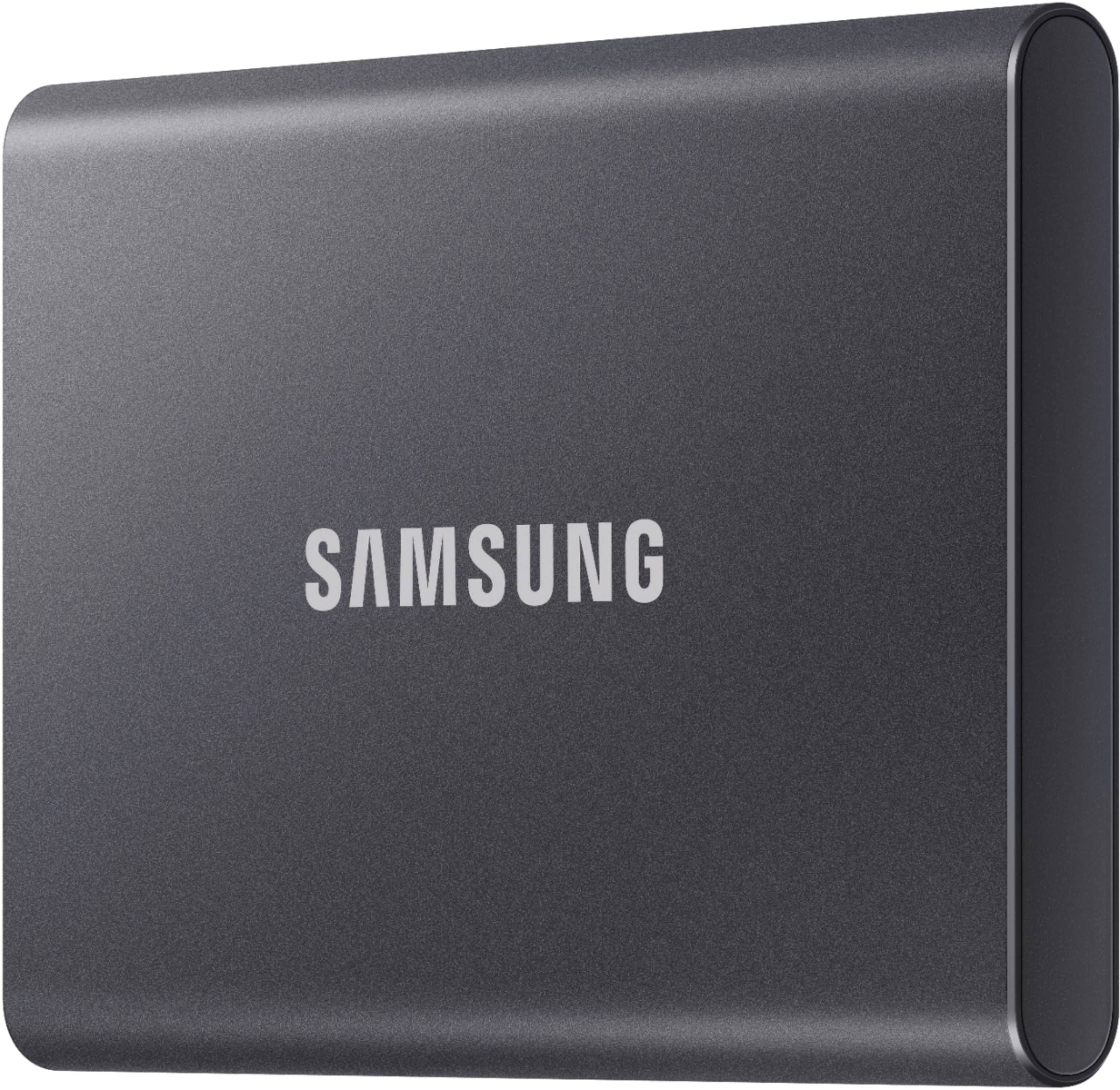
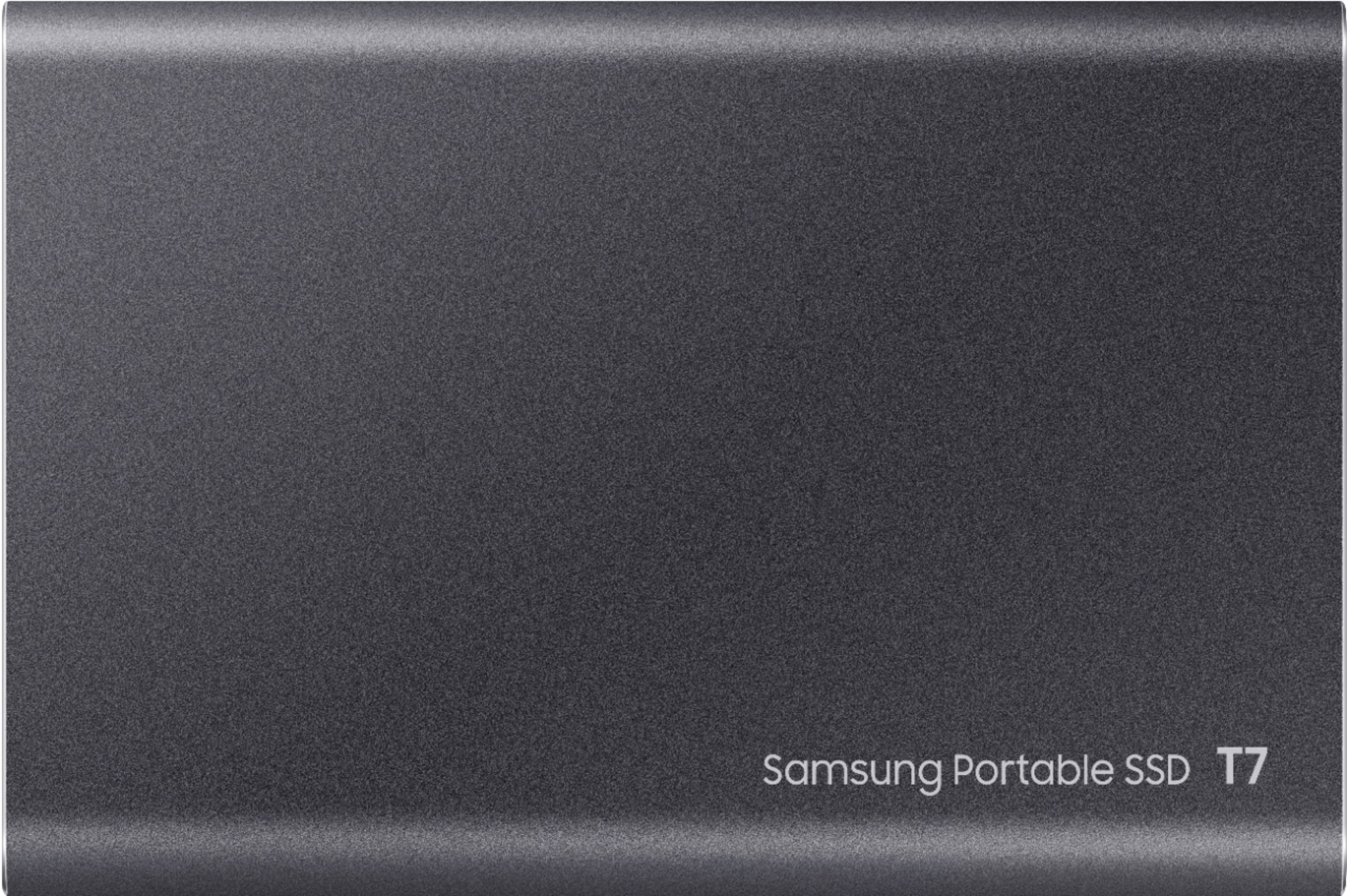
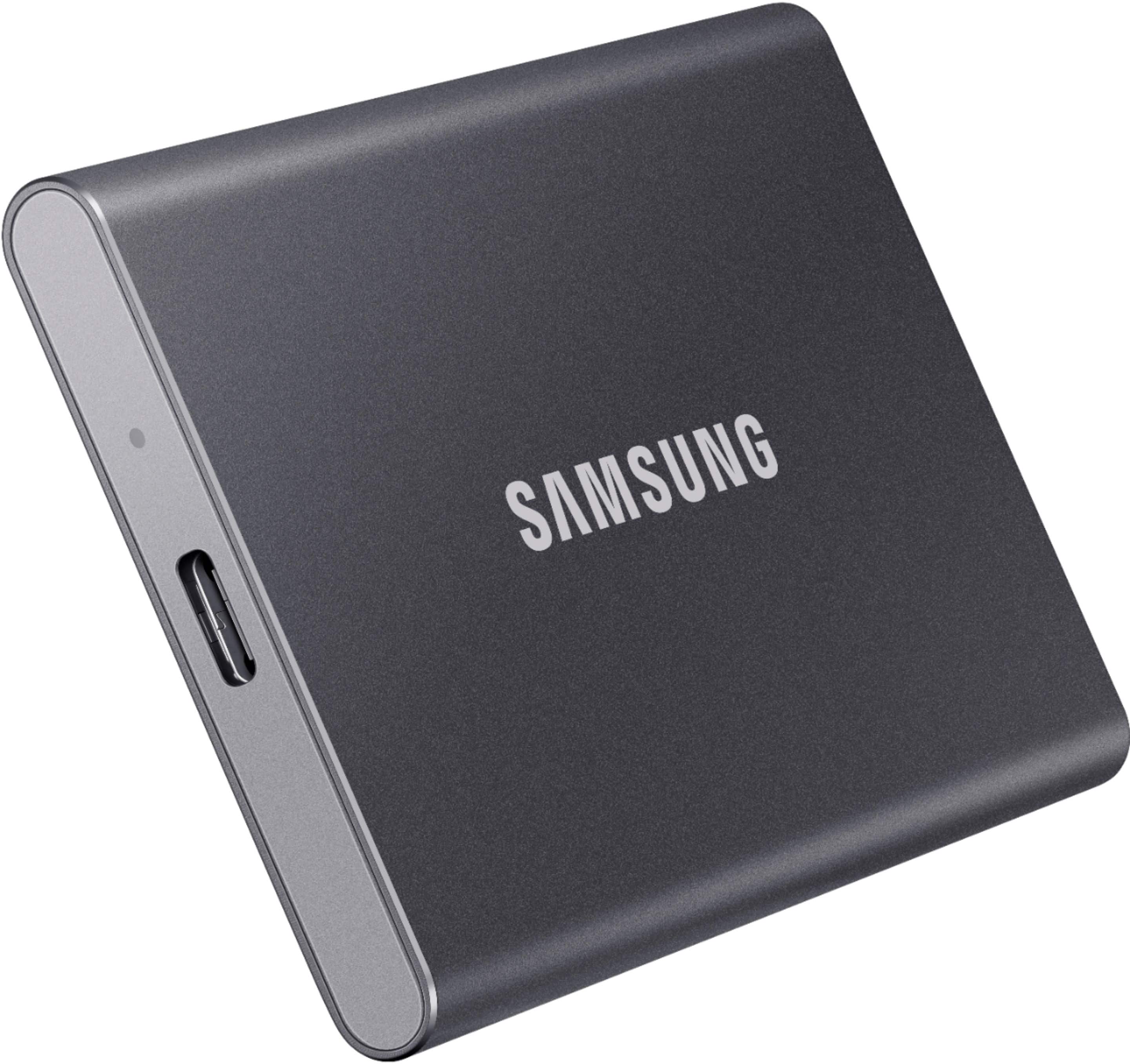
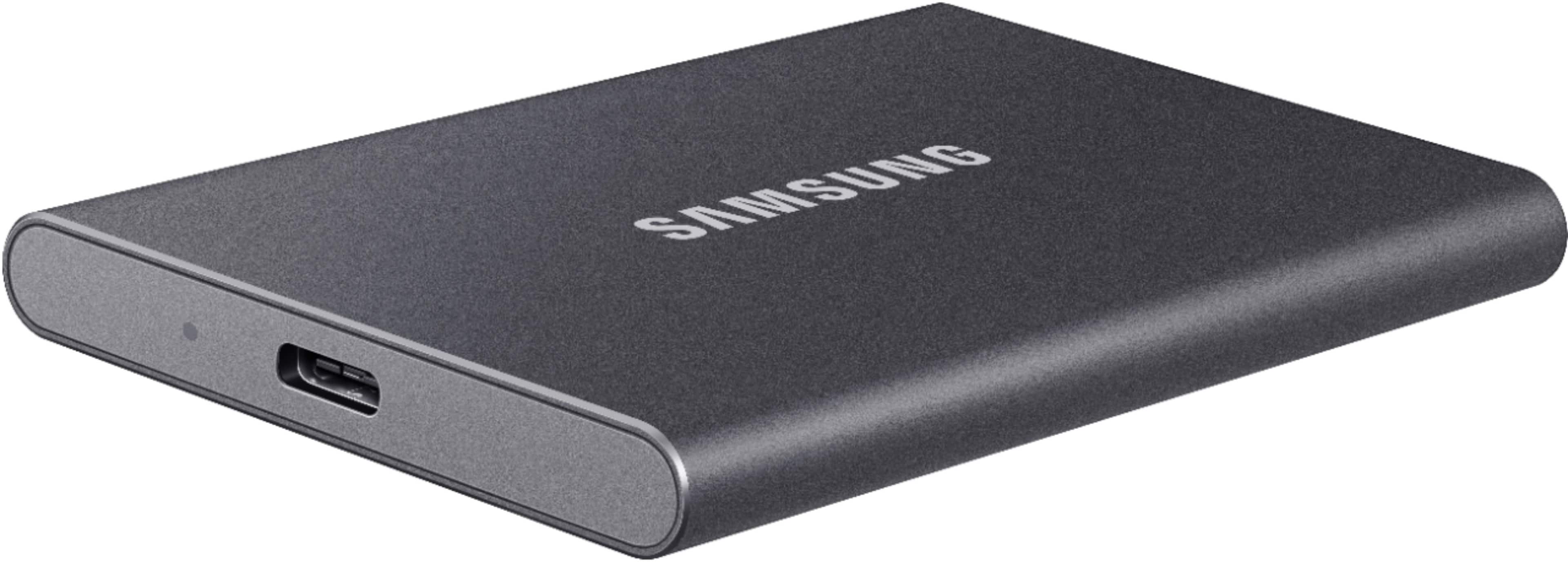
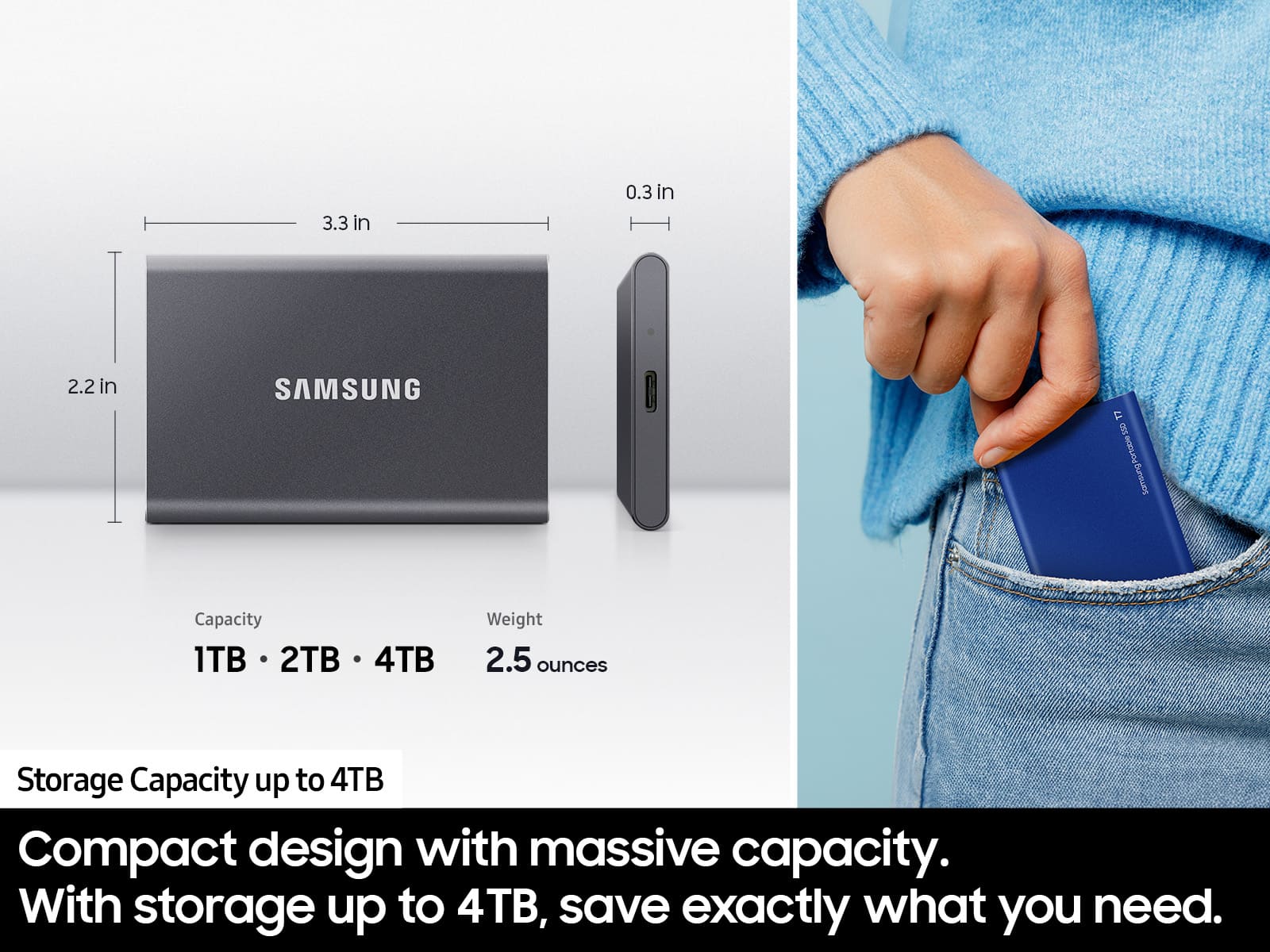
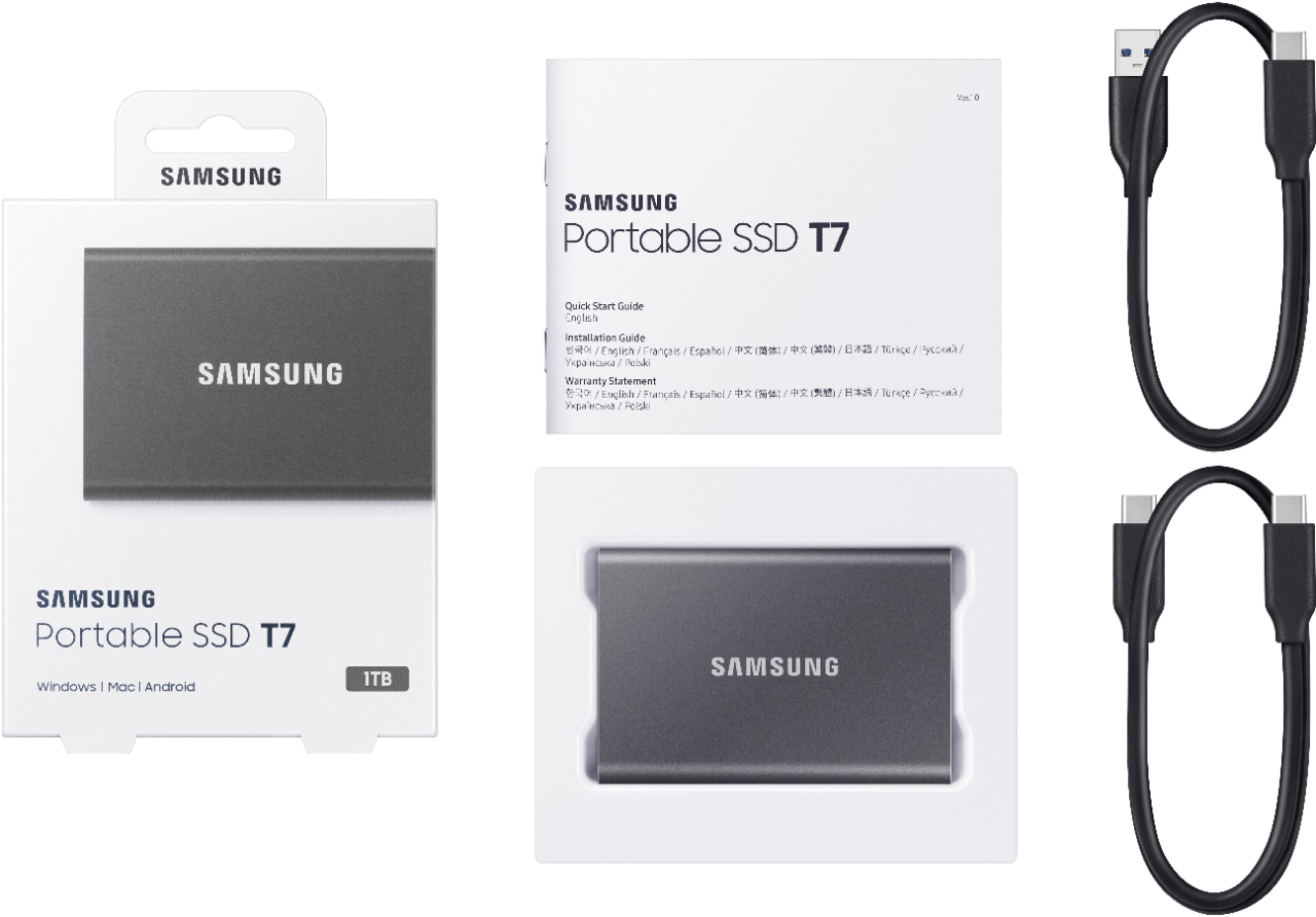
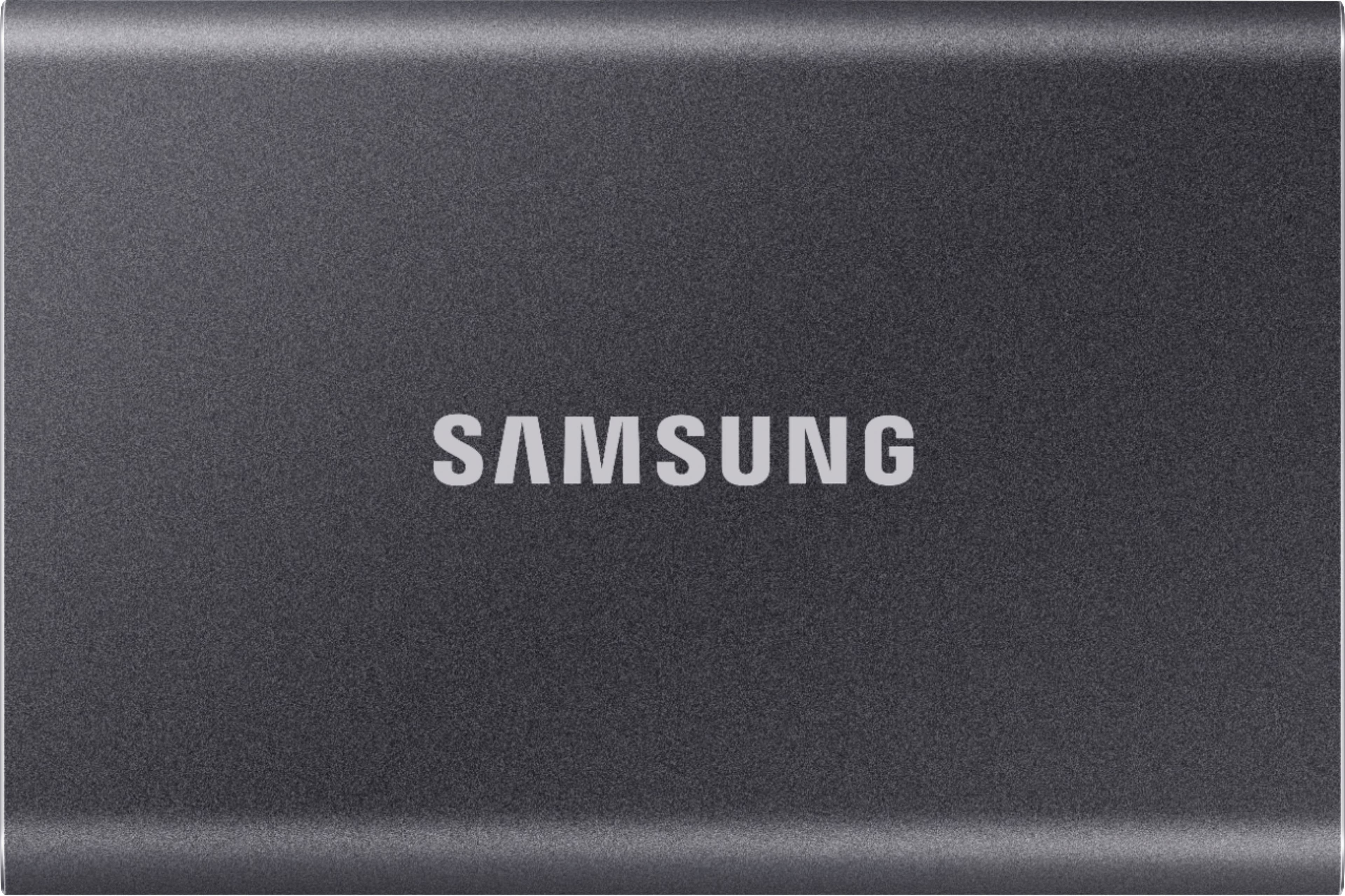
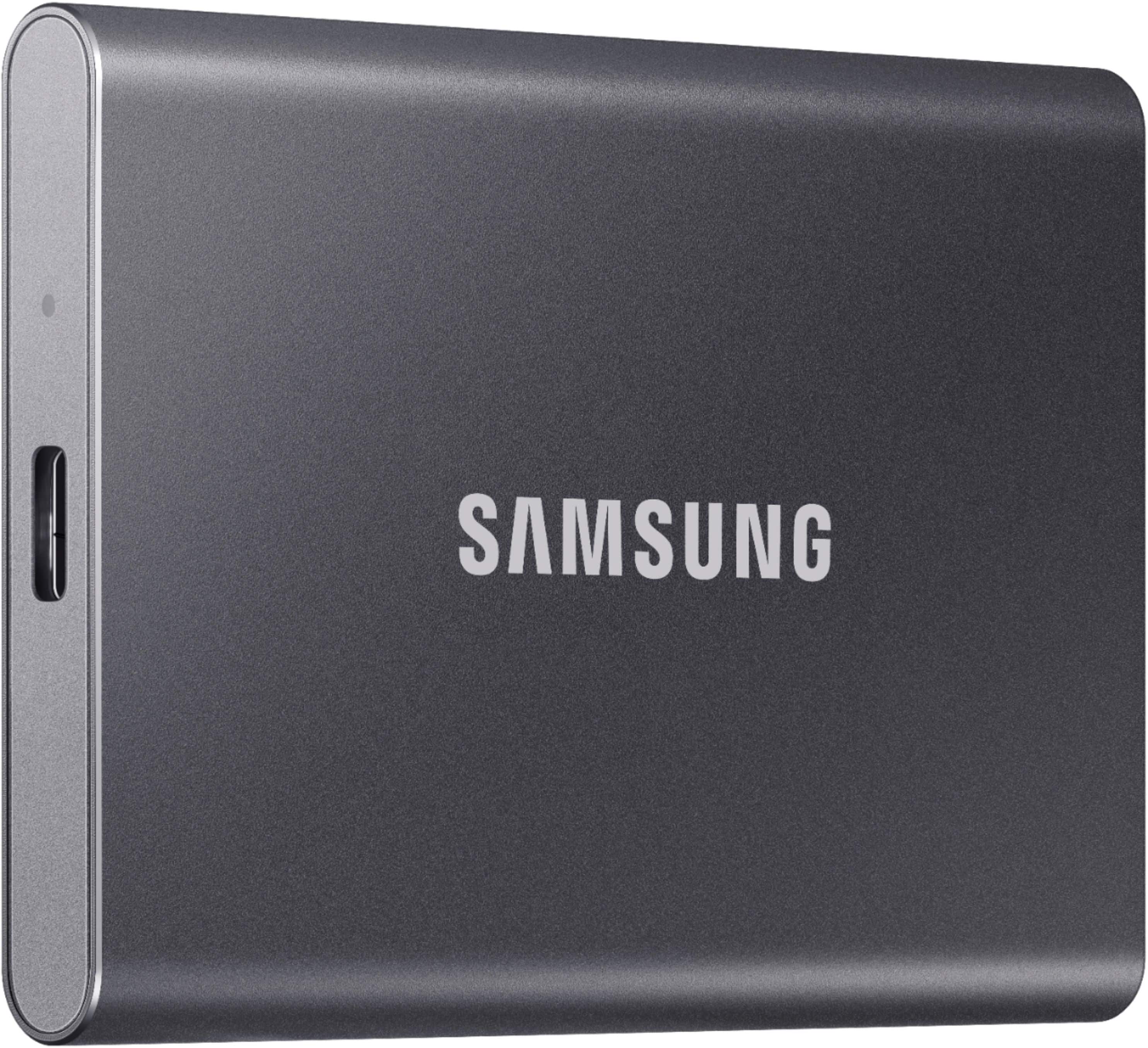
    This little drive is amazing. Who would have thought you could hold 1TB in the palm of your hand. The drive dimensions are about the size of a credit card and thinner than a cell phone. Its very light weight but also feels durable to the point that it won't bend or break. It connects via USB 3.0 Type C with a cord that's not real long for plugging into the back of a desktop, but plenty long enough for a USB port on the front of a desktop or side of a laptop. The speed for transferring the large files is excellent and the drive stays cool to the touch. The encryption is also very easy and convenient, just don't forget your password. If you are looking for a slim, stylish and fast portable SSD, this powerful little drive will not disappoint and its so small I'd recommend getting one of the bright colors so you don't lose track of it.

    I would recommend this to a friend
    • Brand response from Samsung
      Posted .

      GoGoGomez:

      Thank you for purchasing the Samsung T7 Portable SSD. I’m glad to see you are loving the simplicity, portability and compatibility of the T7. Roughly the size of a credit card and only weighing 2 ounces, the T7 fits comfortably in the palm of your hand and is light enough to take your files on the go. Whether you're storing critical business documents, games, or movies, the Portable SSD gives you speed and durability in a palm-sized package.

      Should you ever have questions or need assistance using this product, please contact Samsung Customer Support.

      1) Call: 1-800-SAMSUNG (ask for Memory) Available 9AM - 12AM EST (Mon-Fri)
      2) Email: [email protected]
      3) LiveChat: https://www.livehelpnow.net/lhn/lcv.aspx?d=34834&ms=&zzwindow=0&lhnid=29783
      Available 12PM-6PM EST (Mon-Fri)

      The Samsung Members Community is also a great resource for getting help from Samsung moderators and customers: https://us.community.samsung.com/t5/Get-Help/ct-p/get-help

      If you have not already done so, we invite you to register your new Samsung SSD at:  https://www.samsung.com/us/account/signin/?redirect=https%3A%2F%2Fwww.samsung.com%2Fus%2Fsupport%2Fregister%2F

      Registering your product gives you access to easy warranty support, convenient opt-in to special promos & offers, faster troubleshooting & service, and quick notification of system updates.

      Samsung is committed to providing the best possible product experience, quality, and value, and we are always here to help with any of your questions.

      Thank you for choosing Samsung!

      ~ Samsung Memory Samsung