Customer Ratings & Reviews
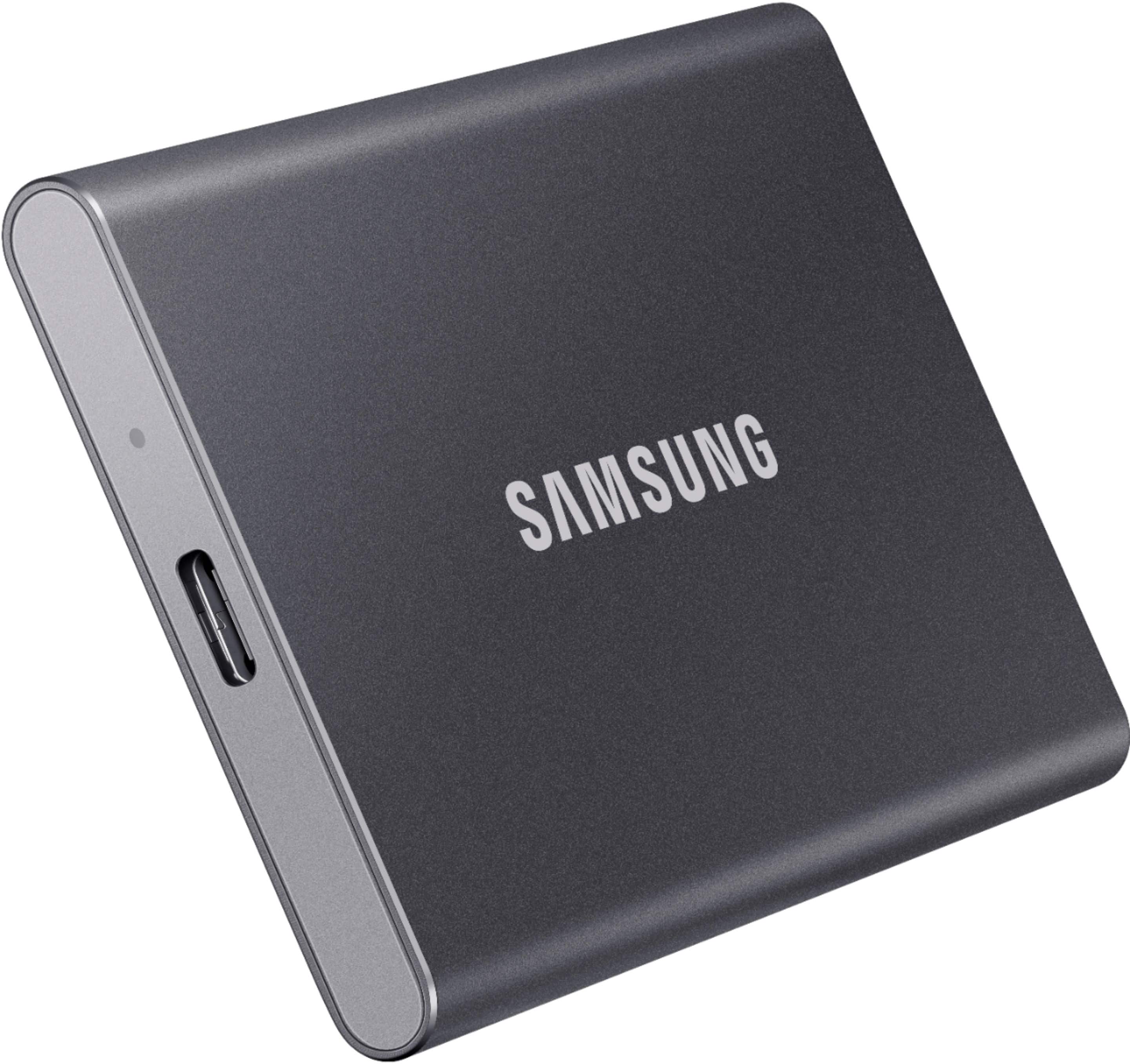
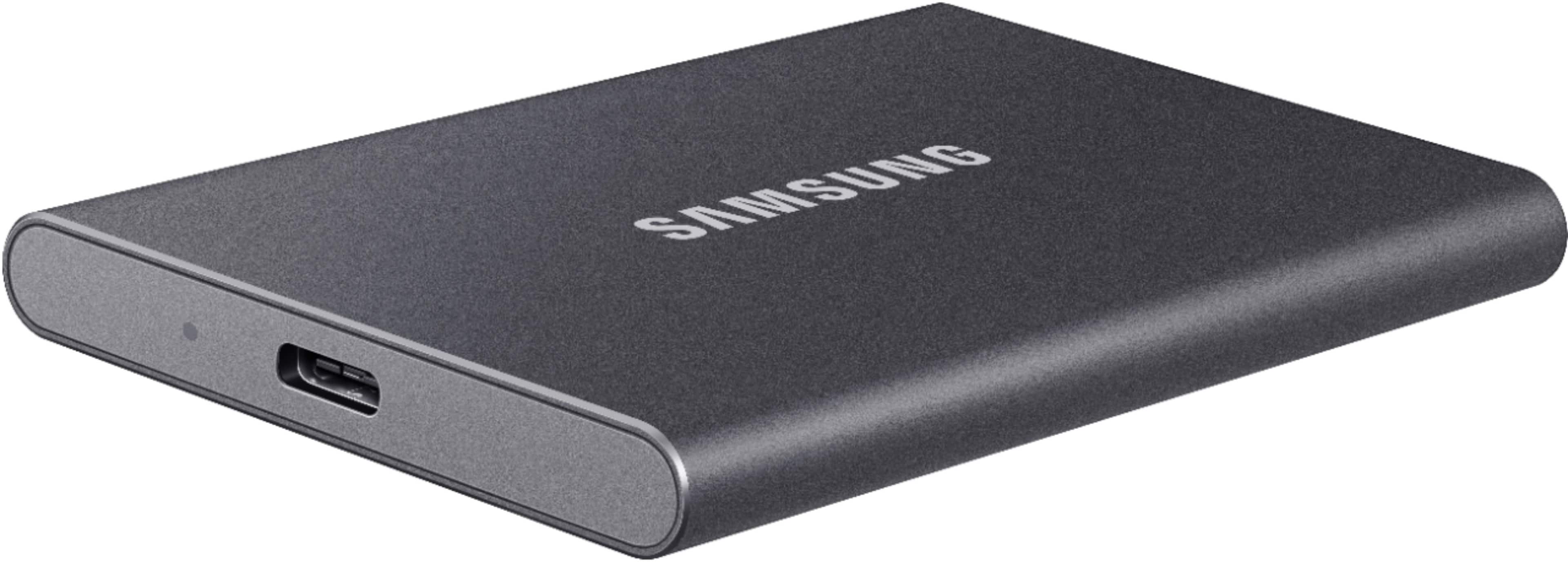
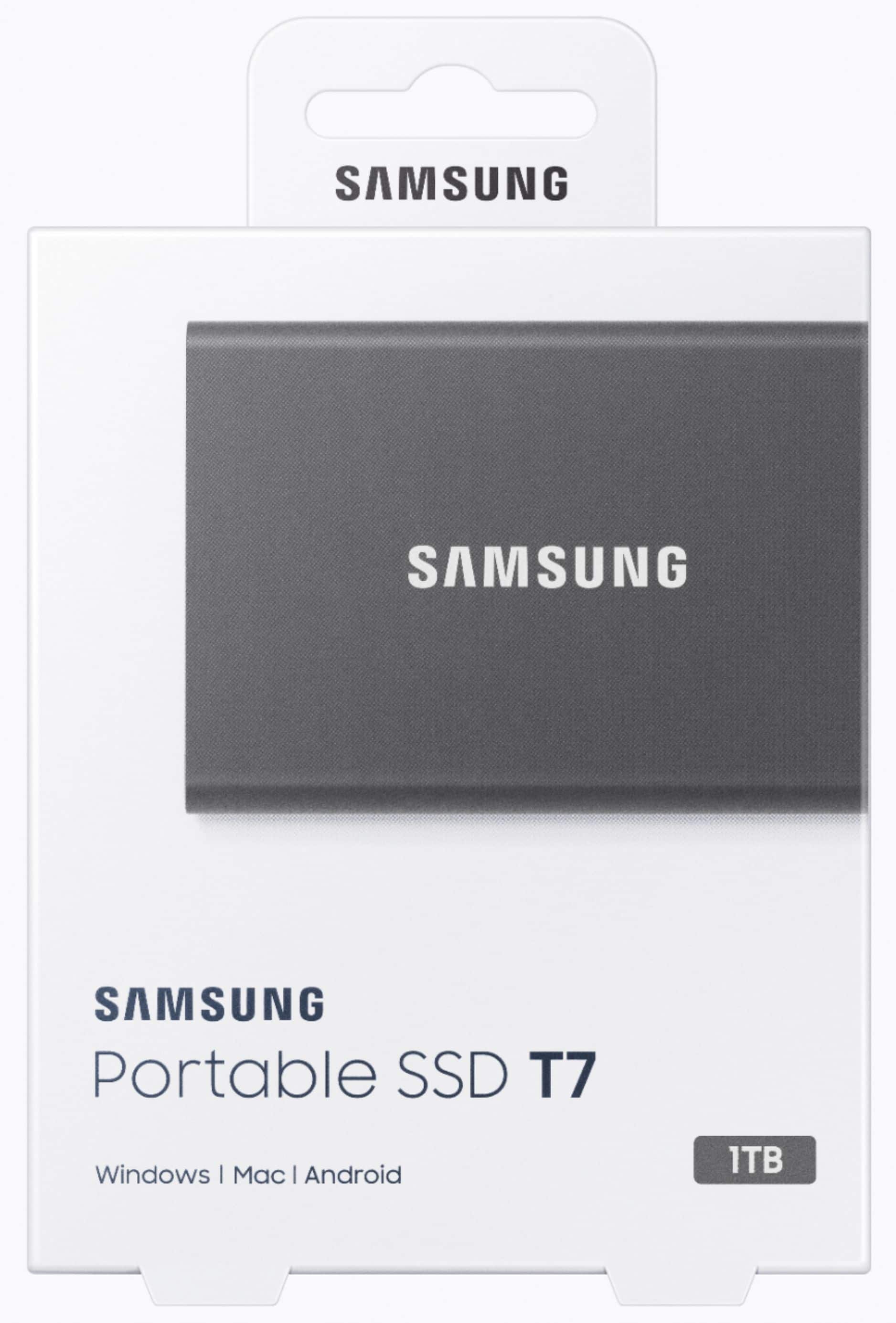
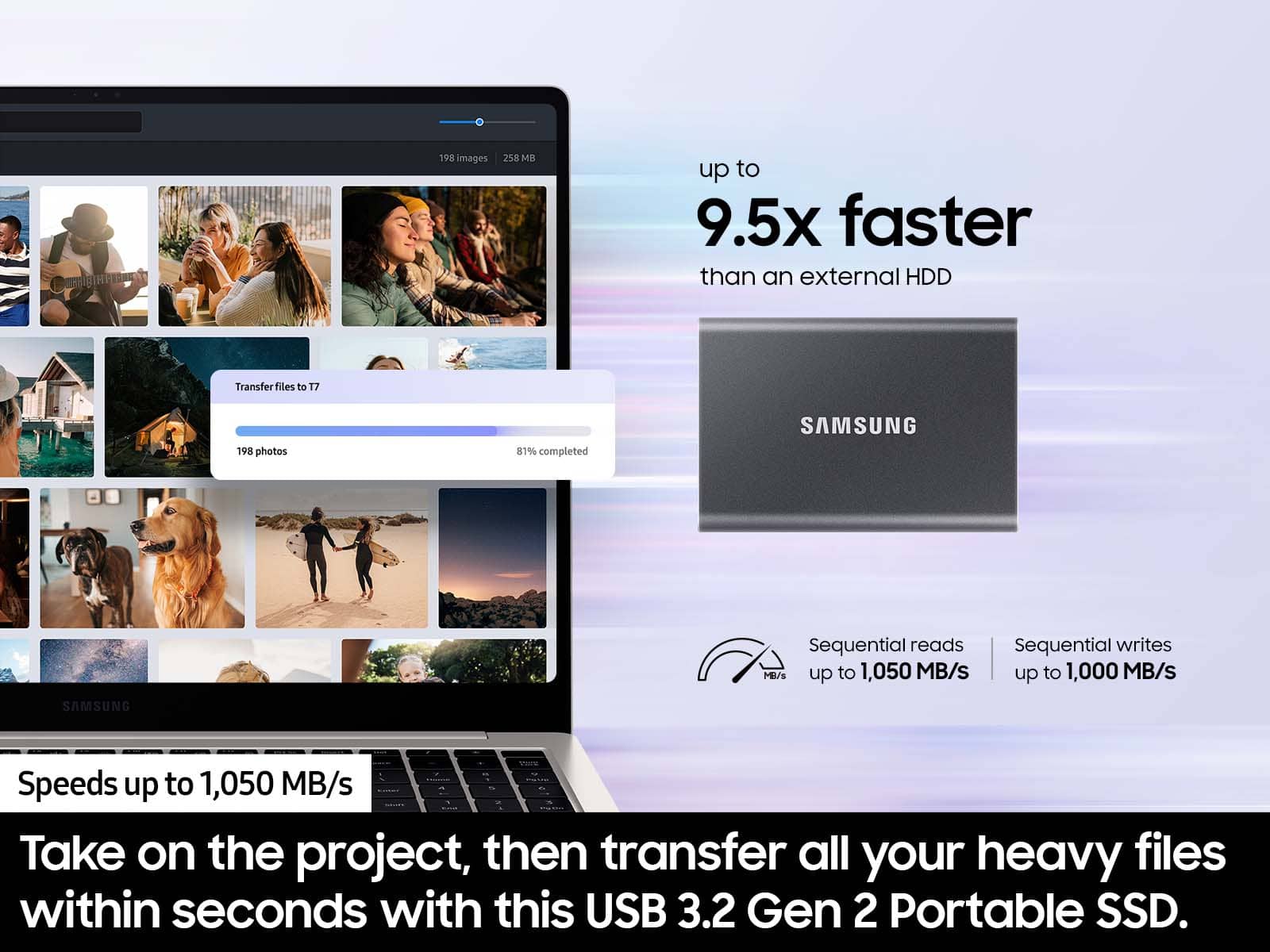


- Model:
- MU-PC1T0T/AM
- SKU:
- 11643848
Rating by feature
- Value
Rating 4.7 out of 5 stars
- Quality
Rating 4.9 out of 5 stars
- Ease of Use
Rating 4.9 out of 5 stars
to a friend

Fast and compact...
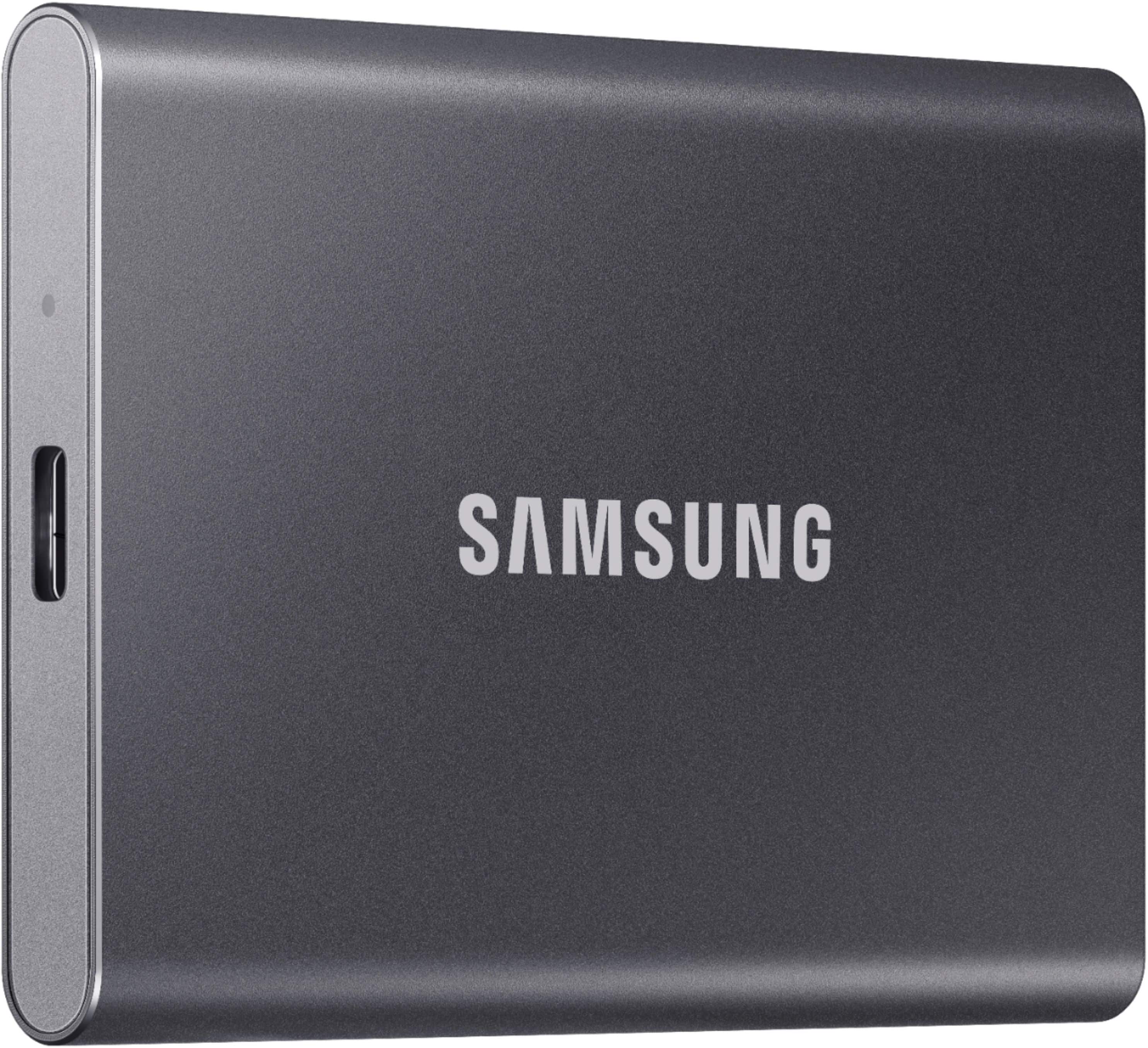
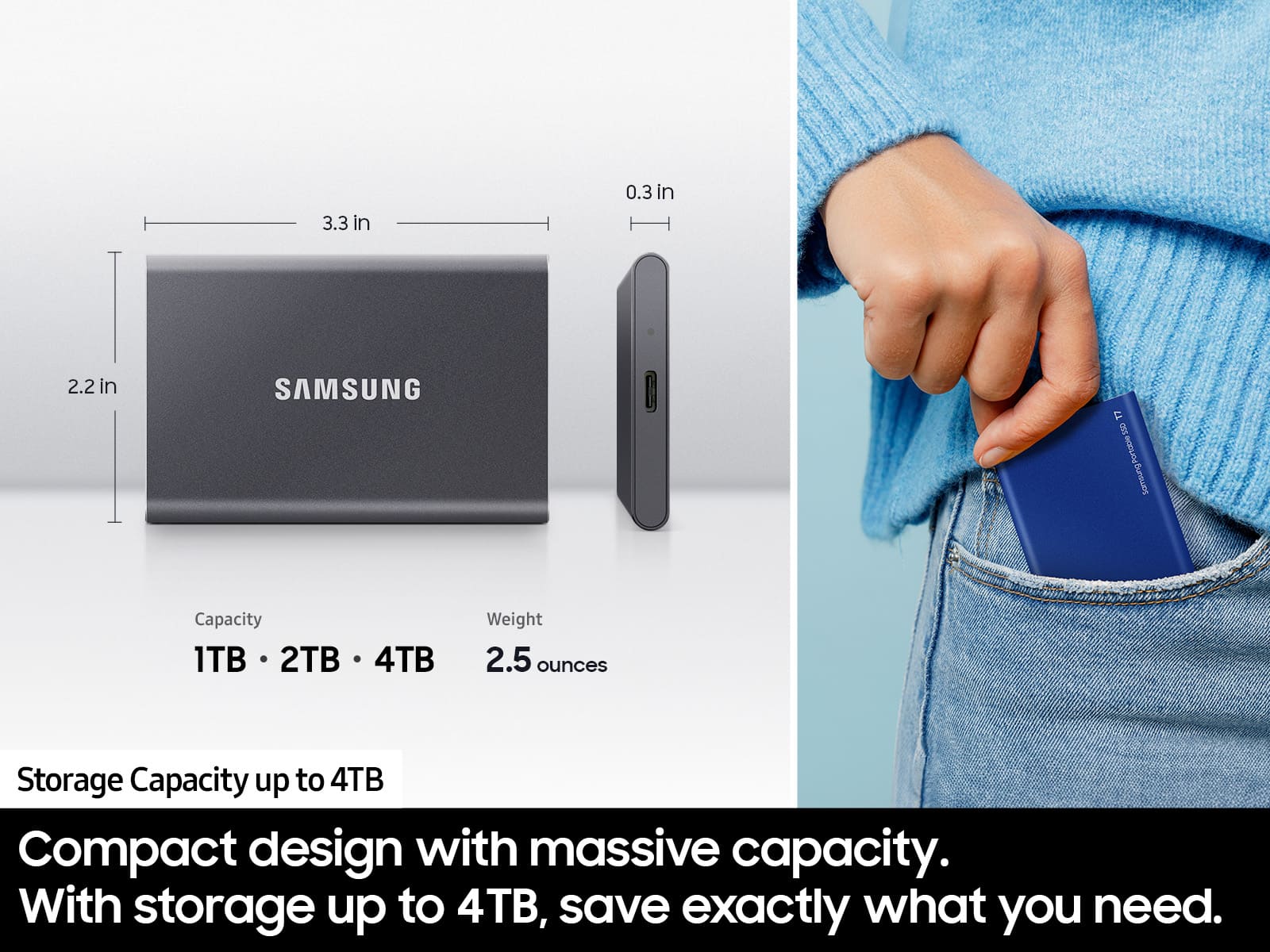
|Posted .This reviewer received promo considerations or sweepstakes entry for writing a review.This is my first portable external storage device so I wasn't really sure what to expect. What I do know is that I was able to transfer about 4K photo's with some videos mixed in in less than 4 minutes. It took be about an hour to transfer those same files form my phone to my PC. The setup was easy. You just plug it in, find the device, and tell it with system you are using it on. It installed and updated the software itself and I had no issues. It's super fast with no noise being made at all. I would say that it weights a few ounces and is about the the equivalent to 6 credit cards stacked on top of one another as far as both width and length.
I would recommend this to a friendVery nice encrypted drive
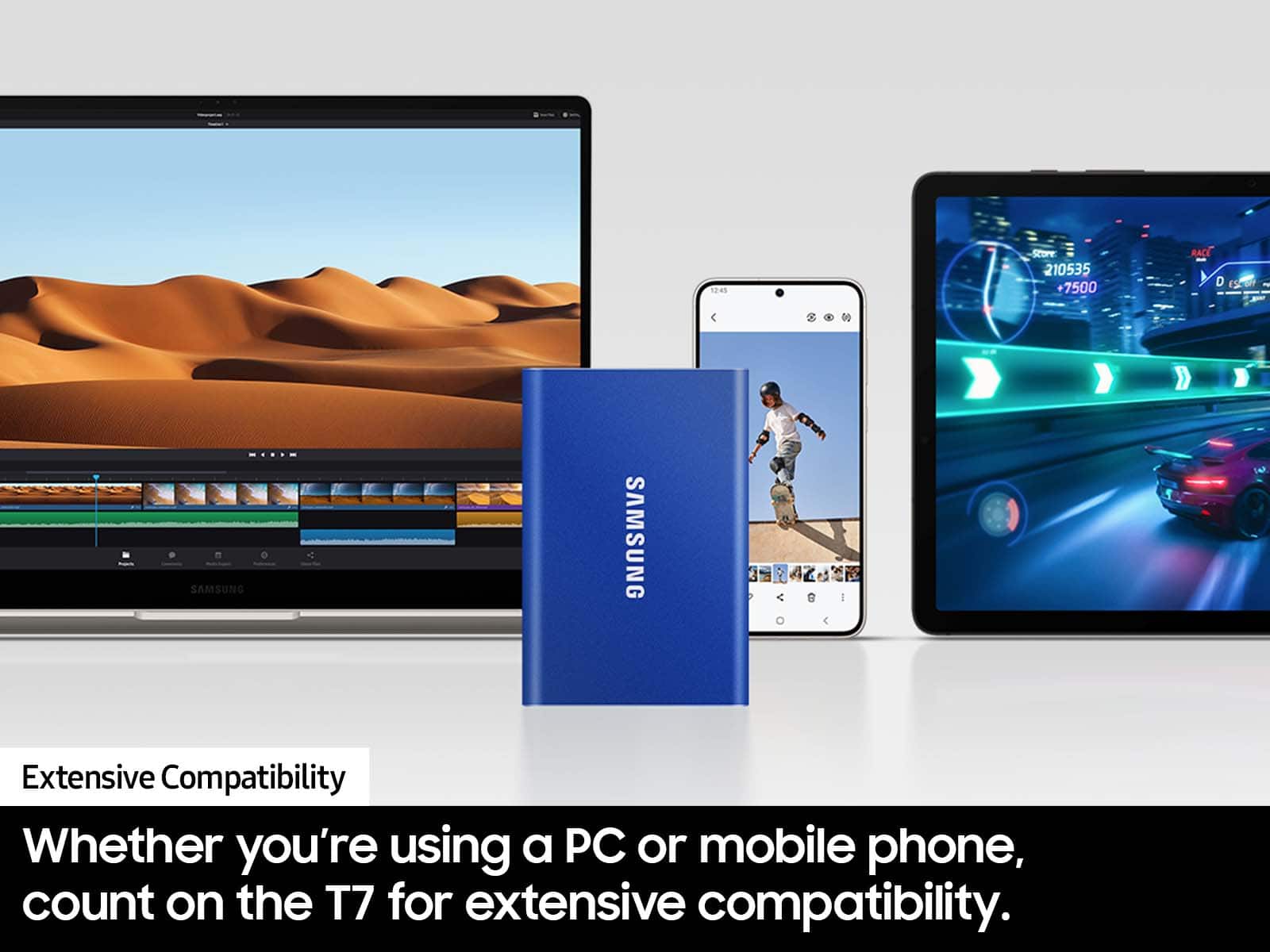
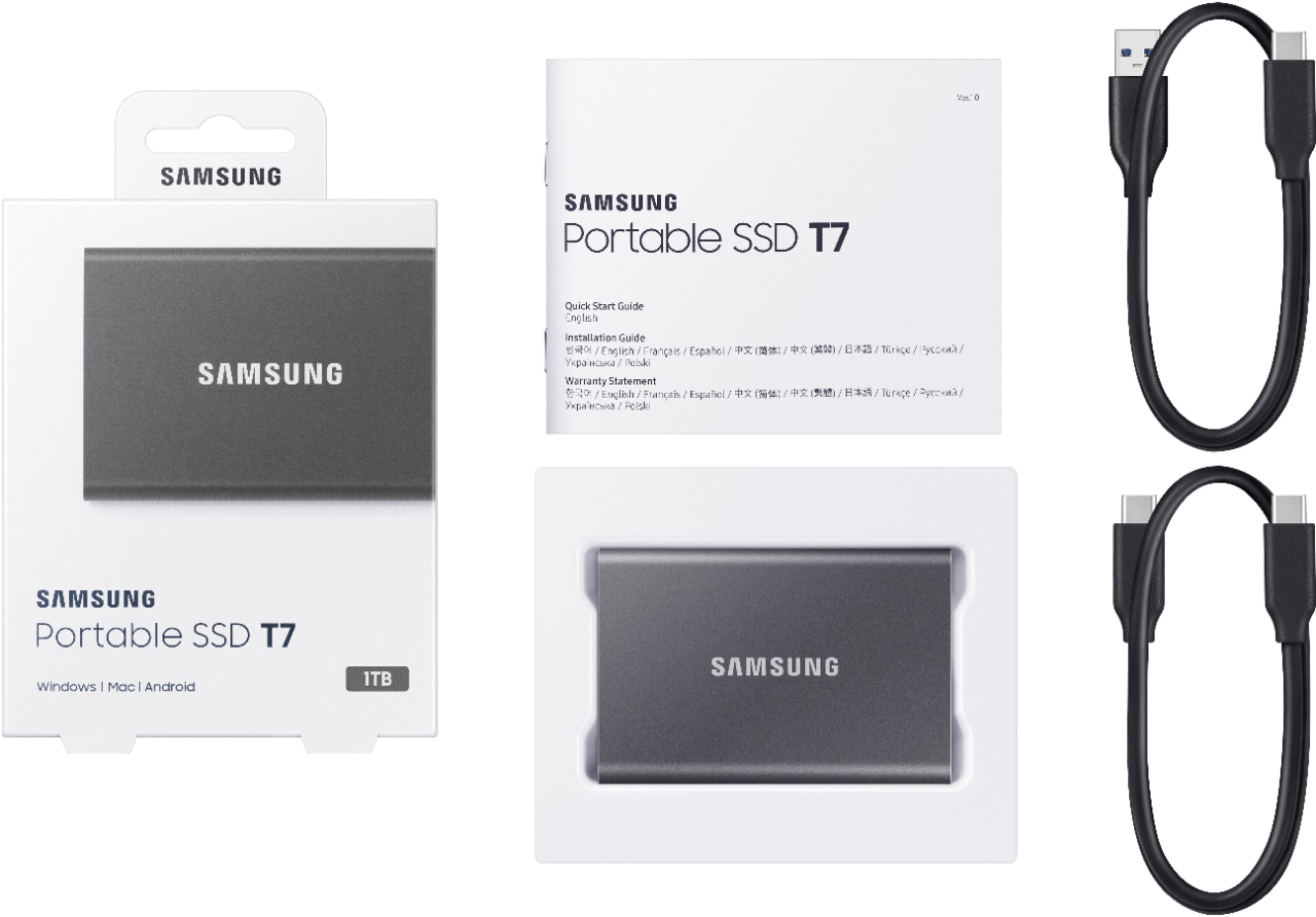
|Posted .This reviewer received promo considerations or sweepstakes entry for writing a review.First impression: My first impression of the drive was that it was very light and seemed well made. It is also an attractive greyish color. It was well packaged and included two USB cables; an “A” to “C” and a “C” to “C”. The instructions are about like any other, not overwhelming, but not really needed for this drive. Test: I first plugged the drive into my 2018 MacBook Pro. It was immediately recognized and mounted. When I opened the drive, it had the software installers for Apple devices and Windows devices. For Android users, you need to download the software, and it had a text file with a link in it to download the Android software. I installed the software and it came right up. The software is very simple and only gives you a few options. If you select Security Mode On, you will set the password for the drive. You can also change the name of the drive and change the password. Finally, you can update the app through the app. That’s it, everything else is handled behind the scenes. When you put in your password, the install files are no longer displayed, and you are in the encrypted drive. You can add, delete, and copy files, and everything else you would do with an external drive or thumb drive. When you are done, eject the drive and you are back to the read-only partition containing the install files. I plugged the drive into my Windows 10 laptop. The drive came right up and presented the read-only partition with the install files. I tried copying a file over and it was denied. I looked in Drive Manager and the Samsung T7 was displayed as unallocated space. I installed the app and then it was displayed as a healthy exFAT partition. When I ejected the drive, it went back as unallocated space in Drive Manager. The same test on my MacBook Pro had the same results. On both laptops, I put in my password and opened the drive. I then locked the screen, unlocked the screen, and then opened the drive. On both laptops, the drive went back to an encrypted mode and required my password to open it again. This was the exact behavior I was hoping for because I’m using this drive for its security features, not ease of use. I did not try this drive on an Android device, so I cannot comment on that option using this drive. Performance: On my MacBook Pro, I copied 8 video files that totaled 12 GB. When connected to the Laptop using the USB “A” to “C” adapter, it took just under 5 minutes to copy over. When I used the “C” to “C” cable, the same files only took 11 seconds. Very impressive performance. I did not do the performance test on the Windows laptop. Conclusion: This is a great encrypted drive. It offers AES-256 encryption without being complex. When using USB 3, it has a good upload/download speed. The app is easy to use, and the drive is lightweight enough to carry in your pocket and not weigh you down. For an easy to use encrypted external drive, I highly recommend this drive. Just remember, you must have the software installed on every device you want to use it on. If this is not a problem, then the Samsung T7 can and probably should replace using regular non-secured USB drives for easy data transfers.
I would recommend this to a friendNice HD
Posted .This reviewer received promo considerations or sweepstakes entry for writing a review.Very small presence on desk and could slip in pocket for travel. Also looks cool. A great external Storage device.
I would recommend this to a friendSolid Device
||Posted . Owned for 1 month when reviewed.This reviewer received promo considerations or sweepstakes entry for writing a review.Great efficient product allowing me to save my PS4 games so I can play them on the PS5. I would recommend anyone needing some extra storage or storage for the road to get this!
I would recommend this to a friendBrand response from Samsung
Posted .Luigismansion:
Thanks for choosing the Samsung T7 SSD. I hope that your SSD is meeting your expectations, however, we are always here to help should you have any questions or concerns about this product.
1) Call: 1-800-SAMSUNG (ask for Memory or press #, then 6 for Memory products)
Available 9AM – 12AM EST (Mon-Fri)
2) Email: samsungmemorysupport@sea.samsung.com
3) Or visit us on the Samsung website and click on the SUPPORT link in the upper right corner of the homepage for:
a. Chat with Us/Product Help: To begin a chat or find solutions, choose ‘Computing – Memory & Storage’ and select your model & topic.
b. Manuals & Software
c. Warranty Info
d. Register a Product: For access to easy warranty support, convenient opt-in to special promos and offers, faster troubleshooting and service, and quick notification of system updates
e. Contact Us
The Samsung Members Community is also a great resource for getting help from Samsung moderators and customers: https://us.community.samsung.com/
Thank you for choosing Samsung!
- Samsung Memory
Small & fast
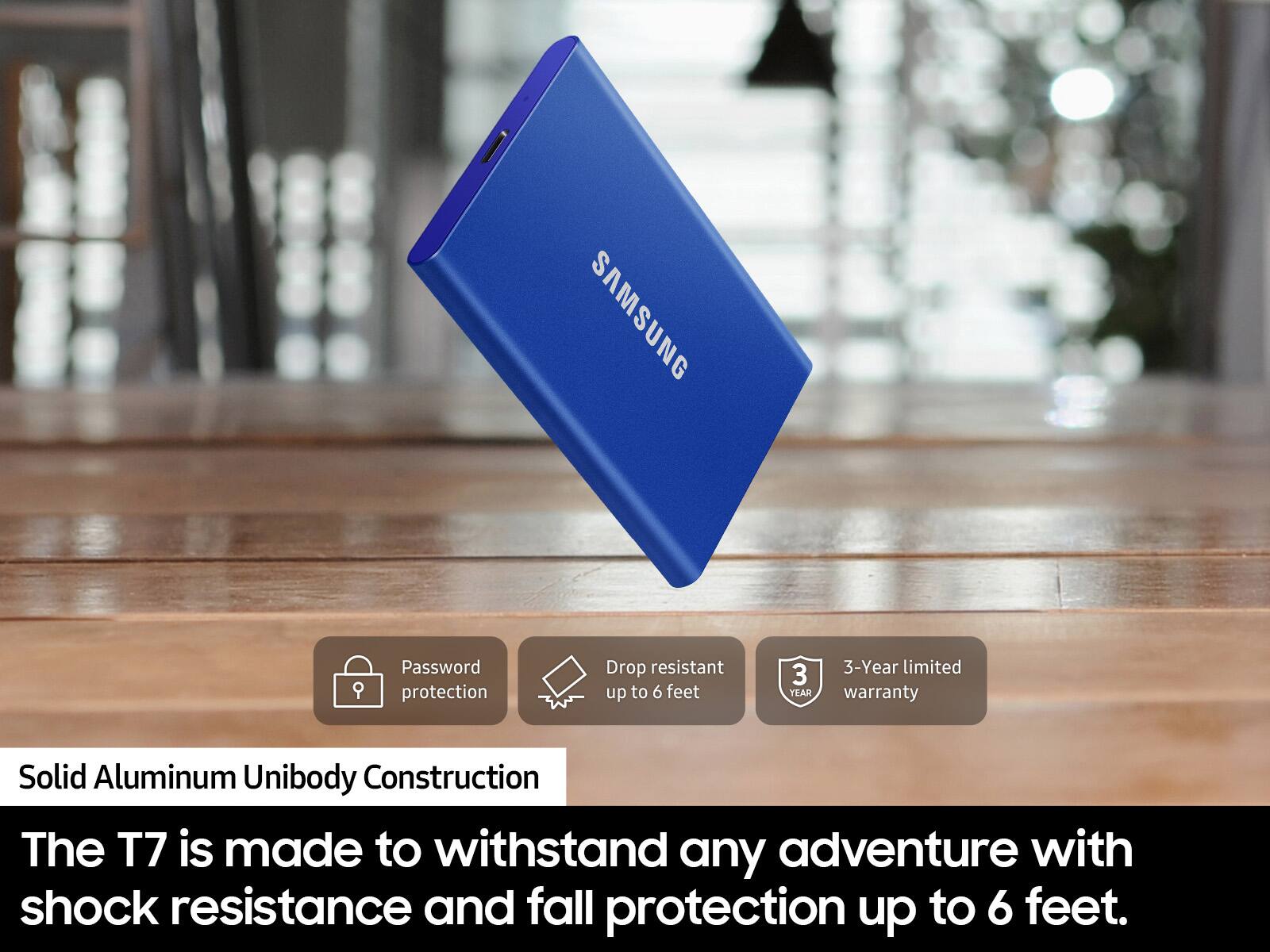
|Posted .This reviewer received promo considerations or sweepstakes entry for writing a review.A few years ago, solid-state drives were luxuries. The prices have come down – and the sizes have increased. So it is reasonable to have half a terabyte drive that you can carry with you. I'm testing a one terabyte version made by Samsung. It comes with USB 3.2 cable and regular USB 3 cable. It is said to have the hardware encryption which I was able to test. The program can be downloaded here for Windows https://s3.ap-northeast-2.amazonaws.com/global.semi.static/SAMSUNG_PORTABLE_SSD_T7_TOUCH_20200324/SW/M1Y2D9M9090J2KIA55338E2512E718DB3E7A87298A7108/SamsungPortableSSD_Setup_1.0_Win.zip and here for Mac https://s3.ap-northeast- 2.amazonaws.com/global.semi.static/SAMSUNG_PORTABLE_SSD_T7_TOUCH_20200324/SW/M1Y2D9M9090J2KIA55338E2512E718DB3E7A87298A7108/SamsungPortableSSD_Setup_1.0_Mac.zip To me, it seems to lock out the drive – and change the size of the partition so the encrypted file(s) / folder(s) I hidden from the computer that this software is not installed on – or if the password is not entered. I am unable to test how secure this is but I sure a government agency that deals with intelligence may be able to look at the files without your help. The program, if not deleted from the drive, can be installed on more than one computers so you can access the files (with the password) on any computer. At this time, it is version 1.72 but it is considered “portable SSD software 1.0.” But I don't use it for anything like that so I find this little drive (and it is tiny) very usable to carry files around. The transfer rate is very high – I connected it to an LG laptop that has 3.1 connector and it blew way any physical hard drive that I have. It comes down to this.. you don't want to put any price on your valuable data – Samsung is known to make high quality solid-state drives, so this should last a while. (You do not want to defrag a solid-state drive because it will wear it out.) If I have to choose between this one and a less well-known brand, this Samsung drive would be my first choice. It seemed reliable enough and the transfer rate is very high and with any solid-state drive, it is impact resistant so he could bang around in your bag without failing. Unless it is filled with video files, this should be big enough for any college student or for a professional that has to carry his files home.
I would recommend this to a friendBrand response from Samsung
Posted .computerboy:
I'm glad to see you are happy with the experience of this T7 Portable SSD. This light, pocket-sized Portable SSD T7 delivers fast speeds with easy and reliable data storage for transferring large files. Whether you're storing critical business documents, games, or movies, the Portable SSD T7 gives you speed and durability in a palm-sized package.
To optimize your product experience, we encourage you to register your new Samsung SSD at: https://www.samsung.com/us/account/signin/?redirect=https%3A%2F%2Fwww.samsung.com%2Fus%2Fsupport%2Fregister%2F
…and gain access to easy warranty support, convenient opt-in to special promos & offers, faster troubleshooting & service, and quick notification of system updates.
Should you ever have questions or need assistance, please know that Samsung is always here to help. You can reach us at any of the following options:
1) Call: 1-800-SAMSUNG (ask for Memory) Available 9AM - 12AM EST (Mon-Fri)
2) Email: [email protected]
3) LiveChat: https://www.livehelpnow.net/lhn/lcv.aspx?d=34834&ms=&zzwindow=0&lhnid=29783
Available 12PM-6PM EST (Mon-Fri)
The Samsung Members Community is also a great resource for getting help from Samsung moderators and customers: https://us.community.samsung.com/t5/Get-Help/ct-p/get-help
Thank you for choosing Samsung!
- Samsung Memory
Nice and small
|Posted .This reviewer received promo considerations or sweepstakes entry for writing a review.I love how small this 1 Tb drive is! One cable hook up. I have an older 500 Gb drive that is about the size of a large bible and needs a separate power adapter. This would slip into your pocket without even noticing It! Great to travel with. It comes with 2 included cables. USB A to USB C, and C to C. And setup software is right on the drive. I used this for Wireless network storage. Easy enough to setup, Just know the address and path your router gives it. Plug it in and you're good to go!
I would recommend this to a friendBrand response from Samsung
Posted .Bluevue:
I am happy to hear that you are enjoying your new Samsung T7 Portable SSD. I’m glad to see you are loving the simplicity, portability and compatibility of the T7. Roughly the size of a credit card and only weighing 2 ounces, the T7 fits comfortably in the palm of your hand and is light enough to take your files on the go. Whether you're storing critical business documents, games, or movies, the Portable SSD gives you speed and durability in a palm-sized package.
To optimize your product experience, we encourage you to register your new Samsung SSD at: https://www.samsung.com/us/account/signin/?redirect=https%3A%2F%2Fwww.samsung.com%2Fus%2Fsupport%2Fregister%2F
…and gain access to easy warranty support, convenient opt-in to special promos & offers, faster troubleshooting & service, and quick notification of system updates.
If you ever have questions or need assistance with this SSD, please know that Samsung is always here to help.
1) Call: 1-800-SAMSUNG (ask for Memory) Available 9AM - 12AM EST (Mon-Fri)
2) Email: [email protected]
3) LiveChat: https://www.livehelpnow.net/lhn/lcv.aspx?d=34834&ms=&zzwindow=0&lhnid=29783
Available 12PM-6PM EST (Mon-Fri)
The Samsung Members Community is also a great resource for getting help from Samsung moderators and customers: https://us.community.samsung.com/t5/Get-Help/ct-p/get-help
Thank you for choosing Samsung!
- Samsung Memory
Does as it should
Posted .This reviewer received promo considerations or sweepstakes entry for writing a review.Purchased over a year ago and still going strong as ever. My games are quicker having this added room and downloads fly by. Never too hot never any issues loading anything from it.
I would recommend this to a friendjust what I wanted
Posted .This reviewer received promo considerations or sweepstakes entry for writing a review.simply amazing, easy to setup up and transfers files very fast
I would recommend this to a friendFast Speed For Video Editing!
Posted .This reviewer received promo considerations or sweepstakes entry for writing a review.This SSD is extremely fast when it comes to editing in Final Cut Pro! As a professional editor, speed and reliability is key. I 100% recommend the Samsung T7 2TB!
I would recommend this to a friendBest for extra storage for rog ally
Posted .This reviewer received promo considerations or sweepstakes entry for writing a review.I have been using this for the rog ally and it has been running games perfectly as if they were downloaded on the rog ally itself I recommend for anybody looking for extra storage for the rog
I would recommend this to a friendDoes its job well
Posted .This reviewer received promo considerations or sweepstakes entry for writing a review.Working well for my storage needs! Using it for video editing finished project storage. I’m happy I can continue using my MacBook Air and have enough storage now.
I would recommend this to a friendWhould recommend
Posted .This reviewer received promo considerations or sweepstakes entry for writing a review.I bought this after i almost lost all of my photos but now theyre safe. Very easy to use.
I would recommend this to a friendIt's worth it
Posted .This reviewer received promo considerations or sweepstakes entry for writing a review.This is good for storing games on your pc. HDD is okay but SSD is much faster and reliable. Never got problems with this bad boy when transferring data.
I would recommend this to a friendFast + Fool proof
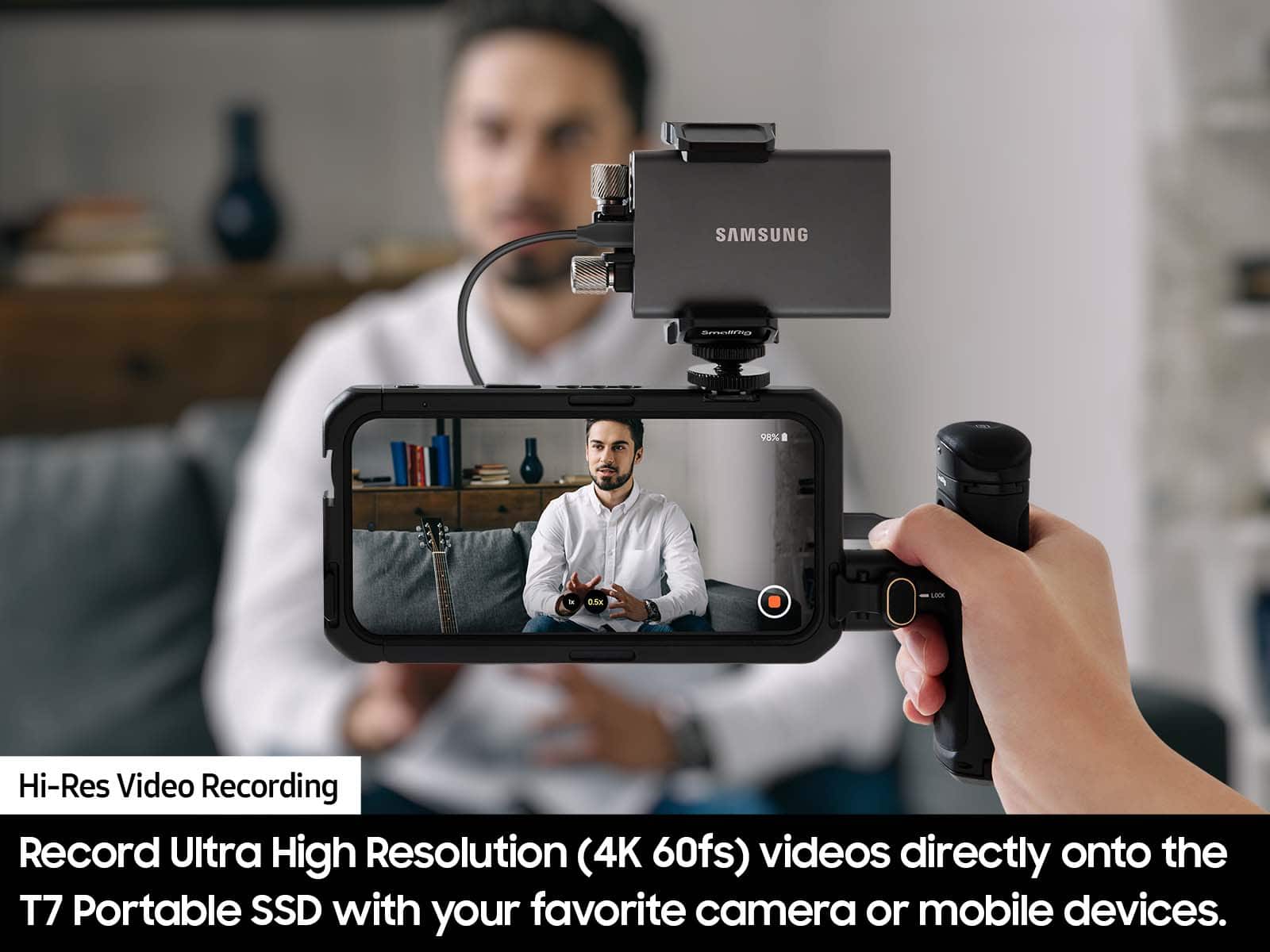
Posted .This reviewer received promo considerations or sweepstakes entry for writing a review.This is fast and effective for backing up images and videos for an entire wedding day
I would recommend this to a friendSleek and simple
Posted .This reviewer received promo considerations or sweepstakes entry for writing a review.Great SSD, have been actively using for the past couple months. Fast, easy, efficient and crazy portable. So good I got two.
I would recommend this to a friendMeets my needs
Posted .This reviewer received promo considerations or sweepstakes entry for writing a review.Good product. Working well for my needs. I would recommend this product.
I would recommend this to a friendSuper Fast and Compact
|Posted .This reviewer received promo considerations or sweepstakes entry for writing a review.Love this new Samsung external 1 TB SSD! It is super compact and fits in your pocket easily. Great for travel. Super easy to set up and lightning fast. I use it to transfer large file games when traveling. I also like the extra security with the password login to access.
I would recommend this to a friendBrand response from Samsung
Posted .TechSavvy:
Thank you for your purchase of the T7 Portable SSD. This light, pocket-sized Portable SSD T7 delivers fast speeds with easy and reliable data storage for transferring large files. Whether you're storing critical business documents, games, or movies, the Portable SSD T7 gives you speed and durability in a palm-sized package.
To optimize your product experience, we encourage you to register your new Samsung memory card/flash drive at: https://www.samsung.com/us/account/signin/?redirect=https%3A%2F%2Fwww.samsung.com%2Fus%2Fsupport%2Fregister%2F
…and gain access to easy warranty support, convenient opt-in to special promos & offers, faster troubleshooting & service, and quick notification of system updates.
Should you ever have questions or need assistance using this product, please contact Samsung Customer Support.
1) Call: 1-800-SAMSUNG (ask for Memory) Available 9AM - 12AM EST (Mon-Fri)
2) Email: [email protected]
3) LiveChat: https://www.livehelpnow.net/lhn/lcv.aspx?d=34834&ms=&zzwindow=0&lhnid=29783
Available 12PM-6PM EST (Mon-Fri)
The Samsung Members Community is also a great resource for getting help from Samsung moderators and customers: https://us.community.samsung.com/t5/Get-Help/ct-p/get-help
Thank you for choosing Samsung!
- Samsung Memory
Ypu wont regret it. A must have product.
Posted .This reviewer received promo considerations or sweepstakes entry for writing a review.Im kind of tech fabatic and select products by critically analyzing them. This one takes the cake because not only its small in size its duraable and performs way betther than other. Go for it!
I would recommend this to a friendWorks great!
Posted .This reviewer received promo considerations or sweepstakes entry for writing a review.It’s light, it’s portable, it’s fast. I was looking for something to simply back up some pictures from my iPhone and my MacBook. This works great for that.
I would recommend this to a friendSamsung T7 1TB SSD: Speed and Security
Posted .This reviewer received promo considerations or sweepstakes entry for writing a review.Samsung T7 1TB SSD: Secure, fast, and ultra-portable storage
I would recommend this to a friend