Customer Ratings & Reviews
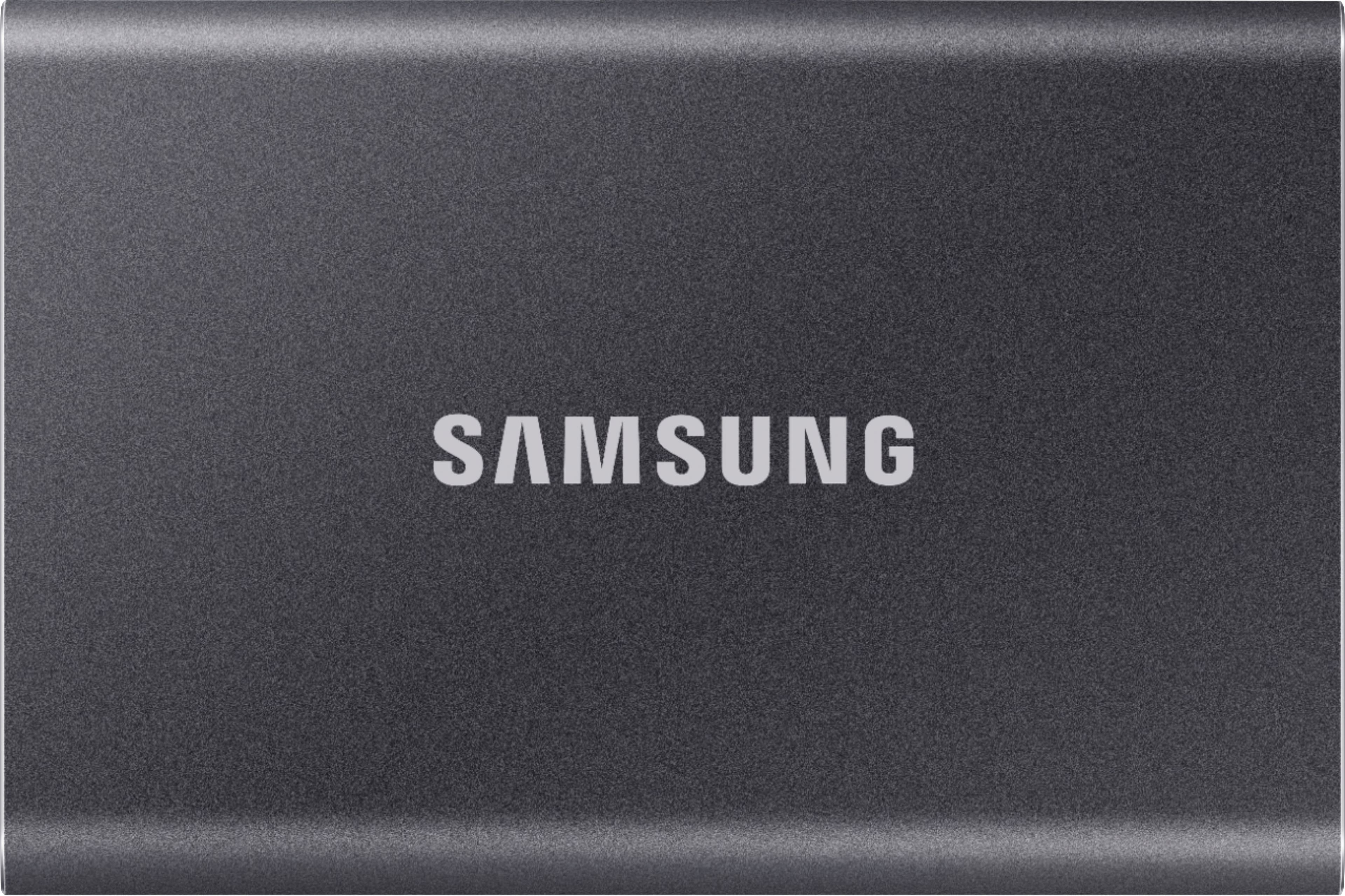
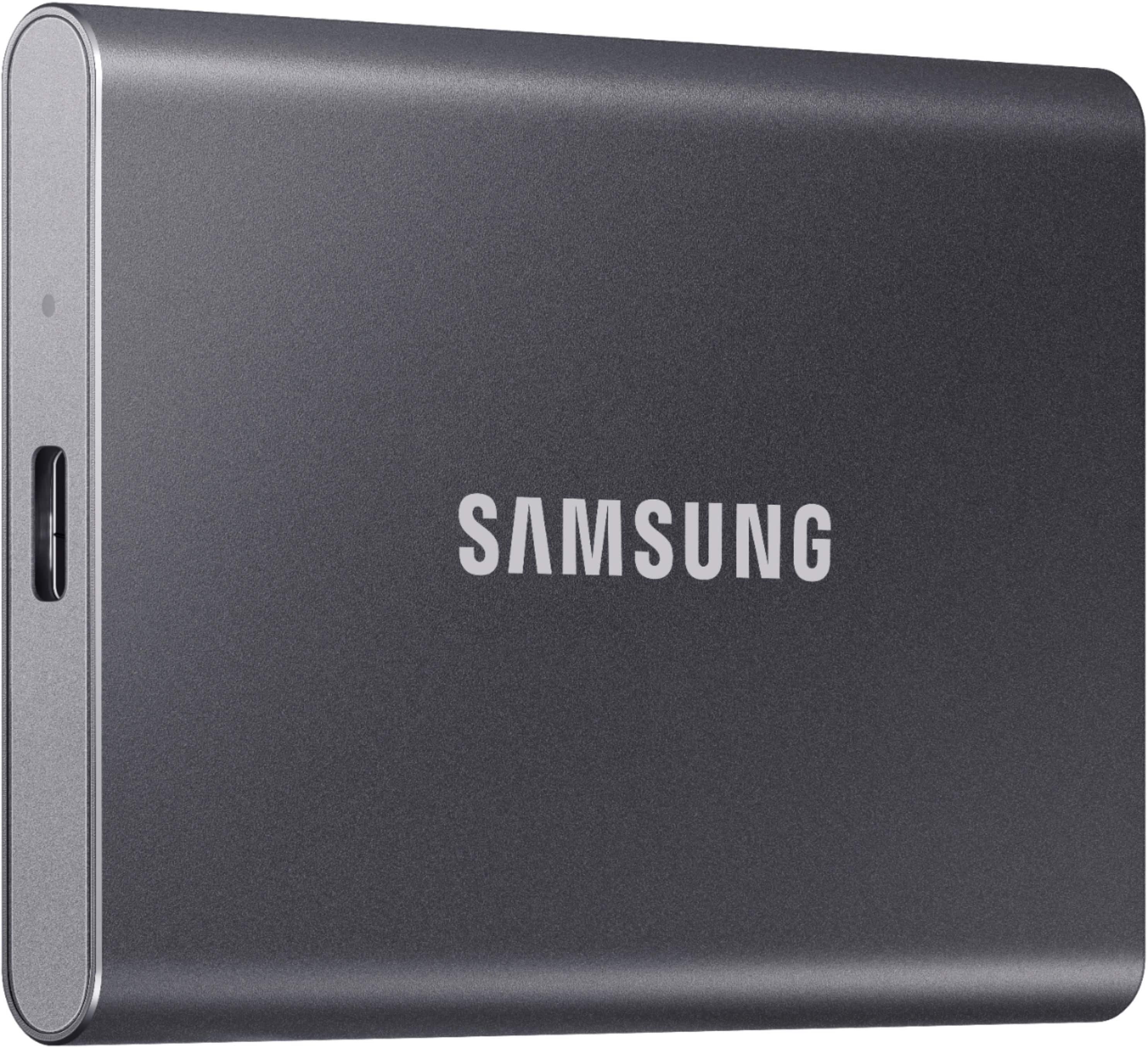
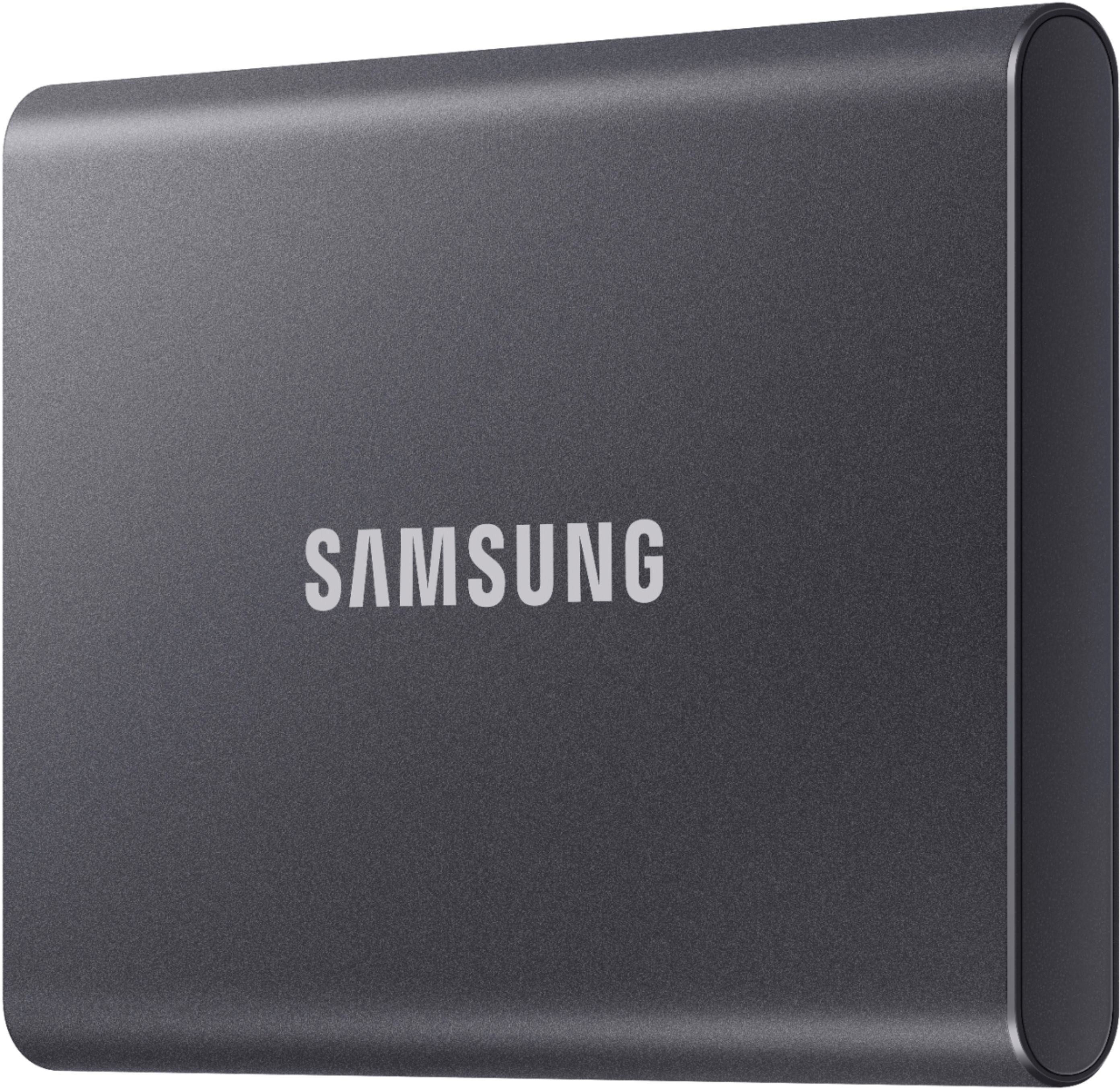
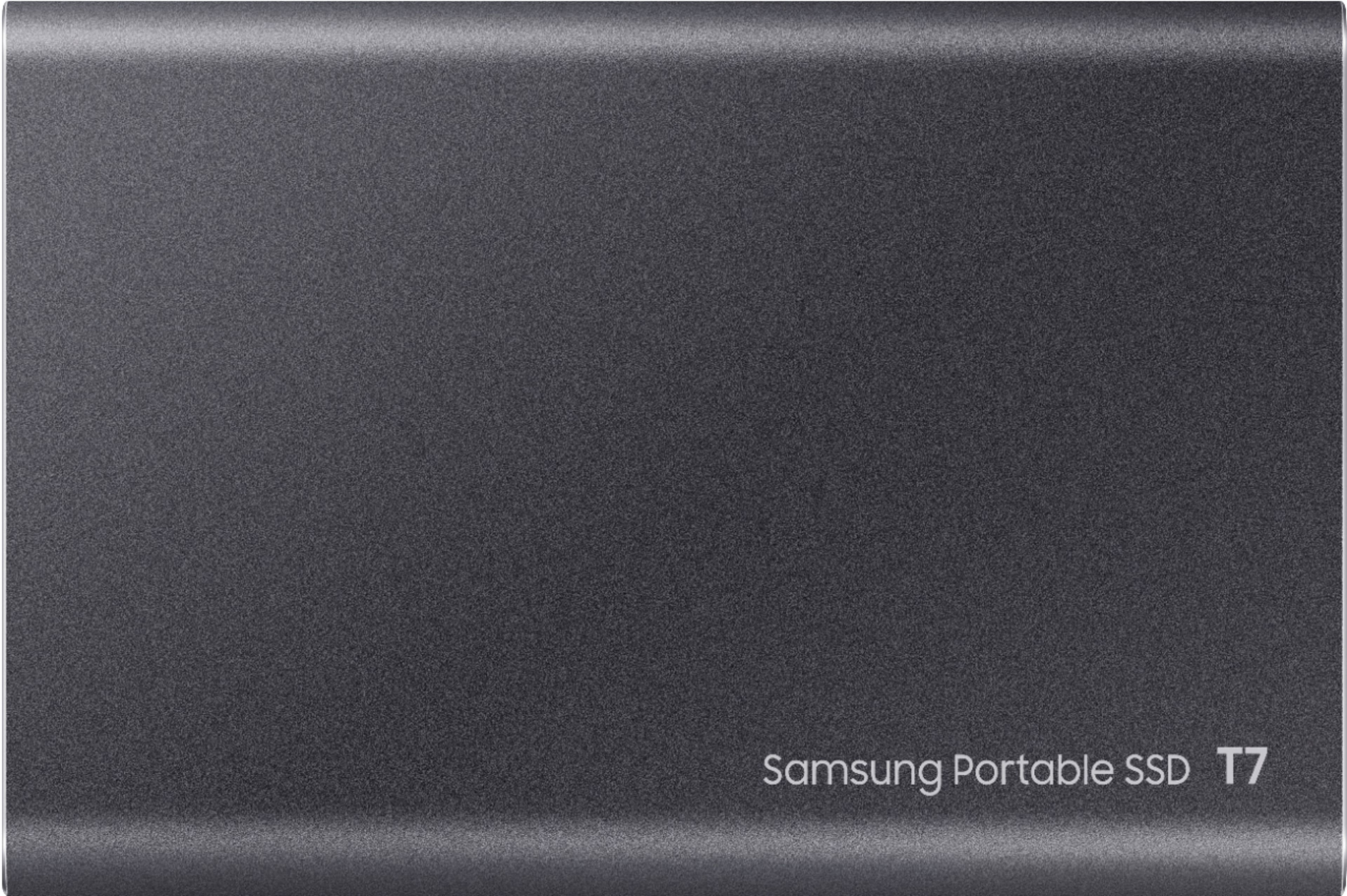
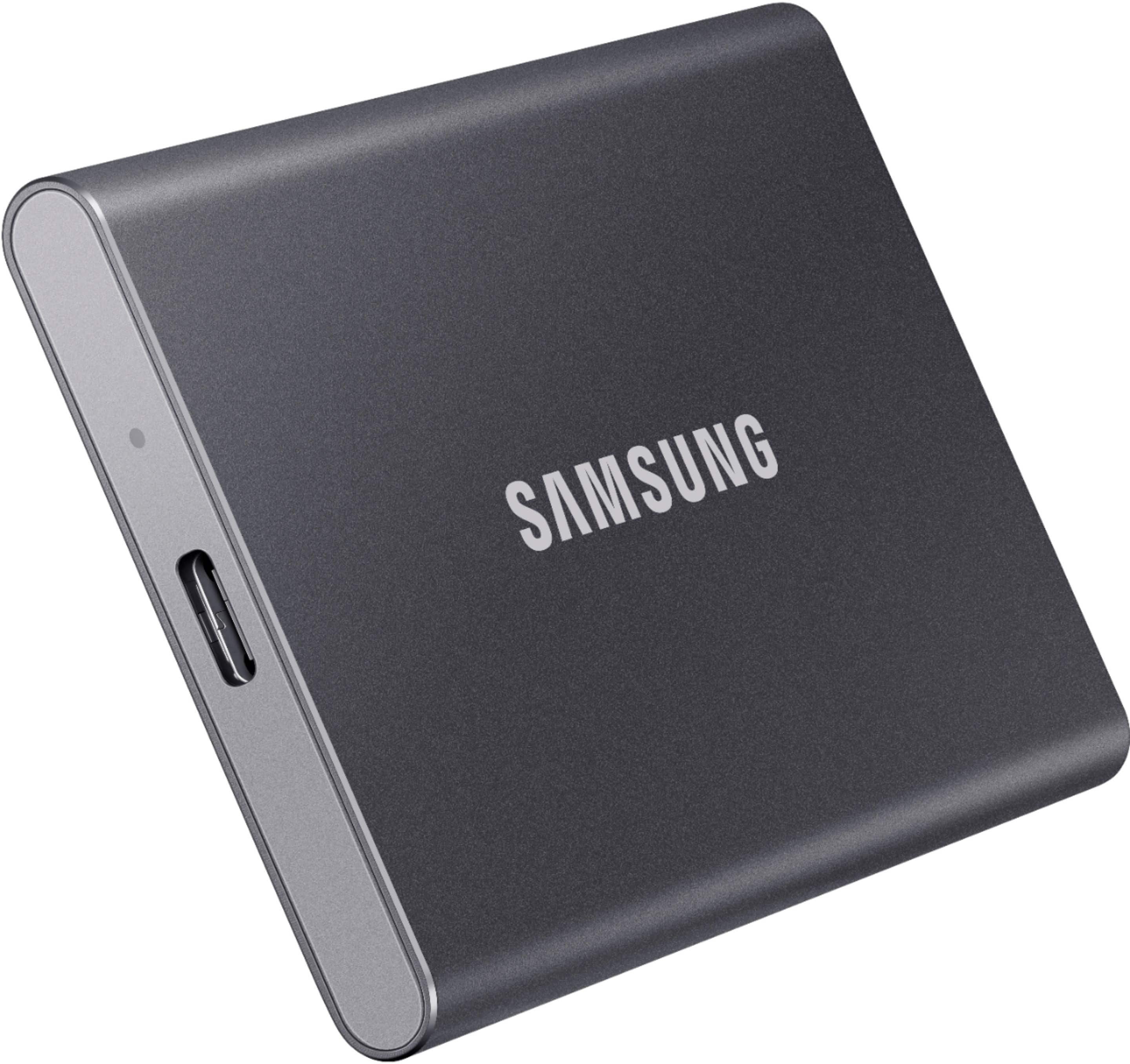
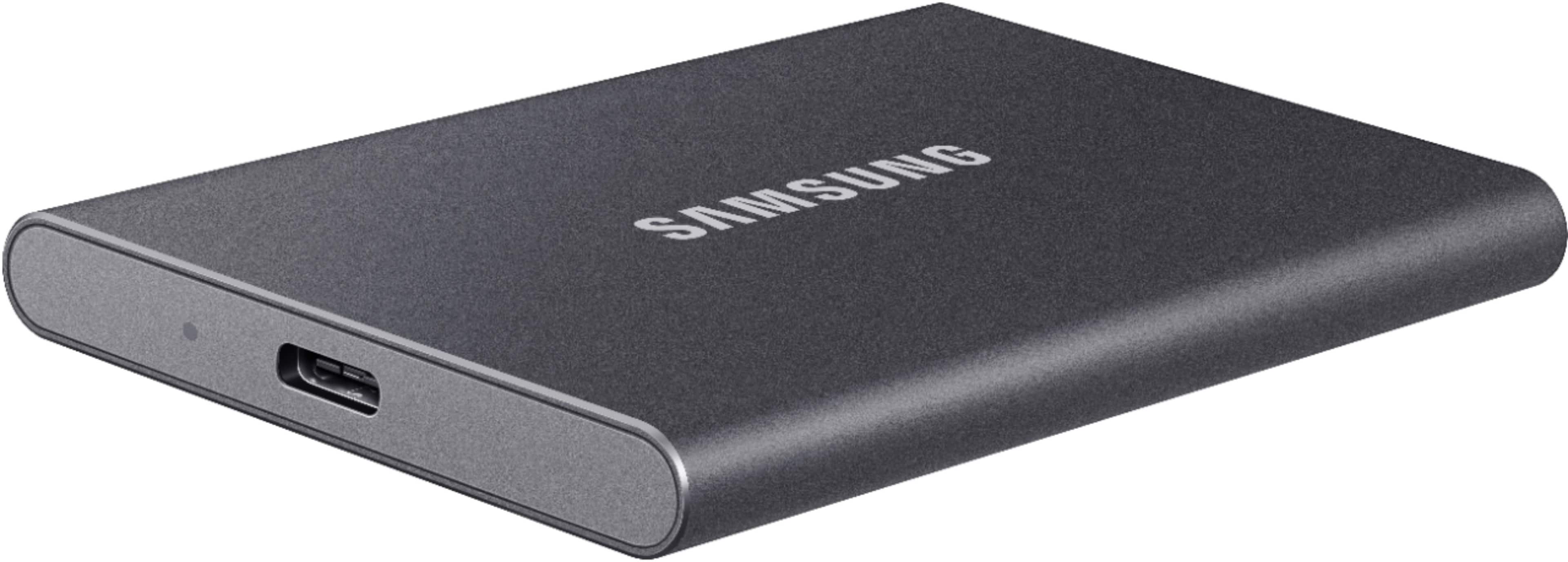
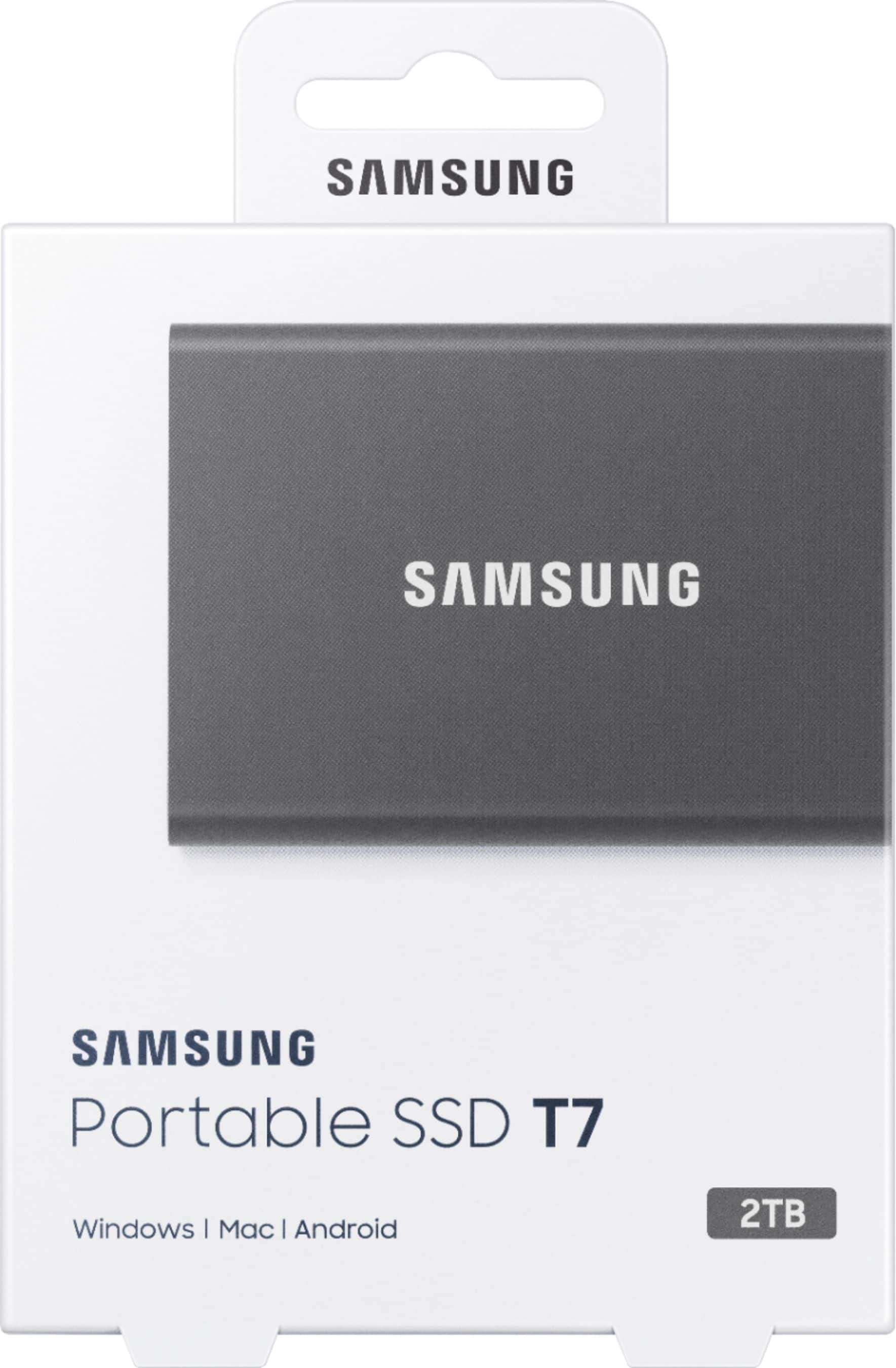
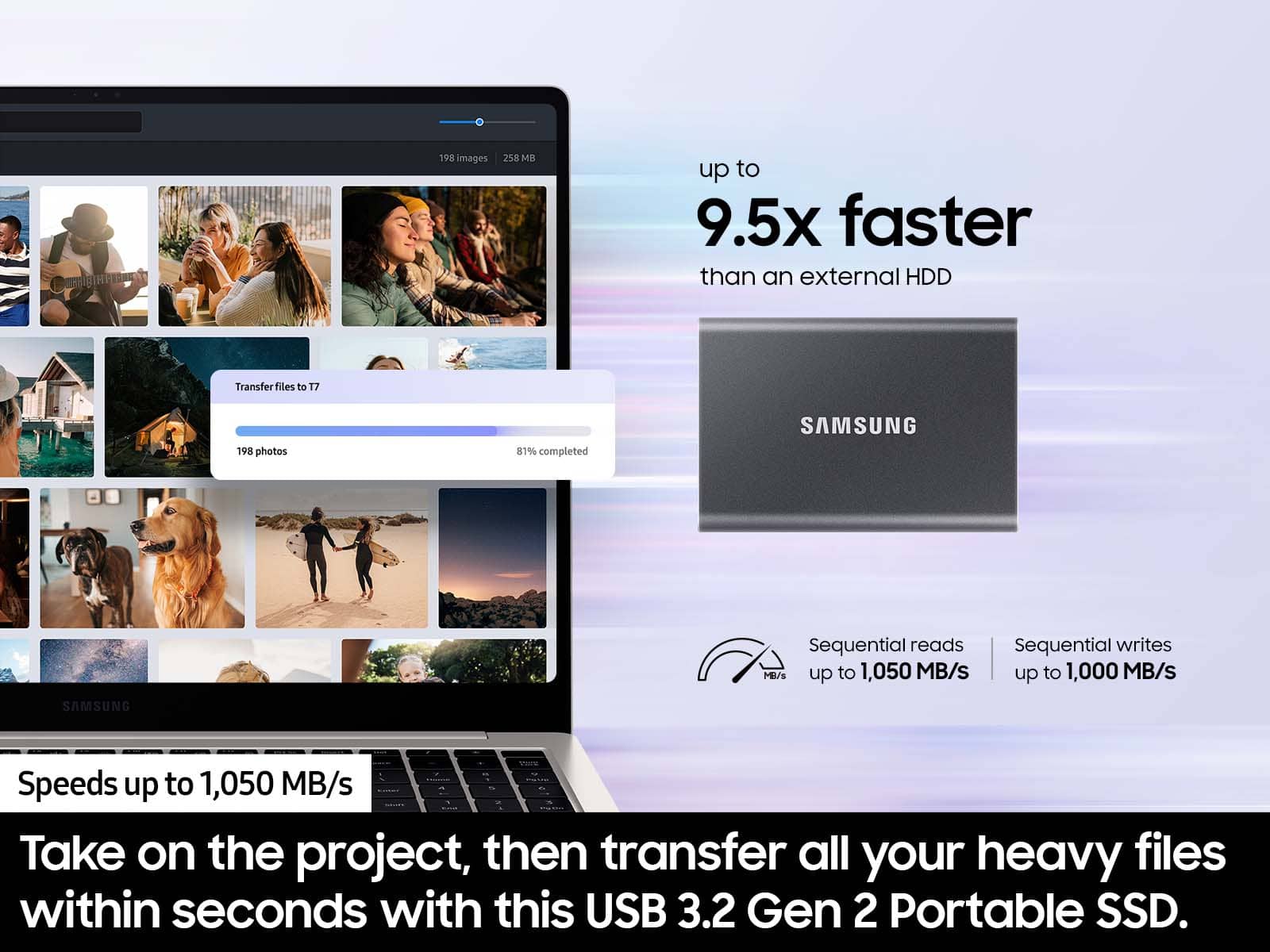
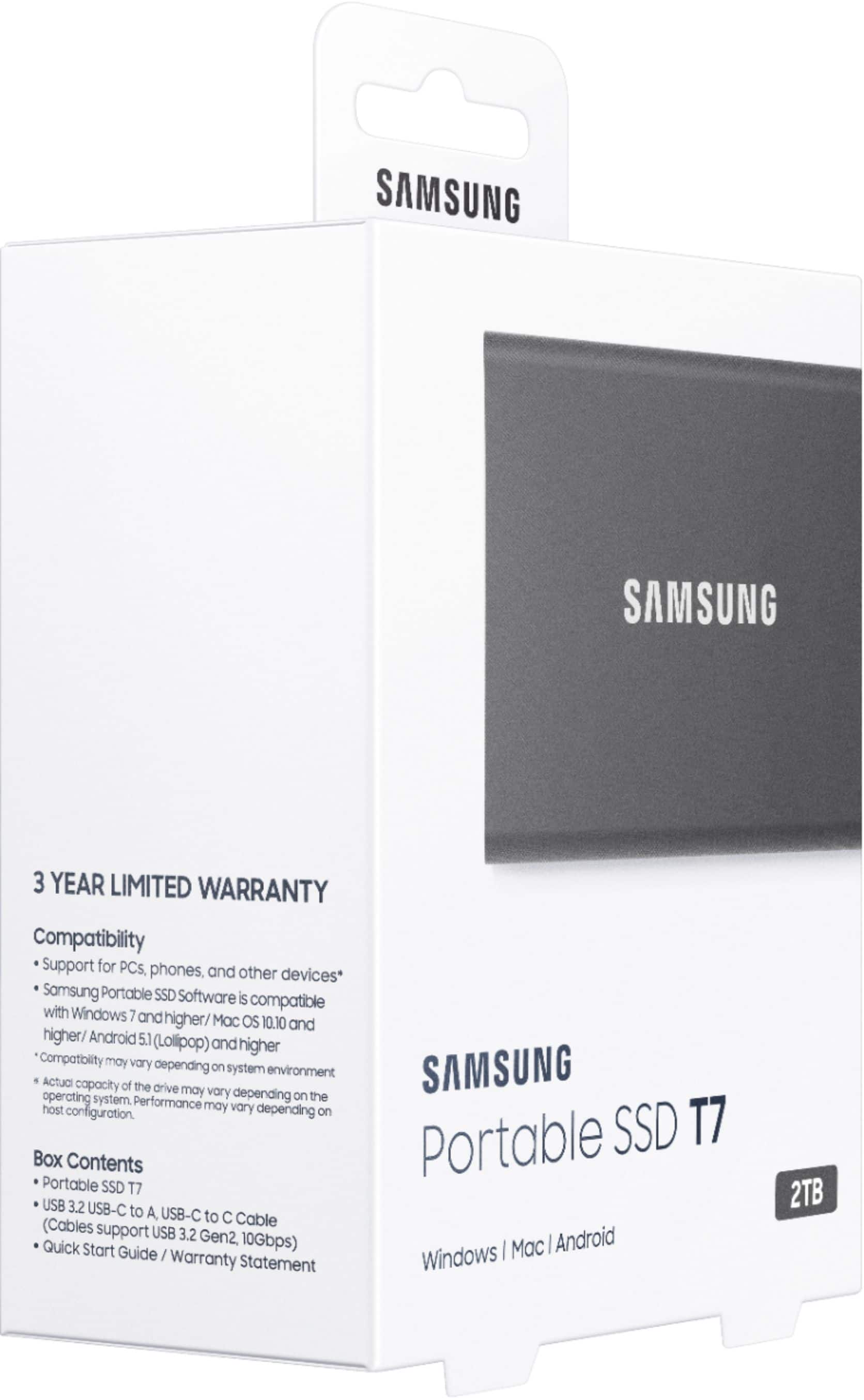
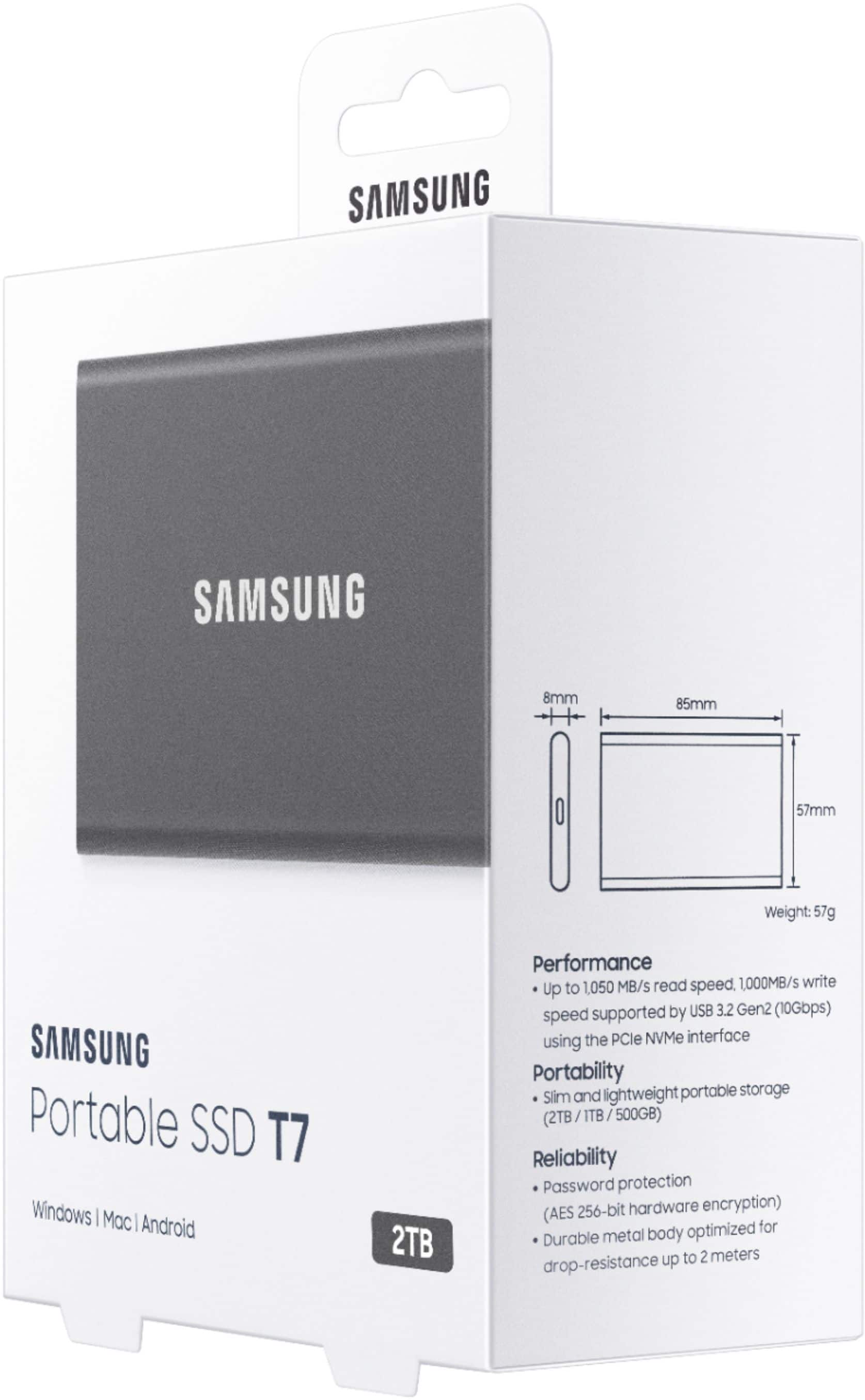
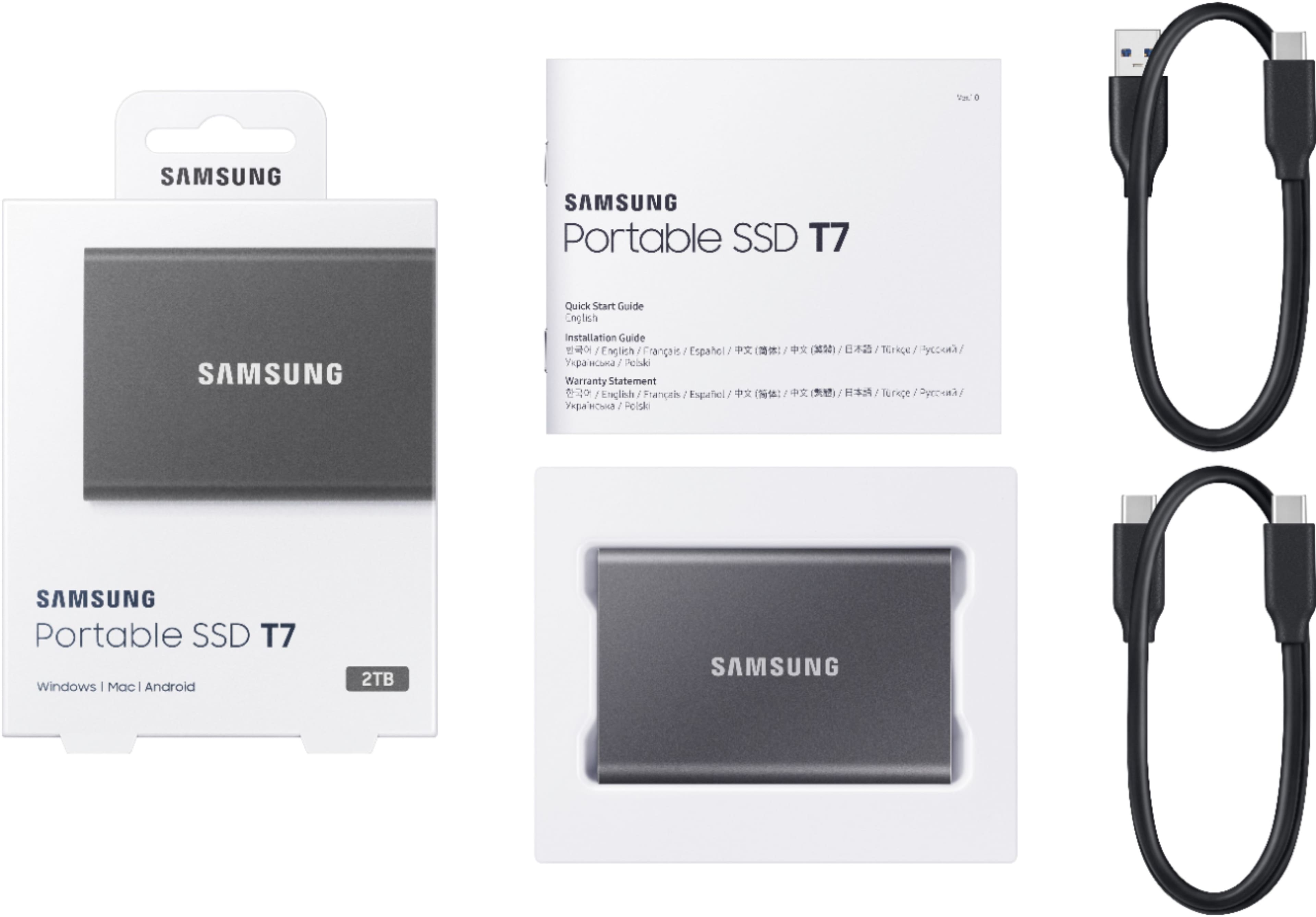



- Model:
- MU-PC2T0T/AM
- SKU:
- 10517858
Rating by feature
- Value
Rating 4.7 out of 5 stars
- Quality
Rating 4.9 out of 5 stars
- Ease of Use
Rating 4.9 out of 5 stars
to a friend
Fast upload
||Posted . Owned for 1 month when reviewed.This reviewer received promo considerations or sweepstakes entry for writing a review.I love this ssd. Fast upload saved me 42gb of space on my Mac. Good price too. Arrived next day.
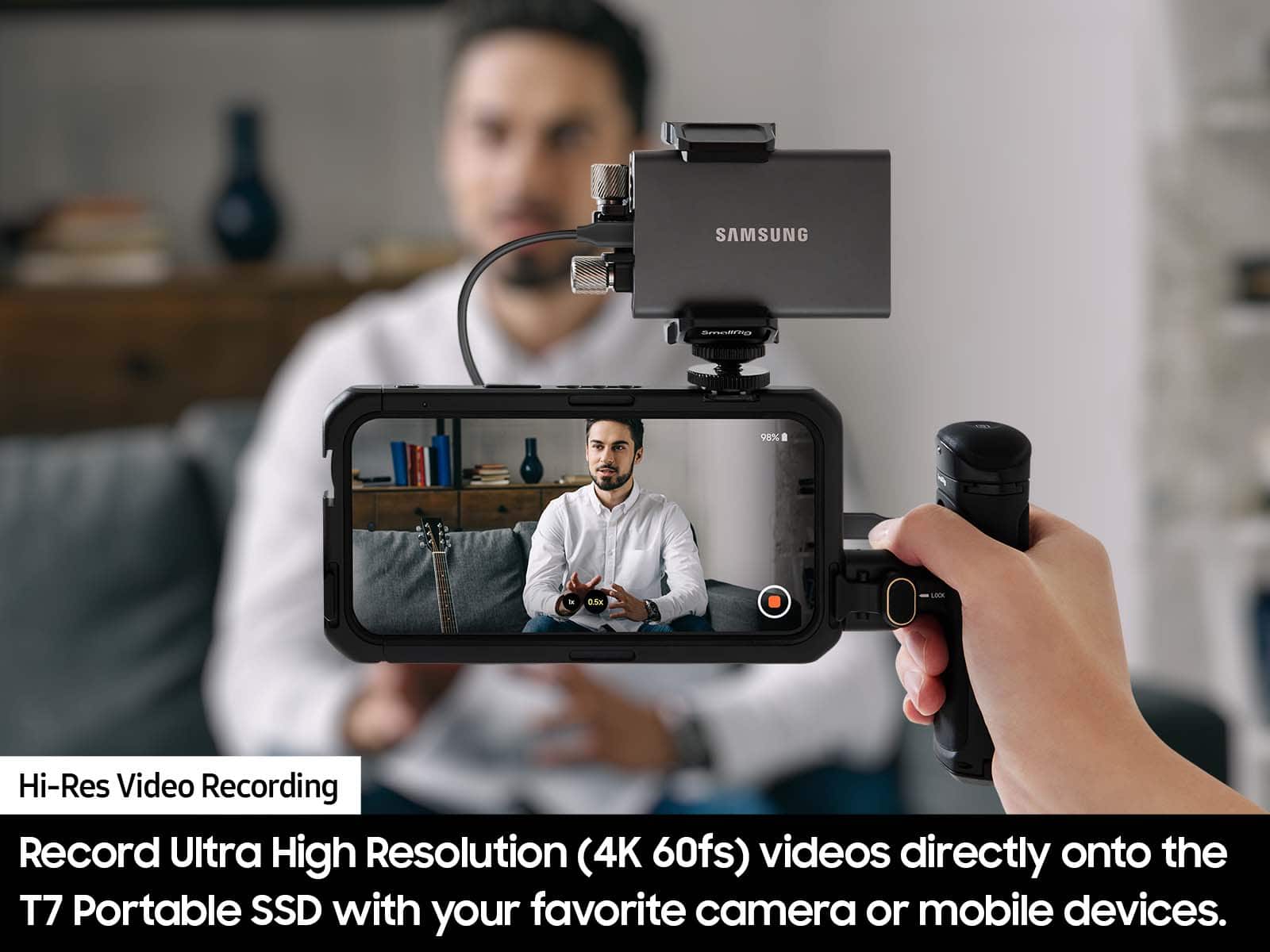
I would recommend this to a friendDo not use for film production!! Drive failed!
||Posted . Owned for less than 1 week when reviewed.This reviewer received promo considerations or sweepstakes entry for writing a review.Absolutely terrible drive for film production. Producer bought these drives, very slow speecs and one failed and we lost the footage.
No, I would not recommend this to a friendBrand response from Samsung
Posted .Filmmaker:
I'm sorry that your experience fell short of expectations. We completely understand your frustrations, and we are here to help.
Please contact Samsung Customer Support directly so that we can better investigate your issue and assist you towards a resolution or replacement.
1) Call: 1-800-SAMSUNG (ask for Memory). Available 9AM - 12AM EST (Mon-Fri)
2) Email: samsungmemorysupport@sea.samsung.com
3) LiveChat 9AM-9PM EST (Mon-Fri) - https://www.livehelpnow.net/lhn/lcv.aspx?d=34834&ms=&zzwindow=0&lhnid=29783
We look forward to hearing from you soon.
- Samsung Memory
Sleek but never worked for me
||Posted . Owned for 2 weeks when reviewed.This reviewer received promo considerations or sweepstakes entry for writing a review.Item is great looking and sleek but never worked for me. My PC would not recognize it even after a ton of online research. I am pretty savvy but could not figure the formatting out on this one. Had to return it.
No, I would not recommend this to a friendBrand response from Samsung
Posted .AMC87:
Thank you for your review of this Samsung T7 SSD. Your feedback is appreciated and important in helping us provide crucial factors regarding customer satisfaction.
Should you ever decide to give Samsung SSD products another try and have concerns or questions, please know we are always here to help.
1) Call: 1-800-SAMSUNG (ask for Memory or press #, then 6 for Memory products)
Available 9AM – 12AM EST (Mon-Fri)
2) Email: samsungmemorysupport@sea.samsung.com
3) Or visit us on the Samsung website and click on the SUPPORT link in the upper right corner of the homepage for:
a) Chat with Us/Product Help: To begin a chat or find solutions, choose ‘Computing – Memory & Storage’ and select your model & topic.
b) Manuals & Software
c) Warranty Info
d) Register a Product: For access to easy warranty support, convenient opt-in to special promos and offers, faster troubleshooting and service, and quick notification of system updates
e) Contact Us
The Samsung Members Community is also a great resource for getting help from Samsung moderators and customers: https://us.community.samsung.com/
We hope you will consider Samsung again in the future.
- Samsung Memory
great read/write
||Posted . Owned for 1 month when reviewed.This reviewer received promo considerations or sweepstakes entry for writing a review.great high speed read/write on this external SSD. Great for making backups of main computer
I would recommend this to a friendUnable to use this SSD on my iMac despite multiple
||Posted . Owned for 1 month when reviewed.This reviewer received promo considerations or sweepstakes entry for writing a review.Unable to use this SSD on my iMac despite multiple attempts and Extensive research
No, I would not recommend this to a friendBrand response from Samsung
Posted .DoctorD:
Thank you for sharing with us that your iMac is not identifying your new T7 Portable SSD. We completely understand your frustrations, and we are here to help.
Please uninstall the software and download the current version (Portable SSD Software 1.0 for Mac, Version 1.7.4) at:
https://www.samsung.com/semiconductor/minisite/ssd/download/tools/
If you are still experiencing issues, this symptom may occur on some Mac OSXs due to the Apple policy that requires user approval when installing third-party software not directly distributed by Apple.
Please follow these troubleshooting guidelines.
You may see the “System Extension Blocked” message appears when installing the Samsung Portable SSD software, and the “No Samsung Portable SSD is connected” message appears when executing the Samsung Portable SSD software.
Open “Security & Privacy” in “System Preferences” menu and click “Allow” next to the message “System software from developer “Samsung Electronics” was blocked from loading”
If the symptom persists even after you follow these troubleshooting guidelines, please contact Samsung Customer Support.
1) Call: 1-800-SAMSUNG (ask for Memory or press #, then 6 for Memory products)
Available 9AM – 12AM EST (Mon-Fri)
2) Email: samsungmemorysupport@sea.samsung.com
3) Or visit us on the Samsung website and click on the SUPPORT link in the upper right corner of the homepage for:
a) Chat with Us/Product Help: To begin a chat or find solutions, choose ‘Computing – Memory & Storage’ and select your model & topic.
b) Manuals & Software
c) Warranty Info
d) Contact Us
The Samsung Members Community is also a great resource for getting help from Samsung moderators and customers: https://us.community.samsung.com/
We look forward to hearing from you soon.
- Samsung Memory
Beautiful hard drive
||Posted . Owned for 3 months when reviewed.This reviewer received promo considerations or sweepstakes entry for writing a review.Beautiful hard drive that’s easy to use and is very handy when I store files
I would recommend this to a friendT7 SSD & SW Do Not Work & Comes w/ No Instructions
||Posted . Owned for 2 months when reviewed.This reviewer received promo considerations or sweepstakes entry for writing a review.The Samsung T7 SSD is useless. Connected it to a Samsung Galaxy S22+ and immediately got a error message "A USB storage device was removed unsafely. To prevent your phone from restarting unexpectedly, unsaved data and restart now." There are no instructions and the SW is also useless. How does a tech giant like Samsung manufacture such garbage? I wish I could return it, but it's past 15 days.
I would recommend this to a friendBrand response from Samsung
Posted .DHINNY:
I’m sorry to hear that your Samsung T7 SSD did not meet your expectations. This is not the quality we expect from our products.
Samsung stands behind the quality and performance of every T7 SSD we manufacture with a limited 3-year manufacturer’s warranty when purchased brand-new, directly from any authorized dealer, like Best Buy.
Please contact Samsung Customer Support directly so that we can better investigate your issue and assist you towards a resolution or replacement.
1) Call: 1-800-SAMSUNG (ask for Memory or press #, then 6 for Memory products)
Available 9AM – 12AM EST (Mon-Fri)
2) Email: samsungmemorysupport@sea.samsung.com
3) Or visit us on the Samsung website and click on the SUPPORT link in the upper right corner of the homepage for:
a) Chat with Us/Product Help: To begin a chat or find solutions, choose ‘Computing – Memory & Storage’ and select your model & topic.
b) Manuals & Software
c) Warranty Info
d) Contact Us
We look forward to hearing from you soon.
- Samsung Memory
So far so good
||Posted . Owned for 3 weeks when reviewed.This reviewer received promo considerations or sweepstakes entry for writing a review.I have traditional hard drives and have to replace them every 3 to 4 years
I would recommend this to a friendGreat sd card
||Posted . Owned for 4 months when reviewed.This reviewer received promo considerations or sweepstakes entry for writing a review.Great speed of memory have no complaints I recommend it.
I would recommend this to a friendDon’t buy
||Posted . Owned for 1 month when reviewed.This reviewer received promo considerations or sweepstakes entry for writing a review.Past return period and drive not recognized. Completely unusable after spending $260
No, I would not recommend this to a friendBrand response from Samsung
Posted .JoeK:
I'm sorry to hear you're having trouble with your Samsung T7 SSD. Here are some steps you can try to troubleshoot the issue:
Check the Connection: Ensure the USB cable is securely connected to both the SSD and your computer. Try using a different USB port or cable to rule out any connection issues.
Update Drivers: Outdated or corrupted drivers can prevent your SSD from being detected. Check for updates in the Device Manager under "Disk drives" and "Universal Serial Bus controllers".
Initialize the SSD: If the SSD is new, it might need to be initialized. Open Disk Management, find your SSD, right-click it, and select "Initialize Disk".
Check BIOS Settings: Ensure that your BIOS settings are configured to recognize the SSD. You may need to enable the SSD in the BIOS menu.
Update Firmware: Outdated firmware can cause compatibility issues. The latest downloadable Samsung Tools & Software can be found here:
https://www.samsung.com/semiconductor/minisite/ssd/download/tools/
Should you need assistance with troubleshooting, please contact Samsung Customer Support:
1) Call: 1-800-SAMSUNG (ask for Memory). Available 9AM - 12AM EST (Mon-Fri)
2) Email: samsungmemorysupport@sea.samsung.com
3) LiveChat 9AM-9PM EST (Mon-Fri) - https://www.livehelpnow.net/lhn/lcv.aspx?d=34834&ms=&zzwindow=0&lhnid=29783
Samsung stands behind the quality and performance of every T7 SSD we manufacture with a limited 3-year manufacturer’s warranty when purchased brand-new, directly from any authorized dealer, like Best Buy.
Thank you for choosing Samsung.
~ Samsung Memory
Storage for games
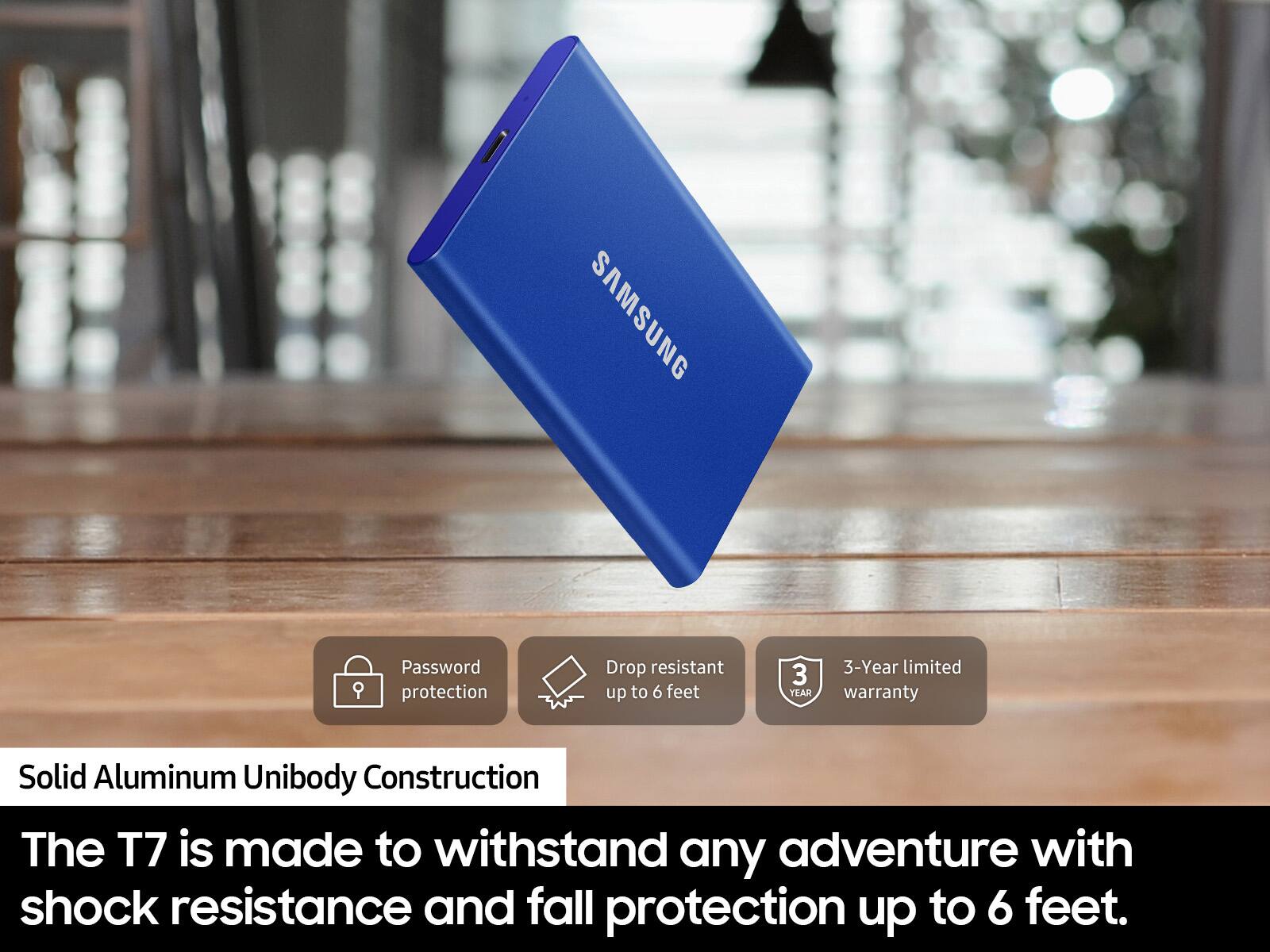
||Posted . Owned for 1 month when reviewed.This reviewer received promo considerations or sweepstakes entry for writing a review.Over priced and a couple weeks later the cord has a short in it and I can't take it back because its just passed the 14 day return policy.
No, I would not recommend this to a friendBrand response from Samsung
Posted .Gametogame:
Thank you for purchasing the T7 Portable SSD. We appreciate you sharing your experience with the cables included with your T7.
Samsung products are engineered to the highest standards of performance and quality and we back this SSD model with a 3-year limited manufacturer's warranty, if purchased brand-new from Best Buy or any other authorized dealer.
Please contact Samsung Customer Support directly so that we can better investigate your issue and assist you towards a resolution or replacement.
1) Call: 1-800-SAMSUNG (ask for Memory or press #, then 6 for Memory products)
Available 9AM – 12AM EST (Mon-Fri)
2) Email: samsungmemorysupport@sea.samsung.com
3) LiveChat: https://www.samsung.com/us/support/contact/ Available 9AM-6PM EST (Mon-Fri)
Samsung is committed to providing the best possible product experience, quality, and value, and we are always here to help with any of your questions or concerns.
We hope to hear from you soon.
~ Samsung Memory
very easy to use
||Posted . Owned for 3 months when reviewed.This reviewer received promo considerations or sweepstakes entry for writing a review.Super easy to use flash drive and can store a lot of data.
I would recommend this to a friendExcellent
||Posted .This reviewer received promo considerations or sweepstakes entry for writing a review.It’s great! Is better that I imagine, I feel good using this!
I would recommend this to a friendMac M1 owner beware
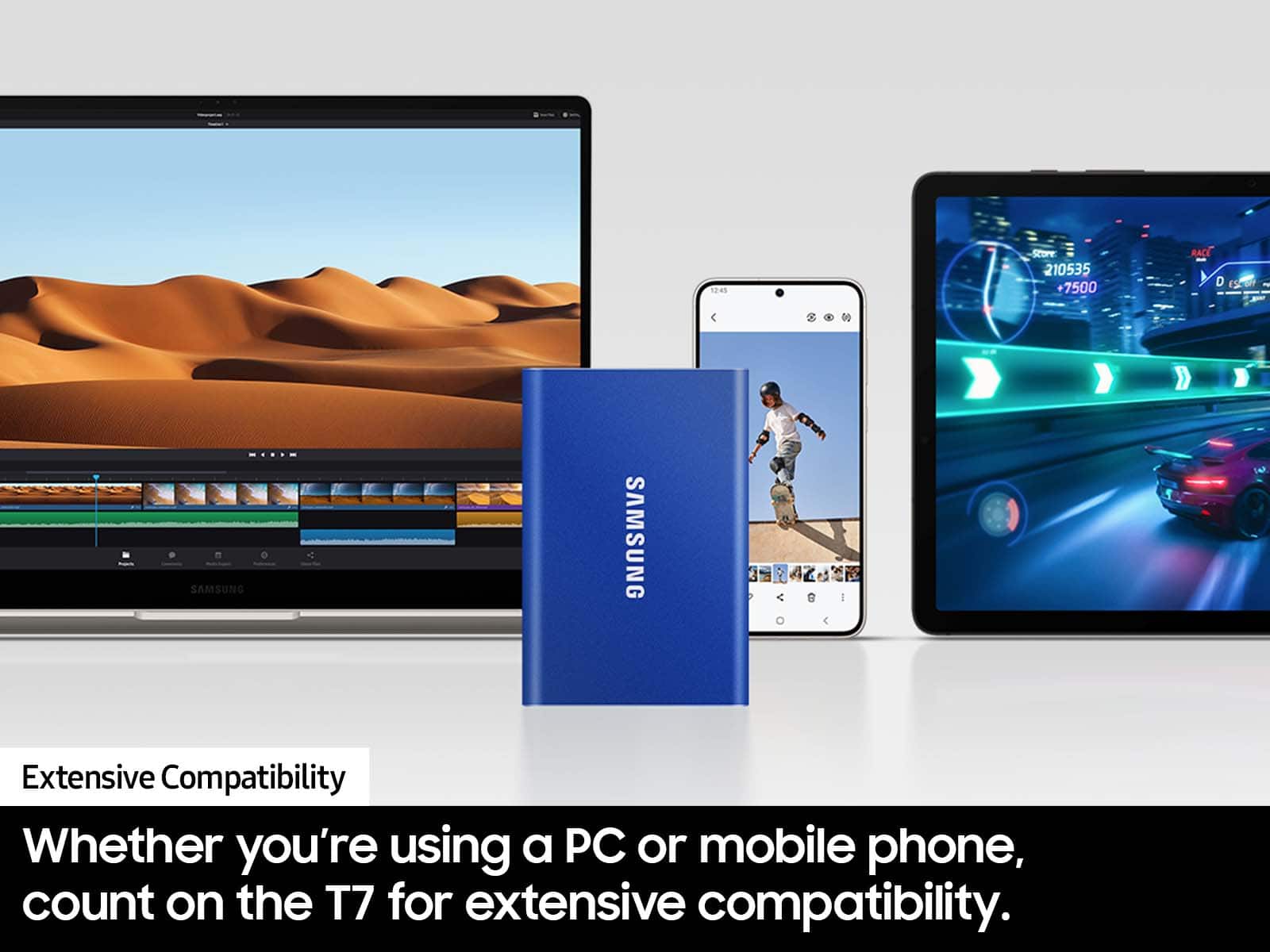
||Posted . Owned for less than 1 week when reviewed.This reviewer received promo considerations or sweepstakes entry for writing a review.Mac M1 owners beware. Encryption/Password protection does not work. Samsung support wanted me to downgrade security settings…still does not recognize device. Known issue after researching on web. Samsung support recommended using drive without encryption and password…it’s the only reason I spent more on the T7.
No, I would not recommend this to a friendBrand response from Samsung
Posted .JRed:
Thank you for sharing your review of Samsung’s T7 SSD. We’re sorry your experience didn’t match your expectations.
The M1 chip is Apple’s own design - while it is extremely powerful and power efficient, this is not a Samsung SSD issue, but rather a USB I/O compatibility issue.
If you need further assistance or have any questions, please reach out to us at Samsung Memory Support:
1) Call: 1-800-SAMSUNG (ask for Memory or press #, then 6 for Memory products)
Available 9AM – 12AM EST (Mon-Fri)
2) Email: samsungmemorysupport@sea.samsung.com
3) Or visit us on the Samsung website and click on the SUPPORT link in the upper right corner of the homepage for:
a) Chat with Us/Product Help: To begin a chat or find solutions, choose ‘Computing – Memory & Storage’ and select your model & topic.
b) Manuals & Software
c) Warranty Info
d) Register a Product: For access to easy warranty support, convenient opt-in to special promos and offers, faster troubleshooting and service, and quick notification of system updates
e) Contact Us
We greatly value your feedback and will be shared with our product team.
- Samsung Memory
Backup drive
||Posted . Owned for 1 month when reviewed.This reviewer received promo considerations or sweepstakes entry for writing a review.While price was about $10 higher than when I first started reviewing various ssd options, the Samsung seems to be meeting by backup requirements
I would recommend this to a friendDo not buy this product
||Posted . Owned for 1 week when reviewed.This reviewer received promo considerations or sweepstakes entry for writing a review.I bought this storage device and connected it to a brand-new Samsung Book 3 Ultra. The original purchase was unable to merge data from the cloud. I returned that one. Now, the second one will not merge data with the cloud. Moreover, it has occasionally lost files. Samsung tech support has not been helpful. Please don't buy this product.
No, I would not recommend this to a friendBrand response from Samsung
Posted .CharlesJ:
We always aim to deliver a great experience, and it’s unfortunate to hear the T7 SSD did not meet your expectations.
We appreciate you sharing the issues you’re experiencing with your SSD, and that initial troubleshooting with Samsung Support was unable to resolve this. Please do reach out to us again so we can provide further troubleshooting assistance or begin warranty service.
1) Call: 1-800-SAMSUNG (ask for Memory or press #, then 6 for Memory products)
Available 9AM – 9PM EST (Mon-Fri)
2) Email: samsungmemorysupport@sea.samsung.com
3) Or visit us on the Samsung website and click on the SUPPORT link in the upper right corner of the homepage for:
a) Chat with Us/Product Help: To begin a chat or find solutions, choose ‘Computing – Memory & Storage’ and select your model & topic.
We hope you’ll give us a chance to make this right.
- Samsung Memory
no thank you
||Posted . Owned for 5 months when reviewed.This reviewer received promo considerations or sweepstakes entry for writing a review.I can't get over how much I dislike this this. My husband and I are usually pretty good with technology, but neither of us could figure out how to use it. Every time we would add more to the drive, it would erase what was previously on it. IT was very very frustrating.
No, I would not recommend this to a friendBrand response from Samsung
Posted .Sam682:
Thank you for purchasing the Samsung T7 SSD. We appreciate you sharing your experience with us. Please contact Samsung Customer Support so we can better understand your issue and assist you with step-by-step troubleshooting or warranty service.
1) Call: 1-800-SAMSUNG (ask for Memory or press #, then 6 for Memory products)
Available 9AM – 12AM EST (Mon-Fri)
2) Email: samsungmemorysupport@sea.samsung.com
3) LiveChat: https://www.samsung.com/us/support/contact/ Available 9AM-6PM EST (Mon-Fri)
The Samsung Members Community is also a great resource for getting help from Samsung moderators and customers: https://us.community.samsung.com/
Samsung stands behind the quality and performance of every T7 SSD we manufacture with a limited 3-year manufacturer’s warranty when purchased brand-new, directly from any authorized dealer, like Best Buy.
Samsung is committed to providing the best possible product experience, quality, and value, and we are always here to help with any of your questions or concerns.
We hope to hear from you soon.
~ Samsung Memory
Finicky drive.
||Posted . Owned for 2 weeks when reviewed.This reviewer received promo considerations or sweepstakes entry for writing a review.This drive gave me so many issues. My macbook and mac both sometime would detect it and sometimes it will show error. I talked to samsung customer care and they could help me beyond certain point. I was really frustrated and ended up returning it. I bought G Drive SDD insteas which is performing so good and reliably.
No, I would not recommend this to a friendBrand response from Samsung
Posted .Finickyandmoodydrive:
I am very sorry to see that you encountered issues with the Samsung T7 Portable SSD and have returned it. Your feedback is very important to us and will be shared with our product team.
Should you ever decide to give Samsung SSD products another try and have concerns or questions, please know we are always here to help.
You can reach Samsung Memory Support via any of the below options:
1) Call: 1-800-SAMSUNG (ask for Memory) Available 9AM - 12AM EST (Mon-Fri)
2) Email: [email protected]
3) LiveChat: https://www.livehelpnow.net/lhn/lcv.aspx?d=34834&ms=&zzwindow=0&lhnid=29783 - Available 12PM-6PM EST (Mon-Fri)
The Samsung Members Community is also a great resource for getting help from Samsung moderators and customers: https://us.community.samsung.com/t5/Get-Help/ct-p/get-help
We hope to regain you as a customer in the near future.
~ Samsung Memory
Samsung SSD
||Posted . Owned for 1 month when reviewed.This reviewer received promo considerations or sweepstakes entry for writing a review.I disappointment Samsung wouldn't let me in both Mac and Windows they only choose one cant be both, is not worth
No, I would not recommend this to a friendBrand response from Samsung
Posted .Arlyn:
Thank you for your review of the Samsung T7 Portable SSD. I am very sorry that you are not completely happy with the drive you received.
So that we can better understand your usage scenario and provide assistance or begin warranty service, please contact us via any of the below options:
1) Call: 1-800-SAMSUNG (ask for Memory) Available 9AM - 12AM EST (Mon-Fri)
2) Email: [email protected]
3) LiveChat: https://www.livehelpnow.net/lhn/lcv.aspx?d=34834&ms=&zzwindow=0&lhnid=29783
Available 12PM-6PM EST (Mon-Fri)
The Samsung Members Community is also a great resource for getting help from Samsung moderators and customers: https://us.community.samsung.com/t5/Get-Help/ct-p/get-help
Samsung stands behind the quality and performance of every T7 SSD we manufacture with a limited 3-year manufacturer’s warranty when purchased brand-new, directly from any authorized dealer, like Best Buy.
Samsung is committed to providing the best possible product experience, quality, and value, and we are always here to help with any of your questions or concerns.
We look forward to hearing from you soon.
~ Samsung Memory
Samsung Portable SSD T7
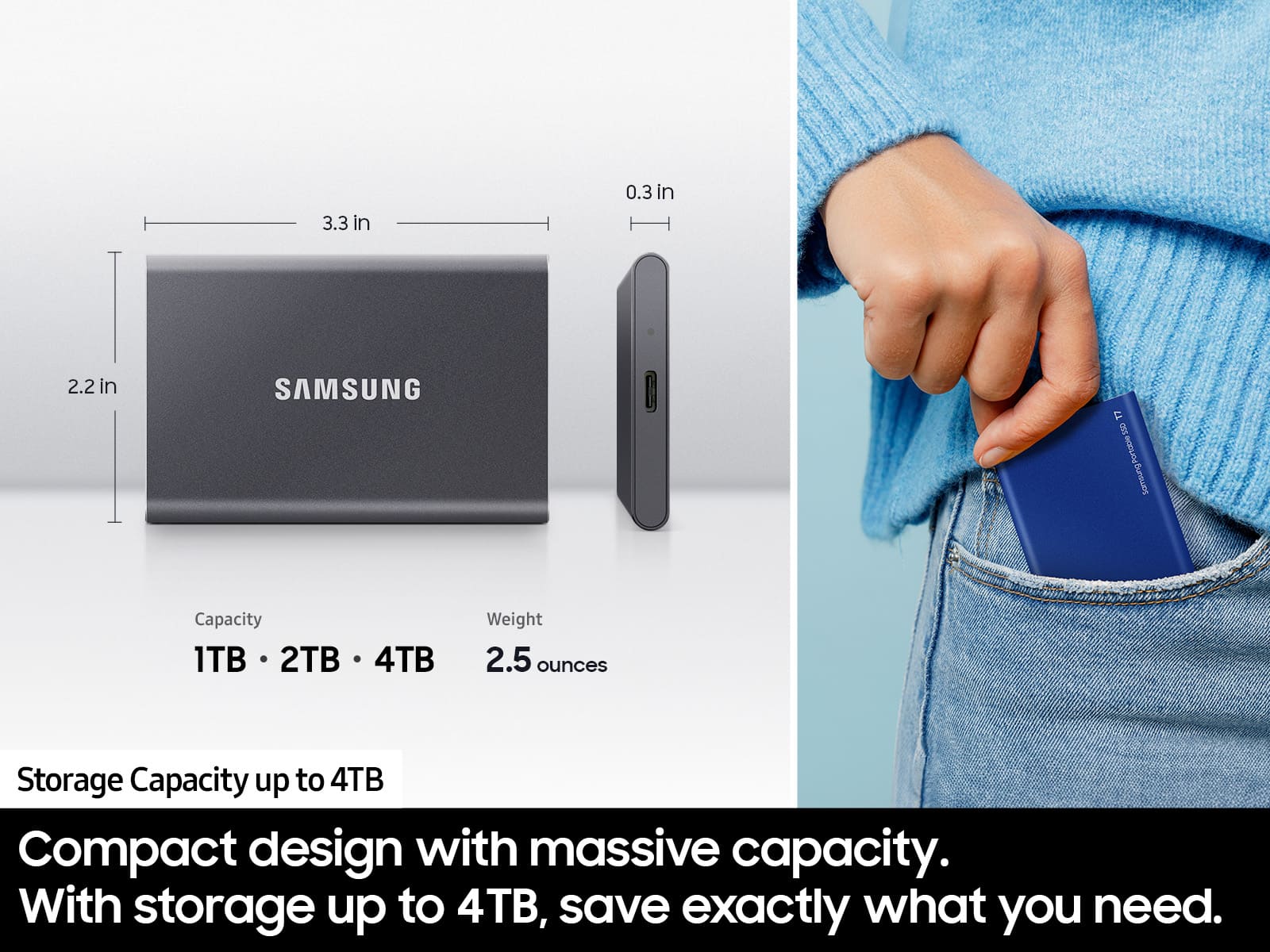
Posted .This reviewer received promo considerations or sweepstakes entry for writing a review.I bought a product that was compact and had significant memory - and Samsung Portable SSD T7 1TB hit the mark. The device is very user-friendly, as you simply plug in the UBS cord to the computer and portable hard drive. I used the portable drive to back up my entire computer, and I used less than 30% of the available space on the drive. Bottom line: this device is easy to use, functional, has a lot of capacity, and copies folders and files relatively quickly. Samsung could have provided a sleeve or case to protect the portable harddrive.
I would recommend this to a friendBrand response from Samsung
Posted .utlaw06:
Thank you for sharing your review of the Samsung T7 Portable SSD. Your feedback regarding a sleeve or case for the SSD will be shared with our product team.
If you ever have questions or need assistance, please know that Samsung is always here to help. You can reach us at any of the following options:
1) Call: 1-800-SAMSUNG (ask for Memory) Available 9AM - 12AM EST (Mon-Fri)
2) Email: [email protected]
3) LiveChat: https://www.livehelpnow.net/lhn/lcv.aspx?d=34834&ms=&zzwindow=0&lhnid=29783
Available 12PM-6PM EST (Mon-Fri)
The Samsung Members Community is also a great resource for getting help from Samsung moderators and customers: https://us.community.samsung.com/t5/Get-Help/ct-p/get-help
If you have not already done so, we invite you to register your new Samsung SSD at: https://www.samsung.com/us/account/signin/?redirect=https%3A%2F%2Fwww.samsung.com%2Fus%2Fsupport%2Fregister%2F
Registering your product gives you access to easy warranty support, convenient opt-in to special promos & offers, faster troubleshooting & service, and quick notification of system updates.
Thank you for choosing Samsung!
- Samsung Memory