Customer Ratings & Reviews
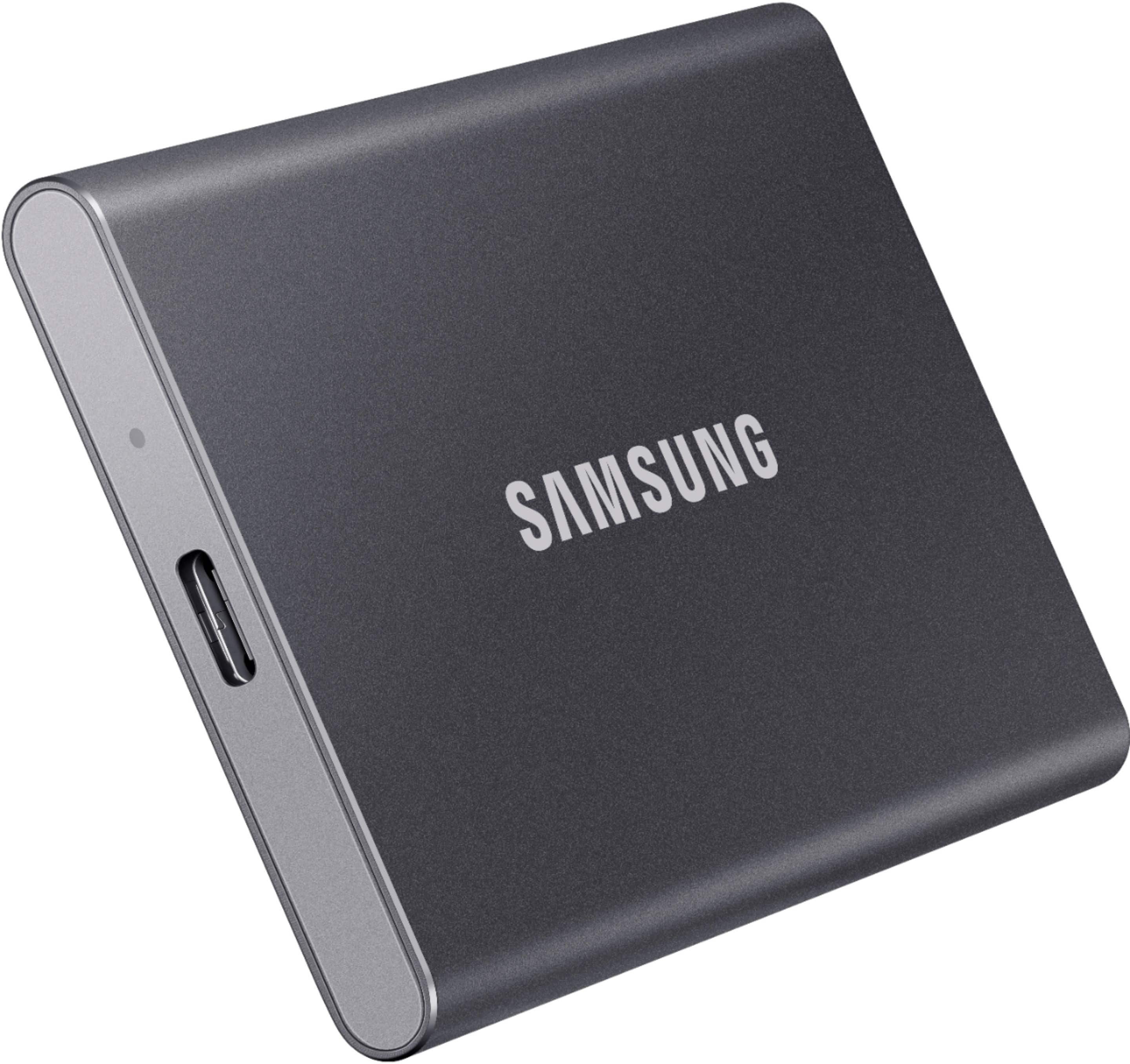
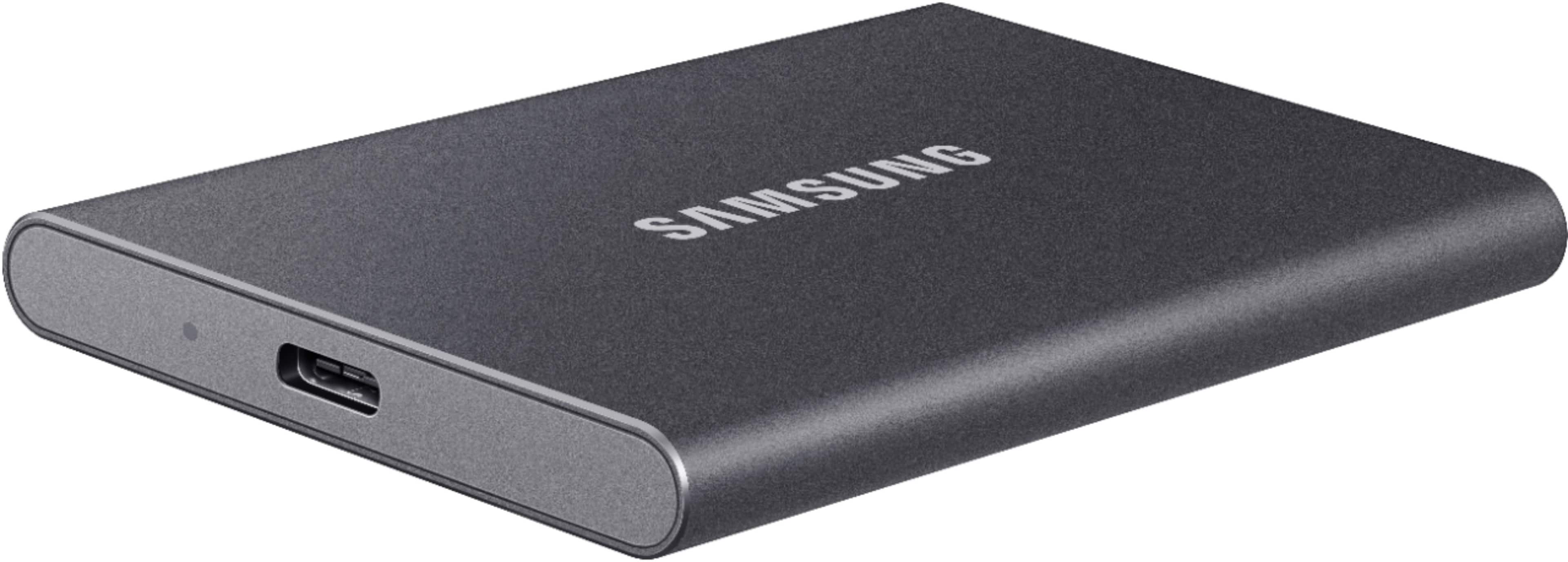
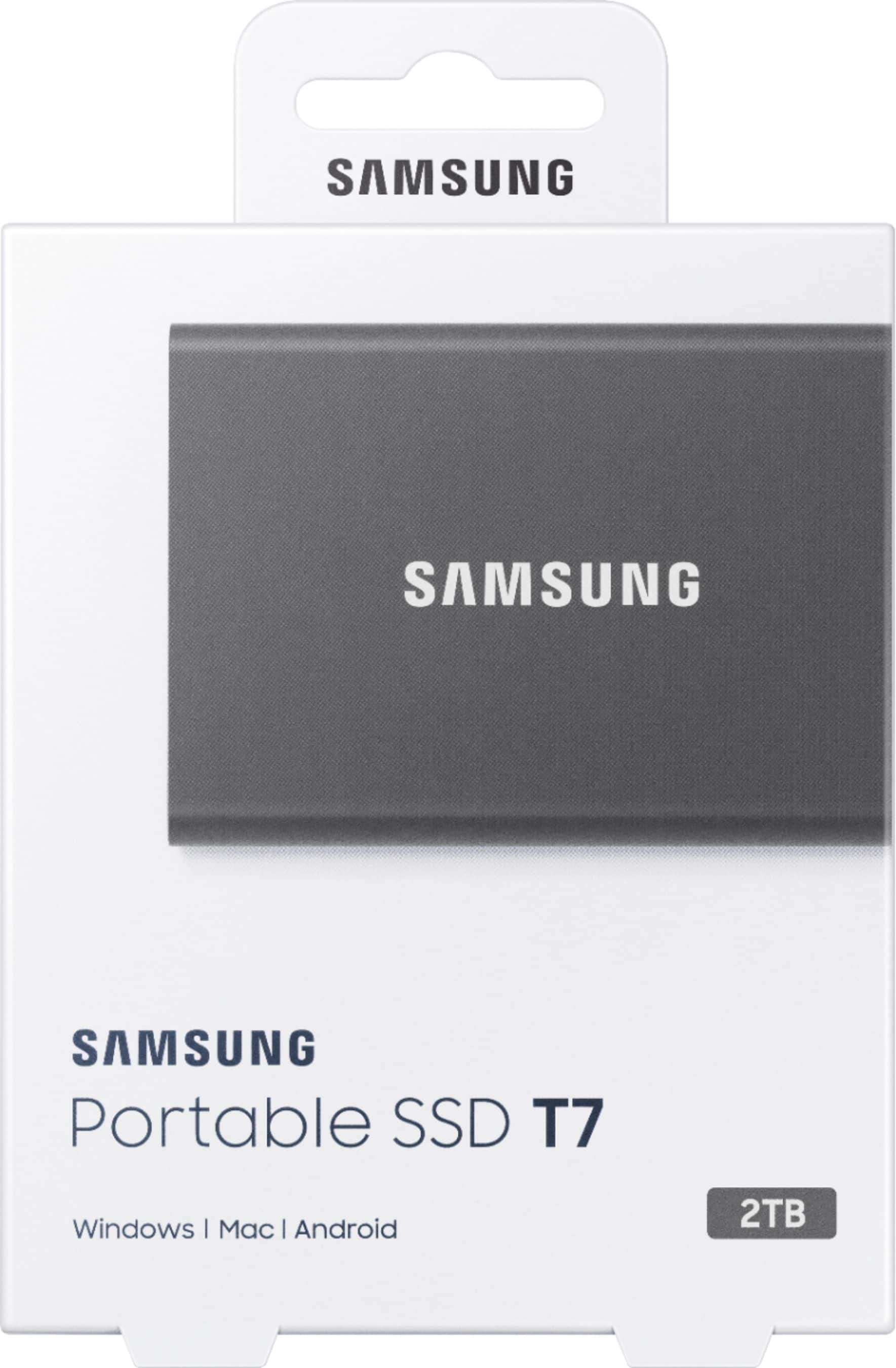
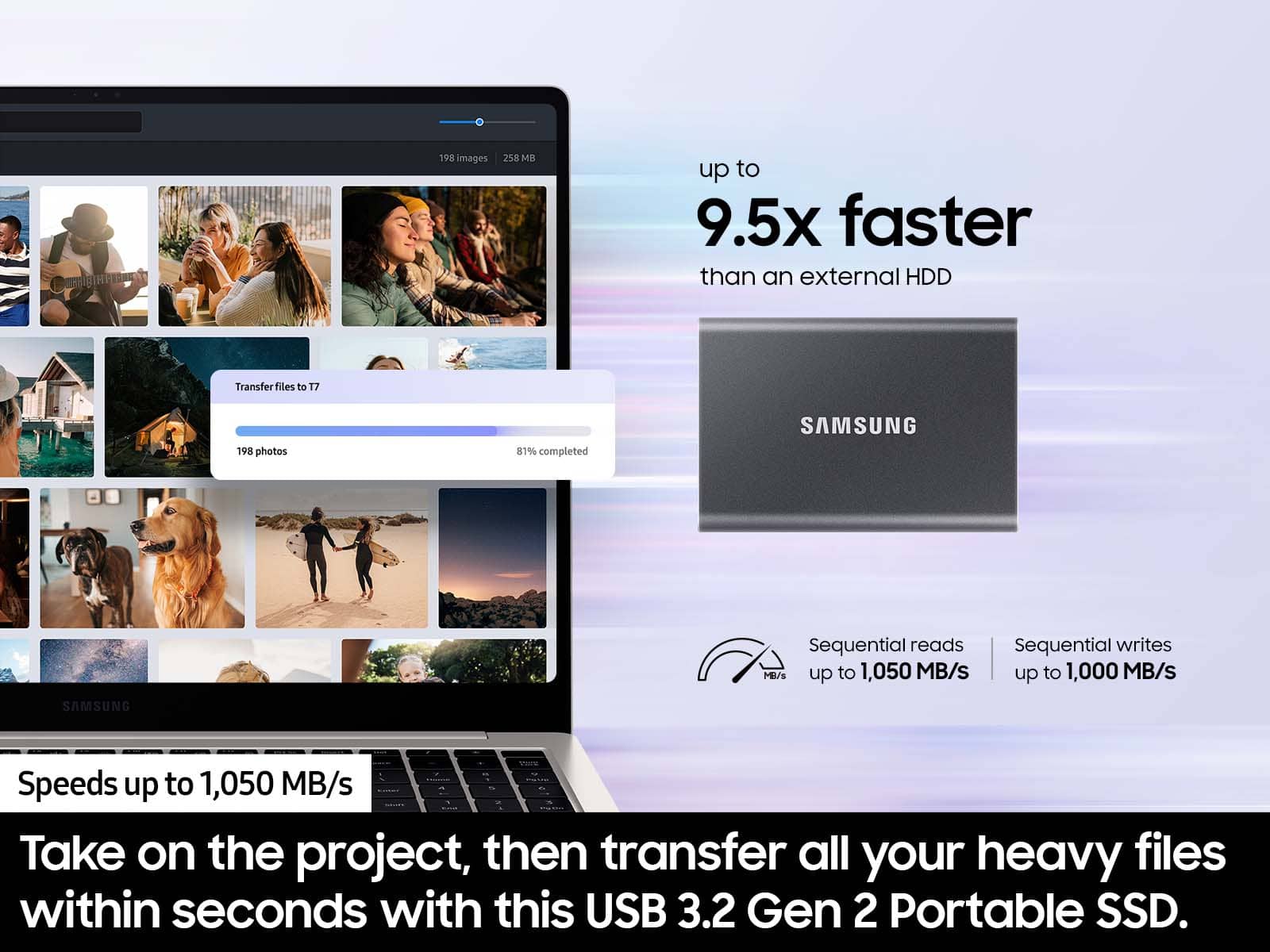



- Model:
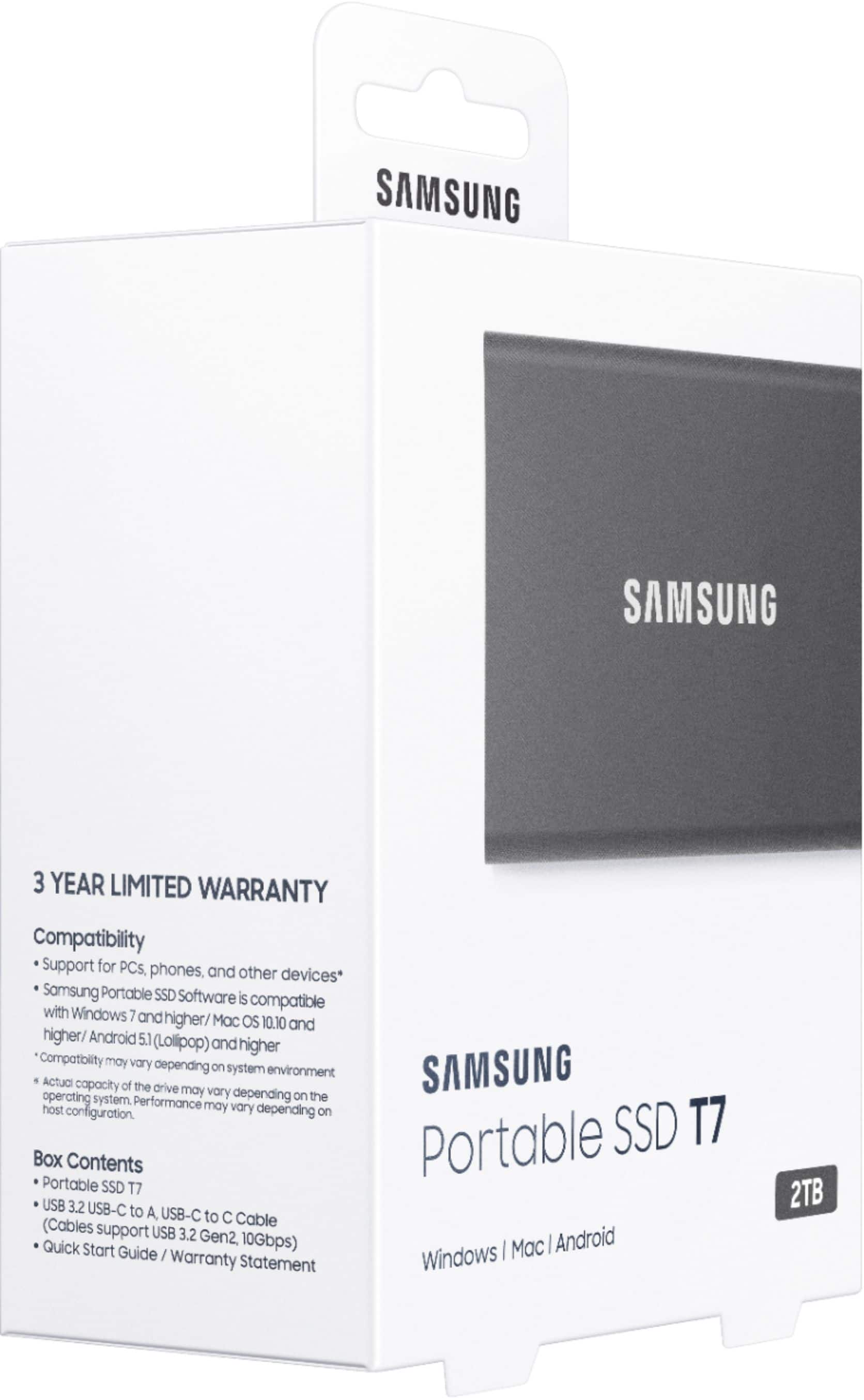
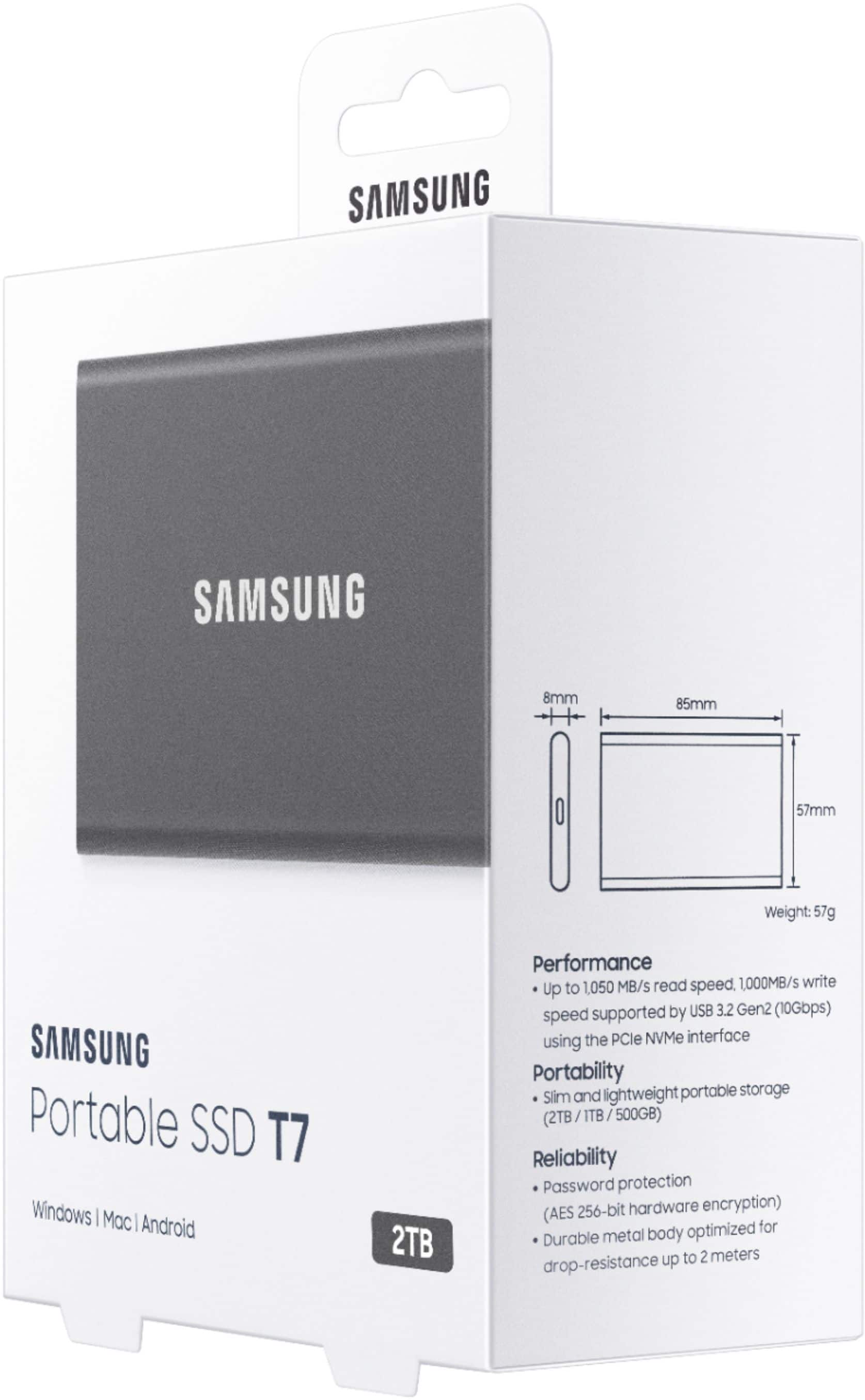
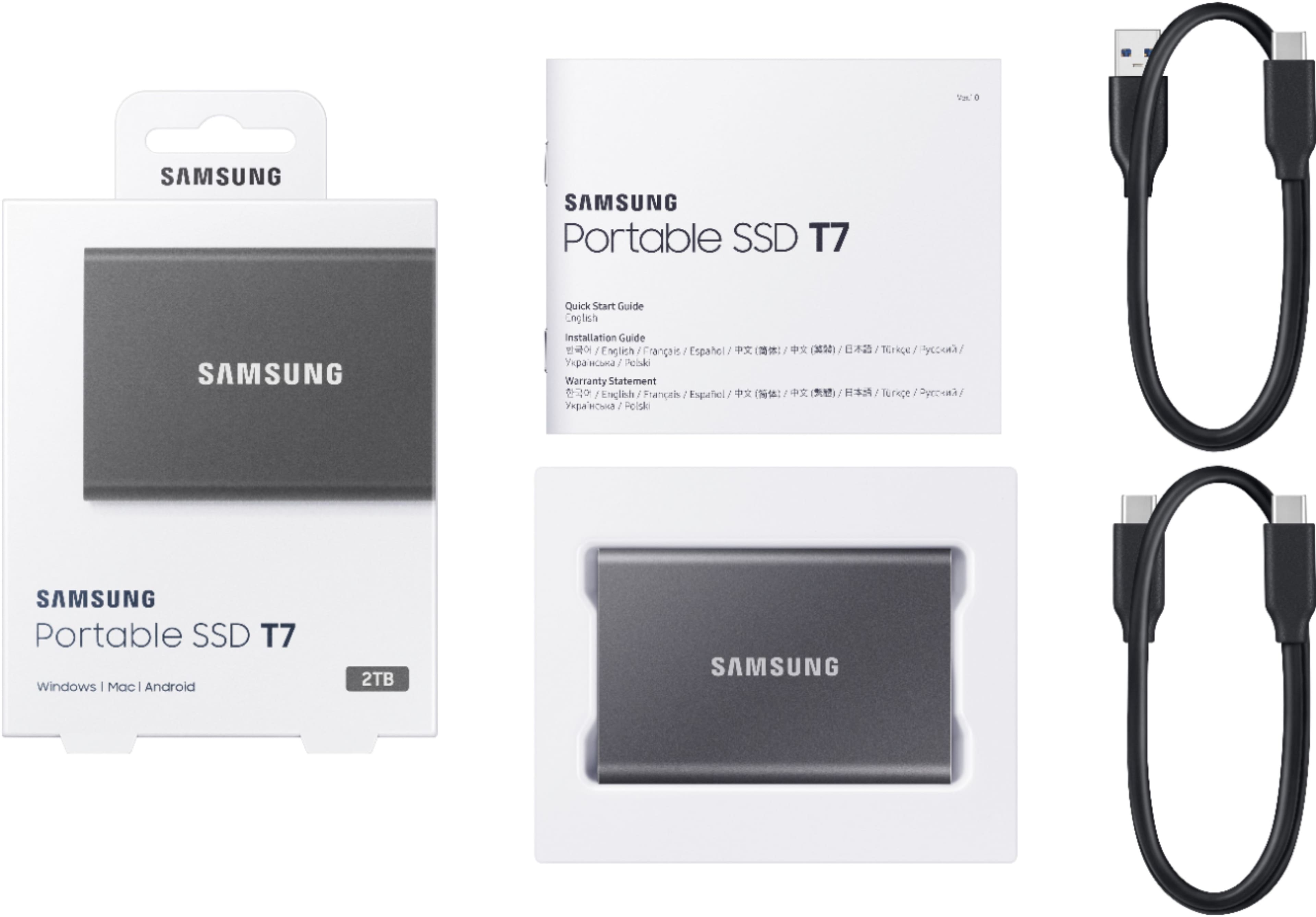
- MU-PC2T0T/AM
- SKU:
- 6408301
Rating by feature
- Value
Rating 4.7 out of 5 stars
- Quality
Rating 4.9 out of 5 stars
- Ease of Use
Rating 4.9 out of 5 stars
Customers are saying
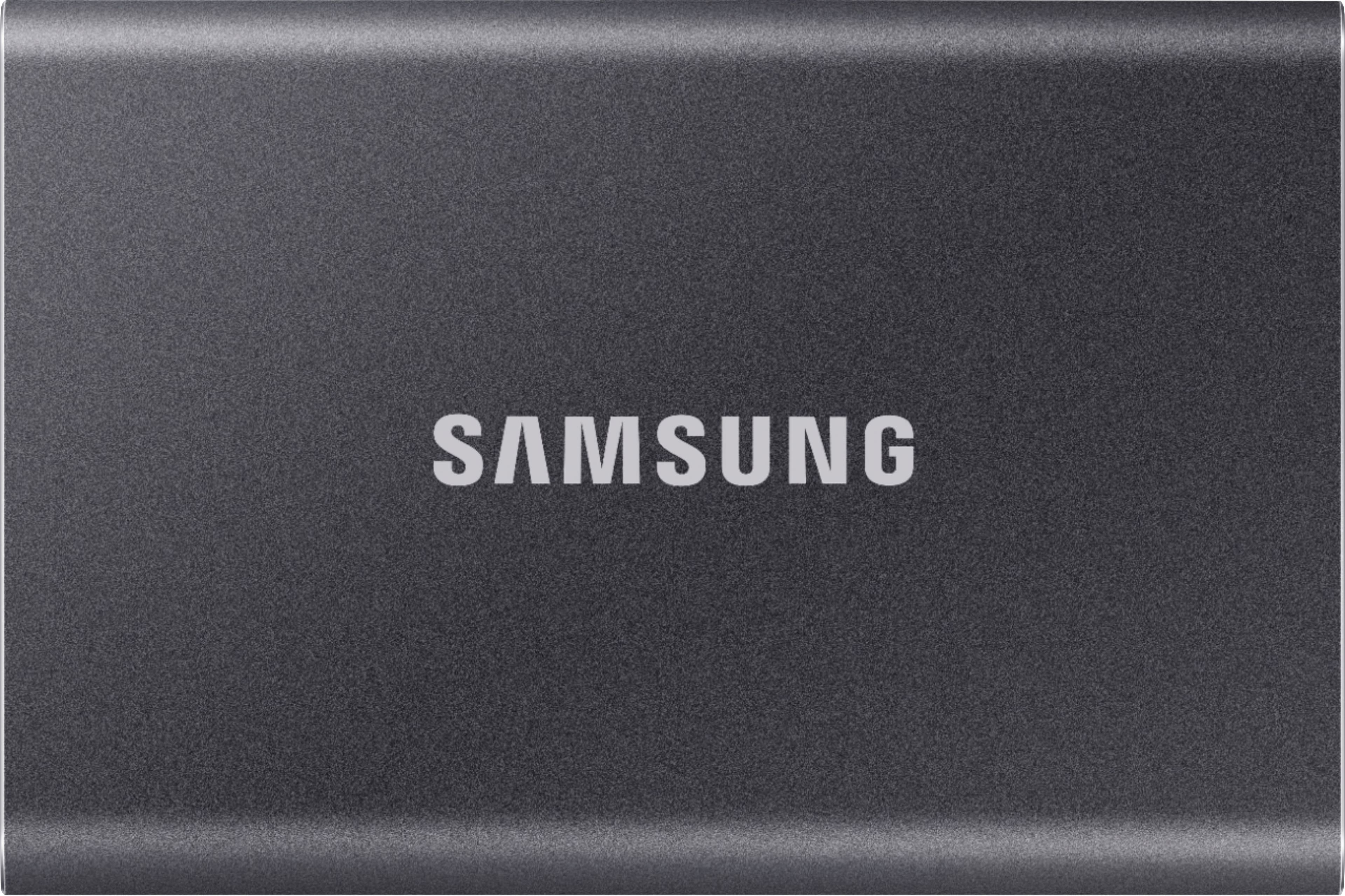
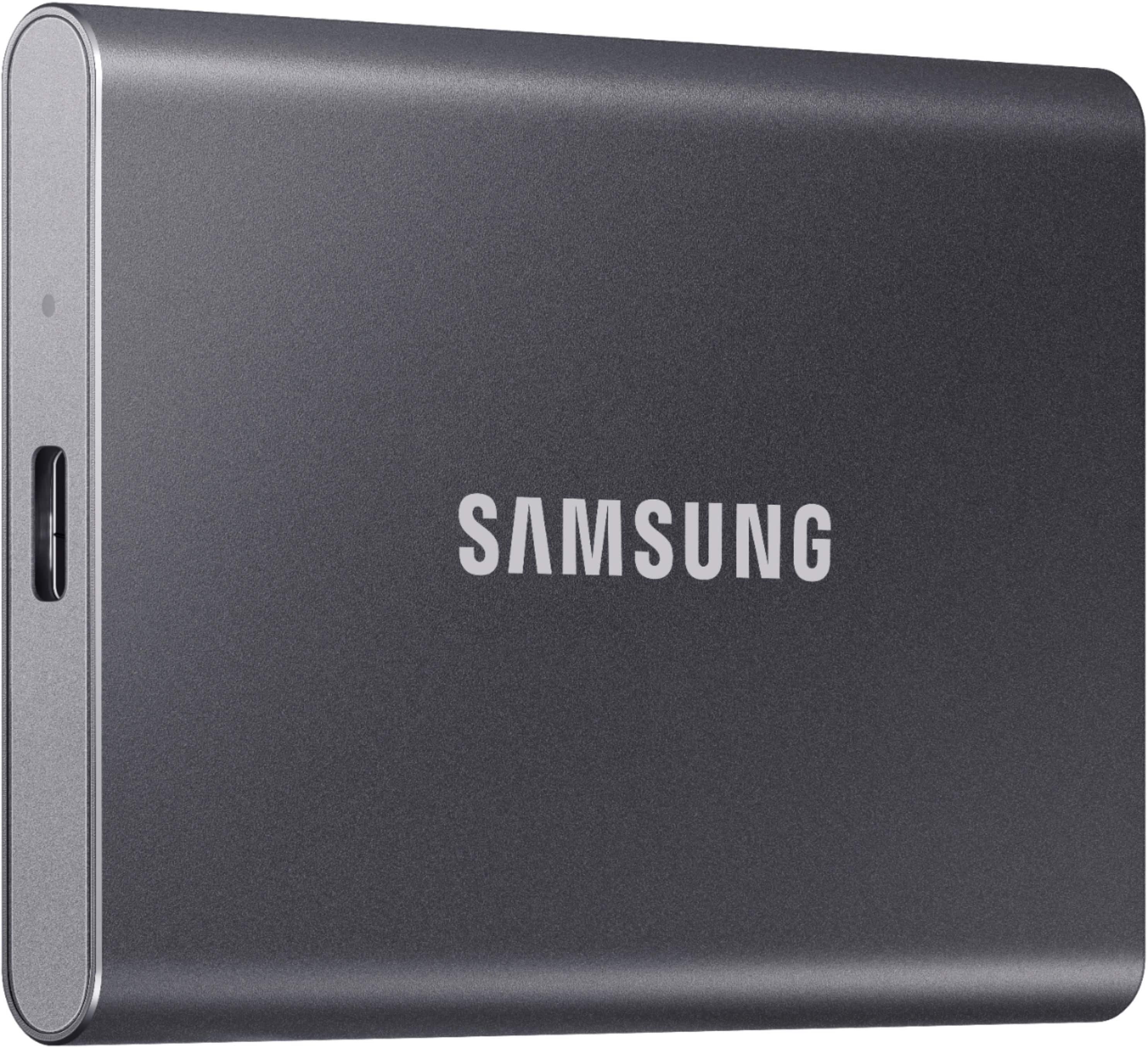
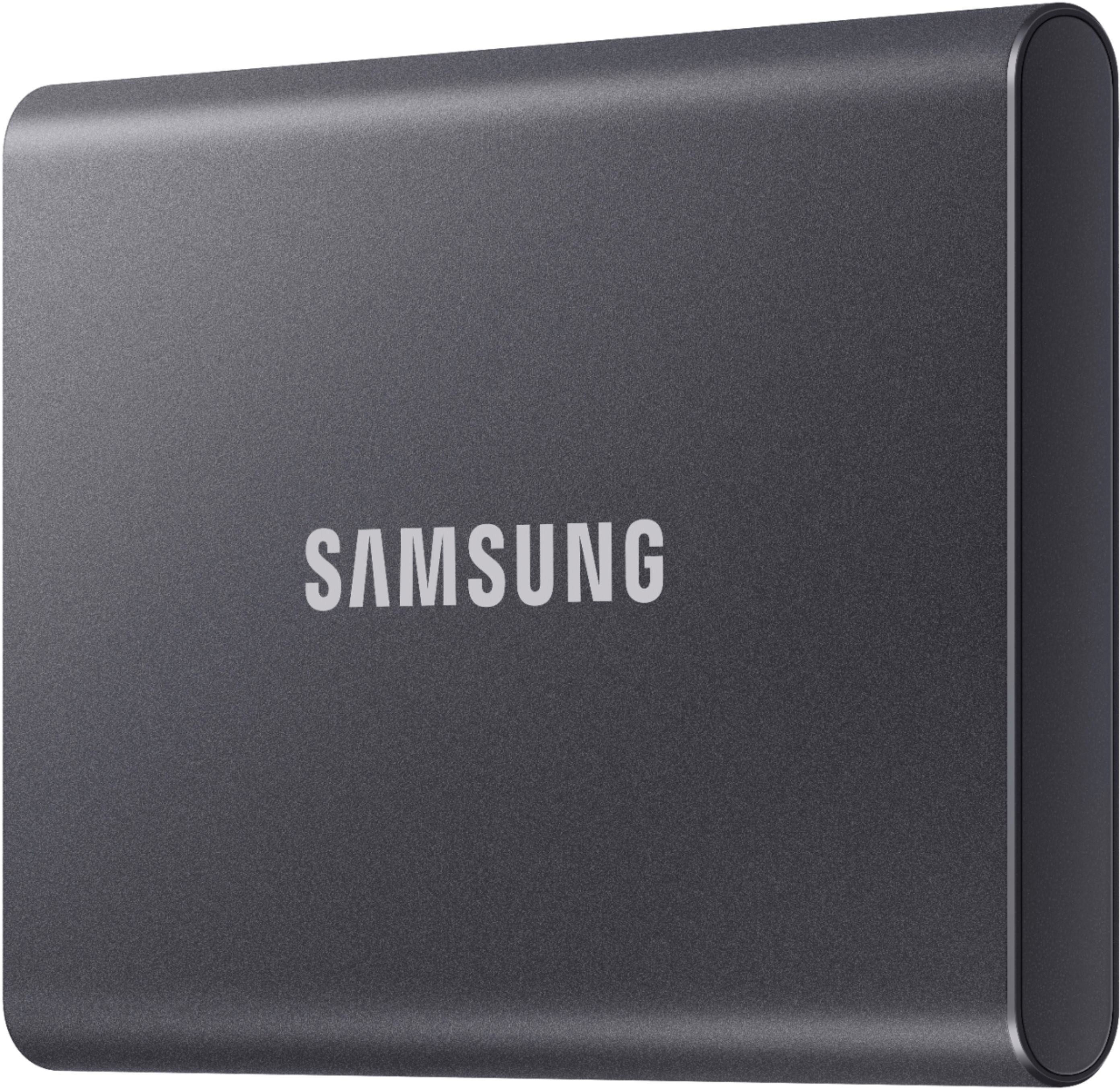
Customers regard the product highly for its impressive speed and overall performance, making it a portable and conveniently sized device. They also appreciate its storage capacity, sleek design, and easy encryption. However, some users have noted that the device tends to heat up during use.
This summary was generated by AI based on customer reviews.
Love it
||Posted . Owned for 3 weeks when reviewed.This reviewer received promo considerations or sweepstakes entry for writing a review.Perfect for storing images for my clients. Fast and compact!
I would recommend this to a friend- Cons mentioned:Heat dissipation
Great fast drive
||Posted . Owned for more than 2 years when reviewed.This reviewer received promo considerations or sweepstakes entry for writing a review.Using this on my PS5 to install PS4 games and works like it should. Keep in mind, this is only to play PS4 games. You cannot play PS5 of it. Also want to mention it does get warm to the touch when in use
I would recommend this to a friend Amazing- Super fast transfers.
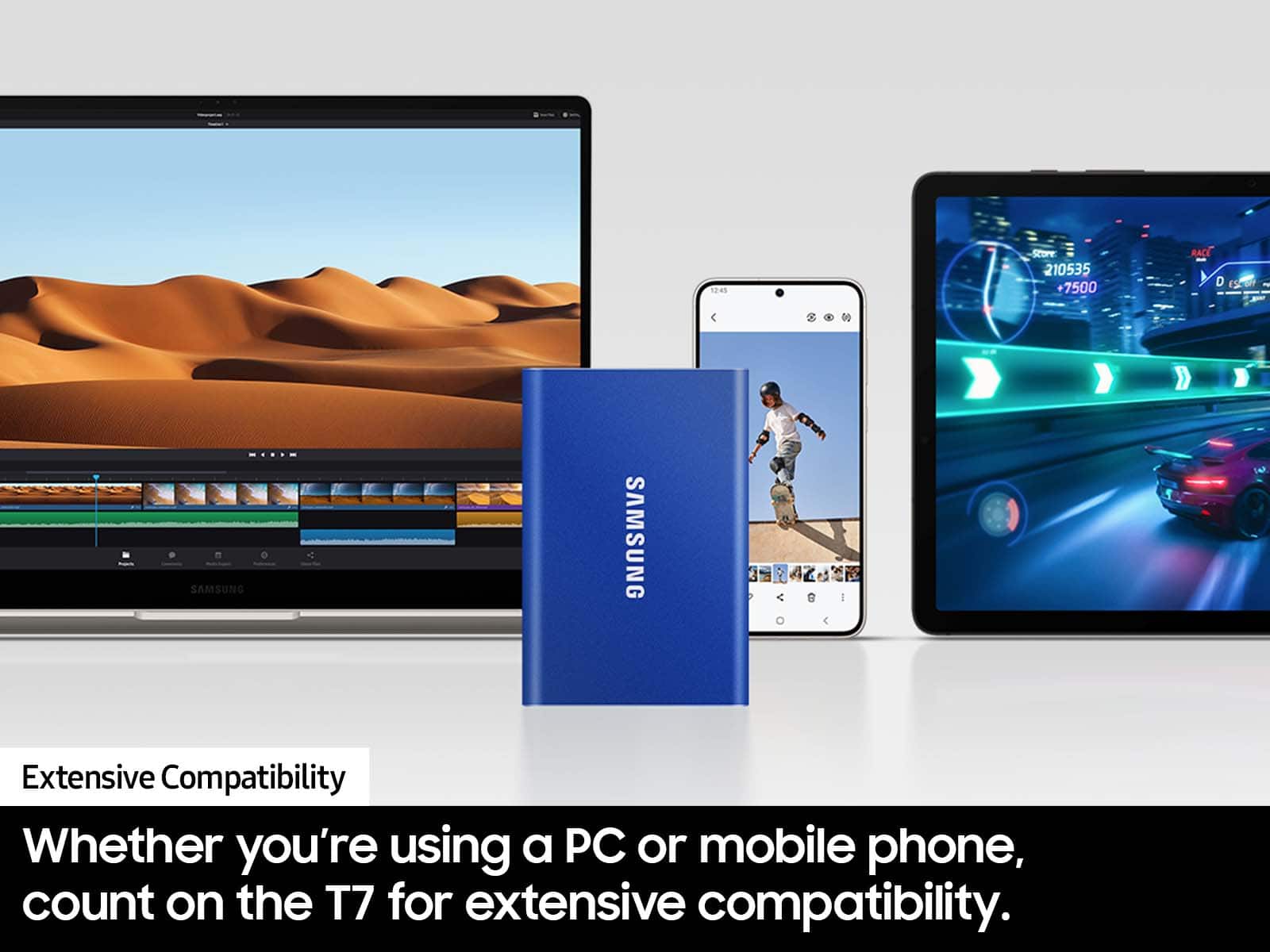
||Posted . Owned for 5 months when reviewed.This reviewer received promo considerations or sweepstakes entry for writing a review.Amazingly fast transfers. very efficient, small and easy to use with computers. Still haven't figured out how to select files to transfer off Android phone but for back up- very efficient.
I would recommend this to a friendSamsung T7 2TB External USB Portable Drive
||Posted . Owned for 1 month when reviewed.This reviewer received promo considerations or sweepstakes entry for writing a review.Compact, easy to travel with. Plenty of storage space.
I would recommend this to a friendSSD
||Posted . Owned for 2 weeks when reviewed.This reviewer received promo considerations or sweepstakes entry for writing a review.Overall is a great product, fast, reliable and easy to connect .
I would recommend this to a friendSamsung portable SSD T7 2TB
||Posted . Owned for 2 weeks when reviewed.This reviewer received promo considerations or sweepstakes entry for writing a review.Great product. Fast transfer speed. Well made and looks nice.
I would recommend this to a frienddisk is slow
||Posted . Owned for 2 weeks when reviewed.This reviewer received promo considerations or sweepstakes entry for writing a review.I have a 2017 iMac 5K and about 2 weeks ago I got this ssd its fast and everything worked great I installed MacOS Ventura on it made it my boot drive and that was golden I got iCloud Photos on the photos app but it crashed constantly so I was like"ok maybe I need to update the firmware on the ssd"so I installed Samsung magician and then got a kernel panic because little that I knew apparently Samsung magician isn't optimized well for Mac. I was like"ok I'll back up my ssd to my server I have"so I apparently my iMac without the ssd plugged in and when the iMac booted up i copied my stuff to my server and I noticed the ssd transfer speed was vary slow so I opened up black magic speediest and this is my speed(see picture below)I am NOT HAPPY I will NEVER buy a Samsung ssd again, i will be returning this shortly0
No, I would not recommend this to a friendBrand response from Samsung
Posted .techman123:
Thank you for purchasing the Samsung T7 SSD and for your review. We value your feedback regarding the speed of yourSSD.
As there are various factors that could affect speed, I would encourage you to call Samsung Customer Support if you need further assistance to troubleshoot your issue.
1) Call: 1-800-SAMSUNG (ask for Memory). Available 9AM - 12AM EST (Mon-Fri)
2) Email: samsungmemorysupport@sea.samsung.com
3) LiveChat 9AM-9PM EST (Mon-Fri) - https://www.livehelpnow.net/lhn/lcv.aspx?d=34834&ms=&zzwindow=0&lhnid=29783
Samsung stands behind the quality and performance of every T7 SSD we manufacture with a limited 3-year manufacturer’s warranty when purchased brand-new, directly from any authorized dealer, like Best Buy.
We hope to hear from you soon.
~ Samsung Memory
Excellent device.
||Posted . Owned for 10 months when reviewed.This reviewer received promo considerations or sweepstakes entry for writing a review.It is very useful for saving information on all my devices.
I would recommend this to a friendGreat external hard drive with encyption!
||Posted . Owned for 3 weeks when reviewed.This reviewer received promo considerations or sweepstakes entry for writing a review.Great product, the encyption is easy to use. Very satisfied with my purchase.
I would recommend this to a friendWorks great
||Posted . Owned for 3 weeks when reviewed.This reviewer received promo considerations or sweepstakes entry for writing a review.Works great. Getting 2gbps transfer rate on an Xbox series X.
I would recommend this to a friendGreat portable drives
||Posted . Owned for 3 weeks when reviewed.This reviewer received promo considerations or sweepstakes entry for writing a review.They had the portable hard drives I needed, when I needed them. A+
I would recommend this to a friendFast External Hard Drive
||Posted . Owned for 1 month when reviewed.This reviewer received promo considerations or sweepstakes entry for writing a review.Super fast! You don't have to wait for your files to upload!
I would recommend this to a friendExcellent
||Posted . Owned for 1 month when reviewed.This reviewer received promo considerations or sweepstakes entry for writing a review.Super fast and portable with a nice amount of storage
I would recommend this to a friendNice for the price
||Posted . Owned for 7 months when reviewed.This reviewer received promo considerations or sweepstakes entry for writing a review.Fast read rights idal for doing thingx love it may get more
I would recommend this to a friendA must have for the BMPCC 6K
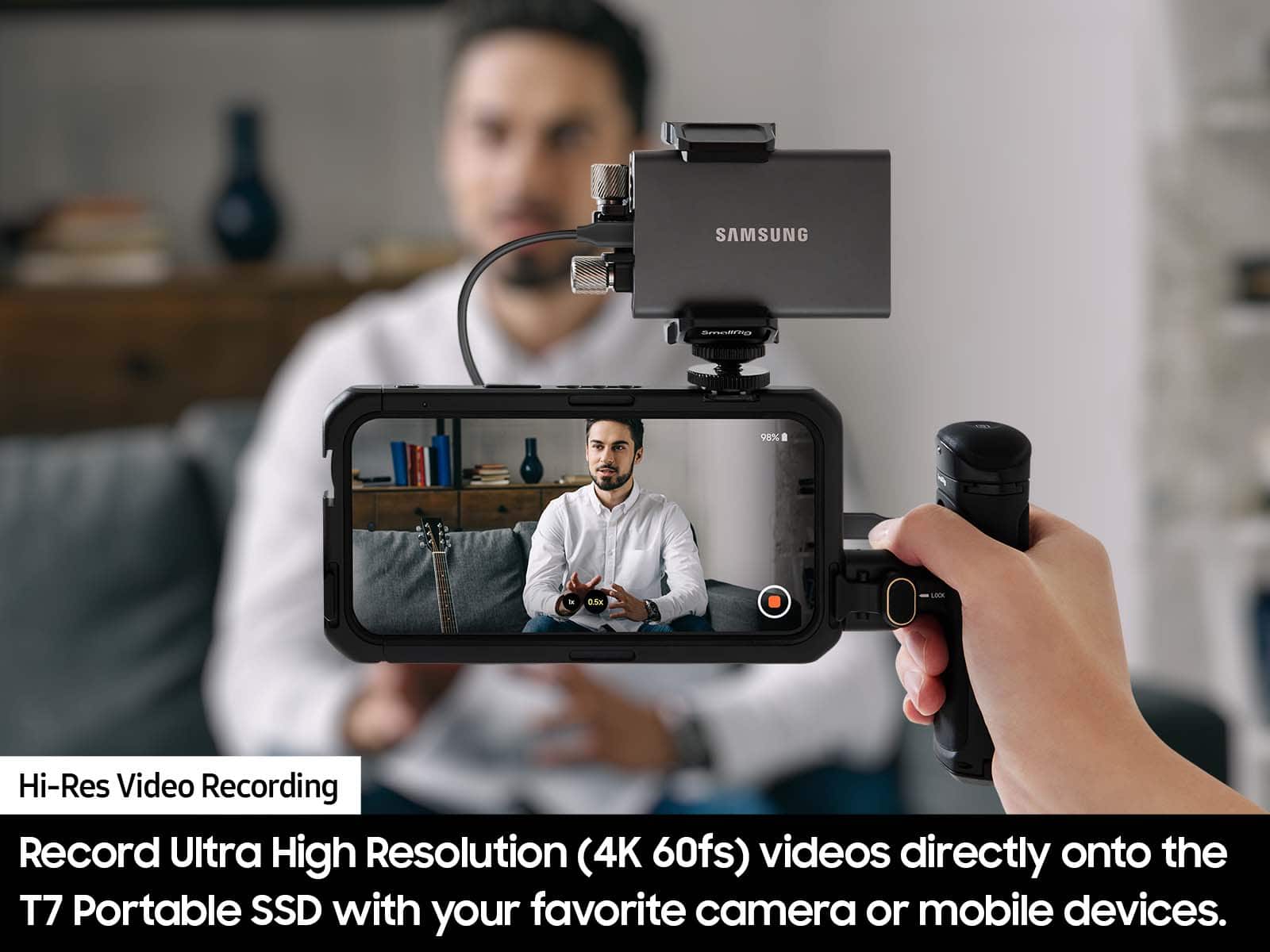
||Posted . Owned for 1 month when reviewed.This reviewer received promo considerations or sweepstakes entry for writing a review.Excellent SSD, works very smooth with my BMPCC 6K.
I would recommend this to a friend- Pros mentioned:Overall performance, Portability, Speed
Sleek, Lightweight, and Extremely Fast
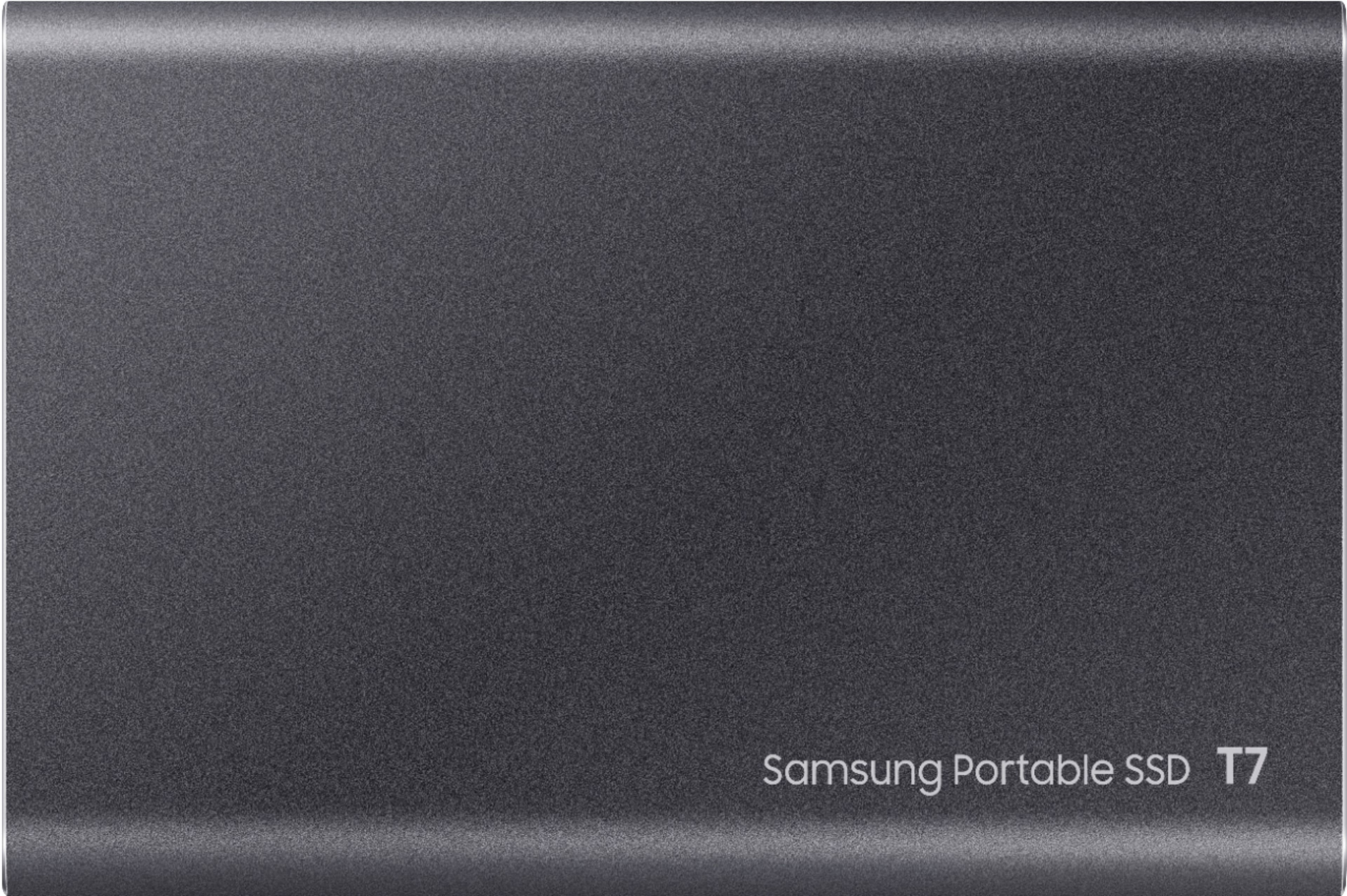
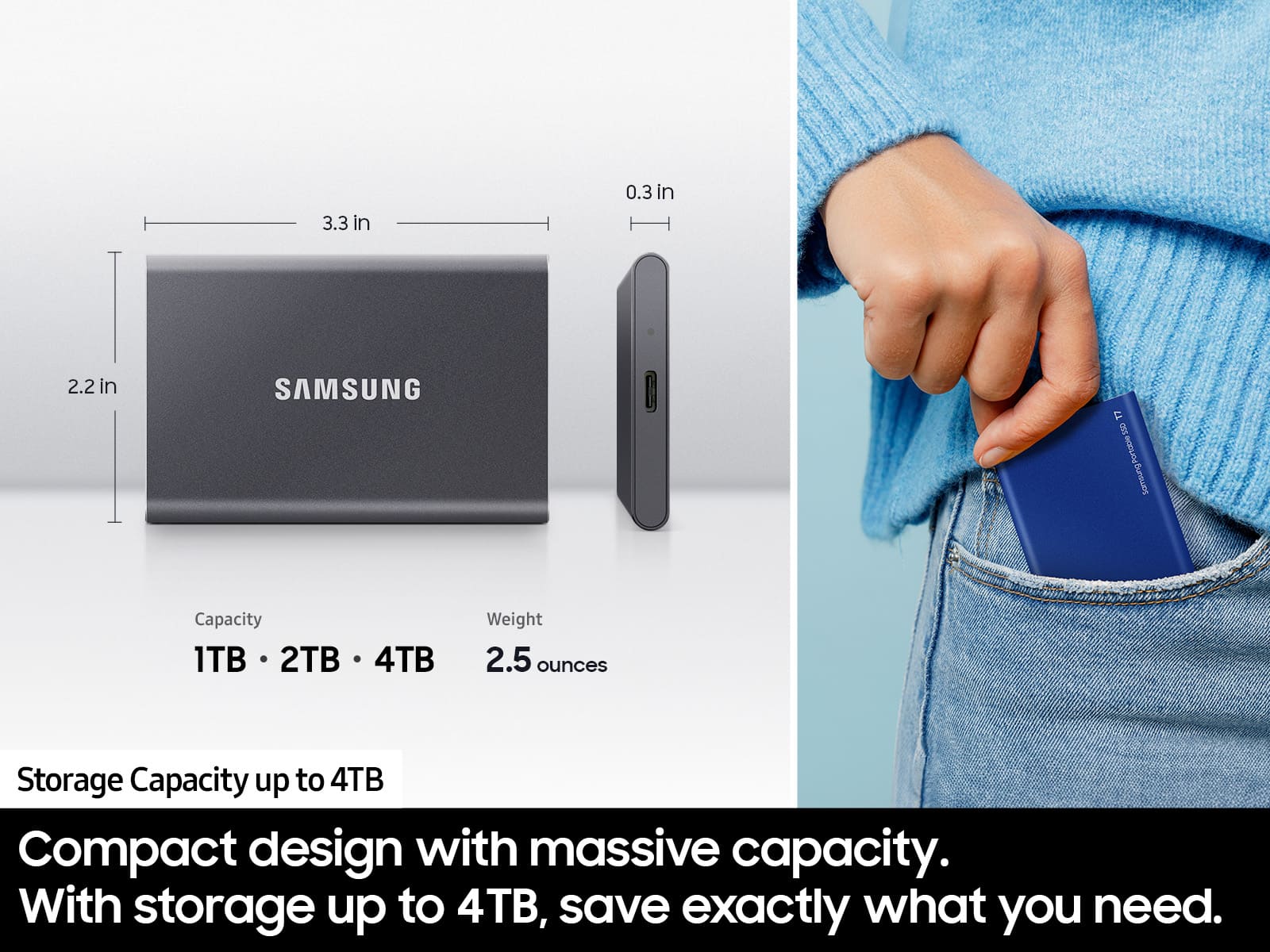
||Posted . Owned for 2 weeks when reviewed.This reviewer received promo considerations or sweepstakes entry for writing a review.The Samsung T7 is an excellent portable SSD. It is remarkably lightweight and compact, with a sleek Titan Gray finish that gives it a clean, premium appearance. It easily fits into a laptop bag or pocket without adding noticeable weight. Performance is equally impressive. File transfers are extremely fast, the connection is reliable, and it handles large files smoothly without slowing down. It is a great combination of speed, portability, and attractive design. I would highly recommend it for backups, transferring files, or carrying extra storage on the go.
I would recommend this to a friend External SSD CARD
||Posted . Owned for 1 month when reviewed.This reviewer received promo considerations or sweepstakes entry for writing a review.i like this product bc it helped expand my storage on my xbox.
I would recommend this to a friendOverheated and leaked some white glue/wax
||Posted . Owned for 1 year when reviewed.This reviewer received promo considerations or sweepstakes entry for writing a review.I have 2TB T7 connected to my iMac. It gets too hot to touch once in a while as some of the other reviewers mentioned. I noticed a white spot on the USB cable and a white stain under the SSD on my desk. looks like it leaked some kind of white glue or wax. SSD is less that 1 year old. Samsung will not send a replacement unless I send my SSD first (even with a CC hold for the whole amount). They are forcing customers to buy more storage to backup data while faulty SSD is sent for a repair.
No, I would not recommend this to a friendBrand response from Samsung
Posted .Maxim:
I’m very sorry for the difficulties you’ve experienced with your T7 SSD. We completely understand your frustrations, and we are here to help.
Our warranty process is efficient and easy:
1. Once you contact and inform us that you need to process an RMA, we will email you an RMA form.
a. This form will ask for your contact info, reason for repair, and a copy/photo of your receipt/bill of sale (if possible).
b. Please email us back the completed form and proof of purchase.
2. Once we receive your completed RMA form, we will email you your RMA Ticket Number.
a. If you are within the U.S., you will also be emailed a UPS label to send us your SSD for assessment.
3. You should receive your repaired or replacement drive within 5-7 business days from the date you shipped us back your original drive.
If at any time you wish to check the status of your RMA, you can email Samsung Customer Support at:
1-800-SAMSUNG (ask for Memory or press #, then 6 for Memory products)
Available 9AM – 12AM EST (Mon-Fri)
Or visit us on the Samsung website and click on the SUPPORT link in the upper right corner for:
1) Contact Us Options (LiveChat, Remote Support)
2) Product Support
3) Warranty Info
4) Samsung Community: A great resource for getting help from Samsung moderators and customers and more
5) …and more product, repair, order, and care options
Samsung is committed to providing the best possible product experience, quality, and value, and we are always here to help with any of your questions or concerns.
~ Samsung Memory
- Pros mentioned:Overall performance, Portability, Speed
Reliable, Fast speed and Economical
||Posted . Owned for 8 months when reviewed.This reviewer received promo considerations or sweepstakes entry for writing a review.I've been using the Samsung external SSD for a while now, and it's been an excellent investment. The transfer speeds are incredibly fast, making it easy to move large files, videos, and backups in just a few minutes. The drive is compact, lightweight, and feels very durable, so it's easy to carry in a laptop bag or pocket. Setup was simple—it worked immediately with my devices, and the included security software for optional password protection is a nice bonus. I've found it to be reliable with no connection issues or data loss. While it's a bit more expensive than some other portable SSDs, the performance, build quality, and dependability make it well worth the price. I would definitely recommend it to anyone looking for a fast and portable storage solution.
I would recommend this to a friend - Pros mentioned:Overall performance, Portability, Size
Super Small Super Fast.
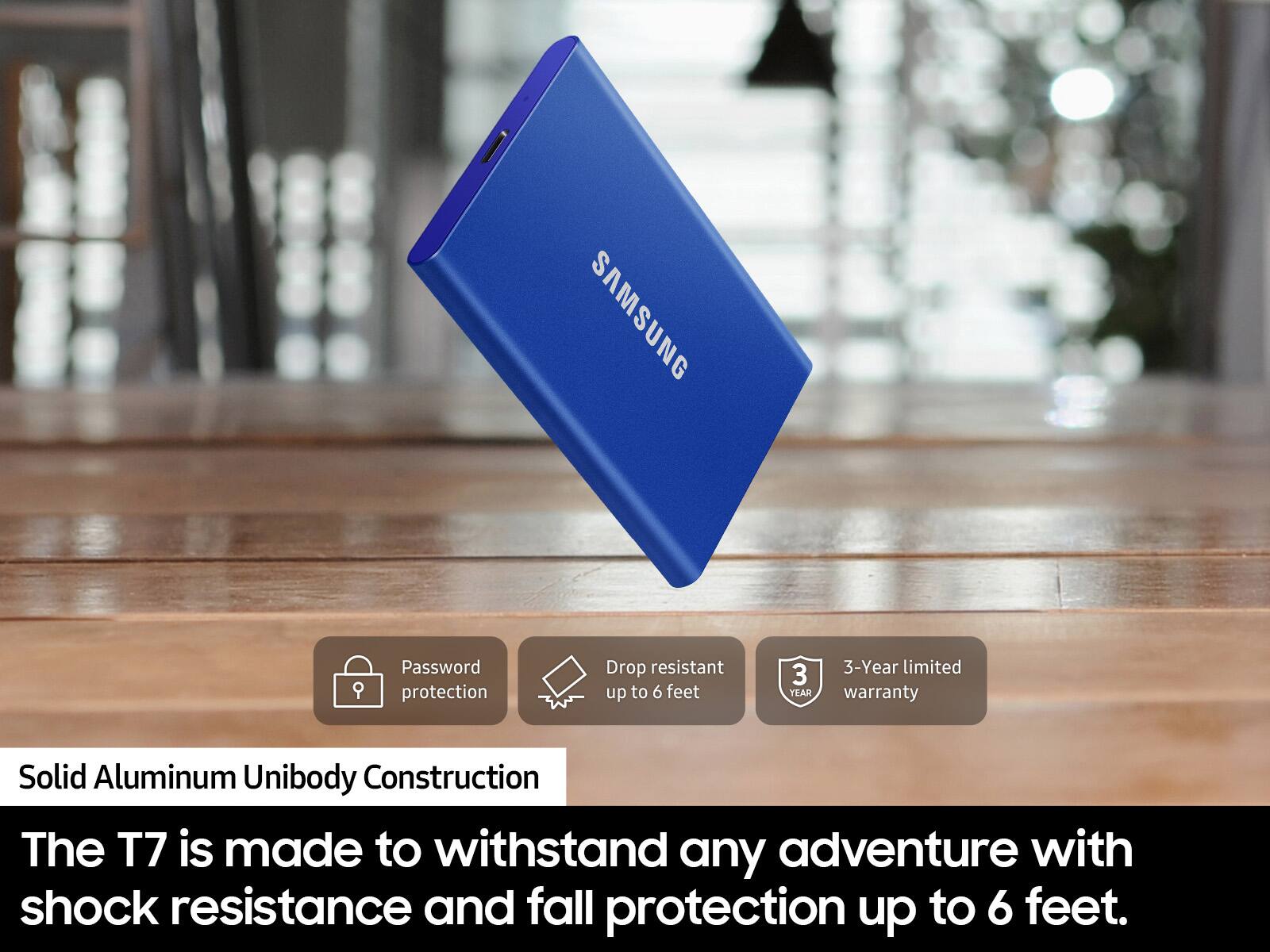
Posted .This reviewer received promo considerations or sweepstakes entry for writing a review.The T7 is a USB 3.2 (Gen2) drive that is super light and super small. It is swift (10Gbps), assuming you have a compatible USB 3.2 port. It is roughly the size of a credit card and fits almost anywhere! It features password security that encrypts the drive and keeps the contents safe, so it is perfect if you have sensitive or confidential data, or work in an environment where data must be protected. I work in the government healthcare field, so this drive is a must. The drive offers 256bit AES hardware encryption. The only downside to the password protection (and the reason for my 4-star review instead of five) is that it requires Samsung's software to be installed on the computer you are using to access this drive. In other words, the hardware encryption is dependent on software to enter the password to decrypt the drive. This software requirement severely limits where you can use the drive, and requires you to have administrative rights on every computer to install the software. Without the software, the drive will not unlock. Likewise, if you forget your password, there is no way to recover it, and the data on the drive is lost. These two downsides are the only negative to an otherwise almost perfect USB drive. If Samsung could figure out a way to build the password protection into the hardware of the device, bypassing the software unlocking, it would be perfect. Samsung offers the same drive with a fingerprint reader that is hardware-based and does unlock the drive without the need for the software (other than initial device setup). In any event, the non-touch version of the T7 is excellent if you only plan to use the drive on computers that you own. For the price, you get a high-speed drive plus data protection. Other comparable devices cost about the same but don't offer the data security that the T7 does. Speedwise, short data transfers are amazingly fast on the T7. In fact, it blows the T5 model out of the water. On larger file transfers, things start to equalize between the T7 and T5 as the write speeds on the T7 slow after the device exceeds its cache. The drive comes in different sizes to meet your needs, 500GB, 1TB, and 2TB. The drive comes with two USB cables: a C-C and an A-C. If you need a fast, secure drive for personal or business storage, you can't go wrong with the T7. If you plan to travel with the drive, you should consider the T7 touch model.
I would recommend this to a friendBrand response from Samsung
Posted .WillD:
Thank you for your purchase of the T7 Portable SSD and for sharing your review. This light, pocket-sized Portable SSD T7 delivers fast speeds with easy and reliable data storage for transferring large files. Whether you're storing critical business documents, games, or movies, the Portable SSD T7 gives you speed and durability in a palm-sized package.
Also, we thank you for your feedback regarding password protection and will be sharing with our Product team.
Should you ever have questions or need assistance using this product, please contact Samsung Customer Support.
1) Call: 1-800-SAMSUNG (ask for Memory) Available 9AM - 12AM EST (Mon-Fri)
2) Email: samsungmemorysupport@sea.samsung.com
3) LiveChat: https://www.livehelpnow.net/lhn/lcv.aspx?d=34834&ms=&zzwindow=0&lhnid=29783
Available 12PM-6PM EST (Mon-Fri)
The Samsung Members Community is also a great resource for getting help from Samsung moderators and customers: https://us.community.samsung.com/t5/Get-Help/ct-p/get-help
If you have not already done so, we invite you to register your new Samsung SSD at: https://www.samsung.com/us/account/signin/?redirect=https%3A%2F%2Fwww.samsung.com%2Fus%2Fsupport%2Fregister%2F
Registering your product gives you access to easy warranty support, convenient opt-in to special promos & offers, faster troubleshooting & service, and quick notification of system updates.
Thank you for choosing Samsung!
- Samsung Memory