Customer Ratings & Reviews
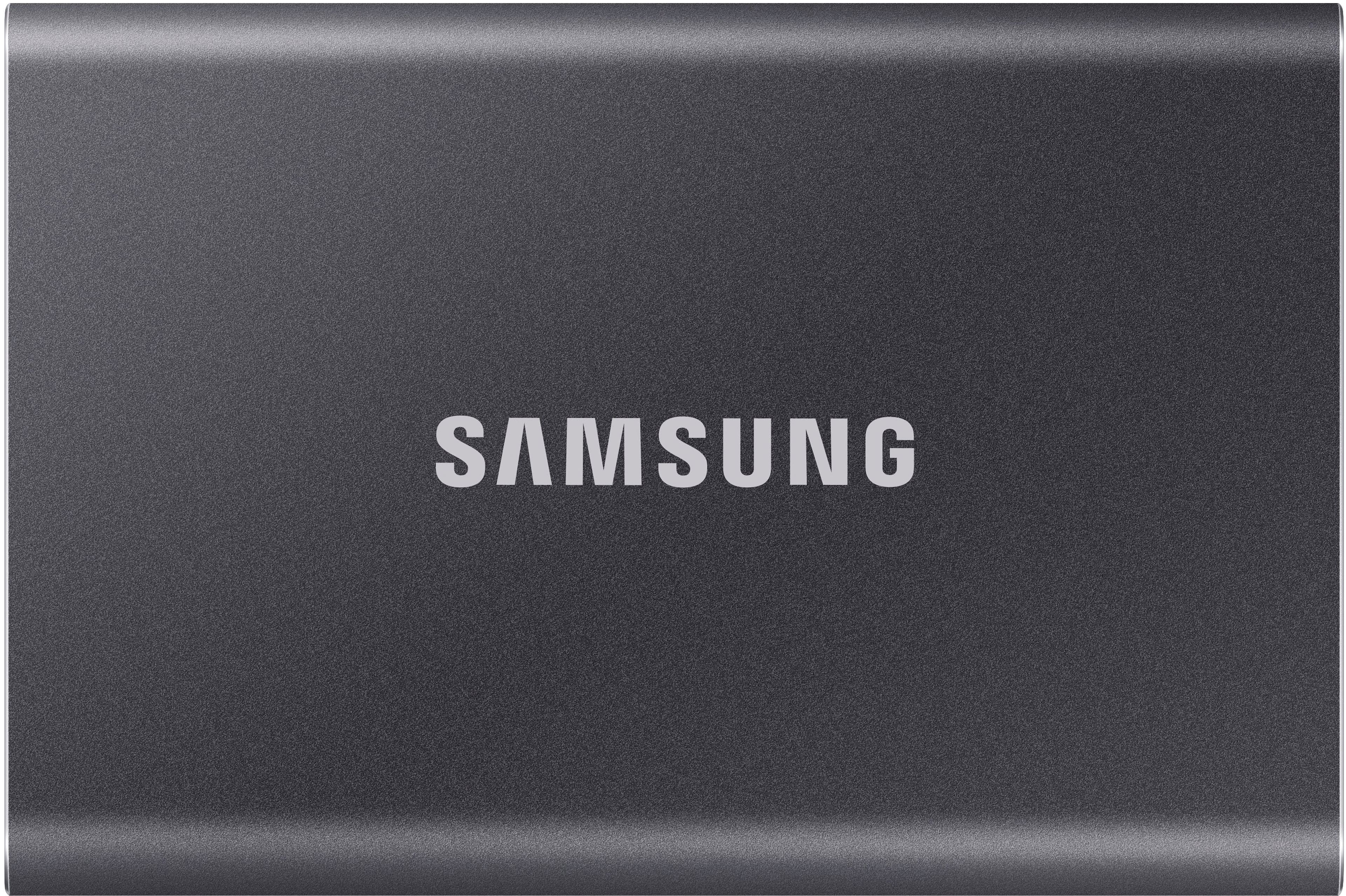
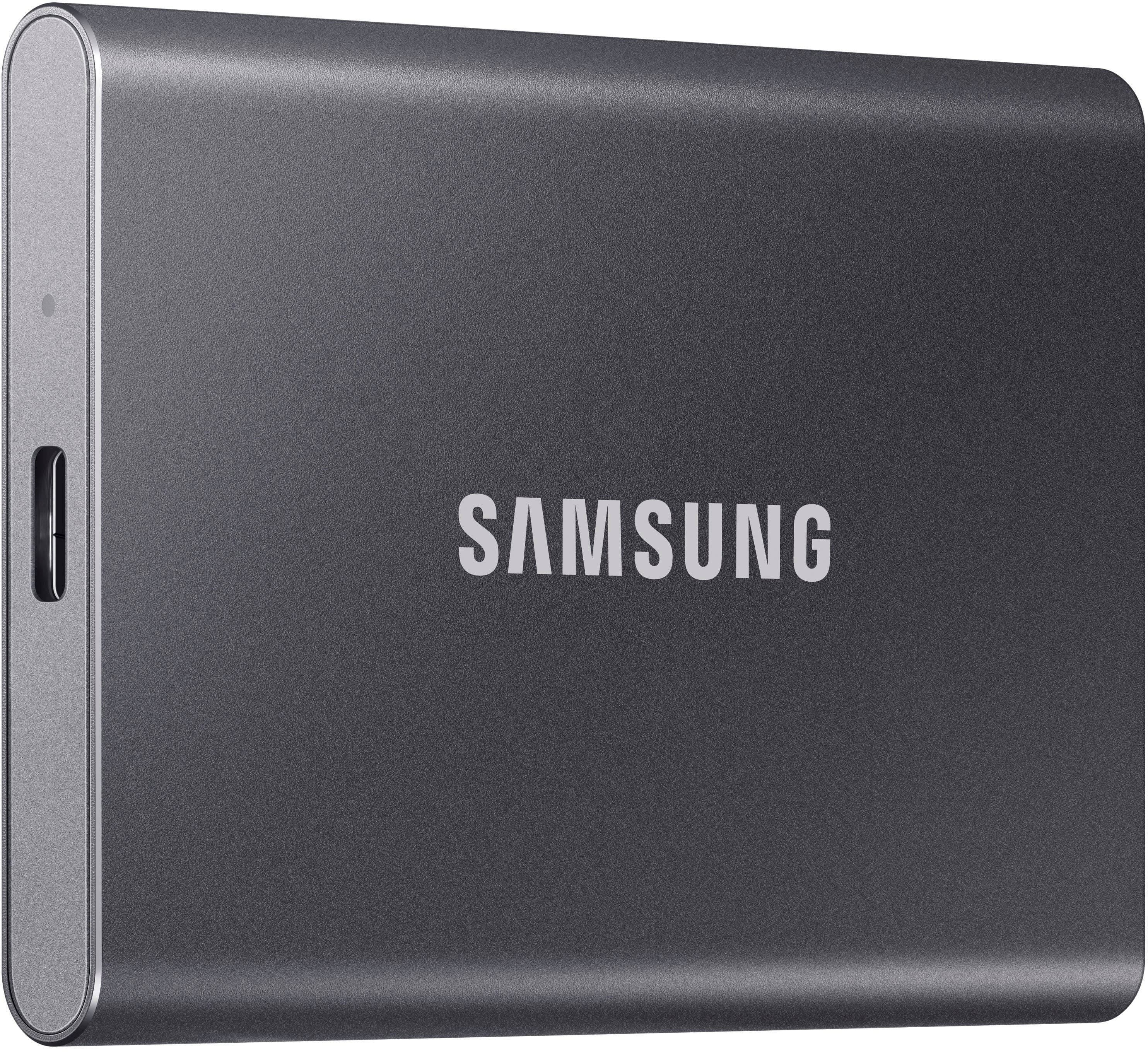
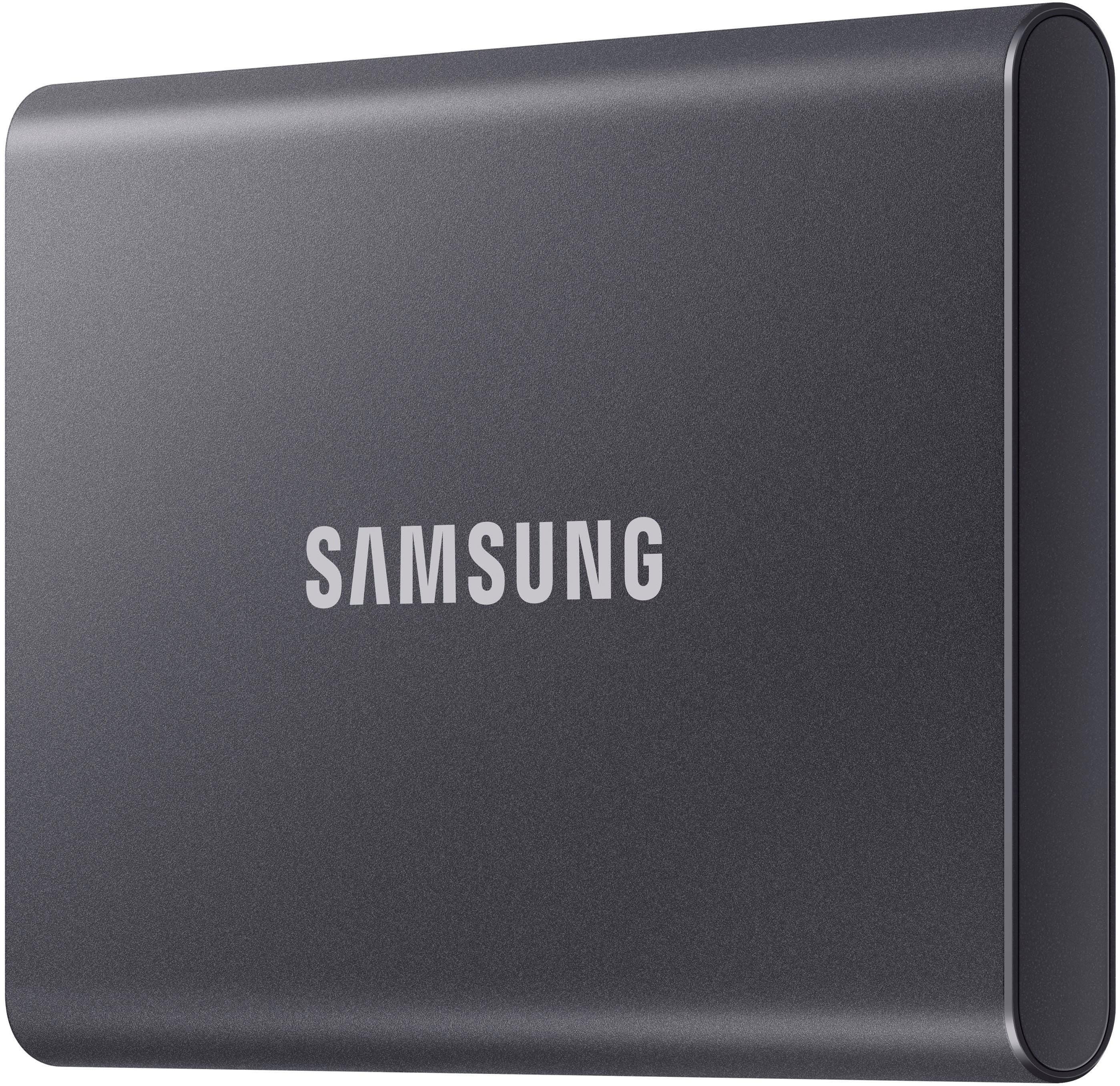
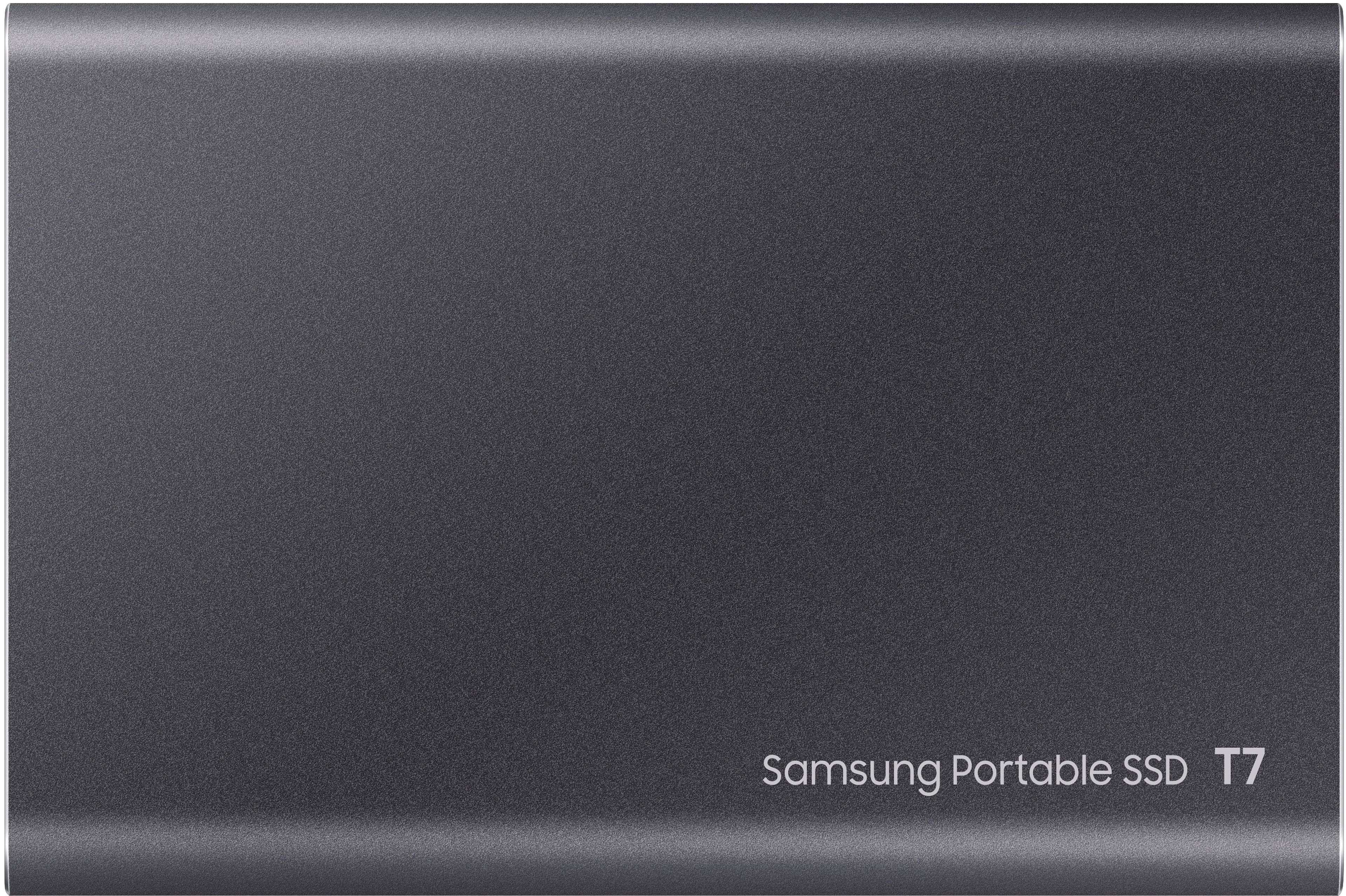
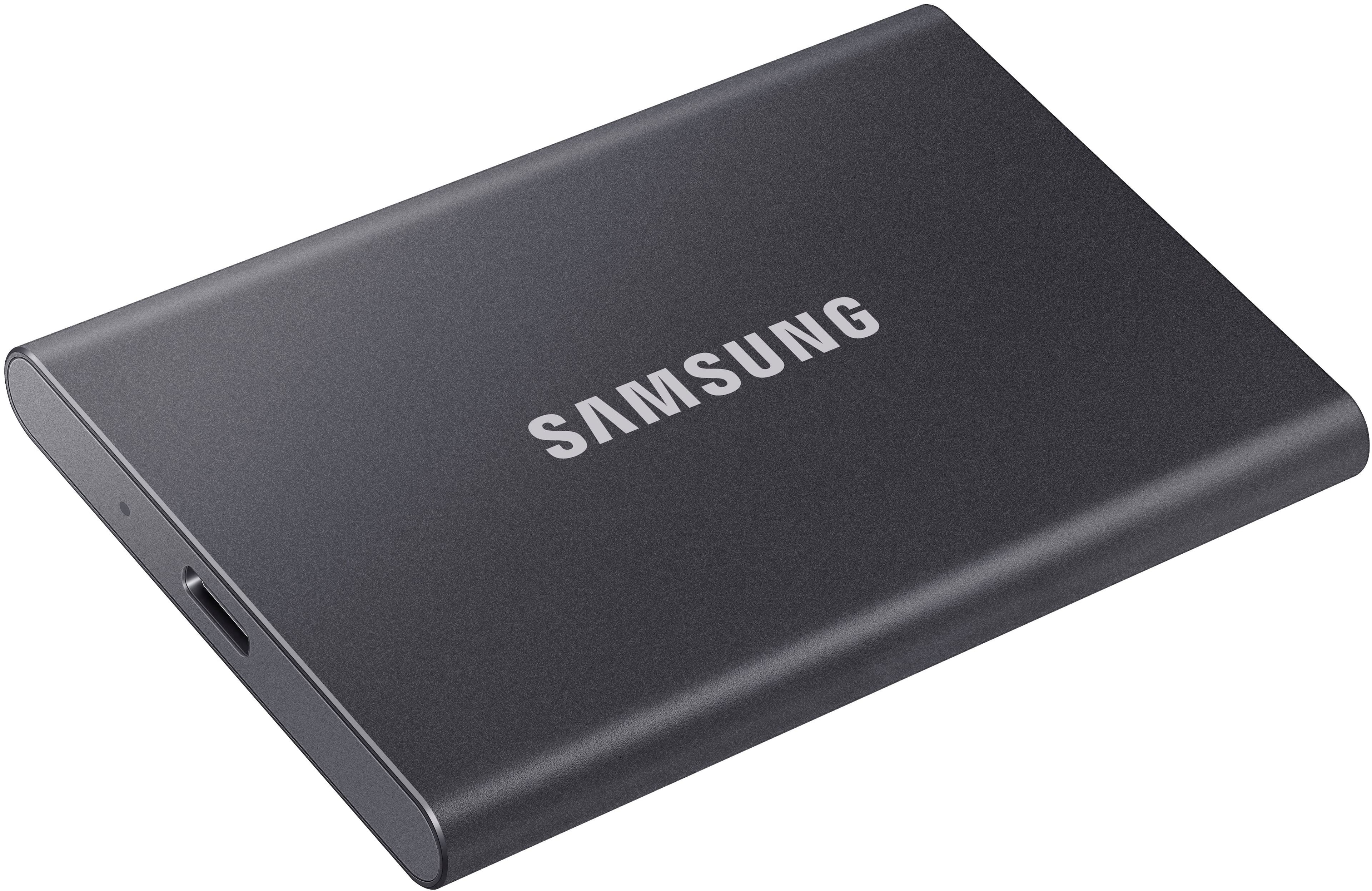
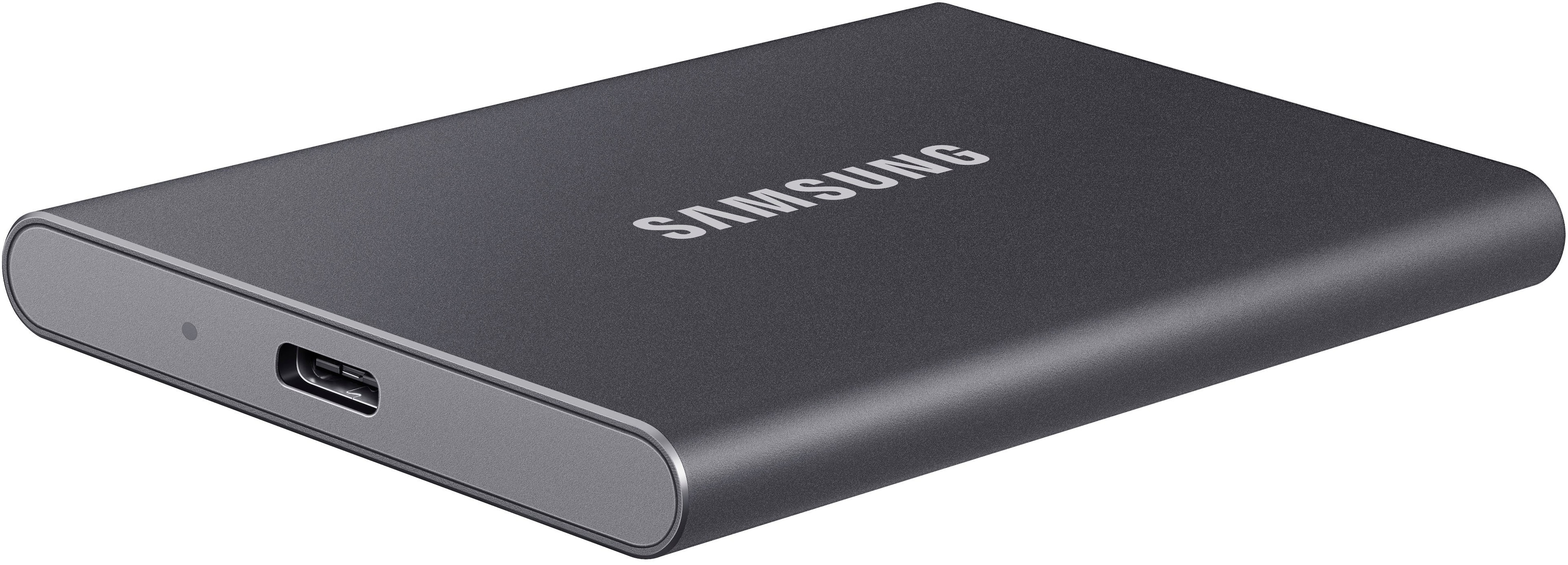
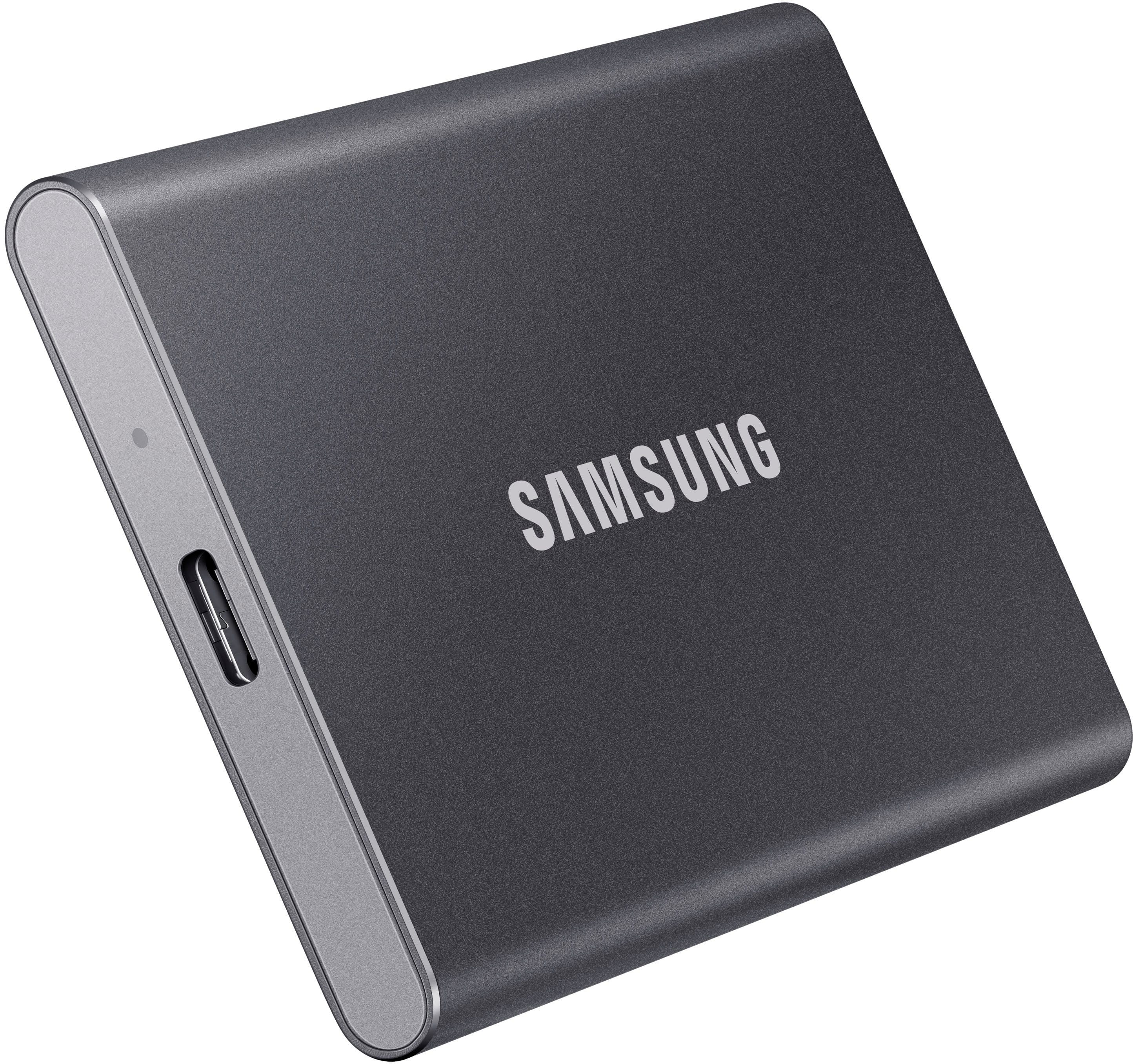
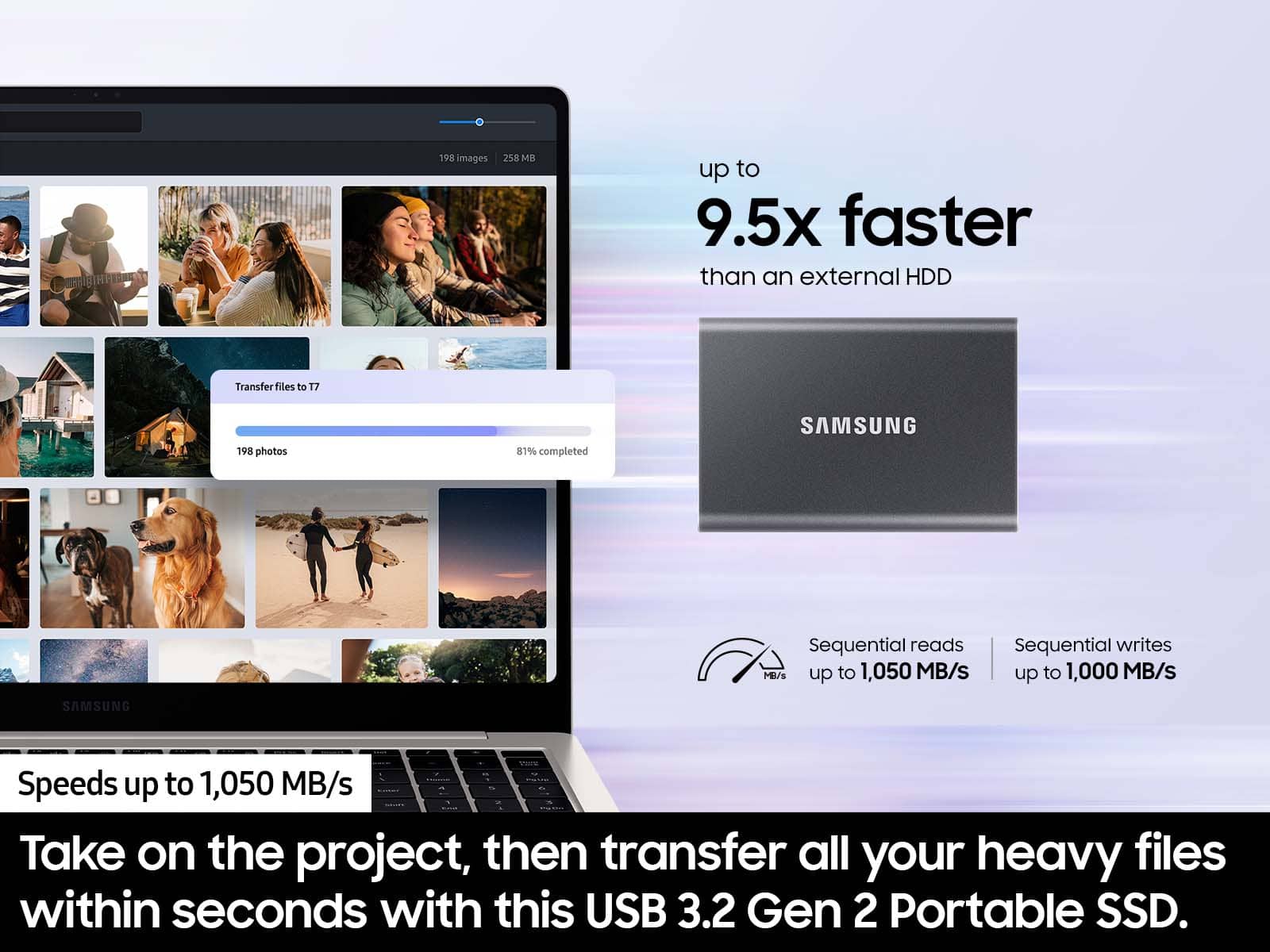
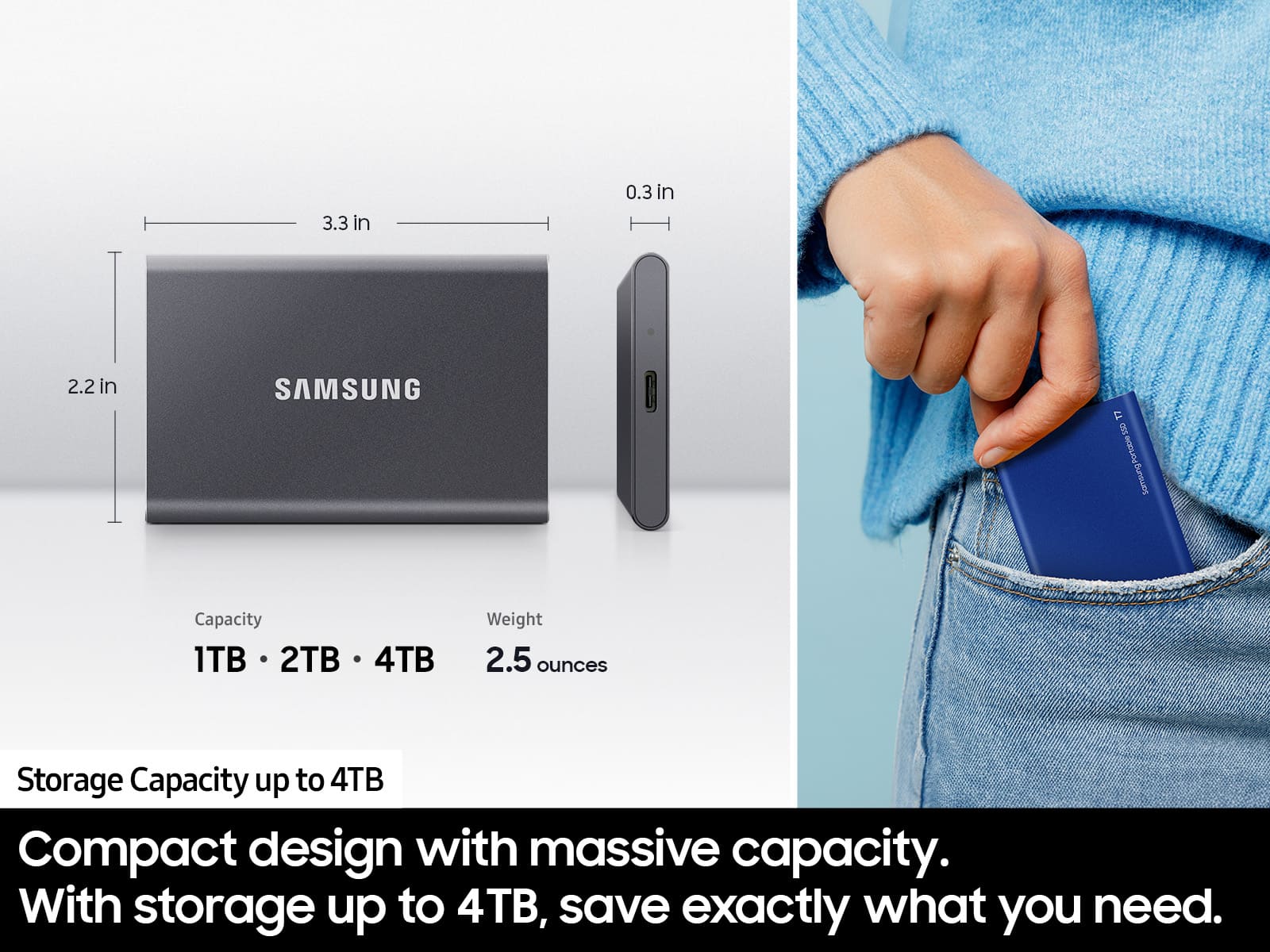
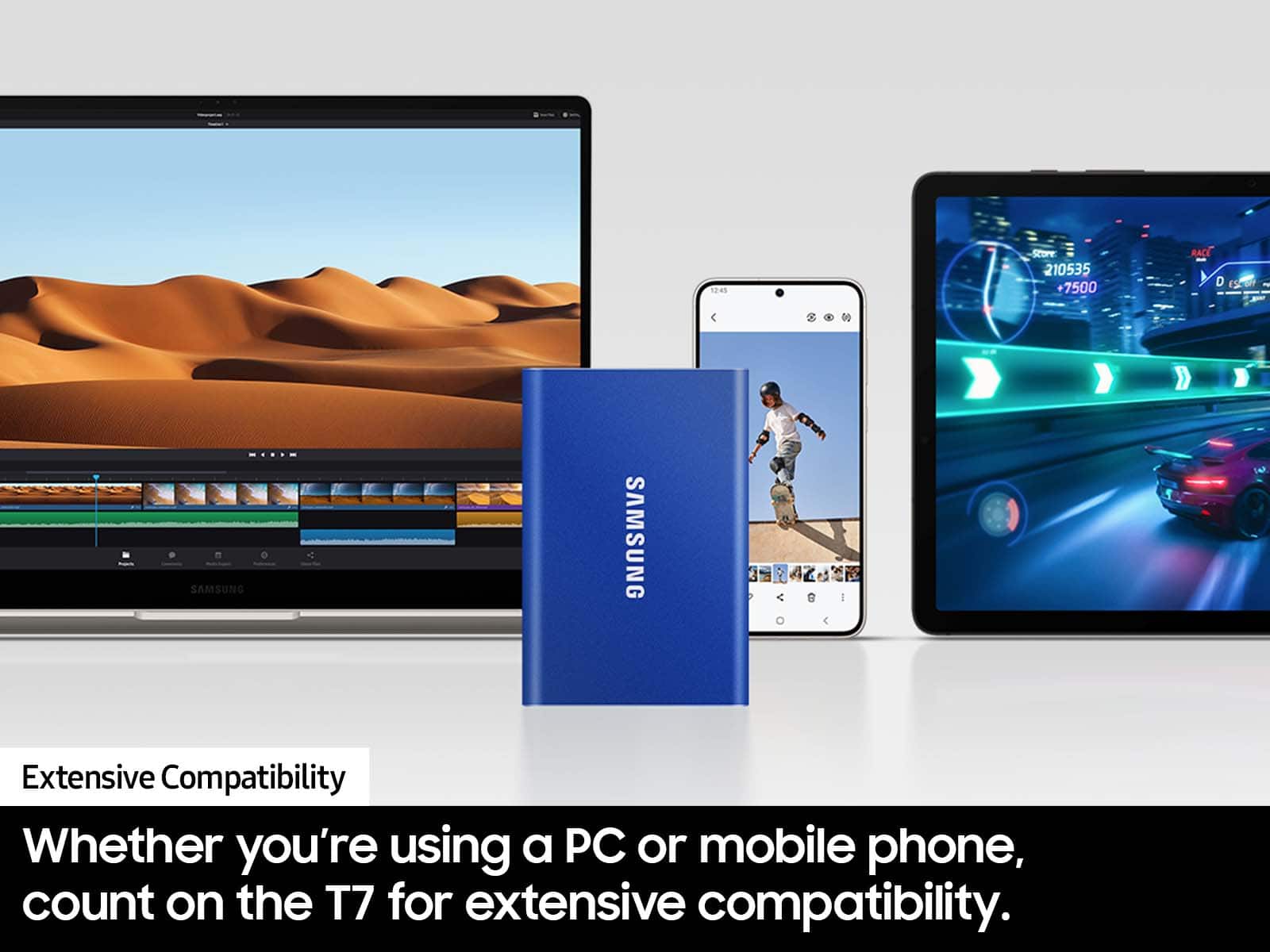
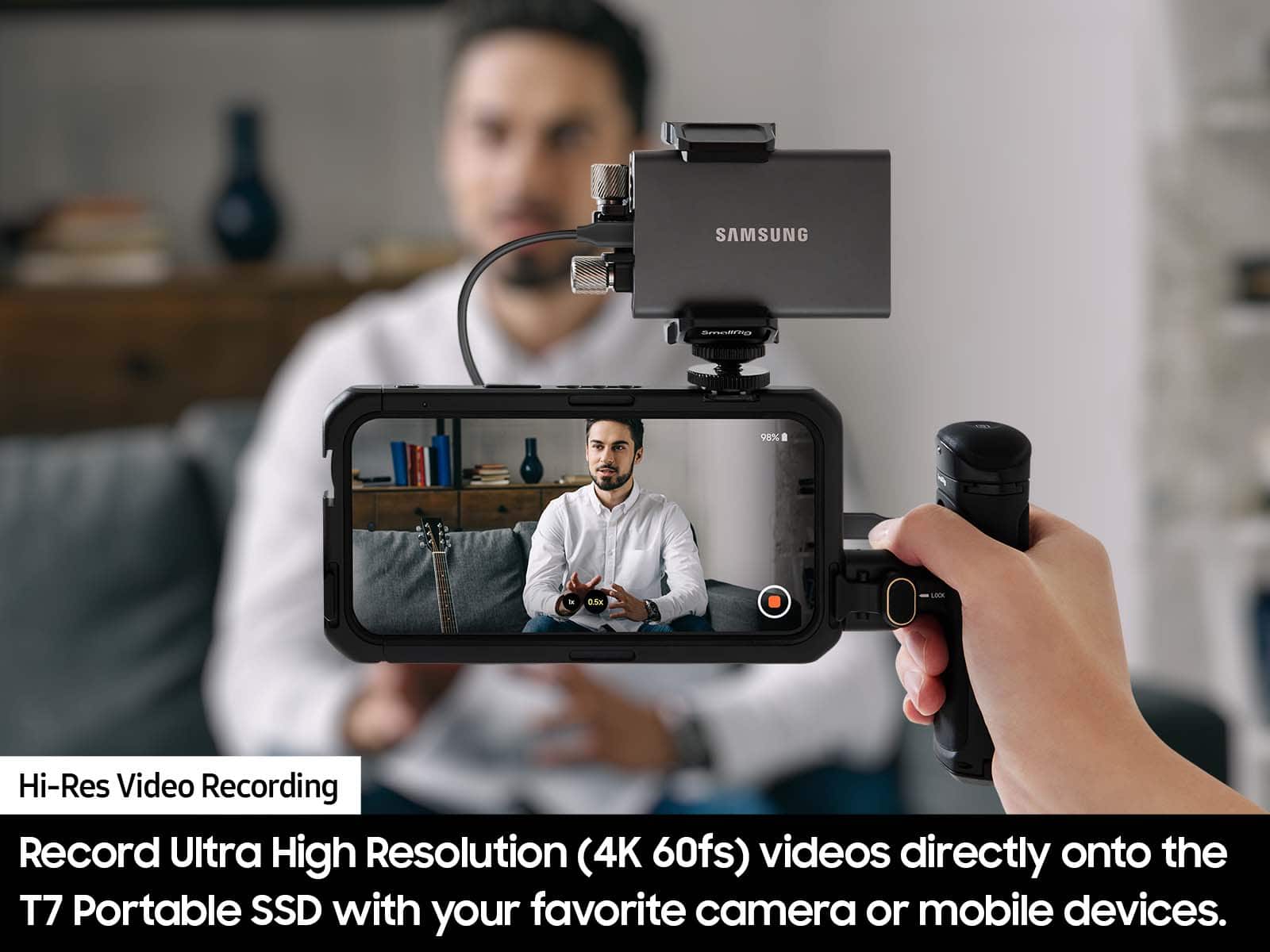
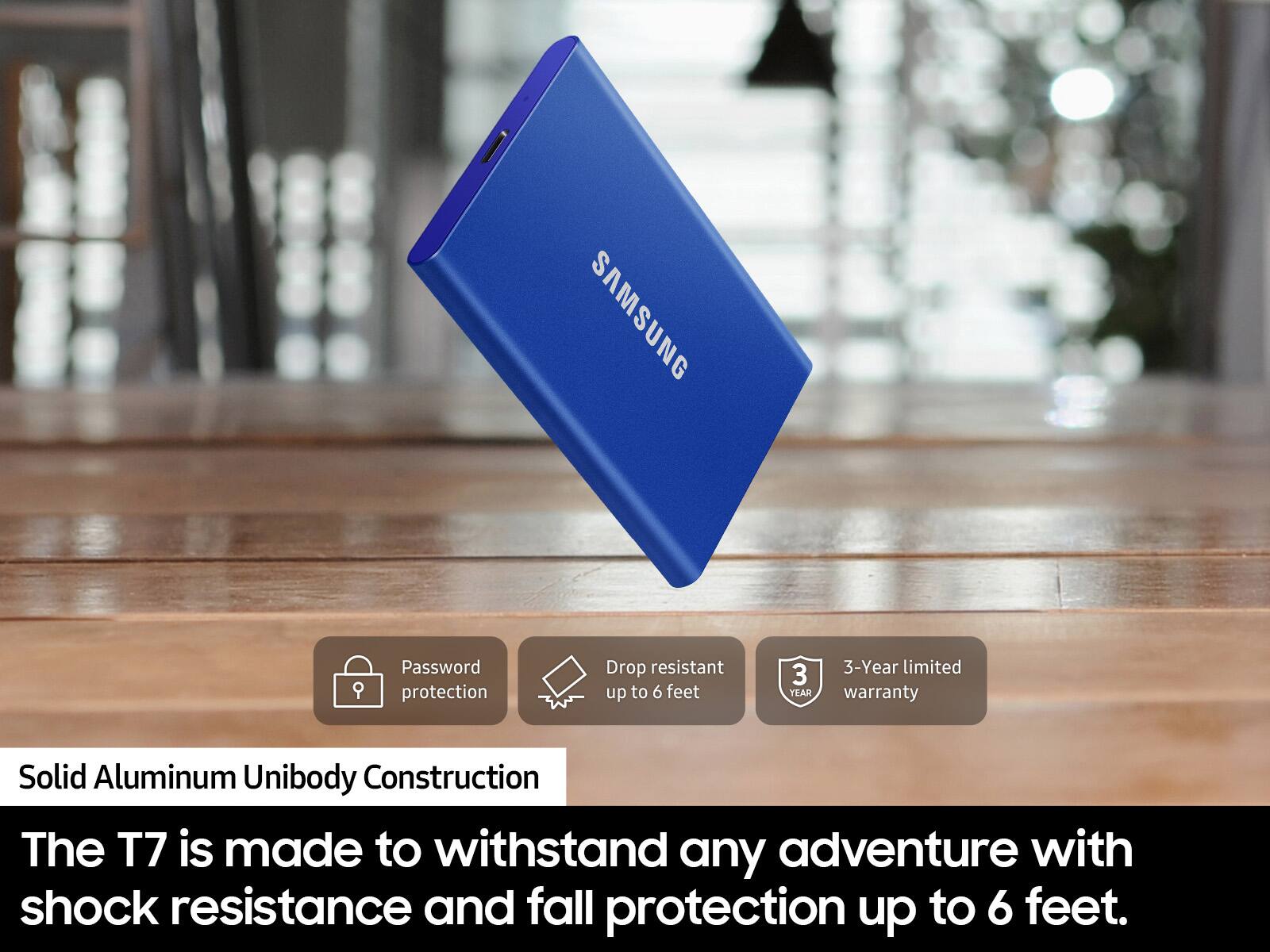
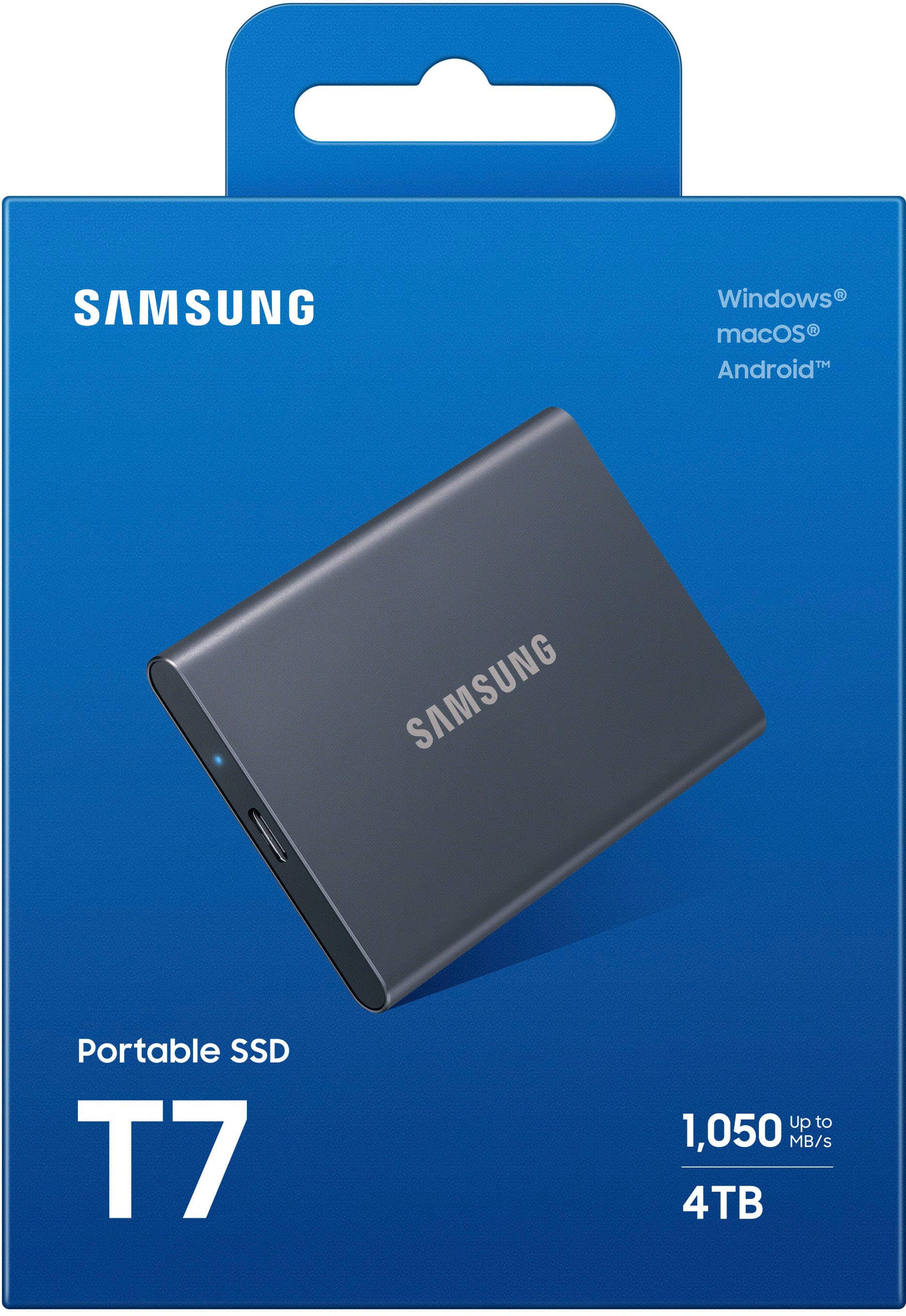
". The box is open, revealing the product inside.](https://pisces.bbystatic.com/image2/BestBuy_US/images/products/6576/6576883cv18d.jpg)
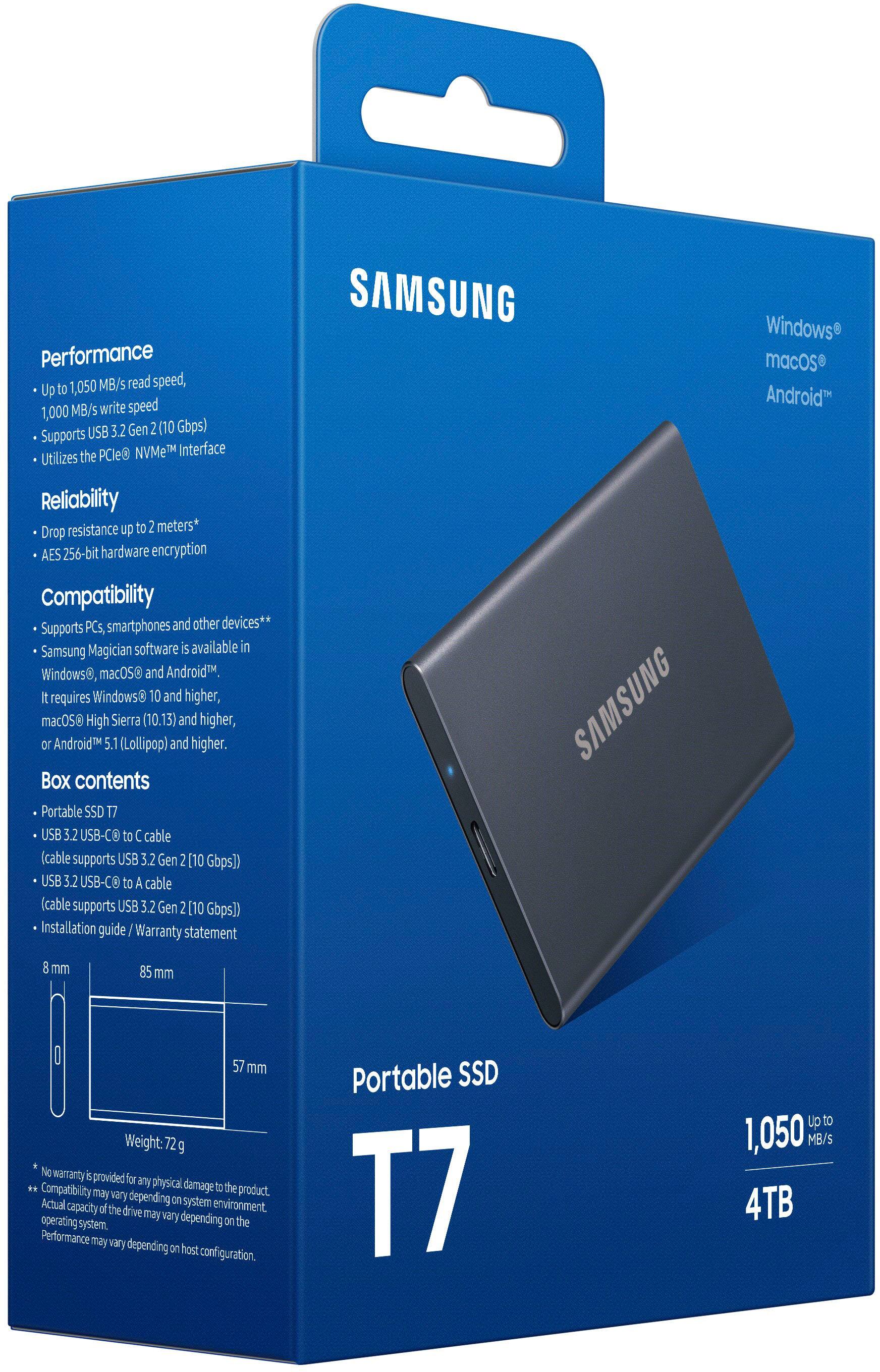
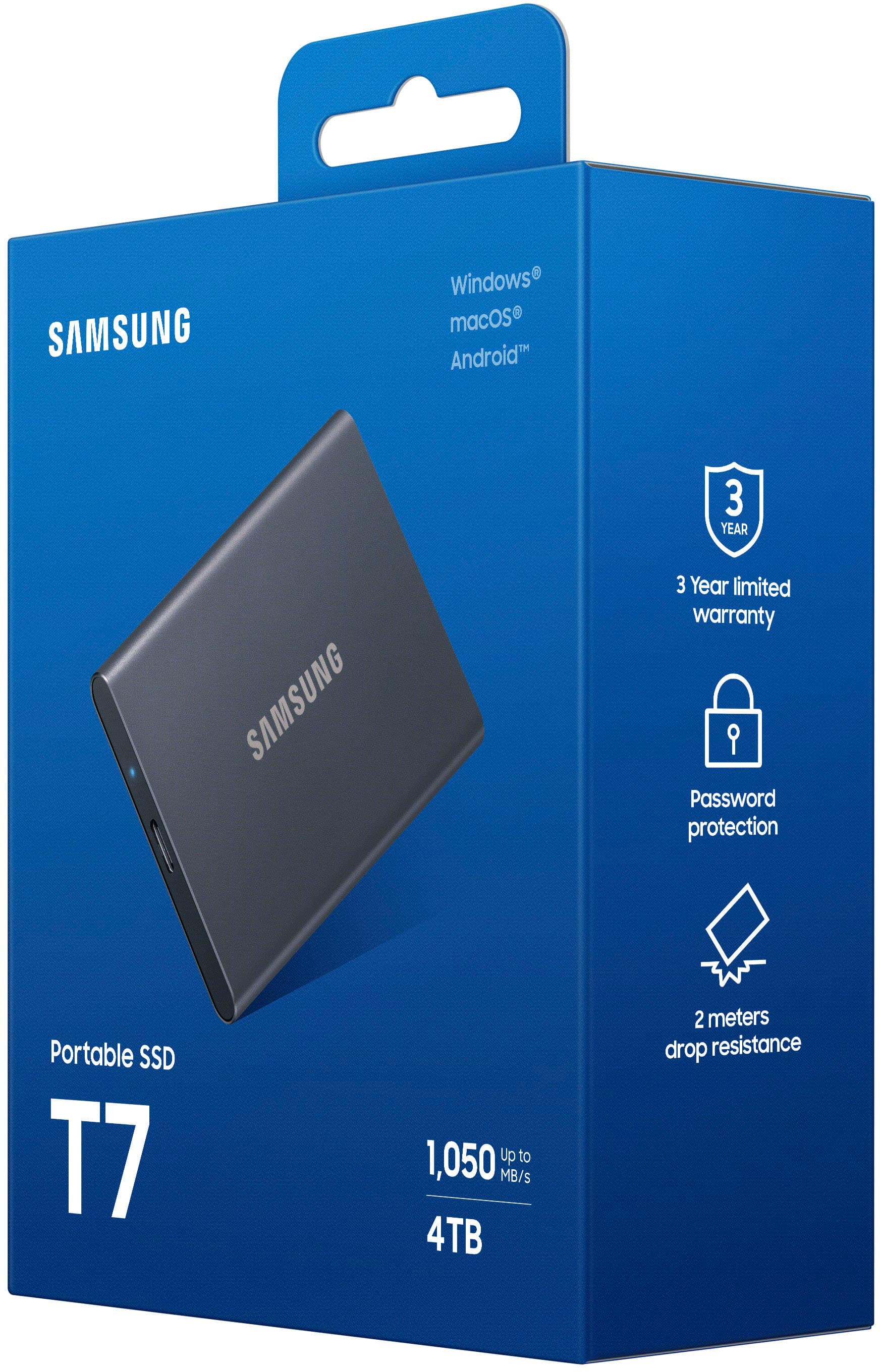



- Model:
- MU-PC4T0T/AM
- SKU:
- 6576883
Rating by feature
- Value
Rating 4.7 out of 5 stars
- Quality
Rating 4.9 out of 5 stars
- Ease of Use
Rating 4.9 out of 5 stars
Customers are saying
Customers love the product's overall performance, often highlighting its sturdiness, durability, and impressive speed that noticeably enhances gameplay. Its excellent portability and compact size are also frequently praised, along with its good connectivity and adequate storage capacity. However, some customers have noted that the device can warm up at times and have experienced compatibility issues, especially with Mac, while a small number also consider it somewhat pricey.
This summary was generated by AI based on customer reviews.
- Pros mentioned:Storage capacity
Awesome Product
||Posted . Owned for 1 month when reviewed.This reviewer received promo considerations or sweepstakes entry for writing a review.A solid hard drive that can hold a multitude of my projects
I would recommend this to a friend - Pros mentioned:Speed
External hard drive
||Posted . Owned for 1 week when reviewed.This reviewer received promo considerations or sweepstakes entry for writing a review.Great external hard drive. Bought for my ps5 , very fast
I would recommend this to a friend - Pros mentioned:Overall performance
extra drive
||Posted . Owned for 5 months when reviewed.This reviewer received promo considerations or sweepstakes entry for writing a review.using this vs a traditional external HD. very happy so far
I would recommend this to a friend - Pros mentioned:Overall performance
SSD
||Posted . Owned for 2 weeks when reviewed.This reviewer received promo considerations or sweepstakes entry for writing a review.great price and does what I need it do right out of the box
I would recommend this to a friend - Pros mentioned:Portability
Samsung SSD
||Posted . Owned for 1 week when reviewed.This reviewer received promo considerations or sweepstakes entry for writing a review.Great for backing up your entire computer. Easy to use.
I would recommend this to a friend - Pros mentioned:Size
Small and Portable
||Posted .This reviewer received promo considerations or sweepstakes entry for writing a review.Great external drive and nice and small for portability.
I would recommend this to a friend Samsung dissatisfaction
||Posted . Owned for 3 weeks when reviewed.This reviewer received promo considerations or sweepstakes entry for writing a review.Nice color. Lots of problems trying to transfer data from Mac mini to new Mac mini. I thought it was going to be easy. I may return and get a case and separate ssd to copy my old mini to ssd so I can use as primary drive. Not impressed More disappointed
No, I would not recommend this to a friendBrand response from Samsung
Posted .Jake:
Thank you for your review of the Samsung T7 SSD. Your experience is very important to us and we will share your feedback with our product team. It is our customers’ concerns and opinions that drive our continuous efforts towards delivering world-class service and products.
If there is anything further we can do to help improve your experience, please contact Samsung Customer Support.
1) Call: 1-800-SAMSUNG (ask for Memory) Available 9AM - 12AM EST (Mon-Fri)
2) Email: samsungmemorysupport@sea.samsung.com
3) LiveChat: https://www.livehelpnow.net/lhn/lcv.aspx?d=34834&ms=&zzwindow=0&lhnid=29783
Available 12PM-6PM EST (Mon-Fri)
The Samsung Members Community is also a great resource for getting help from Samsung moderators and customers: https://us.community.samsung.com/t5/Get-Help/ct-p/get-help
If you have not already done so, we invite you to register your new Samsung product at: https://www.samsung.com/us/account/signin/?redirect=https%3A%2F%2Fwww.samsung.com%2Fus%2Fsupport%2Fregister%2F
Registering your product gives you access to easy warranty support, convenient opt-in to special promos & offers, faster troubleshooting & service, and quick notification of system updates.
Samsung is committed to providing the best possible product experience, quality, and value, and we are always here to help with any of your questions or concerns.
~ Samsung Memory
Can't get fast speeds.
||Posted .This reviewer received promo considerations or sweepstakes entry for writing a review.Unfortunately with this product, I have only been seeing 40 mb/s transfer speeds with this device on my Alienware Aurora R11. To double check if it was my pc that was the problem, I hooked up the device to my Xbox. Xbox stated " Storage must be USB 3.0 or faster. This device is too slow."
No, I would not recommend this to a friendBrand response from Samsung
Posted .Megatronx1:
Thank you for purchasing the Samsung T7 SSD and for your review. We value your feedback regarding the speed of your T7 SSD.
The maximum transfer speed that can be achieved by the T7 is 540 MB/s on a PC that supports USB 3.1 Gen2 and UASP Mode, but the speed may vary depending on the user‘s PC environment and the types of data being transferred.
As there are various factors that could affect speed, I would encourage you to call Samsung Customer Support to troubleshoot your issue.
1) Call: 1-800-SAMSUNG (ask for Memory or press #, then 6 for Memory products)
Available 9AM – 12AM EST (Mon-Fri)
2) Email: samsungmemorysupport@sea.samsung.com
3) Or visit us on the Samsung website and click on the SUPPORT link in the upper right corner of the homepage for:
a) Chat with Us/Product Help: To begin a chat or find solutions, choose ‘Computing – Memory & Storage’ and select your model & topic.
b) Manuals & Software
c) Warranty Info
d) Register a Product: For access to easy warranty support, convenient opt-in to special promos and offers, faster troubleshooting and service, and quick notification of system updates
e) Contact Us
The Samsung Members Community is also a great resource for getting help from Samsung moderators and customers: https://us.community.samsung.com/
Samsung is committed to providing the best possible product experience, quality, and value, and we are always here to help with any of your questions or concerns.
We look forward to hearing from you soon.
- Samsung Memory
Good
||Posted . Owned for 2 weeks when reviewed.This reviewer received promo considerations or sweepstakes entry for writing a review.Good product and good color but itis too hard and need
I would recommend this to a friendDon't waste your money on this drive.
||Posted . Owned for 1 week when reviewed.This reviewer received promo considerations or sweepstakes entry for writing a review.BLUF: Do not buy the T7 unless you have a handful of tiny files that you want to occasionally transfer! Advertised speeds are not for sustained transfers! For a 10GB + file, expect to see it transfer as advertised- at first -and then expeditiously drop off to usb 2.0 speeds. Hands down the worst SSD purchase I have made. Spend less money on T5 and get WAY more reliable performance!
No, I would not recommend this to a friendBrand response from Samsung
Posted .Brian:
Thank you for purchasing the Samsung T7 SSD and for your review. We value your feedback regarding the speed of your SSD.
Your 1TB drive was engineered to deliver speeds of up to 550MB/s Seq. Read and 520MB/s Seq. Write.
The maximum transfer speed that can be achieved by the T7 is 540 MB/s on a PC that supports USB 3.1 Gen2 and UASP Mode, but the speed may vary depending on the user‘s PC environment and the types of data being transferred.
As there are various factors that could affect speed, I would encourage you to call Samsung Customer Support if you need further assistance to troubleshoot your issue.
1) Call: 1-800-SAMSUNG (ask for Memory or press #, then 6 for Memory products)
Available 9AM – 12AM EST (Mon-Fri)
2) Email: samsungmemorysupport@sea.samsung.com
3) LiveChat: https://www.samsung.com/us/support/contact/ Available 9AM-6PM EST (Mon-Fri)
The Samsung Members Community is also a great resource for getting help from Samsung moderators and customers: https://us.community.samsung.com/
Samsung is committed to providing the best possible product experience, quality, and value, and we are always here to help with any of your questions or concerns.
We hope to hear from you soon.
~ Samsung Memory
Sleek but never worked for me
||Posted . Owned for 2 weeks when reviewed.This reviewer received promo considerations or sweepstakes entry for writing a review.Item is great looking and sleek but never worked for me. My PC would not recognize it even after a ton of online research. I am pretty savvy but could not figure the formatting out on this one. Had to return it.
No, I would not recommend this to a friendBrand response from Samsung
Posted .AMC87:
Thank you for your review of this Samsung T7 SSD. Your feedback is appreciated and important in helping us provide crucial factors regarding customer satisfaction.
Should you ever decide to give Samsung SSD products another try and have concerns or questions, please know we are always here to help.
1) Call: 1-800-SAMSUNG (ask for Memory or press #, then 6 for Memory products)
Available 9AM – 12AM EST (Mon-Fri)
2) Email: samsungmemorysupport@sea.samsung.com
3) Or visit us on the Samsung website and click on the SUPPORT link in the upper right corner of the homepage for:
a) Chat with Us/Product Help: To begin a chat or find solutions, choose ‘Computing – Memory & Storage’ and select your model & topic.
b) Manuals & Software
c) Warranty Info
d) Register a Product: For access to easy warranty support, convenient opt-in to special promos and offers, faster troubleshooting and service, and quick notification of system updates
e) Contact Us
The Samsung Members Community is also a great resource for getting help from Samsung moderators and customers: https://us.community.samsung.com/
We hope you will consider Samsung again in the future.
- Samsung Memory
Solid state HD
||Posted . Owned for 1 year when reviewed.This reviewer received promo considerations or sweepstakes entry for writing a review.I was really looking forward to using this with my laptop. Had some sort of problem with hardware conflict and would take hours to try and backup. Just returned it and brought a scndsk instead. Works fine.
No, I would not recommend this to a friendBrand response from Samsung
Posted .Homie:
Thank you for your review of this Samsung T7 Portable SSD. Your feedback is appreciated and important in helping us provide crucial factors regarding customer satisfaction.
Should you ever decide to give Samsung memory products another try and have concerns or questions, please know we are always here to help.
1) Call: 1-800-SAMSUNG (ask for Memory or press #, then 6 for Memory products)
Available 9AM – 12AM EST (Mon-Fri)
2) Email: samsungmemorysupport@sea.samsung.com
3) Or visit us on the Samsung website and click on the SUPPORT link in the upper right corner of the homepage for:
a) Chat with Us/Product Help: To begin a chat or find solutions, choose ‘Computing – Memory & Storage’ and select your model & topic.
b) Manuals & Software
c) Warranty Info
d) Register a Product: For access to easy warranty support, convenient opt-in to special promos and offers, faster troubleshooting and service, and quick notification of system updates
e) Contact Us
The Samsung Members Community is also a great resource for getting help from Samsung moderators and customers: https://us.community.samsung.com/
We hope you will consider Samsung again in the future
- Samsung Memory
great external drive for ps5
||Posted . Owned for 1 week when reviewed.This reviewer received promo considerations or sweepstakes entry for writing a review.its a solid ssd for the ps5 that I use to backup all my ps4 games.
I would recommend this to a friendIt’s a portable
||Posted . Owned for 2 weeks when reviewed.This reviewer received promo considerations or sweepstakes entry for writing a review.Not a sata it’s a portable so be careful, hat to replace
No, I would not recommend this to a friendI like the product
||Posted . Owned for 3 weeks when reviewed.This reviewer received promo considerations or sweepstakes entry for writing a review.I like this product the. Only down side it that you have to manually select each photo and upload it to the ssd. I wish it would scan my photo automatically and put them on the ssd w/o me having to choose each one.
I would recommend this to a friendBrand response from Samsung
Posted .Baji:
Thank you for purchasing the Samsung T7 SSD and for your review. We value your feedback regarding your drive. Your feedback is very important to us and will be shared with our product team.
Should you ever have questions or need assistance using this product, please contact Samsung Customer Support.
1) Call: 1-800-SAMSUNG (ask for Memory or press #, then 6 for Memory products)
Available 9AM – 9PM EST (Mon-Fri)
2) Email: samsungmemorysupport@sea.samsung.com
3) Or visit us on the Samsung website and click on the SUPPORT link in the upper right corner of the homepage for:
a) Chat with Us/Product Help: To begin a chat or find solutions, choose ‘Computing – Memory & Storage’ and select your model & topic.
b) Manuals & Software
c) Warranty Info
d) Register a Product: For access to easy warranty support, convenient opt-in to special promos and offers, faster troubleshooting and service, and quick notification of system updates
e) Contact Us
The Samsung Members Community is also a great resource for getting help from Samsung moderators and customers: https://us.community.samsung.com/
- Samsung Memory
Samsung T7
||Posted .This reviewer received promo considerations or sweepstakes entry for writing a review.Easy to use. Plenty of storage space for photos and various files.
I would recommend this to a friendWish it to be smaller
||Posted . Owned for 3 weeks when reviewed.This reviewer received promo considerations or sweepstakes entry for writing a review.In 2021 it xan be smaller, but it's fine...........
I would recommend this to a friendOwner
||Posted . Owned for 3 weeks when reviewed.This reviewer received promo considerations or sweepstakes entry for writing a review.Good for the price. It works as needed. Set up was easy.
I would recommend this to a friendT7 SSD & SW Do Not Work & Comes w/ No Instructions
||Posted . Owned for 2 months when reviewed.This reviewer received promo considerations or sweepstakes entry for writing a review.The Samsung T7 SSD is useless. Connected it to a Samsung Galaxy S22+ and immediately got a error message "A USB storage device was removed unsafely. To prevent your phone from restarting unexpectedly, unsaved data and restart now." There are no instructions and the SW is also useless. How does a tech giant like Samsung manufacture such garbage? I wish I could return it, but it's past 15 days.
I would recommend this to a friendBrand response from Samsung
Posted .DHINNY:
I’m sorry to hear that your Samsung T7 SSD did not meet your expectations. This is not the quality we expect from our products.
Samsung stands behind the quality and performance of every T7 SSD we manufacture with a limited 3-year manufacturer’s warranty when purchased brand-new, directly from any authorized dealer, like Best Buy.
Please contact Samsung Customer Support directly so that we can better investigate your issue and assist you towards a resolution or replacement.
1) Call: 1-800-SAMSUNG (ask for Memory or press #, then 6 for Memory products)
Available 9AM – 12AM EST (Mon-Fri)
2) Email: samsungmemorysupport@sea.samsung.com
3) Or visit us on the Samsung website and click on the SUPPORT link in the upper right corner of the homepage for:
a) Chat with Us/Product Help: To begin a chat or find solutions, choose ‘Computing – Memory & Storage’ and select your model & topic.
b) Manuals & Software
c) Warranty Info
d) Contact Us
We look forward to hearing from you soon.
- Samsung Memory
Junk
||Posted .This reviewer received promo considerations or sweepstakes entry for writing a review.Stopped working after 6 months. Lost all my data. Very frustrating
No, I would not recommend this to a friendBrand response from Samsung
Posted .MayH:
I’m very sorry for the difficulties you’ve experienced with your T7 SSD. We completely understand your frustrations, and we are here to help.
Please contact Samsung Customer Support directly so that we can better investigate your issue and assist you towards a resolution or replacement.
1) Call: 1-800-SAMSUNG (ask for Storage Devices). Available 9AM - 12AM EST (Mon-Fri)
2) Email: samsungmemorysupport@sea.samsung.com
3) LiveChat 9AM-9PM EST (Mon-Fri) - https://www.livehelpnow.net/lhn/lcv.aspx?d=34834&ms=&zzwindow=0&lhnid=29783
Samsung stands behind the quality and performance of every T7 SSD we manufacture with a limited 3-year manufacturer’s warranty when purchased brand-new, directly from any authorized dealer, like Best Buy.
We look forward to hearing from you soon.
- Samsung Memory