Customer Ratings & Reviews
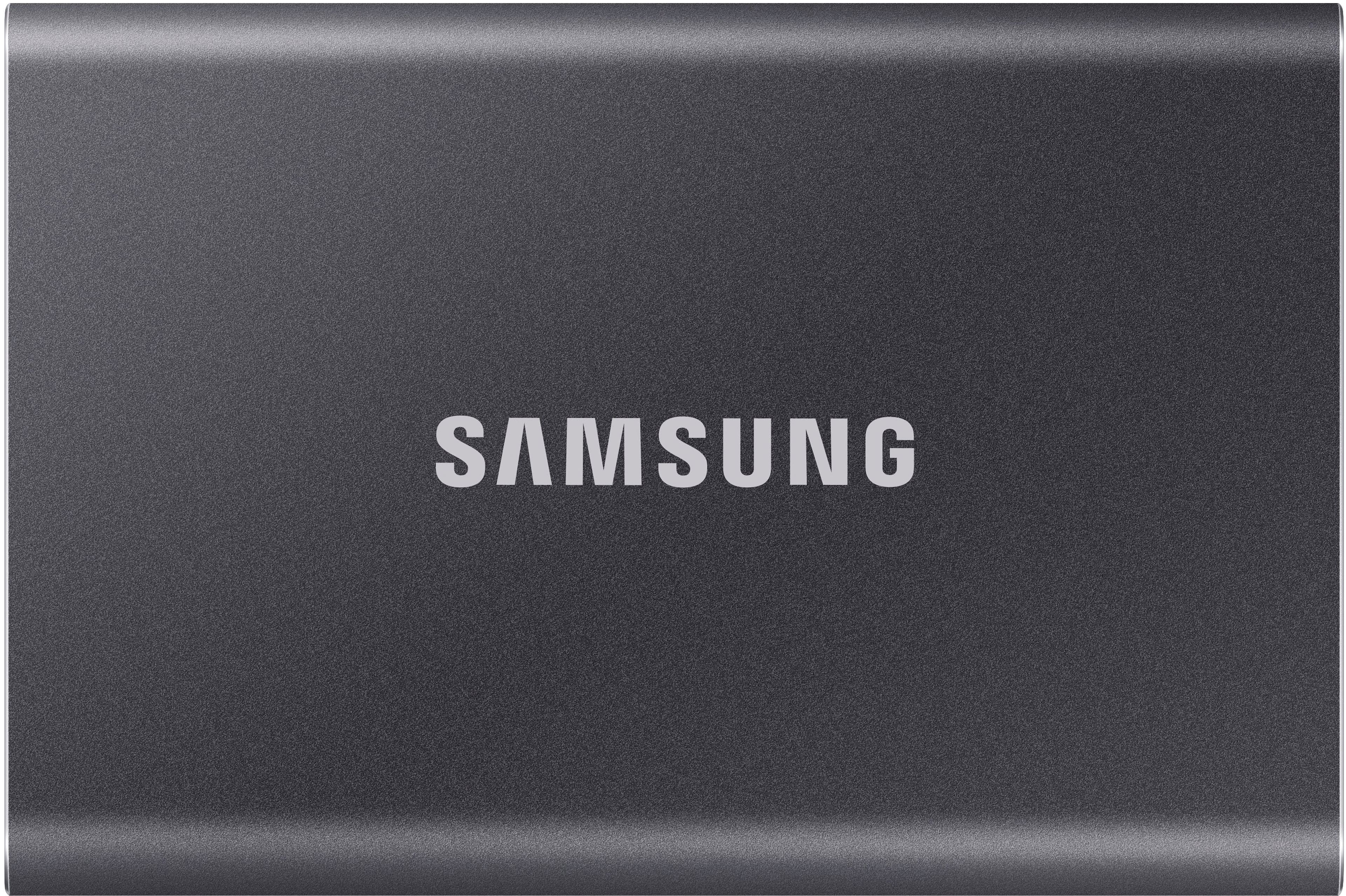
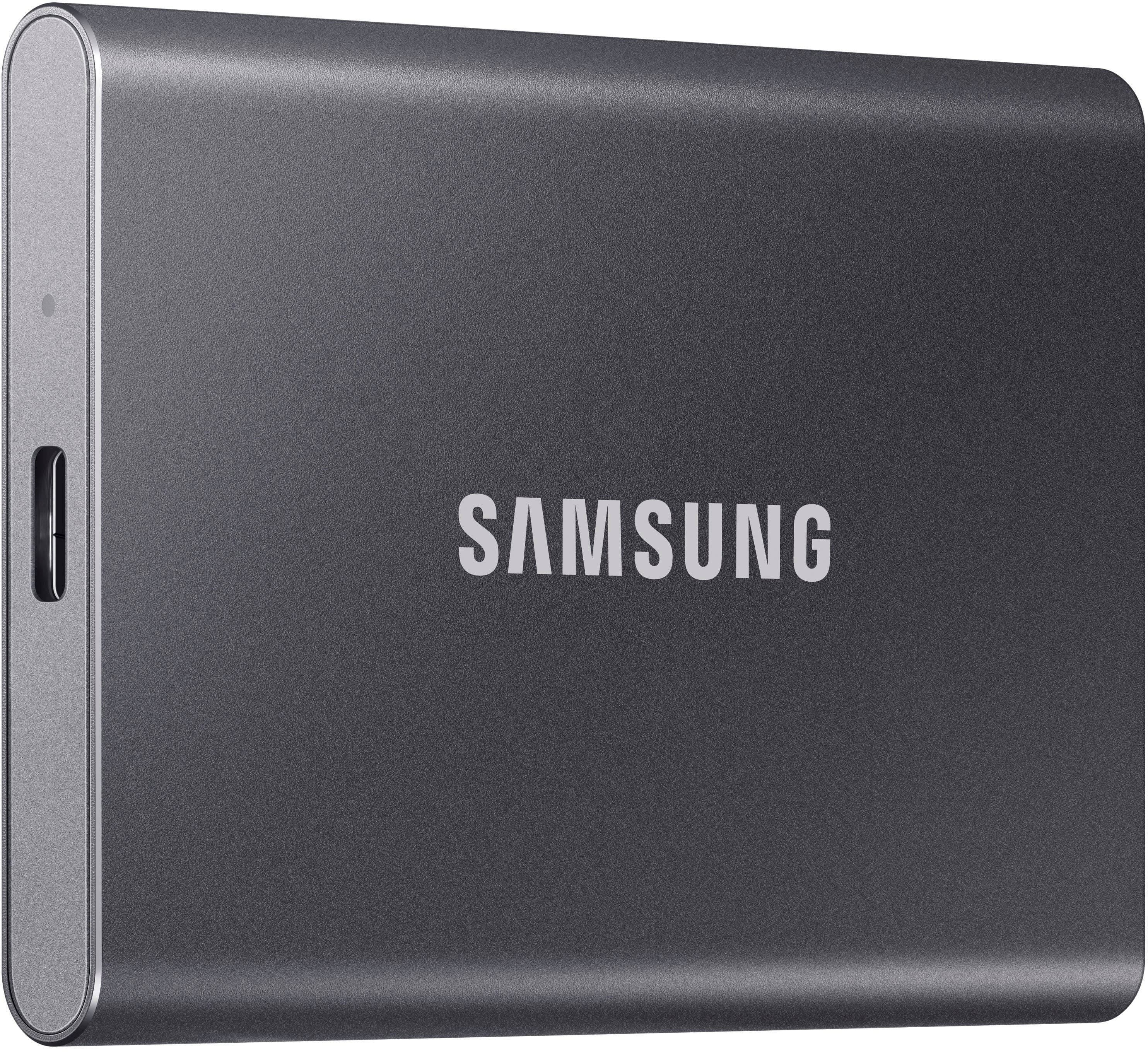
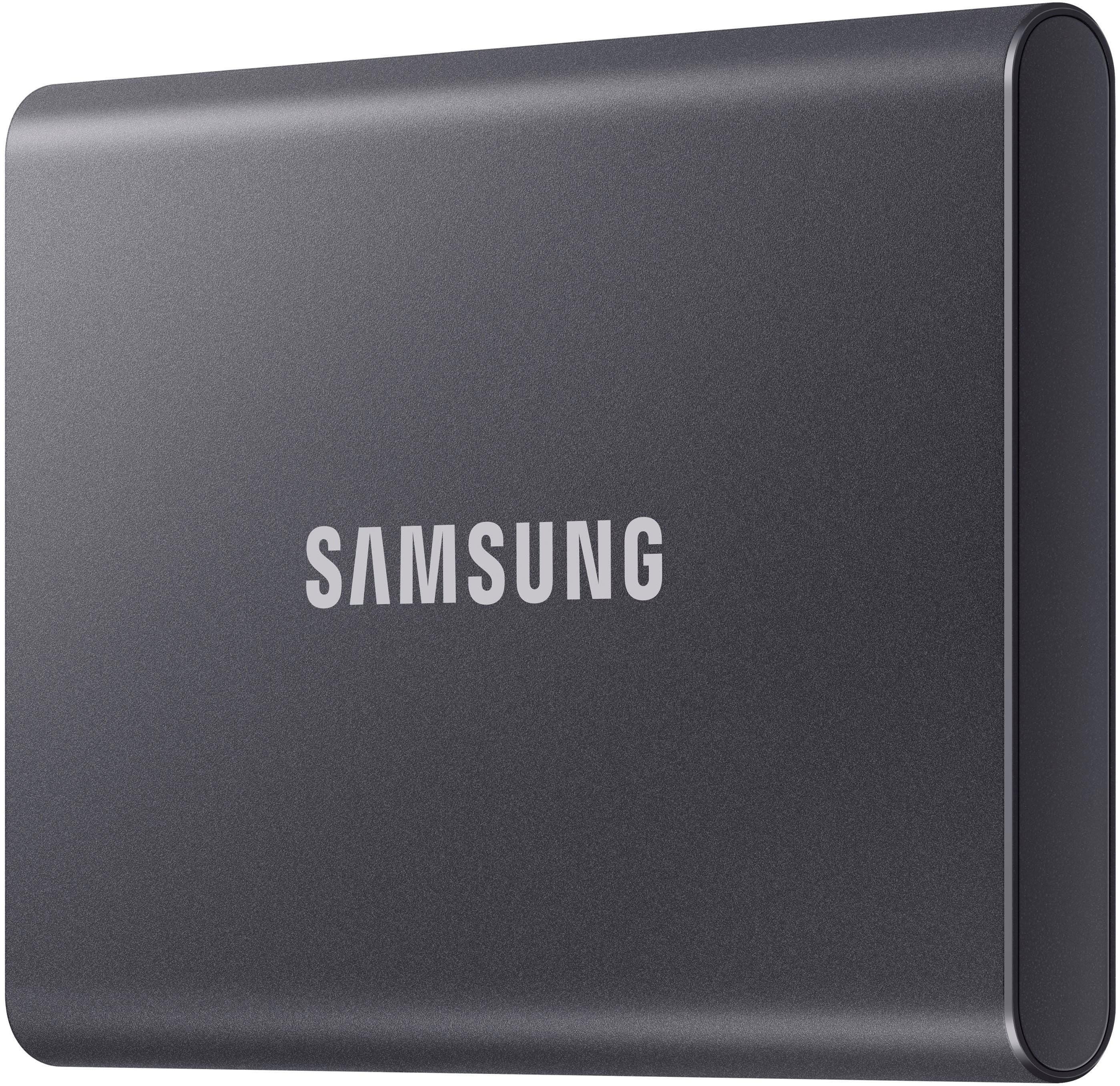
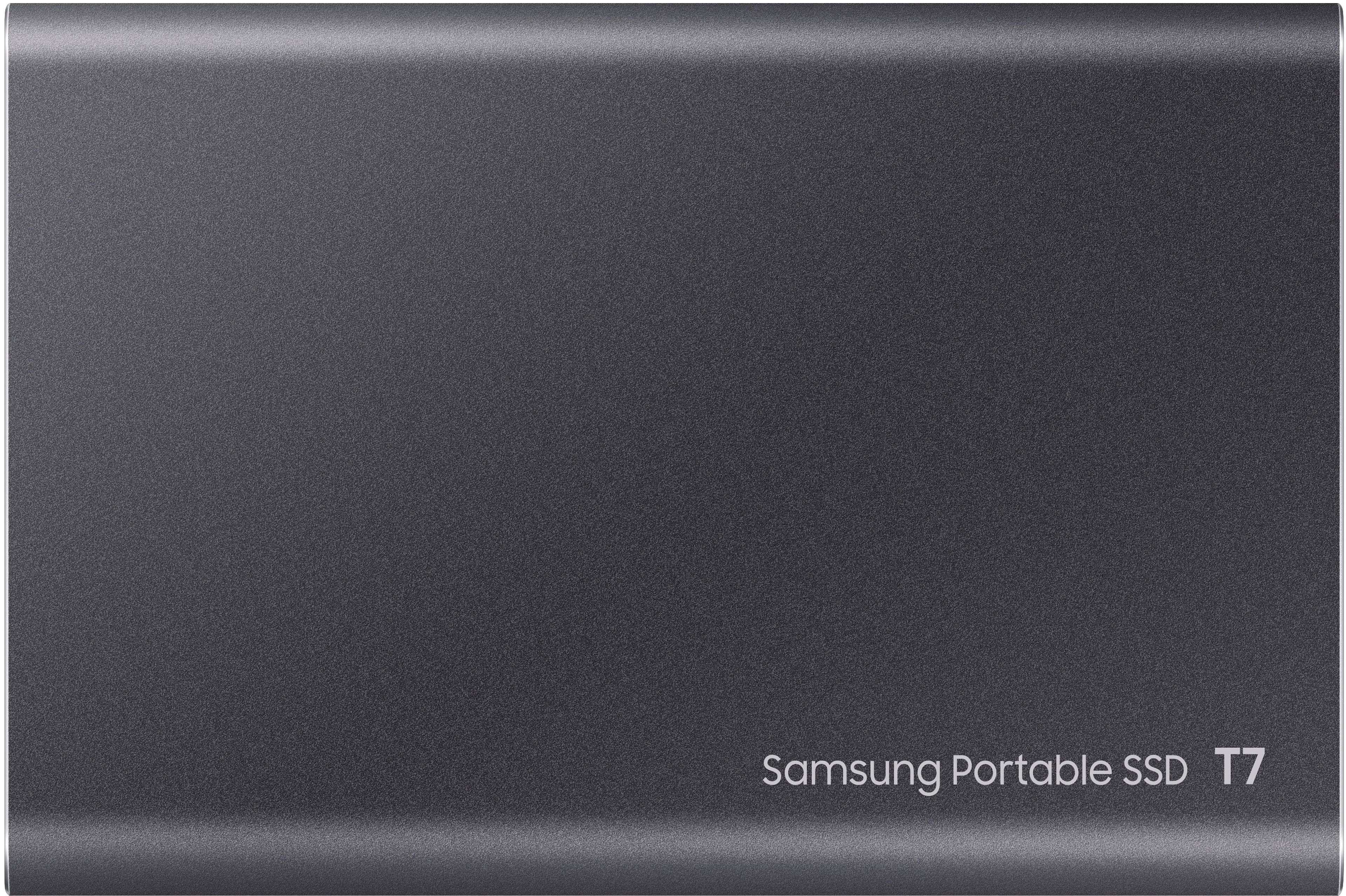
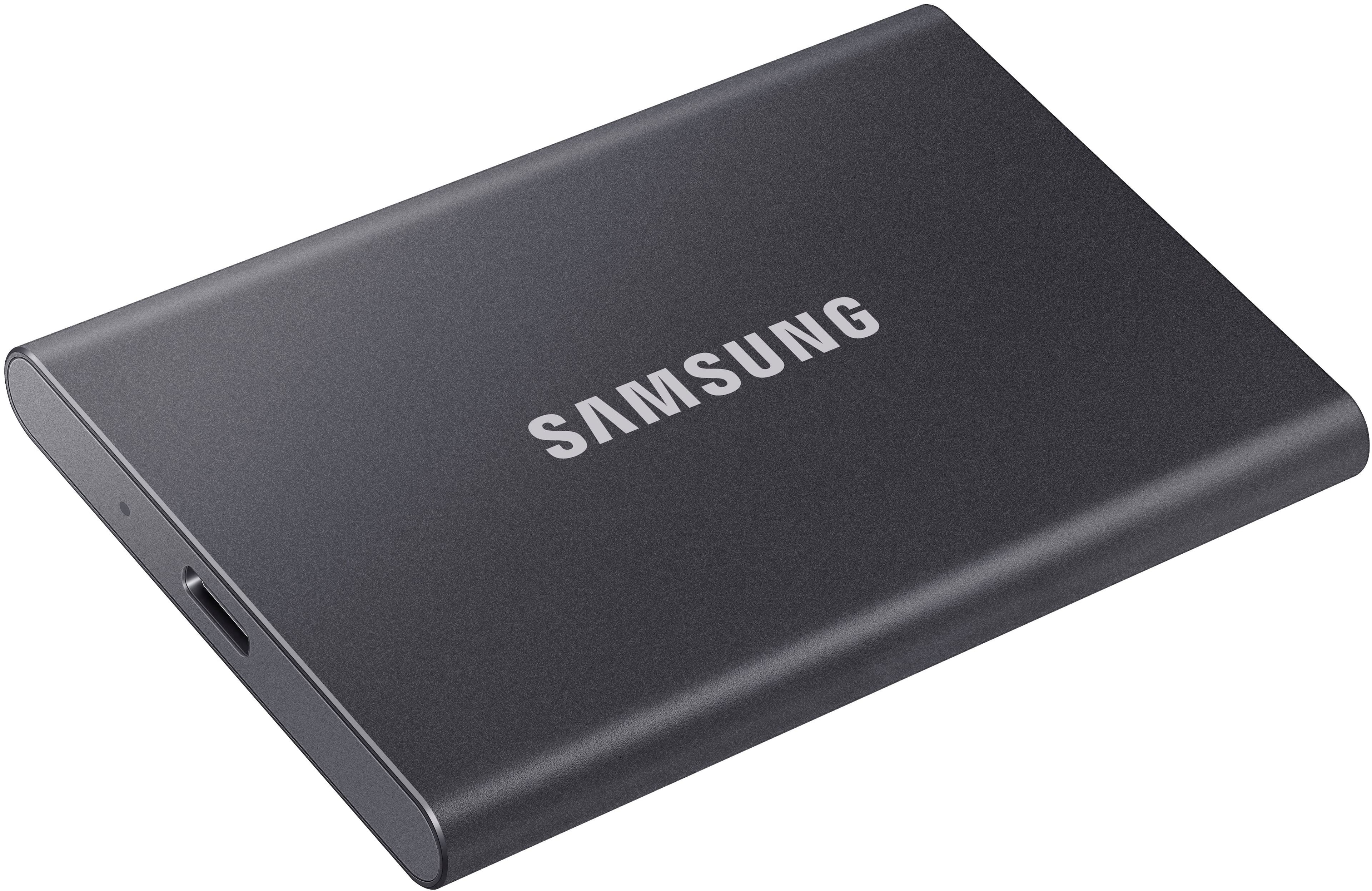
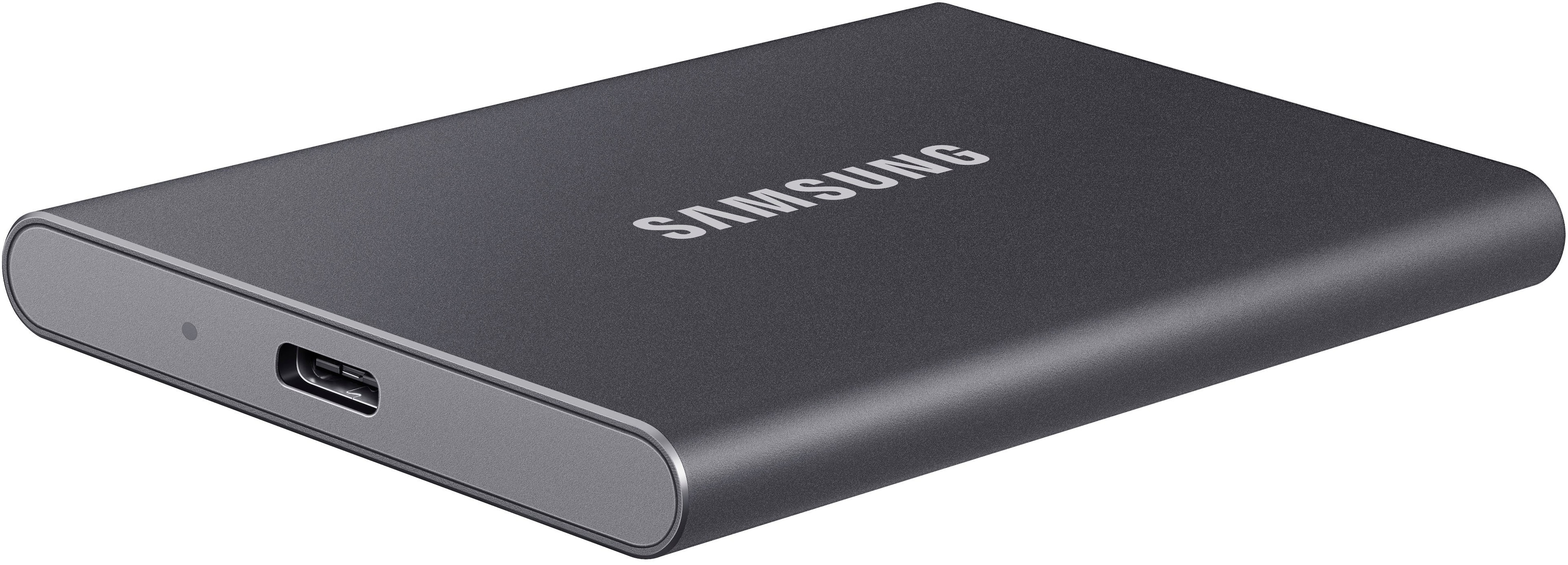
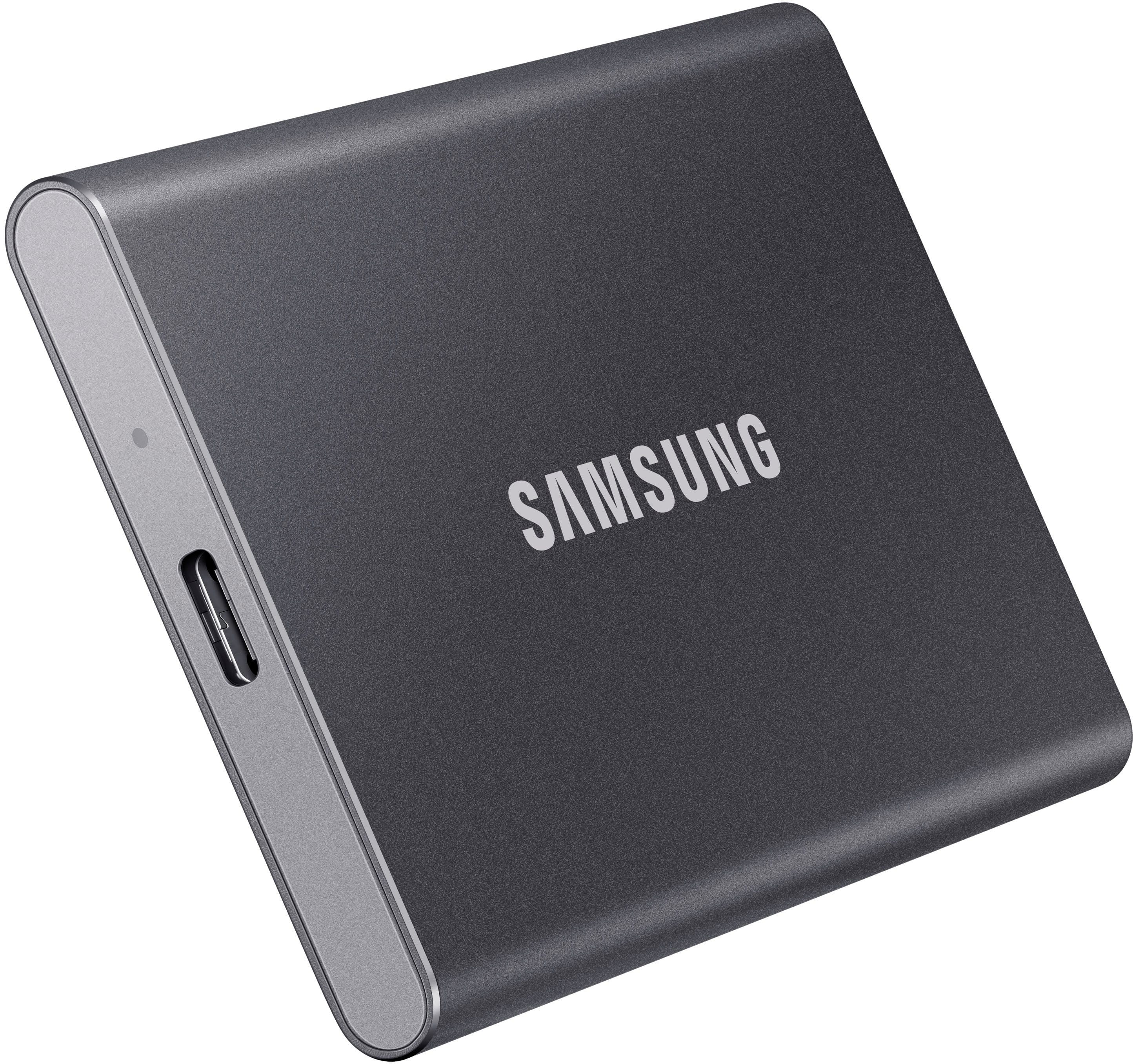
". The box is open, revealing the product inside.](https://pisces.bbystatic.com/image2/BestBuy_US/images/products/6576/6576883cv18d.jpg)




- Model:
- MU-PC4T0T/AM
- SKU:
- 6576883
Rating by feature
- Value
Rating 4.7 out of 5 stars
- Quality
Rating 4.9 out of 5 stars
- Ease of Use
Rating 4.9 out of 5 stars
Customers are saying
Customers love the product's overall performance, often highlighting its sturdiness, durability, and impressive speed that noticeably enhances gameplay. Its excellent portability and compact size are also frequently praised, along with its good connectivity and adequate storage capacity. However, some customers have noted that the device can warm up at times and have experienced compatibility issues, especially with Mac, while a small number also consider it somewhat pricey.
This summary was generated by AI based on customer reviews.
decent
||Posted . Owned for 2 months when reviewed.This reviewer received promo considerations or sweepstakes entry for writing a review.good product but we needed faster speed and larger Tb.
I would recommend this to a friendBrand response from Samsung
Posted .banana:
Thank you for purchasing the Samsung T7 Portable SSD. I am sorry to hear this model and capacity did not meet your needs.
Allow us the opportunity to help you find a drive that better suits your speed performance and capacity needs.
You can contact Samsung Memory Support directly via any of the following options.
1) Call: 1-800-SAMSUNG (ask for Memory) Available 9AM - 12AM EST (Mon-Fri)
2) Email: samsungmemorysupport@sea.samsung.com
3) LiveChat: https://www.livehelpnow.net/lhn/lcv.aspx?d=34834&ms=&zzwindow=0&lhnid=29783
Available 12PM-6PM EST (Mon-Fri)
The Samsung Members Community is also a great resource for getting help from Samsung moderators and customers: https://us.community.samsung.com/t5/Get-Help/ct-p/get-help
Samsung is committed to providing the best possible product experience, quality, and value, and we are always here to help with any of your questions or concerns.
~ Samsung Memory
Waiting for price to come down
||Posted . Owned for 1 week when reviewed.This reviewer received promo considerations or sweepstakes entry for writing a review.Low down load and upload speeds of 40mb per second.
I would recommend this to a friendBrand response from Samsung
Posted .Paddockone:
Thank you for purchasing the Samsung T7 Portable SSD and for your review. I am sorry to hear that you are not completely happy with the performance speeds.
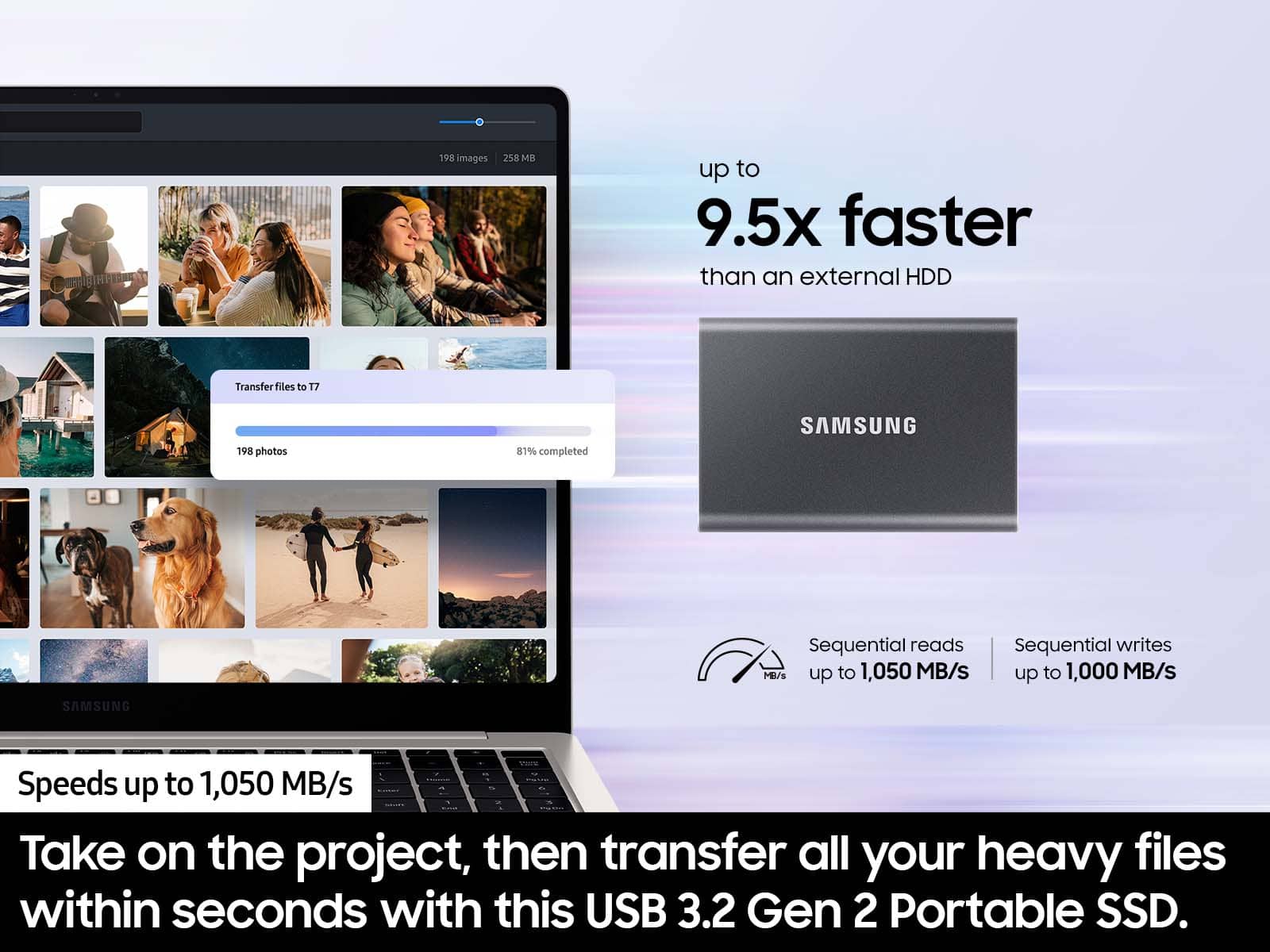
The maximum transfer speed that can be achieved by the T7 is 1,050MB/s on a PC that supports USB 3.2 Gen2, UASP mode, but the speed may vary depending on the user‘s PC environment and the types of data being transferred. Please look to the details below for possible causes (and solutions), if you think your T7 is under performing.
Scenario 1 (PC Environment)
Your PC's USB Type C Port must support USB 3.2 Gen 2 (10Gbps) in order to fully utilize the speed of the T7. USB 3.0 Gen.1, USB 3.1 Gen 1. USB 3.2 Gen.1 are restricted to 5Gbs speeds any may be the bottleneck to the performance of your T7.
Scenario 2 (Cable)
Using other cables besides the enclosed cable that comes with the T7 may cause performance degradation. Due to the varying internal resistance and maximum allowable current of other the cable types that does not come officially with the T7.
Scenario 3 (Dynamic Thermal Guard, DTG)
The T7 is designed to activate the DTG (Dynamic Thermal Guard) when the product reaches a its threshold temperature due to prolonged data transfers and usage. The smartly activated DTG function prevents the product from overheating and automatically slows down providing it a cool off period. The DTG technology enhances safety and reliability by preventing the product from reaching an excessively high temperature.
Should you need further assistance, please contact Samsung Customer Support directly so that we can better investigate your speed issue and assist you towards a resolution.
1) Call: 1-800-SAMSUNG (ask for Memory) Available 9AM - 12AM EST (Mon-Fri)
2) Email: samsungmemorysupport@sea.samsung.com
3) LiveChat: https://www.livehelpnow.net/lhn/lcv.aspx?d=34834&ms=&zzwindow=0&lhnid=29783
Available 12PM-6PM EST (Mon-Fri)
The Samsung Members Community is also a great resource for getting help from Samsung moderators and customers: https://us.community.samsung.com/t5/Get-Help/ct-p/get-help
Samsung is committed to providing the best possible product experience, quality, and value, and we are always here to help with any of your questions or concerns.
~ Samsung Memory
Worth the $$
||Posted . Owned for 3 weeks when reviewed.This reviewer received promo considerations or sweepstakes entry for writing a review.Great picture…………………………. Zzzzzzzzzzzzzzzzzzzzzzzzzzzzz
I would recommend this to a friendBroke after 3 days
||Posted .This reviewer received promo considerations or sweepstakes entry for writing a review.Logic board broke 3 days after buying. Sent to specialist to recover, they couldn’t do it. Will be returning.
No, I would not recommend this to a friendBrand response from Samsung
Posted .EverettY:
I’m very sorry for the difficulties you’ve experienced with your T7 SSD. We completely understand your frustrations, and we are here to help.
Please contact Samsung Customer Support directly so that we can better investigate your issue and assist you towards a resolution or replacement.
1) Call: 1-800-SAMSUNG (ask for Storage Devices). Available 9AM - 12AM EST (Mon-Fri)
2) Email: samsungmemorysupport@sea.samsung.com
3) LiveChat 9AM-9PM EST (Mon-Fri) - https://www.livehelpnow.net/lhn/lcv.aspx?d=34834&ms=&zzwindow=0&lhnid=29783
Samsung stands behind the quality and performance of every T7 SSD we manufacture with a limited 3-year manufacturer’s warranty when purchased brand-new, directly from any authorized dealer, like Best Buy. We look forward to hearing from you soon.
- Samsung Memory
Died within a week.
||Posted . Owned for less than 1 week when reviewed.This reviewer received promo considerations or sweepstakes entry for writing a review.Died within a week, re-formatted and it worked for one day before dying again.
No, I would not recommend this to a friendBrand response from Samsung
Posted .DanG:
I’m very sorry for the difficulties you’ve experienced with your T7 SSD. We completely understand your frustrations, and we are here to help.
Samsung stands behind the quality and performance of every T7 SSD we manufacture with a limited 3-year manufacturer’s warranty when purchased brand-new, directly from any authorized dealer, like Best Buy.
Please contact Samsung Customer Support directly so that we can better investigate your issue and assist you towards a resolution or replacement.
1) Call: 1-800-SAMSUNG (ask for Memory). Available 9AM - 12AM EST (Mon-Fri)
2) Email: samsungmemorysupport@sea.samsung.com
3) LiveChat 9AM-6PM EST (Mon-Fri) - https://www.livehelpnow.net/lhn/lcv.aspx?d=34834&ms=&zzwindow=0&lhnid=29783
Thank you for choosing Samsung, we hope to hear from you soon.
- Samsung Memory
Unable to use this SSD on my iMac despite multiple
||Posted . Owned for 1 month when reviewed.This reviewer received promo considerations or sweepstakes entry for writing a review.Unable to use this SSD on my iMac despite multiple attempts and Extensive research
No, I would not recommend this to a friendBrand response from Samsung
Posted .DoctorD:
Thank you for sharing with us that your iMac is not identifying your new T7 Portable SSD. We completely understand your frustrations, and we are here to help.
Please uninstall the software and download the current version (Portable SSD Software 1.0 for Mac, Version 1.7.4) at:
https://www.samsung.com/semiconductor/minisite/ssd/download/tools/
If you are still experiencing issues, this symptom may occur on some Mac OSXs due to the Apple policy that requires user approval when installing third-party software not directly distributed by Apple.
Please follow these troubleshooting guidelines.
You may see the “System Extension Blocked” message appears when installing the Samsung Portable SSD software, and the “No Samsung Portable SSD is connected” message appears when executing the Samsung Portable SSD software.
Open “Security & Privacy” in “System Preferences” menu and click “Allow” next to the message “System software from developer “Samsung Electronics” was blocked from loading”
If the symptom persists even after you follow these troubleshooting guidelines, please contact Samsung Customer Support.
1) Call: 1-800-SAMSUNG (ask for Memory or press #, then 6 for Memory products)
Available 9AM – 12AM EST (Mon-Fri)
2) Email: samsungmemorysupport@sea.samsung.com
3) Or visit us on the Samsung website and click on the SUPPORT link in the upper right corner of the homepage for:
a) Chat with Us/Product Help: To begin a chat or find solutions, choose ‘Computing – Memory & Storage’ and select your model & topic.
b) Manuals & Software
c) Warranty Info
d) Contact Us
The Samsung Members Community is also a great resource for getting help from Samsung moderators and customers: https://us.community.samsung.com/
We look forward to hearing from you soon.
- Samsung Memory
- Pros mentioned:Overall performance, Portability, Speed
Works great!
Posted .This reviewer received promo considerations or sweepstakes entry for writing a review.It’s light, it’s portable, it’s fast. I was looking for something to simply back up some pictures from my iPhone and my MacBook. This works great for that.
I would recommend this to a friend SIGH!
||Posted . Owned for 3 weeks when reviewed.This reviewer received promo considerations or sweepstakes entry for writing a review.bought to use as a backup, doesn't work yet. disappointed.
No, I would not recommend this to a friendDo not use for film production!! Drive failed!
||Posted . Owned for less than 1 week when reviewed.This reviewer received promo considerations or sweepstakes entry for writing a review.Absolutely terrible drive for film production. Producer bought these drives, very slow speecs and one failed and we lost the footage.
No, I would not recommend this to a friendBrand response from Samsung
Posted .Filmmaker:
I'm sorry that your experience fell short of expectations. We completely understand your frustrations, and we are here to help.
Please contact Samsung Customer Support directly so that we can better investigate your issue and assist you towards a resolution or replacement.
1) Call: 1-800-SAMSUNG (ask for Memory). Available 9AM - 12AM EST (Mon-Fri)
2) Email: samsungmemorysupport@sea.samsung.com
3) LiveChat 9AM-9PM EST (Mon-Fri) - https://www.livehelpnow.net/lhn/lcv.aspx?d=34834&ms=&zzwindow=0&lhnid=29783
We look forward to hearing from you soon.
- Samsung Memory
Storage for games
||Posted . Owned for 1 month when reviewed.This reviewer received promo considerations or sweepstakes entry for writing a review.Over priced and a couple weeks later the cord has a short in it and I can't take it back because its just passed the 14 day return policy.
No, I would not recommend this to a friendBrand response from Samsung
Posted .Gametogame:
Thank you for purchasing the T7 Portable SSD. We appreciate you sharing your experience with the cables included with your T7.
Samsung products are engineered to the highest standards of performance and quality and we back this SSD model with a 3-year limited manufacturer's warranty, if purchased brand-new from Best Buy or any other authorized dealer.
Please contact Samsung Customer Support directly so that we can better investigate your issue and assist you towards a resolution or replacement.
1) Call: 1-800-SAMSUNG (ask for Memory or press #, then 6 for Memory products)
Available 9AM – 12AM EST (Mon-Fri)
2) Email: samsungmemorysupport@sea.samsung.com
3) LiveChat: https://www.samsung.com/us/support/contact/ Available 9AM-6PM EST (Mon-Fri)
Samsung is committed to providing the best possible product experience, quality, and value, and we are always here to help with any of your questions or concerns.
We hope to hear from you soon.
~ Samsung Memory
Junk - Lost Files
||Posted .This reviewer received promo considerations or sweepstakes entry for writing a review.All the files I put onto the drive are now corrupt and unrecoverable. Do not buy this drive.
No, I would not recommend this to a friendBrand response from Samsung
Posted .MikeJ:
I’m very sorry for the difficulties you’ve experienced with your T7 SSD. We completely understand your frustrations, and we are here to help.
Samsung stands behind the quality and performance of every T7 SSD we manufacture with a limited 3-year manufacturer’s warranty when purchased brand-new, directly from any authorized dealer, like Best Buy.
Please contact Samsung Customer Support directly so that we can better investigate your issue and assist you towards a resolution or replacement.
1) Call: 1-800-SAMSUNG (ask for Storage Devices). Available 9AM - 12AM EST (Mon-Fri)
2) Email: samsungmemorysupport@sea.samsung.com
3) LiveChat 9AM-9PM EST (Mon-Fri) - https://www.livehelpnow.net/lhn/lcv.aspx?d=34834&ms=&zzwindow=0&lhnid=29783
We look forward to hearing from you soon.
- Samsung Memory
Do not buy this product
||Posted . Owned for 1 week when reviewed.This reviewer received promo considerations or sweepstakes entry for writing a review.I bought this storage device and connected it to a brand-new Samsung Book 3 Ultra. The original purchase was unable to merge data from the cloud. I returned that one. Now, the second one will not merge data with the cloud. Moreover, it has occasionally lost files. Samsung tech support has not been helpful. Please don't buy this product.
No, I would not recommend this to a friendBrand response from Samsung
Posted .CharlesJ:
We always aim to deliver a great experience, and it’s unfortunate to hear the T7 SSD did not meet your expectations.
We appreciate you sharing the issues you’re experiencing with your SSD, and that initial troubleshooting with Samsung Support was unable to resolve this. Please do reach out to us again so we can provide further troubleshooting assistance or begin warranty service.
1) Call: 1-800-SAMSUNG (ask for Memory or press #, then 6 for Memory products)
Available 9AM – 9PM EST (Mon-Fri)
2) Email: samsungmemorysupport@sea.samsung.com
3) Or visit us on the Samsung website and click on the SUPPORT link in the upper right corner of the homepage for:
a) Chat with Us/Product Help: To begin a chat or find solutions, choose ‘Computing – Memory & Storage’ and select your model & topic.
We hope you’ll give us a chance to make this right.
- Samsung Memory
Samsung SSD
||Posted . Owned for 1 month when reviewed.This reviewer received promo considerations or sweepstakes entry for writing a review.I disappointment Samsung wouldn't let me in both Mac and Windows they only choose one cant be both, is not worth
No, I would not recommend this to a friendBrand response from Samsung
Posted .Arlyn:
Thank you for your review of the Samsung T7 Portable SSD. I am very sorry that you are not completely happy with the drive you received.
So that we can better understand your usage scenario and provide assistance or begin warranty service, please contact us via any of the below options:
1) Call: 1-800-SAMSUNG (ask for Memory) Available 9AM - 12AM EST (Mon-Fri)
2) Email: samsungmemorysupport@sea.samsung.com
3) LiveChat: https://www.livehelpnow.net/lhn/lcv.aspx?d=34834&ms=&zzwindow=0&lhnid=29783
Available 12PM-6PM EST (Mon-Fri)
The Samsung Members Community is also a great resource for getting help from Samsung moderators and customers: https://us.community.samsung.com/t5/Get-Help/ct-p/get-help
Samsung stands behind the quality and performance of every T7 SSD we manufacture with a limited 3-year manufacturer’s warranty when purchased brand-new, directly from any authorized dealer, like Best Buy.
Samsung is committed to providing the best possible product experience, quality, and value, and we are always here to help with any of your questions or concerns.
We look forward to hearing from you soon.
~ Samsung Memory
Samsung T7 2TB
||Posted . Owned for 1 month when reviewed.This reviewer received promo considerations or sweepstakes entry for writing a review.Works fine. No problems installing the software. Would buy again.
I would recommend this to a friend- Pros mentioned:Size, Speed

Speed in a small size
|Posted .This reviewer received promo considerations or sweepstakes entry for writing a review.The Samsung T7 is a great little NVMe drive that uses up to USB 3.2 Gen 2 (10gbps), allowing for insane read/writes of around a gigabyte a second. It’s likely to be the fastest drive in your PC! My PC could “only” push about 560MB/sec to or from the drive as the other drives in my system weren’t up to that speed and my PC has USB 3.1 gen 2. Build quality is also nice, with a compact metal casing that is about the size of a credit card. It is small and thin and can be packed away for travel easily. The box also comes with two (short) USB cables, one that is USB C to C, and the other the more traditional USB A to C. On the drive, there is an installer for Samsung security and firmware updating software. The drive shipped with the latest firmware, so I didn’t need to update that. The security software allows you to set a password on the drive so it is encrypted and protected. I don’t plan on traveling with it or carrying private documents, so I didn’t choose to enable it, but it’s there if you need it. The drive also works great on an iPad Pro running iPad OS, it shows up as a drive and the files can be accessed from the Files App, it streamed a 2.7k 60fps video with no issues at all, so this gives people who use their iPads as a primary compute device a high performance, compact option for storing more data. I also plugged it into an Xbox One X…and it seems to make a real difference in load times vs the 4TB external spinning drive I have on it normally. Game loads are much faster, including Fortnite and Forza Horizon 4. With the upcoming Xbox Series X also having a high speed USB port on it, this drive will compliment it well for your existing titles, likely decreasing load times even more for your existing Xbox library.
I would recommend this to a friendBrand response from Samsung
Posted .Keyan:
Thank you for sharing your experience with the T7 Portable SSD. I am glad to see you are happy with your new Portable SSD.
This light, pocket-sized Portable SSD T7 delivers fast speeds with easy and reliable data storage for transferring large files. Whether you're storing critical business documents, games, or movies, the Portable SSD T7 gives you speed and durability in a palm-sized package.
Should you ever have questions or need assistance using this product, please know we're always here to help. You can contact us via any of the following options:
1) Call: 1-800-SAMSUNG (ask for Memory) Available 9AM - 12AM EST (Mon-Fri)
2) Email: samsungmemorysupport@sea.samsung.com
3) LiveChat: https://www.livehelpnow.net/lhn/lcv.aspx?d=34834&ms=&zzwindow=0&lhnid=29783
Available 12PM-6PM EST (Mon-Fri)
The Samsung Members Community is also a great resource for getting help from Samsung moderators and customers: https://us.community.samsung.com/t5/Get-Help/ct-p/get-help
Samsung is committed to providing the best possible product experience, quality, and value, and we are always here to help with any of your questions.
Thank you for choosing Samsung!
~ Samsung Memory
Doesn’t work well with Mac, works with Windows
||Posted . Owned for 1 month when reviewed.This reviewer received promo considerations or sweepstakes entry for writing a review.T7 transfer speed was overstated. I use PC and Mac not an easy transfer, speeds 100mbs in thunderbolt port. Would recommend for Windows, if you have a Mac stay away.
No, I would not recommend this to a friendBrand response from Samsung
Posted .MSMS:
Thank you for sharing the speed issues you are experiencing with your Samsung T7 2TB SSD. This model is designed to deliver speeds of up to 1,050MB/s Seq. Read & 1,000MB/s Seq. Write.
Please contact Samsung Memory Support directly so that we can better investigate your speed issue and assist you towards a solution.
1) Call: 1-800-SAMSUNG (ask for Memory or press #, then 6 for Memory products)
Available 9AM – 12AM EST (Mon-Fri)
2) Email: samsungmemorysupport@sea.samsung.com
3) LiveChat: https://www.samsung.com/us/support/contact/ Available 9AM-6PM EST (Mon-Fri)
The Samsung Members Community is also a great resource for getting help from Samsung moderators and customers: https://us.community.samsung.com/
We hope to hear from you soon.
~ Samsung Memory
Avoid at all Costs
||Posted . Owned for 7 months when reviewed.This reviewer received promo considerations or sweepstakes entry for writing a review.Samsung’s software turn the SSD into a paperweight. It worked fine for a while but Samsung put out an update and now I can’t access any of my data. Their customer service were no help.
No, I would not recommend this to a friendBrand response from Samsung
Posted .Ketodja:
Thank you for purchasing the Samsung T7 SSD. We appreciate you sharing your experience with us. Please contact Samsung Customer Support so we can better understand your issue and assist you with step-by-step troubleshooting or warranty service.
1) Call: 1-800-SAMSUNG (ask for Memory or press #, then 6 for Memory products)
Available 9AM – 12AM EST (Mon-Fri)
2) Email: samsungmemorysupport@sea.samsung.com
3) LiveChat: https://www.samsung.com/us/support/contact/ Available 9AM-6PM EST (Mon-Fri)
The Samsung Members Community is also a great resource for getting help from Samsung moderators and customers: https://us.community.samsung.com/
Samsung stands behind the quality and performance of every T7 SSD we manufacture with a limited 3-year manufacturer’s warranty when purchased brand-new, directly from any authorized dealer, like Best Buy.
Samsung is committed to providing the best possible product experience, quality, and value, and we are always here to help with any of your questions or concerns.
We hope to hear from you soon.
~ Samsung Memory
- Pros mentioned:Portability, Size, Speed
Makes Mobile Gaming Possible
|Posted .This reviewer received promo considerations or sweepstakes entry for writing a review.I have a much smaller (size and capacity) drive, but it was not fast enough to use on my laptop for gaming ( I run games off the external drive to make them portable). So I went on a hunt and found this gem. It is the size of a credit card and comes with both usb3 type A and C connections. This sucker is fast and shows no sign of slowing down. I moved my game over (over 18Gbs) in about 3 mins. A lot faster than my other SSD drive I was using prior. Like all good things you have to take the read/write with a grain of salt. Large files (movies and such) will transfer faster than a bunch of smaller files. this is due to finding, moving, registering and verifying each file. So you can see how a single file will be faster in this case. Likes: size, weight, portability, connection options, speed and pocket-ability. Dislikes: none at this time. Though I doubt I ever will.
I would recommend this to a friendBrand response from Samsung
Posted .studio421:
Thanks for purchasing the Samsung T7 Portable SSD. I'm glad to see you are happy with the experience. Whether you're storing critical business documents, games, or movies, the Portable SSD T7 gives you speed and security in a palm-sized package.
Should you ever have questions or need assistance, please know that Samsung is always here to help. You can reach us at any of the following options:
1) Call: 1-800-SAMSUNG (ask for Memory) Available 9AM - 12AM EST (Mon-Fri)
2) Email: samsungmemorysupport@sea.samsung.com
3) LiveChat: https://www.livehelpnow.net/lhn/lcv.aspx?d=34834&ms=&zzwindow=0&lhnid=29783
Available 12PM-6PM EST (Mon-Fri)
The Samsung Members Community is also a great resource for getting help from Samsung moderators and customers: https://us.community.samsung.com/t5/Get-Help/ct-p/get-help
If you have not already done so, we encourage you to register your new Samsung SSD at: https://www.samsung.com/us/account/signin/?redirect=https%3A%2F%2Fwww.samsung.com%2Fus%2Fsupport%2Fregister%2F
Registering your product gives you access to easy warranty support, convenient opt-in to special promos & offers, faster troubleshooting & service, and quick notification of system updates.
Thank you for taking the time to share your positive experience.
- Samsung Memory
- Pros mentioned:Portability, Storage capacity
Samsung SSD
Posted .This reviewer received promo considerations or sweepstakes entry for writing a review.This device has been extremely helpful in storing all my extra videos/photos. Incredibly easy to use and compact so it’s travel friendly. Highly recommend!
I would recommend this to a friend Does Not Work
||Posted . Owned for 3 weeks when reviewed.This reviewer received promo considerations or sweepstakes entry for writing a review.Does not work, I wasted my time, efforts, and money.
No, I would not recommend this to a friend