Customer Ratings & Reviews

- Model:
- MU-PC500T/AM
- SKU:
- 6408296
Rating by feature
- Value
Rating 4.7 out of 5 stars
- Quality
Rating 4.9 out of 5 stars
- Ease of Use
Rating 4.8 out of 5 stars
Customers are saying
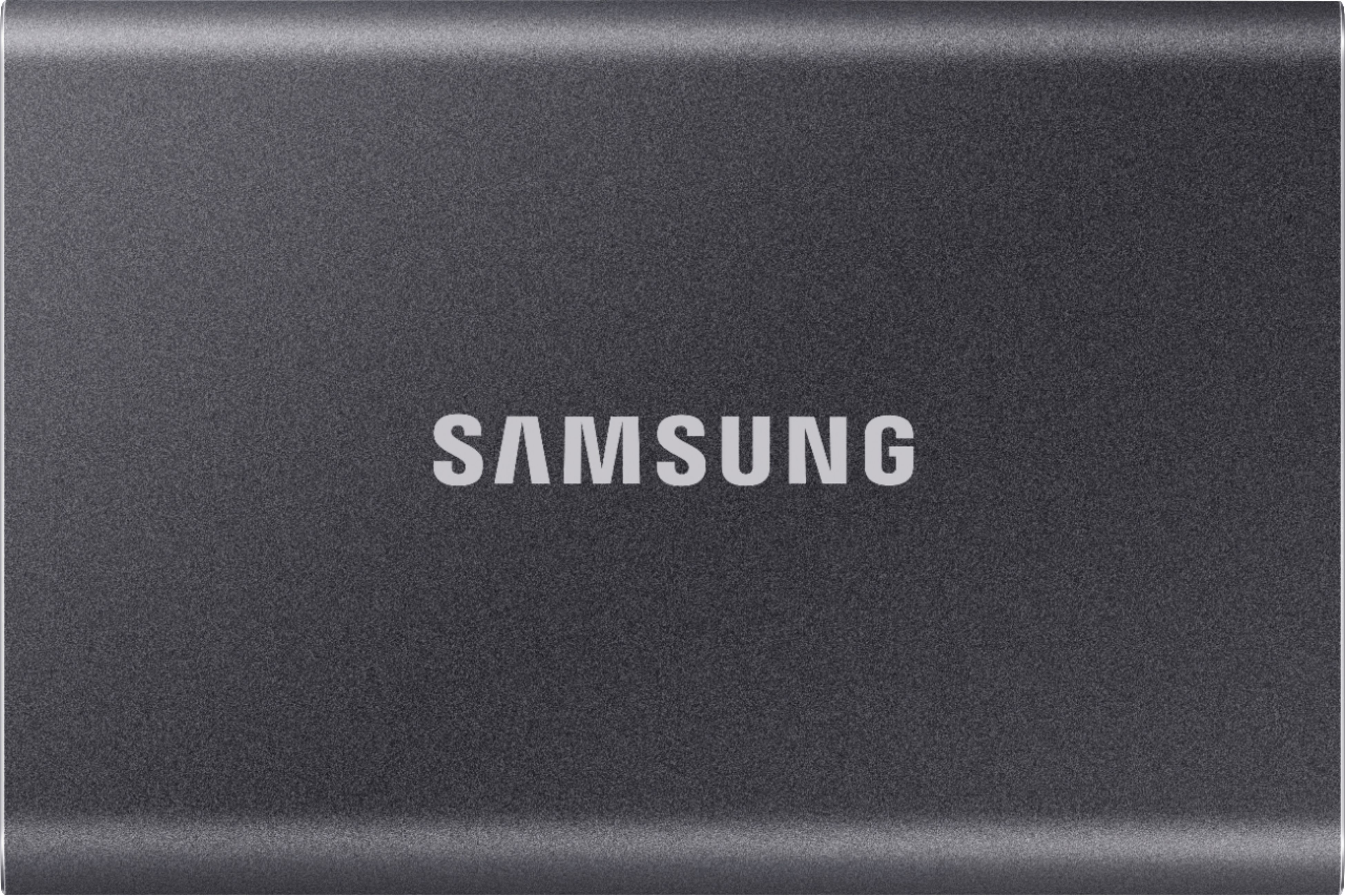
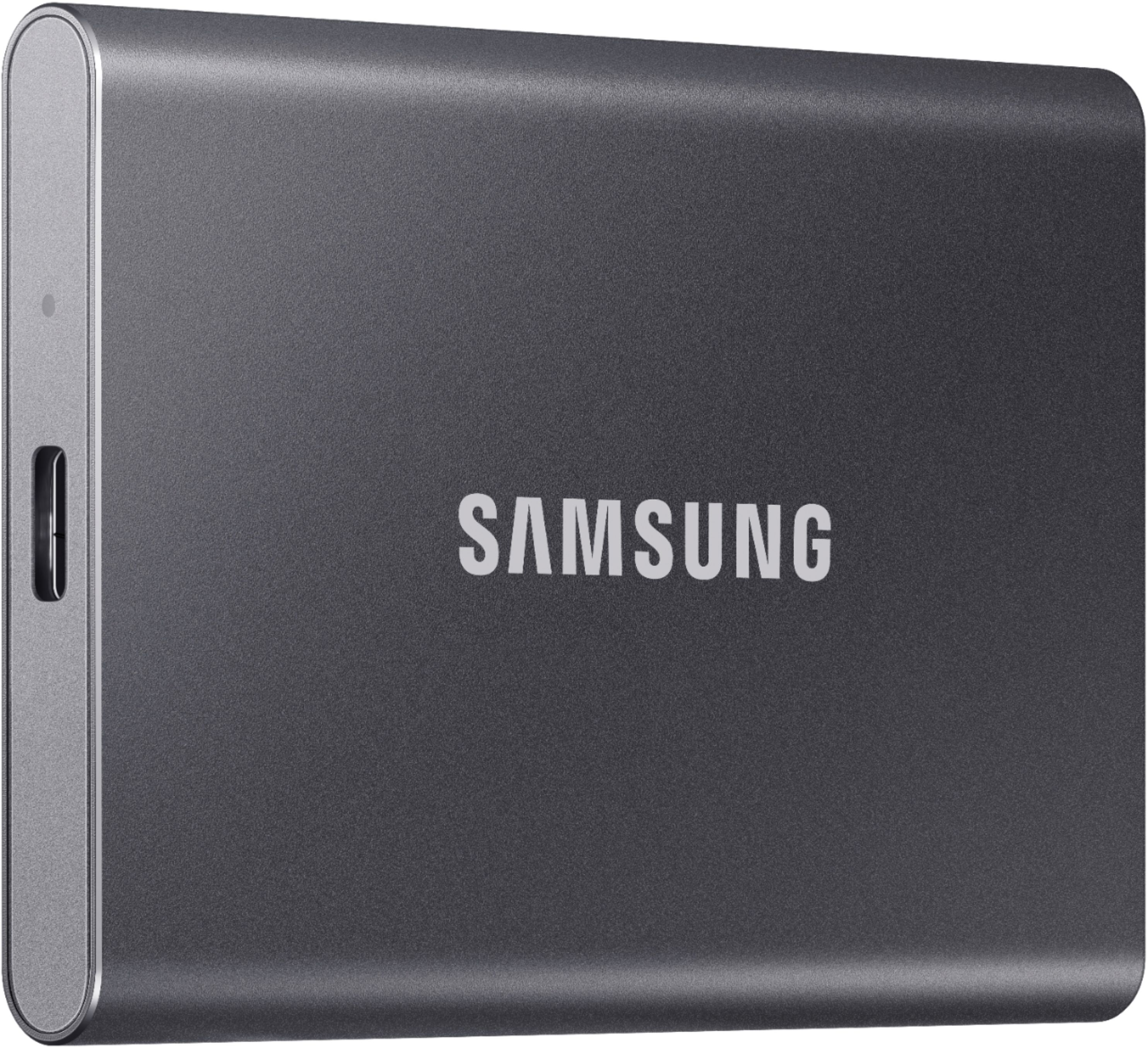
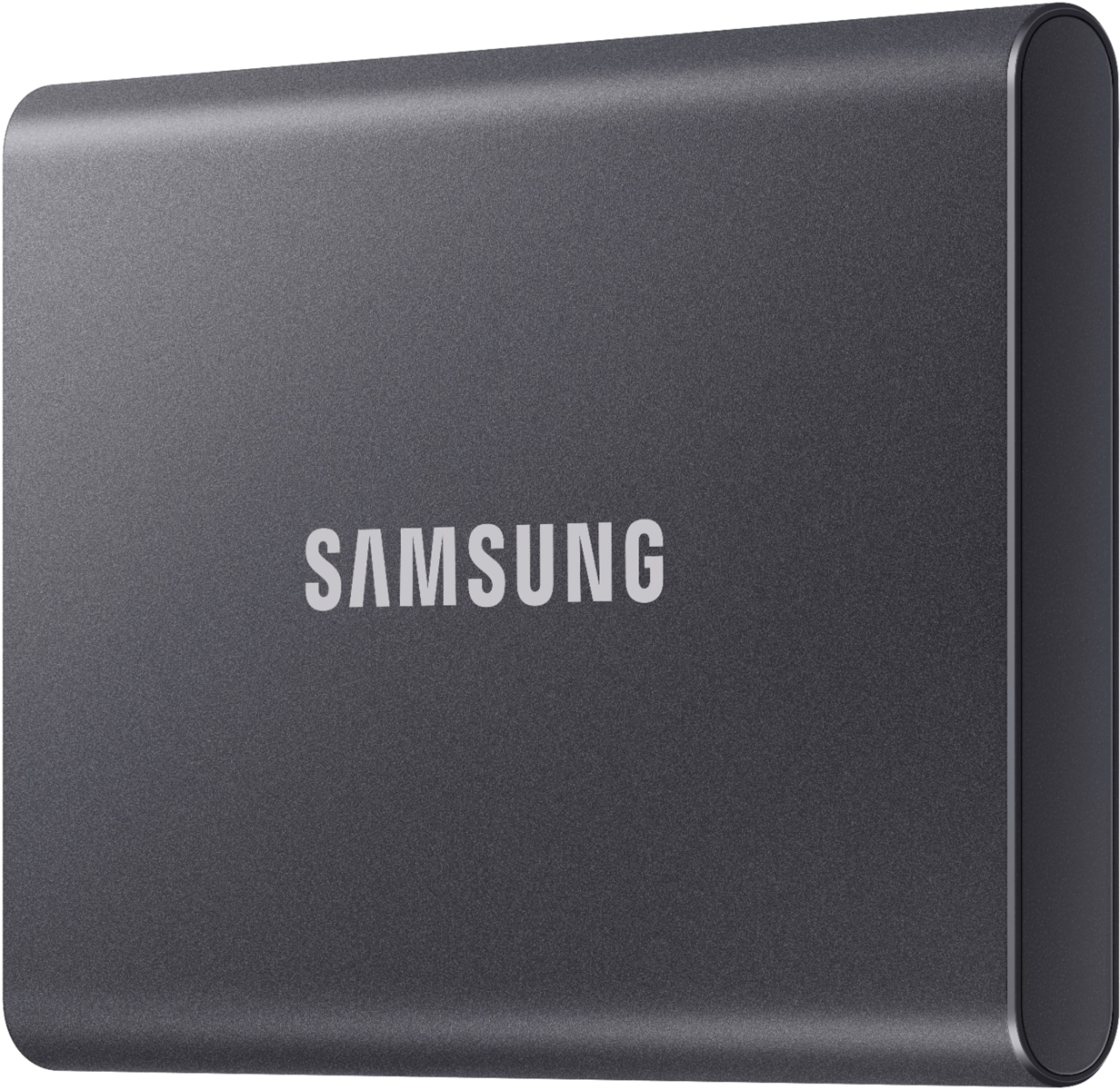
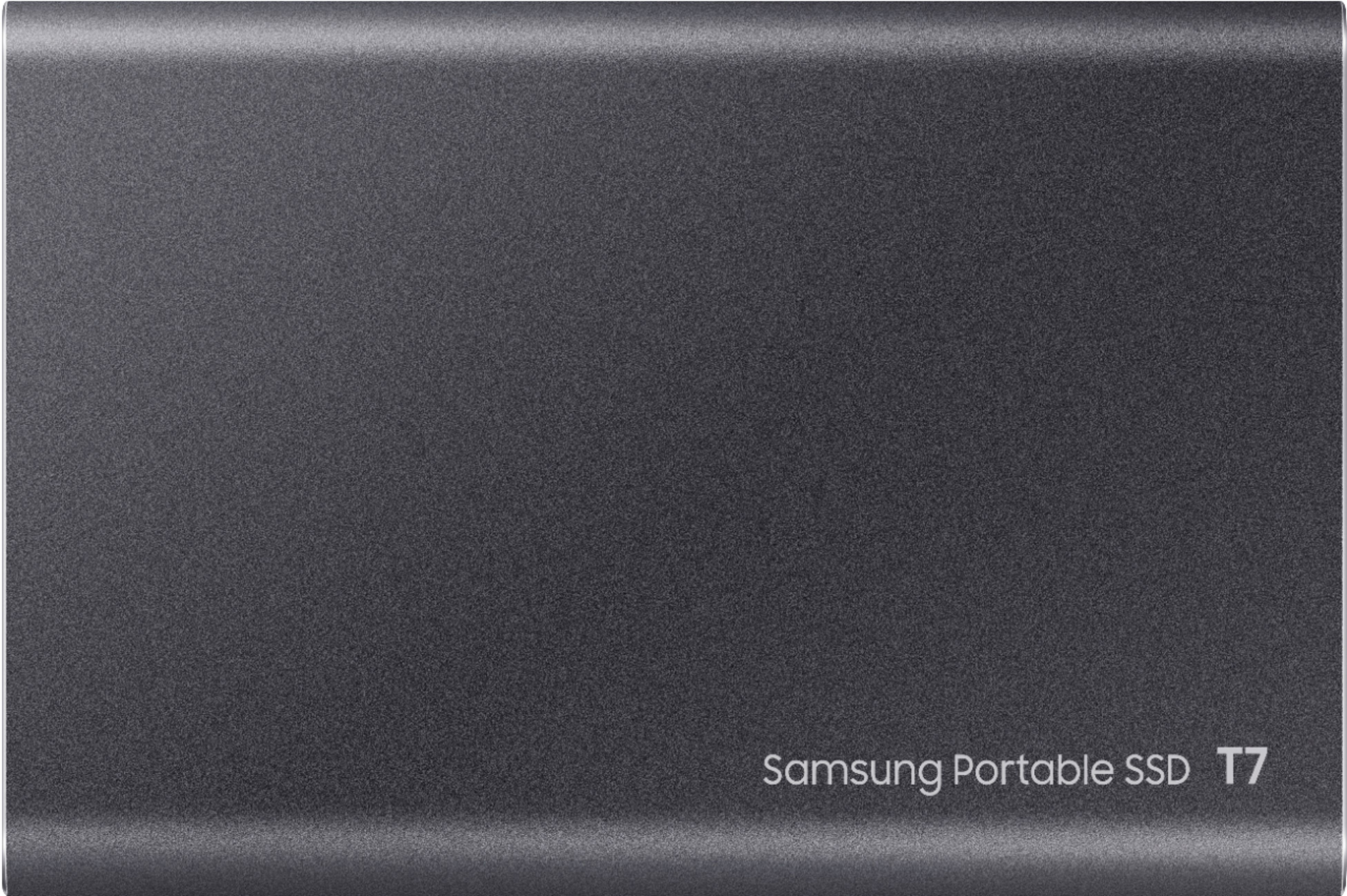
Customers express satisfaction with the T7 500GB External USB 3.2 Gen 2 Portable SSD's ease of use, convenient size, and ample storage capacity. Many appreciate its reasonable price, especially when purchased on sale. The included USB adapters and security features are also frequently praised. There were no negative customer comments reported.
This summary was generated by AI based on customer reviews.
Space saver
||Posted . Owned for 2 months when reviewed.This reviewer received promo considerations or sweepstakes entry for writing a review.This is so easy to setup. Great to free up space on my iPad and laptop
I would recommend this to a friendSolid Solid State Drive
||Posted . Owned for 1 month when reviewed.This reviewer received promo considerations or sweepstakes entry for writing a review.Solid temporary solution for ps5 memory only being 825gb and Warzonep
I would recommend this to a friendGreat SSD
||Posted .This reviewer received promo considerations or sweepstakes entry for writing a review.Great portable drive. Love the color. Easy to use.
I would recommend this to a friendIt's a hard drive.
||Posted . Owned for 1 month when reviewed.This reviewer received promo considerations or sweepstakes entry for writing a review.Its a hard drive. This hard drive is hard, and it drives.
I would recommend this to a friendGREAT VALUE!!
||Posted . Owned for 1 month when reviewed.This reviewer received promo considerations or sweepstakes entry for writing a review.Great value but wish the size can be a bit smaller.
I would recommend this to a friendSamsung
||Posted . Owned for 1 month when reviewed.This reviewer received promo considerations or sweepstakes entry for writing a review.Satisfied. The price is a little high, but I bought it.
I would recommend this to a friendGood product
||Posted . Owned for 1 month when reviewed.This reviewer received promo considerations or sweepstakes entry for writing a review.Good product will buy again for myself or someone else
I would recommend this to a friendGood but no simultaneous Android and PC use
||Posted . Owned for 1 month when reviewed.This reviewer received promo considerations or sweepstakes entry for writing a review.It is a straight-forward storage device. App is only for implementing password protection. It is compatible with PCs and Android phones, BUT not simultaneously. Each device requires a different file format.
I would recommend this to a friendBrand response from Samsung
Posted .freddy:
Thank you for purchasing the Samsung T7 SSD. We appreciate you sharing your experience with us. Please contact Samsung Customer Support so we can better understand your issue and assist you towards a resolution.
1) Call: 1-800-SAMSUNG (ask for Memory or press #, then 6 for Memory products)
Available 9AM – 12AM EST (Mon-Fri)
2) Email: samsungmemorysupport@sea.samsung.com
3) Or visit us on the Samsung website and click on the SUPPORT link in the upper right corner of the homepage for:
a) Chat with Us/Product Help: To begin a chat or find solutions, choose ‘Computing – Memory & Storage’ and select your model & topic.
b) Manuals & Software
c) Warranty Info
d) Register a Product: For access to easy warranty support, convenient opt-in to special promos and offers, faster troubleshooting and service, and quick notification of system updates
e) Contact Us
The Samsung Members Community is also a great resource for getting help from Samsung moderators and customers: https://us.community.samsung.com/
Samsung is committed to providing the best possible product experience, quality, and value, and we are always here to help with any of your questions or concerns.
We hope to hear from you soon.
- Samsung Memory
Confusing and won’t back up to time capsule
||Posted . Owned for 3 months when reviewed.This reviewer received promo considerations or sweepstakes entry for writing a review.Have had issues with this sucks I first got it. It backed up the first time but without putting up a fight. After that, I can’t get it to back anything up. Not user friendly at all and I am an IOS user.
No, I would not recommend this to a friendBrand response from Samsung
Posted .ttugal:
Thank you for your review of the Samsung T7 SSD. I understand your frustration with this drive not working properly.
Samsung stands behind the quality and performance of every T7 SSD we manufacture with a limited 3-year manufacturer’s warranty when purchased brand-new, directly from any authorized dealer, like Best Buy.
Please contact Samsung Customer Support directly so that we can better investigate your issue and assist you towards a resolution or replacement.
1) Call: 1-800-SAMSUNG (ask for Memory or press #, then 6 for Memory products)
Available 9AM – 12AM EST (Mon-Fri)
2) Email: samsungmemorysupport@sea.samsung.com
3) LiveChat: https://www.samsung.com/us/support/contact/ Available 9AM-6PM EST (Mon-Fri)
The Samsung Members Community is also a great resource for getting help from Samsung moderators and customers: https://us.community.samsung.com/
We hope to hear from you soon.
~ Samsung Memory
Decent
||Posted . Owned for 2 weeks when reviewed.This reviewer received promo considerations or sweepstakes entry for writing a review.It’s alright but for some reason the read and write speeds drop when moving 500GB from computer to drive and I’m using the correct usb 3.2 gen 2x2 port and cable included in box
I would recommend this to a friendBrand response from Samsung
Posted .JayRay:
Thank you for purchasing the Samsung T7 Portable SSD and for your review. Thank you for sharing your experience with the performance speeds.
The maximum transfer speed that can be achieved by the T7 is 1,050MB/s on a PC that supports USB 3.2 Gen2, UASP mode, but the speed may vary depending on the user‘s PC environment and the types of data being transferred. Please look to the details below for possible causes (and solutions), if you think your T7 is under performing.
Scenario 1 (PC Environment)
Your PC's USB Type C Port must support USB 3.2 Gen 2 (10Gbps) in order to fully utilize the speed of the T7. USB 3.0 Gen.1, USB 3.1 Gen 1. USB 3.2 Gen.1 are restricted to 5Gbs speeds any may be the bottleneck to the performance of your T7.
Scenario 2 (Cable)
Using other cables besides the enclosed cable that comes with the T7(T7 Touch) may cause performance degradation. Due to the varying internal resistance and maximum allowable current of other the cable types that does not come officially with the T7(T7 Touch)
Scenario 3 (Dynamic Thermal Guard, DTG)
The T7 is designed to activate the DTG (Dynamic Thermal Guard) when the product reaches a its threshold temperature due to prolonged data transfers and usage. The smartly activated DTG function prevents the product from overheating and automatically slows down providing it a cool off period. The DTG technology enhances safety and reliability by preventing the product from reaching an excessively high temperature.
Should you need further assistance, please contact Samsung Customer Support directly so that we can better investigate your speed issue and assist you towards a resolution.
You can reach us at:
1) Call: 1-800-SAMSUNG (ask for Memory or press #, then 6 for Memory products)
Available 9AM – 12AM EST (Mon-Fri)
2) Email: samsungmemorysupport@sea.samsung.com
3) LiveChat: https://www.samsung.com/us/support/contact/ Available 9AM-6PM EST (Mon-Fri)
The Samsung Members Community is also a great resource for getting help from Samsung moderators and customers: https://us.community.samsung.com/
Samsung stands behind the quality and performance of every T7 SSD we manufacture with a limited 3-year manufacturer’s warranty when purchased brand-new, directly from any authorized dealer, like Best Buy.
We hope to hear from you soon.
~ Samsung Memory
- Pros mentioned:Portability, Size, Speed
Great ssd
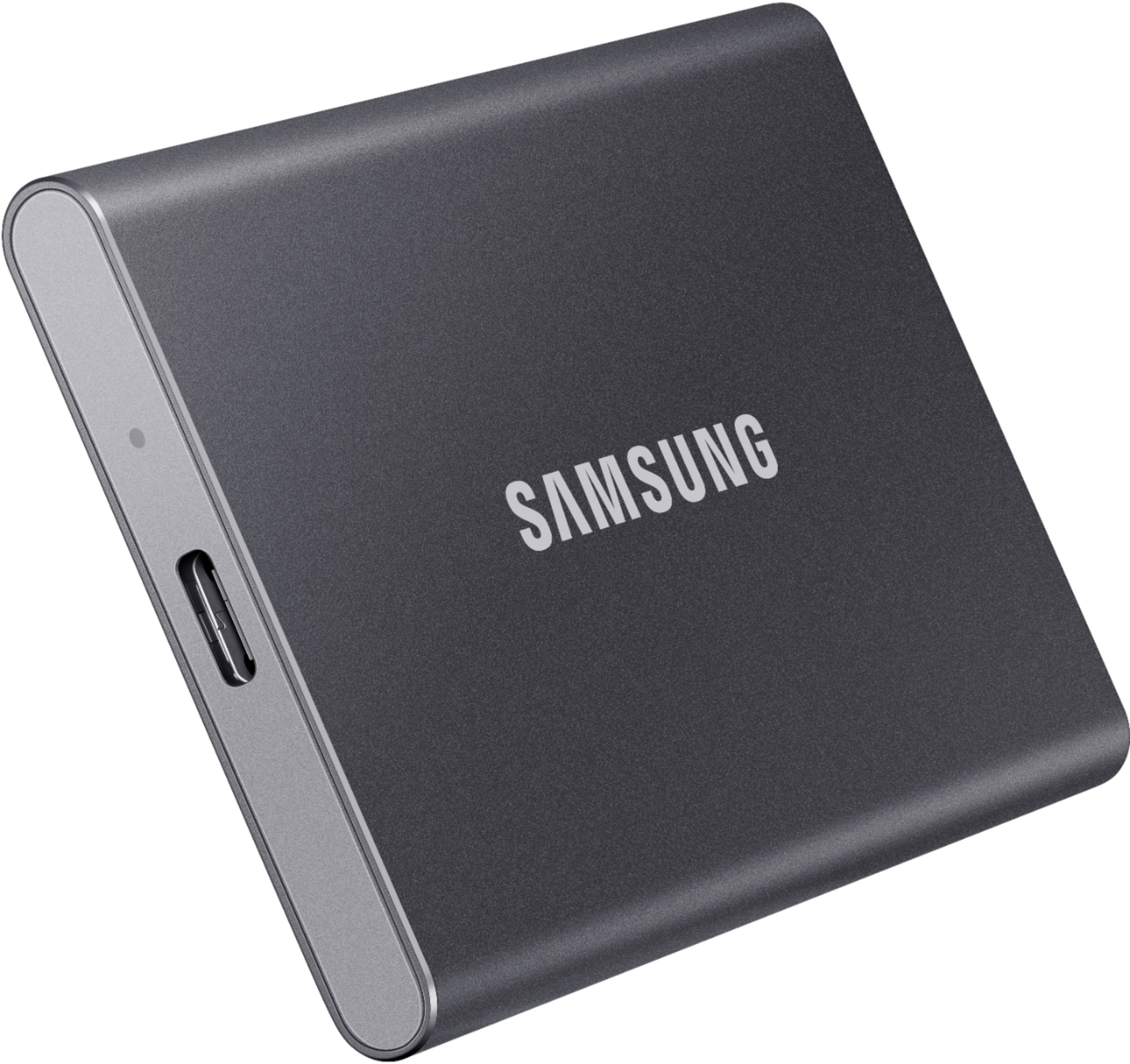
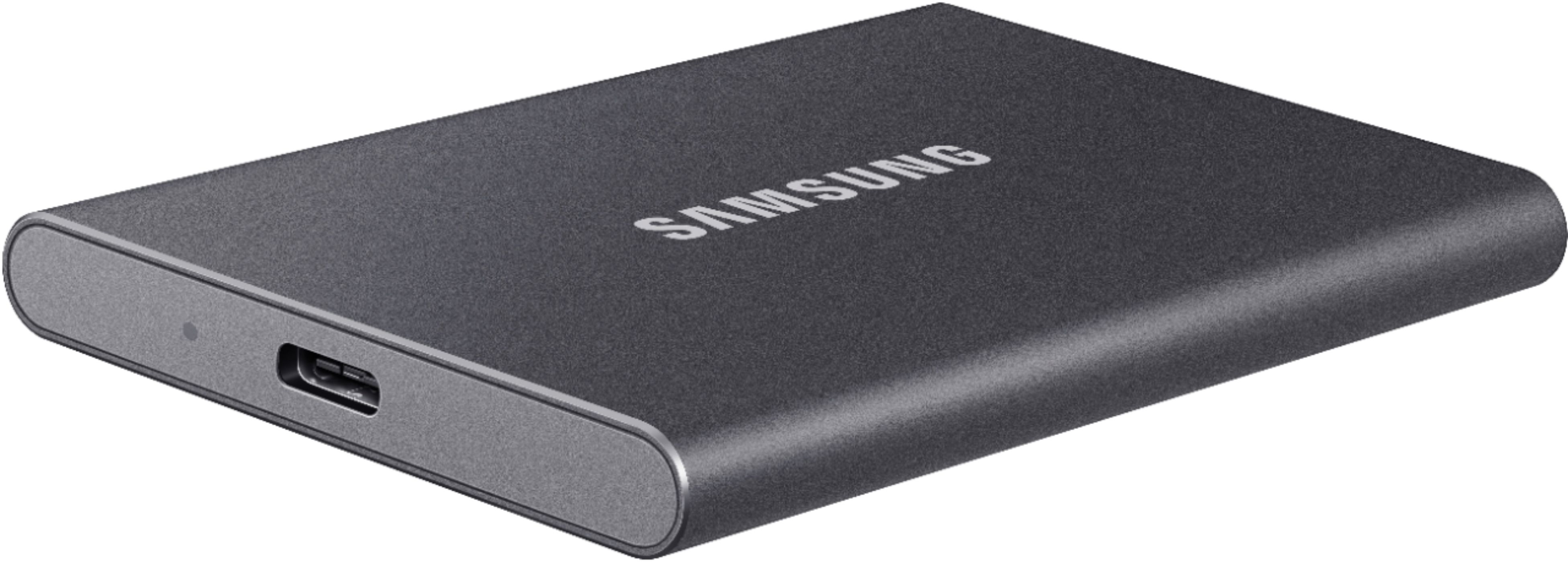
Posted .This reviewer received promo considerations or sweepstakes entry for writing a review.I just received my indigo blue portable SSD t7 and it is beautiful. I love the color and the size is perfect. It is about the size of a credit card and half the thickness of my phone. I love that it came with both a USB "c to c" and a "c to a" cable. I can easily carry the drive in my pocket to use on the go with my cell phone or tablet. I transferred movies from my tablet to the hard drive very quickly. A 2gb movie took about 10 seconds to transfer.
I would recommend this to a friend Need secondary software to read encrypted disk
||Posted . Owned for 2 months when reviewed.This reviewer received promo considerations or sweepstakes entry for writing a review.Encryption/decryption is only available by using a second application that has to be installed on the device you are connected to. Disappointed.
I would recommend this to a friendBrand response from Samsung
Posted .BBElitePlus:
I’m very sorry for the difficulties you’ve experienced with your T7 SSD. We completely understand your disappointment, and we are here to help.
Please contact Samsung Customer Support directly so that we can better investigate your issue and assist you towards a resolution or replacement.
1) Call: 1-800-SAMSUNG (ask for Memory or press #, then 6 for Memory products)
Available 9AM – 12AM EST (Mon-Fri)
2) Email: samsungmemorysupport@sea.samsung.com
3) LiveChat: https://www.samsung.com/us/support/contact/ Available 9AM-6PM EST (Mon-Fri)
The Samsung Members Community is also a great resource for getting help from Samsung moderators and customers: https://us.community.samsung.com/
We look forward to hearing from you soon.
- Samsung Memory
It's good, but...
||Posted . Owned for 3 months when reviewed.This reviewer received promo considerations or sweepstakes entry for writing a review.It's good, but when I select "Safely Eject" on my laptop, it gives an error message. I have to just unplug it from my P.C, which is not recommended.
No, I would not recommend this to a friendBrand response from Samsung
Posted .Samuel:
Thank you for your review of the Samsung T7 Portable SSD.
Samsung stands behind the quality and performance of every T7 SSD we manufacture with a limited 3-year manufacturer’s warranty when purchased brand-new, directly from any authorized dealer, like Best Buy.
Please contact Samsung Customer Support directly so that we can better investigate your issue and assist you towards a resolution or replacement.
1) Call: 1-800-SAMSUNG (ask for Memory or press #, then 6 for Memory products)
Available 9AM – 12AM EST (Mon-Fri)
2) Email: samsungmemorysupport@sea.samsung.com
3) LiveChat: https://www.samsung.com/us/support/contact/ Available 9AM-6PM EST (Mon-Fri)
The Samsung Members Community is also a great resource for getting help from Samsung moderators and customers: https://us.community.samsung.com/
Samsung is committed to providing the best possible product experience, quality, and value, and we are always here to help with any of your questions or concerns.
We hope to hear from you soon.
~ Samsung Memory
Meant SSD
||Posted . Owned for 1 week when reviewed.This reviewer received promo considerations or sweepstakes entry for writing a review.Good device has some issues with ally it as a boot drain for my Mac. Can only use it to stop things not boot my Mac.
No, I would not recommend this to a friendBrand response from Samsung
Posted .RickyRackz:
Thanks for purchasing the Samsung T7 SSD for your memory storage needs.
We appreciate you sharing your experience with us. Please contact Samsung Customer Support so we can better understand your issue and assist you with step-by-step troubleshooting or warranty service.
1) Call: 1-800-SAMSUNG (ask for Memory or press #, then 6 for Memory products)
Available 9AM – 12AM EST (Mon-Fri)
2) Email: samsungmemorysupport@sea.samsung.com
3) LiveChat: https://www.samsung.com/us/support/contact/ Available 9AM-6PM EST (Mon-Fri)
The Samsung Members Community is also a great resource for getting help from Samsung moderators and customers: https://us.community.samsung.com/
Samsung stands behind the quality and performance of every T7 SSD we manufacture with a limited 3-year manufacturer’s warranty when purchased brand-new, directly from any authorized dealer, like Best Buy.
Thank you for choosing Samsung.
~ Samsung Memory
Works as advertised
||Posted . Owned for 1 month when reviewed.This reviewer received promo considerations or sweepstakes entry for writing a review.The drive is what you’d expect, but I thought transfers would be faster than they are. For the price, it’s a good drive.
I would recommend this to a friendBrand response from Samsung
Posted .Mike:
Thank you for purchasing the Samsung T7 Portable SSD and for your review. I am sorry to hear that you are not completely happy with the performance speeds.
The maximum transfer speed that can be achieved by the T7 is 1,050MB/s on a PC that supports USB 3.2 Gen2, UASP mode, but the speed may vary depending on the user‘s PC environment and the types of data being transferred. Please look to the details below for possible causes (and solutions), if you think your T7 is under performing.
Scenario 1 (PC Environment)
Your PC's USB Type C Port must support USB 3.2 Gen 2 (10Gbps) in order to fully utilize the speed of the T7. USB 3.0 Gen.1, USB 3.1 Gen 1. USB 3.2 Gen.1 are restricted to 5Gbs speeds any may be the bottleneck to the performance of your T7.
Scenario 2 (Cable)
Using other cables besides the enclosed cable that comes with the T7 may cause performance degradation. Due to the varying internal resistance and maximum allowable current of other the cable types that does not come officially with the T7.
Scenario 3 (Dynamic Thermal Guard, DTG)
The T7 is designed to activate the DTG (Dynamic Thermal Guard) when the product reaches a its threshold temperature due to prolonged data transfers and usage. The smartly activated DTG function prevents the product from overheating and automatically slows down providing it a cool off period. The DTG technology enhances safety and reliability by preventing the product from reaching an excessively high temperature.
Should you need further assistance, please contact Samsung Customer Support directly so that we can better investigate your speed issue and assist you towards a resolution.
1) Call: 1-800-SAMSUNG (ask for Memory) Available 9AM - 12AM EST (Mon-Fri)
2) Email: [email protected]
3) LiveChat: https://www.livehelpnow.net/lhn/lcv.aspx?d=34834&ms=&zzwindow=0&lhnid=29783
Available 12PM-6PM EST (Mon-Fri)
The Samsung Members Community is also a great resource for getting help from Samsung moderators and customers: https://us.community.samsung.com/t5/Get-Help/ct-p/get-help
Samsung stands behind the quality and performance of every T7 SSD we manufacture with a limited 3-year manufacturer’s warranty when purchased brand-new, directly from any authorized dealer, like Best Buy.
Samsung is committed to providing the best possible product experience, quality, and value, and we are always here to help with any of your questions or concerns.
~ Samsung Memory
- Pros mentioned:Portability, Size, Speed
Samsung SSD T7
Posted .This reviewer received promo considerations or sweepstakes entry for writing a review.logoToggle navigation avatar 1 United States (ES) Header Info Blog Photo Gallery Online reviews My Review Testimonials Below you can read the testimonials of those Insiders who are currently testing. You can easily read though all the testimonials by clicking on ‘Filter’. Are you taking part in this campaign and want to share your experiences? It couldn’t be easier - click on ‘Write your testimonial’ and away you go! You can update your testimonial throughout the campaign as your product experience grows. Products Select Sort by Select Rating 1 2 3 4 5 My Testimonials Portable SSD T7 500 GB Samsung SSD T7 2020-07-07 23:21:34 1 2 3 4 5 Talk about amazing right out of the box. The Samsung T7 SSD is lightweight, extremely portable, and easy to work with. I have been using the Samsung SSD pretty much every day to save all my kids photos, videos and any other documents that may I need. The Samsung SSD is so versatile that it has pretty much eliminated the need for me to use a laptop to transfer what I need to and from my phone to the SSD. I just plug the SSD in to my Samsung Note 10+ and move everything over to the hard drive, that way I keep all my stuff secure and my phone memory empty and when I need to access my stuff I can plug it into either my phone, my Samsung TV or if I really need to edit something I can just plug and play into my laptop. The setup process is extremely simple and anyone can pretty much use this right out of the box. This is truly a plug and play hard drive. The transfer speed to and from the hard drive are lightning fast, although some larger files do take a bit longer depending on the size but it is definitely faster than your conventional hard drive. The Samsung SSD is truly an amazing little piece of technology. The SSD is about the size of a credit card so I am able to carry it anywhere with me and another amazing feature that I noticed on the Samsung T7 is that it does not heat up like your conventional hard drives due to Samsung’s new built in thermal control feature. My other portable hard drive that I still have and still use sometimes starts to heat up after using it for a bit, but not the Samsung T7. Love my Samsung T7 SSD.
I would recommend this to a friend Never buying from Samsung again.
||Posted . Owned for 3 months when reviewed.This reviewer received promo considerations or sweepstakes entry for writing a review.About once or twice a day during heavy use this piece of garbage disconnects itself from my computer and immediately halts whatever I'm doing with it. I just dealt with it for a while - thinking maybe a patch would come and fix it or something - but it just happened a few minutes ago again and now Steam doesn't know what to do. Steam appears to be going through my game files trying to verify the integrity of everything located on the SSD. I kind of expect another error during the integrity check as icing on the cake. I'll probably have to do a fresh install of the games located on the SSD. I've tried a few things to fix this, but nothing has worked. I've checked to see if changing the port it's connected to would solve it; maybe something was wrong on my computer's end ya know. Nope. About 95% sure it's the SSD. Maybe it was faulty out of the box, who knows. Overall a terrible experience.
No, I would not recommend this to a friendBrand response from Samsung
Posted .RMiller:
I am sorry that your T7 SSD is not working properly and disconnects itself from you computer. I understand your disappointment and frustration.
Samsung stands behind the quality and performance of every T7 Portable SSD we manufacture with a limited 3-year manufacturer’s warranty when purchased brand-new, directly from any authorized dealer, like Best Buy.
Please contact Samsung Customer Support directly so that we can better investigate your issue and assist you towards a resolution or replacement.
1) Call: 1-800-SAMSUNG (ask for Memory) Available 9AM - 12AM EST (Mon-Fri)
2) Email: [email protected]
3) LiveChat: https://www.livehelpnow.net/lhn/lcv.aspx?d=34834&ms=&zzwindow=0&lhnid=29783
Available 12PM-6PM EST (Mon-Fri)
The Samsung Members Community is also a great resource for getting help from Samsung moderators and customers: https://us.community.samsung.com/t5/Get-Help/ct-p/get-help
Again, I am very sorry for the inconveniences you have had and hope that we will hear from you soon.
- Samsung Memory
SAMSUNG T7 500GB External USB
||Posted . Owned for 3 weeks when reviewed.This reviewer received promo considerations or sweepstakes entry for writing a review.I wish it had come with more guidance on operation. Have yet to truly utilize.
No, I would not recommend this to a friendBrand response from Samsung
Posted .juma:
Thank you for choosing the Samsung T7 Portable SSD. I am sorry to hear you had difficulty with your drive.
If you have questions or need assistance, please know that Samsung is always here to help. You can reach us at any of the following options:
1) Call: 1-800-SAMSUNG (ask for Memory) Available 9AM - 12AM EST (Mon-Fri)
2) Email: [email protected]
3) LiveChat: https://www.livehelpnow.net/lhn/lcv.aspx?d=34834&ms=&zzwindow=0&lhnid=29783
Available 12PM-6PM EST (Mon-Fri)
The Samsung Members Community is also a great resource for getting help from Samsung moderators and customers: https://us.community.samsung.com/t5/Get-Help/ct-p/get-help
If you have not already so, we encourage you to register your new Samsung SSD at: https://www.samsung.com/us/account/signin/?redirect=https%3A%2F%2Fwww.samsung.com%2Fus%2Fsupport%2Fregister%2F
Registering your product gives you access to easy warranty support, convenient opt-in to special promos & offers, faster troubleshooting & service, and quick notification of system updates.
Samsung is committed to providing the best possible product experience, quality, and value, and we are always here to help with any of your questions or concerns.
~ Samsung Memory
Storage
||Posted .This reviewer received promo considerations or sweepstakes entry for writing a review.Works just fine and seems to take care of all my needs with storage.
I would recommend this to a friendBrand response from Samsung
Posted .NDO1:
Thanks for choosing the Samsung T7 SSD. I hope that your SSD is meeting your expectations.
If there is anything we can do to help improve your experience or should you have questions or concerns, please contact Samsung Customer Support.
You can contact us via any of the below options:
1) Call: 1-800-SAMSUNG (ask for Memory) Available 8AM – 9PM EST (Mon-Fri)
2) Email: samsungmemorysupport@sea.samsung.com
3) LiveChat: https://www.samsung.com/us/support/contact/ Available 9AM-6PM EST (Mon-Fri)
4) Facebook Messenger: https://www.facebook.com/samsungsupport
5) Twitter: https://twitter.com/SamsungSupport
6) Samsung Members App: offers support, news, tips, exclusive content, and diagnostic tools. Download from your mobile device app store.
The Samsung Members Community is also a great resource for getting help from Samsung moderators and customers: https://us.community.samsung.com/
Samsung is committed to providing the best possible product experience, quality, and value, and we are always here to help with any of your questions or concerns.
~ Samsung Memory
Good but expensive
||Posted . Owned for 1 month when reviewed.This reviewer received promo considerations or sweepstakes entry for writing a review.Good but expensive Good but expensive Good but expensive
I would recommend this to a friendBrand response from Samsung
Posted .Zakk:
Thanks for choosing the Samsung T7 500GB SSD. I hope that your SSD is meeting your expectations, however, we are always here to help should you have any questions or concerns about this product.
1) Call: 1-800-SAMSUNG (ask for Memory or press #, then 6 for Memory products)
Available 9AM – 12AM EST (Mon-Fri)
2) Email: samsungmemorysupport@sea.samsung.com
3) LiveChat: https://www.samsung.com/us/support/contact/ Available 9AM-6PM EST (Mon-Fri)
The Samsung Members Community is also a great resource for getting help from Samsung moderators and customers: https://us.community.samsung.com/
Samsung is committed to providing the best possible product experience, quality, and value, and we are always here to help with any of your questions or concerns.
~ Samsung Memory