Customer Ratings & Reviews
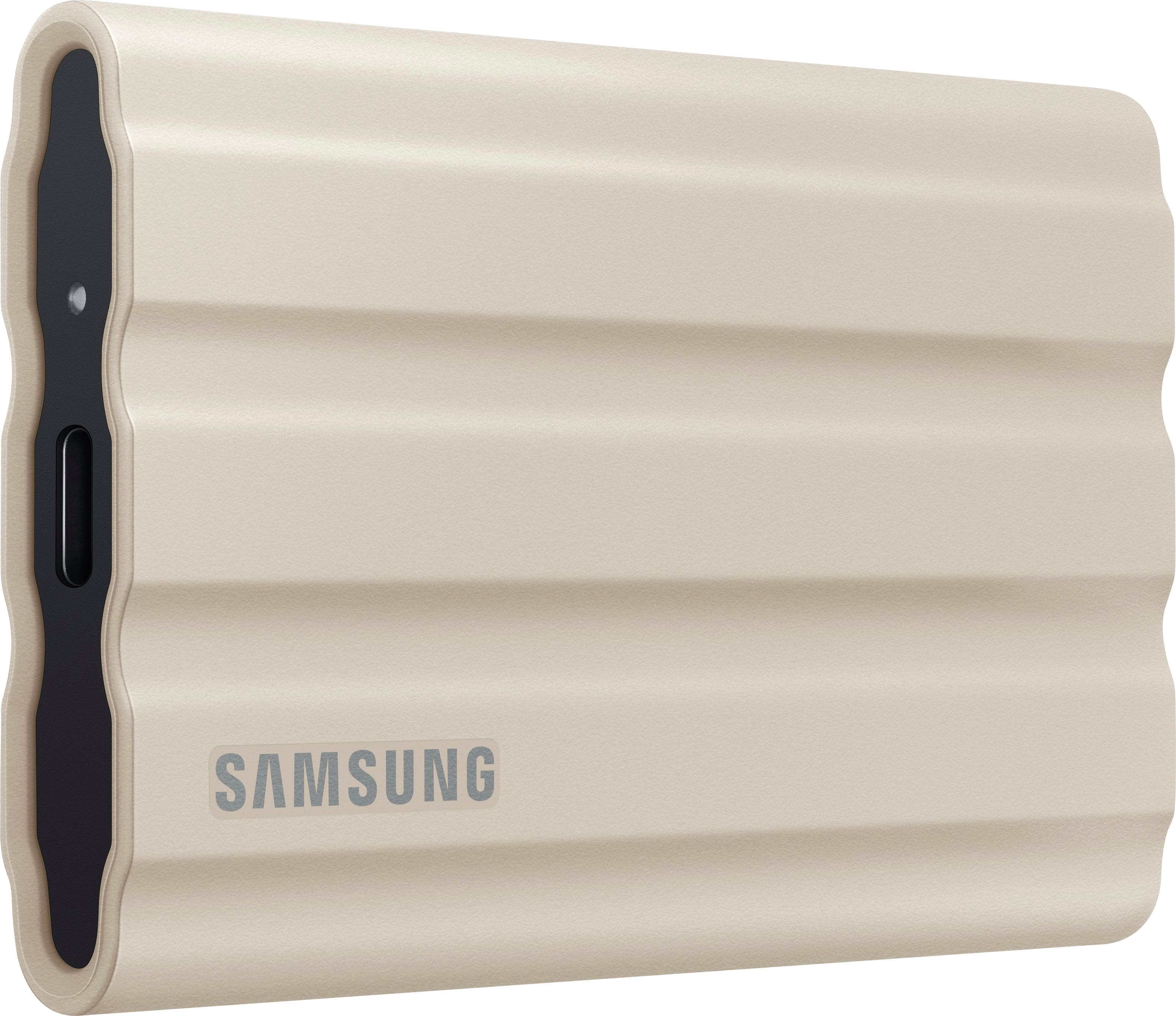
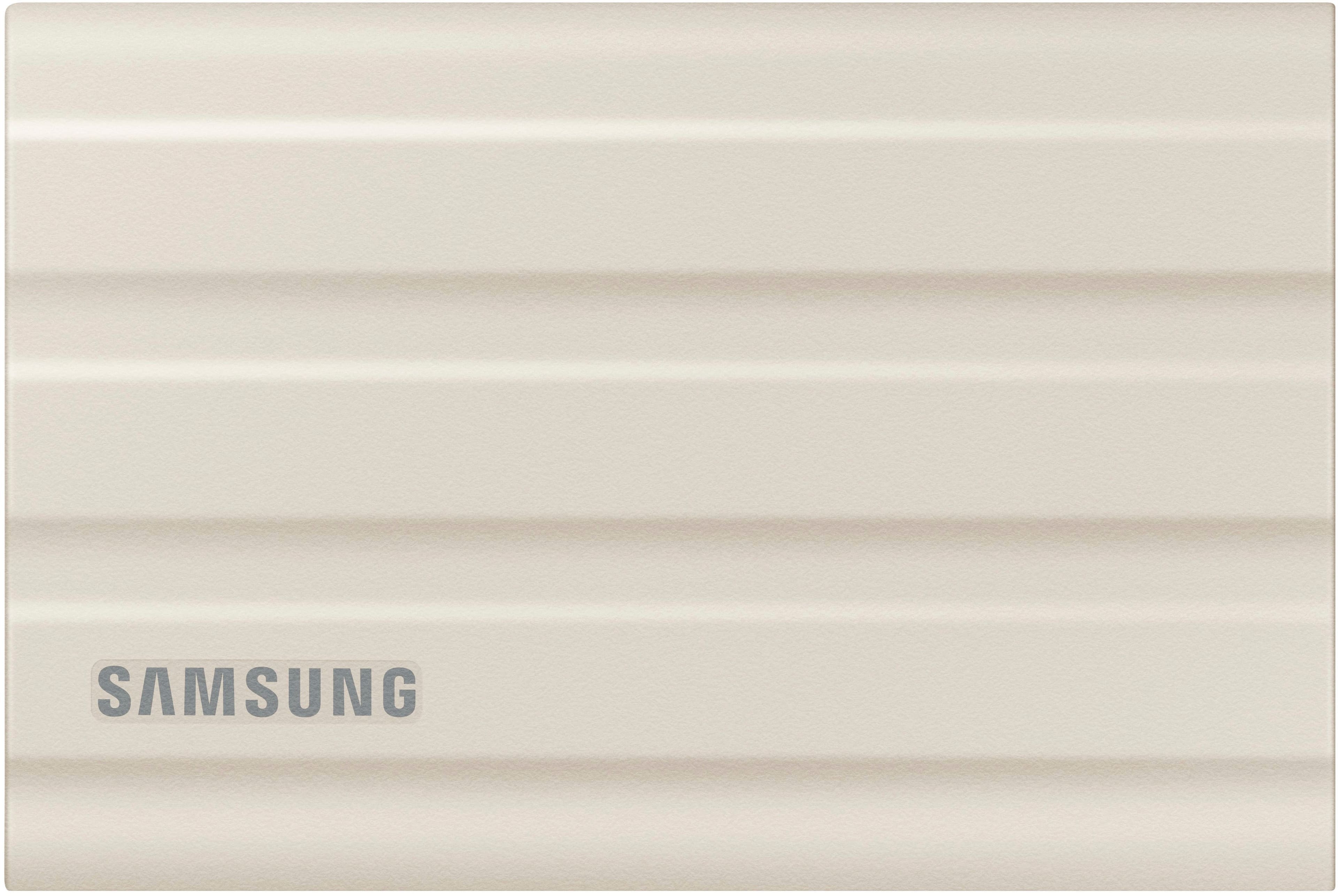
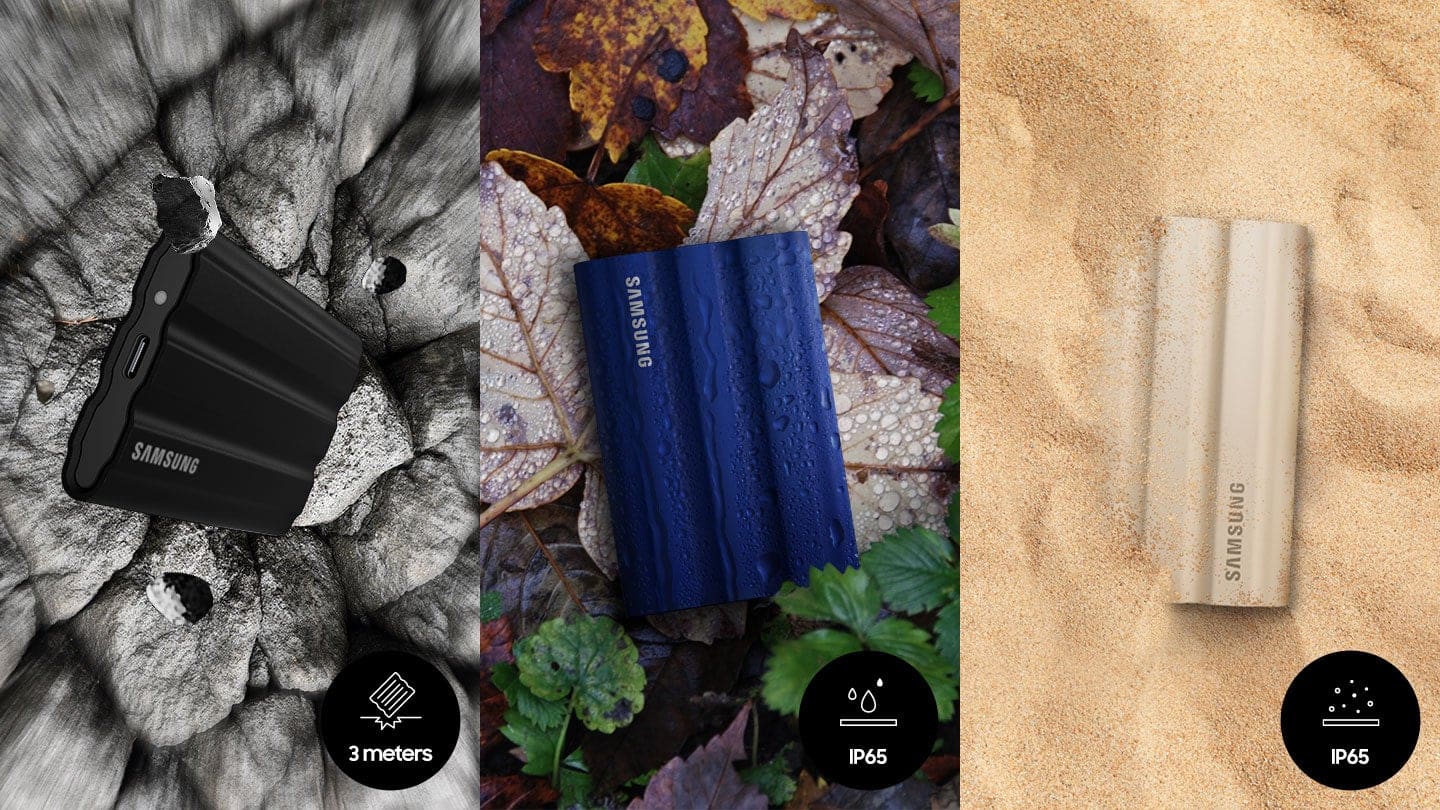
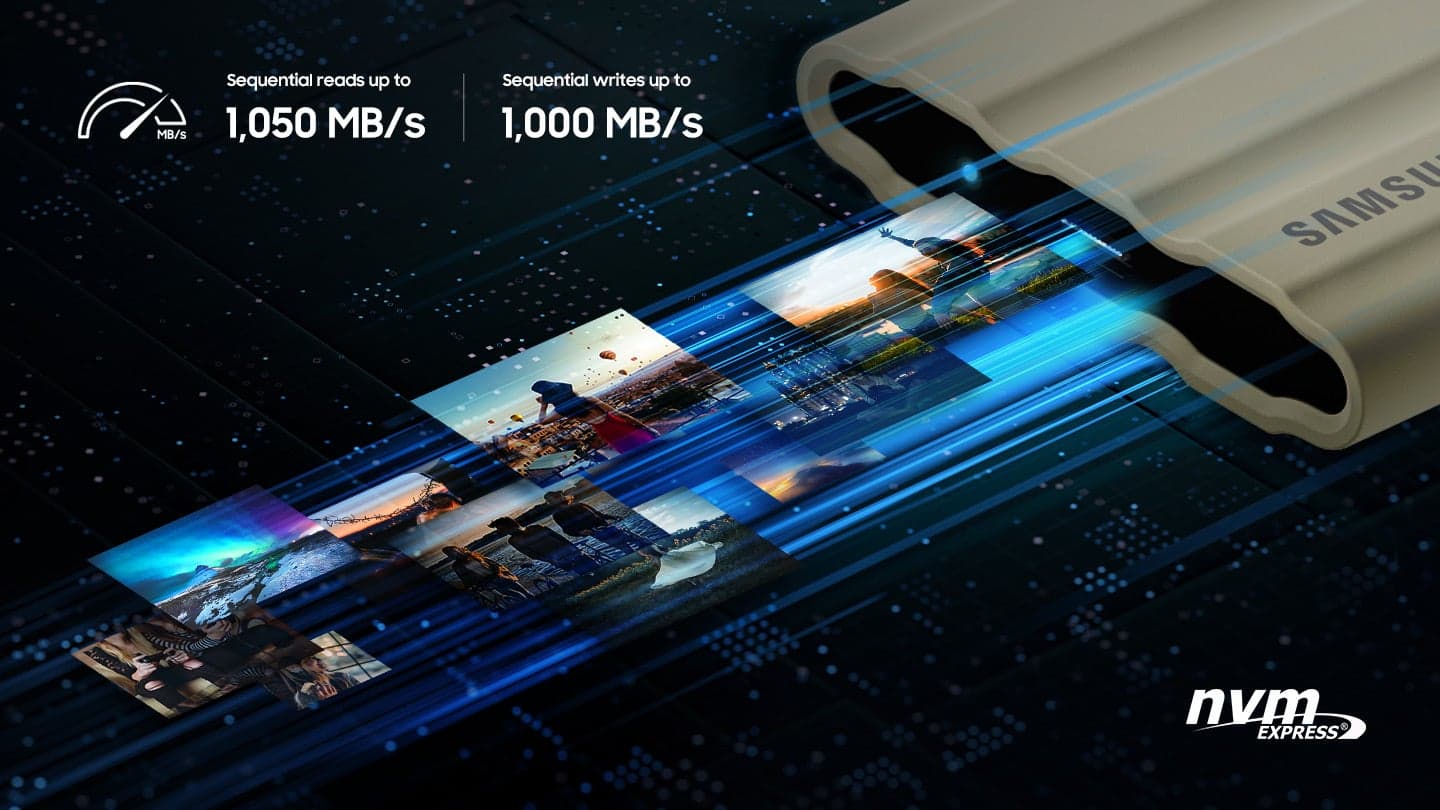

- Model:
- MU-PE1T0K/AM
- SKU:
- 12563222
Rating by feature
- Value
Rating 4.7 out of 5 stars
- Quality
Rating 4.9 out of 5 stars
- Ease of Use
Rating 4.9 out of 5 stars
Customers are saying
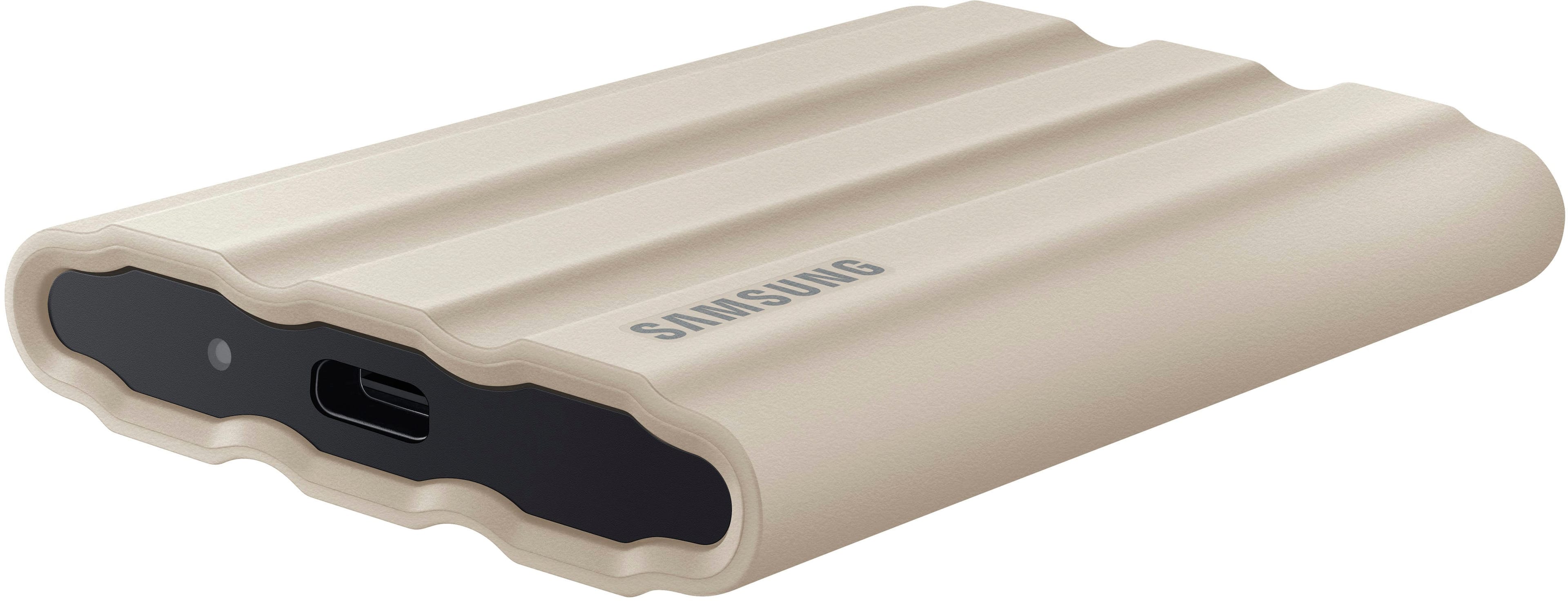
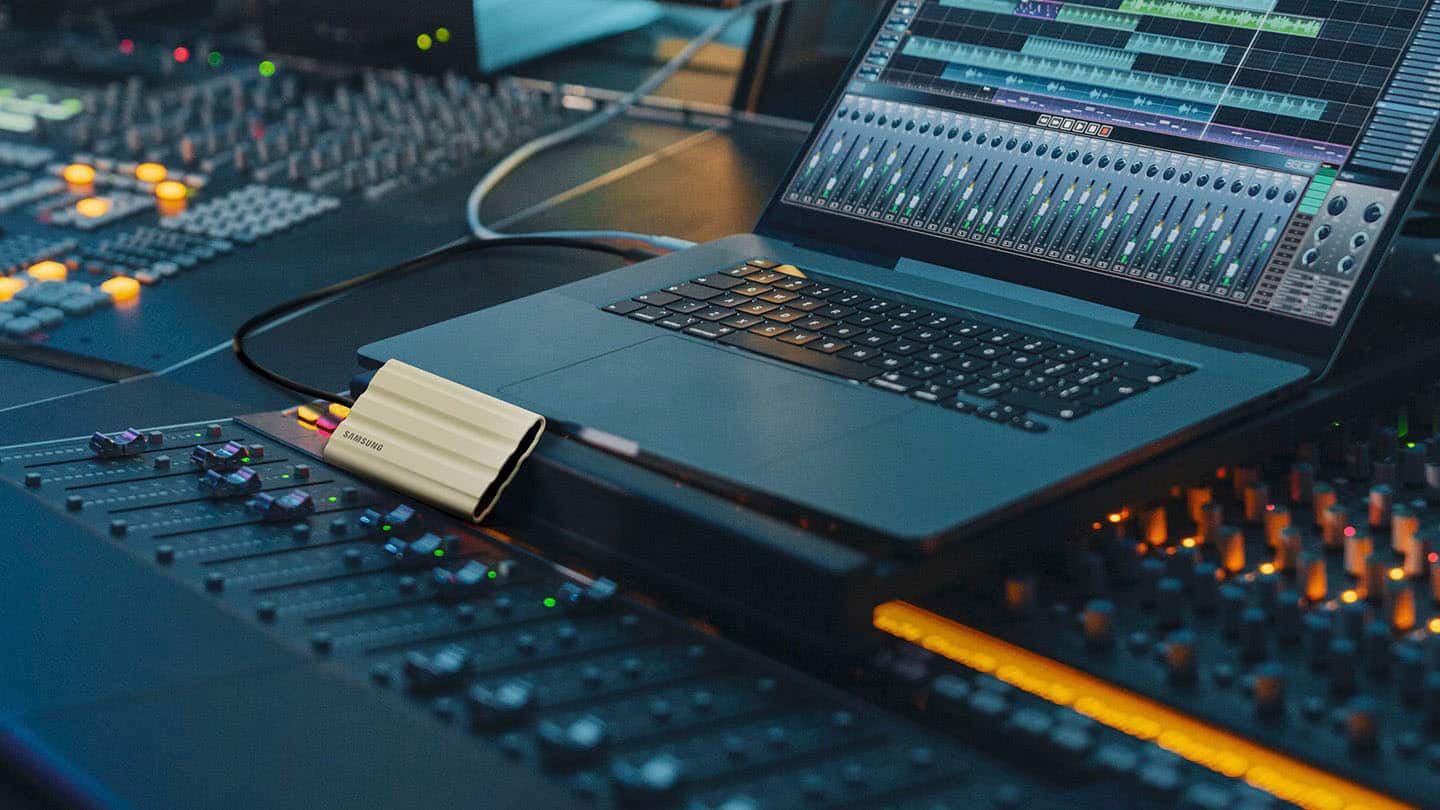
Customers love the product's overall performance, frequently praising its speed, portability, and compact size. They also appreciate its ample storage capacity, seamless connectivity, and sleek design. The only notable concern raised by a small number of customers is its higher price.
This summary was generated by AI based on customer reviews.
Disappointing
||Posted . Owned for 1 month when reviewed.This reviewer received promo considerations or sweepstakes entry for writing a review.Terrible! Had to return as it wouldn’t power up reliably.
No, I would not recommend this to a friendBrand response from Samsung
Posted .ElizabethS:
I am very sorry to see that you encountered issues with the Samsung T7 Shield SSD and have returned it. Your feedback is very important to us and will be shared with our product team.
Should you ever decide to give Samsung SSD products another try and have concerns or questions, please know we are always here to help.
1) Call: 1-800-SAMSUNG (ask for Memory or press #, then 6 for Memory products)
Available 9AM – 9PM EST (Mon-Fri)
2) Email: samsungmemorysupport@sea.samsung.com
3) Or visit us on the Samsung website and click on the SUPPORT link in the upper right corner of the homepage for:
a) Chat with Us/Product Help: To begin a chat or find solutions, choose ‘Computing – Memory & Storage’ and select your model & topic.
We hope you will consider Samsung again in the future.
- Samsung Memory
Samsung -T7 4TB SSD
||Posted . Owned for 3 weeks when reviewed.This reviewer received promo considerations or sweepstakes entry for writing a review.I need to return this item since only 1 port works.
No, I would not recommend this to a friendBrand response from Samsung
Posted .MarkW:
I am very sorry to see that you encountered issues with the Samsung T7 Shield SSD and have returned it. Your feedback is very important to us and will be shared with our product team.
Should you ever decide to give Samsung memory products another try and have concerns or questions, please know we are always here to help.
1) Call: 1-800-SAMSUNG (ask for Memory or press #, then 6 for Memory products)
Available 9AM – 9PM EST (Mon-Fri)
2) Email: samsungmemorysupport@sea.samsung.com
3) Or visit us on the Samsung website and click on the SUPPORT link in the upper right corner of the homepage for:
a) Chat with Us/Product Help: To begin a chat or find solutions, choose ‘Computing – Memory & Storage’ and select your model & topic.
We hope you will consider Samsung again in the future
- Samsung Memory
- Pros mentioned:Storage capacity
small but Big inside
Posted .This reviewer received promo considerations or sweepstakes entry for writing a review.This device is simple to use. I also didn't think it was going to be as small as it was. I have Apples ecosystem of technology and use the devices in every day life and they all perform some type of task differently. My point being... Apple implemented a new feature for the iPhone 16 pro max camera and now you can record in 4k 120/60 FPS. You cannot record on iPhone storage so you will need an external ssd like this ssd that'll plug into the phone to use that feature. As follows: Plug into iPhone. Enable 4k 120/60 recording in camera settings on iPhone. After you get done recording, it automatically stores photos/videos directly to the ssd. In the camera app with the iPhone still plugged into the ssd, you will see the external storage icon that you can click and then have the option to manually send items to your usual iPhone photos storage location. Plug it into the MacBook Pro and open ssd and the footage came through perfectly. It's the easiest thing I've used in a while that works! 2 TB oughta be enough for me! They didn't have 4 TB in stock... Just remember that before you unplug the ssd from your computer, click the "eject" button to avoid possible file corruption.
I would recommend this to a friend - Pros mentioned:Overall performance

Does everything you need it to
|Posted .This reviewer received promo considerations or sweepstakes entry for writing a review.I’ve been a fan of the Samsung T-series external hard drives for some time now…they’re commonly regarded as among the fastest portable SSDs you can buy, and while the price is not trivial, they’ve been in the space for some time and have demonstrated decent reliability. The T7 Shield is another portable SSD from Samsung with a sort of “encrypt” function which optionally locks down the hard drive (provided you install the Samsung software) with a password. It is cross platform capable, supported on Windows, Mac (although not iOS, sort of) and Android. Without the software, it is just an external hard drive. It has a rugged, rubberized design and comes with two USB-C cables (one A to C and one C to C). As such, without the software, it can be used on virtually any platform supporting external storage (including iOS). With the software, and assuming the drive is locked down, only the read-only partition shows up on iOS devices. The only way to unlock the drive is with the software and the password, and without the password any stored data is inaccessible (it would be a pain if you forget the password, so make sure you store it in a vault or can remember it). When connecting the drive while it is “locked,” without unlocking it your computer will show a read-only partition with the installation media…so you won’t have to worry about being in front of a computer without the software installed. The software is super basic - allowing you to name the drive (although that doesn’t show up in the naming of the partition), and to turn on and off the drive lock. It’s a relatively simple installation unless you use a modern Mac. On a Mac, you need to boot to system security settings (something that I would bet most casual Mac users have never done) and adjust what kind of software is permitted for installation on your computer. It’s fine that it has to happen that way, but I really think the instructions for this should be included with the device. Other than the somewhat irregular installation requirements for Mac users, there isn’t a lot to complain about here. The price at $239 is in line with what I’d expect to pay for Samsung’s drives (considering their speed capabilities) currently, and having added functionality allowing locking down access to the drive is a nice bonus.
I would recommend this to a friendBrand response from Samsung
Posted .TheTechNugget:
I'm very glad to hear that you are happy with your new T7 Shield SSD. Engineered with no moving parts and a sturdy metal body, it can handle drops of up to 9.8 feet. The T7 Shield SSD allows you to take along large amounts of data so you can get things done wherever you go.
Should you ever have questions or need assistance using this product, please know we’re always here to help.
1) Call: 1-800-SAMSUNG (ask for Memory or press #, then 6 for Memory products)
Available 9AM – 12AM EST (Mon-Fri)
2) Email: samsungmemorysupport@sea.samsung.com
3) Or visit us on the Samsung website and click on the SUPPORT link in the upper right corner of the homepage for:
a. Chat with Us/Product Help: To begin a chat or find solutions, choose ‘Computing – Memory & Storage’ and select your model & topic.
b. Manuals & Software
c. Warranty Info
d. Register a Product: For access to easy warranty support, convenient opt-in to special promos and offers, faster troubleshooting and service, and quick notification of system updates
e. Contact Us
The Samsung Members Community is also a great resource for getting help from Samsung moderators and customers: https://us.community.samsung.com/
Thanks for choosing Samsung!
- Samsung Memory
- Pros mentioned:Overall performance, Portability, Speed
Great buy for the money
Posted .This reviewer received promo considerations or sweepstakes entry for writing a review.This backup drive is easy to use, fast, and most importantly for me, it works right.
I would recommend this to a friend - Pros mentioned:Overall performance, Portability, Storage capacity
Durable and lightweight
Posted .This reviewer received promo considerations or sweepstakes entry for writing a review.Durable and lightweight with a ton of storage!!!!!
I would recommend this to a friend - Pros mentioned:Overall performance, Portability, Size
Fantastic
Posted .This reviewer received promo considerations or sweepstakes entry for writing a review.Fast , reliable ,compact, easy to use lightweight and durable
I would recommend this to a friend - Pros mentioned:Overall performance, Portability, Size
Perfect to meet my needs.
Posted .This reviewer received promo considerations or sweepstakes entry for writing a review.The Samsung T7 Shield is just what I needed. It is durable, small, and easy to use.
I would recommend this to a friend - Pros mentioned:Overall performance, Speed
Sturdy, lots of storage and fast
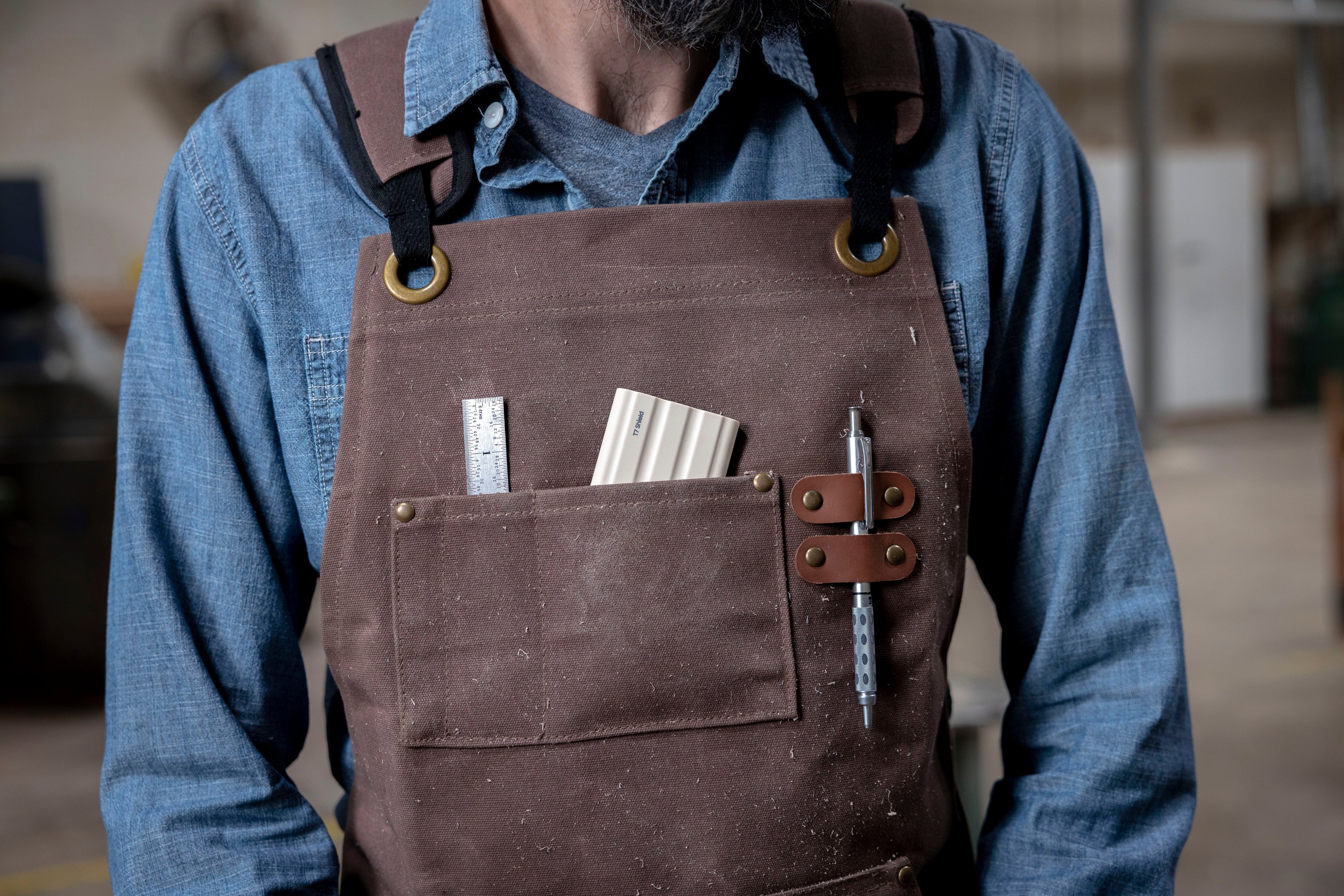
Posted .This reviewer received promo considerations or sweepstakes entry for writing a review.I bought this for use away from the office so I wanted something sturdy that could stand up to being shoved in a backpack and repeatedly moved around without breaking. So far so good! An unexpected bonus is how much faster data transfers are with this device than the thumb drives I’m more used to. I would definitely buy this again.
I would recommend this to a friend - Pros mentioned:Portability, Size, Speed
SSD
Posted .This reviewer received promo considerations or sweepstakes entry for writing a review.Small, portable, fast. Great storage device. Highly recommend
I would recommend this to a friend - Pros mentioned:Overall performance, Portability, Speed
Fantastic
Posted .This reviewer received promo considerations or sweepstakes entry for writing a review.Great piece of equipment. Fast. Easy to access. Reliable.
I would recommend this to a friend - Pros mentioned:Portability, Storage capacity
Technically Challenged
Posted .This reviewer received promo considerations or sweepstakes entry for writing a review.Just what I needed with plenty of space and easy to transfer.
I would recommend this to a friend - Pros mentioned:Overall performance, Size, Speed
Samsug T7 4TB
Posted .This reviewer received promo considerations or sweepstakes entry for writing a review.Works great, fast and reliable. It's also nice and small.
I would recommend this to a friend - Pros mentioned:Overall performance, Portability, Speed
Well worth the $
Posted .This reviewer received promo considerations or sweepstakes entry for writing a review.Fast, clean, waterproof and very durable and portable
I would recommend this to a friend Can't connect to Android
||Posted . Owned for 2 weeks when reviewed.This reviewer received promo considerations or sweepstakes entry for writing a review.It does not connect with my Android device, other than that just a regular SSD
No, I would not recommend this to a friendBrand response from Samsung
Posted .Alpha:
I’m very sorry for the difficulties you’ve experienced with your T7 Shield SSD. We completely understand your frustrations, and we are here to help.
The T7 Shield is compatible with Android devices using USB-C. We would love the opportunity to investigate this for you so we can provide additional troubleshooting assistance.
Please contact Samsung Customer Support at:
1) Call: 1-800-SAMSUNG (ask for Memory or press #, then 6 for Memory products)
Available 9AM – 9PM EST (Mon-Fri)
2) Email: samsungmemorysupport@sea.samsung.com
3) Or visit us on the Samsung website and click on the SUPPORT link in the upper right corner of the homepage for:
a) Chat with Us/Product Help: To begin a chat or find solutions, choose ‘Computing – Memory & Storage’ and select your model & topic.
b) Manuals & Software
c) Contact Us
We hope to hear from you soon.
- Samsung Memory
- Pros mentioned:Speed
Use it as a weapon or storage!
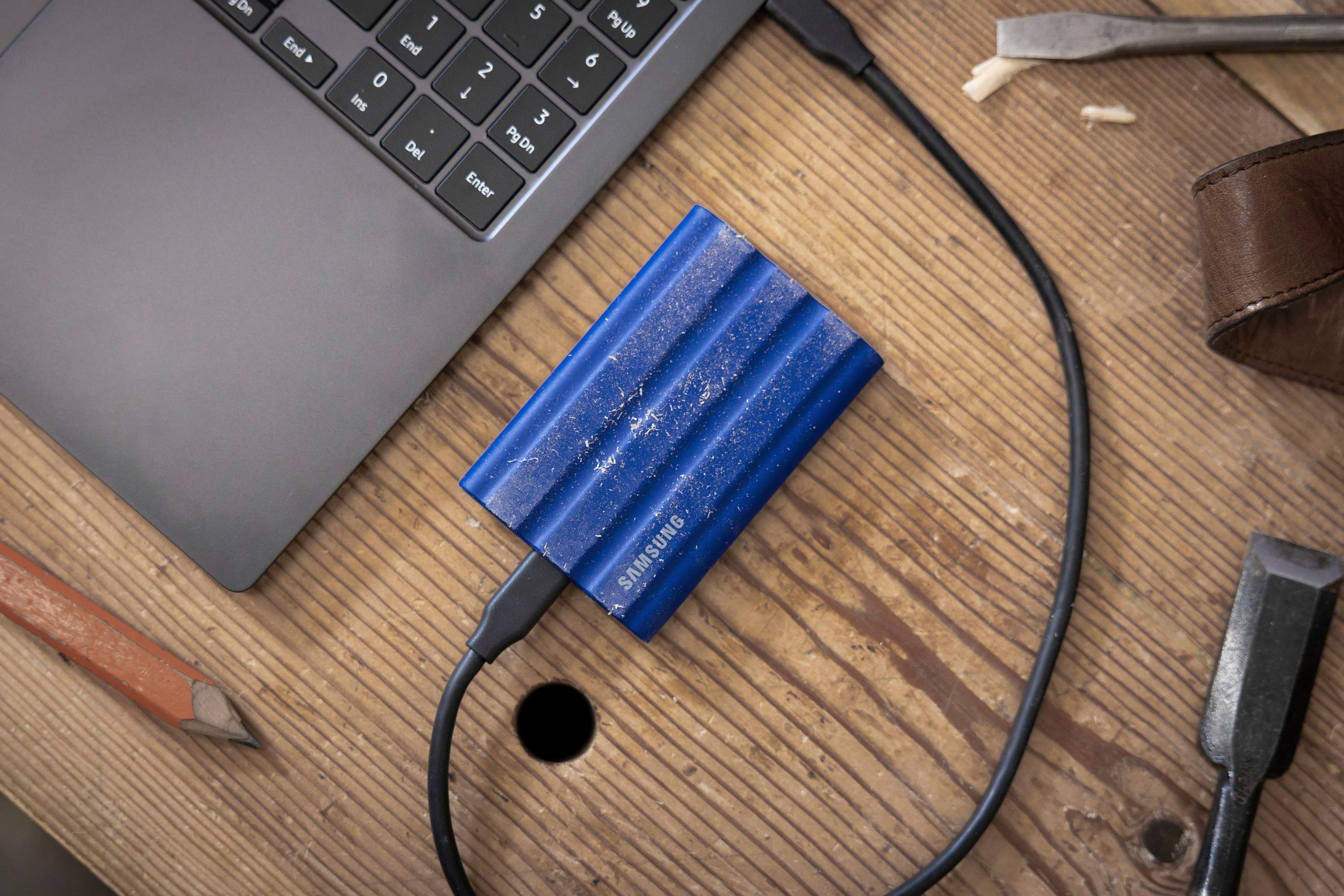
|Posted .This reviewer received promo considerations or sweepstakes entry for writing a review.I wasn't really sure why I'd need a mega-rugged external harddrive because I usually keep all my electronics in safe spots and treat them like invaluable devices, because the data some contain are. So Samsung comes out with a external drive built like it's ready to go to war and back...I'm certain it can do it! First impression was "Wow, this thing has some weight!" I've had other portable NVME drives that were build for normal folks, but they don't have near the heft of the Samsung T7 Shield. The body is encased in a non-slip rubber that adds grip as well as shock absorption. As a test, I knocked it off my desk onto the carpeted floor and good golly the data survived, lol. Most drives can take a small drop like that, but the way the T7 Shield is built I'd bet I could drop it on the concrete floor at work and not worry a bit. Testing the drive proved that's it's not too bad at data transfer. Read was 464MB/s and writes topped at 464MB/s also. I didn't test other USB C ports I have so it might be the limit of that particular port, which really isn't anything to be mad at. Old school USB HDD's hit around 100MB/s and most people are fine with them. This one is surely going to get some use in my "service bag" and I won't have to worry about being too gentle knowing the T7 can take a few rounds ring and come out still standing.
I would recommend this to a friend - Pros mentioned:Overall performance, Speed
Reliable rugged SSD
Posted .This reviewer received promo considerations or sweepstakes entry for writing a review.We have used Samsung SSDs in our business for some time, and have found them reliable, fast, and in the case of the ruggedized Shield drives extremely resistant to damage when transported. We have never had problems with any Samsung SSD and have standardized on them for backup and data transport.
I would recommend this to a friend Samsung SSD
||Posted . Owned for 3 weeks when reviewed.This reviewer received promo considerations or sweepstakes entry for writing a review.Ever since I bought and attached the drive to my phone (s22) my phone has not been working correctly.
No, I would not recommend this to a friendBrand response from Samsung
Posted .STGA:
I’m very sorry for the difficulties you’ve experienced with your T7 Shield SSD. We completely understand your frustrations, and we are here to help.
So that we can better assist you for your particular usage scenario, we ask that you please contact us and speak with a Samsung Customer Service representative.
1) Call: 1-800-SAMSUNG (ask for Memory or press #, then 6 for Memory products)
Available 9AM – 9PM EST (Mon-Fri)
2) Email: samsungmemorysupport@sea.samsung.com
3) Or visit us on the Samsung website and click on the SUPPORT link in the upper right corner of the homepage for:
a) Chat with Us/Product Help: To begin a chat or find solutions, choose ‘Computing – Memory & Storage’ and select your model & topic.
b) Warranty Info
c) Contact Us
Samsung stands behind the quality and performance of every T7 Shield SSD we manufacture with a limited 3-year manufacturer’s warranty when purchased brand-new, directly from any authorized dealer, like Best Buy.
We hope to hear from you soon.
- Samsung Memory
- Pros mentioned:Overall performance
Great performing drive
|Posted .This reviewer received promo considerations or sweepstakes entry for writing a review.I’m doing bar studies right now, so I needed a way to have my study aids and videos everywhere I went. I thought about a USB drive, but prefer the reliability and speeds of solid state drives. The Samsung T7 Shield was a great option for me, so I went with it. One of my main reasons for going with the T7 is, like I said, solid state drives are far more reliable than the old portable hard drives with moving parts. I had an old WD portable hard drive that quit working on me after only a few times used. The thing looks new, and practically was new. I tried a few things to try to fix it, but nothing worked. So, I went with the T7. As soon as I received the T7 shield, I moved close to 1tb of data (videos, audios files, and docs). The wiring speed were great. The drive did get a bit hot, but I didn’t have any issues getting all of my files saved to the drive. As for security, you have the ability to setup a code so that only you can access it. Just make sure not to lose your code, as there is an explicit warning of not being able to recover if you forget. Overall, I am very happy with my Samsung T7 shield. The rugged protection is great. It is water resistant and dust resistant. I would highly recommend the T7 shield.
I would recommend this to a friend - Pros mentioned:Speed
recommend buy
Posted .This reviewer received promo considerations or sweepstakes entry for writing a review.Nice design looks great on my desk. HD speed and capabilities are as advertised
I would recommend this to a friend