Customer Ratings & Reviews

- Model:
- MU-PE2T0K/AM
- SKU:
- 6505714
Rating by feature
- Value
Rating 4.7 out of 5 stars
- Quality
Rating 4.9 out of 5 stars
- Ease of Use
Rating 4.9 out of 5 stars
to a friend
Customers are saying
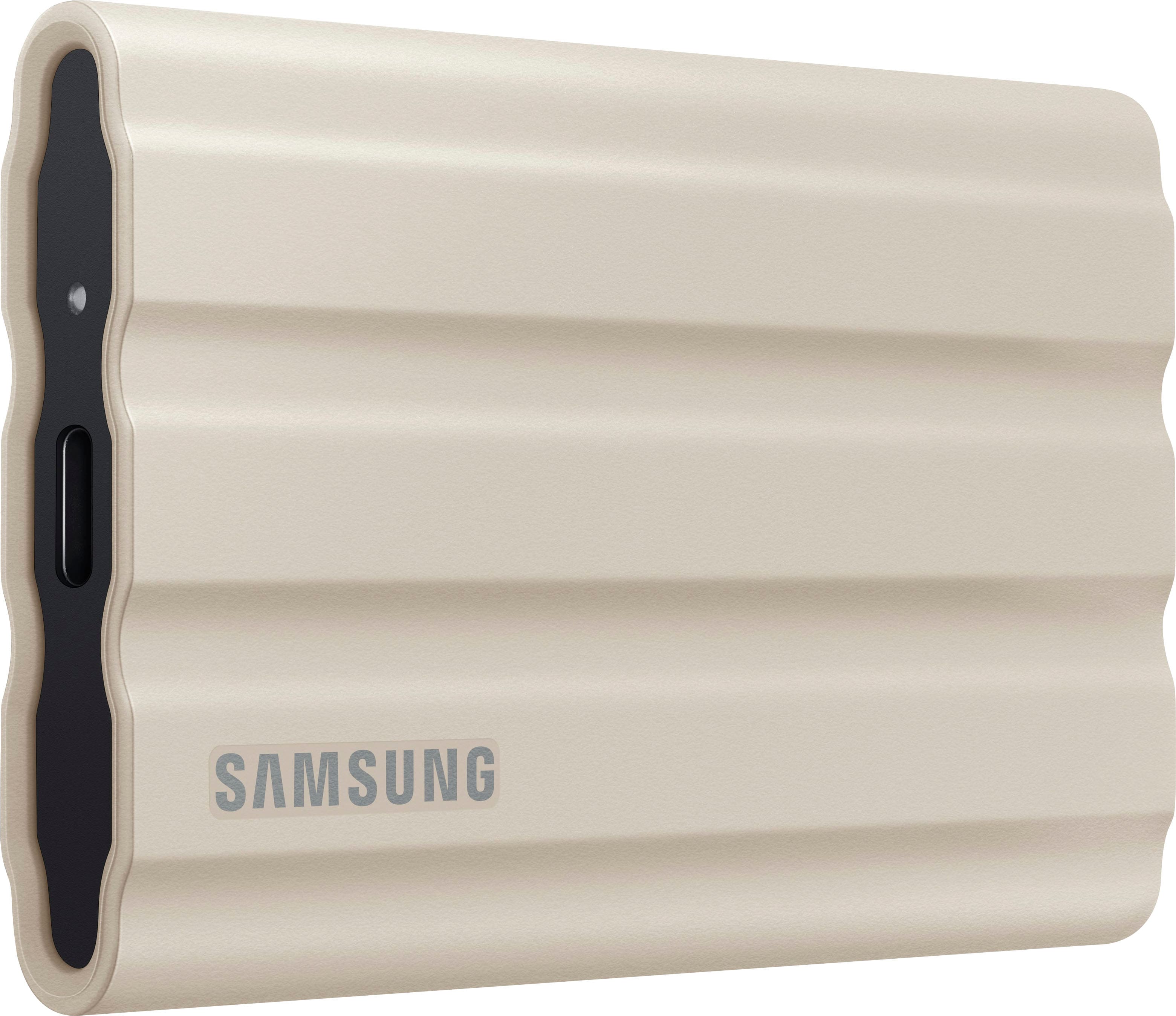
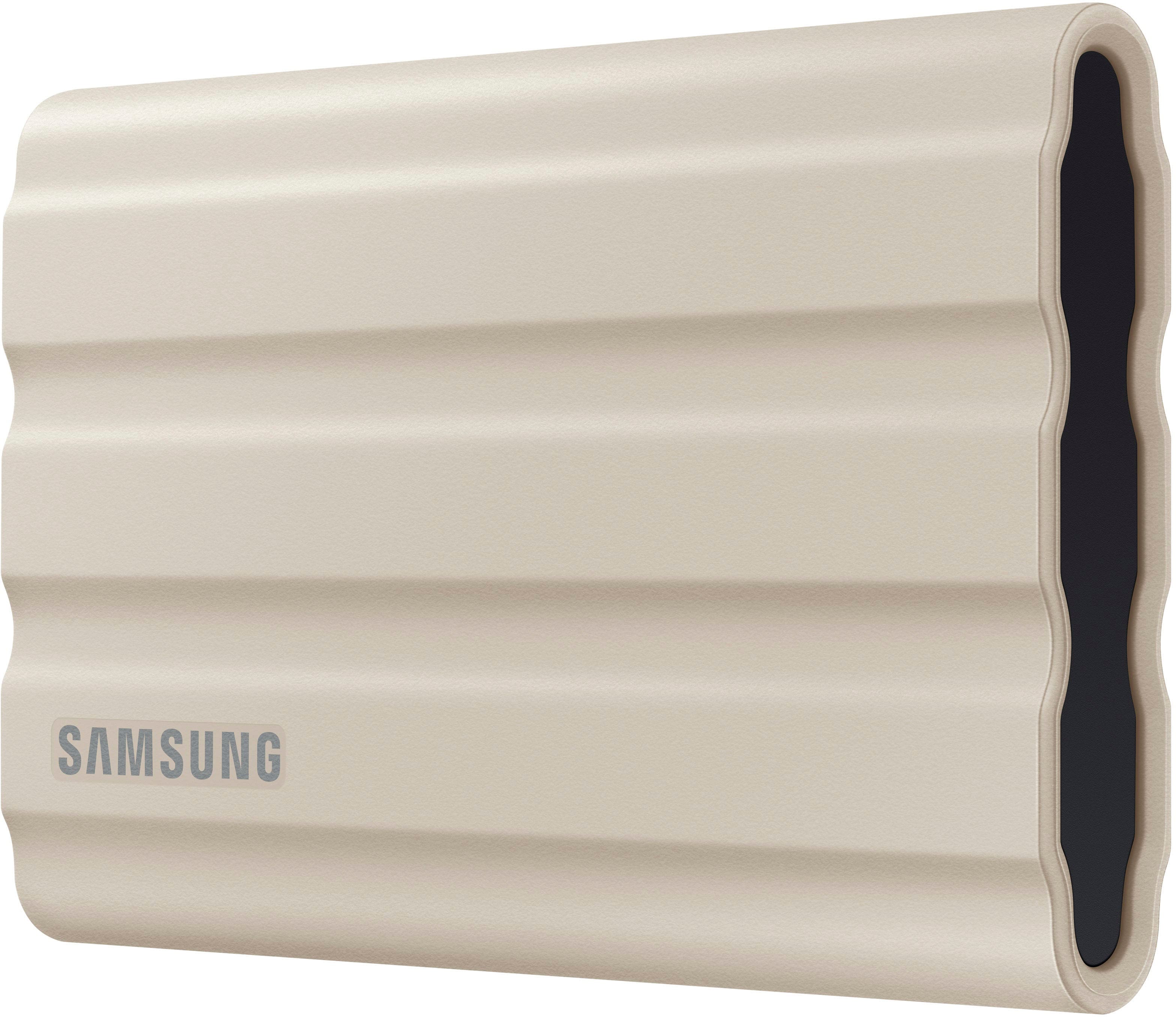
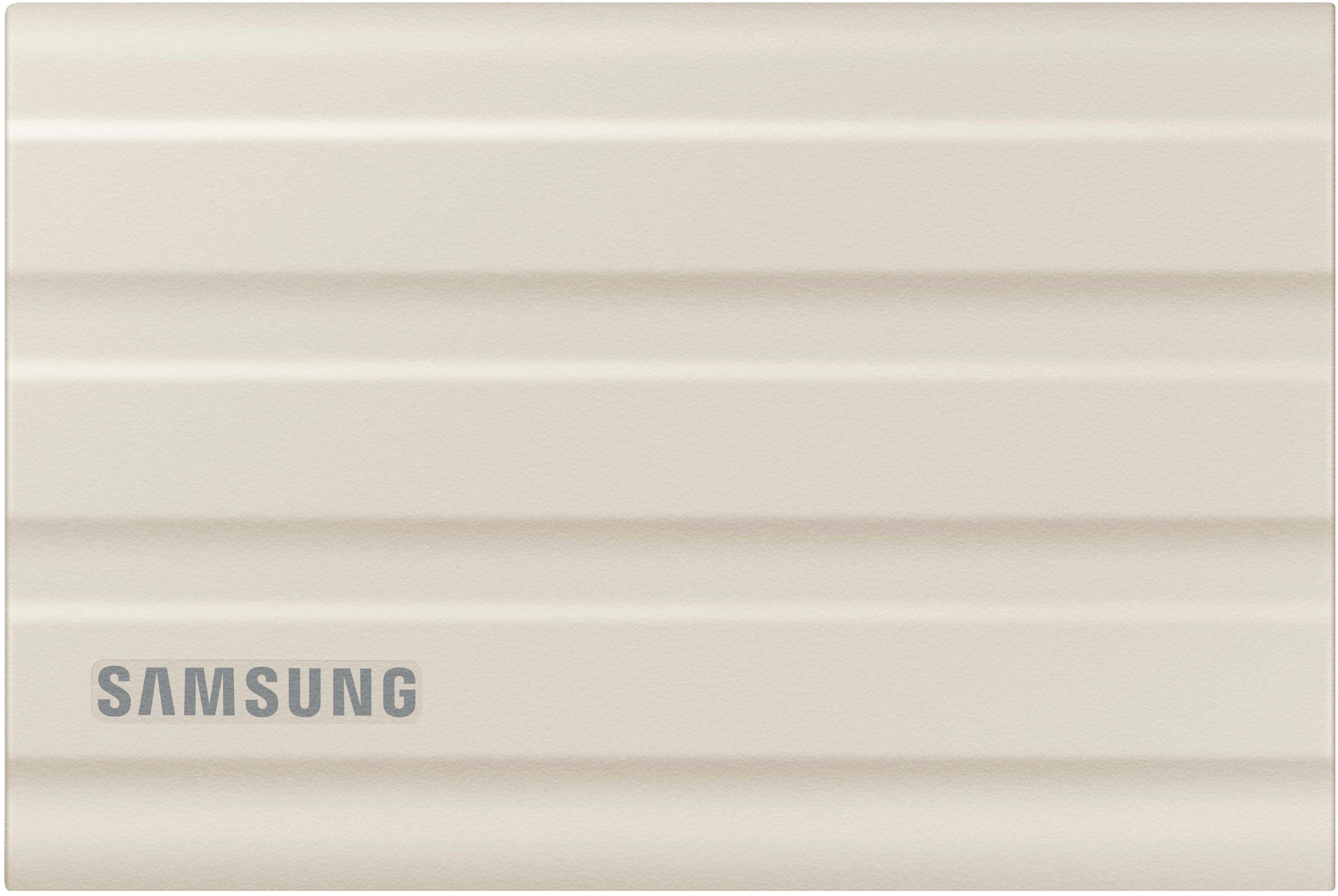
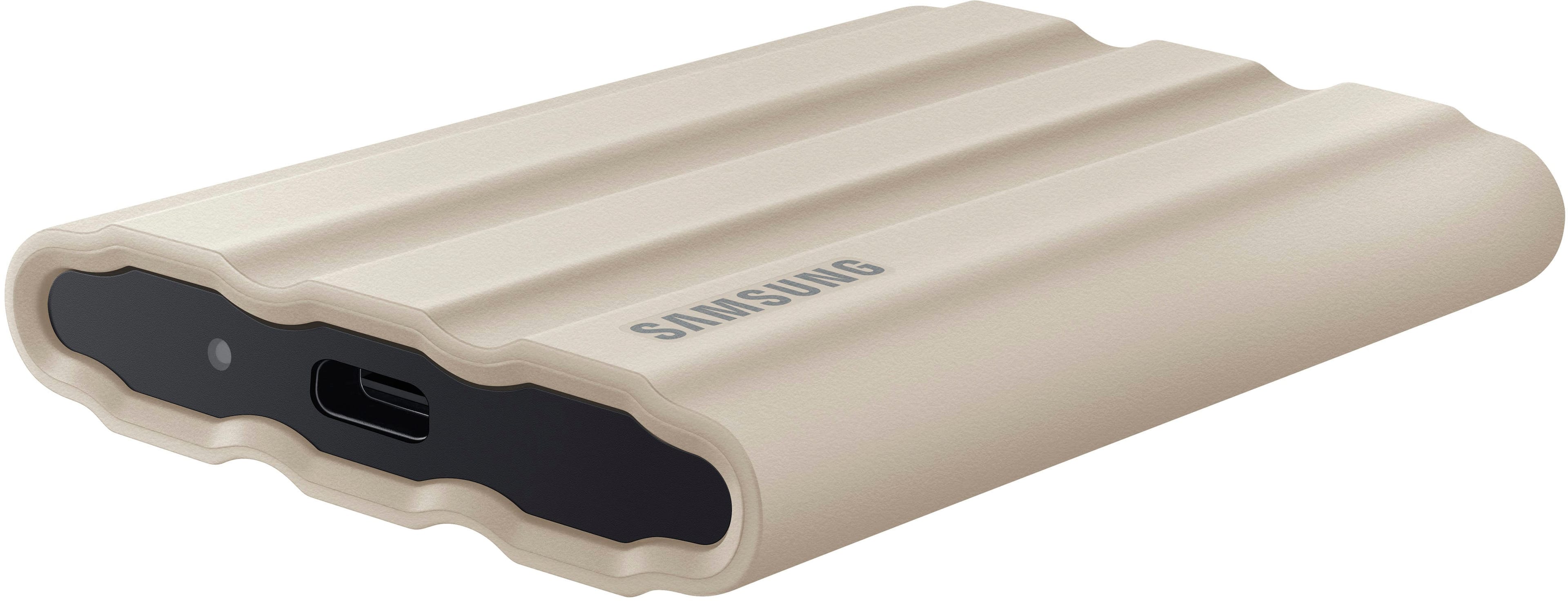
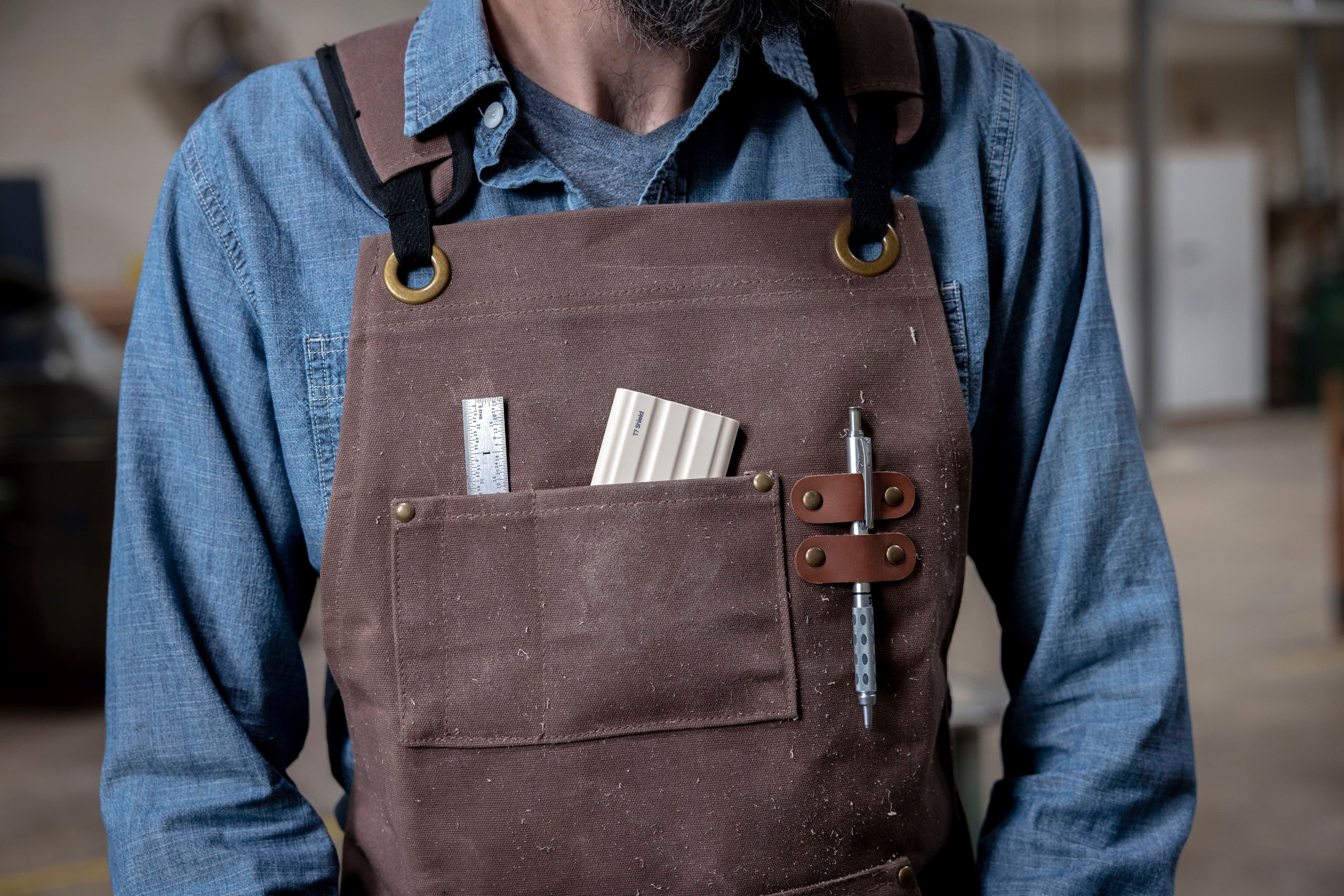
Customers value the T7 Shield for its overall performance, speed, and portability, making it a compact and durable storage solution. The drive's size and ample storage capacity are also appreciated, along with its reliable connectivity. While the design is considered sleek, the price is a concern for some customers.
This summary was generated by AI based on customer reviews.
Great for gaming
||Posted . Owned for 2 weeks when reviewed.This reviewer received promo considerations or sweepstakes entry for writing a review.Great product. Caught on sale. Bought it for my son. He uses it to save games on. It is fast a d he plays them right off of it while it is attached to my computer using usb-c.
I would recommend this to a friendGreat portable hard drive
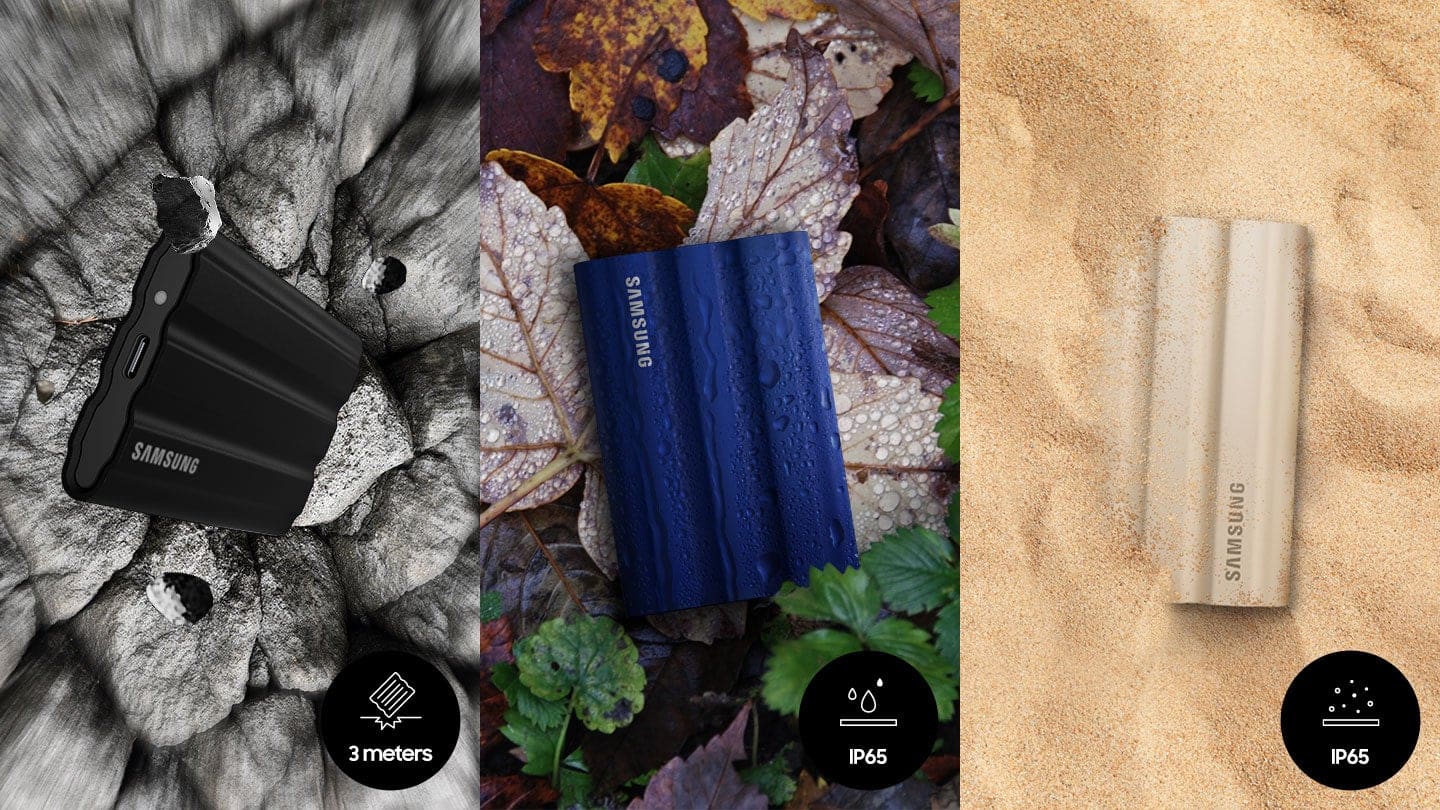
||Posted . Owned for 2 weeks when reviewed.This reviewer received promo considerations or sweepstakes entry for writing a review.The fact that it’s SSD is even better, and rough too so if you happen to drop it on a hard surface, you don’t have to worry too much about it
I would recommend this to a friendNot so amazing
||Posted . Owned for 1 month when reviewed.This reviewer received promo considerations or sweepstakes entry for writing a review.Very difficult to use. Have to divide the meormy not very user friendly. But have a good amount of space.
No, I would not recommend this to a friendBrand response from Samsung
Posted .TRISH:
I’m sorry to hear that your experience did not match your expectations. We completely understand your frustrations, and we are here to help.
Please give us the chance to gather additional information from you so we can provide assistance.
1) Call: 1-800-SAMSUNG (ask for Memory or press #, then 6 for Memory products)
Available 9AM – 9PM EST (Mon-Fri)
2) Email: samsungmemorysupport@sea.samsung.com
3) Or visit us on the Samsung website and click on the SUPPORT link in the upper right corner of the homepage for:
a) Chat with Us/Product Help: To begin a chat or find solutions, choose ‘Computing – Memory & Storage’ and select your model & topic.
b) Manuals & Software
c) Contact Us
The Samsung Members Community is also a great resource for getting help from Samsung moderators and customers: https://us.community.samsung.com/
Samsung is committed to providing the best possible product experience, quality, and value, and we are always here to help with any of your questions or concerns.
We hope to hear from you soon.
~ Samsung Memory
Samsung USB Product
||Posted . Owned for 7 months when reviewed.This reviewer received promo considerations or sweepstakes entry for writing a review.If you need External USB this would be a nice grab if they still have them at stores
I would recommend this to a friendBrand response from Samsung
Posted .cobalt411,
Thanks for choosing the Samsung T7 Shield. I hope that your SSD is meeting your expectations, however, we are always here to help should you have any questions or concerns about this product.
1) Call: 1-800-SAMSUNG (ask for Memory or press #, then 6 for Memory products)
Available 9AM – 9PM EST (Mon-Fri)
2) Email: samsungmemorysupport@sea.samsung.com
3) Or visit us on the Samsung website and click on the SUPPORT link in the upper right corner of the homepage for:
a) Chat with Us/Product Help: To begin a chat or find solutions, choose ‘Computing – Memory & Storage’ and select your model & topic.
b) Manuals & Software
c) Warranty Info
d) Register a Product: For access to easy warranty support, convenient opt-in to special promos and offers, faster troubleshooting and service, and quick notification of system updates
e) Contact Us
The Samsung Members Community is also a great resource for getting help from Samsung moderators and customers: https://us.community.samsung.com/
Samsung is committed to providing the best possible product experience, quality, and value, and we are always here to help with any of your questions or concerns.
~Samsung Pro
Fast Enough & Big Enough & waterproof!
||Posted . Owned for 3 weeks when reviewed.This reviewer received promo considerations or sweepstakes entry for writing a review.I have the touch version of this and have always wanted something a bit more rugged. I dont have to worry of a Monster Energy explodes in my work bag - worth every penny.
I would recommend this to a friendBackup drive
||Posted . Owned for 3 weeks when reviewed.This reviewer received promo considerations or sweepstakes entry for writing a review.Easy to use. Wish it had some type is actinic software though. I made an iso of my hard drive.
I would recommend this to a friendssd
||Posted . Owned for 3 weeks when reviewed.This reviewer received promo considerations or sweepstakes entry for writing a review.so far so good, it does get a little hotter than i expected it to, but i guess that is the rubber coating
I would recommend this to a friendSo far, so good.
||Posted . Owned for 2 weeks when reviewed.This reviewer received promo considerations or sweepstakes entry for writing a review.This one is better than the regular T7. The speed is a very subtle improvement, but it’s more about the build quality. It’s a much sturdier version of the previous.
I would recommend this to a friendGreat deal when on sale.
||Posted . Owned for 1 month when reviewed.This reviewer received promo considerations or sweepstakes entry for writing a review.As good or better than the original T7. But the rubbery coating makes it less slippery and durable. Works great for my use as external PS4/5 extended storage.
I would recommend this to a friendFast!
||Posted . Owned for 1 month when reviewed.This reviewer received promo considerations or sweepstakes entry for writing a review.Excellent, quality product as is expected from Samsung. Rugged construction and small enough, seems like it's going to last. I would recommend this product.
I would recommend this to a friendSpeedy SSD
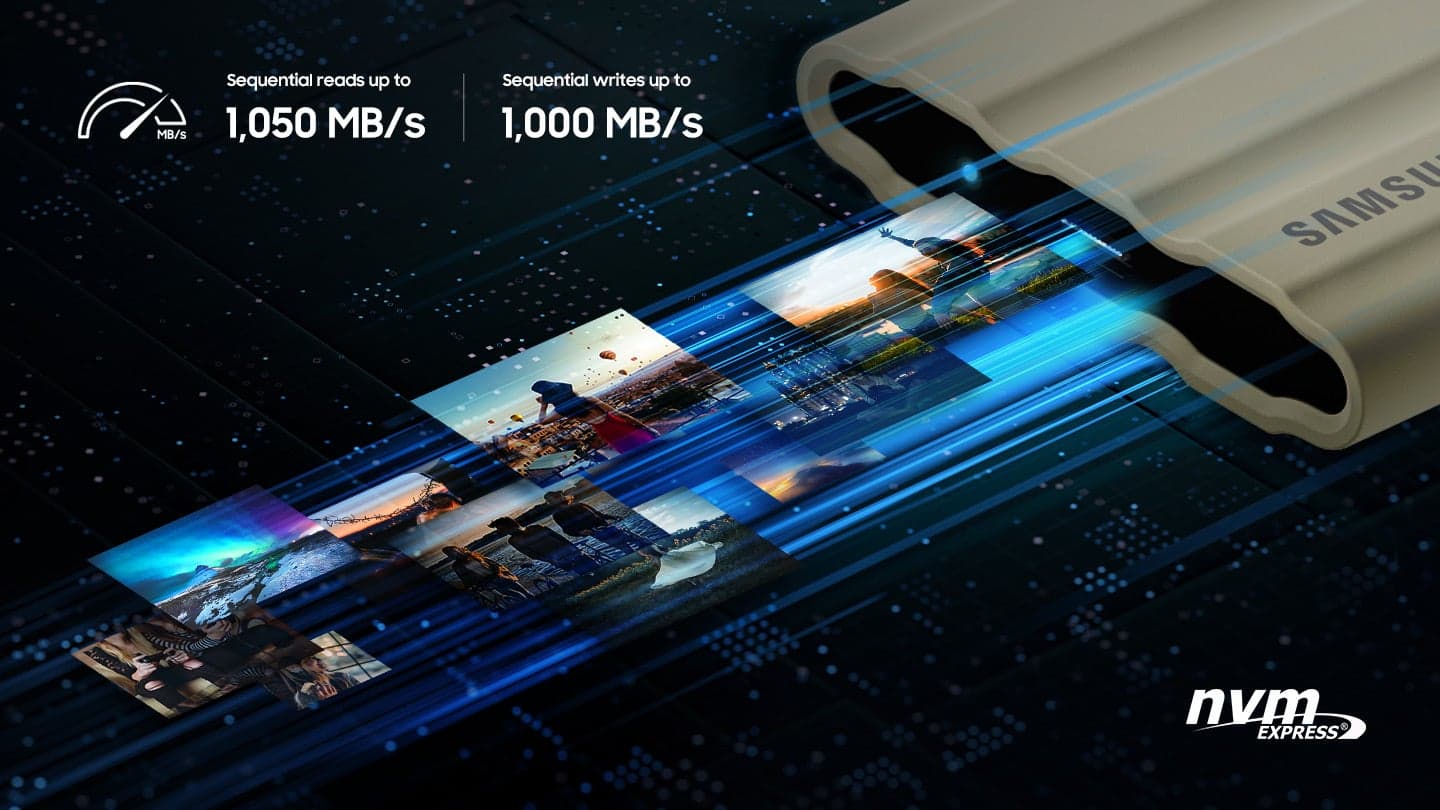
||Posted . Owned for 1 month when reviewed.This reviewer received promo considerations or sweepstakes entry for writing a review.I am very satisfied with my purchase of the Samsung SSD rugged portable drive. Very snappy and transfer speeds are super fast. Way faster than my hard drive.
I would recommend this to a friendWorks as intended
||Posted . Owned for 3 weeks when reviewed.This reviewer received promo considerations or sweepstakes entry for writing a review.High sustained writes for iphone15 pro ProRes format.
I would recommend this to a friendSSD Hard Drive
||Posted . Owned for 2 months when reviewed.This reviewer received promo considerations or sweepstakes entry for writing a review.Works great with computer and samsung phone, but wont connect to my Motorola phone.
I would recommend this to a friendBrand response from Samsung
Posted .HappyCistomer:
While it’s great to hear that you’re loving the performance of your T7 Shield SSD, I’m very sorry to hear of the difficulties you experienced with connecting to your Motorola phone.
The SSD might be formatted in NTFS or exFAT, which some Motorola phones cannot read. Please reformat the SSD to exFAT (most compatible with Android) using your computer. Older or budget Motorola phones may not support external SSDs. Please check if your phone supports USB OTG and external storage mounting. Also, be sure to use a USB-C to USB-C cable that supports USB 3.1 Gen 2 or higher.
Should you need further assistance or have questions, please contact Samsung Memory Support.
1) Call: 1-800-SAMSUNG (ask for Storage Devices). Available 9AM - 12AM EST (Mon-Fri)
2) Email: samsungmemorysupport@sea.samsung.com
3) LiveChat 9AM-9PM EST (Mon-Fri) - https://www.livehelpnow.net/lhn/lcv.aspx?d=34834&ms=&zzwindow=0&lhnid=29783
Thank you for choosing Samsung!
- Samsung Memory
Great drive
||Posted . Owned for 2 weeks when reviewed.This reviewer received promo considerations or sweepstakes entry for writing a review.Using this to archive action camera footage. Like the size and form factor and usb a to c and c to c cables for my old desktop and mobile devices.
I would recommend this to a friendGood
||Posted . Owned for 1 month when reviewed.This reviewer received promo considerations or sweepstakes entry for writing a review.For the price it is a good product which is why I rate it as Good.
I would recommend this to a friendSmall fast and affordable
||Posted . Owned for 3 weeks when reviewed.This reviewer received promo considerations or sweepstakes entry for writing a review.Works flawlessly. Draws power from the usb. No need for external power supply. So easy. Pictures, music or transport files. Great choice.
I would recommend this to a friend1/2 volumes experiences extensive disk read/write
||Posted . Owned for 2 months when reviewed.This reviewer received promo considerations or sweepstakes entry for writing a review.I got two of these recently. One works perfect. The other does not. The one that works well tends to accept writes at a rate of 420-550 MB/s. I do large scale copies volume to volume for backup purposes. The good disk does not create errors in the event viewer log. The bad volume pollutes the event logs with event ID 153 Disk Timeout errors. It generated 296 of them in the space of an hour. And speed slowed to 0 bytes/second for multiple seconds at a time. i.e. It hung while the O/S recovered from the i/o timeout. I then had to struggle with getting data off the disk for multiple hours as it had, before I detected the issue, been a sole source of files while I was doing a migration. If both disks had the same problem it would have been a 1 star rating. The other disk does work well.
No, I would not recommend this to a friendBrand response from Samsung
Posted .DueDiligence:
We always aim to deliver a great experience, and it’s unfortunate to hear the T7 Shield SSD did not meet your expectations.
Samsung stands behind the quality and performance of every T7 Shield SSD we manufacture with a limited 3-year manufacturer’s warranty when purchased brand-new, directly from any authorized dealer, like Best Buy.
Please contact Samsung Customer Support directly so that we can better investigate your issue and assist you towards a resolution or replacement.
1) Call: 1-800-SAMSUNG (ask for Memory or press #, then 6 for Memory products)
Available 9AM – 9PM EST (Mon-Fri)
2) Email: samsungmemorysupport@sea.samsung.com
3) Or visit us on the Samsung website and click on the SUPPORT link in the upper right corner of the homepage for:
a) Chat with Us/Product Help: To begin a chat or find solutions, choose ‘Computing – Memory & Storage’ and select your model & topic.
We look forward to hearing from you soon.
- Samsung Memory
Great for backups.
||Posted .This reviewer received promo considerations or sweepstakes entry for writing a review.I had previously owned the T5 and was very happy with my purchase. T7 is much faster but a bit larger than T5. I use it to back up my Mac
I would recommend this to a friendGood Backup
||Posted . Owned for 1 month when reviewed.This reviewer received promo considerations or sweepstakes entry for writing a review.Good product but the instructions are to small to read.
I would recommend this to a friendTime will tell if it can handle drop
||Posted . Owned for 1 month when reviewed.This reviewer received promo considerations or sweepstakes entry for writing a review.Rugged is the reason I have bought this. It is bulkier than "non-rugged" version. Cost is reasonable
I would recommend this to a friend