Customer Ratings & Reviews
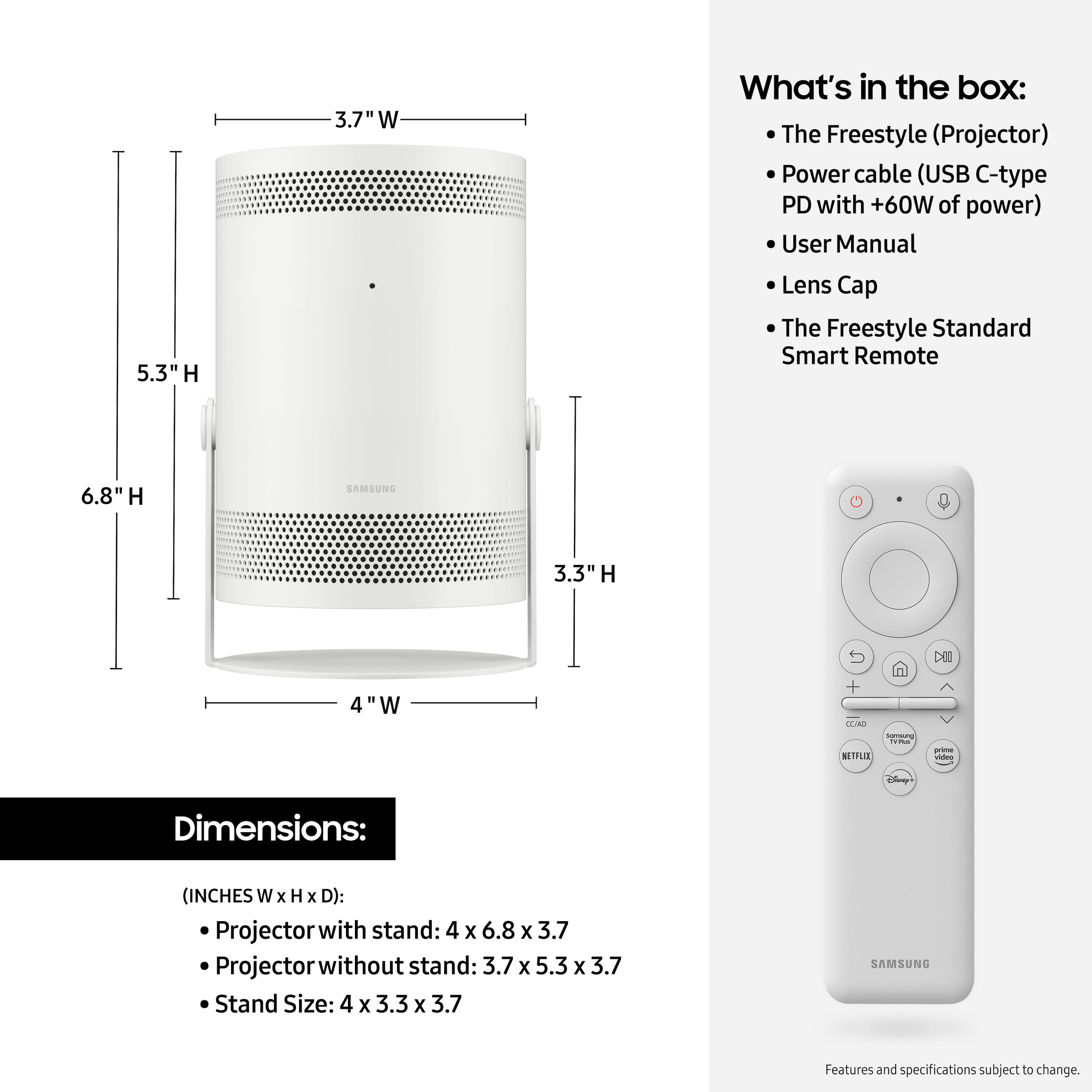
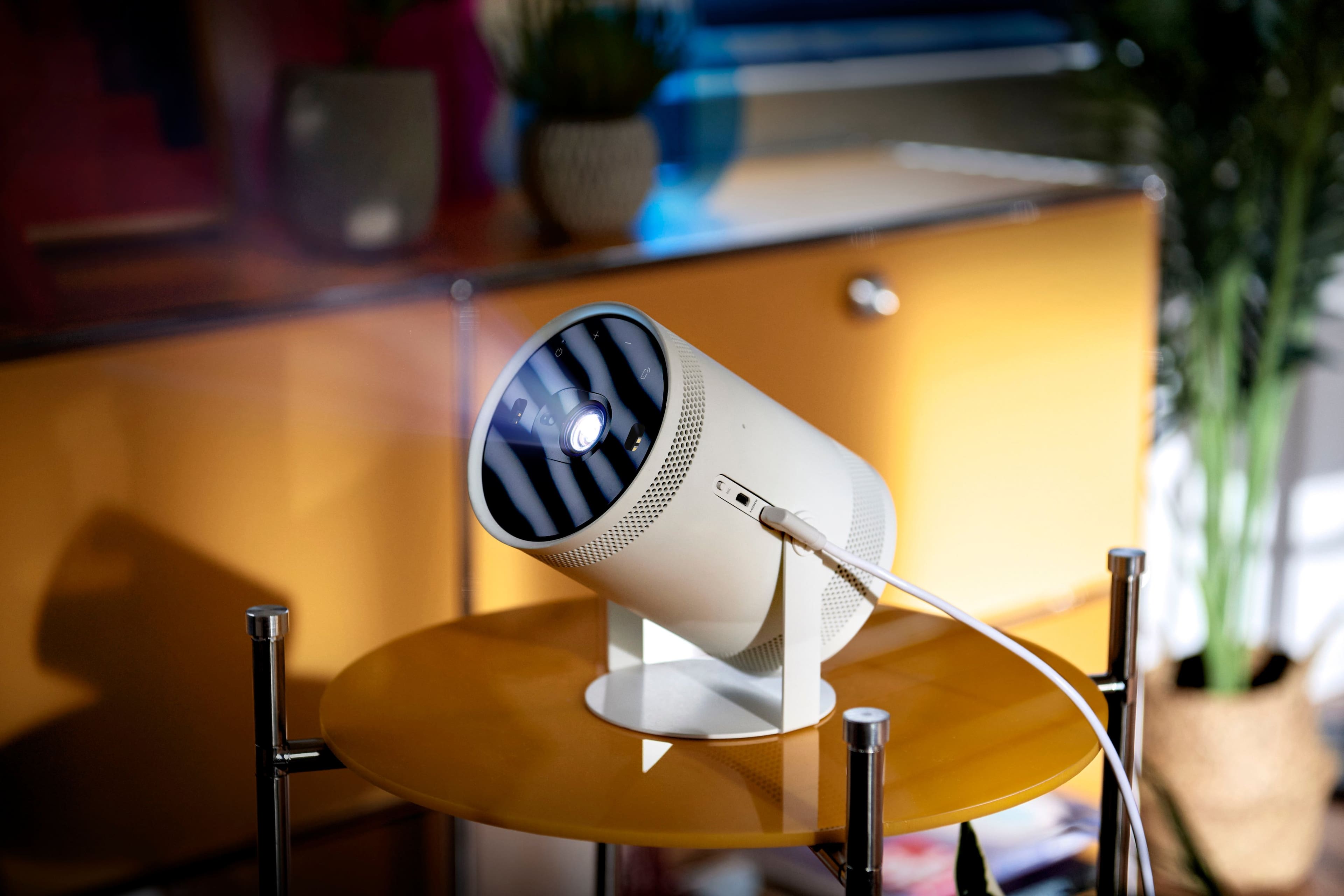

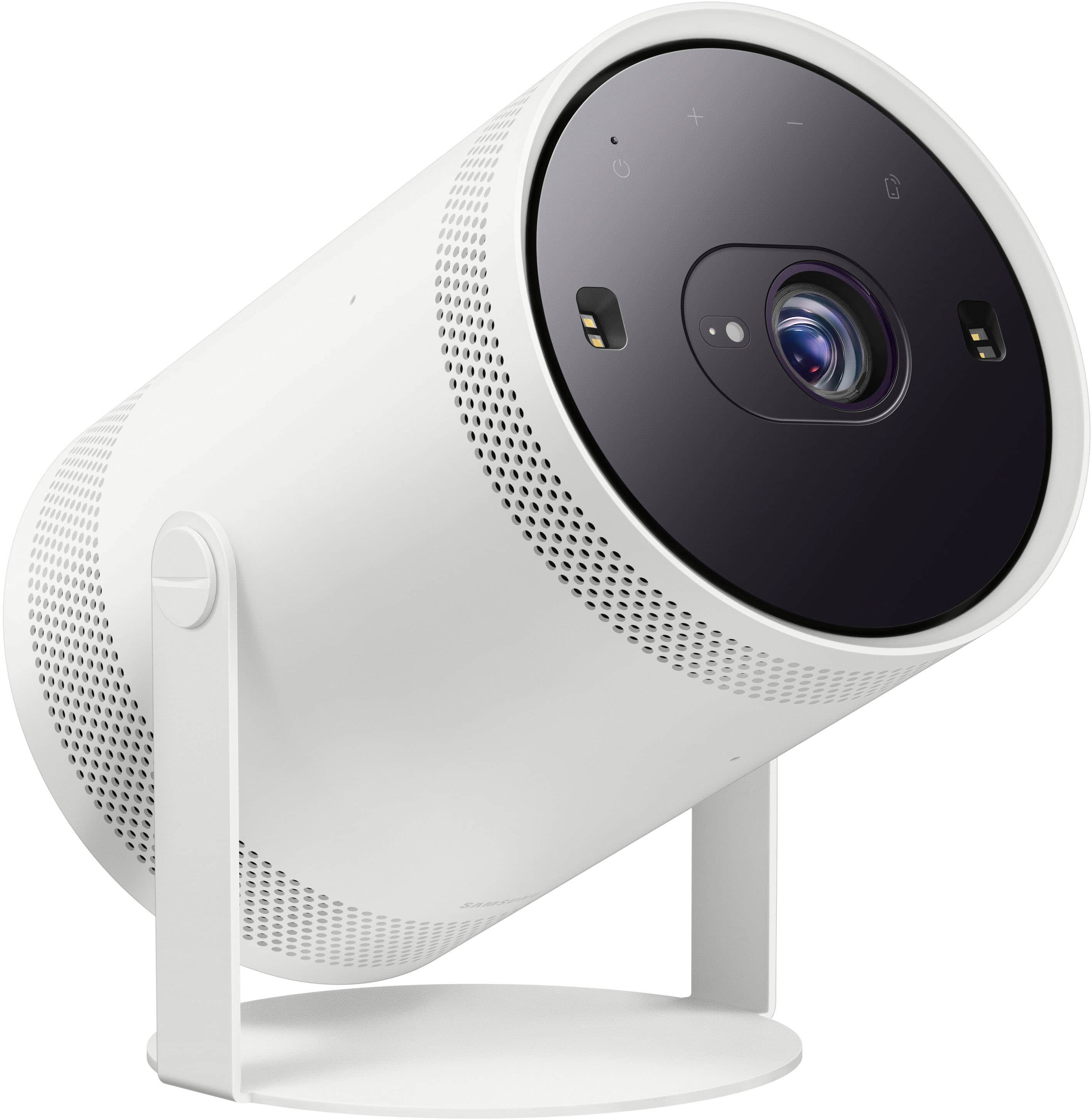
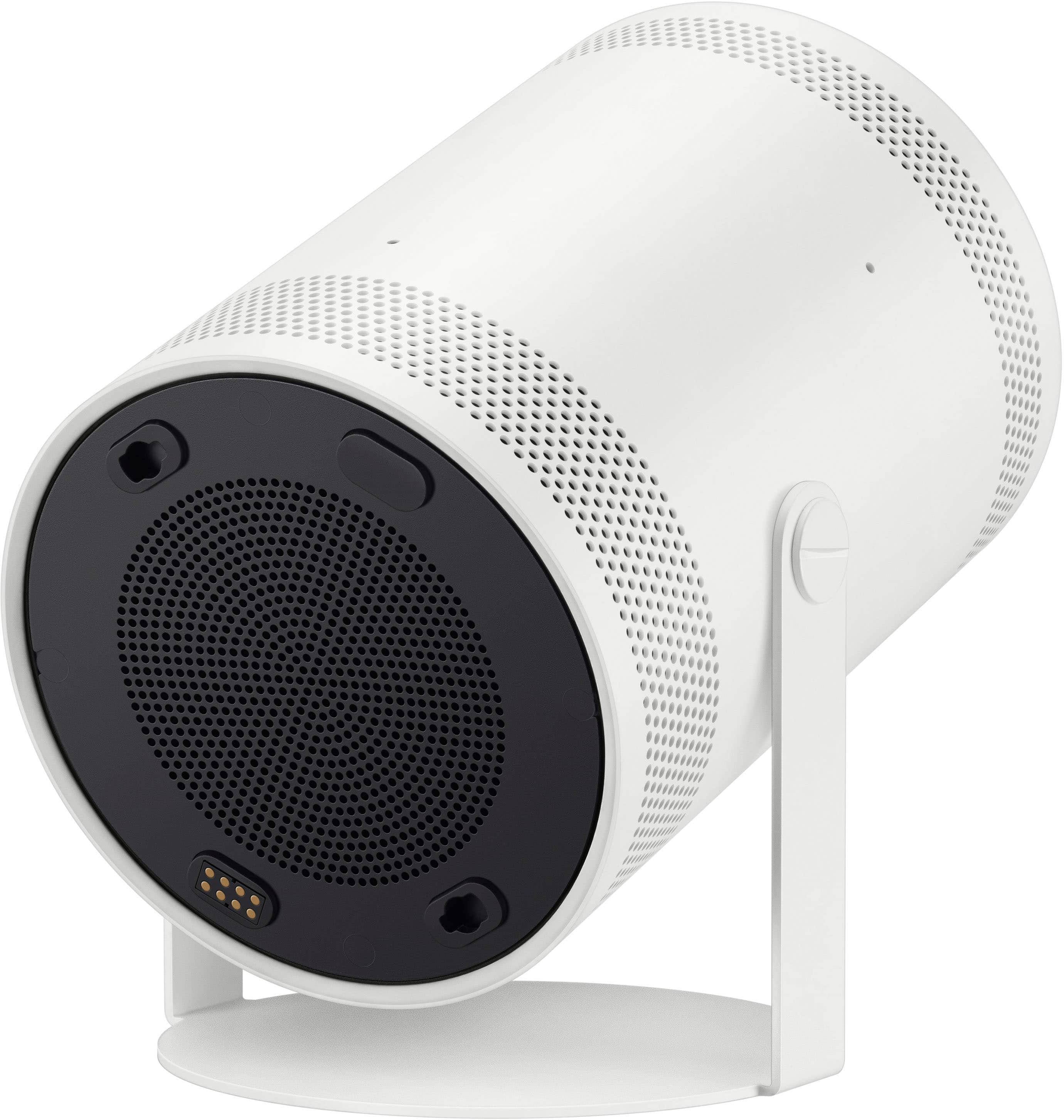
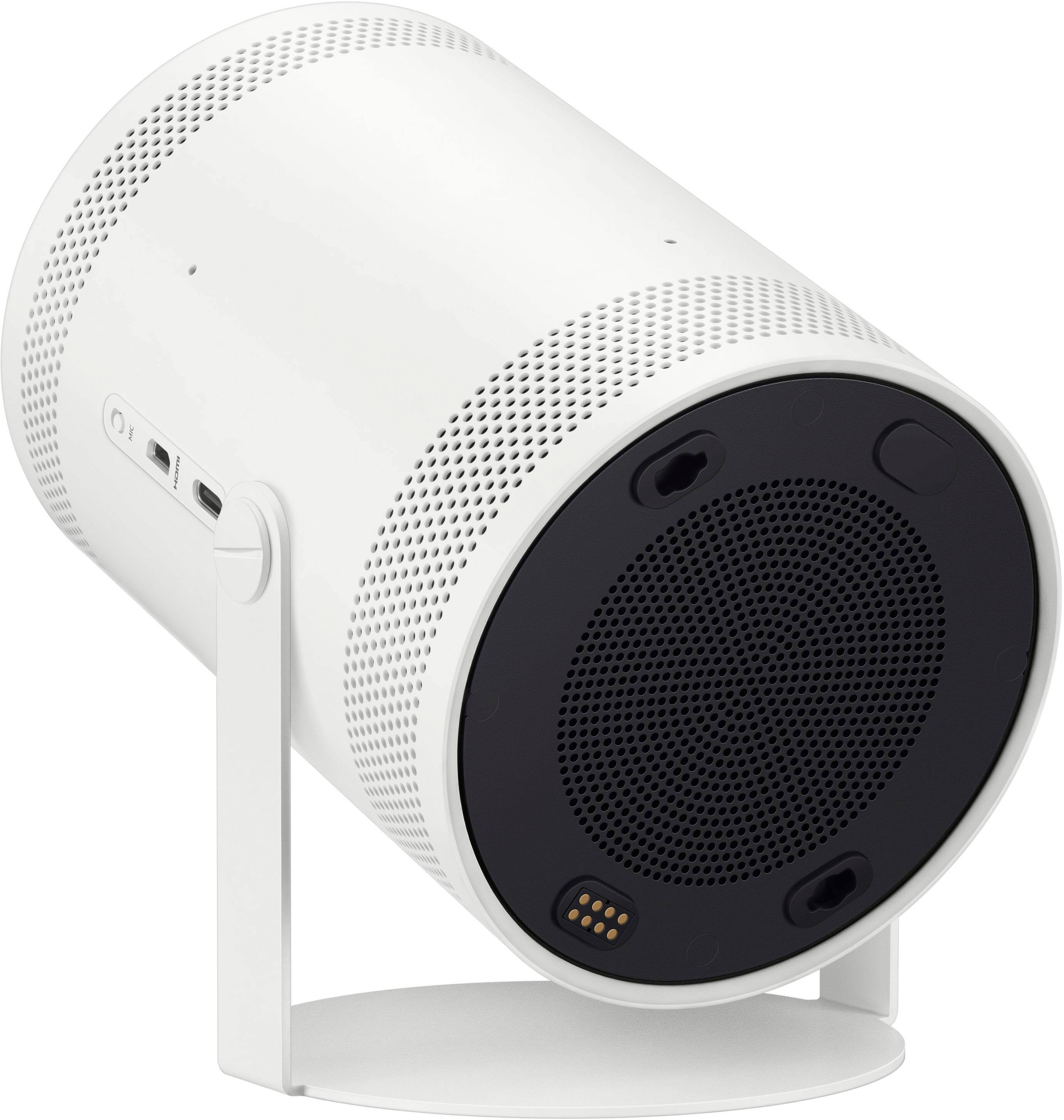
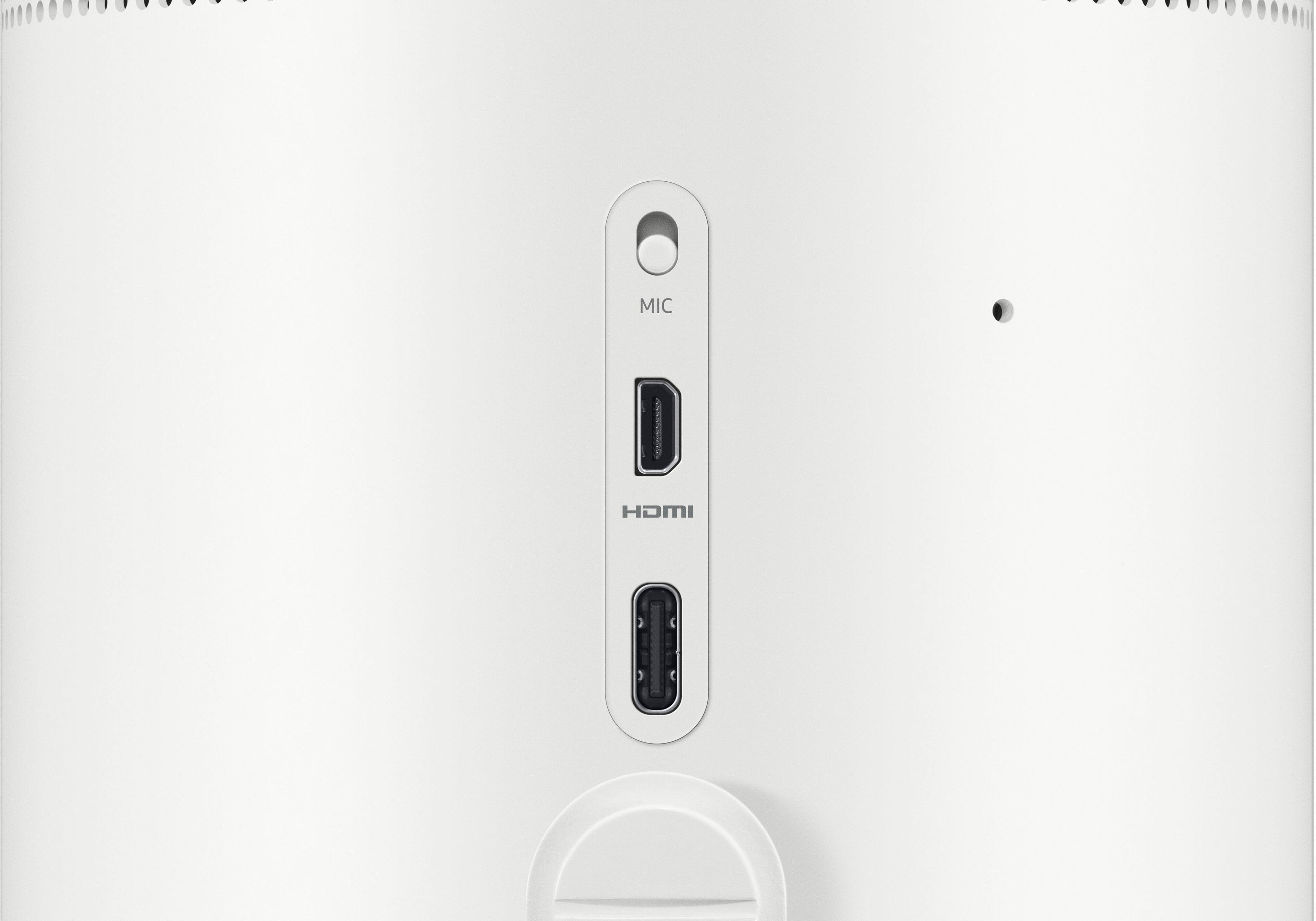
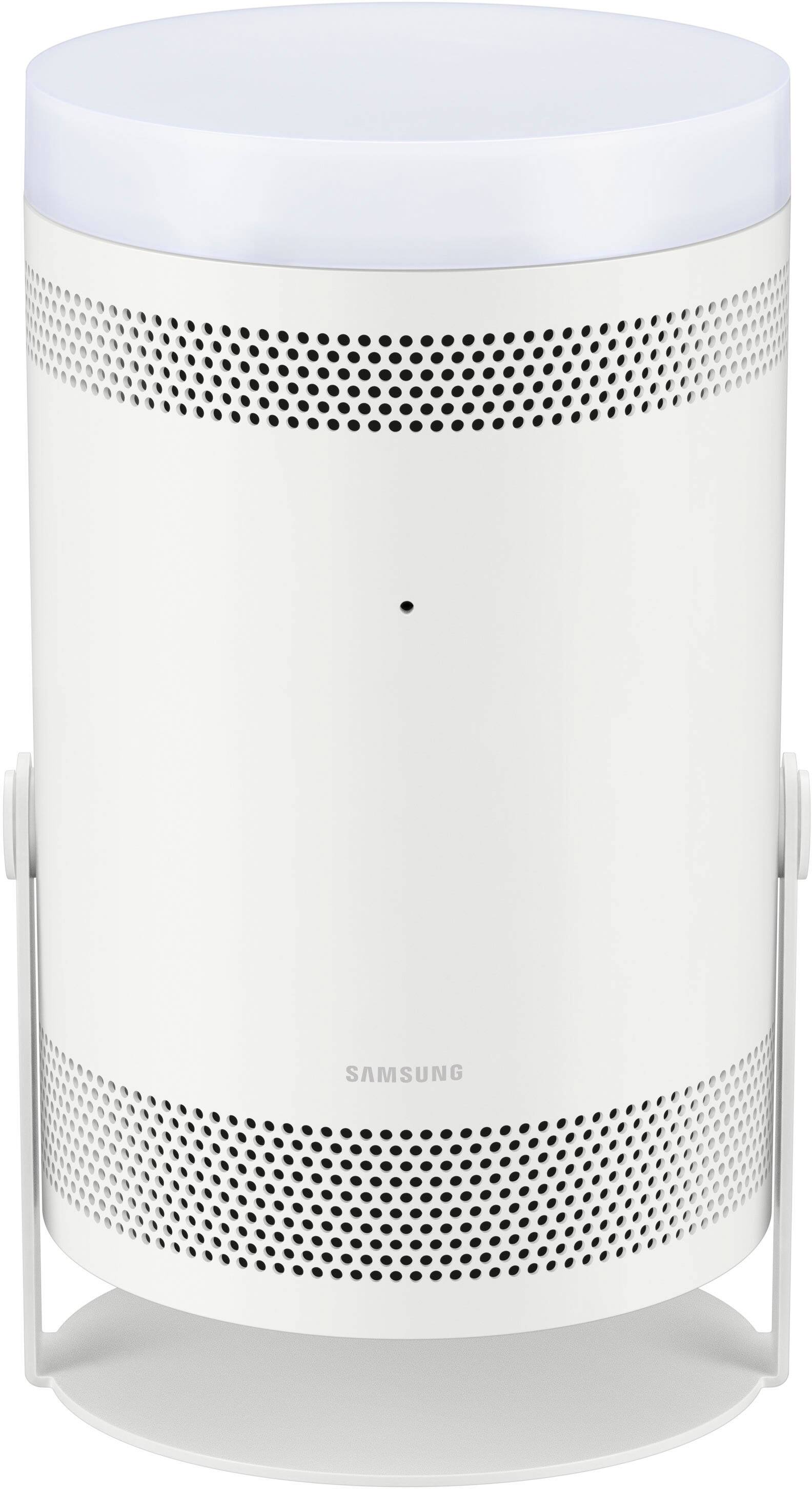
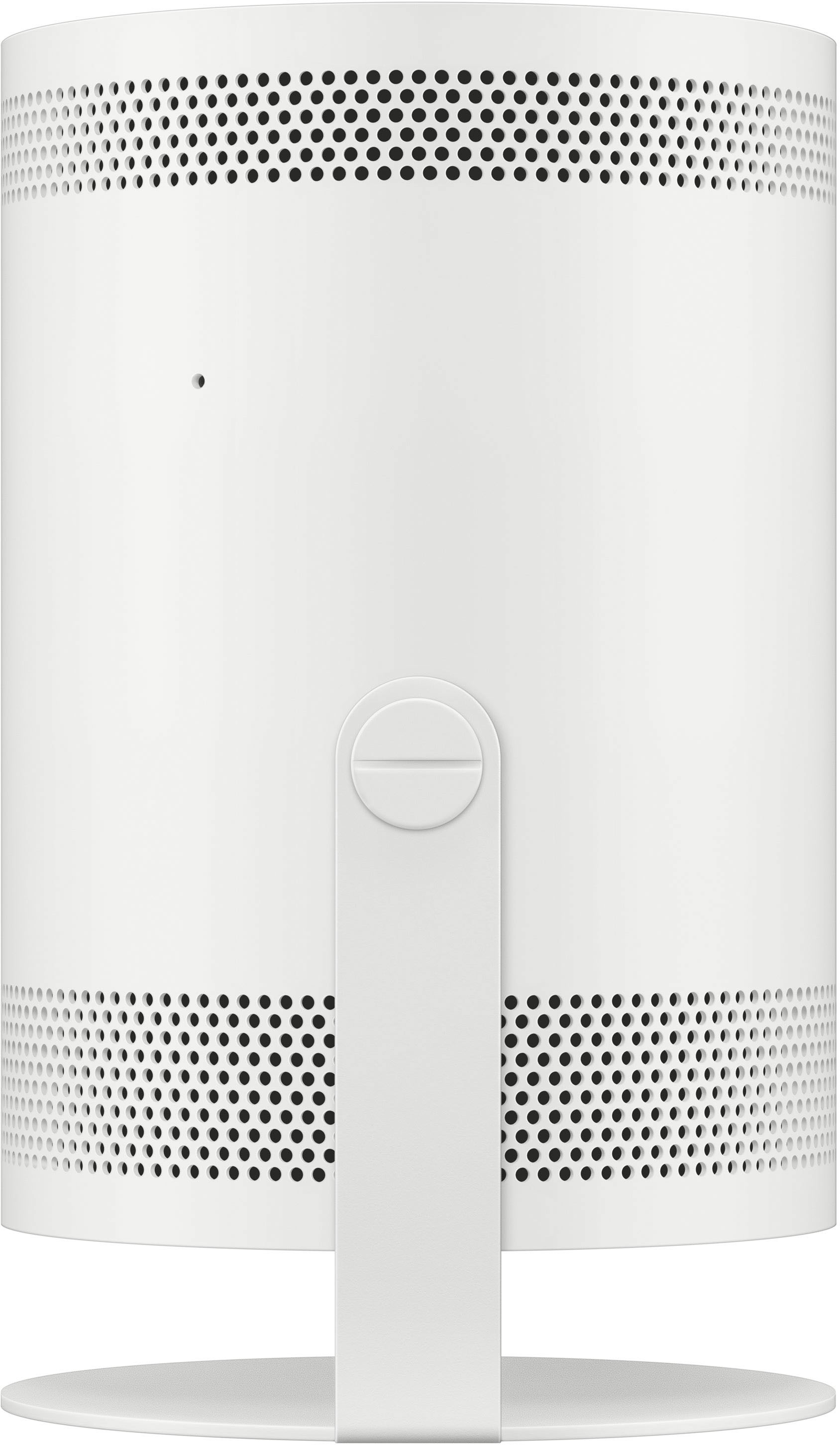





- Model:
- SP-LSP3BLAXZA
- SKU:
- 6492951
Rating by feature
- Value
Rating 4.0 out of 5 stars
- Quality
Rating 4.2 out of 5 stars
- Ease of Use
Rating 4.3 out of 5 stars
Customers are saying
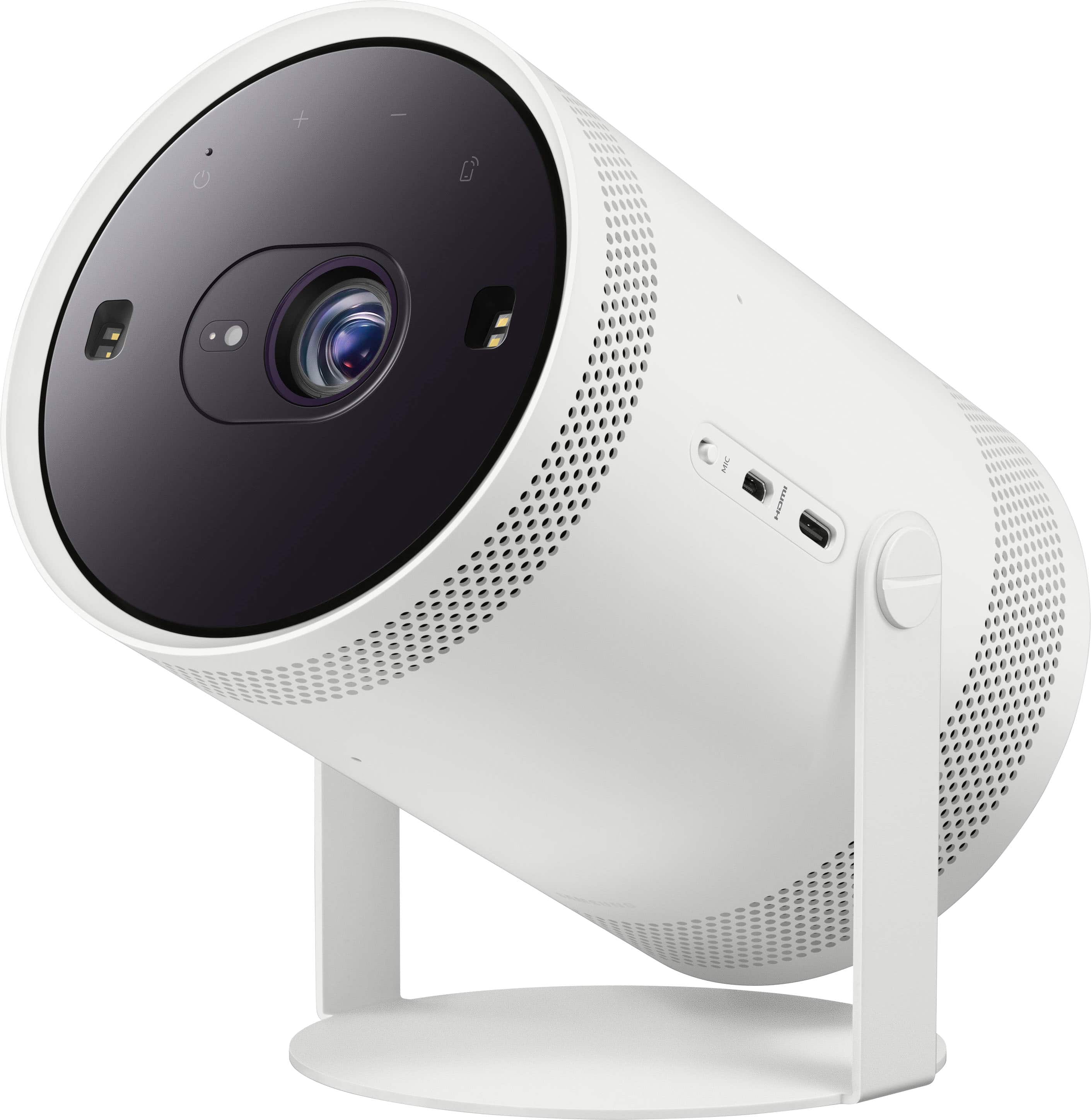
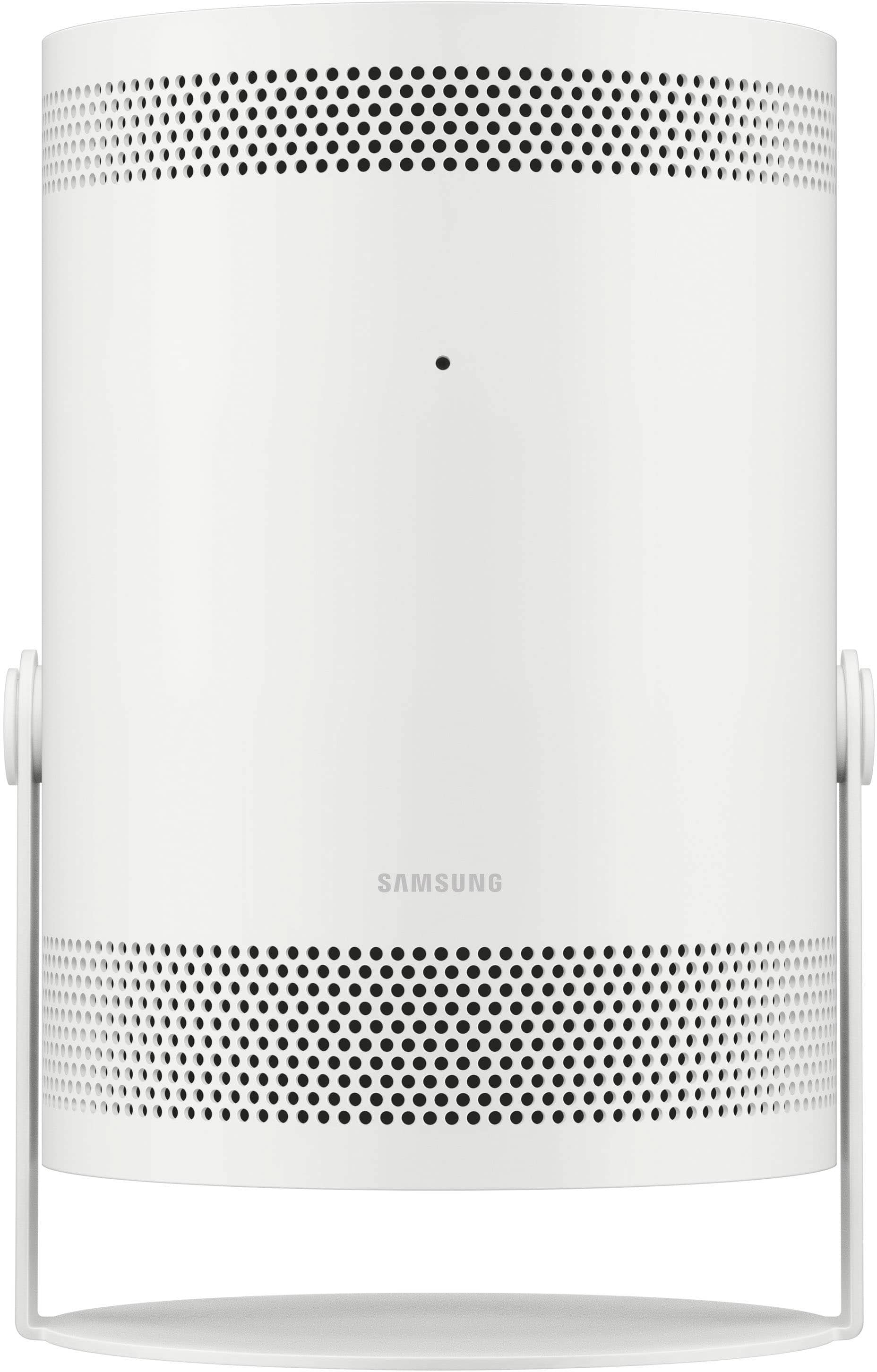
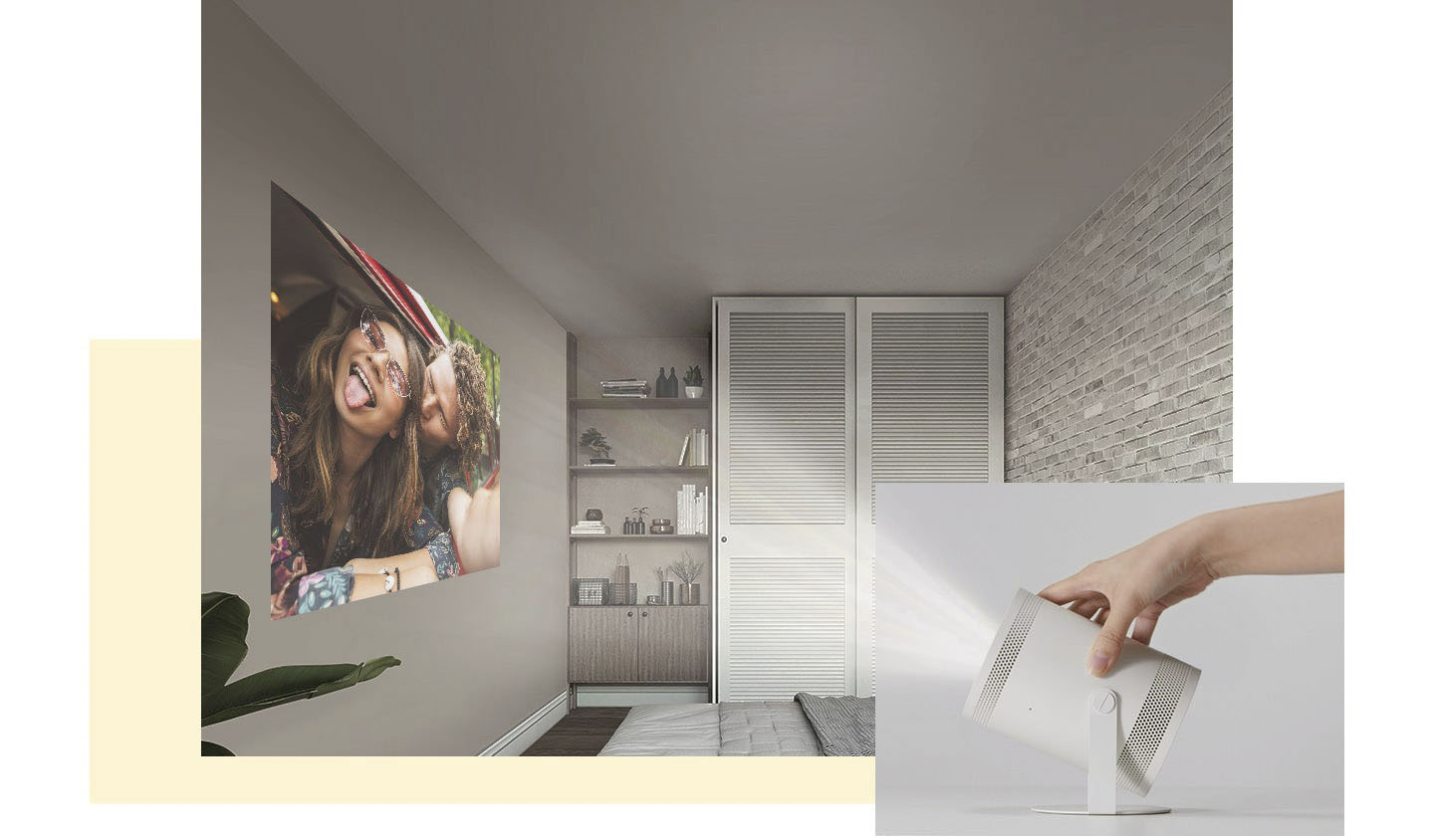
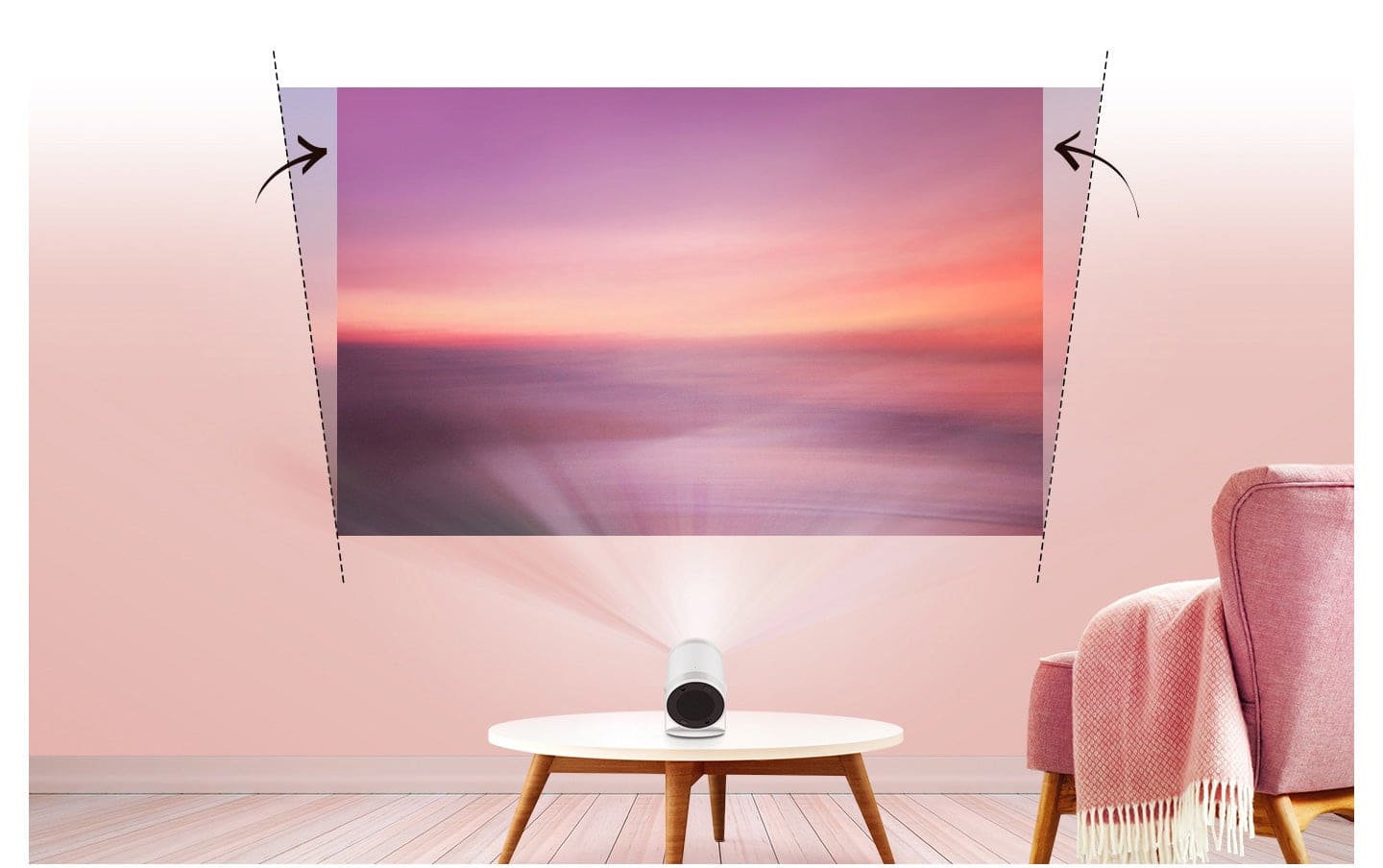
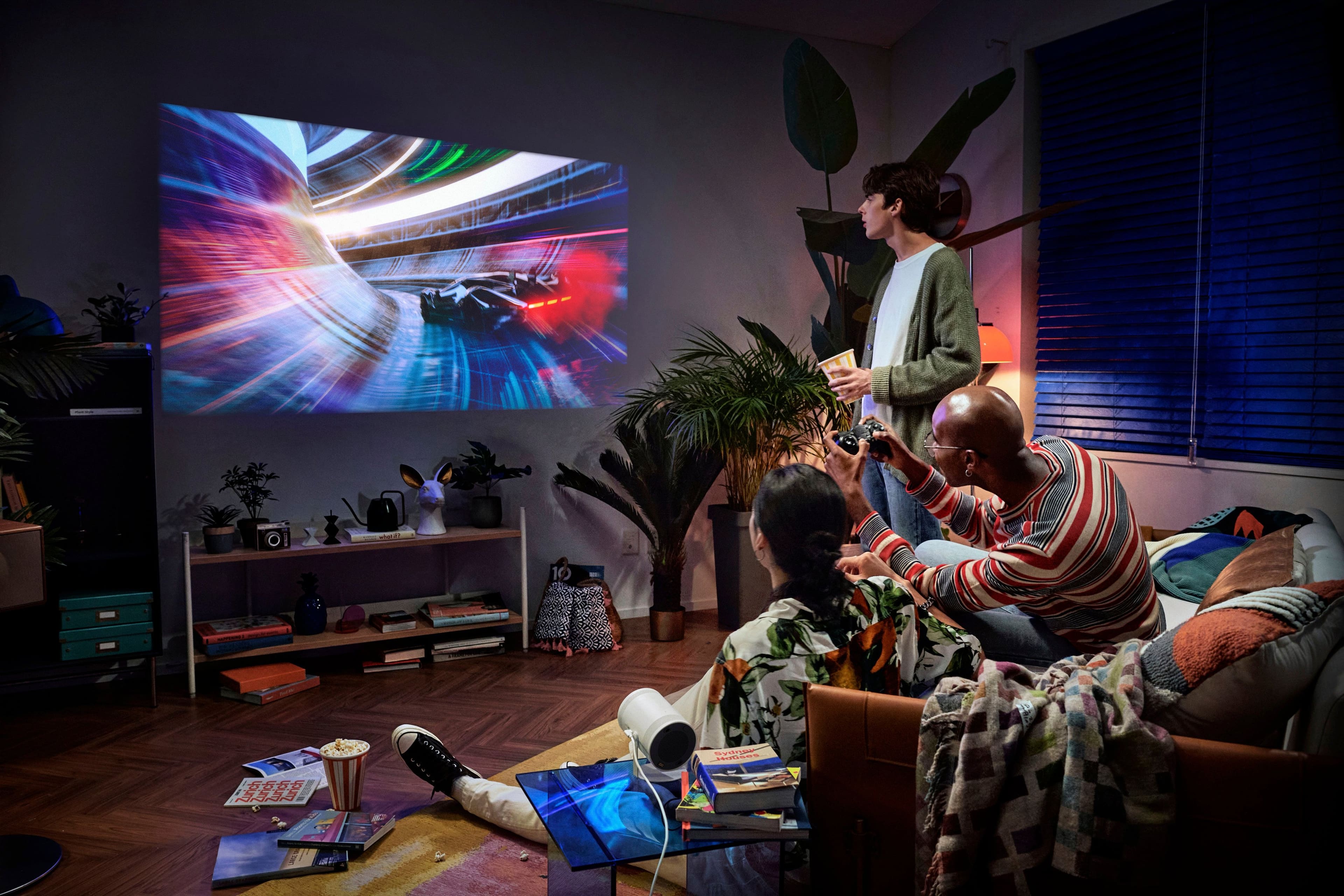
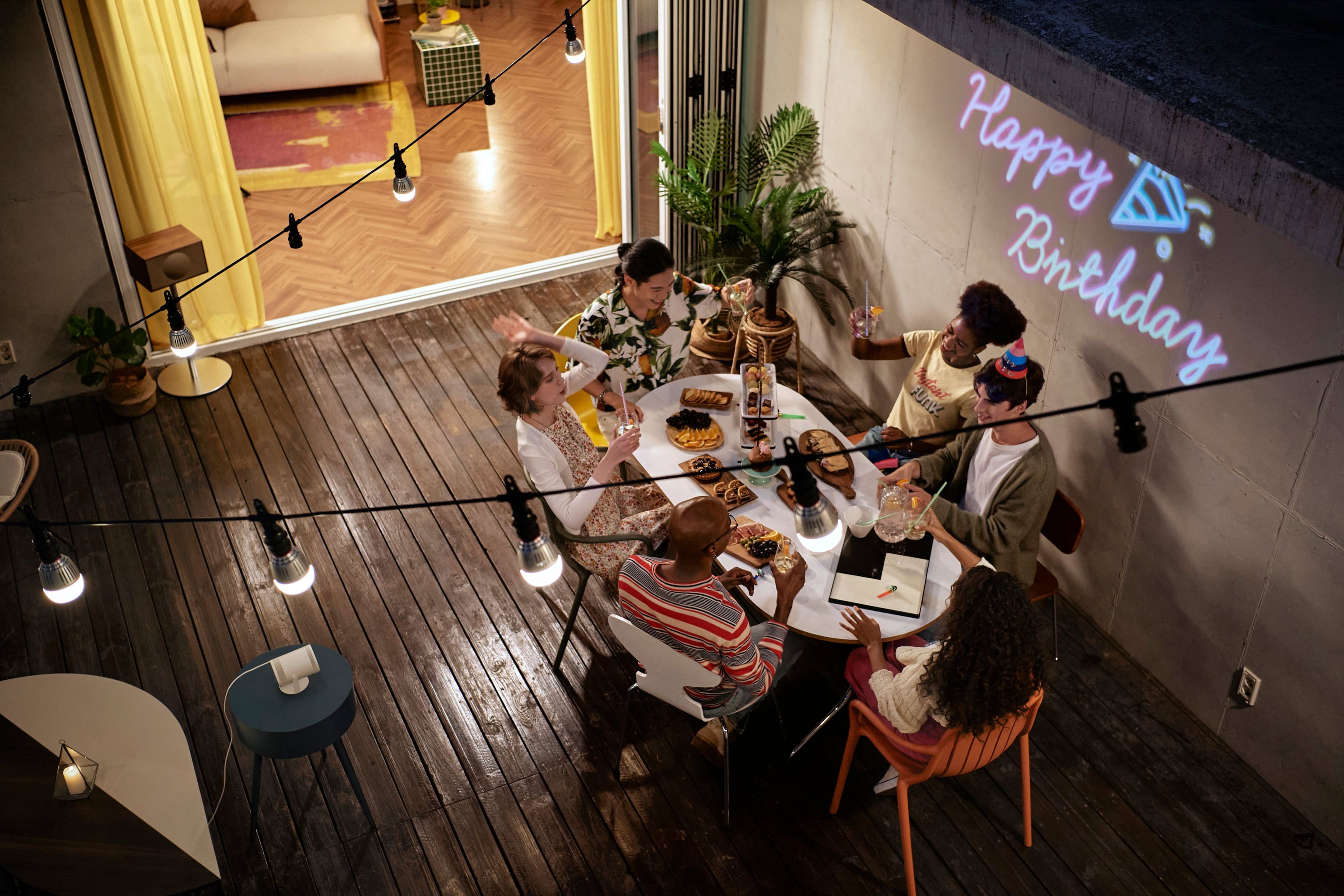
Customers have good things to say about The Freestyle FHD HDR Smart Portable Projector, especially regarding its picture quality and portability. The size, easy setup, appealing design, and effective auto focus also receive positive feedback. However, some customers have concerns about its brightness, connectivity issues, overall performance, and heat dissipation. A few users also noted occasional issues with keystone adjustment.
This summary was generated by AI based on customer reviews.
Perfect
||Posted . Owned for 1 month when reviewed.This reviewer received promo considerations or sweepstakes entry for writing a review.Better then i thought and if you also own a samsung phone forget about it it gets much easier
I would recommend this to a friendProjector
||Posted . Owned for 3 weeks when reviewed.This reviewer received promo considerations or sweepstakes entry for writing a review.Love it Beautiful Equipment and Very entertainment couldn't have done anything better
I would recommend this to a friend- Pros mentioned:Picture quality
Needs to be cheaper
||Posted . Owned for 2 months when reviewed.This reviewer received promo considerations or sweepstakes entry for writing a review.It still has bugs in the software and freezes to often. When it works the quality is great! Too expensive though.
No, I would not recommend this to a friendBrand response from Samsung
Posted .rudy,
Please be sure your projector's firmware is up to date with version 1204.2 which includes software updates and improvements. You can check this by going to: Home > Menu > Settings > Support > Software Update.
If you need more help, Samsung is here for you. Please call us at 1-800-SAMSUNG, 8AM - 12AM EST, 7 days a week. Our LiveChat agents are also available by clicking on the ‘Support’ link on our website.
~ Samsung Specialist
Samsung projector
||Posted . Owned for 1 month when reviewed.This reviewer received promo considerations or sweepstakes entry for writing a review.Love it, all the family loves it. Great color great for everything.
I would recommend this to a friendMy projector
||Posted . Owned for 2 weeks when reviewed.This reviewer received promo considerations or sweepstakes entry for writing a review.This is a great buy and was easy thru the app and samsung is a great brand
I would recommend this to a friend
Amazing projector!
|Posted . Owned for 2 months when reviewed.This reviewer received promo considerations or sweepstakes entry for writing a review.[Employee of bestbuy] I use this anywhere I can! It’s small and can screen mirror anything on my iphone!
I would recommend this to a friend- Pros mentioned:Picture quality
Impressive
||Posted . Owned for 3 weeks when reviewed.This reviewer received promo considerations or sweepstakes entry for writing a review.This little device is very sharp and bright for its size and the picture quality looks great against any smooth and clear backdrop. The Samsung Tizen UI is sluggish compared to its TV counterparts, but still gets the job done in terms of it being effective for all your smart app purposes.
I would recommend this to a friend - Cons mentioned:Brightness
Unusable in a room with Windows...Beware.
||Posted .This reviewer received promo considerations or sweepstakes entry for writing a review.I really wanted to like this thing. It's horrible. Unless you're operating it in a windowless room, it is nowhere near bright enough. For a business setting, it is useless. I will never have the opportunity to use it in pitch black. Returning.
No, I would not recommend this to a friendBrand response from Samsung
Posted .SamuelG,
We appreciate your feedback on The Freestyle's brightness level. If the image is too dim, try adjusting Picture Mode, Contrast, Brightness, or Sharpness settings.
Go to Home > Menu > Settings > All Settings > Picture > Picture Mode
...and select the mode that best fits your usage:
Dynamic: Makes the picture brighter and clearer in bright viewing environments.
Standard: Is the default mode suitable for general viewing environments
Movie: Is suitable for watching Projector or movies in a dark room.
You can also manually fine tune your image under Expert Settings. Go to: Home > Menu > Settings > All Settings > Picture > Expert Settings
If you need more help, Samsung is here for you. Please call us at 1-800-SAMSUNG, 8AM - 12AM EST, 7 days a week. Our LiveChat agents are also available by clicking on the ‘Support’ link on our website.
~ Samsung Specialist
Great
||Posted . Owned for 1 month when reviewed.This reviewer received promo considerations or sweepstakes entry for writing a review.Great item and great service from your staft. Im very pleased
I would recommend this to a friend- Pros mentioned:Setup
Great projector
||Posted . Owned for 3 weeks when reviewed.This reviewer received promo considerations or sweepstakes entry for writing a review.Great projector. Have other Samsung smart tvs so set up was easy. There is a slight delay when charging apps, although absolutely no stuttering while streaming. Will likely take it with us vacations in the future for hotel stays. Great buy at 499-599 sale price, not original price
I would recommend this to a friend - Pros mentioned:Portability
Great lil projector
||Posted . Owned for 1 month when reviewed.This reviewer received promo considerations or sweepstakes entry for writing a review.Wonderful projector that takes a little bit of practice to set up but after that it works great every time
I would recommend this to a friend Projector
||Posted . Owned for 1 year when reviewed.This reviewer received promo considerations or sweepstakes entry for writing a review.Love the view high quality definitely worth what I paid for.
I would recommend this to a friendProjector
||Posted . Owned for 1 month when reviewed.This reviewer received promo considerations or sweepstakes entry for writing a review.Great product. Looked at several projectors and this one seemed to have the most features for the money
I would recommend this to a friendMoney well spent!
||Posted . Owned for 1 month when reviewed.This reviewer received promo considerations or sweepstakes entry for writing a review.Was debating on a new tv but couldn’t pass this deal up! Great purchase!
I would recommend this to a friend- Pros mentioned:Picture quality
bad remote
||Posted . Owned for 3 weeks when reviewed.This reviewer received promo considerations or sweepstakes entry for writing a review.picture is excellent but when using the remote the unit freeze up and will not allow you to change the channels.
No, I would not recommend this to a friendBrand response from Samsung
Posted .KeeCee,
I'm sorry to hear you're experiencing issues with remote responsiveness. Please do ensure your projector's firmware is up to date with the latest version. You can check this by going to: Home > Menu > Settings > Support > Software Update.
If you're still having issues with the remote after updating your projector, please try the following steps to reset your remote:
1) Long press the RETURN key and ENTER key together for about 10 seconds if your remote was once paired already with the TV, you do not need to re-pair it again. However, if it was not paired with the TV, pairing must be done after the reset.
2) The RETURN key is on the left side of your remote and looks like a curved, backwards pointing arrow.
3) The ENTER key is the button in the center of your directional ring.
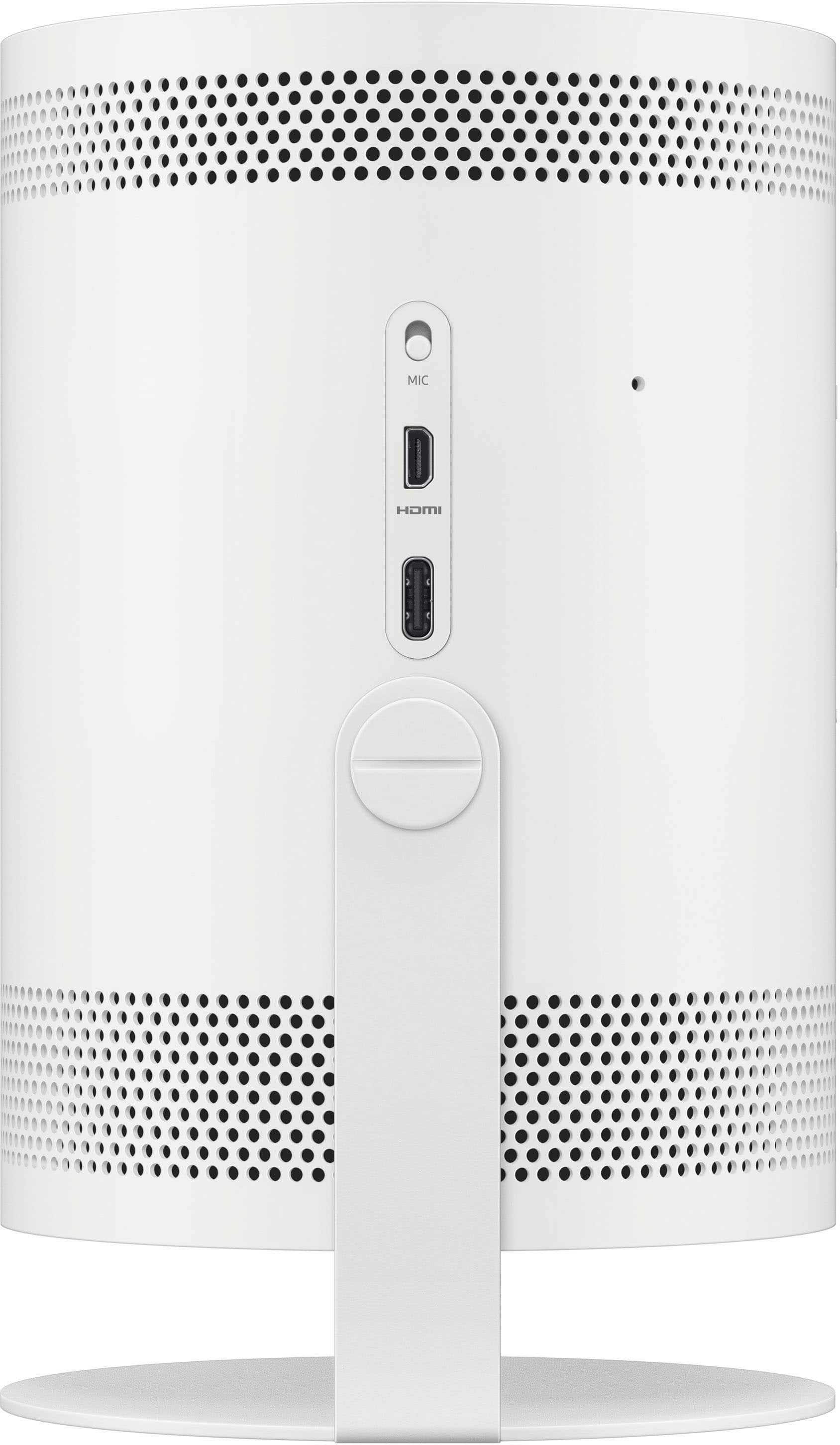
Also, if the remote control does not work properly or its response is very slow, the battery might be low or dead. You can charge the remote by using the USB port (C-type) on the bottom.
I hope this helps. Should you need further assistance, please contact Samsung Support at 1-800-SAMSUNG, 8AM - 12AM EST, 7 days a week. Or visit us on the Samsung website and click on the ‘Support’ link for:
• LiveChat
• Manuals, Software, & Warranty Info
~ Samsung Specialist
Liked
||Posted . Owned for 2 months when reviewed.This reviewer received promo considerations or sweepstakes entry for writing a review.Worked out perfectly, my kids love it, its could have a better stand.
I would recommend this to a friendGreat
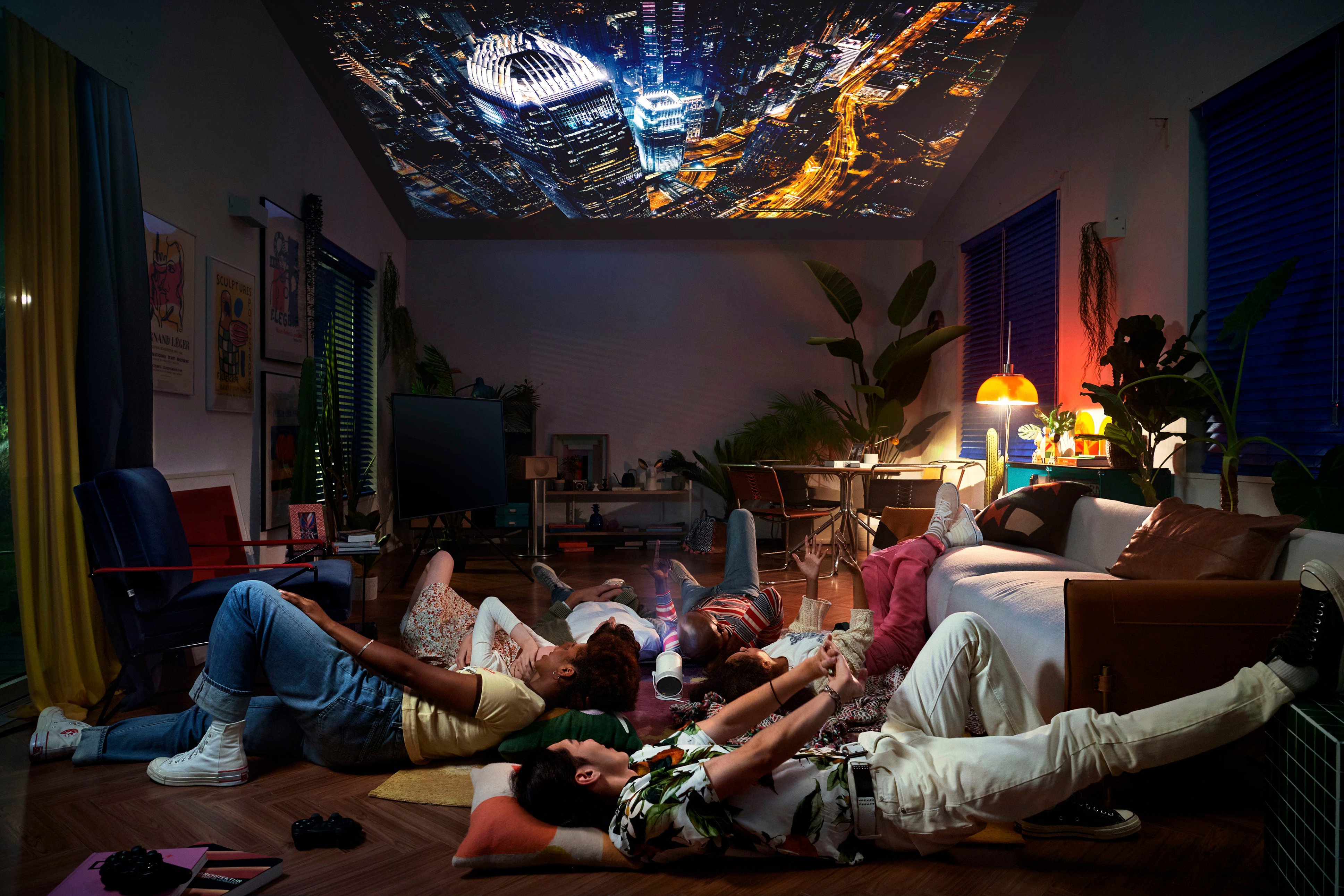
||Posted . Owned for 1 month when reviewed.This reviewer received promo considerations or sweepstakes entry for writing a review.Works fine, you can find 3d models online to use it on your bed
I would recommend this to a friendLove it
||Posted . Owned for 1 week when reviewed.This reviewer received promo considerations or sweepstakes entry for writing a review.I bought this for my Son and Daughter in Law for an anniversary present. They absolutely love it.
I would recommend this to a friendSamsung Freestyle
||Posted . Owned for less than 1 week when reviewed.This reviewer received promo considerations or sweepstakes entry for writing a review.This is hands down the best purchase I’ve made in years
I would recommend this to a friendGreat purchase
||Posted . Owned for 1 month when reviewed.This reviewer received promo considerations or sweepstakes entry for writing a review.I am so happy with my purchase. It’s worth every penny
I would recommend this to a friend