Customer Ratings & Reviews
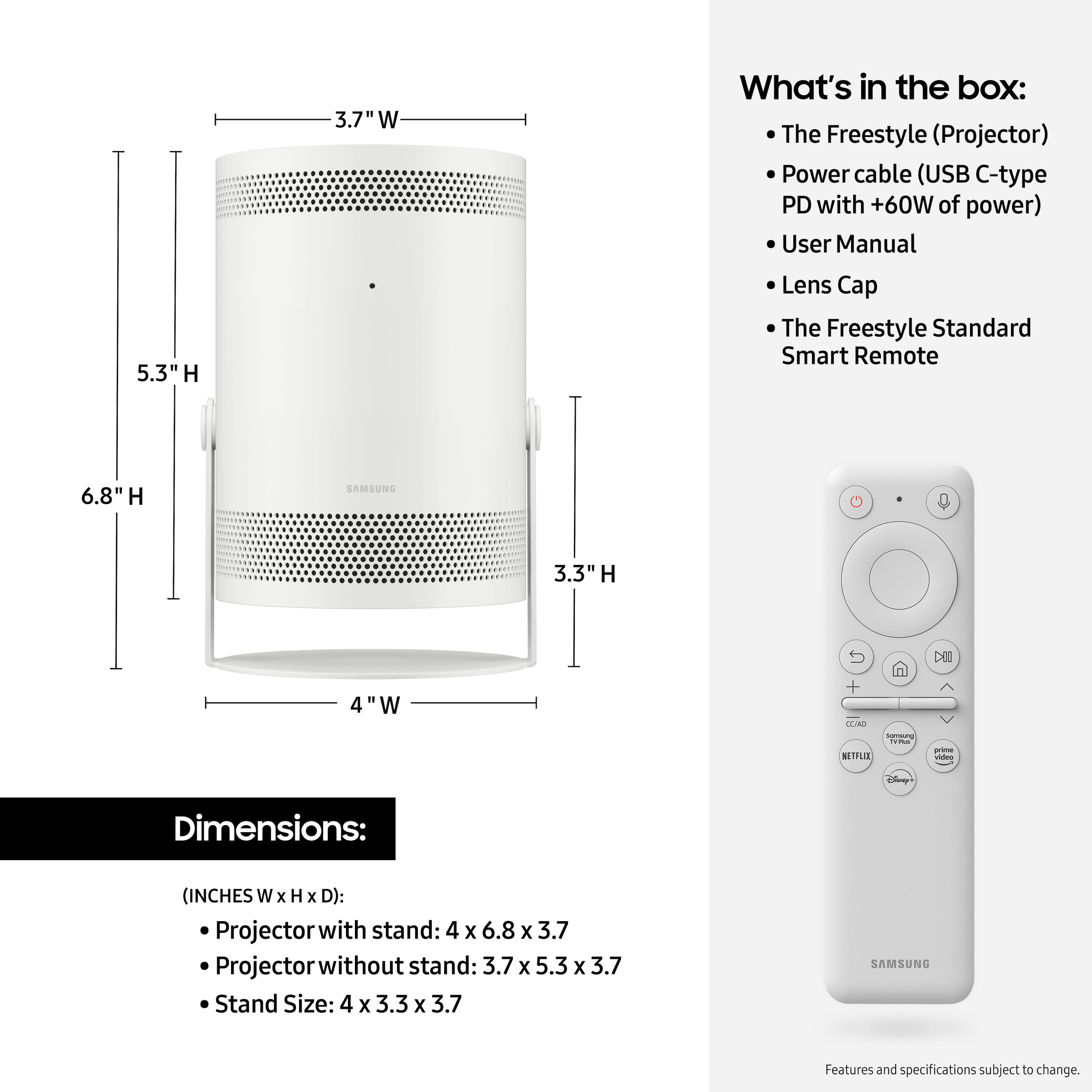
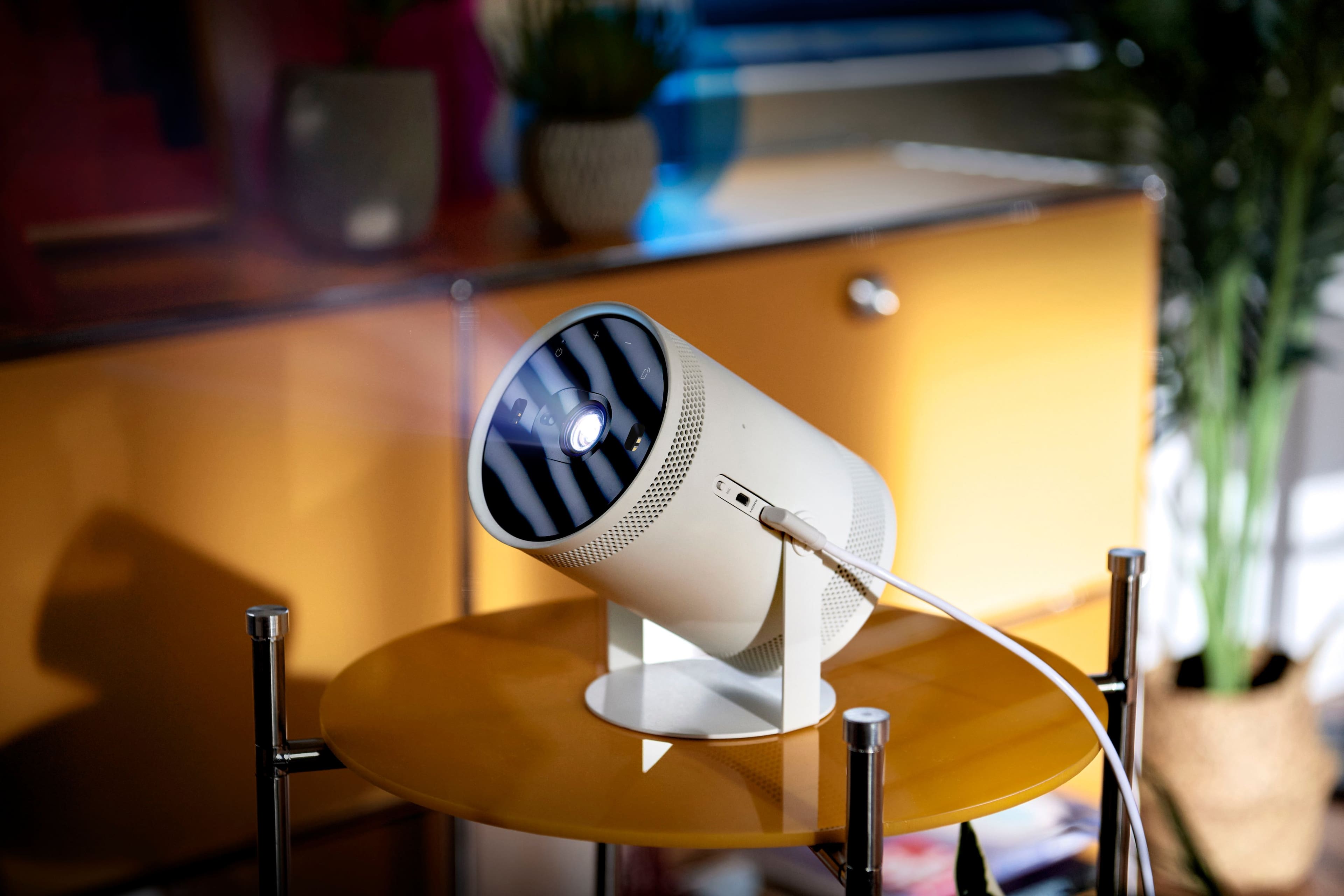

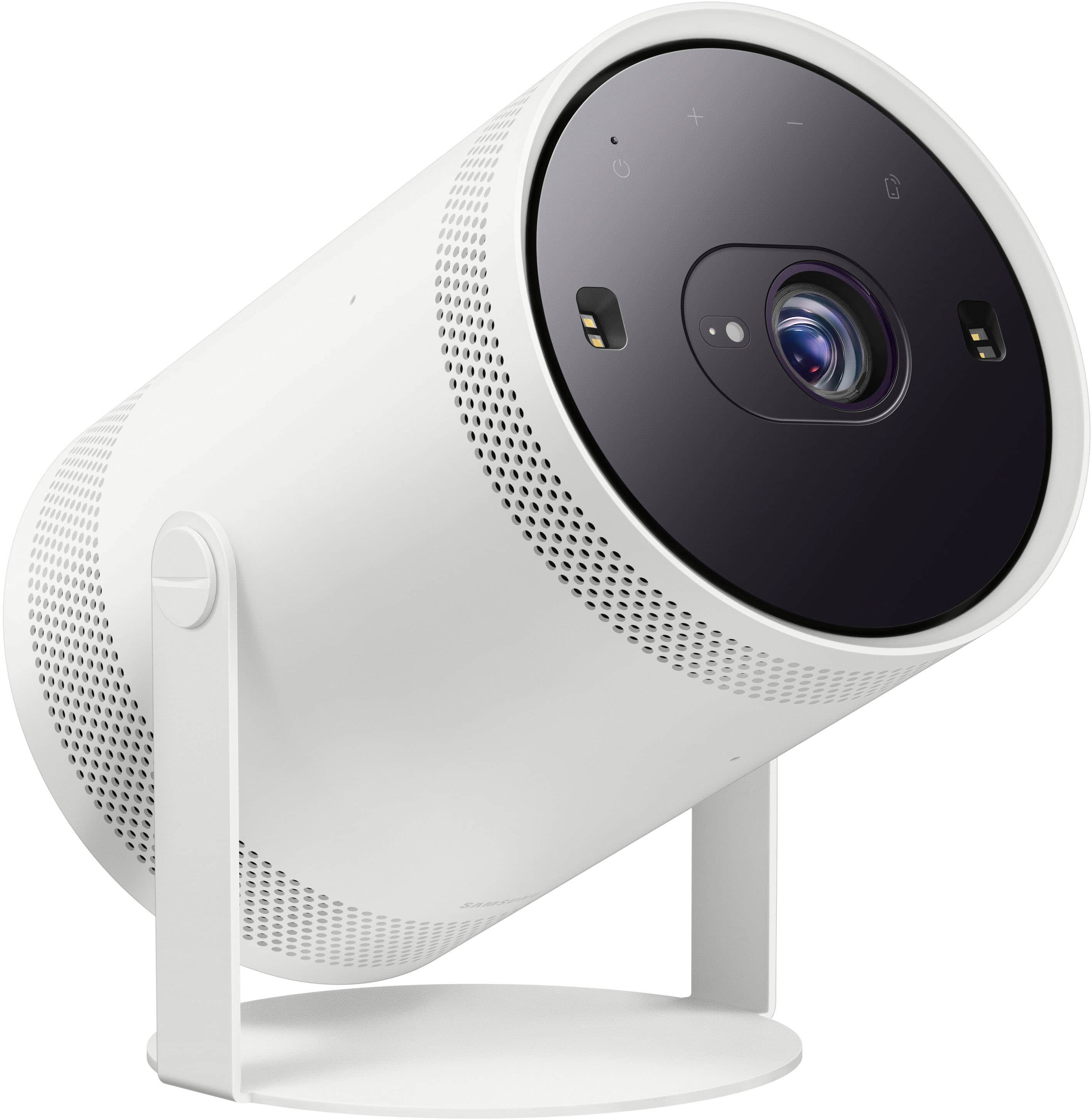
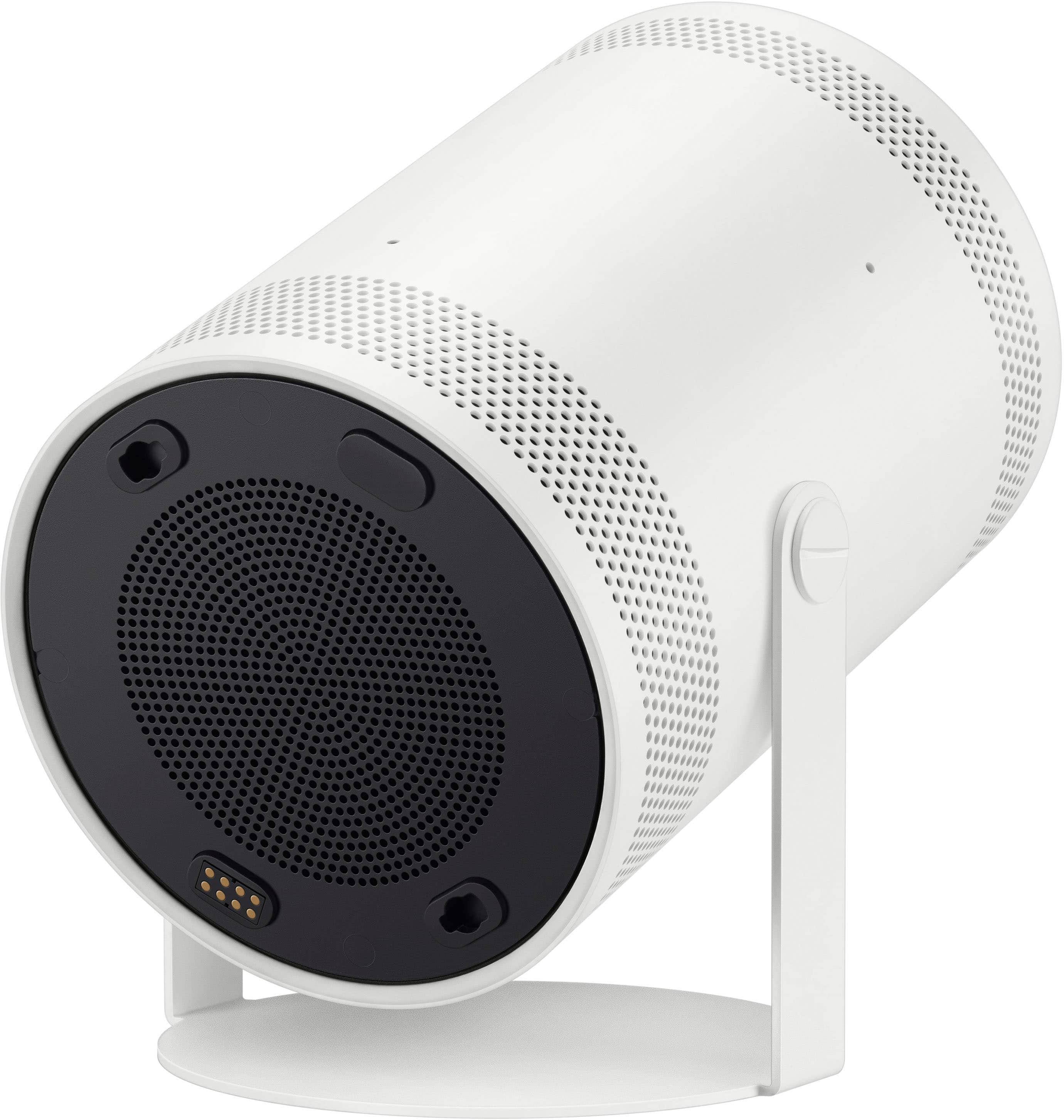



- Model:
- SP-LSP3BLAXZA
- SKU:
- 6492951
Rating by feature
- Value
Rating 4.0 out of 5 stars
- Quality
Rating 4.2 out of 5 stars
- Ease of Use
Rating 4.3 out of 5 stars
Customers are saying
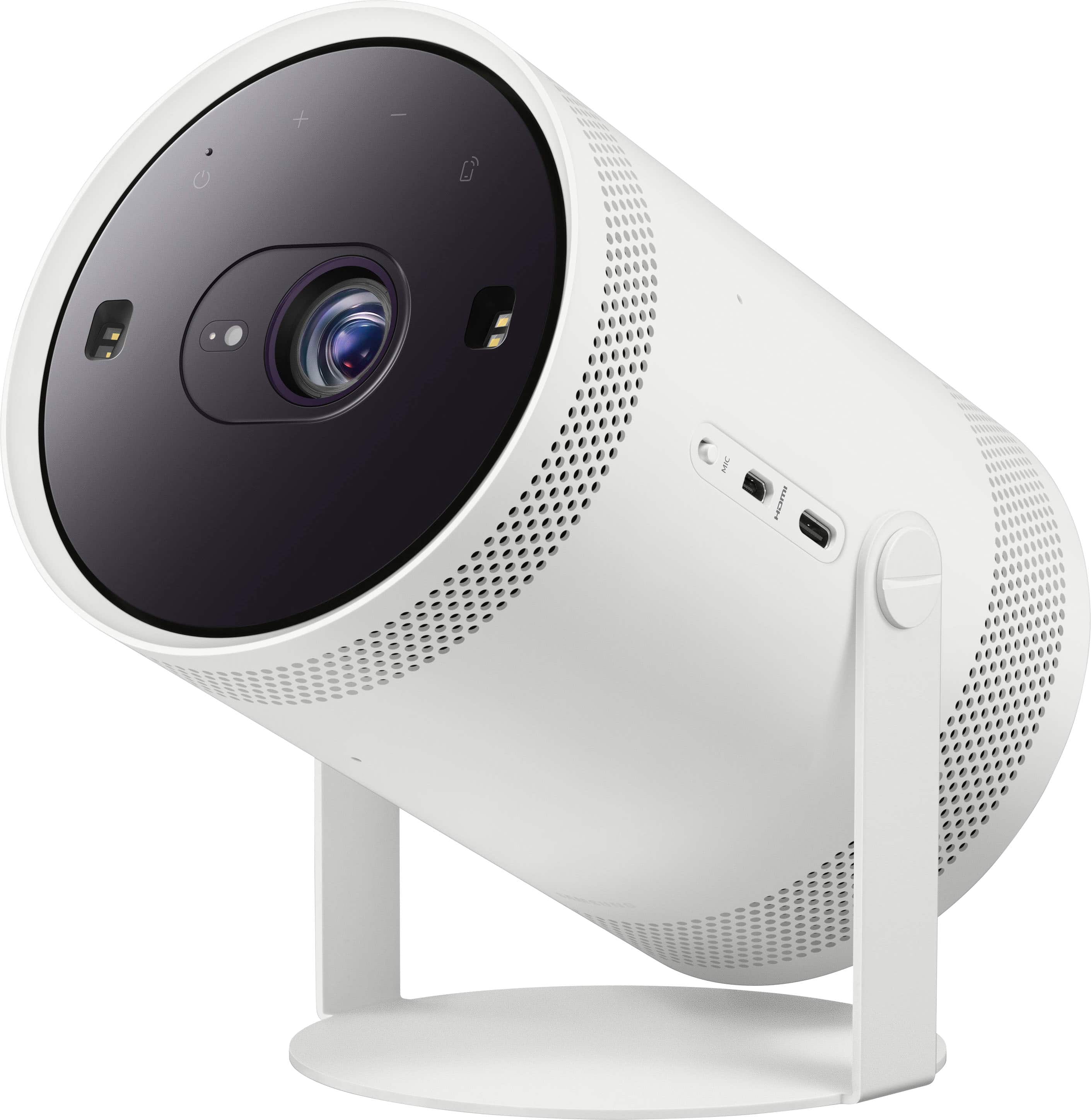
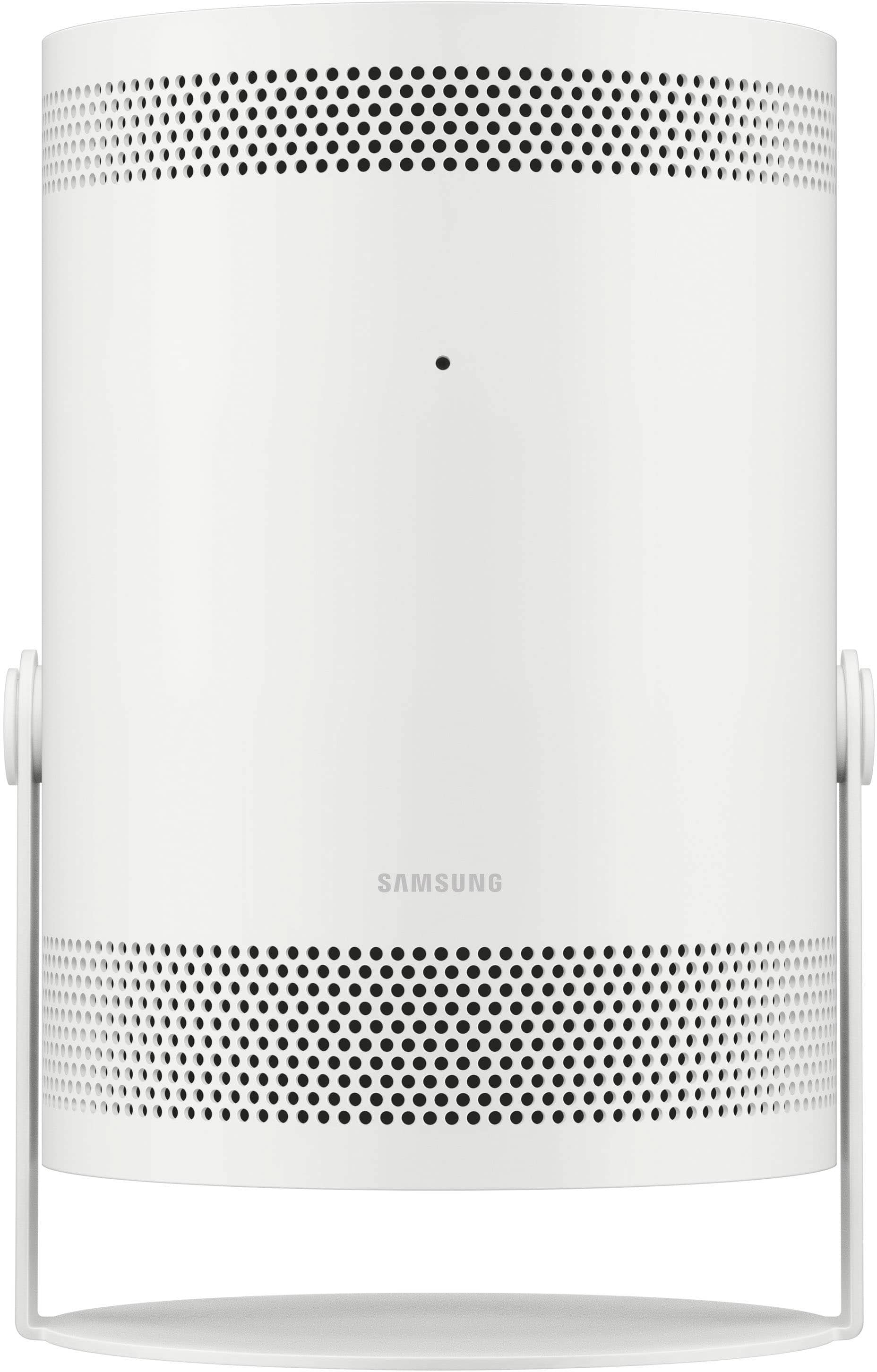
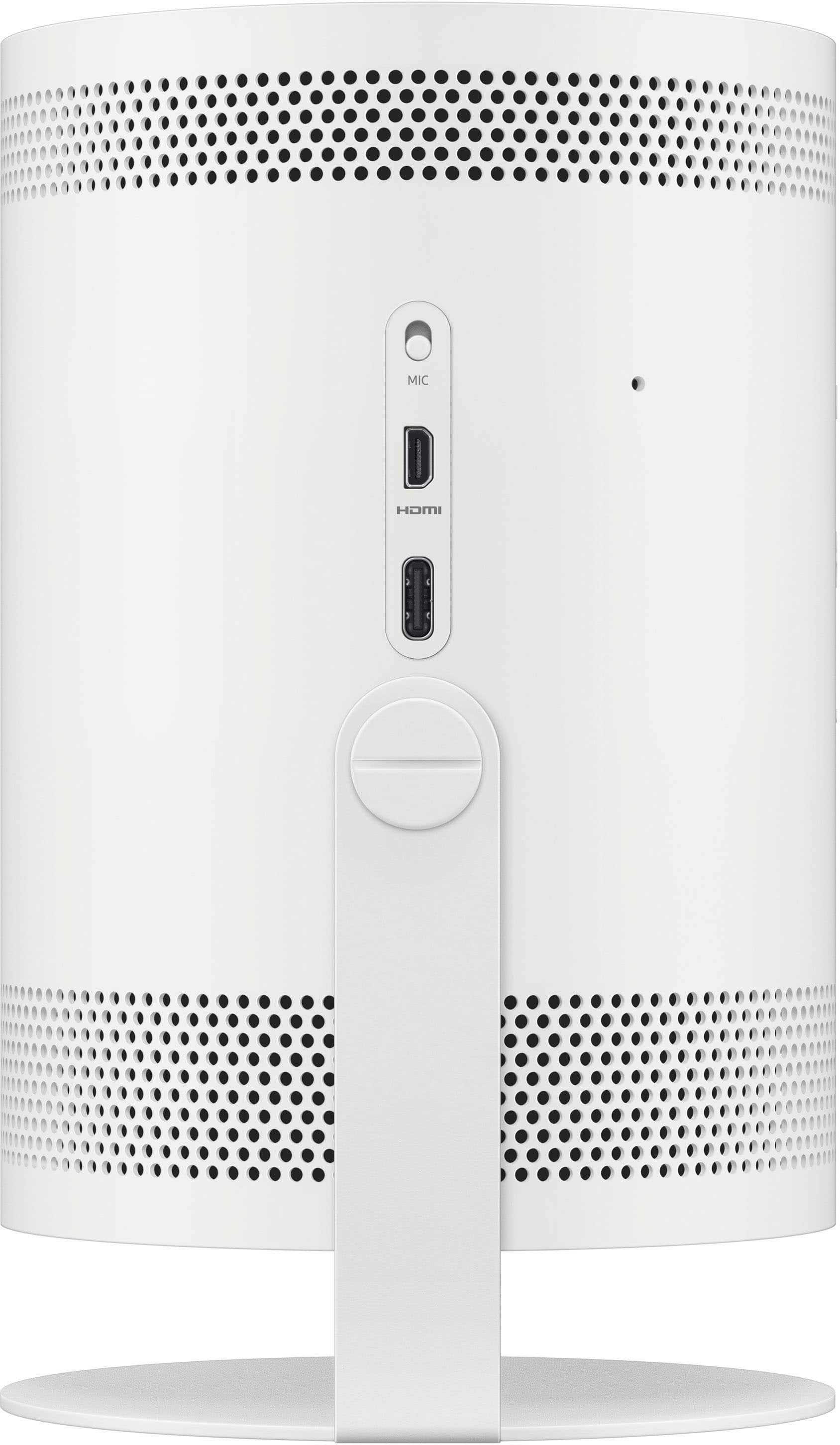
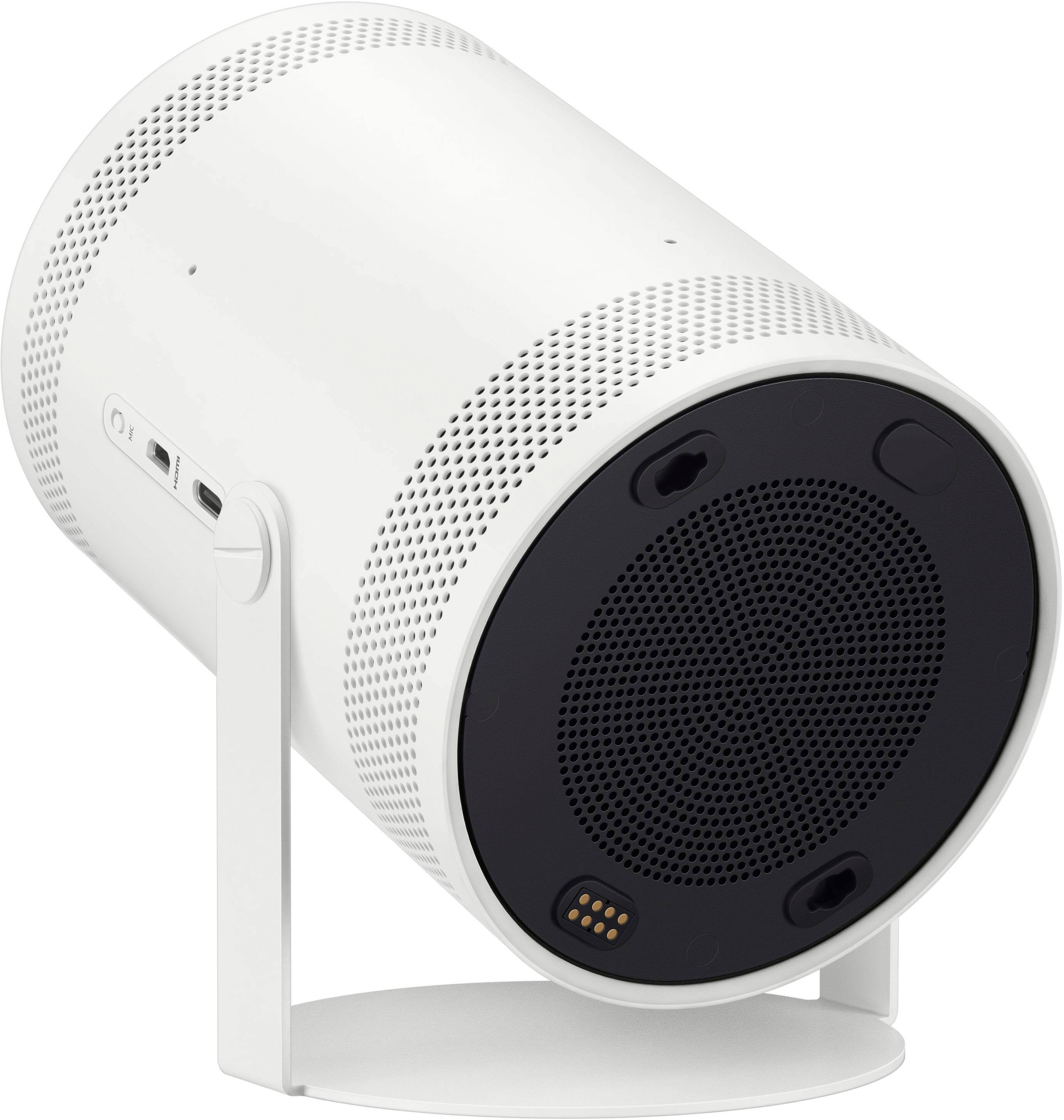
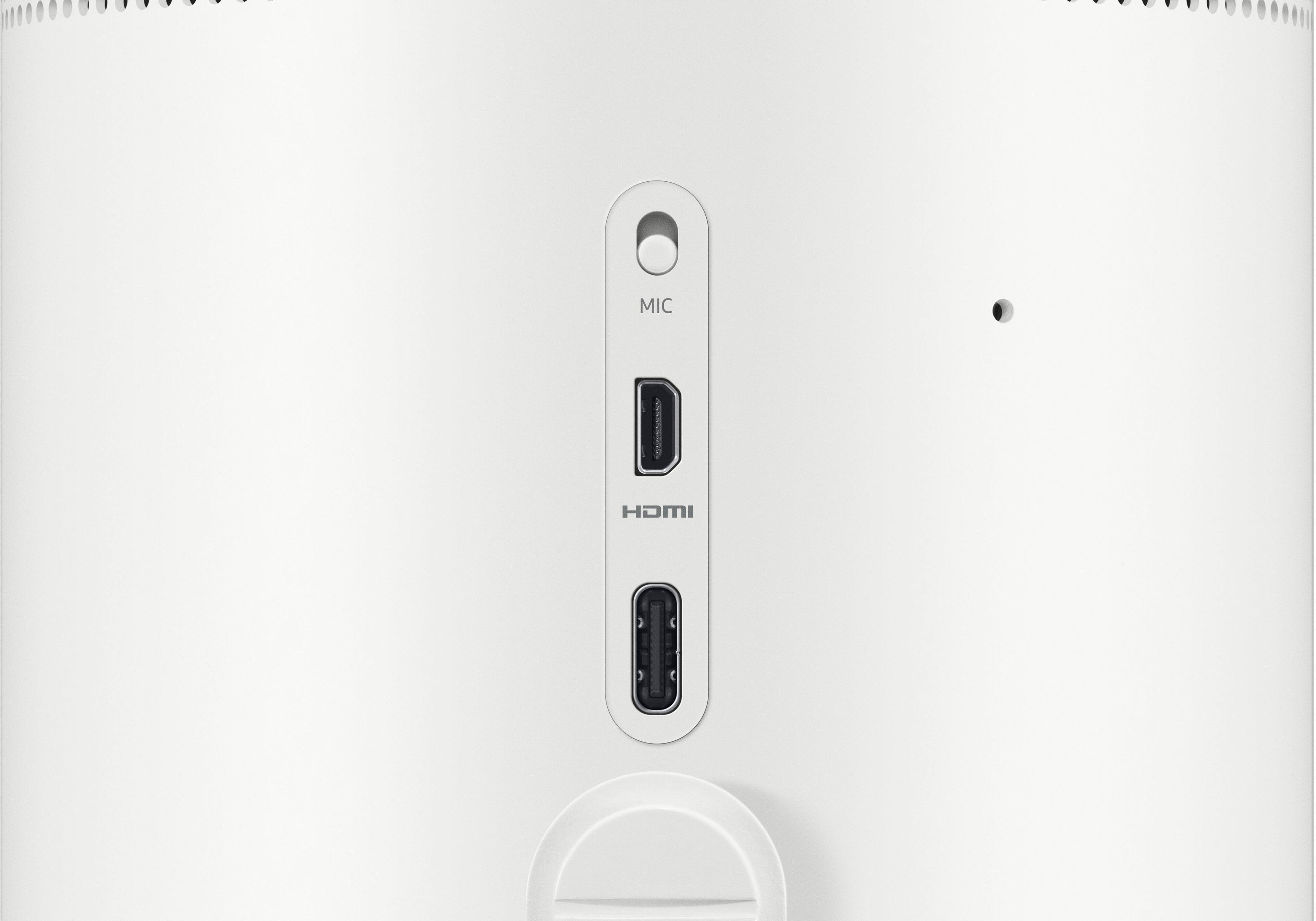
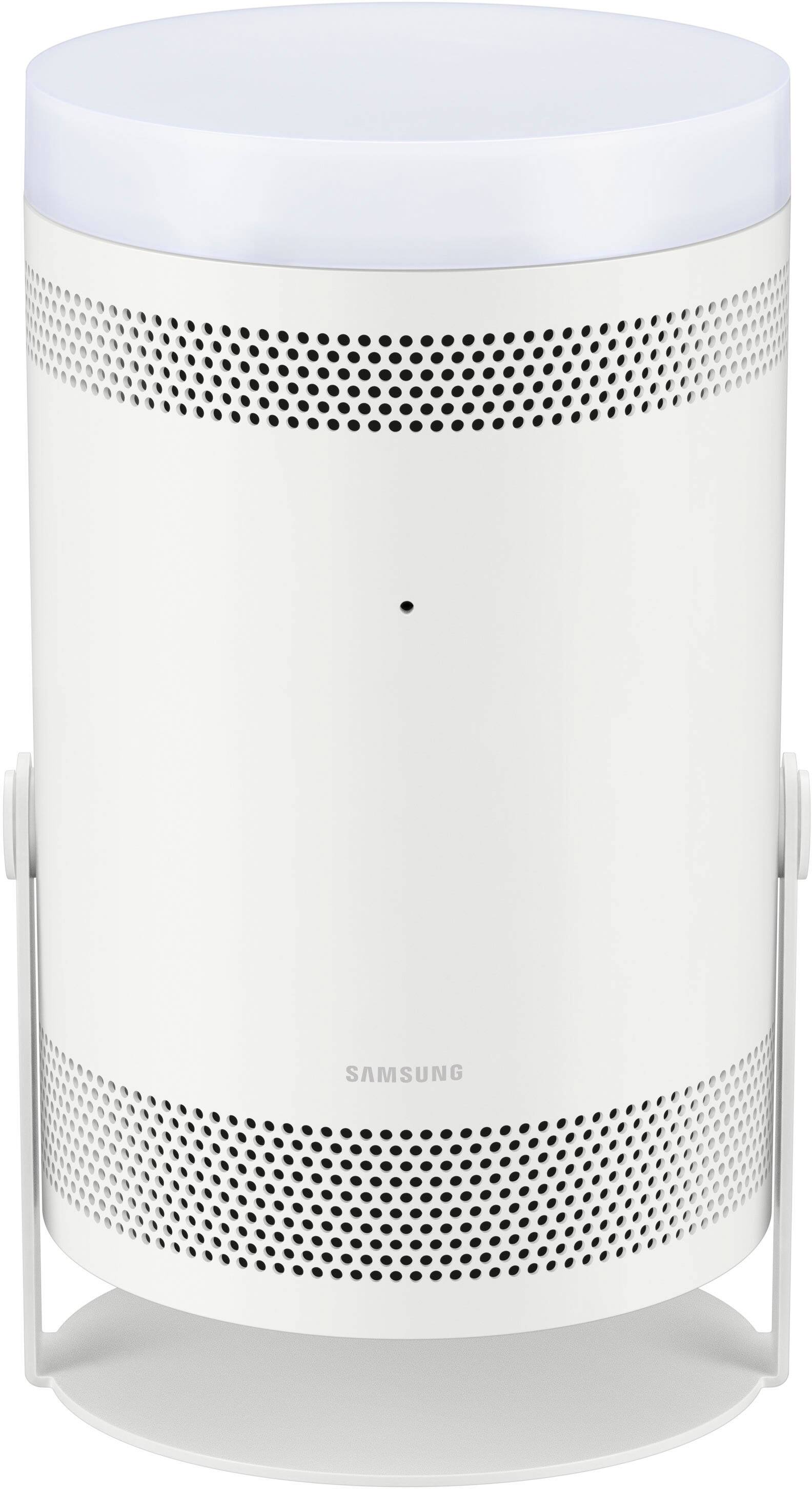
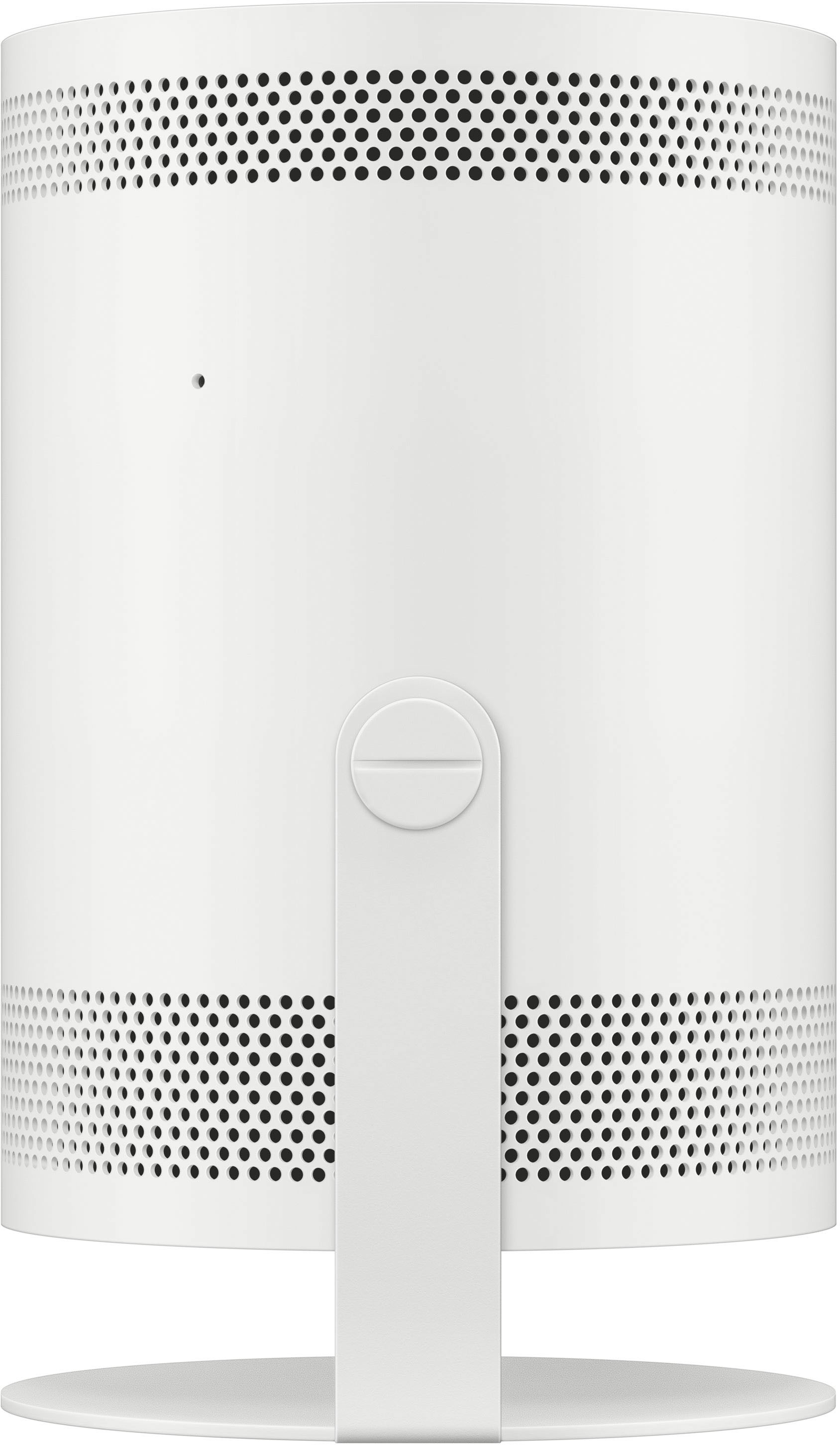
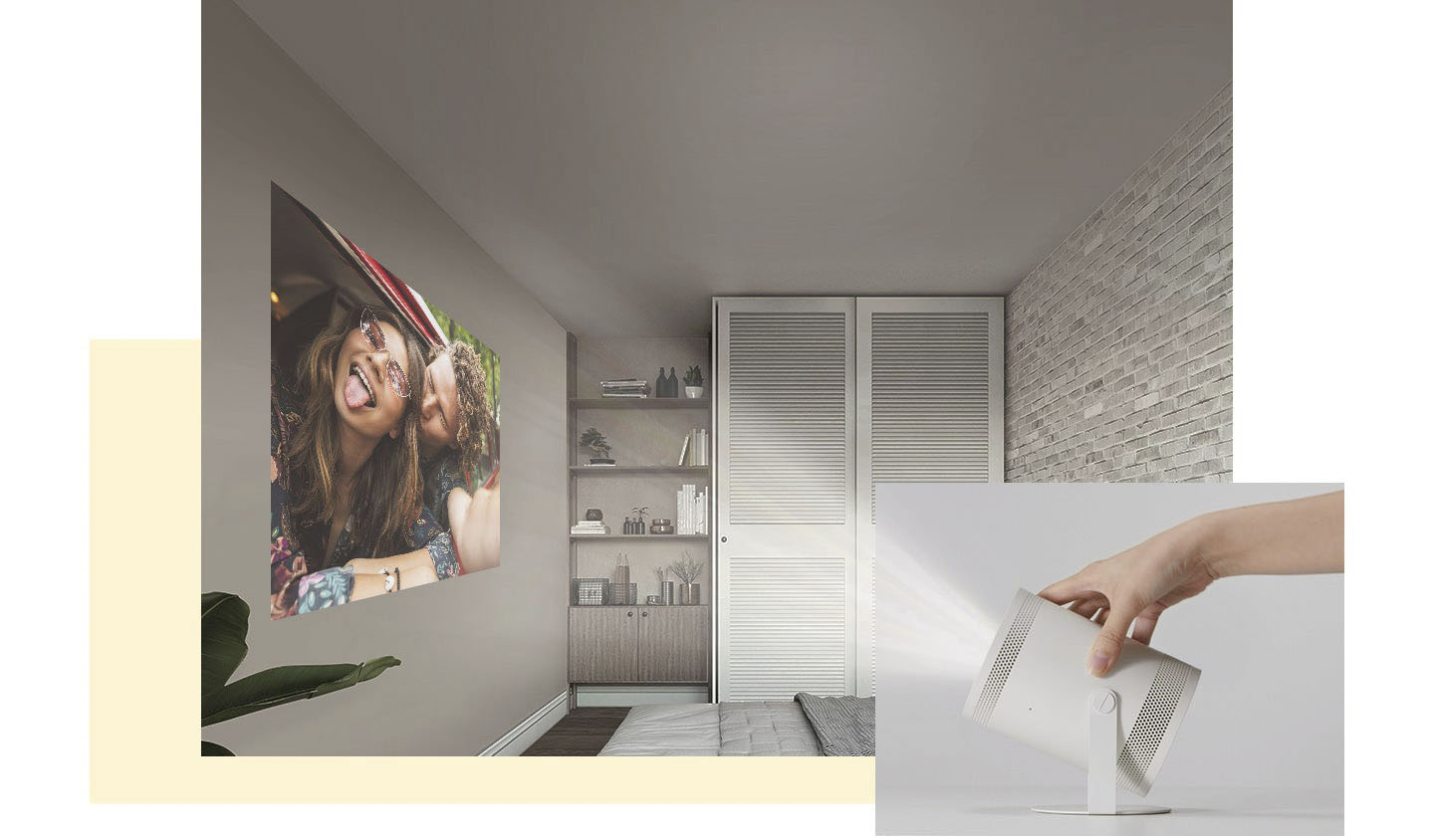
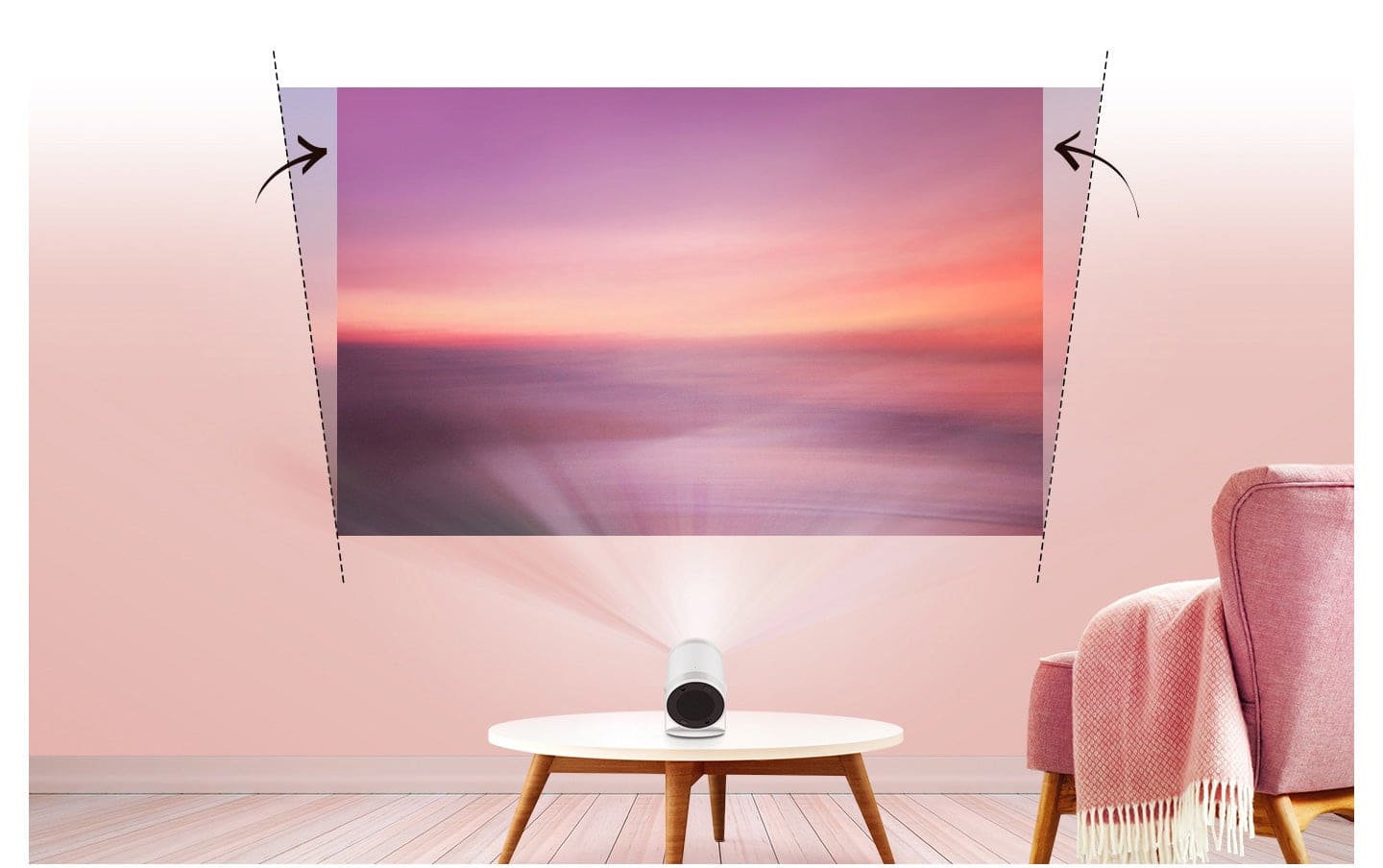
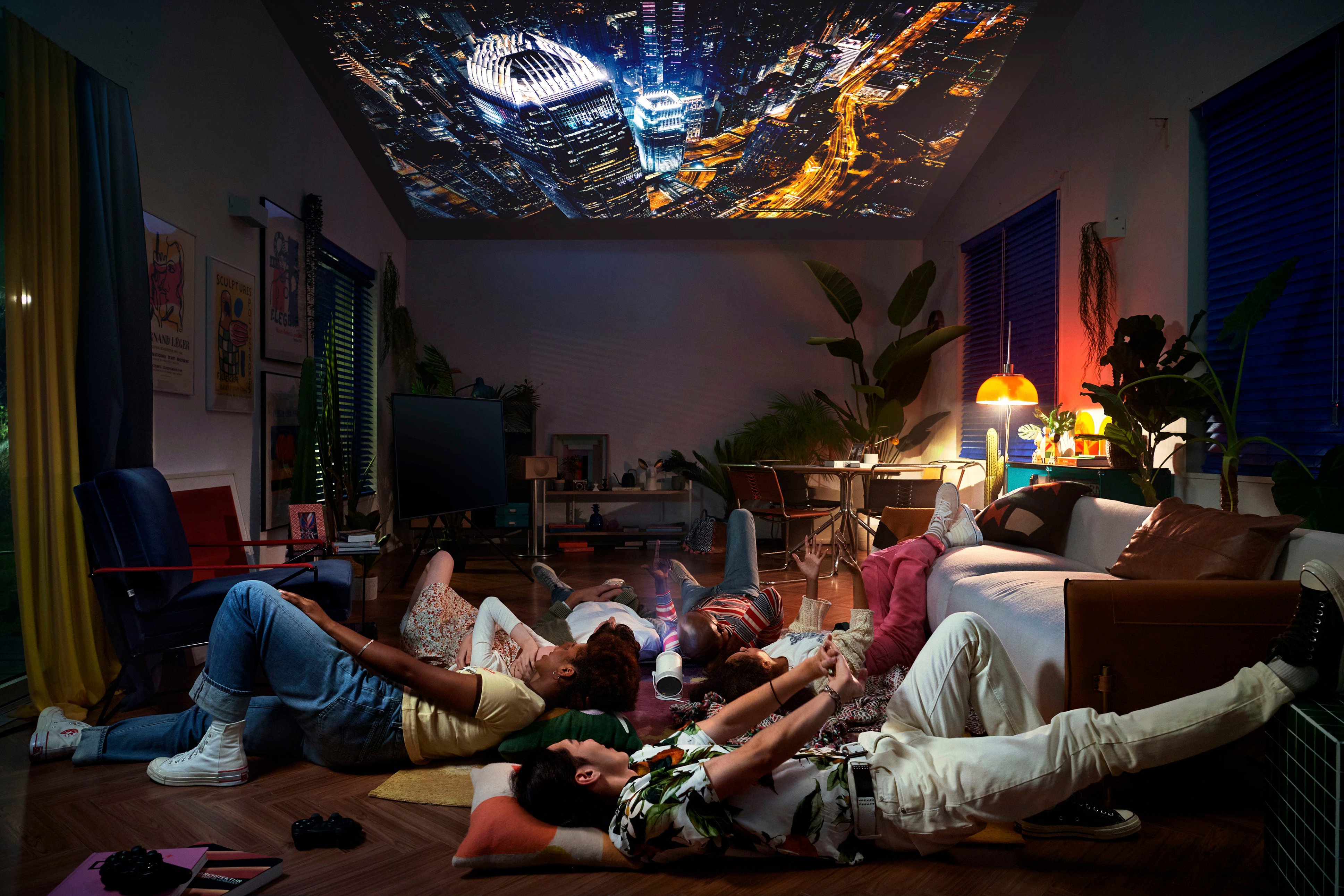
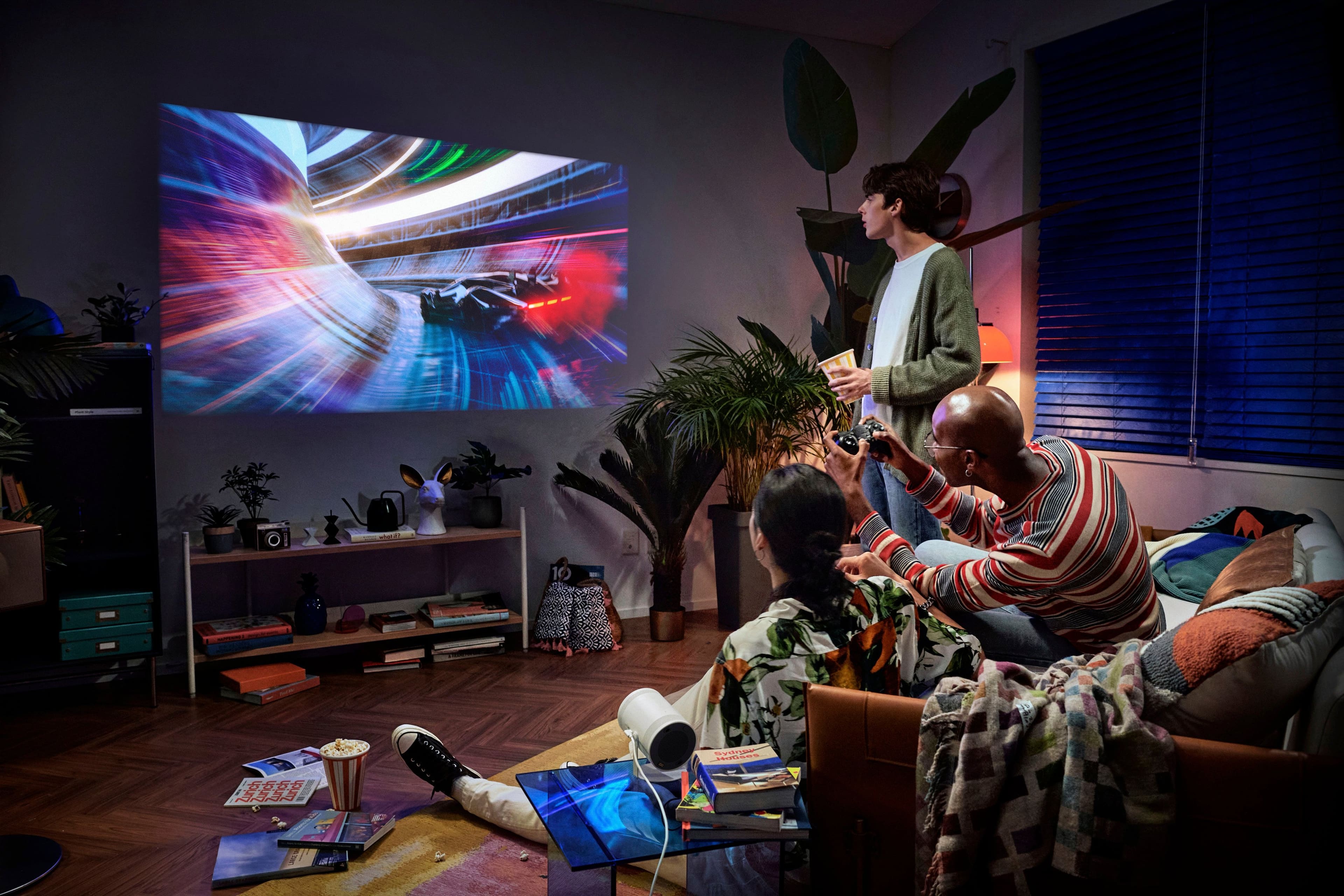
Customers have good things to say about The Freestyle FHD HDR Smart Portable Projector, especially regarding its picture quality and portability. The size, easy setup, appealing design, and effective auto focus also receive positive feedback. However, some customers have concerns about its brightness, connectivity issues, overall performance, and heat dissipation. A few users also noted occasional issues with keystone adjustment.
This summary was generated by AI based on customer reviews.
Samsung protector
||Posted . Owned for 5 months when reviewed.This reviewer received promo considerations or sweepstakes entry for writing a review.It came with no remote control and the picture is not so great
No, I would not recommend this to a friendBrand response from Samsung
Posted .JohnA,
We appreciate your feedback regarding parts missing from your Freestyle. If purchased brand-new and unopened, please contact Samsung Customer Support and a representative will gladly help you. If purchased in open-box condition, we recommend contacting Best Buy directly for assistance. We hope your issue is resolved in a timely manner.
If the image is not to your liking, try adjusting Picture Mode, Contrast, Brightness, or Sharpness settings.
Go to Home > Menu > Settings > All Settings > Picture > Picture Mode
...and select the mode that best fits your usage:
Dynamic: Makes the picture brighter and clearer in bright viewing environments.
Standard: Is the default mode suitable for general viewing environments
Movie: Is suitable for watching Projector or movies in a dark room.
You can also manually fine tune your image under Expert Settings. Go to: Home > Menu > Settings > All Settings > Picture > Expert Settings
Please also make sure your unit is running the latest firmware update. You can check this by going to: Home > Menu > Settings > Support > Software Update.
If you’d like more help with settings, please give us a call at 1-800-SAMSUNG, 8AM - 12AM EST, 7 days a week. Or visit us on the Samsung website and click on the ‘Support’ link for:
• LiveChat
• Manuals, Software, & Warranty Info
~ Samsung Specialist
Nice
||Posted . Owned for 1 year when reviewed.This reviewer received promo considerations or sweepstakes entry for writing a review...............................................,...
I would recommend this to a friend- Cons mentioned:Performance
Not great
||Posted . Owned for 3 months when reviewed.This reviewer received promo considerations or sweepstakes entry for writing a review.Its not great. Software is extremely slow and buggy.
No, I would not recommend this to a friendBrand response from Samsung
Posted .Carlos,
We appreciate your feedback on the response time, and for optimal performance, we ask that you please ensure you've got the latest firmware version installed on your Freestyle Projector. You can check this by going to: Home > Menu > Settings > Support > Software Update.
You may also want to further optimize performance with the self-diagnostic tool, which checks memory, frees up unused cached memory, and closes background apps. Go to: Home > Menu > Settings > Support > Device Care > Start Device Care
I hope these tips help you enjoy your new product.
You can always contact us for further help at 1-800-SAMSUNG, 8AM - 12AM EST, 7 days a week. Our LiveChat agents are also available by clicking on the ‘Support’ link on our website.
~ Samsung Specialist
Magnificent projector
||Posted . Owned for 3 weeks when reviewed.This reviewer received promo considerations or sweepstakes entry for writing a review.Outstanding service and staff. Very nice and professionals
I would recommend this to a friend- Cons mentioned:Performance
It randomly turns off- dont recommend
||Posted . Owned for 1 year when reviewed.This reviewer received promo considerations or sweepstakes entry for writing a review.This product sucks, i bought it when it was like almost 1000 and it randomly turns off in the middle of the movie, and its barely used at that! 3 days in and it just shuts off nothing can fix it . Waste of money i wish i could return it
No, I would not recommend this to a friendBrand response from Samsung
Posted .Anela,
I'm sorry to hear of the issues you're having with The Freestyle turning itself off. Please give us the opportunity to assist with this by calling us at 1-800-SAMSUNG, 8AM - 12AM EST, 7 days a week.
Our LiveChat agents are also available by clicking on the ‘Support’ link on our website.
We look forward to hearing from you.
~ Samsung Specialist
Freestyler
||Posted . Owned for less than 1 week when reviewed.This reviewer received promo considerations or sweepstakes entry for writing a review.Bought an open box one that did not work But when I returned it picked up a new one , very happy with the projector
I would recommend this to a friendBrand response from Samsung
Posted .Hi,
It's great to hear you're enjoying The Freestyle, and we appreciate you sharing your in-store purchase experience with us. You may want to consider providing feedback directly to the Best Buy store where you made your purchase.
Should you ever need help or have questions on your new projector, please reach Samsung Support at 1-800-SAMSUNG, 8AM - 12AM EST, 7 days a week. Our LiveChat agents are also available by clicking on the ‘Support’ link on our website.
~ Samsung Specialist
Samsung
||Posted . Owned for 1 week when reviewed.This reviewer received promo considerations or sweepstakes entry for writing a review.Amazing love the video quality. Exactly what i was looking for.
I would recommend this to a friendDon't buy
||Posted . Owned for 1 week when reviewed.This reviewer received promo considerations or sweepstakes entry for writing a review.This product is really disappointing. Initialization takes place without my knowledge. And when I start it, Samsung TV Plus runs automatically, which is very annoying. The keystone is great, but it changes from time to time while watching the video. This product is substandard for the brand and price.
No, I would not recommend this to a friendBrand response from Samsung
Posted .gyuwise,
While your Freestyle Projector may currently default to Samsung’s TV Plus app, please know you can choose what your it does when you turn it on by going to Menu > Settings > All Settings > General & Privacy > Start Screen Option > Autorun Smart Hub
1) Enabling Autorun Smart Hub automatically launches the Smart Hub when the projector is turned on. Navigate to this option to enable or disable the feature.
2) If Autorun Last App is set to on, the last used app is automatically run when you turn on the projector. You can turn this function on or off by pressing the Select button in the current menu.
To improve the Keystone Correction performance, please check the following:
1. Ensure you've removed the film covering the lens, as this can affect performance.
2. Position the device with the “Samsung” logo on the bottom of the unit.
3. Make sure you've got the latest firmware updates installed. Go to: Home > Menu > Settings > Support > Software Update > Update Now
So that we can better understand and assist with the initialization issue you've mentioned, please contact Samsung Support at 1-800-SAMSUNG, 8AM - 12AM EST, 7 days a week. Our LiveChat agents are also available by clicking on the ‘Support’ link on our website.
~ Samsung Specialist
Whoa
||Posted .This reviewer received promo considerations or sweepstakes entry for writing a review.Not what I thought at all, great deal at the sales price
I would recommend this to a friendReally good color
||Posted . Owned for 1 week when reviewed.This reviewer received promo considerations or sweepstakes entry for writing a review.The 100” display and also how the color was super bright
I would recommend this to a friendGreat projector
||Posted . Owned for 1 month when reviewed.This reviewer received promo considerations or sweepstakes entry for writing a review.Awesome projector! Great price and a great product!
I would recommend this to a friend- Cons mentioned:Brightness
Not worth it. Get the LG one?
||Posted . Owned for 3 weeks when reviewed.This reviewer received promo considerations or sweepstakes entry for writing a review.Not bright at all, if you have any light on in a dark room it's barely usable. Clunky UI and slow UI. Do not recommend.
No, I would not recommend this to a friendBrand response from Samsung
Posted .YsrA,
We appreciate your feedback on the response time, and for optimal performance, we ask that you please ensure you've got the latest firmware version installed on your Freestyle Projector. You can check this by going to: Home > Menu > Settings > Support > Software Update.
You may also want to further optimize performance with the self-diagnostic tool, which checks memory, frees up unused cached memory, and closes background apps. Go to: Home > Menu > Settings > Support > Device Care > Start Device Care
If the image is too dim, try adjusting Picture Mode, Contrast, Brightness, or Sharpness settings.
Go to Home > Menu > Settings > All Settings > Picture > Picture Mode
...and select the mode that best fits your usage:
Dynamic: Makes the picture brighter and clearer in bright viewing environments.
Standard: Is the default mode suitable for general viewing environments
Movie: Is suitable for watching Projector or movies in a dark room.
You can also manually fine tune your image under Expert Settings. Go to: Home > Menu > Settings > All Settings > Picture > Expert Settings
If you need more help, Samsung is here for you. Please call us at 1-800-SAMSUNG, 8AM - 12AM EST, 7 days a week. Our LiveChat agents are also available by clicking on the ‘Support’ link on our website.
~ Samsung Specialist
- Cons mentioned:Connectivity
Will Not Turn On
||Posted . Owned for 1 month when reviewed.This reviewer received promo considerations or sweepstakes entry for writing a review.Was great for a month, doesn’t turn on anymore. It’s bricked. Worthless, can’t return either, total waste of money.
No, I would not recommend this to a friendBrand response from Samsung
Posted .RichardZ,
I'm sorry to hear of the issues you're having with The Freestyle not powering on. Please give us the opportunity to assist with this by calling us at 1-800-SAMSUNG, 8AM - 12AM EST, 7 days a week.
Our LiveChat agents are also available by clicking on the ‘Support’ link on our website.
We look forward to hearing from you.
~ Samsung Specialist
- Pros mentioned:Portability
Amazing little projector
||Posted . Owned for 2 weeks when reviewed.This reviewer received promo considerations or sweepstakes entry for writing a review.Great gift for my parents. Easy to use opersting system. Adjusting the keystone is easy just remember to use the arrow keys and volume keys when adjusting
I would recommend this to a friend It's not chargeable and portable. It needs 120V!
||Posted . Owned for 1 month when reviewed.This reviewer received promo considerations or sweepstakes entry for writing a review.I bought it under the belief that it was chargeable and portable. Even the BB sales associate indicated that it was. It was not. I didn't care to try it any further since that was a critical requirement.
No, I would not recommend this to a friendBrand response from Samsung
Posted .MichaelP,
Thank you for your review of The Freestyle. I'm sorry to hear of the misunderstanding regarding built-in battery. While this projector requires an external power source, please know you can use a portable battery in place of the wall plug/cable included. We recommend powering The Freestyle with The Freestyle Battery Base (Model: VG-FBB3BA/ZA).
If there’s anything we can ever help with, please call us at 1-800-SAMSUNG, 8AM - 12AM EST, 7 days a week. Or visit us on the Samsung website and click on the ‘Support’ link for:
• LiveChat
• Manuals, Software, & Warranty Info
~ Samsung Specialist
Freestyle is low quality and Samsung is dishonest
||Posted . Owned for 5 months when reviewed.This reviewer received promo considerations or sweepstakes entry for writing a review.Steer clear of this product. Not only did the one I purchase stop working after 3 months . Samsung refused to honor the warranty. The Samsung product team treats you poorly and does not even know the products they support . They are awful, insulting , and callous. i am working with the BBB for resolution and make Samsung take responsibility for their defective product. Also did some research (wish i did this prior to my purchases)and Samsung has had several class action laws with respect to not honoring their warranty. So be warned -
No, I would not recommend this to a friendBrand response from Samsung
Posted .Hi there,
It’s unfortunate to hear of your experience with Samsung’s Freestyle Projector. Samsung is committed to providing the best possible product experience, quality, and value. We back this Samsung Projector with a 1-year limited manufacturer's warranty, including authorized repair for manufacturer defect, if purchased brand-new directly from an authorized seller. You can see the full details of your warranty here: https://www.samsung.com/us/support/service/warranty/SP-LSP3BLAXZA/
Please give us the opportunity to assist you by contacting Samsung Customer Support at 1-800-SAMSUNG, 8AM - 12AM EST, 7 days a week. Our LiveChat agents are also available by clicking on the ‘Support’ link on our website.
~ Samsung Specialist
- Pros mentioned:Portability
Projector
||Posted .This reviewer received promo considerations or sweepstakes entry for writing a review.This is a Christmas gift so I don’t know how it will be. Reviews are good so I’ll see. Actually I bought because it’s small and portable.
I would recommend this to a friend Woudl not recommend
||Posted . Owned for 3 months when reviewed.This reviewer received promo considerations or sweepstakes entry for writing a review.I would not suggest this product. Tons of issues regarding the hardware (trouble turning on) and software (issues with certain streaming platforms).
No, I would not recommend this to a friendBrand response from Samsung
Posted .VJFHKO,
I'm sorry to hear of the issues you're having with The Freestyle not powering on, as well as with apps. Please give us the opportunity to assist with this by calling us at 1-800-SAMSUNG, 8AM - 12AM EST, 7 days a week.
Our LiveChat agents are also available by clicking on the ‘Support’ link on our website.
We look forward to hearing from you.
~ Samsung Specialist
Proprietary and designed by first graders
||Posted . Owned for 1 month when reviewed.This reviewer received promo considerations or sweepstakes entry for writing a review.The interface is poorly designed and not well thought out. Good luck if you lose the remote; and why doesnt Samsung include a battery? Because they can charge you for it.
No, I would not recommend this to a friendBrand response from Samsung
Posted .Ibrobbie,
We appreciate your thoughts on the interface - we'll be sure to share your feedback with our internal teams.
Please know that if you lose your remote, the SmartThings app will act just as your remote would. If you haven't set up SmartThings yet, here's how:
1. Turn on your Projector. Then, on your phone, open the SmartThings app.
2. Tap the Device tab, tap the Home icon, and then select the location where you'd like to add the Projector. Tap Add (the plus sign), and then tap Add device.
3. Under the "By device type" tab, tap Projector, and then tap Samsung.
4. Tap Projector again, and then tap Start. Select a location and room, and then tap Next.
5. From here, select your desired product from the list of available devices.
6. Use the remote to select OK on the Projector screen.
7. Once the Projector has been added, use the SmartThings app on your phone to rename it, and then tap Done.
If you need more help, Samsung is here for you. Please call us at 1-800-SAMSUNG, 8AM - 12AM EST, 7 days a week. Our LiveChat agents are also available by clicking on the ‘Support’ link on our website.
~ Samsung Specialist
Samsung Freestyle portable
||Posted . Owned for 2 weeks when reviewed.This reviewer received promo considerations or sweepstakes entry for writing a review.It really shines in dark settings. The way it auto adjusts the screen even wheb proyecting from an angle is outstanding.
I would recommend this to a friend