Customer Ratings & Reviews

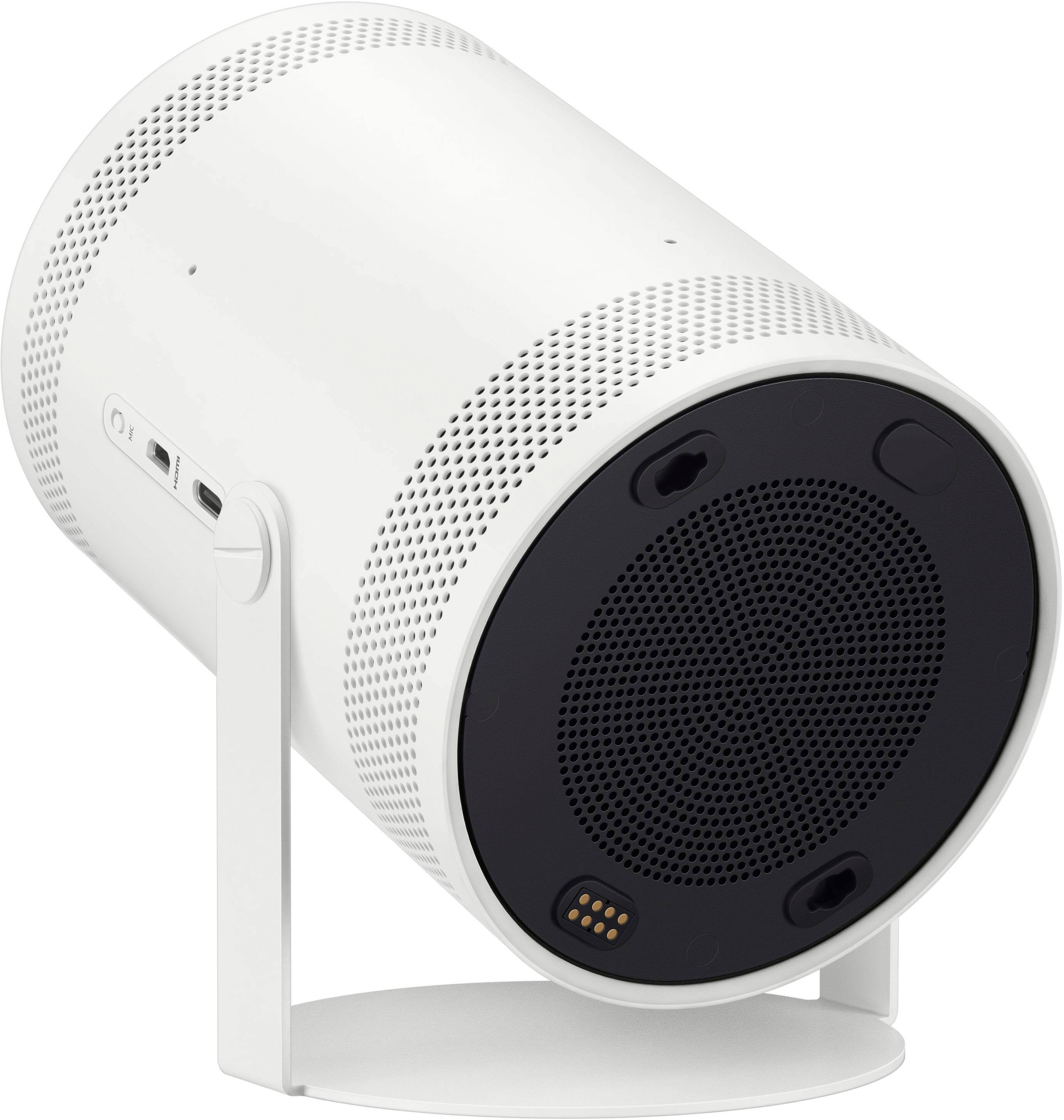
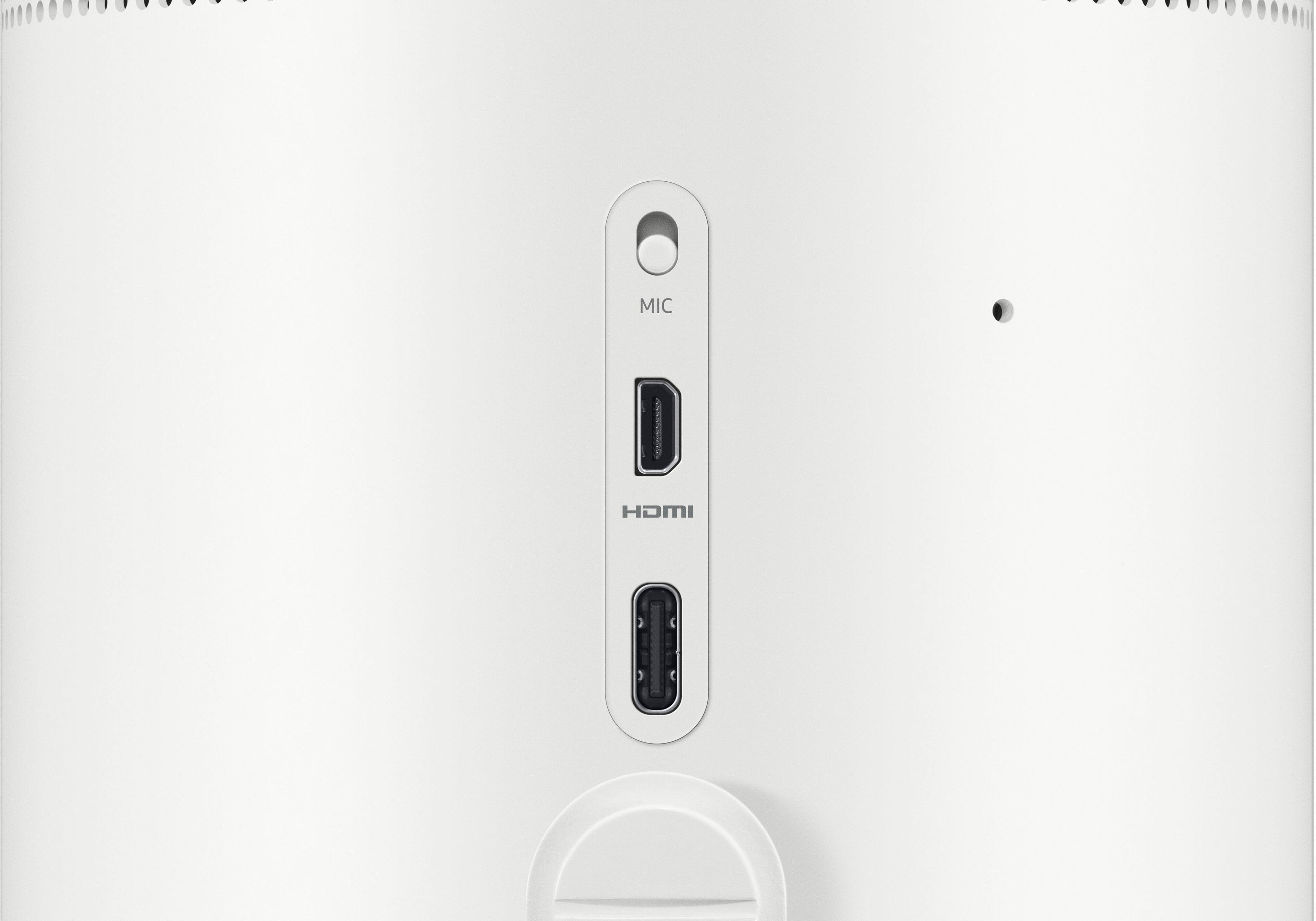
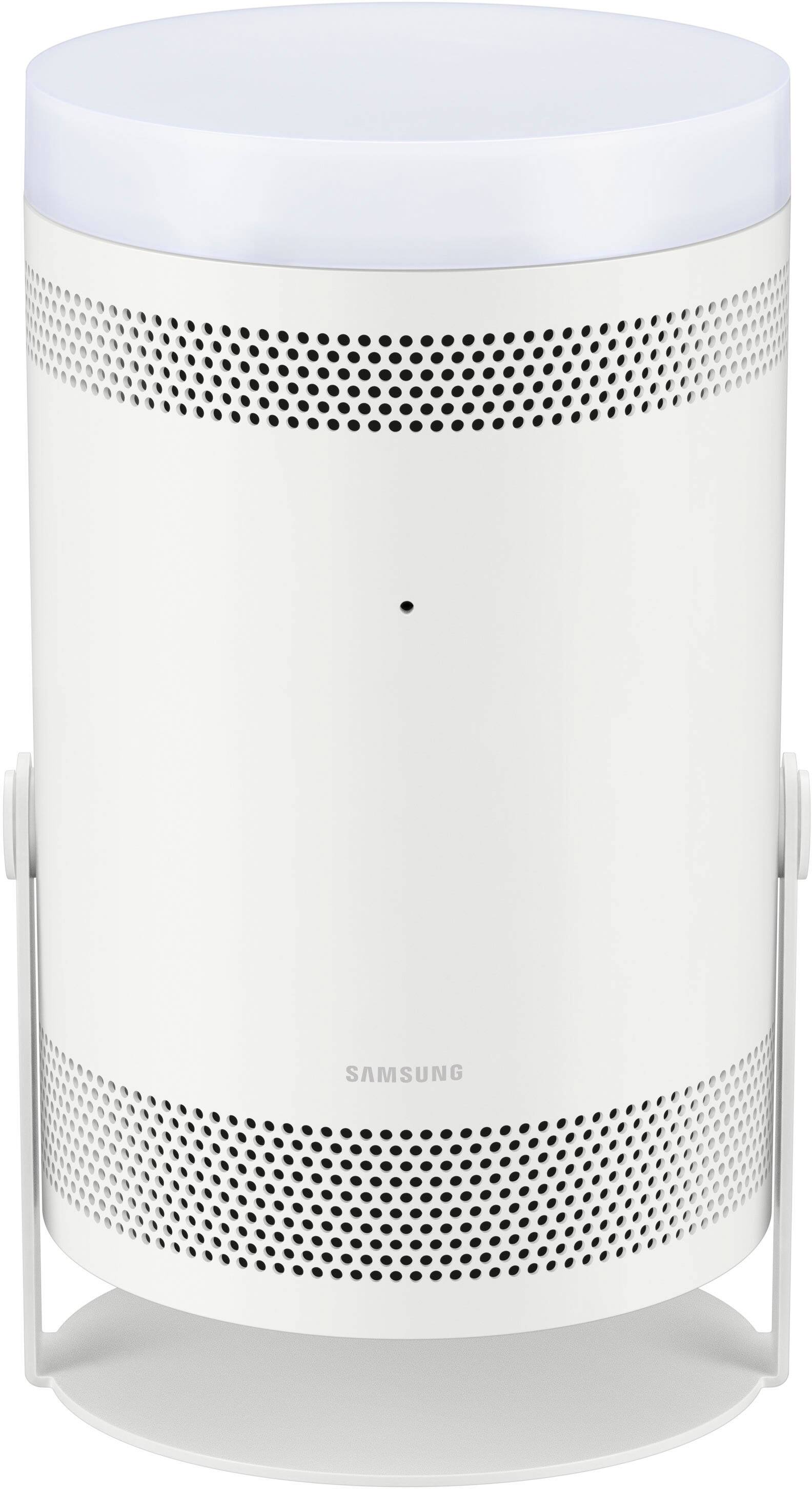
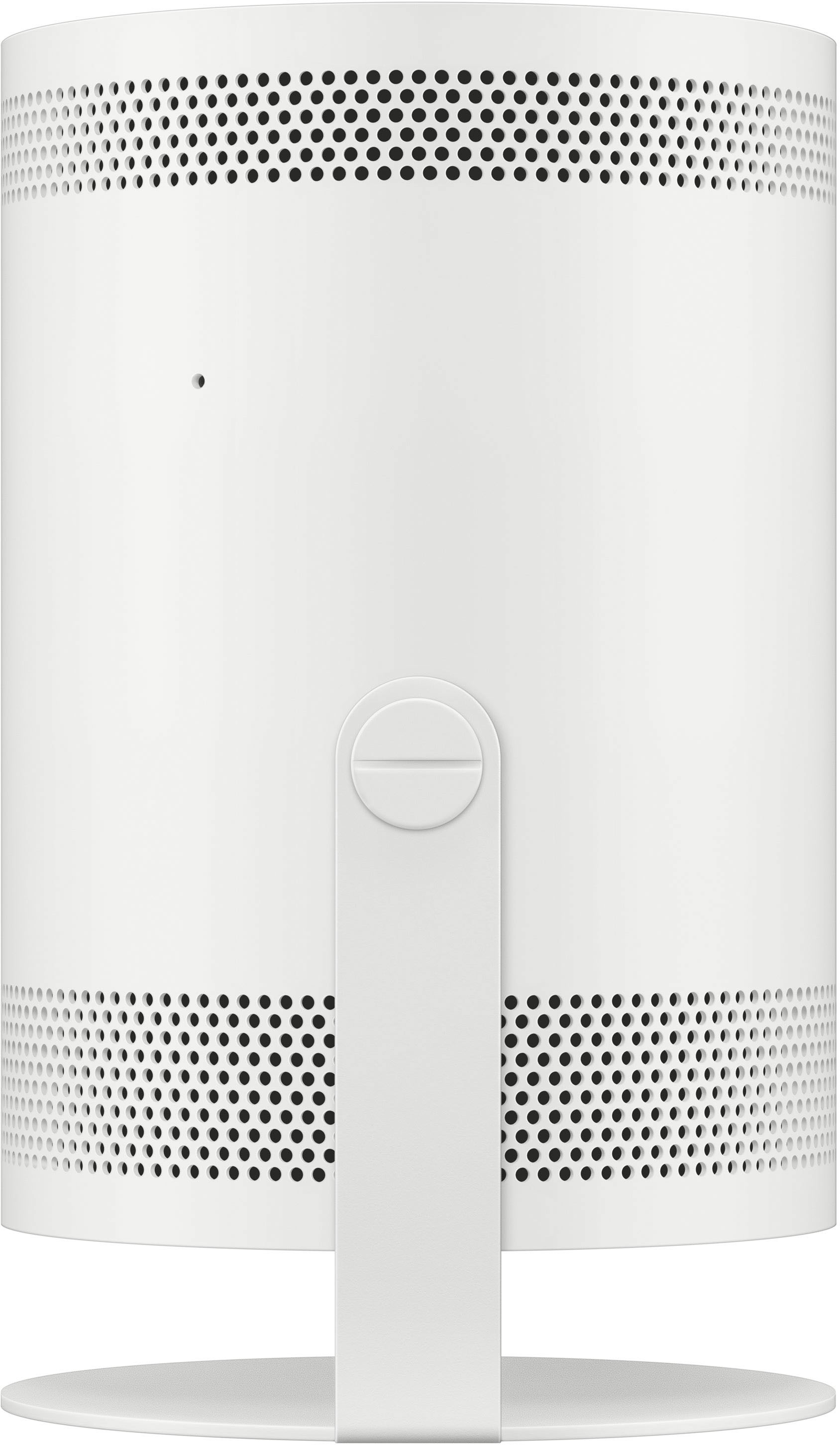





- Model:
- SP-LSP3BLAXZA
- SKU:
- 6492951
Rating by feature
- Value
Rating 4.0 out of 5 stars
- Quality
Rating 4.2 out of 5 stars
- Ease of Use
Rating 4.3 out of 5 stars
Customers are saying
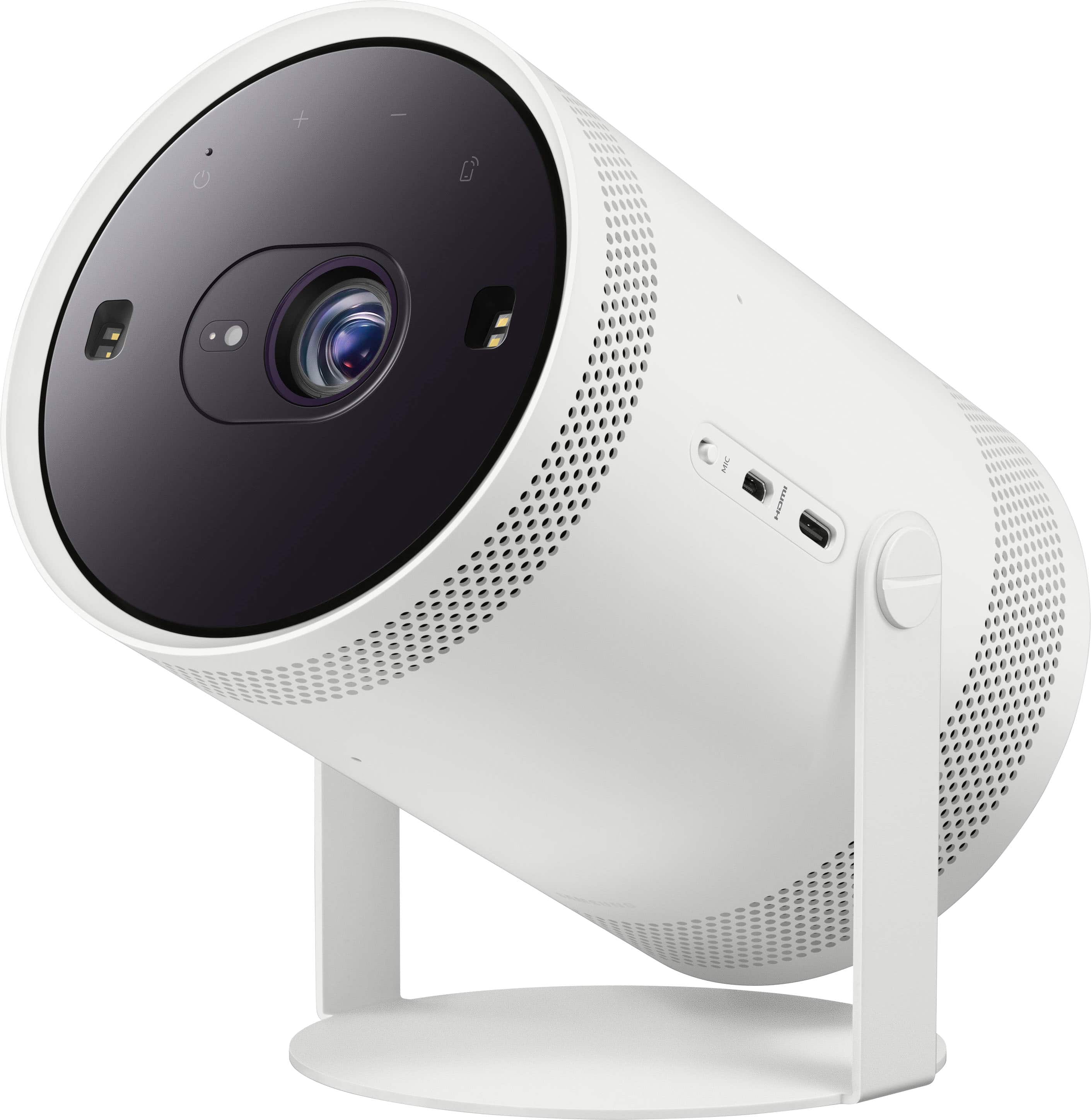
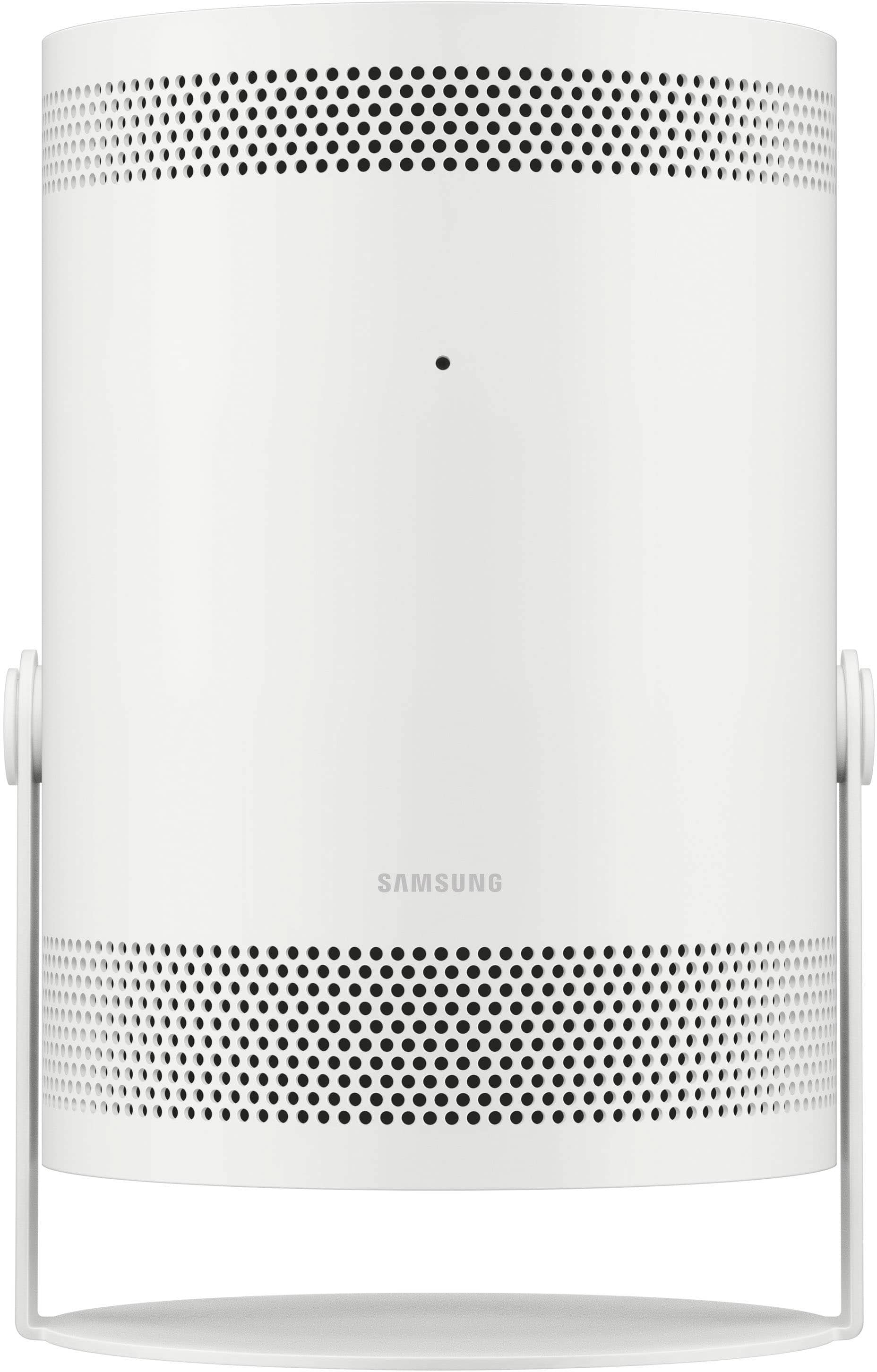
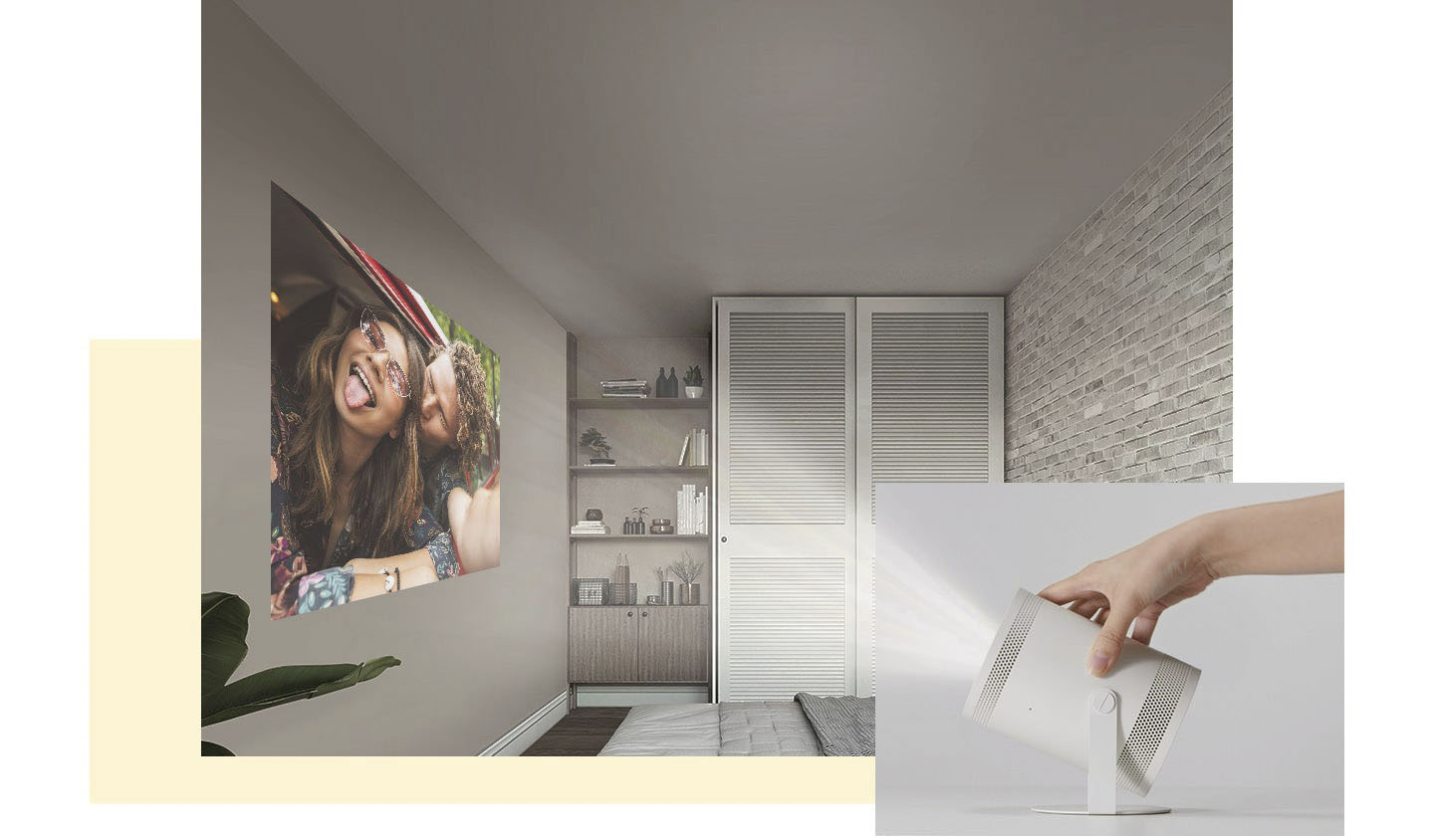
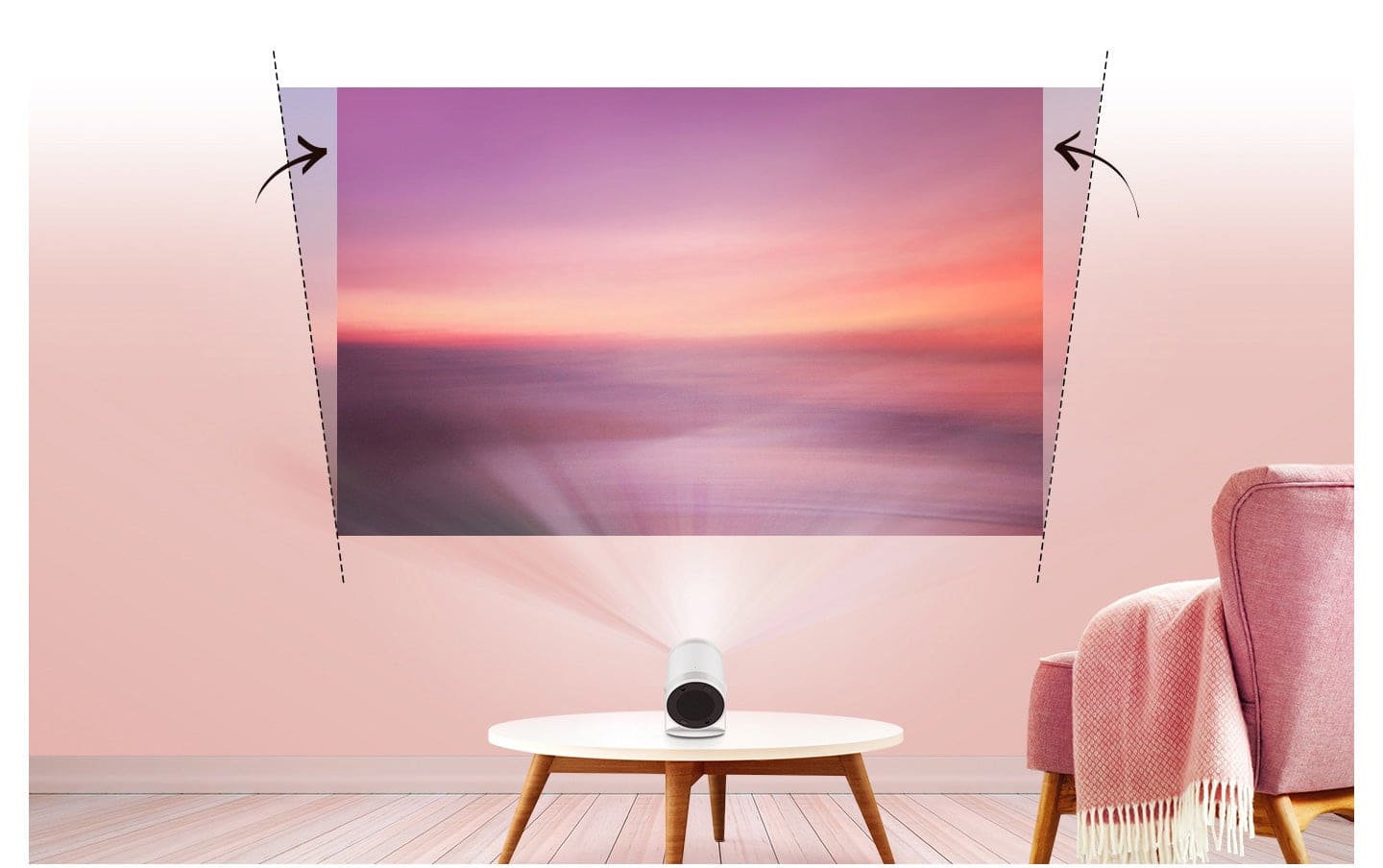
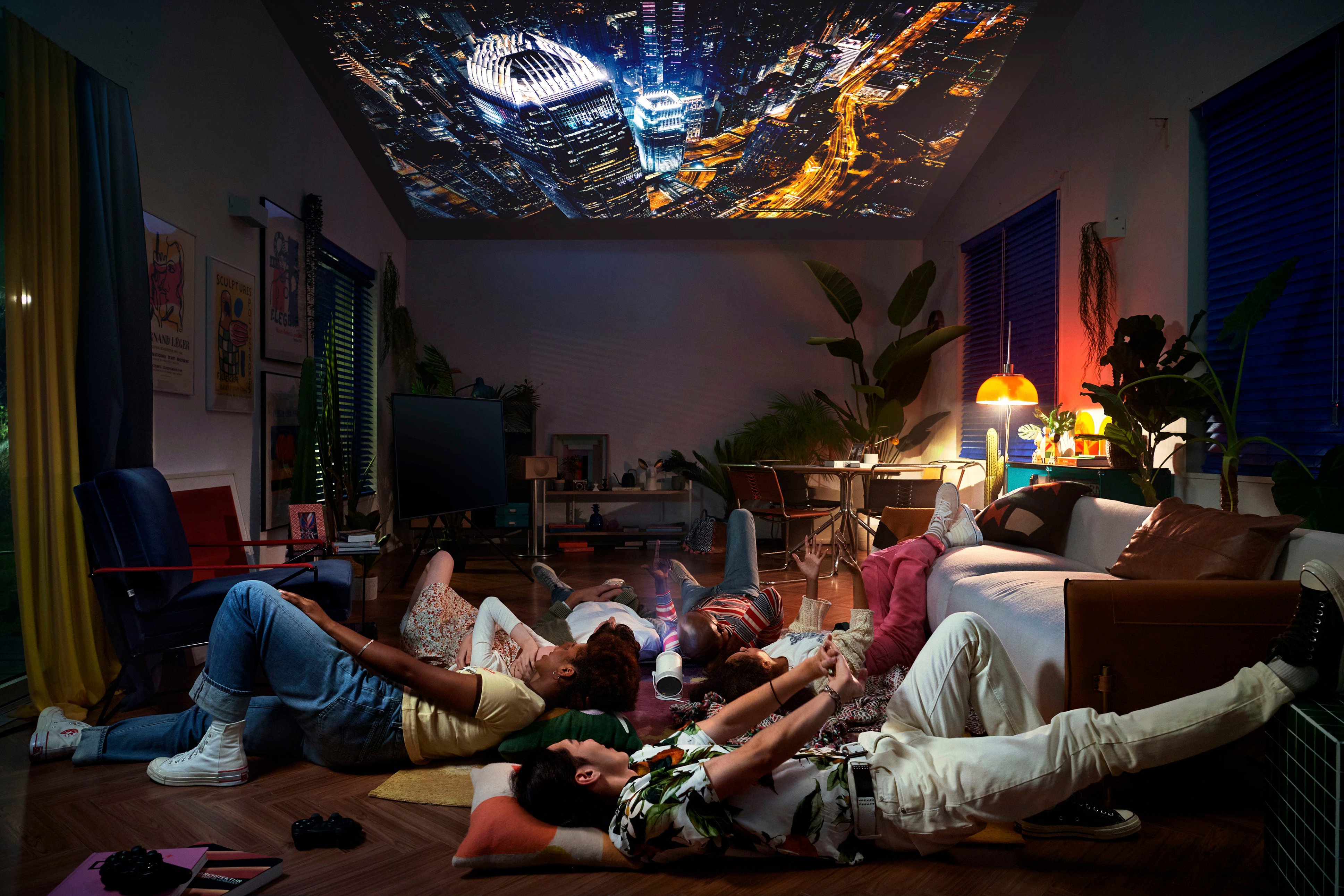
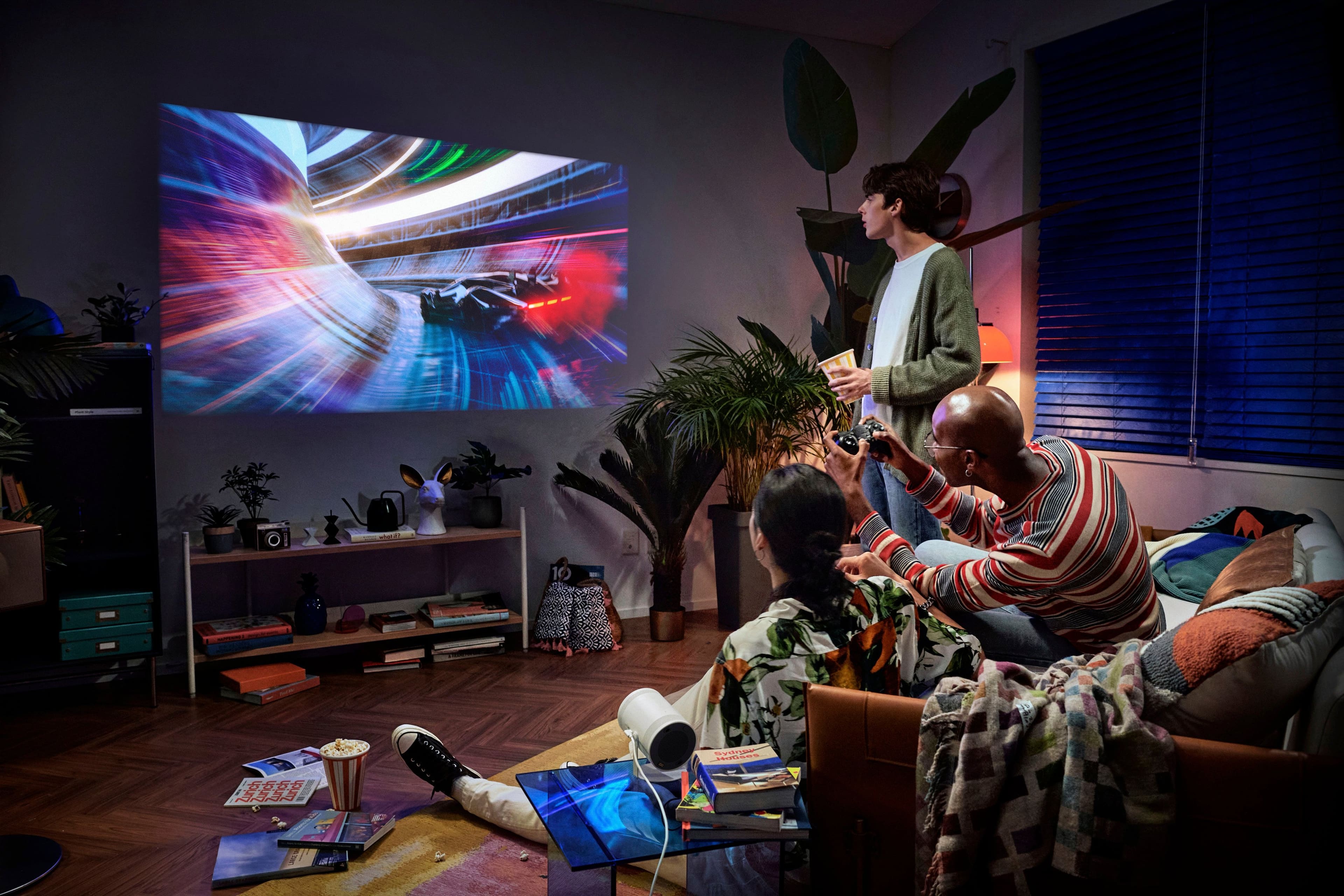
Customers have good things to say about The Freestyle FHD HDR Smart Portable Projector, especially regarding its picture quality and portability. The size, easy setup, appealing design, and effective auto focus also receive positive feedback. However, some customers have concerns about its brightness, connectivity issues, overall performance, and heat dissipation. A few users also noted occasional issues with keystone adjustment.
This summary was generated by AI based on customer reviews.
I really loved this…
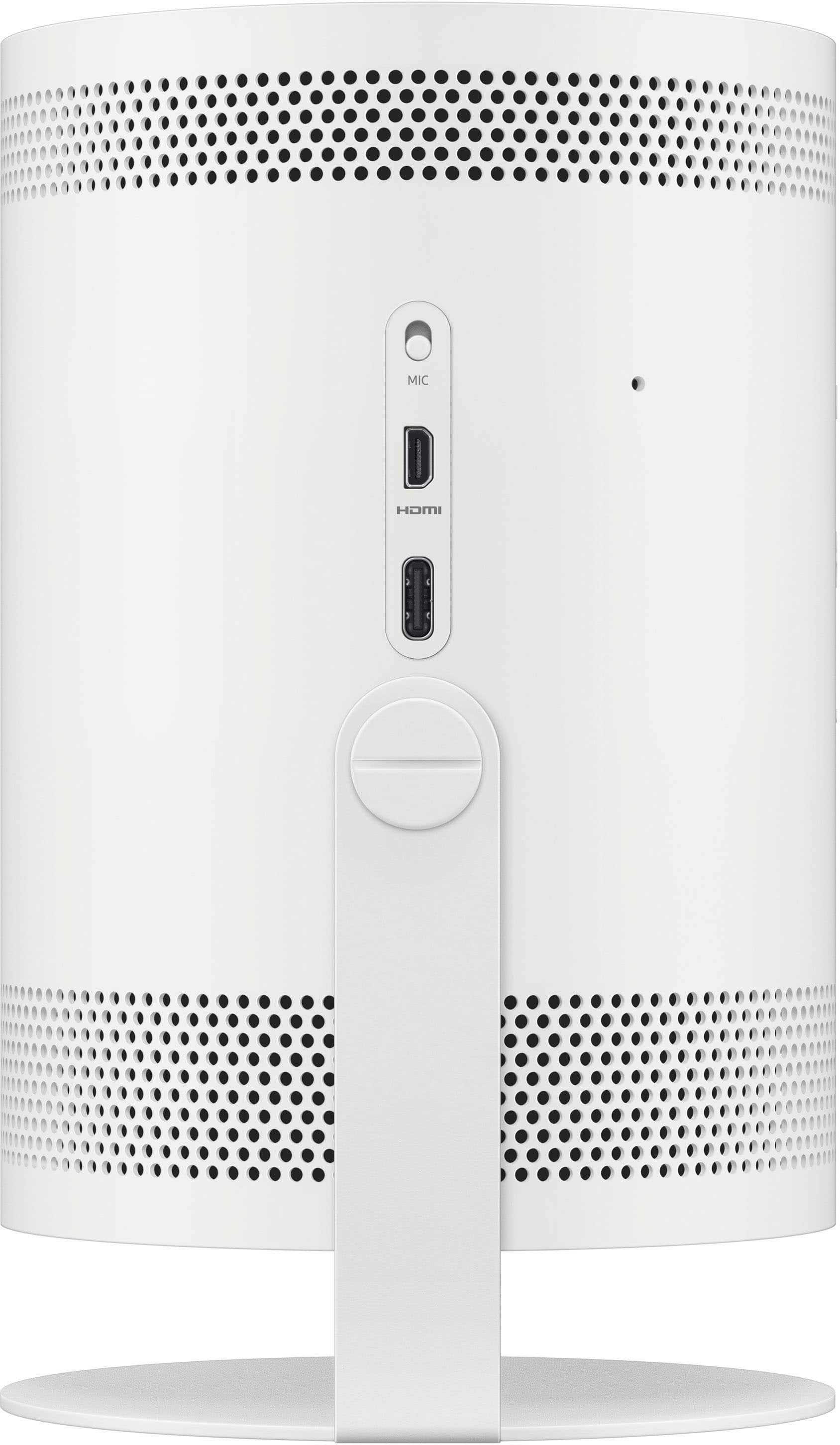
||Posted . Owned for 1 month when reviewed.This reviewer received promo considerations or sweepstakes entry for writing a review.I really loved using this, just had a problem hooking up my laptop to it, to do a presentation. The micro HDMI wasn’t working and the cords aren’t readily available
I would recommend this to a friendBrand response from Samsung
Posted .Route639,
I'm sorry to hear of the connection issues you've faced with The Freestyle. So we can better understand the connectivity problems you are experiencing and provide you with troubleshooting assistance, please reach out to Samsung Customer Support at 1-800-SAMSUNG, 8AM - 12AM EST, 7 days a week. Our LiveChat agents are also available by clicking on the ‘Support’ link on our website.
~ Samsung Specialist
Frustrated but hoping for the best
||Posted . Owned for 1 month when reviewed.This reviewer received promo considerations or sweepstakes entry for writing a review.Directions are not good and too small to read. Can't get the projector to connect to my iPhone and can't get the projector to "focus". Very frustrated that this was not as "easy to use" as promoted. The remote is extremely hard to use.
No, I would not recommend this to a friendBrand response from Samsung
Posted .Hi Frustratedprojector,
I'm very sorry to hear of your user experience with The Freestyle. To assist you in learning the features, functions, and settings of your projector, you can download the User Manual, e-Manual, and Quick Setup Guide on Samsung's website under ‘Support’ (top right corner) > Manuals & Software > TVs & Home Theater. From there, you can select The Freestyle under Projectors to download the guides you would like. The e-Manual is also embedded into the projector itself under Menu > Settings > Support > Open e-Manual.
Please also check the following, which may improve the Auto Focus issues you’re experiencing:
1. Remove the film covering the lens, as this can affect Auto Focus performance.
2. Position the device with the “Samsung” logo on the bottom of the unit.
3. If you skipped the update during the initial setup or an update wasn’t prompted, please make sure your firmware is up to date with version 1204.2. Go to: Home > Menu > Settings > Support > Software Update > Update Now
To further help you with Apple AirPlay connectivity, go to: Home > Menu > Connected Devices > Connection Guide > Smartphone > Apple AirPlay
I hope these tips help you enjoy your new product.
You can always contact us for further help at 1-800-SAMSUNG, 8AM - 12AM EST, 7 days a week. Our LiveChat agents are also available by clicking on the ‘Support’ link on our website.
~ Samsung Specialist
- Cons mentioned:Connectivity
Horrible!
||Posted . Owned for 6 months when reviewed.This reviewer received promo considerations or sweepstakes entry for writing a review.Horrible! Do not buy! Stopped working after 2 Months. Randomly turns off every 20-25 mins.
No, I would not recommend this to a friendBrand response from Samsung
Posted .SVV11,
I'm sorry to hear your Freestyle turns itself off. Please give us the opportunity to assist with this by calling us at 1-800-SAMSUNG, 8AM - 12AM EST, 7 days a week.
Our LiveChat agents are also available by clicking on the ‘Support’ link on our website.
We look forward to hearing from you.
~ Samsung Specialist
- Pros mentioned:Picture quality
Great purchase
||Posted . Owned for 1 week when reviewed.This reviewer received promo considerations or sweepstakes entry for writing a review.Works great without a projector screen as well. Auto fits to the wall and sizes appropriately!
I would recommend this to a friend - Pros mentioned:Picture quality
AMAZING
||Posted . Owned for 1 month when reviewed.This reviewer received promo considerations or sweepstakes entry for writing a review.ITS LOOKS GREAT ON MY WALL AND THE SOUND IS MORE THAN ENOUGH FOR THAT COMPACT PROJECTOR!!!!!
I would recommend this to a friend Nope
||Posted . Owned for 3 weeks when reviewed.This reviewer received promo considerations or sweepstakes entry for writing a review.Not nearly enough color/vividness for day viewing. And it doesn’t charge -it has to remain plugged in to a power source. So it’s basically useless for what you would think it’s intended for.
No, I would not recommend this to a friendBrand response from Samsung
Posted .MitchellS,
We appreciate your feedback on The Freestyle Projector's design, as well as the brightness level. If the image is too dim, try adjusting Picture Mode, Contrast, Brightness, or Sharpness settings.
Go to Home > Menu > Settings > All Settings > Picture > Picture Mode
...and select the mode that best fits your usage:
Dynamic: Makes the picture brighter and clearer in bright viewing environments.
Standard: Is the default mode suitable for general viewing environments
Movie: Is suitable for watching Projector or movies in a dark room.
You can also manually fine tune your image under Expert Settings. Go to: Home > Menu > Settings > All Settings > Picture > Expert Settings
If you need more help, Samsung is here for you. Please call us at 1-800-SAMSUNG, 8AM - 12AM EST, 7 days a week. Our LiveChat agents are also available by clicking on the ‘Support’ link on our website.
~ Samsung Specialist
- Cons mentioned:Performance
Not our favorite
||Posted . Owned for 1 month when reviewed.This reviewer received promo considerations or sweepstakes entry for writing a review.More than i wanted to spend and it doesn't blow us out of the water with quality.
No, I would not recommend this to a friendBrand response from Samsung
Posted .IanH,
I'm sorry to hear you're not fully satisfied with The Freestyle. So we can better understand the problems you’re experiencing and provide you with troubleshooting assistance, please reach out to Samsung Customer Support at 1-800-SAMSUNG, 8AM - 12AM EST, 7 days a week. Or visit us on the Samsung website and click on the ‘Support’ link for:
• LiveChat
• Manuals, Software, & Warranty Info
~ Samsung Specialist
- Pros mentioned:Picture quality
Samsung did great!
||Posted . Owned for 2 weeks when reviewed.This reviewer received promo considerations or sweepstakes entry for writing a review.This little projector packs a big punch! I love using this thing everywhere
I would recommend this to a friend - Pros mentioned:Picture quality
Love it
||Posted . Owned for 3 weeks when reviewed.This reviewer received promo considerations or sweepstakes entry for writing a review.Powerful little projector with the power of Samsung. Amazingly clear
I would recommend this to a friend - Cons mentioned:Performance
Poor performance when there is any daylight in roo
||Posted . Owned for 1 month when reviewed.This reviewer received promo considerations or sweepstakes entry for writing a review.Had high hopes for this but it just didnt perform well in a room with any natural light, will be getting a short throw projector instead.
No, I would not recommend this to a friendBrand response from Samsung
Posted .charles,
I’m sorry to hear that your experience with Samsung’s xxx TV has fallen short of your expectations. Your feedback is very important to us and will be shared with our internal product team.
Should you want to troubleshoot your issue first, please try adjusting Picture Mode, Contrast, Brightness, and Sharpness settings.
Go to Home > Menu > Settings > All Settings > Picture > Picture Mode
...and choose from:
Dynamic: Makes the picture brighter and clearer in bright viewing environments.
Standard: Is the default mode suitable for general viewing environments
Movie: Is suitable for watching Projector or movies in a dark room.
You can also manually fine tune your image under Expert Settings. Go to: Home > Menu > Settings > All Settings > Picture > Expert Settings
If you need more help, we are here for you. Please call us at 1-800-SAMSUNG, 8AM - 12AM EST, 7 days a week. LiveChat with an agent as well as manuals, software, and warranty info can be found at the ‘Support’ link on our Samsung website.
~ Samsung Specialist
- Pros mentioned:Picture quality
Shut up and get one /1
||Posted . Owned for 1 week when reviewed.This reviewer received promo considerations or sweepstakes entry for writing a review.Gteat see far , check 10//4 and its worth ev mop of cash out ther.
I would recommend this to a friend - Pros mentioned:Picture quality
Great buy
||Posted . Owned for 1 week when reviewed.This reviewer received promo considerations or sweepstakes entry for writing a review.I like it for sports darker scenes arent the greatest but still okay
I would recommend this to a friend - Cons mentioned:Heat dissipation
not so portable
||Posted . Owned for 2 months when reviewed.This reviewer received promo considerations or sweepstakes entry for writing a review.linking is not intuitive . Runs very hot not Apple compatible
No, I would not recommend this to a friendBrand response from Samsung
Posted .Gordman,
Thank you for your review. Please know The Freestyle supports AirPlay and is compatible with iOS (Apple) devices.
Watching content for an extended period of time can cause the unit to generate heat, which is released through the vents on the projector. The vents may feel hot to the touch when the projector has been used for an extended period of time. This heat, however, is not a defect and doesn’t affect functionality. When in use, make sure you maintain a distance of at least 4 inches between the projector and other objects (walls, cabinet sides, etc.) to ensure proper ventilation.
With voice recognition always enabled, the Wi-Fi and microphone module remain active even when the power is turned off. If you feel heat even when the device is off, turn off AoV (Always on Voice) Mode.
Go to: Menu → Settings → General & Privacy→ Voice → Bixby Wake-up Options and select “Only use the Bixby button” or “Additionally saying ‘Hi Bixby’”.
If you need more help, Samsung is here for you. Please call us at 1-800-SAMSUNG, 8AM - 12AM EST, 7 days a week. Our LiveChat agents are also available by clicking on the ‘Support’ link on our website.
~ Samsung Specialist
- Cons mentioned:Connectivity
Meh
||Posted . Owned for less than 1 week when reviewed.This reviewer received promo considerations or sweepstakes entry for writing a review.Last time i buy open box. Out of the box it wouldn't turn on. Missing the power brick. Returning asap.
No, I would not recommend this to a friendBrand response from Samsung
Posted .Joebobtim,
We appreciate your feedback regarding parts missing from your Freestyle Projector. We recommend you contact Best Buy directly for assistance in correcting this situation. We hope your issue is resolved in a timely manner.
Should you ever have questions or need help, Samsung is here for you. Just give us a call at 1-800-SAMSUNG, 8AM - 12AM EST, 7 days a week. Our LiveChat agents are also available by clicking on the ‘Support’ link on our website.
~ Samsung Specialist
- Pros mentioned:Picture quality
Amazing
||Posted . Owned for 1 week when reviewed.This reviewer received promo considerations or sweepstakes entry for writing a review.This projector is awesome. It looks and works great!
I would recommend this to a friend Poor Quality From Samsung
||Posted . Owned for less than 1 week when reviewed.This reviewer received promo considerations or sweepstakes entry for writing a review.A very disappointing product had to return mine after 1 week, it completely bricked itself. I was never able to install any app like youtube or netflix etc because it would just produce a failed to install. google freestyle issues and you will find multiple other people with the exact same issue and other issues as well....
No, I would not recommend this to a friendBrand response from Samsung
Posted .MarioM,
It’s unfortunate to hear of the issues that have caused you to return your Freestyle Projector. Your experience is very important to us and will be shared with our product team.
Should you ever decide to give Samsung Products another try and have questions or need help with settings, setup, or features, please know we’re here to help. Call us at 1-800-SAMSUNG, 8AM - 12AM EST, 7 days a week.
LiveChat with an agent as well as manuals, software, and warranty info can be found at the ‘Support’ link on our Samsung website.
We hope to regain you as a customer in the future.
~ Samsung Specialist
- Pros mentioned:Picture quality
Mm. So so projector
||Posted . Owned for 1 month when reviewed.This reviewer received promo considerations or sweepstakes entry for writing a review.The operating system is not that good. The xgimi has much better display in image.
No, I would not recommend this to a friendBrand response from Samsung
Posted .MagalyM,
We appreciate your thoughts on the operating system. If you're experiencing any lag or performance issues, please ensure your Freestyle is updated with the most recent firmware version. You can check this by going to: Home > Menu > Settings > Support > Software Update.
You may also want to further optimize performance with the self-diagnostic tool, which checks memory, frees up unused cached memory, and closes background apps. Go to: Home > Menu > Settings > Support > Device Care > Start Device Care
I hope these tips help you enjoy your new product.
You can always contact us for further help at 1-800-SAMSUNG, 8AM - 12AM EST, 7 days a week. Our LiveChat agents are also available by clicking on the ‘Support’ link on our website.
~ Samsung Specialist
Nice all in one protable projector
||Posted . Owned for 3 weeks when reviewed.This reviewer received promo considerations or sweepstakes entry for writing a review.The OS can be a bit laggy at times. Having all streaming apps built into the device is extremely convenient.
I would recommend this to a friendSamsung Freestyle
||Posted . Owned for 1 week when reviewed.This reviewer received promo considerations or sweepstakes entry for writing a review.Im not trying to be negative to Samsung. This is not a replacement for a TV. For the price if you are able to afford it maybe it would be cool for outside use and travel. It seemed slanted and the adujustment didnt work. I factory reset it and upgraded the software. Im hopefull the technolgy will get better. But as of now i cant recomend it.
No, I would not recommend this to a friendBrand response from Samsung
Posted .Kaopa,
It's unfortunate to hear you're not fully satisfied with The Freestyle. Please try the following, which may improve the issues you’re experiencing:
1. Check that the film covering the lens has been removed, as this can affect Auto Focus performance.
2. Re-position the device with the “Samsung” logo on the bottom of the unit.
3. Although you've mentioned updating firmware, please confirm your unit is running the most current firmware version. Go to: Home > Menu > Settings > Support > Software Update > Update Now
If you need more help, Samsung is here for you. Please call us at 1-800-SAMSUNG, 8AM - 12AM EST, 7 days a week. Our LiveChat agents are also available by clicking on the ‘Support’ link on our website.
~ Samsung Specialist
- Cons mentioned:Performance
Trash
||Posted . Owned for 1 month when reviewed.This reviewer received promo considerations or sweepstakes entry for writing a review.it’s broke.. in 2 months don’t turn on anymore… don’t worth it
No, I would not recommend this to a friendBrand response from Samsung
Posted .Hi VivianeAgnoletto,
I'm sorry to hear of your experience with your Freestyle Smart Portable Projector not turning on. We want to make this right for you and ask that you reach us again for further assistance with troubleshooting or setting up a warranty service appointment.
Please call us at 1-800-SAMSUNG, 8 AM - 12 AM EST, 7 days a week. Or visit us on the Samsung website and click on the ‘Support’ link for:
1) LiveChat with an agent
2) Manuals, Software, & Warranty Info
~ Samsung Specialist