Customer Ratings & Reviews

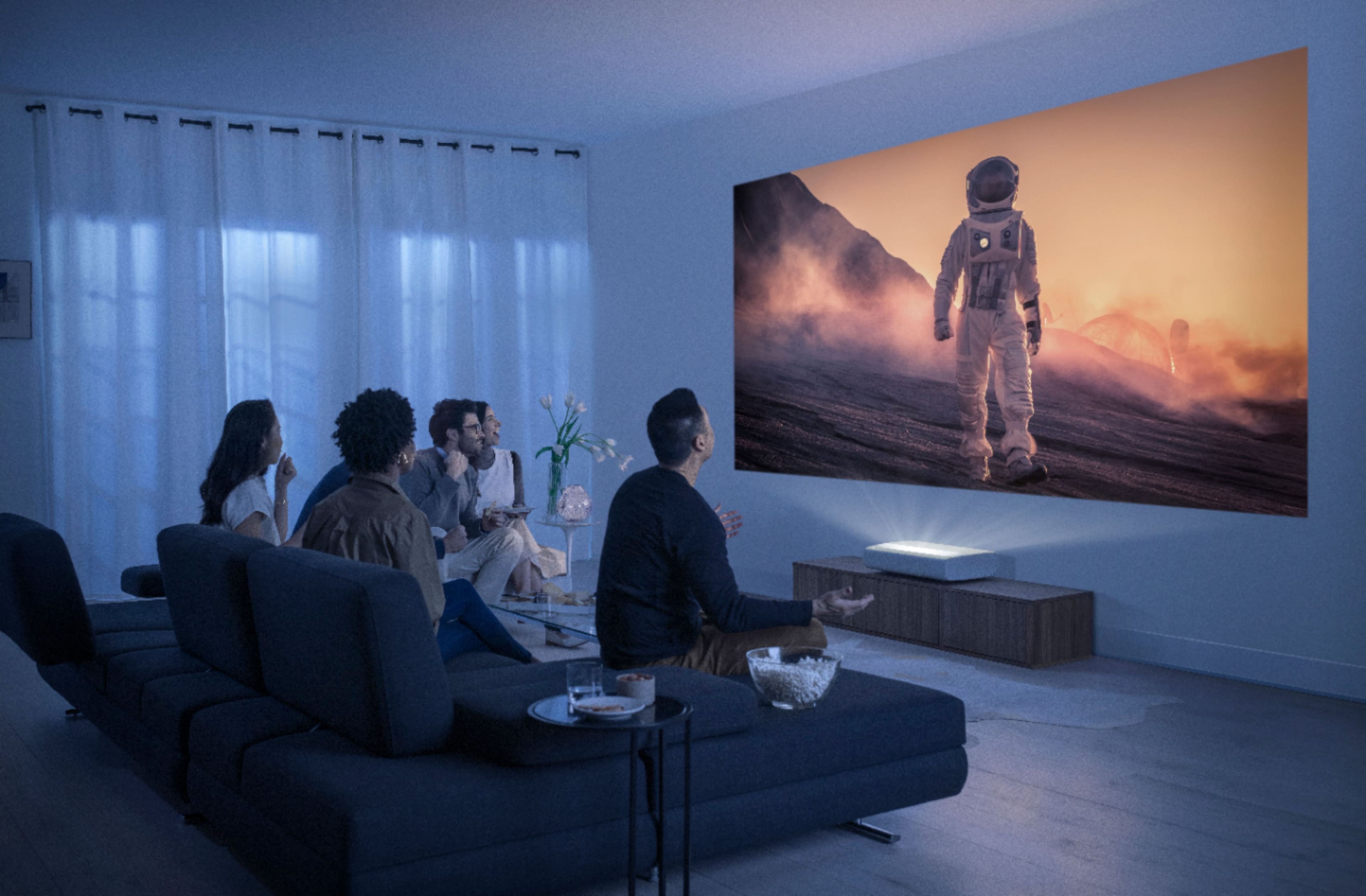

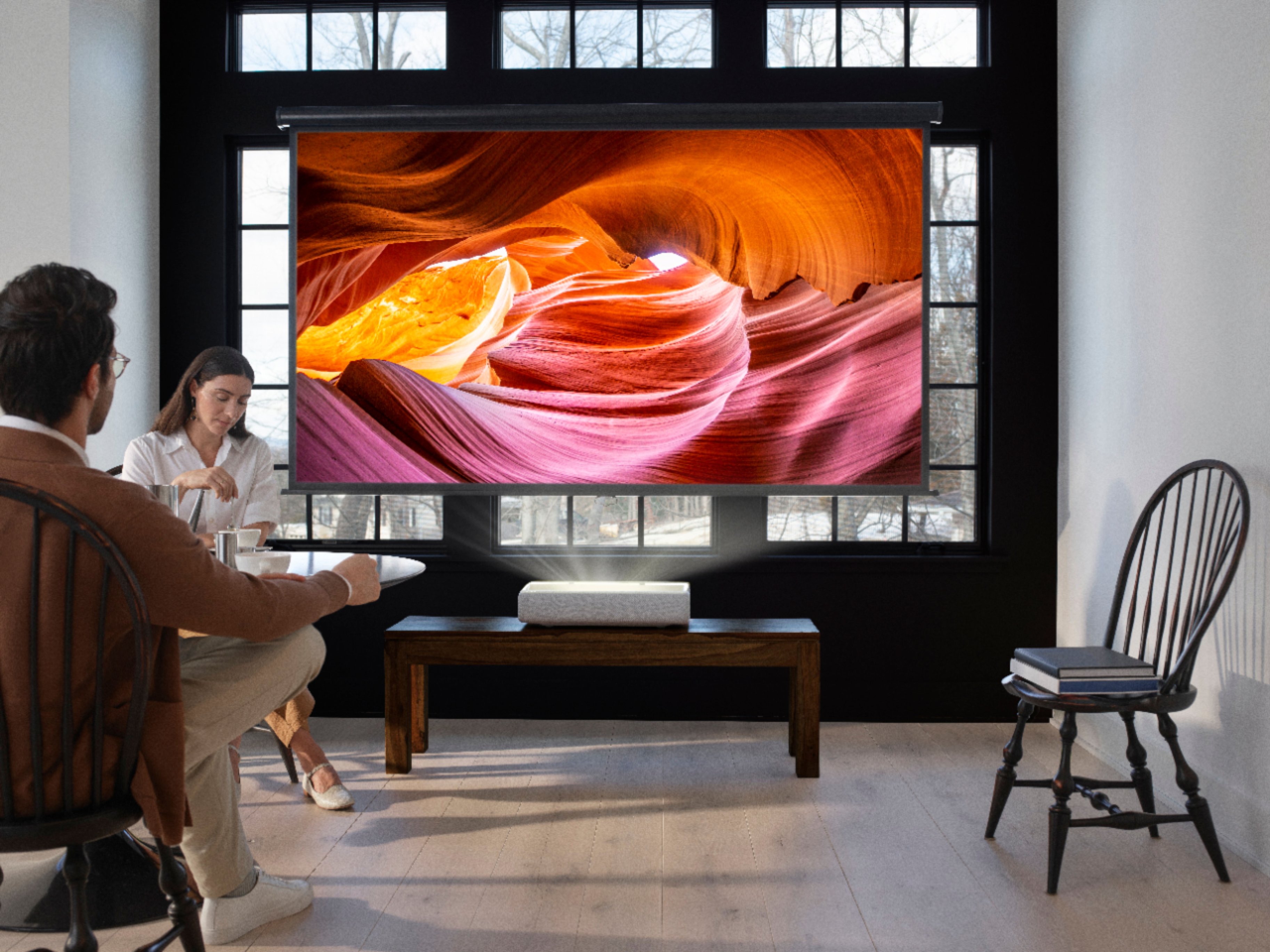
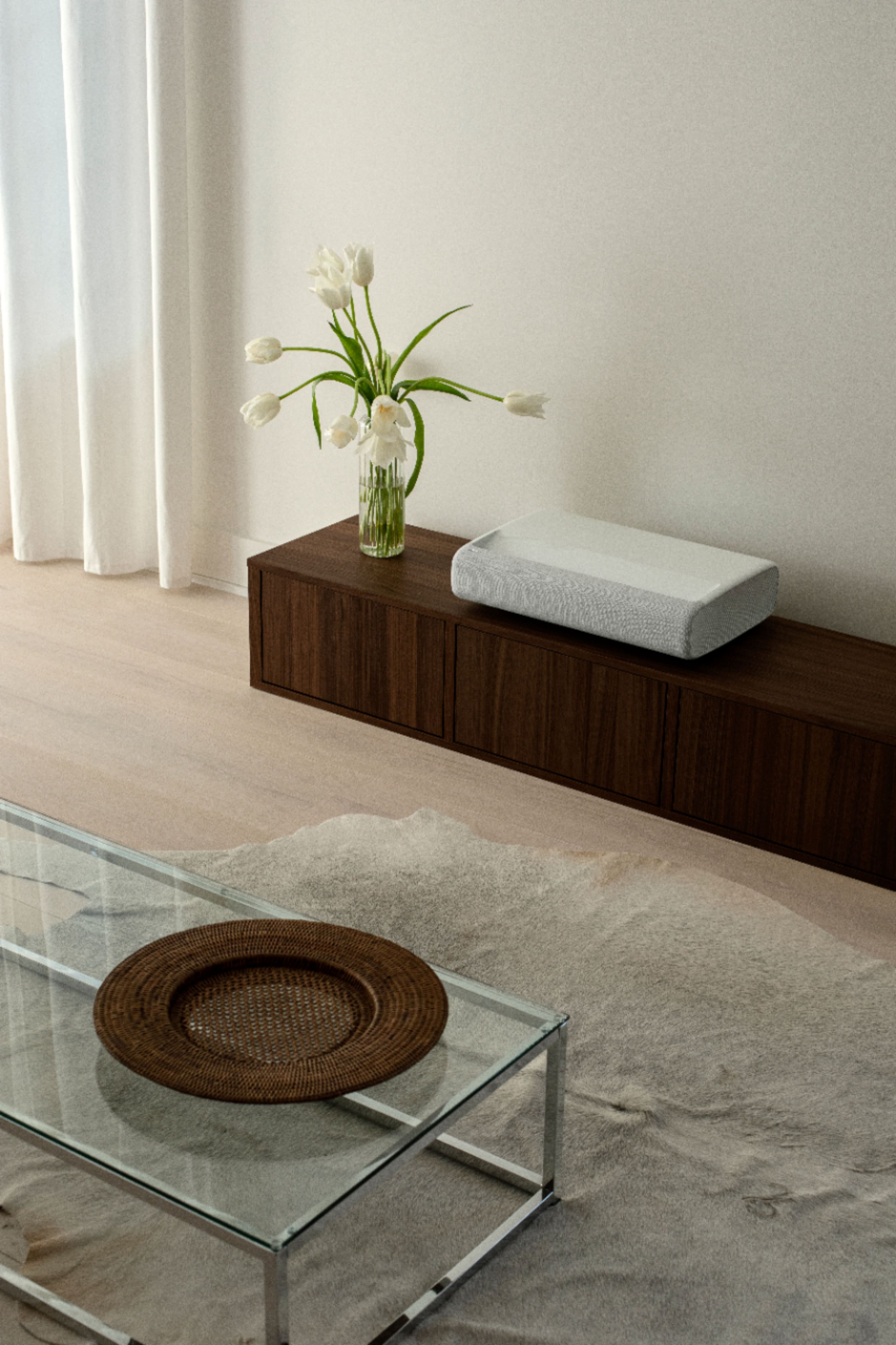
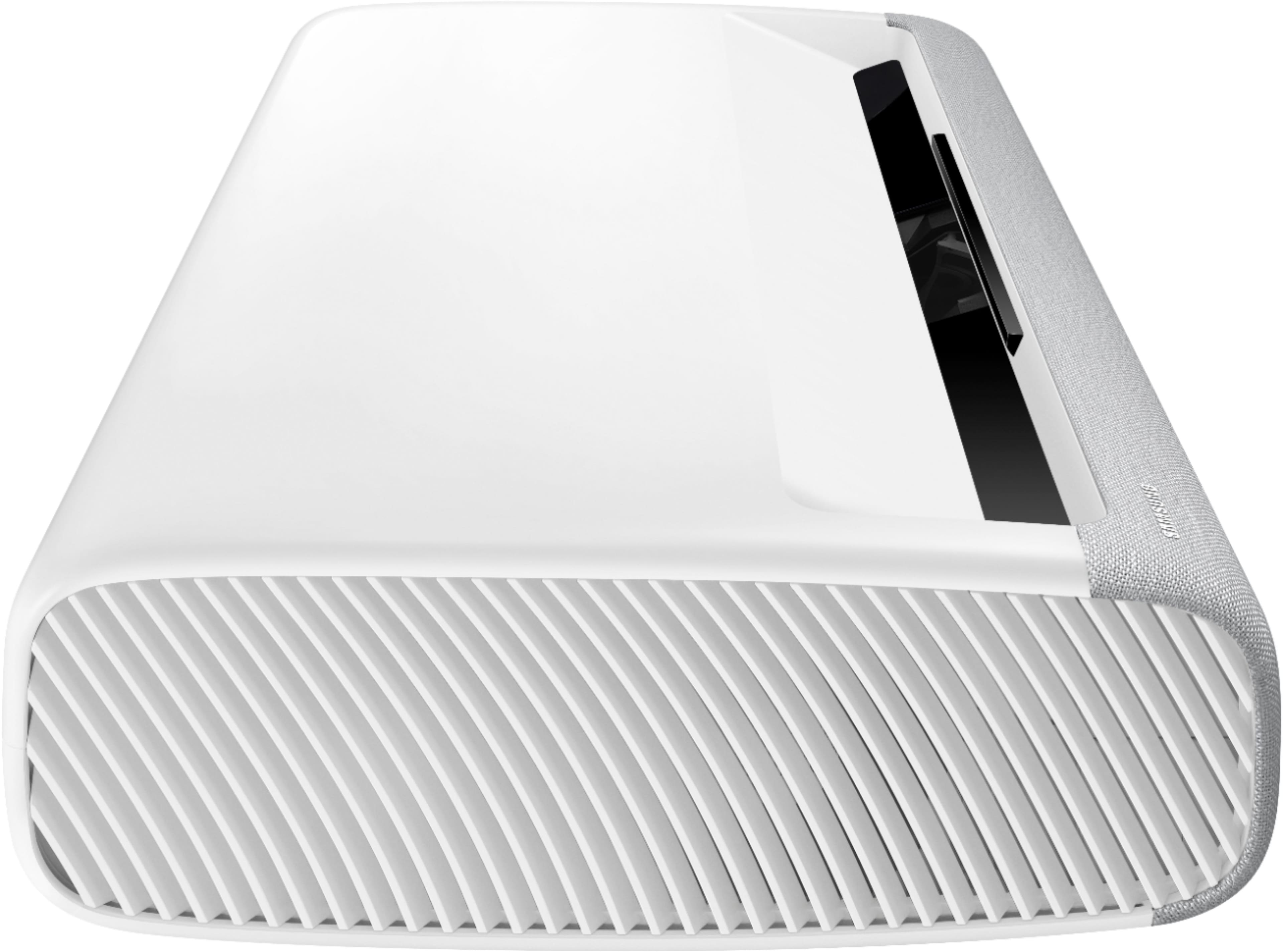
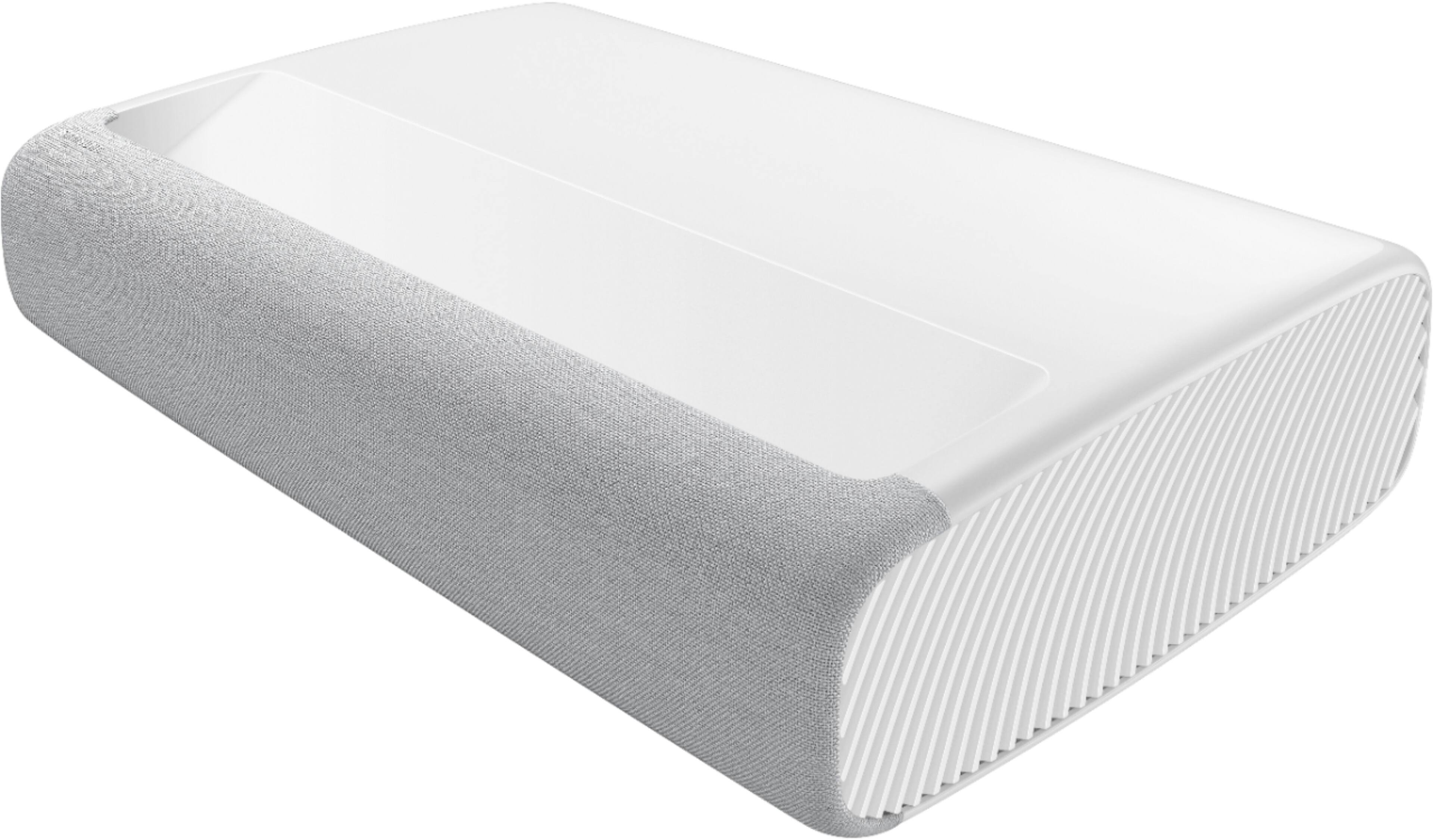
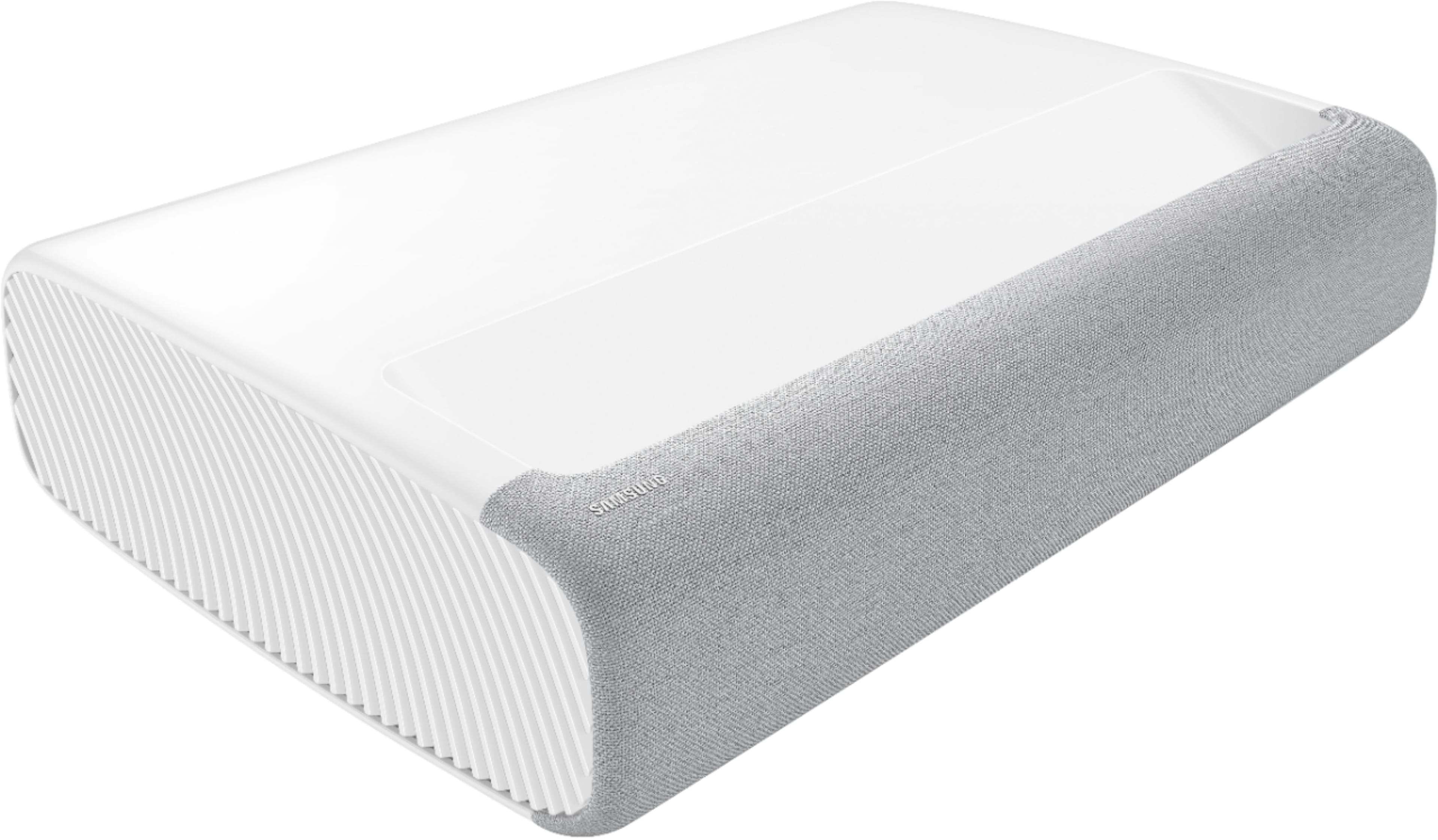
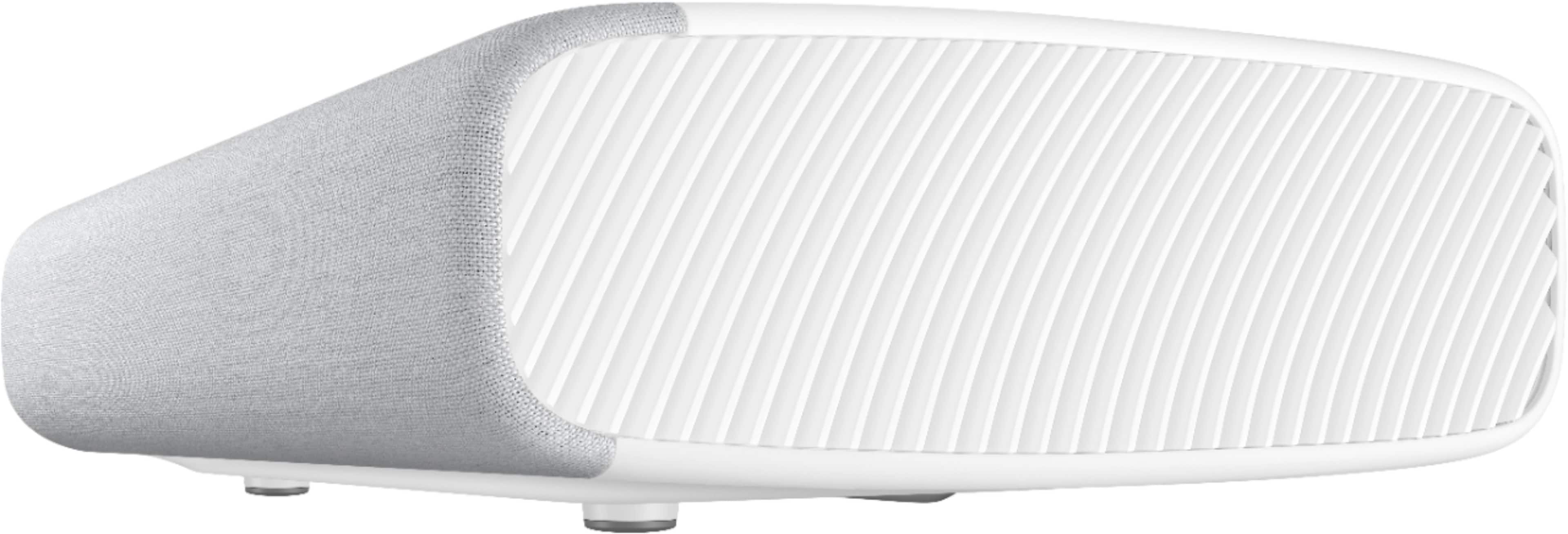
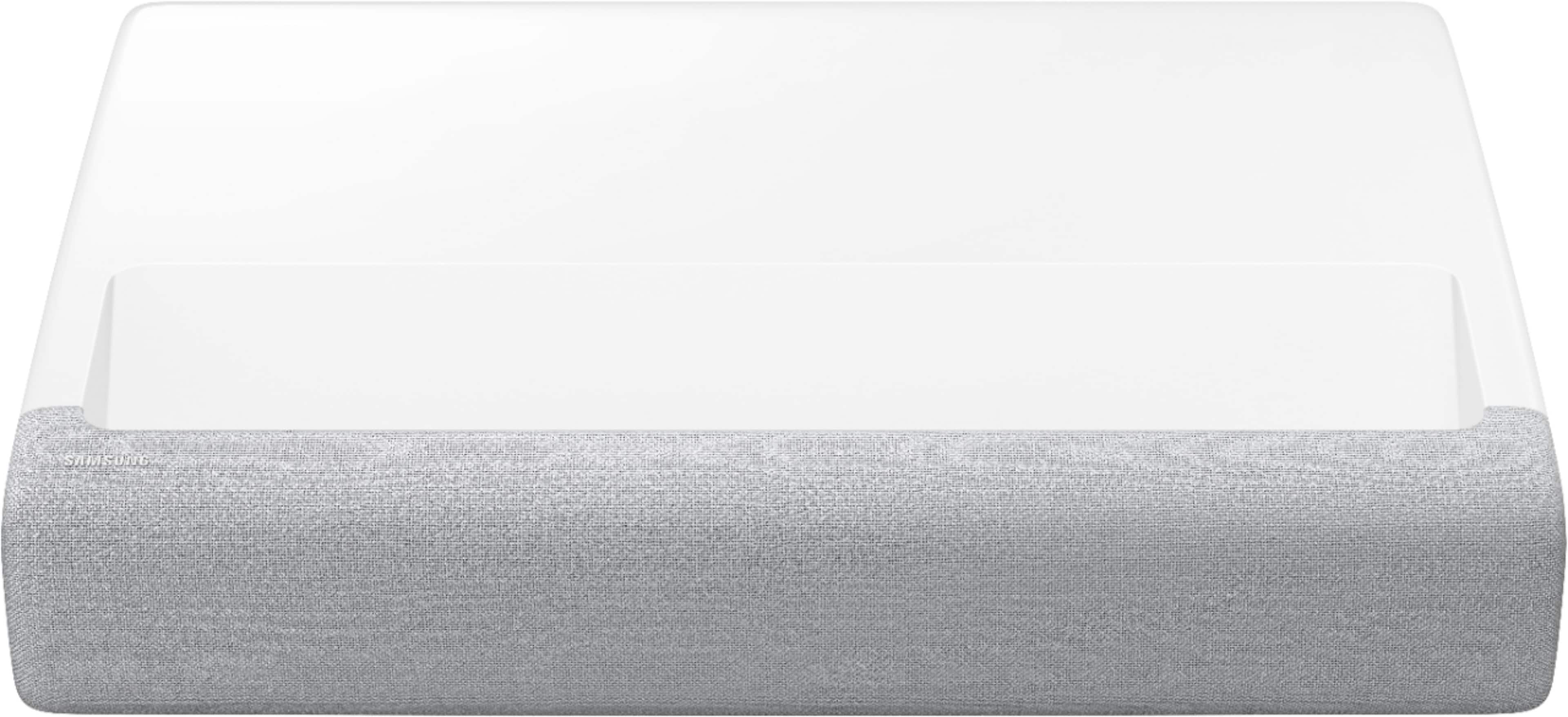
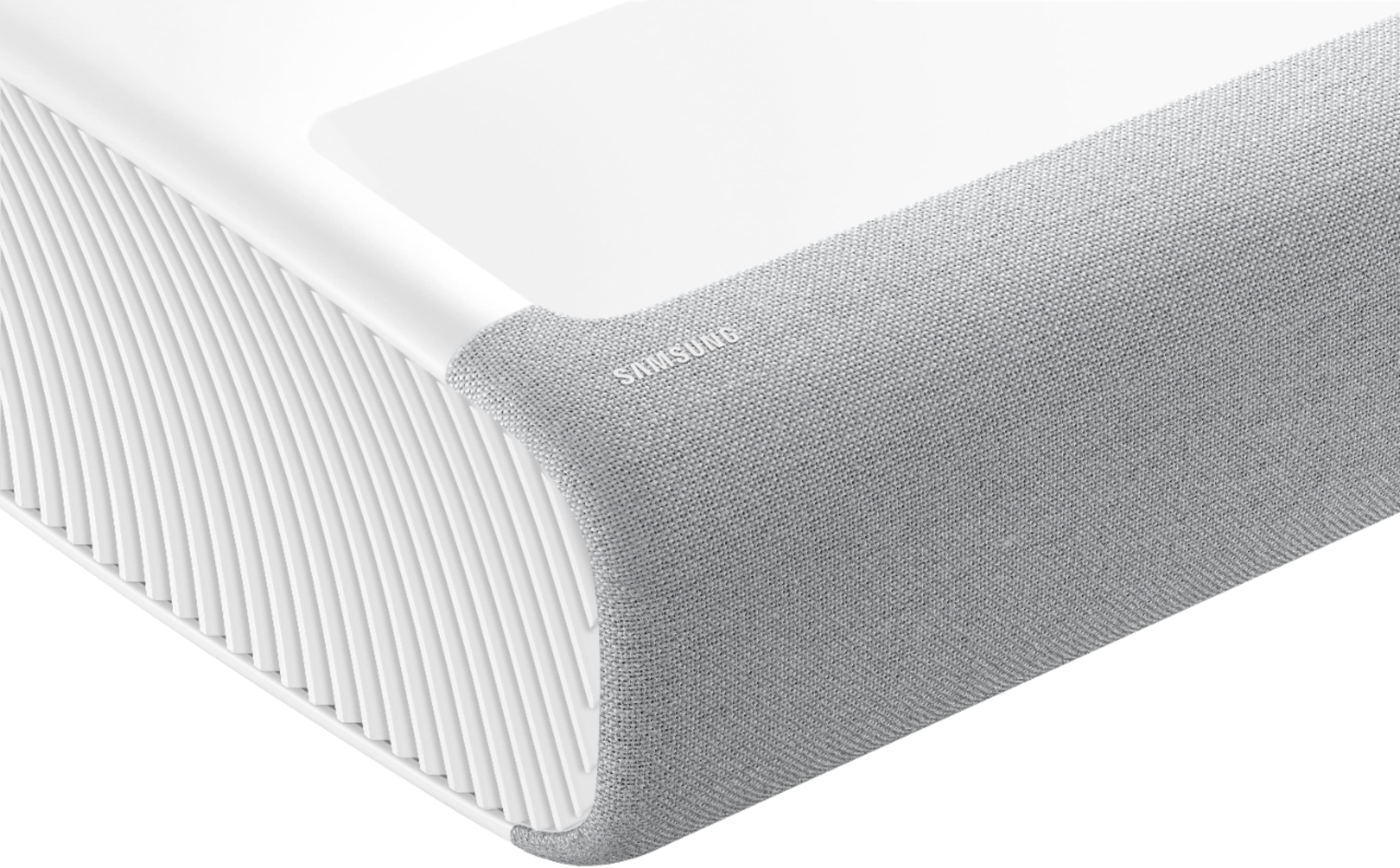



- Model:
- SP-LSP7TFAXZA
- SKU:
- 6430644
Rating by feature
- Value
Rating 4.2 out of 5 stars
- Quality
Rating 4.4 out of 5 stars
- Ease of Use
Rating 4.4 out of 5 stars
Customers are saying
Customers commend the Premiere 4K UHD projector's exceptional picture quality, brightness, and ease of use, frequently citing its simple setup and amazing picture. Many found the user experience straightforward and enjoyable. However, some customers expressed concern regarding the projector's high cost.
This summary was generated by AI based on customer reviews.
- Cons mentioned:Price
GARBAGE
Posted .This reviewer received promo considerations or sweepstakes entry for writing a review.This projector is terrible and over price. Why you think there's no reviews on YouTube.
No, I would not recommend this to a friendBrand response from Samsung
Posted .Hi DeeCee,
Thank you for sharing your thoughts on The Premiere Projector. So we can better understand the problems you are experiencing and provide you with troubleshooting assistance or warranty service, please contact Samsung Customer Support at 1-800-SAMSUNG (ask for TVs), available 8AM - 12AM EST, 7 days a week.
For additional support resources, visit us on the Samsung website and click on the ‘Support’ link in the upper right corner of the homepage for:
1) Contact Us: For additional Chat & Text options, choose ‘TVs & Home Theater’ and select your model & topic.
2) Manuals, Software, & Warranty Info
We hope to hear from you!
~ Samsung Specialist
Impressive projector
||Posted .This reviewer received promo considerations or sweepstakes entry for writing a review.Can support up to 120" screens. Great UST projector with lots of built in features like AppleTV and Netflix. Would recommend using with a ALR screen.
I would recommend this to a friendExcellent Capabilities
||Posted .This reviewer received promo considerations or sweepstakes entry for writing a review.Great image and sound without adding speakers, easy to set up and use, really happy with my purchase.
I would recommend this to a friendWorth it
||Posted . Owned for 1 month when reviewed.This reviewer received promo considerations or sweepstakes entry for writing a review.Absolutely love this projector! Was worried about spending this much but it was definitely worth it.
I would recommend this to a friendAmazing projector
||Posted . Owned for 3 months when reviewed.This reviewer received promo considerations or sweepstakes entry for writing a review.Great product for use at home , perfect for viewing with family
I would recommend this to a friendExcellent Projector
||Posted . Owned for 2 months when reviewed.This reviewer received promo considerations or sweepstakes entry for writing a review.This is one pf the excellent projector. as it uses Tyson tech which makes it a leader in projectors world.
I would recommend this to a friendRecommended
||Posted . Owned for 1.5 years when reviewed.This reviewer received promo considerations or sweepstakes entry for writing a review.I ordered this product for my son and he is so happy.
I would recommend this to a friendGood short throw
||Posted . Owned for 3 weeks when reviewed.This reviewer received promo considerations or sweepstakes entry for writing a review.It’s a great projector, downside is you really notice poor resolution on older media.
I would recommend this to a friendBrand response from Samsung
Posted .Hi Premier,
Thank you for sharing your thoughts on the picture quality of your new Premiere Projector. If the picture you are seeing out-of-the-box is not to your liking, there are several picture settings you may want to try adjusting.
You can select the Picture Mode that provides the best viewing experience. Go to Home > Settings > Picture > Picture Mode
1) Standard: Is the default mode suitable for general viewing environments.
2) Natural: Reduces eye strain for a comfortable viewing experience.
3) Movie: Is suitable for watching TV or movies in a dark room.
4) Dynamic: Makes the picture brighter and clearer in bright viewing environments.
5) Filmmaker Mode: You can watch the source content (e.g., movie) as it is. If the image is defined as Filmmaker Mode, it will automatically switch to Filmmaker Mode while watching.
You can also go to: Settings > Picture > Expert Settings > to manually fine tune your image.
For further assistance with settings adjustments, please contact Samsung Customer Support at 1-800-SAMSUNG (ask for TVs), available 8AM - 12AM EST, 7 days a week.
For additional support resources, visit us on the Samsung website and click on the ‘Support’ link in the upper right corner of the homepage for:
1) Chat with Us/Product Help: To begin a chat or find solutions, choose ‘TVs & Home Theater’ and select your model & topic.
2) Register a Product: For access to easy warranty support, convenient opt-in to special promos and offers, faster troubleshooting and service, and quick notification of system updates.
3) Manuals & Software
4) Warranty Info
5) Contact Us
~ Samsung Specialist
Samsung projector
||Posted . Owned for 1 month when reviewed.This reviewer received promo considerations or sweepstakes entry for writing a review.Excellent job and great service thanks..... seek...
I would recommend this to a friendGreat purchase
||Posted . Owned for 3 months when reviewed.This reviewer received promo considerations or sweepstakes entry for writing a review.Probably one of my favorite things in my house now!!
I would recommend this to a friendBrand response from Samsung
Posted .JBM3:
I am happy to hear that your new 120” Premiere Projector is one of your favorite things in your house! Get the same Smart services as a Samsung TV, including Bixby and Amazon Alexa voice assistants, all with the added bonus of instant-on. From YouTube to Netflix, Amazon Prime Video, Disney+ and more, stream what you like right out of the box. Project your favorite shows and movies straight from your phone with The Premiere.
If you have any questions about features, settings, etc., Samsung Customer Support is here to help. You can reach us at 1-800-SAMSUNG (ask for TVs), available 8AM -12AM EST, 7 days a week. Or text HELP to 62913.
For additional support resources, visit us on the Samsung website and click on the ‘Support’ link in the upper right corner of the homepage for:
1) More ‘Contact Us’ options – LiveChat, Facebook, Twitter, Samsung Community, Samsung Members app
2) Manuals & Software
3) Warranty Info
4) Product Registration: For access to easy warranty support, convenient opt-in to special promos and offers, faster troubleshooting and service, and quick notification of system updates.
~ Samsung Solutions
- Cons mentioned:Price
DO NOT BUY
||Posted . Owned for 4 months when reviewed.This reviewer received promo considerations or sweepstakes entry for writing a review.If you want to be stuck with a 4000 dollar projector that does not work. Best Buy wont help you replace it, and Samsung will make you send it for repair multiple times and wont replace it either. BAD PRODUCT BAD CUSTOMER SERVICE.
No, I would not recommend this to a friendBrand response from Samsung
Posted .SamsungProjector:
We appreciate you sharing your experience with your Samsung Premiere Single Laser Short Throw Projector. Samsung is committed to providing the best possible product experience, quality, and value. We back this Samsung Projector with a 2-year limited manufacturer's warranty, including authorized repair for manufacturer defect, if purchased brand-new directly from an authorized seller. You can see the full details of your warranty here: https://www.samsung.com/us/support/service/warranty/SP-LSP7TFAXZA
The 2-year manufacturer warranty is valid from the original date of purchase. We also guarantee 90 days from the date of repair. So, for example, your unit was serviced near the end of your warranty period, your projector would still be covered for 90 days for the same symptom.
Please contact Samsung Customer Support by calling 1-800-SAMSUNG (ask for TVs / or press #2 in our touch-tone system) (available 8AM -12AM EST, 7 days a week) so we can gather further details of your previous repair service.
In addition to calling in, you can also use LiveChat, Facebook, Twitter, or visit the Samsung website and click on the ‘Support’ link in the upper right corner of the homepage.
We look forward to hearing from you.
~ Samsung Solutions
- Cons mentioned:Price
out of box failure
||Posted . Owned for 1 month when reviewed.This reviewer received promo considerations or sweepstakes entry for writing a review.the item was defective out of box, returned to store only to find no replacement was available out of stock
No, I would not recommend this to a friendBrand response from Samsung
Posted .Hi sall,
Thank you for your review of The Premiere and for sharing the reasons that caused you to return this unit. Your user experience is very much valued, and we ask if you could please reach out to Samsung Support so that we can better understand the details of what happened.
You can reach us at 1-800-SAMSUNG (ask for TVs), available 8AM - 12AM EST, 7 days a week.
For additional support resources, visit us on the Samsung website and click on the ‘Support’ link in the upper right corner of the homepage for:
1) Chat with Us/Product Help: To begin a chat or find solutions, choose ‘TVs & Home Theater’ and select your model & topic.
2) Manuals, Software, & Warranty Info
It is our customers’ concerns and opinions that drive our continuous efforts towards delivering world-class service and products. We hope to hear from you.
~ Samsung Specialist
Great concept but not there
||Posted . Owned for 2 months when reviewed.This reviewer received promo considerations or sweepstakes entry for writing a review.Didn’t work in lit area like it says. I loved the idea of this projector and wanted it to replace a TV in a lit but not too bright area. Had to return
No, I would not recommend this to a friendBrand response from Samsung
Posted .Orlandosk2:
Thank you for sharing your experience with the Single Laser Premiere Laser Projector and for the details which caused you to return your unit. The LSP7T is designed with 2200 lumens of brightness allowing you to catch details even in bright light. Different Picture Modes give you different levels of brightness. Choose from different modes by going to: Settings > Picture > Picture Mode and choose from Dynamic, Standard, Movie, or FilmMaker Mode.
Dynamic Picture Mode is designed to make the picture brighter and clearer in bright viewing environments.
Should you ever decide to give Samsung TVs another try and have questions or need assistance with issues, settings, setup, or features, please know we are always here to help. Call us at 1-800-SAMSUNG (ask for TVs), available 8AM -12AM EST, 7 days a week. Or text HELP to 62913.
For additional support resources, visit us on the Samsung website and click on the ‘Support’ link in the upper right corner of the homepage for:
1) More ‘Contact Us’ options – LiveChat, Facebook, Twitter, Samsung Community, Samsung Members app
2) Manuals, Software, & Warranty Info
We hope to regain you as a customer in the future.
~ Samsung Solutions
Parts missing
||Posted . Owned for 2 weeks when reviewed.This reviewer received promo considerations or sweepstakes entry for writing a review.Product not in excellent condition. Parts missing.
No, I would not recommend this to a friendBrand response from Samsung
Posted .Hi Reddy,
We appreciate you sharing your feedback regarding parts missing from your Premiere Projector. If purchased brand-new and unopened, please contact Samsung Customer Support and a representative will gladly help you. If purchased in open-box condition, we recommend contacting Best Buy directly for assistance. We hope your issue is resolved in a timely manner.
If you ever need help with product features, specs, or operation, please contact Samsung Support at 1-800-SAMSUNG (ask for TVs), available 8AM -12AM EST M-F (9AM – 6PM EST Sat). Or text HELP to 62913.
For additional support resources, visit us on the Samsung website and click on the ‘Support’ link in the upper right corner of the homepage for:
1) More ‘Contact Us’ options – LiveChat, Facebook, Twitter, Samsung Community, Samsung Members app
2) Manuals, Software & Warranty Info
~ Samsung Specialist
Not good
||Posted . Owned for 3 weeks when reviewed.This reviewer received promo considerations or sweepstakes entry for writing a review.There are so many problem. The product is not worth it. The quality of screen is good but the software continually makes some problem.
No, I would not recommend this to a friendBrand response from Samsung
Posted .rhapsodist,
I'm sorry to hear of this. So we can understand the issues you’re experiencing and provide you with troubleshooting assistance, please reach out to Samsung Customer Support at 1-800-SAMSUNG, 8AM - 12AM EST, 7 days a week.
Our LiveChat agents are also available by clicking on the ‘Support’ link on our website.
~ Samsung Specialist
Not bright enough
||Posted . Owned for 1 week when reviewed.This reviewer received promo considerations or sweepstakes entry for writing a review.It is only 2200 lumens. Others in the same price range are between 2700/3500 lumens. When lights are on you can basicly see nothing
No, I would not recommend this to a friendBrand response from Samsung
Posted .Tekrevolution,
It's unfortunate to hear you're not fully satisfied with The Premiere 120" Projector. While there's not a specific Brightness setting, please know you can choose between different Picture Modes which give you different levels of brightness.
Go to Settings > Picture > Picture Mode and choose from Dynamic, Standard, Movie, or Filmmaker Mode. We recommend using Dynamic Picture Mode, as this is designed to make your picture brighter and clearer in bright viewing environments.
Please also be sure you've got the latest picture quality enhancements with the most recent firmware update. You can check by going to: Home > Settings > Support > Software Update.
If you'd like more help with settings adjustments or have any questions, please contact Samsung Customer Support at 1-800-SAMSUNG, 8AM - 12AM EST, 7 days a week. Our LiveChat agents are also available by clicking on the ‘Support’ link on our website.
~ Samsung Specialist
Not worth it
||Posted . Owned for 2 weeks when reviewed.This reviewer received promo considerations or sweepstakes entry for writing a review.Very difficult to setup. Samsung support is horriy
No, I would not recommend this to a friendBrand response from Samsung
Posted .Bharat,
I'm sorry to hear you're not fully satisfied with The Premiere Projector. So we can better understand the problems you are experiencing and provide you with troubleshooting assistance, please reach out to Samsung Customer Support at 1-800-SAMSUNG, 8AM - 12AM EST, 7 days a week. Our LiveChat agents are also available by clicking on the ‘Support’ link on our website.
~ Samsung Specialist
- Pros mentioned:Picture quality
Projector
Posted .This reviewer received promo considerations or sweepstakes entry for writing a review.Best projector out there. Meets my expectations for the price, crisp image amazing quality
I would recommend this to a friend Never buy projectors in best buy
Posted .This reviewer received promo considerations or sweepstakes entry for writing a review.Not a good product and buying in best buy is even more pain full.
No, I would not recommend this to a friendBrand response from Samsung
Posted .GouthamP,
I'm sorry to hear of your experience with Best Buy. You may want to consider providing feedback directly to the Best Buy store where you made your purchase.
Should you have questions on setup, features or operation, Samsung is ready to help. You can reach us at 1-800-SAMSUNG, 8AM - 12AM EST, 7 days a week. Or visit us on the Samsung website and click on the ‘Support’ link for:
• LiveChat
• Manuals, Software, & Warranty Info
~ Samsung Specialist