Customer Ratings & Reviews

- Model:
- ST-UCSMA3K
- SKU:
- 6410326
Rating by feature
- Value
Rating 4.4 out of 5 stars
- Quality
Rating 4.6 out of 5 stars
- Ease of Use
Rating 4.7 out of 5 stars
Customers are saying
Customers find value in the Slim Multiport USB-C Hub's overall performance, connectivity, and portability. Many appreciate its slim size and simple design, as well as its compatibility with various devices. However, some customers have expressed concerns about heat dissipation and the cable length. Others have noted limitations in power delivery and full USB-C functionality.
This summary was generated by AI based on customer reviews.
Not all options
||Posted . Owned for 1 week when reviewed.This reviewer received promo considerations or sweepstakes entry for writing a review.When I purchased saw multi port adapter, the card reader doesn’t work for some of my cameras, I will need to buy multiple adapters
I would recommend this to a friend- Pros mentioned:Port selection, Portability, Size

Wish I had one years ago
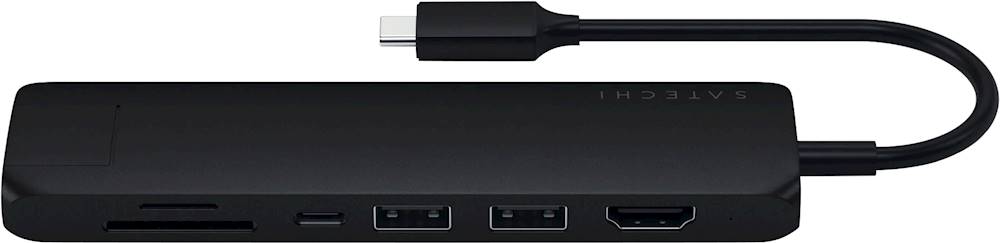
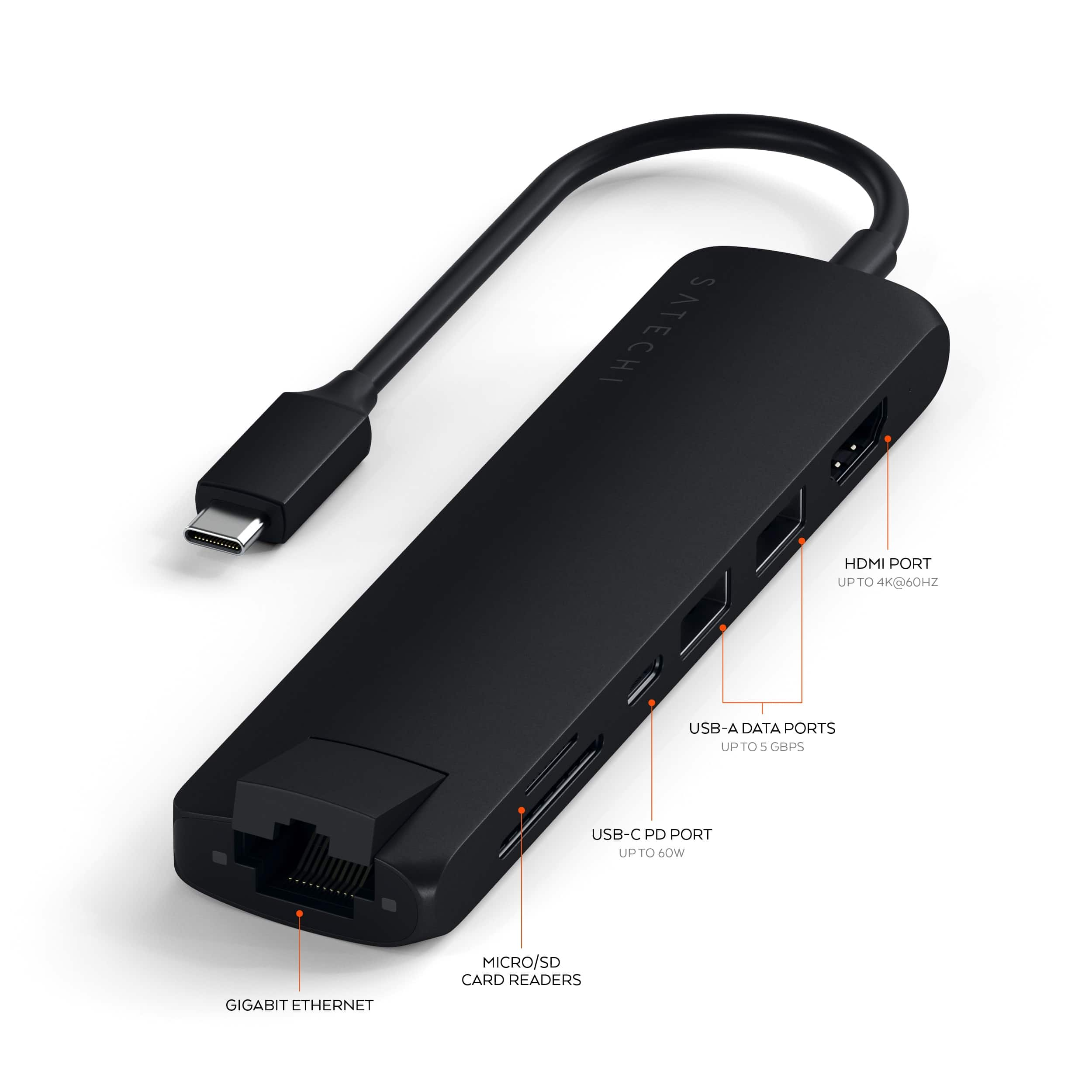
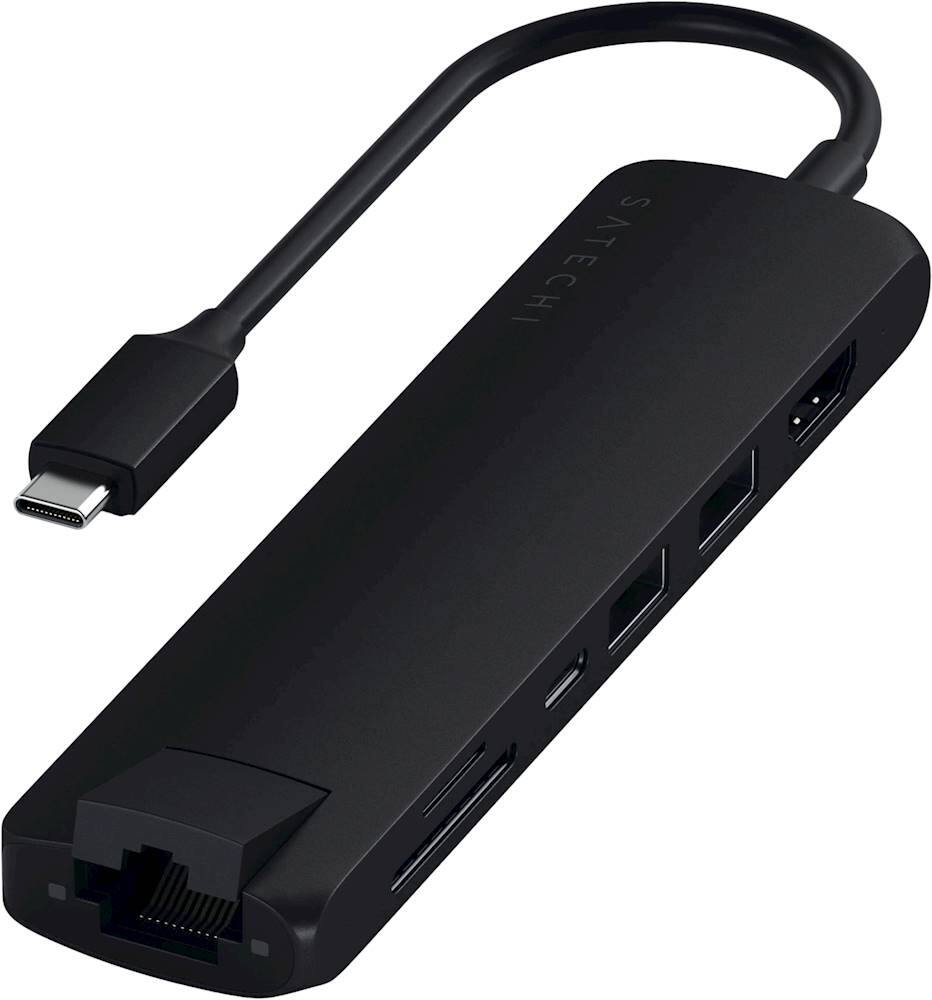
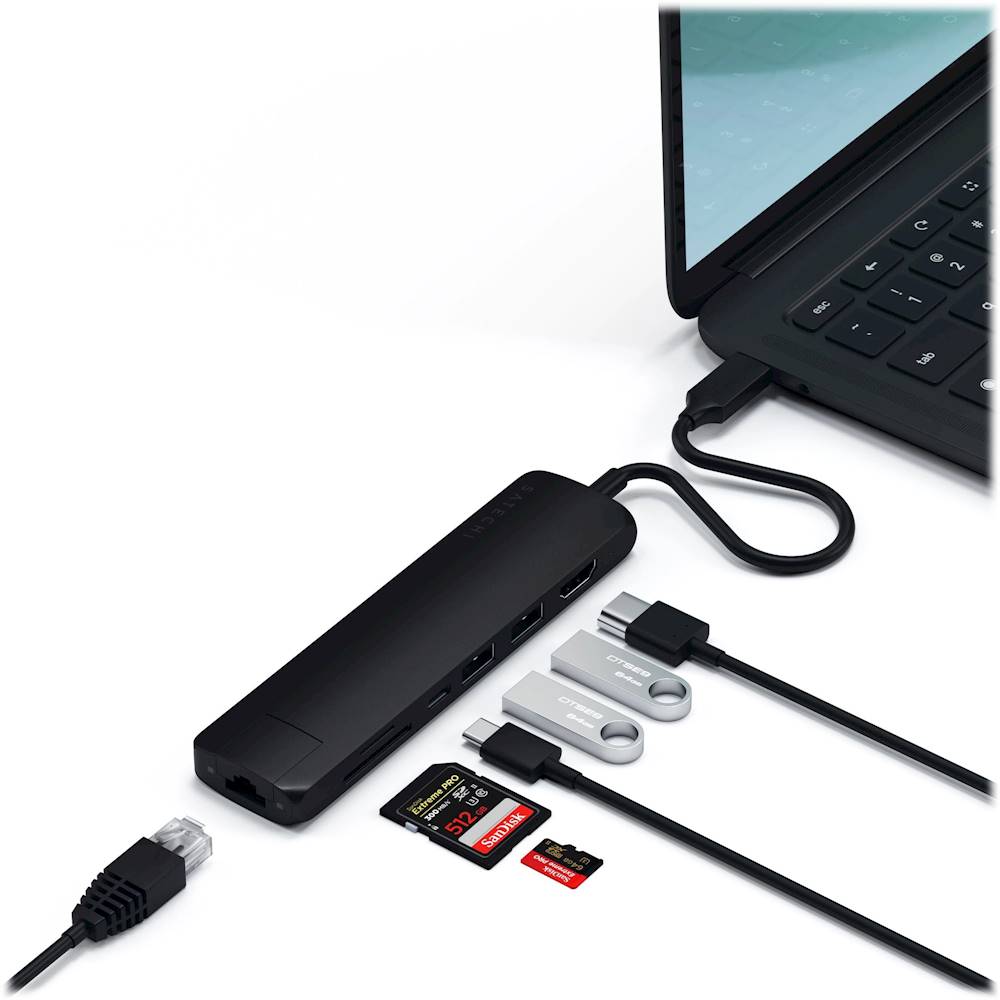
|Posted .This reviewer received promo considerations or sweepstakes entry for writing a review.My new Asus computer is a dream except is has very limited ports. This adapter is very handy. It even fast charged my cell phone. Very simple to use – just plug and play. To test, I loaded all of the ports and everything was accessible and didn’t seem to slow down the other ports. Then I tried ports individually and everything worked as expected. The compact size is nice as it will travel well and doesn’t take up too much desk space. I could have used one of these years ago. Features: USB Type-C port - fast charging 2 USB 3.0 Type-A ports – will be used very often SD and micro-SD slots – great for photo uploading Gigabit Ethernet port – expand the port by pushing the tab up with your thumb HDMI output – great for a monitor NOTE: I received this product in exchange for my fair and unbiased review.
I would recommend this to a friend Cheap and cause damage
||Posted . Owned for 1 month when reviewed.This reviewer received promo considerations or sweepstakes entry for writing a review.This broke in 40 days. I tried to pull a usb stick out and it broke inside.
No, I would not recommend this to a friendNot good
||Posted . Owned for 1 year when reviewed.This reviewer received promo considerations or sweepstakes entry for writing a review.Bought it a year and one month ago and now doesn't work at all.
No, I would not recommend this to a friendSkip it
||Posted .This reviewer received promo considerations or sweepstakes entry for writing a review.Didn't work and their customer service was not responsive. Had to return it
No, I would not recommend this to a friendFaulty product
||Posted . Owned for 1 month when reviewed.This reviewer received promo considerations or sweepstakes entry for writing a review.Monitor kept restarting. I used it with a ThinkPad and Samsung monitor
No, I would not recommend this to a friend- Cons mentioned:Power delivery
Made a ethernet connection, but very slow
||Posted . Owned for 5 months when reviewed.This reviewer received promo considerations or sweepstakes entry for writing a review.Almost no difference in speed over using WiFi, went 1.5 mbps faster. Not very useful as a charger. Geek Squad member recommended this. I tried to work with the manufacturer, but that took me past the return date. Really terrible instructions, had to go online to figure it out. faster..
No, I would not recommend this to a friend Don’t bother with this
||Posted . Owned for 1 month when reviewed.This reviewer received promo considerations or sweepstakes entry for writing a review.Item purchased did not work properly. The usb devices worked intermittently. Returned it.
No, I would not recommend this to a friend- Pros mentioned:Port selection, Portability
Outstanding Compact USB-C Hub!
|Posted .This reviewer received promo considerations or sweepstakes entry for writing a review.I have just recently purchased an ultraportable laptop so that I can do research and writing for the book I've had bouncing around in my head for years. As you probably well know, while ultraportables are awesome for taking on the go, they do tend to shaft you when it comes to ports. Heck, the one I have doesn't even have a normal power plug, it's USB-C! That leaves me with one USB-C port to plug everything else into when I'm on mains. Normally this isn't much of an issue but there are times when I'm at the library when I need to plug a few things in such as a memory stick, portable scanner, or whatever gadget I need at that time. The Satechi 7-1 Multiport Adapter is exactly what I needed. Pretty much every port I could need, all packed into a slim and light device that doesn't take away from the ultra-portable that it's paired with. When I don't need it, it slips easily into the slim laptop bag that it tote everything around in. All-in-all, a prefect mobile writing/research platform.
I would recommend this to a friend Broke my wifi
||Posted . Owned for less than 1 week when reviewed.This reviewer received promo considerations or sweepstakes entry for writing a review.This device ruined the wifi adapter in my laptop... DO NOT BUY THIS!
No, I would not recommend this to a friendPoor
||Posted .This reviewer received promo considerations or sweepstakes entry for writing a review.Didn’t really care for the quality on this product.
No, I would not recommend this to a friend- Pros mentioned:PortabilityCons mentioned:Power delivery
Essential accessory for an ultraportable
|Posted .This reviewer received promo considerations or sweepstakes entry for writing a review.One of the biggest issues with modern laptops is the fact that there really isn't enough space for a full range of I/O anymore. This has made products like this multiport adapter all but essential if you're looking to use an Ultrabook as your primary machine, and after spending a week with this particular one I have to say it does a pretty good job. The minimalist design makes this very easy to slip into a bag or pack, and seems sturdy enough to survive rattling around with anything else that might be in there for a prolonged period. Functionality on all the ports seems more than adequate as well. There are a few limits you should probably be aware of. It can't quite match the speed or bandwidth you can get with a native port. Power delivery over USB-C is also limited to a hundred watts. That's enough to handle most productivity focused systems, but isn't going to be able to keep up with the power draw of a dedicated GPU. But these are things to be expected for anything other than a proprietary docking station, and I never found it to be a serious problem as I was using it. I'd recommend this to anyone who's fed up having to constantly swap out dongles on their laptop.
I would recommend this to a friend - Pros mentioned:Port selectionCons mentioned:Heat dissipation
great for travelers
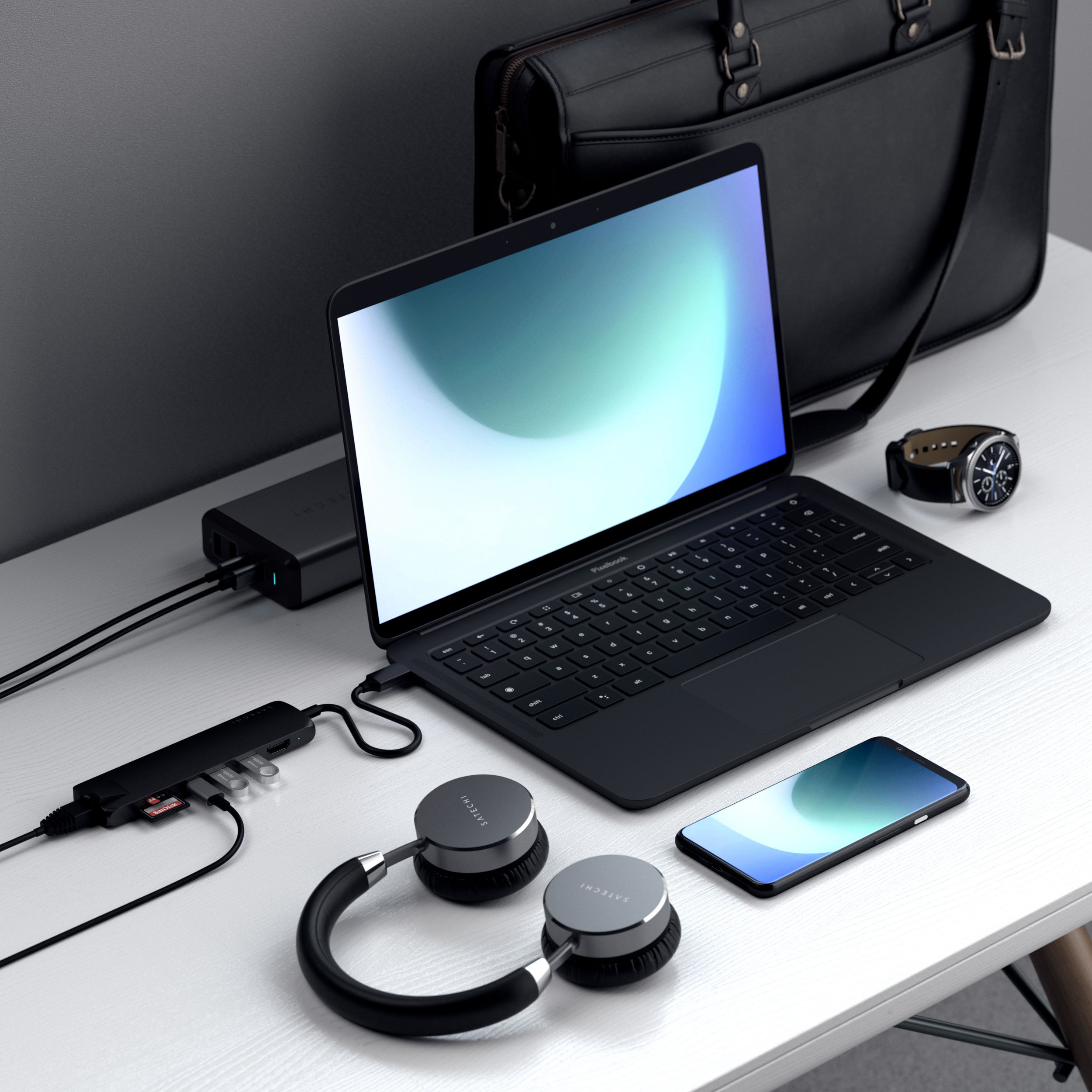
|Posted .This reviewer received promo considerations or sweepstakes entry for writing a review.I travel a lot for work, and of course my laptop has 1 port for everything. You can run an external monitor (usually a hotel room tv for me) and power at the same time. I cant do 3 things at the same time such and power monitor and Ethernet. maybe a setting i need to update in the BIOS. speaking of BIOS, you may have to make some updates to yours. I had to change some settings for power to work better, check your computer make and BIOS version to see if this will work for you. Mine does get warm, not hot but keep a watch out for it. I do not find the SD cards useful, but that is me. I think another USB C would have been much more useful. this is why I gave 4 stars My USB 3 seemed slow when I was also using another port, such as external monitor. give this a try. it should work well for you
I would recommend this to a friend - Pros mentioned:Connectivity, Portability
Ports and More
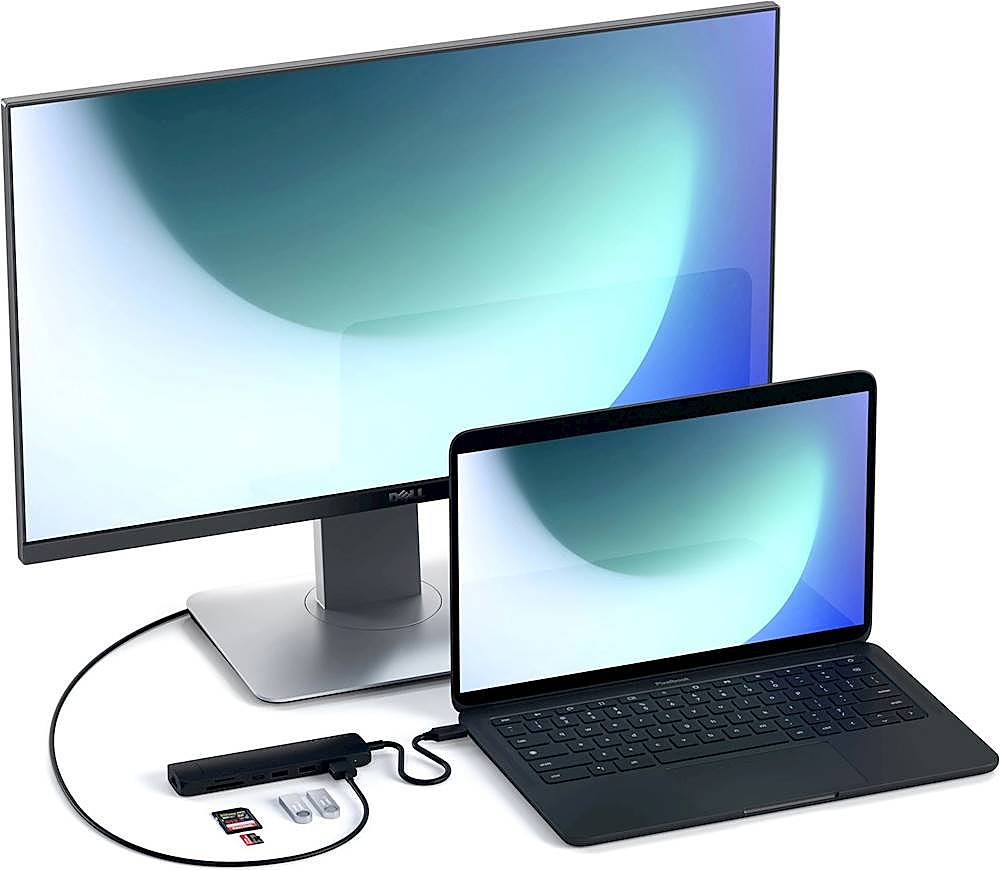
|Posted .This reviewer received promo considerations or sweepstakes entry for writing a review.If you're a traveling person and are always on a laptop, this multiport adapter will come in handy. I have a newer model laptop that lacks in USB A and HDMI output ports. This adapter has solved that problem and the data transfer is quick. The adapter is slim and can fit in my pants pockets with ease. Having an HDMI and port allows me to take my laptop anywhere and connect it to a work station monitor whether it be at work or home. The Ethernet port comes in handy when I need to be hardwired in to the Network so my computer can connect to work servers without the hassle of tinkering around the network. It also allows me to get a stable connection at all times. I don't use the SD card readers too often but I do intend to as I have a DSLR, a mirror less, and a 360 camera that all use SD cards so having those slots makes data transfer simpler. It is a small and simple tool to have but it's very convenient especially in this day and age of less ports showing up on newer model laptops. Keep in mind that you will need USB C port on your computer to plug and play with this adapter.
I would recommend this to a friend - Pros mentioned:Connectivity
All around support
|Posted .This reviewer received promo considerations or sweepstakes entry for writing a review.I use several laptops/tablets in my day-to-day routines. Unfortunately, many different manufacturer specifications means different connections and lack of uniformity. This covers all the bases. From my Surface Pro to my Asus ROG, I can move around without having to carry to many extra adapters. Video, Gigabit ethernet, sd transfer, USB A and C, etc. Add in that the USB-C supports charging and we’re all set. Another point worth noting is this hug supports 4K 60HZ. I’ve had several that hide the fact their hubs only support 4k 30hz, only to figure it out once it is in my hands. I connected this up and was good to go. For presentations, this hub is a great companion. For gaming, I can connect all my peripherals with no issues. Build is very solid, and the unit is extremely sleek. Built for heavy usage and travel. I would definitely recommend.
I would recommend this to a friend - Pros mentioned:Port selection
Versatile Adapter
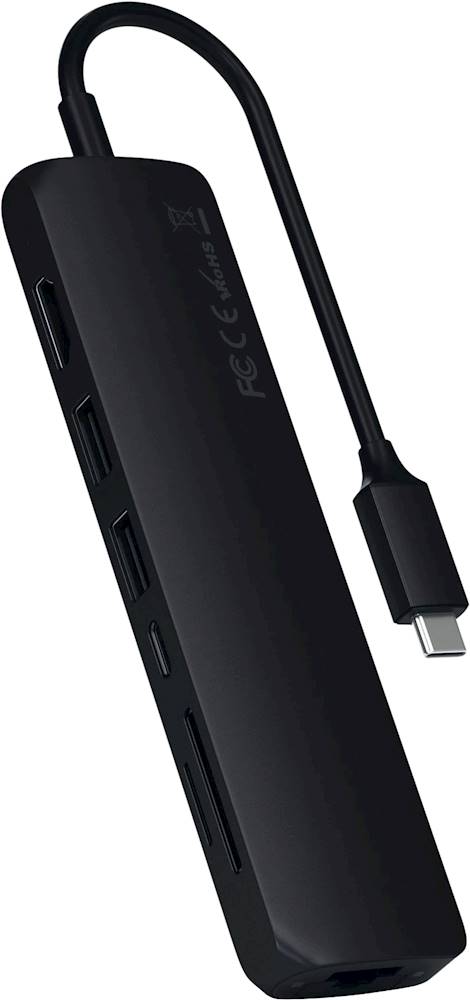
|Posted .This reviewer received promo considerations or sweepstakes entry for writing a review.Satechi - USB Type-C Slim 7-in-1 Multiport Adapter with Ethernet - 4K HDMI, Gigabit Ethernet, USB-C PD Charging – Silver The trend in laptops today seems to be towards fewer and fewer connection ports being included. As a result, it’s become almost a given that the buyer of a new laptop will most likely need to purchase an adapter to be able to connect all their devices, especially their legacy devices, such as USB-A external drives. This slim multiport device would seem to be a good option, with seven ports available, including Gigabite Ethernet, HDMI, USB-C with Power Delivery, two USB-A ports, and an SD and micro-SD card reader. That should cover most or all the bases for many users. I encountered a couple issues when testing this adapter. First, the Ethernet port is not standard. You need to snap down the bottom portion of the connection opening in order to be able to plug in the Ethernet cable. Nothing wrong with that, but I did have to figure that out on my own, since I couldn’t find any included documentation alerting me to the need to do so. Once plugged in, though, the Ethernet connection worked fine. And there are two lights that indicate when you’re connected via Ethernet, which is a nice touch. Secondly, when I tested the adapter’s HDMI connection by connecting it to my external monitor and Yoga 900, I experienced consistent horizontal flickering on the monitor. I double checked to make sure the cable was fully inserted in the adapter, and then restarted the computer and turned the monitor off and on, but still got the same unwelcome results. However, not being sure if this was a defective adapter port or if there was another issue at play, I decided to try a different brand adapter's HDMI connection. I experienced the same problem with the second adapter connected to the Yoga 900 via its HDMI port, so the older Yoga 900 laptop was the common thread. I only bring this up to alert you that the HDMI port on this adapter may not work with some older computers, such as my Yoga 900, but it worked just fine on my newer computers. Other than the two issues that I listed above, everything else worked as expected. Adapters come in numerous combinations of connections and at various price points. When shopping for an adapter, you should first determine what connections you need now and what you think you may need later, and then choose an adapter that meets ALL those needs. By doing that, you may find that this Slim 7 Multiport Adapter makes sense for you now, even if it costs a bit more, since buying one adapter that meets all your present and expected future needs is certainly a wise choice. Plan now so there are no regrets down the road.
I would recommend this to a friend - Pros mentioned:Portability
Plug-and-play simplicity
|Posted .This reviewer received promo considerations or sweepstakes entry for writing a review.The Satechi USB-C 7-port expander provides much needed expansion to my Intel EVO platform notebook which shipped with a single Thunderbolt 4, and two USB-C ports. Installation couldn’t have been easier. Windows 10 installed it with no intervention from me. The Satechi port expander’s 60W USB-C PD port carries no data and does not support video. It passes power and charging to compatible devices. I am aware that power is distributed to the Satechi’s 2 USB 3.0 ports, 2 SD card readers, HDMI port, and the Gigabit Ethernet port, but charging speed is still acceptable with the stock adapter that came with the computer. USB 3.0 ports: I’m using one USB port for external SSD connection; I haven’t benchmarked it, but there appears to be no performance penalty because of the port expander. The other USB port has a USB 3.0 hub connected with an array of legacy hardware specific to my employment. It all functions perfectly! Gigabit Ethernet: The speed, stability, and security of a wired network connection can’t be beat, and the Gigabit Ethernet port has been rock-solid. It performs exactly as expected, all day, every day, without issue. For me, the 4K@60Hz HDMI port is the real star of the show. Connected monitors are correctly identified, as are resolution and refresh rate specs. I have tested 4K@60Hz and 1440p@120Hz. Both work perfectly. The main PC display can be duplicated or extended. I still use SD and Micro SD cards at least weekly, and the onboard card readers work exactly as expected. Inserted cards are detected, and I am able to read/write data quickly and efficiently. Overall, I am very happy with the Satechi USB-C Slim 7-in-1 Multiport Adapter with Ethernet. It’s the sort of device that I have the feeling will just blend into my daily work habits and I’ll forget it’s there. For me, that is exactly what my favorite technology is supposed to do: be invisible. Perfect!
I would recommend this to a friend - Pros mentioned:Portability
Great little USB-C multiport adapter
|Posted .This reviewer received promo considerations or sweepstakes entry for writing a review.Satechi - USB Type-C Slim 7-in-1 Multiport Adapter with Ethernet This unit is pretty awesome and is only limited to the speed of your USB-C port capabilities. On top of that, it is very compact. The Ethernet is fast – almost the speed of a built-in Gig Ethernet port. The unit may get warm but doesn’t get hot. HDMI port is true 4K. The USB 3 ports are good for data transfer, and the USB c port is quick and supports fast charging. The only complaint I had was why wasn’t the USB 3 a 3.1 instead, and the door for the Ethernet port required some leverage to open it the first time. This unit is my new go-to for a laptop multiport adapter.
I would recommend this to a friend - Pros mentioned:Connectivity, Overall performance
MacBook Air Multiport Adapter
Posted .This reviewer received promo considerations or sweepstakes entry for writing a review.Arrived promptly. Multiport is just what I needed. Instant use with my MacBook Air.
I would recommend this to a friend - Pros mentioned:Portability
Must Have USB-C Port
|Posted .This reviewer received promo considerations or sweepstakes entry for writing a review.The Satechi USB Type-C Slim 7-in-1 Multiport Adapter with Ethernet has become a regular companion to my Apple iPad Pro allowing great flexibility in using the device as a daily driver. The adaptor allows me to quickly connect my iPad to a monitor, external hard drive, Ethernet for faster speeds, and allows me to easily pull pictures and videos from my SD card. The adaptor is small enough to travel with me making it useful anywhere I go. Overall, if you need a portable USB-C adaptor, this is a great one!
I would recommend this to a friend