Customer Ratings & Reviews
- Model:
- 601-178-03-062-NA
- SKU:
- 6596941
Rating by feature
- Value
Rating 4.2 out of 5 stars
- Quality
Rating 4.4 out of 5 stars
- Ease of Use
Rating 4.2 out of 5 stars
Customers are saying
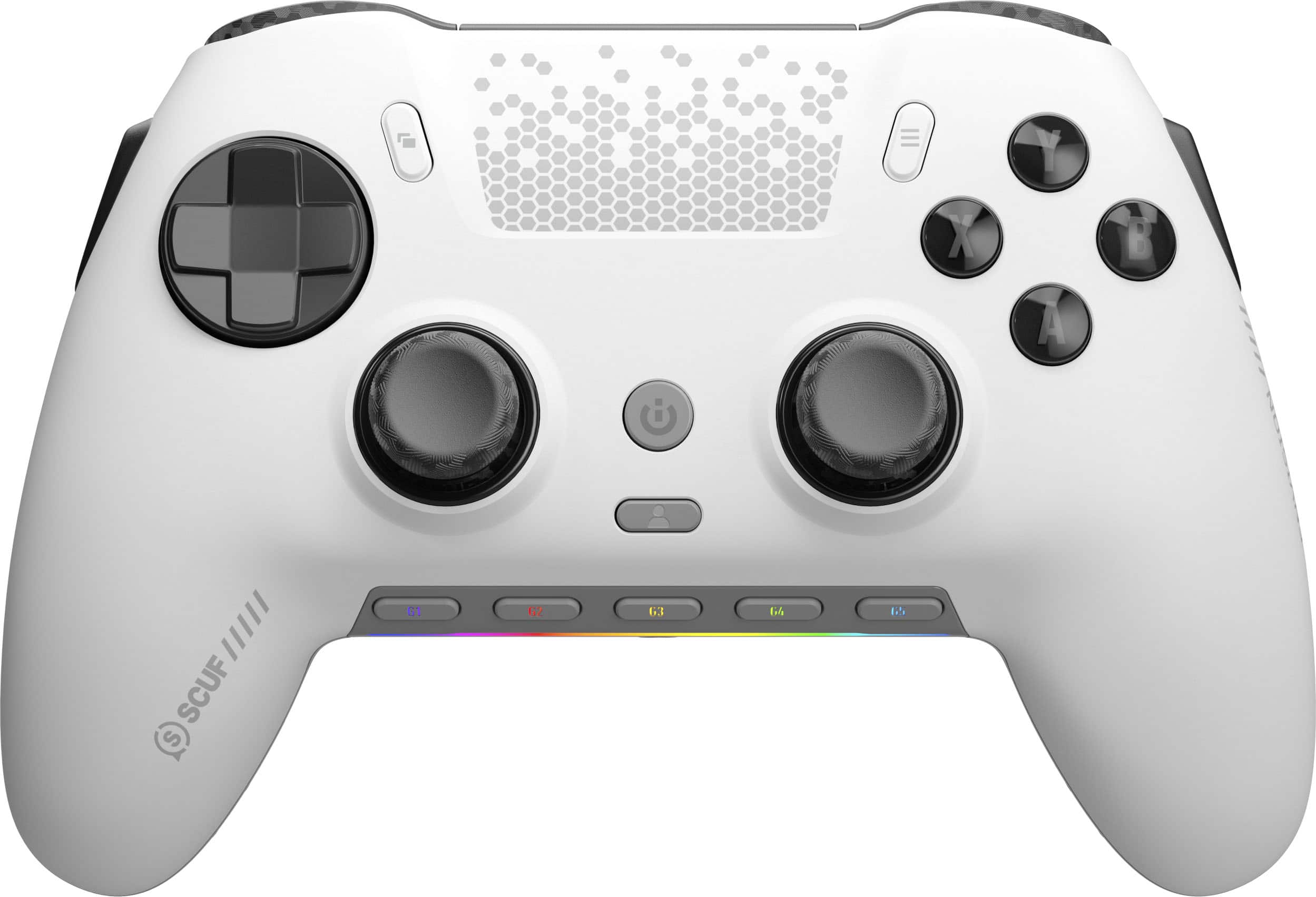
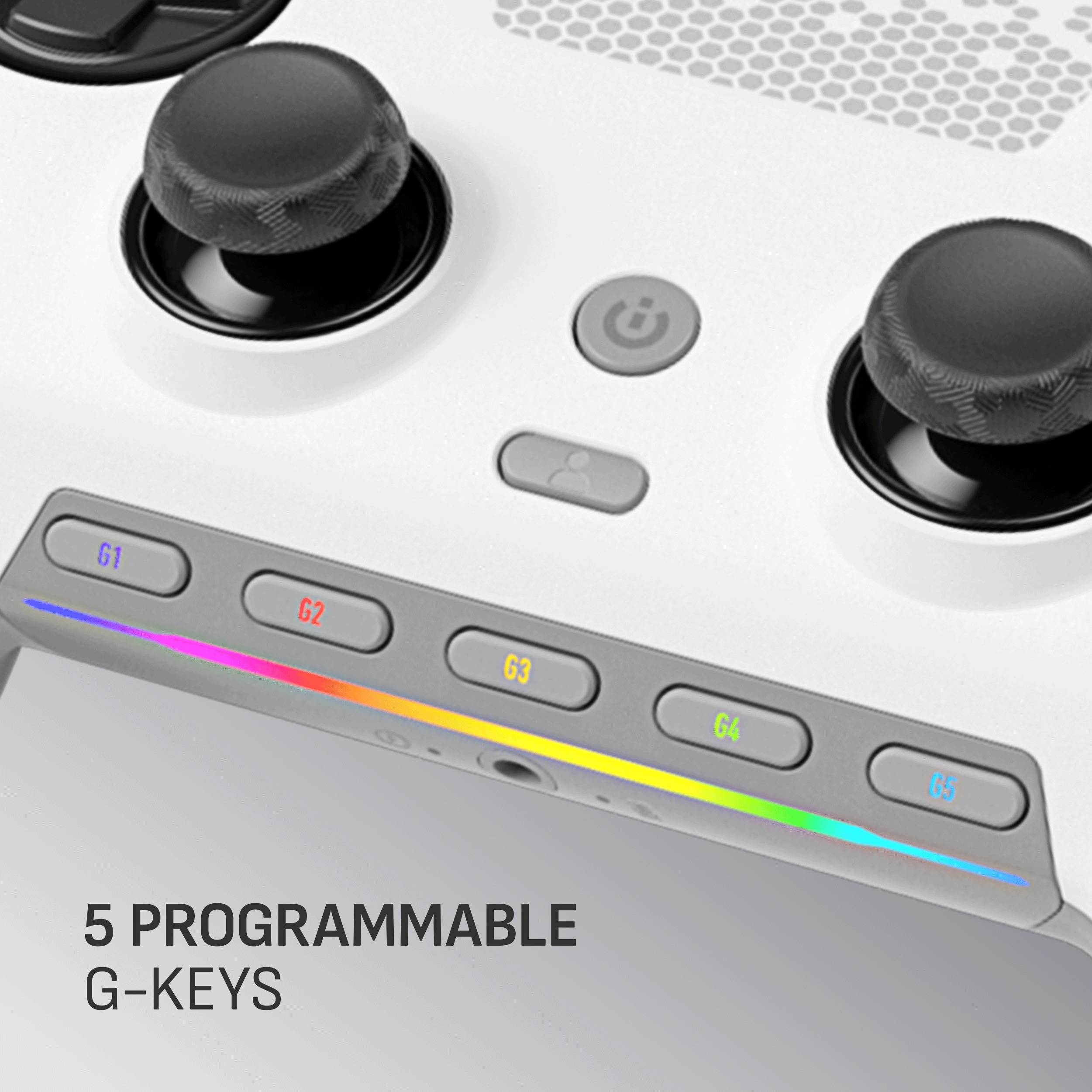
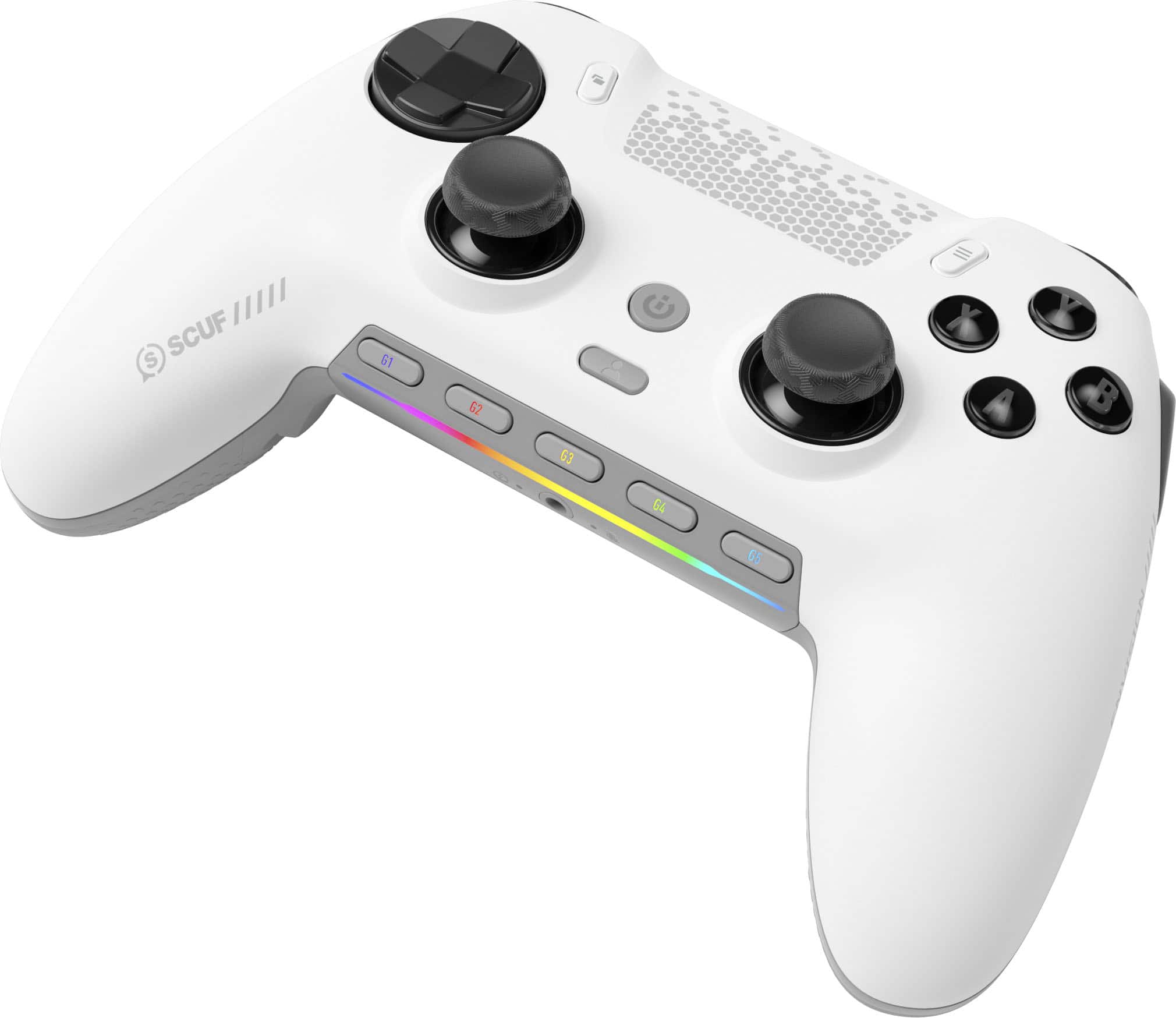
Customers admire the ENVISION PRO V1 Wireless Gaming Controller for PC's overall performance, programmable buttons, ease of use, customization options, and solid feel. However, some customers have expressed concerns regarding the software, stick drift, connectivity, battery life, and price.
This summary was generated by AI based on customer reviews.
- Pros mentioned:ButtonsCons mentioned:Stick drift
Over all great controller
||Posted . Owned for 1 week when reviewed.This reviewer received promo considerations or sweepstakes entry for writing a review.Controller has a lot of features and settings that I could set to my own preference. I did have a little bit of stick drift but over all a great controller and smooth transitions with all buttons and sticks. I love how this controller feels in the hands.
I would recommend this to a friend - Pros mentioned:Buttons
SCUF Envision Pro
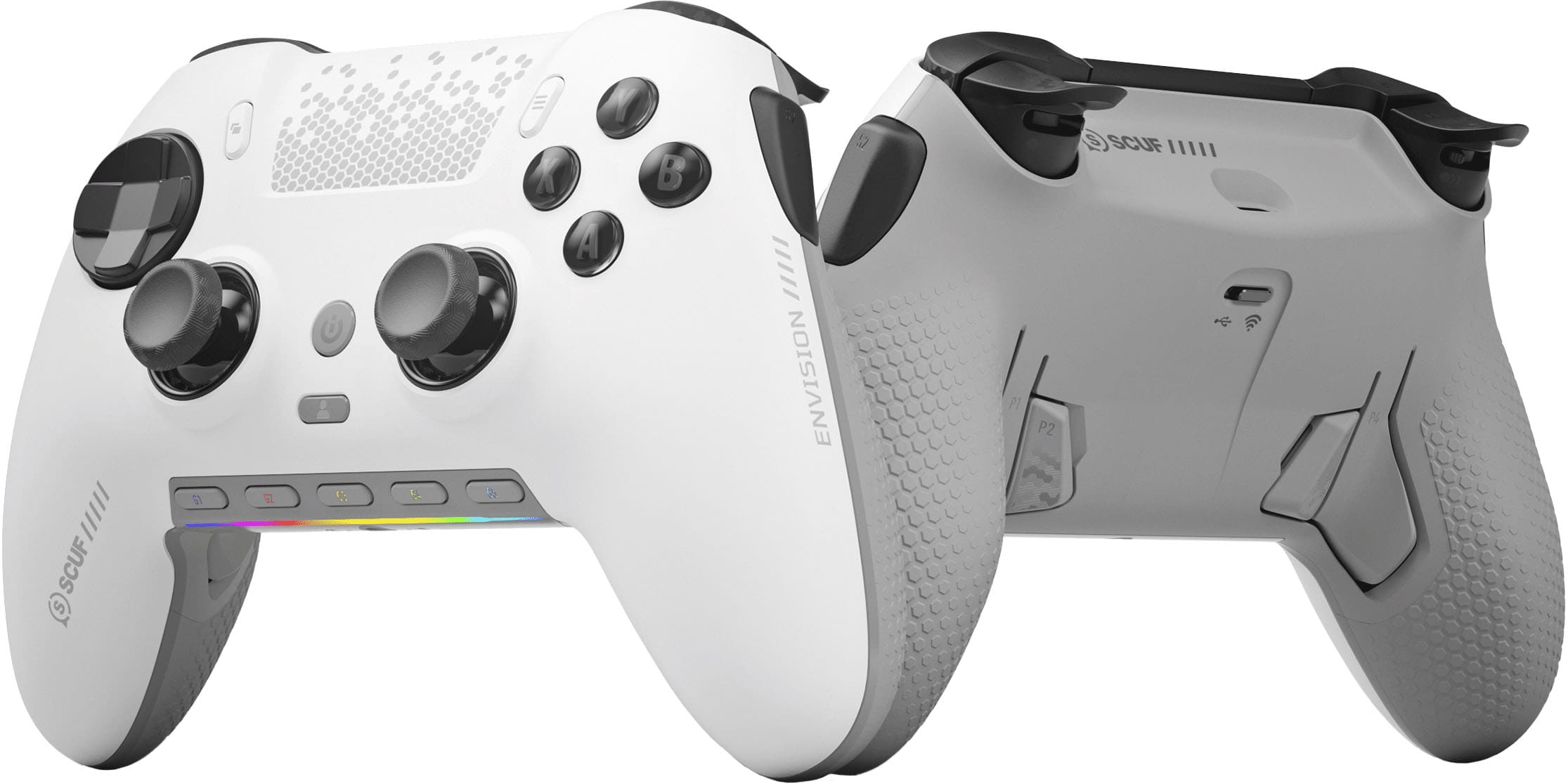
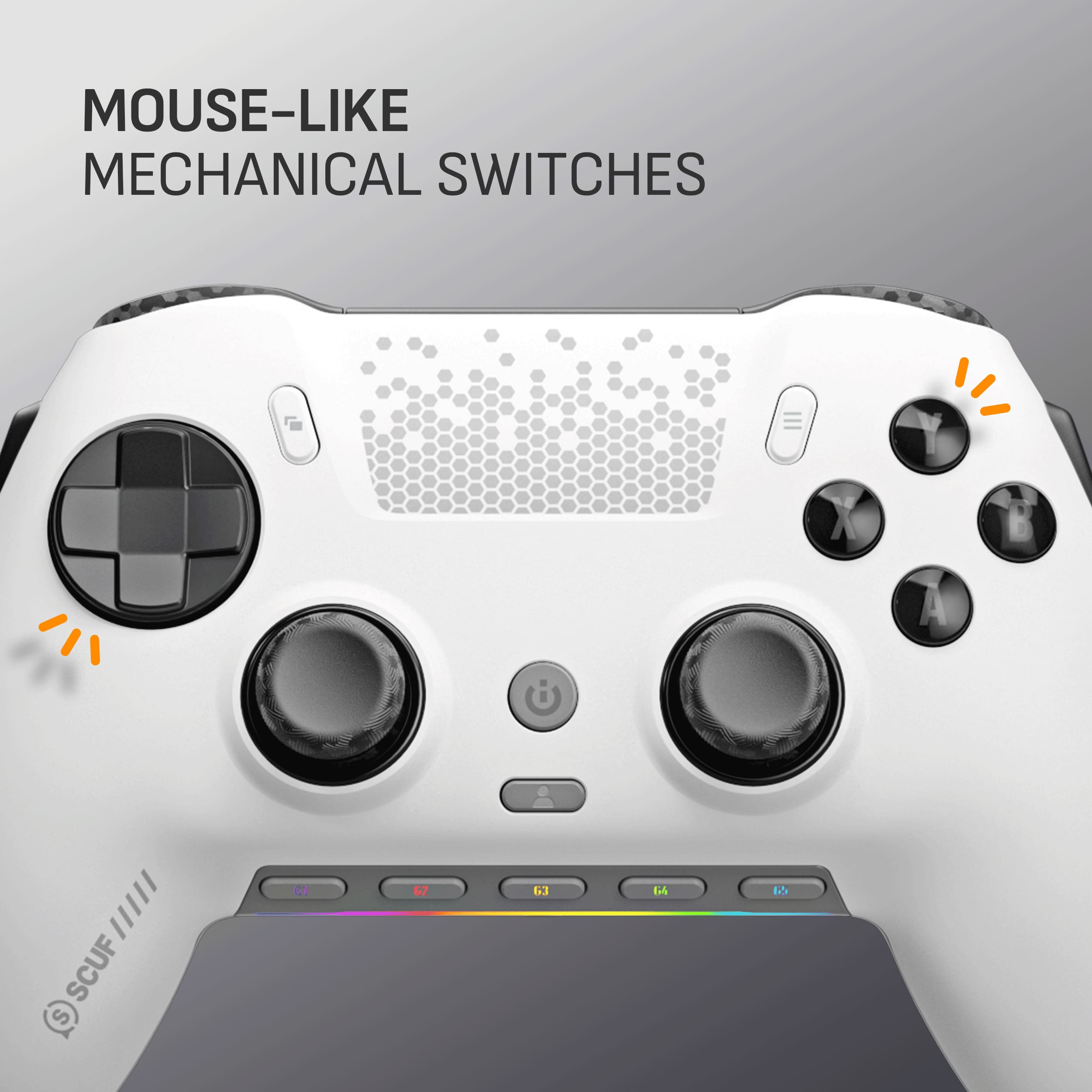
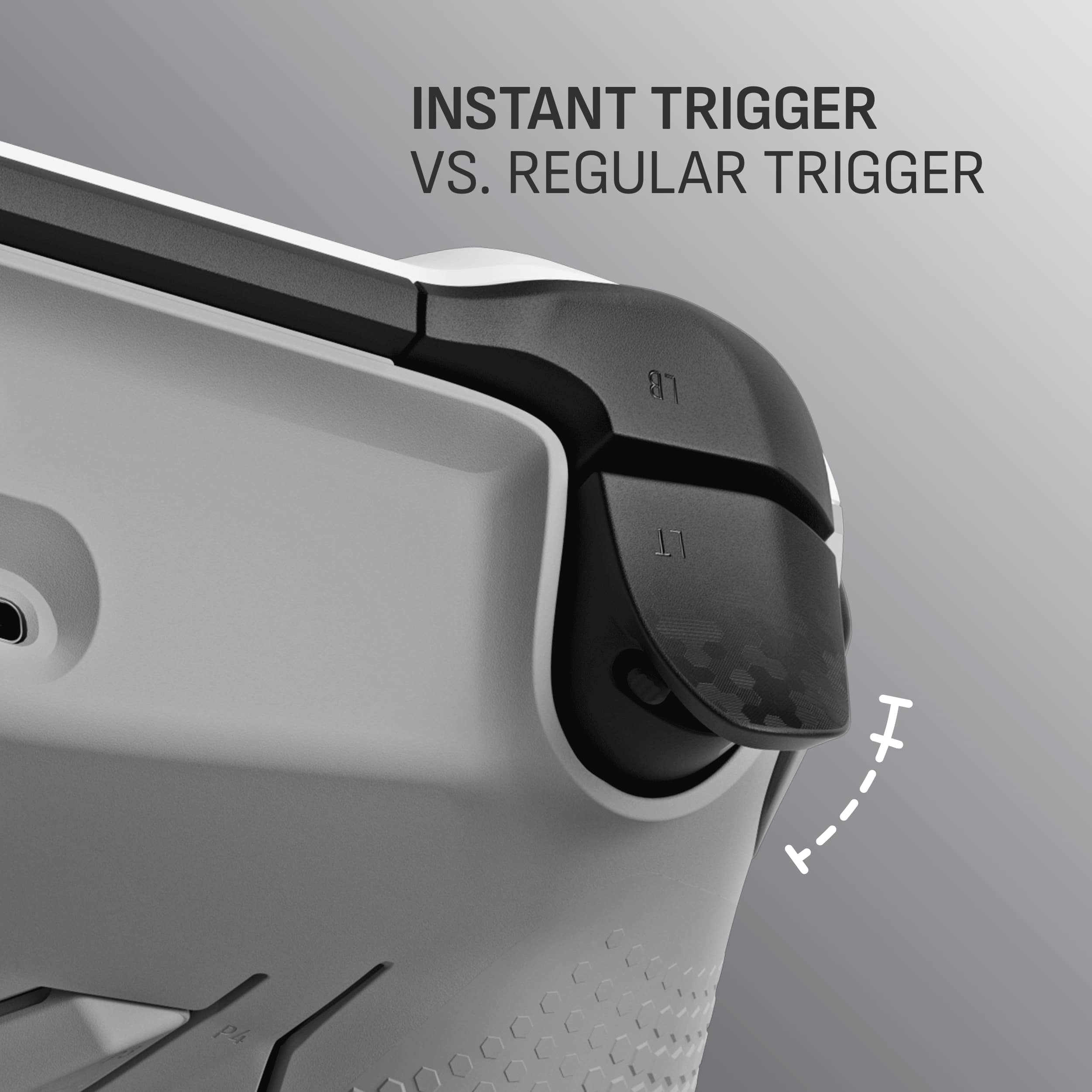
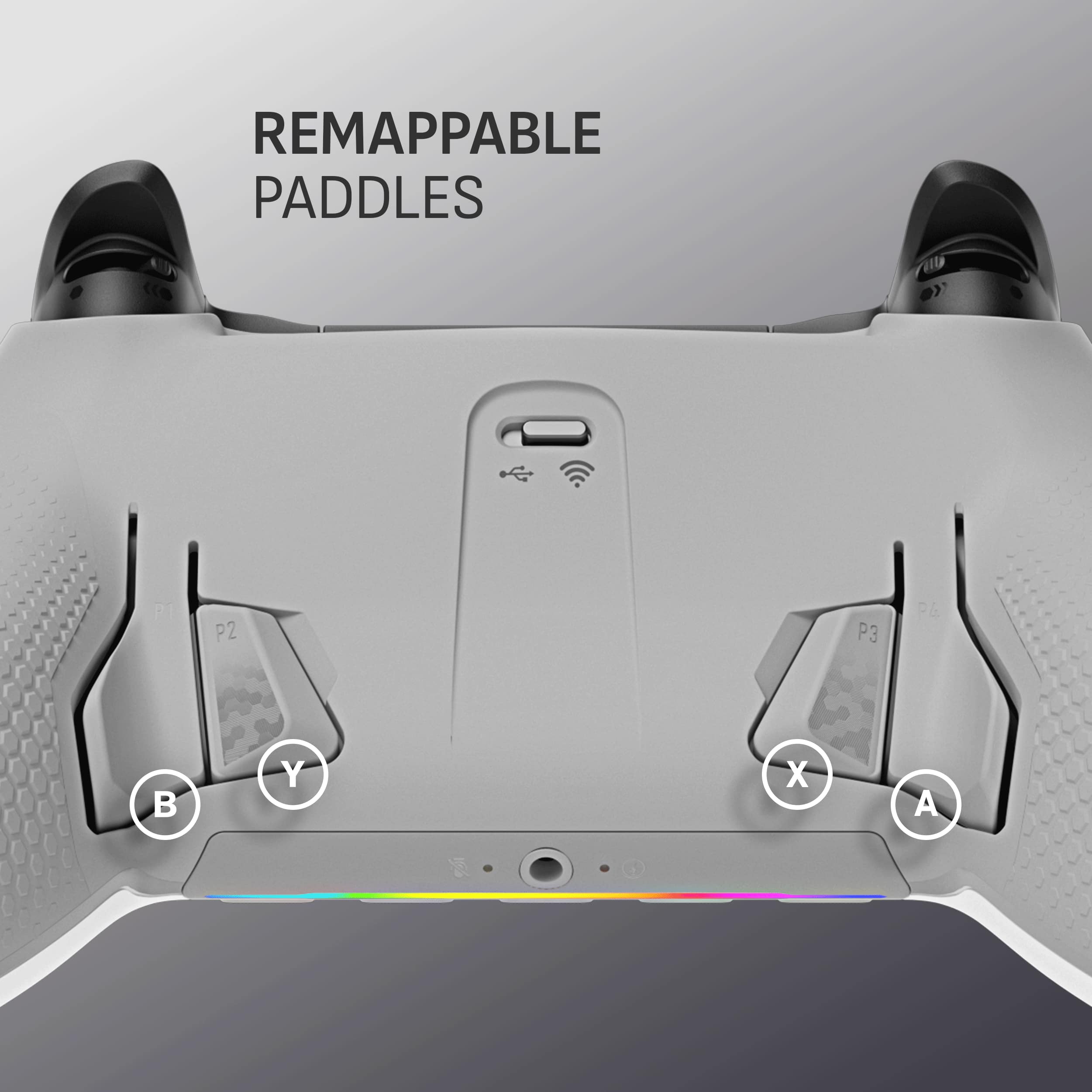
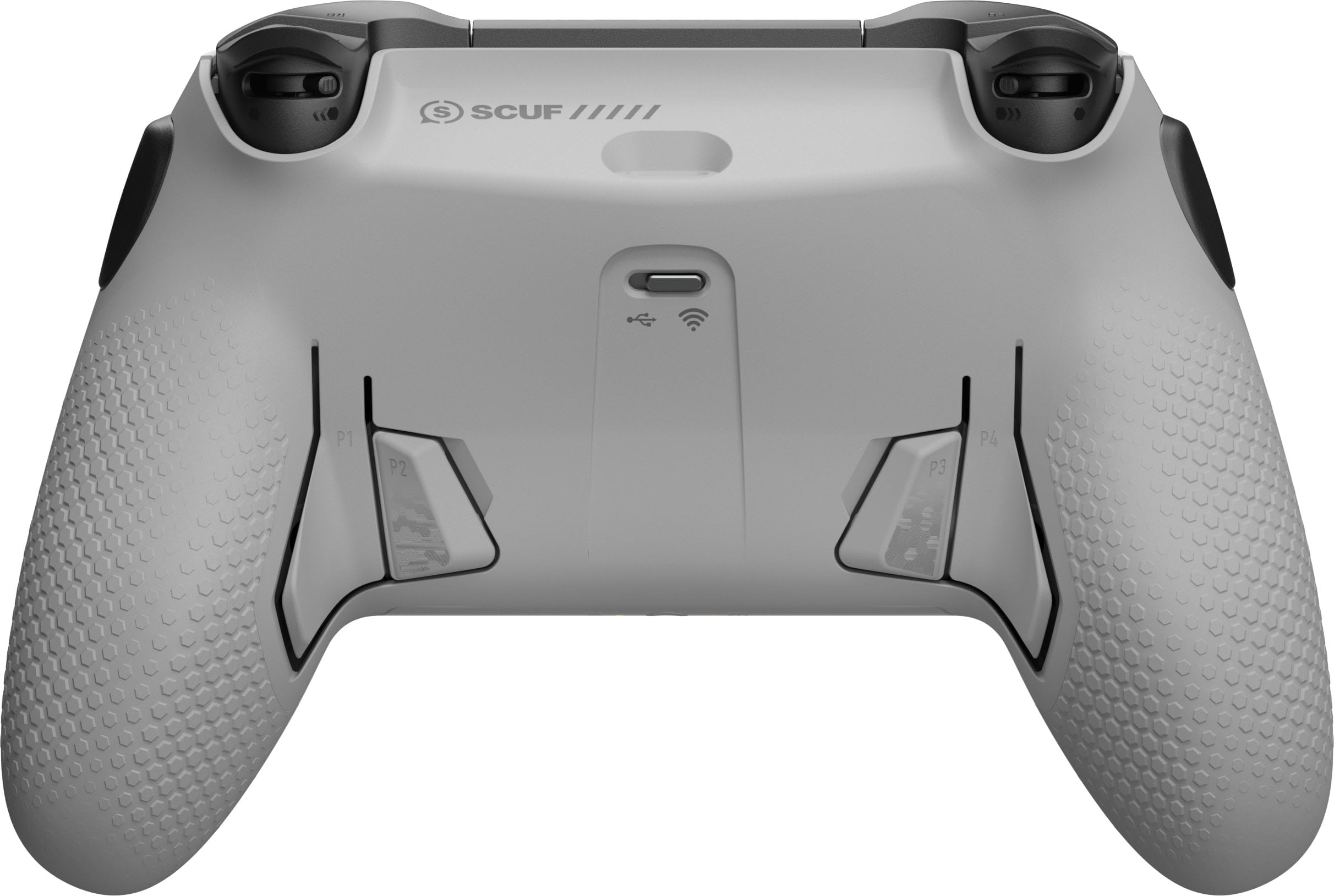
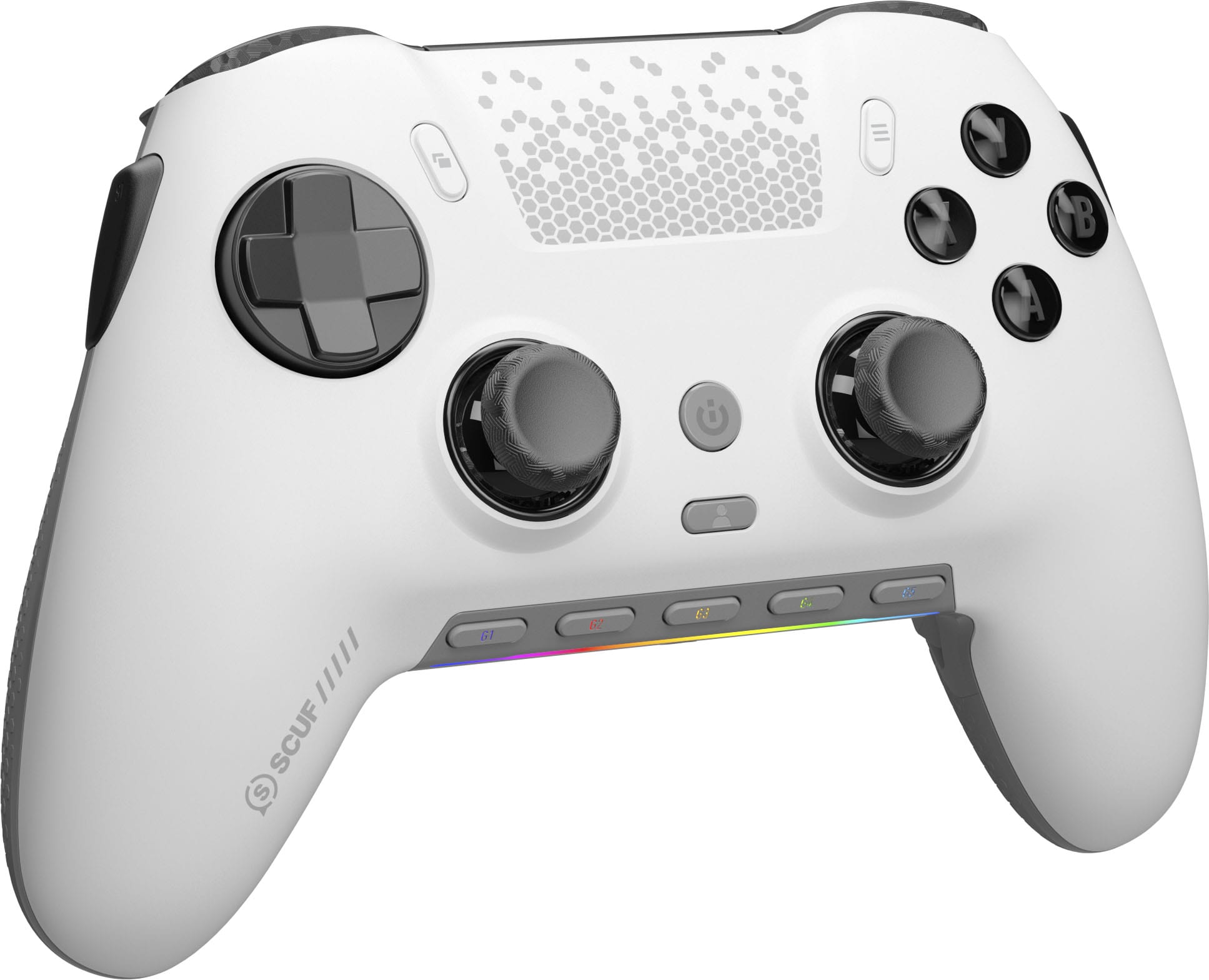
||Posted . Owned for 1 week when reviewed.This reviewer received promo considerations or sweepstakes entry for writing a review.I’ve been using pro controllers (most of which have been SCUF) for over a decade now. It’s safe to say this is the best one yet. I really love the style of buttons they used on the back as opposed to paddles. The controller itself reminds me of the SCUF Impact where it is similar in size to an xbox 360 controller but with the stick layout of a typical playstation controller where the sticks are level with each other, which I am a fan of personally. The mouse-click feel of all the buttons on this thing is super satisfying and I think this is the best rendition of trigger stops SCUF has ever used. It goes from a full trigger pull into a mouse-click feel. Finally, the wireless dongle comes with a USB-C adapter so it works with USB-C or standard USB 3.0 right out of the gate regardless of what your system has which is great! I think this is a must-buy for controller users on PC.
I would recommend this to a friend - Pros mentioned:Buttons
SCUF Envision
||Posted . Owned for 5 months when reviewed.This reviewer received promo considerations or sweepstakes entry for writing a review.Hands down best controller I’ve ever owned and played with. Response time is instant and the mouse-click buttons are amazing!
I would recommend this to a friend Scuf Envision is Amazing
||Posted . Owned for 1 week when reviewed.This reviewer received promo considerations or sweepstakes entry for writing a review.Got this controller for an upgrade over her previous scuf. She loves it, the only complaint she had is it took a little to get used to the stick layout and button placement since it is larger than the previous scuf as the picture shows. Once you get familiar with the layout she said it feels like the best controller she has used. Her hands are very small so if you have normal sized hands the size of the controller probably wont cause any problems when first getting used to it.
I would recommend this to a friend- Pros mentioned:Buttons, Overall performance
Great controller
||Posted .This reviewer received promo considerations or sweepstakes entry for writing a review.Great controller. Back buttons are clean and the mouse click is sharp.
I would recommend this to a friend - Pros mentioned:Ergonomics
Great controller, just has 2 minor issues
||Posted . Owned for 2 months when reviewed.This reviewer received promo considerations or sweepstakes entry for writing a review.I love pretty much everything about this controller. Great response time, features, and ergonomics. However, 2 things hold it back: the ICUE controller software is extremely buggy, and the back left paddle broke after only 2 1/2 months of use. I am honestly really bummed that a controller at this price from corsair broke so quickly.
I would recommend this to a friend - Pros mentioned:Buttons, Ease of use, Ergonomics
Awesome
||Posted . Owned for 2 weeks when reviewed.This reviewer received promo considerations or sweepstakes entry for writing a review.Really easy amazing controller fits perfect on my hands and just love the feel of it and the extra buttons are a plus. Definitely worth buying
I would recommend this to a friend - Pros mentioned:Overall performance
Gaming controller
||Posted . Owned for 1.5 years when reviewed.This reviewer received promo considerations or sweepstakes entry for writing a review.my son loves the controller and uses every time he plays games. It has been his favorite controller so far and he rather use this one other than any other ones.
I would recommend this to a friend SCUF ENVISION PRO
Posted .This reviewer received promo considerations or sweepstakes entry for writing a review.Honestly its such a good pc controller. The triggers feel phenomenal especially in sport/fighting games. As well as FPS games. There no delay especially. I find the back buttons so useful especially in battlefield when i was toggle switching guns.
I would recommend this to a friend- Cons mentioned:Software
Why cant all controllers be this clicky?!
||Posted . Owned for 1 week when reviewed.This reviewer received promo considerations or sweepstakes entry for writing a review.So far so good, read alot of reviews about software issues out of the box. I have yet to encounter any of this and that was my biggest hesitation. Its very satisfying to use, the button clicks are top tier. The only downside for me and the reason for 4 stars is the fact its for pc only. While thats my main source of gaming I typically play mouse and keyboard unless im driving in a game. It would be nice if it could be used on a ps5, especially having all the remapable buttons. I still cannot get over how satisfying it is to use. The back triggers are also well placed and i didnt find myself hitting them “accidentally” like would always happen on the elite controller I was previously using for PC. Time will tell if software issues become a problem but as someone who has used icue for years im not worried about it. This was certainly an impulse buy after feeling the buttons click in store and I dont regret it for one moment.
I would recommend this to a friend - Pros mentioned:Buttons
Game-Changing Controller – Worth Every Penny
||Posted . Owned for 1 month when reviewed.This reviewer received promo considerations or sweepstakes entry for writing a review.I’ve been using the SCUF controller for a few weeks now and it’s a total upgrade from the standard setup. The rear paddles are a game-changer for FPS games like Call of Duty—no more taking my thumbs off the sticks. The grip feels premium, the triggers are super responsive, and the customization options make it feel truly tailored to how I play. If you’re into competitive or fast-paced gaming, this controller gives you a legit edge. It’s pricey, but if you’re serious about gaming, it’s absolutely worth it. ✅ Pros: • Comfortable design • Quick response time • Programmable paddles • Great build quality ❌ Cons: • Expensive • No software customization (minor issue) Still, 10/10 from me.
I would recommend this to a friend - Cons mentioned:Battery life
Is good. Not great.
||Posted . Owned for 3 weeks when reviewed.This reviewer received promo considerations or sweepstakes entry for writing a review.The controller is actually pretty good when it comes to playing. It lets you remap some games. And in combination with the app you can do a lot of things with it. The only complaint I got is the battery. It doesn't last long. Even when it's on eco mode. But hey, at least you can always recharge. I have like a month with it and so far it's holding up. Hopefully it'll last for a long time.
I would recommend this to a friend - Cons mentioned:Software, Stick drift

Pricey, but worth it for both comp and casual
|Posted . Owned for 1 month when reviewed.This reviewer received promo considerations or sweepstakes entry for writing a review.[Employee of bestbuy] Good, comfortable controller that offers many accessories and a fine-at-best software experience. Input is read as X-Input and compatible with anything that uses a Xbox controller. Face buttons and d-pad are microswitches, short travel, and have a responsive, tactile feel. Sticks have shown little to no drift but that can and will change.
I would recommend this to a friend Not as bad as bad i thought
Posted .This reviewer received promo considerations or sweepstakes entry for writing a review.I bought this controller without checking reviews and i saw a lot of negative ones on youtube.mostly because of the software it uses (which is ICUE) tbh though that software is a little garbage but i just had to reinstall it to make my controller work with it. So far no problem on my end but i mostly just use it to play story games. I havent tried fps games yet.
I would recommend this to a friend- Pros mentioned:ErgonomicsCons mentioned:Software
Best PC Controller
||Posted . Owned for less than 1 week when reviewed.This reviewer received promo considerations or sweepstakes entry for writing a review.This is the best option for PC by far. Can’t ask for anything better in terms of ergonomics. The only negatives for me is the RT button sometimes actuates without pressing it. The software is also confusing as it has two button mapping sections on each profile & constantly asks you to save changes before going to a new section.
I would recommend this to a friend - Cons mentioned:Software
Amazing besides the ICUE software
||Posted . Owned for 10 months when reviewed.This reviewer received promo considerations or sweepstakes entry for writing a review.I’ve had one for about two years & it’s definitely lived through its course. I will say I love all the functions and programming u can do but stick drift was an issue but that’s normal especially with a daily user. The only issue I have is the icue software. It’s honestly wonky for how lux the controller feels. If they could fix it shutting down mid games which messes me up especially cause I use the back pedals. Other than that the controller itself is honestly amazing. Love it! Bought one for my bro as well
I would recommend this to a friend - Pros mentioned:Buttons
Scuf Envision
||Posted .This reviewer received promo considerations or sweepstakes entry for writing a review.High Quality Pc Controller. one of the greats, numerous buttons for a competitive advantage and a great feel to it for long gaming sessions for a solid price.
I would recommend this to a friend - Pros mentioned:Buttons
Envision pro Controller
||Posted . Owned for 3 weeks when reviewed.This reviewer received promo considerations or sweepstakes entry for writing a review.The Envision Pro controller is a game-changer in the world of gaming accessories. Its sleek, ergonomic design offers a comfortable grip, even during extended gaming sessions. The buttons are responsive and well-placed, providing a seamless tactile experience that enhances gameplay. The precision and sensitivity of the analog sticks are unmatched, offering pinpoint accuracy in every movement. Additionally, the controller’s wireless connectivity is incredibly stable, ensuring lag-free performance. What truly sets the Envision Pro apart, though, is its customizable features, allowing gamers to fine-tune the controls to their preferences. Whether you're a casual gamer or a competitive pro, the Envision Pro takes gaming to the next level with its innovative design and exceptional performance.
I would recommend this to a friend - Cons mentioned:Stick drift
Solid
||Posted . Owned for 1 month when reviewed.This reviewer received promo considerations or sweepstakes entry for writing a review.Ive been using this controller for a few months now (mostly for CoD) and im very happy with the resposiveness. I had to put the guards on for the side buttons as I contually push them on accident. Mouse click buttons are a nice feature, and the option to remap. I did ourchase the extended warranty after seeing the reviews on stick drift. I believe the corded option is $50 more, and is most likely even more responsive.
I would recommend this to a friend Good controller with shortcomings
||Posted . Owned for 1 week when reviewed.This reviewer received promo considerations or sweepstakes entry for writing a review.Coming from an Elite Series 2 controller I will be comparing the Scuf Envision Pro to it. The largest pro for the controller is that the response is noticeably better. The additional buttons and latency makes this controller better for competitive FPS games. However, compared to the Elite Series 2, the quality feels inferior. In my option, the back buttons do not feel as premium and requires time to get use to where you use one finger to actuate a pair of buttons. The vibration is weaker and some additional buttons require the ICUE software to work. The clicky buttons are really nice to press but the SAX buttons can get in the way. Fortunately, SCUF provides button caps to eliminate the use of these buttons. Overall, I do notice improvement in playing FPS games but at times miss the feel of the Elite Series 2.
I would recommend this to a friend