Customer Ratings & Reviews


- Model:
- 601-178-04-062-NA
- SKU:
- 6589600
Rating by feature
- Value
Rating 4.3 out of 5 stars
- Quality
Rating 4.5 out of 5 stars
- Ease of Use
Rating 4.3 out of 5 stars
to a friend
My opinion
||Posted .This reviewer received promo considerations or sweepstakes entry for writing a review.Glitchy software controller sometimes disconnects during gaming for the price go battle beaver
No, I would not recommend this to a friend
Outstanding
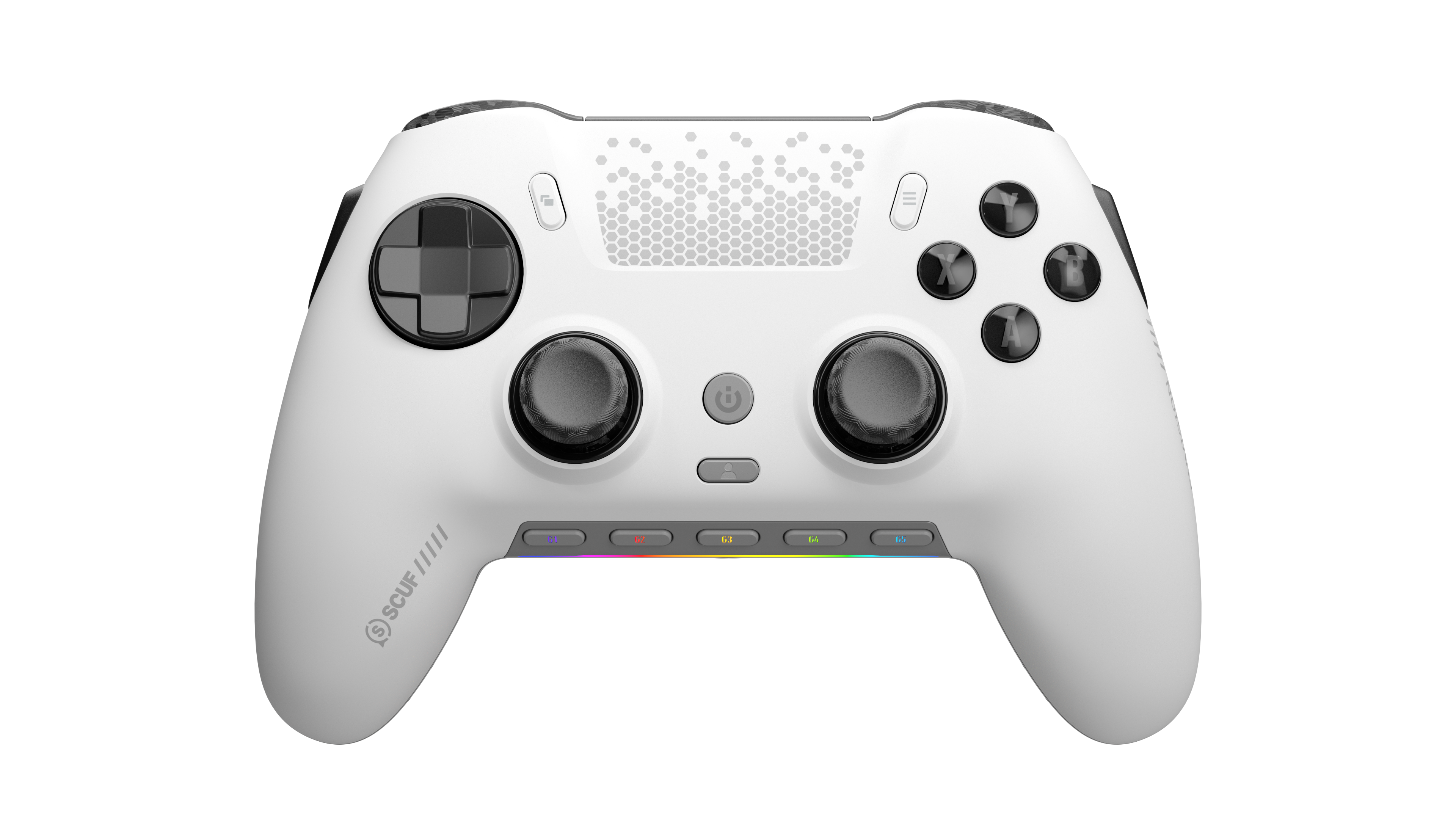
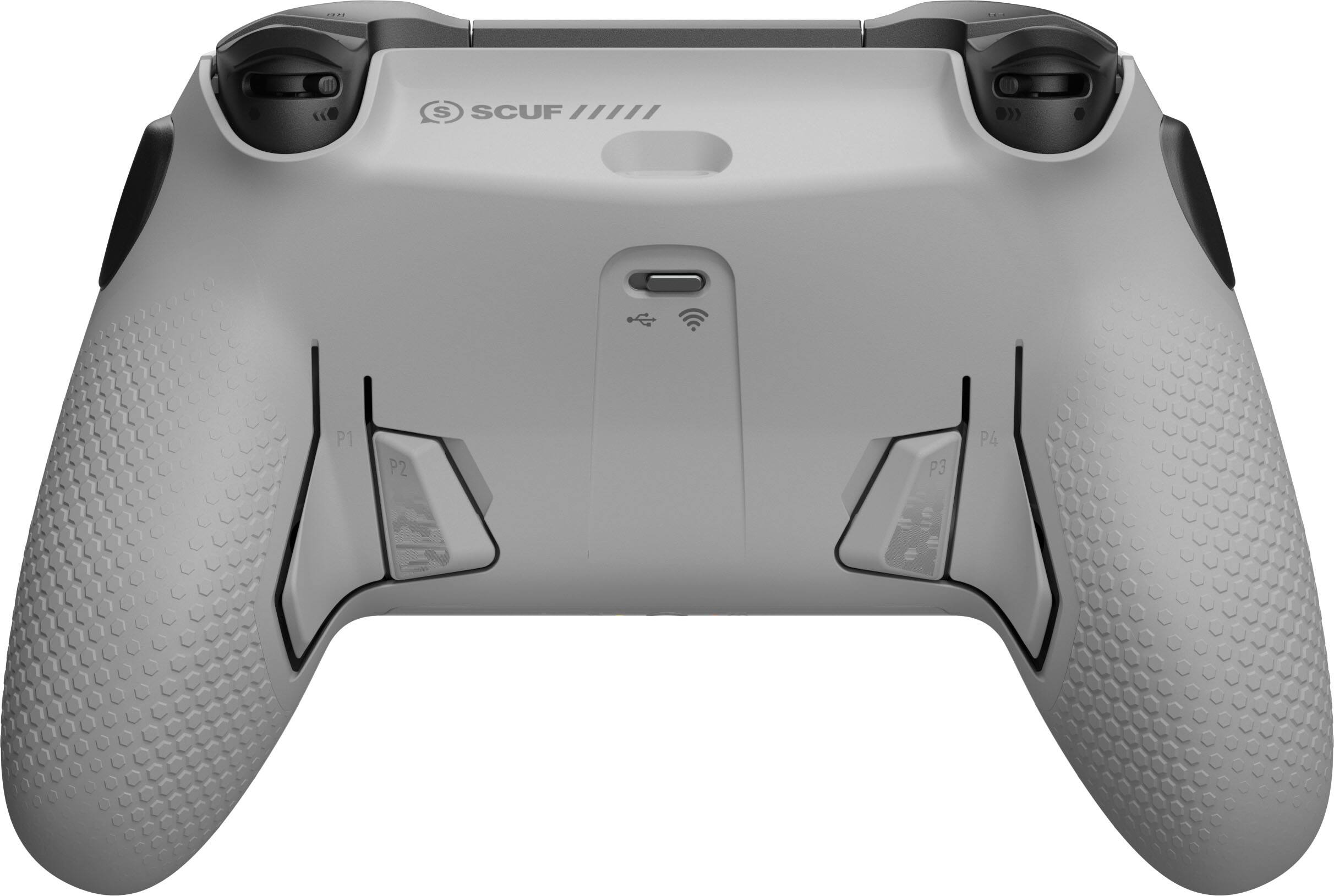
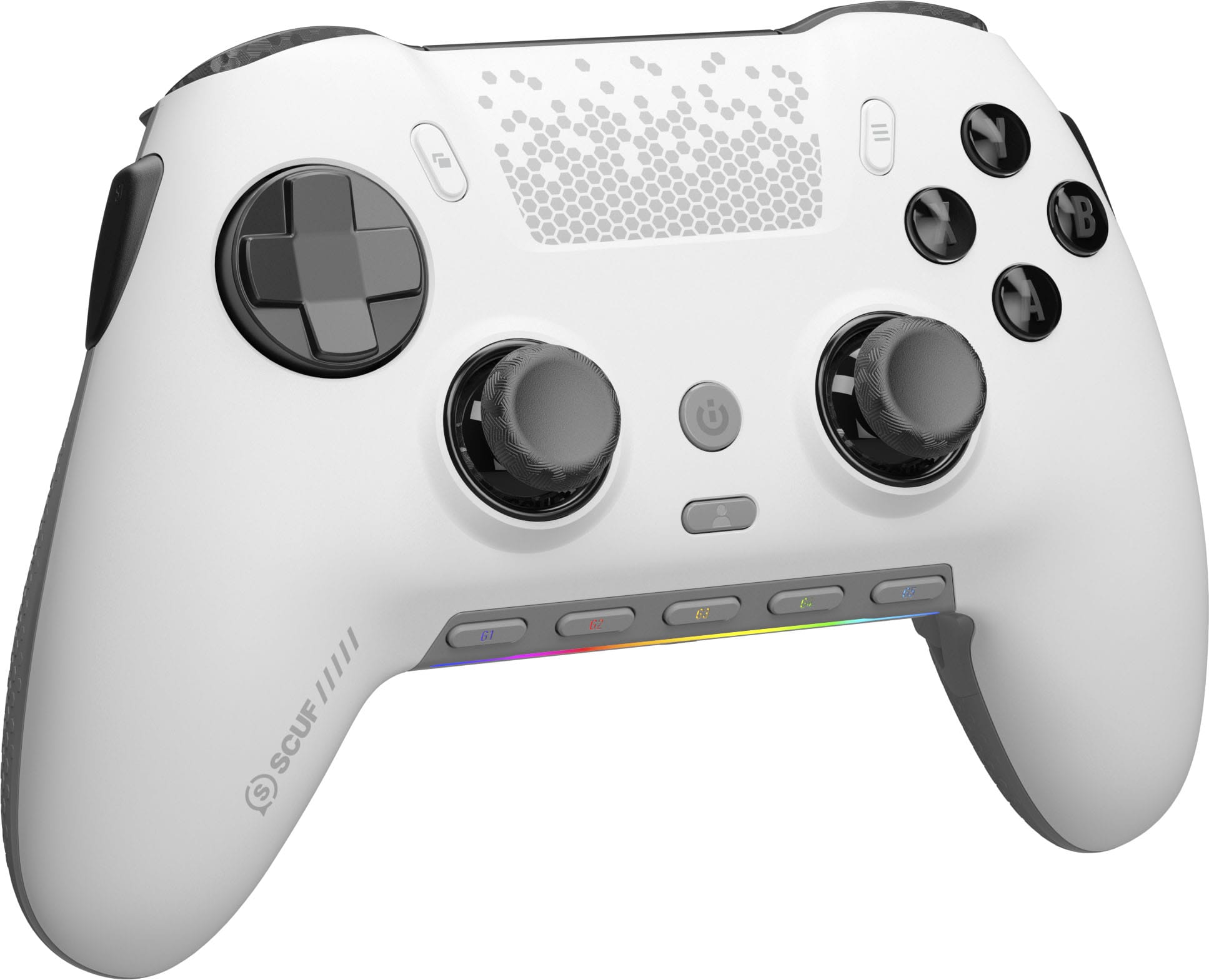
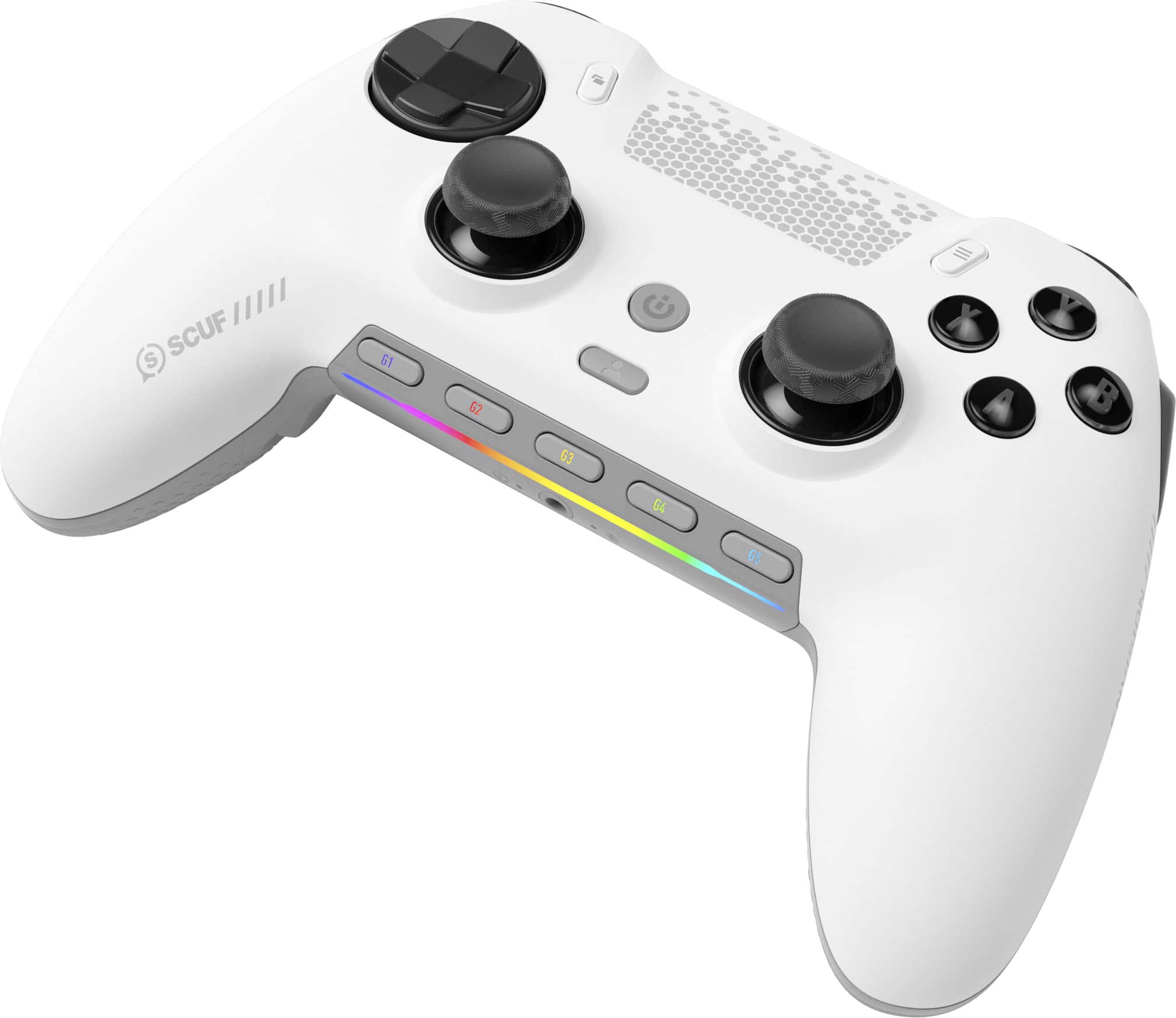
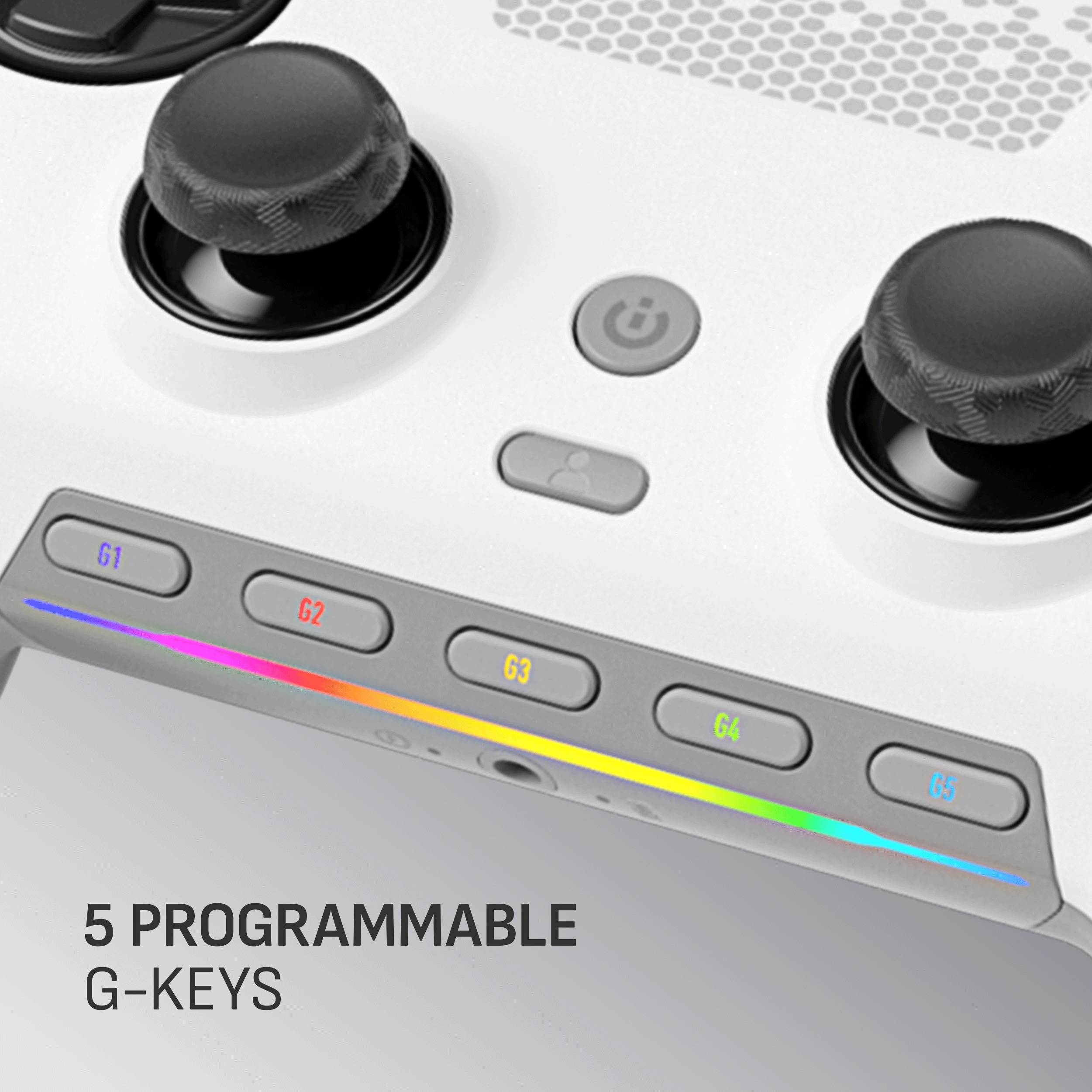
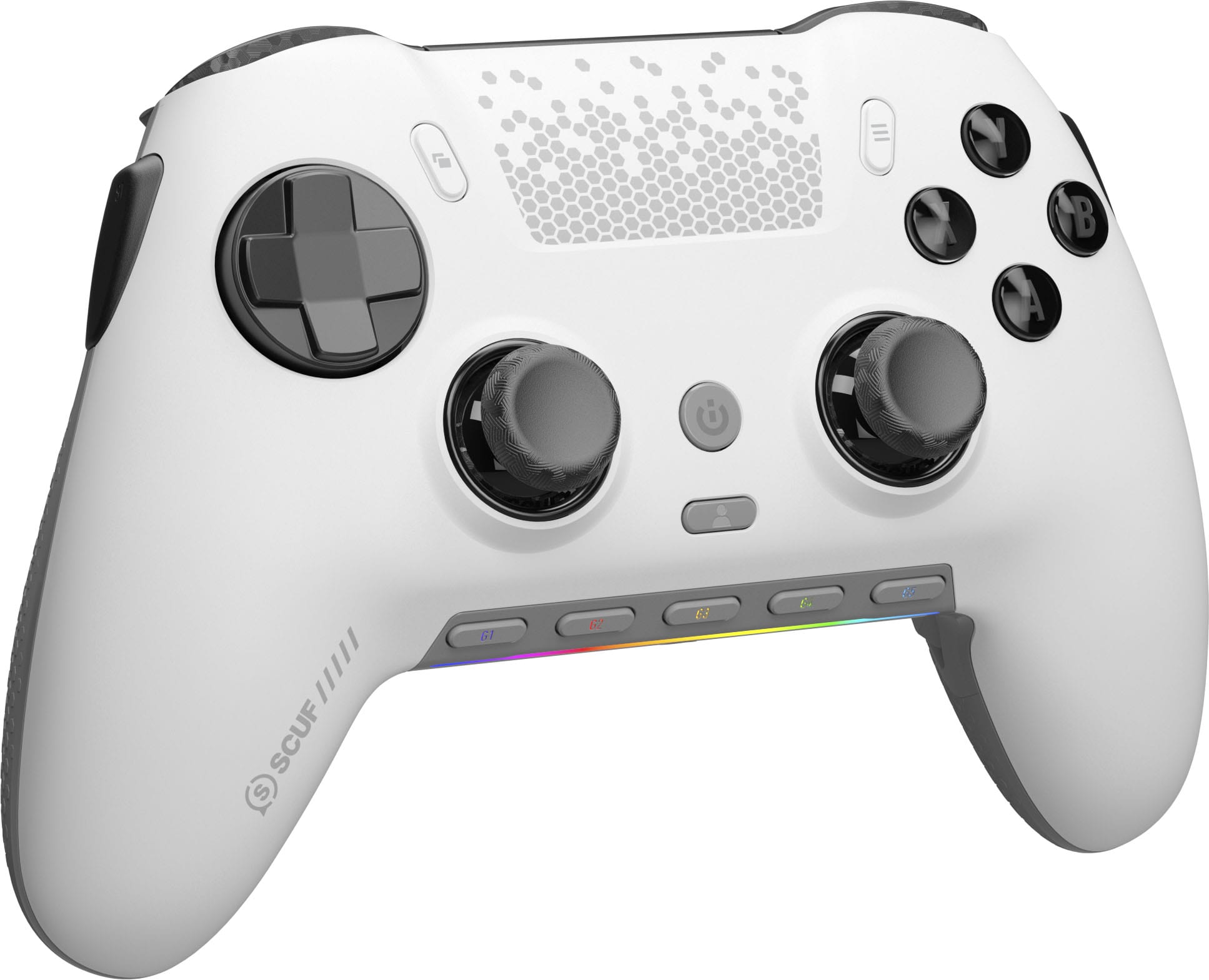
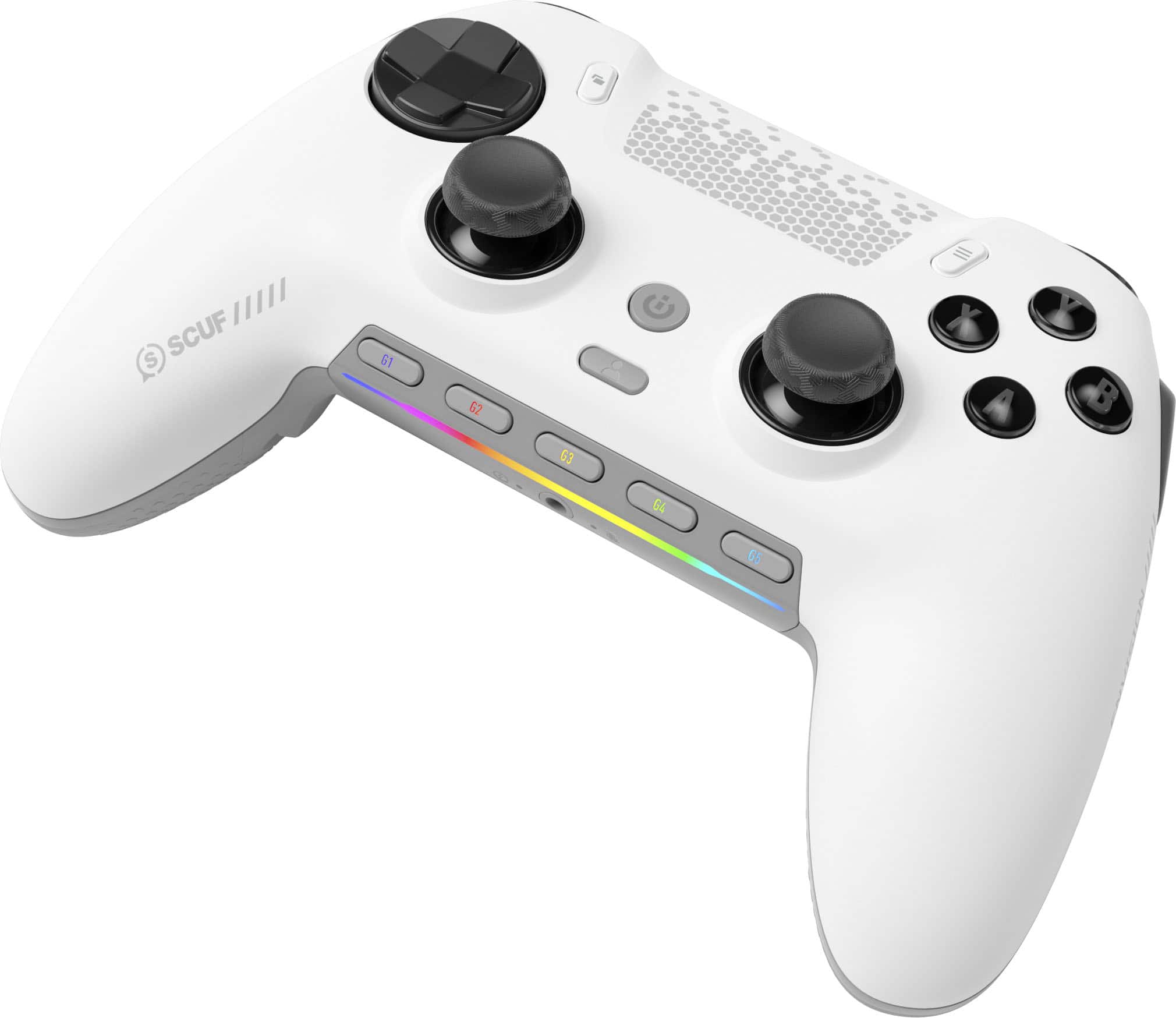
|Posted .This reviewer received promo considerations or sweepstakes entry for writing a review.Initially I thought the feel of the controls may have been a little too lose, until I started playing. The controller is so smooth. Thumb sticks glide like they are greased. The buttons are very responsive to the touch. The "other" buttons took some getting use to in strenuous moments. When I say "other" I refer to buttons on the sides, inside and outside, of the grips. If you are like me and squeeze the controller as the action picks up, you will be hitting the other buttons with a great frequency. But that is what profiles are great for. Now I do love the other buttons, especially for games like pinball. I know, it feel like a waste using a controller for pinball, until you try it. There is something gratifying about hitting a button on the side of a controller that makes it feel like you are actually playing pinball. Racing games, using the trigger buttons are absolutely wonderful. You can feather the gas to control your car in a turn. Something using just an A button can't simulate. My first few runs of Track Mania I bested my best runs easily. The controller just felt perfect, until I would inevitably hit an "other" button. Profile created. Creating profiles are simple with the iCue software. You can call them from the controller storage with ease. The controller comes with alternate thumb sticks, USB cable with adapter for USB C. A tool to remove or replace(?) something and other button cover/replacements. Also there is a USB dongle that you need to pair with. Everything feels and looks premium. There is a basic lighting bar on the bottom of the controller. I would have like to see the buttons lit as well, but sadly they were not. To replace the thumb sticks, covers, etc and modify anything, the cover simply lifts off from the top with no tool required. It is attached with a series of magnets and makes mods very easy. Overall, this is an excellent controller and by far my favorite I have used. My son has already "borrowed" it and I have not seen it in two days. :( Ahh, the games outside the games.
I would recommend this to a friendGreat Wireless Gaming Option
|Posted .This reviewer received promo considerations or sweepstakes entry for writing a review.My review is going to be mostly based off use with a PC. Packaging was frustration free and everything was packed neatly and organized making it easy to tear open and get started with. Inside you'll get a charging cable, wireless dongle, controller, replacement thumb grips and some button swaps/covers. I had a previous generation of this controller and did not enjoy it because I'm not a FPS gamer more of a chill RPG guy. I found the buttons on the side to be rather annoying and I was always hitting them by mistake. Corsair solved this problem and included an option to actually remove the buttons and instead place modular covers over the button holes. I did this fairly easy and it was a game changer. I like how clicky all the buttons feel think mechanical keyboard type of feedback. The software was pretty frustration free got it installed in no time, controller updated. You can use the software to customize the controller with any range of RGB, make controller or keyboard and mouse macros and map them to any button. Super customizable and it all felt pretty simple not like I need a programming degree to get started. Battery life seems solid and not like I need to charge it everyday of course this will vary on use. Overall I'm very happy with the new design choices by Corsair and would recommend this controller.
I would recommend this to a friendGreat gaming controller for PC
|Posted .This reviewer received promo considerations or sweepstakes entry for writing a review.The controller wasn't the most straightforward to setup - iCue, the software that you must setup before you try to initially connect the controller wasn't the easiest to work with, but I was able to get the controller working relatively quickly even if the UX wasn't obvious and the overall experience wasn't pleasing. The controller itself is great - you really get the xbox/playstation experience of a high quality controller with satisfying mechnical switches on most of the buttons. I didn't particularly care for the feeling of the Left and Right joysticks, they were less smooth and didn't give me the satisfying L3/R3 button pressing that I prefer from tier 1 console experiences. The number and placement of mappable buttons is where I found that this controller really shined. If you have key combos or additional controls useful for your game, its easy to map it to additional buttons here, much like high quality gaming keyboards - so you get both the feed of a tier 1 controller with smooth movement and the mappable customization of high performing keyboards. I played 5 or 6 different games and didn't find the controls lacking on anything I worked with: the controller was super responsive even when using the usb dongle to run wireless. If the joysticks and software were a little more satisfying this would be a 5 star experience, but still highly recommend this controller.
I would recommend this to a friendGreat Customizable Controller, But Not Perfect
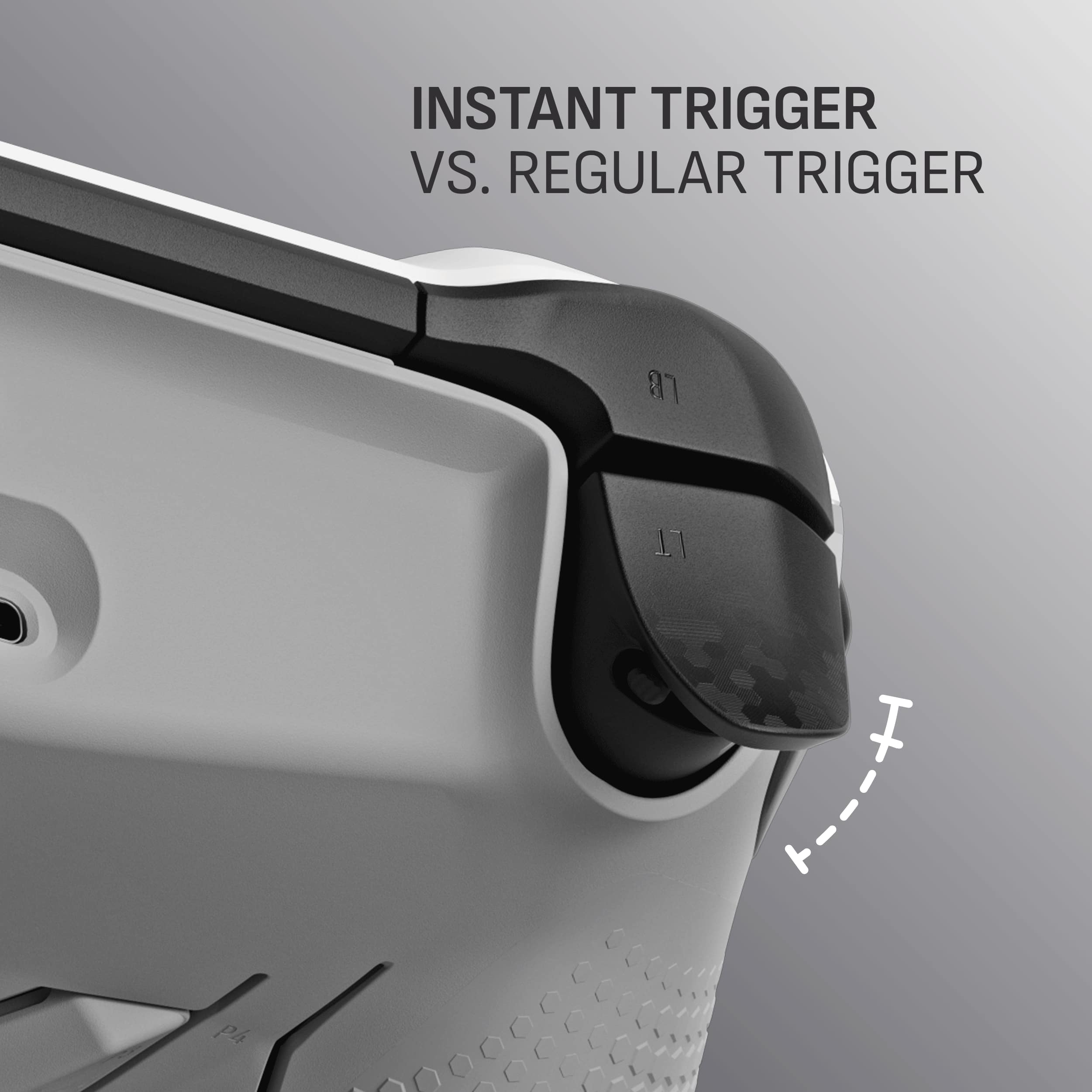
|Posted .This reviewer received promo considerations or sweepstakes entry for writing a review.I have been using this SCUF Envision Pro wireless gaming controller for about 5 days now and have pretty pleased with it so far. The setup/connection was easy, after I realized I had to use the wireless dongle to connect to my laptop instead of Bluetooth. Also, before connecting the wireless controller, download the software and update the firmware using a USB connection. This controller has so many programable and many completely removable buttons, it can be customized to fit just about any gaming need. The most awesome feature is the locking trigger mechanisms, which can be activated to change a throttle trigger to a simple click style. I did notice the trigger had to travel more than my other controllers before registering (while using the throttle lock feature), but it didn’t seem to affect my gaming after I got used to it. I can see how this can be an issue in a shooting style game where a quick response is necessary. I was very pleased with the responsiveness of throttle trigger when used for racing games. Overall, I would recommend this controller. I believe this controller would suit the needs of most gamers, but would not be best suited for a gun battle during a professional match. If it wasn’t for this, I would have given it a 5-star review.
I would recommend this to a friendFamiliar layout, easy to use, slight size
|Posted .This reviewer received promo considerations or sweepstakes entry for writing a review.Overall... great wireless gaming controller. Super simple to connect, and Windows 11 immediately recognizes it for usage in my games. First started of with just a basic shooter style game (COD), it was nice... familiar usage to other common controllers, didn't have to do any crazy setups. Quick response, and allowed for an easy game play. Did notice after the first few rounds, the control may be a little small in my larger hands, but that is going to be a lot of player preference. Next tried in Forza. While it isn't a steering wheel, it does allow for some good driving to happen. The lighter weight was nice, so I was able to leave my wrists in my lap, and just drive. Charging the controller was simple, was able to use the built in USB ports on the computer. Never ran out of power, after several hours of use. Simply let it charge over night. The texture of the controller was nice as well, allowed for it to be held on to. It looks a LOT like a popular controller, so you can mistake it for one. Overall a good controller to have to dedicate to your PC
I would recommend this to a friendPro Controller
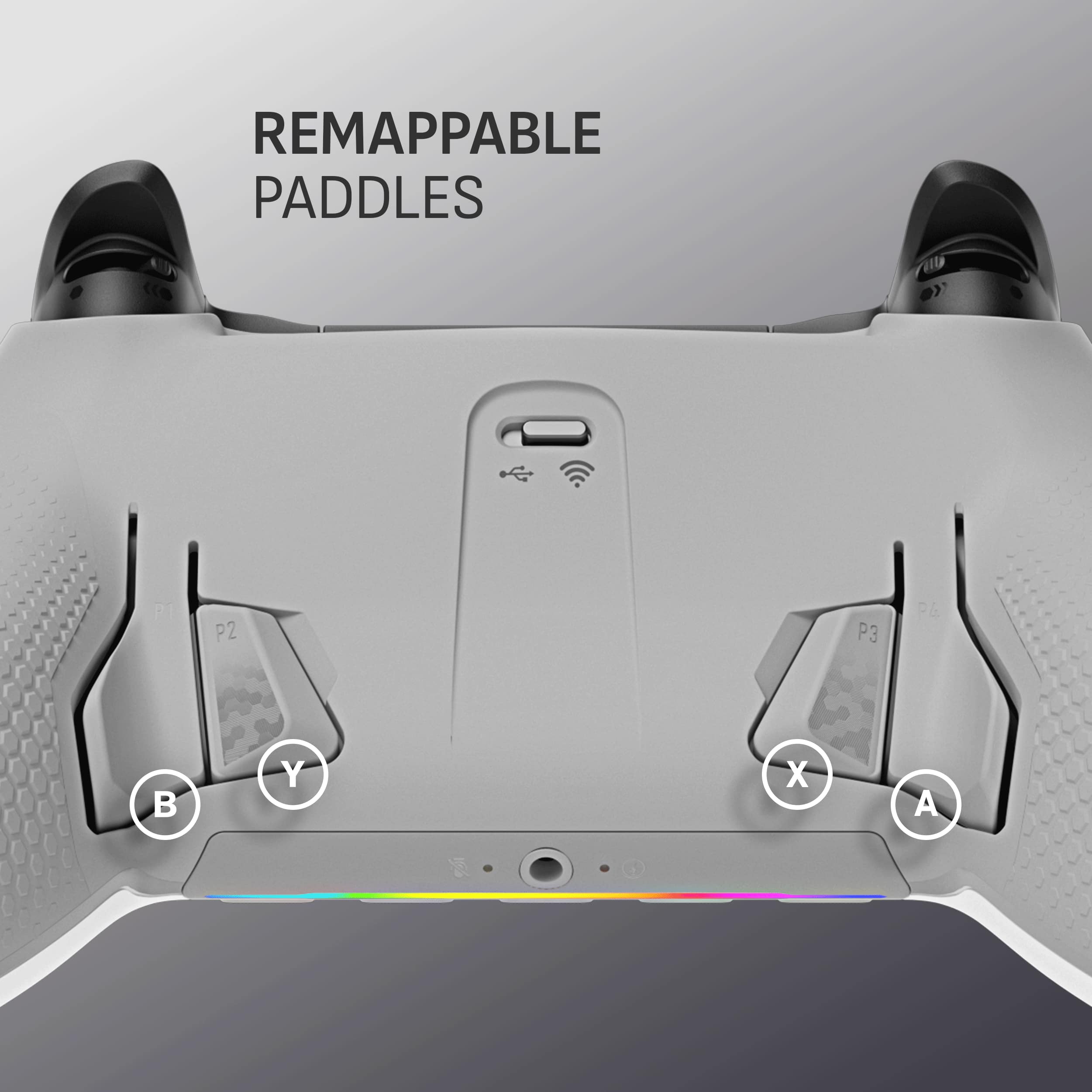
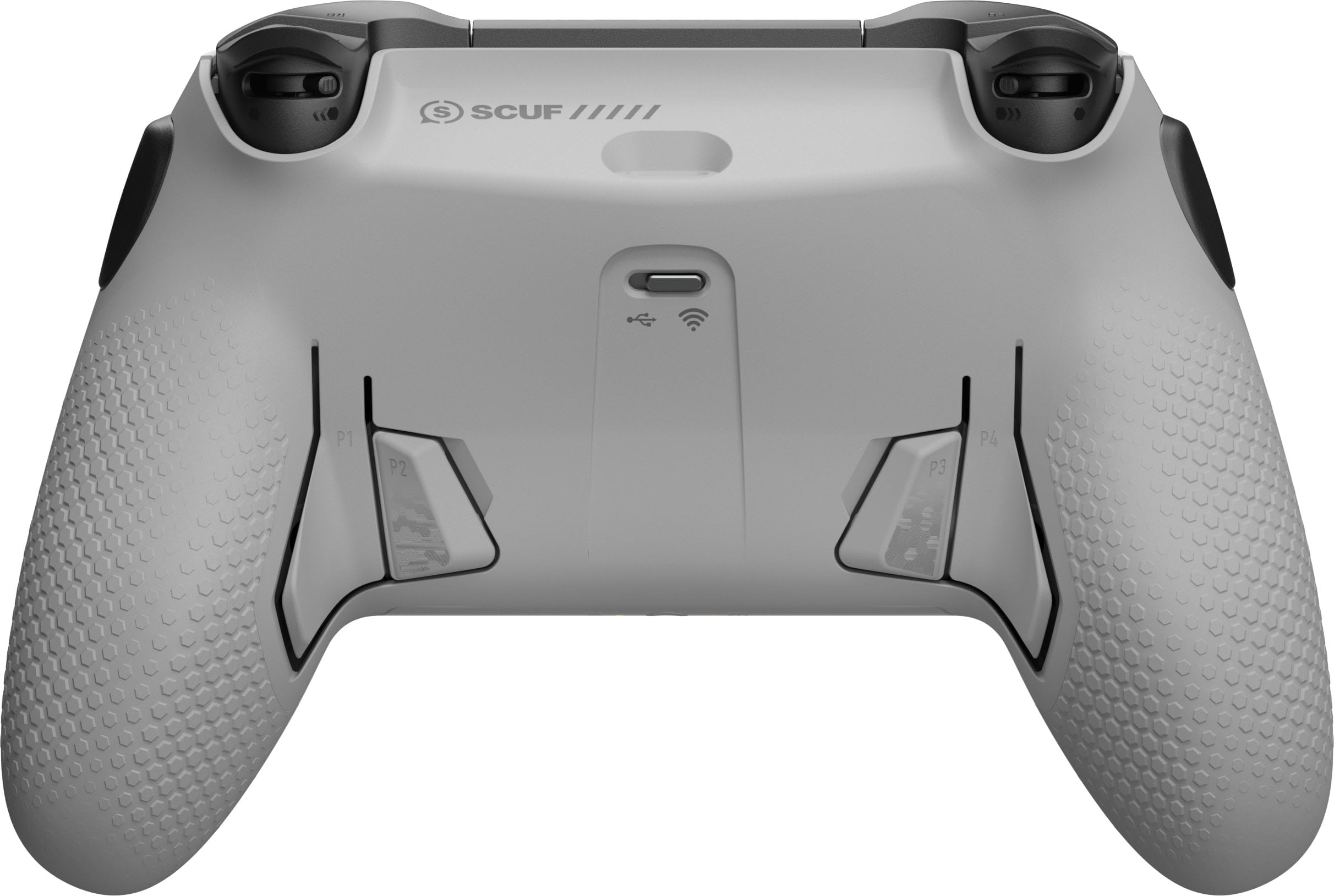
Posted .This reviewer received promo considerations or sweepstakes entry for writing a review.Great Pro Controller with 4 back paddles and 2 extra side buttons. Joysticks are nice and "anti-drift" plus difference size.
I would recommend this to a friendBuy This One!
Posted .This reviewer received promo considerations or sweepstakes entry for writing a review.Excellent and quick controller! My husband got it for Christmas and he’s happy.
I would recommend this to a friendVery good controller
Posted .This reviewer received promo considerations or sweepstakes entry for writing a review.One of the best controllers that I’ve used thus far.
I would recommend this to a friendElitist crud
Posted .This reviewer received promo considerations or sweepstakes entry for writing a review.So the quality is great, but honestly these are the most difficult paddles I've ever tried to use. If you're looking for paddles to add to your gaming experience just stick with Xbox Elites, they are much more comfortable to use.
No, I would not recommend this to a friendNot worth price
Posted .This reviewer received promo considerations or sweepstakes entry for writing a review.This item simply would not pair…I have a Corsair pc..running the icue software suite..would not pair at all..would not connect while wired..returned.
No, I would not recommend this to a friend