Customer Ratings & Reviews
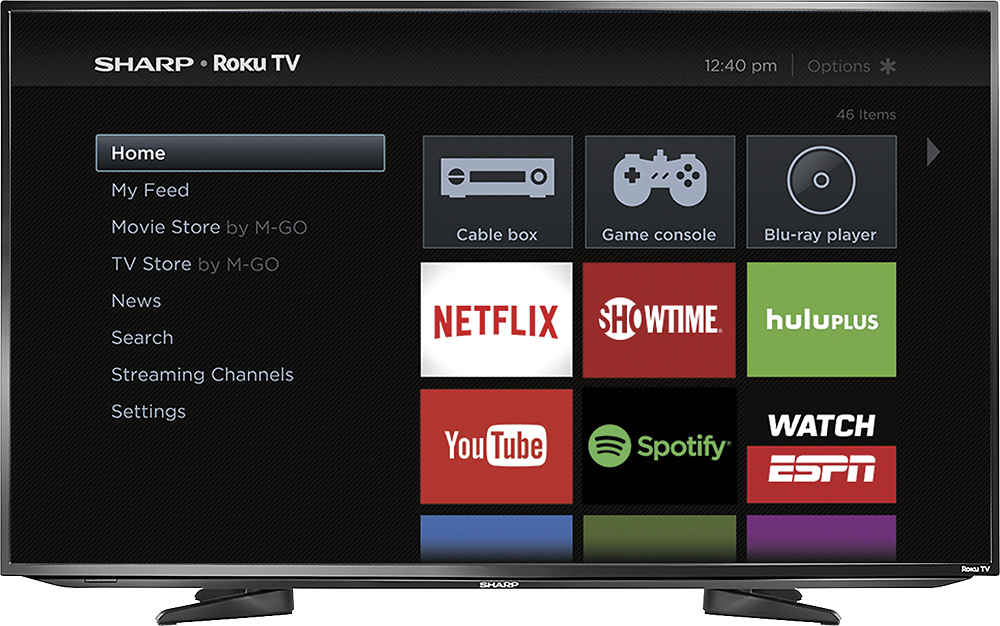
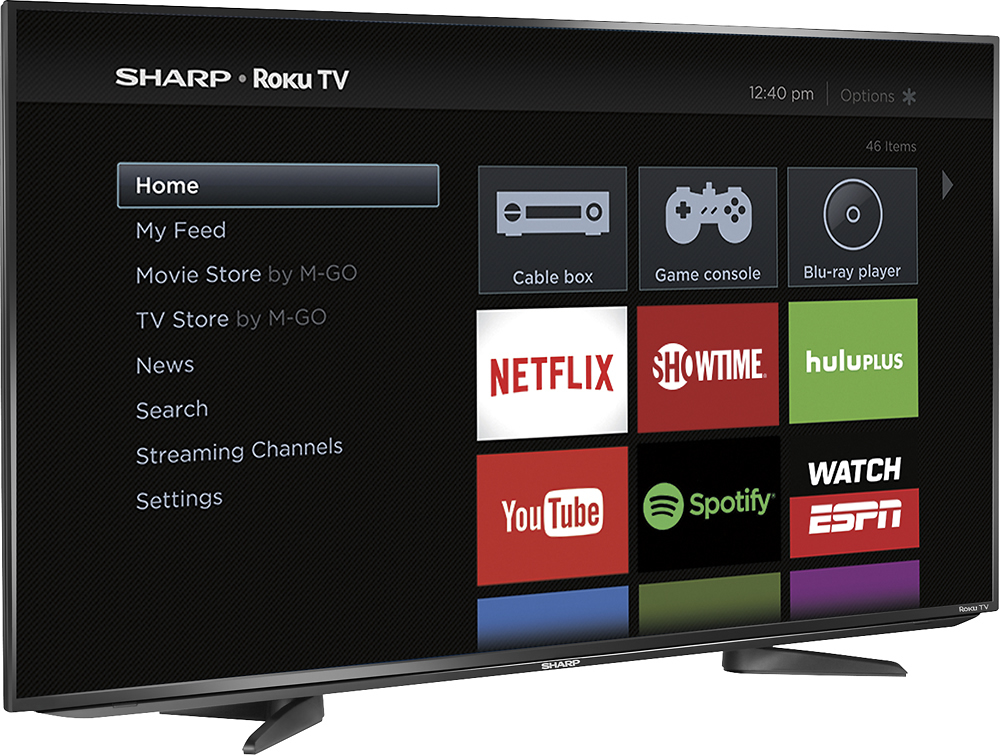
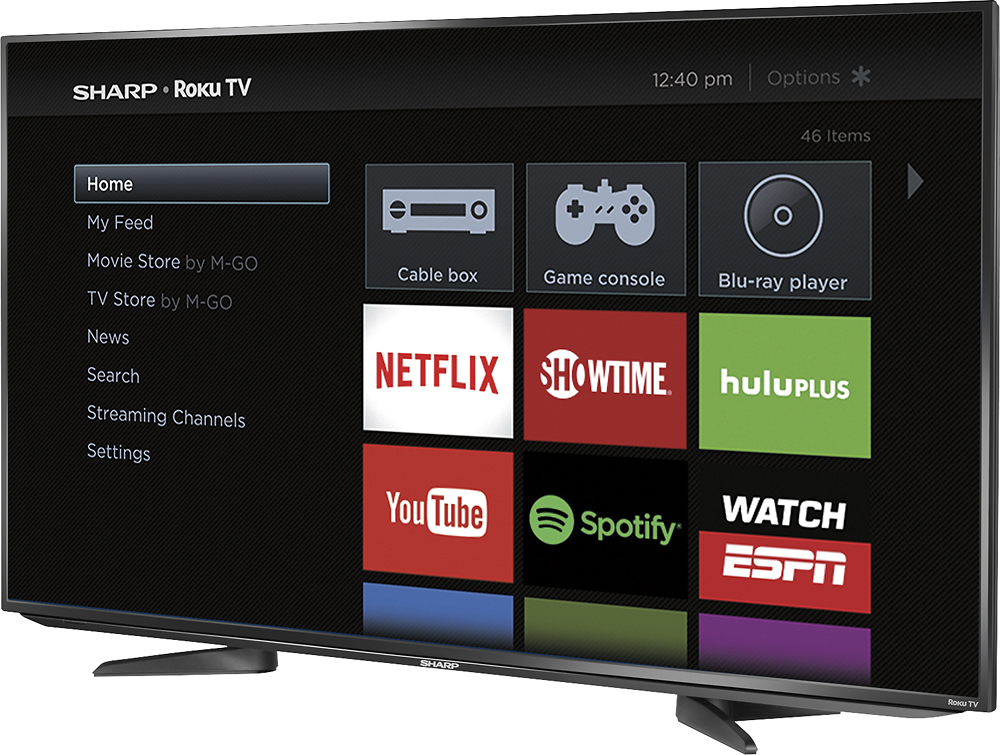
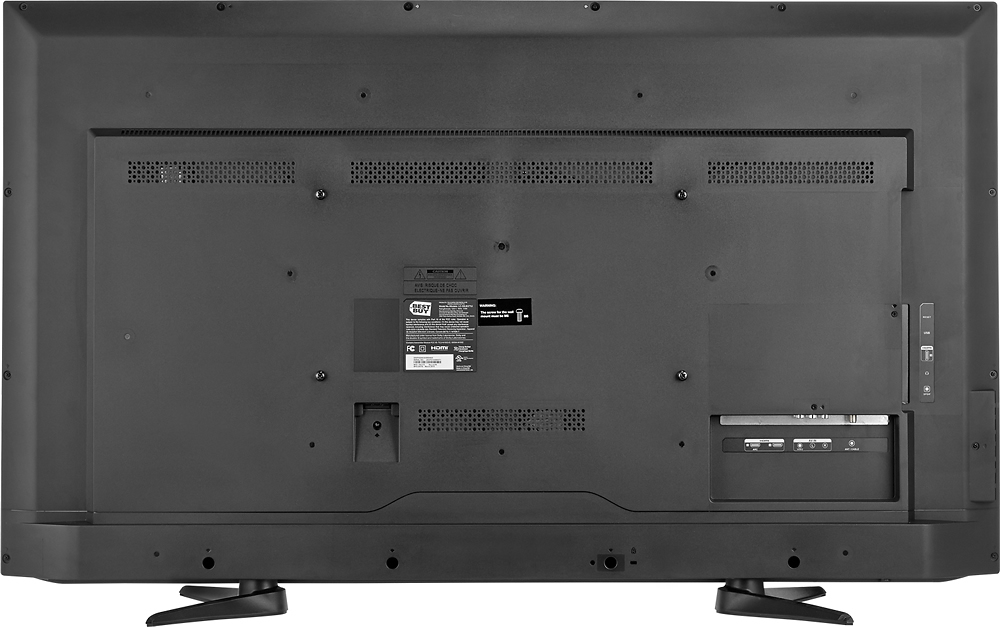

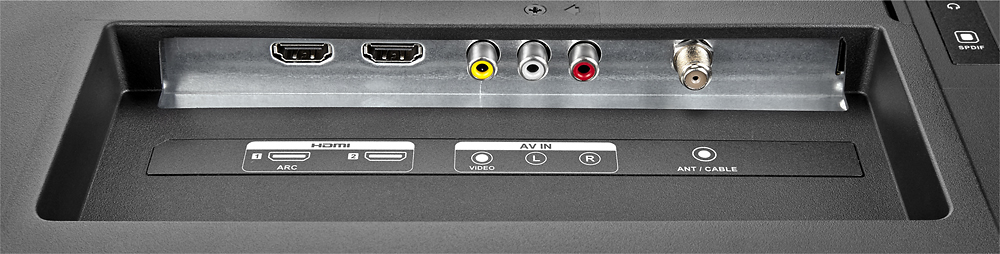
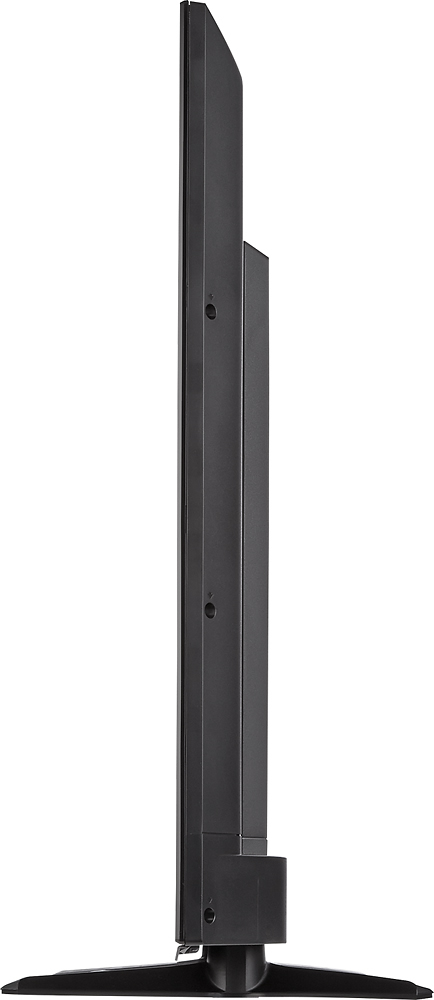
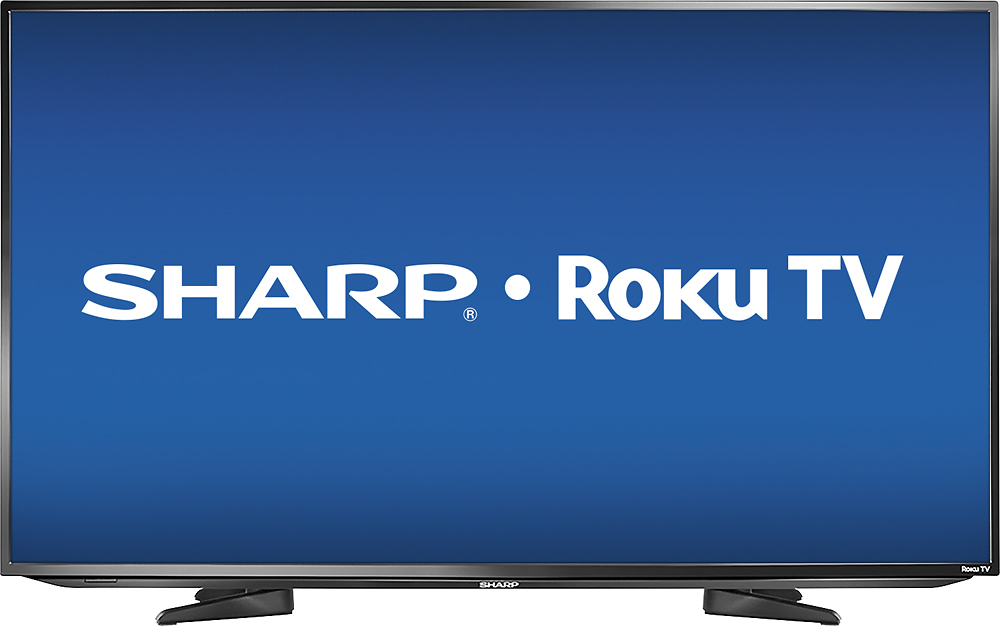
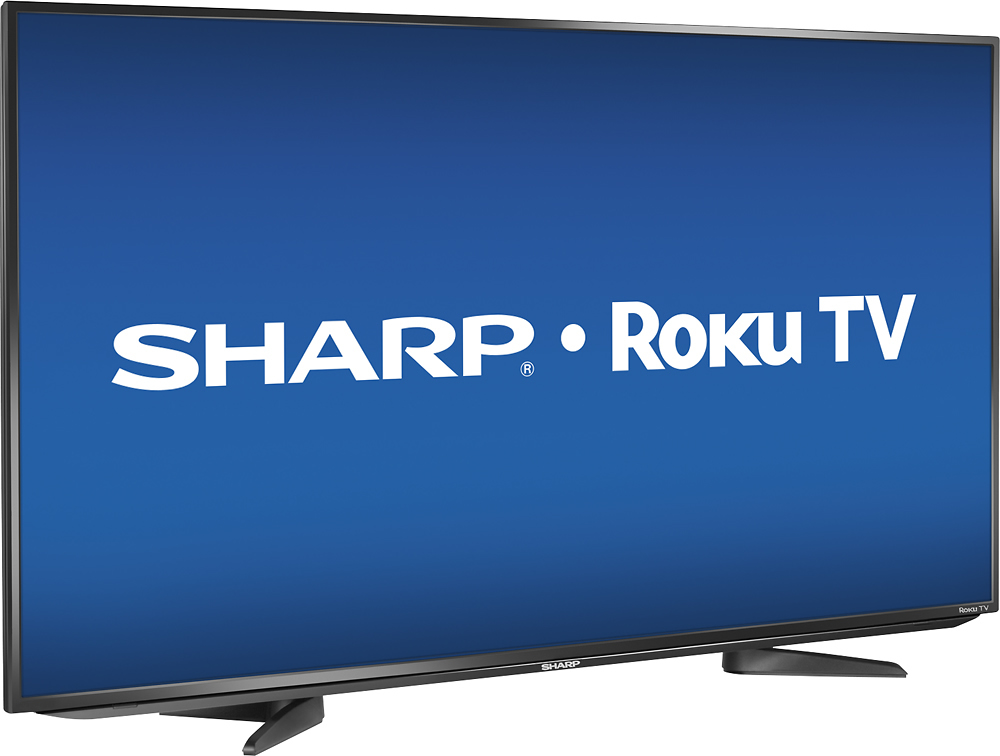
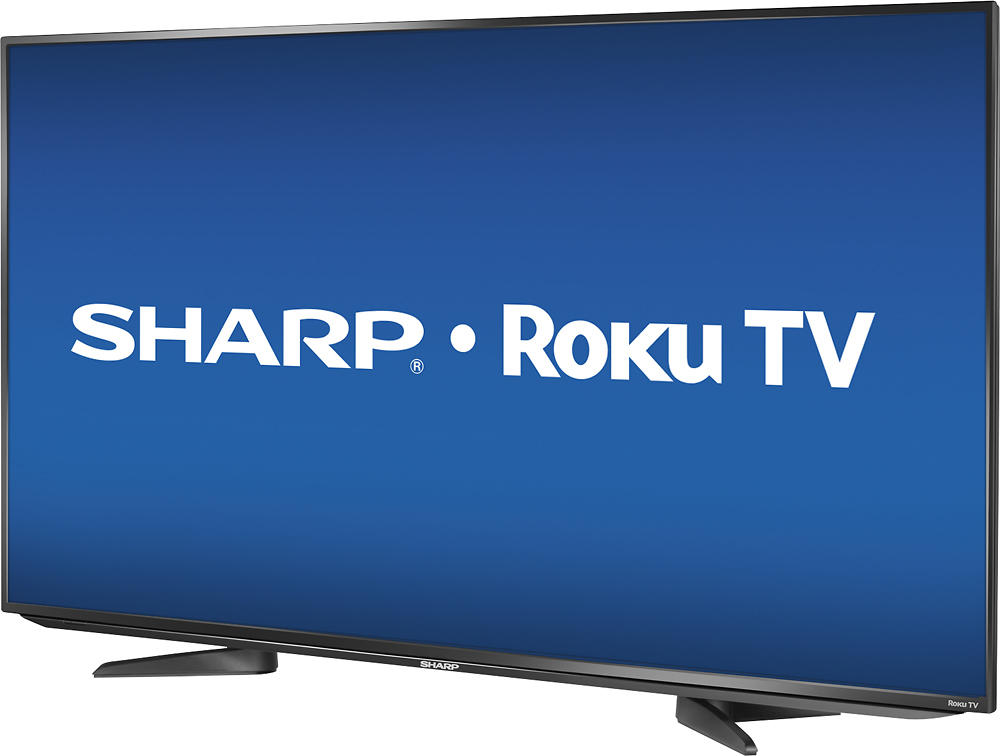
- Model:
- LC-50LB371U
- SKU:
- 2821014
Rating by feature
- Value
Rating 3.5 out of 5 stars
- Quality
Rating 3.3 out of 5 stars
- Ease of Use
Rating 3.9 out of 5 stars
Customers are saying
Customers value the 50" Class (49.7" Diag.) - LED - 1080p - Smart - HDTV Roku TV for its excellent picture quality, user-friendly interface, and affordable price. Many customers appreciate the convenience of having a smart TV, eliminating the need for cable subscriptions. However, some customers have concerns about the remote control's functionality and the TV's reliability and lifespan, with reports of short lifespans and screen issues.
This summary was generated by AI based on customer reviews.
TV died at 2 yrs old
||Posted .This reviewer received promo considerations or sweepstakes entry for writing a review.UNBELIEVABLE! barely 2 yrs old with only summer use. that would more like 6 months of watching. DISGRACE!!!
No, I would not recommend this to a friendnot what I anticipated
||Posted .This reviewer received promo considerations or sweepstakes entry for writing a review.nothing but problems since I bought the TV internet doesn't work it not a smart TV it's a dead TV can't enjoy what I paid for.
No, I would not recommend this to a friendBrand response from Sharp Advisor
Posted .We are very sorry to hear about the internet issues you are experiencing with your LC50LB371U. If you can please give us a call at 855-544-2030 we would be happy to assist you further with this matter.

- Pros mentioned:Ease of use, Picture quality
Very Surprised
Posted .This reviewer received promo considerations or sweepstakes entry for writing a review.I bought this TV for $379 as a bedroom TV, since we were giving our older 40" TV to my brother in law. So for the price I was expecting a decent TV but nothing all that spectacular. I was thinking about getting the 43" Vizio 4K TV, but my uncle pointed out that there is not a lot of 4K content. So I decided to give this TV a shot. It is a very nice TV - the picture great, it is easy to use and pretty easy to set up. All the TV I could possibly want for what I am using it for (streaming watching cable TV, streaming movies on an XBMC box). Especially for the price I am very happy.
I would recommend this to a friend Its ok
||Posted .This reviewer received promo considerations or sweepstakes entry for writing a review.The tv wont play through my soundbar sometimes. Its difficult to constantly reset it to play through the soundbar.
I would recommend this to a friendBrand response from Sharp Advisor
Posted .We are very sorry to hear about the audio issues you are experiencing with your sound bar when connected to your LC50LB371U. If you can please give us a call at 855-544-2030 we would be happy to assist you further.
Nice
||Posted .This reviewer received promo considerations or sweepstakes entry for writing a review.I wish it had a better direction booklet. There are things that I don't know what it means about the television
I would recommend this to a friendBrand response from Sharp Advisor
Posted .Thank you for your recent review of your LC50LB371U. If we can be of any assistance please give us a call at 855-544-2030 we would be happy to assist you further with any questions you may have about your new TV.
Nice size TV
||Posted .This reviewer received promo considerations or sweepstakes entry for writing a review.Had this TV delivered to my house. The screen was broke on it when I opened the box. So had to return it.
No, I would not recommend this to a friendHorrible
||Posted .This reviewer received promo considerations or sweepstakes entry for writing a review.Died before 2 yrs old. Such a piece of junk. So disappointed
No, I would not recommend this to a friend- Pros mentioned:Picture quality
Best Bang For Your Buck
Posted .This reviewer received promo considerations or sweepstakes entry for writing a review.So, I bought a samsung smart tv, 40", $459 plus tax. Got it home and found that it didn't have the features I wanted. 1) Per Samsung, "ontv"and the recommendation features were removed with the new software update that took place a few days before I bought the tv 2) I didn't perform my usual research AND samsung is pretty vauge in making it clear, their various platforms and features. Unless, that is, the tv in question is a very expensive model. Long story short, I returned the tv and ended up with this 50" Sharp, brand new model, unlike the samsung, for $40 more bucks. At this point I loveeeeee the tv! The picture quality is just as good as the samsung, I have wayyyyy more to choose from, with regard to apps, movies and streaming channels. Comparing apples to apples, this tv is in the top five. This tv will definitely give you the most bang for your buck if you're shopping on a budget.
I would recommend this to a friend Not to happy
||Posted .This reviewer received promo considerations or sweepstakes entry for writing a review.Tv should be better quality Not what I expected for price
No, I would not recommend this to a friend- Pros mentioned:Picture qualityCons mentioned:Reliability
Great Deal, Glitchy System
Posted .This reviewer received promo considerations or sweepstakes entry for writing a review.I have had mine for about a week and a half now. The picture quality is more than acceptable for the price point. (Even above the price point). I already used the ROKU service prior to me purchasing this TV so the remote didn't take long for me to get use to. Someone new to the system will have a little bit of a learning curve when it comes to selecting inputs, but when you finally get it, you'll realize how much more simple it is than having multiple devices to do what this one TV does all by itself. Why not a 5 star review? On day 2 in the middle of watching a show the TV just flashed and turned off. There was no response from the remote at all. I eventually had to unplug it and then plug it back in for it to work again. It's been clear sailing since then but I have to admit that I'm watching it with a bit of apprehension about keeping it at this point. My day off is tomorrow so I'm going to exchange it since I'm still in the time window to do so. I really like the concept but my trust has been shaken. I still love sharp ( I have 2 other sharp TV's ) but the integration of this platform may need a generation or two before it's ready for prime time.
No, I would not recommend this to a friend terrible product
||Posted .This reviewer received promo considerations or sweepstakes entry for writing a review.this is the worst purchase I have ever made at Best Buy. The screen went green at 3 months and they wouldnt exchange it and said I had to go to mfg for repIair and tbey just turned around and sent 2 geeks squad who knew nothing about TV and tried to blame it on directv even when we hooked up to dvd player. They wouldnt fix it. I will never buy a TV from here again since Best Buy wont stand behind products they sell. I am stuck with a tv that doesnt work that was a lot of money for my family. It took me a year to save enough money to buy this tv.
No, I would not recommend this to a friendgood tv for viewing netflex
||Posted .This reviewer received promo considerations or sweepstakes entry for writing a review.I cannot get the tv channels to come in. I can get one main channel with the antenna connected. I was expecting the picture to very crisp. At some times it seems a little fuzzy.
No, I would not recommend this to a friendBrand response from Sharp Advisor
Posted .Hi Puppies,
I apologize your not getting a clear picture on your Sharp RoKu TV! We would be happy to assist you if you could reach out to our support center at 855-544-2030
Thank-you!
Advanced picture settings menu options
Posted .This reviewer received promo considerations or sweepstakes entry for writing a review.I just wanted to help out the person who said you can only adjust the brightness. Here is how to do more. Then the picture is as good as it can get. Go to, Advanced picture settings menu options • Picture mode—Provides picture presets for various viewing preferences. This setting duplicates the one on the Options menu. When you change the Picture mode, other picture settings adjust accordingly. For example, setting the Picture mode to Vivid sets Brightness, Contrast, Sharpness, and other values to produce a very vibrant picture. Setting Picture mode to Movie changes these same settings to produce a picture suitable for enjoying movies in a darkened room. If you make changes to the individual picture settings—for example, Contrast, or Sharpness—these settings are saved for the current input and the current picture mode. In this way, the HDMI 1 input's Movie picture mode can be customized and different than the HDMI 2 input’s Movie picture mode and Antenna TV’s Movie picture mode. Use Reset picture settings, described below, to return the input’s current picture mode to its original values. • Dynamic Contrast—Automatically adjusts the backlight level to achieve the optimum contrast and prevent excessive differences between light and dark areas of the screen. The Backlight option is disabled when Dynamic Contrast is enabled. • Backlight—Adjusts the overall light intensity of the screen. • Brightness—Adjusts the dark level of the black areas of the picture. • Contrast—Adjusts the white level of the light areas of the picture. • Sharpness—Adjusts the sharpness of the edges of objects in the picture. • Color—Adjusts the intensity of colors in the picture. A setting of 0 removes all color and displays a black and white picture. • Tint—Adjusts the color balance from green to red to obtain accurate colors in the picture. • Color temperature—Adjusts the overall colors in the picture from Normal to slightly more bluish (Cool) to slightly more reddish (Warm). • Picture size—Adjusts the aspect ratio of the picture, enabling you to view a picture in its original format, or zoom or stretch it to fill the screen. The Auto setting has been known to produce the best picture in most cases. • Game mode—Controls whether Game mode is on or off. When On, your Sharp Roku TV performs less image processing and has less input lag. When Off, your Sharp Roku TV may perform more image processing and has more input lag, which is less desirable for action games. Available only for HDMI and AV inputs. • Reset picture settings—Returns all picture settings for the input's currently-selected Picture mode to their original values.
I would recommend this to a friend- Cons mentioned:Remote control
Good TV with nice Roku system, but bad Roku remote
Posted .This reviewer received promo considerations or sweepstakes entry for writing a review.Overall, I'm pretty happy with my purchase as of a week ago. I like the TV itself, and I'm happy with the Roku smart TV system. This is my first Roku device, and I love the huge menu of channels that it offers. It also has a very easy setup. I like having the smart features built into the TV itself, where before we had to turn on the Bluray player to get similar features. This is a good all-in-one solution. However, the Roku remote that's included isn't very good. It makes a great budget TV into just a good one. It seems like Roku is new to having their system/remotes control ALL of a TV settings and features, since i could see how my gripes wouldn't be a problem at all for their add-on devices (since the TV would have all it's own UI and remote control features). I should also point out that I don't have a paid-TV service, so my source for traditional TV channels comes from the antenna on my roof. Someone with a cable/satellite TV service may bypass these concerns with their included system. In my case, I'm relying on the Sharp/Roku to control and provide everything that makes up my TV viewing. Here are my gripes about the remote control: - There is no button to switch back to the previous TV channel. If you want to get back to that channel you were just watching, you'll have to flip thru all the channels or use the left arrow button and scan there. Which brings me to my next issue: - The remote does not have the usual 0-9 number buttons for direct access to a specific TV channel. Pressing the left arrow button loads an on-screen list of all the TV-broadcast channels available, which is faster than clicking thru each and every channel. But still, I regularly have to scan thru 20 or more numbers to get to the channel that I want. - The remote buttons are not customizable. I wouldn't normally care about customizing them since this isn't a universal remote, but there are only a handful of buttons there to begin with. And since it comes with 4 dedicated buttons for one-click access to Netflix, Amazon, rdio and MGo, they take up quite a bit of real estate that i would prefer to be given to something more my style. And the cherry on top? rdio has already stopped supporting Roku, so this button is now useless. A whole button wasted, and there are only a few there to begin with. In a quick scan of Roku's forums, it seems like many customers are requesting the ability to customize as well, so maybe Roku will eventually give in an allow it. Even if they aren't willing to allow us to change these specific buttons, there are also 2 or 3 other dedicated-feature buttons on the remote which I probably won't use (ie: game mode button, and a dedicated sleep timer button). - In a neat feature, Roku has a smartphone app, which DOES give me the "previous channel" button. Unfortunately, it takes so much time (relatively speaking) that i don't use the app. To unlock my phone, load the app and get the remote screen pulled up within the app... call me lazy, but it's "faster" to just scroll thru the channels with the on-screen menu. - This next quibble isn't necessarily the remote's fault, but the Roku system itself.... Regular broadcast/antenna TV channels send out a signal that tells you what show is on currently, and what show is coming up next. (They may even broadcast more that I'm not aware of?) The Sharp/Roku TV allows me to view what is currently showing, but does not allow me to see the show that's coming on next. Again, this would be resolved by a subscription TV/cable/satellite service with their included menu/listings feature. Summing it all up, the simplified Roku system is nice, but Roku's simplified remote control doesn't do the job for a cord-cutter like me. I don't like having to use multiple remotes to watch a program, but I find myself wishing for a separate remote made by Sharp.
I would recommend this to a friend Had to return
||Posted .This reviewer received promo considerations or sweepstakes entry for writing a review.This tv was a great price but kept losing brightness when switching from Roku to regular cable.
No, I would not recommend this to a friendBrand response from Sharp Advisor
Posted .Hello Deem, I am very sorry to hear you returned your LC-50LB371U. We hope you will reconsider Sharp products in the future.
- Pros mentioned:Ease of use, Picture quality
User friendly TV!
Posted .This reviewer received promo considerations or sweepstakes entry for writing a review.First Smart TV my wife and I have gotten. So far it has been a great choice. Extremely easy set-up, home screen was easy to personalize, started streaming shows right away. Very user friendly for those that are not the most tech saavy. Seems like a great TV for anyone a tad apprehensive about trying one. Sound and picture quality are great. Looking forward to trying out some other apps. Currently have this TV in the master bedroom. Quite possibly will get another for the living room.
I would recommend this to a friend Not too impressed
||Posted .This reviewer received promo considerations or sweepstakes entry for writing a review.The tv was very difficult to use. My parents are not tech savvy people.
No, I would not recommend this to a friend- Pros mentioned:Picture quality, Smart tvCons mentioned:Remote control
Impressed for the price
Posted .This reviewer received promo considerations or sweepstakes entry for writing a review.Awesome smart tv. Quick buttons for Netflix and Amazon are a god send, no more having to phone coach my wife on how to bring them up. Wifi works great. Picture is decent out of the box and can be dialed in easily. Lacks a little in some areas for tuning the picture unless your a hardcore videophile butt then you should not really looking at sets in this price range. Speakers are decent but the addition of a sound at improves it dramatically. The one draw back is being pretty much tied to the remote. If you lose it your sunk until you get another one. So make sure you keep it on lockdown. There is an app but I couldn't make it work and I'm an above average techie. I saved a few bucks and bought an open box. Other than the box being opened, the tv appeared to still be packaged in opened factory packaging, so consider that if the option is available.
I would recommend this to a friend Great Price for a Great TV
Posted .This reviewer received promo considerations or sweepstakes entry for writing a review.I never write reviews - but this one is an exception. I have been holding out on a smart TV for a long time (8 years), waiting for prices to drop like PCs have. Finally I have found my gem in this model. Saw this on a deal site and this TV met all my expectations: great brand, below $400, smart TV, big screen (50"!). Bonus is it's pre-installed with Roku TV, which means I will save at least $100 upfront. Little did I know that it would be so much better: this TV is truly a plug-and-play - even easier than setting up my iPhone! It's so incredible to have such great screen quality at this price point - even though it's "only" 60 Mhz, my human eye couldn't tell the difference. Sharp is known for its great screen quality and I was lucky to not have any dead pixels because this TV is big and it would have been a drag to have to return it. Once I connected it to the Internet, Roku works seamlessly with the TV, as if it was part of the TV to begin with. (My friend just bought a Sony and he said the setup was NOT straightforward.) I have Netflix and bought a cheap ($14.99) antenna and I already have tons of content at my fingertips - not to mention all the other free "channels" that I could add (CBS Live, Crackle, etc.). It's almost like I have cable! Granted, this is not 4K Ultra and I was going to get another Samsung 4K, but this one is too good of a deal to pass on. Even if I wanted cable TV, I could just add SlingTV for $20 a month - without having to buy additional hardware. The only downside is I can't do screen mirroring as I have a Mac (Roku has a beta screen mirroring feature, but it only works with Windows and Android right now, so hopefully Roku will have another update soon). Once that is available, it would completely eliminate the need for me to need to get Chromecast. Also, there's no additional hardware dangling around, which often irks me when I see other people's smart TV setup. The other big plus is the simple remote design - the sight of a complex TV remote is also another reason I wanted to wait for the technology to mature. This remote has under 20 buttons - there are a few that some vendors paid to have on (which I don't need), but I can easily ignore them. I am supposed to be able to do voice search, but I don't mind the on-screen letter typing so much - you also have the option of downloading the Roku phone app to type out a search. Final bonus: in light of all the reports about how some vendors of smart TVs secretly record viewer data, Sharp is not on the list. Added peace of mind.
I would recommend this to a friend- Pros mentioned:Picture quality
Competitive Price, Great Picture Quality, Small Pr
Posted .This reviewer received promo considerations or sweepstakes entry for writing a review.Great picture with good options for calibrating. One problem is the resolution enhancement at the higher levels. In situations with lots of detail, the image will become grainy or flicker. It was solved by turning the setting down which where turned up OOB. OSD is obviously a straight translation from Chinese or whatever native language. Not really a problem, but when offering a product meant to compete with Samsung and Sony, I expected a little more polish. Definitely an option to consider against the more expensive models
I would recommend this to a friend