Customer Ratings & Reviews
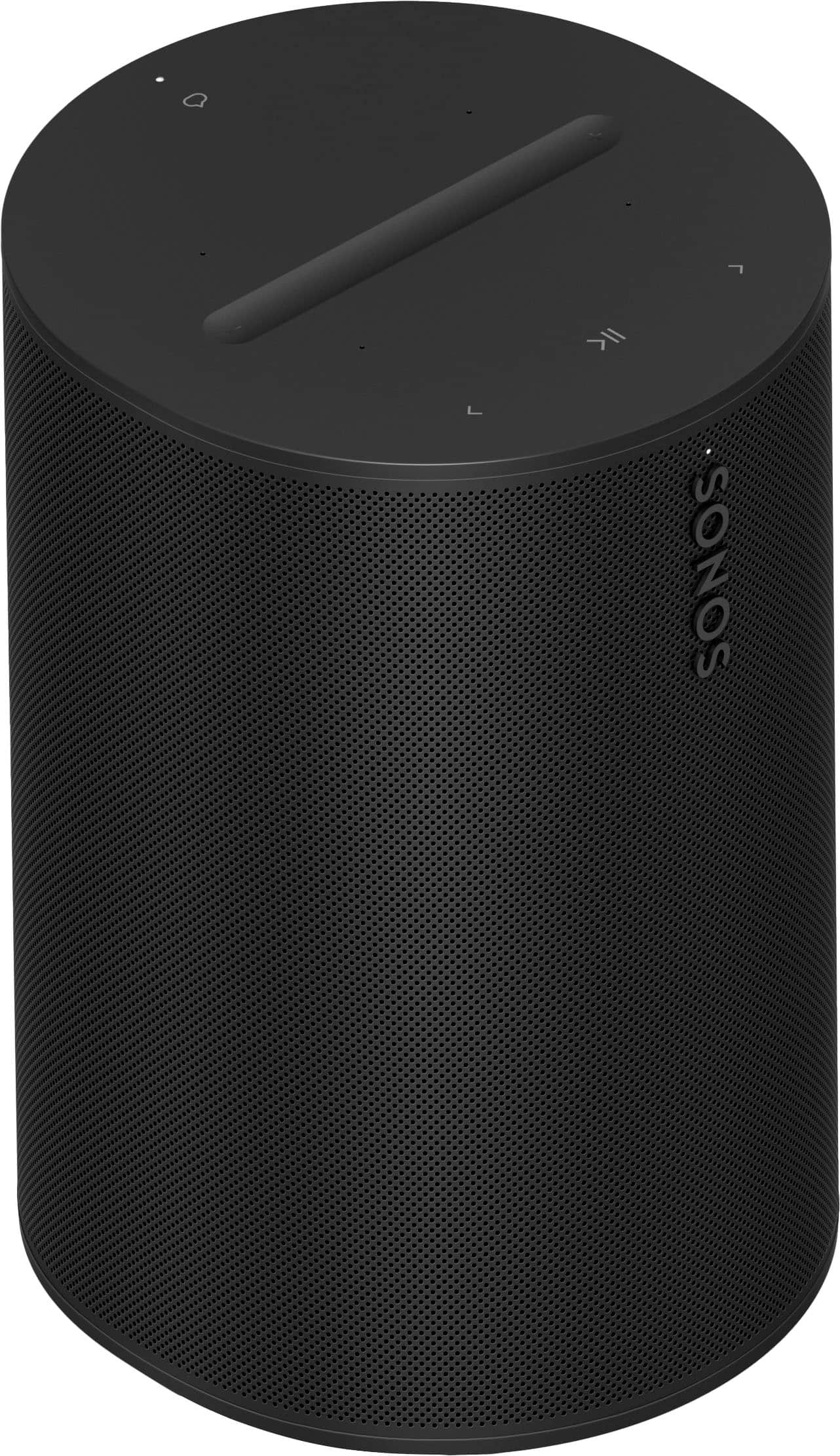
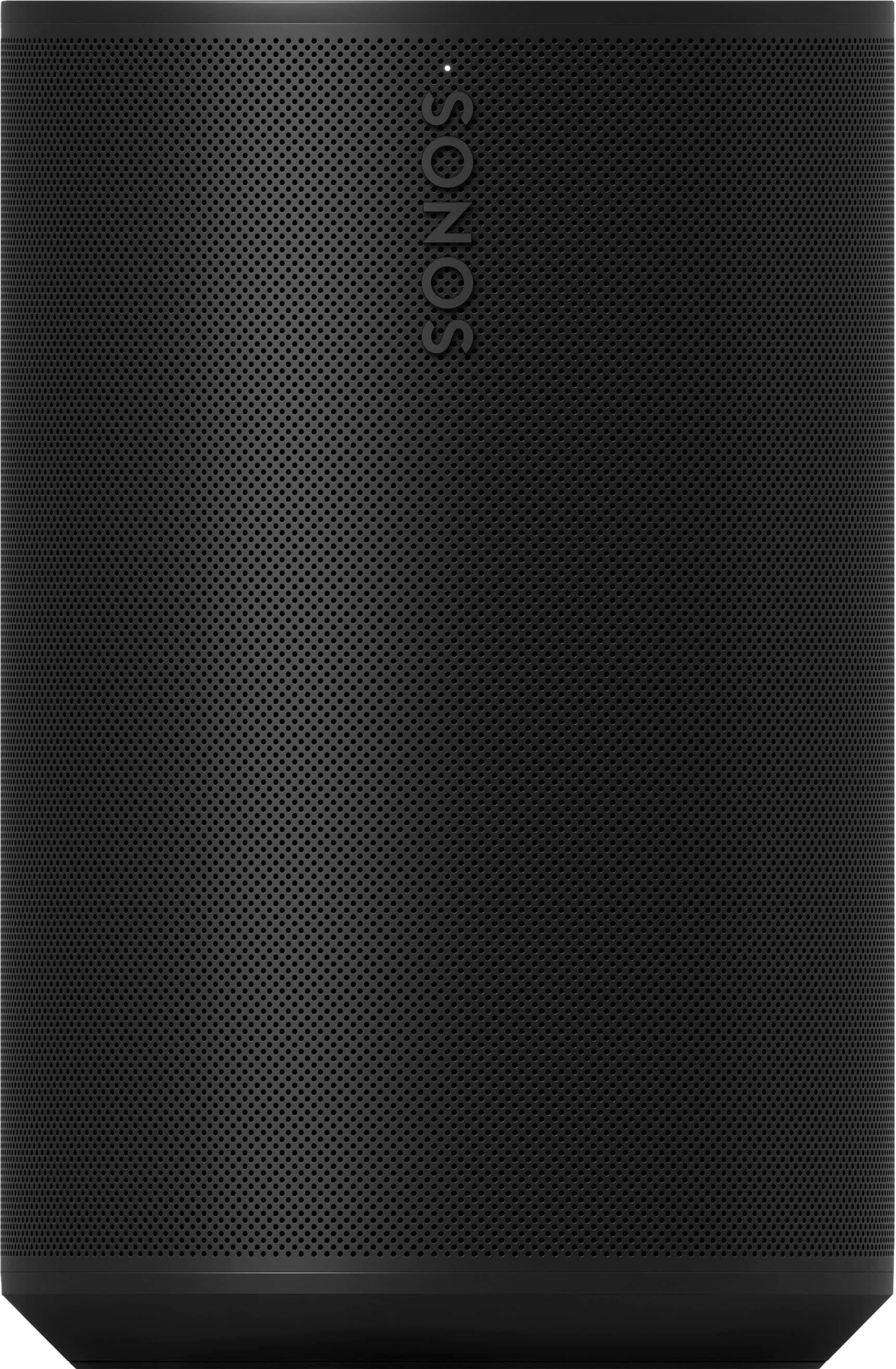
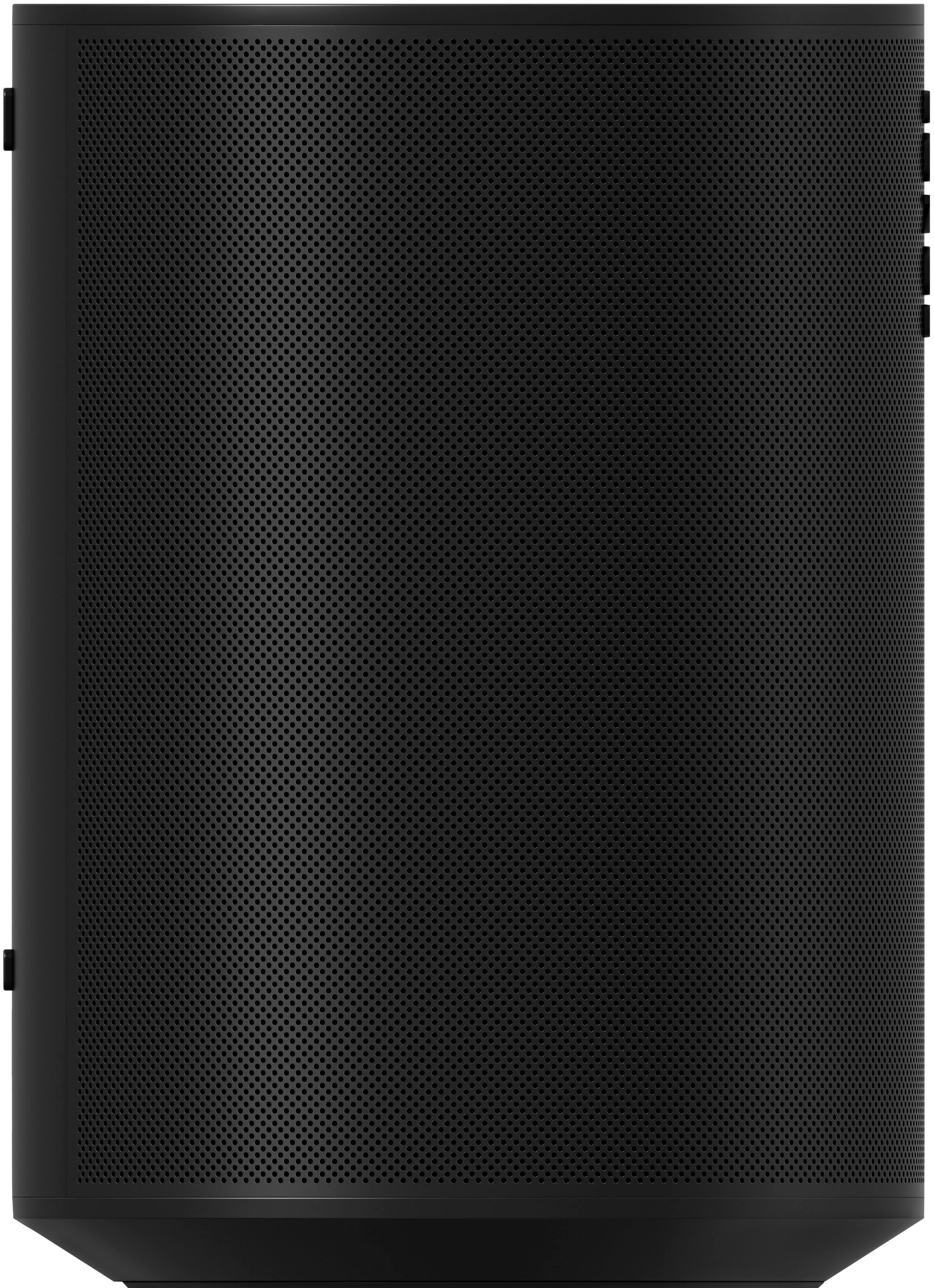
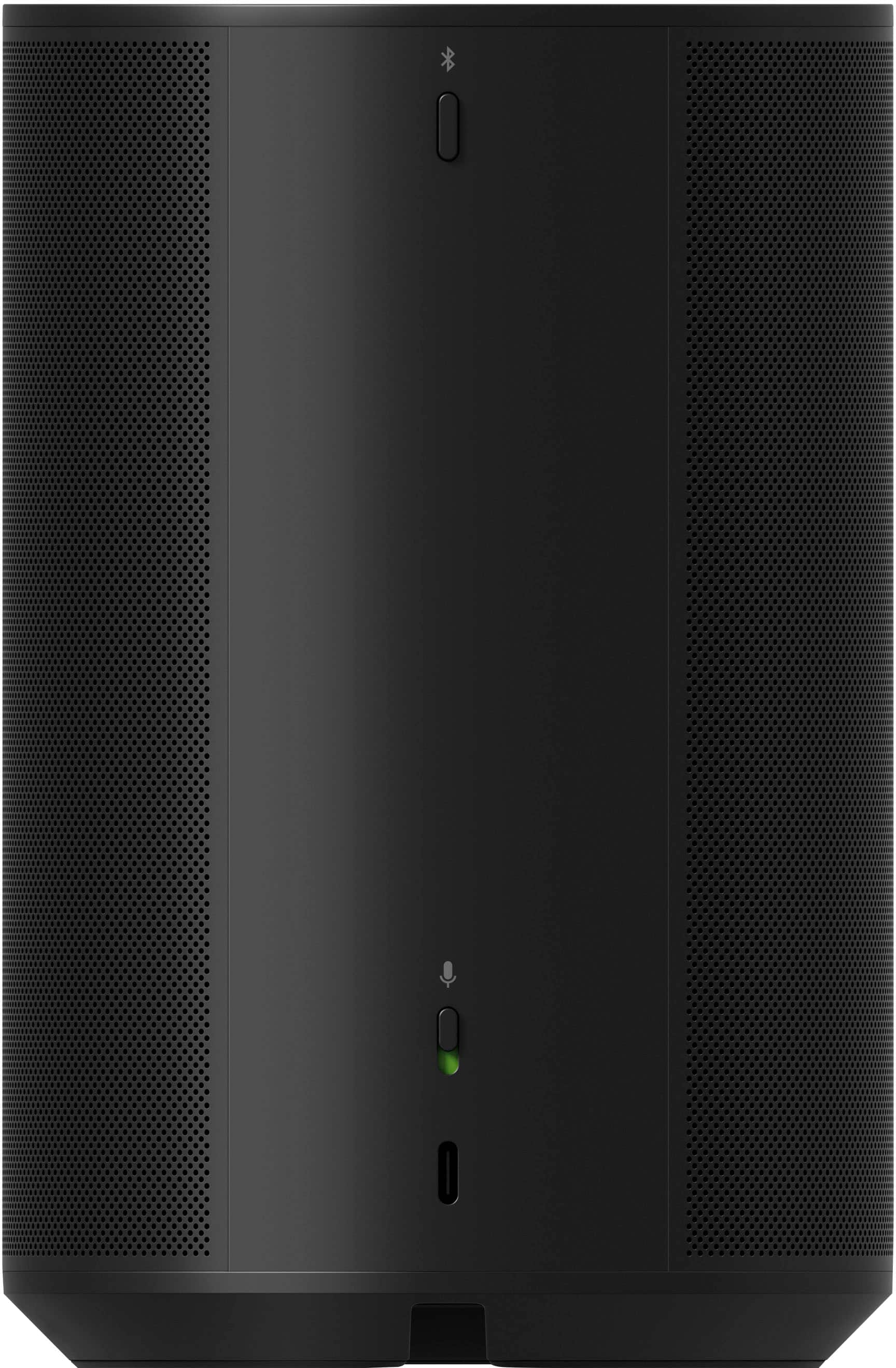
- Model:
- E10G1US1BLK
- SKU:
- 6535191
Rating by feature
- Value
Rating 4.6 out of 5 stars
- Quality
Rating 4.8 out of 5 stars
- Ease of Use
Rating 4.6 out of 5 stars
Customers are saying
Customers love the excellent sound quality, which is frequently highlighted as a major strength. They also appreciate its ease of use, convenient size, and good connectivity, along with its sleek design and simple setup. However, some customers have noted concerns regarding its price, the quality of its app, and limited compatibility, particularly the lack of Google Assistant support.
This summary was generated by AI based on customer reviews.
Not Roku TV compatible
Posted .This reviewer received promo considerations or sweepstakes entry for writing a review.Not Roku TV compatible. Best Buy employees ensured me this would work with my tv, purchased and had to return. Don’t purchase if you have a Roku TV
No, I would not recommend this to a friend- Cons mentioned:Compatibility
Sonos definitely not for android systems
Posted .This reviewer received promo considerations or sweepstakes entry for writing a review.Sonos is not compatible with android, if you have android don't even bother buying sonos system.
No, I would not recommend this to a friendBrand response from Sonos Customer Care
Posted .Sonos systems are designed to be compatible with both iOS and Android devices, but sometimes issues can arise depending on software versions or device settings. Here are a few steps to ensure better performance with Android devices:
App Update: Make sure the Sonos app is up-to-date on your Android device, as newer versions may contain important fixes and improvements.
Network Settings: Ensure your Android device is on the same Wi-Fi network as your Sonos system, as this is necessary for them to communicate.
Bluetooth and Wi-Fi: If you're using Bluetooth to pair, double-check the Bluetooth connection. If you're using Wi-Fi, ensure your router is set up for optimal connectivity.
We truly value your feedback and are committed to improving your experience. If the issues persist, please reach out to our customer support team at support.sonos.com so we can assist you further. Thank you for bringing this to our attention.
Wait till they get their software fixed
Posted .This reviewer received promo considerations or sweepstakes entry for writing a review.Sonos released a 'new' app a few months ago and its been a total disaster. Thr CEO even apologized for it. This hardware is basically useless without the app and right now the software is reallly unstable.
No, I would not recommend this to a friendBrand response from Sonos Customer Care
Posted .It's disheartening to hear that the recent app release has caused so much frustration, especially when the hardware itself has such great potential. The situation with the app is concerning, and we understand how critical reliable software is to the overall experience. It's important to note that Sonos has acknowledged the issues, and while our CEO's apology is a commitment to resolving these problems, we understand that doesn't alleviate the current inconvenience.
If you're facing issues, here are some steps that might help:
Check for Updates: Ensure your app and devices are running the latest software version. Sometimes, patches and updates can resolve these kinds of issues.
Reboot the System: Try rebooting both your Wi-Fi router and Sonos devices. This can sometimes help re-establish stable connections.
Factory Reset: As a last resort, performing a factory reset on your Sonos devices and setting them up again might resolve persistent connection issues. Just be aware that this will erase all current settings and data.
Contact Support: If you continue to experience issues, reaching out to Sonos support for personalized assistance can be beneficial. You can reach out at support.sonos.com.
Hopefully, these steps can improve your experience while we work on resolving the app issues.
New app is terrible
Posted .This reviewer received promo considerations or sweepstakes entry for writing a review.Got two brand new speakers and neither will connect with the new app they updated to. The speakers will literally not work. Its a known issue check the latest reviews on sonos app.
No, I would not recommend this to a friendHave the box for return
Posted .This reviewer received promo considerations or sweepstakes entry for writing a review.Acts as a regular speaker, could get the same volume and quality from any cheaper speaker. Can’t return unless you have the original box (Geek Squad agent took mine during install) even if it’s within 30 days.
No, I would not recommend this to a friend