Customer Ratings & Reviews
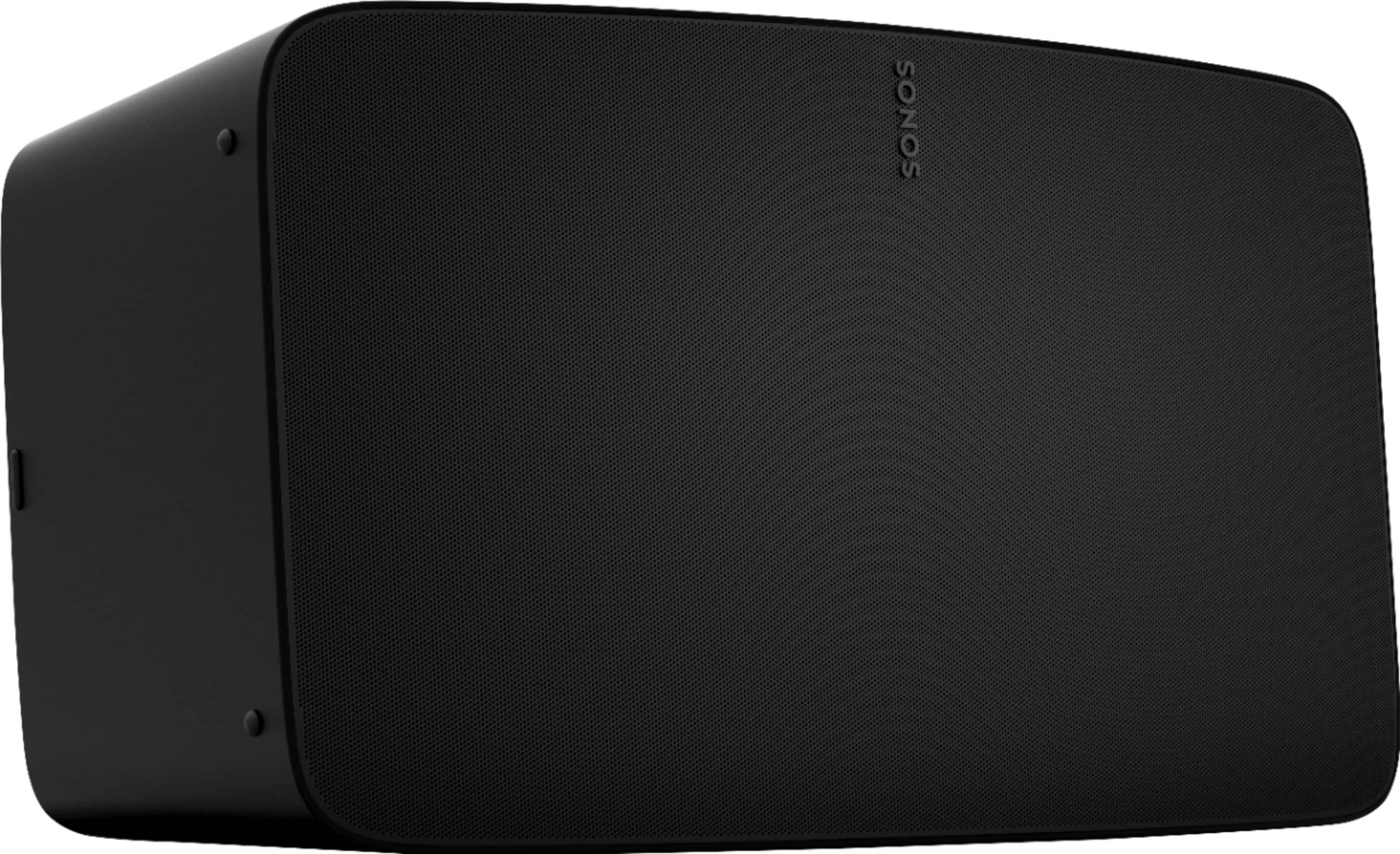
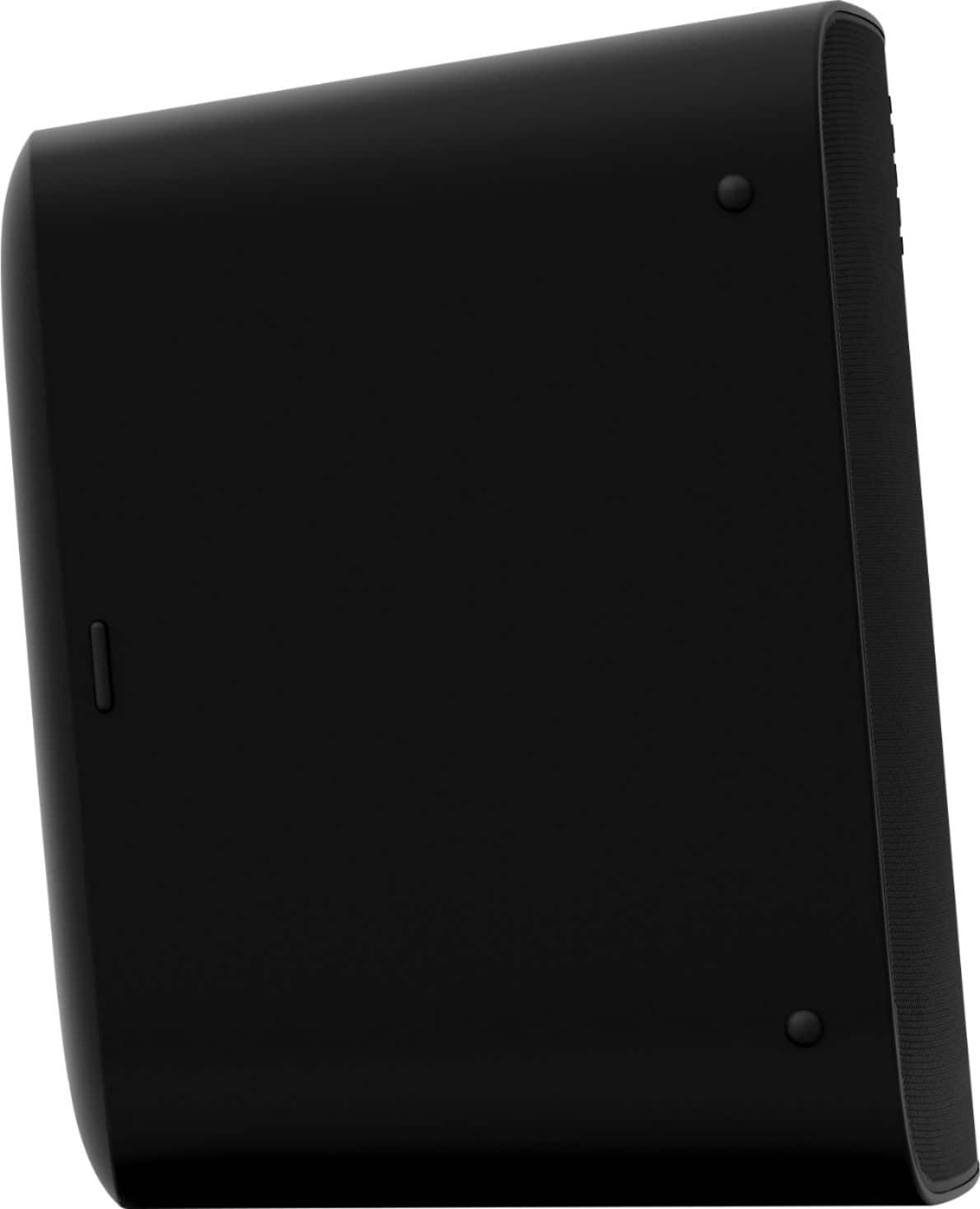
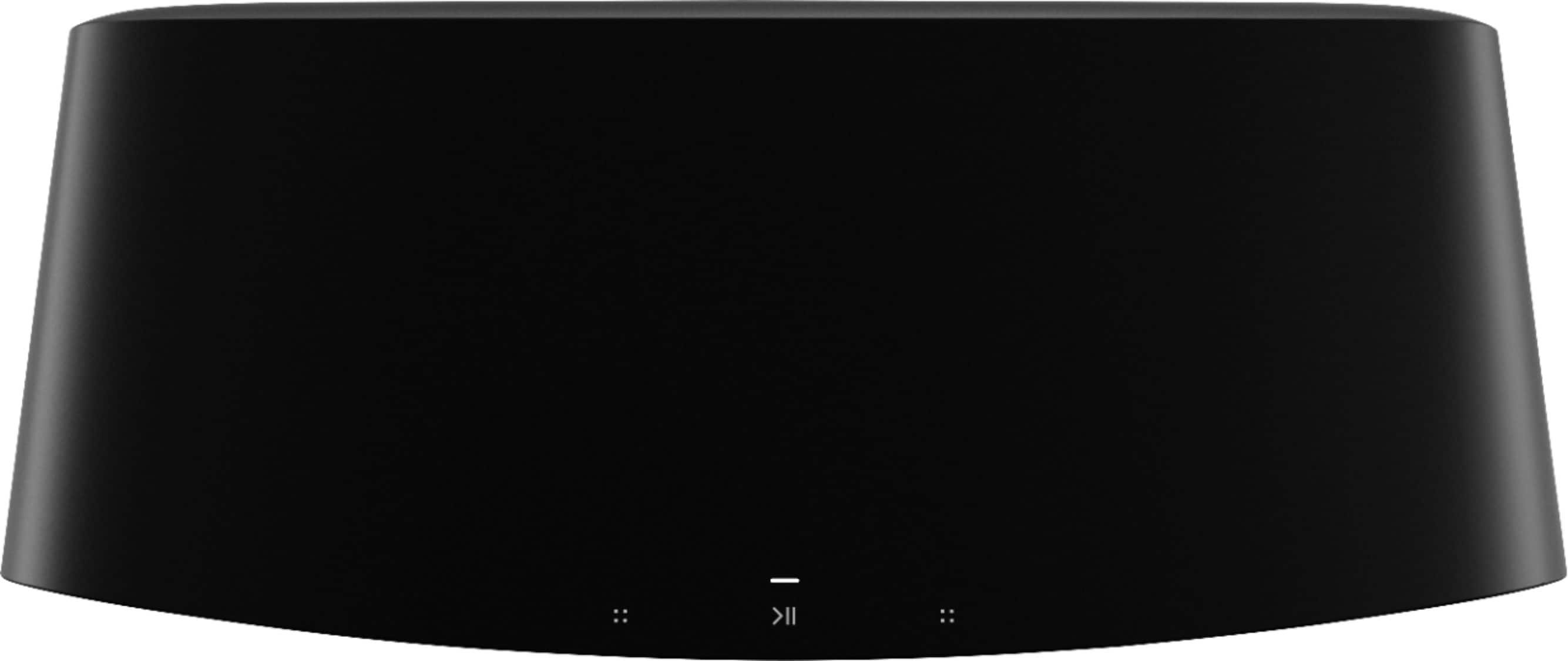
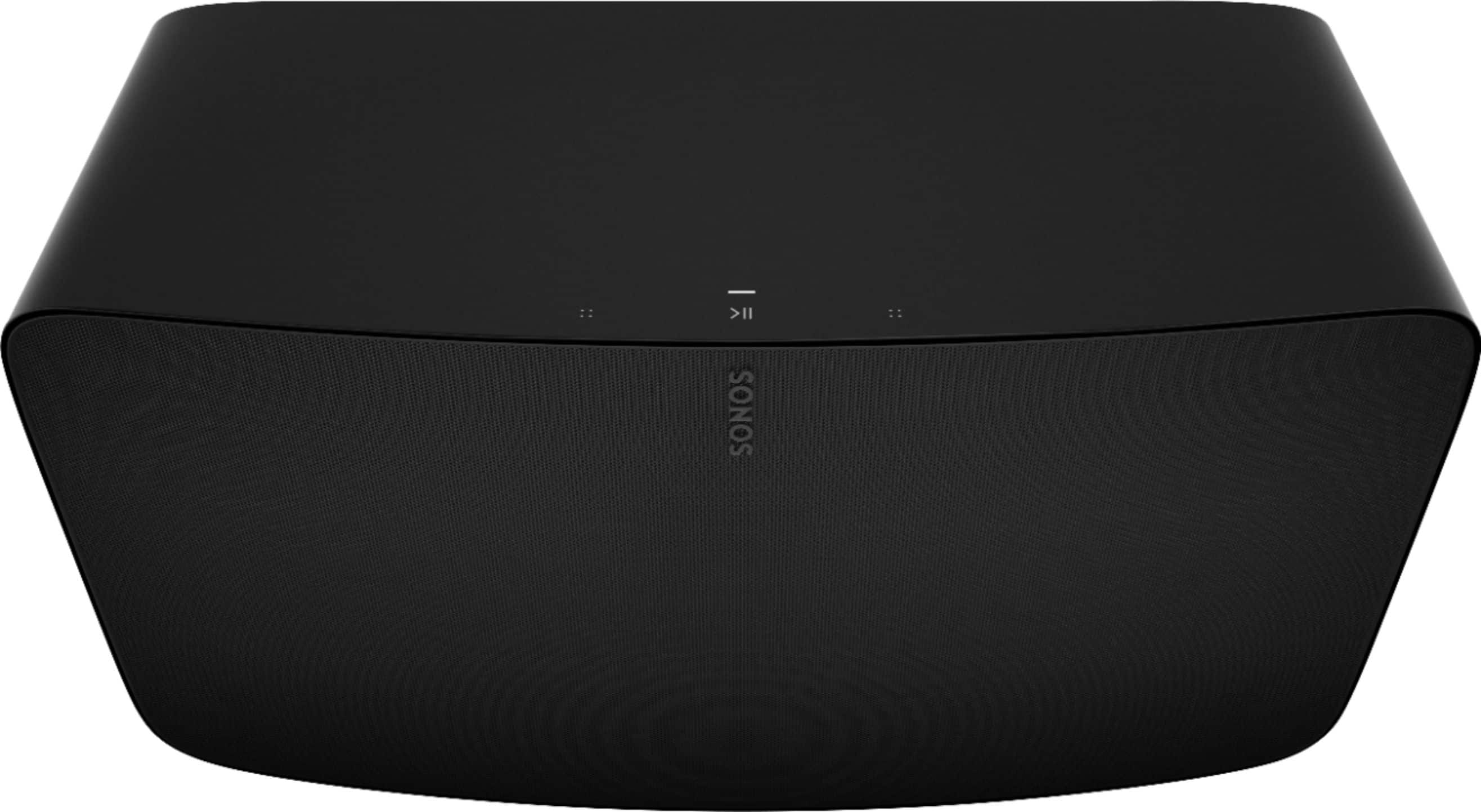

- Model:
- FIVE1US1BLK
- SKU:
- 6411135
Rating by feature
- Value
Rating 4.4 out of 5 stars
- Quality
Rating 4.8 out of 5 stars
- Ease of Use
Rating 4.6 out of 5 stars
to a friend
Customers are saying
Customers regard the Five High-Fidelity Wireless Speaker highly for its unparalleled sound quality, ease of use, and impressive bass. The setup process is quick, and the speaker maintains quality sound at different volume levels, with a sleek design that belies its size. Some customers have expressed concerns about connectivity options, as it lacks Bluetooth, and consider the price a drawback. Additionally, a few users have noted compatibility issues with certain platforms and have suggested improvements to the app and the inclusion of a microphone for voice commands.
This summary was generated by AI based on customer reviews.
Do not buy
||Posted . Owned for 1 month when reviewed.This reviewer received promo considerations or sweepstakes entry for writing a review.Wish I could give it a 0. This is over priced with no bass. Do not buy this.
No, I would not recommend this to a friendBrand response from Sonos Customer Care
Posted .Hi, and thank you for your review! We're sorry you didn't think that the Play 5 had enough bass as that is a great reason to buy the Sonos Five. We'd recommend checking that the speaker is up-to-date. If it is, we would recommend contacting us at Sonos.com/support. If it's just not enough bass for you, then that is personal preference and we understand. Thank you for giving our products a chance!

Doesn’t work most of the time.
Posted .This reviewer received promo considerations or sweepstakes entry for writing a review.I bought 2 of these speakers for my kitchen/great room area. The sound is amazing! I’ve been really happy with how it sounds (love the bass), but that’s when I can get it to connect! To say we’ve been frustrated is an understatement. With how much we spent on these speakers we didn’t expected that we’d have these many issues with them. They keep cutting out for no reason, or they don’t show up on our computer or phones to even select. We bought a wi-if booster even though we’ve got the top speed internet already. That didn’t work. We paid to have a tech guy come and see if we had things setup well for them and we did. Just yesterday I had to delete the apps and set it up...AGAIN...only to have it stop in the middle of a song for no reason. Then we couldn’t connect to the speakers for the rest of the evening, which we were frustrated about because we had a party and wanted to listen to music. I wish I had spent my money on something that works when it’s supposed to! Buyer beware.
No, I would not recommend this to a friendBrand response from Sonos Customer Care
Posted .Hi, and thank you very much for the review! We're terribly sorry that you're having these issues. They do sound like network interference/strength from what you've described! We would highly recommend reaching out to us at sonos.com/support so we can resolve these issues for you!
Great speaker
Posted .This reviewer received promo considerations or sweepstakes entry for writing a review.Sonos makes great speakers. Had the five for a while now. Going strong. Full sound, great bass. I use it outside during cookouts and fills the backyard.
I would recommend this to a friendFantastic
Posted .This reviewer received promo considerations or sweepstakes entry for writing a review.Amazing sound and Quality! The Sonos fives are a great addition to my Sonos system! The deep sound is absolutely amazing!
I would recommend this to a friendSonos Five for the win!
Posted .This reviewer received promo considerations or sweepstakes entry for writing a review.I’ve owned the speaker for a few years and absolutely love the way it sounds. It already has a stereo spread, but I’m coming back to buy another one so that I can pair them together for true how you doing wide stereo sound. Best Buy Shipped out and delivered in 2 days!
I would recommend this to a friendSonos
Posted .This reviewer received promo considerations or sweepstakes entry for writing a review.Great sound and sleek design. Great for a medium to large rooms.
I would recommend this to a friendExcellent
Posted .This reviewer received promo considerations or sweepstakes entry for writing a review.Everything promised and more. Easy setup, rich sound in a large room.
I would recommend this to a friendSonos
Posted .This reviewer received promo considerations or sweepstakes entry for writing a review.We have purchased more Sonos speakers and I added this one to our collection so we Can hear music from every corner of the house ! Cons is that they don’t let you using any app for listen music
I would recommend this to a friendMusic
Posted .This reviewer received promo considerations or sweepstakes entry for writing a review.It’s cool. Deep bass and treble is clear. But they don’t have Bluetooth. I think Sonos will upgrade for next generation.
No, I would not recommend this to a friendGreat sound, same issues as other WiFi speakers
Posted .This reviewer received promo considerations or sweepstakes entry for writing a review.This is best of the Sonos speakers and sounds great. I only hesitated to give it five stars because Sonos provides terrible guidance on sorting out WiFi problems with wireless speakers generally and tries to push people into using SonosNet, which is a 2.4Ghz mesh network of the speakers that sits, invisibly, on top of your WiFi. The Sonos Five is 5Gz capable but many of their other speakers aren't. Using a bunch of them together requires a good meshed WiFi system. That's just as true for Bose or others. It's just that they don't distract from fixed your WiFi problem with a private mesh that doesn't work well for most.
I would recommend this to a friendAmazing sound and great speaker
Posted .This reviewer received promo considerations or sweepstakes entry for writing a review.Excellent speakers...love all of my Sonos products .One of the best wireless speakers systems..The 5's are amazing
I would recommend this to a friendI expected more bass, but it’s still good.
Posted .This reviewer received promo considerations or sweepstakes entry for writing a review.The Five sounds fairly spacious considering it’s a single unit. However, in my personal experience, the bass extension isn’t a whole lot different than my much smaller single Bose Portable Smart Speaker. That said…. The Sonos Five has a clearer, perhaps more detailed sound than the Bose. (The Bose sounds pleasant, but it has that famously colored Bose sound.) Regardless…. I expected more bass based off of the Rtings review and other reviews I’ve see written elsewhere on the Internet. But I suppose I was hoping for a miracle considering this speaker’s relatively modest size.
I would recommend this to a friendSounds nice
Posted .This reviewer received promo considerations or sweepstakes entry for writing a review.Really easy initial setup. I was almost disappointed when in just a few minutes I was listening to music and there was no grappling with network settings. I did run into an issue a couple weeks in when my router reset. It took some cajoling to get it back online. But the sound is really nice for our 1000 sq ft living space. Ran a phono into the line in and that sounds pretty good too, if a little quiet. All in all it's a great little addition to our home. It's not going to punch like a good old fashioned two channel amp setup, but that's what the basement is for!
I would recommend this to a friendReview of Sonos Five
Posted .This reviewer received promo considerations or sweepstakes entry for writing a review.Excellent high quality studio quality sound. I have an AIWA Exos 9 as well and this his outstanding quality and superior performance which says a lot.
I would recommend this to a friendawesome speaker that has awesome sound
Posted .This reviewer received promo considerations or sweepstakes entry for writing a review.this is an awesome speaker that has awesome sound and it works with android and ios as well as airplay 2 you can pair two of them to create a stereo pair i works with a nas drive for music i would recommend this product to a friend i am giving this product a 5 star rating
I would recommend this to a friendWonderful Speaker System
Posted .This reviewer received promo considerations or sweepstakes entry for writing a review.Great speaker, I even went back and bought two more to have whole home audio throughout my home and works great
I would recommend this to a friendEasy set up and great sound
Posted .This reviewer received promo considerations or sweepstakes entry for writing a review.We love our sonos speaker and use it with our turntable; It connects with other sonos speakers in our house so we can play our records on surround-sound!
I would recommend this to a friendPhonograph speaker
Posted .This reviewer received promo considerations or sweepstakes entry for writing a review.Love this speaker. Needed a line in for my phonograph and this works well. From there, you can stream to other SONOS speakers. Pricey but worth it!
I would recommend this to a friendSuperior to the Sonos Era 300
Posted .This reviewer received promo considerations or sweepstakes entry for writing a review.excellent, full-bodied sounds. Punchy in a good way. Good separation of instruments
I would recommend this to a friendSonos
Posted .This reviewer received promo considerations or sweepstakes entry for writing a review.Does what it advertises it will do. We are loving it. Great purchase.
I would recommend this to a friend