Customer Ratings & Reviews
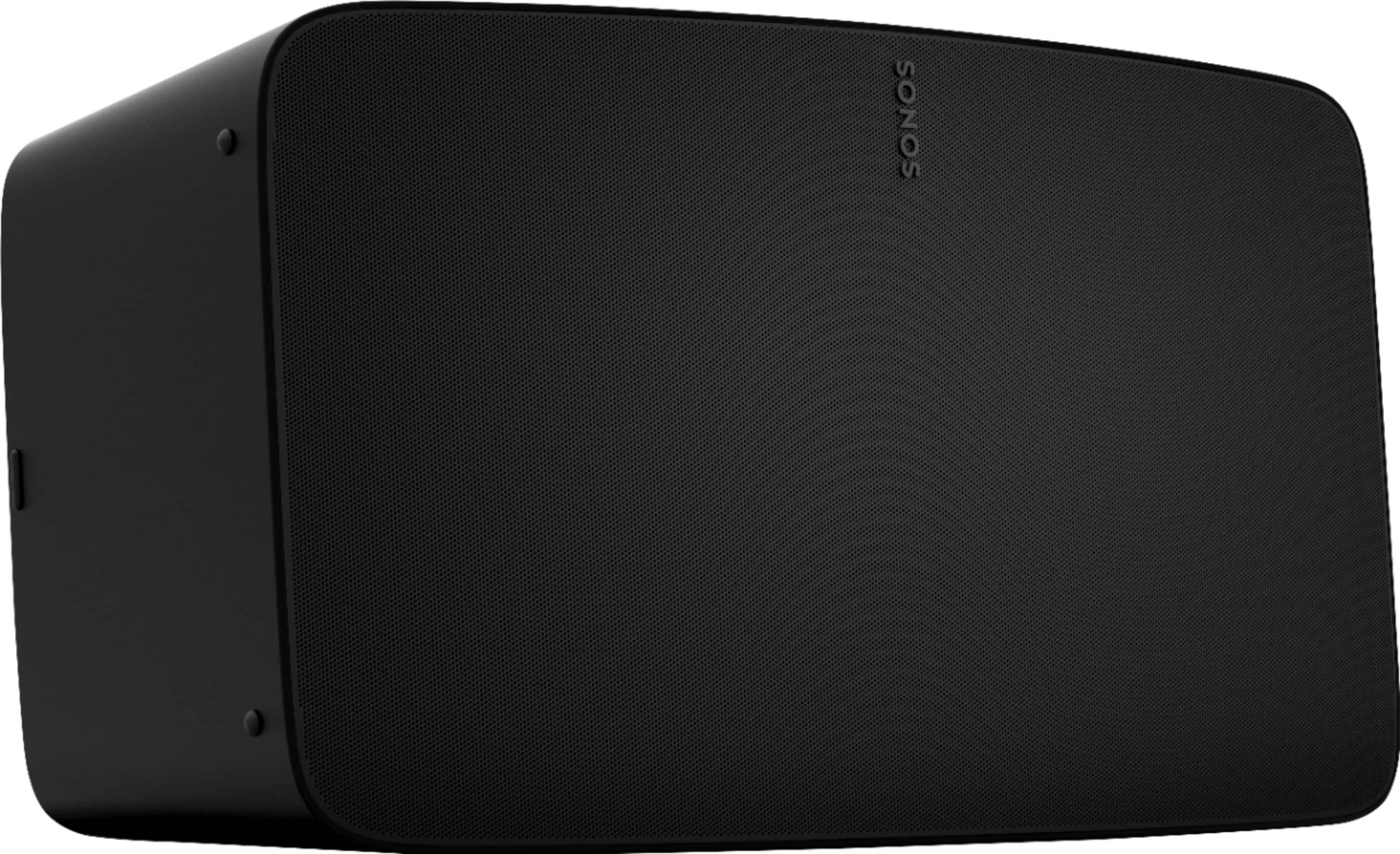
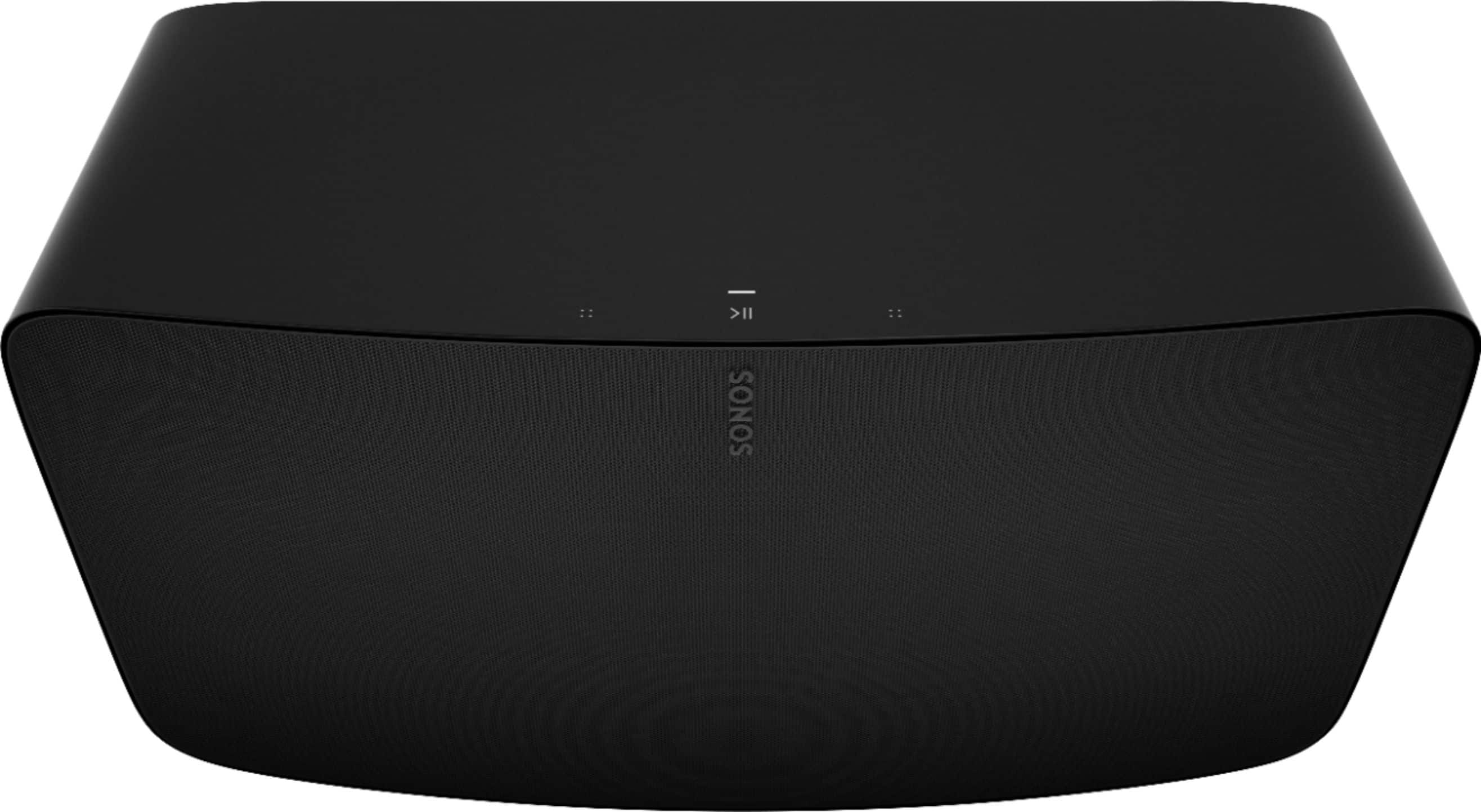


- Model:
- FIVE1US1BLK
- SKU:
- 6411135
Rating by feature
- Value
Rating 4.4 out of 5 stars
- Quality
Rating 4.8 out of 5 stars
- Ease of Use
Rating 4.6 out of 5 stars
to a friend
Customers are saying
Customers regard the Five High-Fidelity Wireless Speaker highly for its unparalleled sound quality, ease of use, and impressive bass. The setup process is quick, and the speaker maintains quality sound at different volume levels, with a sleek design that belies its size. Some customers have expressed concerns about connectivity options, as it lacks Bluetooth, and consider the price a drawback. Additionally, a few users have noted compatibility issues with certain platforms and have suggested improvements to the app and the inclusion of a microphone for voice commands.
This summary was generated by AI based on customer reviews.
Poor
Posted .This reviewer received promo considerations or sweepstakes entry for writing a review.Don’t be fooled with ‘easy plug and play setup.’ You’ll likely spend 45 minutes to and hour just resetting and re-adding the speaker to your network anytime you move or god forbid change ISPs.
No, I would not recommend this to a friendBrand response from Sonos Customer Care
Posted .To address the connectivity and setup issues with your Sonos Five, here are some solutions you can try:
Update the Sonos App and Firmware: Ensure that both your Sonos app and the speaker's firmware are up to date. This can resolve many connectivity issues.
Reboot Your Router and Speaker: Sometimes, simply rebooting your router and the Sonos Five can resolve connectivity problems. Unplug both devices for about 30 seconds, then plug them back in.
Assign a Static IP Address: If you frequently change ISPs or move, consider assigning a static IP address to your Sonos Five. This can help the speaker maintain its connection to your network more reliably.
Relocate Your Speaker: Ensure that your Sonos Five is within a good range of your Wi-Fi router and that there are no significant obstructions or interference from other wireless devices.
Factory Reset the Speaker: As a last resort, if all else fails, you can perform a factory reset on your Sonos Five and set it up again from scratch. Be aware that this will erase all settings and connections, so it should be done as a final step.
By following these steps, you should be able to improve the setup and connectivity experience with your Sonos Five. Apologies again for the frustrating experience and I hope these tips help you get back up and running.
Trash
Posted .This reviewer received promo considerations or sweepstakes entry for writing a review.DO NOT BUY- SONOS will stop connecting to the app and they force you to buy new system. I had to trash over $1k in speakers sine they are no longer supported.
No, I would not recommend this to a friendDon't buy look elsewhere
Posted .This reviewer received promo considerations or sweepstakes entry for writing a review.Sonos sucks! No customer support! Constantly failing. I have 3 play 5s, 2 3s and 2 1s. Also have 2 playbars and a sub.
No, I would not recommend this to a friend