Customer Ratings & Reviews

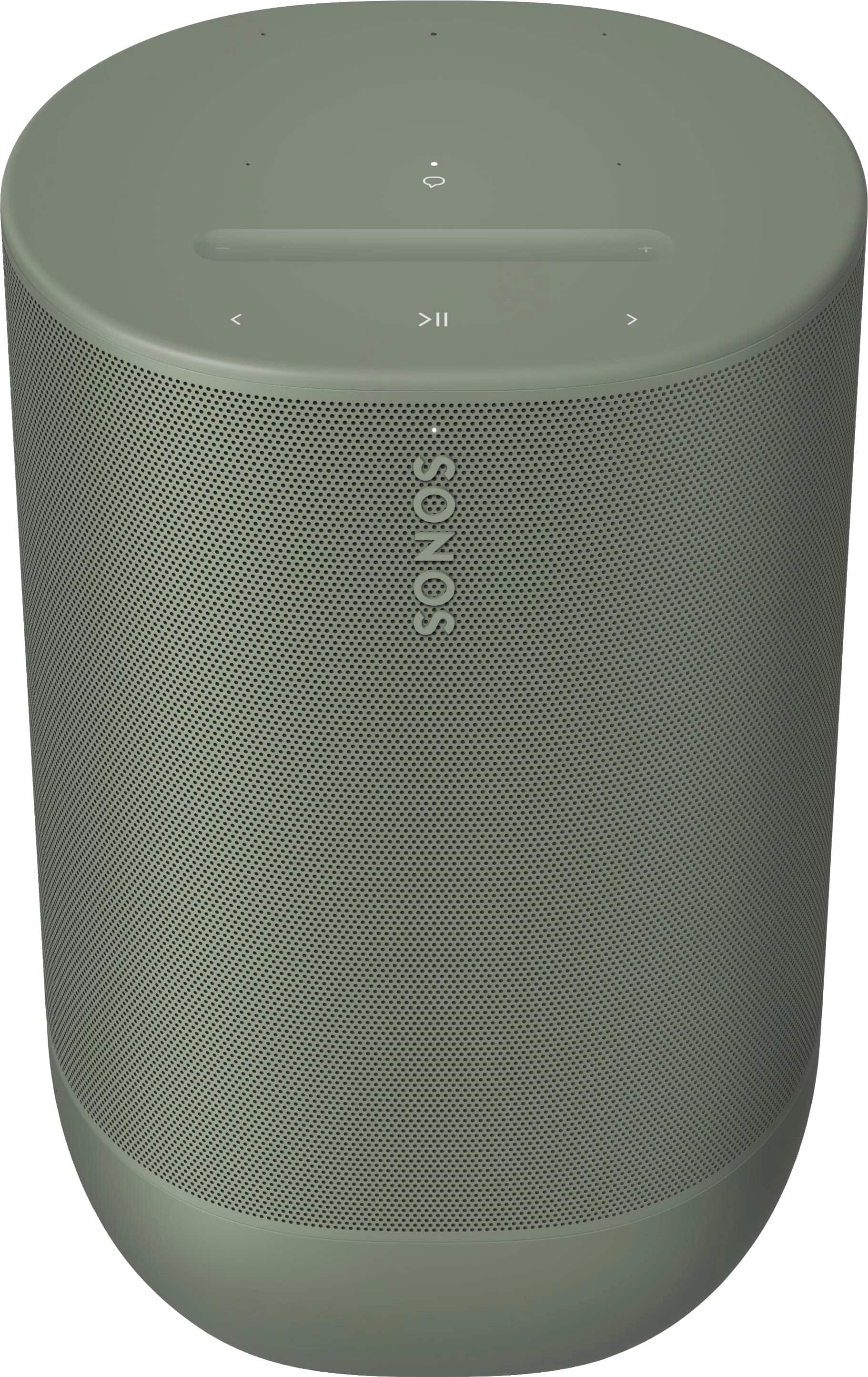
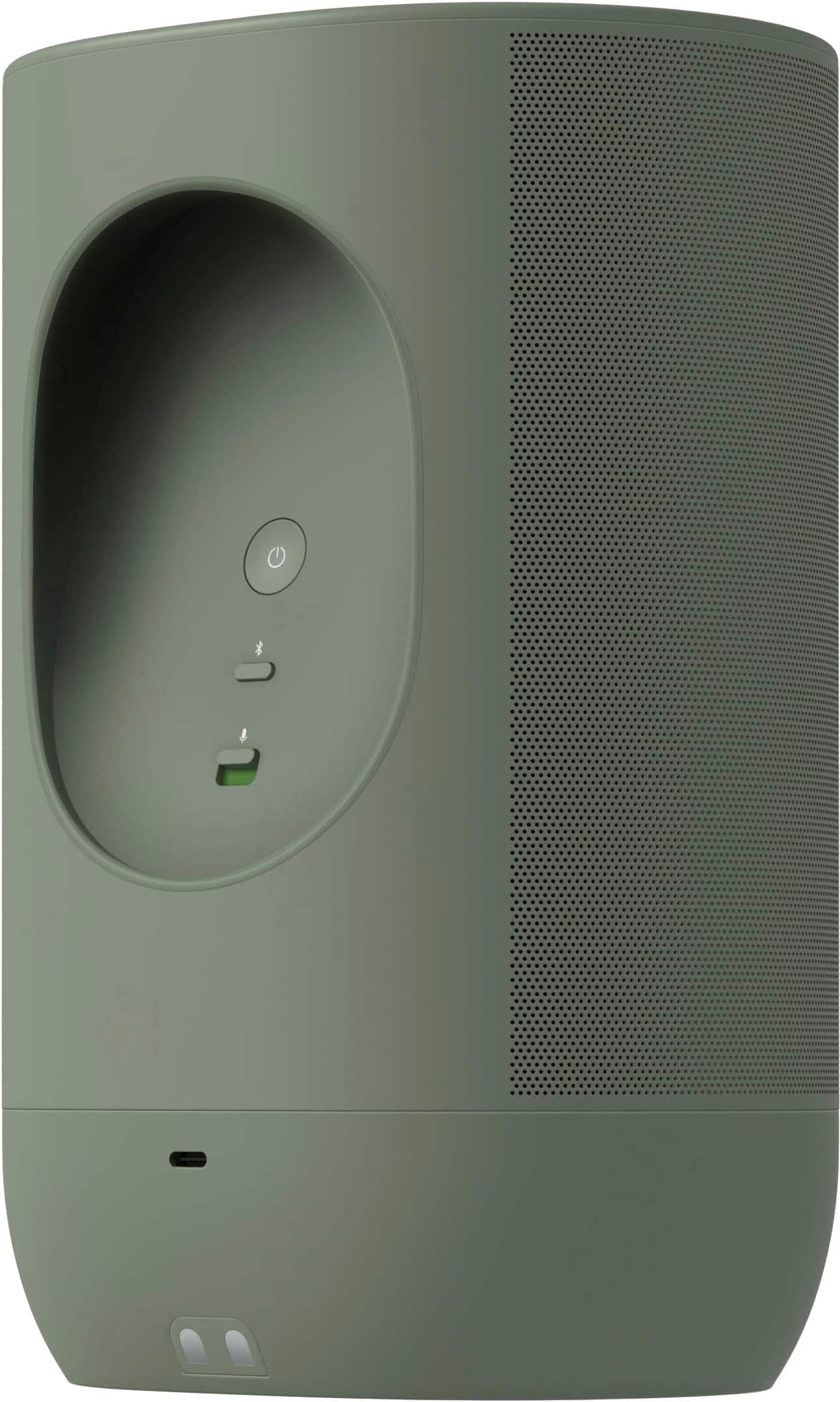
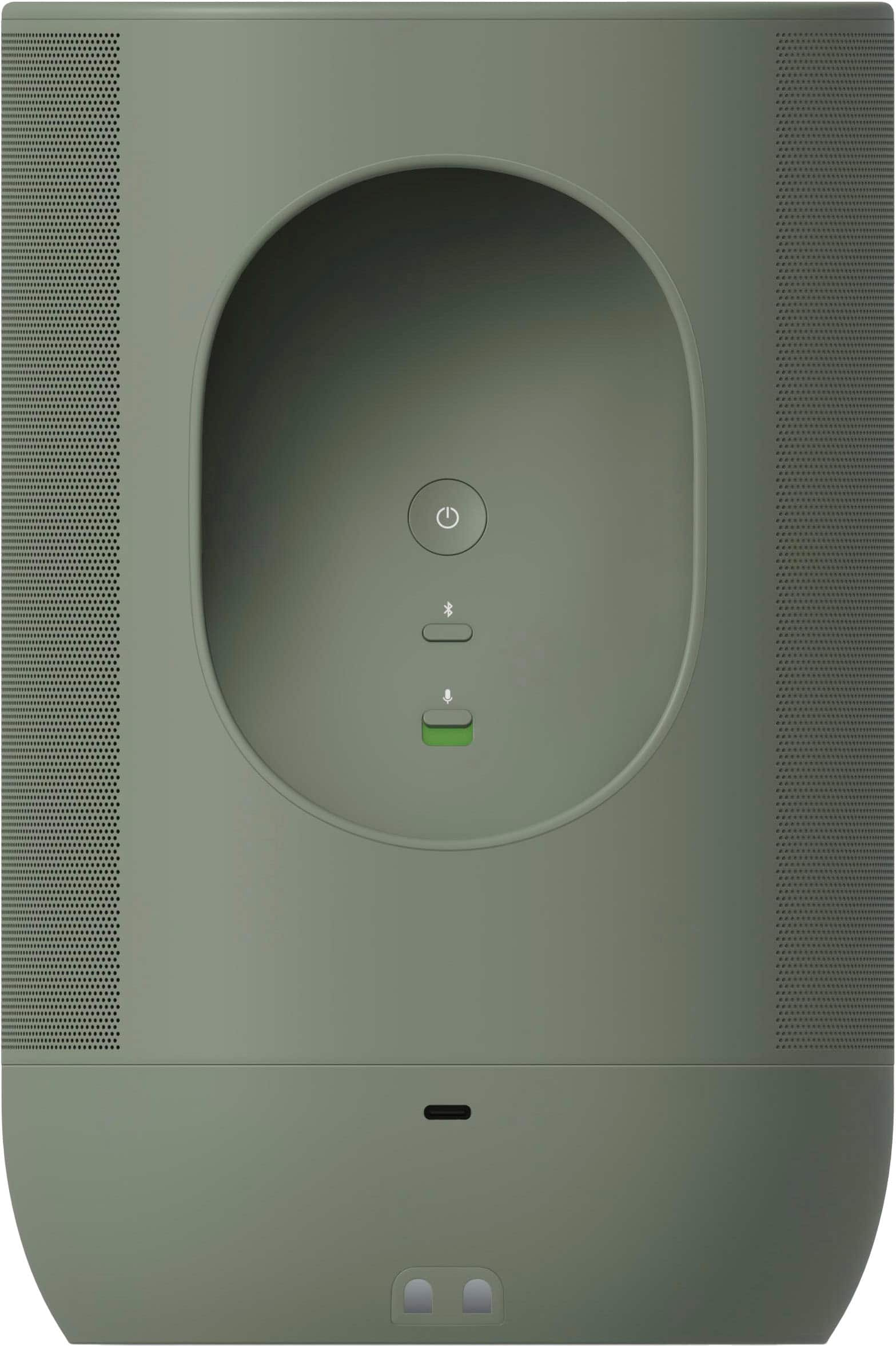
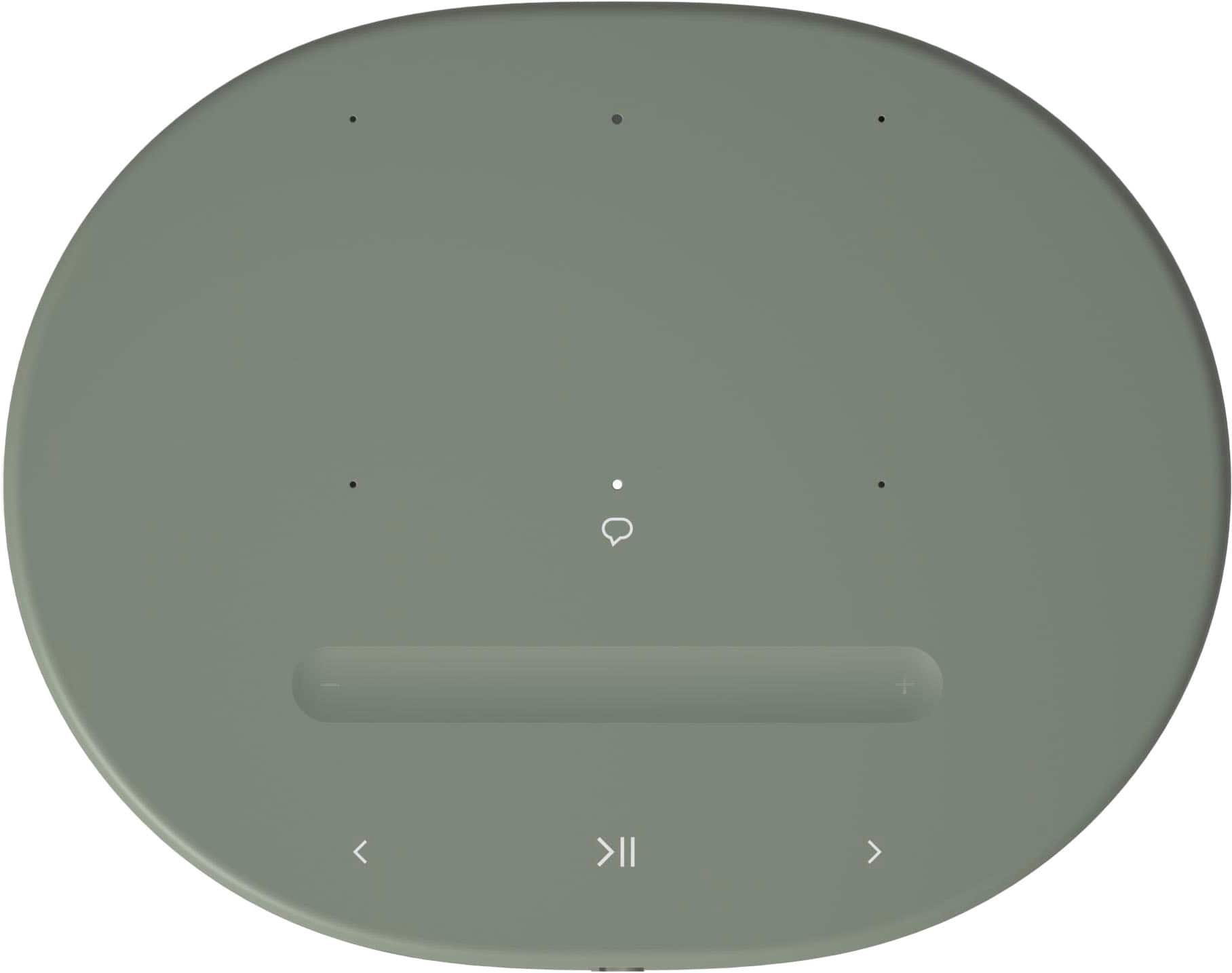
- Model:
- MOVE2US1OGRN
- SKU:
- 6580298
Rating by feature
- Sound Quality
Rating 4.9 out of 5 stars
- Battery Life
Rating 4.8 out of 5 stars
- Range
Rating 4.8 out of 5 stars
Customers are saying
Customers have good things to say about the Move 2 Portable Durable Smart Speaker, particularly its sound quality, portability, and battery life. Many appreciate the connectivity and supreme bass it offers. While some find the speaker a bit large and heavy, and acknowledge it's not the cheapest option, the positive aspects of the speaker seem to outweigh these concerns for most users.
This summary was generated by AI based on customer reviews.
- Pros mentioned:Sound quality
Great sound nice and crisp
Posted .This reviewer received promo considerations or sweepstakes entry for writing a review.Great spreaker. I love sonos products. Nice crisp sound and their trueplay tunes the speakers just right to its surroundings. My only gripe is the bass. The bass fades out above 80% and for that 4 stars
I would recommend this to a friend - Pros mentioned:Portability
Sonos Bluetooth speaker
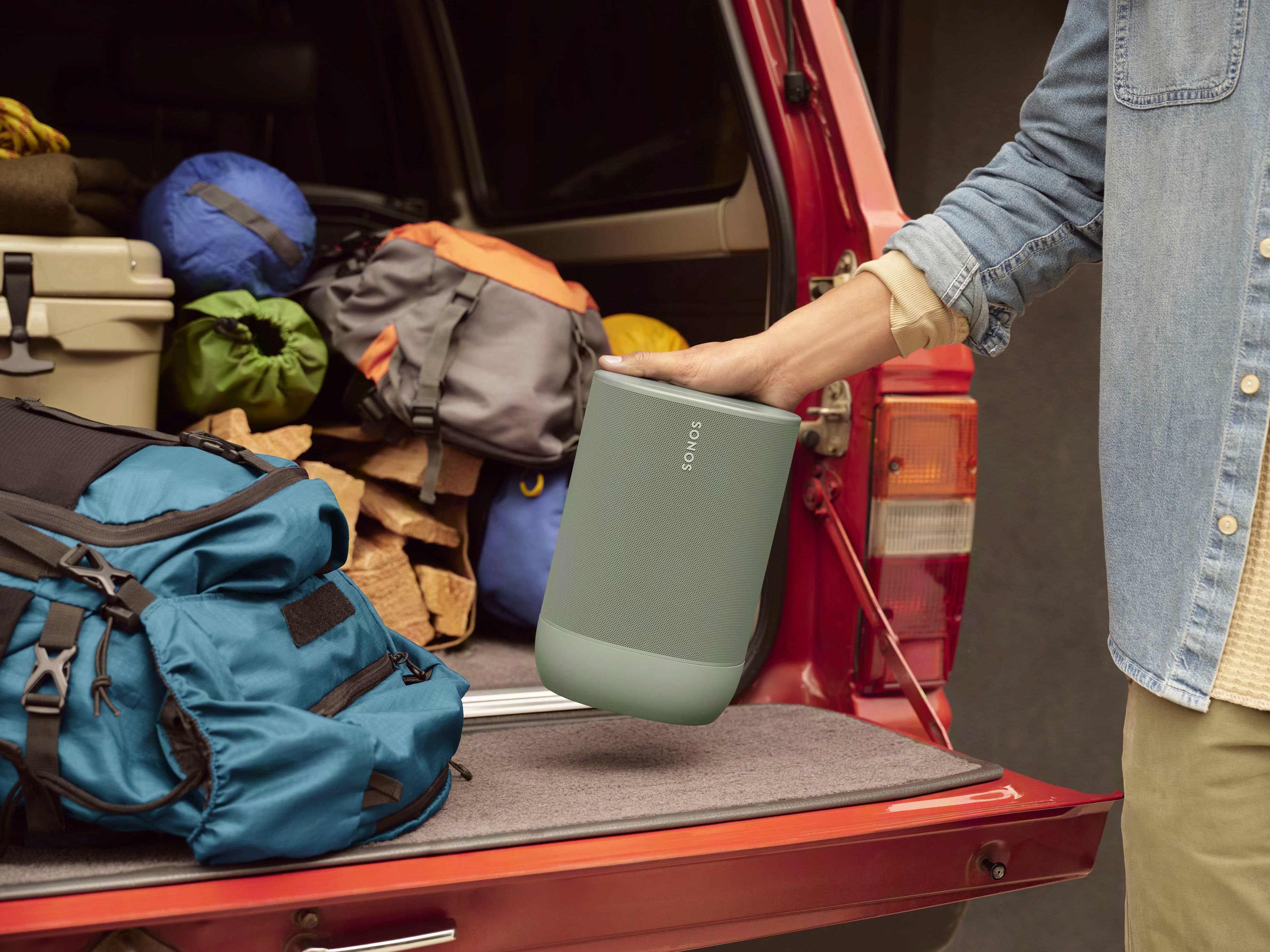
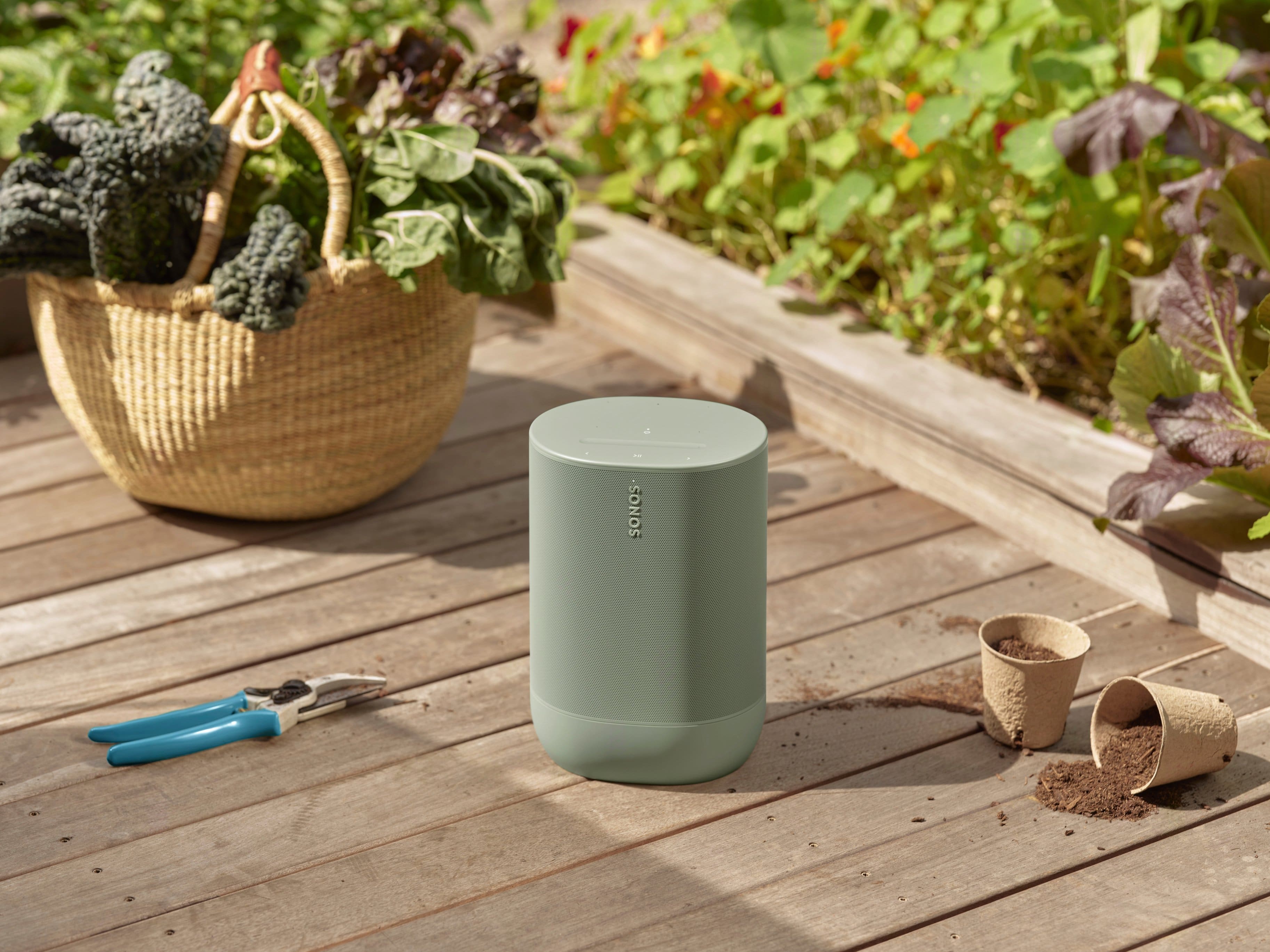
Posted .This reviewer received promo considerations or sweepstakes entry for writing a review.Awesome product. I recommend this. Able to carry around from inside home to yard deck.
I would recommend this to a friend - Pros mentioned:Sound quality
Nothing comes close!
Posted .This reviewer received promo considerations or sweepstakes entry for writing a review.The baddest speaker in the house combined with the other 2 Sonos and subwoofer.
I would recommend this to a friend - Pros mentioned:Sound quality
Great outdoor speakers
Posted .This reviewer received promo considerations or sweepstakes entry for writing a review.Amazing sound! Software is not great. Still recommends
I would recommend this to a friend - Pros mentioned:Sound quality
Great sound...set up was painful
Posted .This reviewer received promo considerations or sweepstakes entry for writing a review.great sound. Miserable set up experience. The Move2 hooked up with every Sonic device in my house except for the one thing I wanted, my iPhone. App is awful as well
No, I would not recommend this to a friend - Pros mentioned:Sound quality
almost great
Posted .This reviewer received promo considerations or sweepstakes entry for writing a review.The sound quality is amazing. When I can get them connected together they work great in sync. The problem is when my wife and daughter use them everything gets messed up and they no longer sync. You have to call sonos to get them all synced up again, major pain in the butt.
No, I would not recommend this to a friend - Pros mentioned:Sound quality
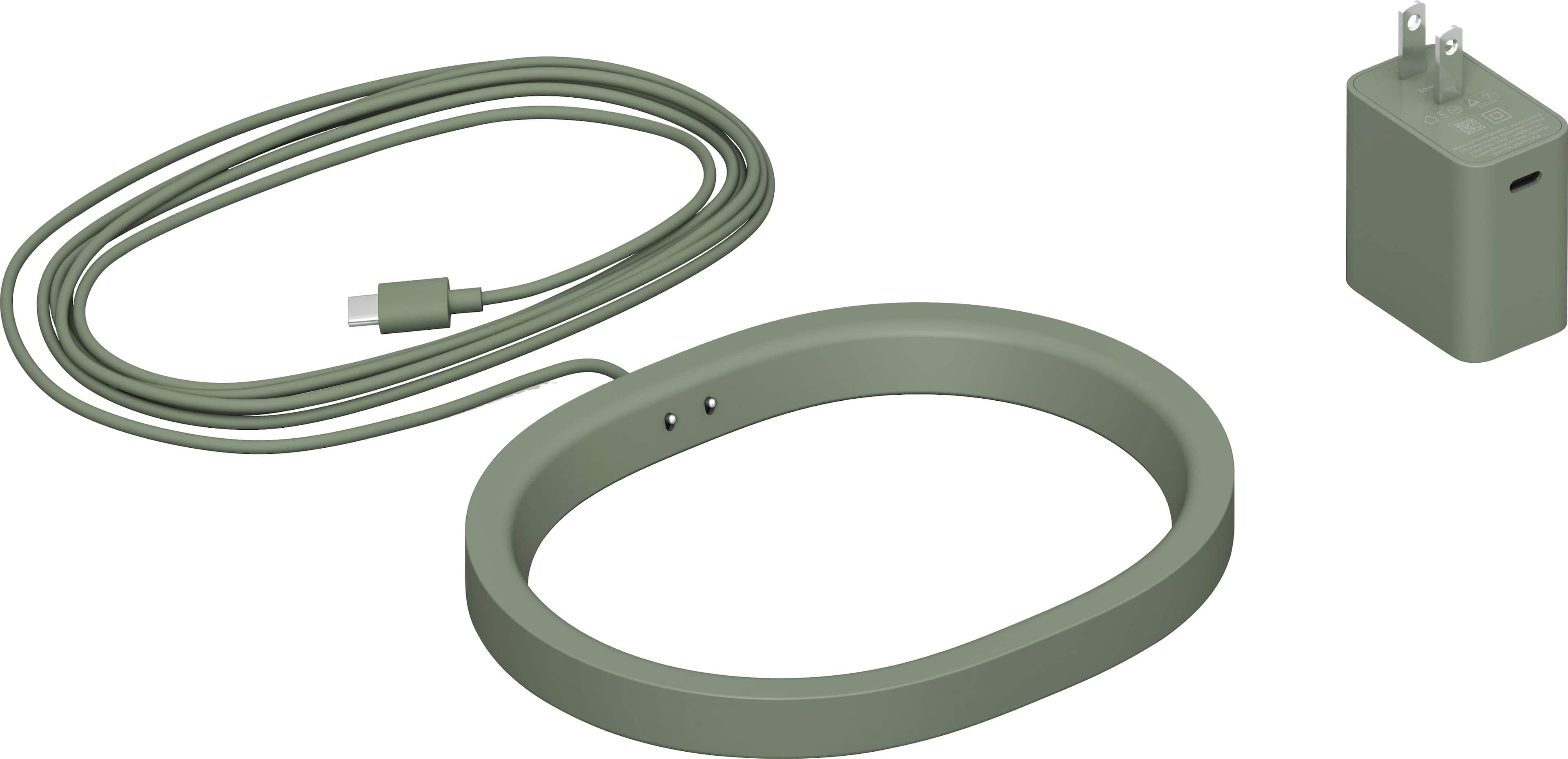
Charging station
Posted .This reviewer received promo considerations or sweepstakes entry for writing a review.The charging stand doesn’t work. Sound is good. If I have a chraging station that works would be happy.
No, I would not recommend this to a friend Not up to par for SONOS
Posted .This reviewer received promo considerations or sweepstakes entry for writing a review.I own Sonos Arc, Sub, (2) Ones & (1) Five, all work perfectly. The Move 2 (2nd gen) misses the mark. Audio output is intermittent (approx 3” of silence for every second of actual audio). I purchased for AirPlay capabilities and it fails miserably. I addressed this with Chesapeake, VA (Greenbrier) Best Buy staff and was advised because I purchased a month prior and did not purchase extended warranty, there was nothing they could do. Thus this review so other consumers do not fall into same trap. $450 lesson learned.
No, I would not recommend this to a friendConnection Problems
Posted .This reviewer received promo considerations or sweepstakes entry for writing a review.This speaker does not really support a bluetooth connection. It's VERY tempermental and unreliable. Like any time anybody connects via bluetooth you have to factory reset the dang thing to get it back connected to the sonos system, drives me crazy.
No, I would not recommend this to a friendBrand response from Sonos Customer Care
Posted .Thank you for your feedback, and we’re truly sorry to hear about the frustration you're experiencing with the Sonos Move 2. It’s disappointing to know that the Bluetooth connection has been unreliable, especially when you're expecting a seamless experience. We want to help resolve these issues so that you can enjoy the full potential of your speaker without the hassle.
To address the Bluetooth connectivity problems, here are a few steps that may help improve performance:
Ensure Firmware and App Are Updated: Make sure both the Sonos app and your Move 2 are running the latest firmware. You can check for updates by going to “Settings” > “System” > “System Updates” in the Sonos app.
Switching Between Bluetooth and Wi-Fi: When switching between Bluetooth and the Sonos system, ensure that you’re fully disconnecting the Bluetooth connection before switching back to Wi-Fi. You can do this in the Bluetooth settings of the connected device by selecting "Forget This Device" after use, which can help prevent issues when reconnecting.
Clear Bluetooth Device List: The Move 2 can store multiple Bluetooth devices, which sometimes causes connection issues. To clear the stored list, press and hold the Bluetooth button until you hear the chime, then try reconnecting the device you want.
Factory Reset as a Last Resort: While resetting the speaker shouldn’t be necessary after each Bluetooth use, if the problem persists, a full reset may help. You can do this by pressing and holding the power button for 10 seconds until the light flashes. Afterward, set it up again in the app.
If you continue to experience issues after trying these steps, I highly encourage reaching out to our support team at support.sonos.com. We want to make sure that this issue is resolved and that you can use the Move 2 without these difficulties.
Once again, we sincerely apologize for the trouble this has caused, and we appreciate your patience as we work to improve your experience.
Con not connect to wifi or Bluetooth
Posted .This reviewer received promo considerations or sweepstakes entry for writing a review.Nearly $500 speaker here and does it work? I have no idea. I’ve just wasted an hour trying both wifi and Bluetooth to connect it but nothing works. The app is trash.
No, I would not recommend this to a friendBrand response from Sonos Customer Care
Posted .Thank you for sharing your feedback regarding the Move 2. I’m truly sorry to hear about the difficulties you’ve experienced trying to set up and connect your speaker. We understand how frustrating it can be when things don’t work as expected, especially with a premium product like the Move 2.
To help resolve this issue, I’d like to provide some detailed troubleshooting steps:
Wi-Fi Setup:
Ensure the Move 2 is fully charged and powered on.
Confirm that your phone and speaker are connected to the same Wi-Fi network. If you have a dual-band router, use the 2.4 GHz network for initial setup, as it is more stable for pairing.
Open the Sonos app and follow the in-app instructions to add the Move 2 to your system.
If the app doesn’t recognize the speaker, perform a factory reset on the Move 2 by pressing and holding the power and Bluetooth buttons simultaneously until the light flashes. Then try connecting again.
Sonos App Issues:
Ensure your app is updated to the latest version.
Restart your phone and the app to clear any temporary glitches.
If the app still fails to connect, reinstalling it may help resolve any persistent issues.
If these steps don’t resolve the issue, our support team is available to assist you further. You can reach us at support.sonos.com where our team can walk you through advanced troubleshooting or offer additional solutions.
We’re committed to ensuring you enjoy the exceptional sound and performance the Move 2 is designed to deliver. Thank you for your patience and for giving us the opportunity to make this right.