Customer Ratings & Reviews
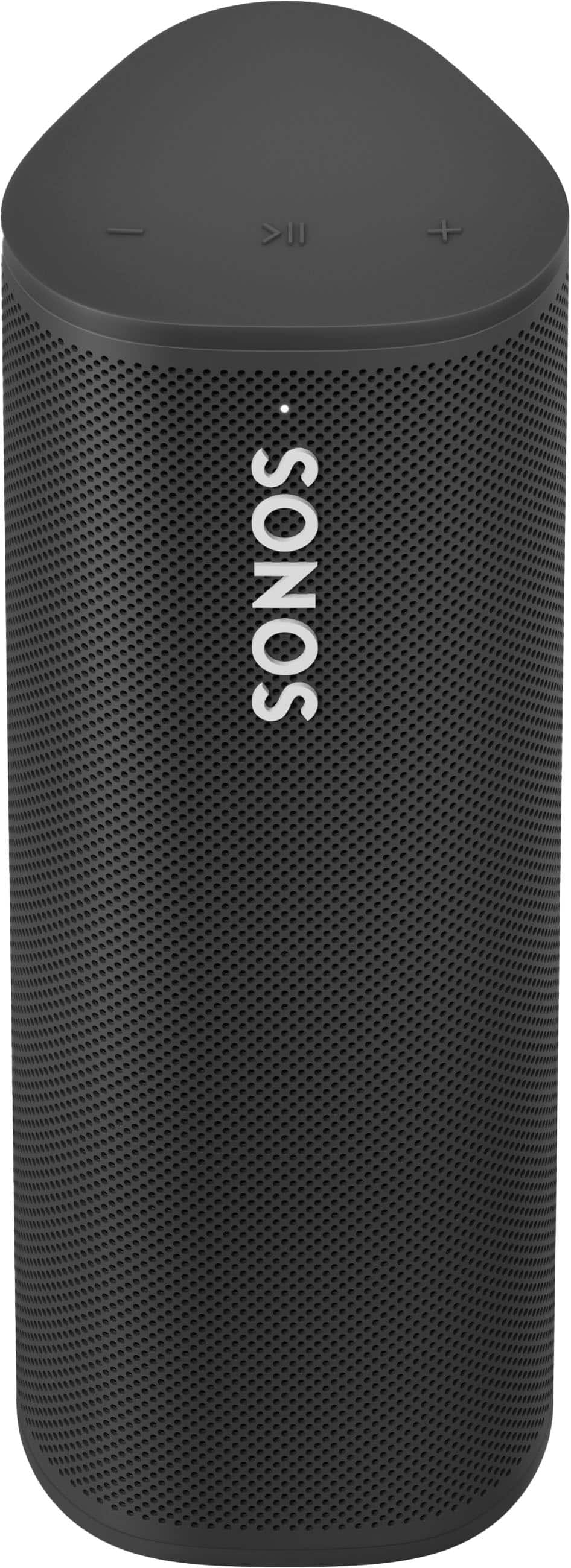
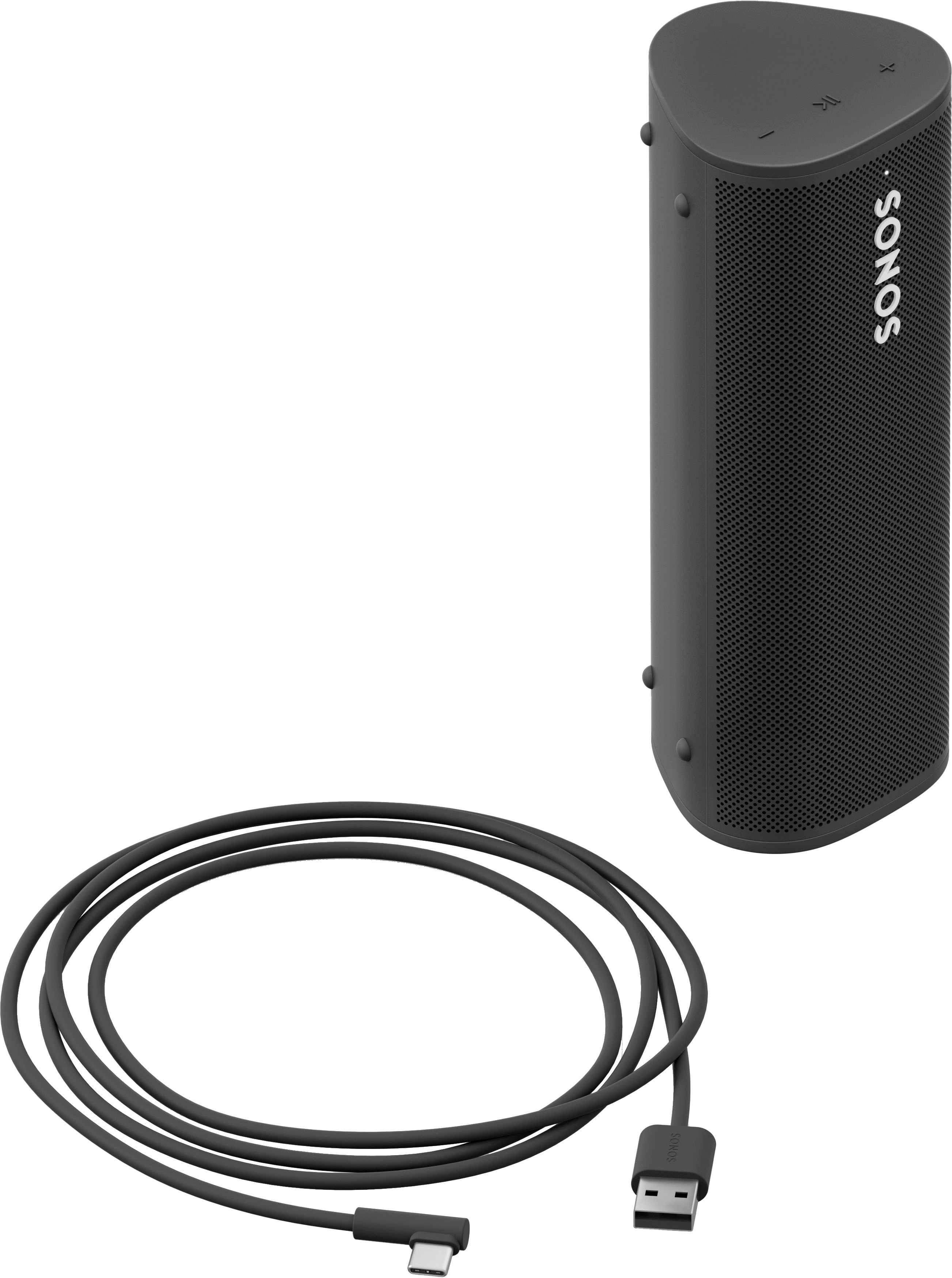
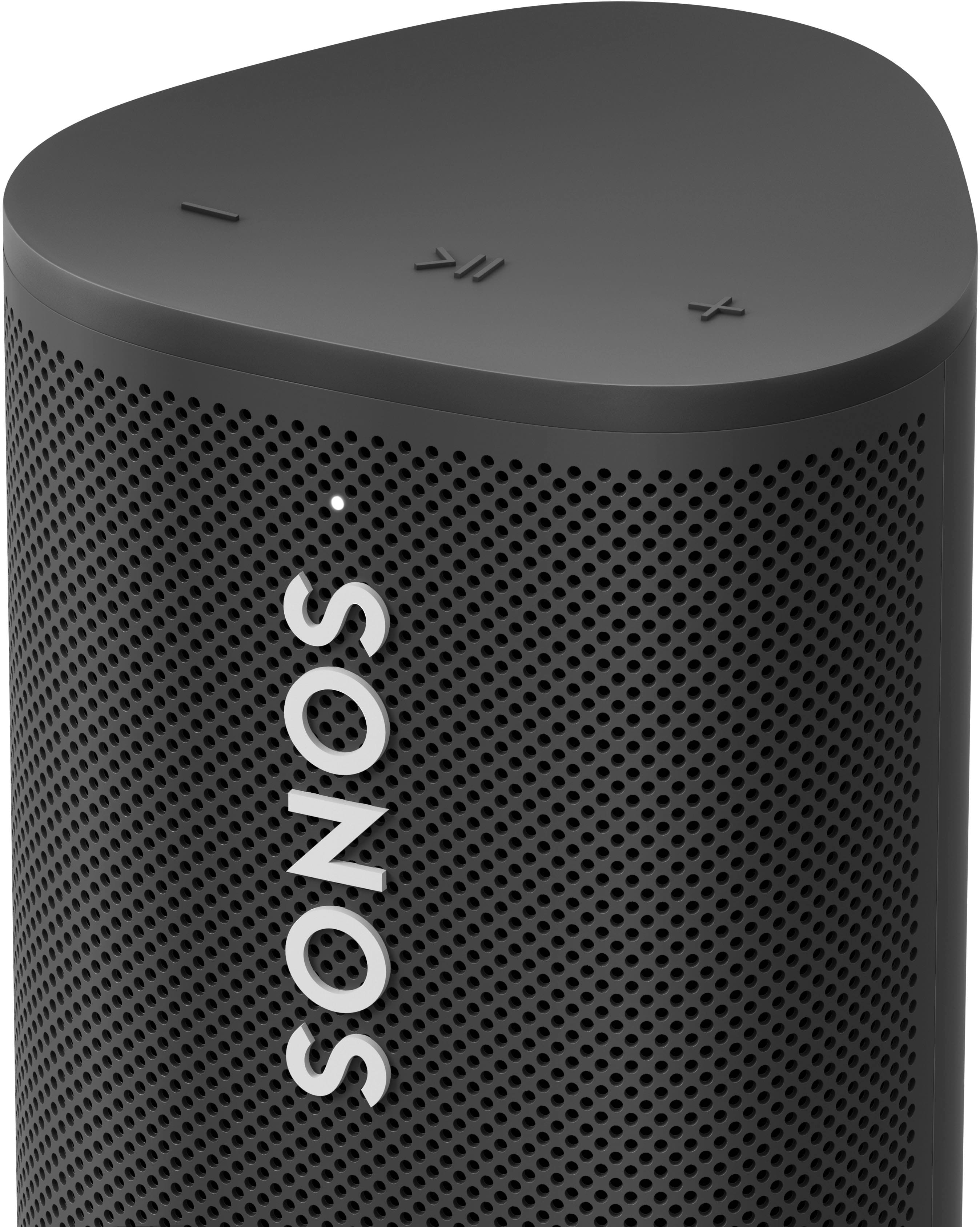
- Model:
- RMSL1US1BLK
- SKU:
- 10188895
Rating by feature
- Sound Quality
Rating 4.5 out of 5 stars
- Battery Life
Rating 4.3 out of 5 stars
- Range
Rating 4.4 out of 5 stars
Customers are saying
Customers are enthusiastic about the Roam SL Portable Bluetooth Wireless Speaker's outstanding sound quality and exceptional battery life. Many appreciate its portability and convenient size, making it easy to take anywhere. The speaker's Bluetooth connectivity, volume, water resistance and sleek design are also well-received. Some customers noted that the bass is somewhat limited, and a few had issues connecting to the app.
This summary was generated by AI based on customer reviews.
Go for New
Posted .This reviewer received promo considerations or sweepstakes entry for writing a review.I think the item is good but I would not buy open box again. There was no box and the speaker grill was dirty.
No, I would not recommend this to a friendDefective and cumbersome support process
Posted .This reviewer received promo considerations or sweepstakes entry for writing a review.I received a unit that will not power on. I called support and thought I would send the unit back so they could review and see it is defective then send me a new one. This is not the case it takes multiple calls and emails. Too many hoops for a brand new little speaker.
No, I would not recommend this to a friendBrand response from Sonos Customer Care
Posted .Thank you for sharing your experience with the Sonos Roam SL, and we sincerely apologize for the difficulties you've encountered with your unit not powering on. We understand how frustrating it must be to navigate multiple calls and emails just to resolve an issue with a brand-new product.
Your feedback is crucial, and we want to ensure we address your concerns as efficiently as possible. For your situation, we recommend the following troubleshooting steps:
Charge the Speaker: Ensure the speaker is charged by connecting it to the charger for at least 30 minutes. Sometimes, a completely drained battery may take a moment to respond.
Check the Power Button: Press and hold the power button for about 5 seconds to see if the speaker turns on.
Reset the Speaker: If the speaker still won’t power on, try resetting it. To do this, press and hold the power button and the play/pause button simultaneously for about 15 seconds until the LED indicator flashes orange and white.
If these steps do not resolve the issue, please reach out to our support team again, and we recommend asking to escalate your case for more immediate assistance. We want to ensure you receive a fully functioning product as soon as possible.
Thank you for your patience and understanding as we work to resolve this for you. If there's anything else you need, please don't hesitate to reach out at support.sonos.com!
- Pros mentioned:Sound quality
Sonos Fan
Posted .This reviewer received promo considerations or sweepstakes entry for writing a review.Easy to set up and great quality. We have several Sonos products including the sound bar. They are well worth the price.
I would recommend this to a friend Unable to set up- customer service was a nightmare
Posted .This reviewer received promo considerations or sweepstakes entry for writing a review.This product was an absolute nightmare. I was never able to set it up because it needed a "software upgrade" that even 1.5 hours waiting and then another hour of the customer service rep being unable to help. Very disappointed. I have another Sonos that I love. Not sure why this wouldn't work. Will be returning
No, I would not recommend this to a friendI threw mine in a lake
Posted .This reviewer received promo considerations or sweepstakes entry for writing a review.I literally threw mine in a lake after about a year of cursing it. Battery life sucks. Bluetooth connectivity is always an adventure. One of the worst products I have ever owned.
No, I would not recommend this to a friendBrand response from Sonos Customer Care
Posted .I’m really sorry to hear about your negative experience with the Sonos Roam SL. It sounds like it caused a lot of frustration, especially with the battery life and Bluetooth connectivity. We understand how important it is for a product to work seamlessly, and it’s clear that this device didn’t meet those expectations. We sincerely apologize for the inconvenience you’ve faced. If you'd like, we can help troubleshoot any remaining issues or provide guidance on the product. Your feedback is valuable, and we want to ensure better experiences for our customers. Feel free to reach us at support.sonos.com.
- Pros mentioned:Sound quality
Great speaker
Posted .This reviewer received promo considerations or sweepstakes entry for writing a review.Outstanding sound from a small potable speaker. Awesome
I would recommend this to a friend Junk
Posted .This reviewer received promo considerations or sweepstakes entry for writing a review.Junk. Get used to an orange light, connectivity issues, and just overall difficult to use. It almost never works well. Waste of money.
No, I would not recommend this to a friendBrand response from Sonos Customer Care
Posted .I'm sorry to hear that you're having such a frustrating experience with your Sonos Roam. Let's see if there's anything we can do to help resolve these issues.
Troubleshooting Common Sonos Roam Issues
1. Orange Light
The orange light on the Sonos Roam typically indicates a low battery. Make sure your Roam is fully charged:
Charge the Roam: Ensure the Roam is connected to a working charger. It’s best to use the included USB-C cable and a compatible power adapter.
2. Connectivity Issues
Connectivity problems can be a major frustration. Here are some steps to troubleshoot:
Wi-Fi Connection: Ensure the Roam is connected to your Wi-Fi network. Check your router settings to make sure it supports the 2.4 GHz band, as Sonos products often work best on this frequency.
Bluetooth Issues: If using Bluetooth, make sure no other device is interfering with the connection. Forget the Roam from your Bluetooth settings and re-pair it.
Sonos App: Ensure the Sonos app is updated to the latest version. Try resetting the app or reinstalling it if necessary.
3. Overall Difficult to Use
If the Roam is not user-friendly, consider these steps:
Reset the Roam: Performing a factory reset can sometimes resolve persistent issues. To do this, press and hold the power button for about 12 seconds until the LED flashes orange and white.
Reconfigure in the App: After resetting, follow the steps in the Sonos app to set up the Roam again.
4. Firmware and App Updates
Keeping both your device and the Sonos app updated is crucial:
Update Firmware: Ensure your Sonos Roam is running the latest firmware. You can check this in the Sonos app under Settings > System > System Updates.
Update the App: Make sure the Sonos app is updated to the latest version available in your app store.
Again, I’m sorry to hear about your negative experience, and I hope this helps resolve your issues.
???
Posted .This reviewer received promo considerations or sweepstakes entry for writing a review.couldnt connect to phone through bluetooth nor the app.
No, I would not recommend this to a friendVery bad purchase!
Posted .This reviewer received promo considerations or sweepstakes entry for writing a review.Very poor sound especially for the price.Any portable JBL, of which I have 2, sound light years better
No, I would not recommend this to a friend