Customer Ratings & Reviews
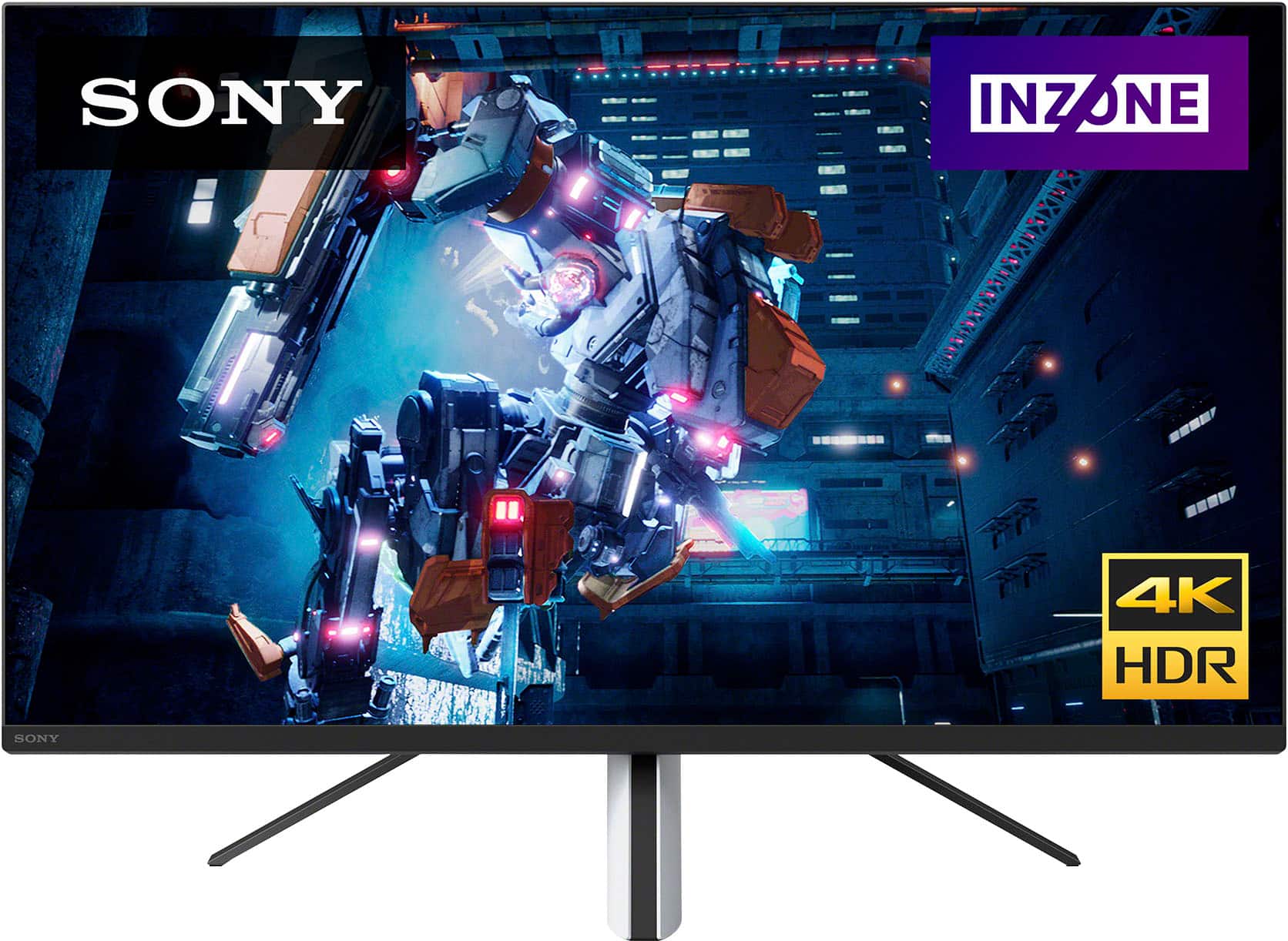
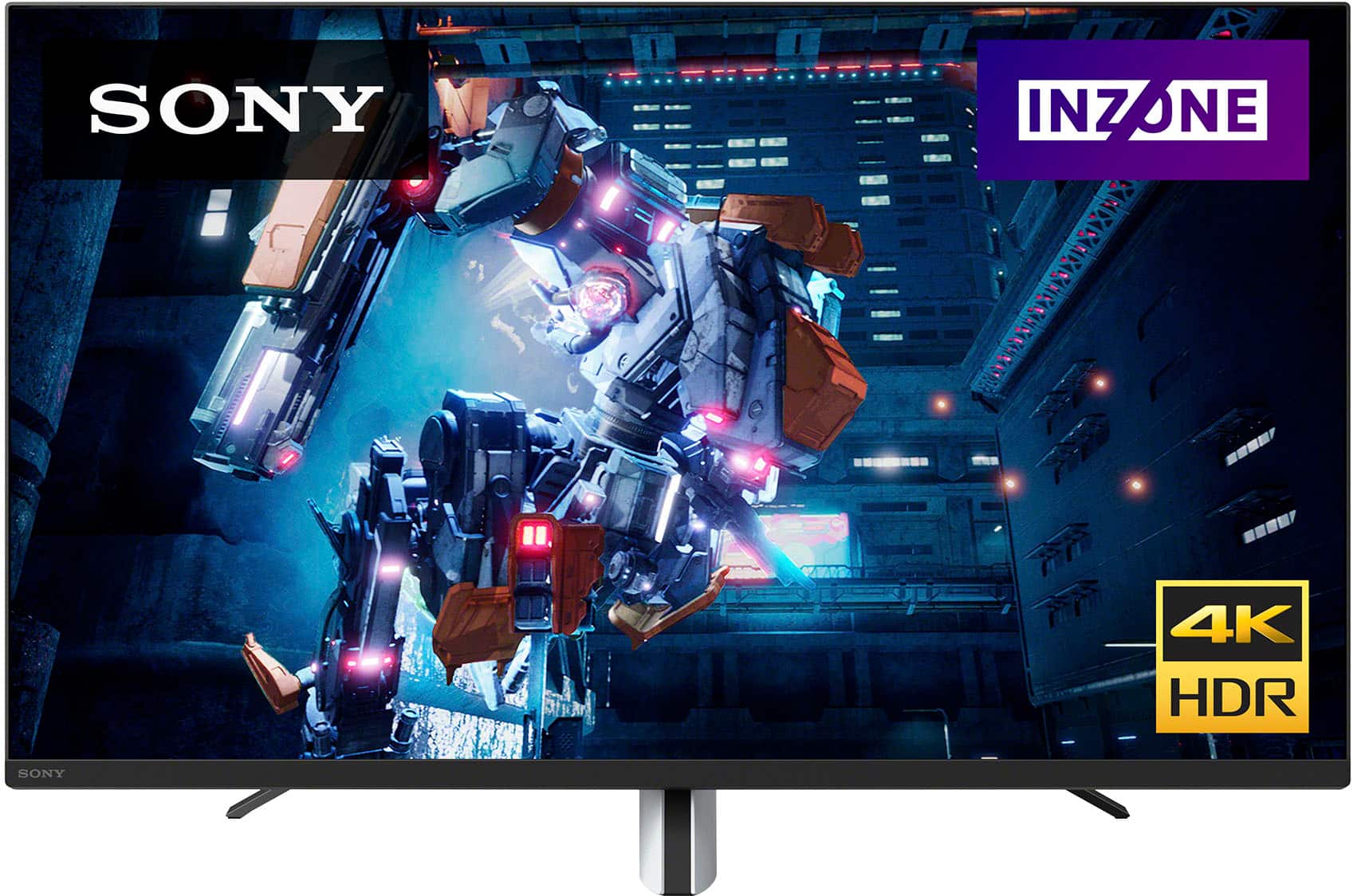
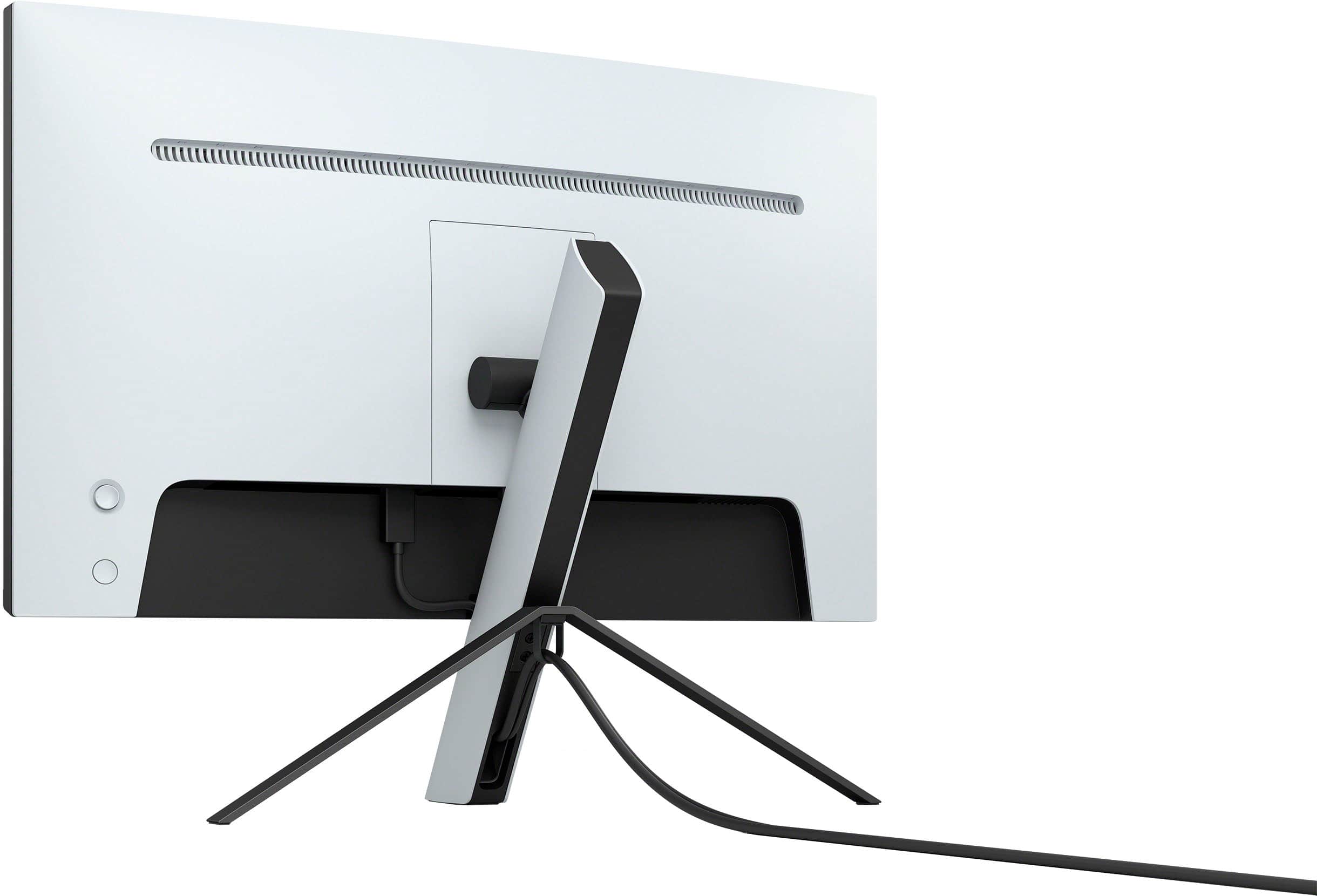
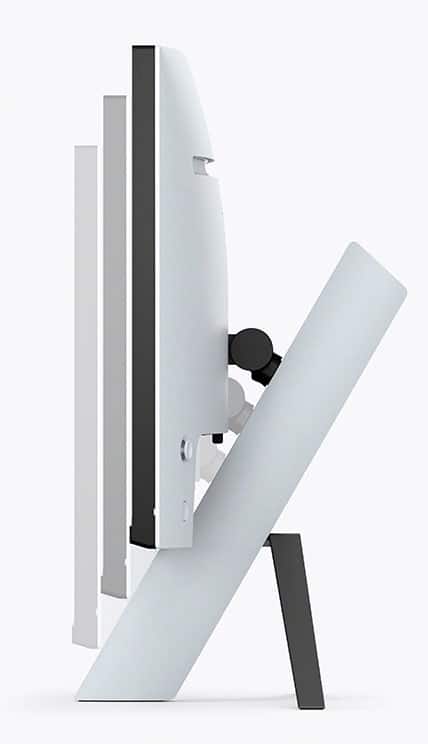
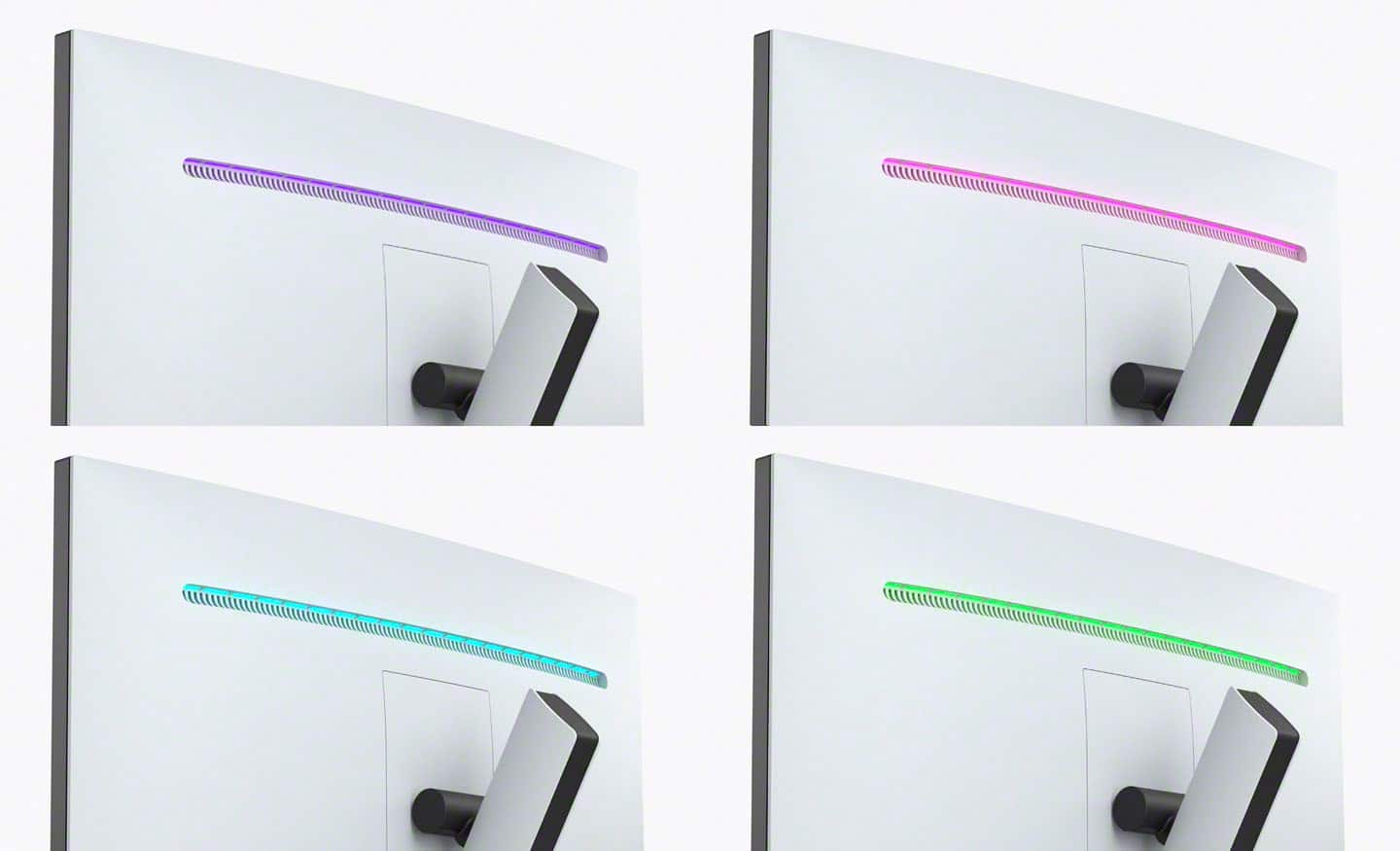
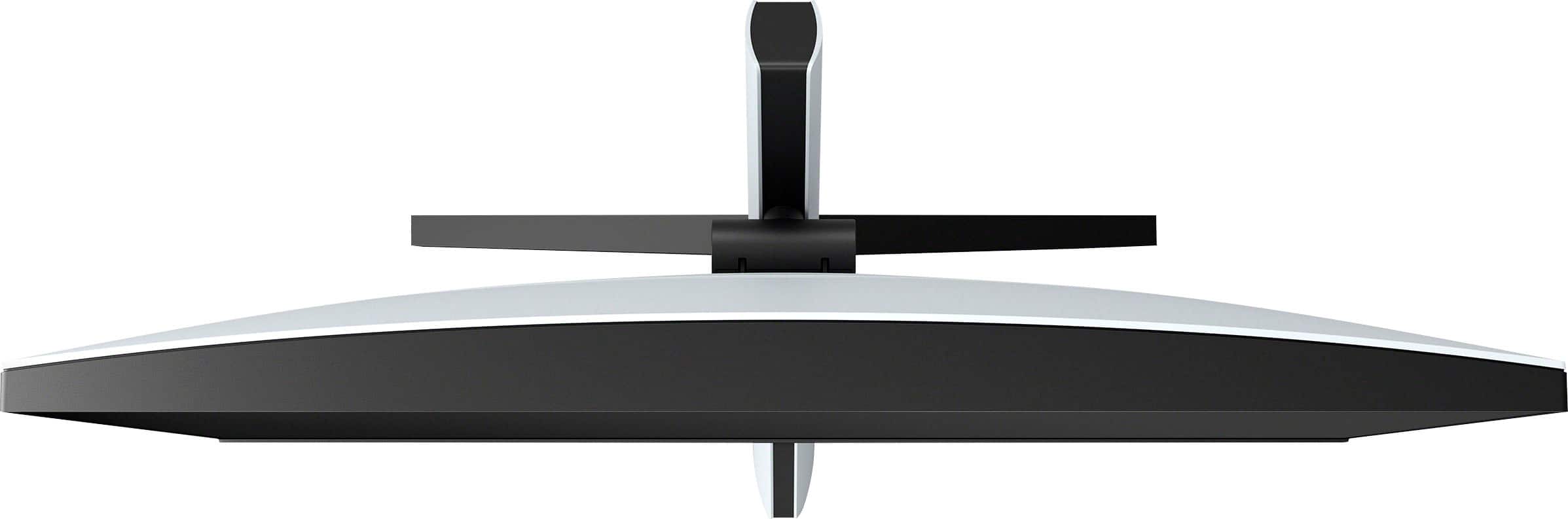

- Model:
- SDMU27M90
- SKU:
- 6512813
Rating by feature
- Display Quality
Rating 4.5 out of 5 stars
- Ease of Use
Rating 4.3 out of 5 stars
- Features
Rating 4.4 out of 5 stars
Customers are saying
Customers are enthusiastic about the picture quality, HDR, refresh rate, and local dimming features of the 27” INZONE M9 monitor, with many praising the vibrant colors and smooth performance. However, some users expressed disappointment with the speakers and stand, citing issues with audio quality and stand adjustability. Concerns were also raised regarding the monitor's price point and the occasional presence of dead pixels. A few users reported screen issues such as random blackouts.
This summary was generated by AI based on customer reviews.
- Pros mentioned:Picture quality
High quality
||Posted . Owned for 2 months when reviewed.This reviewer received promo considerations or sweepstakes entry for writing a review.The picture it one if the best only downside is it had a hard time pairing to multiple devices
I would recommend this to a friendBrand response from SonyListens
Posted .Hi Ballal, We're glad that you are enjoying the picture of your new Sony gaming monitor. We will take note of your feedback with regards to pairing to multiple devices.
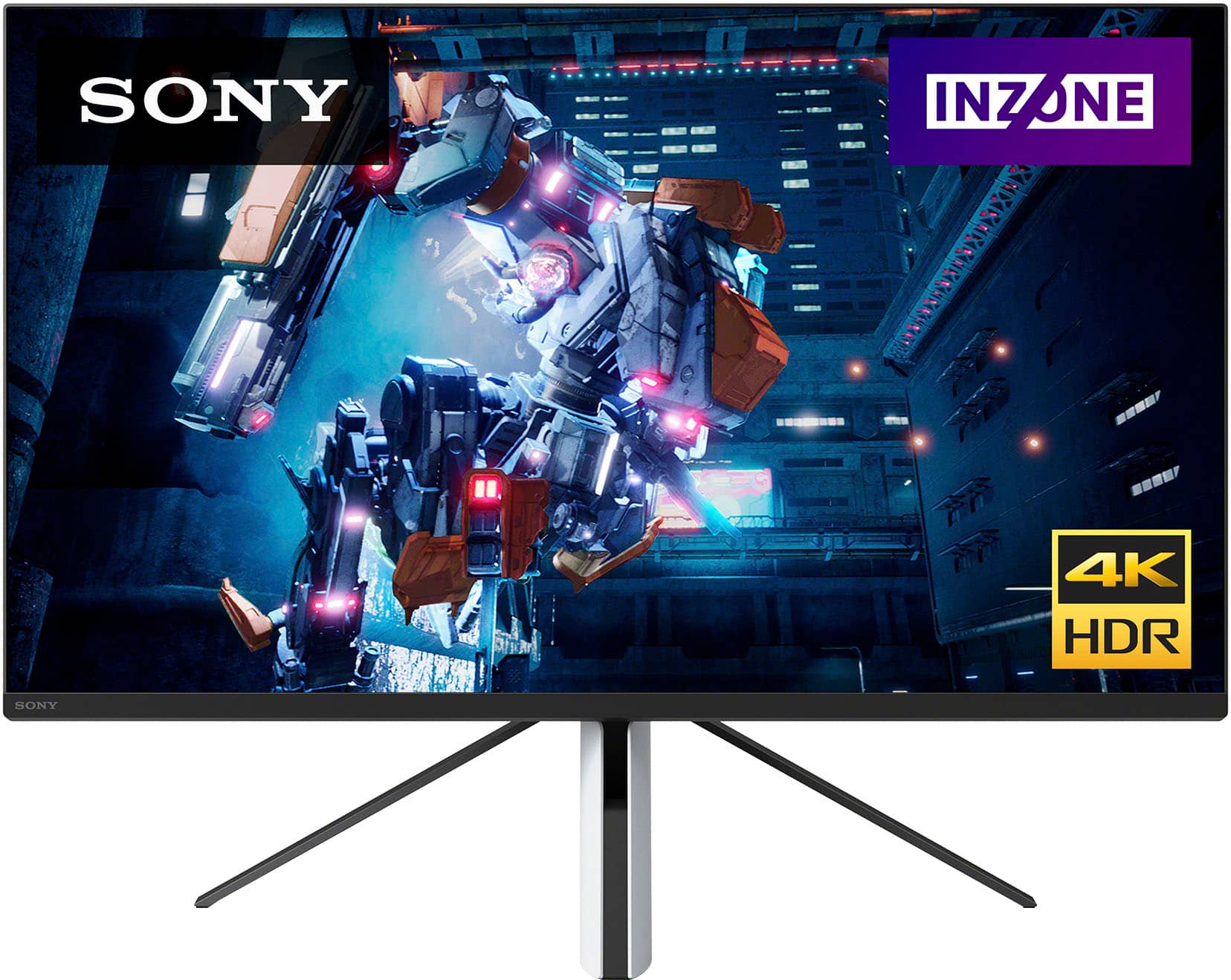
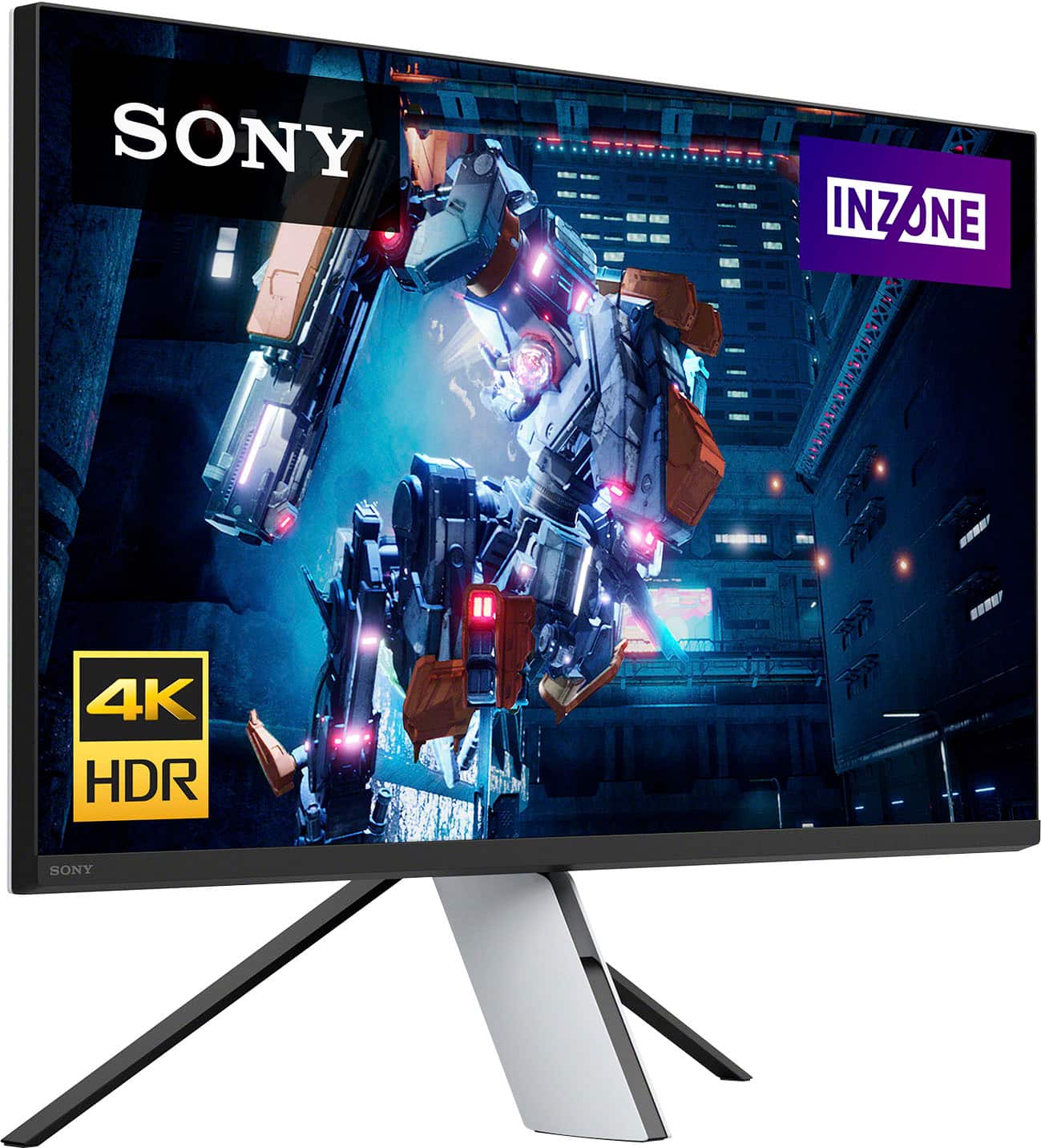
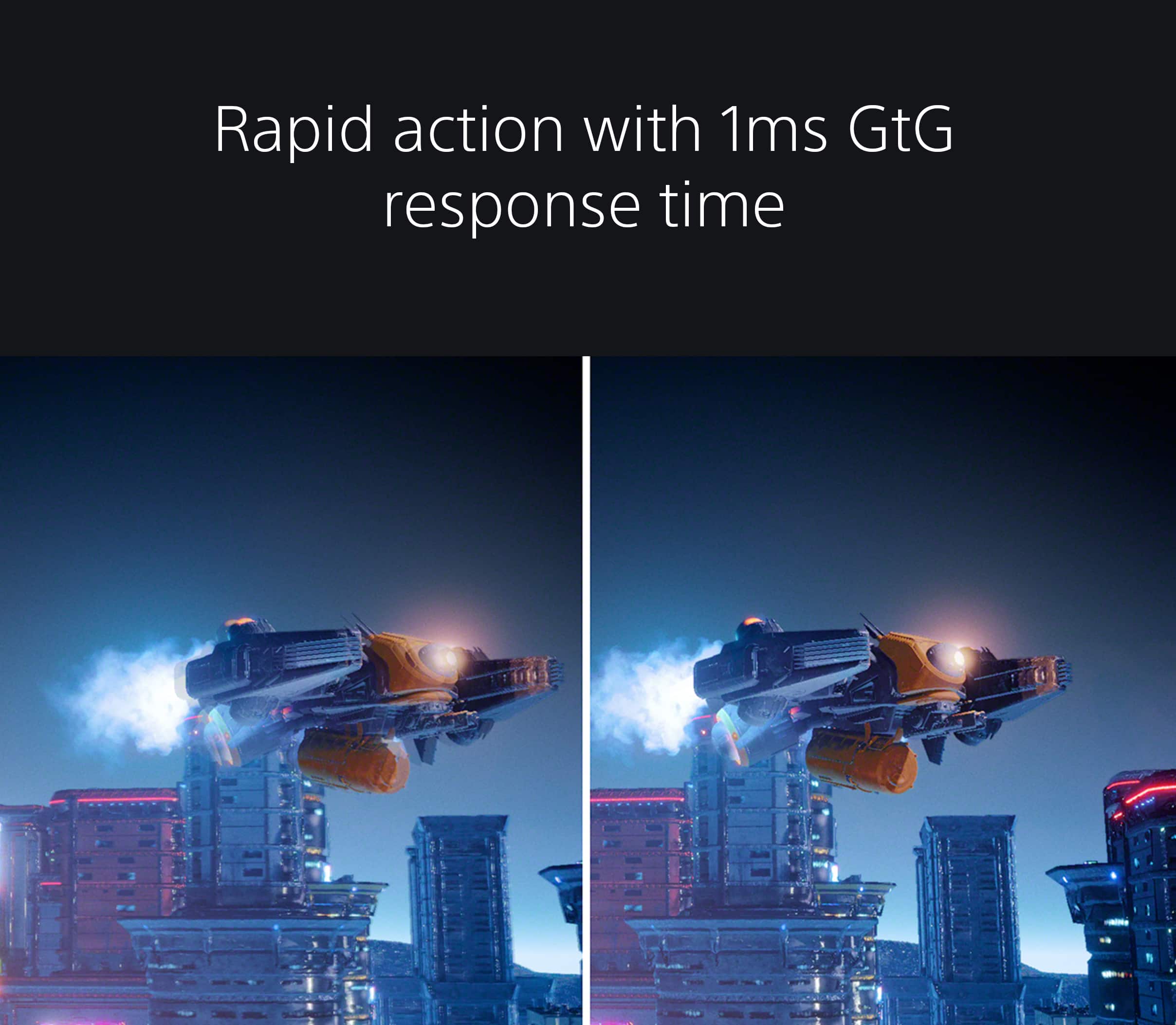
Our 27" INZONE M9 gaming monitor with 4K HDR, Full Array Local Dimming, IPS and over 95% DCI-P3 coverage fills scenes with supreme contrast and color. You’ll react faster too with a 144 Hz refresh rate and IPS 1 ms GtG. Thanks for choosing Sony! -Erin
Stay away
||Posted . Owned for 1 year when reviewed.This reviewer received promo considerations or sweepstakes entry for writing a review.Looks great and all but it’s missing a few things. Like speakers are horrible. And for the price needs a lot of improvement
No, I would not recommend this to a friendGreat Monitor
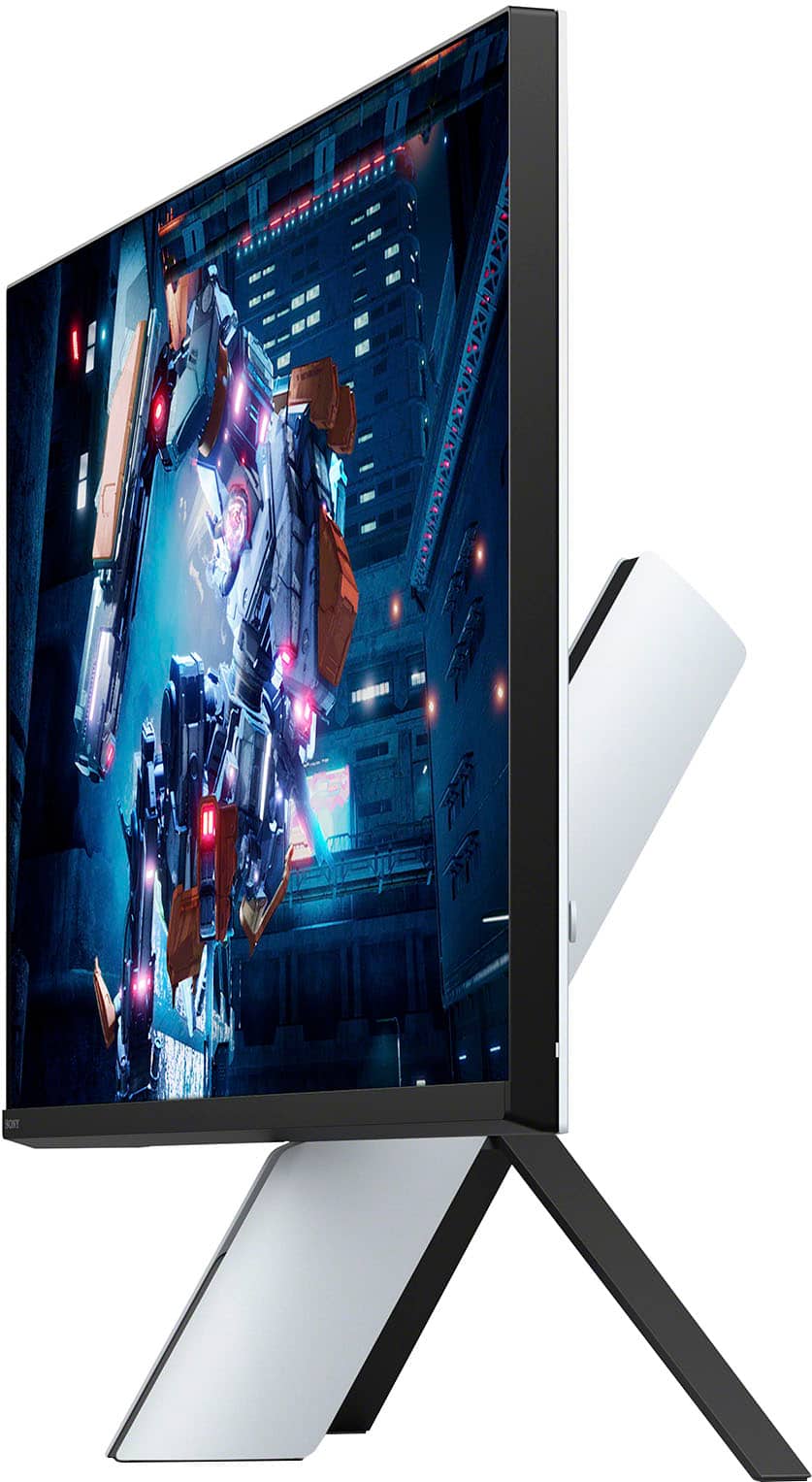
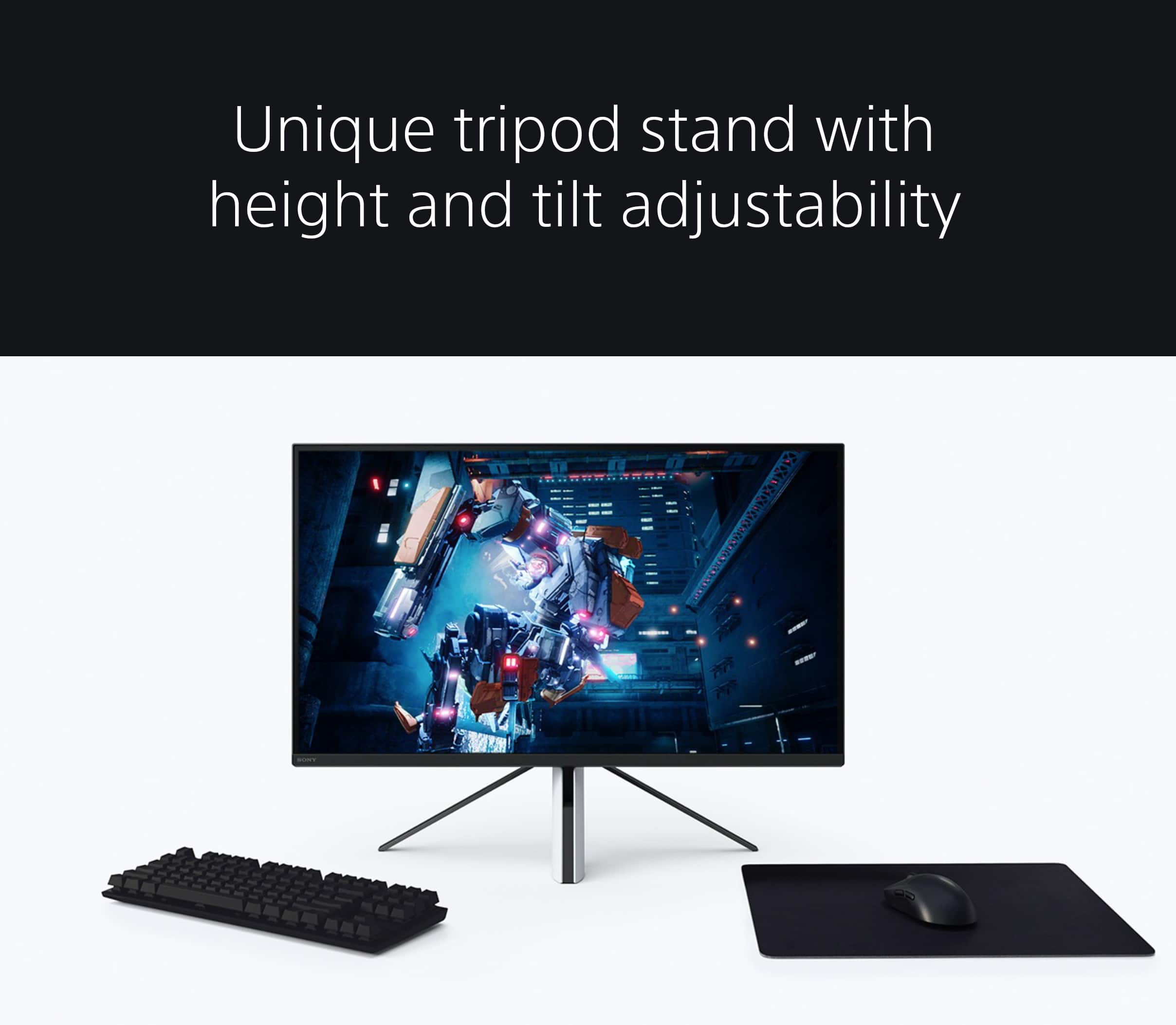
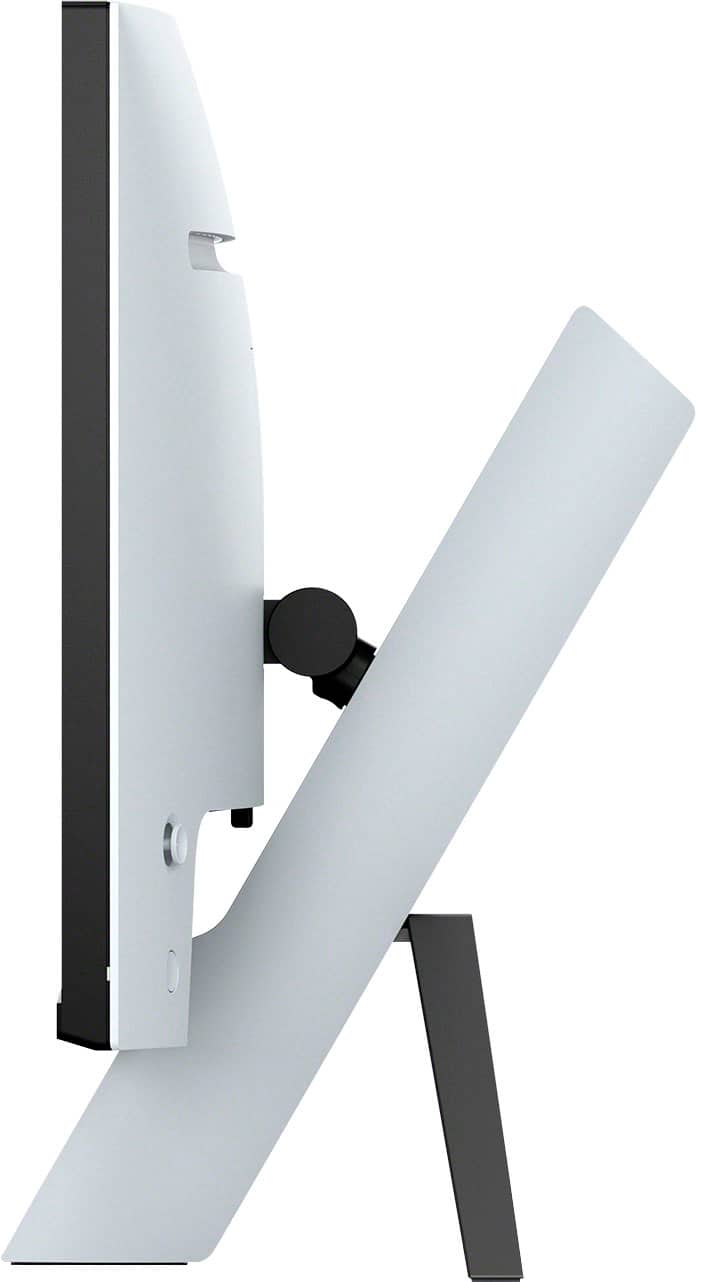
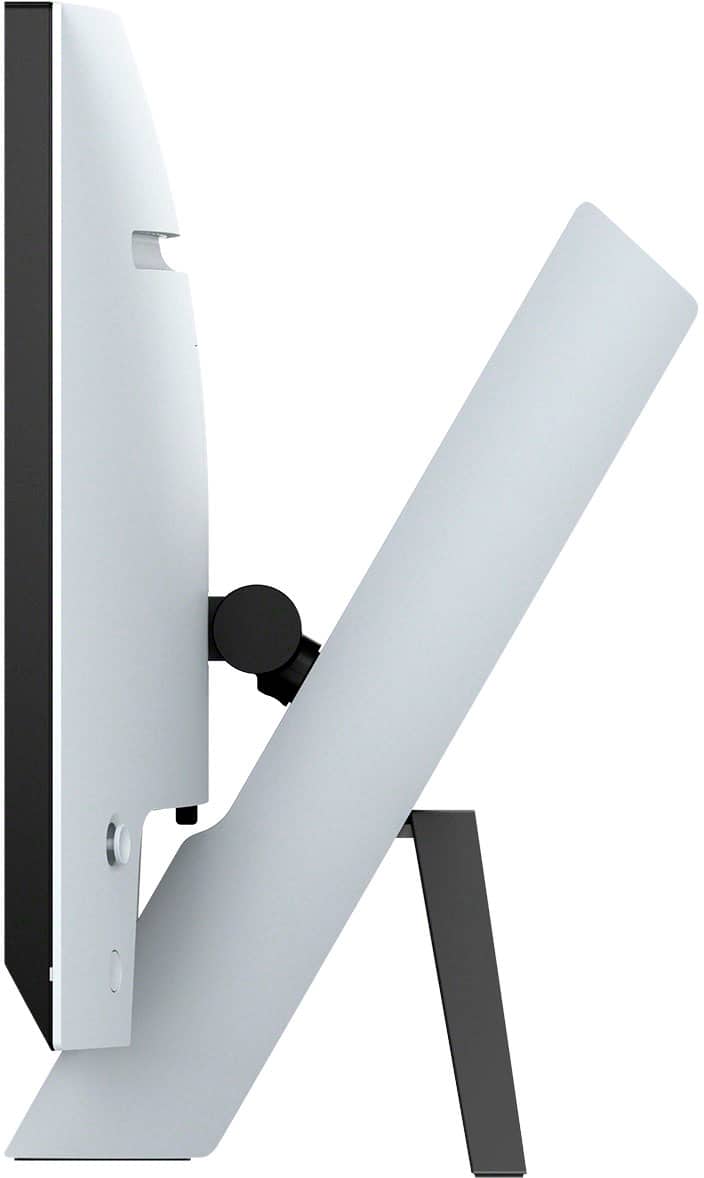
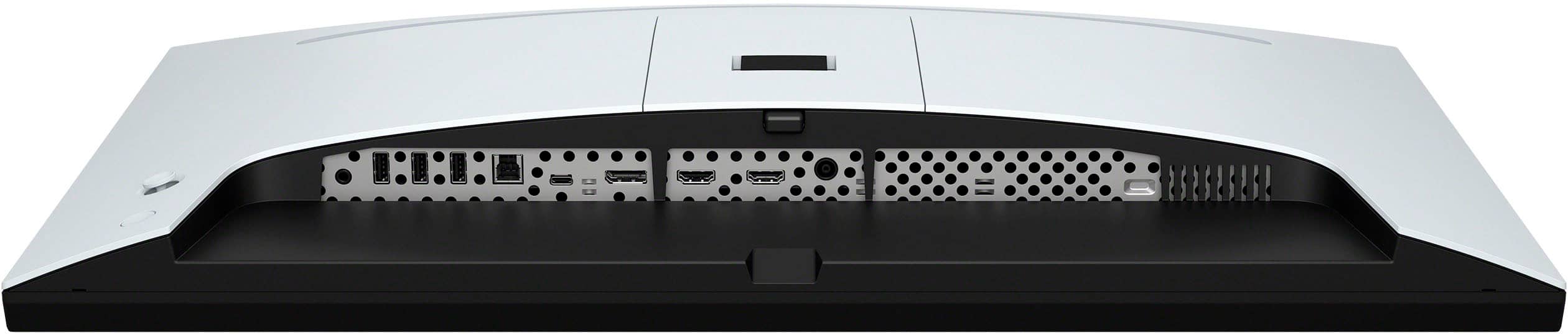
||Posted . Owned for 1 month when reviewed.This reviewer received promo considerations or sweepstakes entry for writing a review.Great display, plenty of ports, HDMI, DisplayPort, USB-C, only thing that I disliked, the stand, that "tripod" kind of configuration takes a lot of space, is uncomfortable, get a Vesa mount, menu is easy to navigate, PS5 games look great.
I would recommend this to a friendBrand response from SonyListens
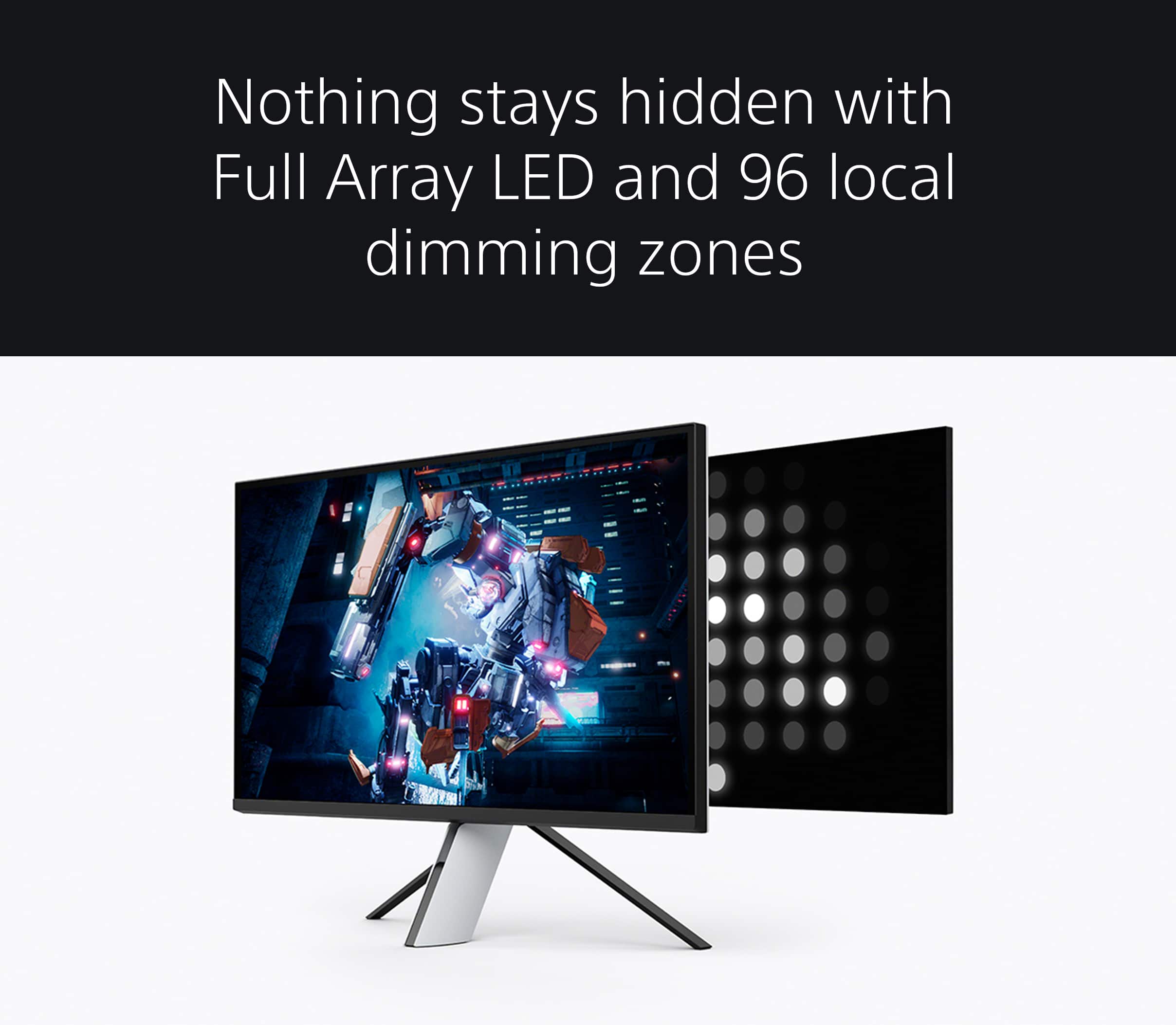
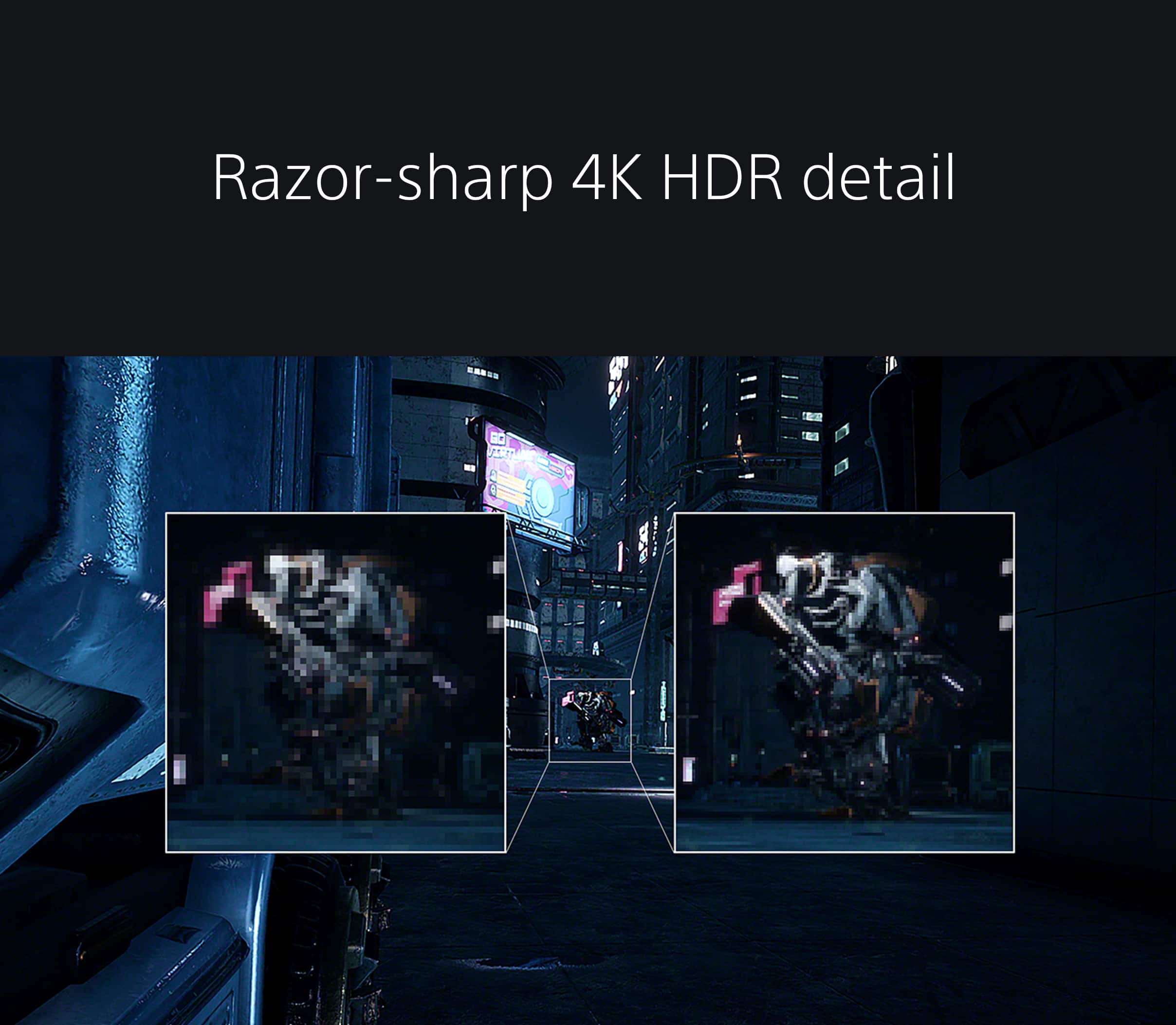
Posted .Hi Ronald, We are happy that you like the picture quality and supported ports of your new Sony INZONE M9 4K gaming monitor. Our INZONE M9 has four times the pixels of full HD monitors and you will enjoy crystal-clear detailed images with 4K resolution. You will also see enhanced contrast with more detail in shadows and highlights from precisely controlled Full Array Local Dimming backlighting technology. We take all user input seriously and will make sure your comments reach the appropriate person, especially your comment with regard to the stand. Thank you for choosing Sony! Vincent
Awsome monitor
||Posted . Owned for 1 week when reviewed.This reviewer received promo considerations or sweepstakes entry for writing a review.It’s a great monitor! only recommend for Xbox or PlayStation works great for both, has a great output and for a real life experience view coming from gaming I would recommend this set up here
I would recommend this to a friendBrand response from SonyListens
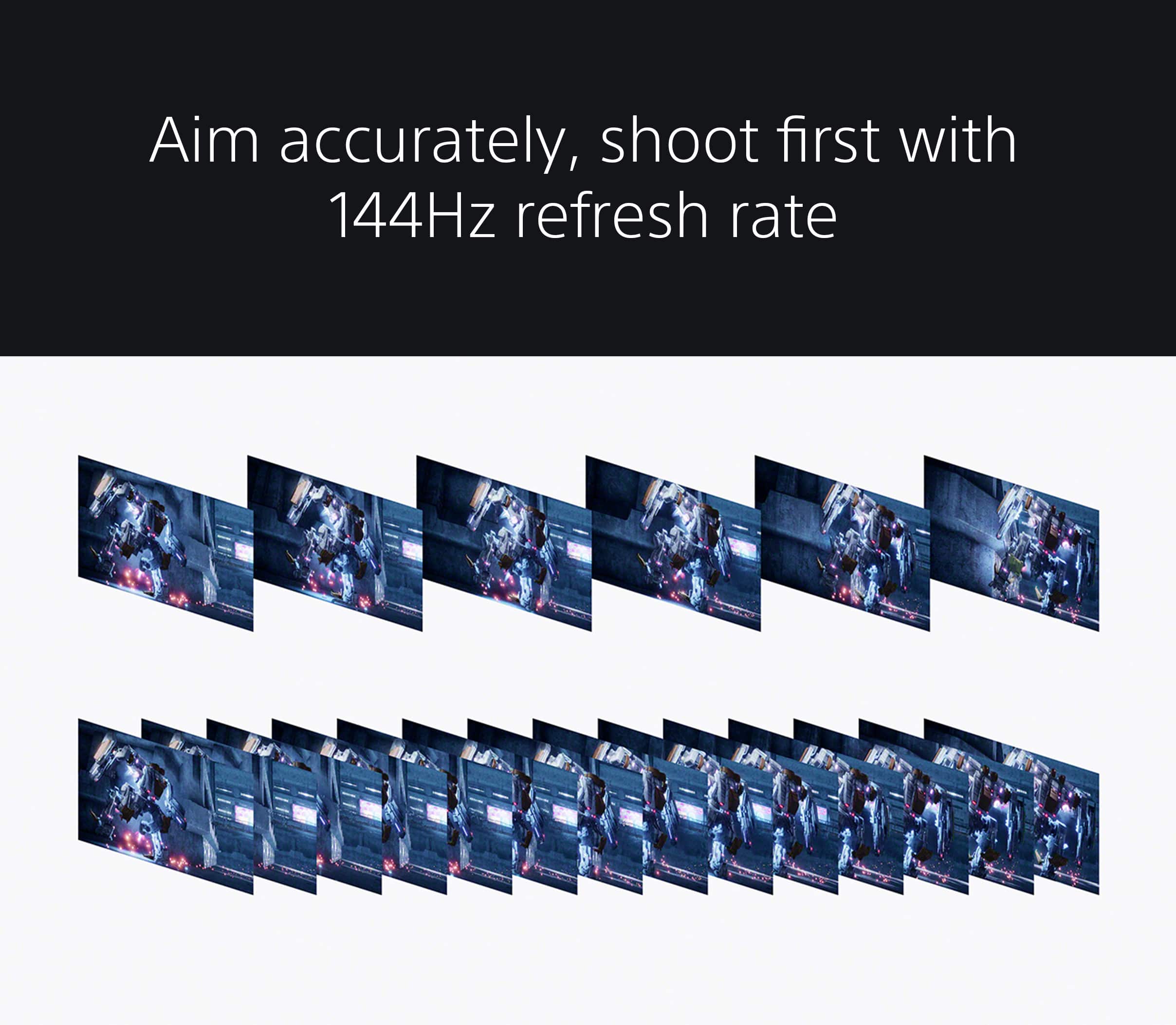
Posted .Hi NathanP, Thank you so much for giving the product a perfect rating! It's really amazing to hear you are pleased with the overall performance and incredible picture quality of your INZONE M9 gaming monitor! We agree that this gaming monitor is great for gaming. You're now able to feel the action with 4K HDR visuals, ultra-fast 144Hz refresh rate, and Full Array Local Dimming contrast that makes game worlds come alive with detail and vibrance. We also appreciate the recommendation. Thanks for choosing Sony! -Jess
Really solid monitor, great for 4k
||Posted . Owned for 1.5 years when reviewed.This reviewer received promo considerations or sweepstakes entry for writing a review.Was a really good monitor to tie me over until I got my QD-Oled monitor. The color spectrum is very accurate and stood up well even against the Oled.
I would recommend this to a friendGreat for a PS5
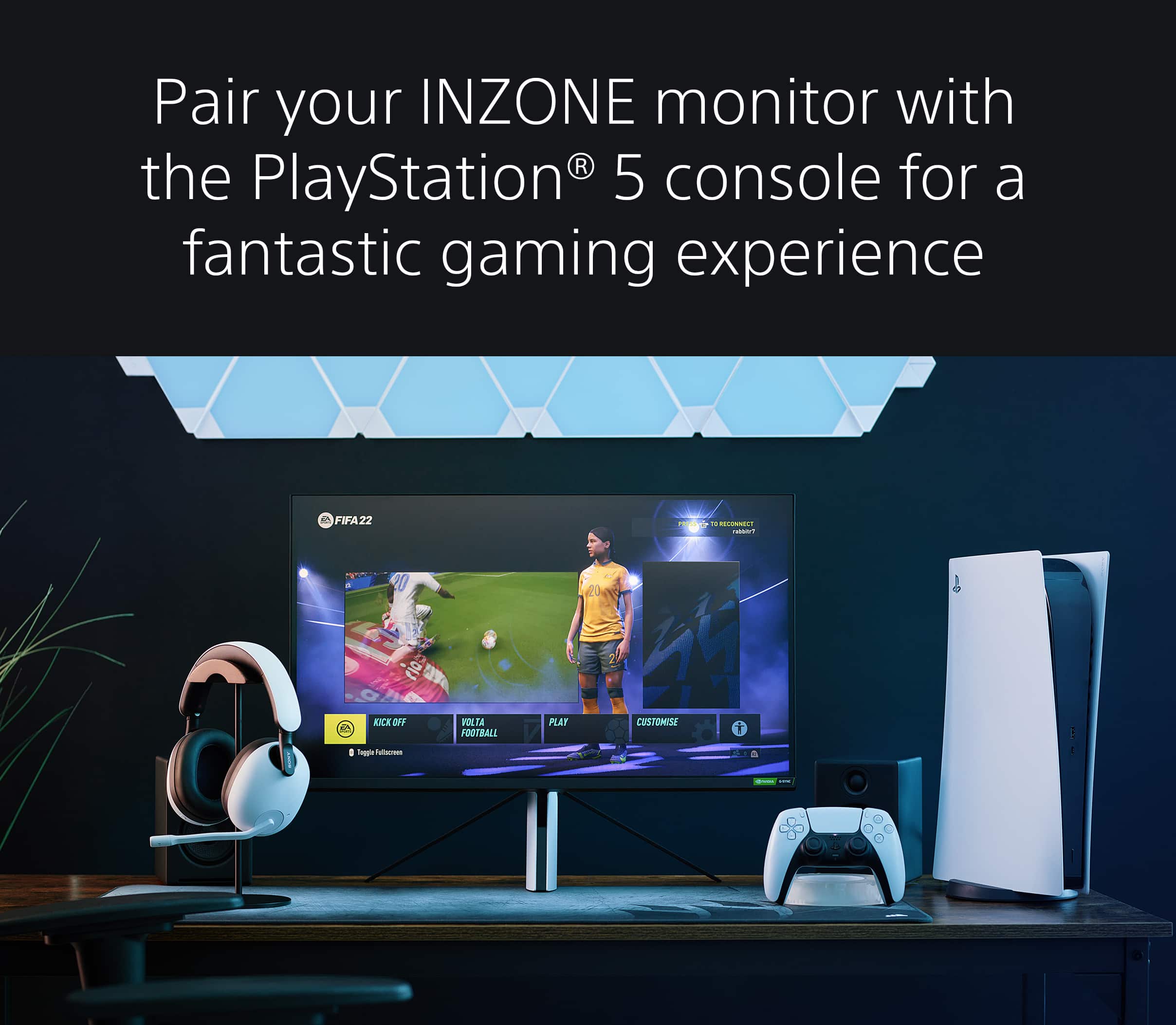
||Posted . Owned for 3 weeks when reviewed.This reviewer received promo considerations or sweepstakes entry for writing a review.Got this monitor with the intent to use it for my PS5. The picture it gives is for everything is just great, whether it is for games or streaming services/movies. To take full advantage of the monitor with the PS5, you will want to get an HDMI 2.1 cable. Setting up the monitor is relatively simple, I didn't even have to read the instructions to set it up on my own. The one small very minor thing it does that is not so great is every time you open or close a game it scans for inputs to reset the picture. If you update the firmware for it, the latest version makes the time it takes for this take less time. You'll need a computer connected to it with HDMI and a USB-C upstream cable to update the firmware with Sony's site.
I would recommend this to a friendBrand response from SonyListens
Posted .Hi Gutie, Thank you for the positive review! We're delighted to hear you like the great picture quality, ease of setup, and seamless integration with your PS5. And we're sorry to hear about the issue you're having when trying to open or close a game. May we contact you to help and get more information about this issue? If so, please email the below information to socialsupport@am.sony.com. Apologies if you disclosed some of this information in your review and to customer service, we just want to ensure that we have your accurate details at the time of communication.
Full Name:
Best Buy Username:
Telephone Number:
Sony Model Number:
Additional Information regarding your experience with the Inzone M9:
We are sorry for the inconvenience and hope to speak to you to resolve this matter. Thanks for choosing Sony! -Sam
Great ps5 monitor
||Posted . Owned for less than 1 week when reviewed.This reviewer received promo considerations or sweepstakes entry for writing a review.Great monitor for ps5. Some slight issues with a pc. Pc sometimes has a hard time identifying the monitor.
I would recommend this to a friendBrand response from SonyListens
Posted .Hi JasonM, thanks for choosing and purchasing our product! We're glad you are enjoying our INZONE M9 with your PS5. We're sorry to hear that you have an issue with the connectivity between your PC and your SONY unit. Please make sure to keep the software of the monitor up to date. Pleas follow this link for more details:
https://www.sony.com/electronics/support/televisions-projectors-monitors/sdm-u27m90/articles/00279504
Please try a different cable if needed. Please isolate the issue by following this link:
https://helpguide.sony.net/tv/u27m90/v1/en/contents/TP1000668898.html
If you require any additional support in regards to this product, please email us at socialsupport@am.sony.com with the following details: Name: Username: Model Number: Issue: Telephone Number:
Our INZONE M9 gaming monitor with 4K HDR, Full Array Local Dimming, IPS and over 95% DCI-P3 coverage fills scenes with supreme contrast and color. You’ll react faster too with a 144Hz refresh rate and IPS 1ms GtG (Grey to Grey). Thank you for choosing Sony! ~Earl
PERFECT!
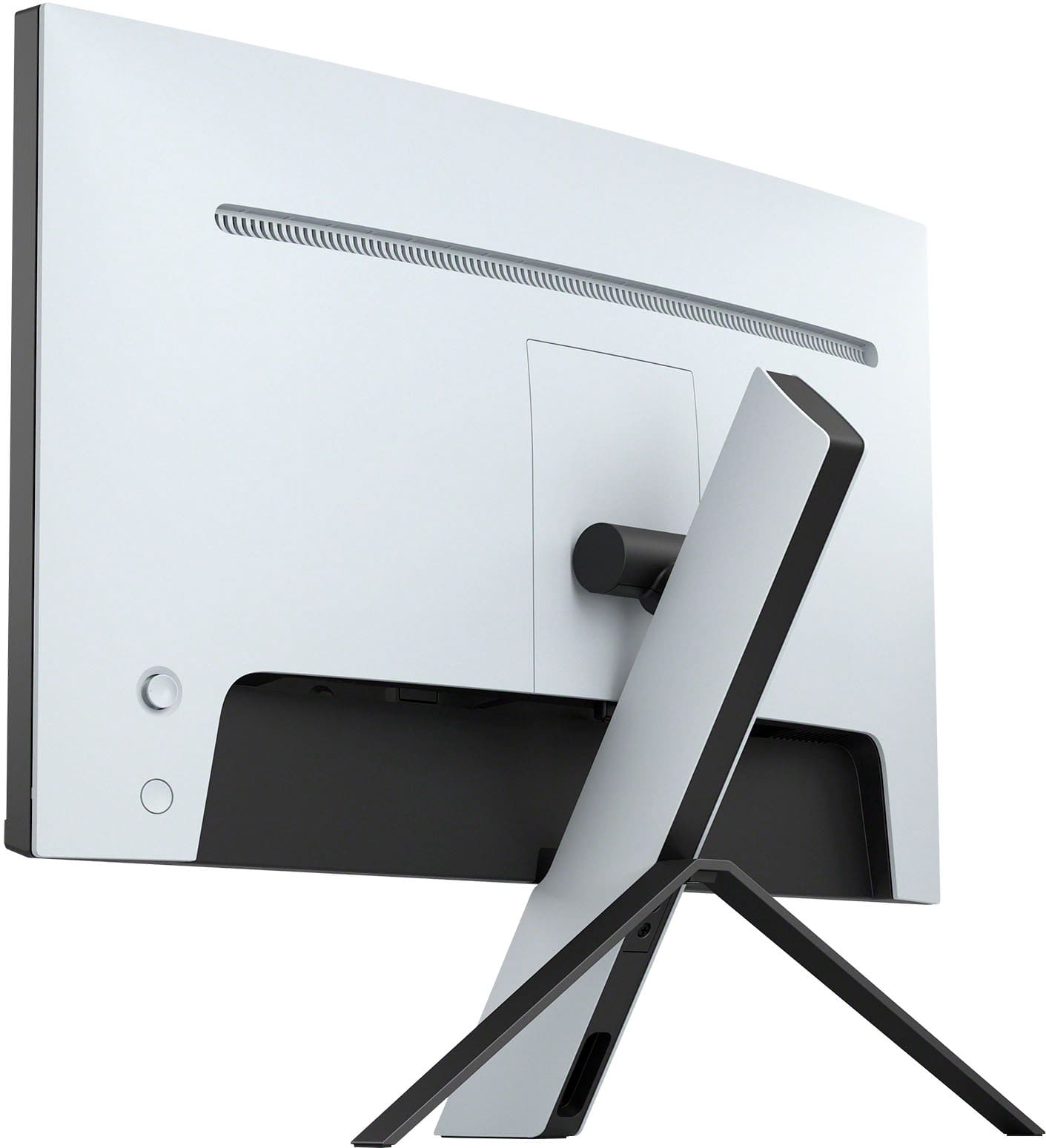
||Posted .This reviewer received promo considerations or sweepstakes entry for writing a review.ABSOLUTELY PERFECT! This monitor is a perfect pair with the PS5, the 4k resolution and high refresh rate showcases just how powerful this monitor and the PS5 both truly are. the front leg of the stand that the monitor sits on even resembles a PS5, making it very aesthetically pleasing to your setup!
I would recommend this to a friendvery good for laptop if used alone
||Posted . Owned for 3 weeks when reviewed.This reviewer received promo considerations or sweepstakes entry for writing a review.***I purchased this monitor for work only no games I would give it 5 starts but for two things: **I have to shut it down to bring it from the sleep mode after 10 hrs sleep. - happened once - **when I use it as a second screen for my work it gives me a slow mouse moving between the two screen, things improved when I used high usb-c 4 high speed cable and work from this screen only
I would recommend this to a friendBrand response from SonyListens
Posted .Hi MASA,
Thanks for sharing your review and experience with the INZONE M9. Your feedback is extremely important to us and is very much appreciated. For optimum performance, make sure that the software version of the monitor is up-to-date. Please refer to these links for more information:
https://www.sony.com/electronics/support/monitors-inzone-m9-series/sdm-u27m90/software/00284042
https://helpguide.sony.net/tv/u27m90/v1/en/contents/TP1000670514.html
It is also recommended to use a High Speed HDMI cable or the latest version of a display port cable. Sometimes cables are the easiest cause for concern and fix most issues.
If you have multiple devices connected to the monitor, you can disable the auto input search to manually select a specific input. For more information, please refer to this link:
https://helpguide.sony.net/tv/u27m90/v1/en/contents/TP1000668884.html
You may also find this link helpful:
https://www.sony.com/electronics/support/televisions-projectors-monitors/sdm-u27m90/articles/00283117
Additional information about the gaming monitor can be found on this link:
https://www.sony.com/electronics/support/televisions-projectors-monitors/sdm-u27m90/articles/00279504
Hope this helps. In case you need further assistance, please email us at socialsupport@am.sony.com with the following details:
Name:
Username:
Model Number:
Issue:
Telephone Number:
Or contact our product support team via phone call or chat through this link:
https://us.esupport.sony.com/support/s/support-contact?language=en_US&category=tv
Sincerely,
-Ralph
Great Monitor for the Price
||Posted . Owned for 1 week when reviewed.This reviewer received promo considerations or sweepstakes entry for writing a review.I bought this for the sole purpose of playing SpiderMan 2 in 4K, and let me tell you, it was well worth it. Being able to additionally run it on 120 HZ mode while playing in 4K is also a nifty feature that changes the game entirely.
I would recommend this to a friendBrand response from SonyListens
Posted .Hi Brandon, You've made an excellent choice! We're very happy to hear that you're enjoying playing the new Spiderman 2 game in 4K 120 hz mode with your Sony Inzone M9 gaming monitor. Explore gaming worlds full of brilliant depth and detail. Our 27 in INZONE M9 gaming monitor with 4K HDR, Full Array Local Dimming, IPS and over 95% DCI-P3 coverage fills scenes with supreme contrast and color. You’ll react faster too with a 144 Hz refresh rate and IPS 1 ms GtG. Thanks for choosing Sony! -Sam
Best Color Deepest Dark Colors
||Posted . Owned for 1 month when reviewed.This reviewer received promo considerations or sweepstakes entry for writing a review.Crazy awesome color reproduction and deep blacks and amazing intense brightness. Compared to similarly priced models this is the one you want.
I would recommend this to a friendsony inzone
||Posted . Owned for 1 month when reviewed.This reviewer received promo considerations or sweepstakes entry for writing a review.local dimming makes a huge difference. I personally use the low setting. Amazing picture quality. bought for ps5. motion and colors are so smooth. monitor looks great in sdr as well, in fact I turn off hdr in ps5 settings, prefer the less intense colors and darkness.
I would recommend this to a friendBrand response from SonyListens
Posted .Hi GabrielC,
Amazing! We're thrilled that you are enjoying the picture quality of the gaming monitor. Explore gaming worlds full of brilliant depth and detail. Our 27" INZONE M9 gaming monitor with 4K HDR, Full Array Local Dimming, IPS and over 95% DCI-P3 coverage fills scenes with supreme contrast and color. You’ll react faster too with a 144 Hz refresh rate and IPS 1 ms GtG. Thank you for choosing Sony!
-Ralph
Monitor
||Posted .This reviewer received promo considerations or sweepstakes entry for writing a review.Having problems with the input showing up and speakers aren’t great
No, I would not recommend this to a friendBrand response from SonyListens
Posted .Hi Randomguy,
Thank you for reaching out to us. We're sorry to hear some issues that you are experiencing with your INZONE M9 monitor. Allow us to help troubleshoot the problem. This monitor automatically selects the input to which the signal is being input. If there are multiple input signals, the inputs are selected in the following order of priority. HDMI 1→HDMI 2→DisplayPort→USB-C. You can also switch the input manually, using the joystick. Press the joystick on the rear of the monitor. The menu is displayed. Move the joystick to the left. The input selection menu is displayed. Select the desired input. Press the joystick. The input switches to the one selected. Please note that when [Auto select] is set to [Off], the input is not selected automatically. For reference: https://helpguide.sony.net/tv/u27m90/v1/en/contents/TP1000668884.html
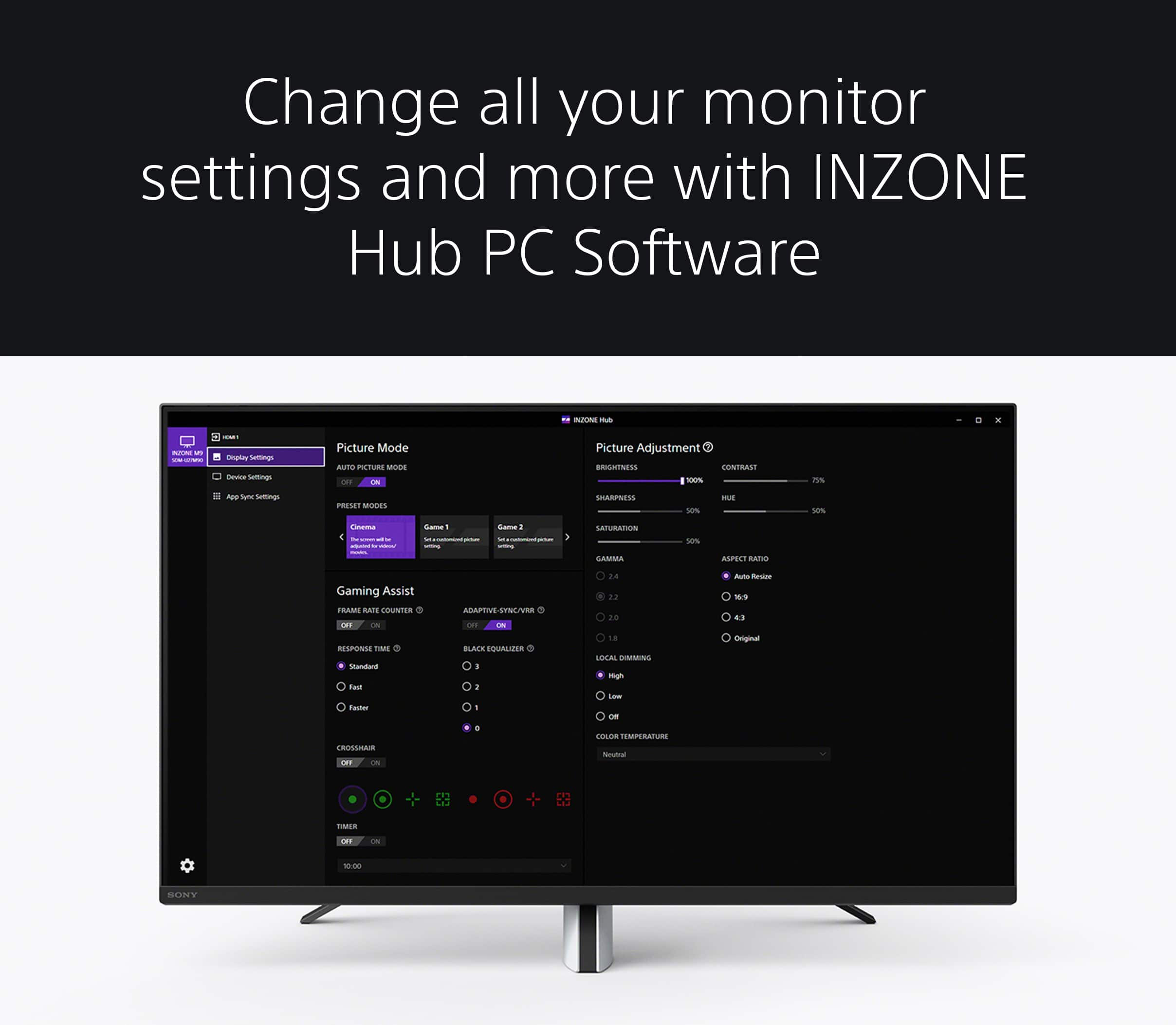
Also for the sound quality of the monitor, with the INZONE Hub software, you can personalize experiences by customizing a wide range of operations, including a variety of sound and picture settings. You can also assign specific picture mode and sound profiles of the headset to individual computer applications and games. For more information, please refer to this link: https://www.sony.com/electronics/support/televisions-projectors-monitors/sdm-u27m90/downloads
May we contact you to help? If so, please email the below information to socialsupport@am.sony.com:
Name:
Best Buy Username:
Telephone Number:
Model Number:
Issue:
We are sorry for the inconvenience and hope to speak to you to resolve this matter. - Kris
Perfect for PS5
||Posted . Owned for 11 months when reviewed.This reviewer received promo considerations or sweepstakes entry for writing a review.I love this monitor. It’s perfect for PS5. Great picture. Lots of ports. The speakers could be better. I wish it could update without needing a windows PC because I use a Mac
I would recommend this to a friendDon’t stray from an open box!
||Posted . Owned for 1 month when reviewed.This reviewer received promo considerations or sweepstakes entry for writing a review.I picked up an excellent open box to compare to some other models and for the price and performance it was the best monitor for the price $380. For some reason the mini LEDs had horrible refresh rates at lower fps and made reaction based games horrible. This one is great. Might not do as well in a bright room. But for console it is great. I will say the port locations are horrendous and tedious. However, that is a minimal frustration for myself. The menu buttons on the monitors without remotes always feel somewhat difficult but this one wa easier than others.
I would recommend this to a friendInZone monitor
||Posted .This reviewer received promo considerations or sweepstakes entry for writing a review.Works very well for PS5 users, especially PS5 Pro users
I would recommend this to a friendGreat monitor
||Posted .This reviewer received promo considerations or sweepstakes entry for writing a review.Great monitor for play station 5 and I would recommend purchasing but only if at a discounted price.
I would recommend this to a friend- Pros mentioned:Picture quality
Pretty nice
||Posted . Owned for 1 week when reviewed.This reviewer received promo considerations or sweepstakes entry for writing a review.Looks good with ps5 and xbox. No issues here so far.
I would recommend this to a friendBrand response from SonyListens
Posted .Hi Bradley, We are happy that you now have a pretty good gaming monitor for your gaming consoles. Our INZONE M9 has four times the pixels of full HD monitors and you will enjoy crystal-clear detailed images with 4K resolution. You will also see enhanced contrast with more detail in shadows and highlights from precisely controlled Full Array Local Dimming backlighting technology. Thank you for your purchase. Enjoy! Vincent
- Pros mentioned:Picture quality
INZONE
||Posted . Owned for 1 month when reviewed.This reviewer received promo considerations or sweepstakes entry for writing a review.Great monitor! Easy to install. My first time buying a monitor.
I would recommend this to a friendBrand response from SonyListens
Posted .Hi EMORA,
You made the right choice! We're glad that you had an easy time setting it up. Explore gaming worlds full of brilliant depth and detail. Our 27" INZONE M9 gaming monitor with 4K HDR, Full Array Local Dimming, IPS and over 95% DCI-P3 coverage fills scenes with supreme contrast and color. You’ll react faster too with a 144 Hz refresh rate and IPS 1 ms GtG. Thank you for choosing Sony!
-Ralph
Best 27 inch monitor out there!
||Posted . Owned for less than 1 week when reviewed.This reviewer received promo considerations or sweepstakes entry for writing a review.Great response time. I really like the color accuracy of this monitor. The speakers on this monitor is the weakest part of the monitor, but everybody should invest in some headphones or computer speakers anyway so no big deal there. It has all the gaming features that you need whether you’re a hardcore gamer or a casual one like myself, you’ll be satisfied trust me. Never goong back to gaming on a tv.
I would recommend this to a friendBrand response from SonyListens
Posted .Hi DonW,
We're glad that you are enjoying the picture quality of the INZONE M9. Your feedback about the sound quality is also appreciated.
The INZONE M9 features the INZONE Hub software which allows you to personalize experiences by customizing a wide range of operations, including a variety of sound and picture settings. You may refer to this link for more information: https://www.sony.com/electronics/support/monitors-inzone-m9-series/sdm-u27m90/software/00279252
You can also check the app or game that you are using for sound settings and adjustments.
Additional information about the monitor is also available on this link: https://www.sony.com/electronics/support/televisions-projectors-monitors/sdm-u27m90/articles/00279504
To take your entertainment experience to the next level, you may want to consider our INZONE headsets (INZONE H3, INZONE H7, and INZONE H9): https://electronics.sony.com/audio/gaming-audio/c/inzone-headsets
Hope this helps. In case you need further assistance, please email us at socialsupport@am.sony.com with the following details:
Name:
Username:
Model Number:
Issue:
Telephone Number:
Or contact our product support team via phone call or chat through this link: https://us.esupport.sony.com/support/s/support-contact?language=en_US
Regards,
-Ralph