Customer Ratings & Reviews

- Model:
- SDMU27M90
- SKU:
- 6512813
Rating by feature
- Display Quality
Rating 4.5 out of 5 stars
- Ease of Use
Rating 4.3 out of 5 stars
- Features
Rating 4.4 out of 5 stars
Customers are saying
Customers are enthusiastic about the picture quality, HDR, refresh rate, and local dimming features of the 27” INZONE M9 monitor, with many praising the vibrant colors and smooth performance. However, some users expressed disappointment with the speakers and stand, citing issues with audio quality and stand adjustability. Concerns were also raised regarding the monitor's price point and the occasional presence of dead pixels. A few users reported screen issues such as random blackouts.
This summary was generated by AI based on customer reviews.
- Cons mentioned:Signal detection
Very Disappointed
||Posted .This reviewer received promo considerations or sweepstakes entry for writing a review.I hook the Sony M9 up expecting great things. To my dismay, who keeps searching for my DP signal, and then go on a black screen. There are no options in the menu to make any adjustments other than different sources. I have a Z790 with the I nine1300 K, 64 gig of DDR5 and a Nvidia 3090 TI with 24 gig. Really no reason why this thing shouldn’t work.
No, I would not recommend this to a friendBrand response from SonyListens
Posted .Hi TechJunkie96,
We regret to hear that you are having an issue with your Sony gaming monitor. This is definitely not the customer experience we want you to have. Make sure you are using the latest firmware update for the INZONE M9. Latest version is M009. https://www.sony.com/electronics/support/televisions-projectors-monitors/sdm-u27m90/downloads Please make sure the DisplayPort cable is connected securely with your device. You can unplug the cable and plug it back again to isolate the issue. If still the same, turn off the monitor by pressing the power button. Unplug the power cable and let the monitor remain without power for 60 seconds. Plug the power cord back into the electrical outlet then turn on the unit. If still unresolved, you can also use a different DisplayPort cable to further isolate the issue. Feel free to test the monitor again and verify if it resolves the issue.
Should you need further assistance, you can email us at socialsupport@am.sony.com with the following details:
Name:
Best Buy Username:
Model Number:
Issue:
Telephone Number:
Sincerely,
Vincent
Great Monitor
||Posted . Owned for 1 month when reviewed.This reviewer received promo considerations or sweepstakes entry for writing a review.It’s a great monitor, but probably overpriced. I love it though.
I would recommend this to a friendBrand response from SonyListens
Posted .Hi VashMitch,
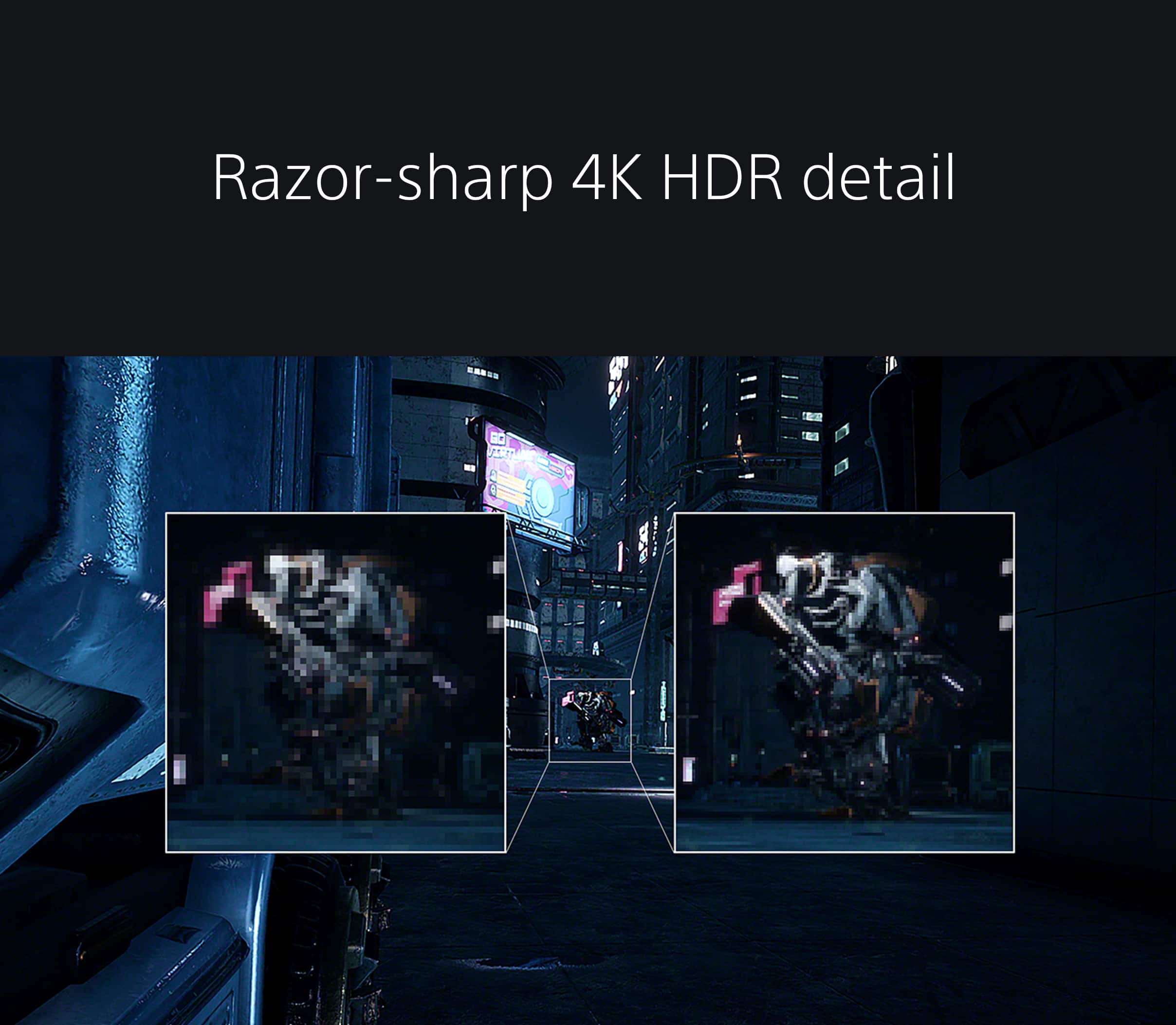
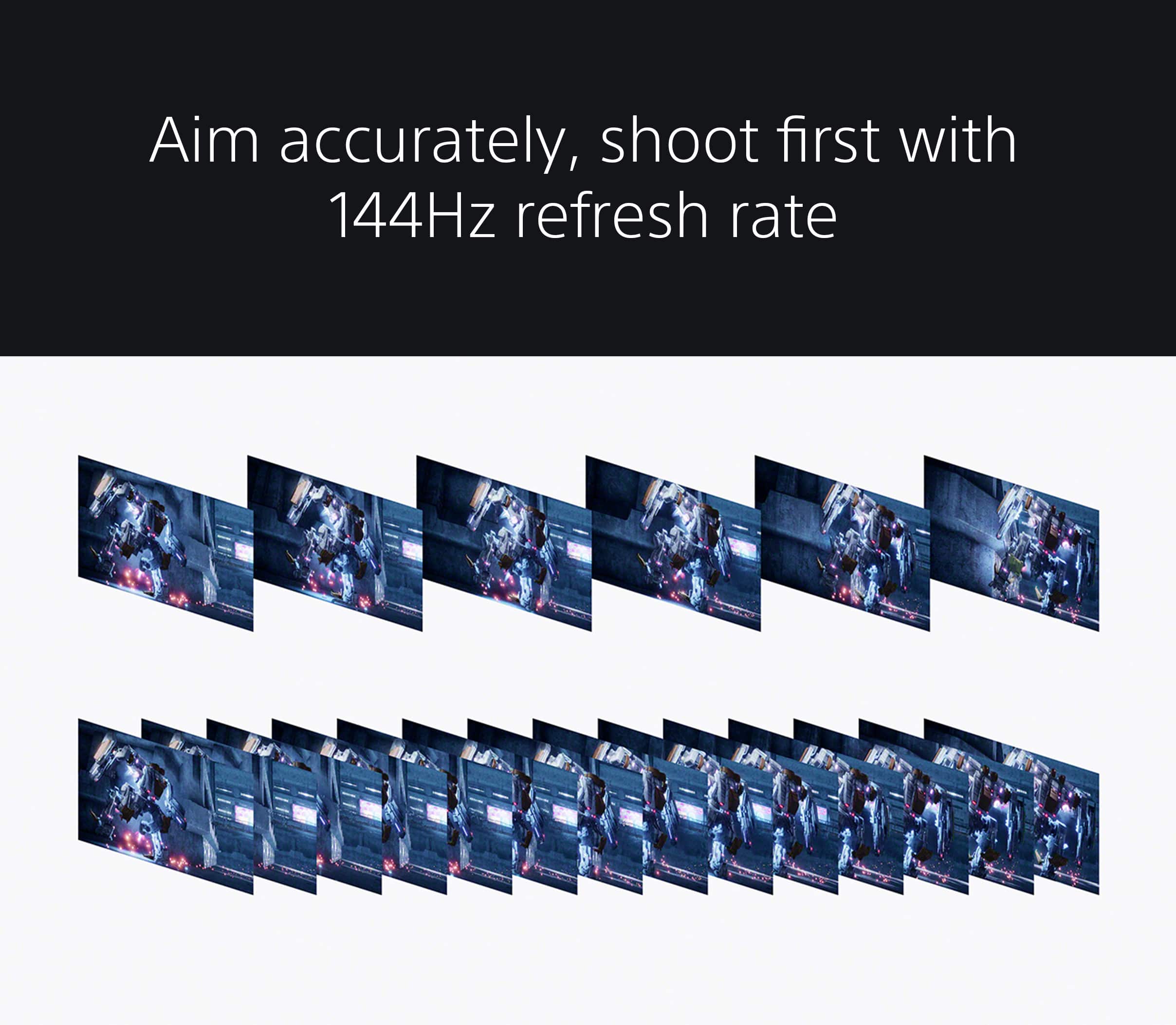
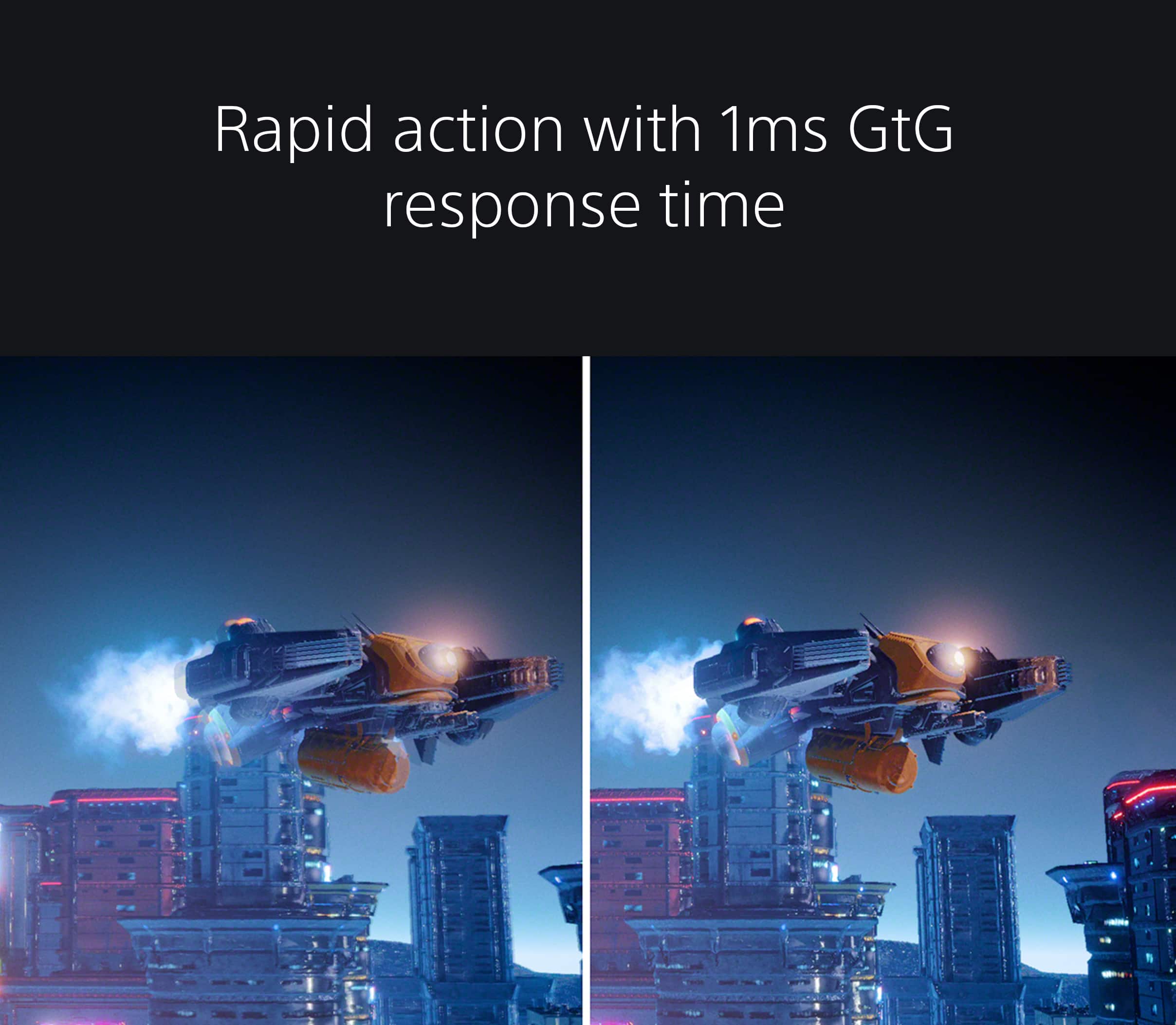
You made the right choice with the INZONE M9! Explore gaming worlds full of brilliant depth and detail. Our 27" INZONE M9 gaming monitor with 4K HDR, Full Array Local Dimming, IPS and over 95% DCI-P3 coverage fills scenes with supreme contrast and color. You’ll react faster too with a 144 Hz refresh rate and IPS 1 ms GtG. Thanks for choosing Sony!
-Ralph
High hopes..didn’t live up
||Posted . Owned for 1 month when reviewed.This reviewer received promo considerations or sweepstakes entry for writing a review.I really wanted to like this monitor, and i did loke a lot about it, however i ran into too many techincal issuea that i had to return it. While gaming, the screen would go black randomly and search for an input. Tried different cords, played around with settings, but nothing worked. It didnt have all the time but enough to interrupt mysession and cause fristartion. The fastest mode creates a lot of glitches too so much so that you csnt really play on it. The picture wuality is really good but too many issues to deal with for the price you pay. I got the LG Oled monitor instead and that is way better for a similar price.
No, I would not recommend this to a friendBrand response from SonyListens
Posted .Hi Samuel,
We regret to hear that you were not completely satisfied with the INZONE M9. Your feedback is extremely important to us and is very much appreciated. For optimum performance, it is recommended to install the latest software version of the monitor. It is also recommended to use a High Speed HDMI cable or the latest version of a display port cable. Sometimes cables are the easiest cause for concern and fix most issues. If multiple devices are connected to the monitor, you do have the option to disable the auto input search to manually select a specific input.
Thanks again for sharing your review and we hope you will consider Sony for your future purchases.
-Ralph
Very good.
||Posted . Owned for 1 month when reviewed.This reviewer received promo considerations or sweepstakes entry for writing a review.Tbe best gaming monitor off the shelf. Models with similar performance you have to get online. As with all monitors. Go into your GPU settings and display ports and enure your high resolution and refresh rate are selected
I would recommend this to a friendBrand response from SonyListens
Posted .Hi JamesM,
You made the right choice with the Sony INZONE M9! We're glad that you like the picture quality of the gaming monitor. Explore gaming worlds full of brilliant depth and detail. Our 27 in INZONE M9 gaming monitor with 4K HDR, Full Array Local Dimming, IPS and over 95% DCI-P3 coverage fills scenes with supreme contrast and color. You’ll react faster too with a 144 Hz refresh rate and IPS 1 ms GtG. Thanks for choosing Sony!
-Ralph
- Cons mentioned:Connectivity
A Definite Disappointment from Sony
||Posted . Owned for less than 1 week when reviewed.This reviewer received promo considerations or sweepstakes entry for writing a review.Was very hyped for this monitor. Now, I am going to return it. It should not be this complicated to set this monitor up. HDR is not working properly. Display port keeps flickering and very unstable. I have plugged and unplugged the monitor. I have downloaded the Inzone hub app on my PC to see if it assist and nothing. Very Very disappointed with this. If I don't find a solution for this ill be returning this product later this week. I don't see anyone that reviewed this monitor online speak of any of these problems which begs the question, is my monitor faulty? or is someone not saying what they should be saying.
No, I would not recommend this to a friendBrand response from SonyListens
Posted .Hi Charley,
Thank you for reaching out to us. Here at Sony we take each question and issue very seriously to find a solution. If you feel you may have an issue with you M90 INZONE product, please reach out to your place of purchase to arrange for an exchange. If the auto picture mode is on please disable this to see if this maybe the cause of your HDR issues. Please make sure your display port cable is of a latest version. Sometimes cables are the easiest cause for concern and fix most issues with flickering and or picture quality like you have described.
Hope this helps,
-Ralph
Best for the ps5 plug and play
||Posted . Owned for more than 2 years when reviewed.This reviewer received promo considerations or sweepstakes entry for writing a review.Best for the ps5 plug and play easy to use. Real 4k gaming.
I would recommend this to a friendGreat monitor for gaming
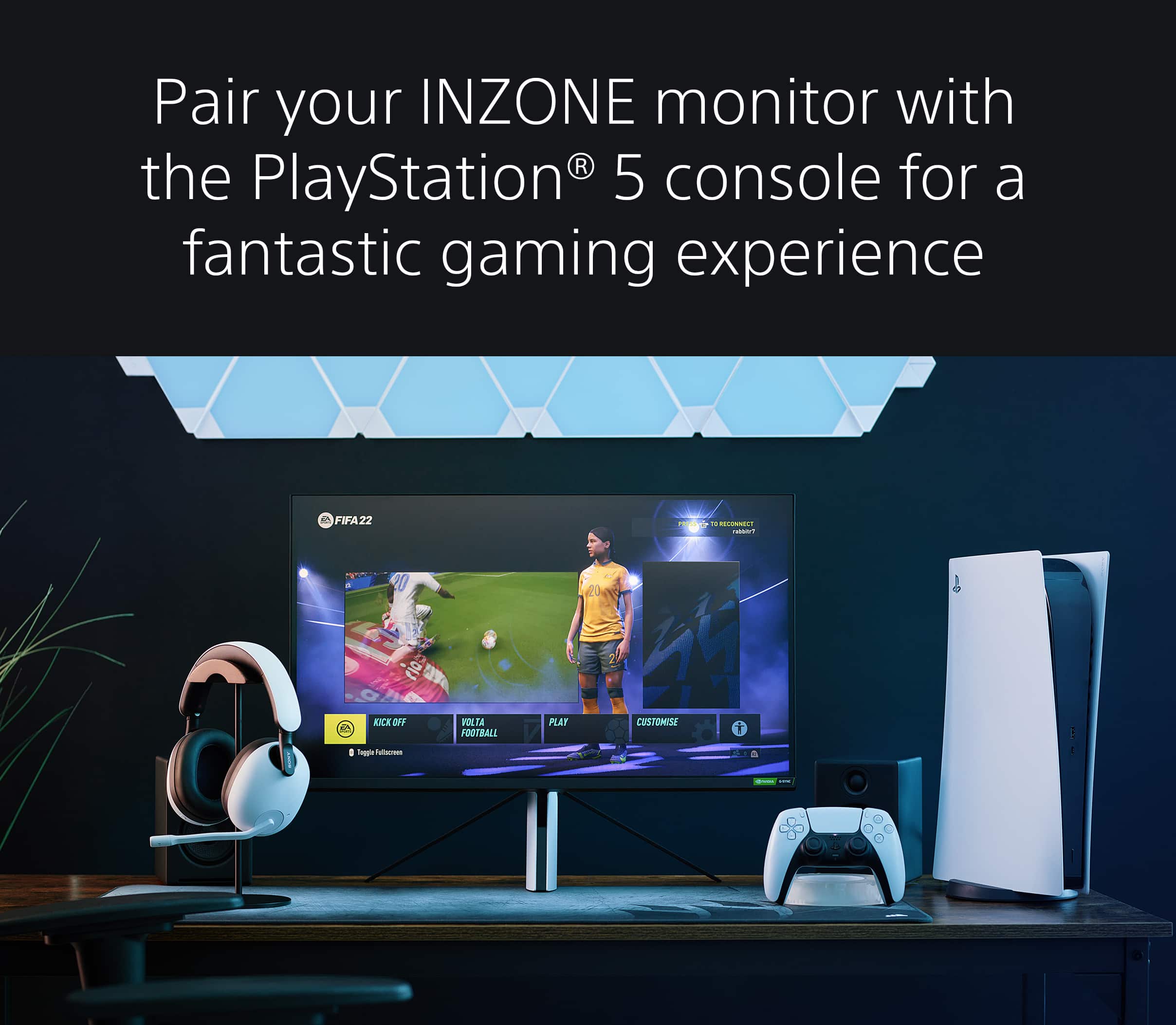
||Posted . Owned for 6 months when reviewed.This reviewer received promo considerations or sweepstakes entry for writing a review.This monitor is perfect for gaming on PS5. Automatically switches to the optimal settings for the game youre playing. 100% would buy again.
I would recommend this to a friendBrand response from SonyListens
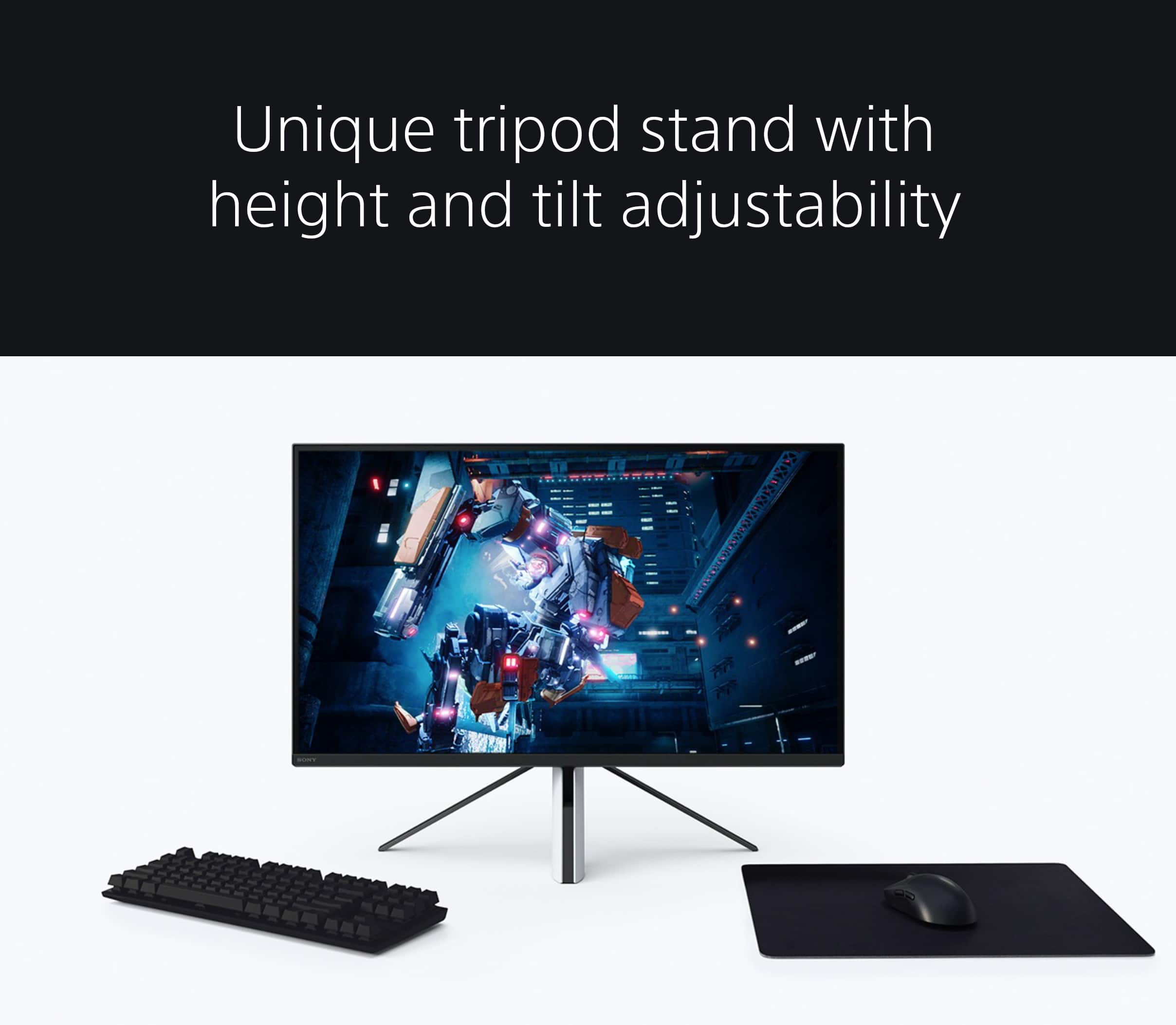
Posted .Hi ScottS, Thanks for sharing your awesome experience. We are glad that you now have a perfect gaming monitor for your PS5. Our INZONE M9 has four times the pixels of full HD monitors and you will enjoy crystal-clear detailed images with 4K resolution. You will also see enhanced contrast with more detail in shadows and highlights from precisely controlled Full Array Local Dimming backlighting technology. We take all user input seriously and will make sure your comments reach the appropriate person, especially your comment with regard to the stand. Thank you for choosing Sony! Enjoy your games! Vincent
Missed Potential
||Posted . Owned for 1 month when reviewed.This reviewer received promo considerations or sweepstakes entry for writing a review.Great picture and colors. Amazing response times and input lag. Where it falls short is the local dimming feature, its way too distracting as there isnt enough dimming zones. Without FALD turned on, it was the worst IPS glow I'd ever seen. And the build quality also sucks, feels super cheap. The input auto switching is terrible, takes forever and turns the screen off for way too long. The auto tone mapping is kinda useless since you have to reset the monitor in order to use it on PS5. Overall, cant recommend this as it has too manu faults at its price.
No, I would not recommend this to a friendBrand response from SonyListens
Posted .Hi csrzxo,
We regret to hear that you are not completely satisfied with the INZONE M9. Your feedback is extremely important to us and is very much appreciated. For optimum performance, make sure that the software version of the monitor is up-to-date. Please refer to these links for more information:
https://www.sony.com/electronics/support/monitors-inzone-m9-series/sdm-u27m90/software/00284042
https://helpguide.sony.net/tv/u27m90/v1/en/contents/TP1000670514.html
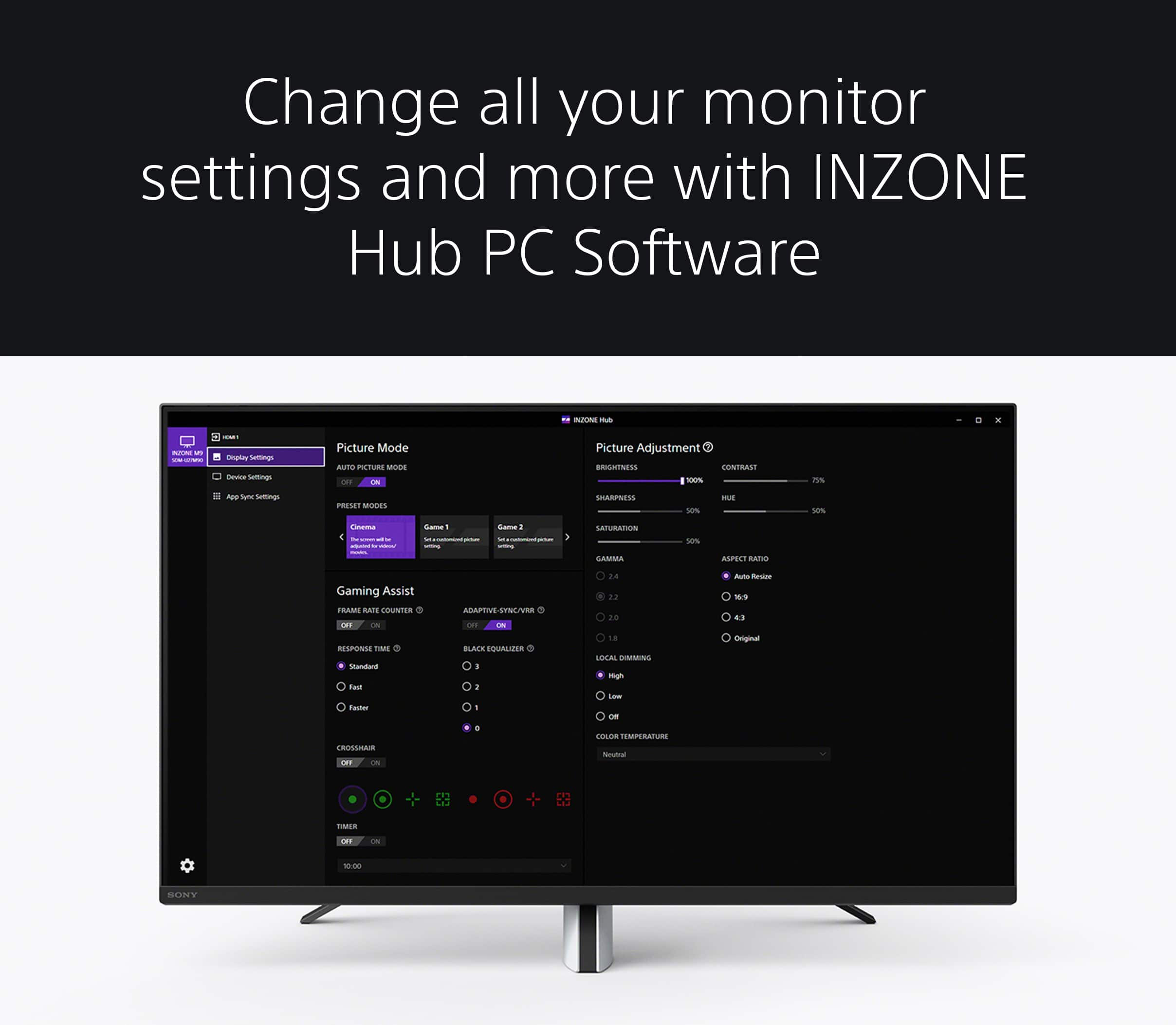
Make sure that all connections are secured. It is also recommended to use a High Speed HDMI cable or the latest version of a display port cable. Sometimes cables are the easiest cause for concern and fix most issues. Additionally, you can use the INZONE Hub software. With this app, you can personalize experiences by customizing a wide range of operations, including a variety of sound and picture settings.
If you are unable to set your desired Picture Adjustments, please note that the available settings differ depending on Preset mode or input signals:
-When the Preset mode is set as Standard, FPS game, or Cinema: Sony provides optimized picture settings by default, and menu items are grayed out, except Brightness, Local Dimming and Aspect Ratio.
-When the Preset mode is set to Game 1 or Game 2: Can be adjusted with desired settings. If Eco mode is on, the menu items are grayed out.
-When the input signal is HDR: Only Local Dimming and the Aspect ratio can be set. For additional brightness, contrast and gamma control, please try changing Black Equalizer setting from 0 – 3, under the Gaming Assist menu.
If you wish to individually customize your picture quality settings, we recommend turning HDR off and setting your Picture mode to Game 1 or Game 2. When using the INZONE M9 with a Windows PC, we recommend downloading the INZONE Hub software to seamlessly control the monitor settings.
Please also note that if you set the Local dimming to Low or Off, this may cause the whole screen to look washed out.
You may also find these links helpful:
https://www.sony.com/electronics/support/televisions-projectors-monitors/sdm-u27m90/articles/00283117
https://www.sony.com/electronics/support/televisions-projectors-monitors/sdm-u27m90/articles/00279504
Hope this helps. In case you need further assistance, please email us at socialsupport@am.sony.com with the following details:
Name:
Username:
Model Number:
Issue:
Telephone Number:
Or contact our product support team via phone call or chat through this link:
https://us.esupport.sony.com/support/s/support-contact?language=en_US&category=tv
Sincerely,
-Ralph
Sony Gaming monitor
||Posted . Owned for 1 month when reviewed.This reviewer received promo considerations or sweepstakes entry for writing a review.Other than the time it takes to turn on, the monitor competes with the best of the best. My W/L jumped up to a .99 at Lvl 650 in COD. I’m glad I made the purchase.
I would recommend this to a friendBrand response from SonyListens
Posted .Hi JosephJ,
You made the right choice with the INZONE M9! We're thrilled that you are enjoying the performance of the gaming monitor. Your feedback about the start-up time is also appreciated.
Explore gaming worlds full of brilliant depth and detail. Our 27" INZONE M9 gaming monitor with 4K HDR, Full Array Local Dimming, IPS and over 95% DCI-P3 coverage fills scenes with supreme contrast and color. You’ll react faster too with a 144 Hz refresh rate and IPS 1 ms GtG. Thank you for choosing Sony!
-Ralph
Amazing for PS5
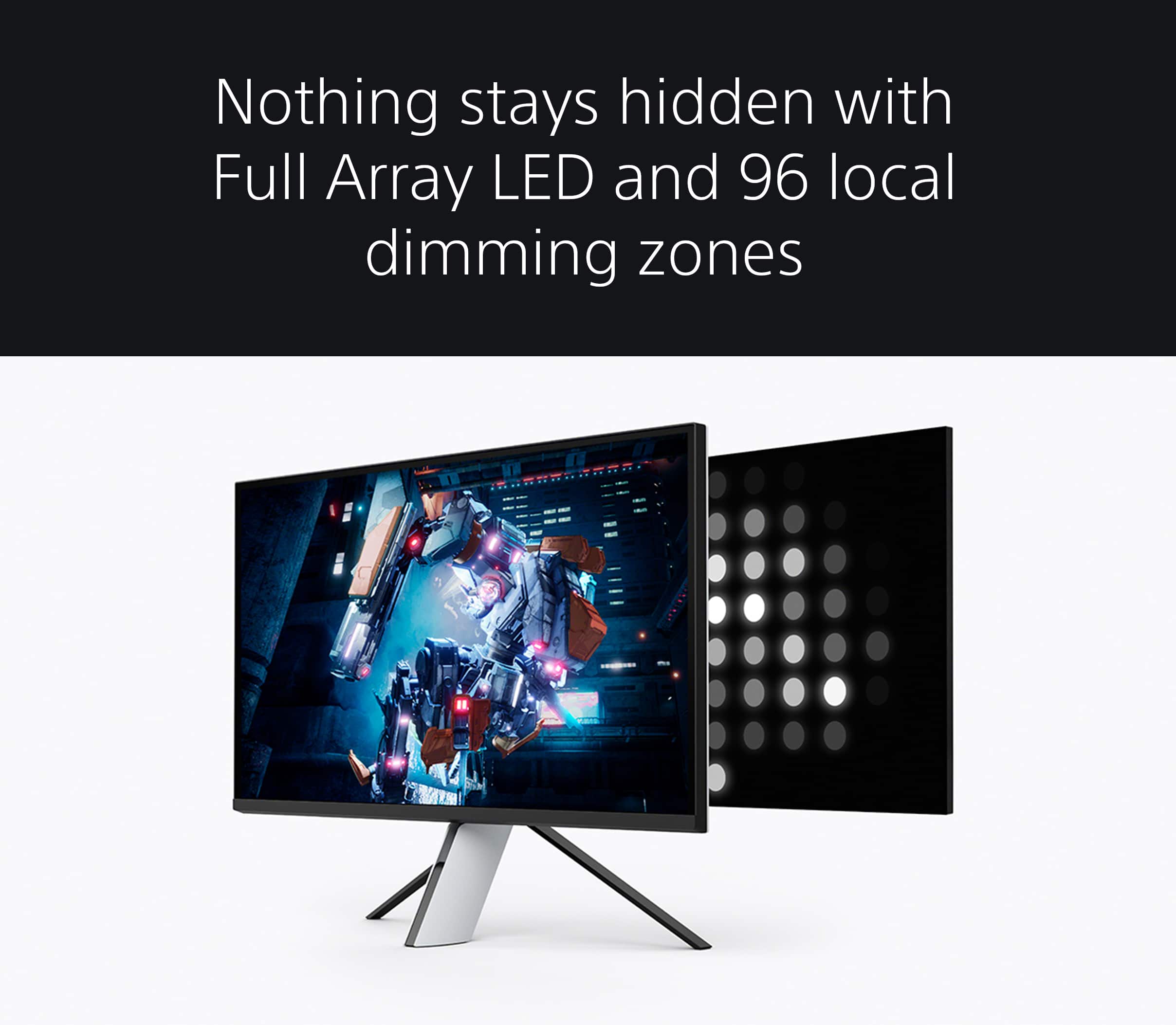
||Posted . Owned for 1 week when reviewed.This reviewer received promo considerations or sweepstakes entry for writing a review.This is a great monitor for under 1k. The Full Array LED with 96 local dimming zones means it gets excellent blacks. Not OLED black but still close enough.
I would recommend this to a friendBrand response from SonyListens
Posted .Hi Z3rO8o5, we're glad you are enjoying our product! Our 27" INZONE M9 gaming monitor with 4K HDR, Full Array Local Dimming, IPS and over 95% DCI-P3 coverage fills scenes with supreme contrast and color. You’ll react faster too with a 144 Hz refresh rate and IPS 1 ms GtG. Thank you for choosing SONY! ~Earl
Great PS5 monitor!
||Posted . Owned for 8 months when reviewed.This reviewer received promo considerations or sweepstakes entry for writing a review.Great PS5 monitor! The picture and frame rate is amazing. The setup is easy!
I would recommend this to a friendBrand response from SonyListens
Posted .Hi Chad, You've made an excellent choice! We are truly happy to hear you're overall pleased with your new INZONE M9 gaming monitor and it perfectly suits your needs. It's good to know you're having a enjoyable gaming experience and it works well with your PS5 console. Explore gaming worlds full of brilliant depth and detail. Our 27 in INZONE M9 gaming monitor with 4K HDR, Full Array Local Dimming, IPS and over 95% DCI-P3 coverage fills scenes with supreme contrast and colour. You’ll react faster too with a 144 Hz refresh rate and IPS 1 ms GtG. Thank you so much for purchasing our INZONE M9 monitor and for the 5-star rating! -Jess
Superb
||Posted . Owned for 1 month when reviewed.This reviewer received promo considerations or sweepstakes entry for writing a review.Super awesome monitor, very happy with my purchase. Resolution is crisp. Make sure you have computer that can update it but otherwise 10/10
I would recommend this to a friendBrand response from SonyListens
Posted .Hi TrevorH, We're thrilled to hear that you are enjoying your new monitor. Our 27" INZONE M9 gaming monitor with 4K HDR, Full Array Local Dimming, IPS and over 95% DCI-P3 coverage fills scenes with supreme contrast and color. You’ll react faster too with a 144 Hz refresh rate and IPS 1 ms GtG. Thank you for choosing Sony! Erin
This thing is so freaking amazing
||Posted . Owned for 1 week when reviewed.This reviewer received promo considerations or sweepstakes entry for writing a review.Now I can game mobile on the go at 4K 144 Hertz thanks Best Buy I had a Epic Problem 3 days in and you replaced it for me thank you...
I would recommend this to a friendBrand response from SonyListens
Posted .Hi gotpot47,
Thank you so much for the 5-star rating! We're sorry to hear the issue that you've experience with the original unit. Nice to know it was replaced immediately and you are now enjoying your new set of gaming monitor. Explore gaming worlds full of brilliant depth and detail. Our 27" INZONE M9 gaming monitor with 4K HDR, Full Array Local Dimming, IPS and over 95% DCI-P3 coverage fills scenes with supreme contrast and color. You’ll react faster too with a 144 Hz refresh rate and IPS 1 ms GtG. Thank you for choosing Sony! - Kris
Great product.
||Posted . Owned for 1 month when reviewed.This reviewer received promo considerations or sweepstakes entry for writing a review.Easy set up. Work great with PS5. Picture looks amazing. The speaker is only a monitor speaker,so get a soundbar or good headphones.
I would recommend this to a friendBrand response from SonyListens
Posted .Hi RobertP, We're glad that you are impressed with your new Sony gaming monitor. Explore gaming worlds full of brilliant depth and detail. Our 27" INZONE M9 gaming monitor with 4K HDR, Full Array Local Dimming, IPS and over 95% DCI-P3 coverage fills scenes with supreme contrast and color. You’ll react faster too with a 144 Hz refresh rate and IPS 1 ms GtG. Thank you for choosing Sony! -Craig
Good deal
||Posted . Owned for 1 month when reviewed.This reviewer received promo considerations or sweepstakes entry for writing a review.Good deal awesome picture you have to buy one to see the great graphics
I would recommend this to a friendBrand response from SonyListens
Posted .Hi GabrielM, You definitely made the right choice! Your satisfaction with the incredible 4K HDR visuals, excellent features. and overall performance of your INZONE M9 gaming monitor are greatly appreciated. At Sony we strive to put forward the best possible products for our customers. You're now able to react faster too with a 144 Hz refresh rate and IPS 1 ms GtG. Thank you for choosing Sony! -Jess
w monitor
||Posted . Owned for 9 months when reviewed.This reviewer received promo considerations or sweepstakes entry for writing a review.great monitor if you have a ps5, i’m able to connect a macbook, ps5, switch and pc all with one keyboard and mouse
I would recommend this to a friendBrand response from SonyListens
Posted .Hi Sunny,
Amazing! We're thrilled that the INZONE M9 works well with your entertainment devices. Explore gaming worlds full of brilliant depth and detail. Our 27" INZONE M9 gaming monitor with 4K HDR, Full Array Local Dimming, IPS and over 95% DCI-P3 coverage fills scenes with supreme contrast and color. You’ll react faster too with a 144 Hz refresh rate and IPS 1 ms GtG. Thank you for choosing Sony!
-Ralph
An okay monitor with issues
||Posted . Owned for 1 week when reviewed.This reviewer received promo considerations or sweepstakes entry for writing a review.Monitor is pretty simple to assemble. However, when having ps5 HDR on. You cant change any screen settings. Cant beleive a $1000 monitor locks screen controls when using it with the intended system.
No, I would not recommend this to a friendBrand response from SonyListens
Posted .Hi Sekiro4567,
We're glad that you had an easy time setting up the monitor. It's unfortunate that you are not having a great experience when using a PS5. Your feedback is extremely important to us and is very much appreciated. For optimum performance, make sure that the software version of the monitor is up-to-date. Please refer to these links for more information:
https://www.sony.com/electronics/support/monitors-inzone-m9-series/sdm-u27m90/software/00284042
https://helpguide.sony.net/tv/u27m90/v1/en/contents/TP1000670514.html
Make sure to also use a High Speed HDMI cable when connecting a PS5. Sometimes cables are the easiest cause for concern and fix most issues.
The INZONE M9’s preset picture modes are designed to optimize picture quality for specific use cases. Standard, FPS and Cinema preset modes are tuned for overall balanced performance, optimized for FPS games, and for enjoying cinematic content like streaming movies or videos, respectively. For more customized performance, we recommend using Game 1 or Game 2 and turning off HDR to ensure your customized settings are not overridden.
Additional information about the gaming monitor can be found on this link:
https://www.sony.com/electronics/support/televisions-projectors-monitors/sdm-u27m90/articles/00279504
Should you need further assistance, please email us at socialsupport@am.sony.com with the following details:
Name:
Username:
Model Number:
Issue:
Telephone Number:
Or contact our product support team via phone call or chat through this link: https://us.esupport.sony.com/support/s/service?language=en_US.
Sincerely,
-Ralph
Good yet very much flawed
||Posted . Owned for 2 weeks when reviewed.This reviewer received promo considerations or sweepstakes entry for writing a review.This monitor has some strengths, but the weaknesses shouldn’t exist at this price range for this size and tech. The color volume is great once it’s dialed in, with a nice rich contrast that is noticeably better than my old BenQ monitor. The color accuracy isnt great however and should not be consisered for any video work unless you calibrate it. One thing that drives me crazy is the light blooming. On a dark grey screen, even just moving the mouse around produces a white glow the size of a ~4” bubble wherever the cursor goes. It looks terrible and is very distracting. Perhaps the worst part though is the viewing angle. Both color volume and accuracy changes from center to corner, as does contrast. Even if you place your head perfectly centered in front of the monitor, the corners still have a shift in picture quality if you’re sitting at a desk. Sure the middle looks good, but the corners are terrible in comparison. Im not trying to hate on this monitor, some aspects and features are great. Its just that at $899 MSRP for a 27” LCD panel, it should work so much better than this. Its amazing cor FPS games but sadly i think I’ll have to switch it out for something woth a more uniform and consistent picture. Even if that means losing a few features.
No, I would not recommend this to a friendBrand response from SonyListens
Posted .Hi GadgetryTech,
We regret to hear that you are not fully satisfied with the INZONE M9. Your feedback is extremely important to us and is very much appreciated. For optimum performance, make sure that the software version of the monitor is up-to-date. Please refer to these links for more information:
https://www.sony.com/electronics/support/monitors-inzone-m9-series/sdm-u27m90/software/00284042
https://helpguide.sony.net/tv/u27m90/v1/en/contents/TP1000670514.html
Make sure to also use a High Speed HDMI cable or the latest version of a display port cable. Sometimes cables are the easiest cause for concern and fix most issues.
The INZONE M9’s preset picture modes are designed to optimize picture quality for specific use cases. Standard, FPS and Cinema preset modes are tuned for overall balanced performance, optimized for FPS games, and for enjoying cinematic content like streaming movies or videos, respectively. For more customized performance, we recommend using Game 1 or Game 2 and turning off HDR to ensure your customized settings are not overridden. For more information, please refer to this link:
https://helpguide.sony.net/tv/u27m90/v1/en/contents/TP1000669959.html
The INZONE M9 also features the INZONE Hub software which allows you to personalize experiences by customizing a wide range of operations, including a variety of sound and picture settings.
To reduce the blooming or halo effect, set the Local dimming to Low or Off. Note: The setting may cause the whole screen to look washed out.
Additional information about the gaming monitor can be found on this link:
https://www.sony.com/electronics/support/televisions-projectors-monitors/sdm-u27m90/articles/00279504
Hope this helps. In case you need further assistance, please email us at socialsupport@am.sony.com with the following details:
Name:
Username:
Model Number:
Issue:
Telephone Number:
Or contact our product support team via phone call or chat through this link: https://us.esupport.sony.com/support/s/support-contact?language=en_US&cpint=spt-subfooter_contactsupport
Sincerely,
-Ralph
Inzone M9
||Posted . Owned for 1 year when reviewed.This reviewer received promo considerations or sweepstakes entry for writing a review.A year ago I bought it and I still can't update it because I need a Windows computer.
No, I would not recommend this to a friendAwesome
||Posted . Owned for 2 months when reviewed.This reviewer received promo considerations or sweepstakes entry for writing a review.Works great with my PS5 I will buy another one for my computer
I would recommend this to a friendBrand response from SonyListens
Posted .Hi Kelbie, You definitely made the right choice with this gaming monitor. We are thrilled to hear you like everything and you're having an enjoyable gaming experience so far with your Sony INZONE M9 gaming monitor. Thanks for leaving us such a wonderful review! Our team will definitely be happy to read what you wrote. We look forward to seeing more of your reviews in the future. Enjoy! -Jess