Customer Ratings & Reviews
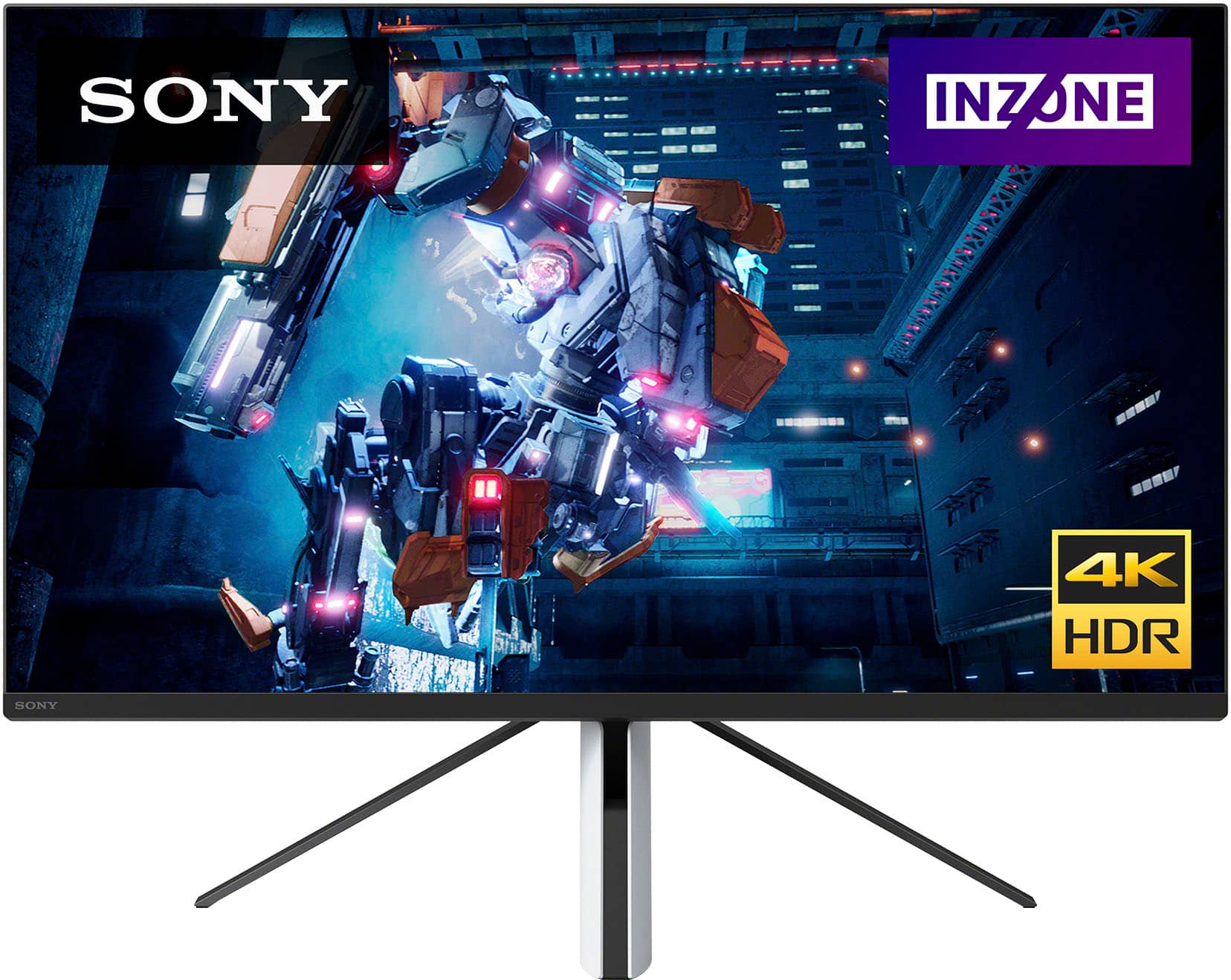
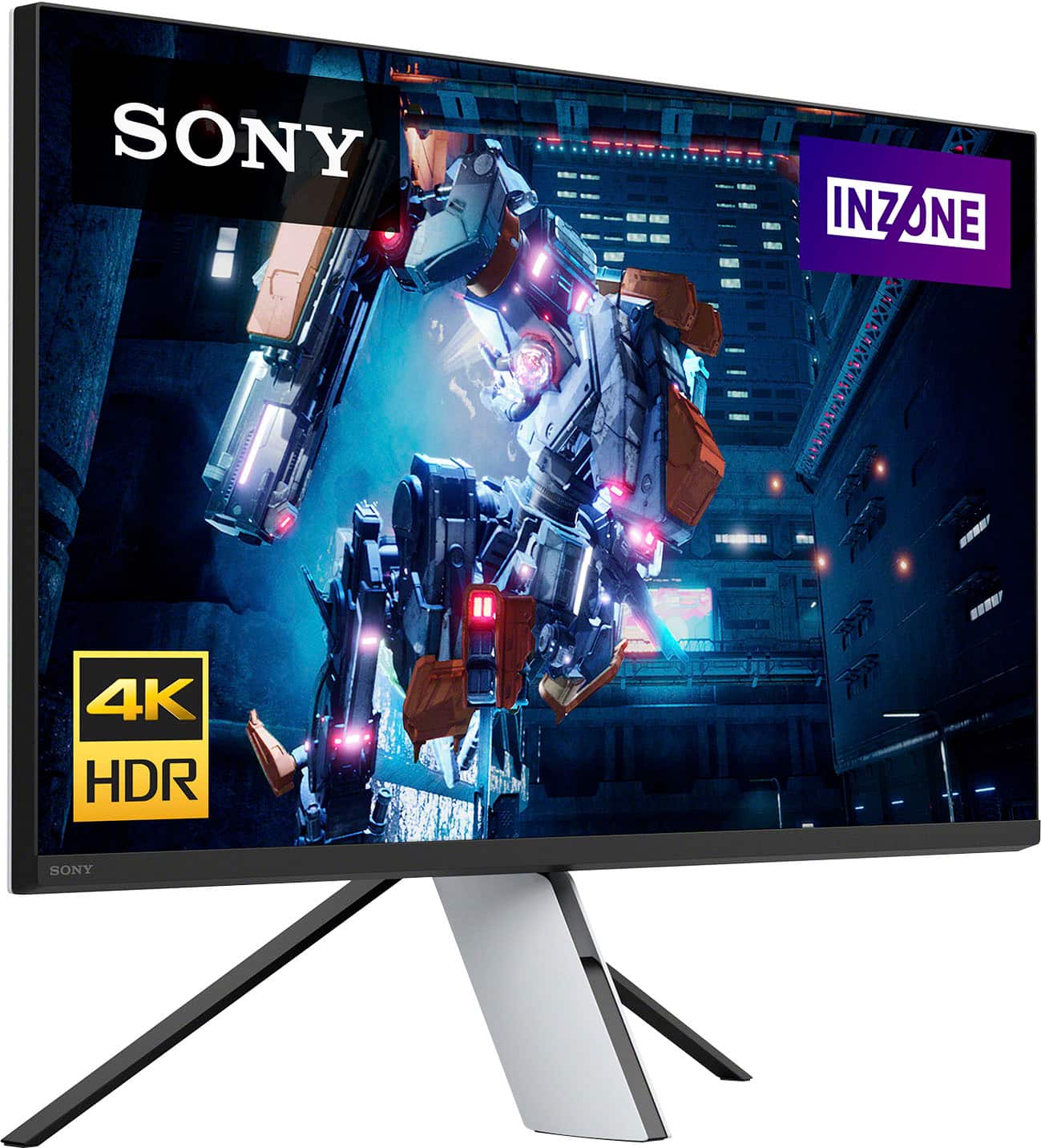
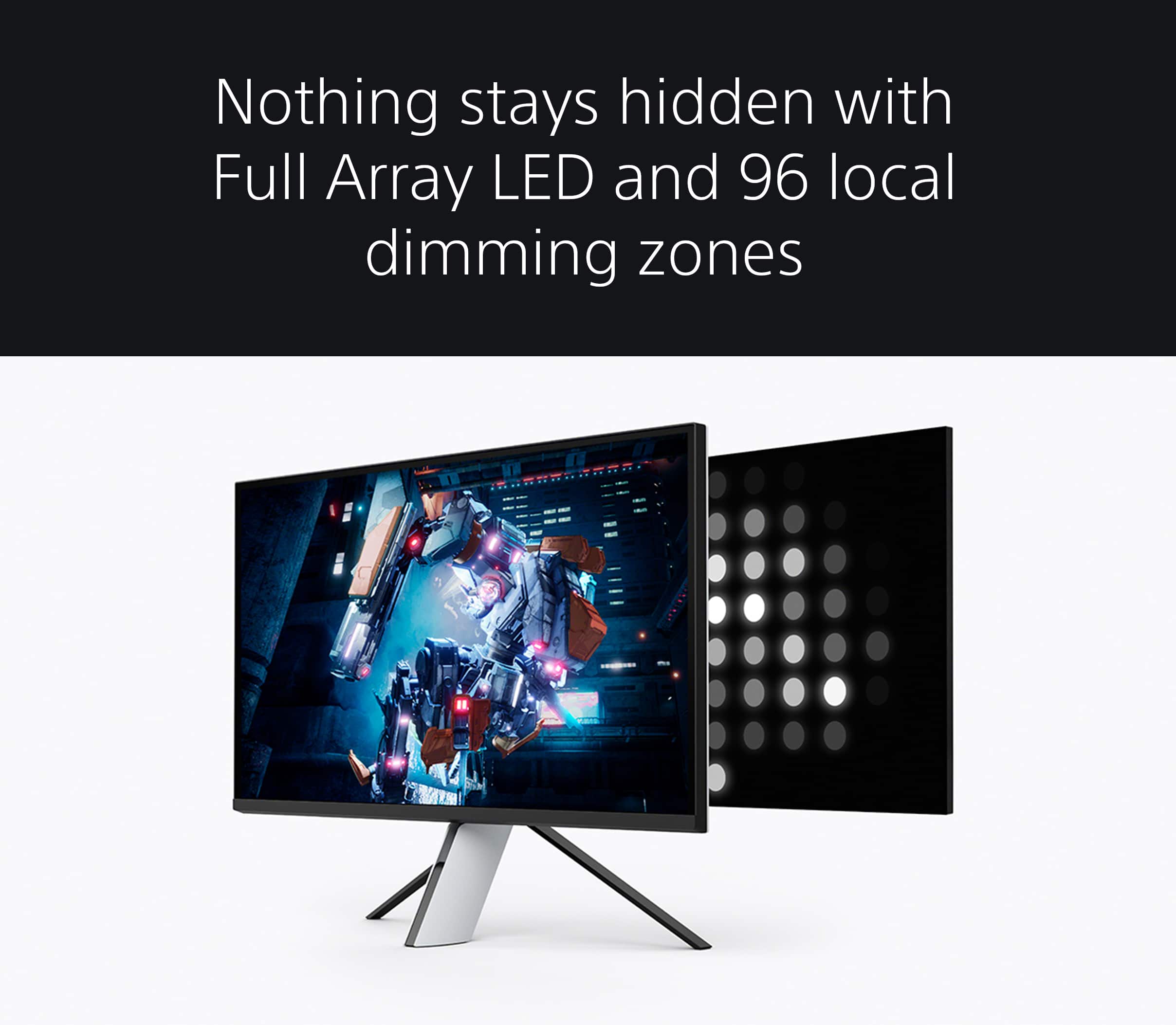
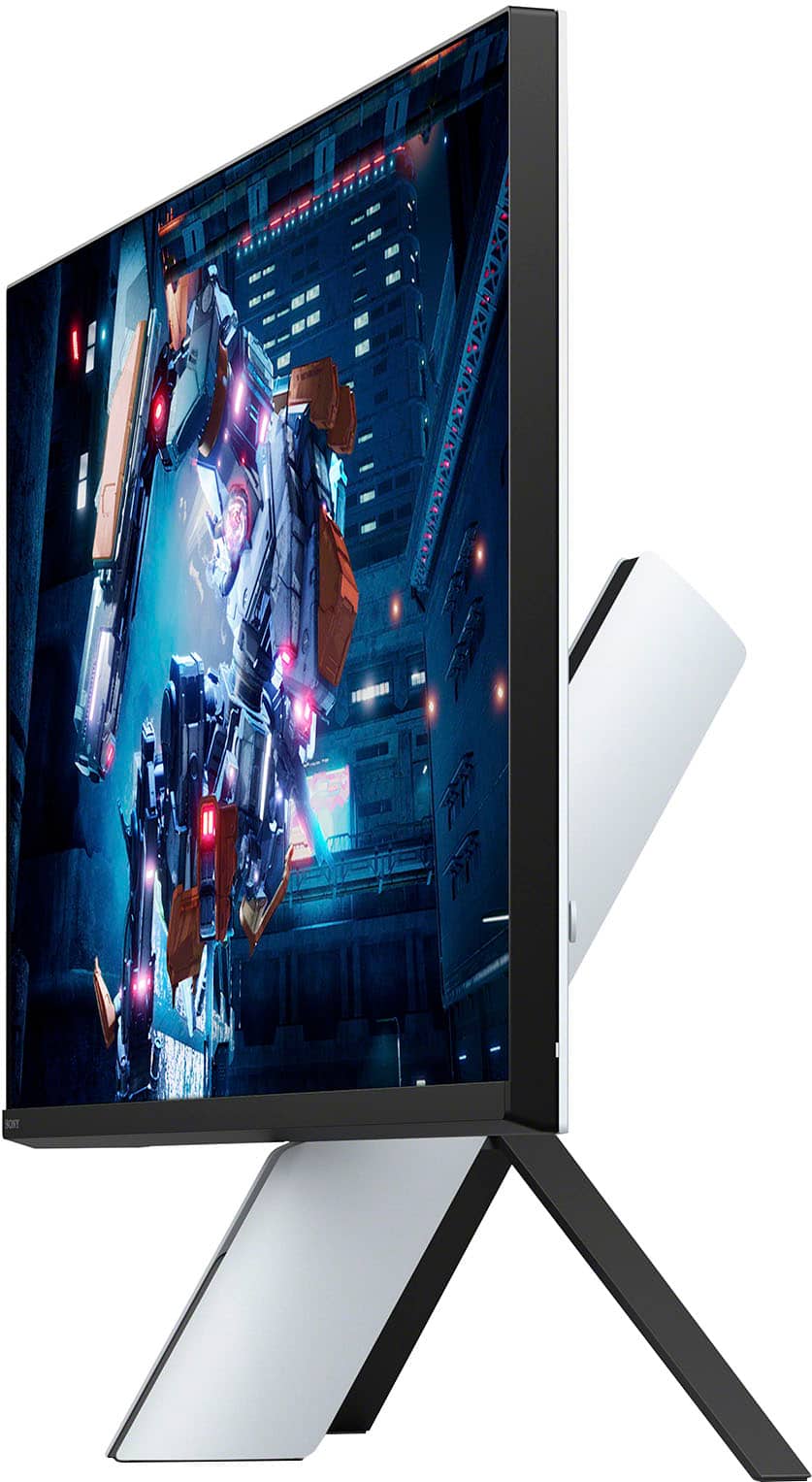
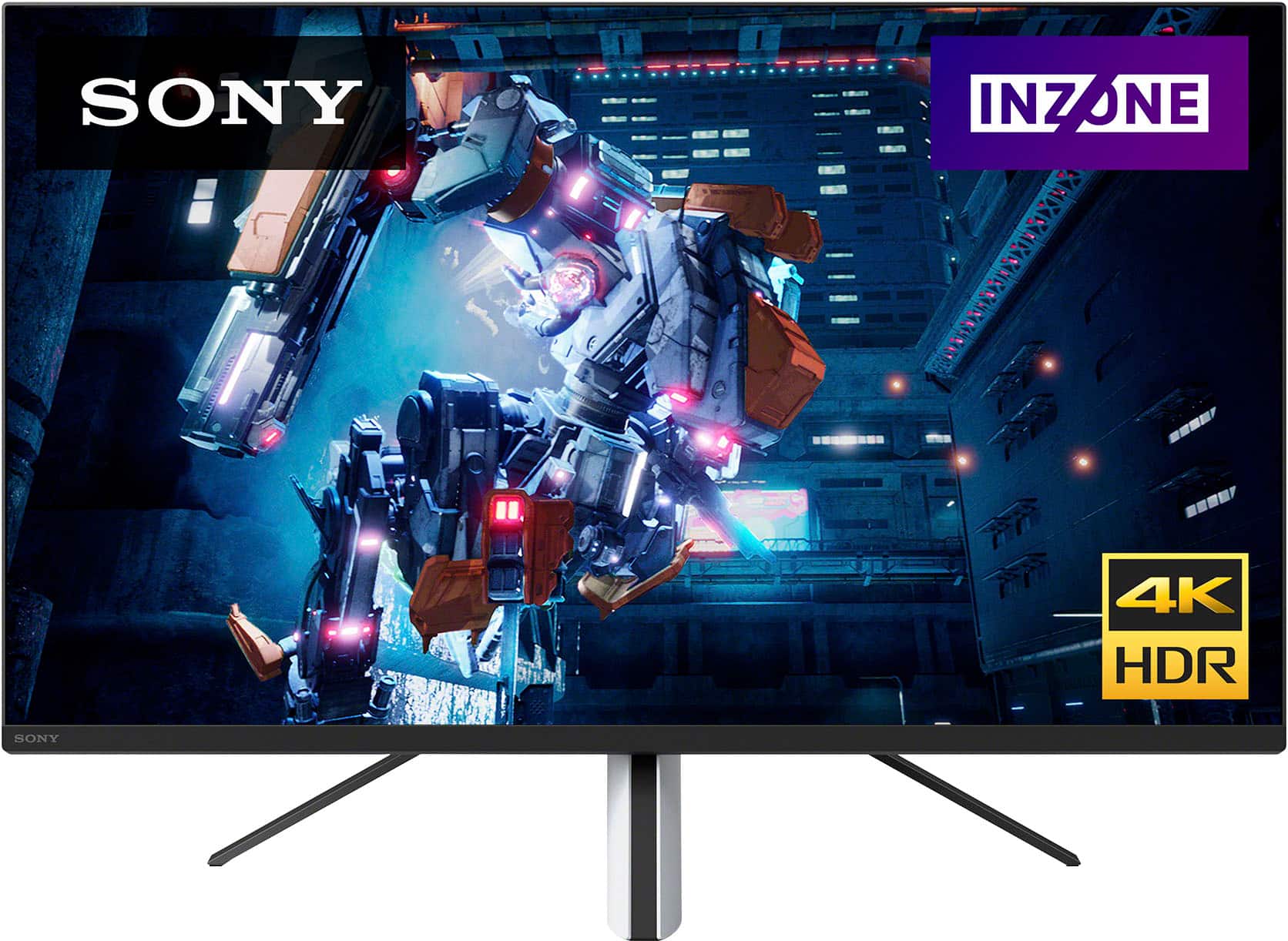
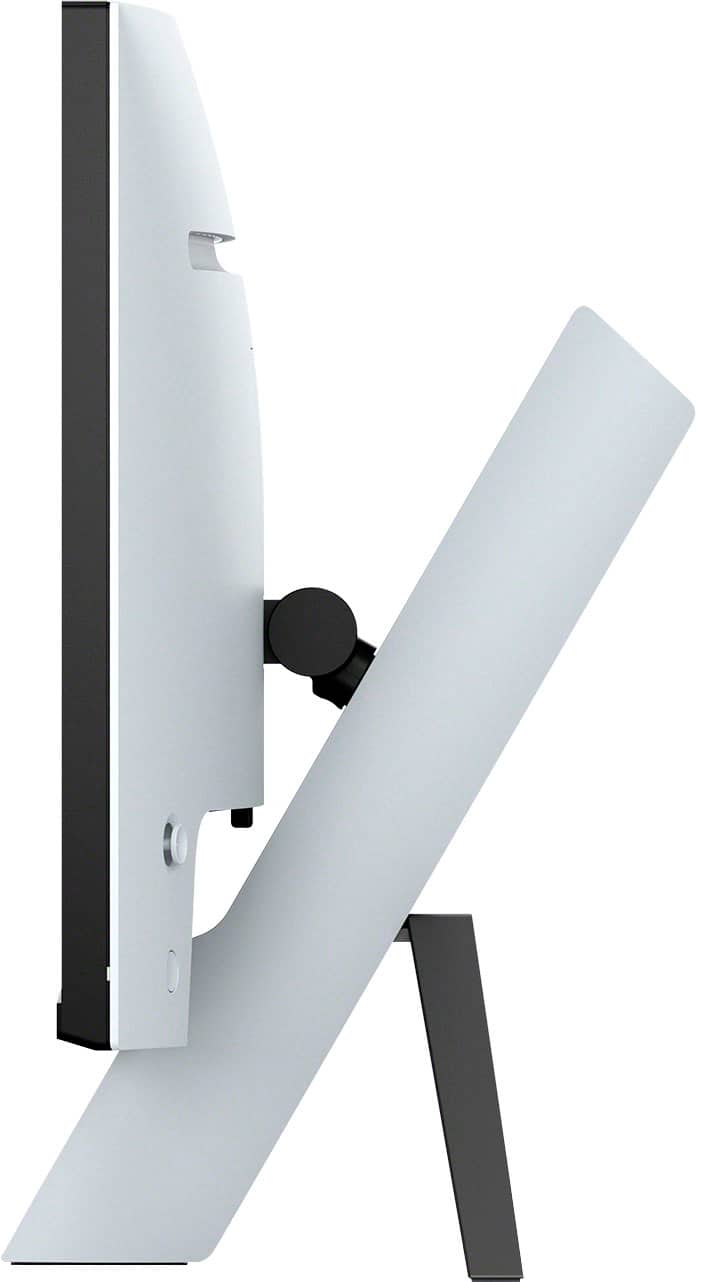
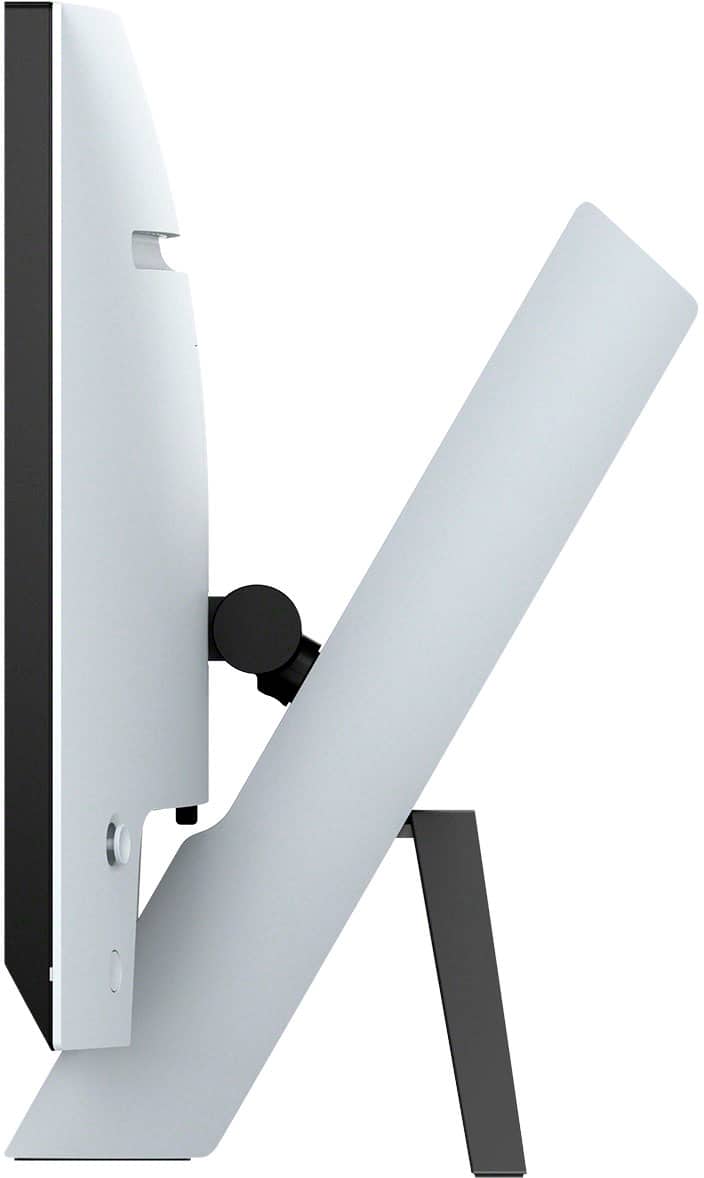

- Model:
- SDMU27M90
- SKU:
- 6512813
Rating by feature
- Display Quality
Rating 4.5 out of 5 stars
- Ease of Use
Rating 4.3 out of 5 stars
- Features
Rating 4.4 out of 5 stars
Customers are saying
Customers are enthusiastic about the picture quality, HDR, refresh rate, and local dimming features of the 27” INZONE M9 monitor, with many praising the vibrant colors and smooth performance. However, some users expressed disappointment with the speakers and stand, citing issues with audio quality and stand adjustability. Concerns were also raised regarding the monitor's price point and the occasional presence of dead pixels. A few users reported screen issues such as random blackouts.
This summary was generated by AI based on customer reviews.
Sony
||Posted . Owned for 3 weeks when reviewed.This reviewer received promo considerations or sweepstakes entry for writing a review.Grt purchase. Soo happy with the purchase. Grt customer servc
I would recommend this to a friendBrand response from SonyListens
Posted .That's perfect, Cyberpower! We're glad that you are happy with your new Sony gaming monitor. Explore gaming worlds full of brilliant depth and detail. Our 27" INZONE M9 gaming monitor with 4K HDR, Full Array Local Dimming, IPS and over 95% DCI-P3 coverage fills scenes with supreme contrast and color. You’ll react faster too with a 144 Hz refresh rate and IPS 1 ms GtG. Thank you for choosing Sony! -Craig

Great buy
||Posted . Owned for less than 1 week when reviewed.This reviewer received promo considerations or sweepstakes entry for writing a review.Grabbed it on special the other day. Not looking back, this monitor is awesome.
I would recommend this to a friendBrand response from SonyListens
Posted .Hi Clos,
You made the right choice with the INZONE M9! Explore gaming worlds full of brilliant depth and detail. Our 27 in INZONE M9 gaming monitor with 4K HDR, Full Array Local Dimming, IPS and over 95% DCI-P3 coverage fills scenes with supreme contrast and color. You’ll react faster too with a 144 Hz refresh rate and IPS 1 ms GtG. Thanks for choosing Sony!
-Ralph
Beautiful
||Posted . Owned for 1 week when reviewed.This reviewer received promo considerations or sweepstakes entry for writing a review.Beautiful gaming display. Affordable. Great resolution
I would recommend this to a friendBrand response from SonyListens
Posted .Hi James,
Fabulous! We are so happy to hear that you are satisfied with the exceptional picture quality and reasonable price of our INZONE M9 Gaming Monitor. Explore gaming worlds full of brilliant depth and detail. Our 27" INZONE M9 gaming monitor with 4K HDR, Full Array Local Dimming, IPS and over 95% DCI-P3 coverage fills scenes with supreme contrast and color. You’ll react faster too with a 144 Hz refresh rate and IPS 1 ms GtG.
Thank you for the perfect star review and for choosing Sony!
- Romeo
Screen flashes in and out of Display
||Posted . Owned for 2 months when reviewed.This reviewer received promo considerations or sweepstakes entry for writing a review.Product operates well except for the constant screen flashing in and out of display modes (HDMI/DP).
I would recommend this to a friendBrand response from SonyListens
Posted .Hi Katsu, Thanks for the feedback and for sharing your experience with the Sony 27 inch gaming monitor. We're sorry to hear that you are experiencing screen issues with it. Kindly check the link below. It contains steps and procedures that can help resolve the issue. https://www.sony.com/electronics/support/televisions-projectors-monitors/sdm-u27m90/articles/00283117 Hope this helps. Regards, -Craig
Doesn't work with a Mac
||Posted . Owned for 3 weeks when reviewed.This reviewer received promo considerations or sweepstakes entry for writing a review.Doesn't work with a Mac, in case you're a Mac person.
No, I would not recommend this to a friendBrand response from SonyListens
Posted .Hi JamesonM, thanks for choosing and purchasing our product. We understand your feedback regarding the compatibility of this INZONE M9 with Mac computers. Unfortunately, the INZONE Hub application of this unit which is a computer software that controls INZONE monitors and headsets is only compatible with operating systems: Microsoft® Windows® 11 OS, Windows® 10 OS.
If you require any additional support with regard to this product, please email us at socialsupport@am.sony.com with the following details: Name: Username: Model Number: Issue: Telephone Number:
Explore gaming worlds full of brilliant depth and detail. Our 27 in INZONE M9 gaming monitor with 4K HDR, Full Array Local Dimming, IPS and over 95% DCI-P3 coverage fills scenes with supreme contrast and color. You’ll react faster too with a 144 Hz refresh rate and IPS 1 ms GtG. Thanks for choosing Sony. ~Earl
Best ps5 monitor imo
||Posted . Owned for 1 month when reviewed.This reviewer received promo considerations or sweepstakes entry for writing a review.Great picture quality and all around solid product.
I would recommend this to a friendBrand response from SonyListens
Posted .Hi Gordeezy, Amazing! We're thrilled to hear you like the great picture quality of your Sony Inzone M9. Explore gaming worlds full of brilliant depth and detail. Our 27 in INZONE M9 gaming monitor with 4K HDR, Full Array Local Dimming, IPS and over 95% DCI-P3 coverage fills scenes with supreme contrast and color. You’ll react faster too with a 144 Hz refresh rate and IPS 1 ms GtG. Thanks for choosing Sony! -Sam
- Cons mentioned:Stand design
Problems from the start
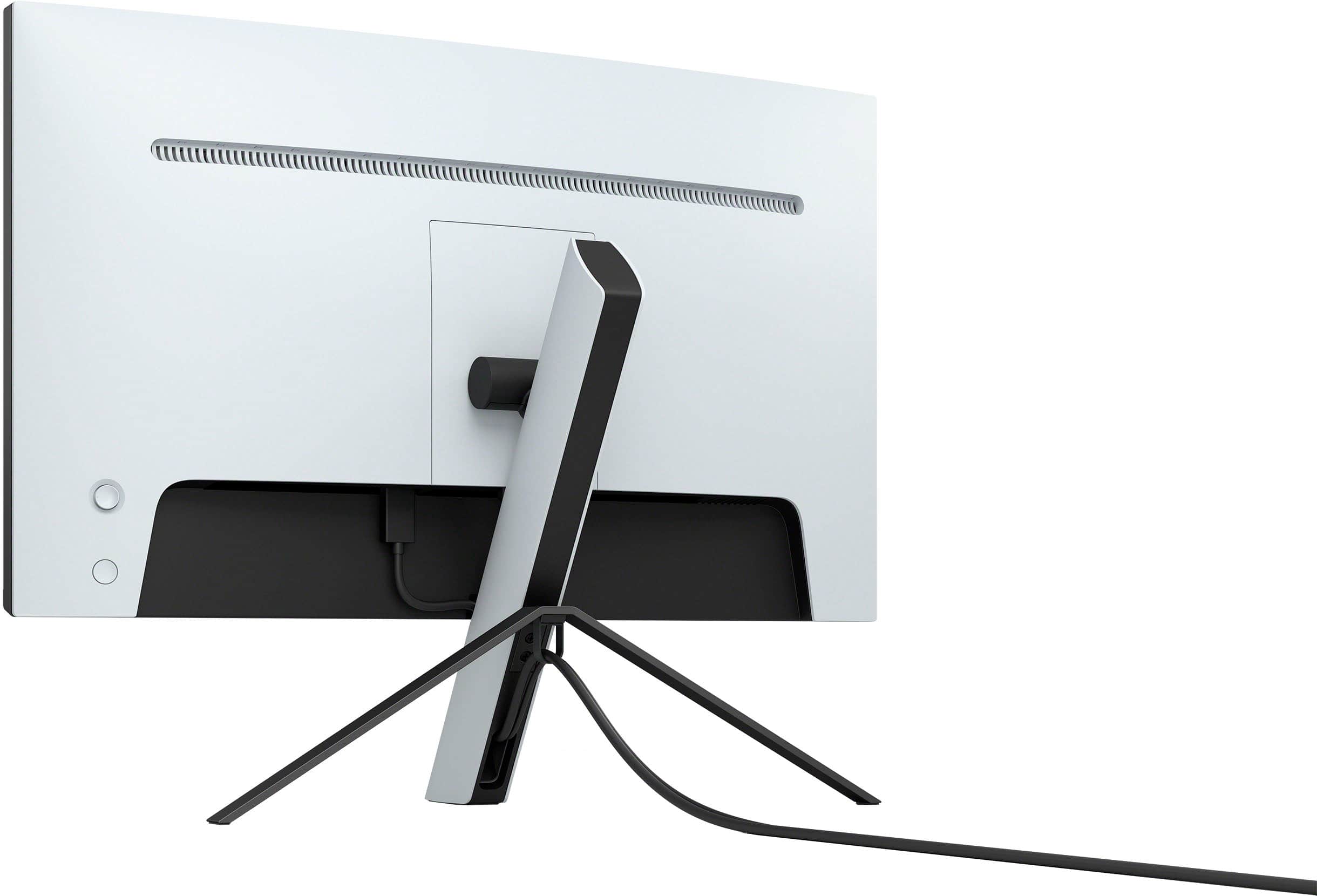
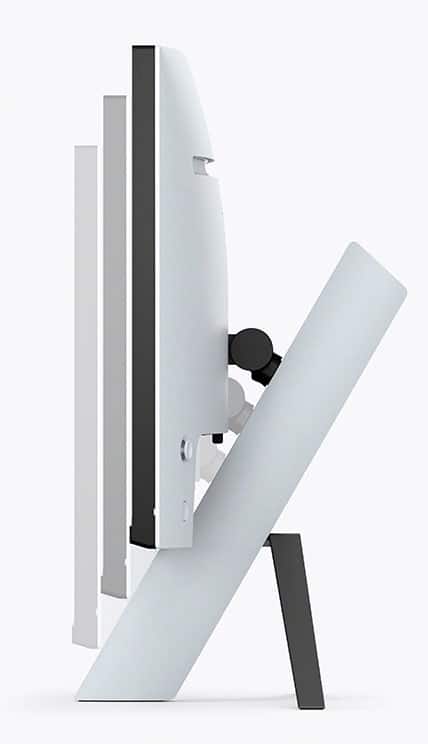
||Posted . Owned for 1 week when reviewed.This reviewer received promo considerations or sweepstakes entry for writing a review.The monitor arrived with some dead pixels had to return immediately. Stand was also very shakey and if you moved the monitor the screen would shake. The last complaint i have is the monitor doesnt give you a good position to tilt it forward.
No, I would not recommend this to a friendBrand response from SonyListens
Posted .Hi radioactivbunni,
We regret to hear that you didn't have a great experience with the INZONE M9 monitor. Your feedback is extremely important to us and is very much appreciated. We hope you were able to get a replacement. If you need further assistance, please let us know and we're more than happy to help you out. You can send us an email with the below information to socialsupport@am.sony.com.
Full Name:
Best Buy Username:
Telephone Number:
Sony Monitor Model Number:
Issue:
Additional Information regarding your experience with the INZONE M9 (SDMU27M90).
Sincerely,
-Ralph
Sony Social Support
Works as advertised.
||Posted . Owned for 3 weeks when reviewed.This reviewer received promo considerations or sweepstakes entry for writing a review.So far so good, we'll see how long the display lasts.
I would recommend this to a friendBrand response from SonyListens
Posted .That's awesome, AndrewW! We're glad that you are enjoying your new Sony gaming monitor. Our 27" INZONE M9 gaming monitor with 4K HDR, Full Array Local Dimming, IPS and over 95% DCI-P3 coverage fills scenes with supreme contrast and color. You’ll react faster too with a 144 Hz refresh rate and IPS 1 ms GtG. Thanks for choosing Sony! -Craig
Ps5 tv
||Posted . Owned for 4 months when reviewed.This reviewer received promo considerations or sweepstakes entry for writing a review.Best way to play ps5 if you like sitting 2 feet away.
I would recommend this to a friendBrand response from SonyListens
Posted .Hi Gamewinner, Thank you for the 5-star rating! We're glad to hear that your enjoying using it with your PS5. Our 27" INZONE M9 gaming monitor with 4K HDR, Full Array Local Dimming, IPS and over 95% DCI-P3 coverage fills scenes with supreme contrast and color. You’ll react faster too with a 144 Hz refresh rate and IPS 1 ms GtG. Thank you for choosing Sony! -Sam
Good Monitor
||Posted . Owned for 2 weeks when reviewed.This reviewer received promo considerations or sweepstakes entry for writing a review.Great monitor with build in speakers. But their are other alternatives.
I would recommend this to a friendBrand response from SonyListens
Posted .Hi JC12,
You made the right choice with the Sony INZONE M9! Explore gaming worlds full of brilliant depth and detail. Our 27 in INZONE M9 gaming monitor with 4K HDR, Full Array Local Dimming, IPS and over 95% DCI-P3 coverage fills scenes with supreme contrast and color. You’ll react faster too with a 144 Hz refresh rate and IPS 1 ms GtG. Thanks for choosing Sony!
-Ralph
Great monitor
||Posted . Owned for less than 1 week when reviewed.This reviewer received promo considerations or sweepstakes entry for writing a review.Amazing monitor i can’t really ask for more the picture is fantastic
I would recommend this to a friendBrand response from SonyListens
Posted .Hi PlayStation, Great! We're thrilled to hear that you are enjoying your new INZONE M9 27'' 4K IPS 1ms 144 Hz HDR Gaming Monitor. Explore gaming worlds full of brilliant depth and detail. Our 27" INZONE M9 gaming monitor with 4K HDR, Full Array Local Dimming, IPS and over 95% DCI-P3 coverage fills scenes with supreme contrast and color. You’ll react faster too with a 144 Hz refresh rate and IPS 1 ms GtG. Thanks for choosing Sony! Erin
Disappointed
||Posted . Owned for 1 month when reviewed.This reviewer received promo considerations or sweepstakes entry for writing a review.Mix feeling here. The image is great and the resolution plus frame rate is perfect for a ps5. The monitor worked great for about 4 weeks but it now it would suddenly start scanning for signal in the middle of a gaming session. Now it starts flickering and shows some image imprints that eventually fade away but start reappearing after playing for more than a few minutes. Will return it and probably not repurchase it.
No, I would not recommend this to a friendBrand response from SonyListens
Posted .Hi ChristianG, Thank you for your question. Very recently the INZONE M90 received a firmware update M0009. Please make sure to follow the instructions to install this new update. Here are some of the things this update addresses.
· Reduces the signal scan time when using Auto select for inputs that do not use a cable
· Ensures the monitor will use the correct refresh rate when VRR is turned off on the computer
· Fixed an issue where the monitor sometimes does not wake up from Standby when connected to a computer
Using the INZONE hub on your PC under device, here are is a link to those instructions. Hope this helps.
https://www.sony.com/electronics/support/monitors-inzone-m9-series/sdm-u27m90/software/00284042
I hope this helps, but if you're unable to resolve the issue or you require any additional support in regards to this product, please email us at socialsupport@am.sony.com with the following details:
Name:
Username:
Model Number:
Issue:
Telephone Number:
Sincerely,
Erin
Made for the 5
||Posted . Owned for 3 weeks when reviewed.This reviewer received promo considerations or sweepstakes entry for writing a review.Overall I’m happy with this purchase would buy again
I would recommend this to a friendBrand response from SonyListens
Posted .Hi KeshaunW, we're glad you to hear that you are happy with your purchase! Explore gaming worlds full of brilliant depth and detail. Our 27" INZONE M9 gaming monitor with 4K HDR, Full Array Local Dimming, IPS and over 95% DCI-P3 coverage fills scenes with supreme contrast and color. You’ll react faster too with a 144 Hz refresh rate and IPS 1 ms GtG. Thanks for choosing SONY! ~Earl
Great gaming monitor
||Posted . Owned for 1 week when reviewed.This reviewer received promo considerations or sweepstakes entry for writing a review.Amazing graphics it fully takes advantage of the ps5 capabilities.
I would recommend this to a friendBrand response from SonyListens
Posted .Hi TaZ52083,
Perfect! We're thrilled that you are enjoying the picture quality and PS5 compatibility of the gaming monitor. Explore gaming worlds full of brilliant depth and detail. Our 27" INZONE M9 gaming monitor with 4K HDR, Full Array Local Dimming, IPS and over 95% DCI-P3 coverage fills scenes with supreme contrast and color. You’ll react faster too with a 144 Hz refresh rate and IPS 1 ms GtG. Thanks for choosing Sony!
-Ralph
Gaming
||Posted . Owned for 1 week when reviewed.This reviewer received promo considerations or sweepstakes entry for writing a review.This product is great! Easy set up looks amazing and clean !
I would recommend this to a friendBrand response from SonyListens
Posted .Hi Great,
Amazing! We're glad that you like the design and picture quality of the INZONE M9. It's also great that you had an easy time setting it up. Explore gaming worlds full of brilliant depth and detail. Our 27" INZONE M9 gaming monitor with 4K HDR, Full Array Local Dimming, IPS and over 95% DCI-P3 coverage fills scenes with supreme contrast and color. You’ll react faster too with a 144 Hz refresh rate and IPS 1 ms GtG. Thanks for choosing Sony!
-Ralph
PS5 Monitor
||Posted . Owned for 1 week when reviewed.This reviewer received promo considerations or sweepstakes entry for writing a review.Awesome monitor, quality is beautiful. Definitely a good buy
I would recommend this to a friendBrand response from SonyListens
Posted .Hi gm47,
You made the right choice! We're thrilled that you like the picture quality of the INZONE M9 gaming monitor. Explore gaming worlds full of brilliant depth and detail. Our 27" INZONE M9 gaming monitor with 4K HDR, Full Array Local Dimming, IPS and over 95% DCI-P3 coverage fills scenes with supreme contrast and color. You’ll react faster too with a 144 Hz refresh rate and IPS 1 ms GtG. Thanks for choosing Sony!
-Ralph
Great gaming monitor
||Posted . Owned for 1 month when reviewed.This reviewer received promo considerations or sweepstakes entry for writing a review.This is an excellent monitor with awesome graphics
I would recommend this to a friendBrand response from SonyListens
Posted .Hi giizhig,
Amazing! We're thrilled that you are enjoying the picture quality of the INZONE M9. Explore gaming worlds full of brilliant depth and detail. Our 27" INZONE M9 gaming monitor with 4K HDR, Full Array Local Dimming, IPS and over 95% DCI-P3 coverage fills scenes with supreme contrast and color. You’ll react faster too with a 144 Hz refresh rate and IPS 1 ms GtG. Thanks for choosing Sony!
-Ralph
Very disappointed
||Posted . Owned for less than 1 week when reviewed.This reviewer received promo considerations or sweepstakes entry for writing a review.Where do I start never have I ever been this disappointed with a monitor one of the biggest let downs ever the picture is dark and washed u can’t even change the brightness it’s stuck on a mode u can’t change it’s a nightmare stay away from this montior .
No, I would not recommend this to a friendBrand response from SonyListens
Posted .Hi Briangomez,
We regret to hear that you are not having the best experience with the INZONE M9. If you set the Local dimming to Low or Off, this may cause the whole screen to look washed out. You may also try turning off Auto picture mode to resolve the issue.
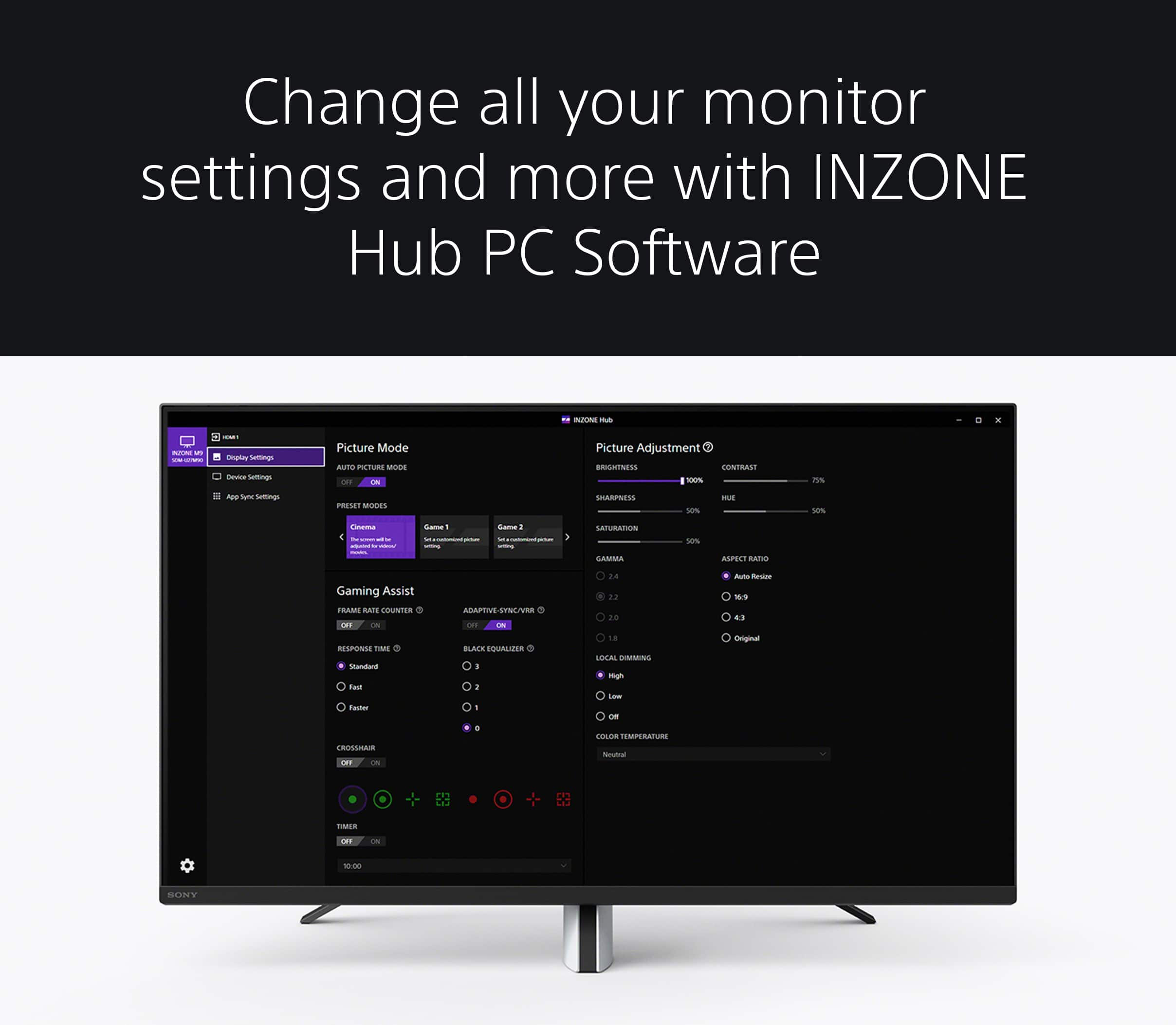
If you are unable to set your desired Picture Adjustments, please note that the available settings differ depending on Preset mode or input signals:
-When the Preset mode is set as Standard, FPS game, or Cinema: Sony provides optimized picture settings by default, and menu items are grayed out, except Brightness, Local Dimming and Aspect Ratio.
-When the Preset mode is set to Game 1 or Game 2: Can be adjusted with desired settings. If Eco mode is on, the menu items are grayed out.
-When the input signal is HDR: Only Local Dimming and the Aspect ratio can be set. For additional brightness, contrast and gamma control, please try changing Black Equalizer setting from 0 – 3, under the Gaming Assist menu.
If you wish to individually customize your picture quality settings, we recommend turning HDR off and setting your Picture mode to Game 1 or Game 2. When using the INZONE M9 with a Windows PC, we recommend downloading the INZONE Hub software to seamlessly control the monitor settings.
Additional troubleshooting steps are also available on this link:
https://www.sony.com/electronics/support/televisions-projectors-monitors/sdm-u27m90/articles/00279504
If still not resolved or you need further assistance, please don’t hesitate to email the below information to socialsupport@am.sony.com.
Full Name:
Best Buy Username:
Telephone Number:
Sony Monitor Model Number:
Issue:
Additional Information regarding your experience with the INZONE M9 (SDMU27M90).
Sincerely,
-Ralph
Sony Social Support
Normally a Sony fan, not this one.
||Posted .This reviewer received promo considerations or sweepstakes entry for writing a review.I’m on my 5th one! They are all faulty, first one dead display port, second one cracked screen, second one detached screen, third one dead pixels, fourth one dead pixels, fifth one switches between inputs randomly while gaming AND dead pixels. The quality control coming out of Sony is super poor. How are this many defective monitors going out for shipment?
No, I would not recommend this to a friendWobbly monitor
||Posted .This reviewer received promo considerations or sweepstakes entry for writing a review.I think there are better monitors as this monitor was a little to wobbly
No, I would not recommend this to a friend