Customer Ratings & Reviews
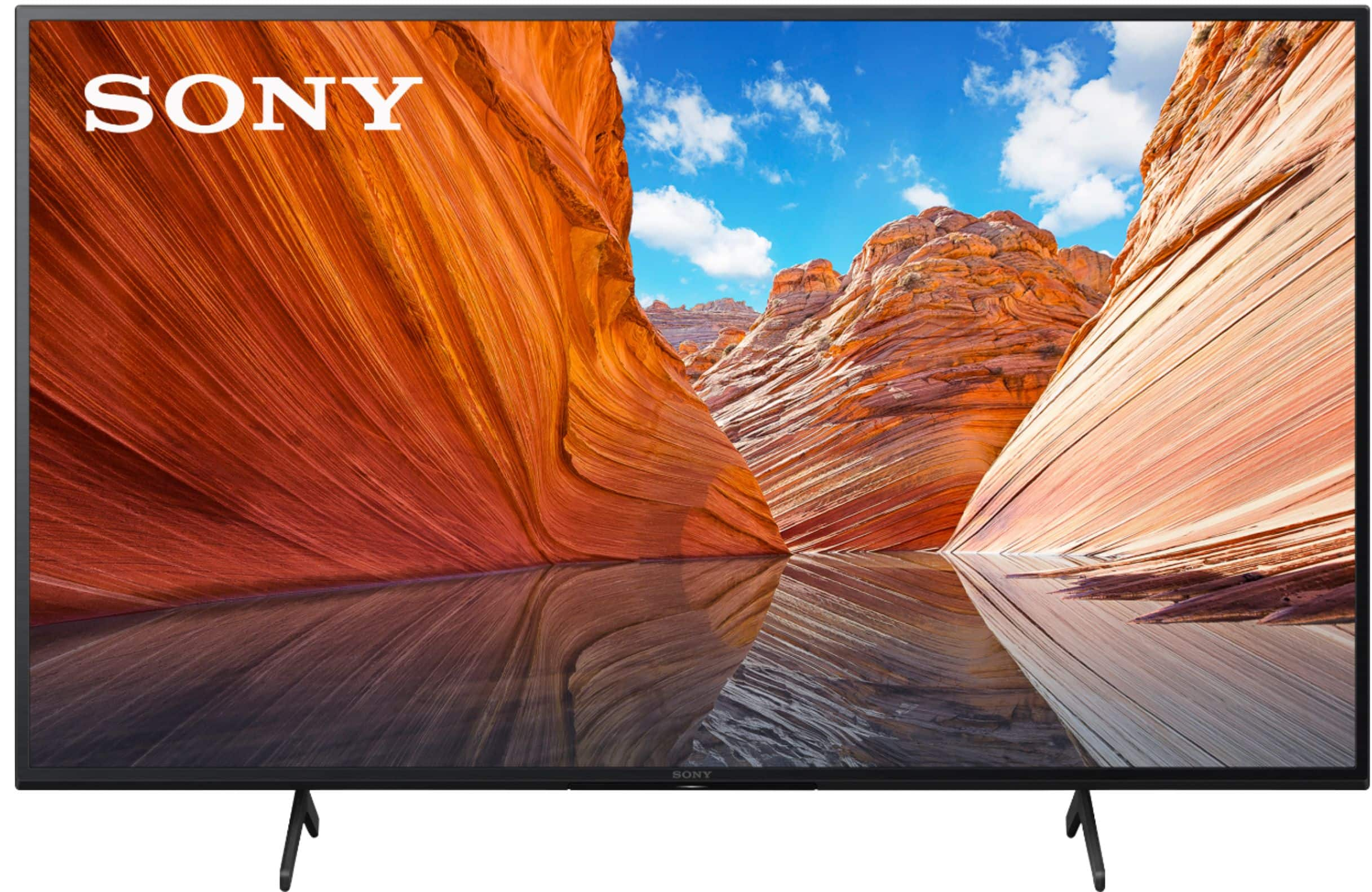
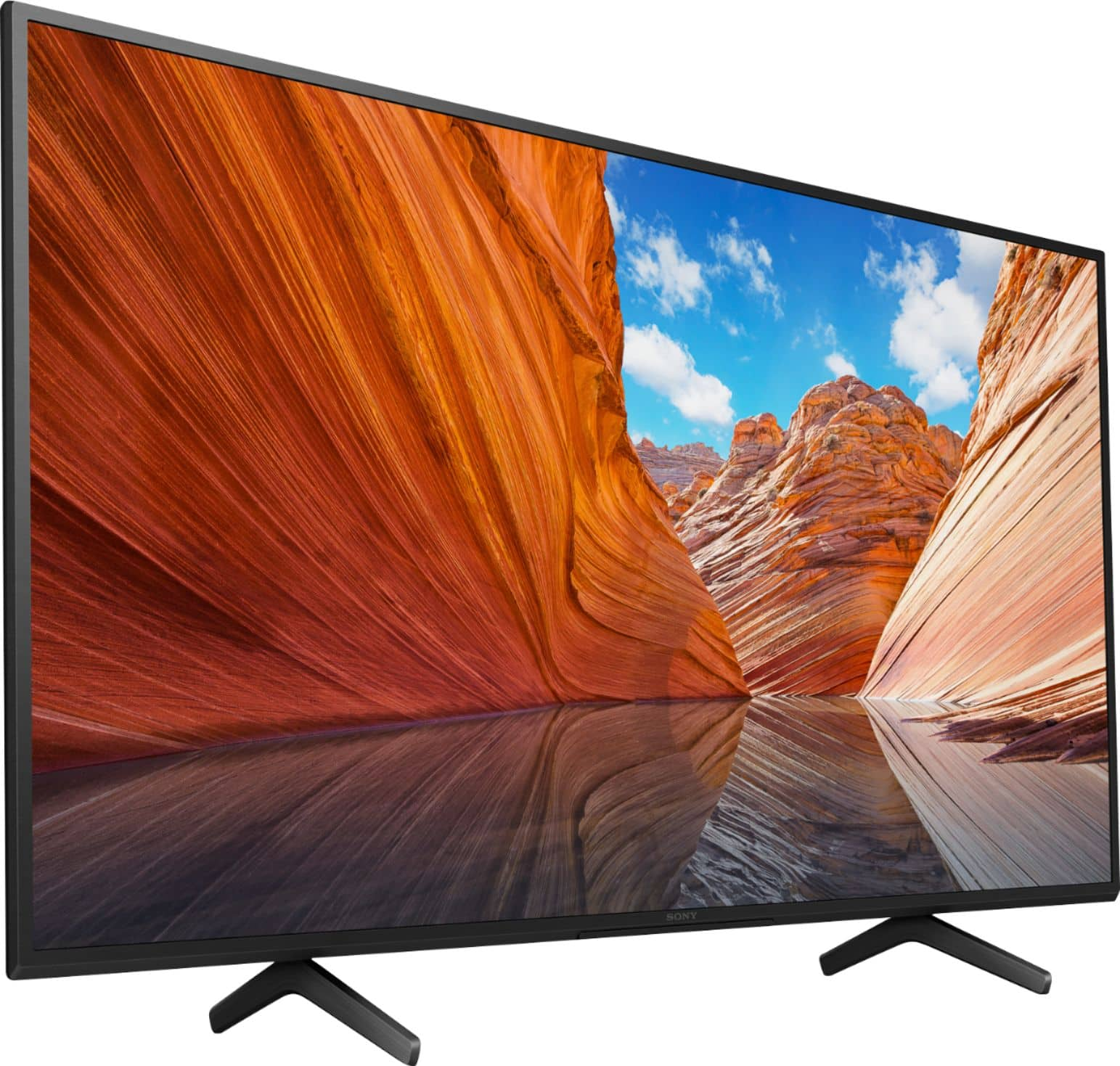

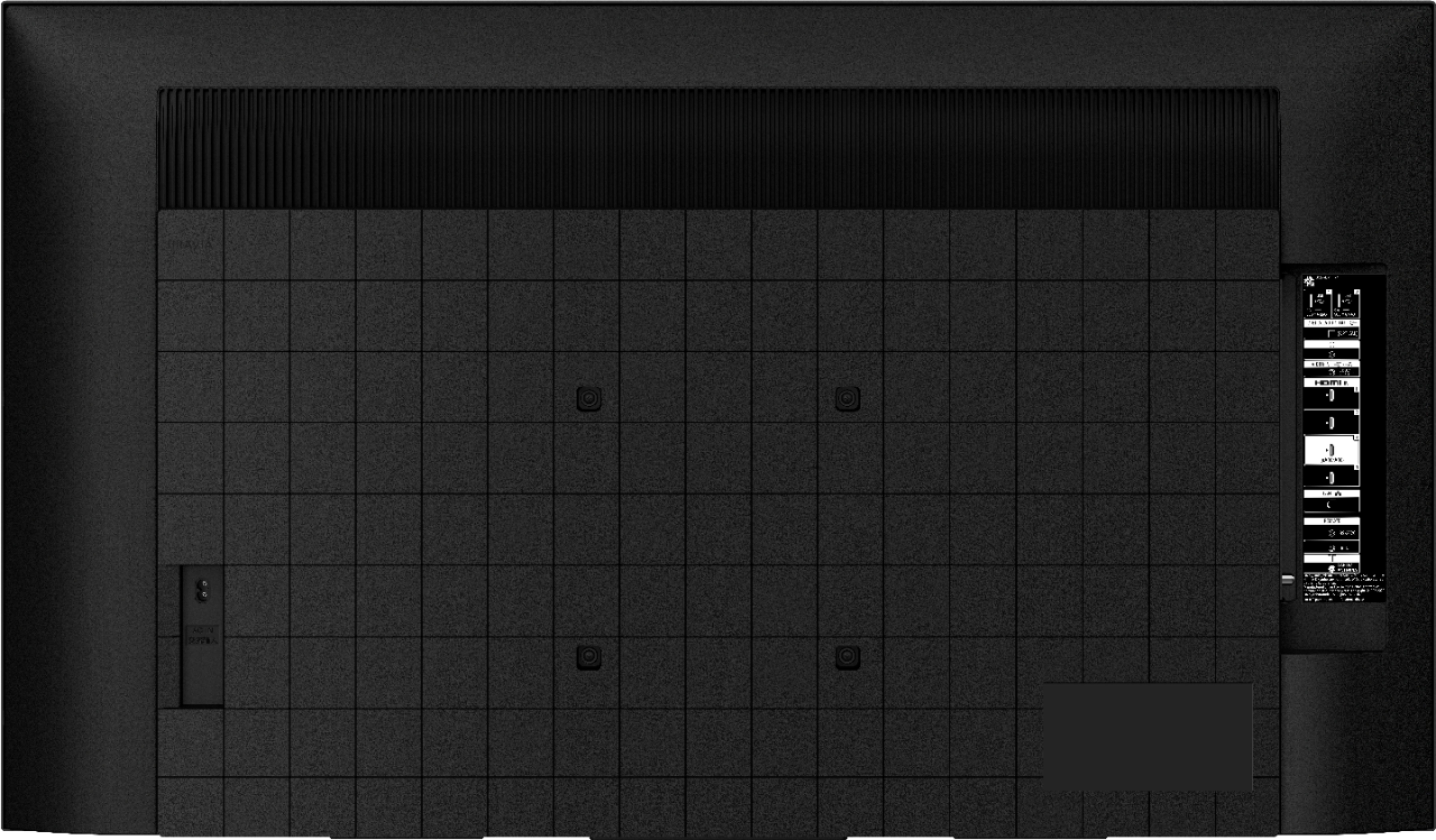
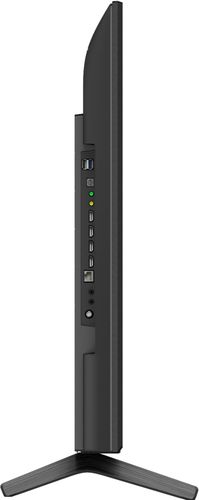
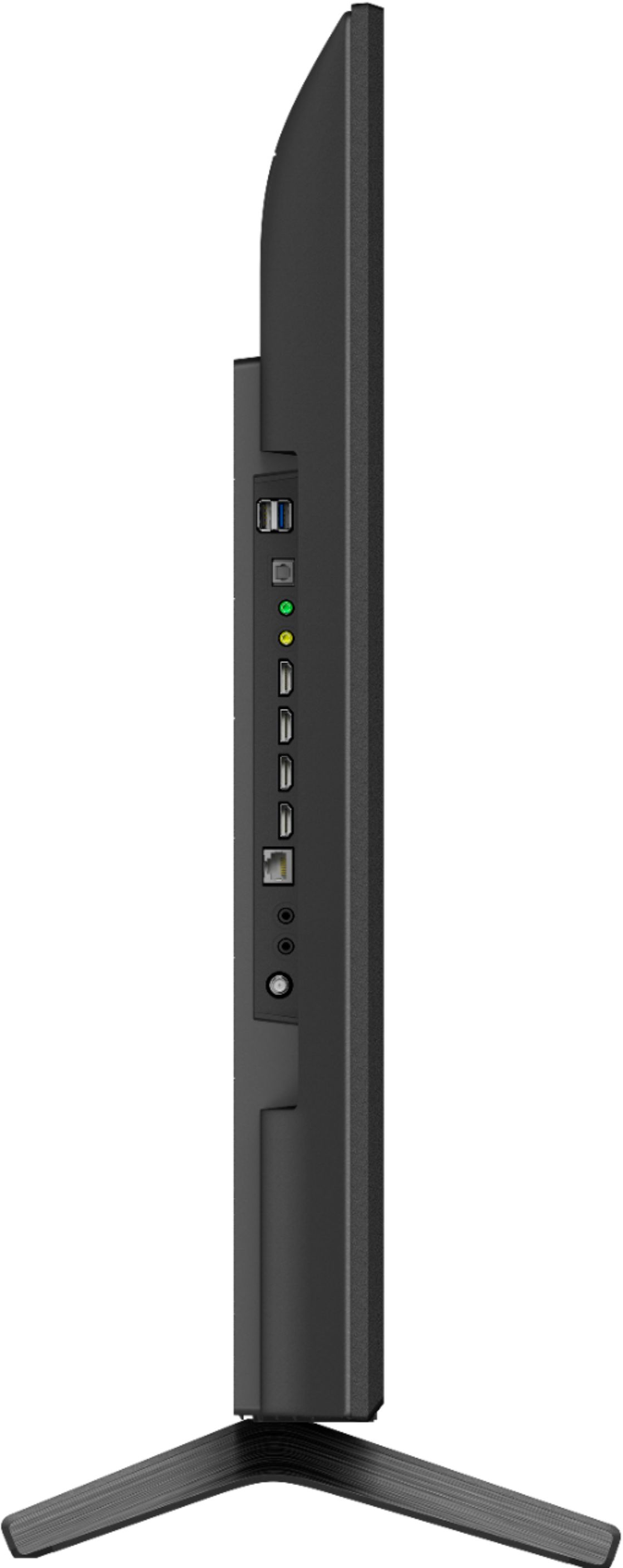

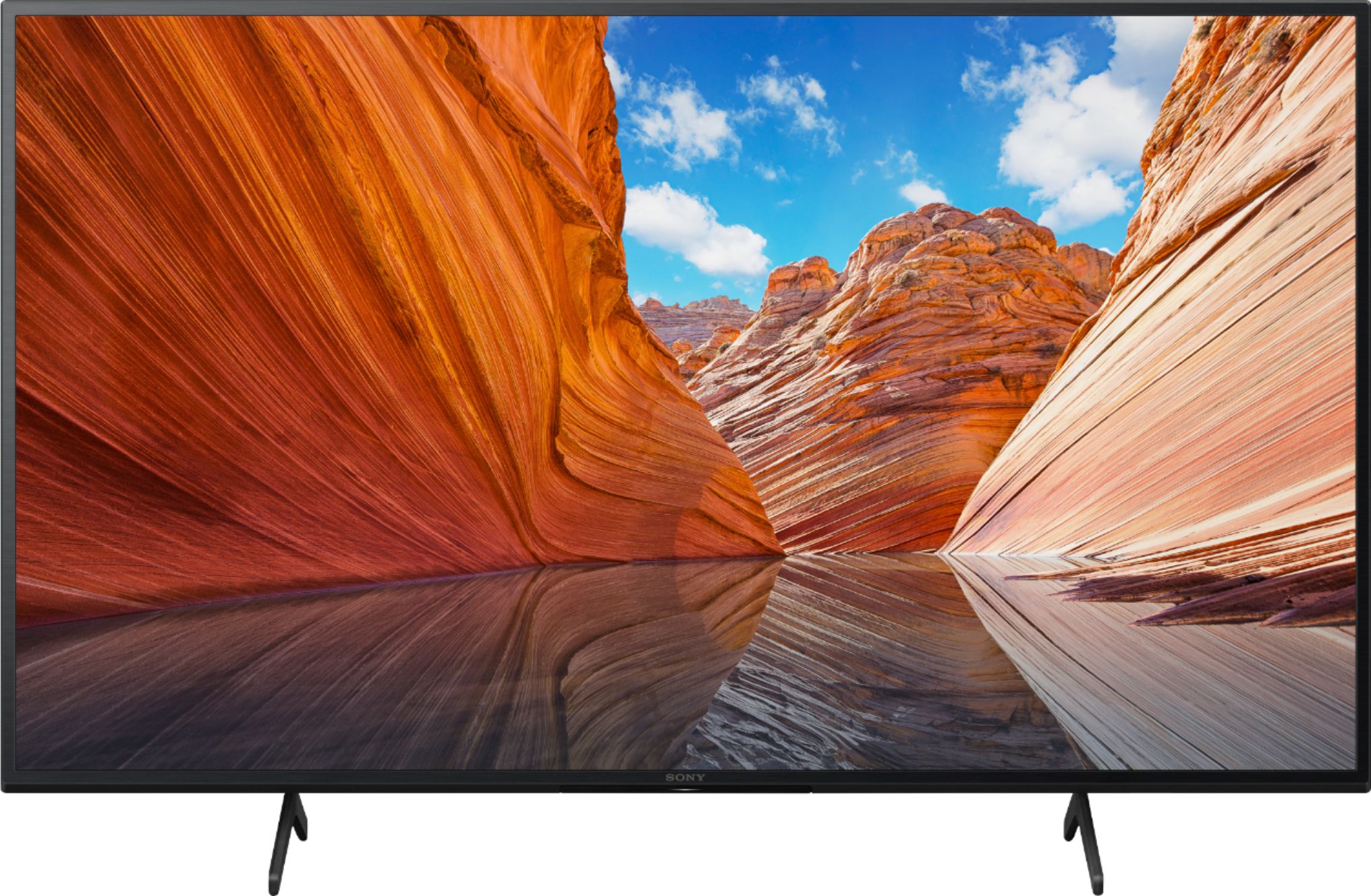
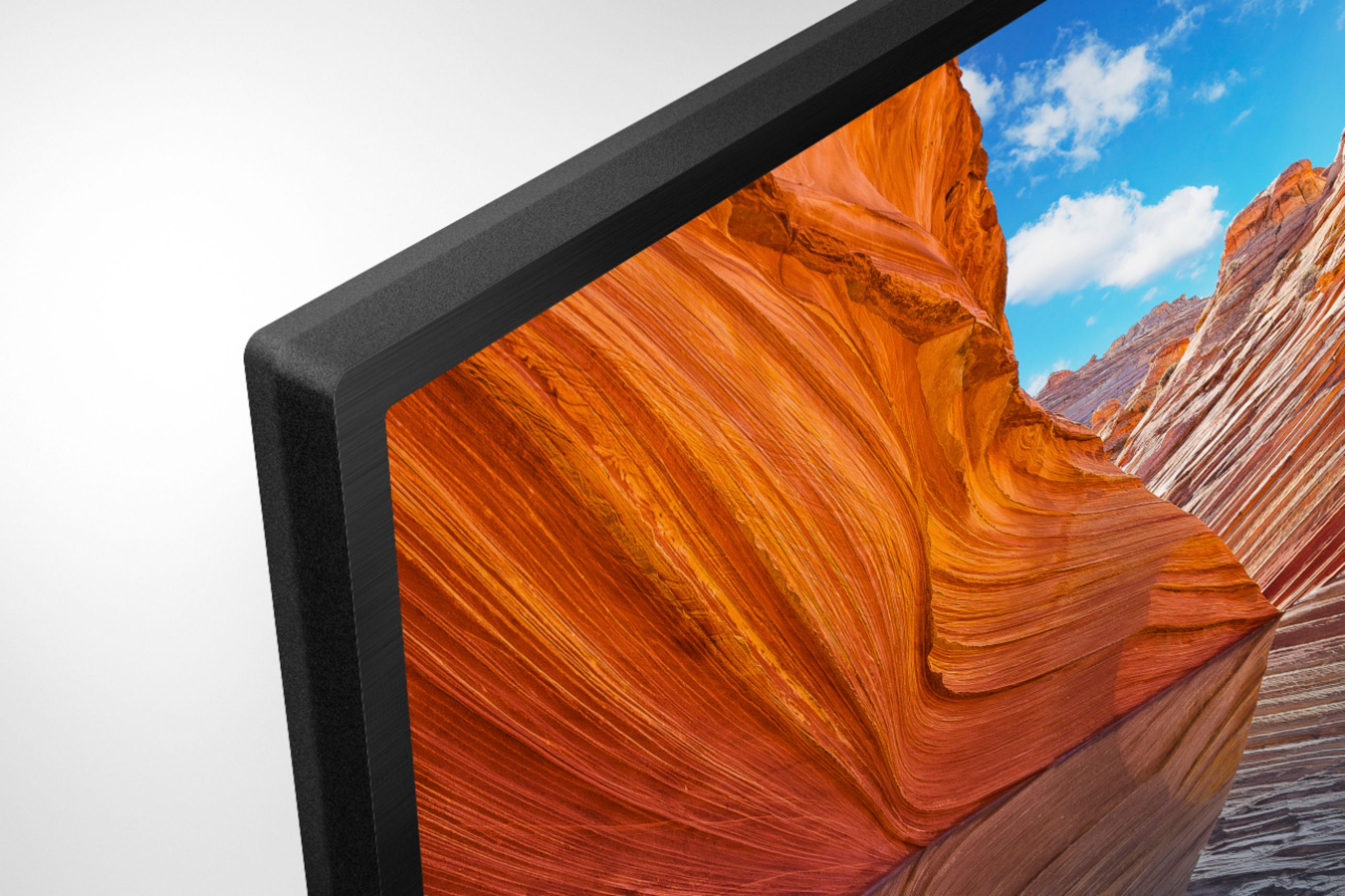
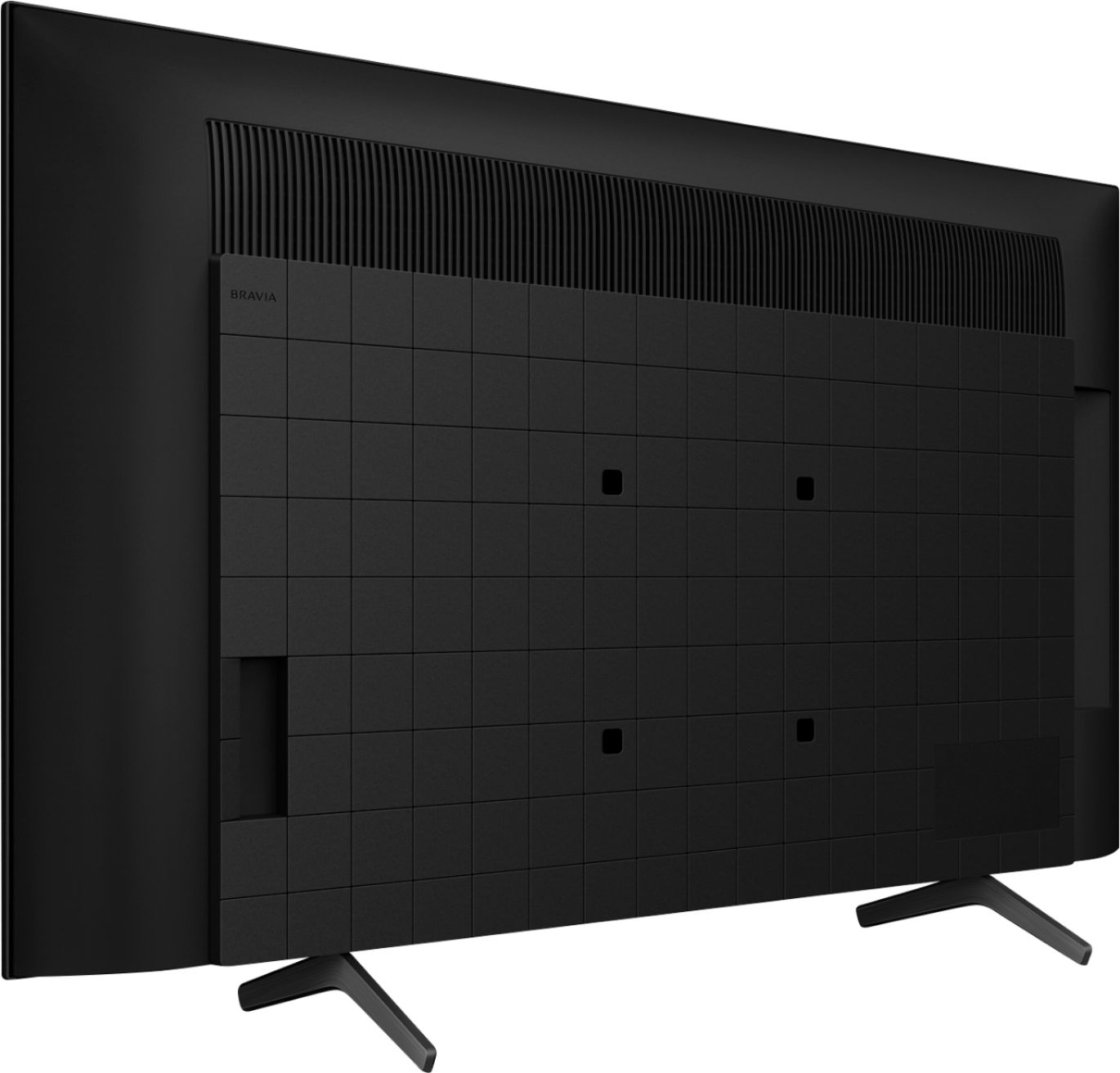
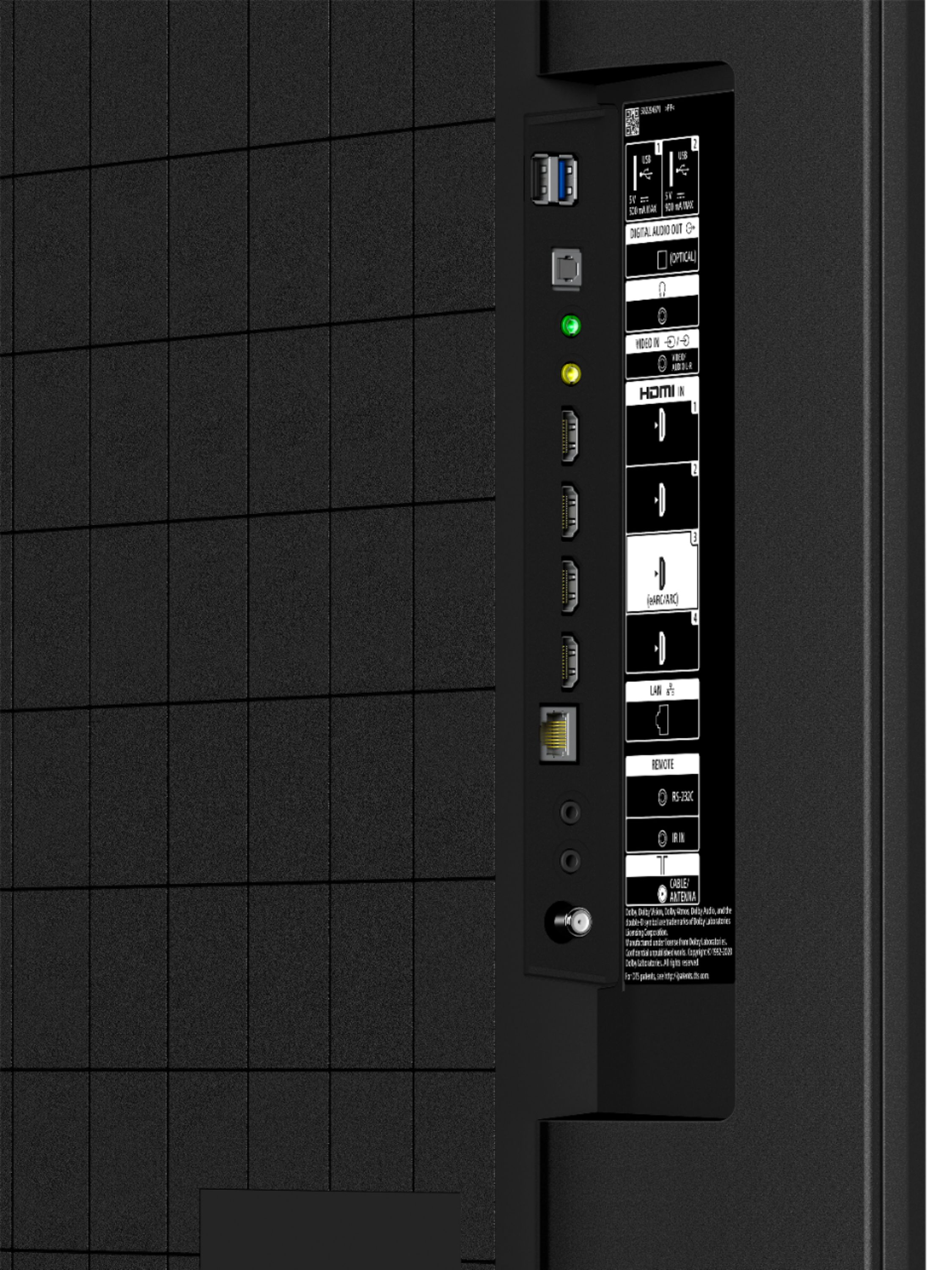
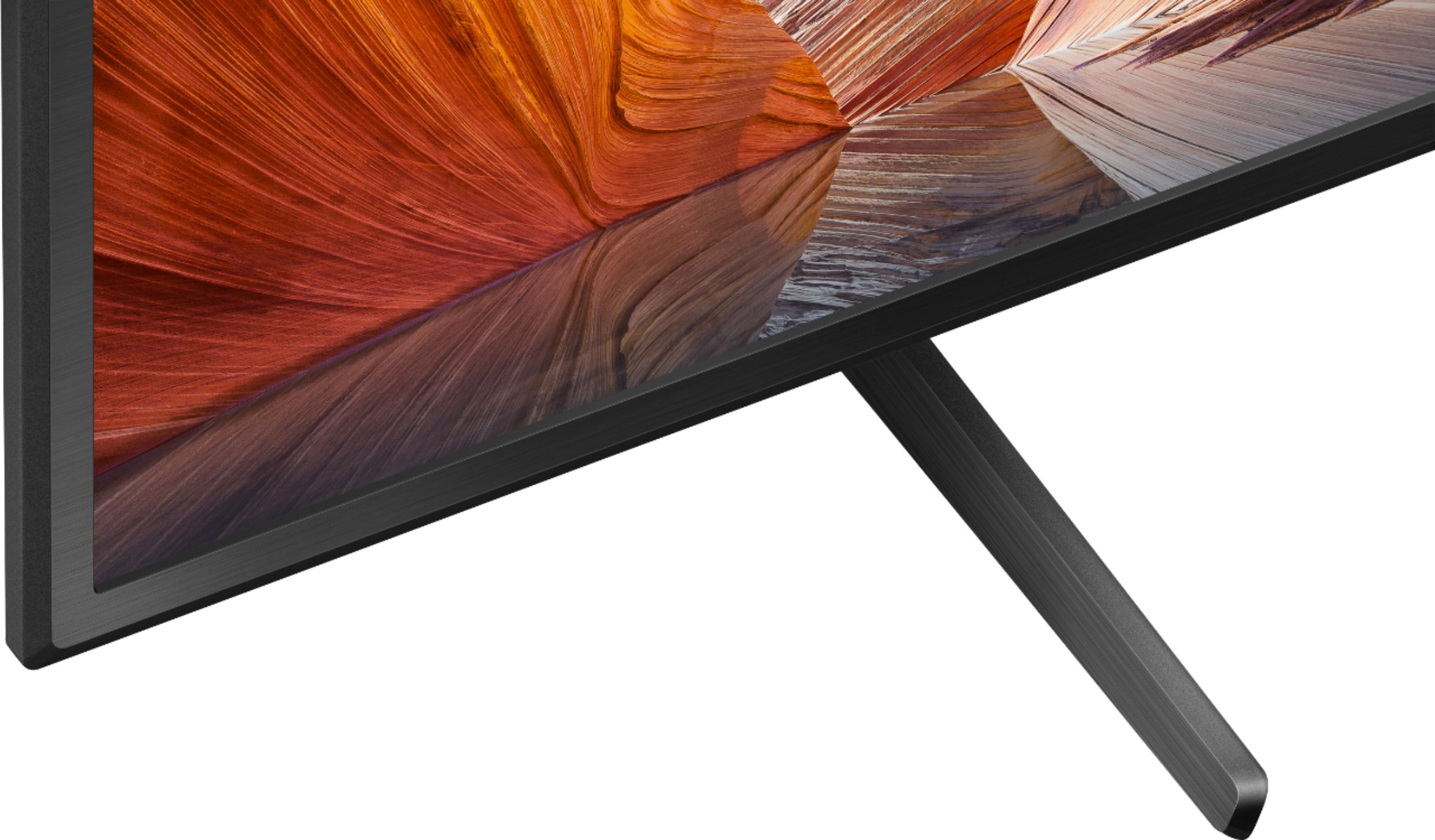
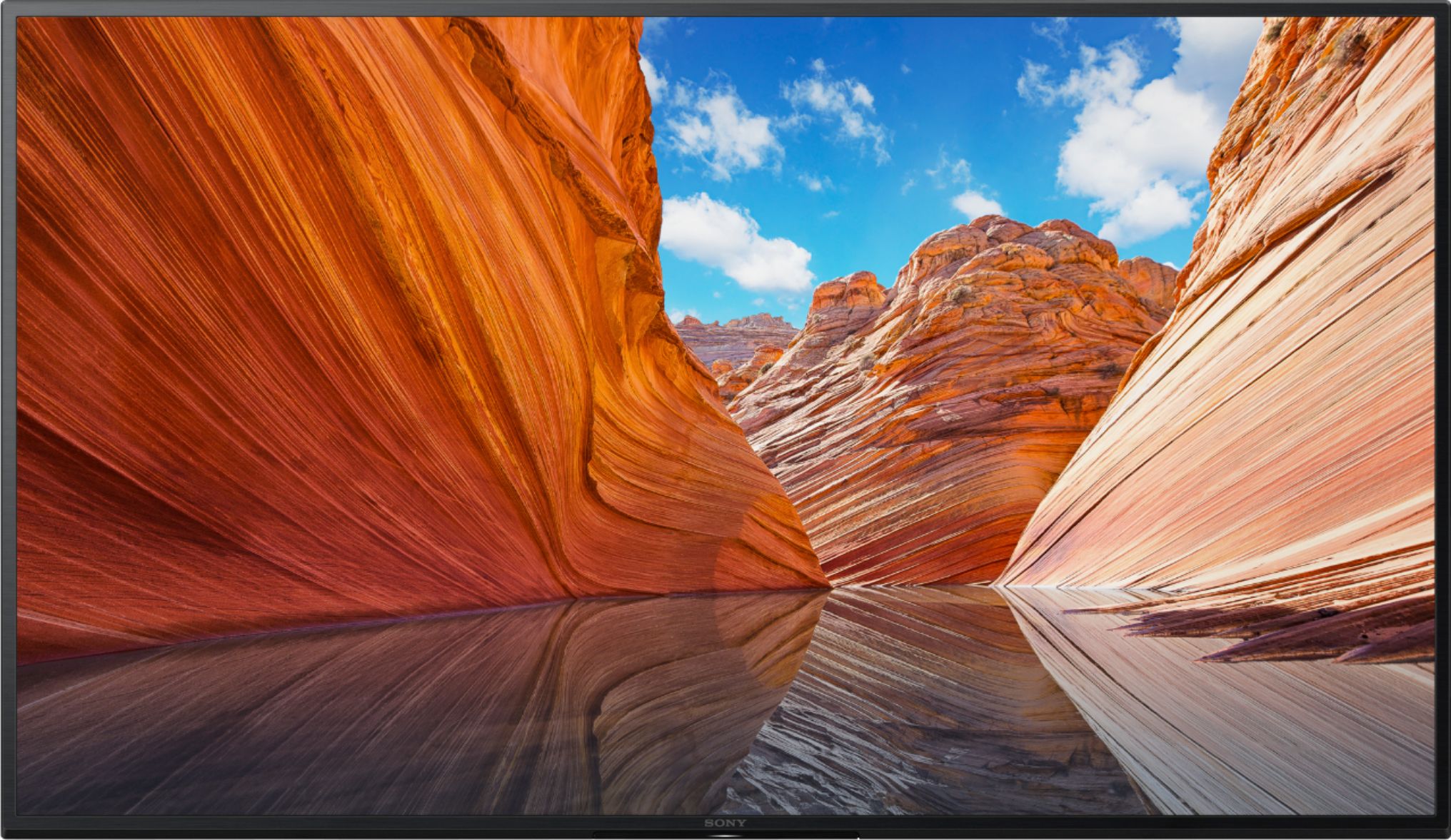

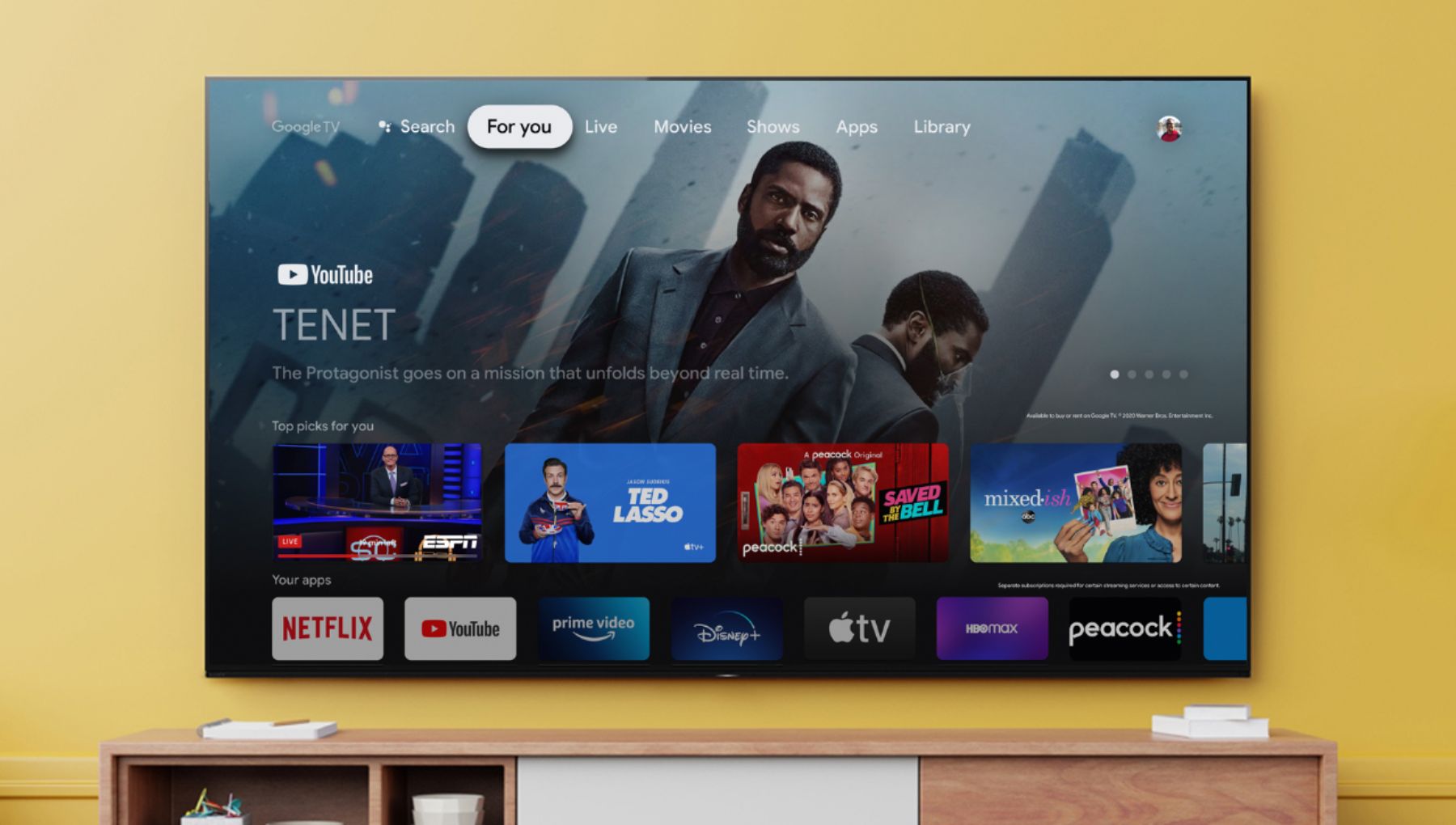





- Model:
- KD43X80J
- SKU:
- 6452965
Rating by feature
- Picture Quality
Rating 4.8 out of 5 stars
- Sound Quality
Rating 4.6 out of 5 stars
- Brightness
Rating 4.8 out of 5 stars
Customers are saying
Customers are positive about the picture quality, easy setup, color, price, sound, and size of the 43" Class X80J Series LED 4K UHD Smart Google TV. They appreciate the excellent picture and sound quality, as well as the great value for the price. Customers are negative about the remote control, durability, and warranty. They find the remote to be too large and the warranty to be too short.
This summary was generated by AI based on customer reviews.
Cosco better offers
||Posted . Owned for 1 month when reviewed.This reviewer received promo considerations or sweepstakes entry for writing a review.Buy in cosco they have better offers yyyyyyyyyyhyyh
I would recommend this to a friendBrand response from SonyListens
Posted .Hi Ralph,
Thank you for the review. Enjoy an intuitive smart TV experience with natural color and clear sound with the BRAVIA X80J LED TV. The powerful 4K HDR Processor X1 reduces digital noise and boosts details for lifelike picture quality. Google TV gives you access to all your favorite streaming apps, while Google Assistant easily searches for content and controls your smart home simply by using your voice.
Regards,
David
Best buy
||Posted .This reviewer received promo considerations or sweepstakes entry for writing a review.Good customer service and best smart tv i recommend.
I would recommend this to a friendBrand response from SonyListens
Posted .Hi Oromiya,
We appreciate the recommendation. Enjoy an intuitive smart TV experience with natural color and clear sound with the BRAVIA X80J LED TV. The powerful 4K HDR Processor X1 reduces digital noise and boosts details for lifelike picture quality. Google TV gives you access to all your favorite streaming apps, while Google Assistant easily searches for content and controls your smart home simply by using your voice. Thank you for choosing Sony!
Regards,
David
Mediocre at Best.
||Posted . Owned for 5 months when reviewed.This reviewer received promo considerations or sweepstakes entry for writing a review.Not what I expected after so many favorable reviews. All of a sudden the TV comes on by itself, which is annoying. You cannot have a lot of apps on here due to storage space and the color varies from show to show in my opinion.
No, I would not recommend this to a friendBrand response from SonyListens
Posted .Hi Gem1,
We're sorry to hear about your issue with the TV. We apologize for the inconvenience. The on-board storage of the TV is 16GB. You can move the Downloaded Apps on a TV to a USB Storage Device. https://www.sony.com/electronics/support/articles/00223233
Also, you can configure various settings related to the TV display such as color and brightness for picture quality, or screen size. The actual display may vary or some settings may not be available depending on your model/country/region and the content you are watching. Press the (Quick Settings) button on the remote control, then select [Settings] — [Display & Sound] — the desired option.
If the TV still turn on by itself, refer to this link to isolate and resolve the issue: https://www.sony.com/electronics/support/televisions-projectors-lcd-tvs-android-/kd-43x80j/articles/00202018?cpint=spt-tv_triage_00200862_restart
If you are unable to resolve your concern, may we contact you to help? If so, please email the below information to socialsupport@am.sony.com or chat with us from Sony’s e-support webpage. Apologies if you disclosed some of this information in your review and to customer service, we just want to ensure that we have your accurate details at the time of communication.
Full Name:
Best Buy Username:
Telephone Number:
Sony Model Number:
Additional Information regarding your experience with the X80J:
We are sorry for the inconvenience and hope to speak to you to resolve this matter. We appreciate you and thanks again for shopping Sony!
Sincerely,
Jay
Ok TV
||Posted . Owned for 1 month when reviewed.This reviewer received promo considerations or sweepstakes entry for writing a review.You get what you pay for....solid tv....I returned and opted to spend a little more...
No, I would not recommend this to a friendBrand response from SonyListens
Posted .Hi tVtvTv, We are sorry to hear that your 43" X80J TV did not exceed your expectations and had to be returned. We took note of your feedback and we hope that you consider Sony again in your future purchases.
Regards,
Carl
Not as happy as I hoped I'd be.
||Posted . Owned for 1 week when reviewed.This reviewer received promo considerations or sweepstakes entry for writing a review.I am not very happy with the color quality in the picture. I tried adjusting the settings but was not able to get the quality picutre I was hoping for with the price I paid. The ability to soften the back ground nice works very nice though. I'm still wondering if I should return it.
No, I would not recommend this to a friendBrand response from SonyListens
Posted .Hi Sinbad,
Thank you for choosing and purchasing our Sony X80J Ultra HD Smart TV.
We regret to hear you are not very happy with the picture quality of your new Sony Bravia TV. The picture quality will also depend on the quality of the content or the source. For the best viewing experience, we highly recommend playing high-quality content. Make sure you check all the picture settings on your TV and adjust them according to our preference: https://helpguide.sony.net/tv/iusltn1/v1/en-003/01-03-09_01.html. When viewing pictures through HDMI input with higher quality, check out this link: https://helpguide.sony.net/tv/iusltn1/v1/en-003/04-09_02.html. Don't forget to update the firmware of your TV by performing a software update. The update will improve the general performance of the TV and includes key features, applications, and bug fixes.
Should you need further assistance, please email the below information to socialsupport@am.sony.com.
Apologies if you disclosed some of this information in your review and to customer service, we just want to ensure that we have your accurate details at the time of communication.
Full Name:
Best Buy Username:
Telephone Number:
Sony TV Model Number:
Additional Information regarding your experience with the X80J:
We value you being a Sony customer. Sorry for the inconvenience and hope to speak directly to try to resolve this matter.
Thank you for letting us help assist you.
Sincerely,
Vincent
Dead after 14 months
||Posted . Owned for 1 year when reviewed.This reviewer received promo considerations or sweepstakes entry for writing a review.Dead after 14 months. I did not buy the extended warranty. I will not buy another Sony. LG, Samsung never bought an extended warranty didnt need to.
No, I would not recommend this to a friendJust Average
||Posted . Owned for 1 month when reviewed.This reviewer received promo considerations or sweepstakes entry for writing a review.I wouldn’t pay too much money for this brand of Sony Bravia TV. I’m glad I was able to purchase this TV on sale. I was kinda disappointed, My old Sony Bravia was EXCEPTIONAL!!
I would recommend this to a friendBrand response from SonyListens
Posted .Hi SonyFan,
Thank you for choosing and purchasing our BRAVIA X80J LED TV.
We regret to hear that the TV did not live up your expectation. This is definitely not the experience we'd like you to have. We understand that everyone has different viewing preference, that is why we included ways to adjust the picture quality to suit your preferences under the Settings menu.
Press the Quick Settings button on the remote control, then select [Settings] — [Display & Sound] — the desired option.
Should you need further assistance, you can email us with the below information to socialsupport@am.sony.com.
Apologies if you disclosed some of this information in your review and to customer service, we just want to ensure that we have your accurate details at the time of communication.
Full Name:
Best Buy Username:
Telephone Number:
Sony TV Model Number:
Additional Information regarding your experience with the X80J:
We are sorry for the inconvenience and hope to speak to you to resolve this matter.
We appreciate you and thanks again for shopping Sony!
Sincerely,
Erin
- Pros mentioned:Picture quality
Missing streaming service.
||Posted .This reviewer received promo considerations or sweepstakes entry for writing a review.Very good picture quality. However This Sony X80J TV does Not support DIRECTV stream so I cannot watch my streaming service.
I would recommend this to a friendBrand response from SonyListens
Posted .Hi Mediaman,
Thank you for choosing and purchasing our BRAVIA X80J LED TV.
While we are glad that you like the picture quality, we are sorry that the TV currently doesn't support the DIRECTV app. As an alternative, you can connect HDMI devices that support this application.
Should you need further assistance, you can email us with the below information to socialsupport@am.sony.com.
Apologies if you disclosed some of this information in your review and to customer service, we just want to ensure that we have your accurate details at the time of communication.
Full Name:
Best Buy Username:
Telephone Number:
Sony TV Model Number:
Additional Information regarding your experience with the X80J:
We are sorry for the inconvenience and hope to speak to you to resolve this matter.
We appreciate you and thanks again for shopping Sony!
Sincerely,
Erin
Meh
||Posted . Owned for 1 month when reviewed.This reviewer received promo considerations or sweepstakes entry for writing a review.Zippy interface but lacking in functionality for its size and price. Took it back
I would recommend this to a friendBrand response from SonyListens
Posted .Hi Darthbrooks3po, thank you for your review. While we are pleased you like the great interface of our X80J, we are sorry if its overall performance did not live up to your standards and that it needs to be returned. We value your input, and we will surely take note of it as we always strive for the best customer experience.
We appreciate you and we are hoping you will consider Sony again in your future purchase!
Sincerely,
Romeo
It's OK
||Posted .This reviewer received promo considerations or sweepstakes entry for writing a review.The TV has ok picture. It seems to work fine. Since not much is broadcast in 4K pciture not super clear
No, I would not recommend this to a friendBrand response from SonyListens
Posted .Hi TVPurchaser,
We regret to hear that you're having a quality issue with the 4K picture of this TV. In this case, you can configure various settings related to the TV display such as color and brightness for picture quality, or screen size. Press the (Quick Settings) button on the remote control, then select [Settings] — [Display & Sound] — the desired option. See glorious 4K pictures, rich with real-world detail and texture, exclusively powered by our 4K HDR processor X1™. Images filmed in 2K and even Full HD are upscaled close to 4K resolution by 4K X-Reality™ PRO using a unique 4K database.
If you are unable to resolve your concern, may we contact you to help? If so, please email the below information to socialsupport@am.sony.com or chat with us from Sony’s e-support webpage. Apologies if you disclosed some of this information in your review and to customer service, we just want to ensure that we have your accurate details at the time of communication.
Full Name:
Best Buy Username:
Telephone Number:
Sony Model Number:
Additional Information regarding your experience with the X80J:
We are sorry for the inconvenience and hope to speak to you to resolve this matter. We appreciate you and thanks again for shopping Sony!
Sincerely,
Jay
- Pros mentioned:Picture quality
Nice display frustrating everything else.
||Posted .This reviewer received promo considerations or sweepstakes entry for writing a review.I saw other reviews and didn’t think much of them. This TV is decent as far as picture but the software is all broken. Which is a problem because it is priced as a very capable tv. Please do not buy this TV, there are plenty other better options out there for the price.
No, I would not recommend this to a friendBrand response from SonyListens
Posted .Hi FancyPants, While we are glad that you love the picture of the TV, we're are sorry to hear that you are not pleased with the software. This is usually not the case and definitely not the experience we wanted you to have on our premium TV. Your X80J has our powerful 4K HDR Processor X1 that reduces digital noise and boosts details for lifelike picture quality. Google TV gives you access to all your favorite streaming apps, while Google Assistant easily searches for content and controls your smart home simply by using your voice. To improve the performance of your BRAVIA and resolve any possible software-related issues, please makes sure to perform a software update. Kindly follow the steps in the link : https://www.sony.com/electronics/support/televisions-projectors-lcd-tvs-android-/kd-43x80j/articles/00028577
We want to make sure you’re taken care of and help check on your TV. May we contact you directly to assist you? If so, please email the below information to socialsupport@am.sony.com. Apologies if you disclosed some of this information in your review and to customer service, we just want to ensure that we have your accurate details at the time of communication. Full Name: BestBuy Username: Telephone Number: Sony TV Model Number: Additional Information regarding your experience with the X80J: We value you being a Sony customer. Sorry for the inconvenience and hope to speak directly to try to resolve this matter. We appreciate you, and thank you for choosing Sony. Sincerely, -Craig
Poor sound
||Posted . Owned for 3 weeks when reviewed.This reviewer received promo considerations or sweepstakes entry for writing a review.The television is nice but the sound is poor. At this price point. I expect more
No, I would not recommend this to a friendBrand response from SonyListens
Posted .Hi there,
Thank you for your review.
We are so sorry if the sound quality of our X80J did not live up to your expectations. This is definitely not the experience we'd like you to have on our premium TV. Sound quality depends on the signal and content. The good thing is that, the X80J features various settings related to the TV’s sound such as sound quality and sound mode that you can configure according to your preferences. You may refer to the following link for more details:
https://helpguide.sony.net/tv/iusltn1/v1/en-003/01-03-09_02.html
We want to make sure you’re taken care of and help check on your TV.
May we contact you directly to assist you? If so, please email the below information to socialsupport@am.sony.com.
Apologies if you disclosed some of this information in your review and to customer service, we just want to ensure that we have your accurate details at the time of communication.
Full Name:
Best Buy Username:
Telephone Number:
Sony TV Model Number:
Additional Information regarding your experience with the X80J:
We value you being a Sony customer. Sorry for the inconvenience and hope to speak directly to try to resolve this matter.
Thank you for letting us help assist you.
Sincerely,
Romeo
Sony Social Support
- Pros mentioned:Picture quality
TV Review
||Posted . Owned for 3 weeks when reviewed.This reviewer received promo considerations or sweepstakes entry for writing a review.When I plug in my headphones then the speaker sound goes off and my family cannot hear the tv. Also, I was forced to get a google e-mail even though I did not want one. The tv does have a great picture. Not recommended for someone who needs headphone as this makes it a one person tv
I would recommend this to a friendBrand response from SonyListens
Posted .Hi Tommy, You have the option to skip the Google sign-in on the initial setup of the TV. You can enjoy some functions on your Android TV™ device without a Google™ account. You can watch TV programs and enjoy all Sony® apps, home network functions for the Album, Music, and Video apps and use the Network Electronic Program Guide (EPG).
In addition, certain functions, such as the Google voice search function, Chromecast™ built-in (Google Cast), internet browsing, and the YouTube™ app, are available without logging in to a Google account. However, you will not be able to rent or buy movies, TV shows, and apps from the Google Play™ Store.
For the headphones, the TV speakers will automatically be disabled if the TV detects a headphone connected to it.
Should you need further assistance with your TV, please contact us for help. Please email the below information to socialsupport@am.sony.com
Apologies if you disclosed some of this information in your review and to customer service, we just want to ensure that we have your accurate details at the time of communication.
Full Name:
Best Buy Username:
Telephone Number:
Sony TV Model Number:
Thanks again for shopping Sony.
Sincerely,
Carl
Not happy.
||Posted . Owned for 3 weeks when reviewed.This reviewer received promo considerations or sweepstakes entry for writing a review.Very very confused by the high ratings. Perhaps I got a defective model. Almost every other time I turn it on it tells me ‘cannot connect to the Internet.’ We have other TVs in the house that connect to the Internet, for years and years, no problem. None of the features matter if it won’t stay connected to our Internet.
No, I would not recommend this to a friendBrand response from SonyListens
Posted .Hi NoThxs,
Thank you for choosing and purchasing our BRAVIA X80J LED TV.
We regret to hear that you're having an issue with the network connection. This is definitely not the experience we'd like you to have. We’d love to help you troubleshoot your problem by isolating your sources and understanding your connections.
Network issues can be frustrating because it can cause apps to not load, movies to buffer, music to not play properly, or other errors. Issues, such as the device can't connect to the network, errors occur when trying to connect, or service unavailable, may be caused by several factors. This article helps with some of the more common reasons network issues occur.
https://www.sony.com/electronics/support/televisions-projectors-lcd-tvs-android-/kd-43x80j/articles/00151038
May we contact you to help and get more information? If so, please email the below information to socialsupport@am.sony.com.
Apologies if you disclosed some of this information in your review and to customer service, we just want to ensure that we have your accurate details at the time of communication.
Full Name:
Best Buy Username:
Telephone Number:
Sony TV Model Number:
Additional Information regarding your experience with the X80J
We are sorry for the inconvenience and hope to speak to you to resolve this matter.
We appreciate you and thanks again for shopping Sony!
Sincerely,
Erin
Very difficult to program
||Posted . Owned for 3 weeks when reviewed.This reviewer received promo considerations or sweepstakes entry for writing a review.Very difficult to program. It came with very few instructions, and the “self programming” is anything but. Not very satisfactory which is a surprise since I have always bought and liked Sony
No, I would not recommend this to a friendBrand response from SonyListens
Posted .Hi there,
Thank you for your review.
We are really sorry if you find our X80J very difficult to program. This is definitely not the experience we'd like you to have on our premium TV. We greatly appreciate your feedback with the self-programming/auto program function of this TV. If you are still having problem performing an auto program or receiving TV channels when using an indoor/outdoor over-the-air antenna, you may refer to the following articles:
https://helpguide.sony.net/tv/iusltn1/v1/en-003/07_07.html?hl=auto+program
https://helpguide.sony.net/tv/iusltn1/v1/en-003/08-04_11.html?hl=auto+program
https://www.sony.com/electronics/support/televisions-projectors-lcd-tvs-android-/kd-43x80j/articles/00158454
For issues in getting new TV channels, please follow the troubleshooting steps on this link:
https://www.sony.com/electronics/support/televisions-projectors-lcd-tvs-android-/kd-43x80j/articles/00152397
And for the manual, in an effort to become more environmentally conscious, hard copies of instructions manual or handbook are no longer supplied. More information such as Help Guides and instruction manuals can be found online through the Sony support website. For more details, please refer to the link below:
https://www.sony.com/electronics/support/televisions-projectors-lcd-tvs-android-/kd-43x80j/manuals
Should you need more information or technical assistance with our product, please feel free to contact us and we'll be more than happy to assist you. You may send us an email at socialsupport@am.sony.com.
Apologies if you disclosed some of this information in your review and to customer service, we just want to ensure that we have your accurate details at the time of communication.
Full Name:
BestBuy Username:
Telephone Number:
Sony TV Model Number:
Additional Information regarding your experience with the X80J:
We value you being a Sony customer. Thank you so much for your purchase and for choosing Sony.
Sincerely,
Romeo
Sony Social Support
" UNHAPPY CUSTOMER "
||Posted . Owned for 1 month when reviewed.This reviewer received promo considerations or sweepstakes entry for writing a review."GOOGLE" SONY, way to much trouble setting up remote, Had cable company come to house for setting remote, didn't hold settings. Had Geek Squad come out, finally got the remote to work. Very unhappy with the situation and the initial trouble trying to speak with a "LIVE" person to complain initially !!!
No, I would not recommend this to a friendBrand response from SonyListens
Posted .Hi NONE,
We're sorry to hear that you're having issue with this TV. This is definitely not the experience we wanted you to have on our products. We apologize for the inconvenience. This TV supports the BRAVIA SYNC Settings. The issue might resolve by following the troubleshooting steps from this link: https://www.sony.com/electronics/support/televisions-projectors-lcd-tvs-android-/kd-43x80j/articles/00161073
If you are unable to resolve your concern, may we contact you to help? If so, please email the below information to socialsupport@am.sony.com or chat with us from Sony’s e-support webpage. Apologies if you disclosed some of this information in your review and to customer service, we just want to ensure that we have your accurate details at the time of communication.
Full Name:
Best Buy Username:
Telephone Number:
Sony Model Number:
Additional Information regarding your experience with the X80J:
We are sorry for the inconvenience and hope to speak to you to resolve this matter. We appreciate you and thanks again for shopping Sony!
Sincerely,
Jay
Not as good as Samsung
||Posted . Owned for less than 1 week when reviewed.This reviewer received promo considerations or sweepstakes entry for writing a review.This Sony picture is not as clear as my several yr. old Samsung TV. Hard to understand how to operate.
No, I would not recommend this to a friendBrand response from SonyListens
Posted .Hi JohnnyB,
Thank you for choosing and purchasing our BRAVIA X80J LED TV.
We are sorry to hear that the picture quality of your new TV is not clear, and operation is hard to understand. This is definitely not the experience we want you to have. We would love to help you troubleshoot your problem by isolating your sources and understanding your connections.
You can adjust the picture quality to your preferences. To adjust the picture quality, press the (Quick Settings) button on the remote control, then select [Settings] — [Display & Sound] — the desired option.
Reference: https://helpguide.sony.net/tv/iusltn1/v1/en-003/07_08.html
May we contact you to help and get more information? If so, please email the below information to socialsupport@am.sony.com.
Apologies if you disclosed some of this information in your review and to customer service, we just want to ensure that we have your accurate details at the time of communication.
Full Name:
Best Buy Username:
Telephone Number:
Sony TV Model Number:
Additional Information regarding your experience with your TV
We are sorry for the inconvenience and hope to speak to you to resolve this matter.
We appreciate you and thanks again for shopping Sony!
Sincerely,
Erin
- Pros mentioned:Picture quality
Dissatisfied with this TV.
||Posted .This reviewer received promo considerations or sweepstakes entry for writing a review.Did not like the picture, returned it and got a different brand which has a sharp and more accurate picture for much less money.
No, I would not recommend this to a friendBrand response from SonyListens
Posted .Hi Harry, We are sorry to hear that the picture quality of the KD43X80J did not meet your expectations and had to return it. You can adjust the picture quality of the TV using the Sony Remote by Pressing the HOME button, then select [Settings] — [Display & Sound] — [Picture]. This will let you fine-tune your TV picture based on your preference or select one of our preset picture settings.
You can also select Auto picture mode; this automatically selects the picture mode based on the content being viewed.
We hope that you consider Sony again in your future purchases.
Regards,
Carl
Constantly fails to keep internet connectivity
||Posted .This reviewer received promo considerations or sweepstakes entry for writing a review.This TV worked fine for a while, now it constantly freezes, and tells us 'lost internet connection'. More times than not the remote control will fail and you can't select anything. We have 2 other smart tv's in our home and they NEVER lose connection to our fiber internet, EVER, even when this TV says it's not connected. It's NOT worth the money and a MAJOR disappointment.
No, I would not recommend this to a friendBrand response from SonyListens
Posted .Hi KelleyB,
Thank you for reaching out to us. We're sorry to hear some issues that you are experiencing with the TV. Allow us to help isolate the problem. Please try some steps on these links below to troubleshoot and resolved these issues:
If TV freezes or displays a blank screen when streaming video on Android TV or Google TV:
https://www.sony.com/electronics/support/articles/00141896
Troubleshooting network connection issues:
https://www.sony.com/electronics/support/televisions-projectors-lcd-tvs-android-/kd-43x80j/articles/00151038
If the remote is not operating correctly:
https://www.sony.com/electronics/support/televisions-projectors-lcd-tvs-android-/kd-43x80j/articles/00132426
May we contact you to help? If so, please email the below information to socialsupport@am.sony.com:
Name:
Best Buy Username:
Telephone Number:
Model Number:
Issue:
We are sorry for the inconvenience and hope to speak to you to resolve this matter. We appreciate you and thanks again for shopping Sony. - Kris
Cheap entry model smart tv
||Posted .This reviewer received promo considerations or sweepstakes entry for writing a review.It’s a cheap piece of junk. The tv needs to be restarted daily due to the sound disappearing. It will not connect to Apple Airplay. Google requires mandatory location service access to track user viewing & usage.
No, I would not recommend this to a friendBrand response from SonyListens
Posted .Hello IllusiveMan,
Thank you for your review.
We sincerely regret to hear you are encountering issues with your X80J. This is usually not the case and the experience we wanted you to have on our premium TV.
We appreciate your feedback, and we will surely take note of it as we always strive for the best customer experience.
For your audio issue, does this happen on different sources and the built-in TV applications? In the meantime, you may try following the steps provided on the links below to isolate the problem:
https://www.sony.com/electronics/support/televisions-projectors-lcd-tvs-android-/kd-43x80j/articles/00023579
https://www.sony.com/electronics/support/televisions-projectors-lcd-tvs-android-/kd-43x80j/articles/00252650
https://www.sony.com/electronics/support/televisions-projectors-lcd-tvs-android-/kd-43x80j/articles/00020051
For Apple Airplay, please refer to the following article to solve your connection issue:
https://www.sony.com/electronics/support/televisions-projectors-lcd-tvs-android-/kd-43x80j/articles/00240540
And for Google, you may find the information provided on this link helpful:
https://www.sony.com/electronics/support/televisions-projectors-lcd-tvs-android-/kd-43x80j/articles/00115361
To get the most out of your X80J, we recommend updating its firmware to the latest version. The software includes key features, applications, bug fixes, and feature improvements. For more information, please visit the link below:
https://www.sony.com/electronics/support/televisions-projectors-lcd-tvs-android-/kd-43x80j/articles/00119543
If this does not help or resolve the problem, please email the below information to socialsupport@am.sony.com so we can better assist you.
Apologies if you disclosed some of this information in your review and to customer service, we just want to ensure that we have your accurate details at the time of communication.
Full Name:
BestBuy Username:
Telephone Number:
Sony TV Model Number:
Additional Information regarding your experience with the TV:
We value you being a Sony customer. Sorry for the inconvenience and hope to speak directly to try to resolve this matter.
Thank you for letting us help assist you.
Sincerely,
Romeo
Sony Social Support