Customer Ratings & Reviews
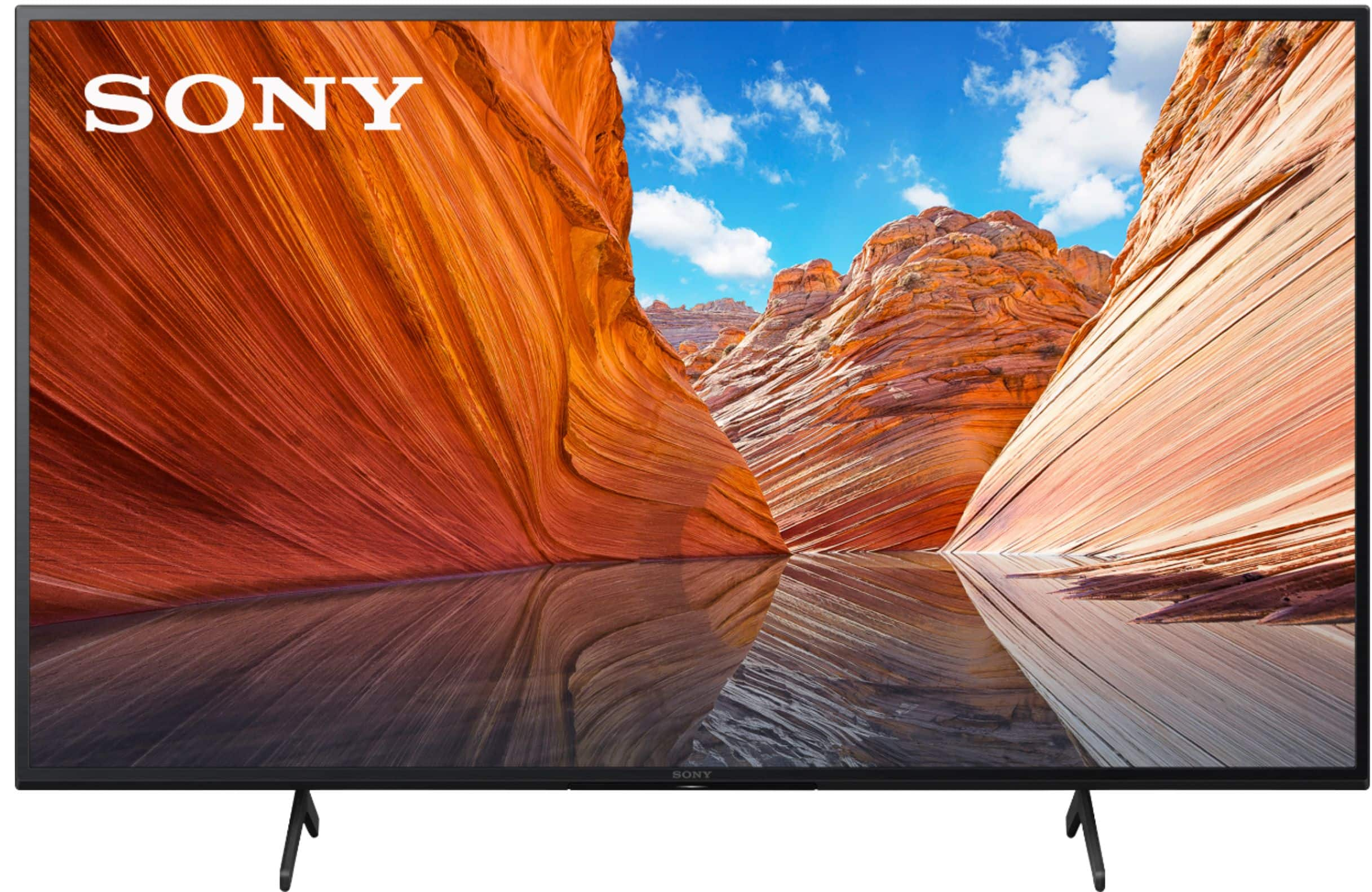
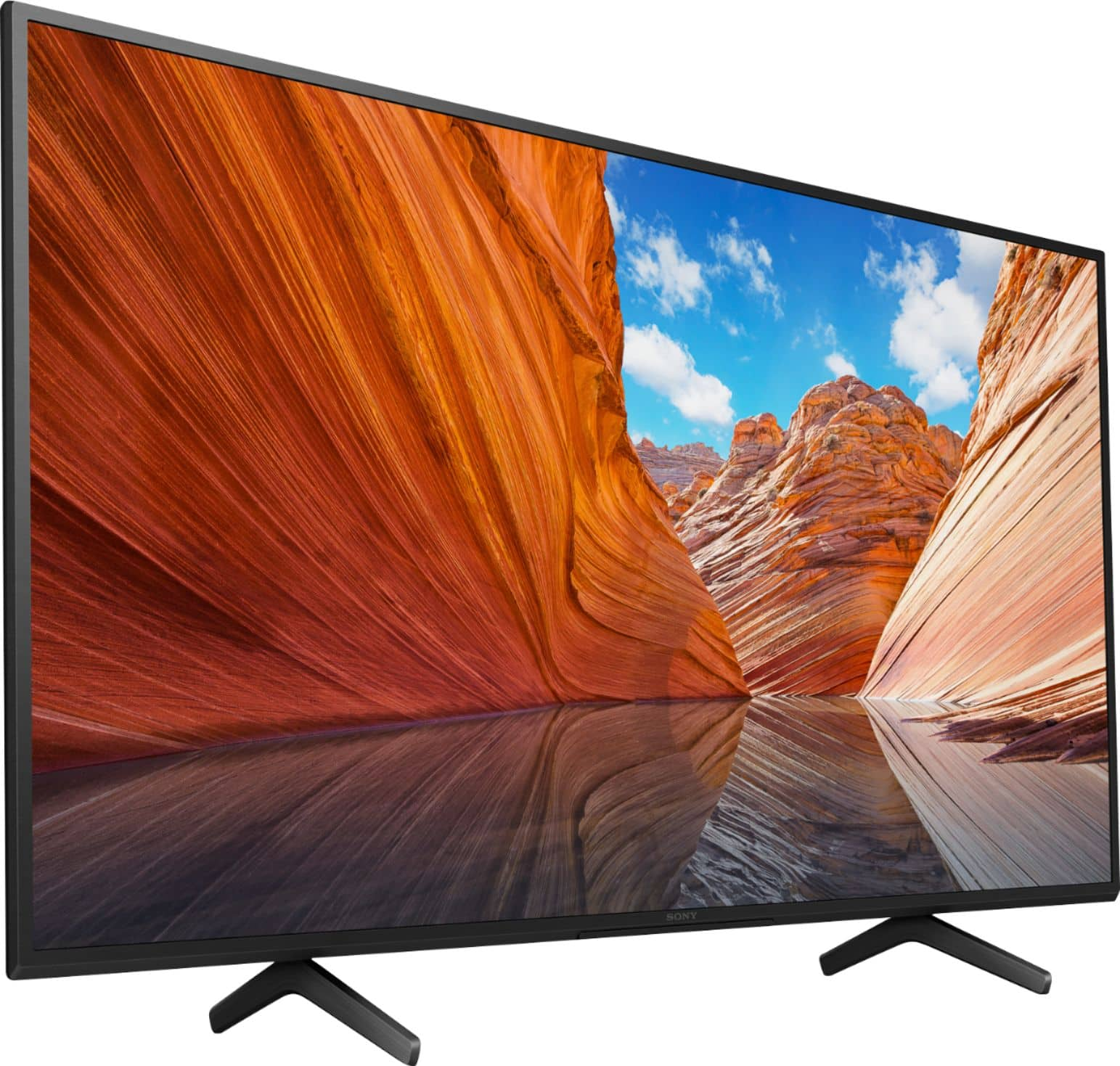

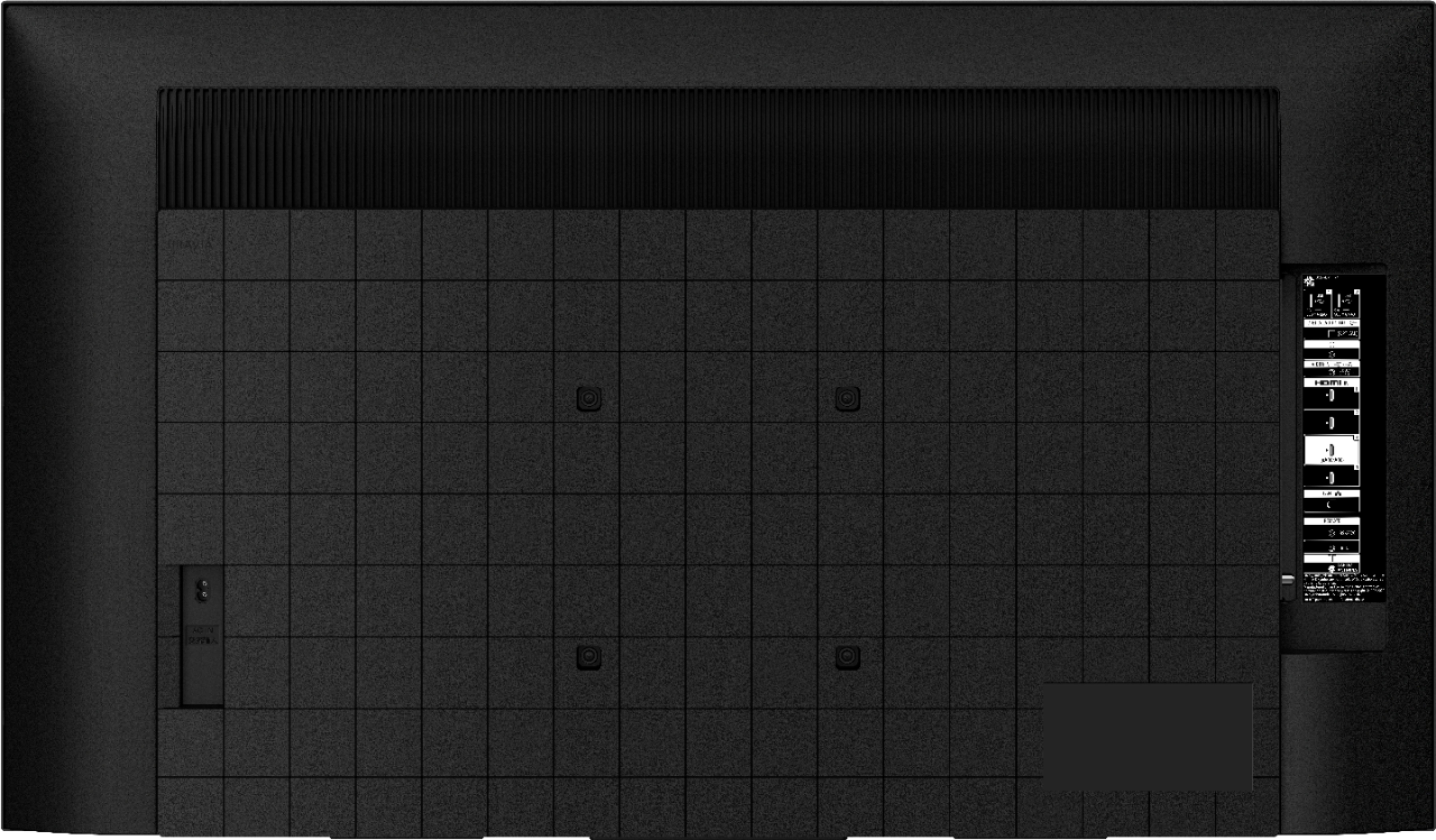
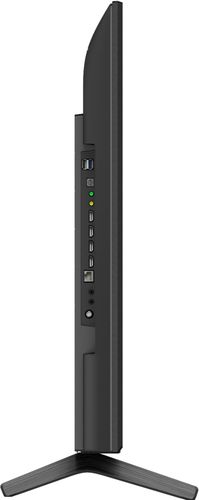
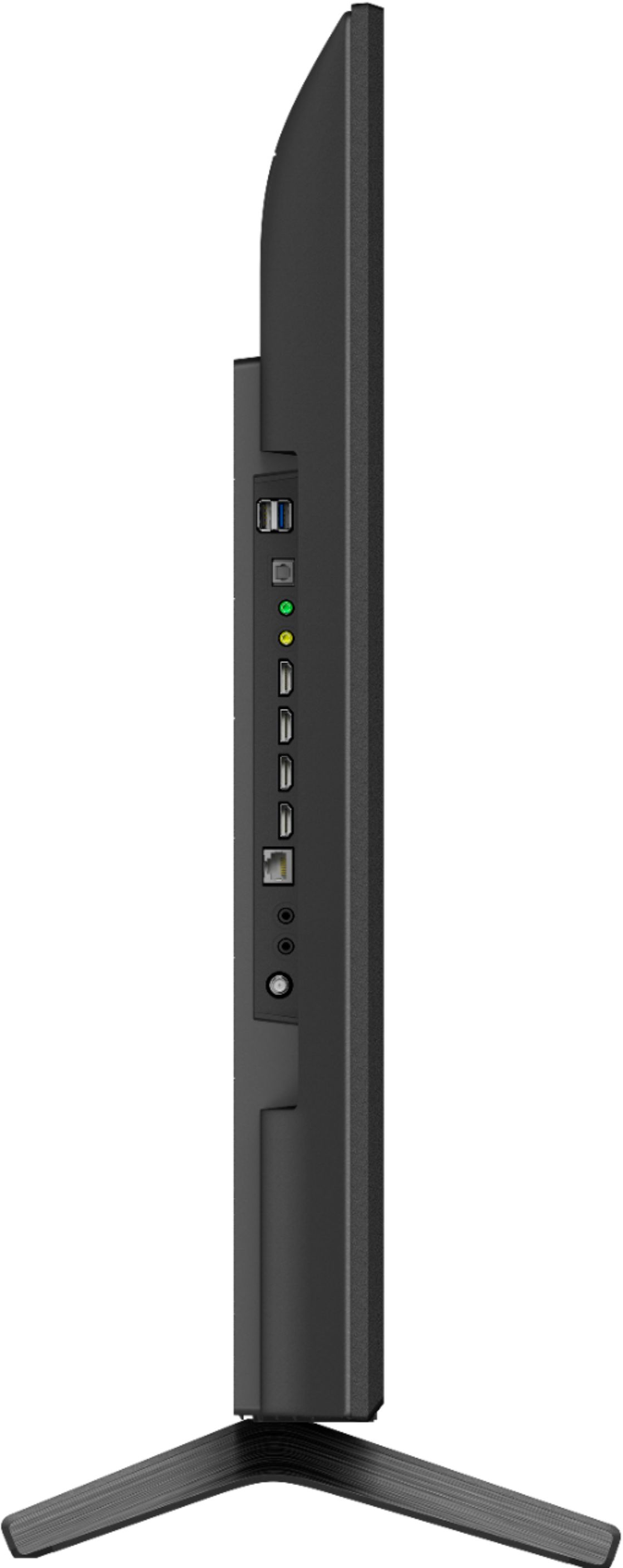

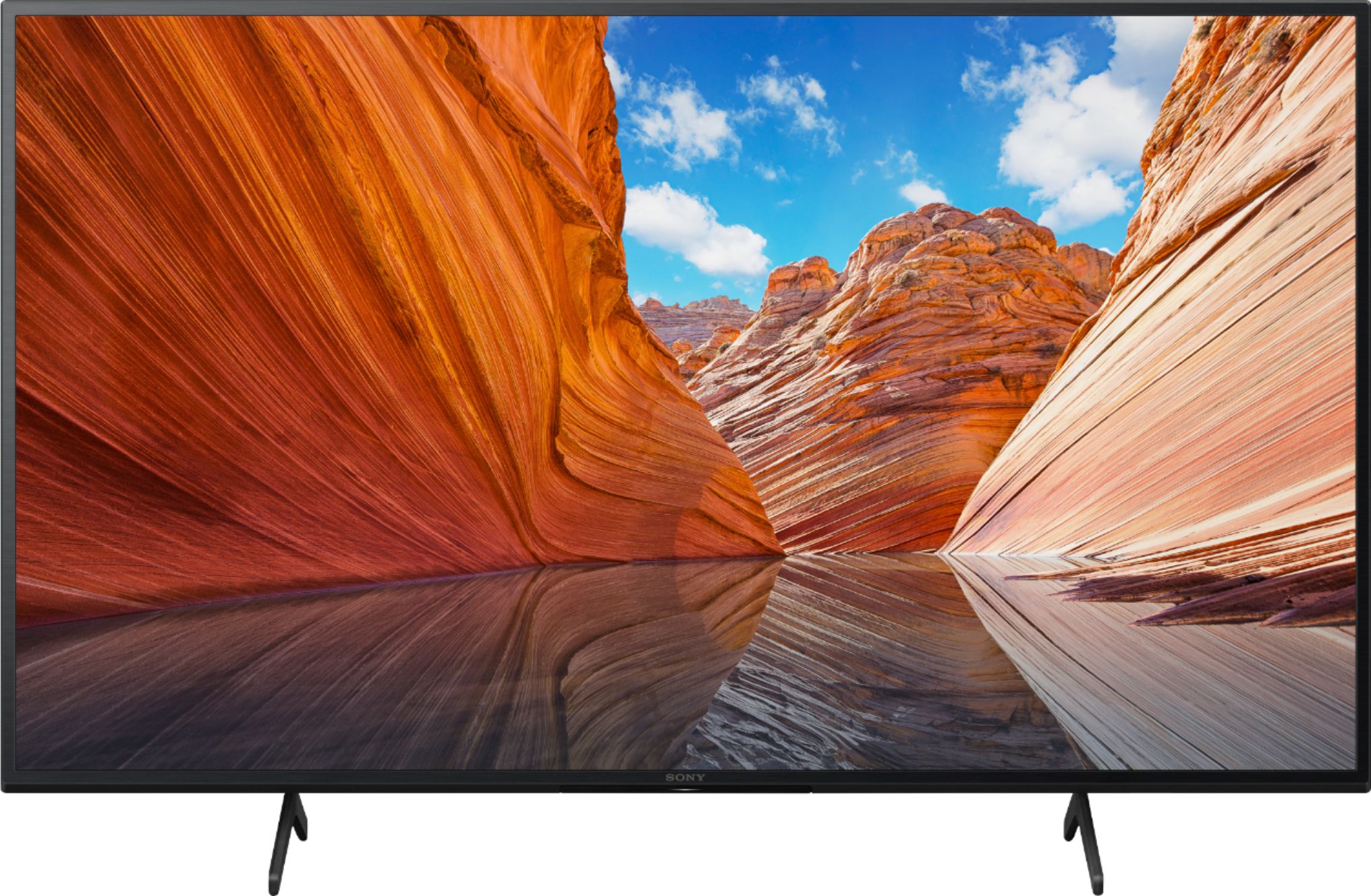
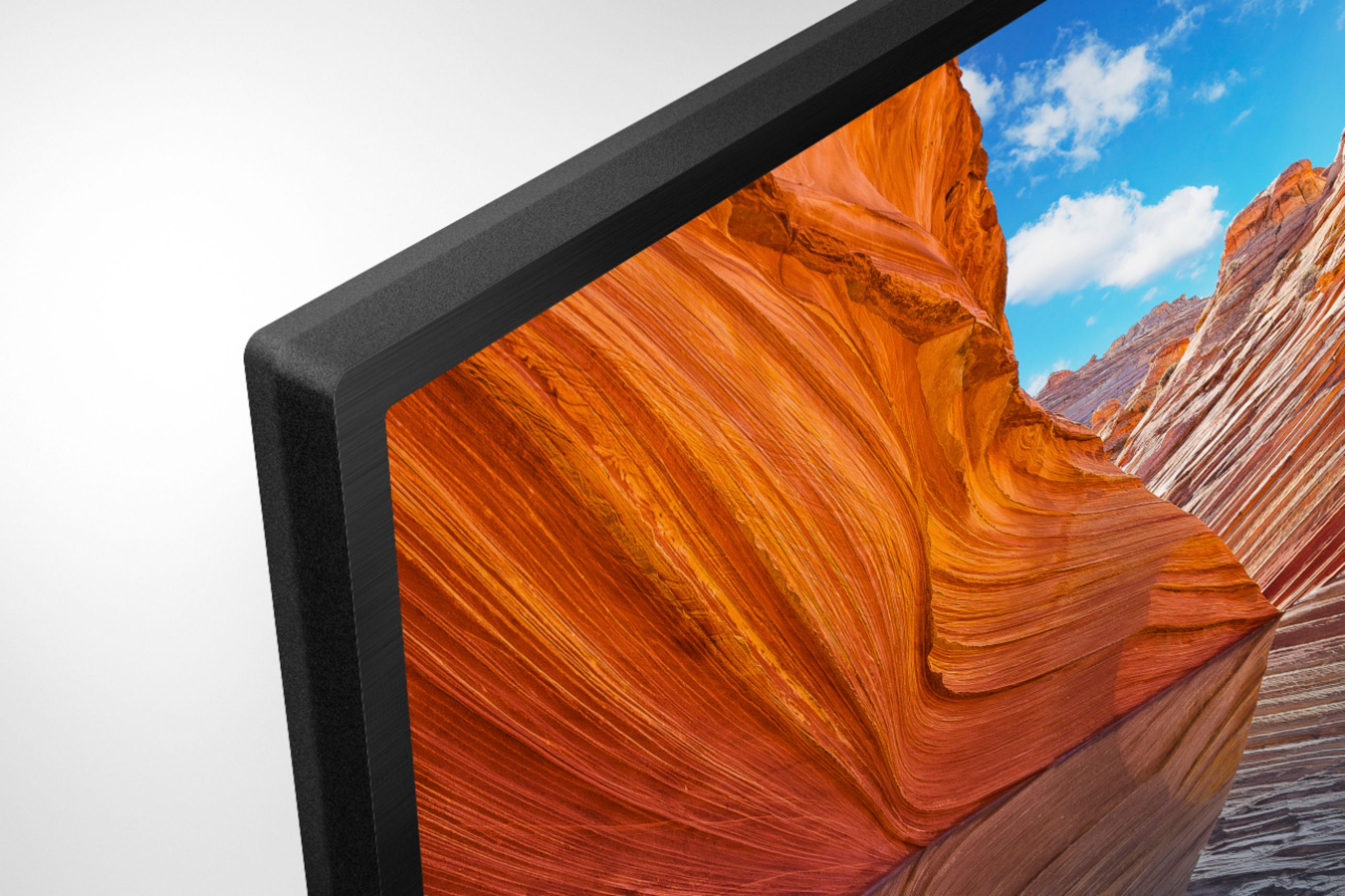
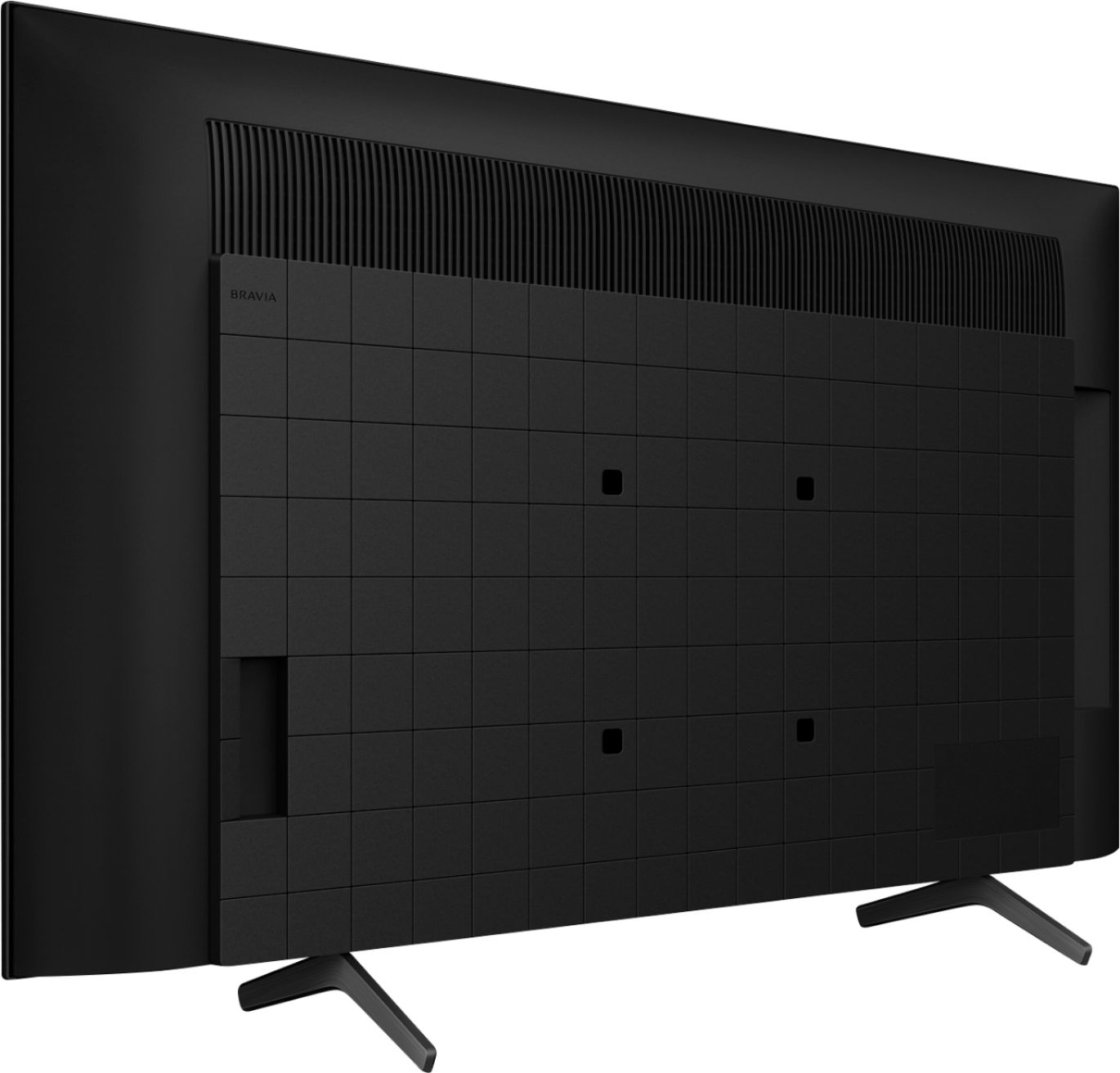






- Model:
- KD43X80J
- SKU:
- 6452965
Rating by feature
- Picture Quality
Rating 4.8 out of 5 stars
- Sound Quality
Rating 4.6 out of 5 stars
- Brightness
Rating 4.8 out of 5 stars
Customers are saying
Customers are positive about the picture quality, easy setup, color, price, sound, and size of the 43" Class X80J Series LED 4K UHD Smart Google TV. They appreciate the excellent picture and sound quality, as well as the great value for the price. Customers are negative about the remote control, durability, and warranty. They find the remote to be too large and the warranty to be too short.
This summary was generated by AI based on customer reviews.
New is not always better!
Posted .This reviewer received promo considerations or sweepstakes entry for writing a review.I am not happy that the picture quality is not as good as the older, much more bulky 32" Sony that this new one replaces. The picture does not fill the screen leaving space top and bottom black. Also the image appears squashed top and bottom, while it appears to pulled outward side to side, Why is that the case and can it be corrected? I was unhappy that there was no instruction manual on the use of the remote. These new "smart" sets are more complicated than their 10 year old cousins. As a result customers need to be better briefed at the outset on the details of use so that the buyer feels fully satisfied.
No, I would not recommend this to a friendBrand response from SonyListens
Posted .Hi Disappointed,
Thank you for choosing and purchasing our BRAVIA X80J LED TV.
We regret to hear that you're not happy with the picture quality and the remote control. This is definitely not the viewing experience we'd like you to have. We'd love to help you troubleshoot your problem and turn this into a pleasant experience.
All TVs have an aspect ratio (The ratio of the width to the height of an image or screen). Current model LCD or LED TVs have an aspect ratio of 16:9 or 1.78:1. This is much wider than older TVs that were 4:3 or 1.33:1. The reason that you end up seeing black bars on some TV shows and movies is that many films and shows were, and are, made in different ratios (usually wider) than what your TV supports. Please reference the links below for more information on how to isolate this issue:
https://www.sony.com/electronics/support/televisions-projectors-lcd-tvs-android-/kd-43x80j/articles/00027127
You can also check the remote control shape, layout, availability and function of remote control buttons on page 6 of the manual:
https://support.am.sony.com/release/Ref_5025048111.pdf
We understand that newer TVs are kind of complicated to use compare to older models, please give it some time to get to use the smart sets.
Should you need further assistance, you can email us with the below information to socialsupport@am.sony.com.
Apologies if you disclosed some of this information in your review and to customer service, we just want to ensure that we have your accurate details at the time of communication.
Full Name:
Best Buy Username:
Telephone Number:
Sony TV Model Number:
Additional Information regarding your experience with the X80J:
We are sorry for the inconvenience and hope to speak to you to resolve this matter.
We appreciate you and thanks again for shopping Sony!
Sincerely,
Erin
Look at the remote.
Posted .This reviewer received promo considerations or sweepstakes entry for writing a review.Took my time setting the tv up. Still have not been able to fully use the tv. I was very disappointed in the layout of the remote. I use the mute button alot. It is buried on the lower 1/3 of the remote and the button is small. I most likely would have passed on buying this tv, if I had paid more attention to the remote.
No, I would not recommend this to a friendBrand response from SonyListens
Posted .Hi Remotesucks, We are sorry to hear about your experience with the remote. The layout of the remote changes from time to time. The supplied more control has great features that you may not aware. You can ask Google to find movies, stream apps, play music, and control the TV - all with your voice by pressing the Google Assistant (or MIC) button on the remote To be more familiarized with the remote of your TV, you may visit this link: https://helpguide.sony.net/tv/iusltn1/v1/en-003/01-07-02.html. Thank you for sharing your experience and for choosing Sony! Vincent
Sony TV
Posted .This reviewer received promo considerations or sweepstakes entry for writing a review.Great TV. Setting up Apple TV - featured with this TV was more effort that it should have been
I would recommend this to a friendBrand response from SonyListens
Posted .Hi NEWtv, Thank you for taking the time to review the BRAVIA X80J LED TV. Enjoy an intuitive smart TV experience with natural color and clear sound with the BRAVIA X80J LED TV. The powerful 4K HDR Processor X1 reduces digital noise and boosts details for lifelike picture quality. Google TV gives you access to all your favorite streaming apps, while Google Assistant easily searches for content and controls your smart home simply by using your voice. Thank you for choosing Sony. Jay
WIFI PROBLEM :(
Posted .This reviewer received promo considerations or sweepstakes entry for writing a review.Wifi keeps going off & on did a restart & nothing worked did a factory reset & that helped for a few days. Now my tv is back to wifi not working I must’ve tried everything to get the wifi to work on such a nice tv sadly it won’t even let me now connect to my wifi. NEVER AGAIN WILL I BUY SONY.
No, I would not recommend this to a friendBrand response from SonyListens
Posted .Hi Pinky,
Thank you for choosing and purchasing our X80J Series LED 4K UHD Smart Google TV. We're sorry to hear the Wi-Fi issue with your television. This is definitely not the news that we would like to hear. Please allow us to help you and turn this into a better experience.
If multiple wireless devices or electric equipment, such as microwave ovens, are used at home, it may affect the Wi-Fi performance of your TV. Power off these devices when not in use, or keep them away from your TV. More details.
https://www.sony.com/electronics/support/televisions-projectors-lcd-tvs-android-/kd-43x80j/articles/00184183
You may also update the software of your television. A firmware update improves the functionality and features of your device. It can provide fixes to any performance issues that may occur.
https://www.sony.com/electronics/support/lcd-tvs-android-x79j_x80j_x81j_x82j-series/kd-43x80j/software/00280965
For further assistance, please email the below information to socialsupport@am.sony.com. Apologies if you disclosed some of this information in your review and to customer service, we just want to ensure that we have your accurate details at the time of communication.
Full Name:
Best Buy Username:
Telephone Number:
Sony TV Model Number:
Additional Information regarding your experience with the
We are sorry for the inconvenience and hope to speak to you to resolve this matter.
Regards,
David