Customer Ratings & Reviews
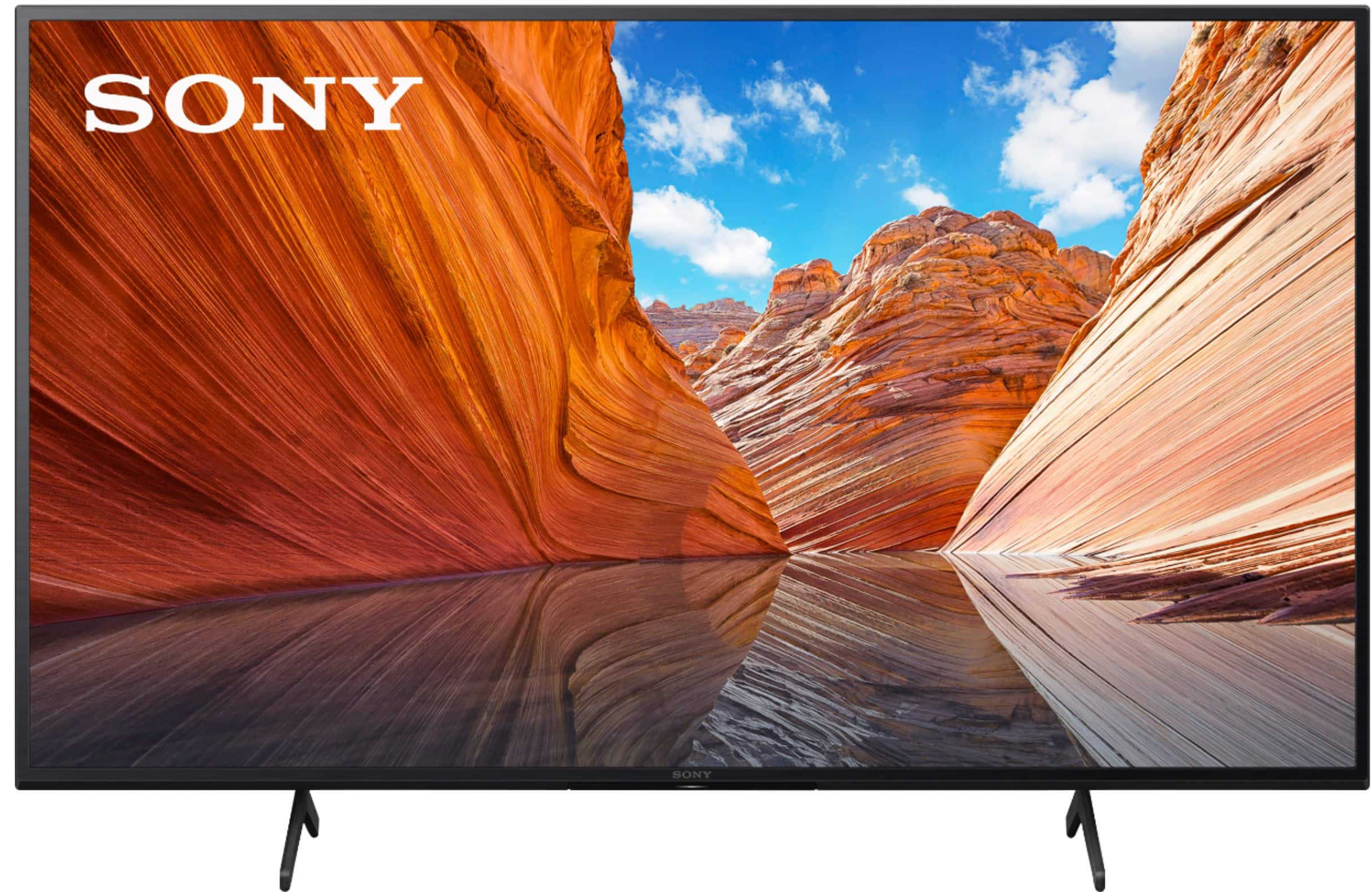
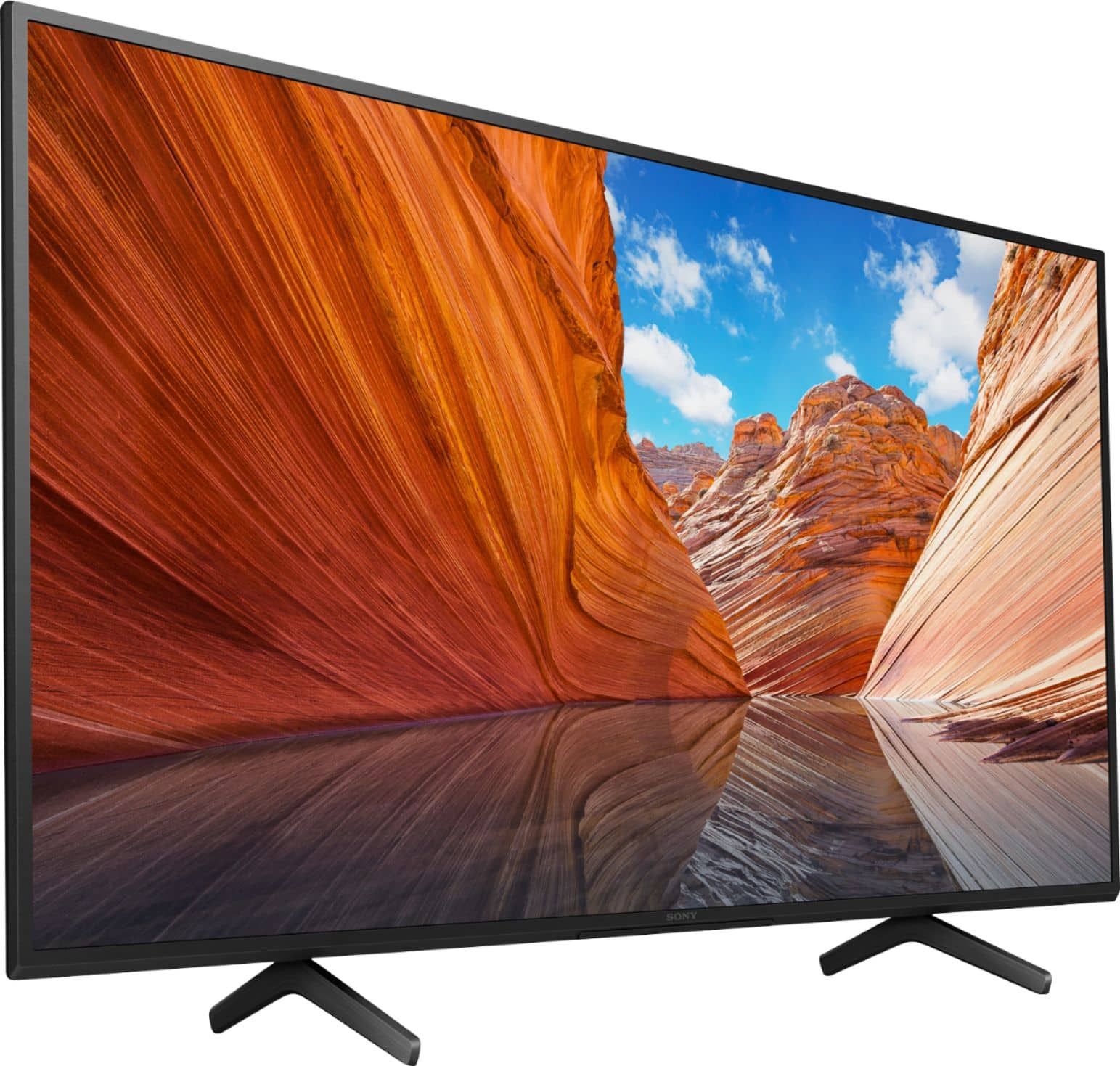
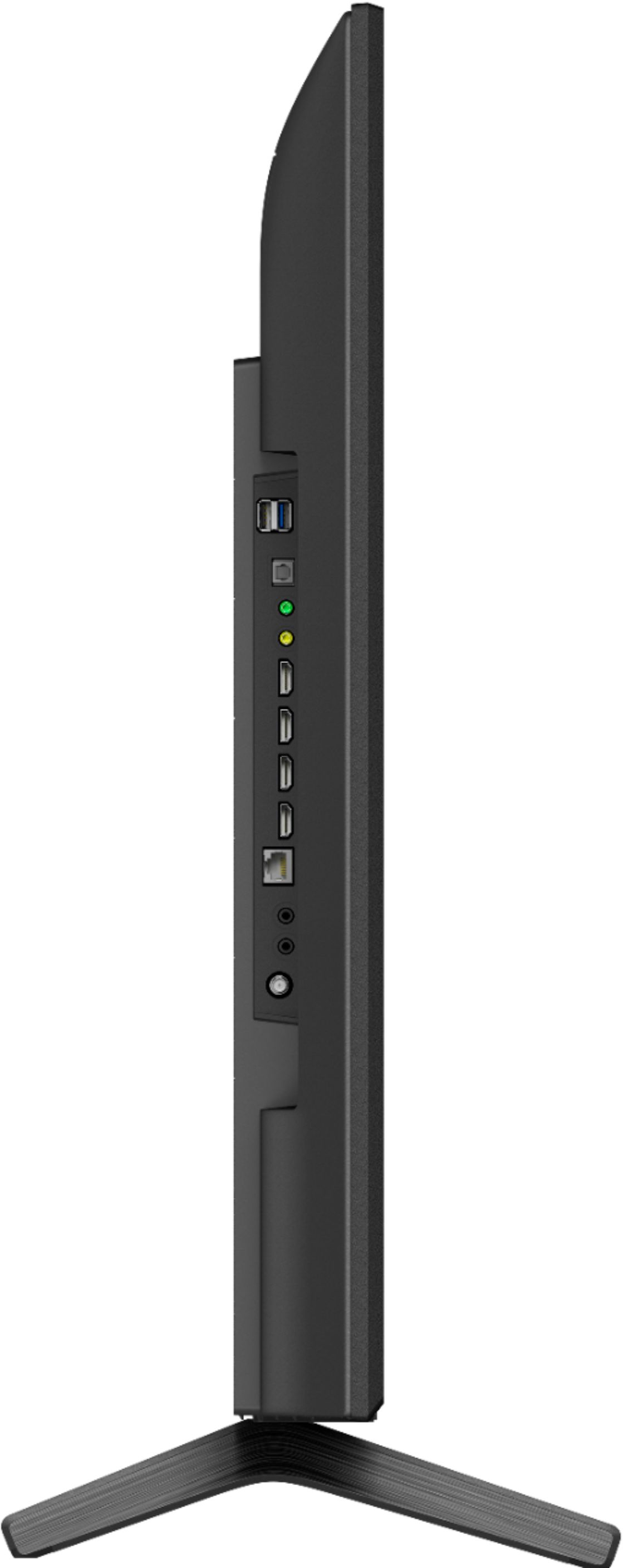
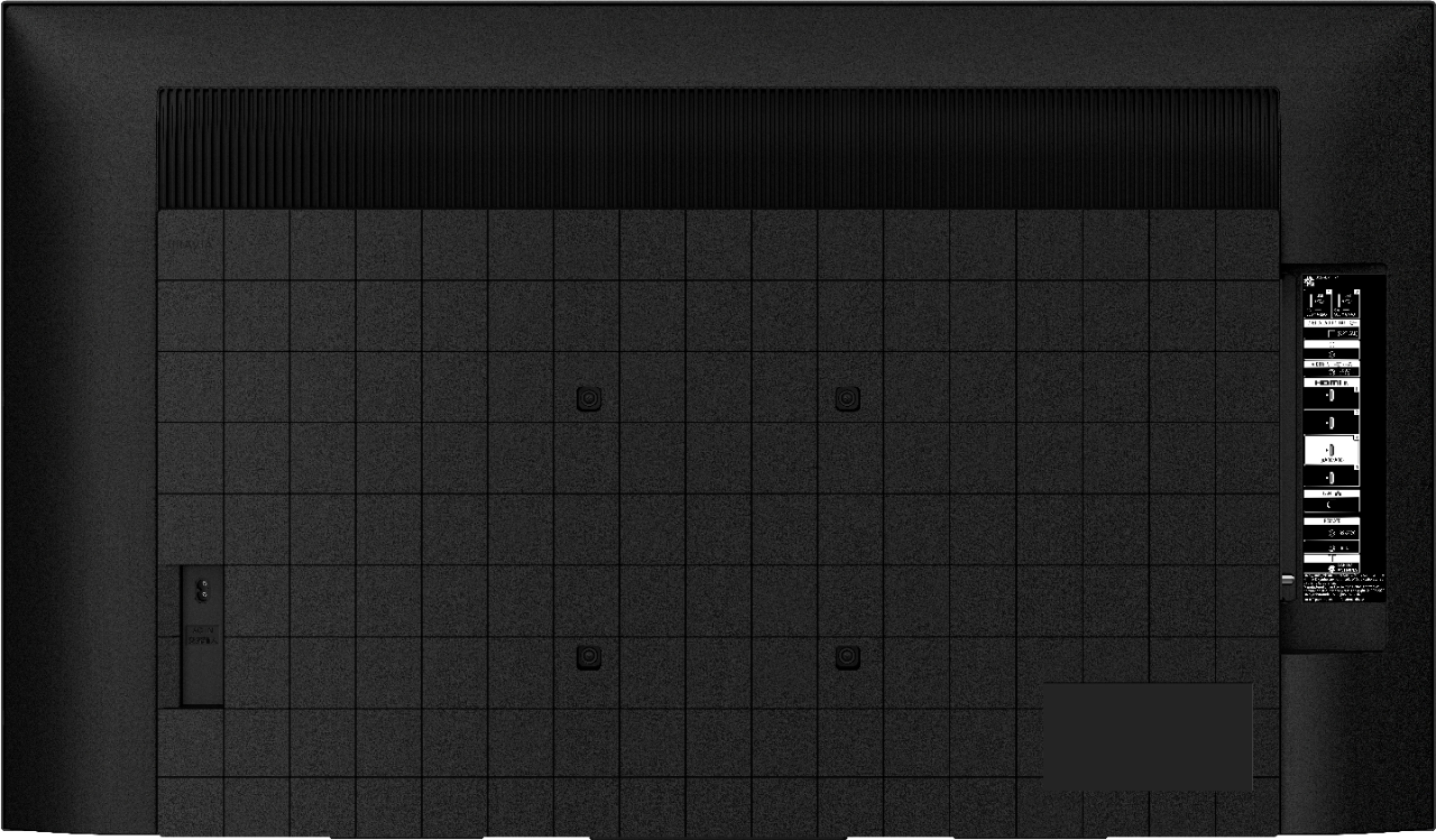



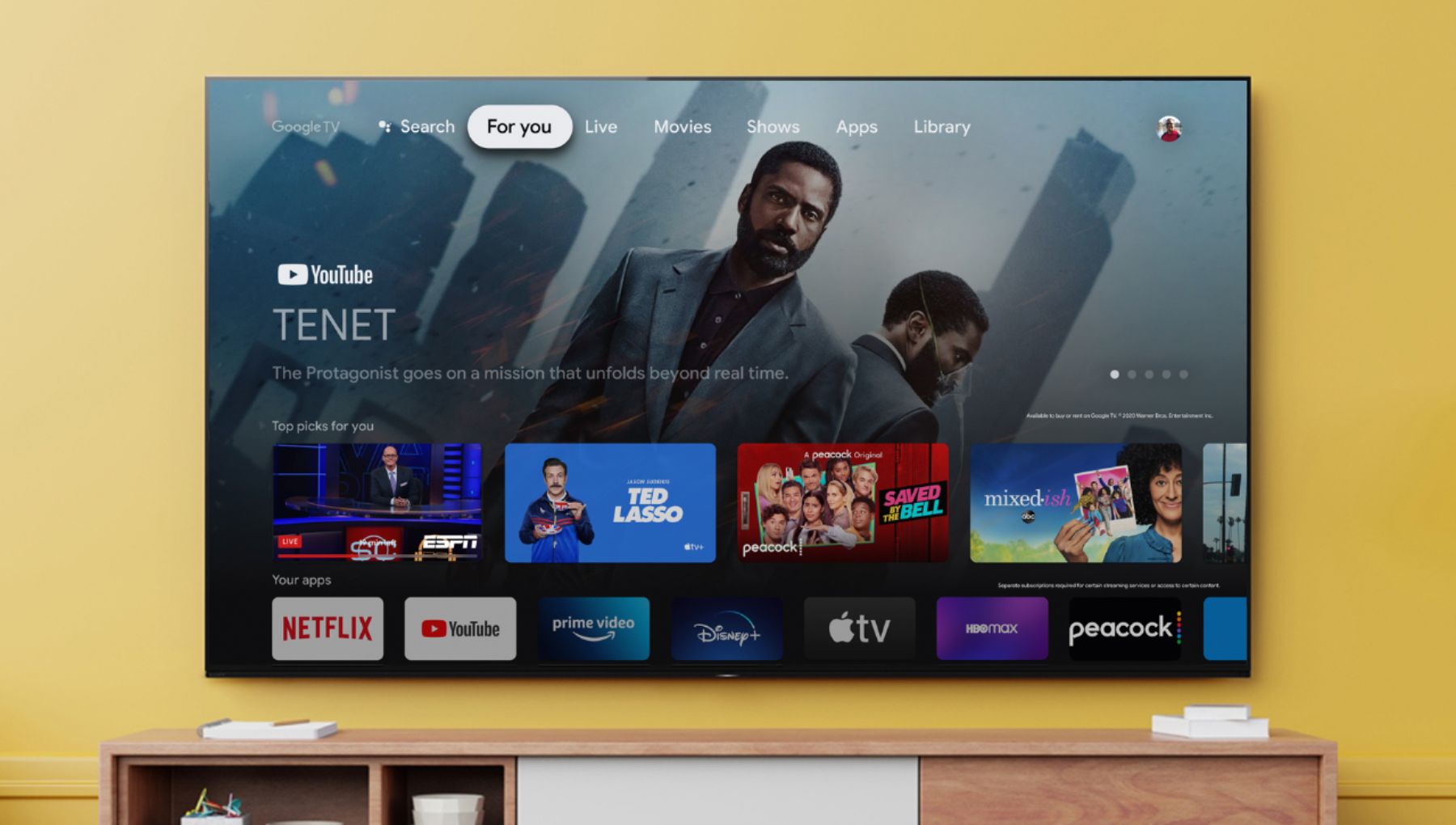




- Model:
- KD50X80J
- SKU:
- 6453619
Rating by feature
- Picture Quality
Rating 4.7 out of 5 stars
- Sound Quality
Rating 4.5 out of 5 stars
- Brightness
Rating 4.7 out of 5 stars
Customers are saying
Customers admire the Sony 50" Class X80J Series LED 4K UHD Smart Google TV for its exceptional picture quality, with many praising its outstanding clarity and vibrant colors. The TV's user-friendly interface and easy setup process are also highly appreciated, making it a breeze to integrate into any entertainment system. While some users have expressed concerns about the remote control's compatibility with certain devices and the viewing angles, the overall positive feedback highlights the TV's excellent value for the price.
This summary was generated by AI based on customer reviews.
4k is about like my 401k???
||Posted . Owned for 7 months when reviewed.This reviewer received promo considerations or sweepstakes entry for writing a review.The tv works but the 4k even with 4k movie and matching DVD player is not what i expected. My 13 yr old tv and blu-ray player puts this to shame. Still want to get rid of this on a switch back to the last brand i had
No, I would not recommend this to a friendBrand response from SonyListens
Posted .Hi Starsky,
We're sorry to hear about your issue with this TV. We apologize for the inconvenience. You can configure various settings related to the TV display such as color and brightness for picture quality, or screen size. The actual display may vary or some settings may not be available depending on your model/country/region and the content you are watching. Press the (Quick Settings) button on the remote control, then select [Settings] — [Display & Sound] — the desired option.
If you are unable to resolve your concern, may we contact you to help? If so, please email the below information to socialsupport@am.sony.com or chat with us from Sony’s e-support webpage. Apologies if you disclosed some of this information in your review and to customer service, we just want to ensure that we have your accurate details at the time of communication.
Full Name:
Best Buy Username:
Telephone Number:
Sony Model Number:
Additional Information regarding your experience with the X80J:
We are sorry for the inconvenience and hope to speak to you to resolve this matter. We appreciate you and thanks again for shopping Sony!
Sincerely,
Jay
- Pros mentioned:Picture quality
Not good for casting
||Posted . Owned for 3 weeks when reviewed.This reviewer received promo considerations or sweepstakes entry for writing a review.Sony's TV has a great picture and sound but I purchased it solely to cast my computer to and it would not all that to happen. Returned it for a Samsung which connected immediately.
I would recommend this to a friendBrand response from SonyListens
Posted .Hi bumper,
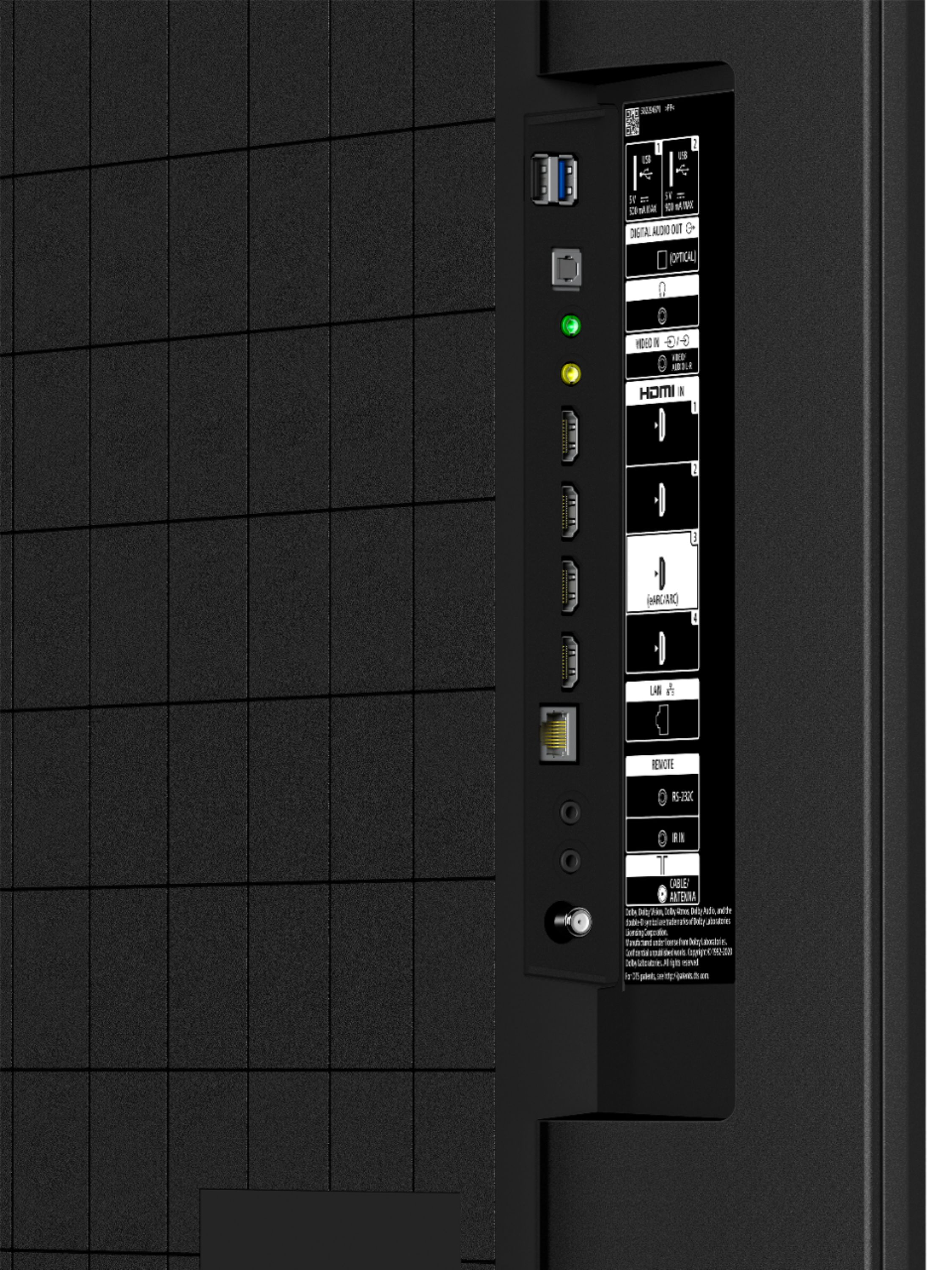
We're sorry to hear that you returned this TV. We apologize for the inconvenience. The KD50X80J has Chromecast built-in. Refer to this link for more details: https://www.sony.com/electronics/support/televisions-projectors-lcd-tvs-android-/kd-50x80j/articles/00135368
In any case that you need our assistance, please email the below information to socialsupport@am.sony.com or chat with us from Sony’s e-support webpage. Apologies if you disclosed some of this information in your review and to customer service, we just want to ensure that we have your accurate details at the time of communication.
Full Name:
Best Buy Username:
Telephone Number:
Sony Model Number:
Additional Information regarding your experience with the X80J:
We are sorry for the inconvenience and hope to speak to you to resolve this matter. We appreciate you and thanks again for shopping Sony!
Sincerely,
Jay
Underwhelmed
||Posted . Owned for 2 months when reviewed.This reviewer received promo considerations or sweepstakes entry for writing a review.Nice, but TV is a bit thick and cheap materials.. Replaced older Sony. New Sony is thicker and made of much more plastic. Screwing coax cable in and you can sense the control board being flexed. Disappointing.
No, I would not recommend this to a friendBrand response from SonyListens
Posted .Hi TheDad,
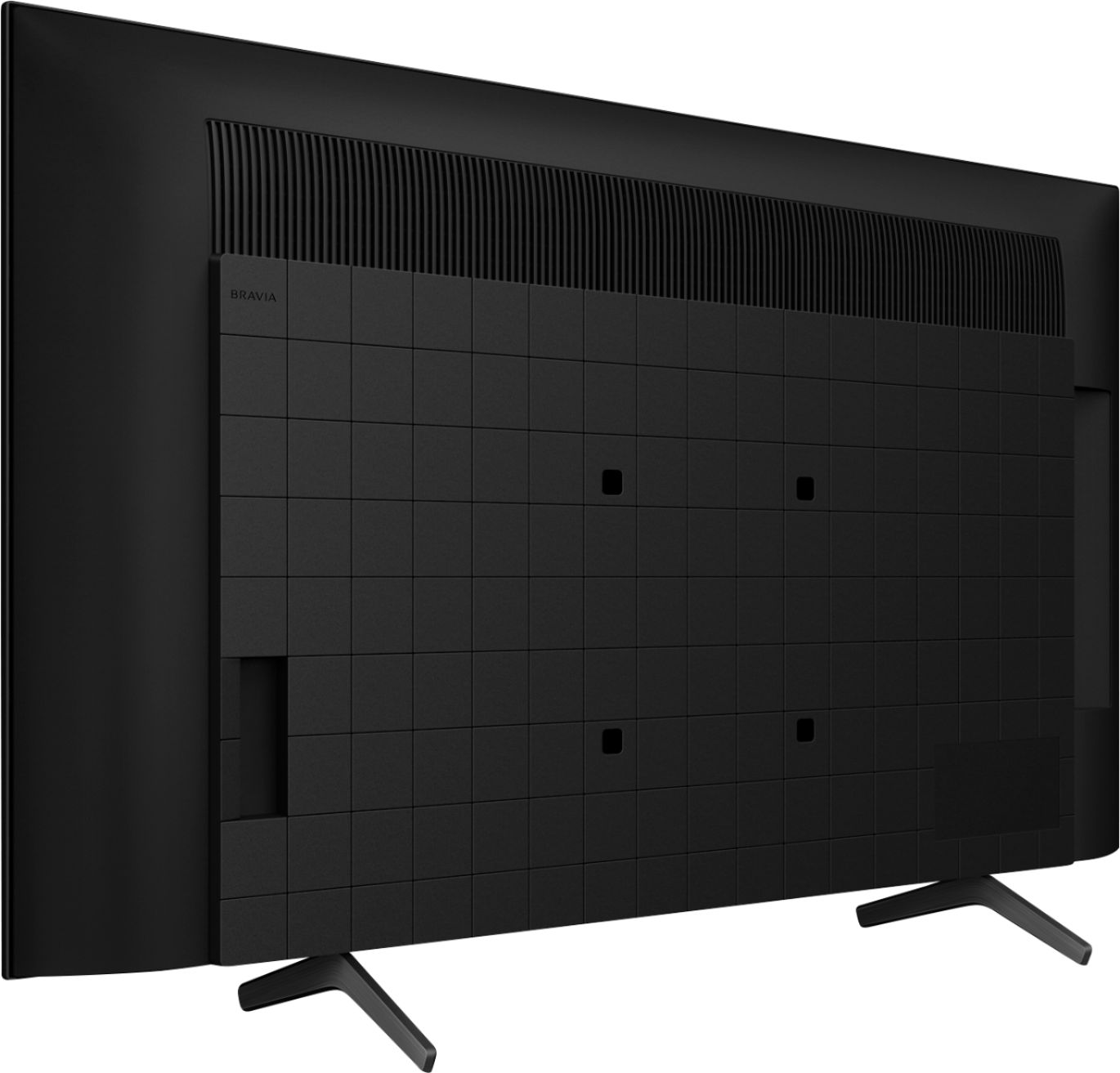
We're sorry to hear about your issue with the TV. With growing demand for ever larger TV screens, there is also the risk of greater resource and energy use. However, Sony’s sustainability commitments are realizing efficiency gains from development right through to watching TV. With BRAVIA, you can enjoy the most immersive TV experiences and stunning designs, right alongside innovations that help reduce non-renewable resource use and environmental impact. We are fully integrating virgin plastic reduction efforts, from packaging to large parts such as the rear cover of the main body. Through consideration of every design aspect, from material development to aesthetics, we continue to increase our use of recycled material without sacrificing design. Sony-developed SORPLAS™ recycled plastics are used for covers of A80 series—55 inch to reduce overall virgin plastic use by approximately 50% and achieve a high-quality finish.
In any case that you need our assistance, please email the below information to socialsupport@am.sony.com or chat with us from Sony’s e-support webpage. Apologies if you disclosed some of this information in your review and to customer service, we just want to ensure that we have your accurate details at the time of communication.
Full Name:
Best Buy Username:
Telephone Number:
Sony Model Number:
Additional Information regarding your experience with the X80J:
We are sorry for the inconvenience and hope to speak to you to resolve this matter. We appreciate you and thanks again for shopping Sony!
Sincerely,
Jay
We love Sony TV’s
||Posted . Owned for 3 weeks when reviewed.This reviewer received promo considerations or sweepstakes entry for writing a review.We purchase a larger Sony TV for our family room and loved it, so when our Vizio that was in our bedroom stopped working we knew we were getting another Sony.
I would recommend this to a friendBrand response from SonyListens
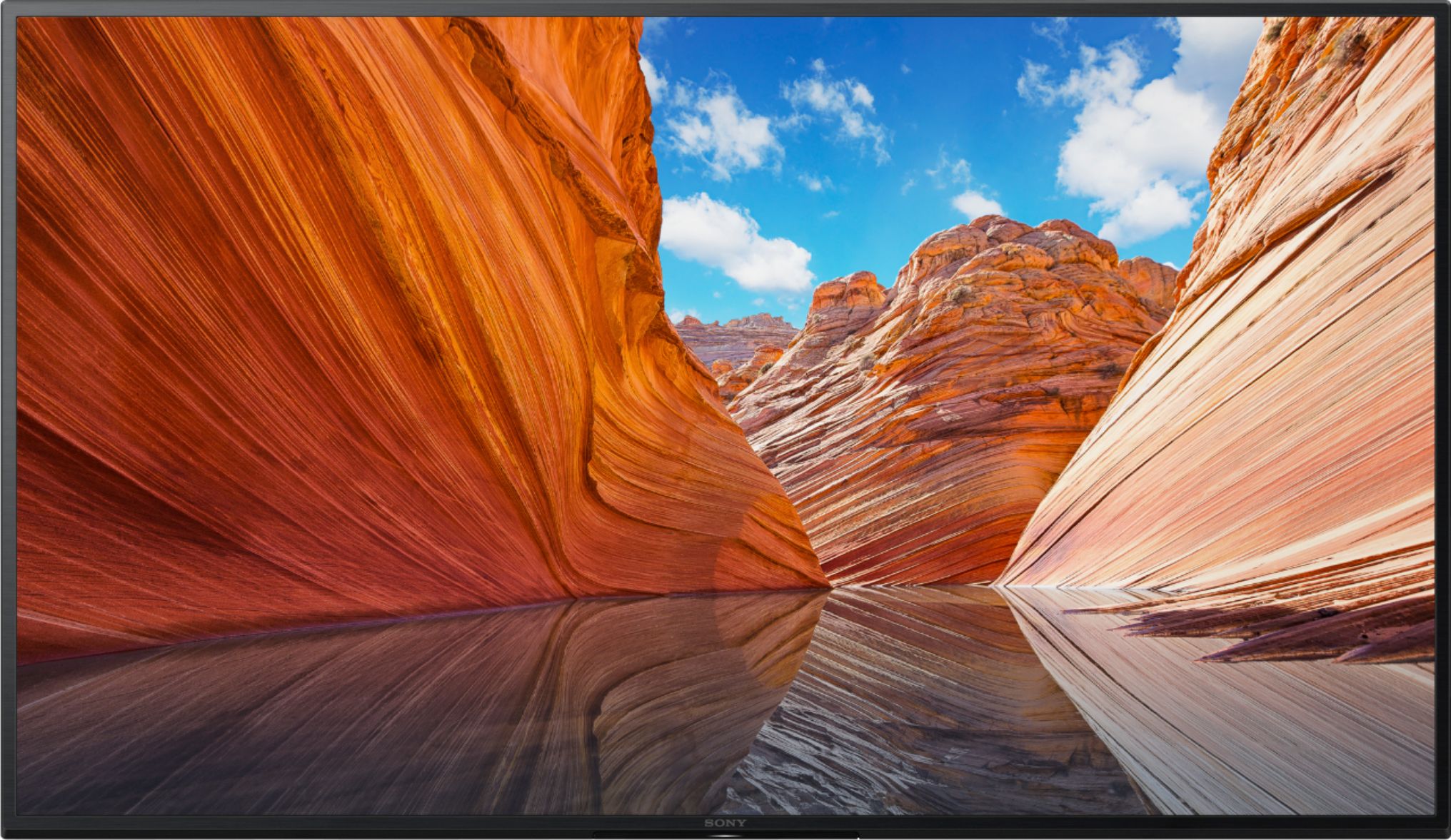
Posted .Hi Marc, Awesome! We're glad that you are willing to purchase another Sony TV. Enjoy an intuitive smart TV experience with natural color and clear sound with the BRAVIA X80J LED TV. The powerful 4K HDR Processor X1 reduces digital noise and boosts details for lifelike picture quality. Thank you for giving the product a perfect rating! Jay
Decent tv with some issues.
||Posted . Owned for 1 month when reviewed.This reviewer received promo considerations or sweepstakes entry for writing a review.A decent TV but has annoying grayish corners in light scenes.
No, I would not recommend this to a friendBrand response from SonyListens
Posted .Hi drbryant,
We're sorry to hear about your concern regarding the picture quality of the TV. You can configure various settings related to the TV display such as color and brightness for picture quality, or screen size. Press the (Quick Settings) button on the remote control, then select [Settings] — [Display & Sound] — the desired option.
If you are unable to resolve your concern, may we contact you to help? If so, please email the below information to socialsupport@am.sony.com or chat with us from Sony’s e-support webpage. Apologies if you disclosed some of this information in your review and to customer service, we just want to ensure that we have your accurate details at the time of communication.
Full Name:
Best Buy Username:
Telephone Number:
Sony Model Number:
Additional Information regarding your experience with the X80J:
We are sorry for the inconvenience and hope to speak to you to resolve this matter. We appreciate you and thanks again for shopping Sony!
Sincerely,
Jay
Good but could be so much better!!!
||Posted . Owned for 3 weeks when reviewed.This reviewer received promo considerations or sweepstakes entry for writing a review.Picture looks good but I'm having a ton of problems with the tv and the hdmi features on my PS5 and my Xbox series x
No, I would not recommend this to a friendBrand response from SonyListens
Posted .Hello Looni610,
We do apologize for the inconvenience. Please allow us to help you and turn this into a better experience. This article is relevant to your PlayStation concern, kindly check it and see if it's going to resolve your issue.
https://www.sony.com/electronics/support/articles/00167189?model=KD-50X80J/
If you need further assistance, we are more than happy to help you out. Please email us at socialsupport@am.sony.com with the following details:
Name:
Best Buy Username:
Model Number:
Issue:
Telephone Number:
Regards,
David
Tv may have been too big or too close to my couch?
||Posted . Owned for 1 month when reviewed.This reviewer received promo considerations or sweepstakes entry for writing a review.Made a video https://youtu.be/D7pGLkGPF0Q The picture quality was not good. I only tried to cable television quality & I could not get used to it. It could have been that the TV was too close to my couch and it was to big because of the distance from the couch? I never tried a 1080p or 4k signal with this television.
No, I would not recommend this to a friendBrand response from SonyListens
Posted .Hi DhowTo, Thanks for reaching out and for sharing your experience. We're sad to hear that you are not satisfied with the picture quality of the TV. The quality of the picture that your TV displays rely mostly from the source. Kindly verify from your cable provider to determine the display resolution from your cable box. Regardless, the powerful 4K HDR Processor X1 reduces digital noise and boosts details for you to enjoy lifelike picture quality. We recommend you try other digital sources so you can see the awesome and high quality resolution your TV can offer. You can still try adjusting the picture settings of your TV depending on your preference. https://helpguide.sony.net/tv/iusltn1/v1/en-003/01-03-09_01.html
As for the viewing distance, the recommended distance for comfortable viewing depends on the video or program you are watching, the viewing environment, and the physical conditions of the person watching it. When watching the TV from a suitable distance, we recommend to look away from the TV every now and then, or try watching it at a different viewing angle. Check the link for more details. https://www.sony.com/electronics/support/televisions-projectors/articles/00008601
Hope this help, -Craig
Electrocution, I could have died!
||Posted . Owned for 9 months when reviewed.This reviewer received promo considerations or sweepstakes entry for writing a review.I have this Sony 50" KD50X80J TV. DO NOT BUY THIS TV. I bought this last Aug 2021. After a couple months the TV started to make small crackling sounds, a few here and there. On May 25, 2022 the TV would not turn on. I changed the batteries in the remote. Still nothing. Lucky my husband was home. He checked it out with his voltage tool. If I would have touched the rabbit ears or the Amazon Fire Stick I would have been electrocuted. Sony's response was we will replace the power supply and give you 6 more months of warranty. Why when the TV did not have power was it sending power to the other things plugged in to it? They want me to trust the new power supply will not also fail. I asked for my money back, they said NO!
No, I would not recommend this to a friendBrand response from SonyListens
Posted .Hi JGilroy109,
We're sorry to hear about what happened to the TV. We apologize for any inconvenience that you experienced. We'd love to review the issue of the TV. In any case that you need our assistance, please email the below information to socialsupport@am.sony.com or chat with us from Sony’s e-support webpage. Apologies if you disclosed some of this information in your review and to customer service, we just want to ensure that we have your accurate details at the time of communication.
Full Name:
Best Buy Username:
Telephone Number:
Sony Model Number:
Additional Information regarding your experience with the X80J:
We are sorry for the inconvenience and hope to speak to you to resolve this matter. We appreciate you and thanks again for shopping Sony!
Sincerely,
Jay
Very OKish
||Posted . Owned for 2 weeks when reviewed.This reviewer received promo considerations or sweepstakes entry for writing a review.Mehhhhhhhhhhhhhhhhhhh....it’s a fine TV. You definitely get what you pay for here!
No, I would not recommend this to a friendBrand response from SonyListens
Posted .Hi tVtvTv, Thank you for the feedback on your experience with your new KD50X80J. To fully utilize your new Sony TV, we can offer assistance on how to set up or operate the features and functions of your Sony TV by visiting our Sony Support website to download the help guide and look for additional information about your product. Also, you can chat with one of our agents who would be glad to help.
Enjoy an intuitive smart TV experience with natural color and clear sound with the BRAVIA X80J LED TV. The powerful 4K HDR Processor X1 reduces digital noise and boosts details for lifelike picture quality. Google TV gives you access to all your favorite streaming apps, while Google Assistant easily searches for content and controls your smart home simply by using your voice. Thanks for choosing Sony! -Sam
Nice tv
||Posted . Owned for 2 weeks when reviewed.This reviewer received promo considerations or sweepstakes entry for writing a review.Nice TV. We just weren't impressed with the color after a couple weeks.
I would recommend this to a friendBrand response from SonyListens
Posted .Hi KP88,
We're sorry to hear about what happened. You can configure various settings related to the TV display such as color and brightness for picture quality, or screen size. The actual display may vary or some settings may not be available depending on your model/country/region and the content you are watching. Press the (Quick Settings) button on the remote control, then select [Settings] — [Display & Sound] — the desired option.
If you are unable to resolve your concern, may we contact you to help? If so, please email the below information to socialsupport@am.sony.com or chat with us from Sony’s e-support webpage. Apologies if you disclosed some of this information in your review and to customer service, we just want to ensure that we have your accurate details at the time of communication.
Full Name:
Best Buy Username:
Telephone Number:
Sony Model Number:
Additional Information regarding your experience with the X80J:
We are sorry for the inconvenience and hope to speak to you to resolve this matter. We appreciate you and thanks again for shopping Sony!
Sincerely,
Jay
Disappointed
||Posted . Owned for 1 week when reviewed.This reviewer received promo considerations or sweepstakes entry for writing a review.We spent great deal of time reviewing TV's with the salesperson who was very helpful. However, we got the TV home plugged it in and the right side of the screen had various colors of squiggly lines. There was readable words on the left side. So we had to drive back to the store about 20 miles and return it. They did take it back with no problems. It said on the box for 2 people to handle it, however only one person brought it out to our car ???? maybe something happened on the way....
No, I would not recommend this to a friendSony 50 in.
||Posted . Owned for 3 weeks when reviewed.This reviewer received promo considerations or sweepstakes entry for writing a review.I purchased this tv 3 weeks ago after lots of researching. So far so good. I love everything about this tv.
I would recommend this to a friendBrand response from SonyListens
Posted .Hi Dezi,
Thank you for choosing and purchasing our Sony X80J BRAVIA 4K HDR Google TV. While we're glad you love everything on your new Bravia TV, we regret to know about the 2 star review with this TV. We hope that you will be willing to revise your review based on your further experiences with this exceptional TV.
Please note we have a customer hotline that is happy to assist you and help troubleshoot any concerns you have, and your TV has a 1-year warranty from the date of purchase.
If there is something that we can help you with, please follow the instruction below on how to contact us.
May we contact you to help? If so, please email the below information to socialsupport@am.sony.com.
Apologies if you disclosed some of this information in your review and to customer service, we just want to ensure that we have your accurate details at the time of communication.
Full Name:
Best Buy Username:
Telephone Number:
Sony TV Model Number:
Additional Information regarding your experience with the X80J:
We appreciate you and thanks again for shopping Sony!
Sincerely,
Jess
DON'T BUY IT!
||Posted . Owned for 6 months when reviewed.This reviewer received promo considerations or sweepstakes entry for writing a review.While it was a nice tv for a while, it broke after six months between when we turned it off one night and when we turned it back on the next morning for no good reason. And, on Christmas Eve. All they can do is 'have someone call you in one to three days to set up service.' No TV on Christmas Eve or Christmas Day and no urgency to help. Won't buy another Sony.
No, I would not recommend this to a friendBrand response from SonyListens
Posted .Hi Notafan, we're sorry to hear that you have an issue with your TV when you are on holidays. We would like to check your file so we can better assist you. Please email the below information to socialsupport@am.sony.com.
Apologies if you disclosed some of this information in your review and to customer service, we just want to ensure that we have your accurate details at the time of communication.
Full Name:
Best Buy Username:
Telephone Number:
Sony TV Model Number:
Case Number:
Additional Information regarding your experience with the X80J
We are sorry for the inconvenience and hope to speak to you to resolve this matter.
We appreciate you and thanks again for shopping Sony!
Sincerely,
Earl
Not a fan
||Posted . Owned for 3 weeks when reviewed.This reviewer received promo considerations or sweepstakes entry for writing a review.I am not a fan of the TV. The tv is programmed to mainly work with apps
No, I would not recommend this to a friendBrand response from SonyListens
Posted .Hi ReneeW,
Thank you for taking the time to review the X80J TV. One of the features of this Google TV is the pre-installed streaming services, apps and enjoying downloading the compatible applications from the Google Play Store on this TV. If you directly connect this TV to an antenna, use Auto Program to scan for available channels. Also, you can connect this TV to the cable box provider. https://www.sony.com/electronics/support/televisions-projectors-lcd-tvs-android-/kd-50x80j/articles/00158454
This TV is a ATSC/ATSC 3.0 (NEXTGEN TV). NextGen TV™ (ATSC 3.0) is the latest version of over-the-air antenna TV and brings several improvements over the previous ATSC 1.0 standard including better reception, up to 4K Ultra HDTV video with movie theater-quality sound, more channels, mobile viewing on the go, on-demand internet content, and more.
With the Chromecast Built-in, just one tap of the Cast button on your Android or iOS screen is all you need to supersize the things you love. Cast your content then continue browsing on your phone or tablet. Also, the X80J works with Apple AirPlay / Apple HomeKit. Please check your TV model at our Sony eSupport website for product updates and announcements.
In any case that you need our assistance, please email the below information to socialsupport@am.sony.com or chat with us from Sony’s e-support webpage. Apologies if you disclosed some of this information in your review and to customer service, we just want to ensure that we have your accurate details at the time of communication.
Full Name:
Best Buy Username:
Telephone Number:
Sony Model Number:
Additional Information regarding your experience with the X80J:
We are sorry for the inconvenience and hope to speak to you to resolve this matter. We appreciate you and thanks again for shopping Sony!
Sincerely,
Jay
Exchanged for Oled
||Posted . Owned for 1 month when reviewed.This reviewer received promo considerations or sweepstakes entry for writing a review.Don’t naked good tv but this one is too thick. Quality is not good I exchanged for oled
No, I would not recommend this to a friendBrand response from SonyListens
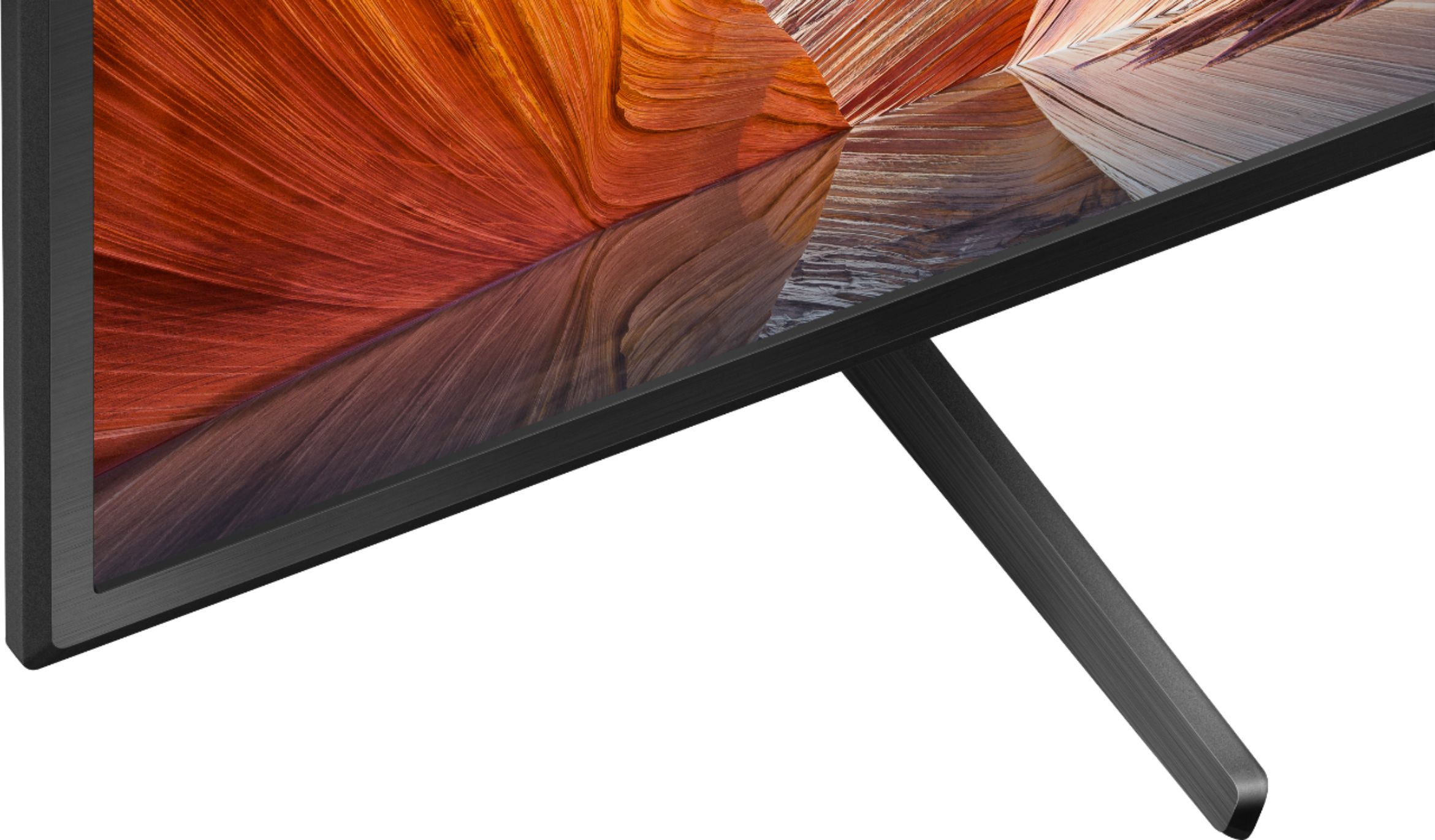
Posted .Hi Debbie, We regret to hear that you exchanged the from this TV to OLED TV. We apologize for the inconvenience. The KD50X80J Designed to complement the sound quality and slimness of the TV with its unique new shape, our X-Balanced Speaker drives movies and music with clear sound. You can enjoy an intuitive smart TV experience with natural color and clear sound with the BRAVIA X80J LED TV. The powerful 4K HDR Processor X1 reduces digital noise and boosts details for lifelike picture quality.
In any case that you need our assistance, please email the below information to socialsupport@am.sony.com or chat with us from Sony’s e-support webpage. Apologies if you disclosed some of this information in your review and to customer service, we just want to ensure that we have your accurate details at the time of communication.
Full Name:
Best Buy Username:
Telephone Number:
Sony Model Number:
Additional Information regarding your experience with the X80J:
We are sorry for the inconvenience and hope to speak to you to resolve this matter. We appreciate you and thanks again for shopping Sony!
Sincerely,
Jay
Bad for Apple Customers.
||Posted .This reviewer received promo considerations or sweepstakes entry for writing a review.Do not buy, hundreds of people online stating same issue with AppleTV app and other issues related to Apple products
No, I would not recommend this to a friendBrand response from SonyListens
Posted .Hi Cull,
We regret to hear that you're having issue with the TV. This is definitely not the experience we wanted you to have on our products. We apologize for the inconvenience. To use the Apple TV app, AirPlay, and HomeKit, you will need to enable the Sony Smart TV services via the BRAVIA™ TV Privacy Policy. If you experience Apple TV access or connection issues when pairing to an Apple device using the AirPlay app, follow these steps to resolve the issue:
Restart your Apple device.
Enable the Sony Smart TV services via the Privacy Policy screen.
On the supplied TV remote, press the HELP button.
Go to Status & Diagnostics, and then select Privacy settings.
On the Privacy Policy screen, read the privacy policy, if you agree, scroll down to the very bottom of the policy, and then agree, at least with respect to Sony Smart TV services, or select the Agree to all option if you desire.
On the TV remote control, press the Input button, and then select AirPlay from the input selection to display the AirPlay menu.
If you are unable to resolve your concern, may we contact you to help? If so, please email the below information to socialsupport@am.sony.com or chat with us from Sony’s e-support webpage. Apologies if you disclosed some of this information in your review and to customer service, we just want to ensure that we have your accurate details at the time of communication.
Full Name:
Best Buy Username:
Telephone Number:
Sony Model Number:
Additional Information regarding your experience with the X80J:
We are sorry for the inconvenience and hope to speak to you to resolve this matter. We appreciate you and thanks again for shopping Sony!
Sincerely,
Jay
Don’t like it
||Posted . Owned for 1 month when reviewed.This reviewer received promo considerations or sweepstakes entry for writing a review.I don’t like the picture view and I will like to exchange it for a better one…
No, I would not recommend this to a friendBrand response from SonyListens
Posted .Hi Odin,
We're sorry to hear that you're having issue with the picture view of this TV. We apologize for the inconvenience. The X80J doesn't have X-Wide Angle like the X950H. To improve the viewing experience with the TV, configure various settings related to the TV display such as color and brightness for picture quality, or screen size. Press the (Quick Settings) button on the remote control, then select [Settings] — [Display & Sound] — the desired option.
If you are unable to resolve your concern, may we contact you to help? If so, please email the below information to socialsupport@am.sony.com or chat with us from Sony’s e-support webpage. Apologies if you disclosed some of this information in your review and to customer service, we just want to ensure that we have your accurate details at the time of communication.
Full Name:
Best Buy Username:
Telephone Number:
Sony Model Number:
Additional Information regarding your experience with the X80J:
We are sorry for the inconvenience and hope to speak to you to resolve this matter. We appreciate you and thanks again for shopping Sony!
Sincerely,
Jay
- Pros mentioned:Picture qualityCons mentioned:Viewing angle
Flawless streaming, upscales many TV,dvd,vcr items
Posted .This reviewer received promo considerations or sweepstakes entry for writing a review.Owned 6 months now. Picture superior, colors are realistic the shades of them not overdone. Streaming, mostly YouTube vids flawless. No buffering ever. Purchased the needed adapter for my 10-year-old DVD and VCR players. Most all of my older discs and tapes appeared upscaled as well as were most older TV shows except for ones that probably were recorded at a different speed, as Sony upscaling starts at 480p. 4K is the big plus. I feel like being immersed within the Picture with the larger 50" screen. Preferred 55"+ but my home area is small. 2 calls to Sony Customer services were very positive. From other reviews I read about certain issues I felt that some of these were addressed within my tv from the start up. Example: when turning on it will always go to the google start page and from there I hit TV button and it will always go the last channel I watched. I like the remote it has it all on one platform including operating my Sony dvd player and Sony sound bar. I also found the screen on mine can be seen clearly from almost up to an 180 degree angle. I even see it clearly from my kitchen which is about 15 feet away. At 180 angle the pic loses some of the color. The "night" views of say Las Vegas vids and others are super clear, the lighting is so bright and enhanced it is like your there. I had a Sony Vega Trinitron 32" for 12 years and finally decided it was time to upgrade. Two great choices.
I would recommend this to a friendBrand response from SonyListens
Posted .Hi Wellpleasedsenior,
Amazing! You've made a great choice! We are so happy that you are satisfied with the exceptional picture quality, smooth streaming function, outstanding features- like the Bravia Sync & upscaling, great customer support, user-friendly remote control, and overall performance of our X80J.
Enjoy an intuitive smart TV experience with natural color and clear sound with the BRAVIA X80J LED TV. The powerful 4K HDR Processor X1 reduces digital noise and boosts details for lifelike picture quality. Google TV gives you access to all your favorite streaming apps, while Google Assistant easily searches for content and controls your smart home simply by using your voice.
Thank you so much for the perfect star review and for choosing Sony!
- Romeo
Not great
||Posted . Owned for 3 weeks when reviewed.This reviewer received promo considerations or sweepstakes entry for writing a review.No remote ..tv never worked properly and picture was not impressive ..just went with the Sony oiled instead
No, I would not recommend this to a friendBrand response from SonyListens
Posted .Hi Michaeljr,
Thank you for choosing and purchasing our X80J Series LED 4K UHD Smart Google TV. This is definitely not the news that we would like to hear. Please allow us to help you and turn this into a better experience.
If the television was purchased as an open box unit, the supplied accessories might not be included. If it is not an open box unit, we're happy to help you out with your missing remote control and picture issue.
For further assistance, please email the below information to socialsupport@am.sony.com. Apologies if you disclosed some of this information in your review and to customer service, we just want to ensure that we have your accurate details at the time of communication.
Full Name:
Best Buy Username:
Telephone Number:
Sony TV Model Number:
Additional Information regarding your experience with the X80J
We are sorry for the inconvenience and hope to speak to you to resolve this matter.
Regards,
David
- Pros mentioned:Picture quality
Positively Thrilled with this Television!
Posted .This reviewer received promo considerations or sweepstakes entry for writing a review.My wife and I bought the 50" X80J television as a Xmas gift to each other. She had wanted a "smart" TV for a while. This really appears to have been an excellent choice. Picture quality is superb. Clarity and contrast are far better than our last 46" Sony it replaced. Setup was relatively easy. The ability to move between the normal television channels vs. channels that come with the aps (YouTube, Netflix, etc.) is nothing more than pushing a button. I'm not a TV techie but I have never gone wrong buying Sony. This is the 5th that I've owned over a good many years. Replaced each only to upgrade features and technology. Even the BestBuy tech said that this was one of the best models available. I can only say that I really look forward to watching the college bowl games and NFL championship games as the seasons conclude. Kudos to SONY for the excellence in developing a great smart TV.
I would recommend this to a friendBrand response from SonyListens
Posted .Hi bwdan2003, That's great! We're glad to hear that! Enjoy an intuitive smart TV experience with natural color and clear sound with the BRAVIA X80J LED TV. The powerful 4K HDR Processor X1 reduces digital noise and boosts details for lifelike picture quality. Google TV gives you access to all your favorite streaming apps, while Google Assistant easily searches for content and controls your smart home simply by using your voice. Thank you for choosing Sony! Jay