Customer Ratings & Reviews




- Model:
- KD50X80K
- SKU:
- 6499713
Rating by feature
- Picture Quality
Rating 4.8 out of 5 stars
- Sound Quality
Rating 4.6 out of 5 stars
- Brightness
Rating 4.8 out of 5 stars
Customers are saying
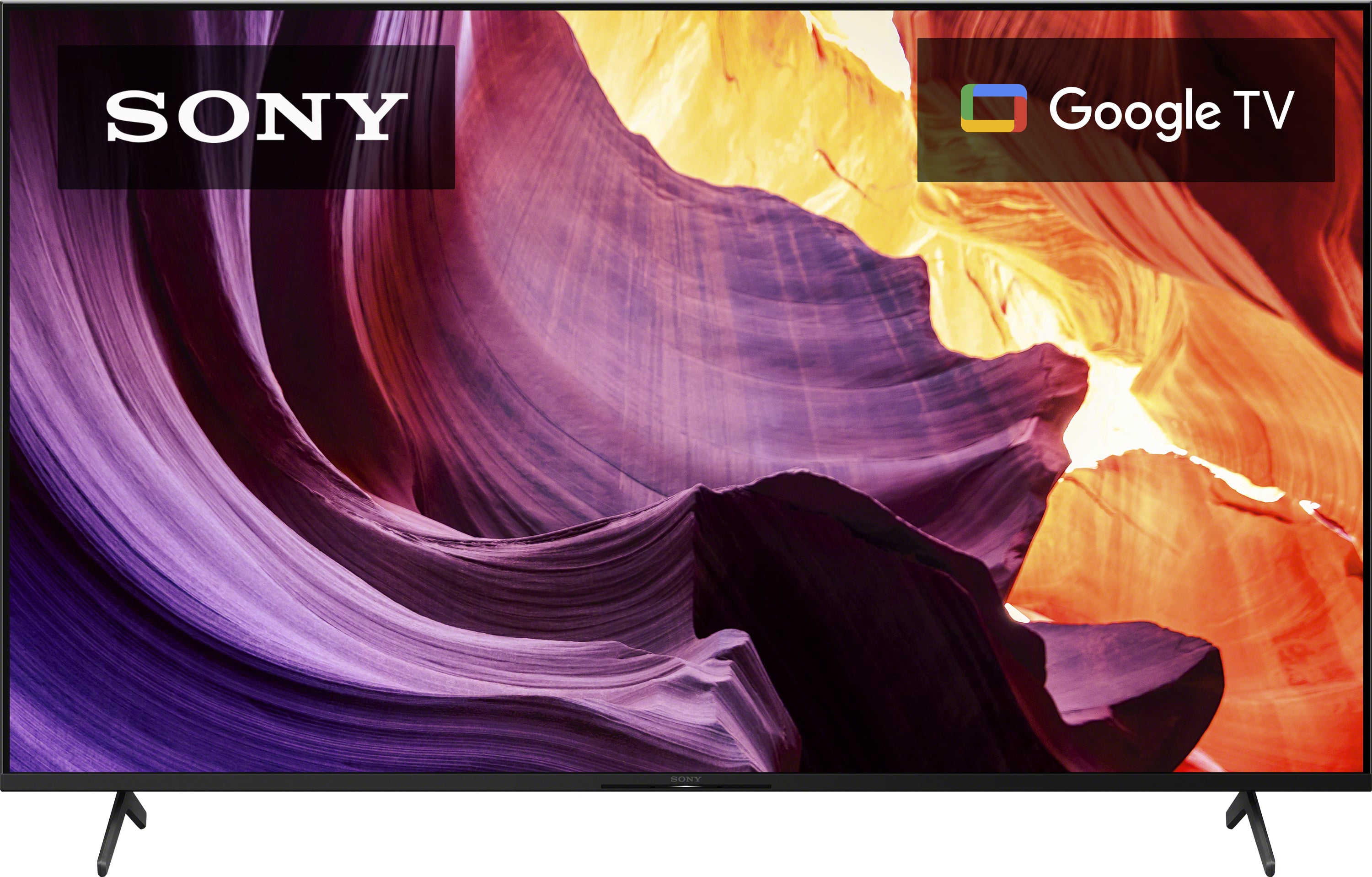
Customers regard the 50" Class X80K LED 4K UHD Smart Google TV's picture quality as excellent, with vibrant colors and clarity. They also appreciate its user-friendly setup, affordable price point, and impressive sound quality. However, some users have expressed concerns about the remote control and occasional freezing issues.
This summary was generated by AI based on customer reviews.
Sony TV
||Posted . Owned for 3 weeks when reviewed.This reviewer received promo considerations or sweepstakes entry for writing a review.Smart tv with great features, accurate color & good clarity.
I would recommend this to a friendBrand response from SonyListens
Posted .Hi GeekSquadRocks, We're glad that you appreciate the features, color and clarity of this TV!
Enjoy an intuitive smart TV experience with natural color and clear sound with the BRAVIA X80K LED TV. The powerful 4K HDR Processor X1 reduces digital noise and boosts details for lifelike picture quality. Thanks for sharing your review! Jay
Tv great
||Posted . Owned for 3 weeks when reviewed.This reviewer received promo considerations or sweepstakes entry for writing a review.Tv great the most incredible greatness of tv that can be great
I would recommend this to a friendBrand response from SonyListens
Posted .Hi Tvgreat, Thank you for the amazing feedback! Enjoy an intuitive smart TV experience with natural color and clear sound with the BRAVIA X80K LED TV. The powerful 4K HDR Processor X1 reduces digital noise and boosts details for lifelike picture quality. Google TV gives you access to all your favorite streaming apps, while Google Assistant easily searches for content and controls your smart home simply by using your voice. Thanks for choosing Sony! -Sam
New TV
||Posted .This reviewer received promo considerations or sweepstakes entry for writing a review.Very nice to have new TV in my den. also easy to use rimote.
I would recommend this to a friendBrand response from SonyListens
Posted .Hello NewTV, We are glad that you like your new Sony BRAVIA 4K smart Google TV. Our BRAVIA X80K has an intelligent TV processing technology powered by 4K HDR Processor X1 that delivers picture quality full of rich colors and detailed contrast. You will also enjoy the Google TV with Google Assistant which organizes your content all in one place. You can also stream from your Apple device with AirPlay 2 support. This TV has Motionflow XR technology which allows you to see blur-free picture quality in fast-moving sports and movies. Thank you for choosing Sony! Vincent
Home Sports Bar!!!
||Posted . Owned for 3 weeks when reviewed.This reviewer received promo considerations or sweepstakes entry for writing a review.Product is great! Customer Service was above and beyond.
I would recommend this to a friendBrand response from SonyListens
Posted .Hi Geaux,
Thank you for an amazing review! We appreciate how much you like your new TV and great customer service experience. Enjoy an intuitive smart TV experience with natural color and clear sound with the BRAVIA X80K LED TV. The powerful 4K HDR Processor X1 reduces digital noise and boosts details for lifelike picture quality. Google TV gives you access to all your favorite streaming apps, while Google Assistant easily searches for content and controls your smart home simply by using your voice. Thanks for choosing Sony! - Kris
Satisfied customer
||Posted . Owned for 1 month when reviewed.This reviewer received promo considerations or sweepstakes entry for writing a review.I am content with it. It has a lower refresh rate than other TV's I have tried, so it works better for my eyes.
I would recommend this to a friendBrand response from SonyListens
Posted .Hi Joyce, We're glad that you are satisfied with this TV. Enjoy an intuitive smart TV experience with natural color and clear sound with the BRAVIA X80K LED TV. The powerful 4K HDR Processor X1 reduces digital noise and boosts details for lifelike picture quality. Thanks for choosing Sony. Jay
Tv
||Posted .This reviewer received promo considerations or sweepstakes entry for writing a review.This replaced a 10 yo Samsung that lost its Smart capabilities. Was pleased with my XBR in my cave so decided to get another Sony.
I would recommend this to a friendBrand response from SonyListens
Posted .Hi Photodoc, Great! We're glad that you like your TV. Enjoy an intuitive smart TV experience with natural color and clear sound with the BRAVIA X80K LED TV. The powerful 4K HDR Processor X1 reduces digital noise and boosts details for lifelike picture quality. Google TV gives you access to all your favorite streaming apps, while Google Assistant easily searches for content and controls your smart home simply by using your voice. Thanks for choosing Sony! Erin
Basic smart TV
||Posted . Owned for 3 weeks when reviewed.This reviewer received promo considerations or sweepstakes entry for writing a review.Good value for the price point. Color saturated a little muted. Has a washed out quality to the picture.
I would recommend this to a friendBrand response from SonyListens
Posted .Hi PurpleQueen,
Thank you for your time writing this review. We're glad we were able to give you a great deal. We're sorry to hear some issues that you are experiencing with the picture quality of the TV. Allow us to help make this a better experience. Picture quality may also vary depending on the source, connection, and content you are watching. However, you may configure various settings related to the TV display such as color and brightness for picture quality, or screen size. You may refer to this link on how to adjust the picture settings and enhance your viewing experience: https://www.sony.com/electronics/support/televisions-projectors-lcd-tvs-android-/kd-50x80k/articles/00263533
Should you need further assistance, feel free to contact us by sending an email to socialsupport@am.sony.com with the following:
Name:
Best Buy Username:
Telephone Number:
Model Number:
Issue:
Enjoy an intuitive smart TV experience with natural color and clear sound with the BRAVIA X80K LED TV. The powerful 4K HDR Processor X1 reduces digital noise and boosts details for lifelike picture quality. Google TV gives you access to all your favorite streaming apps, while Google Assistant easily searches for content and controls your smart home simply by using your voice. Thanks for choosing Sony! - Kris
Stand is unstable
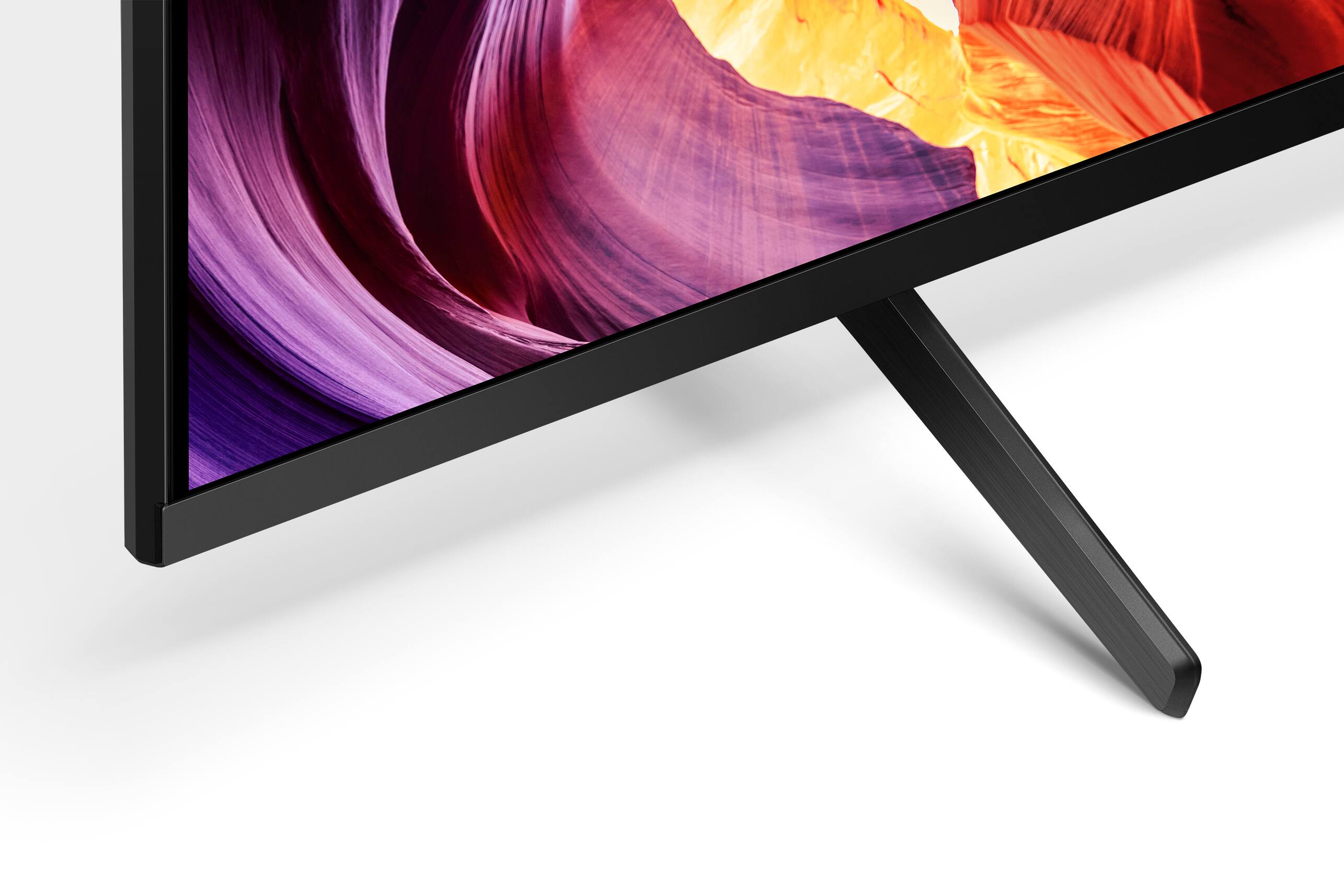
||Posted . Owned for 1 month when reviewed.This reviewer received promo considerations or sweepstakes entry for writing a review.THE TV IS GREAT but the stand to which it is attached slides so easily as to be a hazard.
I would recommend this to a friendSony TV
||Posted .This reviewer received promo considerations or sweepstakes entry for writing a review.took some adjustments to get the color right .Otherwise, we are very happy with Sony.
I would recommend this to a friendBrand response from SonyListens
Posted .Hi ThomasT,
Thank you for your time writing this review. We're glad to hear you are happy with your new Sony TV despite of your difficulties in setting up the picture quality. You may find this link helpful on how to adjust the picture settings and enhance your viewing experience: https://www.sony.com/electronics/support/televisions-projectors-lcd-tvs-android-/kd-50x80k/articles/00263533
In case you need any assistance, feel free to contact us by sending an email to socialsupport@am.sony.com with the following:
Name:
Best Buy Username:
Telephone Number:
Model Number:
Issue:
Enjoy an intuitive smart TV experience with natural color and clear sound with the BRAVIA X80K LED TV. The powerful 4K HDR Processor X1 reduces digital noise and boosts details for lifelike picture quality. Google TV gives you access to all your favorite streaming apps, while Google Assistant easily searches for content and controls your smart home simply by using your voice. Thank you for choosing Sony! - Kris
Sony
||Posted . Owned for 1 month when reviewed.This reviewer received promo considerations or sweepstakes entry for writing a review.Sony always good as expected always easy to hook up and get it on line
I would recommend this to a friendBrand response from SonyListens
Posted .Hi KevinW, We are glad you like your new Sony BRAVIA 4K smart Google TV. You chose the best TV brand. Our BRAVIA X80K has an intelligent TV processing technology powered by 4K HDR Processor X1 that delivers picture quality full of rich colors and detailed contrast. You will also enjoy the Google TV with Google Assistant which organizes your content all in one place. You can also stream from your Apple device with AirPlay 2 support. This TV has Motionflow XR technology which allows you to see blur-free picture quality in fast-moving sports and movies. Thank you for trusting Sony! Vincent
Relax
||Posted .This reviewer received promo considerations or sweepstakes entry for writing a review.Little difficult to add streaming services. Over 70 years old
I would recommend this to a friendBrand response from SonyListens
Posted .Hi Bigal, We are sorry to hear that. If you are having a little issue adding apps such as streaming services app, you may find this link helpful: https://www.sony.com/electronics/support/articles/00147386. Our BRAVIA X80K has an intelligent TV processing technology powered by 4K HDR Processor X1 that delivers picture quality full of rich colors and detailed contrast. You will also enjoy the Google TV with Google Assistant which organizes your content all in one place. You can also stream from your Apple device with AirPlay 2 support. This TV has Motionflow XR technology which allows you to see blur-free picture quality in fast-moving sports and movies. Should you need further assistance, you can email us at socialsupport@am.sony.com. Thank you for choosing Sony! Vincent
Sony tv
||Posted . Owned for 3 weeks when reviewed.This reviewer received promo considerations or sweepstakes entry for writing a review.We are very happy with the selection of our Sony tv.
I would recommend this to a friendBrand response from SonyListens
Posted .Hi JoeB,
Awesome! We're glad you're happy with your purchase. Enjoy an intuitive smart TV experience with natural color and clear sound with the BRAVIA X80K LED TV. The powerful 4K HDR Processor X1 reduces digital noise and boosts details for lifelike picture quality. Google TV gives you access to all your favorite streaming apps, while Google Assistant easily searches for content and controls your smart home simply by using your voice. Thank you for choosing Sony!
Regards,
David
run away!
||Posted . Owned for 1 month when reviewed.This reviewer received promo considerations or sweepstakes entry for writing a review.It didn't work -- wouldn't turn on. So I returned it. The guy at the store plugged it in and agreed with me. It wasn't Best Buy's fault.
No, I would not recommend this to a friendBrand response from SonyListens
Posted .Hi Clinton, we're sorry to hear that you had returned your SONY unit. It is recommended to follow this link when dealing with no power issue or TV does not turn on:
https://www.sony.com/electronics/support/televisions-projectors-lcd-tvs-android-/kd-50x80k/articles/00023331
We have our Support team that is always happy to assist. You can email us anytime with the below information to socialsupport@am.sony.com.
Apologies if you disclosed some of this information in your review and to customer service, we just want to ensure that we have your accurate details at the time of communication.
Full Name:
Best Buy Username:
Telephone Number:
Sony TV Model Number:
Additional Information regarding your experience with the X80K
We hope you consider SONY again.
Sincerely,
~Earl
Sony Smart TV - Does not connect to Wi-Fi
||Posted . Owned for 1 month when reviewed.This reviewer received promo considerations or sweepstakes entry for writing a review.Wi-Fi card not working and getting someone on the phone that knows what’s going on is impossible.
No, I would not recommend this to a friendBrand response from SonyListens
Posted .Hi KarenH, Thanks for reaching out! We're sorry that you are experiencing network issues with your Sony TV. This is definitely not what we wanted you to go through but allow us to help you resolve this matter. Kindly visit the link below. It contains steps you need to perform to resolve your issue. https://www.sony.com/electronics/support/articles/00184183 .
Should you need further assistance, please email the below information to socialsupport@am.sony.com.
Full Name:
Best Buy Username:
Telephone Number:
Sony TV Model Number:
Additional Information regarding your experience with the X80K
Sincerely,
-Craig
Sony of my owny
||Posted . Owned for 1 month when reviewed.This reviewer received promo considerations or sweepstakes entry for writing a review.Difficult to set up. Had to rely on my tech savvy neighbor to help me.
No, I would not recommend this to a friendBrand response from SonyListens
Posted .Hi DavidW, thanks for choosing and purchasing our product. We're sorry to hear that you had issues setting up your new TV. We recommended following this link when setting up the TV:
https://helpguide.sony.net/tv/jusltn1/v1/en-003/01.html
We also have our Support team that is always happy to assist. May we contact you to help? If so, please email the below information to socialsupport@am.sony.com.
Apologies if you disclosed some of this information in your review and to customer service, we just want to ensure that we have your accurate details at the time of communication.
Full Name:
Best Buy Username:
Telephone Number:
Sony TV Model Number:
Additional Information regarding your experience with the X80K
We are sorry for the inconvenience and hope to speak to you to resolve this matter.
We appreciate you and thanks again for shopping Sony!
Sincerely,
~Earl
Mr Will
||Posted . Owned for 1 month when reviewed.This reviewer received promo considerations or sweepstakes entry for writing a review.The picture is not as good as my Samsung TV. and I donot like the setup.
No, I would not recommend this to a friendBrand response from SonyListens
Posted .Hi WillyE,
We're sorry if you're not impressed with the picture quality of the TV. You may experience a lower quality picture than specified for your TV for several reasons. To experience the highest quality picture on your TV, the video source should be the same quality (HD, 4K, etc.) as specified for your TV. So for example for streaming applications, to view content that matches the quality of your TV (HD or 4K), your streaming service must support the higher quality and you may have to subscribe to a specific plan to receive that content. Your internet connection must meet or exceed the minimum speed requirements for streaming higher-quality content.
You can also configure various settings related to the TV display such as color and brightness for picture quality, or screen size depending in your preference.
https://helpguide.sony.net/tv/jusltn1/v1/en-003/01-03-09_01.html
If you need further assistance, we are more than happy to help you out. Please email us at socialsupport@am.sony.com with the following details:
Name:
Best Buy Username:
Model Number:
Issue:
Telephone Number:
Regards,
David
Not for me
||Posted . Owned for less than 1 week when reviewed.This reviewer received promo considerations or sweepstakes entry for writing a review.I returned this product based upon its less than desirable picture quality.
No, I would not recommend this to a friendBrand response from SonyListens
Posted .Hi WhistleBlower,
Thank you for your time writing this review. We're sorry to hear we were not able to meet your full expectations with the picture quality and TV had to be returned. This may be resolved by adjusting the picture setting on the TV as displays may vary depending on the source, device and content you are watching. We hope that you will shop Sony again in the future and thanks again for shopping Sony. - Kris
great quality but non-existent manual
||Posted . Owned for less than 1 week when reviewed.This reviewer received promo considerations or sweepstakes entry for writing a review.how am i supposed to schedule programs? no halp from manuals.
No, I would not recommend this to a friendBrand response from SonyListens
Posted .Hi joeblow,
Thank you for reaching out to us and we are sorry you are having an issue with your TV. If you are trying to set the TV programs for scheduled viewing with your BRAVIA TV, unfortunately, this TV does not have that feature. This feature may be available to some cable/satellite boxes or third-party apps.
In case you need further assistance, feel free to contact us by sending an email to socialsupport@am.sony.com with the following:
Name:
Best Buy Username:
Telephone Number:
Model Number:
Issue:
Regards,
Kris
Just doing it for the points
||Posted . Owned for 2 months when reviewed.This reviewer received promo considerations or sweepstakes entry for writing a review.Just doing it for the my best buy points……………………..
No, I would not recommend this to a friendBrand response from SonyListens
Posted .Hi BestBuylicksdogpoop,
We regret to hear that you are not satisfied with the TV. We would like to know more about your review and turn your experience around. Please email us at socialsupport@am.sony.com with the following details:
Name:
Username:
Model Number:
Issue:
Telephone Number:
Sincerely,
-Ralph
I got bum steer on TV
||Posted .This reviewer received promo considerations or sweepstakes entry for writing a review.TV Remote doesn’t have numbers to change channels. Sorry I bought the tv. Someone in the store should have told me. Picture color not that good.
No, I would not recommend this to a friendBrand response from SonyListens
Posted .Hi Ballerina,
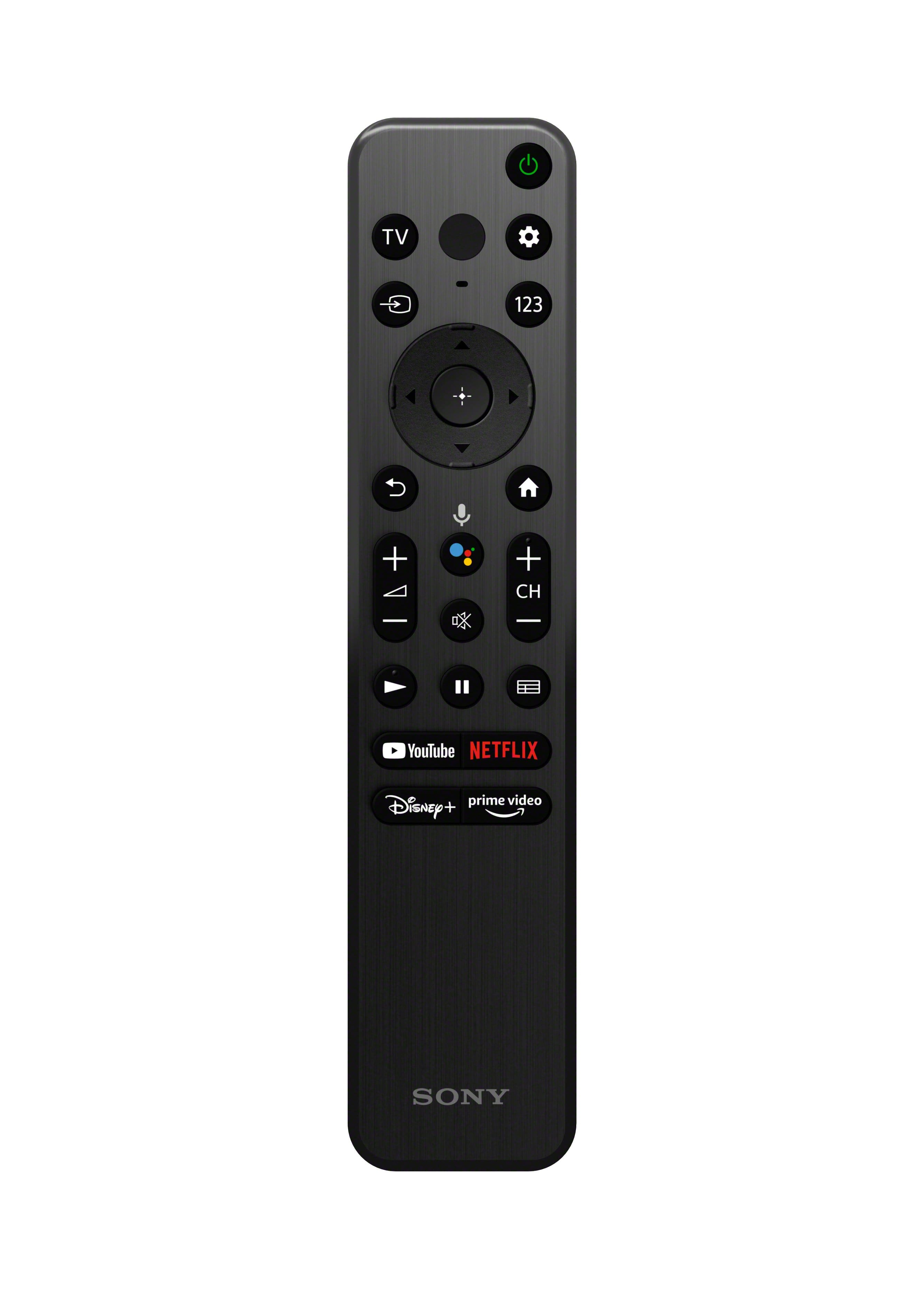
Thank you for reaching out to us with your concern. We are so sorry, but there is no numpad on the K series remote control as it has a newly design with smaller, sleeker, and less buttons. However, the supplied TV remote has 123 (Control menu) button. You can press this button, and it will display a menu on the TV to use button functions that are not on the remote control on the screen so you can easily enter a channel.
For more details about the supplied remote control functions, refer to this link: https://helpguide.sony.net/tv/jusltn1/v1/en-003/01-07-04_01.html
Picture quality depends on the signal and content. In addition to adjusting the different picture modes, you can also configure various settings related to the TV display such as color and brightness for picture quality, or screen size. Select the appropriate picture setting for your Google TV which best suits you. The picture quality may improve if you change it in [Picture] under [Settings].
For more information, please visit the link here: https://www.sony.com/electronics/support/televisions-projectors-lcd-tvs-android-/kd-50x80k/articles/00263533
If you need further assistance, may we contact you to help? If so, please email the below information to socialsupport@am.sony.com.
Apologies if you disclosed some of this information in your review and to customer service, we just want to ensure that we have your accurate details at the time of communication.
Full Name:
Best Buy Username:
Telephone Number:
Sony TV Model Number:
Additional Information regarding your experience with the X80K:
We are sorry for the inconvenience and hope to speak to you to resolve this matter.
Sincerely,
Jess