Customer Ratings & Reviews
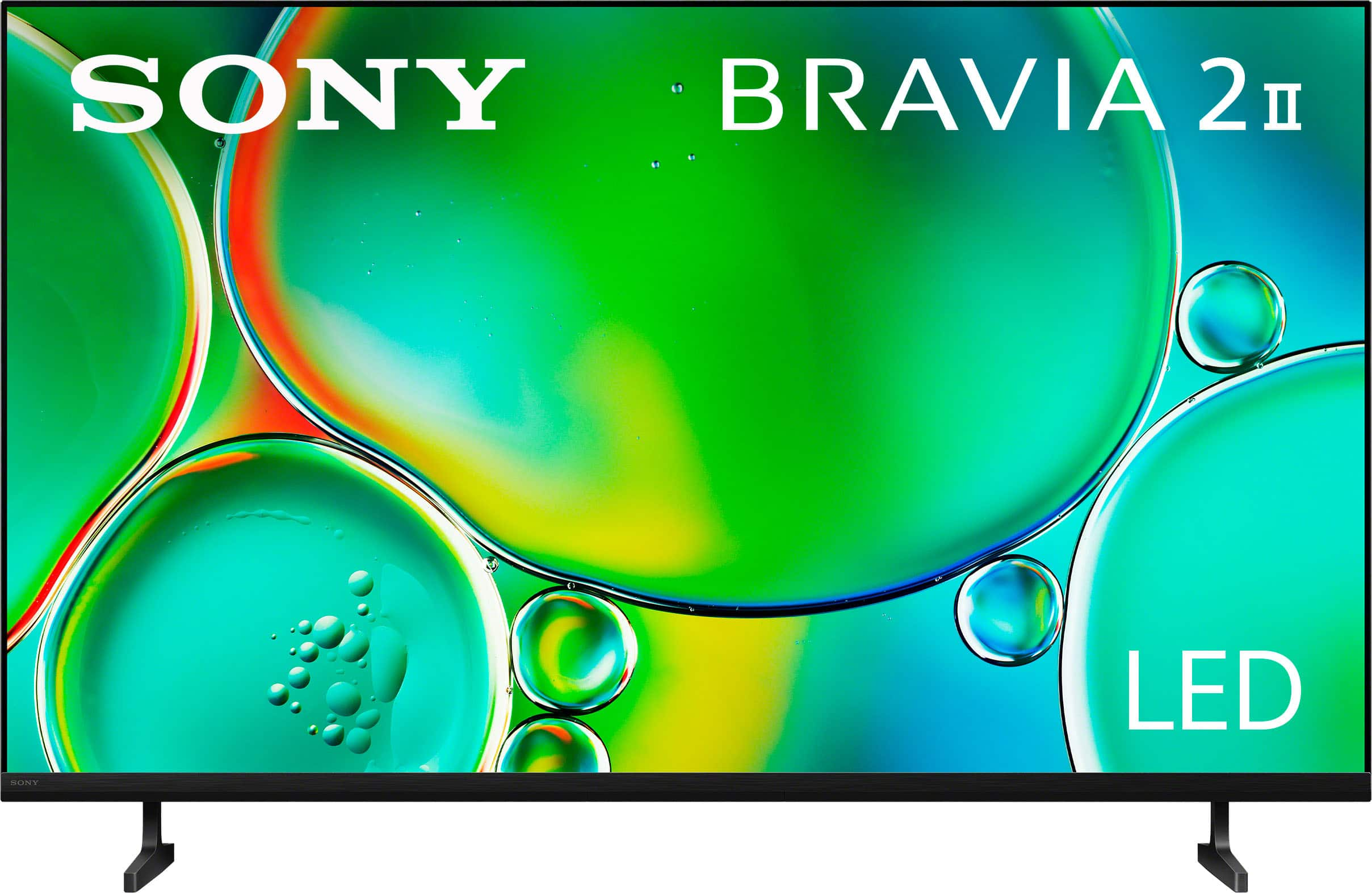
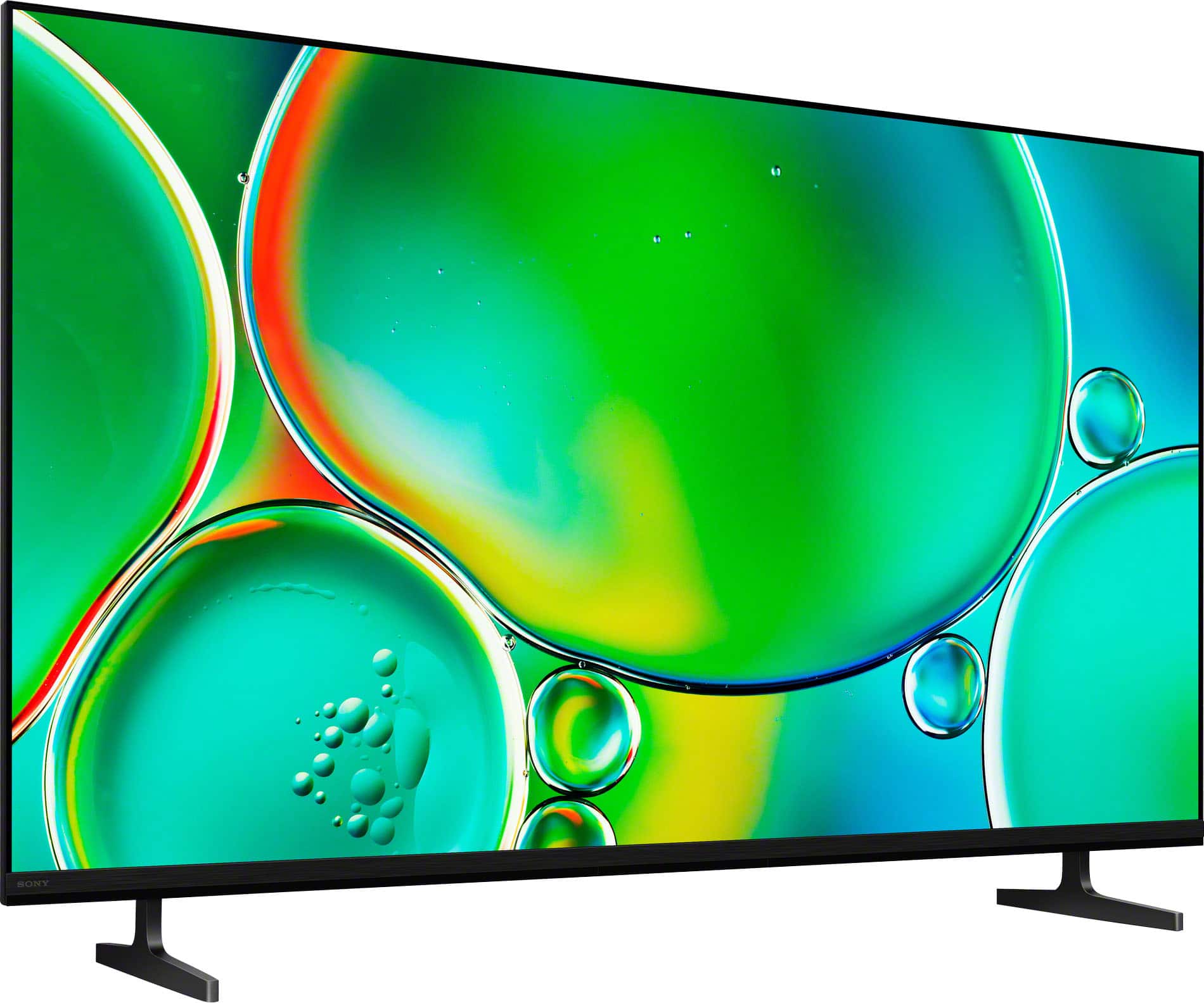
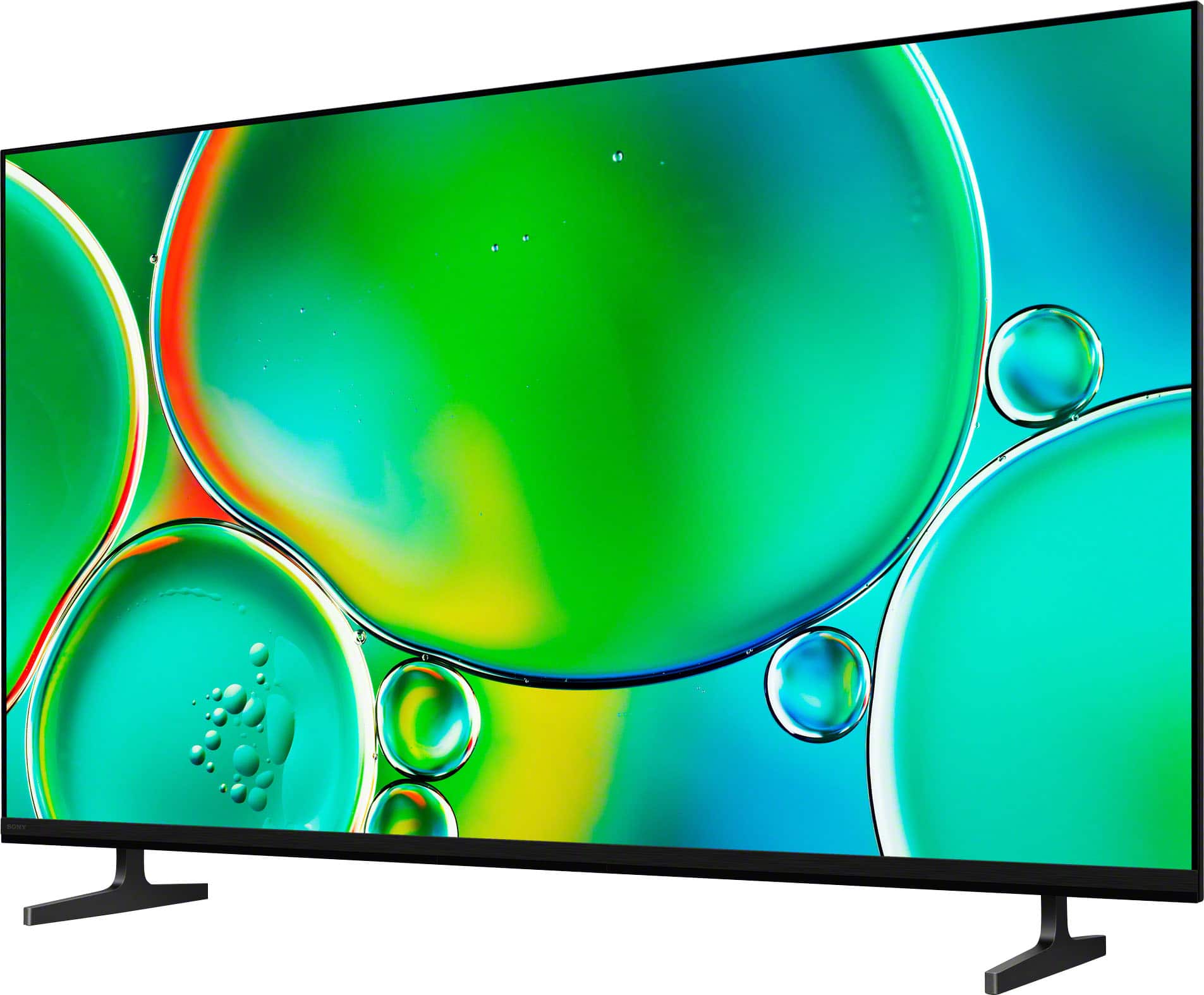
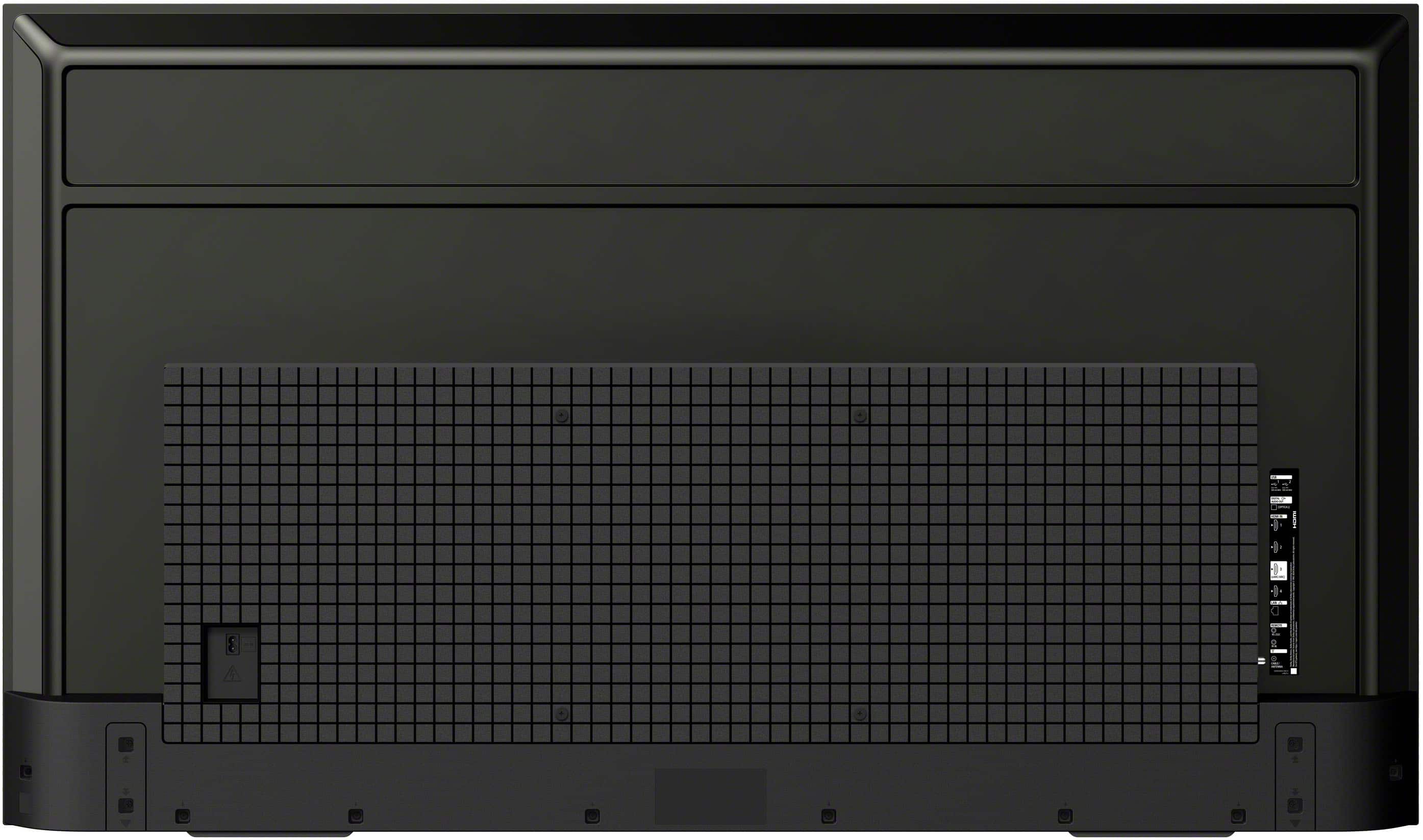





- Model:
- K55S20M2
- SKU:
- 10101549
Rating by feature
- Picture Quality
Rating 4.8 out of 5 stars
- Sound Quality
Rating 4.5 out of 5 stars
- Brightness
Rating 4.8 out of 5 stars
55 inch TV Review
Posted .This reviewer received promo considerations or sweepstakes entry for writing a review.Excellent TV this was a great choice. The sales associate at the Fullerton Ca location was very helpful. The installation tech was great installed under 30 mins and great attitude.
I would recommend this to a friendBrand response from SonyListens
Posted .Hi ChantelleA,
It’s a true pleasure to hear that you are so happy with your choice of the BRAVIA 2 II!
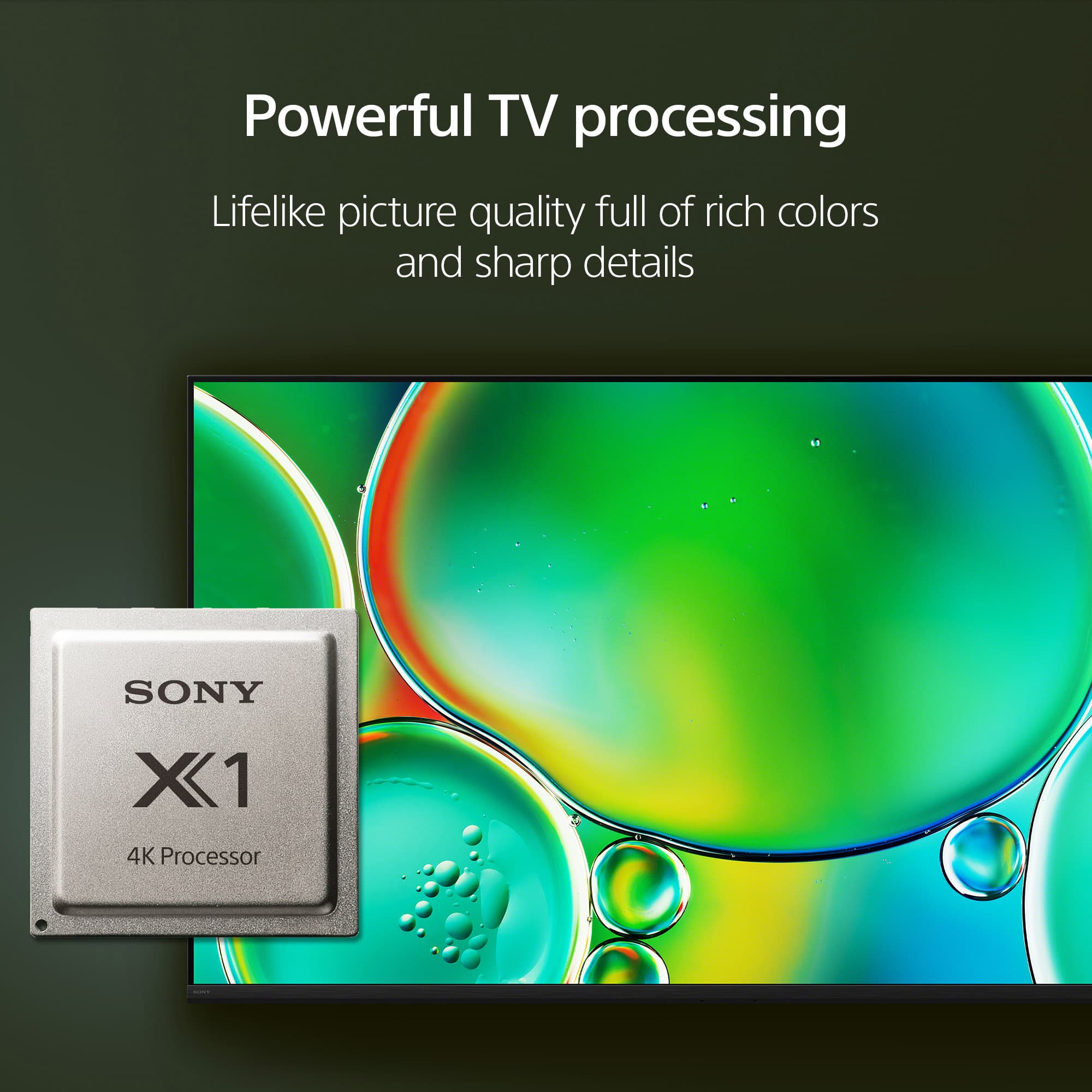
The heart of this incredible visual experience is the 4K Processor X1, which we’ve engineered to bring everything you watch to life. By using advanced algorithms to cut noise and boost detail, the processor ensures that even standard HD content is upscaled to near-4K resolution with lifelike color and contrast. Knowing that this dedicated processing power is delivering the "excellent" quality you expected is wonderful to hear.
Thank you for trusting Sony to be the centerpiece of your home entertainment!
Regards,
Dominick
TV is fine, Service was AWESOME!
Posted .This reviewer received promo considerations or sweepstakes entry for writing a review.TV is fine. A bit more than would have liked to pay but it works as you would expect. Your services were EXCELLENT. The set, haul away, etc worked great!! Thank you Geek Squad!
I would recommend this to a friendBrand response from SonyListens
Posted .Hi ChrisD,
It is great to hear that your new BRAVIA 2 II is performing reliably for you. We understand that choosing a new television is a significant investment, and we are glad that the quality and functionality of the display are delivering the consistent experience you were looking for.
Thank you for choosing Sony to be part of your home viewing!
Regards,
Dominick
Quality
Posted .This reviewer received promo considerations or sweepstakes entry for writing a review.Great value for the price, excellent colors and content. Great buy
I would recommend this to a friendBrand response from SonyListens
Posted .Thank you for the fantastic review, John!
We’re thrilled to hear that you’re enjoying the excellent colors and content on your K-55S20M2! It’s great to know that you’re finding it to be such a high-value addition to your home.
Thank you for choosing Sony and for sharing your experience!
Best regards, Gus, Sony Social Media Team
Its a Sony
Posted .This reviewer received promo considerations or sweepstakes entry for writing a review.Sony is the highest quality always. Thanks Sony. One issue must be the Stand, which might be so Dangerous at the time of Earthquake. Consumer would need how to clean up TV Liquid on the floor in Crashing. It would be very important.
I would recommend this to a friendBrand response from SonyListens
Posted .Thank you for your feedback, YutakaY.
We are honored to hear you consider Sony the highest quality. It's rewarding to know you trust our products.
We also understand your concerns regarding the stand and the potential safety issues during an earthquake. The safety of our customers is our top priority, and we design our products to be as secure as possible. We apologize for any worry this has caused. For increased stability, we always recommend securing your TV to a TV stand or wall mount to prevent it from tipping or falling. You can find detailed instructions for safe setup in the TV's user manual.
Regarding your question about how to clean up the TV's liquid, we want to provide you with the most accurate and safe information. We recommend you contact our product support team directly as they can provide specific guidance for your TV model and ensure you handle the situation safely.
Thank you again for your valuable feedback and for being a loyal Sony customer.
Best regards, Gus, Sony Social Media Team
Homeowner
Posted .This reviewer received promo considerations or sweepstakes entry for writing a review.Very tinny sound. Pucture dark during the day when lots if lught in the room. Great picture at night when darker room.
No, I would not recommend this to a friendBrand response from SonyListens
Posted .Hi Dissatisfied,
We are sorry to hear that the sound and daytime brightness of your BRAVIA 2 II haven't met your expectations. While this model is a great entry into 4K, its direct-lit LED panel is best suited for controlled lighting. For a room with a lot of natural light, we highly recommend considering the Sony BRAVIA 7 Mini LED. It features much higher peak brightness to cut through glare and uses XR Backlight Master Drive for superior contrast. Additionally, it includes Acoustic Multi-Audio, which provides a much fuller, more cinematic sound compared to the standard speakers on the BRAVIA 2.
Thanks for choosing Sony.
Best regards,
Eliab
Don’t buy a Sony Google TV!!
Posted .This reviewer received promo considerations or sweepstakes entry for writing a review.Never Buy a Sony Google TV!! You can’t hook up to cable or any apps! I purchased one and couldn’t get to work. You only have 20 days to return it and by the time I figured out that it was the TV my 20 days were done. I tried to use my warranty with Sony and all I got was the run around for a week! I finally put the TV in my car and took it back to the Best Buy where I purchased it. The manager was very nice and exchanged the TV for me. I got a Smart Samsung TV. I am extremely happy and I will never buy a Sony Google TV again!
No, I would not recommend this to a friendBrand response from SonyListens
Posted .Hi AnnB,
Thank you for sharing your experience with us. We are truly sorry to hear about the difficulties you encountered during the setup of your BRAVIA 2 II. . This is certainly not the seamless experience we strive to provide our customers.
We would like to clarify that this model fully supports cable boxes and external devices via its HDMI inputs, as well as a vast library of streaming apps through the Google TV interface. Setting up these features typically requires a stable internet connection and a Google account sign-in to access the Play Store.
For future reference, we highly recommend consulting our Official Help Guide, which provides step-by-step instructions on connecting external devices and downloading apps:
https://helpguide.sony.net/tv/musltn3/v1/en-003/index.html
We appreciate you giving Sony a try and wish you the best with your new setup.
Regards,
Dominick
Poor Interface
Posted .This reviewer received promo considerations or sweepstakes entry for writing a review.Genuinely disappointed in this television. The google tv interface is slow moving. It doesn't load basic programs like Netflix or Amazon well. It's difficult connecting with speakers (HDMI and VT disconnect frequently), and constant screen delays. Internet is great.
No, I would not recommend this to a friendBrand response from SonyListens
Posted .Hi Koontzy43,
We are genuinely sorry to hear about your experience with the Sony BRAVIA 2 II. We understand how frustrating it is to deal with interface delays and the difficulty of connecting external speakers.
To help resolve these performance and connection issues, we recommend performing the following troubleshooting steps:
1- Power Cycle: Unplug the TV from the power outlet for approximately 2 minutes, then plug it back in. This clears the system cache and can resolve minor software hangs.
2- Check for Software Updates: Updates frequently include performance patches and bug fixes. Please navigate to: Settings > System > About > System Software Update > Update your TV software.
3- Factory Data Reset: If the issues persist, a reset can eliminate deeper software glitches affecting performance. Please note this will return the TV to its original out-of-the-box settings. Navigate to: Settings > System > About > Reset > Factory Data Reset
If these steps do not improve the interface speed or HDMI stability, we highly encourage you to reach out to our Technical Support Team for a deeper diagnostic:
https://us.esupport.sony.com/support/s/support-contact?language=en_US&category=tv
Thank you for considering Sony!
Regards,
Dominick
Not worth it
Posted .This reviewer received promo considerations or sweepstakes entry for writing a review.It stopped working in 2 weeks and wasn’t able to return it
No, I would not recommend this to a friendBrand response from SonyListens
Posted .Hi SergioT,
We are very sorry to hear about your experience with your new BRAVIA 2 II. This is certainly not the level of reliability we aim for with our products, and we understand how frustrating it is to encounter a power issue so shortly after purchase. To help resolve this, we recommend following these troubleshooting steps:
1- Perform a power cycle: Unplug the TV from the wall outlet for approximately 2 minutes, then plug it back in and attempt to power it on.
2- Test a different outlet: Ensure the issue isn't related to the power source by plugging the TV directly into a known working electrical outlet, bypassing any surge protectors or power strips.
3- Perform a forced factory reset: Unplug the TV from the power source. Press and hold the power button located on the TV (underneath the frame in the middle). While continuing to hold the button, plug the power cord back in. Keep holding the button until you see a screen indicating that the system is "Erasing."
If the television still fails to power on after these steps, we highly suggest contacting our technical support team immediately so we can provide the warranty options available to you:
https://us.esupport.sony.com/support/s/support-contact?language=en_US&category=tv
Thank you for considering Sony!
Best regards,
Dominick