Customer Ratings & Reviews

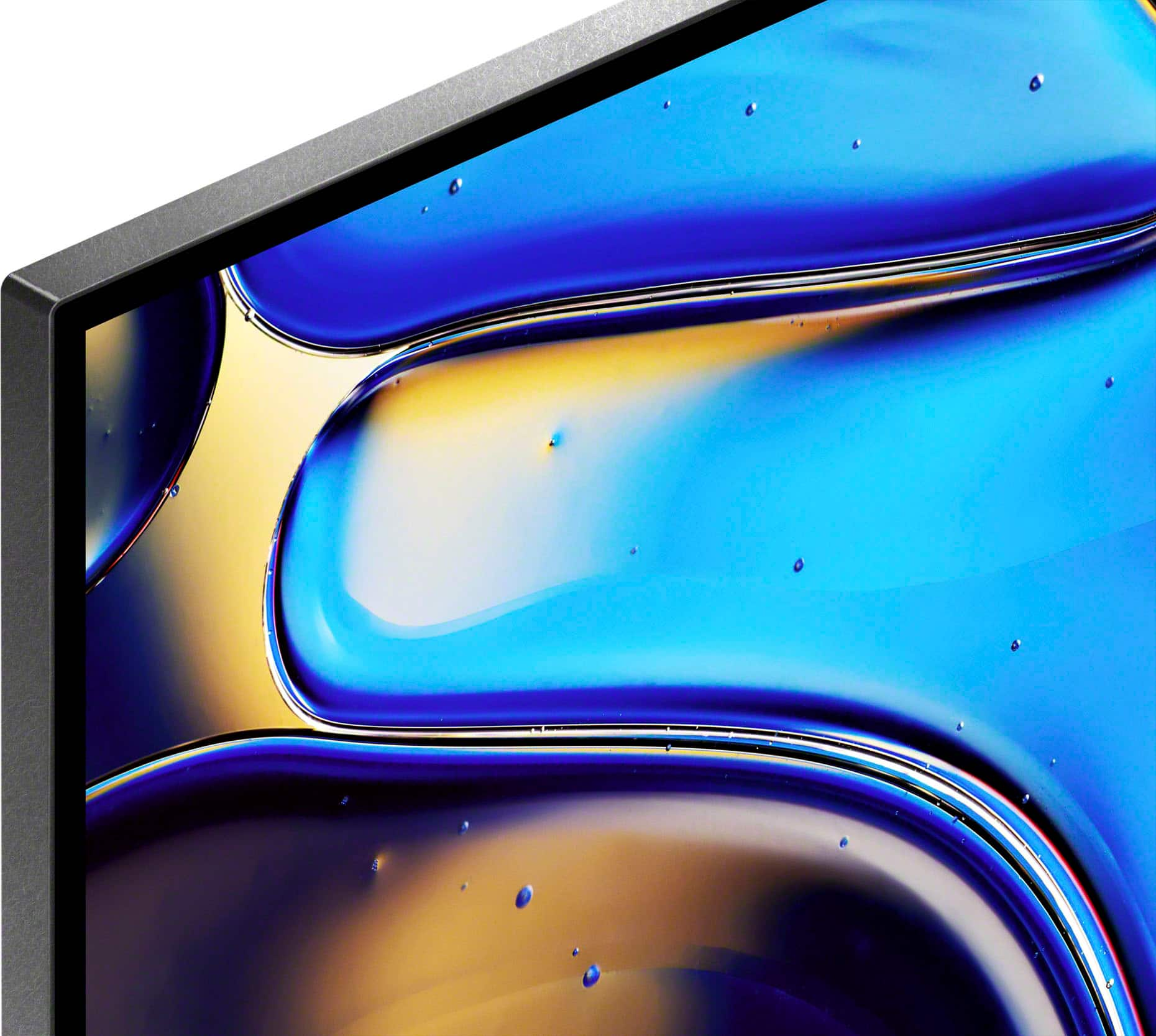
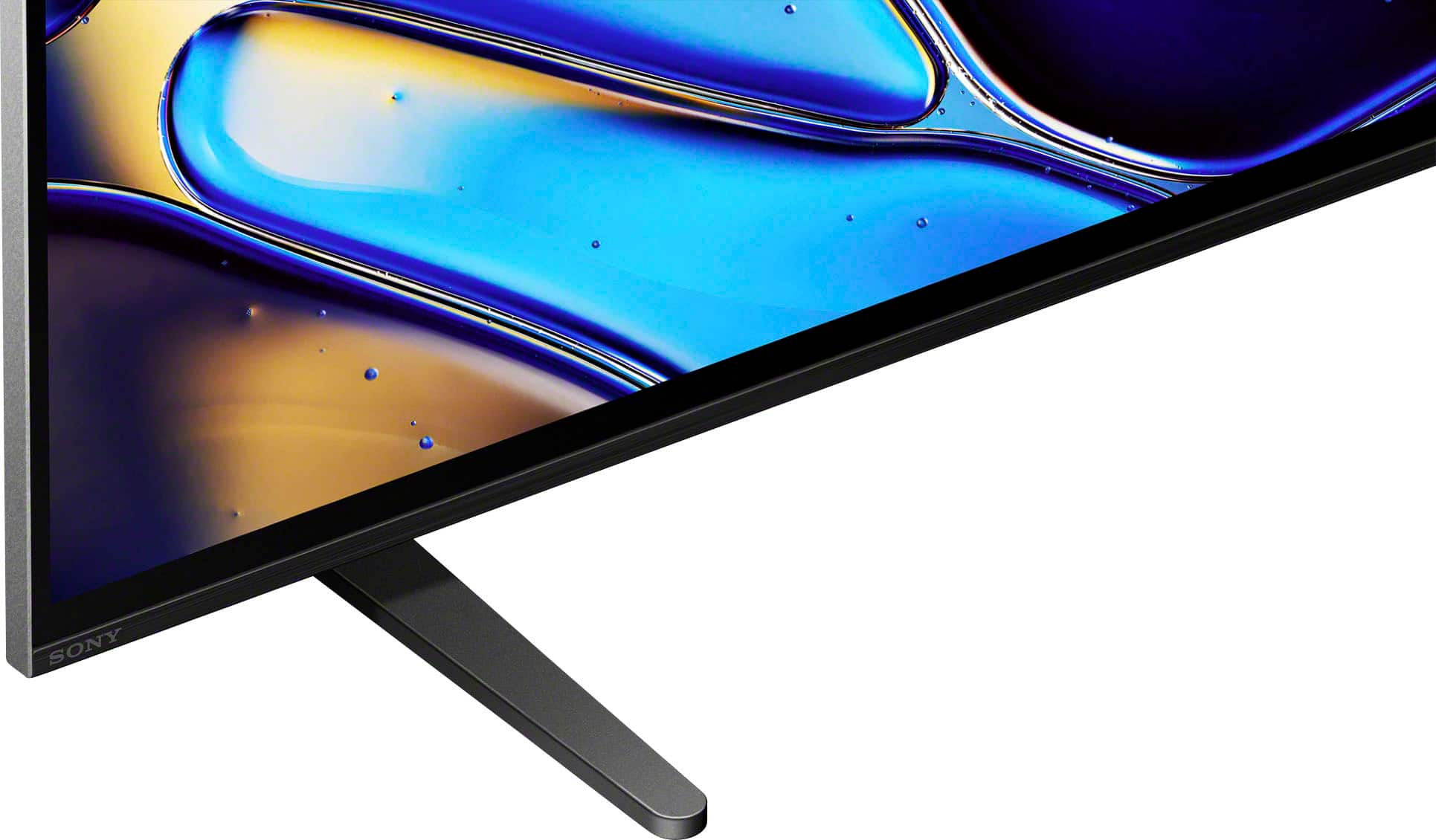
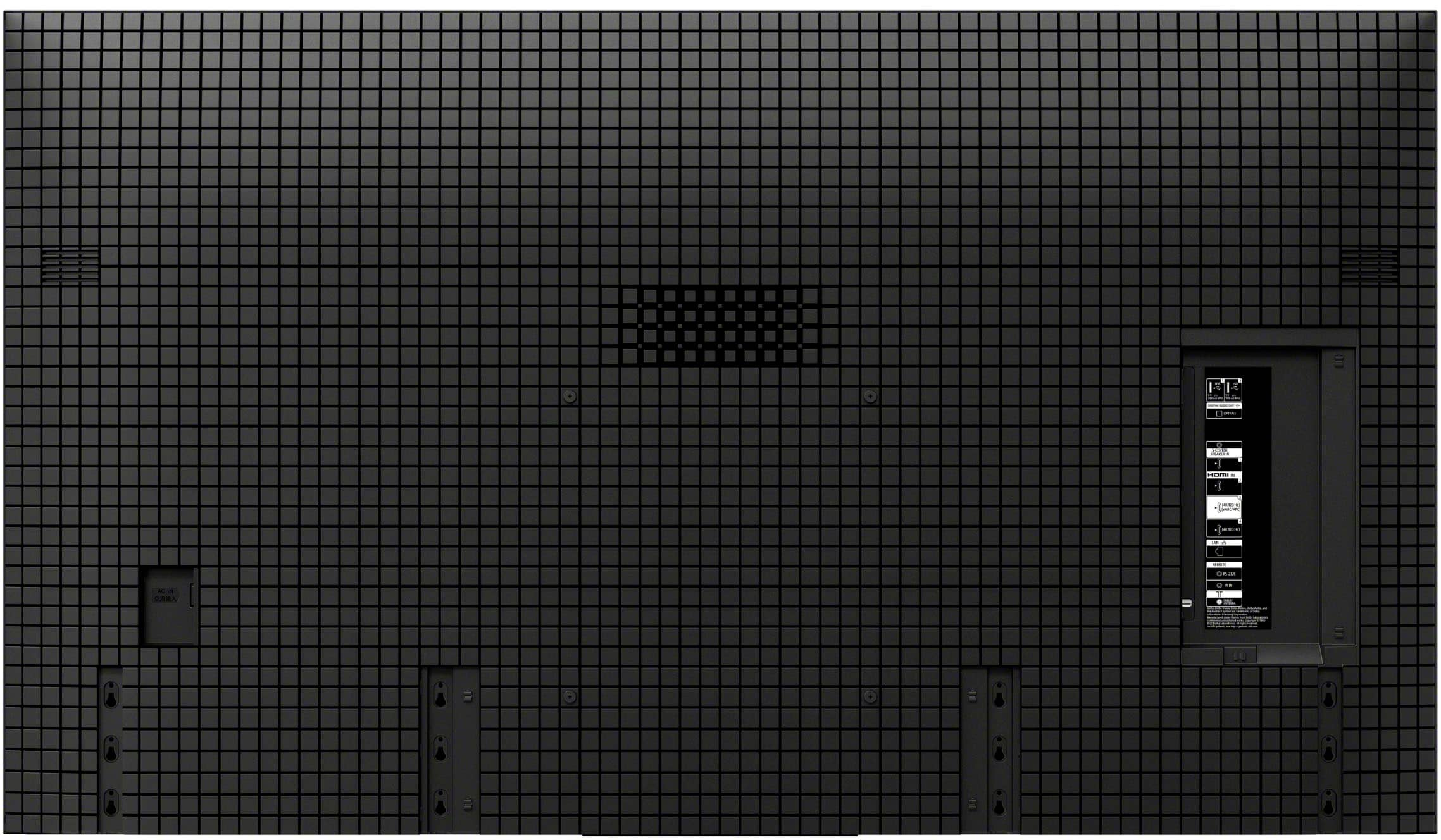
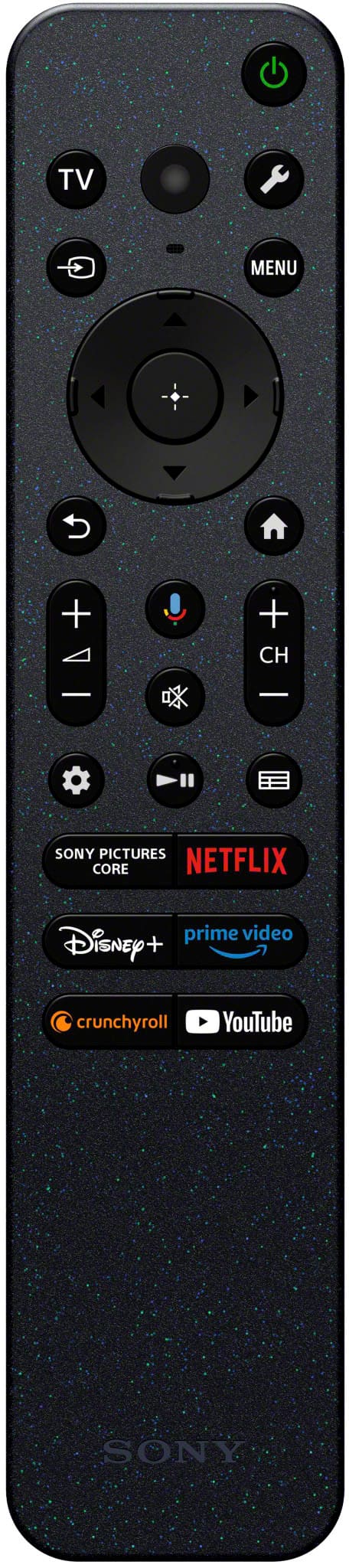
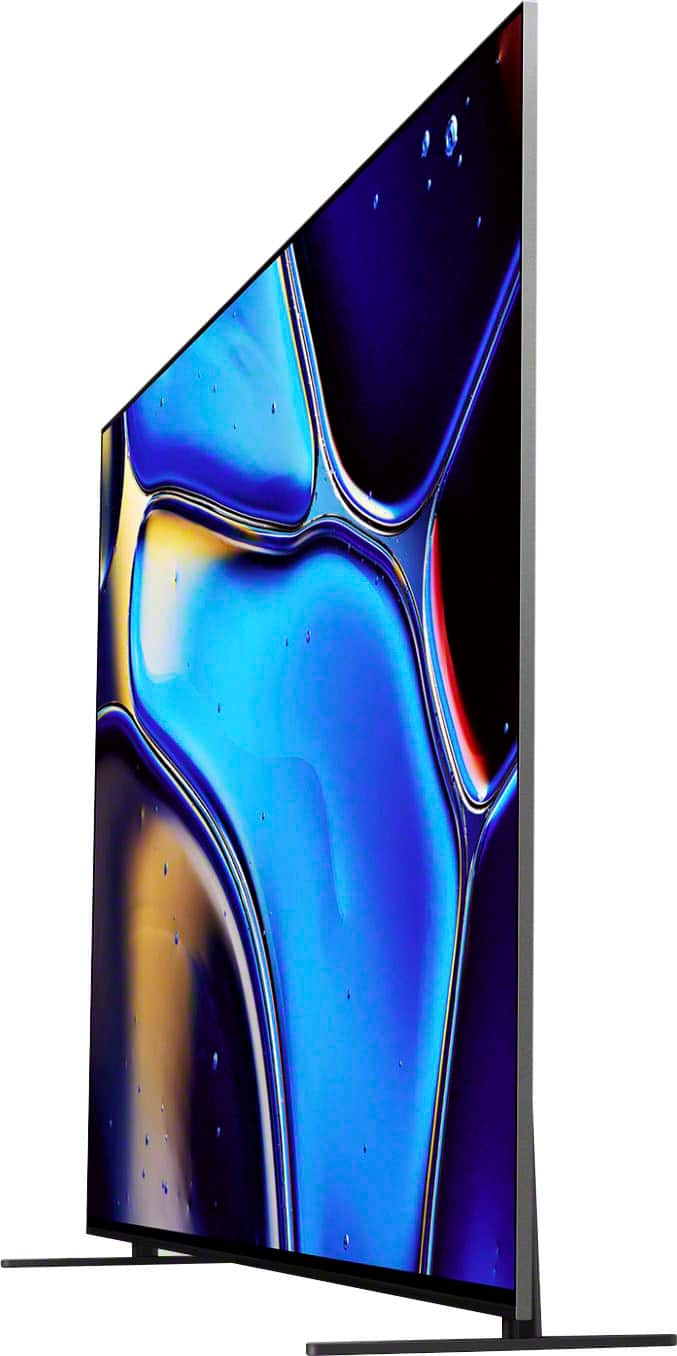
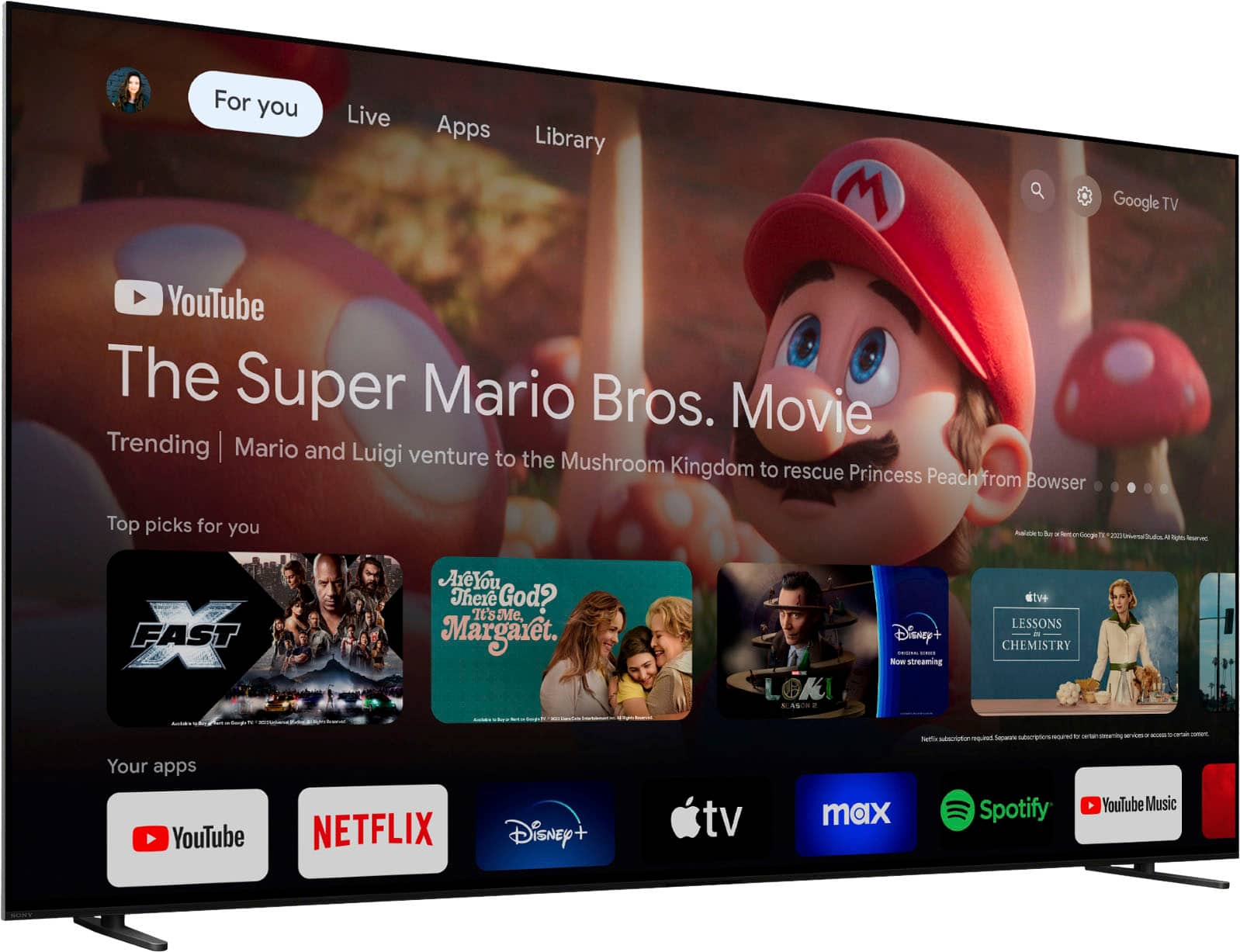

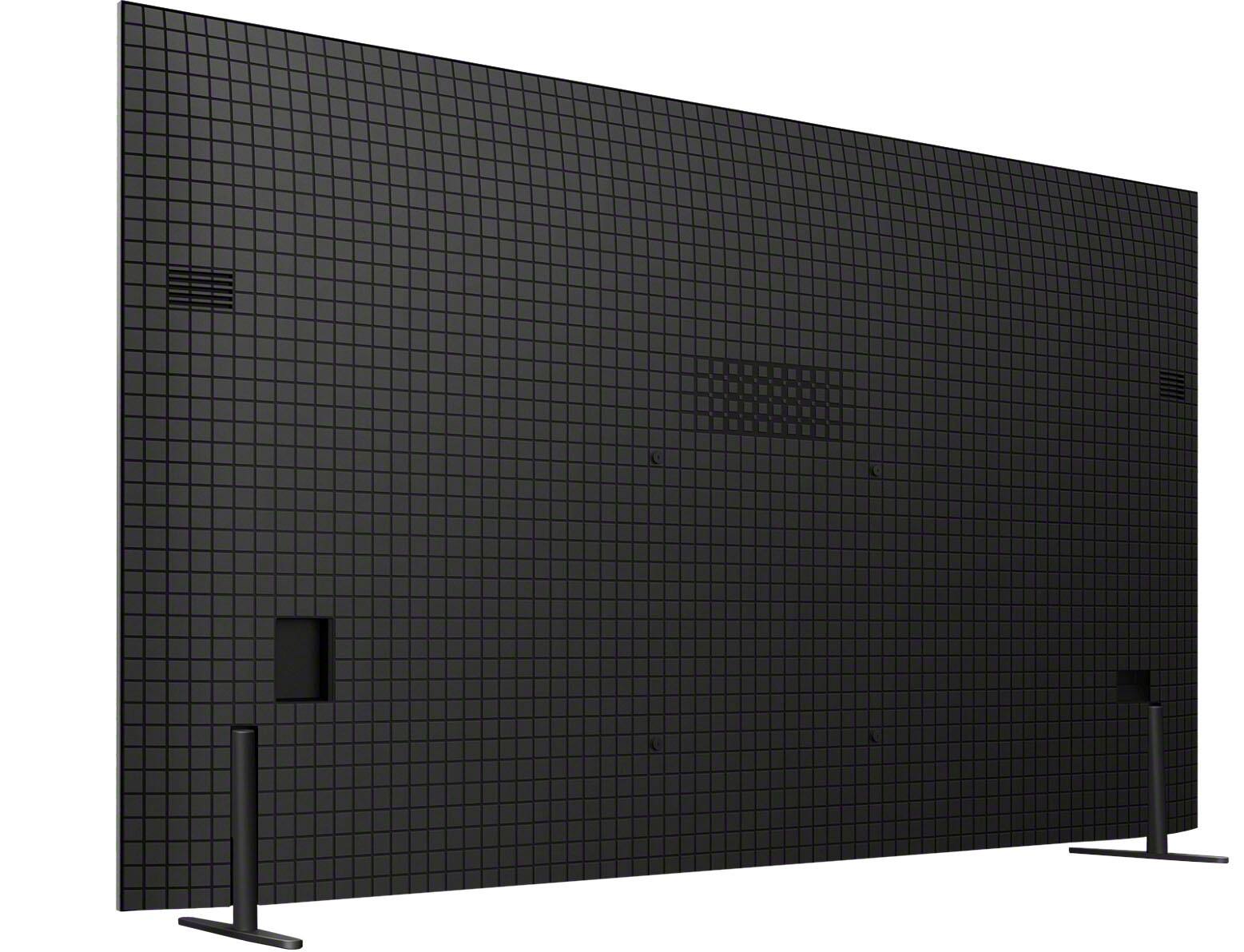
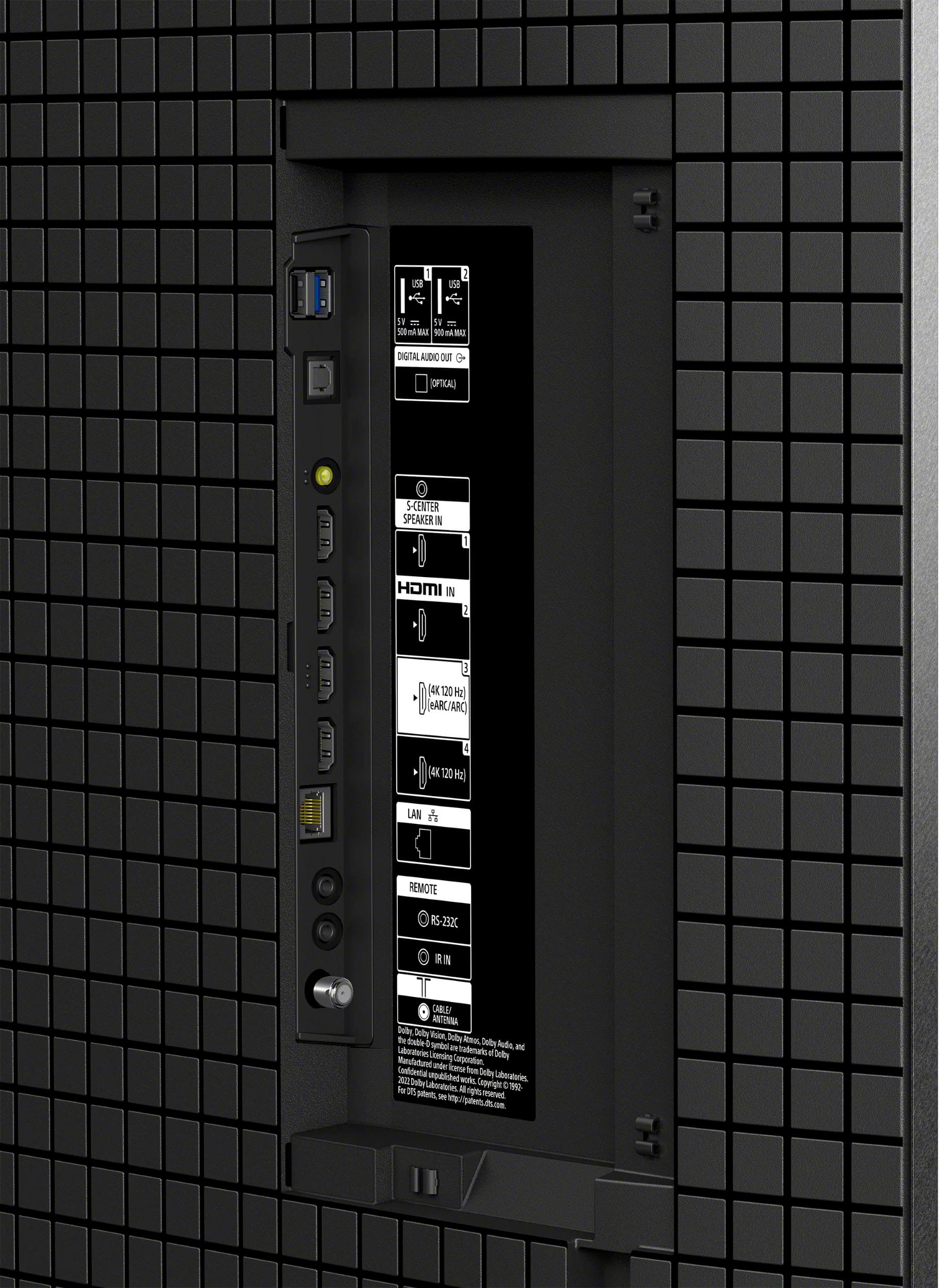







- Model:
- K55XR80
- SKU:
- 10101614
Rating by feature
- Picture Quality
Rating 4.9 out of 5 stars
- Sound Quality
Rating 4.6 out of 5 stars
- Brightness
Rating 4.8 out of 5 stars
Sony Bravia
||Posted . Owned for 1 month when reviewed.This reviewer received promo considerations or sweepstakes entry for writing a review.Great product! Had Geek Squad install and they did a fantastic job.
I would recommend this to a friendBrand response from SonyListens
Posted .Hi BobR,
That's awesome! We're happy to hear you had wonderful experience with our customer service representative. We appreciate the 5-star rating and thank you for choosing Sony!
-David
- Cons mentioned:Software
Sony Bravia OLED
||Posted . Owned for 3 weeks when reviewed.This reviewer received promo considerations or sweepstakes entry for writing a review.Per Sony and per personal experience with two of these Bravia TVs the software must be updated or they will lock up. You have to unplug the TV to restart. Do not recommend until Sony makes a software update.
No, I would not recommend this to a friendBrand response from SonyListens
Posted .Hi DavidM,
Thank you for choosing and purchasing our BRAVIA 8 OLED 4K UHD Smart Google TV. This is definitely not the news that we would like to hear. Please allow us to help you and turn this into a better experience.
We understand your concern. Unfortunately, we can't give you an exact date when a specific update will be available for your TV. To isolate the issue, factory reset the TV and try again. Here's the link on how to.
https://helpguide.sony.net/tv/lusltn1/v1/en-003/01_14.html
For further assistance, please email the below information to socialsupport@am.sony.com. Apologies if you disclosed some of this information in your review and to customer service, we just want to ensure that we have your accurate details at the time of communication.
Full Name:
Best Buy Username:
Telephone Number:
Sony TV Model Number:
Additional Information regarding your experience with the K55XR80
We are sorry for the inconvenience and hope to speak to you to resolve this matter.
Regards,
David
Excellent TV!
||Posted . Owned for 2 months when reviewed.This reviewer received promo considerations or sweepstakes entry for writing a review.Couldn’t ask for more. I continue to be very pleased with Sony quality!
I would recommend this to a friendBrand response from SonyListens
Posted .Hi BenB, Fantastic! We are thrilled to hear that you are satisfied with the outstanding performance of your BRAVIA 8. Thank you for choosing Sony and for your kind words! - Romeo
Bravo 8
||Posted . Owned for 1 week when reviewed.This reviewer received promo considerations or sweepstakes entry for writing a review.Great tv paired with the Sony multi functional slim wall mount. delivery from Best Buy ontime and professional.
I would recommend this to a friendBrand response from SonyListens
Posted .Hi BrianG, Thank you for the positive review! We're thrilled to hear you appreciate the multi functional slim wall mount of your Bravia 8. Thanks for choosing Sony! -Sam
Awesome
||Posted . Owned for 3 months when reviewed.This reviewer received promo considerations or sweepstakes entry for writing a review.Perfect tv for our apartment. We love the fine tuning from playing games to watching movies.
I would recommend this to a friendBrand response from SonyListens
Posted .Hi KameronG, fabulous! We're truly delighted to hear that you love your BRAVIA 8 and that you're satisfied with its amazing performance. Thank you so much for the perfect star review and for choosing the best brand, Sony! - Romeo
- Pros mentioned:Picture quality
Regretting purchase
||Posted . Owned for 8 months when reviewed.This reviewer received promo considerations or sweepstakes entry for writing a review.TV reboots far too often, shutting down and restarting in the middle of programs for no apparent reason. Regretting purchase, as this is very annoying. Picture is clear, sound is fine. Remote is adequate.
No, I would not recommend this to a friendBrand response from SonyListens
Posted .Hi Kathy,
We're truly sorry to hear about the unexpected reboots on the Bravia 8 TV, that sounds really frustrating, especially when you're in the middle of watching something. We'd love to help troubleshoot this issue and find a solution for you.
The issue appears to occur while a cable box is connected to the TV via an HDMI cable. We are investigating the issue and working on a future software update to address it, in the interim, kindly follow the next steps:
1. Set the Bravia Sync to OFF by going into Settings > Channels & Inputs > External inputs > BRAVIA Sync settings > turn OFF BRAVIA Sync control.
2. Use a CEC-less HDMI cable or adapter with your cable box to prevent the TV from rebooting or restarting.
3. Set The SAMBA Interactive TV to OFF by going into Settings> System > Samba Interactive TV > turn OFF Samba Interactive TV.
Please note that you will need to use the cable box remote control in this case until the software update is released.
The TV is set to update the software automatically by default, you can always take a look periodically on our support website if you've not seen any pop-up on the TV screen, check if there is any update through the following link: https://www.sony.com/electronics/support/oled-tvs-android-bravia-8-xr80-/k-55xr80/software/00346878
We apologize for any inconvenience and appreciate your patience. Thanks you for choosing Sony.
-Aldair
Mr.
||Posted . Owned for 1 month when reviewed.This reviewer received promo considerations or sweepstakes entry for writing a review.Screen color excellent in room with much sunlight. Colors much softer yet easily viewable in room sunlight situation.
I would recommend this to a friendBrand response from SonyListens
Posted .Hi Richard, Fantastic! We're thrilled to hear you like the excellent screen color and exceptional picture quality of your Sony Bravia 8. Thanks for choosing Sony! -Sam
Regretting the purchase
||Posted . Owned for 2 months when reviewed.This reviewer received promo considerations or sweepstakes entry for writing a review.I cannot recommend this television or any Sony tv. The tv constantly randomly reboots on its own. I’ve troubleshooted every available item to no avail. The latest firmware update issued on 12/16 was supposed to fix the random restarting issue, but it doesn’t. What was supposed to be a tv upgrade has been a downgrade. Is it too much to ask for a tv to display a picture? Watching your favorite show or sporting event and it suddenly shuts down, while you have the pleasure of waiting a few minutes for it to restart. The worst part of it is Sony does not stand behind their product. After speaking with Sony customer service, for a 2 month old product still under warranty, their answer is to hope for a future software update that MAY fix the issue. They refuse to send a technician out to diagnose the issue, which could be a failed power supply. I’m not clear what Sony actually warranties on their televisions, since this one won’t display a picture constantly, but they are not willing to make it right. Buyer beware.
No, I would not recommend this to a friendBrand response from SonyListens
Posted .Hi Unhappycustomer,
We’re truly sorry to hear about your experience with your Sony BRAVIA 8 TV. This is absolutely not the experience we want you to have, and we understand how frustrating it must be to deal with unexpected reboots while trying to enjoy your favorite content.
To assist further, we’d like to confirm if you’ve already tried the following steps:
Turn off BRAVIA Sync: On your remote, press Quick Settings → Settings → Channels & Inputs → External Inputs → BRAVIA Sync Settings → Turn OFF BRAVIA Sync control.
Use a CEC-less HDMI cable or adapter to prevent the TV from restarting.
Turn off Samba Interactive TV: On your remote, press Quick Settings → Settings → System → Samba Interactive TV → Turn OFF Samba Interactive TV. (Please note that you may need to use your cable box remote until the next software update is released.)
To better assist you with the issue you're encountering, could you please provide us with the details of your call? Please email the following information to socialsupport@am.sony.com. Apologies if you've already shared this information with customer service — we just want to ensure we have your most accurate details:
Full Name:
Best Buy Username:
Case ID (If any):
Telephone Number:
Additional Information regarding your experience with the BRAVIA 8:
What devices (make & model) are connected to each HDMI port?
What is the source of your content? (Cable, satellite, antenna, internet, etc.)
We sincerely appreciate your patience and hope to find a resolution for you soon. Looking forward to your response.
Sincerely,
Maria
- Pros mentioned:Color
Color
||Posted . Owned for 1 month when reviewed.This reviewer received promo considerations or sweepstakes entry for writing a review.Color on people faces pickup the background color and it reflects on there face.
No, I would not recommend this to a friendBrand response from SonyListens
Posted .Hi JoyceB, Thank you for your feedback on the BRAVIA 8. We apologize for the issue you're experiencing with the color on people's faces picking up the background color and reflecting on their faces.To address this issue, we recommend the following steps:
Adjust Picture Settings: Go to the TV's picture settings and try adjusting the color balance, brightness, and contrast. Sometimes, tweaking these settings can help reduce the color reflection issue.
Check for Firmware Updates: Ensure that your TV's firmware is up to date. Manufacturers often release updates that can fix bugs and improve performance.
Optimize Viewing Environment: Make sure the TV is not placed in a location with excessive light or reflective surfaces, as this can affect the picture quality.
If you’re interested you can schedule a one-on-one consultation with our experts here: https://electronics.sony.com/one-on-one-consultation?utm_campaign=ooclink_rsiyt_20201026&utm_source=youtube&utm_medium=social_organic&utm_content=rsi&cid=sco-na-3351
Hope this helps and thanks for choosing Sony! -Sam
Nice Job
||Posted . Owned for 3 weeks when reviewed.This reviewer received promo considerations or sweepstakes entry for writing a review.Very happy w ith customer sevice, t FV and installaltion
I would recommend this to a friendBrand response from SonyListens
Posted .Hi JohnH, Thank you for the 5-star rating! Good to hear you had an amazing customer service experience. Thanks for choosing Sony! -Sam
Review
||Posted . Owned for 2 weeks when reviewed.This reviewer received promo considerations or sweepstakes entry for writing a review.Great tv but audio stutters at times. Not sure why. Replaced HMMI cable. Still stuttering???????
I would recommend this to a friendBrand response from SonyListens
Posted .Hi Joew, Thank you for the feedback on your experience with your new Bravia 8. We strive to provide a top-notch quality and are delighted to hear that you're satisfied with your new Sony TV. We would like to know more about the audio stuttering issue you're experiencing. Is the TV connected to a soundbar, AV receiver, etc.? or is the audio issue coming from the built-in speakers of the TV? May we contact you to help and get more information? If so, please email the below information to socialsupport@am.sony.com. Apologies if you disclosed some of this information in your review and to customer service, we just want to ensure that we have your accurate details at the time of communication.
Full Name:
Best Buy Username:
Telephone Number:
Sony Model Number:
Additional Information regarding your experience with the Bravia 8:
We are sorry for the inconvenience and hope to speak to you to resolve this matter. We appreciate you and thanks again for shopping Sony!
Sincerely,
Sam
Bad TV
||Posted . Owned for 1 month when reviewed.This reviewer received promo considerations or sweepstakes entry for writing a review.The tv keeps freezing up to the point it needs to be unplugged and reset every-time. I called geek squad and all they want me to do is uninstall everything.
I would recommend this to a friendBrand response from SonyListens
Posted .Hi Dilligaf, we're truly sorry to hear about the freezing issues you're experiencing with your Sony - BRAVIA 8. That's definitely not the experience we want you to have, and we appreciate you bringing it to our attention.
To help resolve this, we recommend the following steps:
1. Make sure your TV's software is up to date by going to settings > system > about > system software update > update your TV software
2. Clear the cache data of your TV, while in settings go to system > storage > internal shared storage > cached data > clear
3. Turn on Simple IP control, select settings > network and internet > home network > IP control > Simple IP control > turn it on
We hope these steps can help you to improve the performance of your TV. If the problem persists we strongly encourage you to contact our technical team through: https://us.esupport.sony.com/support/s/support-contact?language=en_US&category=tv
Thank you for considering Sony products!
Regards,
Dominick
TV
||Posted . Owned for 2 weeks when reviewed.This reviewer received promo considerations or sweepstakes entry for writing a review.Television pixel is define. It has many features to use.
I would recommend this to a friendBrand response from SonyListens
Posted .Hi DarleneP, Awesome! We are so glad to hear that you are happy with your new TV! Thank you for choosing Sony! -Carl
Love it
||Posted . Owned for 1 month when reviewed.This reviewer received promo considerations or sweepstakes entry for writing a review.Everyone was very nice and friendly. And answered all my questions
I would recommend this to a friendBrand response from SonyListens
Posted .Hi PaulaL, Thank you for the 5-star rating! We're thrilled to hear that the BestBuy team was able to provide you with friendly and helpful service, and that all your questions were answered. Thanks for choosing Sony! -Sam
Love my Sony
||Posted . Owned for 3 weeks when reviewed.This reviewer received promo considerations or sweepstakes entry for writing a review.I love this TV. Oled is terrific. Very smart. Smarter than i am.
I would recommend this to a friendBrand response from SonyListens
Posted .Hi Bobo, We're glad that you love the TV. We appreciate your feedback and thank you for choosing Sony. Erin
Not sure what this means.
||Posted . Owned for 1 week when reviewed.This reviewer received promo considerations or sweepstakes entry for writing a review.Ryan did a great job. So meticulous. Overall, very pleased.
I would recommend this to a friendBrand response from SonyListens
Posted .Hi MaryM, Awesome! We are so glad to hear that you are enjoying your new TV! Thank you for choosing Sony! -Carl
Refurbished junk
||Posted . Owned for 3 weeks when reviewed.This reviewer received promo considerations or sweepstakes entry for writing a review.I had purchased the Bravia 8 after upgrading from the Bravia 3 that I wasn't happy with the picture quality. After I got it set up it did turn on due to a small crack in the screen that can only be seen in bright light. I returned the 3 to best buy and exchanged it for the 8. Needless to say when I opened the box there was absolutely no plastic or cover to protect the screen. The top of the tv frame is all scratched up. Did not want to make another trip to best buy. So in short I paid $1600 for a factory refurbished tv. I will never purchase anything ever again from best buy.
I would recommend this to a friendMost buy
||Posted . Owned for 3 weeks when reviewed.This reviewer received promo considerations or sweepstakes entry for writing a review.First oled tv I bought and I’m very pleased with it
I would recommend this to a friendBrand response from SonyListens
Posted .Hi Eduardov944,
You made the right choice! We're thrilled that you are enjoying the performance of the TV. Thank you for choosing Sony!
-Ralph
Newest Sony Bravia tv
||Posted . Owned for 3 weeks when reviewed.This reviewer received promo considerations or sweepstakes entry for writing a review.Love the TV it's great..!!! Would definitely recommend to anyone
I would recommend this to a friendBrand response from SonyListens
Posted .Hi DwayneB,
Very nice! We're happy to hear that you love your new Sony TV. We appreciate the recommendation and thank you for choosing Sony!
-David
If you’re looking to waste money, this is the TV!
||Posted . Owned for 1 year when reviewed.This reviewer received promo considerations or sweepstakes entry for writing a review.TV lasted exactly 14 months, which is two months past the warranty. Now it’s ready for the trash can. Sony says they wish me well with it. The TV just comes on, the screen cuts off, and a red light at the bottom starts flashing. Sony has really been going downhill lately.
No, I would not recommend this to a friendBrand response from SonyListens
Posted .Hi Adam,
We are very sorry to hear about the ongoing issue with your BRAVIA 8 and understand your frustration after already reaching out to us. For a flashing red light, we recommend performing a soft reset by unplugging the TV and all connected devices from the wall for at least two minutes before plugging them back in. If this does not resolve the issue, please email us at socialsupport@am.sony.com with the following details:
Name:
Model Number:
Issue:
Telephone Number:
One of our technical specialists will call you back within 2 business days.
Sincerely,
Eliab
Sony Social Support