Customer Ratings & Reviews










- Model:
- K55XR80
- SKU:
- 6578569
Rating by feature
- Picture Quality
Rating 4.9 out of 5 stars
- Sound Quality
Rating 4.6 out of 5 stars
- Brightness
Rating 4.8 out of 5 stars
Customers are saying
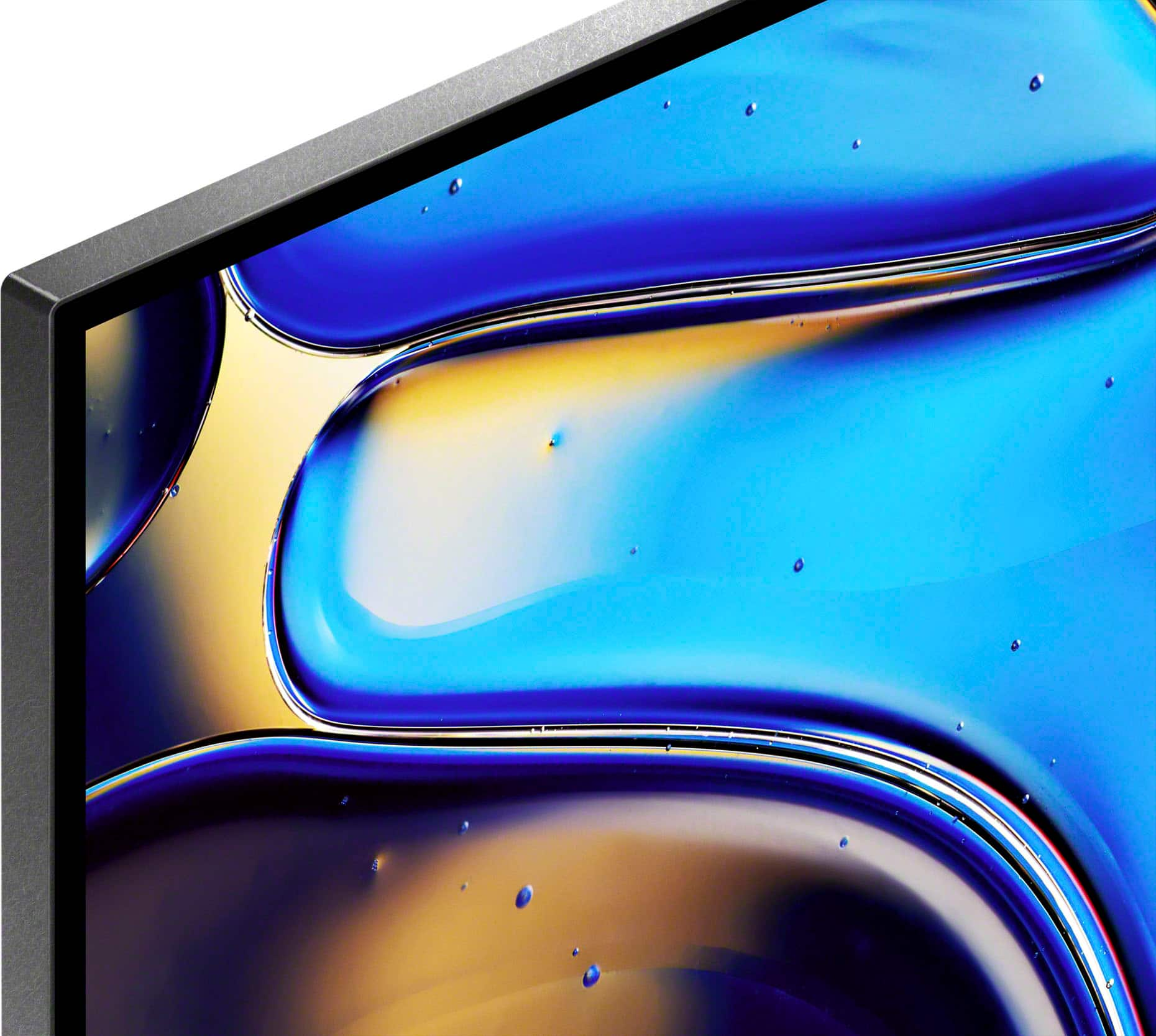
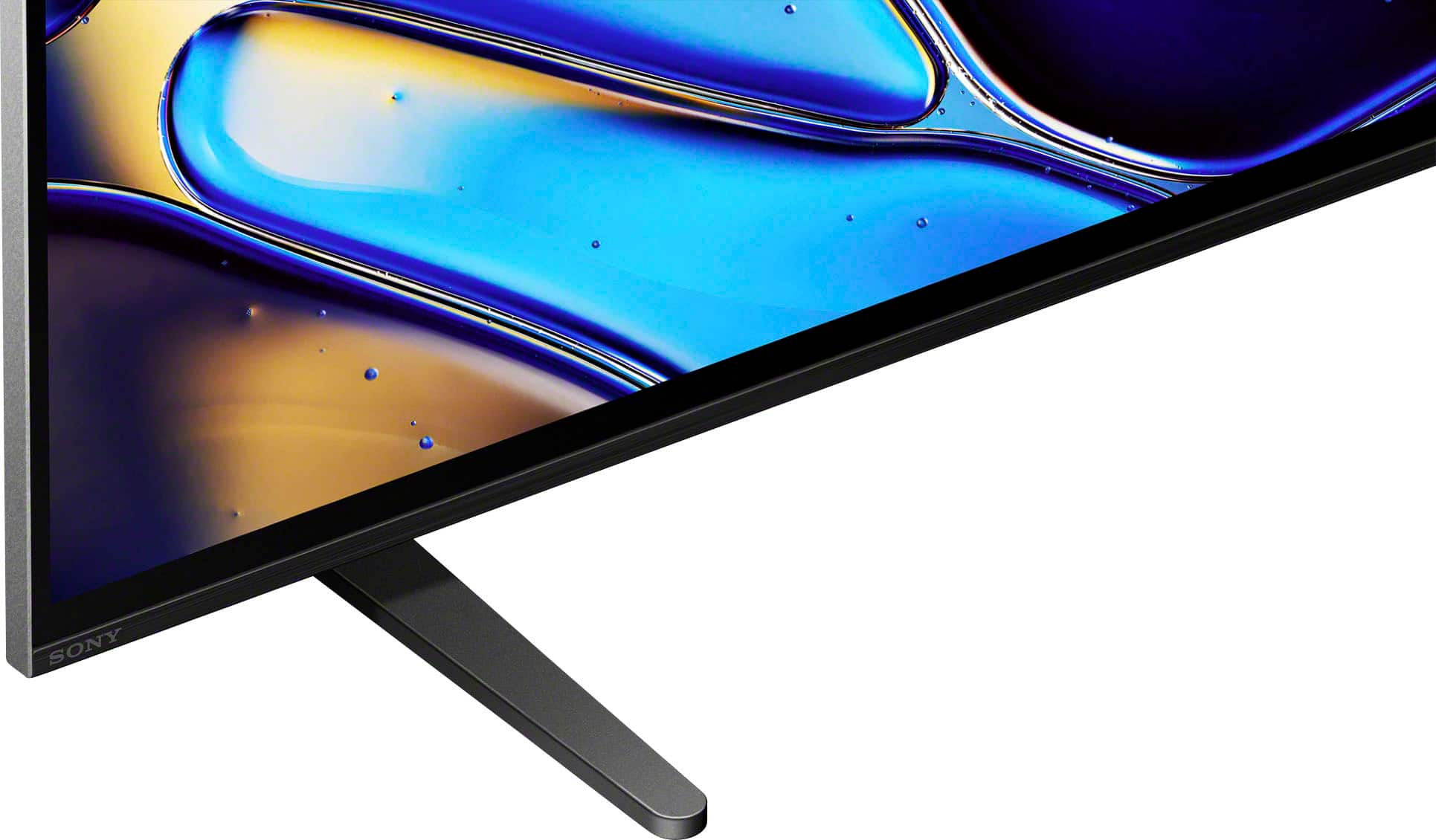
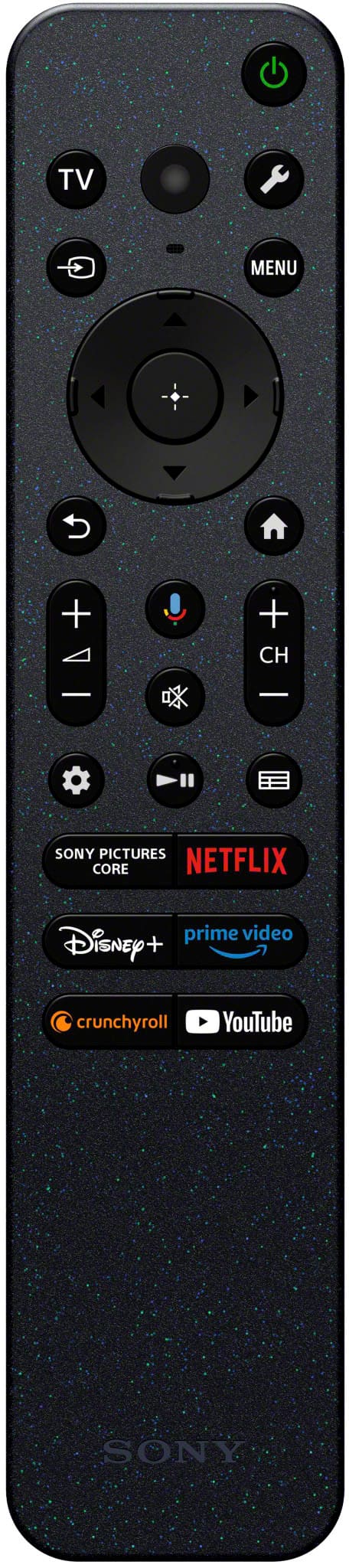
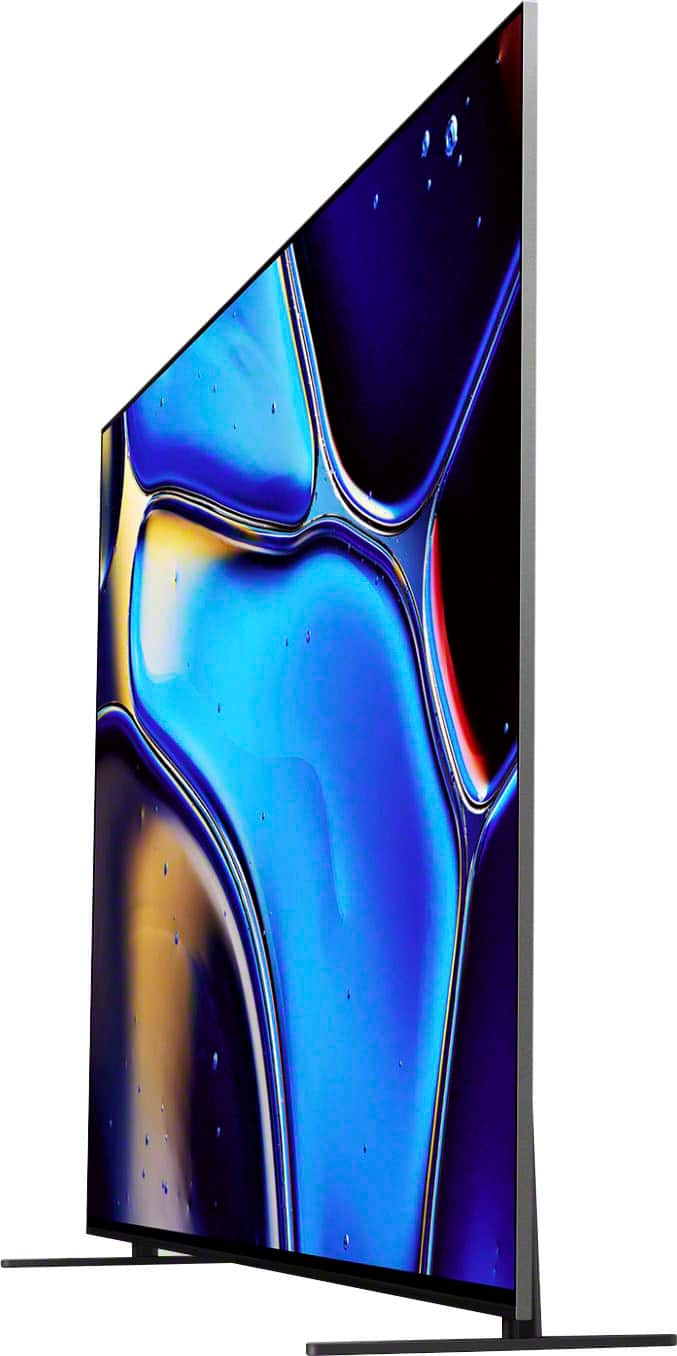
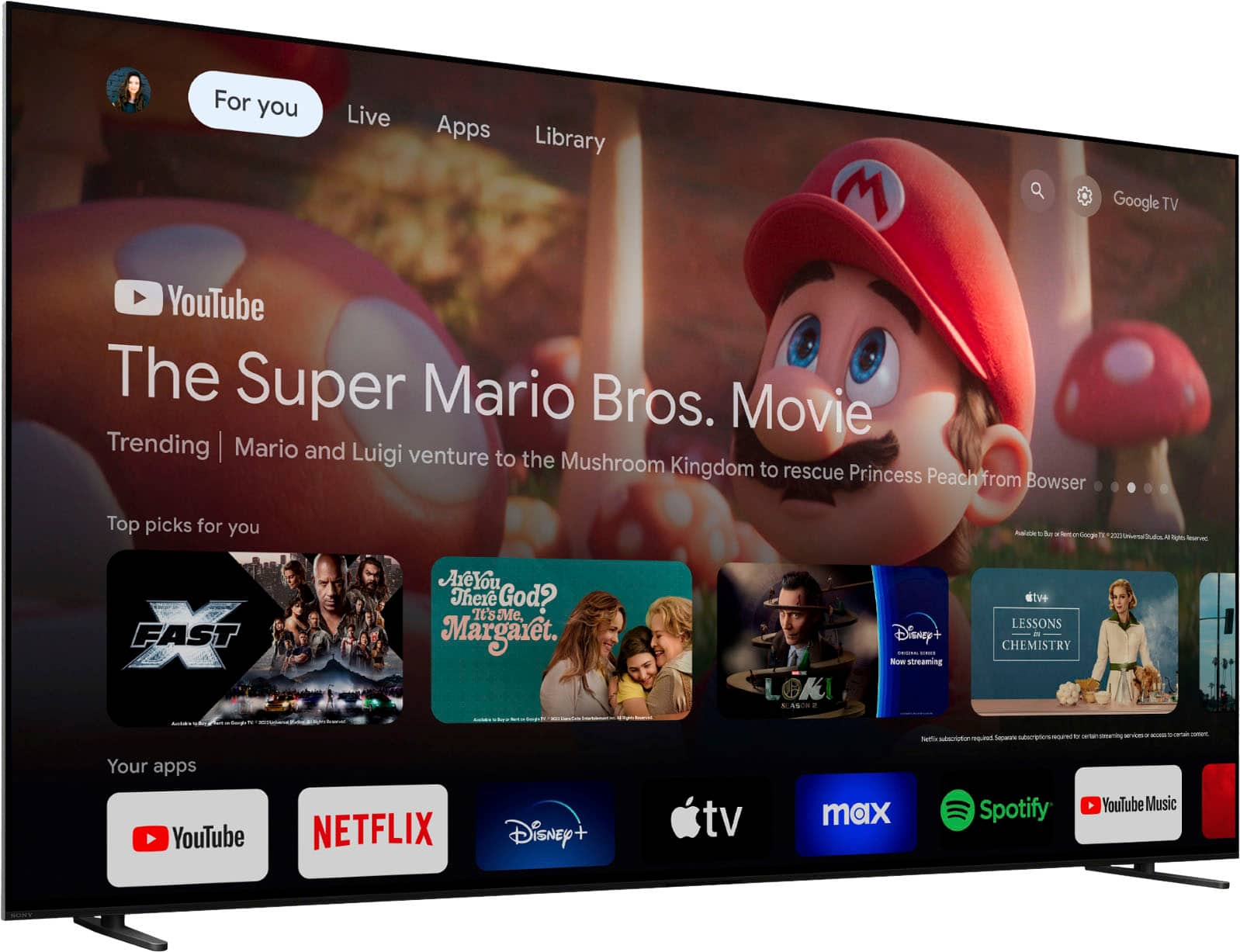
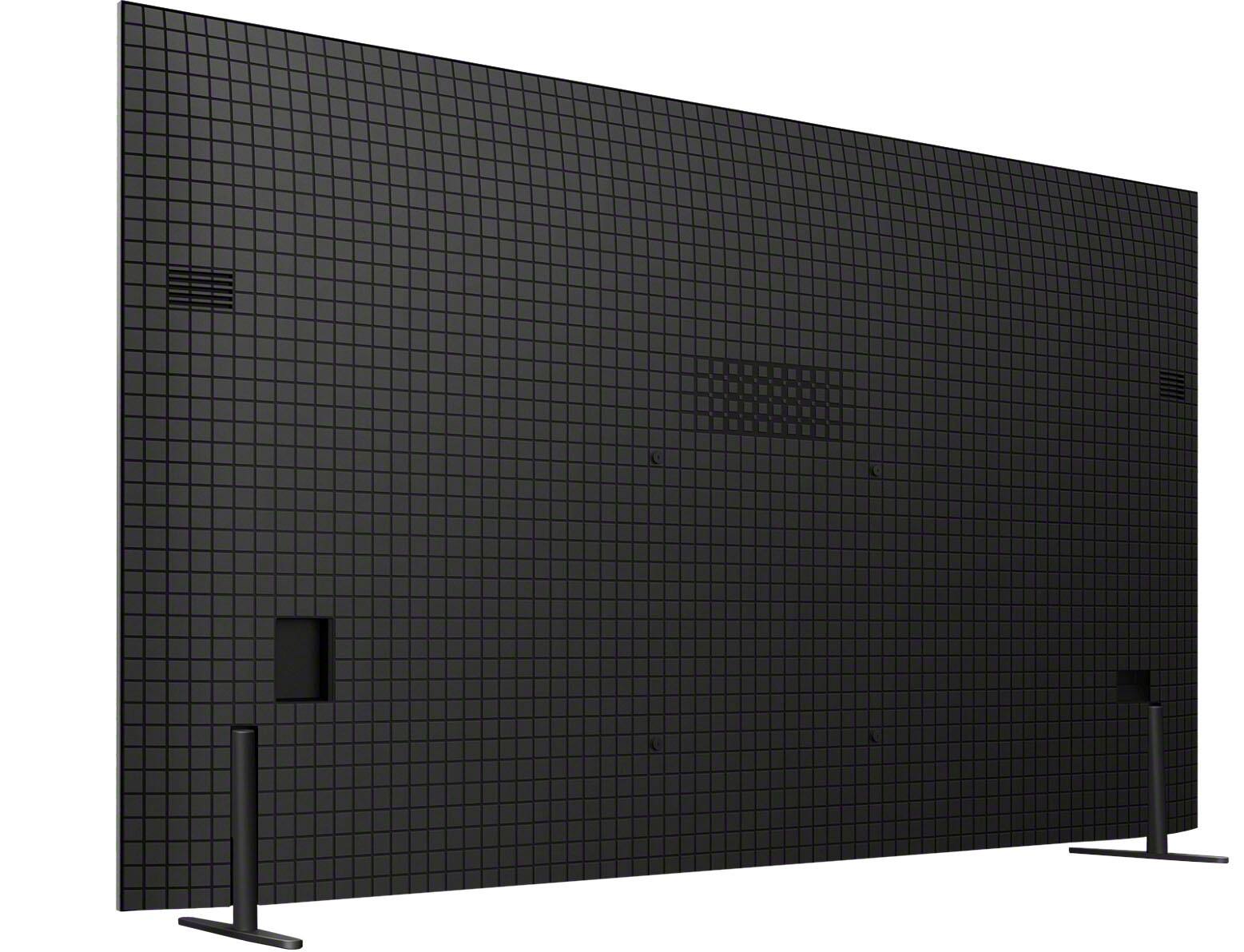
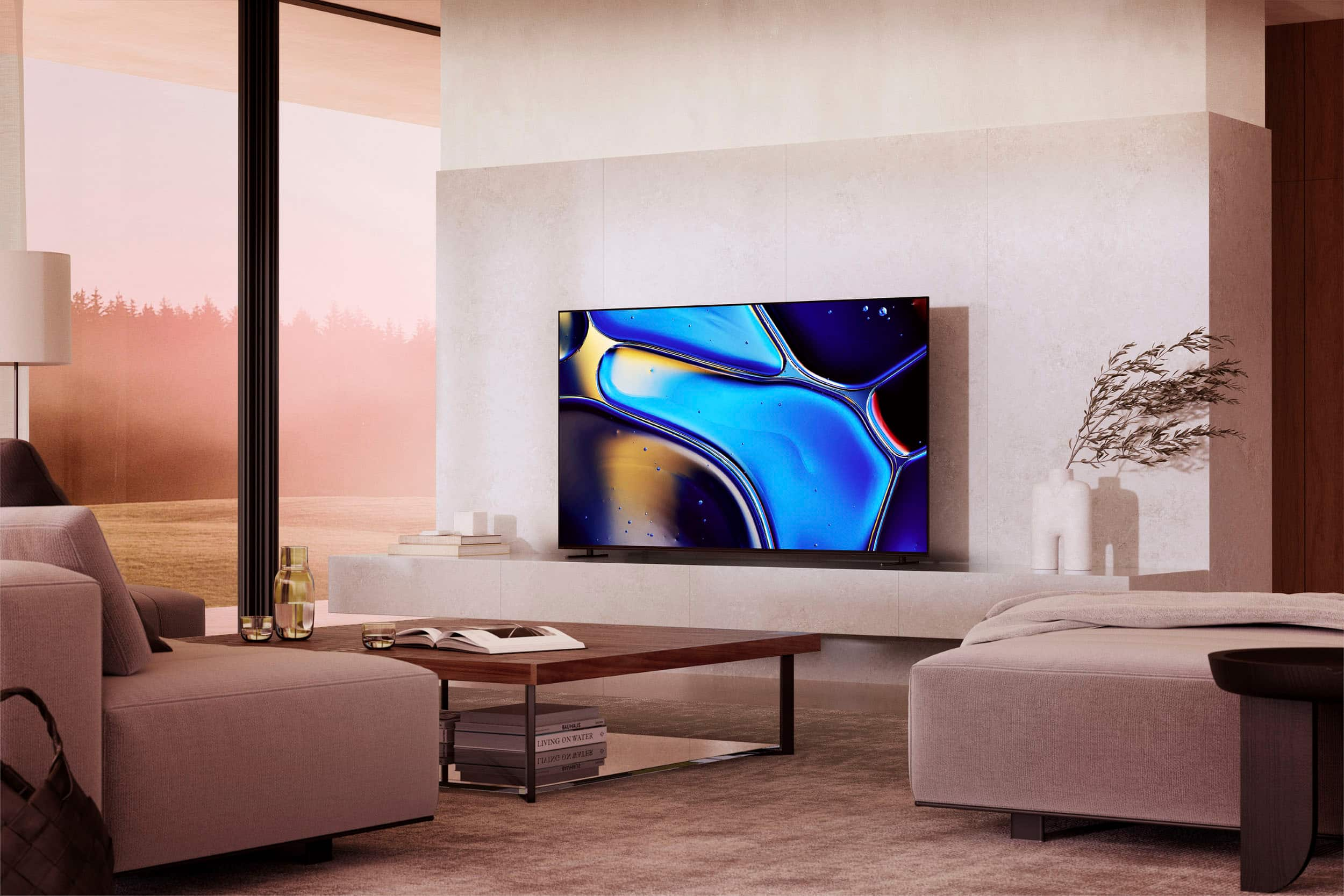
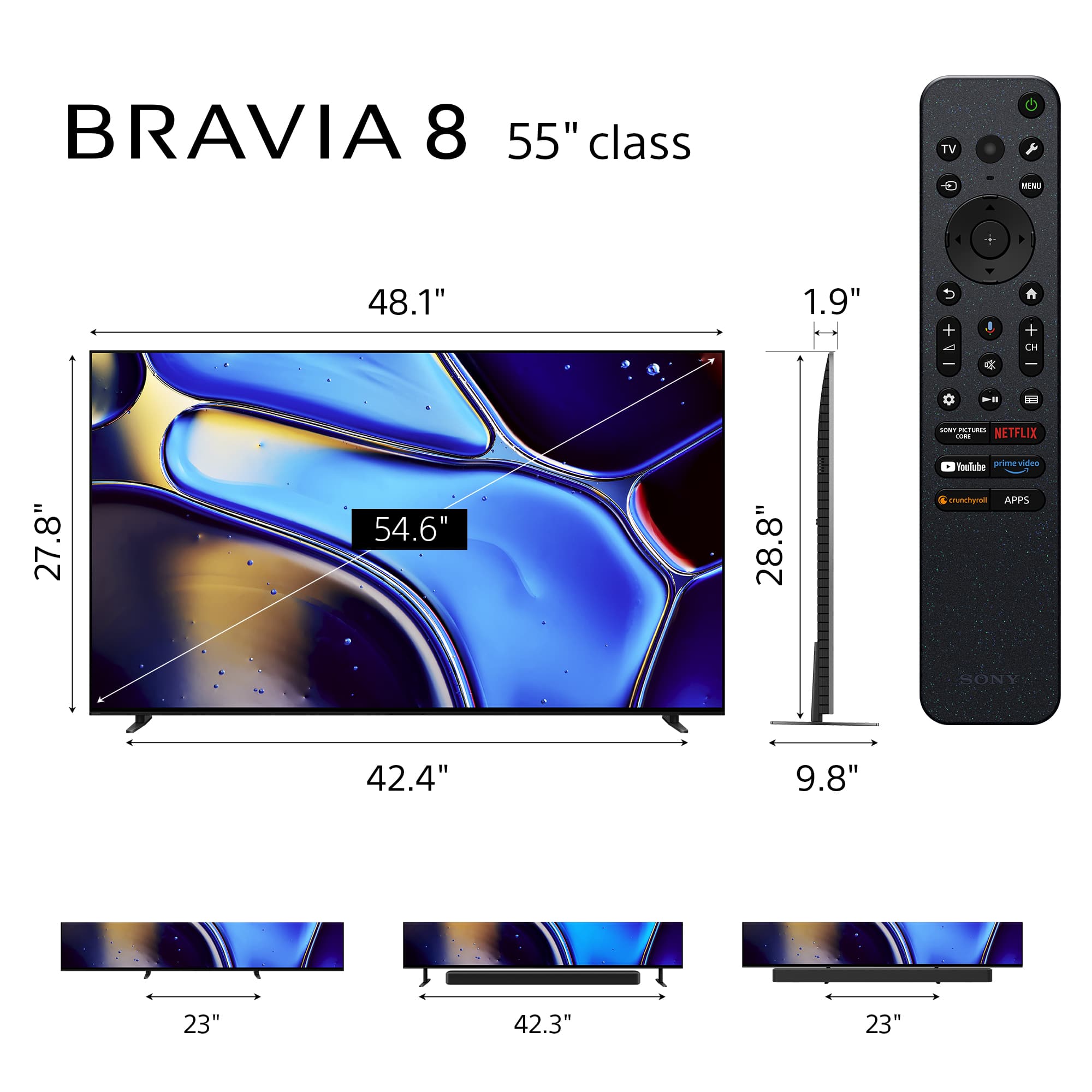
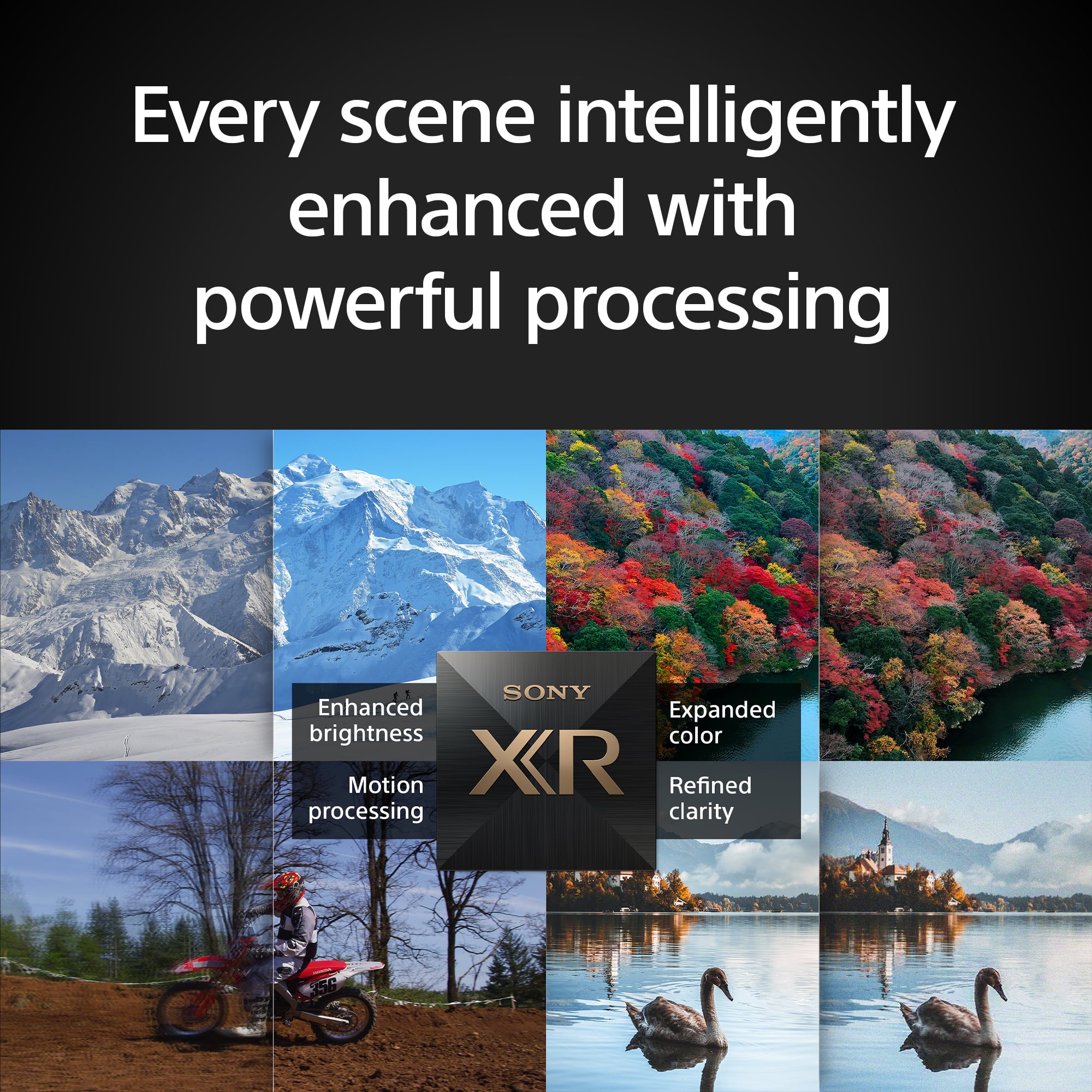
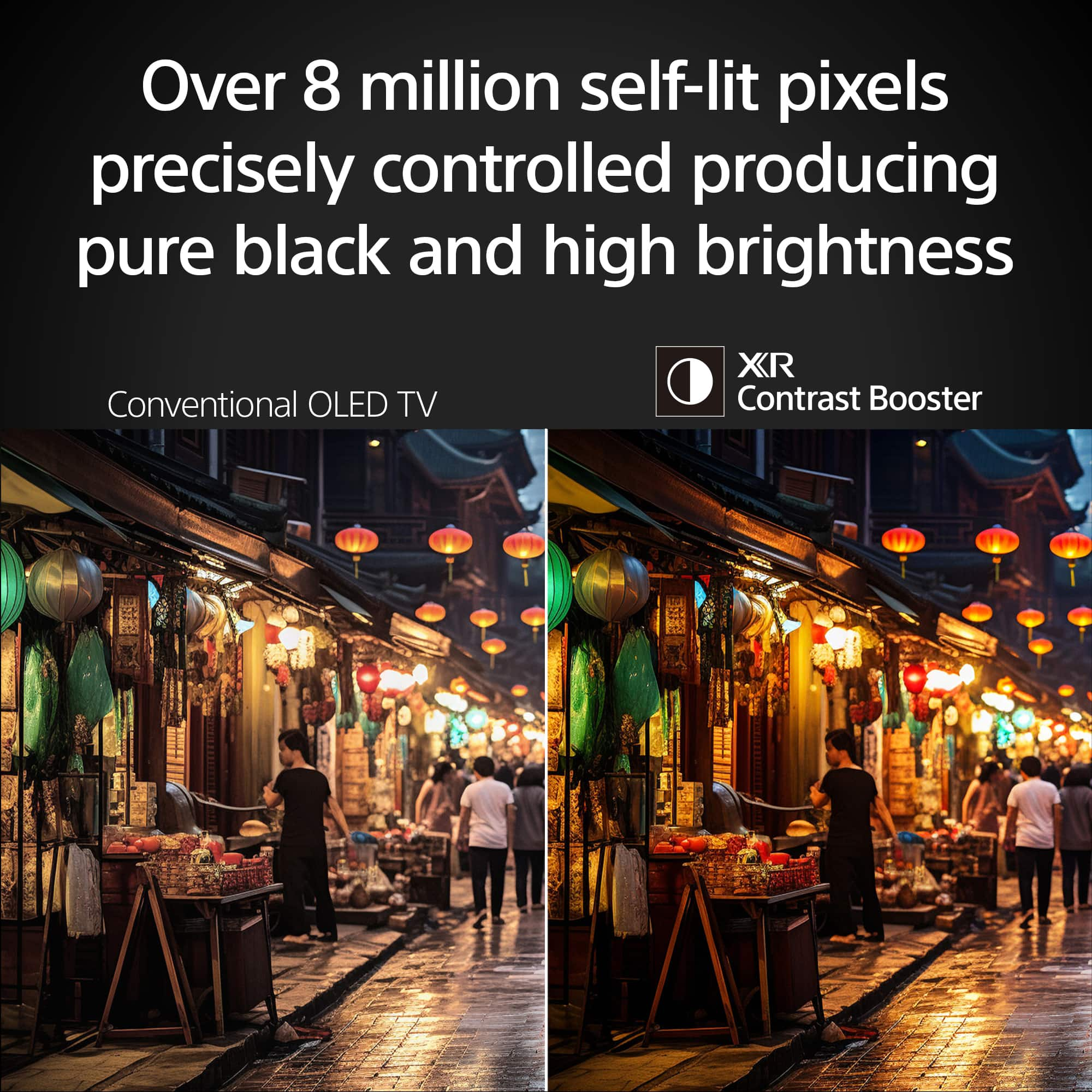
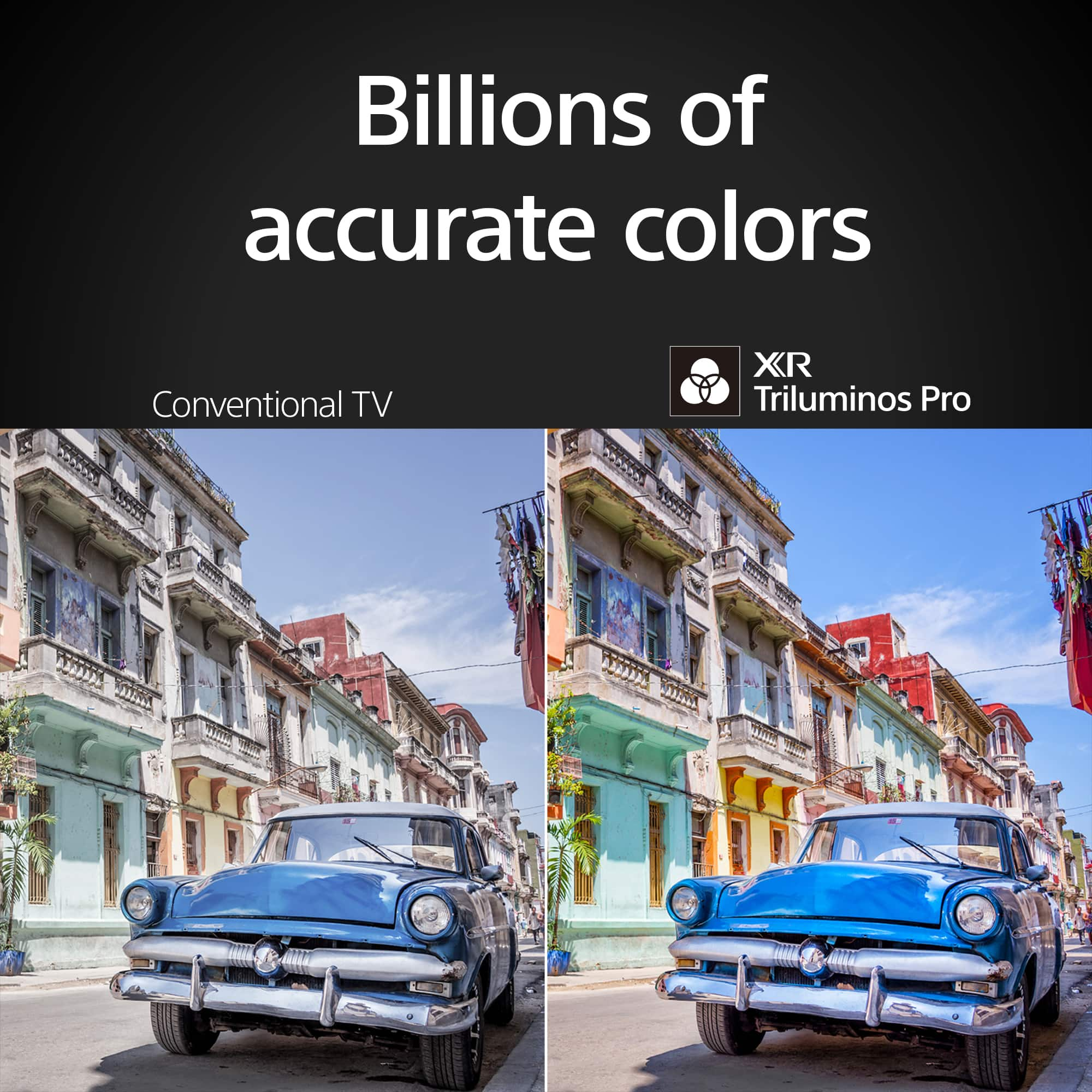
Customers are positive about the superb picture quality and tremendous detail of the 55" Class BRAVIA 8 OLED 4K UHD Smart Google TV (2024). Many users also appreciate the vibrant colors and brilliant contrast. The TV is also praised for its ease of use and great OLED quality. However, some customers feel the remote and software could use some updating.
This summary was generated by AI based on customer reviews.
- Pros mentioned:Picture quality
Sony TV
||Posted . Owned for 3 weeks when reviewed.This reviewer received promo considerations or sweepstakes entry for writing a review.Good quality and picture I love it. It is worth it for that price.
I would recommend this to a friendBrand response from SonyListens
Posted .Hi AlirezaM, Amazing! We're thrilled to hear that you're pleased with the outstanding picture quality and affordability of the BRAVIA 8. Thank you for your purchase and for choosing Sony! - Romeo

Sony TV
||Posted . Owned for 3 weeks when reviewed.This reviewer received promo considerations or sweepstakes entry for writing a review.Sony Bravia 8 OLED TV is great! Would recommend to all! My first Sony TV!
I would recommend this to a friendBrand response from SonyListens
Posted .Hi chrissy, Congratulations on your first Sony TV! We strive to provide a top-notch quality and are delighted to hear that you're satisfied with your new Sony Bravia 8. We appreciate the recommendation and thanks for choosing Sony! -Sam
- Pros mentioned:Contrast
Nice TV
||Posted . Owned for 3 weeks when reviewed.This reviewer received promo considerations or sweepstakes entry for writing a review.Great contrast. Happy to have purchased. TV is a tad slow on powering up, but to be expected with LEDs.
I would recommend this to a friendBrand response from SonyListens
Posted .Hi Will,
Thanks for sharing your review and experience with the BRAVIA 8 TV. We're glad that you like the picture quality of the TV. Your feedback about its boot up time is greatly appreciated. For optimum performance, make sure that the software version of the TV is up-to-date. You may find this link helpful:
https://www.sony.com/electronics/support/articles/00028577
Thank you for choosing Sony!
-Ralph
- Pros mentioned:Picture quality
Alvin the chipmunk
||Posted . Owned for 2 weeks when reviewed.This reviewer received promo considerations or sweepstakes entry for writing a review.We have enjoyed the tv and the picture quality is very nice with a nice 3d picture look and we made some minor adjustments to the sound and now we are pleased
I would recommend this to a friendBrand response from SonyListens
Posted .Hi JosephV, Awesome! We're glad to hear you're enjoying the excellent picture quality and 3D effect of your Sony Bravia 8. It's great to know that after making some minor adjustments to the sound, you are now pleased with the overall experience. Thanks for choosing Sony! -Sam
Best processing yet (with a couple of bugs).
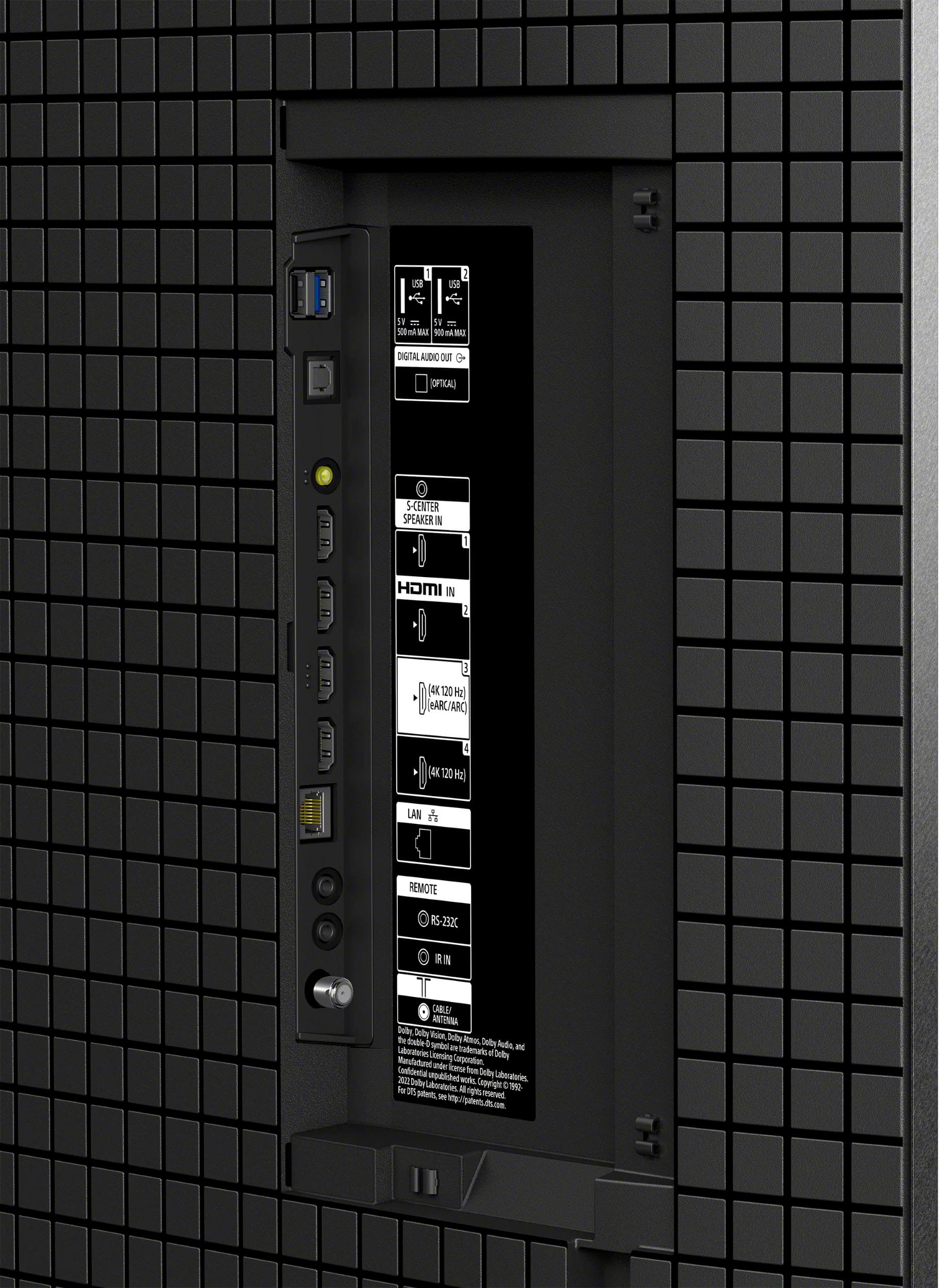
||Posted . Owned for less than 1 week when reviewed.This reviewer received promo considerations or sweepstakes entry for writing a review.Definitely a step up from the A80K,much improved video processing and color saturation.Now able to apply your video settings to all inputs and narrow stand options that both I have been telling Sony to have.Does have a issue with the eARC port that affects the video and issues with the Wi-Fi connection that with a software update will fix.Don’t bother calling Sony about this problem because they will just think it’s your issue with your HDMI cable or something other than the tv.
I would recommend this to a friendBrand response from SonyListens
Posted .Hi minitech, Thank you for sharing your wonderful experience with your new Sony Bravia 8! We're glad you're impressed with the improved video processing, color saturation, and overall picture quality of this TV. Your satisfaction is our priority, and we’re committed to resolving this matter promptly. We would to know more about your concerns and issues with this TV. May we contact you to help and get more information? If so, please email the below information to socialsupport@am.sony.com. Apologies if you disclosed some of this information in your review and to customer service, we just want to ensure that we have your accurate details at the time of communication.
Full Name:
Best Buy Username:
Telephone Number:
Sony Model Number:
Additional Information regarding your experience with the Bravia 8:
We are sorry for the inconvenience and hope to speak to you to resolve this matter. We appreciate you and thanks again for shopping Sony!
Sincerely,
Sam
Awesome
||Posted . Owned for 1 month when reviewed.This reviewer received promo considerations or sweepstakes entry for writing a review.We love Sony and this model is amazing! You can’t go wrong!
I would recommend this to a friendBrand response from SonyListens
Posted .Hi ThomasM,
Thank you for your purchase and we are honored to have customers like you. We're glad to hear that you love your new Sony TV. Thank you for choosing Sony!
-David
- Pros mentioned:Picture quality
It’s okay, not worth the price.
||Posted .This reviewer received promo considerations or sweepstakes entry for writing a review.Nice image and sound, overpriced for a 55” Thinking of returning and getting another brand for half the price and just as good sound and picture.
No, I would not recommend this to a friendBrand response from SonyListens
Posted .Hi Jaxilm,
Thank you for your feedback on the K55XR80 BRAVIA 8. We appreciate your honest review and are sorry to hear that you feel the TV is overpriced for its size. We strive to offer products that provide excellent image and sound quality, and we regret that this model did not meet your expectations in terms of value.
If there's something we can do to help or you may need information/technical assistance with our product, please feel free to contact us and we'll be more than happy to assist you. You may send us an email at socialsupport@am.sony.com with the following:
Name:
BestBuy Username:
Model Number:
Issue/Concern:
Telephone Number:
We value your input, and thanks for choosing Sony!
Best regards,
Romeo
Sony Social Support
Perfect TV but bad experience with open box
||Posted . Owned for 1 month when reviewed.This reviewer received promo considerations or sweepstakes entry for writing a review.Perfect TV but bad experience with open box. It was an ope. Box excellent condition, should’ve had all the original pieces. I got home at night from picking up the tv and couldn’t use it until the next day because the screws for the legs were not included. Then within the first three months the tv had randomly shut off on me 3 times while watching something and would make a weird sound coming from the speakers. Definitely a defective tried to pass as an “excellent condition” open-box
I would recommend this to a friendBrand response from SonyListens
Posted .Hi AlexM,
Thank you for sharing your feedback regarding the K55XR80 BRAVIA 8 TV. We sincerely apologize for the inconvenience you encountered with your open-box purchase and the subsequent issues with your unit.
To address the random shut-off problem you're experiencing, we highly recommend updating your TV's firmware to the latest version. This update resolves several issues that may lead to unexpected restarts. For more details, please follow this link:
https://www.sony.com/electronics/support/oled-tvs-android-bravia-8-xr80-/k-55xr80/software/00346878.
We hope this information proves helpful. If you require further assistance or have any questions about our products, please do not hesitate to contact us. We are always here to help! You can reach us via email at socialsupport@am.sony.com, providing the following details:
- Name
- Username
- Model Number
- Issue/Concern
- Telephone Number
Thank you for your purchase and for choosing Sony.
Best regards,
Romeo
- Pros mentioned:Picture quality
Ultimately had to return mine
||Posted . Owned for 2 weeks when reviewed.This reviewer received promo considerations or sweepstakes entry for writing a review.The picture on the TV was awesome but I found the sound from the TV really subpar. The speakers are either way too small or underpowered that you basically will need a soundbar or stereo just to watch TV without being annoyed. It sounded way worse than my 10yr old Sony TV. The Google TV integration wasn't bad but one of the apps I use the most (Xfinity Stream) doesn't work with Google TV so using it in another room like I planned wouldnt work out unless I use my Roku. That pretty much limits the usefulness of Google TV in my case. Ultimately I wound up having to return the TV. My problems started with the audio getting out of sync, static on every source, then random reboots. Ultimately one of the reboots led to an endless boot loop and the TV just died. I contacted Sony and they were basically no help so I decided to return it especially when all of this happened within a 3 hour timeframe.
No, I would not recommend this to a friendBrand response from SonyListens
Posted .Hi Jwreed4130, Thank you for sharing your feedback about the Sony BRAVIA 8 TV. We are sorry to hear about your experience and appreciate your detailed review.
We understand that sound quality is crucial for an enjoyable viewing experience. The BRAVIA 8 is designed to deliver high-quality audio, but we recognize that individual preferences and room acoustics can affect the perception of sound. Many customers find that adding a soundbar or external speakers enhances their audio experience significantly.
We also acknowledge that some apps like Xfinity Stream may not be compatible. However, you can use the built-in Chromecast feature to cast the content from the Xfinity Stream app on your mobile device to this TV.
We apologize for the technical issues you faced, including audio sync problems, static, and reboots. These are not the experiences we want our customers to have.
Updating the firmware of the TV is one of our suggested steps to address such issues. We regret that our support team was unable to resolve your concerns promptly.
If you have any further questions or need assistance, please feel free to contact us directly. You can email us at socialsupport@am.sony.com with the following details:
Name:
Username:
Model Number:
Issue:
Telephone Number:
We value your feedback and are committed to improving our products and services. I hope you consider our Sony products in the future. Thank you for sharing your feedback. -Sam
- Pros mentioned:Picture quality
Sony Bravura 55 inch television
||Posted . Owned for 1 month when reviewed.This reviewer received promo considerations or sweepstakes entry for writing a review.I have purchased several brands of Televisions previously and so far the picture quality is the best I by far.
I would recommend this to a friendBrand response from SonyListens
Posted .Hi JohnT,
Awesome! We're glad to hear that you like the picture quality of your new Sony TV. Thank you for choosing Sony!
-David
- Pros mentioned:Picture quality
My review
||Posted . Owned for 2 weeks when reviewed.This reviewer received promo considerations or sweepstakes entry for writing a review.I love it this store. I bought tv 55 inch sony. There is nice everything.
I would recommend this to a friendBrand response from SonyListens
Posted .Hi BatsaikhanB, You've definitely made a great choice! We're delighted to hear that you like your new Sony BRAVIA 8. Thanks for choosing Sony! -Sam
- Pros mentioned:Picture quality
Office TV
||Posted . Owned for 1 month when reviewed.This reviewer received promo considerations or sweepstakes entry for writing a review.Sharp picture, and nice installation by Geek Squad.
I would recommend this to a friendBrand response from SonyListens
Posted .Hi LarryR,
Awesome! We're thrilled that you are enjoying the picture quality of the TV. It's also great that you were assisted professionally. Thank you for choosing Sony!
-Ralph
- Pros mentioned:Picture quality
Sony 55 inch
||Posted . Owned for 1 month when reviewed.This reviewer received promo considerations or sweepstakes entry for writing a review.great picture..good quality sound..netflix works great..
I would recommend this to a friendBrand response from SonyListens
Posted .Hi RobertA,
That's great! We're glad to hear that you like the picture and sound quality of the TV. Thank you for choosing Sony!
-David
- Pros mentioned:Picture quality
Great TV
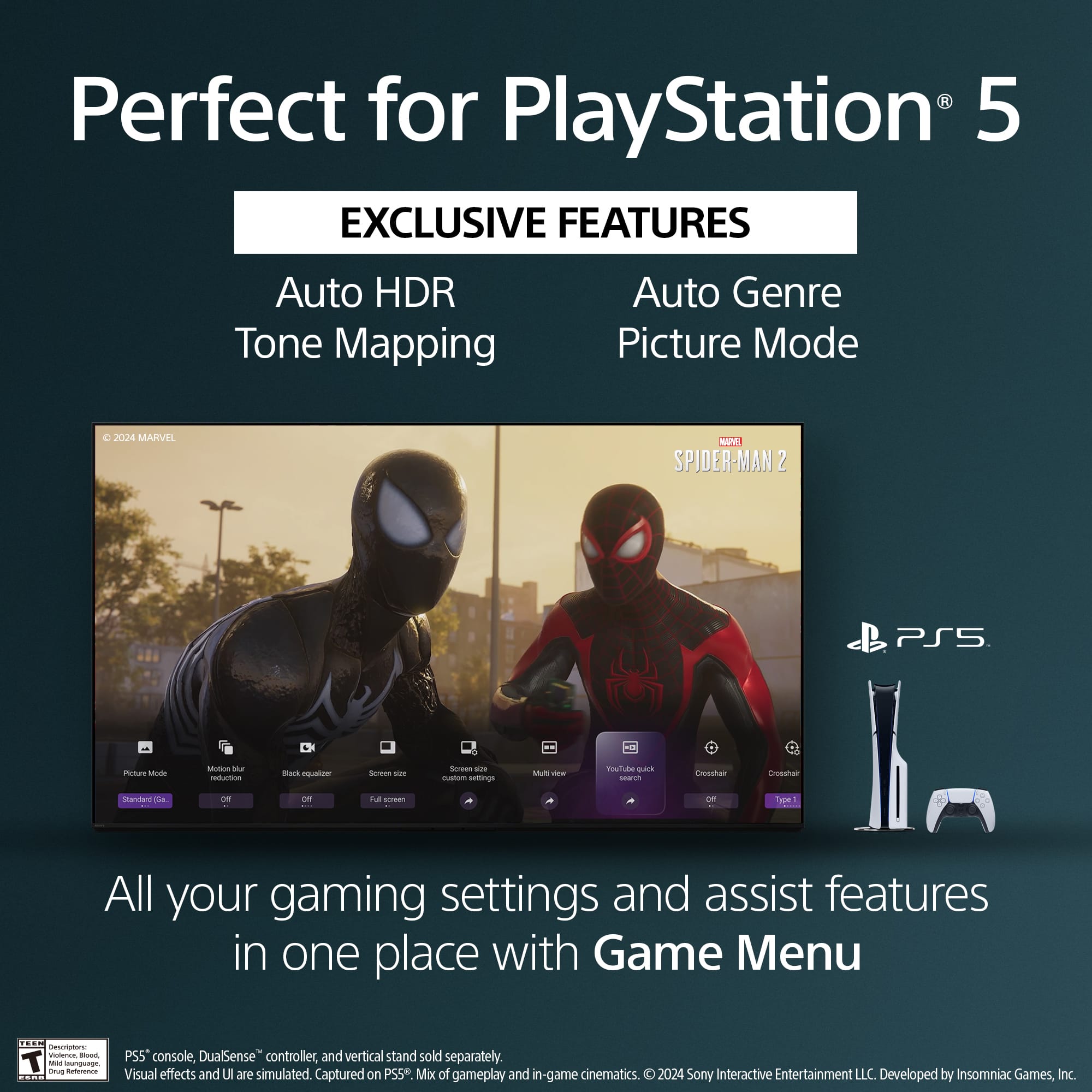
||Posted . Owned for 2 weeks when reviewed.This reviewer received promo considerations or sweepstakes entry for writing a review.Super happy with this TV. It’s so clean and perfect with the PS5 Pro.
I would recommend this to a friendBrand response from SonyListens
Posted .Hi JrM1, Awesome! We're very happy to hear you're enjoying your new Sony BRAVIA 8 and good to know it works perfectly with your PS5 PRO. Thanks for choosing Sony! -Sam
Random Reboot
||Posted . Owned for 1 month when reviewed.This reviewer received promo considerations or sweepstakes entry for writing a review.My previous front room Sony TV worked just fine. We cut the cable and needed a smarter TV in the bedroom to support the new option we went with. The older Sony in the bedroom did not support the TV option we went with but still works fine. Therefore, we bought this one and did some rotation of TVs. During the first week it rebooted a couple times, back-to-back, while watching a show. The next day it rebooted agin without user input. I went to setting and shut off any engery saver option I could fine. It was fine for the next month. Now it is doing it again on a daily basis. Not sure what to think other than see what Best Buy and Sony will do for me. Kind of sounds like a power supply probelm. I am a Best Buy and Sony guy. Have had a Sony TV for 40+ years. Yes those were heavy tube TVs back then. I have been buying my electronics from best buy since they opened. I a hoping for a good outcome from Sony and Best Buy. Hpoing to come back and give a positive update
No, I would not recommend this to a friendBrand response from SonyListens
Posted .Hi teceditor,
Thanks for sharing your review and experience with the BRAVIA 8 TV. It's unfortunate that the TV reboots on its own. For optimum performance, make sure that the software version is up-to-date. You may also refer to the troubleshooting steps on this link to help resolve the issue:
https://www.sony.com/electronics/support/articles/00032613
Hope this helps. If still not resolved or you need further assistance, please email the below information to socialsupport@am.sony.com.
Name:
Username:
Model Number:
Issue:
Telephone Number:
Or contact our product support team via phone call or chat through this link:
https://us.esupport.sony.com/support/s/support-contact?language=en_US&category=tv
Sincerely,
-Ralph
- Pros mentioned:Picture quality
Great visuals
||Posted . Owned for 2 weeks when reviewed.This reviewer received promo considerations or sweepstakes entry for writing a review.Great picture and color. Recently updated from a curve TV.
I would recommend this to a friendBrand response from SonyListens
Posted .Hi LeylaS,
Awesome! We're glad to hear that you like the picture color quality of the TV. Thank you for choosing Sony!
-David
- Pros mentioned:Picture quality
Best Picture
||Posted . Owned for 3 weeks when reviewed.This reviewer received promo considerations or sweepstakes entry for writing a review.Best picture ever and the size is just perfect for my room
I would recommend this to a friendBrand response from SonyListens
Posted .Hi SamuelC,
Awesome! We're glad to hear that you like the picture quality and size of the TV for your room. Thank you for choosing Sony!
-David
Best Buy Purchase and Set-Up
||Posted . Owned for 1 week when reviewed.This reviewer received promo considerations or sweepstakes entry for writing a review.Josh and Patti were great at listening to my home theater needs then giving me options at every turn. No pressuring, they were patient with every one of my questions. When I finally decided, Patti was very thorough in explaining every detail of my bill and the various timelines for returns. Logan and Kennedy were the Geek Squad members who helped me set it up. I could not be happier with the purchase and service that I received.
I would recommend this to a friendBrand response from SonyListens
Posted .Hi DennisS, Thank you for sharing your wonderful experience with your Bravia 8! We're glad you're satisfied with your purchase and good to know you had an amazing customer service experience. Thanks for choosing Sony! -Sam
- Pros mentioned:Picture quality
Excellent TV
||Posted . Owned for 1 week when reviewed.This reviewer received promo considerations or sweepstakes entry for writing a review.Excellent TV. Love it! The image quality is excellent, the OS is very fast and convenient
I would recommend this to a friendBrand response from SonyListens
Posted .Hi Dmytro, Thank you for the great review! We're glad you love the excellent image quality and very fast and intuitive Google TV OS. Thanks for choosing Sony! -Sam
- Pros mentioned:Picture quality
Great TV
||Posted . Owned for 3 weeks when reviewed.This reviewer received promo considerations or sweepstakes entry for writing a review.Great clear and sharp picture. Highly recommended.
I would recommend this to a friendBrand response from SonyListens
Posted .Hi DonaldlH,
Awesome! We're glad to hear that you like the clear and sharp picture quality of the TV. We appreciate the recommendation and thank you for choosing Sony!
-David