Customer Ratings & Reviews
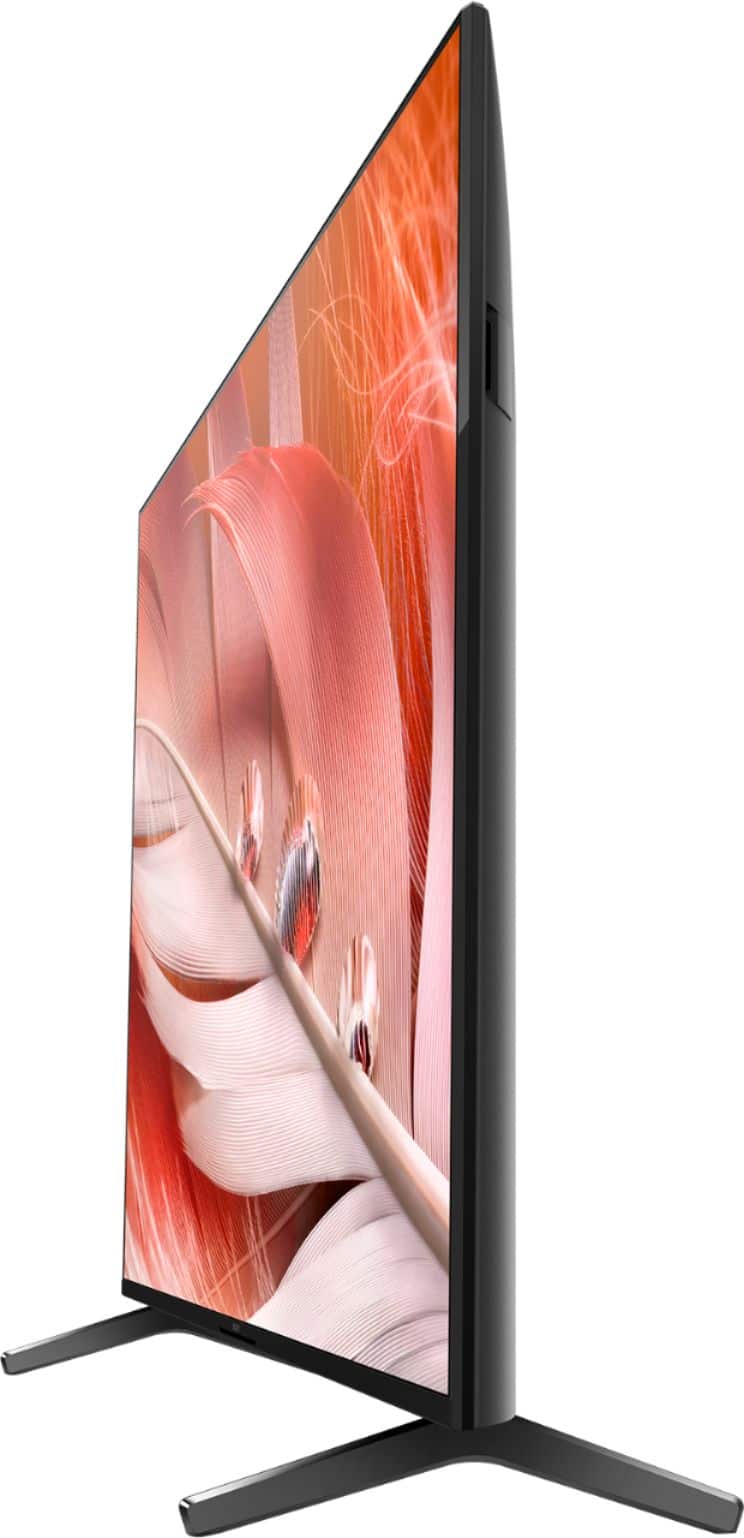

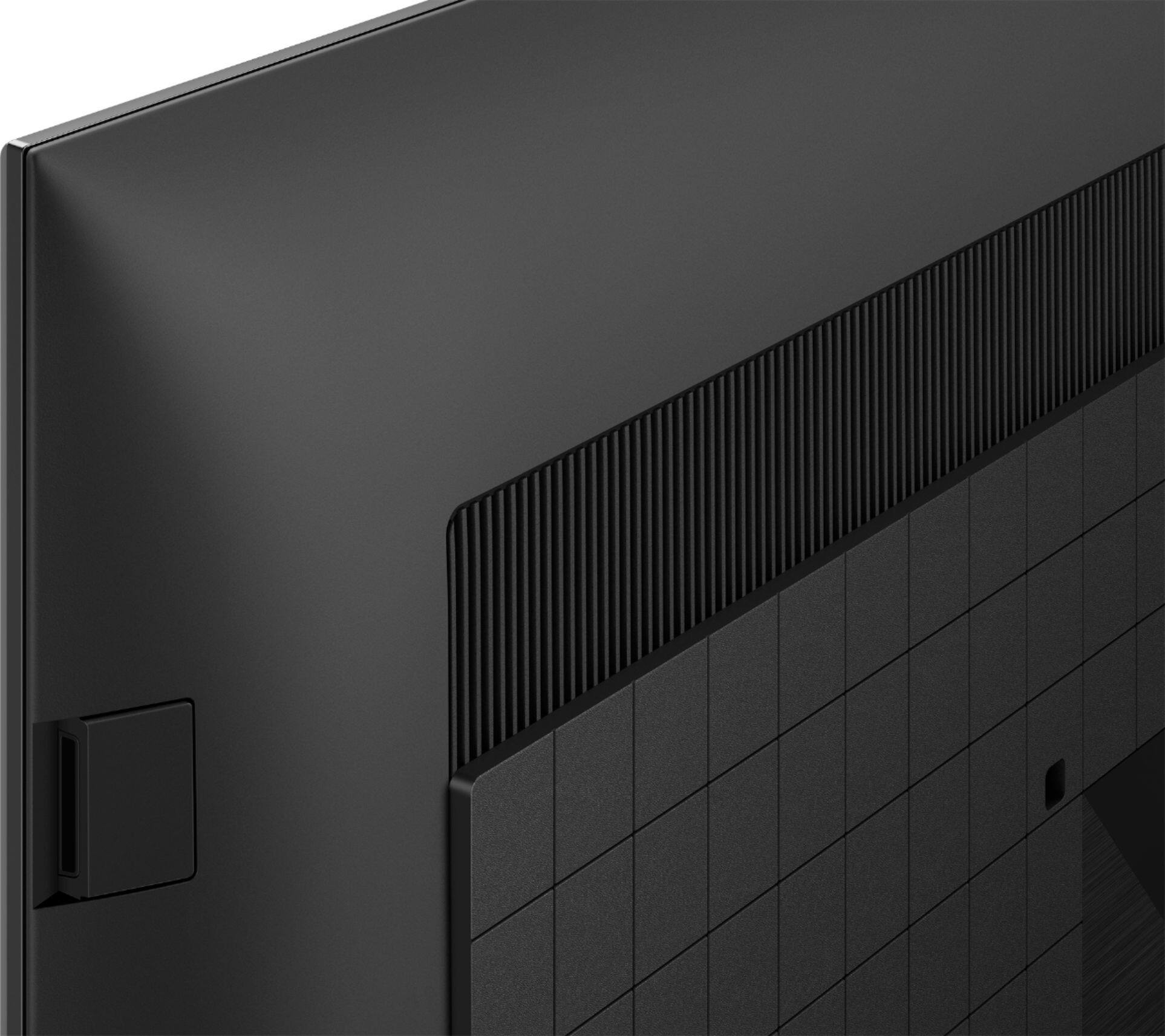
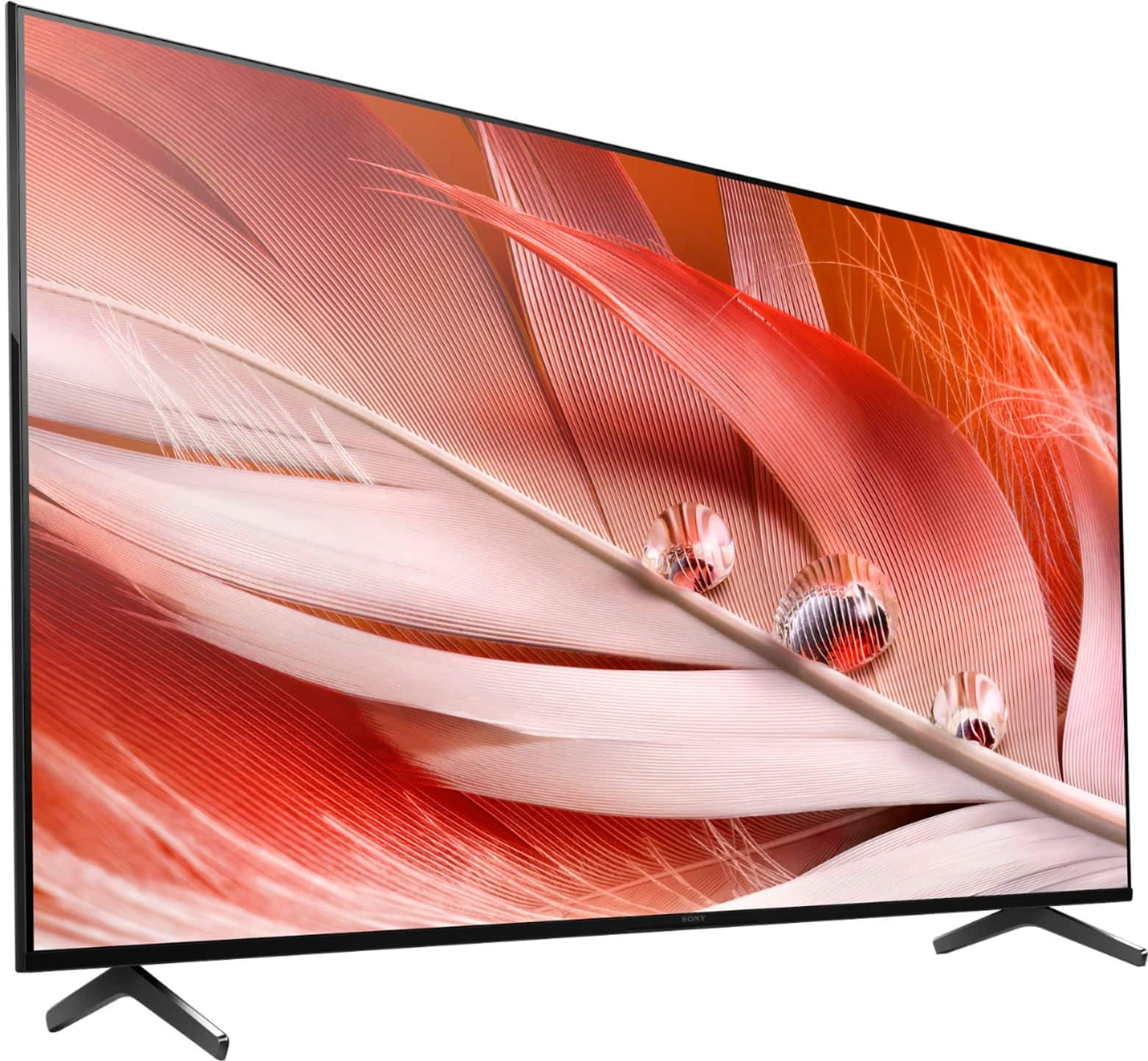
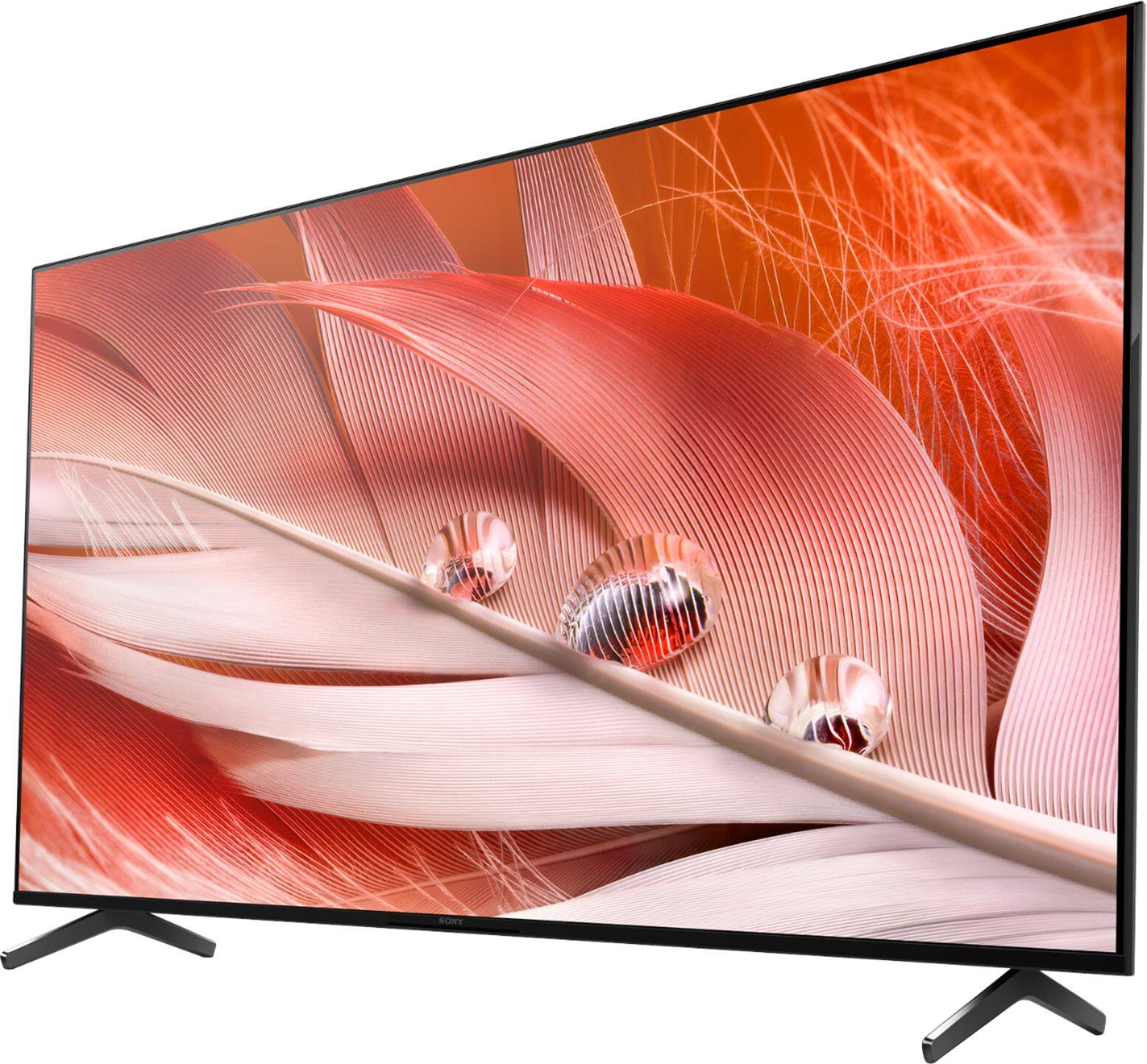
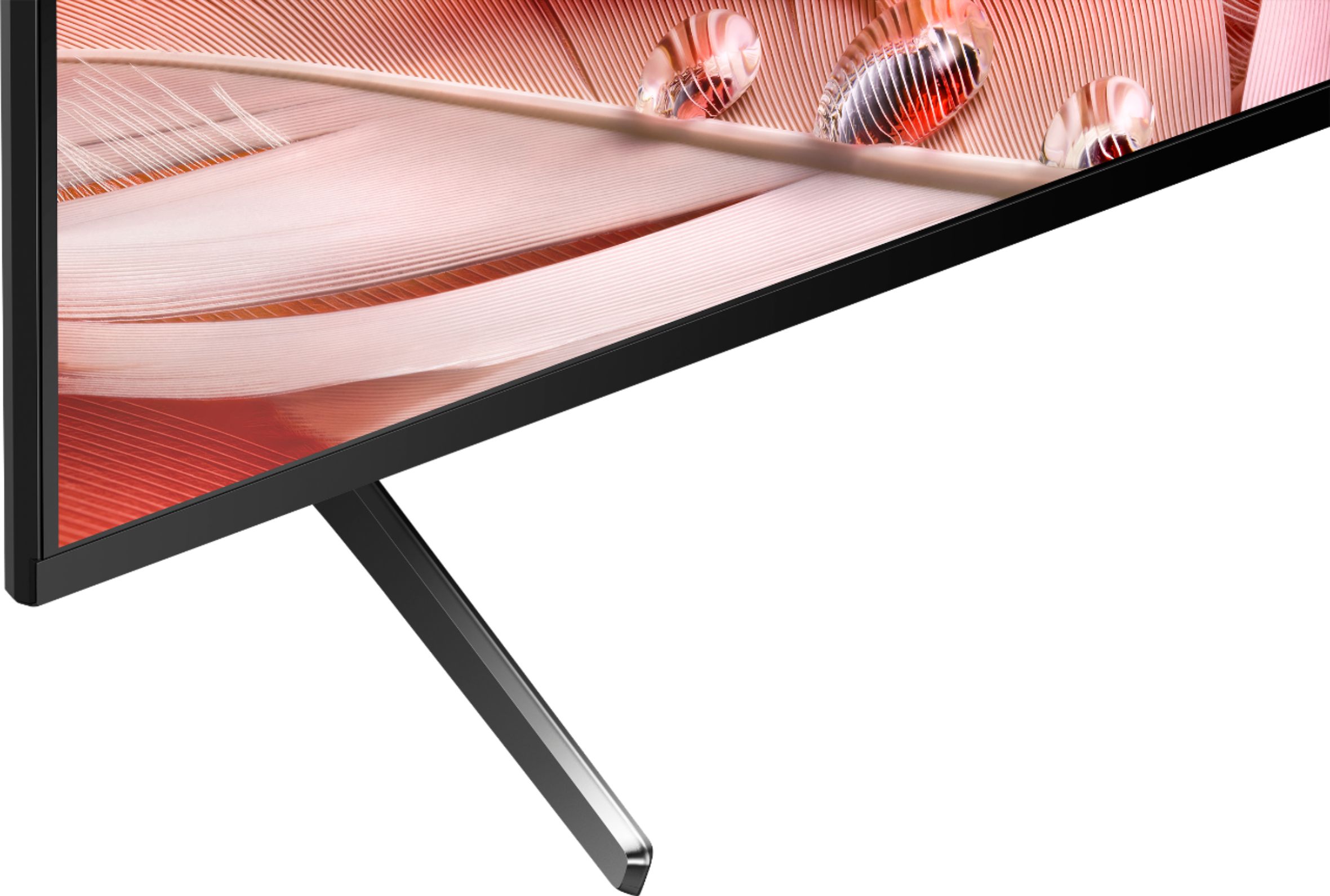









- Model:
- XR55X90J
- SKU:
- 6453205
Rating by feature
- Picture Quality
Rating 4.8 out of 5 stars
- Sound Quality
Rating 4.4 out of 5 stars
- Brightness
Rating 4.8 out of 5 stars
Customers are saying
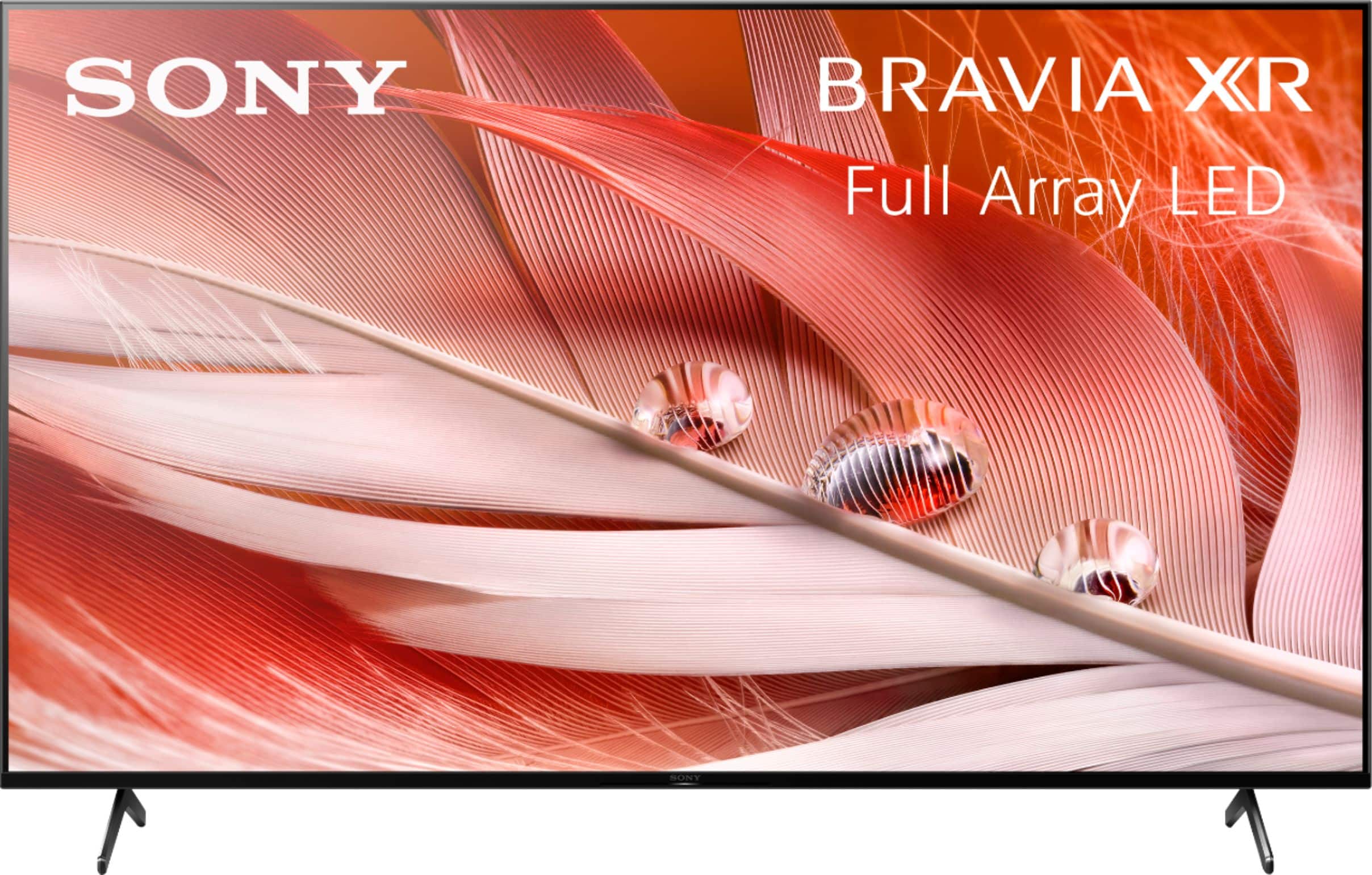
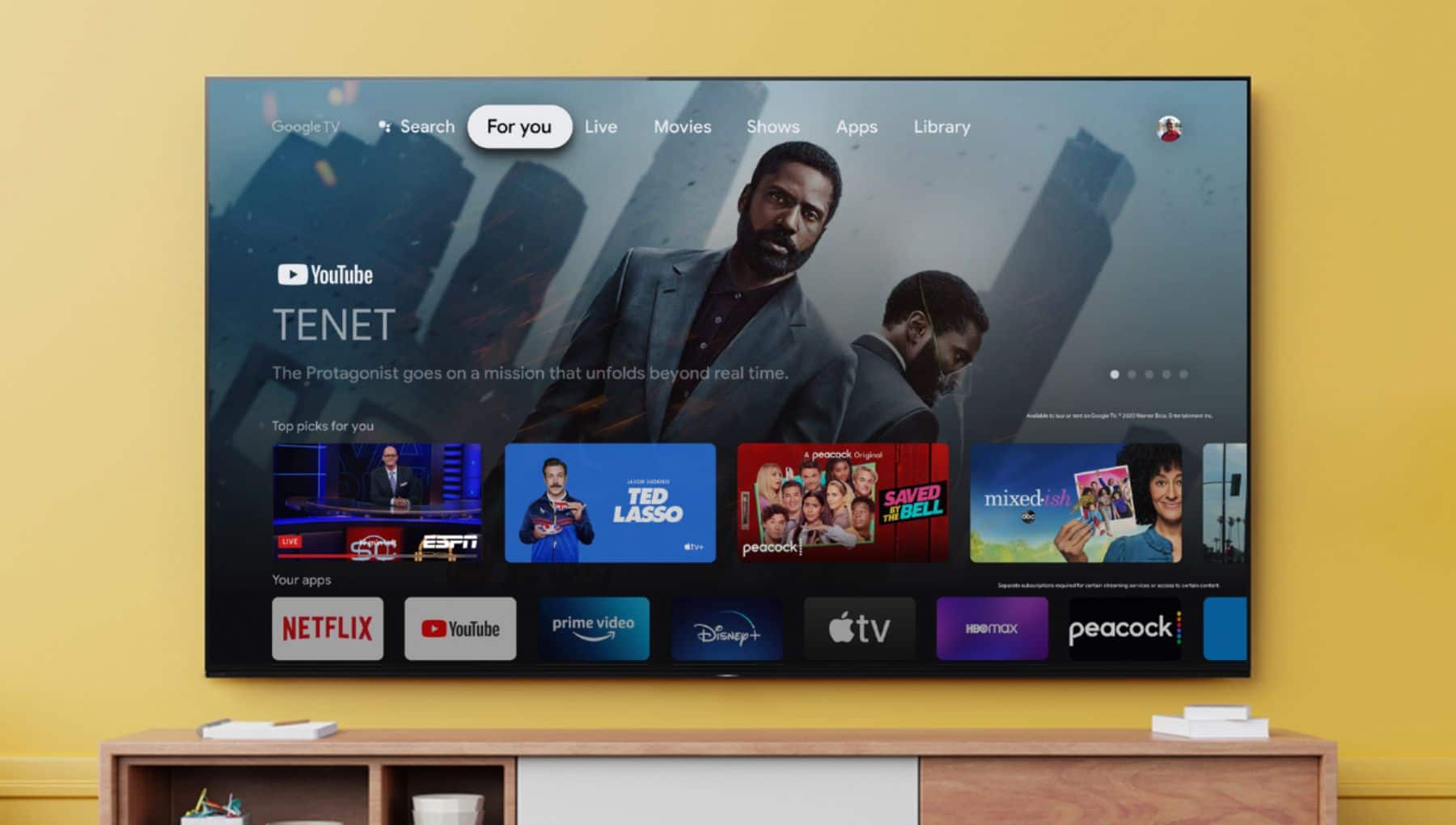
Customers are pleased with the picture quality, easy setup, gaming experience, color, price, sound, and Google TV integration of the 55" Class BRAVIA XR X90J Series LED 4K UHD Smart Google TV. They appreciate the vibrant picture, clear sound, and user-friendly interface. However, some customers have concerns about the remote control, glare, short lifespan, and speakers.
This summary was generated by AI based on customer reviews.
New tv
||Posted .This reviewer received promo considerations or sweepstakes entry for writing a review.Good Television, wish I could pick up apps without having to add PlayStation or other device
I would recommend this to a friendBrand response from SonyListens
Posted .Hi Schlell, thank you for purchasing our newest product. You may use the built-in Google Playstore for downloading/installing your desired apps. You may check this link for more details:
https://www.sony.com/electronics/support/televisions-projectors-lcd-tvs-android-/xr-55x90j/articles/00147386
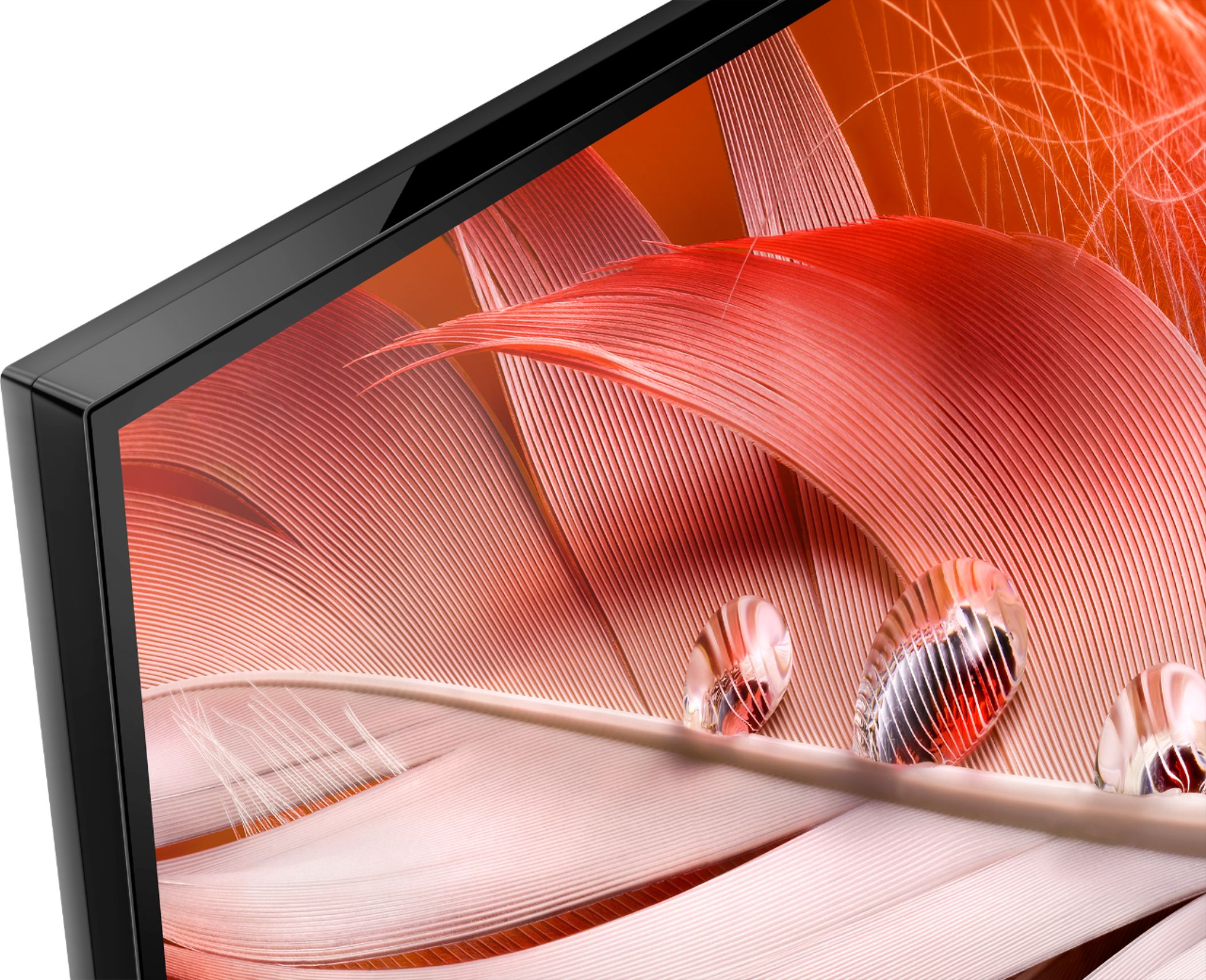
With the BRAVIA XR X90J Full Array LED TV everything you watch becomes more detailed and immersive with true-to-life 4K HDR, powered by the all-new Cognitive Processor XR™. With outstanding picture and sound quality, as well as a sleek flush bezel design, be prepared to level up your favorite movies, TV shows, and games. Thank you for choosing Sony! ~Earl
Good 4K TV, One Bug
||Posted . Owned for 3 weeks when reviewed.This reviewer received promo considerations or sweepstakes entry for writing a review.Good 4K TV with one bug. WiFi keeps turning off. Otherwise, good features.
I would recommend this to a friendBrand response from SonyListens
Posted .Hi Ron14, We are sorry to hear you are having a Wi-Fi issue with your new Sony BRAVIA TV. This is definitely not the customer experience we want you to have. To isolate this issue, you can follow the guide from this link: https://www.sony.com/electronics/support/articles/00184183. Despite your concern, we are happy that you still like your Sony TV.
Should you need further assistance, you can email us at socialsupport@am.sony.com with the following details:
Name:
Best Buy Username:
Model Number:
Issue:
Telephone Number:
Sincerely,
Vincent
Sony Bravia
||Posted .This reviewer received promo considerations or sweepstakes entry for writing a review.Not bad for the money. Excellent gaming tv movies seem a little dark though.
I would recommend this to a friendBrand response from SonyListens
Posted .Hi Jason123456, Thanks for the review and we're glad you enjoy gaming with your TV. With the BRAVIA XR X90J Full Array LED TV everything you watch becomes more detailed and immersive with true-to-life 4K HDR, powered by the all-new Cognitive Processor XR™. With outstanding picture and sound quality, as well as a sleek flush bezel design, be prepared to level up your favorite movies, TV shows, and games. As for the brightness, we apologize that your movies appear dark, however you can change or configure the picture settings of your TV to your desired settings. https://helpguide.sony.net/tv/iusltn1/v1/en-003/01-03-09_01.html. Thanks for choosing Sony! -Craig
Good Sony TV
||Posted . Owned for 1 month when reviewed.This reviewer received promo considerations or sweepstakes entry for writing a review.Very good TV with a lot of function and more apps to utilize highly recommend! Hello
I would recommend this to a friendBrand response from SonyListens
Posted .Hi HXX1127, Thanks for sharing your feedback. We are glad you like your new TV especially its functions and the apps. With the BRAVIA XR X90J full-array LED TV, everything you watch becomes more detailed and immersive with true-to-life 4K HDR, powered by the all-new Cognitive Processor XR™. With outstanding picture and sound quality, as well as a sleek flush bezel design, be prepared to level up your favorite movies, TV shows, and games. Thank you for your purchase. Enjoy! Vincent
Tv
||Posted . Owned for 3 weeks when reviewed.This reviewer received promo considerations or sweepstakes entry for writing a review.Excellent tv for the price cannot go wrong.. would surly recommend.
I would recommend this to a friendBrand response from SonyListens
Posted .Hello Angry, We are glad you like your new Sony BRAVIA 4K smart Google TV. With the BRAVIA XR X90J full-array LED TV, everything you watch becomes more detailed and immersive with true-to-life 4K HDR, powered by the all-new Cognitive Processor XR™. With outstanding picture and sound quality, as well as a sleek flush bezel design, be prepared to level up your favorite movies, TV shows, and games. Thank you for trusting Sony! Vincent
Do not buy
||Posted . Owned for 1.5 years when reviewed.This reviewer received promo considerations or sweepstakes entry for writing a review.I bought this TV in July of 2021 and it just went out tonight Jan 23 2023. Did all of the trouble shooting steps I could find with no positive results, the red light continues to blink. Paid over $1400 for it so do the math, not worth it.
No, I would not recommend this to a friendBrand response from SonyListens
Posted .Hi BradD,
We are so sorry to hear about your experience with the XR-55X90J, this is certainly not the experience we want you to have. Please allow us to help you and turn this into a better experience. For red indicator LED light blinking issue, if you haven't tried yet, performing a power reset of your TV may solve this issue when it is caused by a temporary malfunction. For instructions, please refer to the following article:
https://www.sony.com/electronics/support/televisions-projectors-lcd-tvs-android-/xr-55x90j/articles/00153674
If the issue still occurs, the TV may require repair. You may visit our product repair website for more details:
https://us.esupport.sony.com/support/s/service?language=en_US
Should you need more information/technical assistance, please feel free to email us at socialsupport@am.sony.com with the following details and we'll be more than happy to assist you. Apologies if you disclosed some of this information in your review and to customer service, we just want to ensure that we have your accurate details at the time of communication.
Name:
BestBuy Username:
Model Number:
Issue:
Telephone Number:
I hope this helps you, and thank you for choosing Sony.
Sincerely,
Romeo
Sony Social Support
New tv.
||Posted .This reviewer received promo considerations or sweepstakes entry for writing a review.Nice color, wish I knew more about it. would like to know about a antenna for it.
I would recommend this to a friendBrand response from SonyListens
Posted .Hi mike, Thank you for purchasing your new Sony X90J! We're glad to hear you like the vibrant colors of your new Sony TV. With regard to your inquiry, you can connect an antenna to this TV via the cable/antenna input to view OTA (Over-the-air) channels. For future reference, we can offer assistance on how to set up or operate the features and functions of your Sony Receiver by visiting our Sony Support website to download the help guide and look for additional information about your product. Also, you can chat with one of our agents who would be glad to help. You can easily reach us at https://us.esupport.sony.com/support/s/service?language=en_US. Hope this helps! -Sam
Work satisfaction
||Posted . Owned for 1 month when reviewed.This reviewer received promo considerations or sweepstakes entry for writing a review.KNEW WHAT THEy were doing! Very satisfied. Very professional and neat.
I would recommend this to a friendBrand response from SonyListens
Posted .Hi Flora, Awesome! We are so glad to hear that you are happy with your new Sony X90J TV! Enjoy picture quality that feels deep, natural and real. Our revolutionary processor uses human perspective analysis to cross-analyze and optimize hundreds of thousands of elements in the blink of an eye. Combined with our Full Array LED panel, this technology creates ultra-realistic picture quality full of lifelike contrast. -Carl
It's nice
||Posted . Owned for 1 month when reviewed.This reviewer received promo considerations or sweepstakes entry for writing a review.It's nice, pretty expensive, but the money isn't for nothing!
I would recommend this to a friendBrand response from SonyListens
Posted .Hi Querkle, we're glad you like our product. With the BRAVIA XR X90J Full Array LED TV everything you watch becomes more detailed and immersive with true-to-life 4K HDR, powered by the all-new Cognitive Processor XR™. With outstanding picture and sound quality, as well as a sleek flush bezel design, be prepared to level up your favorite movies, TV shows, and games. Thank you for choosing SONY. ~Earl
N/a
||Posted . Owned for 1 month when reviewed.This reviewer received promo considerations or sweepstakes entry for writing a review.Picture not crystal clear like in the store not sure why
I would recommend this to a friendBrand response from SonyListens
Posted .Hi Sonylover, Thanks for sharing your feedback. We are sorry to hear the picture quality of your new TV is not crystal clear. The picture quality will also depend on the source. We highly recommend playing high-quality content for the best viewing experience. We can also adjust the quality from this picture settings of the TV according to your preference: https://helpguide.sony.net/tv/iusltn1/v1/en-003/01-03-09_01.html.
Should you need further assistance, you can email us at socialsupport@am.sony.com with the following details:
Name:
Best Buy Username:
Model Number:
Issue:
Telephone Number:
Sincerely,
Vincent
TV
||Posted . Owned for 1 month when reviewed.This reviewer received promo considerations or sweepstakes entry for writing a review.Great TV for my PS5!!! Also for watching movies with the family!!
I would recommend this to a friendBrand response from SonyListens
Posted .Hi SteveO,
Great! We're glad that you like the picture quality of the TV particularly for gaming and watching movies. With the BRAVIA XR X90J, Full Array LED TV everything you watch becomes more detailed and immersive with true-to-life 4K HDR, powered by the all-new Cognitive Processor XR™. With outstanding picture and sound quality, as well as a sleek flush bezel design, be prepared to level up your favorite movies, TV shows, and games. Thanks for choosing Sony!
-Ralph
Love this TV for the price
||Posted . Owned for 3 weeks when reviewed.This reviewer received promo considerations or sweepstakes entry for writing a review.This is a good TV for the price and value! Perfect with the PS5
I would recommend this to a friendBrand response from SonyListens
Posted .Hi Tobias, We're glad to hear you feel that the X90J is worth its price! And good to know it works perfectly with your PS5. With the BRAVIA XR X90J Full Array LED TV everything you watch becomes more detailed and immersive with true-to-life 4K HDR, powered by the all-new Cognitive Processor XR™. With outstanding picture and sound quality, as well as a sleek flush bezel design, be prepared to level up your favorite movies, TV shows, and games. Thanks for choosing Sony! -Sam
My prevous Sony TV just returned, because of lines
||Posted . Owned for 3 weeks when reviewed.This reviewer received promo considerations or sweepstakes entry for writing a review.Not as sharp apicture as my old one. Even after adjustment.
No, I would not recommend this to a friendBrand response from SonyListens
Posted .Hi Bala, thank you for upgrading to your new Sony X90J! We regret to hear that the adjustments you've made didn't improve the picture quality. We would like to know more about this so we can better assist you.
Is the issue of the sharpness of the picture only affects the TV Apps or external devices? How about the Home Menu? May we contact you to help and get more information?
If so, please email the below information to socialsupport@am.sony.com. Apologies if you disclosed some of this information in your review and to customer service, we just want to ensure that we have your accurate details at the time of communication.
Full Name:
Best Buy Username:
Telephone Number:
Sony Model Number:
Additional Information regarding your experience with the X90J:
We are sorry for the inconvenience and hope to speak to you to resolve this matter. We appreciate you and thanks again for shopping Sony!
Sincerely,
Sam
- Pros mentioned:Picture quality
Google OS slows down & breaks an otherwise good TV
||Posted . Owned for 4 months when reviewed.This reviewer received promo considerations or sweepstakes entry for writing a review.Image looks great on it, but the Google TV OS runs so slow, so unresponsive it's been more of a headache than a normal TV. Constantly disconnects from wi-fi during sleep mode, freezes/crashes constantly requiring factory resets, exits apps randomly in the middle of video streaming. I actually was excited to use the Google OS on this but now I wish I could uninstall it and use something that isn't broken & a constant frustration.
No, I would not recommend this to a friendBrand response from SonyListens
Posted .Hi Heather,
Thank you for choosing and purchasing Sony X90J BRAVIA Ultra HD TV.
We regret to hear that you are having issues with your new Sony BRAVIA TV. This is definitely not the customer experience we want you to have. Please make sure to update the firmware of your TV by performing a software update: https://www.sony.com/electronics/support/articles/00119543. The updates improve the general performance of the TV and resolve any possible software-related issues. We also suggest updating the TV apps. To further isolate the Wi-Fi issue, we can perform troubleshooting steps by following the guide from this link: https://www.sony.com/electronics/support/articles/00184183.
We want to make sure you’re taken care of and help check on your TV and other issues you are having.
May we contact you directly to assist you? If so, please email the below information to socialsupport@am.sony.com.
Apologies if you disclosed some of this information in your review and to customer service, we just want to ensure that we have your accurate details at the time of communication.
Full Name:
Best Buy Username:
Telephone Number:
Sony TV Model Number:
Additional Information regarding your experience with the X90J:
We value you being a Sony customer. Sorry for the inconvenience and hope to speak directly to try to resolve this matter.
Thank you for letting us help assist you.
Sincerely,
Vincent
Sony
||Posted .This reviewer received promo considerations or sweepstakes entry for writing a review.Great TV. Love that it can hook up to WiFi and stream TV
I would recommend this to a friendBrand response from SonyListens
Posted .Hi Olive, Awesome! We're glad to hear you love the Wi-Fi connectivity feature and streaming apps of your new Sony TV. With the BRAVIA XR X90J Full Array LED TV everything you watch becomes more detailed and immersive with true-to-life 4K HDR, powered by the all-new Cognitive Processor XR™. With outstanding picture and sound quality, as well as a sleek flush bezel design, be prepared to level up your favorite movies, TV shows, and games. Thanks for choosing Sony! -Sam
- Pros mentioned:Picture quality
Nice picture, really slow
||Posted . Owned for 2 weeks when reviewed.This reviewer received promo considerations or sweepstakes entry for writing a review.Good picture quality, but after you add a couple apps this thing is so slow. Unfortunate problem for a $1000 TV. Definitely doesn’t feel premium when it has a delay every time you click.
No, I would not recommend this to a friendBrand response from SonyListens
Posted .Hi Michael,
Thank you for choosing and purchasing Sony X90J BRAVIA LED Ultra HD TV.
We regret to hear you are having a slow performance issue with your Sony BRAVIA 4K TV. This is usually not the case with our premium TV and this is definitely not the customer experience we want you to have. To isolate this issue, make sure to update the firmware of your TV: https://www.sony.com/electronics/support/articles/00119543. The updates improve the general performance of your TV and resolve any possible software related issues. You can also move your downloaded apps to a USB storage device to increase the memory space available on your Google TV.
Should you need further assistance, please email the below information to socialsupport@am.sony.com.
Apologies if you disclosed some of this information in your review and to customer service, we just want to ensure that we have your accurate details at the time of communication.
Full Name:
Best Buy Username:
Telephone Number:
Sony TV Model Number:
Additional Information regarding your experience with the X90J :
We value you being a Sony customer. Sorry for the inconvenience and hope to speak directly to try to resolve this matter.
Thank you for letting us help assist you.
Sincerely,
Vincent
Problem with Quick Settings
||Posted . Owned for 5 months when reviewed.This reviewer received promo considerations or sweepstakes entry for writing a review.Several weeks ago I happened to manually check for software updates for my TV while I was in Settings. I have Auto Update turned on but wanted to check while I was in and there was an update sitting there. I figured that is was for my TV model since it was there so I updated my TV with it. About a day or two later when I am watching live TV like from HULU or watching vids on YouTube and I select Quick Settings the bar shows up at the bottom like it should. If I select the Settings Box or any of the Boxes that takes me to any part of Settings menu from the Quick Settings bar at the bottom it takes me back to the home screen instead of opening up to the Settings Menu. This happens about 50% of the time and there on the home screen I have to bring back up Quick Settings bar and select the Settings Box from there in order for it to take me to the full settings menu. I have also noticed that any selection This has never happened before and it should not happen like this at all and it is aggravating. I did not correlate my problem to the update at first. I did several resets of my TV over several days which did not help either and I even removed remote batteries and pressed each key several times to clear it before replacing that batteries with new ones. Several days ago I even did a "factory" reset of my TV and my problem was gone. I went and re-installed the same update again not realizing that it was what may be causing my problem and the problem with my quick settings returned. What I did was do another factory reset and I did not install that update and my problem was gone again which confirmed to me that the update I had installed was the culprit. TV was working great after the last factory reset as it went back to version PKG6.4284.0521NAA but evidently that buggy software version PKG6.4285.0522NAA was downloaded in the background and when I turned on my TV the next morning it must have installed and now my TV is doing the same thing that it was doing in Quick Settings that I described above. I feel this is clearly a bug in this software update and needs to be reported to Sony and fixed. We should be able to access Quick Settings from anywhere on the TV and access any of the Menu Boxes without being taken to the home screen. So could someone please tell me how I can report this bug to Sony to get this looked into or could a someone from Sony possibly forward or report this to Sony. If I could get some kind of answer or how to resolve this I will gladly change my rating. BTW I have chatted with Sony and even posted about this problem in Sony Forum. Respectfully
No, I would not recommend this to a friendBrand response from SonyListens
Posted .Hi DonJuan,
Thank you for sharing your thoughts and experience using your X90J Full Array LED 4K Ultra HD Google TV. We are sorry to learn you are experiencing unexpected issues on your TV after the update, particularly with the TV quick settings. Please allow us to help you and turn this into a better experience.
In addition to resetting the TV and removing the batteries from the remote, we recommend that you perform a power reset by unplugging the power cord, wait two minutes, and then plug it in. Reset the remote control to help resolve the issue, then check again if the buttons respond when changing the TV quick settings.
Please refer to this helpful link on how to reset the remote control: https://helpguide.sony.net/tv/iusltn1/v1/en-003/08-07_01.html
If the issue is still unresolved, please follow the instruction below on how to contact us.
May we contact you to help? If so, please email the below information to socialsupport@am.sony.com.
Apologies if you disclosed some of this information in your review and to customer service, we just want to ensure that we have your accurate details at the time of communication.
Full Name:
Best Buy Username:
Telephone Number:
Sony TV Model Number:
Additional Information regarding your experience with the X90J:
We are sorry for the inconvenience and hope to speak to you to resolve this matter.
Sincerely,
Jess
- Pros mentioned:Picture quality
Ruined by Google
||Posted .This reviewer received promo considerations or sweepstakes entry for writing a review.Ruined by Google. Forced installation of endless apps I don't want. Giant ads on the home screen with no way to disable. No ability to remotely stream from PC like the Sony TVs of just a year ago. There is nothing to set this TV apart from cheaper Android TV brands. You might as well buy a Vizio. The picture is fantastic (assuming you turn off all of the motion flow nonsense), but the experience of using it is terrible. Not like the Sony of yore.
No, I would not recommend this to a friendBrand response from SonyListens
Posted .Hi sadlinksysowner, Thank you for sharing your feedback on your experience with the Sony XR55X90J. While we're glad you like the amazing picture quality of this TV, we regret to hear you're having some issues with the Google TV features.
You can uninstall apps that you don't want on your TV. Please refer to the link below on how to uninstall an app. NOTE: Some of the pre-installed applications can't be deleted.
https://www.sony.com/electronics/support/televisions-projectors-lcd-tvs-android-/xr-55x90j/articles/00147387
There is also an option to cast the contents of your computer to this TV via network. Please follow the steps on the link below for more information:
https://www.sony.com/electronics/support/televisions-projectors-lcd-tvs-android-/xr-55x90j/articles/00135456
For future reference, we can offer assistance on how to set up or operate the features and functions, and troubleshoot the issue of your Sony TV by visiting our Sony Support website to download the help guide and look for additional information about your product. Also, you can reach out to one of our agents through this link: https://us.esupport.sony.com/support/s/service?language=en_US. who would be glad to help.
Or email us at socialsupport@am.sony.com with the following details:
Name:
Username:
Model Number:
Issue:
Telephone Number:
Sincerely,
Sam
Great tv purchase
||Posted . Owned for 1 month when reviewed.This reviewer received promo considerations or sweepstakes entry for writing a review.Great TV, easy to set up. easy pick up from store.
I would recommend this to a friendBrand response from SonyListens
Posted .Hi KENV611, thank you for purchasing your brand new Sony X90J! We're glad you find it very easy to set up. With the BRAVIA XR X90J Full-Array LED TV everything you watch becomes more detailed and immersive with true-to-life 4K HDR, powered by the all-new Cognitive Processor XR™. With outstanding picture and sound quality, as well as a sleek flush bezel design, be prepared to level up your favorite movies, TV shows, and games. Thank you for choosing Sony! -Sam
- Pros mentioned:Picture quality
Not worth the premium
||Posted . Owned for 7 months when reviewed.This reviewer received promo considerations or sweepstakes entry for writing a review.The picture and sound are fine but the software is so buggy. Not worth the premium price.
No, I would not recommend this to a friendBrand response from SonyListens
Posted .Hi AnaZ,
Thank you for choosing and purchasing Sony BRAVIA X90J BRAVIA smart Google TV.
We are sorry to hear you are having a software issue with your new Sony BRAVIA TV. This is usually not the case with our premium TVs. To isolate this issue, please ensure your unit has the latest firmware by performing a software update. The updates improve the general performance of the TV and resolve any possible software-related issues. Feel free to test the performance of the TV again and verify if it resolves the issue.
If you are still having the same issue, please email the below information to socialsupport@am.sony.com.
Apologies if you disclosed some of this information in your review and to customer service, we just want to ensure that we have your accurate details at the time of communication.
Full Name:
Best Buy Username:
Telephone Number:
Sony TV Model Number:
Additional Information regarding your experience with the X90J:
We value you being a Sony customer. Sorry for the inconvenience and hope to speak directly to try to resolve this matter.
Thank you for letting us help assist you.
Sincerely,
Vincent