Customer Ratings & Reviews
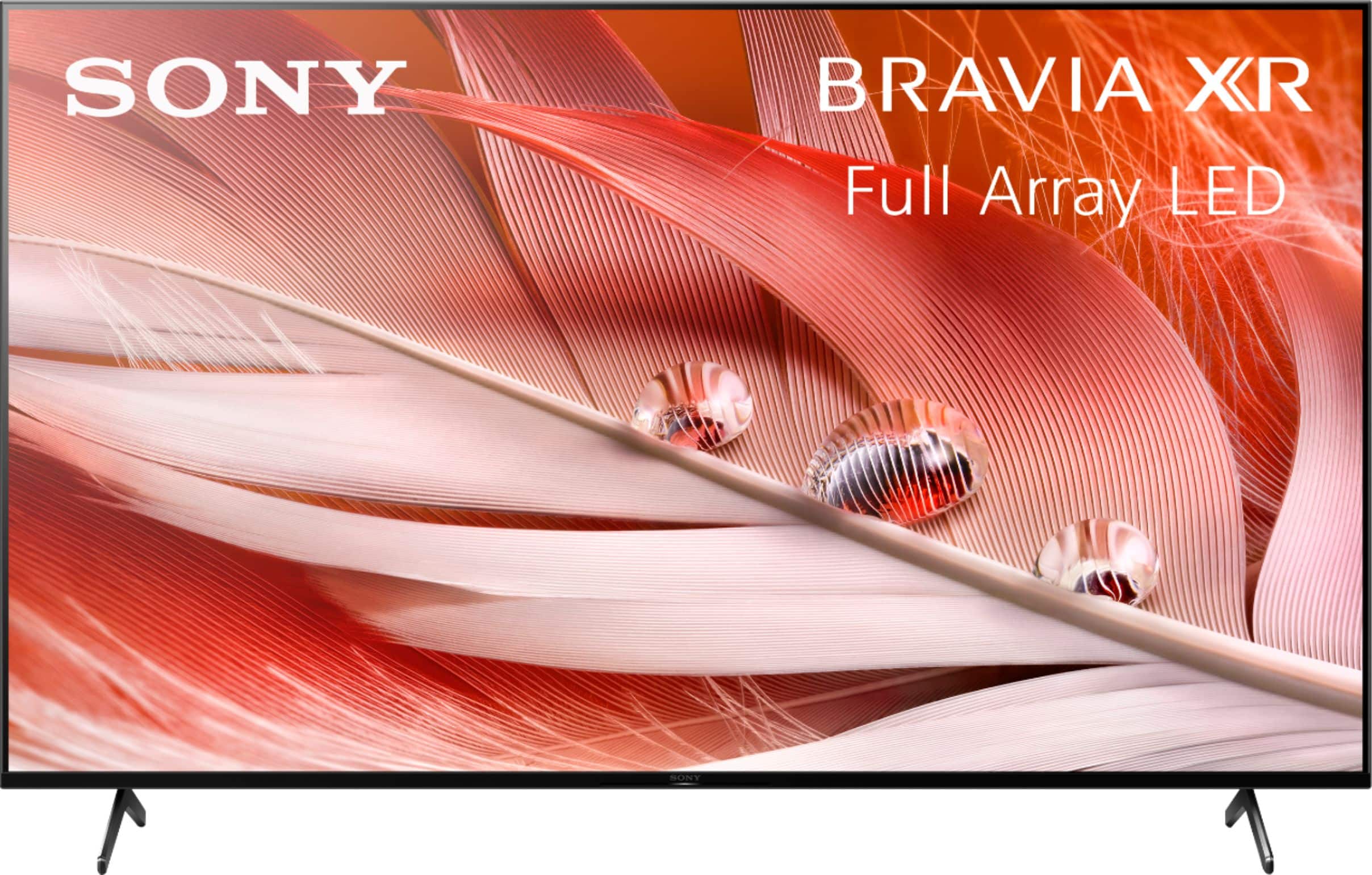
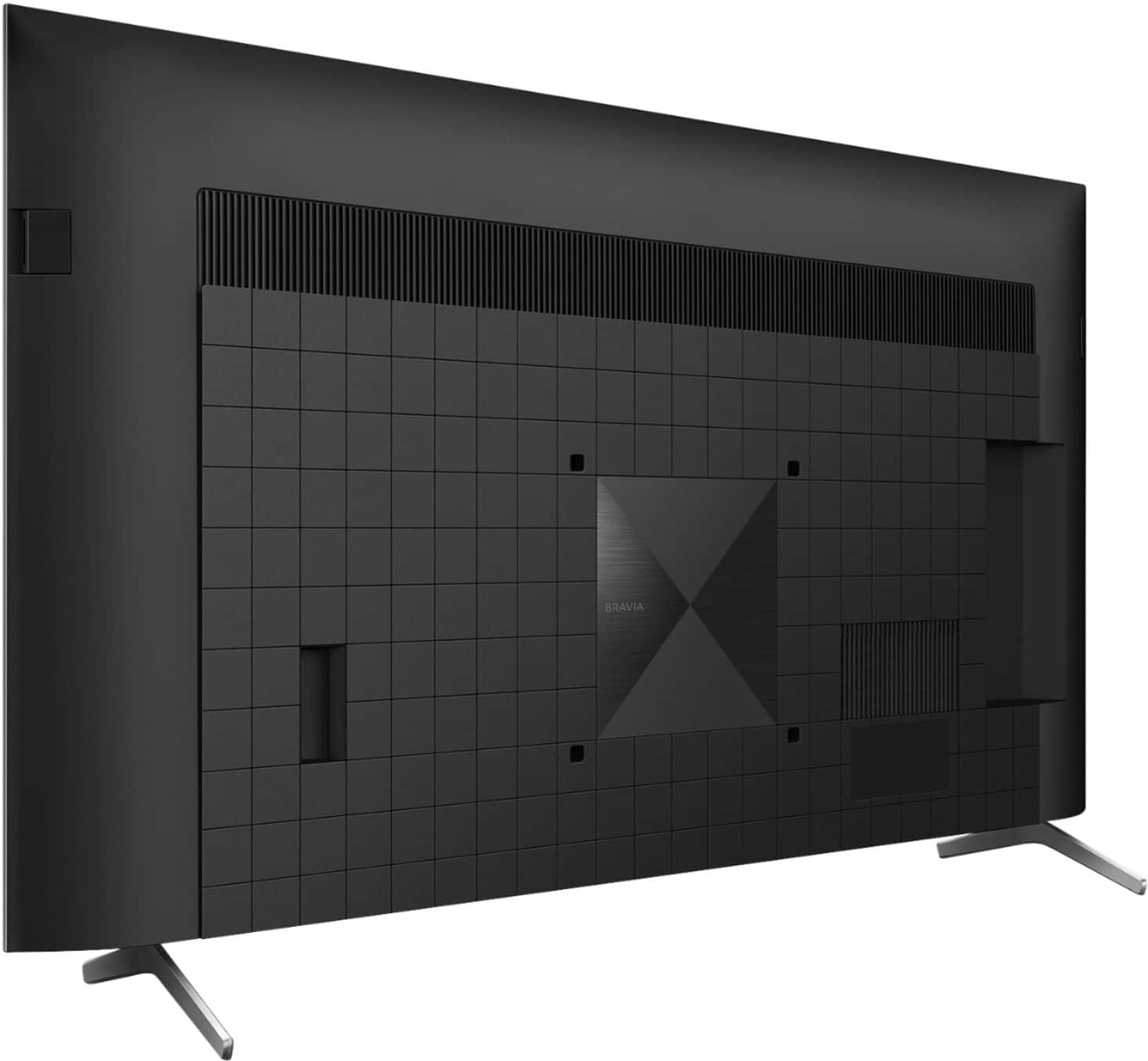
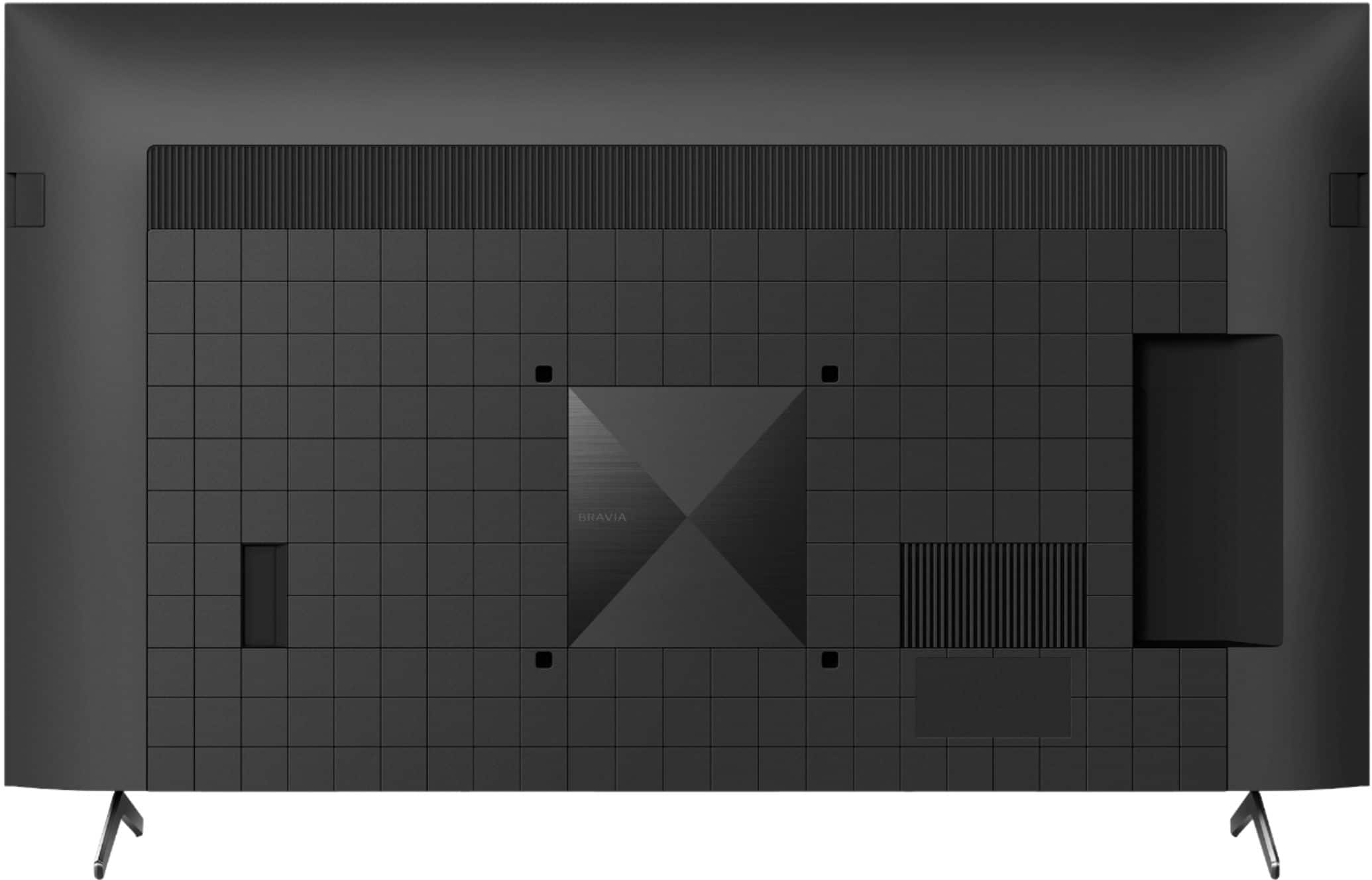
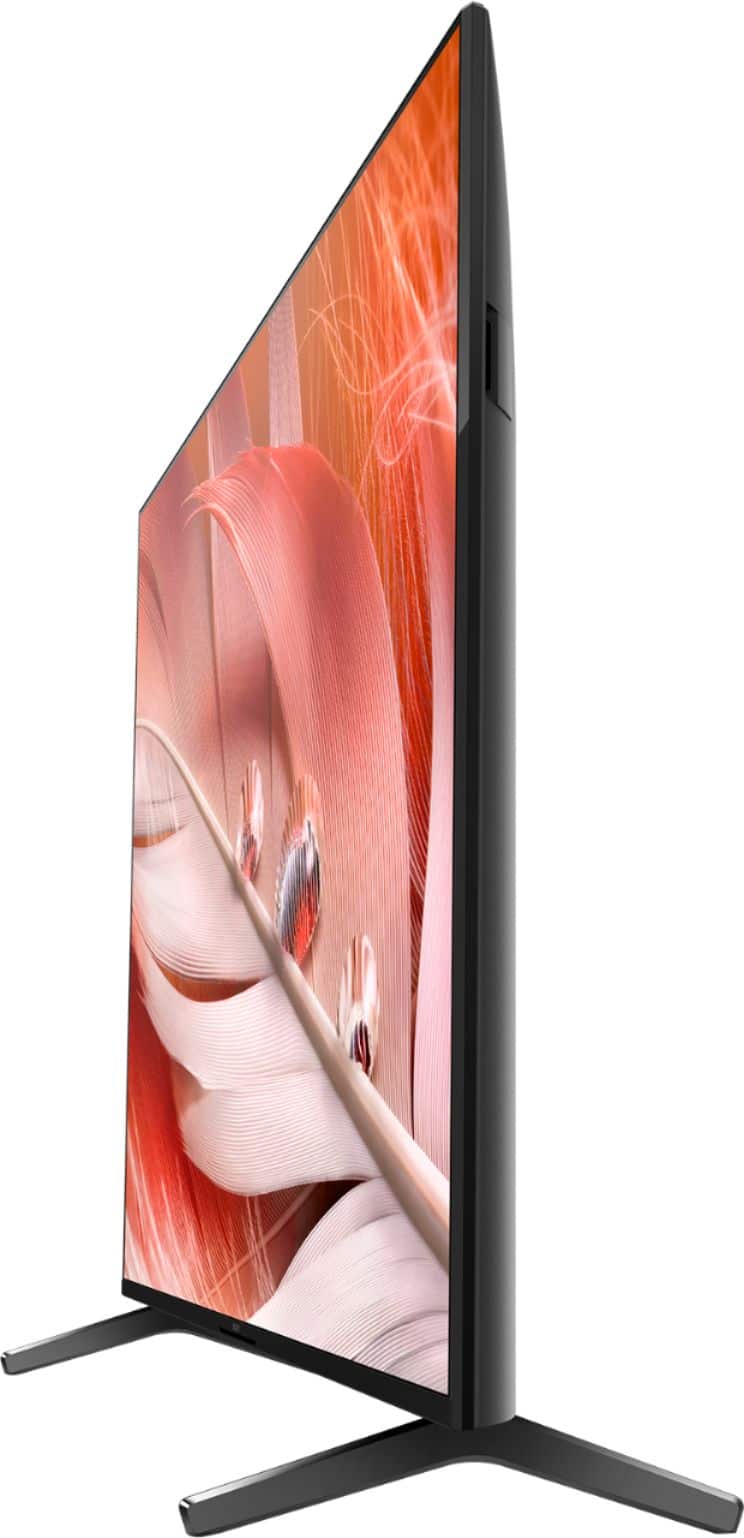

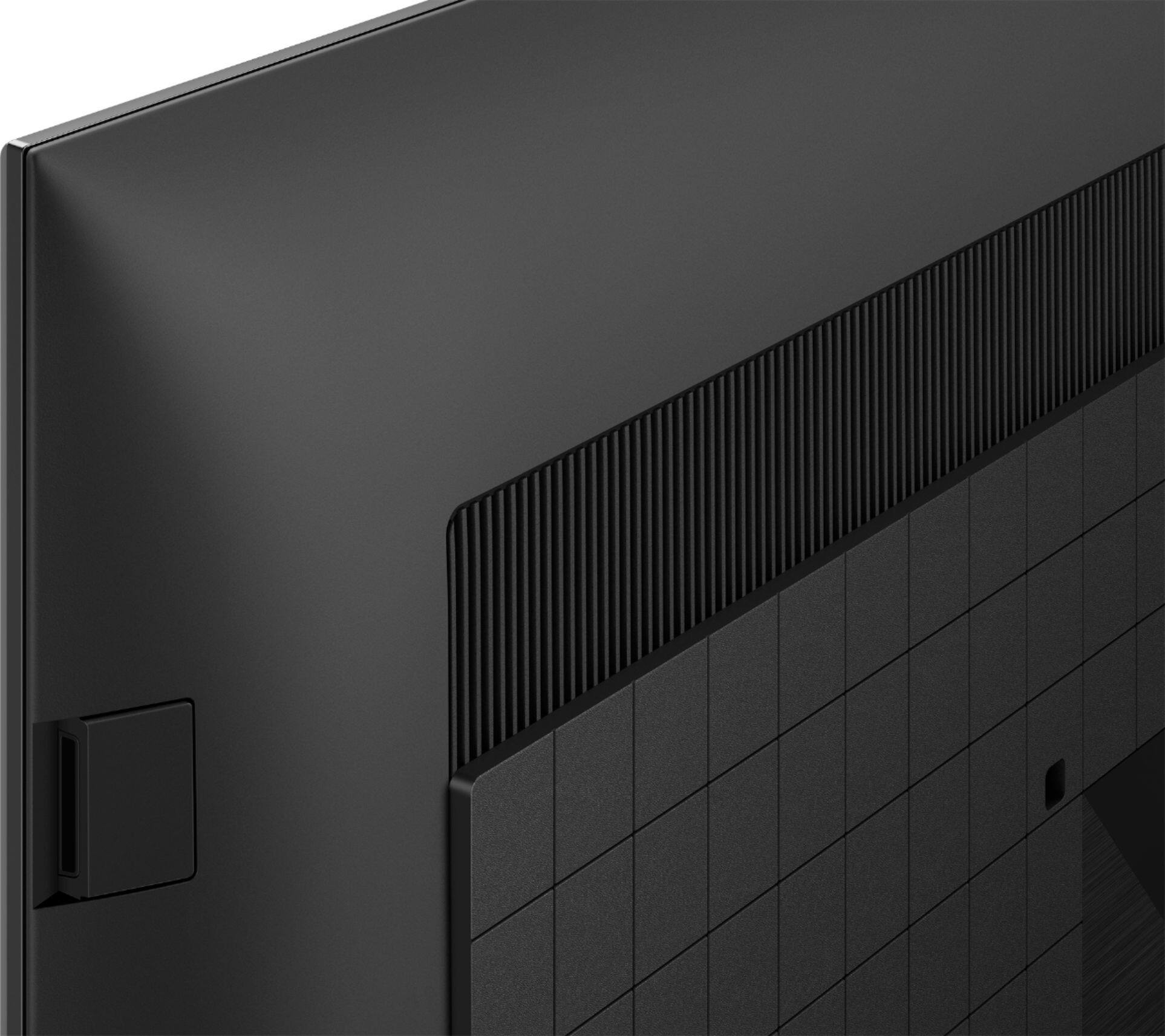
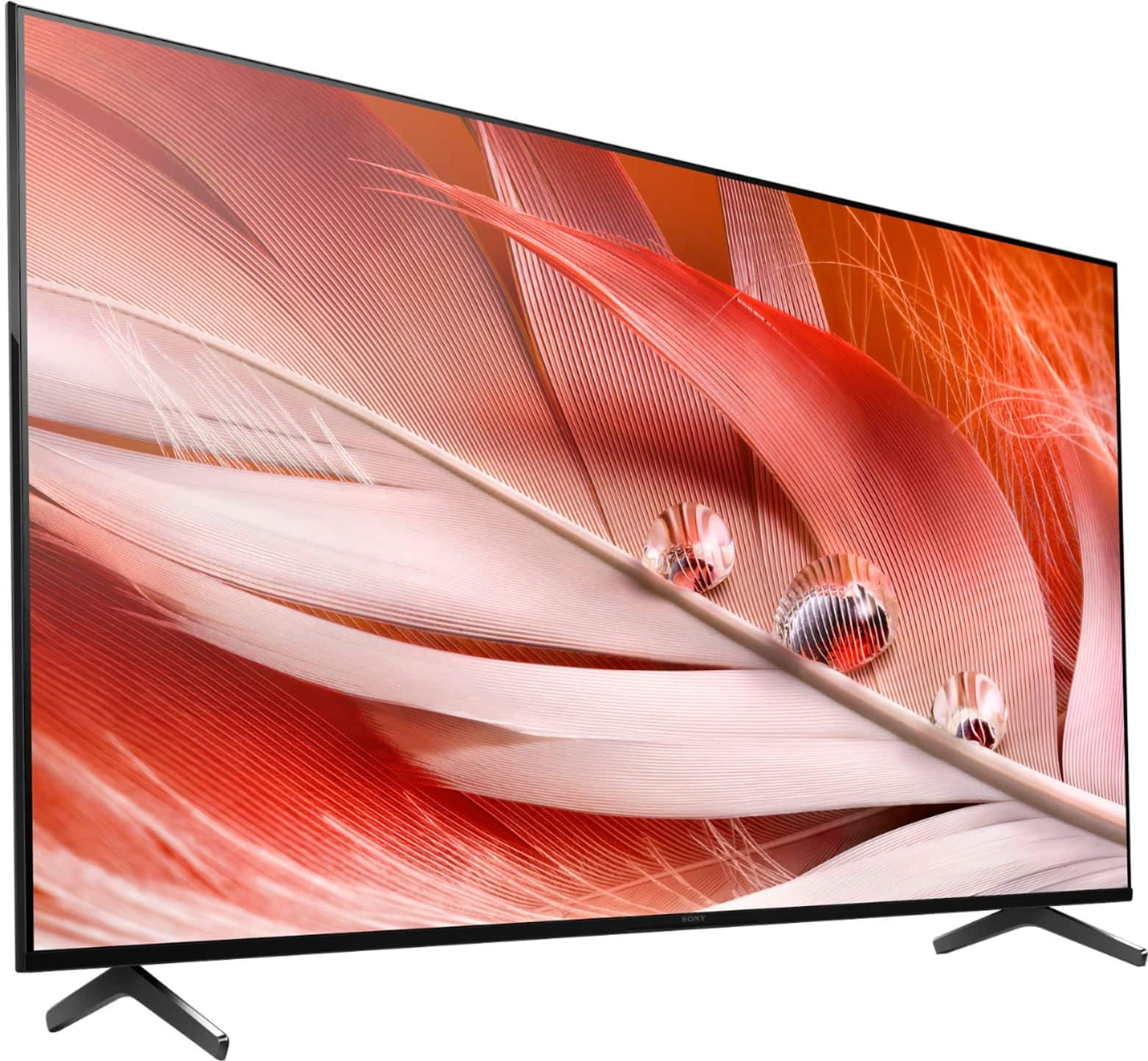
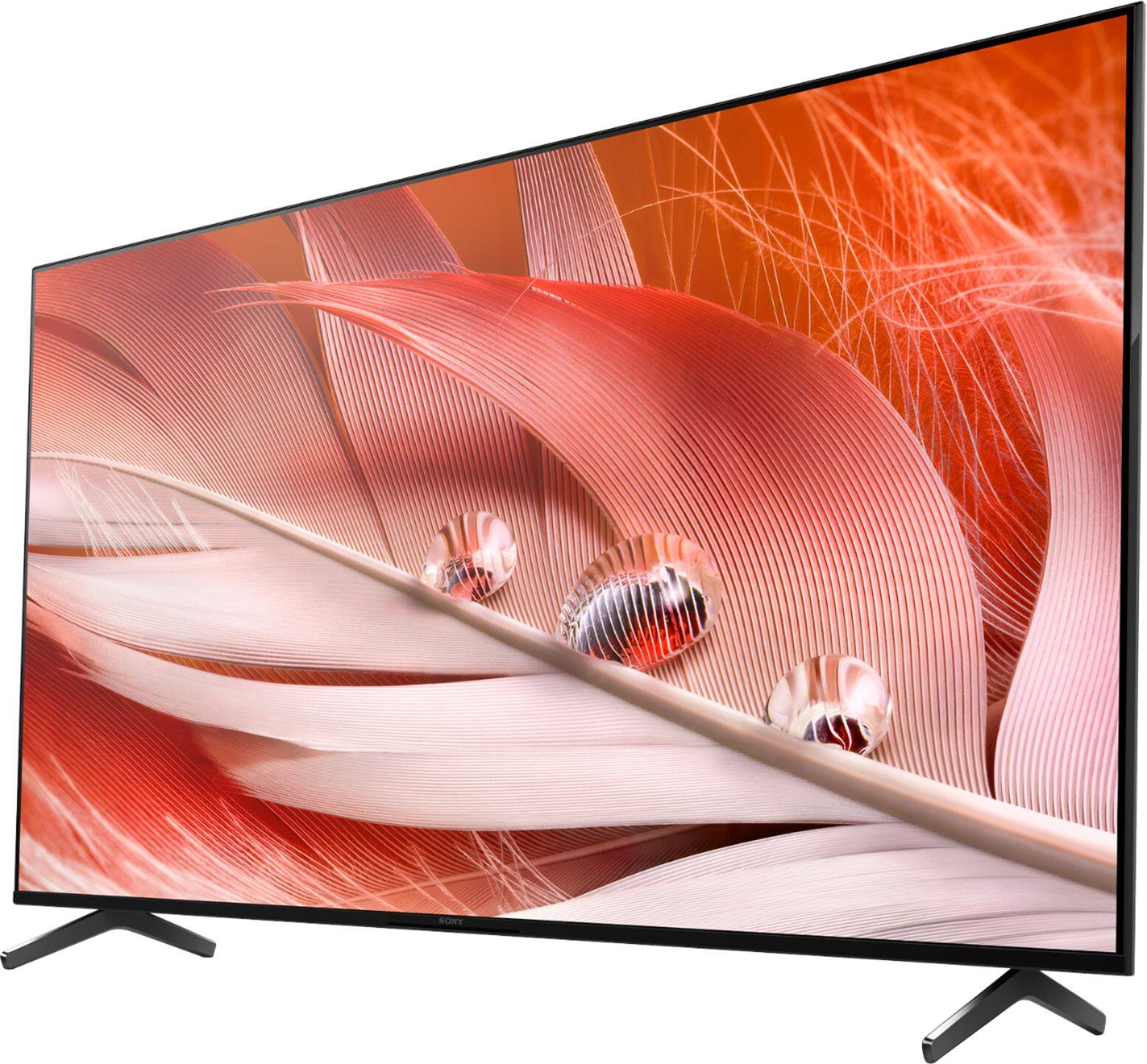
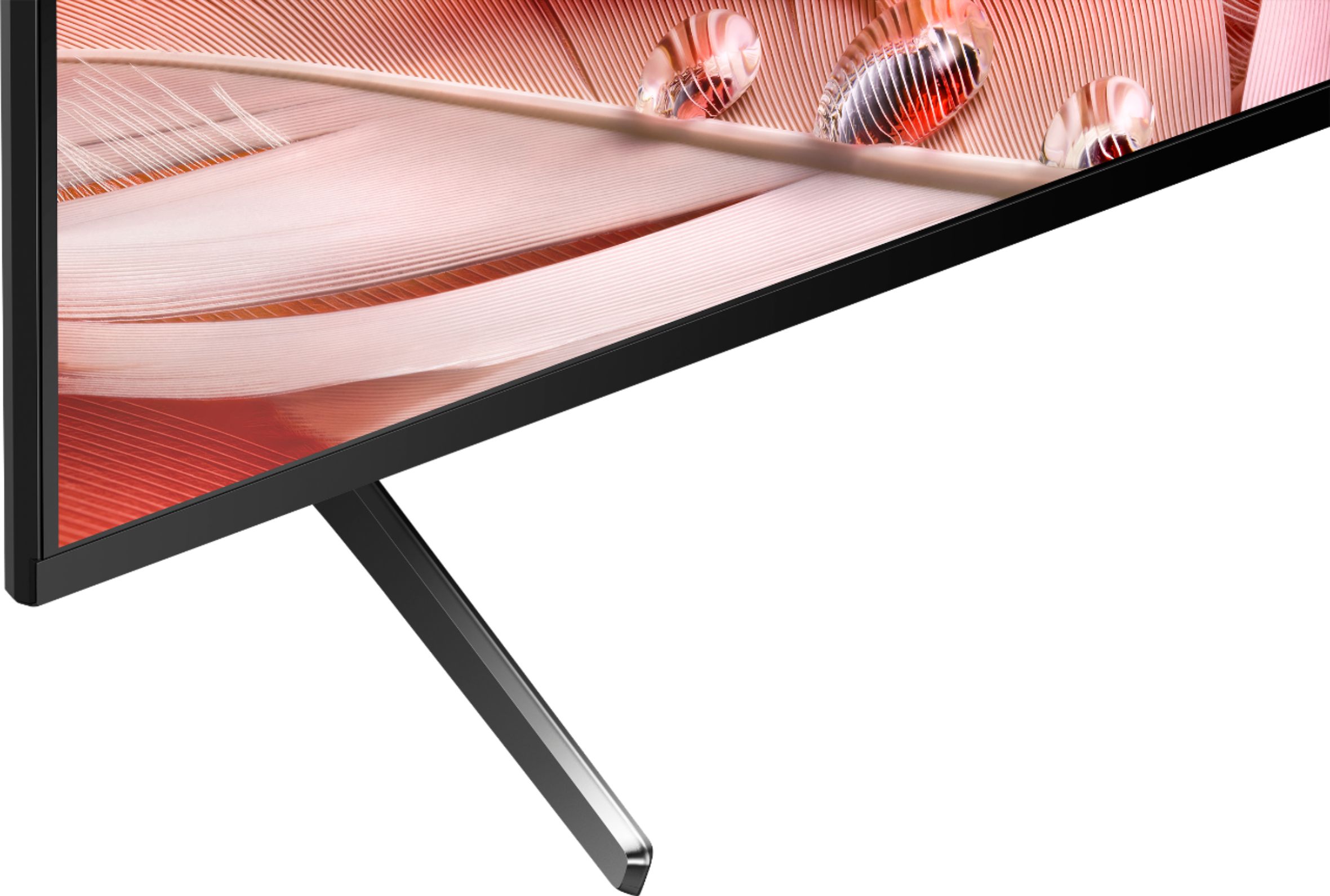

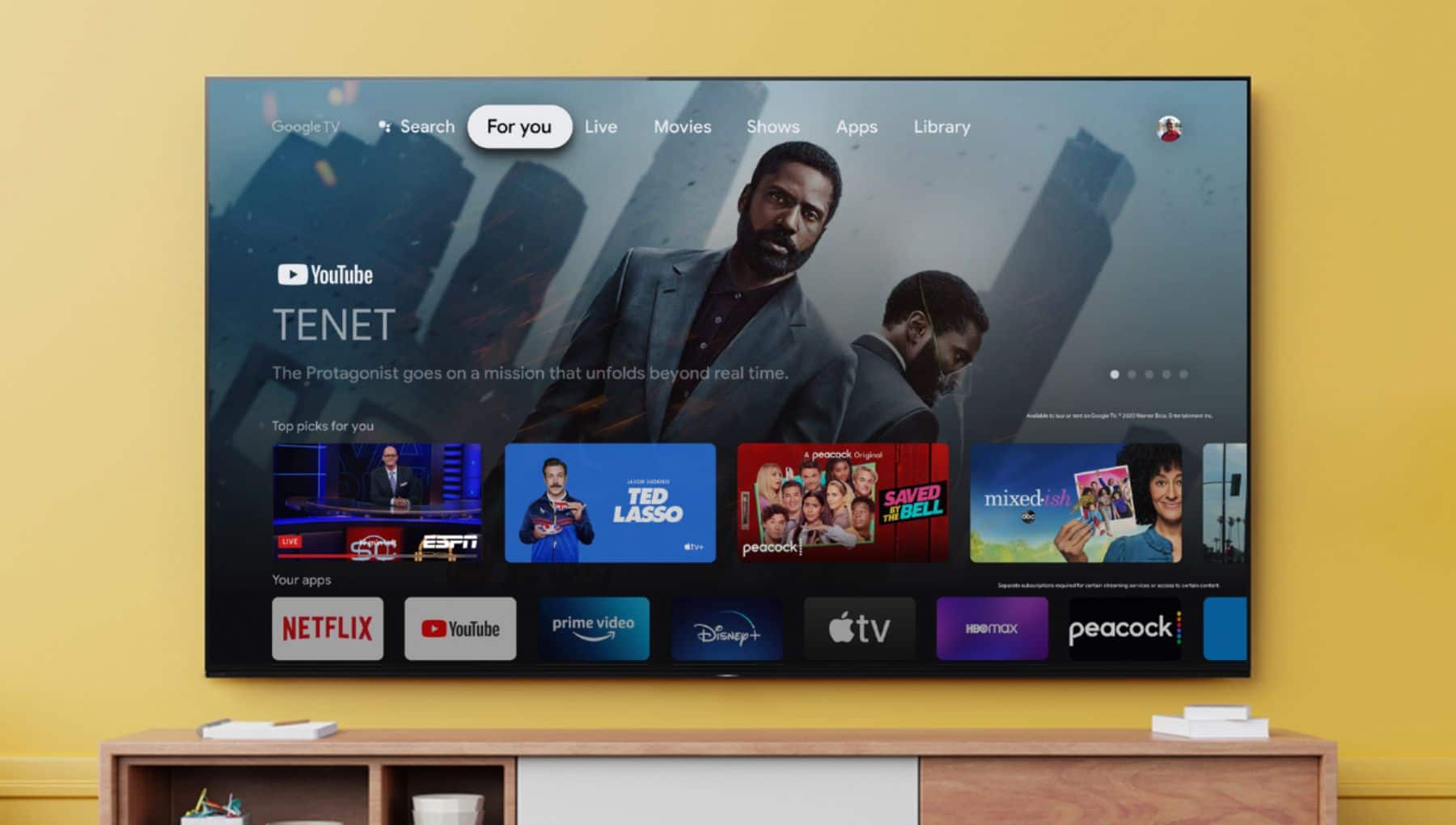








- Model:
- XR55X90J
- SKU:
- 6453205
Rating by feature
- Picture Quality
Rating 4.8 out of 5 stars
- Sound Quality
Rating 4.4 out of 5 stars
- Brightness
Rating 4.8 out of 5 stars
Customers are saying
Customers are pleased with the picture quality, easy setup, gaming experience, color, price, sound, and Google TV integration of the 55" Class BRAVIA XR X90J Series LED 4K UHD Smart Google TV. They appreciate the vibrant picture, clear sound, and user-friendly interface. However, some customers have concerns about the remote control, glare, short lifespan, and speakers.
This summary was generated by AI based on customer reviews.
- Cons mentioned:Internet connectivity
Great Buy
||Posted . Owned for 1 month when reviewed.This reviewer received promo considerations or sweepstakes entry for writing a review.I like my new TV. I went to the store set on purchasing a Samsung because I love my old Samsung until it stopped working. I hadn’t purchased a Sony product in years but I’m glad this did. The only problem I have is the TV saying the Internet is not working than in a minute or two its connected again. I stream most programs so I’m not sure what to do about it because my old element never says this when I’m streaming movies on it in the back room.
I would recommend this to a friendBrand response from SonyListens
Posted .Hi Nikki,
Thank you for choosing and purchasing Sony X90J BRAVIA smart Google TV.
We regret to hear that you are experiencing an internet connection issue with your Sony TV. This is definitely not the customer experience we want you to have.
Please make sure your TV has the latest firmware by performing a software update. The updates improve the performance of the TV and include key features, applications, and bug fixes: https://www.sony.com/electronics/support/articles/00119543. If your TV is connected to the internet via Wi-Fi, you can follow the guide from this link to isolate and hopefully resolve this issue: https://www.sony.com/electronics/support/articles/00184183.
We want to make sure you’re taken care of and help check on your TV.
May we contact you directly to assist you? If so, please email the below information to socialsupport@am.sony.com.
Apologies if you disclosed some of this information in your review and to customer service, we just want to ensure that we have your accurate details at the time of communication.
Full Name:
Best Buy Username:
Telephone Number:
Sony TV Model Number:
Additional Information regarding your experience with the X90J:
We value you being a Sony customer. Sorry for the inconvenience and hope to speak directly to try to resolve this matter.
Thank you for letting us help assist you.
Sincerely,
Vincent
Complaint
||Posted . Owned for 1 month when reviewed.This reviewer received promo considerations or sweepstakes entry for writing a review.A Sales person “over - sold us” a Sony tv. and then disappeared- tried 4 times to reach Eric-no Eric.
No, I would not recommend this to a friendBrand response from SonyListens
Posted .Hi Complaint, We regret to hear about this. We would like to know more about your concerns with your new Sony X90J so we can better assist you. May we contact you to help and get more information? If so, please email the below information to socialsupport@am.sony.com. Apologies if you disclosed some of this information in your review and to customer service, we just want to ensure that we have your accurate details at the time of communication.
Full Name:
Best Buy Username:
Telephone Number:
Sony Model Number:
Additional Information regarding your experience with the X90J:
We are sorry for the inconvenience and hope to speak to you to resolve this matter. We appreciate you and thanks again for shopping Sony!
Sincerely,
Sam
- Pros mentioned:Picture quality
Don't Waste Your Money
||Posted . Owned for 10 months when reviewed.This reviewer received promo considerations or sweepstakes entry for writing a review.PROS: Great picture, that's all. CONS: Continue Watching feature does not work, a show you were literally just watching is not there. TV shuts off on its own or randomly goes back to home screen. Speak search doesn't always work. Shows never start from where you left off from continue watching. Apps wont downland or update.
No, I would not recommend this to a friendBrand response from SonyListens
Posted .Hi CoreyMac,
While we are glad that you are satisfied with the great picture quality of our XR-55X90J, we are really sorry if you are encountering issues. This is definitely not the experience we were hoping you would have. We'd love to help you troubleshoot the problem. If you haven't yet, please follow the steps using these articles to isolate the issue:
TV auto power off issue - https://www.sony.com/electronics/support/televisions-projectors-lcd-tvs-android-/xr-55x90j/articles/00114471
voice search or voice commands - https://www.sony.com/electronics/support/televisions-projectors-lcd-tvs-android-/xr-55x90j/articles/00109227
For your issues when watching streaming apps from home screen of the TV, please refer to the below:
The items displayed on the Home Menu depends on whether a Google Account has been setup on the TV. If you connect the TV to the Internet and setup a Google Account, you can install desired apps on the TV and enjoy Internet videos and use your voice to search for content. For more details, please visit the link below:
https://helpguide.sony.net/tv/iusltn1/v1/en-003/01-03_10.html?hl=home+screen
And for app installation or update issues, the following article may help solve this problem:
https://www.sony.com/electronics/support/televisions-projectors-lcd-tvs-android-/xr-55x90j/articles/00119211
Lastly, as a general recommendation, to ensure you are getting the most out of our X90J, we highly recommend updating its firmware to the latest version. The software includes key features, applications, bug fixes, and feature improvements. For more information, please visit the link below:
https://www.sony.com/electronics/support/televisions-projectors-lcd-tvs-android-/xr-55x90j/downloads
If you are unable to resolve your concern or you may need more assistance, please email the below information to socialsupport@am.sony.com.
Apologies if you disclosed some of this information in your review and to customer service, we just want to ensure that we have your accurate details at the time of communication.
Full Name:
Best Buy Username:
Telephone Number:
Sony TV Model Number:
Additional Information regarding your experience with the X90J:
We value you being a Sony customer. Sorry for the inconvenience and hope to speak directly to try to resolve this matter.
Thank you for letting us help assist you.
Sincerely,
Romeo
Sony Social Support
Best Buy Service is Horrible
||Posted .This reviewer received promo considerations or sweepstakes entry for writing a review.First one broke in 1 day. Had to take it back and get another. Best Buy has no service anymore.
No, I would not recommend this to a friendBrand response from SonyListens
Posted .Hi BadService,
We do apologize for the inconvenience. For us to better assist you, please email us at socialsupport@am.sony.com with the following details:
Name:
Best Buy Username:
Model Number:
Issue:
Telephone Number:
Regards,
David
- Cons mentioned:Glare
Stupid ish
||Posted . Owned for 7 months when reviewed.This reviewer received promo considerations or sweepstakes entry for writing a review.Removed Sports and can’t play games. Brightness changes randomly.
No, I would not recommend this to a friendBrand response from SonyListens
Posted .Hi BPZZ, We are sorry that you are having issues with your Sony TV. This is definitely not the customer experience we want you to have. Please make sure to update the firmware of your BRAVIA TV so improve its performance: https://www.sony.com/electronics/support/articles/00119543. The updates also include key features, applications, and bug fixes.
We need more details about your concern and we want to make sure you’re taken care of and help check on your TV.
May we contact you directly to assist you? If so, please email the below information to socialsupport@am.sony.com.
Apologies if you disclosed some of this information in your review and to customer service, we just want to ensure that we have your accurate details at the time of communication.
Full Name:
Best Buy Username:
Telephone Number:
Sony TV Model Number:
Additional Information regarding your experience with the X90J:
We value you being a Sony customer. Sorry for the inconvenience and hope to speak directly to try to resolve this matter.
Thank you for letting us help assist you.
Sincerely,
Vincent
Spyware and HDMI make this garbage!
||Posted . Owned for 5 months when reviewed.This reviewer received promo considerations or sweepstakes entry for writing a review.The HDMI on this wants to control everything. The "smart" functions are really stupid and Google has a microphone that records everything you say and do. Other than the spyware the HDMI is my biggest complaint. It think it knows best and it doesn't do what it's told.
No, I would not recommend this to a friendBrand response from SonyListens
Posted .Hi TwistedHighway,
Thank you for your review.
It is unfortunate to hear that you are having problem with the BRAVIA Sync (CONTROL for HDMI) feature of your X90J, and if the smart TV functions & Google Privacy Policy/Terms & Conditions of this TV did not live up to your expectations. This is definitely not the experience we wanted you to have on our premium TV.
For issues with the BRAVIA Sync feature, we are not sure what model/brand of external device/devices you have this TV connected to. However, you may try following the troubleshooting steps on the articles below to isolate and fix the problem:
https://www.sony.com/electronics/support/televisions-projectors-lcd-tvs-android-/xr-55x90j/articles/00161073
https://www.sony.com/electronics/support/televisions-projectors-lcd-tvs-android-/xr-55x90j/articles/00030813
And for Google Privacy Policy or Terms & Conditions, please go to Settings > System > Initial Setup to review and agree or disagree to the terms. Depending on the settings and agreement, it could affect the Smart Google TV experience on your X90J.
We want to make sure you’re taken care of and help check on your TV.
May we contact you directly to assist you? If so, please email the below information to socialsupport@am.sony.com.
Apologies if you disclosed some of this information in your review and to customer service, we just want to ensure that we have your accurate details at the time of communication.
Full Name:
Best Buy Username:
Telephone Number:
Sony TV Model Number:
Additional Information regarding your experience with the X90J:
We value you being a Sony customer. Sorry for the inconvenience and hope to speak directly to try to resolve this matter.
Thank you for letting us help assist you.
Sincerely,
Romeo
Sony Social Support
Ok tv
||Posted . Owned for 2 weeks when reviewed.This reviewer received promo considerations or sweepstakes entry for writing a review.Ok tv. A good tv but was expecting more especially from the Sony brand
I would recommend this to a friendBrand response from SonyListens
Posted .Hi Mike,
Thanks for the feedback. Please be assured we take this feedback very seriously and continuously strive to improve our products. If there is something that we can help you with, please email us at socialsupport@am.sony.com with the following details:
Name:
Best Buy Username:
Model Number:
Issue:
Telephone Number:
Regards,
David
No good
||Posted . Owned for less than 1 week when reviewed.This reviewer received promo considerations or sweepstakes entry for writing a review.I changed this model three times and all three times it came with defects. dead pixel on the screen and now today it comes to me with something strange on the edges and I don't know if it's better to return it again or better to stay like this
No, I would not recommend this to a friendBrand response from SonyListens
Posted .Hi Namg,
Thank you for choosing and purchasing Sony X90J Bravia LED Ultra HD TV.
We regret to hear about your experience with BRAVIA TVs. This is definitely not the customer experience we want you to have. To isolate this issue, we can perform troubleshooting steps by following the guide here: https://www.sony.com/electronics/support/articles/00032635. Please make sure your TV has the latest firmware by performing a software update. The update improves the performance of the TV and includes key features, applications, and bug fixes.
We want to make sure you’re taken care of and help check on your TV.
May we contact you directly to assist you? If so, please email the below information to socialsupport@am.sony.com.
Apologies if you disclosed some of this information in your review and to customer service, we just want to ensure that we have your accurate details at the time of communication.
Full Name:
Best Buy Username:
Telephone Number:
Sony TV Model Number:
Additional Information regarding your experience with the X90J:
Sorry for the inconvenience and hope to speak directly to try to resolve this matter.
Thank you for letting us help assist you.
Sincerely,
Vincent
Tv
||Posted .This reviewer received promo considerations or sweepstakes entry for writing a review.Volume would act funky sometimes. It would go down and up.
I would recommend this to a friendBrand response from SonyListens
Posted .Hi Dani,
Thank you for choosing and purchasing Sony X90J BRAVIA LED Ultra HD TV.
We regret to hear you are having a volume issue with your new Sony TV. This is usually not the case with our premium TVs. Make sure the volume buttons of the remote is not stuck from being pressed. Please make sure to update the firmware of your TV by follow the guide here: https://www.sony.com/electronics/support/articles/00119543. The software updates improve the general performance of the unit and resolve any possible software-related issues. Unplug other connected devices and perform a power reset by unplugging the TV power cord from the wall outlet, wait for two minutes, then plug the power cord back in. Feel free to test the TV again and verify if it resolves the issue.
If still unresolved, please email the below information to socialsupport@am.sony.com.
Apologies if you disclosed some of this information in your review and to customer service, we just want to ensure that we have your accurate details at the time of communication.
Full Name:
Best Buy Username:
Telephone Number:
Sony TV Model Number:
Additional Information regarding your experience with the X90J:
We value you being a Sony customer. Sorry for the inconvenience and hope to speak directly to try to resolve this matter.
Thank you for letting us help assist you.
Sincerely,
Vincent
Sony is not compatible with Xfinity
||Posted . Owned for less than 1 week when reviewed.This reviewer received promo considerations or sweepstakes entry for writing a review.Sony is not compatible with Xfinity (Comcast)! I purchased this tv to replace an older Bravia which was connected with hdmi. After setting up the tv and numerous calls to Comcast, I come to find out that this tv is not compatible with the Xfinity Streaming App which means the only way to get 4k is with an Xfinity 4k cable box which costs extra each month and does not have a very good 4k signal. Why does Sony not allow the Xfinity Streaming App on its tv? I have to get a Samsung or LG instead; but this is Sony; I thought they were the best. Also, the sound sounds like it is comming from a tin can and the image with sometimes go black for no reason. Sony needs to do some work to get to 4k compatibility; this technology is just not ready yet. Just stay away from Sony 4k tvs. They are not ready yet.
No, I would not recommend this to a friendBrand response from SonyListens
Posted .Hello Bryan,
Thank you for your review.
We are so sorry if our X90J BRAVIA XR did not live up to expectations. This is definitely not the experience we wanted you to have on our premium TV.
For the Xfinity (Comcast), currently, this app cannot be downloaded from the Google Play Store on our Android TV/Google TV. As an alternative, if your phone or tablet supports Chromecast, you can simply use this feature from the Xfinity (Comcast) app to cast the content to this TV. We greatly appreciate your feedback with this application.
For the sound quality, this usually depends on the signal and content. The X90J features various settings related to the TV’s sound such as sound quality and sound mode that can be configured according to your preferences. You may refer to the link below and see if it improves your overall listening experience:
https://helpguide.sony.net/tv/iusltn1/v1/en-003/01-03-09_02.html
And for the picture issue, please try following the steps provided on the articles below to isolate the problem:
https://www.sony.com/electronics/support/televisions-projectors-lcd-tvs-android-/xr-55x90j/articles/00114471
https://helpguide.sony.net/tv/iusltn1/v1/en-003/08-08_01.html
We want to make sure you’re taken care of and help check on your TV. May we contact you directly to assist you? If so, please email the below information to socialsupport@am.sony.com.
Apologies if you disclosed some of this information in your review and to customer service, we just want to ensure that we have your accurate details at the time of communication.
Full Name:
Best Buy Username:
Telephone Number:
Sony TV Model Number:
Additional Information regarding your experience with the X90J:
We value you being a Sony customer. Sorry for the inconvenience and hope to speak directly to try to resolve this matter.
Thank you for letting us help assist you.
Sincerely,
Romeo
Not Blown Away
||Posted . Owned for less than 1 week when reviewed.This reviewer received promo considerations or sweepstakes entry for writing a review.Picture was the same as my 8 year old LG. Returned and purchased a LG OLED
No, I would not recommend this to a friendBrand response from SonyListens
Posted .Hello Blue0602,
We are sorry to hear that. Picture quality will depend on the source that you're playing. Please be assured we take this feedback very seriously and continuously strive to improve our products.
Regards,
David
Picture problems and poor service
||Posted . Owned for 3 months when reviewed.This reviewer received promo considerations or sweepstakes entry for writing a review.TV loses picture and reverts to home screen. Contacted Sony and was told this is a known problem with some of these TVs and they are working on a software update for a fix but with no timeframe. Asked for a replacement TV but they refused. Very disappointed in what is otherwise a really good TV and with Sony's refusal to replace the TV.
No, I would not recommend this to a friendBrand response from SonyListens
Posted .Hi there, thank you for your review.
We are sorry you are encountering a picture issue with our X90J and if our customer support did not live up to your expectations. This is usually not the case and the experience we wanted you to have.
For the picture issue, does this happen when you are playing Netflix or other streaming apps on the TV? If yes, please refer to the troubleshooting steps that we have on the link below:
https://www.sony.com/electronics/support/televisions-projectors-lcd-tvs-android-/xr-55x90j/articles/00264120
We really appreciate your feedback. We want to make sure you’re taken care of and help check on your TV.
May we contact you directly to assist you? If so, please email the below information to socialsupport@am.sony.com.
Apologies if you disclosed some of this information in your review and to customer service, we just want to ensure that we have your accurate details at the time of communication.
Case ID:
Full Name:
Best Buy Username:
Telephone Number:
Sony TV Model Number:
Additional Information regarding your experience with the X90J:
We value you being a Sony customer. Sorry for the inconvenience and hope to speak directly to try to resolve this matter.
Thank you for letting us help assist you.
Sincerely,
Romeo
- Cons mentioned:Glare
Sony Bravia 55-inch
||Posted . Owned for 2 weeks when reviewed.This reviewer received promo considerations or sweepstakes entry for writing a review.Color and brightness are very variable from channel to channel and input to input. This forces me to go into the settings all the time to adjust.
No, I would not recommend this to a friendBrand response from SonyListens
Posted .Hi Laptop,
Thank you for choosing and purchasing Sony X90J Bravia LED Ultra HD TV.
We are sorry that you are having a picture issue with your Sony TV. It is possible that the Auto picture mode feature of the TV is turned on. This TV setting automatically selects the picture mode based on the content being viewed. To turn this OFF, please press the HOME button of the supplied remote control -> Settings -> Under the TV category, select Picture & Display -> Picture adjustments -> Auto Picture Mode -> Off. Make sure the TV is updated by performing a software update: https://www.sony.com/electronics/support/articles/00119543. The updates resolve any possible software-related issues and improve the performance of your TV.
Should you need further assistance, please email the below information to socialsupport@am.sony.com.
Apologies if you disclosed some of this information in your review and to customer service, we just want to ensure that we have your accurate details at the time of communication.
Full Name:
Best Buy Username:
Telephone Number:
Sony TV Model Number:
Additional Information regarding your experience with the X90J:
We value you being a Sony customer. Sorry for the inconvenience and hope to speak directly to try to resolve this matter.
Thank you for letting us help assist you.
Sincerely,
Vincent
Great picture, ZERO digital 5.1 output
||Posted .This reviewer received promo considerations or sweepstakes entry for writing a review.Why can't a 2021 supposedly BEST TV of 2021 transmit 5.1 surround sound audio via digital (toslink) output to a Samsung HT-C6600 Home Theatre System that produces PERFECT 5.1 surround sound when connected to a Samsung UN55JU7100 TV that was built 6 YEARS AGO? Yes, techies, I tried every conceivable audio adjustment on the Sony X90J (PCM, Dolby Digital, passthru, etc).
No, I would not recommend this to a friendBrand response from SonyListens
Posted .Hi ConsumerAdvocate, While we're glad to know you appreciate the excellent picture quality of your new Sony X90J, we regret to hear you're having an issue trying to output 5.1 surround sound audio through your Home Theatre System. Please follow the additional troubleshooting steps on the link below to resolve this issue:
https://www.sony.com/electronics/support/televisions-projectors-lcd-tvs-android-/xr-55x90j/articles/00027069
If you are unable to resolve your concern, may we contact you to help and get more information? If so, please email the below information to socialsupport@am.sony.com. Apologies if you disclosed some of this information in your review and to customer service, we just want to ensure that we have your accurate details at the time of communication.
Full Name:
Best Buy Username:
Telephone Number:
Sony Model Number:
Additional Information regarding your experience with the X90J:
We are sorry for the inconvenience and hope to speak to you to resolve this matter.
Sincerely,
Sam
Not worth the $$
||Posted .This reviewer received promo considerations or sweepstakes entry for writing a review.Worked for a month and then LED panel went out. Sony did replace it but did take 2 weeks to get a replacement. For the price it’s not worth it.
No, I would not recommend this to a friendBrand response from SonyListens
Posted .Hi Daniel,
Thank you for choosing and purchasing Sony X90 JBravia LED Ultra HD TV.
We regret to hear about your experience with your TV. This is definitely not the customer experience we want you to have. We would like to know more about what happened and to have more details about the replacement/repair unit. We can review your case so we can help you further. Please contact us by sending an email with the below information to socialsupport@am.sony.com.
Apologies if you disclosed some of this information in your review and to customer service, we just want to ensure that we have your accurate details at the time of communication.
Case Number
Full Name:
Best Buy Username:
Telephone Number:
Sony TV Model Number:
Additional Information regarding your experience with the X90J:
We value you being a Sony customer. Sorry for the inconvenience and hope to speak directly to try to resolve this matter.
Thank you for letting us help assist you.
Sincerely,
Vincent
WiFi Issues doesn't connect
||Posted . Owned for 4 months when reviewed.This reviewer received promo considerations or sweepstakes entry for writing a review.I love SONY but unfortunately this model 55" Bravia XR X90J drops the WiFi connection, and then will not connect. This issue just started about 4 months after purchase. The WiFi signal is perfect, all other macbook pros, iphone 13s, other TVs etc all work perfectly in the home, there is an issue with this model.
No, I would not recommend this to a friendBrand response from SonyListens
Posted .Hi John,
Thank you for choosing and purchasing Sony X90J BRAVIA LED Ultra HD TV.
We regret to hear about the issue you are having with your Sony BRAVIA. This is definitely not the customer experience we want you to have. We can isolate and hopefully resolve this issue by performing troubleshooting steps. Please follow the guide here: https://www.sony.com/electronics/support/articles/00184183.
We want to make sure you’re taken care of and help check on your TV.
May we contact you directly to assist you? If so, please email the below information to socialsupport@am.sony.com.
Apologies if you disclosed some of this information in your review and to customer service, we just want to ensure that we have your accurate details at the time of communication.
Full Name:
Best Buy Username:
Telephone Number:
Sony TV Model Number:
Additional Information regarding your experience with the X90J:
We value you being a Sony customer. Sorry for the inconvenience and hope to speak directly to try to resolve this matter.
Thank you for letting us help assist you.
Sincerely,
Vincent
This time believe the negative reviews.
||Posted .This reviewer received promo considerations or sweepstakes entry for writing a review.I wasn't sure if the reviews were biased slamming sony compared to older tv's...They were 100% correct...Compared to my 3 yr old sony 900F, this new tv is horrible in every aspect, and I am not talking all the technical stuff that I still don't understand: picture not clear or sharp, poor viewing angle, horrible sound and I love sony's...I think they want ypu to buy an expensive oled, get the burn in and buy another sony to keep their profits up... Samsung was no better.
No, I would not recommend this to a friendBrand response from SonyListens
Posted .Hi katman, We are sorry to hear about the issue you are having. This is usually not the case for our TVs nor the experience we want you to have. We would like to know more about your concern with the picture and sound quality of your TV.Does the issue also appear when you're on the Home Menu screen? In the meantime, you can configure various settings related to the TV picture clarity and sharpness. Press the (Quick Settings) button on the remote control, then select [Settings] — [Display & Sound] — the desired option. For more details, please refer to this link:
https://www.sony.com/electronics/support/televisions-projectors-lcd-tvs-android-/xr-65x90j/articles/00263533
If the picture clarity issues appear when watching from an external source such as your gaming consoles, Bluray player, etc., please follow the steps on the link below to ensure an optimal viewing experience.
https://helpguide.sony.net/tv/iusltn1/v1/en-003/08-02_30.html
For audio quality concern, please make sure to adjust the settings provided on the link below:
https://helpguide.sony.net/tv/iusltn1/v1/en-003/01-03-09_02.html
May we contact you to help and get more information? If so, please email the below information to socialsupport@am.sony.com. Apologies if you disclosed some of this information in your review and to customer service, we just want to ensure that we have your accurate details at the time of communication.
Full Name:
Best Buy Username:
Telephone Number:
Sony Model Number:
Additional Information regarding your experience with the X90J:
We are sorry for the inconvenience and hope to speak to you to resolve this matter.
Sincerely,
Sam
Poor sound quality
||Posted . Owned for 1 month when reviewed.This reviewer received promo considerations or sweepstakes entry for writing a review.Some of the worst sound ever. So cheap! I don't experience the same poor sound quality with my Samsung
No, I would not recommend this to a friendBrand response from SonyListens
Posted .Hi Robert, We are sorry to hear that the X90J did not meet your expectations when it comes to sound quality. We'd love to help out and troubleshoot the issue to make this a better experience for you. In the meantime. Please try adjusting the sound quality of the TV using the audio settings.
Please refer to this link:
https://helpguide.sony.net/tv/iusltn1/v1/en-003/01-03-09_02.html
We recommend selecting modes such as [Cinema], [Music], or [Dolby Audio] based on your environment and preferences.
If the issue still occurs, please contact us for further assistance.
Please email the below information to socialsupport@am.sony.com
Apologies if you disclosed some of this information in your review and to customer service, we just want to ensure that we have your accurate details at the time of communication.
Full Name:
Best Buy Username:
Telephone Number:
Model Number:
Issue:
Regards,
Carl
Bad experience.
||Posted . Owned for 1 month when reviewed.This reviewer received promo considerations or sweepstakes entry for writing a review.Television turns itself on when no one is in the room. The television does not have reliable on/off operation. It does not sync with the sound bar so you have to turn the television off and then back on when it tries to go to the audio system. Many times the sound just goes off.
No, I would not recommend this to a friendBrand response from SonyListens
Posted .Hi montrose,
Thank you for choosing and purchasing Sony X90J BRAVIA LED Ultra HD TV.
We regret to hear that you are having issues with your Sony BRAVIA TV. This is usually not the case with our premium TVs. Please make sure your unit has the latest firmware by performing a software update: https://www.sony.com/electronics/support/articles/00119543. To further isolate the power issue, you can follow the troubleshooting steps from this link: https://www.sony.com/electronics/support/articles/00114471.
We want to make sure you’re taken care of and help check on your TV.
May we contact you directly to assist you? If so, please email the below information to socialsupport@am.sony.com.
Apologies if you disclosed some of this information in your review and to customer service, we just want to ensure that we have your accurate details at the time of communication.
Full Name:
Best Buy Username:
Telephone Number:
Sony TV Model Number:
Additional Information regarding your experience with the A8H:
We value you being a Sony customer. Sorry for the inconvenience and hope to speak directly to try to resolve this matter.
Thank you for letting us help assist you.
Sincerely,
Vincent
Sony why?????
||Posted . Owned for 1 year when reviewed.This reviewer received promo considerations or sweepstakes entry for writing a review.Had high hopes as i jadnt bought a sony tv in along time. The picture is decent the spund quality is soft, but thw biggest headache is the inconsistency of losing wifi connection. We have several other smartt vs and this is the only one that constnatly loses connection. I am not wowed by anything this tv offers.
No, I would not recommend this to a friendBrand response from SonyListens
Posted .Hi Sonywificonnection,
Thank you for choosing and purchasing Sony BRAVIA X90J smart OLED TV .
We regret to hear you are having a WiFi connection with your Sony TV. This is definitely not the customer experience we want you to have. To isolate and hopefully resolve this issue, we recommend following the guide from this link: https://www.sony.com/electronics/support/articles/00184183.
We want to make sure you’re taken care of and help check on your TV.
May we contact you directly to assist you? If so, please email the below information to socialsupport@am.sony.com.
Apologies if you disclosed some of this information in your review and to customer service, we just want to ensure that we have your accurate details at the time of communication.
Full Name:
Best Buy Username:
Telephone Number:
Sony TV Model Number:
Additional Information regarding your experience with the X90J :
We value you being a Sony customer. Sorry for the inconvenience and hope to speak directly to try to resolve this matter.
Thank you for letting us help assist you.
Sincerely,
Vincent