Customer Ratings & Reviews
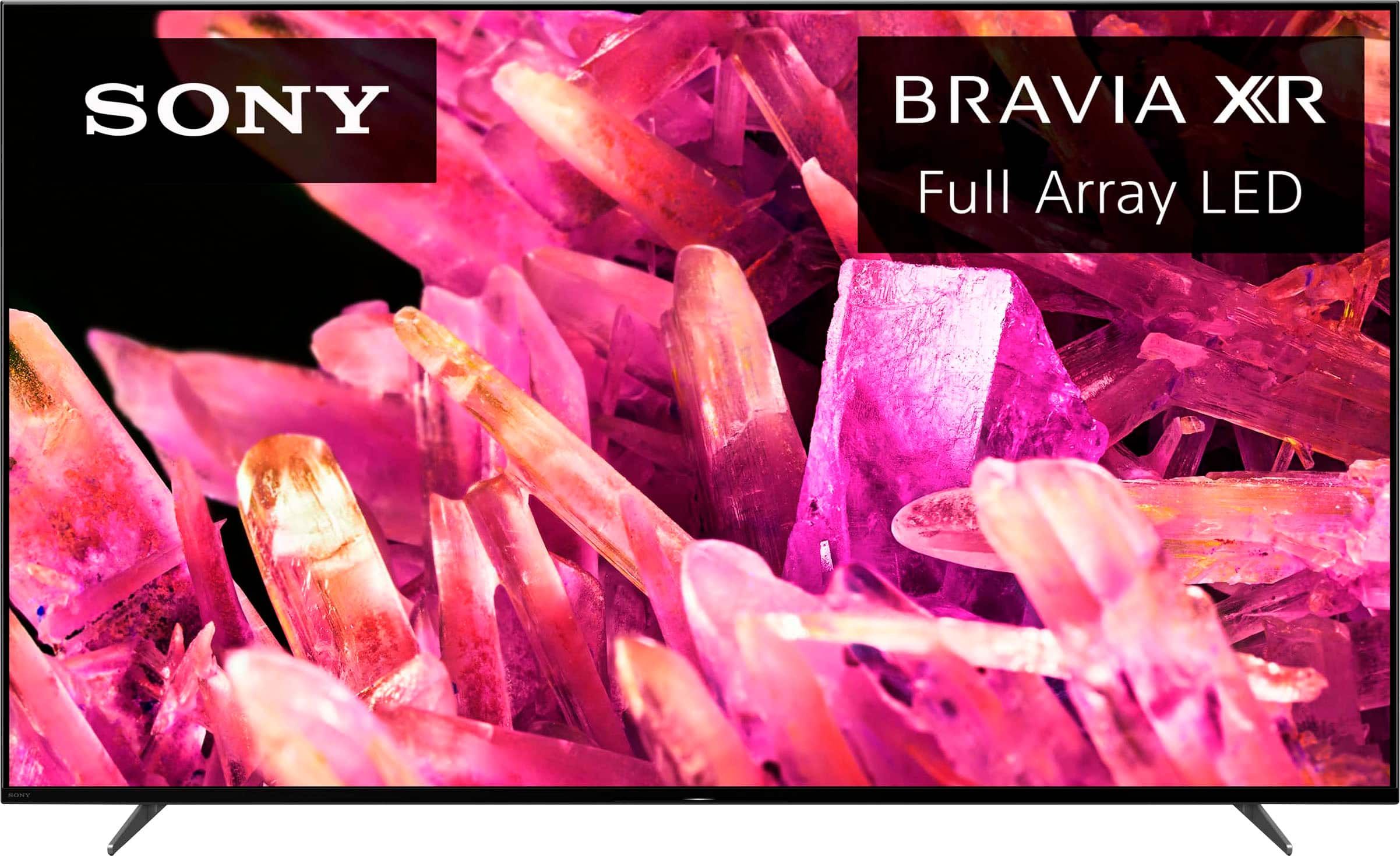
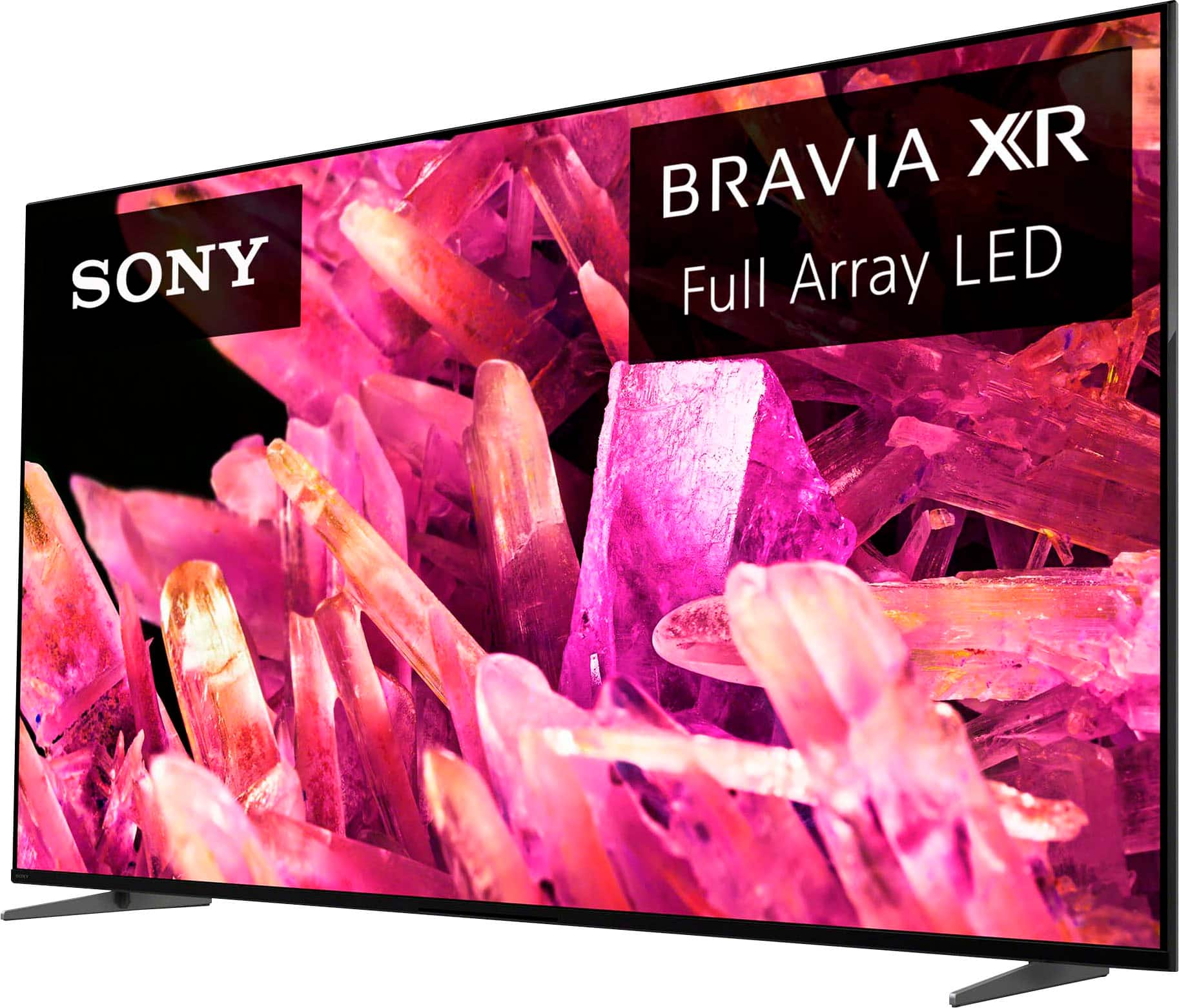
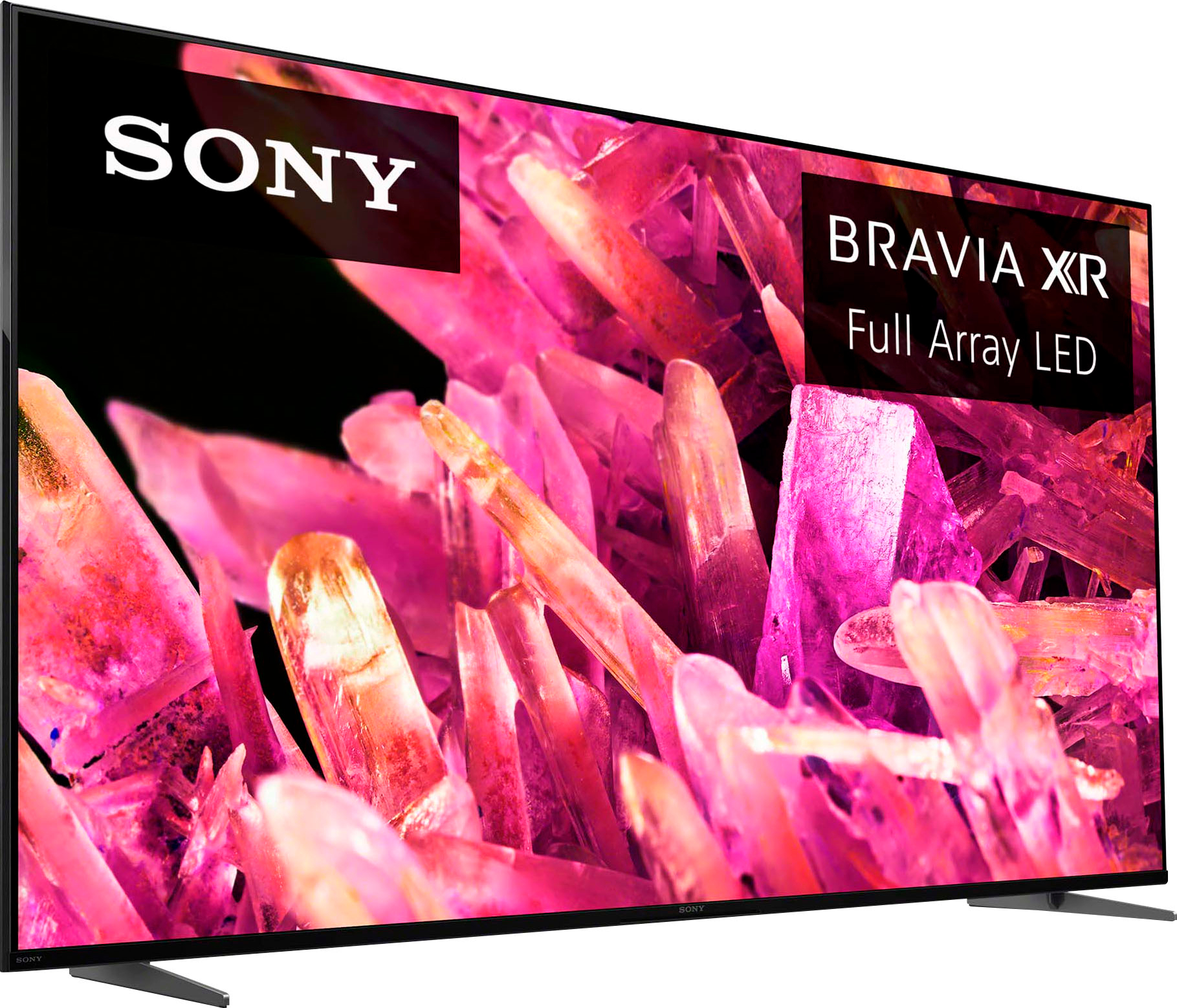
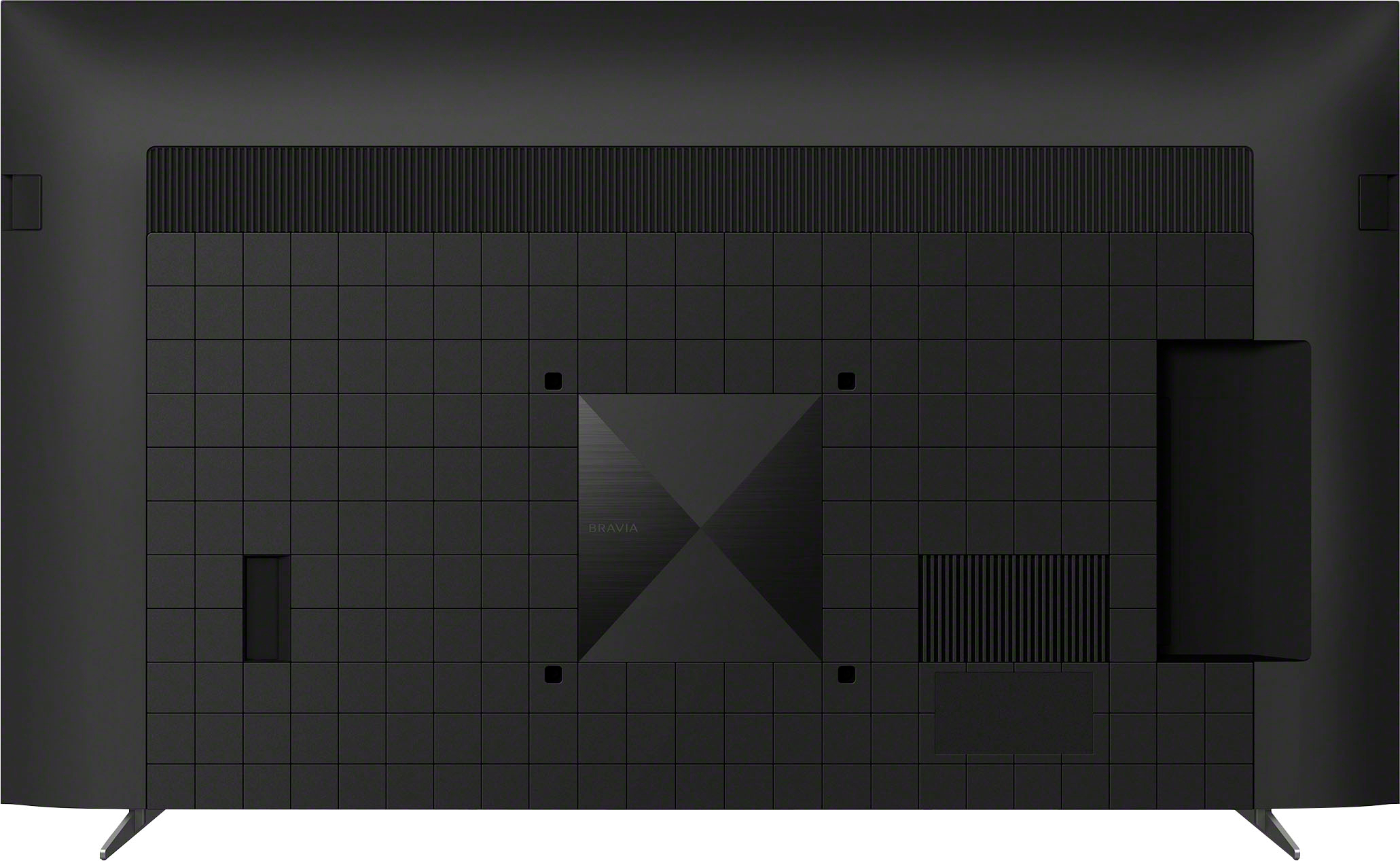









- Model:
- XR55X90K
- SKU:
- 6499804
Rating by feature
- Picture Quality
Rating 4.8 out of 5 stars
- Sound Quality
Rating 4.6 out of 5 stars
- Brightness
Rating 4.8 out of 5 stars
Customers are saying
Customers recognize the 55" Class BRAVIA XR X90K LED 4K UHD Smart Google TV for its exceptional picture quality, vibrant colors, and user-friendly setup. They appreciate the immersive gaming experience and the overall excellent sound quality. However, some users have expressed concerns regarding the small and consolidated remote control, limited viewing angles, occasional connectivity issues, and warranty coverage.
This summary was generated by AI based on customer reviews.
Jiminaz
||Posted . Owned for 1 month when reviewed.This reviewer received promo considerations or sweepstakes entry for writing a review.Great product and service. Really appreciate the techs install.
I would recommend this to a friendBrand response from SonyListens
Posted .Hi Jiminaz, Fantastic! We're glad to hear you had such an amazing customer service experience and thank you for giving your new Sony X90K a perfect rating. With the BRAVIA XR X90K Full Array LED TV everything you watch becomes more detailed and immersive with true-to-life 4K picture, powered by the Cognitive Processor XR™. With immersive picture and sound, and sleek flush bezel design, be prepared to level up your favorite movies, TV shows, and games. Thanks for choosing Sony! -Sam

Great TV
||Posted . Owned for 1 month when reviewed.This reviewer received promo considerations or sweepstakes entry for writing a review.Great picture and sound quality for the bedroom. Easy setup.
I would recommend this to a friendBrand response from SonyListens
Posted .Hi DevinO, That's great! We're glad to hear that! With the BRAVIA XR X90K Full Array LED TV everything you watch becomes more detailed and immersive with true-to-life 4K picture, powered by the Cognitive Processor XR™. Thank you for giving the product a perfect rating! Jay
Mr
||Posted . Owned for 1 month when reviewed.This reviewer received promo considerations or sweepstakes entry for writing a review.The duties were expedited with precision and neatly.
I would recommend this to a friendBrand response from SonyListens
Posted .Hi DTCross, thanks for choosing and purchasing our product. We hope you are enjoying the X90K. With the BRAVIA XR X90K Full Array LED TV everything you watch becomes more detailed and immersive with true-to-life 4K picture, powered by the Cognitive Processor XR™. With immersive picture and sound, and sleek flush bezel design, be prepared to level up your favorite movies, TV shows, and games. Thanks for choosing SONY. ~Earl
Great choice
||Posted . Owned for 3 weeks when reviewed.This reviewer received promo considerations or sweepstakes entry for writing a review.My 15 year old plasma died. This is a great replacement.
I would recommend this to a friendBrand response from SonyListens
Posted .Hi Dave, we're glad to hear that you like your new TV! With the BRAVIA XR X90K Full Array LED TV everything you watch becomes more detailed and immersive with true-to-life 4K picture, powered by the Cognitive Processor XR™. With immersive picture and sound, and sleek flush bezel design, be prepared to level up your favorite movies, TV shows, and games. Thanks for choosing Sony! ~Earl
TV
||Posted . Owned for 3 months when reviewed.This reviewer received promo considerations or sweepstakes entry for writing a review.Love the new tv and the financing side of things!!
I would recommend this to a friendBrand response from SonyListens
Posted .Hi giok, That's good to hear! We are glad that you love your new Sony BRAVIA 4K smart Google TV. With X90K, you will enjoy the deep black, high peak brightness, and real-life detail with Full Array LED and XR Contrast Booster 10. It also supports Google TV with Google Assistant which organizes your content all in one place. Thank you for your purchase. Enjoy! Vincent
TV OK, Sony, not so much
||Posted . Owned for 1 month when reviewed.This reviewer received promo considerations or sweepstakes entry for writing a review.The TV is great, but Sony does not accommodate unsubscribing from their email lists. Unless you want to receive an email from Sony twice a week for the rest of your life, then consider a different brand.
No, I would not recommend this to a friendAmazon fire stick
||Posted . Owned for 3 weeks when reviewed.This reviewer received promo considerations or sweepstakes entry for writing a review.It took a long time to set up.But it did allow to convert an old TV to a streaming TV
I would recommend this to a friendPoor picture / streaming quality
||Posted . Owned for 1 month when reviewed.This reviewer received promo considerations or sweepstakes entry for writing a review.Given the cost the picture is quite mediocre when it comes to viewing sports, which we did articulate as being a primary driver for this purchase. Furthermore, this TV also doesn’t stream well / work well with Hulu. I definitely would not purchase this TV again.
No, I would not recommend this to a friendTV
||Posted . Owned for 1 month when reviewed.This reviewer received promo considerations or sweepstakes entry for writing a review.Tv had to be replaced for another new one due to stop turning on
I would recommend this to a friendBrand response from SonyListens
Posted .Hi Television, We are sorry to hear about what happened to the first unit. Hopefully, you won't have issues with the replacement TV. Please make sure to update the firmware of your Sony BRAVIA to improve its performance and resolve any possible software-related issues: https://www.sony.com/electronics/support/articles/00119543. With X90K, you will enjoy the deep black, high peak brightness, and real-life detail with Full Array LED and XR Contrast Booster 10. It also supports Google TV with Google Assistant which organizes your content all in one place. Should you need further assistance, you can email us at socialsupport@am.sony.com. Thank you for choosing Sony! Vincent
Ok But not as clear as in store
||Posted . Owned for 3 weeks when reviewed.This reviewer received promo considerations or sweepstakes entry for writing a review.Not as bright and clear as it appears in store with the pics
No, I would not recommend this to a friendBrand response from SonyListens
Posted .Hi JohnP, We're glad to hear that you share your review with this TV. You can configure various settings related to the TV display such as color and brightness for picture quality, or screen size, and configure various settings related to the TV’s sound such as sound quality and sound mode. The actual display may vary or some settings may not be available depending on your model/country/region, TV settings, and the connected device. Press the (Quick Settings) button on the remote control, then select [Settings] — [Display & Sound] — the desired option.
With the BRAVIA XR X90K Full Array LED TV everything you watch becomes more detailed and immersive with true-to-life 4K picture, powered by the Cognitive Processor XR™. Thanks for choosing Sony! Jay
Cool
||Posted .This reviewer received promo considerations or sweepstakes entry for writing a review.Cool!!!!!!!!!!!!!!!!!!!!!!!!!!!!!!!!!!!!!!!!!!!!!!!
I would recommend this to a friendBrand response from SonyListens
Posted .Hi BryanD,
Thank you for the positive feedback. With the BRAVIA XR X90K Full Array LED TV everything you watch becomes more detailed and immersive with true-to-life 4K picture, powered by the Cognitive Processor XR™. With immersive picture and sound, and sleek flush bezel design, be prepared to level up your favorite movies, TV shows, and games. Thank you for choosing Sony!
-David
Stopped working after a year
||Posted . Owned for 1 year when reviewed.This reviewer received promo considerations or sweepstakes entry for writing a review.Had this tv for exactly a year now and it just randomly stopped working completely. Tried all troubleshooting suggestions and it remained completely unresponsive.
No, I would not recommend this to a friendBrand response from SonyListens
Posted .Hi MarcusM,
Thank you for reaching out to us. We're sorry to hear if your TV stopped working. This is definitely not the experience we want you to have with our product. Allow us to help and do the best possible for you.
If your TV has no picture or won't turn on, please try some solutions below:
Perform Power Reset: Unplug the TV power cord from the wall outlet, wait two minutes, then plug the power cord back in. This can solve issues caused by a temporary malfunction.
Check Connected Devices: Disconnect all devices (including USB devices and HDMI-connected devices) from the TV, then turn on the TV to see if the issue goes away. If the TV works, reconnect your devices one at a time to identify the cause.
Check Power Cord and AC Adapter: Ensure they're not loose or disconnected. Press the power switch on the TV to see if it turns on.
Software Update: Make sure your TV has the latest software version. Outdated software can sometimes cause issues.
Factory Reset: If none of the above steps work, you may need to reset the TV to its original factory settings.
For reference: https://www.sony.com/electronics/support/articles/00153674?utm_source=glean
May we contact you to help? If so, please email the below information to socialsupport@am.sony.com:
Name:
Best Buy Username:
Telephone Number:
Model Number:
Issue:
We are sorry for the inconvenience and hope to speak to you to resolve this matter. - Kris
Colors not right after 10 months
||Posted . Owned for 9 months when reviewed.This reviewer received promo considerations or sweepstakes entry for writing a review.10 months old and green are messing up the color is messed up and a one year warranty after I thought it was a 3 or 5 year warranty very disappointing
No, I would not recommend this to a friendI wish i would habe known.
||Posted . Owned for 1 month when reviewed.This reviewer received promo considerations or sweepstakes entry for writing a review.Like Roku tvs it dose chrome tv. It freezes not all apps are on here. Cant fine most apps. Main stream apps yes. Not worth it. I got it as a store display.
No, I would not recommend this to a friendBrand response from SonyListens
Posted .Hello Boudk005,
We apologize if you are having some issues with the TV apps. This is not the experience we want you to have. Kindly allow us to assist you and troubleshoot the issue to turn this experience to a better one. For now, please make sure that the firmware version of the TV and all the apps that you're using are up to date. Kindly visit the link on how to perform a software update:
https://www.sony.com/electronics/support/televisions-projectors-lcd-tvs-android-/xr-55x90k/articles/00028577
May we contact you to help and get more information? If so, please email the below information to socialsupport@am.sony.com. Apologies if you disclosed some of this information in your review and to customer service, we just want to ensure that we have your accurate details at the time of communication.
Full Name:
Best Buy Username:
Telephone Number:
Sony Model Number:
Additional Information regarding your experience with the XR55X90K:
We are sorry for the inconvenience and hope to speak to you to resolve this matter.
Sincerely,
Marco
don't buy
||Posted . Owned for 1 year when reviewed.This reviewer received promo considerations or sweepstakes entry for writing a review.Horrible - have to reboot about once a week, The blacks on the picture are not good at all for movies
No, I would not recommend this to a friendBrand response from SonyListens
Posted .Hi JasonS, We are sorry to hear this. This is definitely not the viewing experience we'd like you to have. We'd love to help and turn this into a better experience.
For optimum TV performance, please ensure that the TV software is always updated with version v6.7480. You can also configure the display settings that adjust the picture quality to suit your viewing preference.
-Press the (Quick Settings) button on the remote control, then select [Settings] — [Display & Sound] — the desired option.
Ref: https://helpguide.sony.net/tv/jusltn1/v1/en-003/07_08.html
Should you need further assistance, please email us at socialsupport@am.sony.com with the following details:
Name:
Username:
Model Number:
Issue:
Telephone Number:
Sincerely, Erin
Lag
||Posted . Owned for 1 year when reviewed.This reviewer received promo considerations or sweepstakes entry for writing a review.It doesn’t respond well. Very laggy tv . I wouldn’t recommend
No, I would not recommend this to a friendBrand response from SonyListens
Posted .Hi JulianG,
Thank you for choosing and purchasing our X90K LED 4K UHD Smart Google TV. This is definitely not the news that we would like to hear. Please allow us to help you and turn this into a better experience. Power reset the TV, simply unplug the unit and wait 1-2 minutes then plug the device back in and power on. Update the software of your TV. A firmware update improves the functionality and features of your device. It can provide fixes to any performance issues that may occur.
https://www.sony.com/electronics/support/televisions-projectors-lcd-tvs-android-/xr-55x90k/articles/00028577
For further assistance, please email the below information to socialsupport@am.sony.com. Apologies if you disclosed some of this information in your review and to customer service, we just want to ensure that we have your accurate details at the time of communication.
Full Name:
Best Buy Username:
Telephone Number:
Sony TV Model Number:
Additional Information regarding your experience with the XR55X90K
We are sorry for the inconvenience and hope to speak to you to resolve this matter.
Regards,
David
Poor Picture Quality
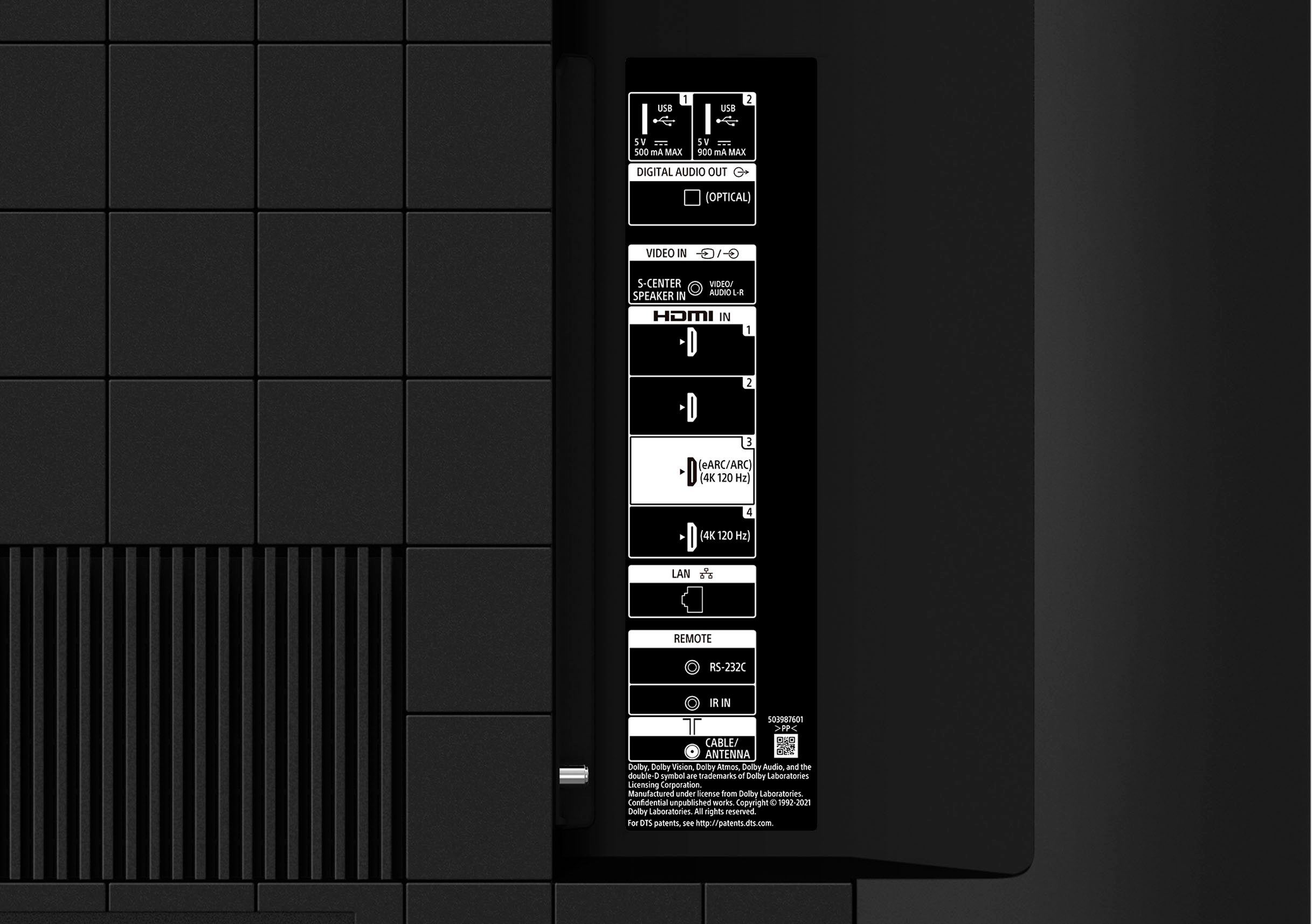
||Posted . Owned for 1 week when reviewed.This reviewer received promo considerations or sweepstakes entry for writing a review.This tv looks great if you’re using a 4K device in the 4K hdmi slot. Otherwise the picture quality is poor.
No, I would not recommend this to a friendBrand response from SonyListens
Posted .Hi HeadySpedy, Thank you for taking the time to review the BRAVIA XR X90K Full Array LED TV. You can configure various settings related to the TV display such as color and brightness for picture quality, or screen size. The actual display may vary or some settings may not be available depending on your model/country/region and the content you are watching. Press the (Quick Settings) button on the remote control, then select [Settings] — [Display & Sound] — the desired option.
To view 4K content on your television properly, it's important to know the video signal type (24p, 30p, 60p or 120p) and the bandwidth format (Enhanced format (up to 18Gbps) or Enhanced format (18Gbps or above)) capability of the HDMI® inputs on your TV. To find the input video signal information and the HDMI cable requirements for your TV, refer to the What functions are supported on each of the HDMI terminals? article: https://www.sony.com/electronics/support/televisions-projectors-lcd-tvs-android-/xr-55x90k/articles/00165077.
If you are unable to resolve your concern, please email the below information to socialsupport@am.sony.com or chat with us from Sony’s e-support webpage. Apologies if you disclosed some of this information in your review and to customer service, we just want to ensure that we have your accurate details at the time of communication.
Full Name:
Best Buy Username:
Telephone Number:
Sony Model Number:
Additional Information regarding your experience with the X90K:
We are sorry for the inconvenience and hope to speak to you to resolve this matter. We appreciate you and thanks again for shopping Sony!
Sincerely,
Jay
Sony Review
||Posted . Owned for 1 month when reviewed.This reviewer received promo considerations or sweepstakes entry for writing a review.Tv could be sharper without having to raise the sharpness and brightness to higher than normal levels.
No, I would not recommend this to a friendBrand response from SonyListens
Posted .Hi ChetV, we appreciate your feedback regarding the picture quality. We value your opinion and rest assured that we'll take note of your feedback as it helps in improving our products.
Hi DeborahM, Great! We're glad that you like the picture quality, ease of setup and operation. With the BRAVIA XR X90K Full Array LED TV everything you watch becomes more detailed and immersive with true-to-life 4K picture, powered by the Cognitive Processor XR™. With immersive picture and sound, and sleek flush bezel design, be prepared to level up your favorite movies, TV shows, and games.
Should you need further assistance, please email us at socialsupport@am.sony.com.
Sincerely,
Erin
Makes loud noise
||Posted . Owned for 3 months when reviewed.This reviewer received promo considerations or sweepstakes entry for writing a review.Since the beginning TV makes a loud noise from the back of the panel when displaying bright scenes specifically when the brightness is set to max or vivid color profile is selected. Called the support and they told me that's normal and it's coming from a motor fan inside the TV! really disappointed!
No, I would not recommend this to a friendBrand response from SonyListens
Posted .Hi Alborz,
We're sorry to hear about your issue with this TV. We apologize for any inconvenience. A creaking, crackling, or popping sound from your TV is normal and is not a malfunction. These sounds occur when parts expand or contract slightly due to temperature changes in the room or your TV. For example, you may hear the sound when you turn your TV on or off. The sound location may change or become less noticeable due to environmental changes, such as temperature or humidity. Also, you can perform the troubleshooting steps to isolate this issue: https://www.sony.com/electronics/support/televisions-projectors-lcd-tvs-android-/xr-55x90k/articles/00023593
If you are unable to resolve your concern, may we contact you to help? If so, please email the below information to socialsupport@am.sony.com or chat with us from Sony’s e-support webpage. Apologies if you disclosed some of this information in your review and to customer service, we just want to ensure that we have your accurate details at the time of communication.
Full Name:
Best Buy Username:
Telephone Number:
Sony Model Number:
Additional Information regarding your experience with the X90K:
We are sorry for the inconvenience and hope to speak to you to resolve this matter. We appreciate you and thanks again for shopping Sony!
Sincerely,
Jay
- Pros mentioned:Picture qualityCons mentioned:Remote control
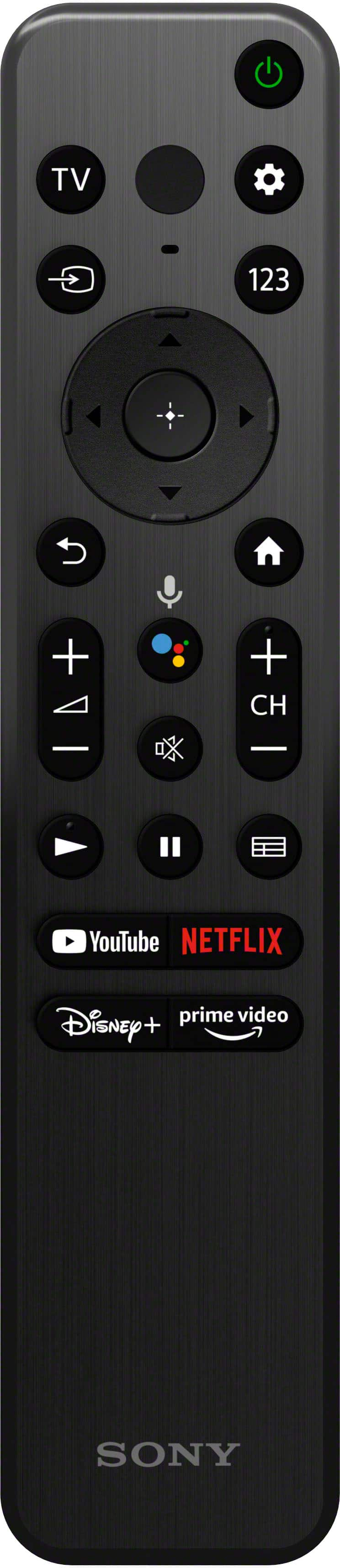
Minimalistic Remote, Good Enough Picture
Posted .This reviewer received promo considerations or sweepstakes entry for writing a review.The picture is really good. Obviously not as good as X95K, but that one is not available in 55 inch. I also own 85X900H, 75X800H, and 65A8F. Side by side, this TV is better than the non local dimming ones, but I can see the bigger dimming rectangles of this TV on some contents. Contrast is very good with Dolby Vision, but SD content does not look good. Another issue I had is the minimalistic remote control. I prefer the H series remote better with more button. For example, I like to pause the TV and go make a cup of coffee, and I like a button to turn the picture off momentarily. Sony needs to let people remap buttons they don’t use to the functions they need. I tried the third party remapping apps, but they only had sleep not pic off. Work in progress I guess.
I would recommend this to a friendBrand response from SonyListens
Posted .Hi Simon,
Thanks for sharing your experience. We are sorry that you are having issues with your Sony BRAVIA TV. You can always adjust the picture quality of your BRAVIA according to your preference by going to its settings: https://helpguide.sony.net/tv/jusltn1/v1/en-003/01-03-09_01.html. Make sure the unit is up-to-date to improve its performance and resolve any possible software-related issues: https://helpguide.sony.net/tv/jusltn1/v1/en-003/08-01_02.html. With regard to the remote, we suggest using the Quick Settings button to quickly access features such as [Picture mode], [Sleep timer], and [Picture Off] on the current screen, etc. Check out this link for more details: https://helpguide.sony.net/tv/jusltn1/v1/en-003/01-03_12.html.
We take all user input seriously and will make sure your comments reach the appropriate person. Should you need further assistance, you can email us at socialsupport@am.sony.com.
Sincerely,
Vincent