Customer Ratings & Reviews
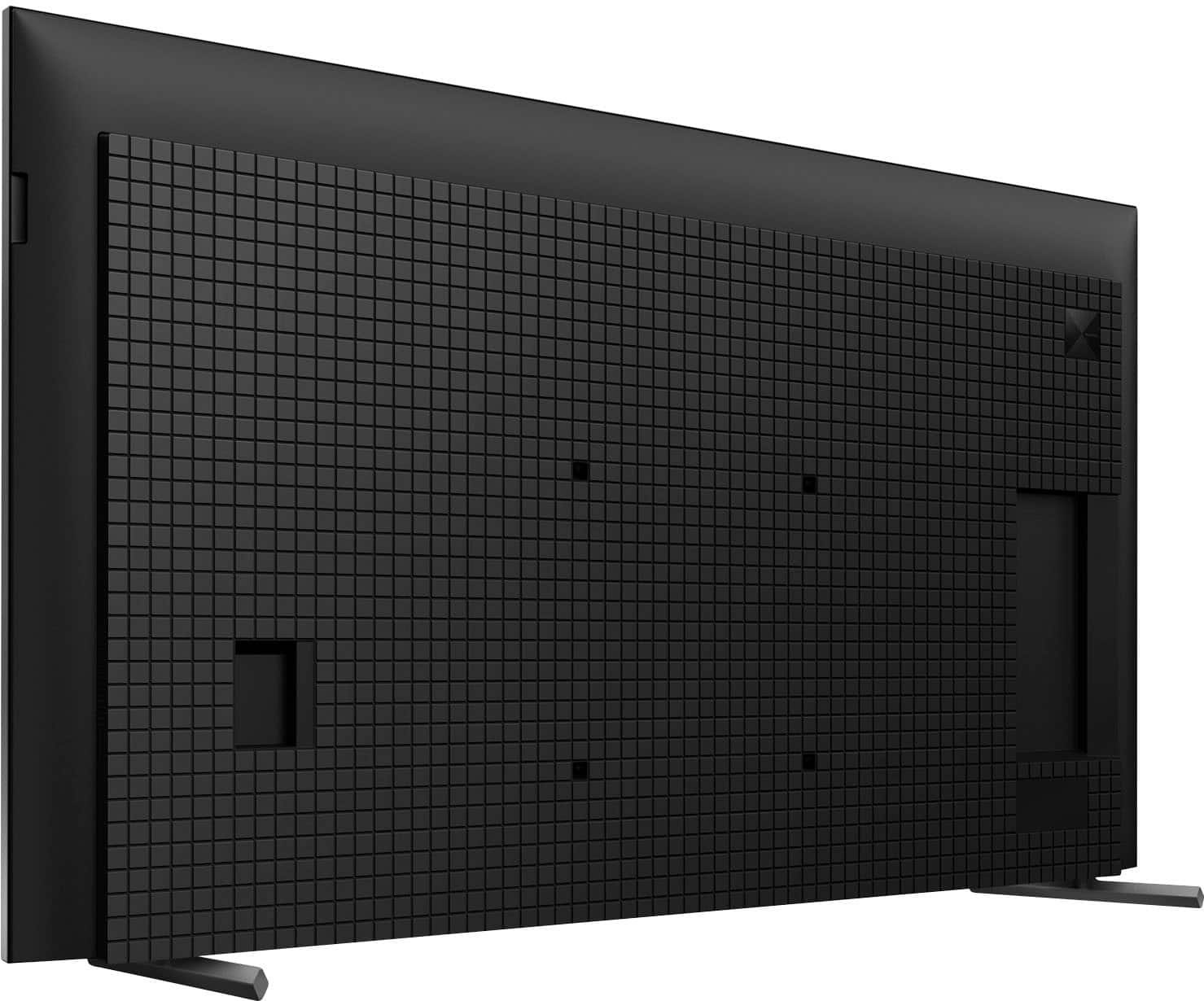
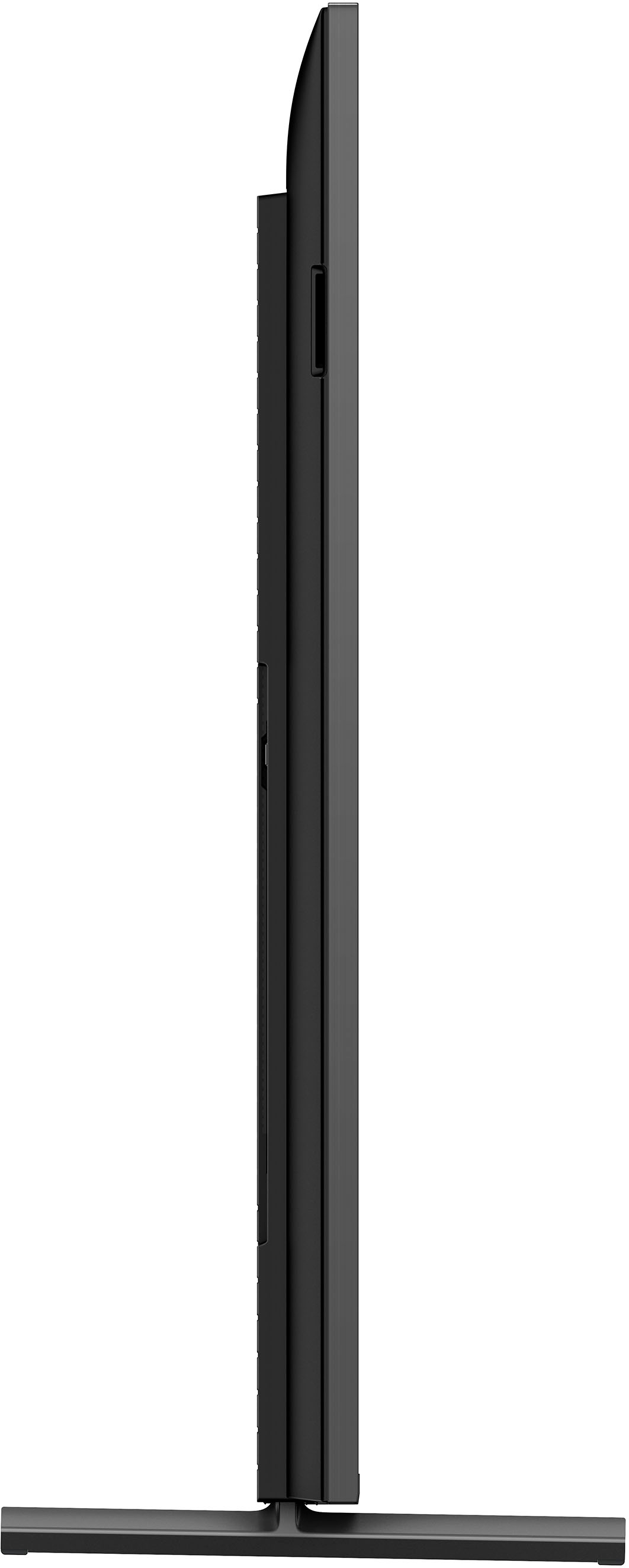
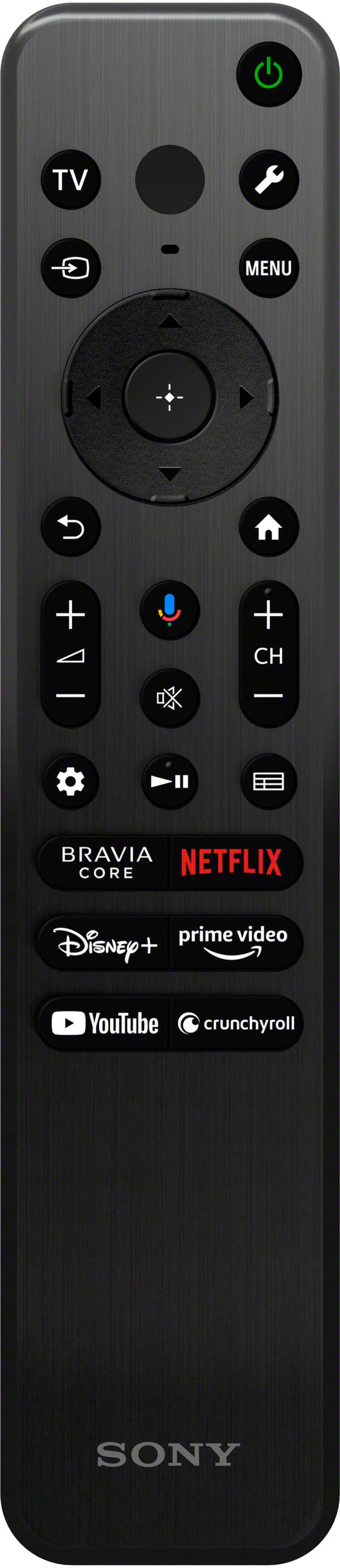
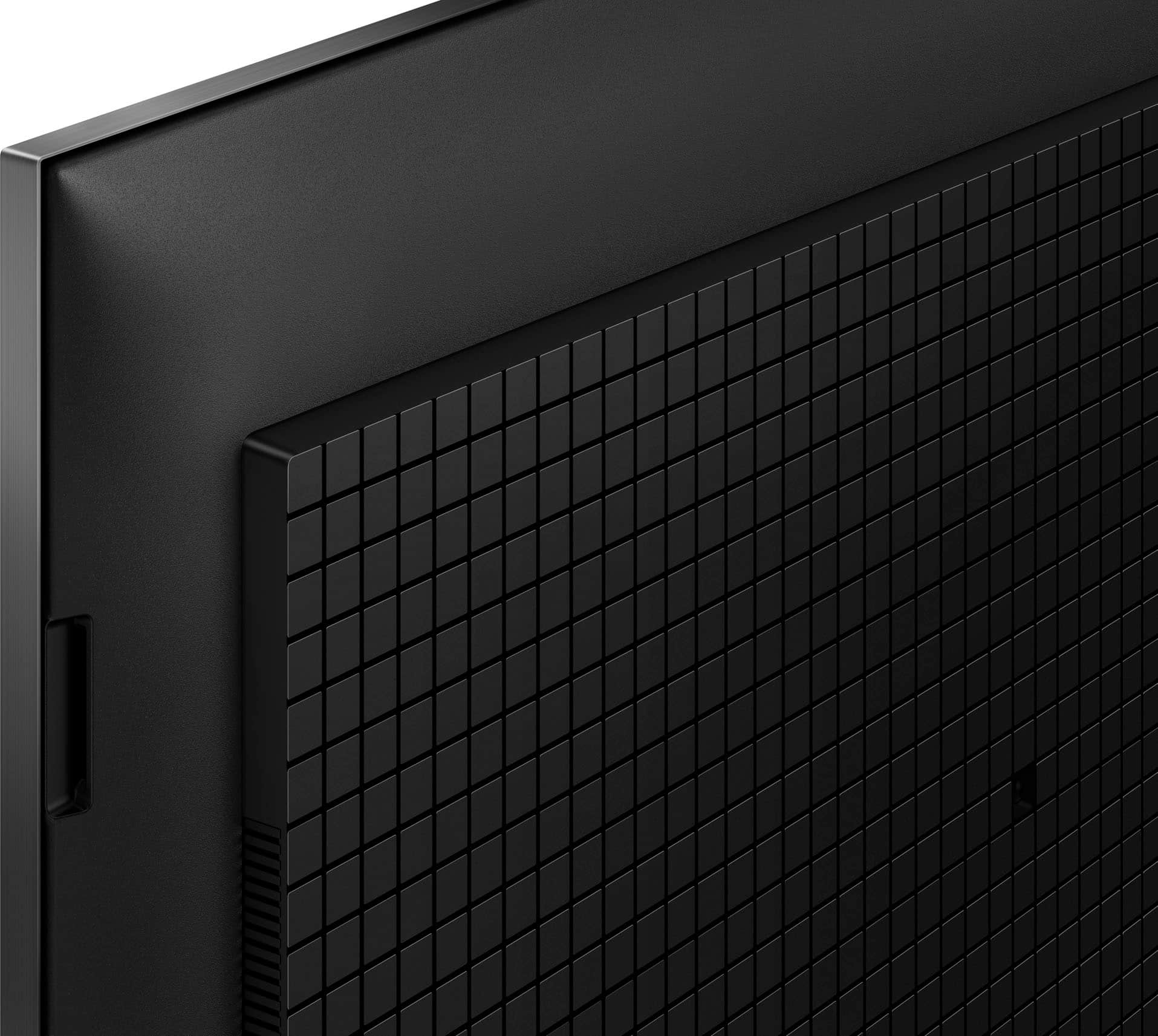

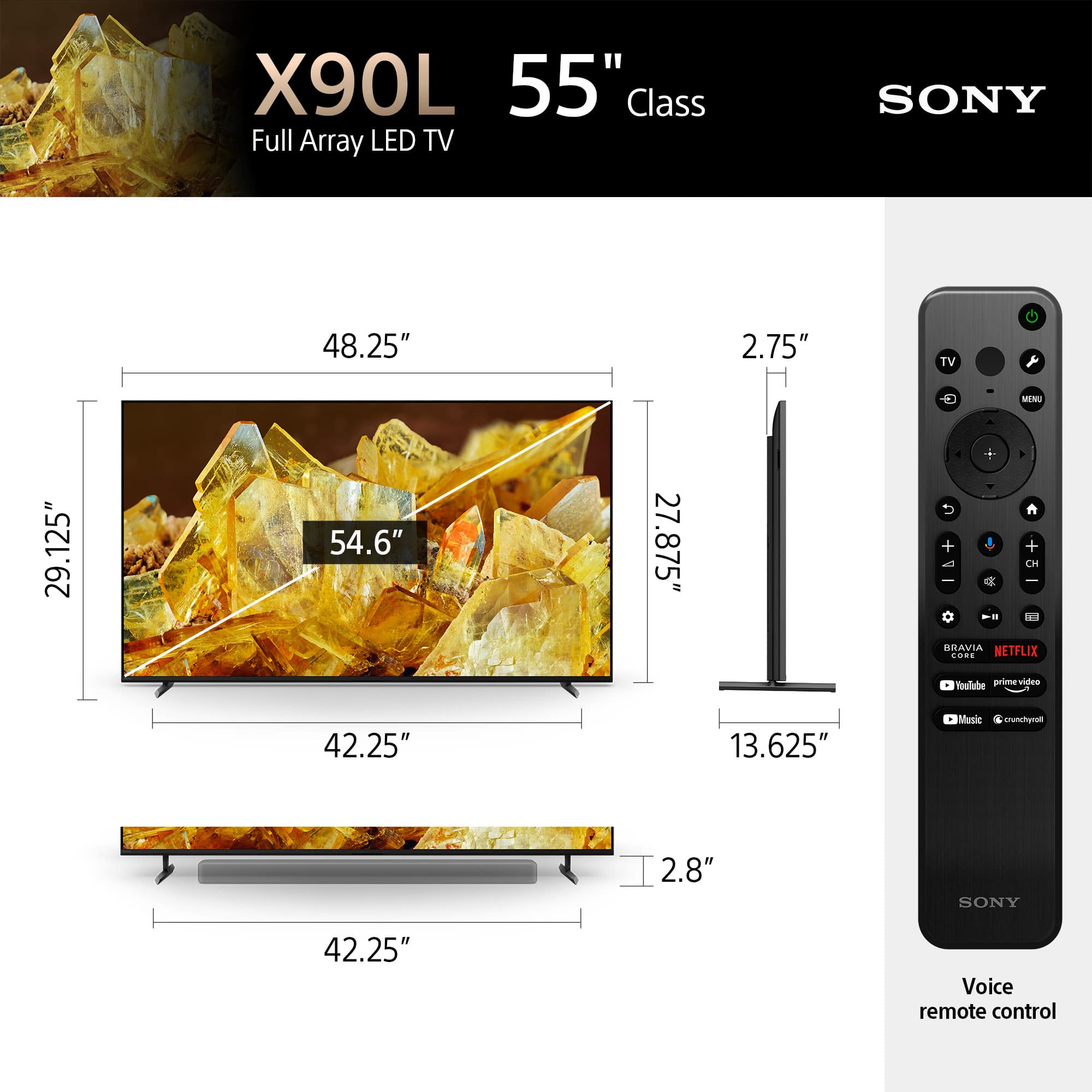








- Model:
- XR55X90L
- SKU:
- 6544734
Rating by feature
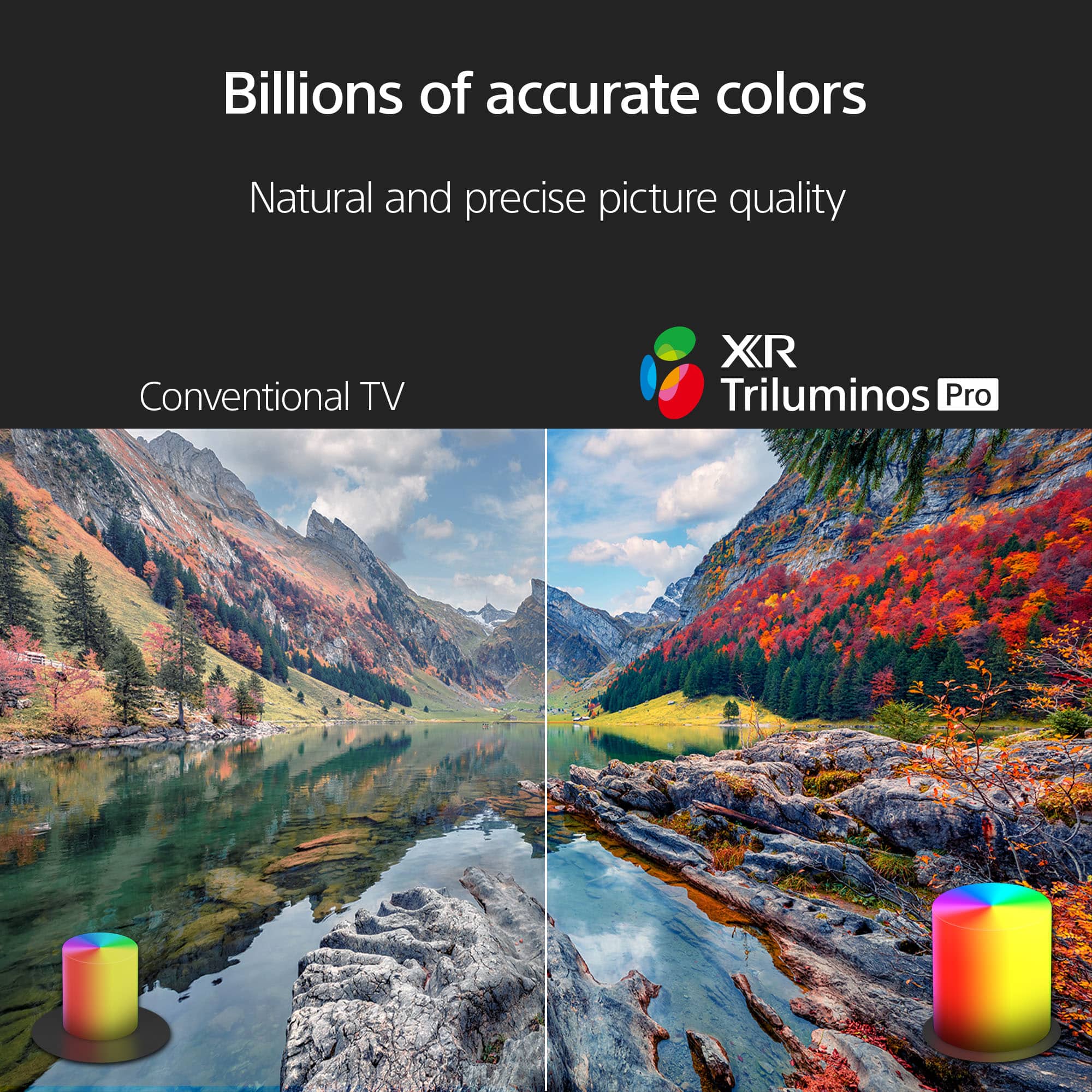
- Picture Quality
Rating 4.9 out of 5 stars
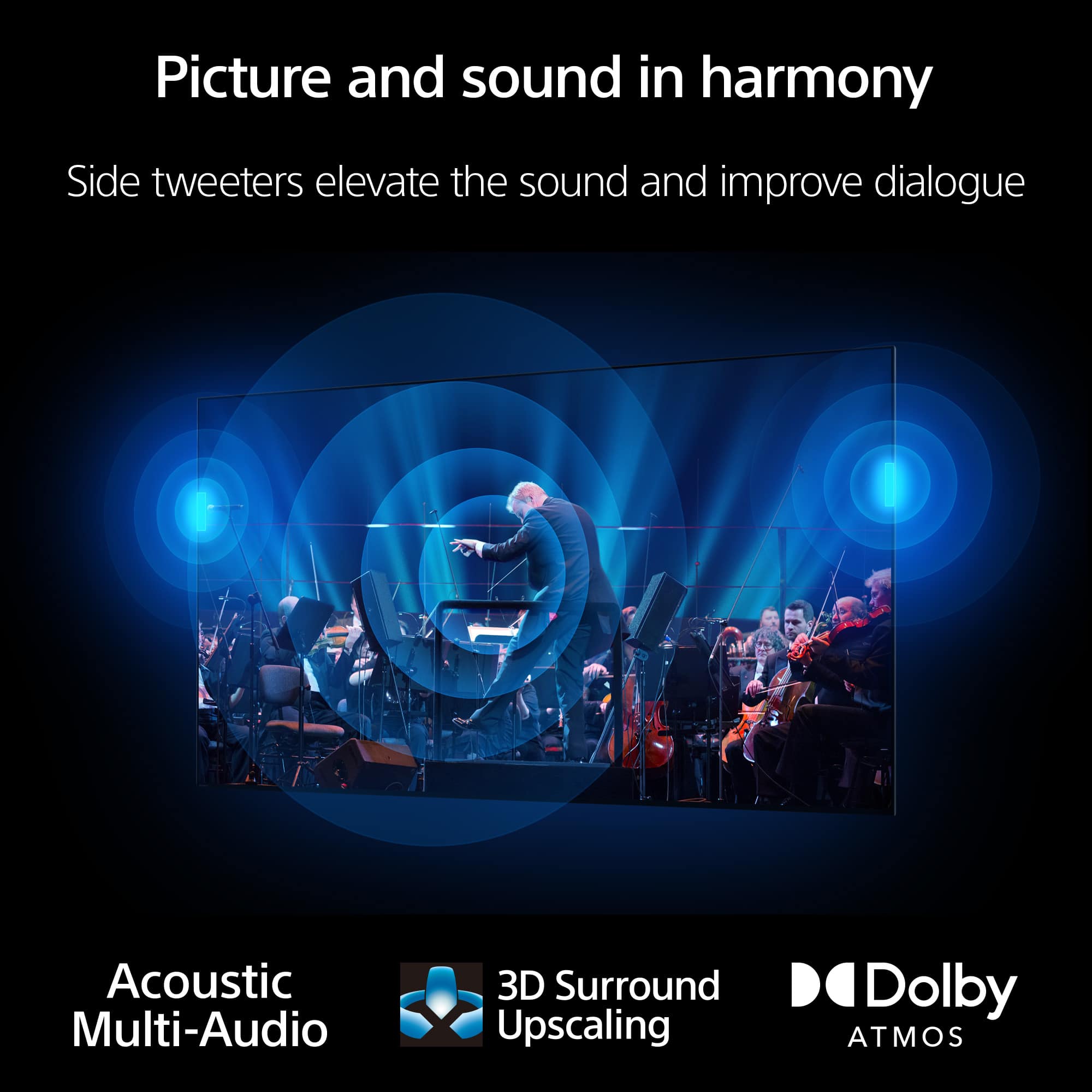
- Sound Quality
Rating 4.6 out of 5 stars
- Brightness
Rating 4.8 out of 5 stars
Customers are saying
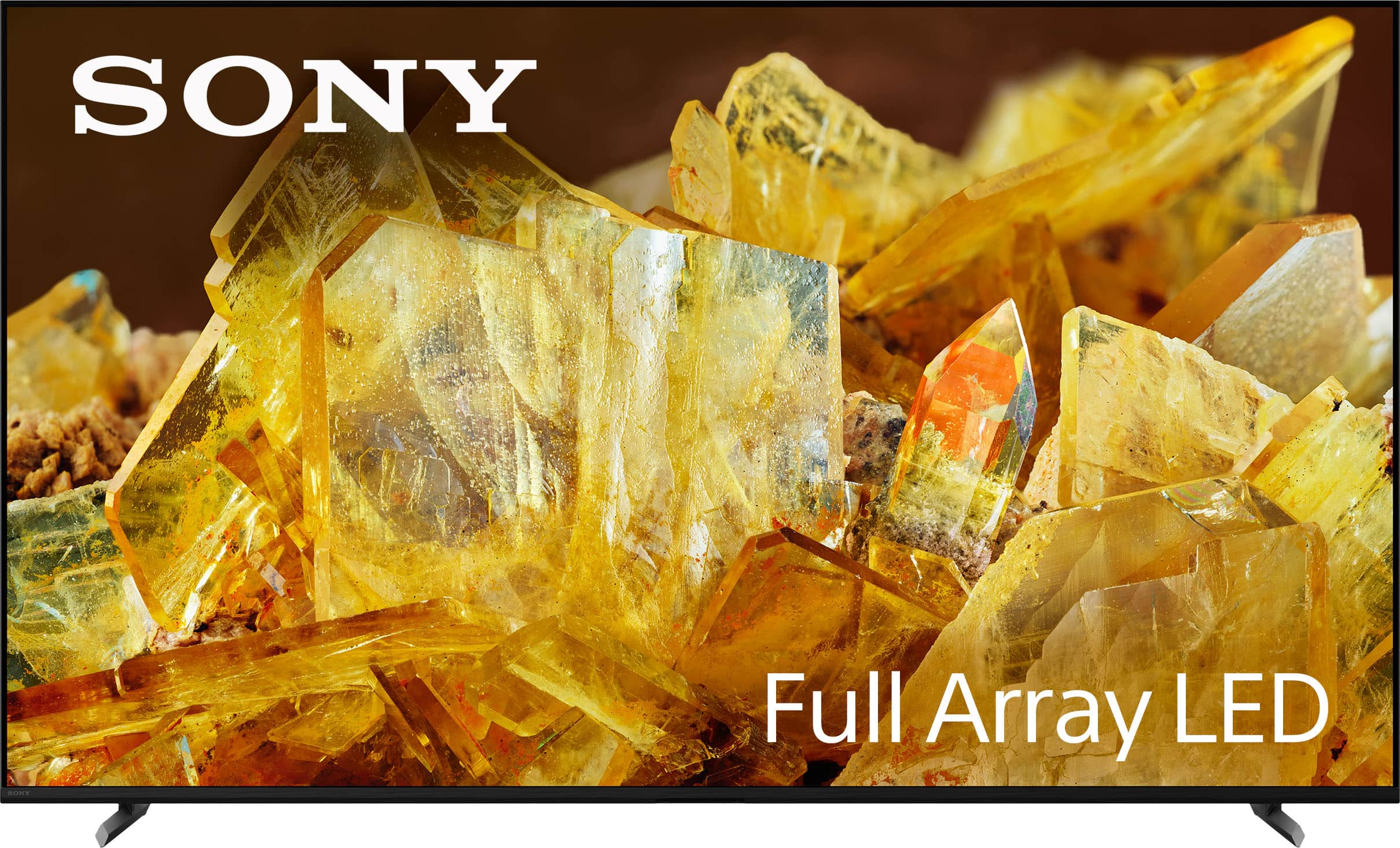
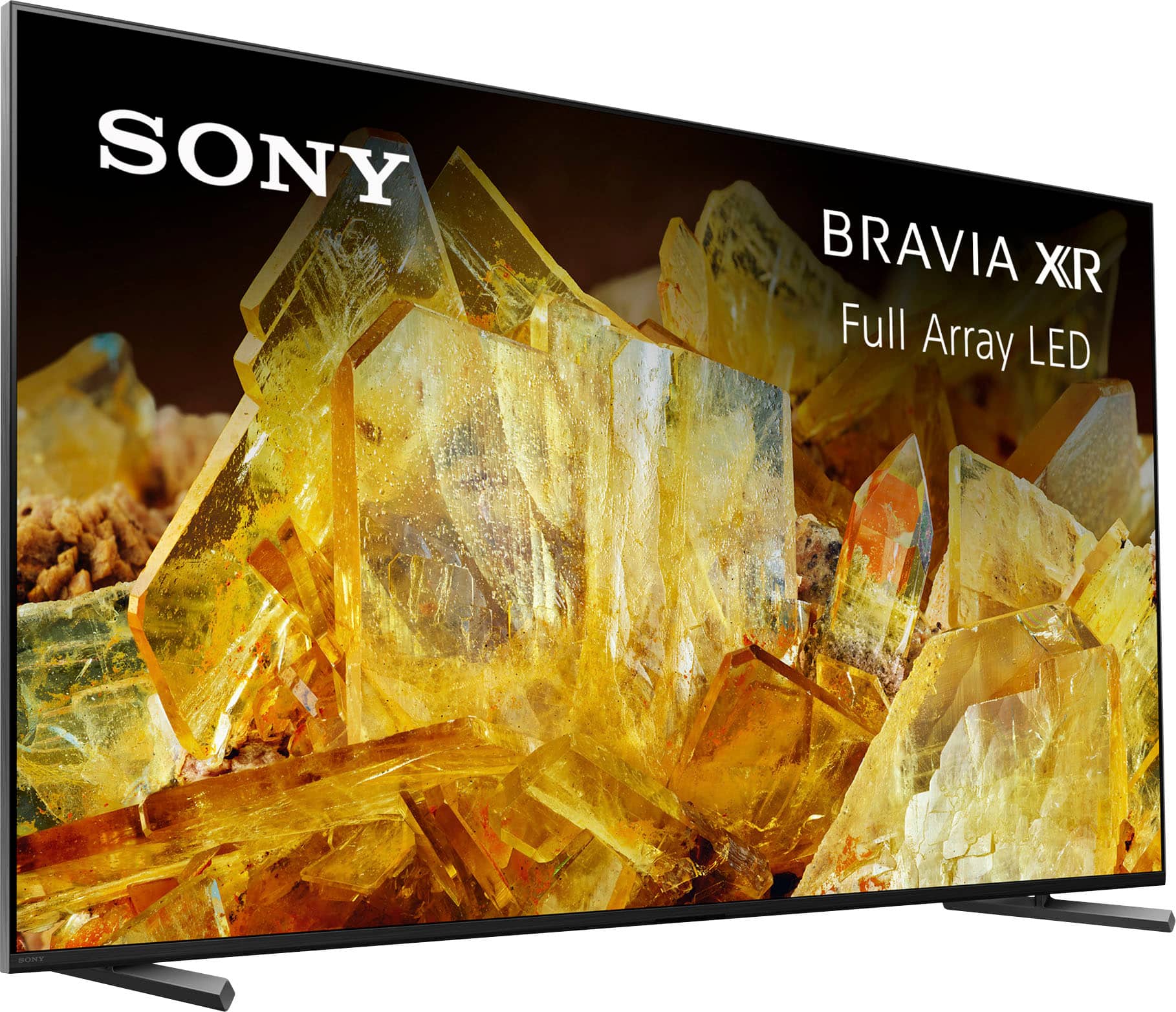
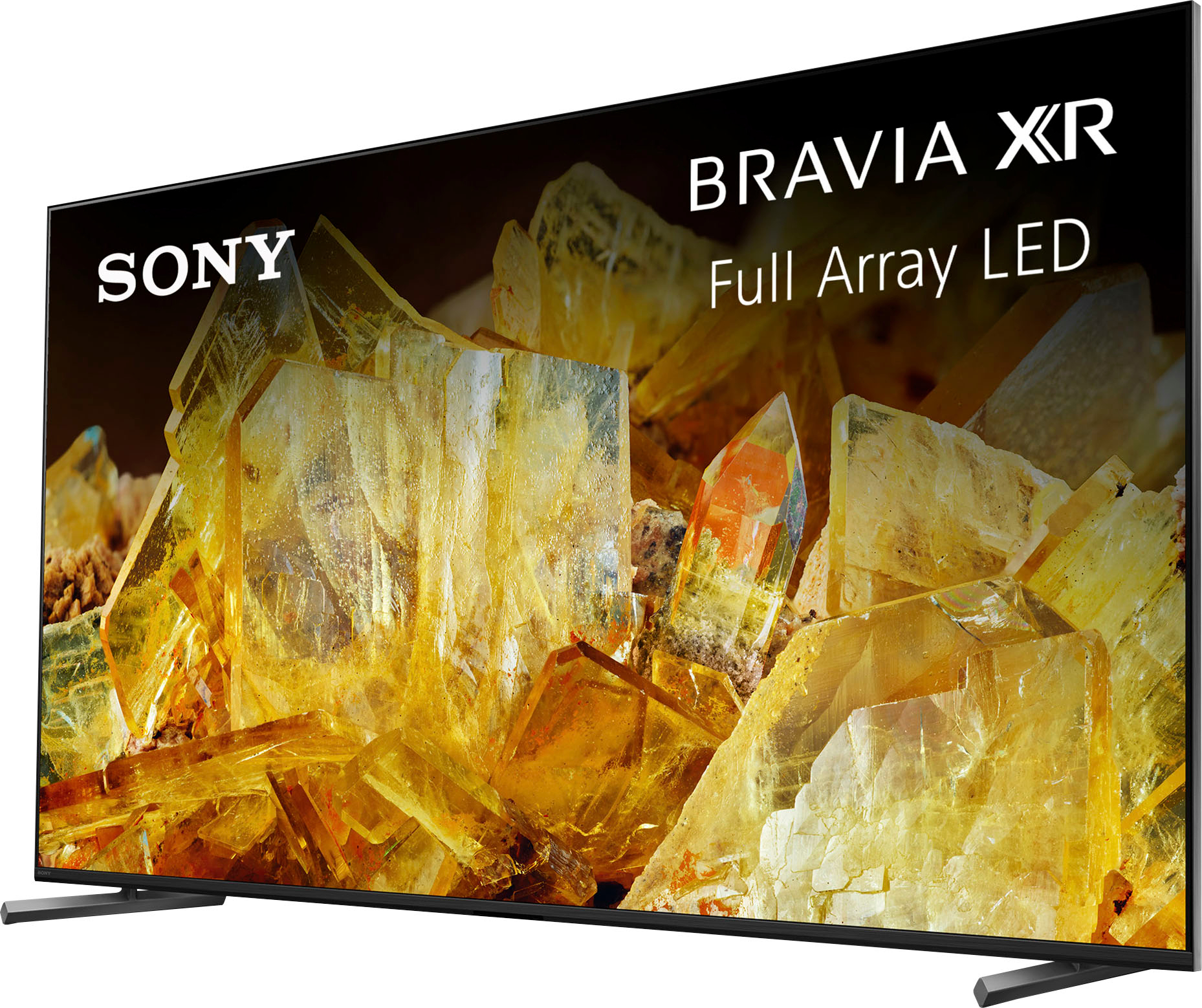
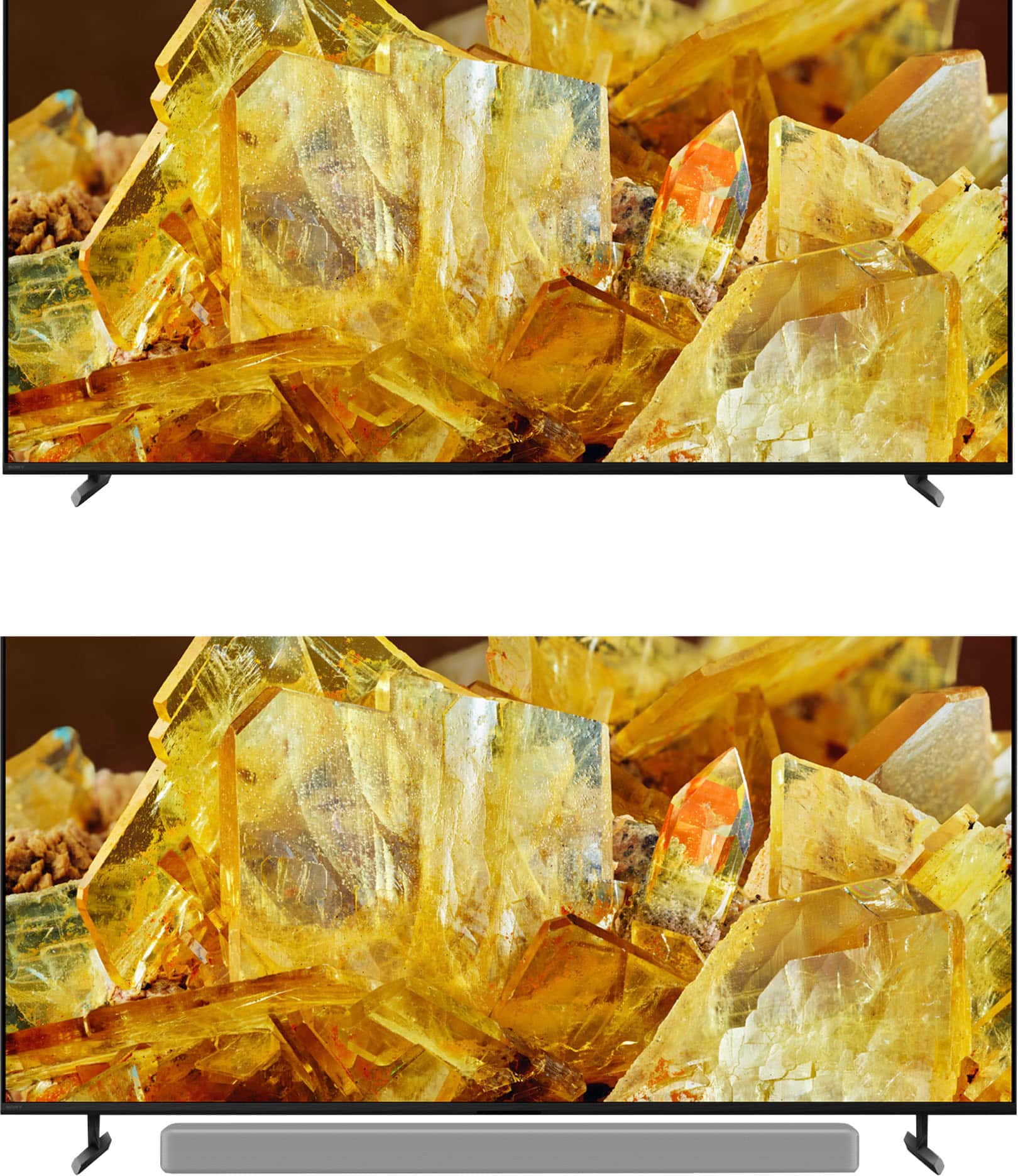
Customers frequently mention the amazing picture quality of the 55" Class BRAVIA XR X90L, along with its accurate color and fast refresh rate, making it great for gaming. Many customers also appreciate its ease of use. The only concern mentioned by customers is the design of the remote control.
This summary was generated by AI based on customer reviews.
- Cons mentioned:Remote control
Sony Bravia - Good quality reasonably priced
||Posted . Owned for 1 month when reviewed.This reviewer received promo considerations or sweepstakes entry for writing a review.Sony quality at a reasonable price point. Revised remote is more sensitive than past units.
I would recommend this to a friendBrand response from SonyListens
Posted .Hi TomD,
Very nice! We're glad to hear that you like the price point and quality of the TV. Thank you for choosing Sony!
-David
Good consultative selling!
||Posted . Owned for 1 month when reviewed.This reviewer received promo considerations or sweepstakes entry for writing a review.The sales associate, rather than give me the tv I thought I wanted, explained why the excess lighting in my apartment would minimize the screen and would be best viewed by the more expensive one I purchased. He was right
No, I would not recommend this to a friendBrand response from SonyListens
Posted .Hi John, we're glad you had a great experience with your purchase. Hope you enjoy your new TV. Thanks for choosing Sony. ~Earl
We love our new tv
||Posted . Owned for 2 months when reviewed.This reviewer received promo considerations or sweepstakes entry for writing a review.Did u know most tvs last 8 yrs? Ours just quit and we luckily were back up and had new tv within a couple days. This TV has an incredible way of installing by attaching the bracket before having to lift it above the fireplace. re sound we have an external sound bar and sub woofer.
I would recommend this to a friendBrand response from SonyListens
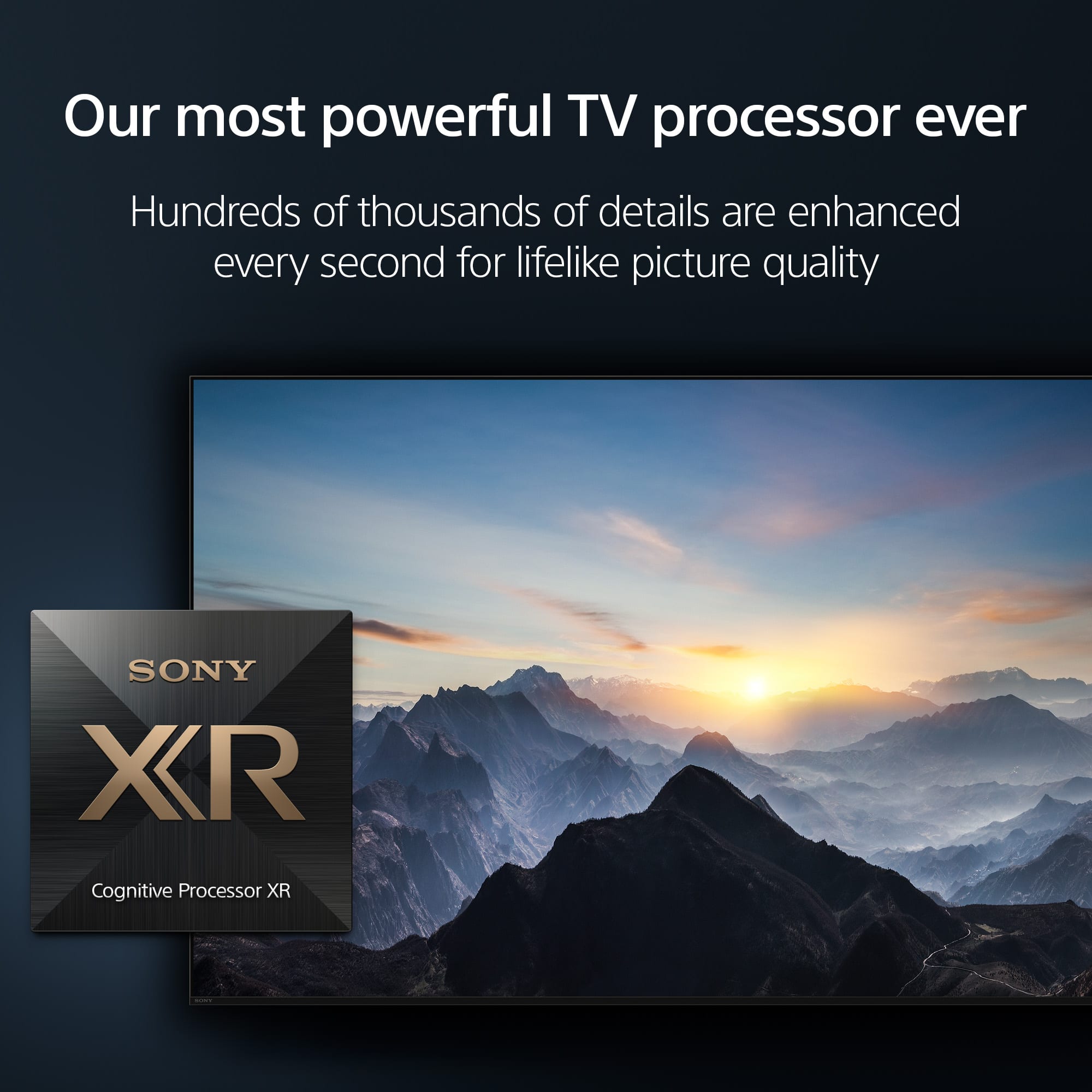
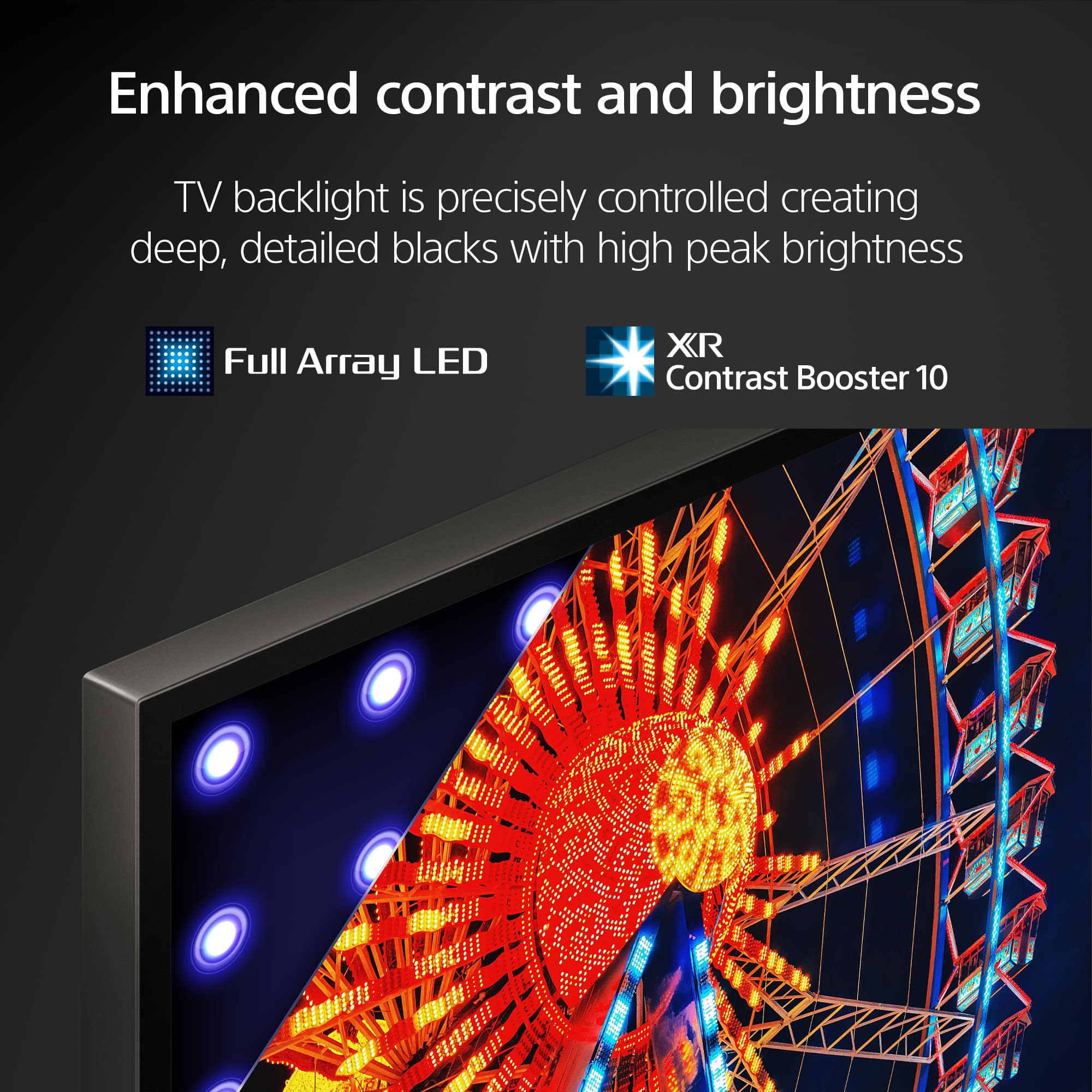
Posted .Hi DianeC, thanks for choosing and purchasing our product. We hope you are enjoying your new set! See a vivid, crisp picture while you watch and game, all enhanced by Full Array LED and powered by the intelligent Cognitive Processor XR. Hear sound straight from the screen, perfectly matching the action. Cognitive Processor XR™ turns any sound immersive with more precise sound position. Our minimalist One Slate design fuses screen and bezel into a single slate, minimizing noise and maximizing your viewing experience. Seamless Edge, available for the first time in this class of BRAVIA™, gives the TV an extremely slim, sophisticated look. Thanks for choosing Sony. ~Earl
Sony is best!
||Posted . Owned for 3 weeks when reviewed.This reviewer received promo considerations or sweepstakes entry for writing a review.Absolutely fantastic in all ways! Easy purchase, delivery and set up. No complaints.
I would recommend this to a friendBrand response from SonyListens
Posted .Hello TomFord, thank you so much for your fantastic feedback! We can't be more happy to hear that your experience with the X90L –from purchase to setup–was seamless and satisfying. Thank you for choosing Sony! Sincerely, -Jenn.
So good I bought another
||Posted . Owned for 3 weeks when reviewed.This reviewer received promo considerations or sweepstakes entry for writing a review.This is my second purchase of this exact same Sony product
I would recommend this to a friendBrand response from SonyListens
Posted .Hi Tigger! Thank you for your loyalty! It brings us great satisfaction to hear that you've chosen the XR55X90L for a second time.
This model features stunning 4K HDR picture quality and offers an immersive viewing experience with its advanced sound technology.
Thanks for choosing Sony!
Best regards,
Estefany
Wonderful smart TV
||Posted . Owned for 1 month when reviewed.This reviewer received promo considerations or sweepstakes entry for writing a review.It's a beautiful TV with so many useful options and channels, giving me exactly what I need
I would recommend this to a friendSony TV
||Posted . Owned for 1 month when reviewed.This reviewer received promo considerations or sweepstakes entry for writing a review.Excellent TV great service recommended to my friends.
I would recommend this to a friendBrand response from SonyListens
Posted .Hello Steve,
Thank you for choosing Sony!
We're thrilled to hear that you're enjoying your XR-55X90L TV and that you had a wonderful experience with our service! Thank you for recommending us to your friends; we truly appreciate your support!
Best regards,
-Fred
- Pros mentioned:Picture quality
Bravia
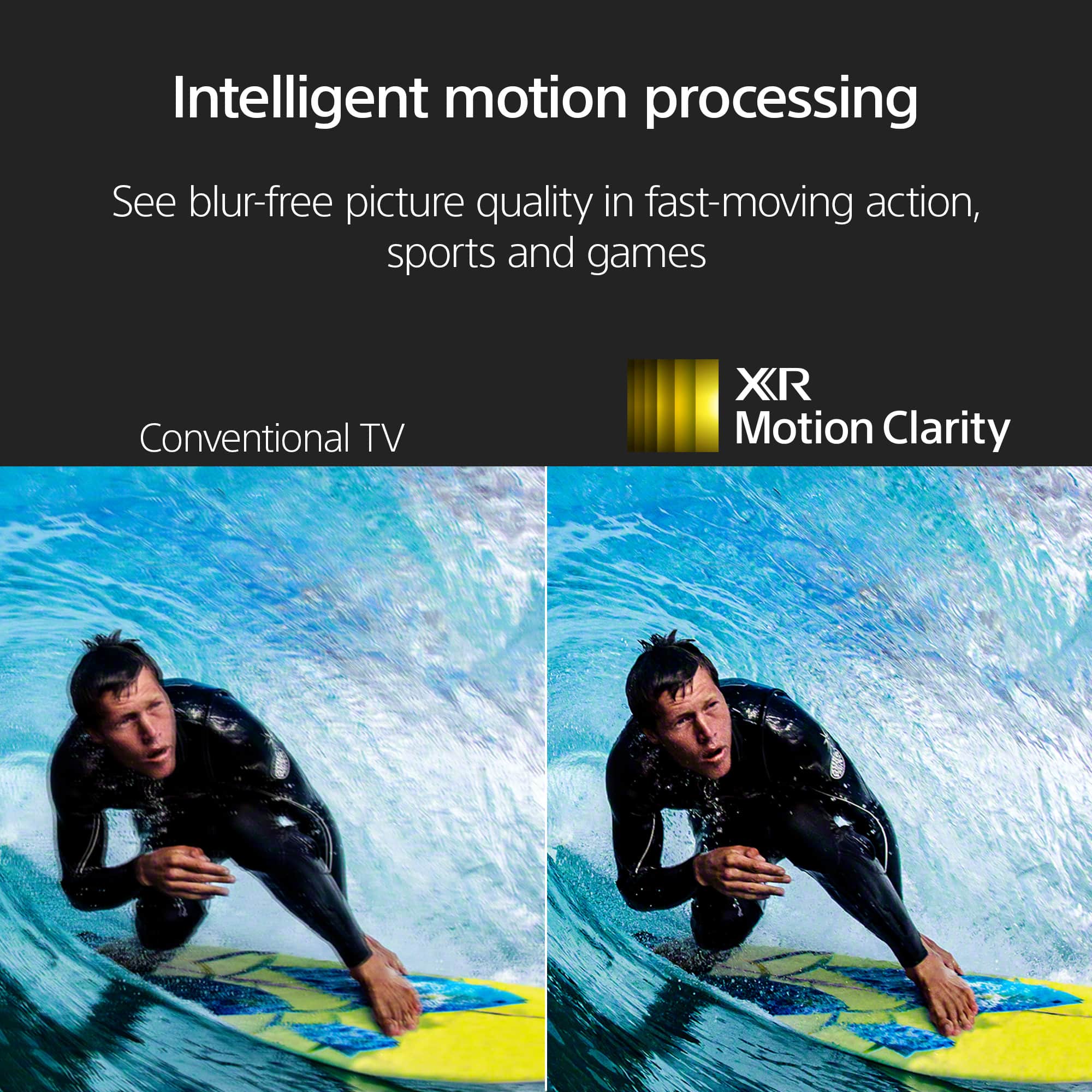
||Posted . Owned for 3 weeks when reviewed.This reviewer received promo considerations or sweepstakes entry for writing a review.Great tv for the money. Good picture although some trailing in sports
I would recommend this to a friendBrand response from SonyListens
Posted .Hi JasonS, we're glad you like the picture quality of our product. We understand your feedback regarding the picture quality when watching sports. You can adjust the motion flow on Settings to isolate the issue. Please follow this link for more details:
https://helpguide.sony.net/tv/kusltn1/v1/en-003/01-03-09_01.html?hl=motion+flow
If you require any additional support with regard to this product, please email us at socialsupport@am.sony.com with the following details: Name: Username: Model Number: Issue: Telephone Number:
Thanks for choosing Sony! ~Earl
Better Than Adverstised
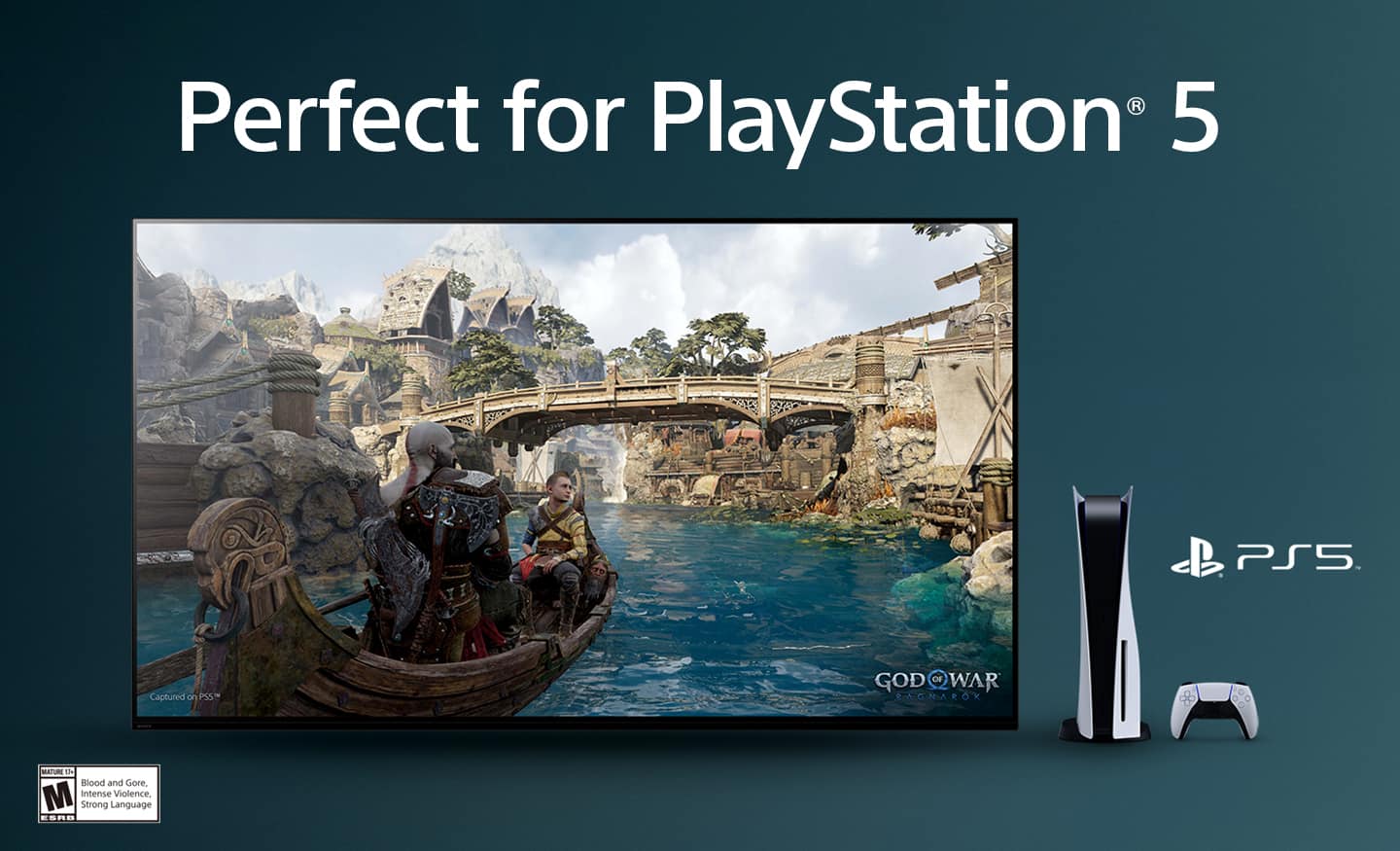
||Posted . Owned for 3 weeks when reviewed.This reviewer received promo considerations or sweepstakes entry for writing a review.Great TV, bright colors, plenty of options to customize along with automatic optimization for Playstations.
I would recommend this to a friendBrand response from SonyListens
Posted .Hi nerdius, Thanks for the awesome feedback! We're thrilled you love the vibrant colors and customization options on the X90L, especially the seamless optimization for PlayStation. It’s great to know it’s enhancing your viewing and gaming experience. Enjoy and thanks for choosing Sony! -Jess
55"SONY BRAVA TV
||Posted . Owned for 5 months when reviewed.This reviewer received promo considerations or sweepstakes entry for writing a review.Outstanding smart tv.....has more stuff on it than I can use righr now....but I willl continue to learn the rest! LOL
I would recommend this to a friendBrand response from SonyListens
Posted .Hi George,
Thanks for the kudos on the Sony X90L TV! It's exciting to hear that it's packed with features, offering you plenty to explore and learn. Keep enjoying the journey of discovering all its capabilities. Get the most out of your TV through the Help Guide and easily find functions that is available on your TV. In no time, you’ll be able to configure how to install apps, configure Wi-Fi, Cast, AirPlay, Adjust Picture Mode and many more. For more details, visit this helpful link:
https://www.sony.com/electronics/support/articles/00291490
Thank you for choosing Sony!
-Jess
Mid TV
||Posted . Owned for 3 months when reviewed.This reviewer received promo considerations or sweepstakes entry for writing a review.Solid TV. UI has glitches and screen goes black every now and again.
No, I would not recommend this to a friendBrand response from SonyListens
Posted .Hi ColinL,
We are very sorry to hear about the inconveniences encountered with your BRAVIA TV. We understand how frustrating it may be for you, and we will be more than glad to help you.
To assist us in gathering more information regarding this matter and to work together towards a solution, please reach out to us via email at socialsupport@am.sony.com. We kindly ask that you include the following details in your message:
- Name:
- Sony Username:
- Model Number:
- Description of the Issue:
- Telephone Number:
Thank you for your patience, and we look forward to assisting you further.
Best regards,
DiegoV
Television purchase
||Posted . Owned for 1 month when reviewed.This reviewer received promo considerations or sweepstakes entry for writing a review.I like sony products they always have good qualty.
I would recommend this to a friendBrand response from SonyListens
Posted .Thank you for your kind words about Sony products, Jeremiah! We are ecstatic to learn that you appreciate the quality of our products, especially the XR55X90L. We continuously strive to deliver high-quality experiences to our users, and your feedback motivates us to keep innovating. If you have specific features of the XR55X90L that you love, we’d love to hear more about them!
Thanks for choosing Sony!
Best regards,
Gus
Sony Social Media Team
Bravia XR Full Away LED
||Posted . Owned for 1 year when reviewed.This reviewer received promo considerations or sweepstakes entry for writing a review.Absolutely the best TV i've owned. It has such great connection to potential to pair multiple different devices to.
I would recommend this to a friendBrand response from SonyListens
Posted .Hi TroyH, we're happy to know that you like our product! Thanks for choosing Sony! Happy Holidays! ~Earl
SONY GOOD
||Posted .This reviewer received promo considerations or sweepstakes entry for writing a review.Always had good product from Sony from Best Buy. Thanks
I would recommend this to a friendBrand response from SonyListens
Posted .Hello Remoteboy, thank you for your kind words! We're so happy to hear that you've always had great experiences with our products –now with our top-tier television, the BRAVIA XR X90L! Thanks for your continued trust in Sony. Sincerely, -Jenn.
Happy
||Posted . Owned for 2 weeks when reviewed.This reviewer received promo considerations or sweepstakes entry for writing a review.So far so good. I got adjusted to it's sound, the sound is low but great for a small bedroom. Maybe I'll get a soindbar in the future but everything else about it is great
I would recommend this to a friendBrand response from SonyListens
Posted .Hi RickyV, we're glad you are enjoying new TV! With Sony X90L, see breathtakingly beautiful pictures full of realistic depth on our Full Array LED screen powered by Cognitive Processor XR. Hear sound straight from the screen, perfectly matching the action. Cognitive Processor XR™ turns any sound immersive with more precise sound position. And with 4K/120fps, a Variable Refresh Rate and Auto Low Latency Mode, our TVs give you smooth and clear movement for responsive gameplay. Thanks for choosing Sony! ~Earl
My 4 star rating
||Posted . Owned for 1 month when reviewed.This reviewer received promo considerations or sweepstakes entry for writing a review.I'm happy with the overall performance of the TV, except in one area. I can't get the brightness level on movie playback adjusted to what I'm used to seeing. I had 3 Samsung TVS prior to this Sony and the movie playback level was brighter.
I would recommend this to a friendBrand response from SonyListens
Posted .Hi Pete, we're glad that you are happy with the overall performance of your new TV. We're sorry to hear that you have an issue with the brightness when watching movie. You can configure various settings related to the TV display such as color and brightness for picture quality, or screen size. Please follow this link for more details:
https://helpguide.sony.net/tv/kusltn1/v1/en-003/01-03-09_01.html?hl=picture
If you require any additional support with regard to this product, please email us at socialsupport@am.sony.com with the following details: Name: Username: Model Number: Issue: Telephone Number:
Thanks for choosing Sony! ~Earl
Great TV
||Posted . Owned for 1 month when reviewed.This reviewer received promo considerations or sweepstakes entry for writing a review.We totally love our Sony - 55" Class BRAVIA XR X90L LED 4K UHD Smart Google TV. Great value and resolution.
I would recommend this to a friendBrand response from SonyListens
Posted .Hi Porter, Thank you for sharing your 5 star experience with us. We're delighted that you love your new Sony BRAVIA 8 TV with its value and resolution. Thank you for choosing Sony! Enjoy! -Maria
My sony
||Posted . Owned for 3 weeks when reviewed.This reviewer received promo considerations or sweepstakes entry for writing a review.Not bad but haveing problems linking my Bluetooth Sony speaker when salesman said be no problem
I would recommend this to a friendBrand response from SonyListens
Posted .Hi WilliamM,
That's really annoying when something doesn't work as expected! Here's how to troubleshoot connecting your Sony Bluetooth speaker to your Sony X90L TV:
Pairing Mode: Put both your speaker (check its manual) and your TV into Bluetooth pairing mode.
On TV: Go to Quick Settings (gear icon) > Settings > Remotes and accessories > Pair accessory.
Select Speaker: Pick your speaker from the list on the TV screen.
Troubleshoot: If it doesn't work, try these:
Reduce interference from other devices.
Restart both the TV and speaker.
Check for TV firmware updates.
"Forget" previous pairings on your speaker.
While they're both Sony, sometimes minor issues occur. Hope this helps!
Thanks for choosing Sony.
-Eliab
Not for Gaming
||Posted . Owned for 3 months when reviewed.This reviewer received promo considerations or sweepstakes entry for writing a review.This is actually a five star TV as far as TVs go but not for gaming for the reason I will mention below. They issue is that Sony had a mandatory update today, January 7, 2023, that negatively has impacted the game mode and the input lag went from 15 prior to the update to now 70. As long as you don’t want to use this for gaming, we can highly recommend it. Prior to this update it was also great for gaming and now it is useless for that and there is nothing we can do. We have only owned the TV for 2 months and now need to buy a different TV. If you are looking for a gaming TV look at other options. If you are looking for a great TV for anything but gaming, this is a great TV.
I would recommend this to a friendBrand response from SonyListens
Posted .Hi MAGfaith1,
We are sorry to hear that you are having an issue with the game mode on your Sony BRAVIA TV after a recent update. This is definitely not the customer experience we want you to have. We need more information about the recent update and the current software version of your BRAVIA. You can email us at socialsupport@am.sony.com with the following details:
Name:
Best Buy Username:
Model Number:
Current Firmware version of your BRAVIA
Issue:
Telephone Number:
We value you being a Sony customer. Sorry for the inconvenience and hope to speak directly to try to resolve this matter.
Sincerely,
Vincent
Help need from geek squad
||Posted . Owned for 1 month when reviewed.This reviewer received promo considerations or sweepstakes entry for writing a review.Good tv need other remote programmed from spectrum box to new tv on spectrum box over my pay grade help
I would recommend this to a friendBrand response from SonyListens
Posted .Hi BarbaraF, Thank you for the 5-star rating! We're delighted to hear that you had a positive experience with the Geek Squad in programming your cable remote to your TV. Thanks for choosing Sony! -Sam