Customer Ratings & Reviews
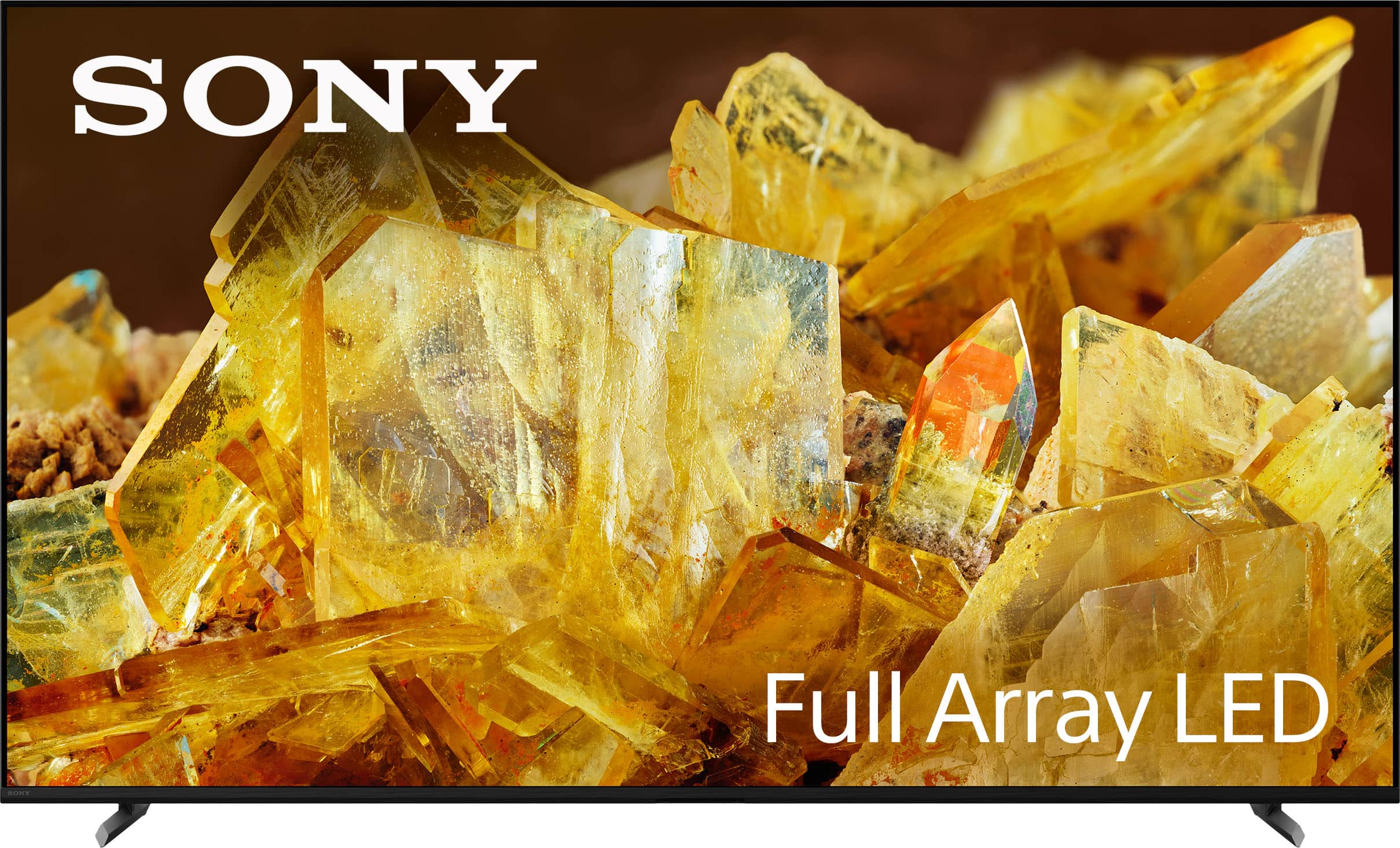
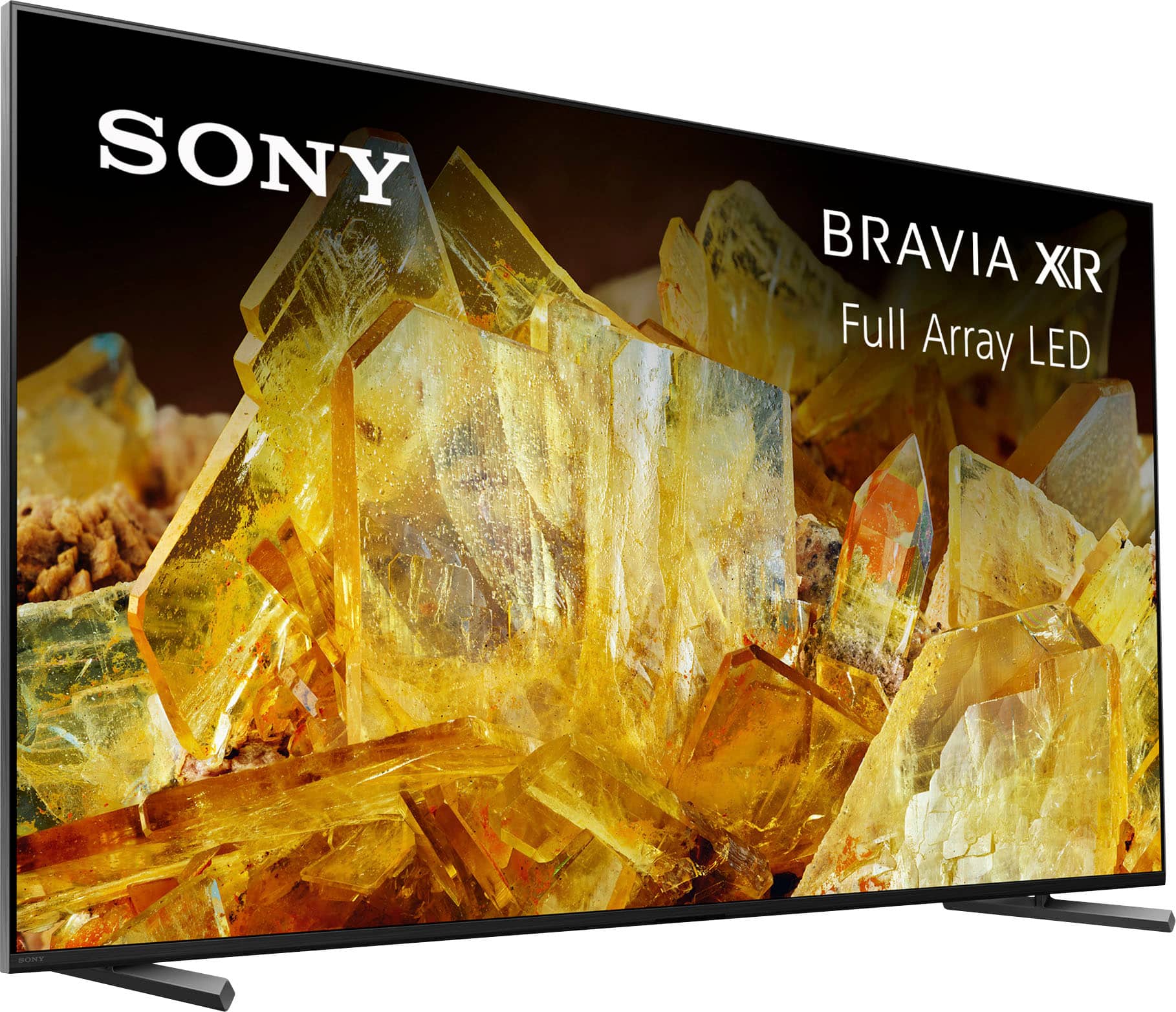
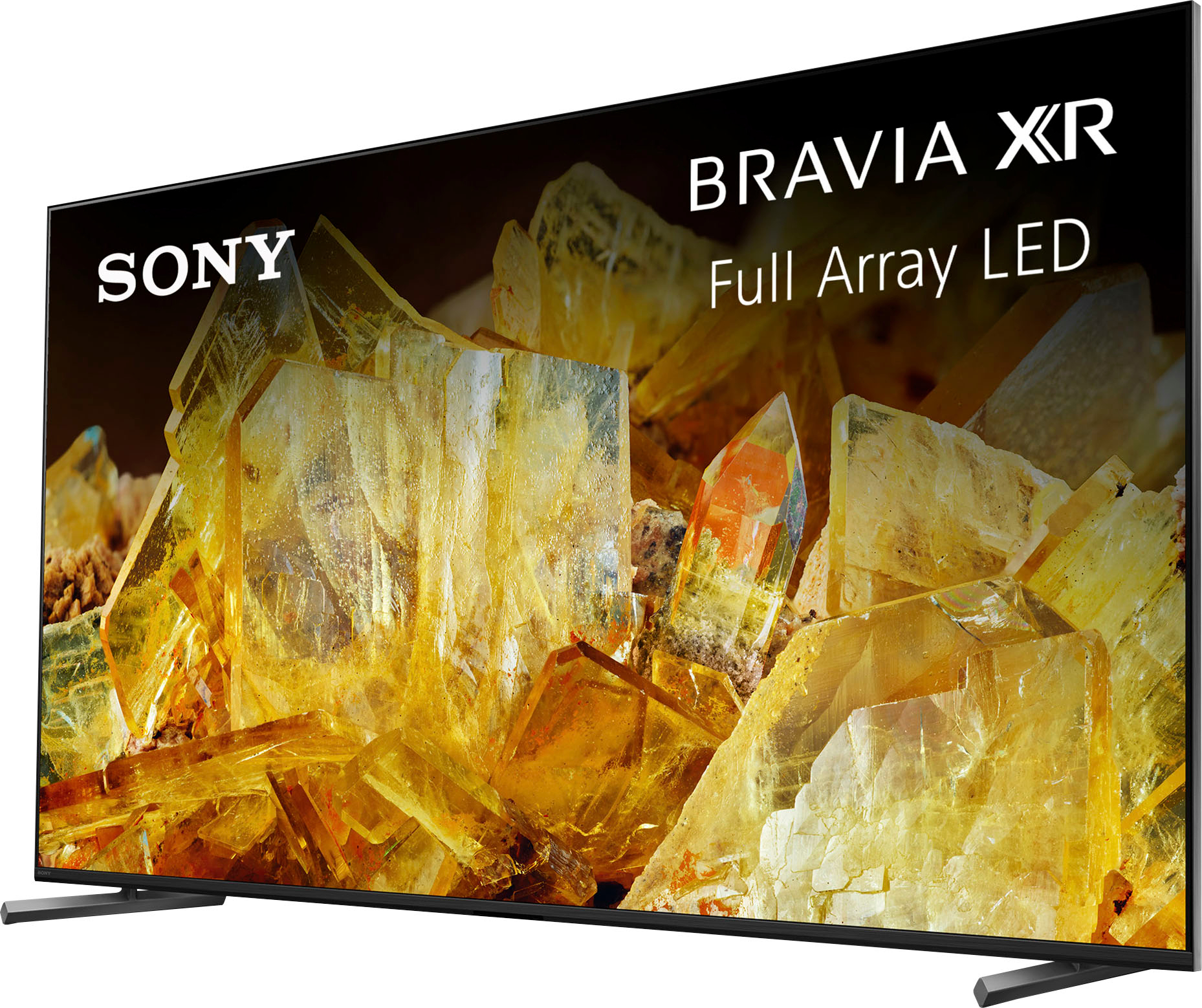
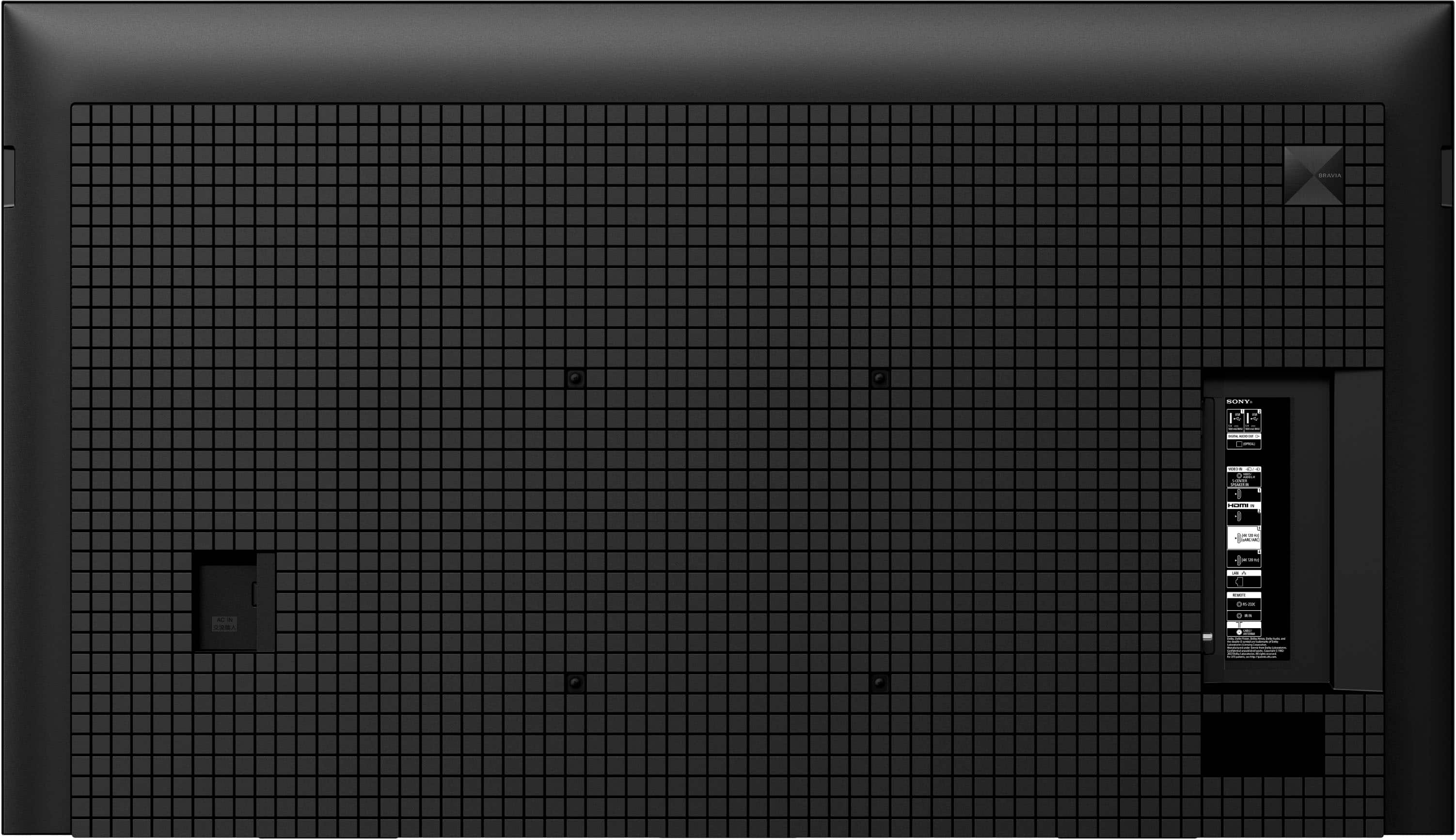
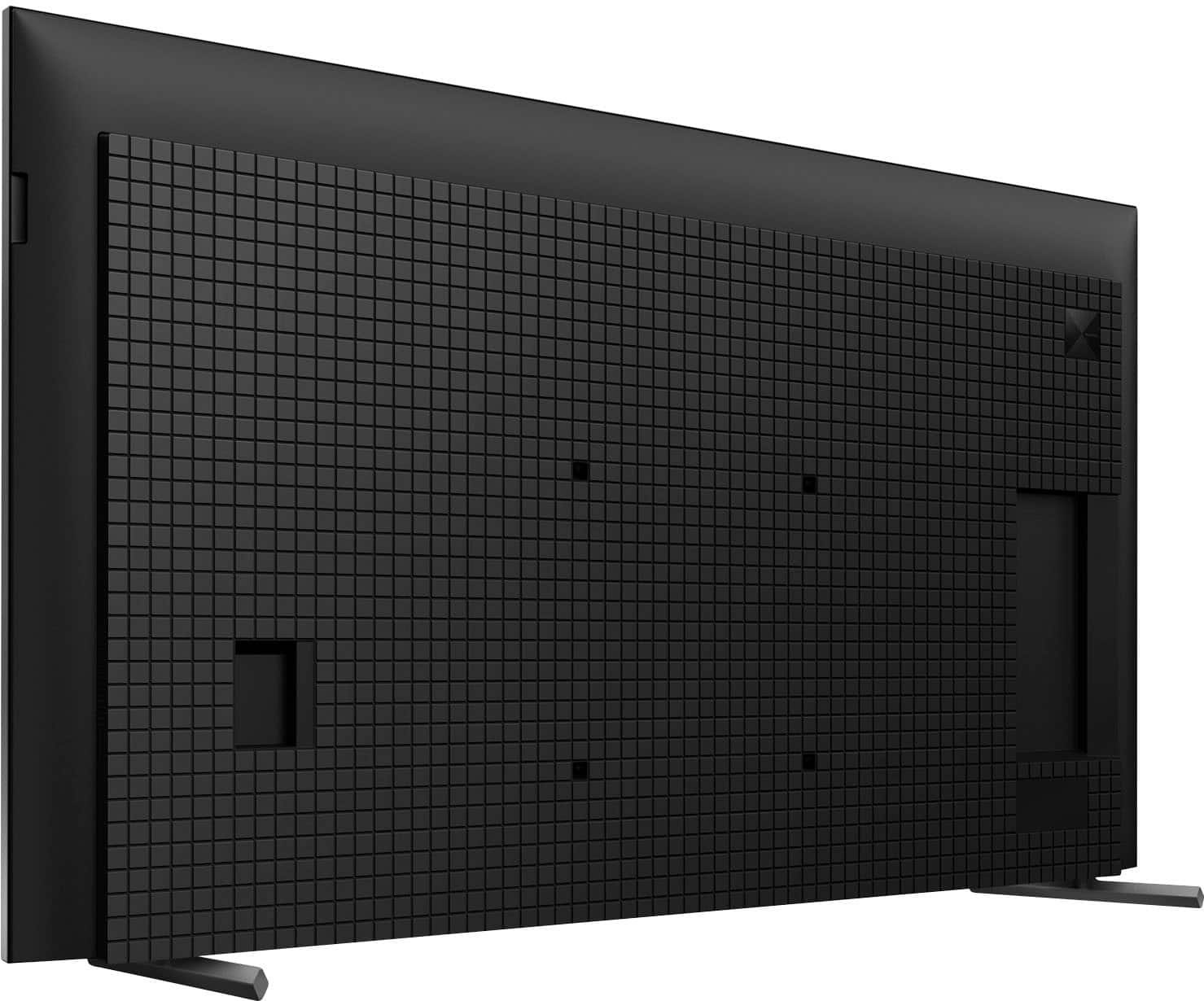
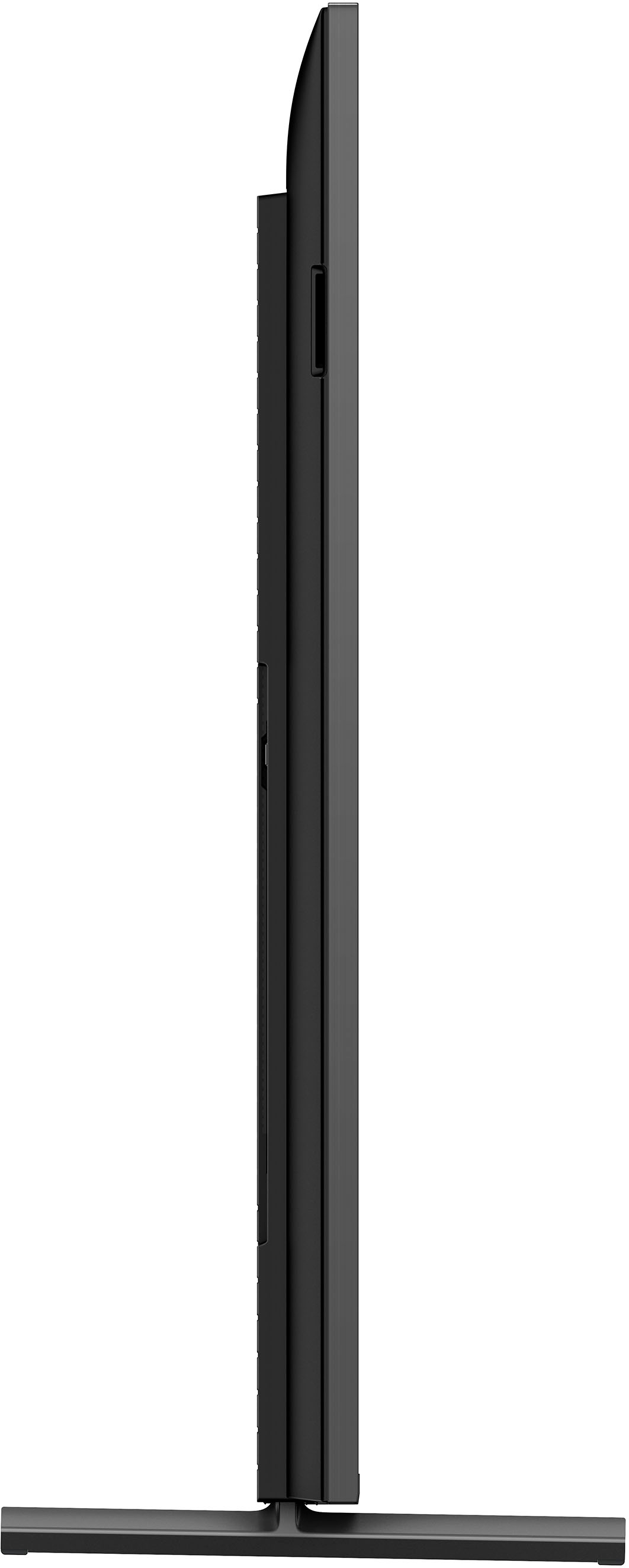
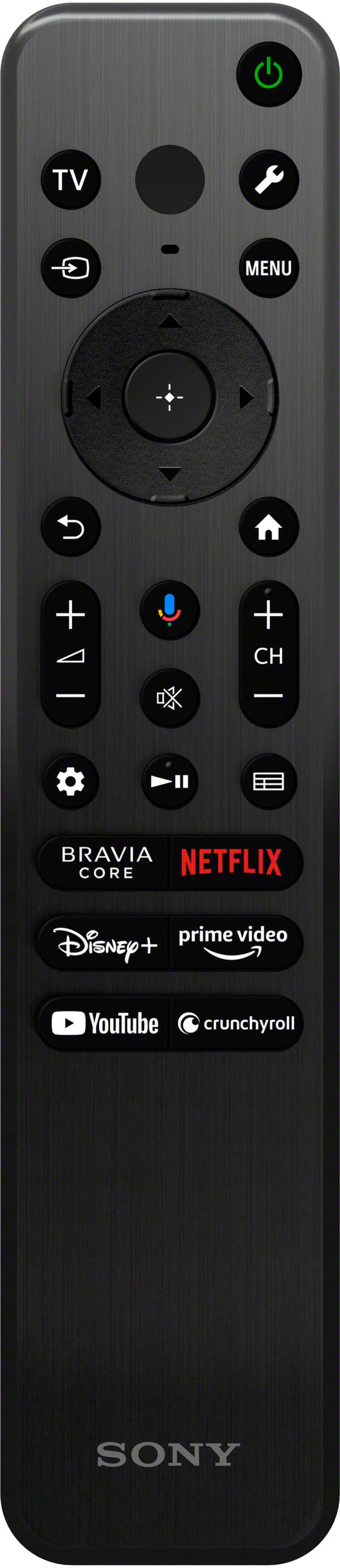
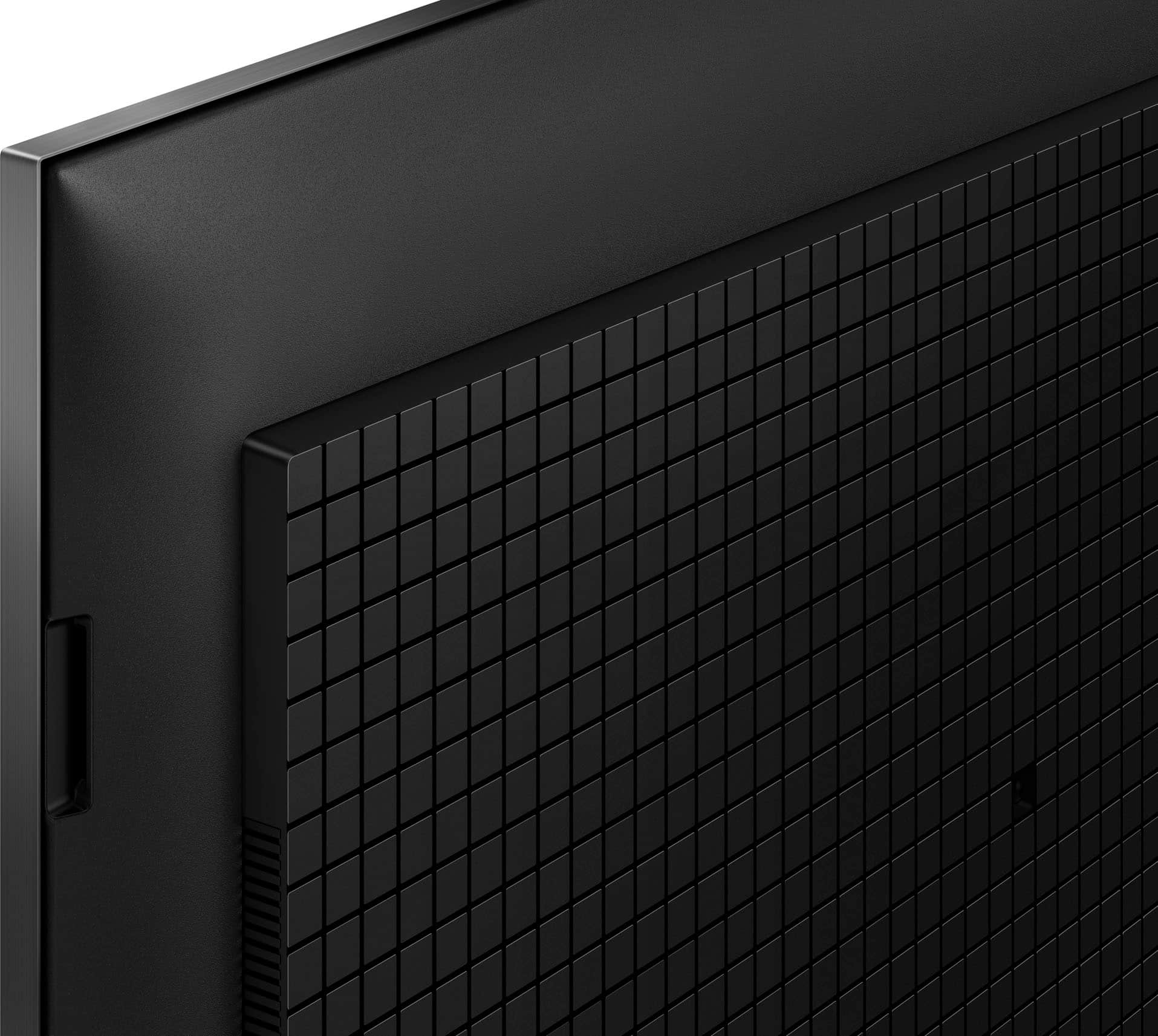

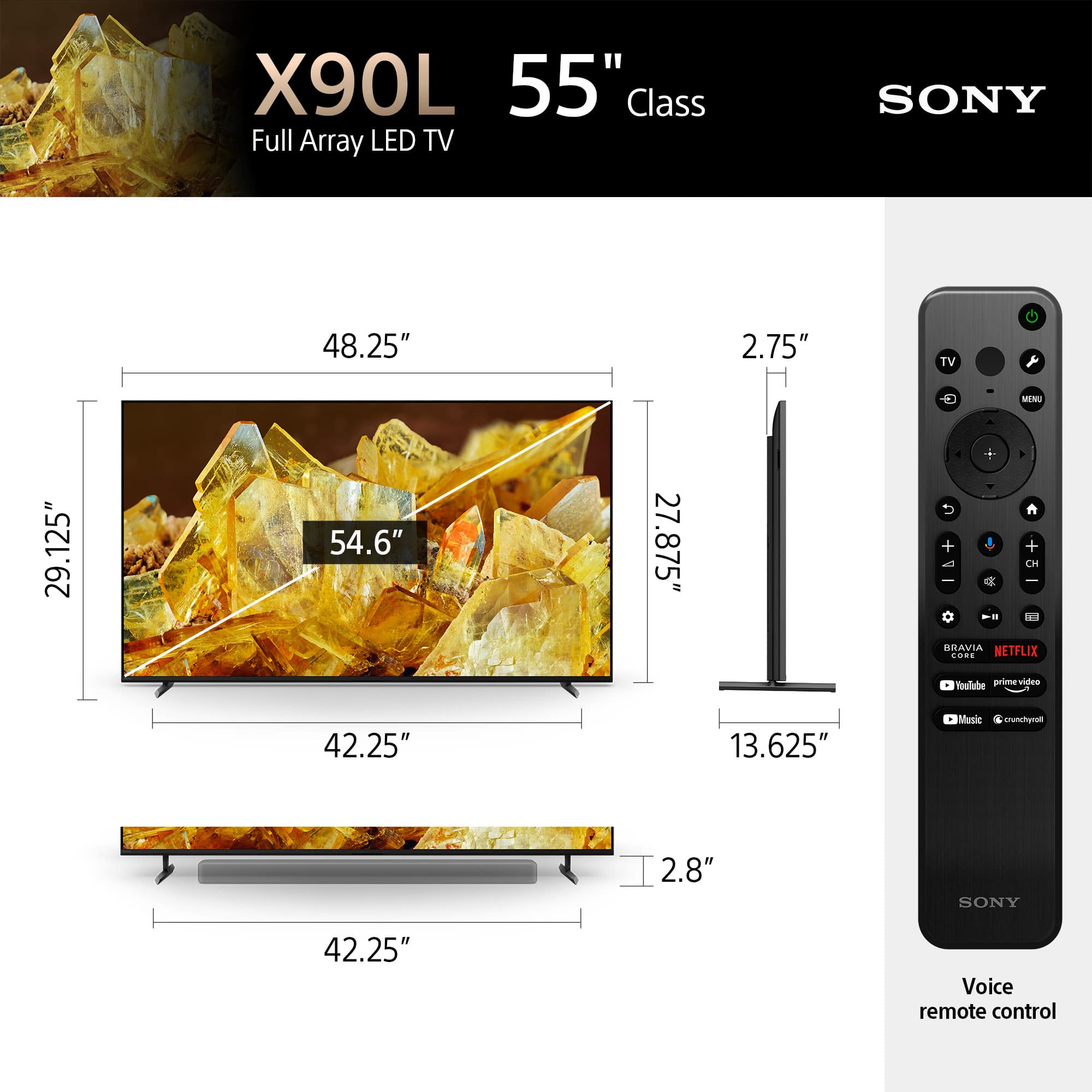









- Model:
- XR55X90L
- SKU:
- 6544734
Rating by feature
- Picture Quality
Rating 4.9 out of 5 stars
- Sound Quality
Rating 4.6 out of 5 stars
- Brightness
Rating 4.8 out of 5 stars
Customers are saying
Customers frequently mention the amazing picture quality of the 55" Class BRAVIA XR X90L, along with its accurate color and fast refresh rate, making it great for gaming. Many customers also appreciate its ease of use. The only concern mentioned by customers is the design of the remote control.
This summary was generated by AI based on customer reviews.
Great
||Posted . Owned for 3 weeks when reviewed.This reviewer received promo considerations or sweepstakes entry for writing a review.This TV is one of the best ones we have ever had so far.
I would recommend this to a friendBrand response from SonyListens
Posted .Hi Vannara, we're glad you like your new TV! Thanks for choosing Sony! ~Earl

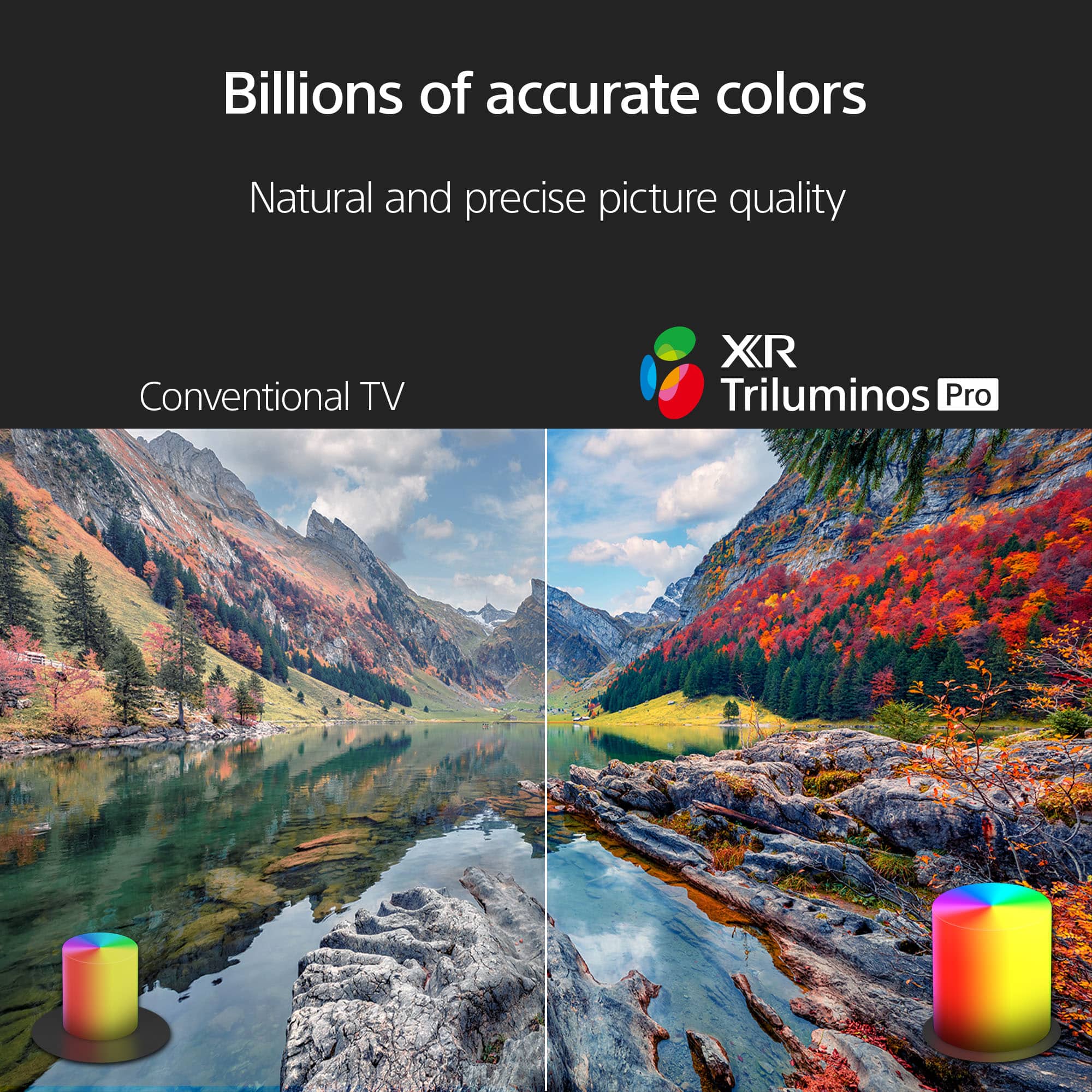
TV feels alive and really colorful
||Posted . Owned for less than 1 week when reviewed.This reviewer received promo considerations or sweepstakes entry for writing a review.I like it nothing bad about the item and my kid enjoys the tv alot
I would recommend this to a friendBrand response from SonyListens
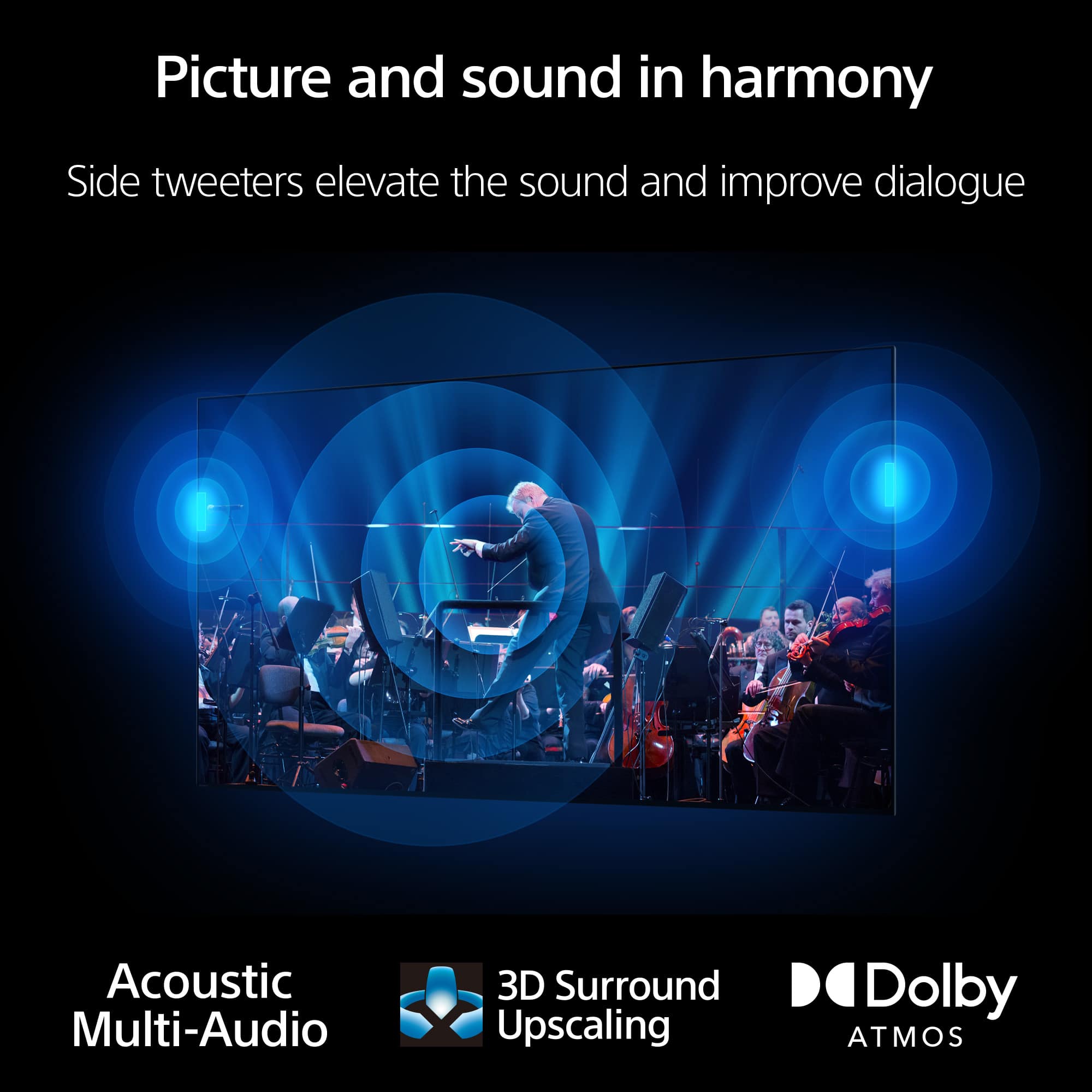
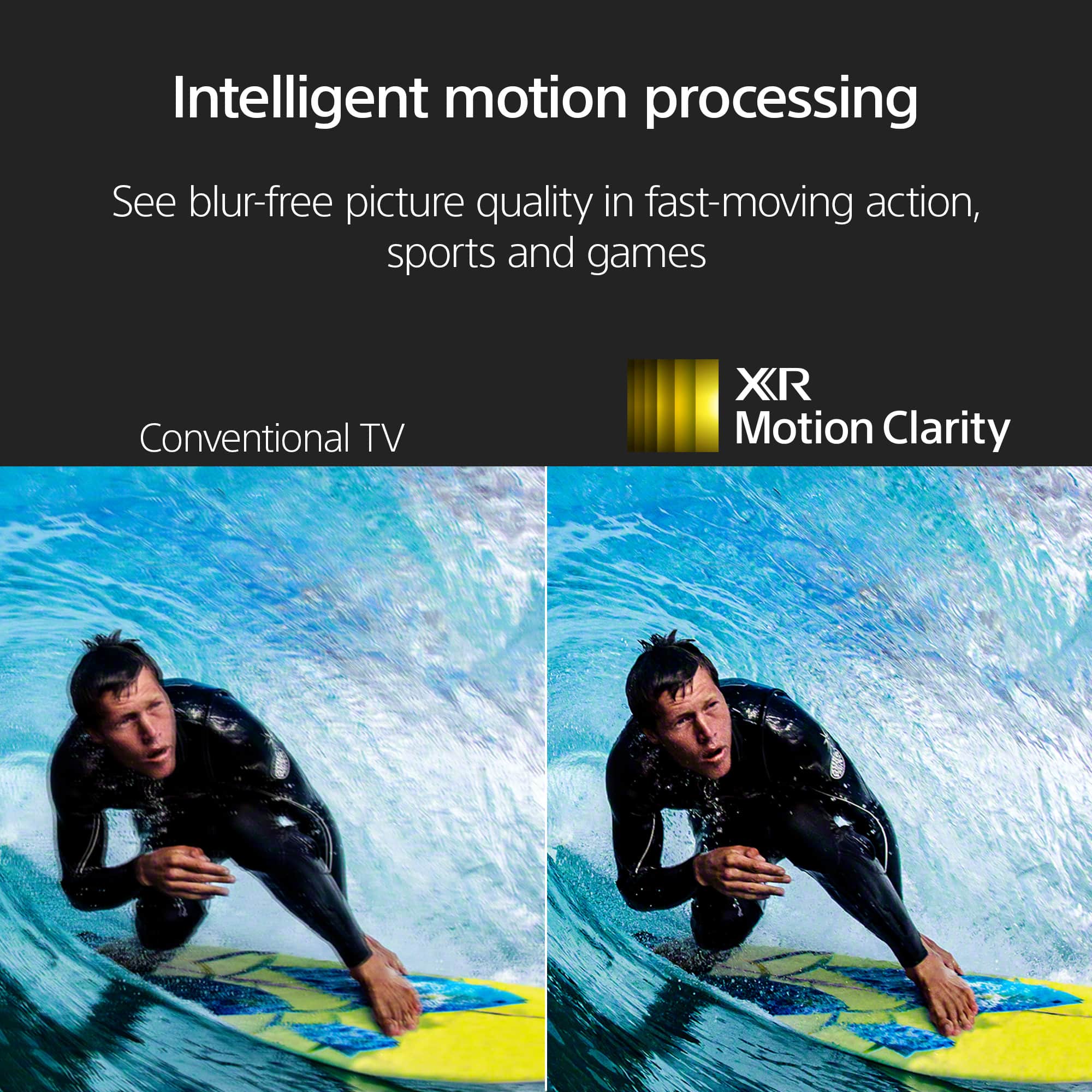
Posted .Hi Diablo, we're glad you and your kid are enjoying our product. With Sony X90L, see breathtakingly beautiful pictures full of realistic depth on our Full Array LED screen powered by Cognitive Processor XR. Hear sound straight from the screen, perfectly matching the action. Cognitive Processor XR™ turns any sound immersive with more precise sound position. And with 4K/120fps, a Variable Refresh Rate and Auto Low Latency Mode, our TVs give you smooth and clear movement for responsive gameplay. Thanks for choosing Sony! ~Earl
Sony TV
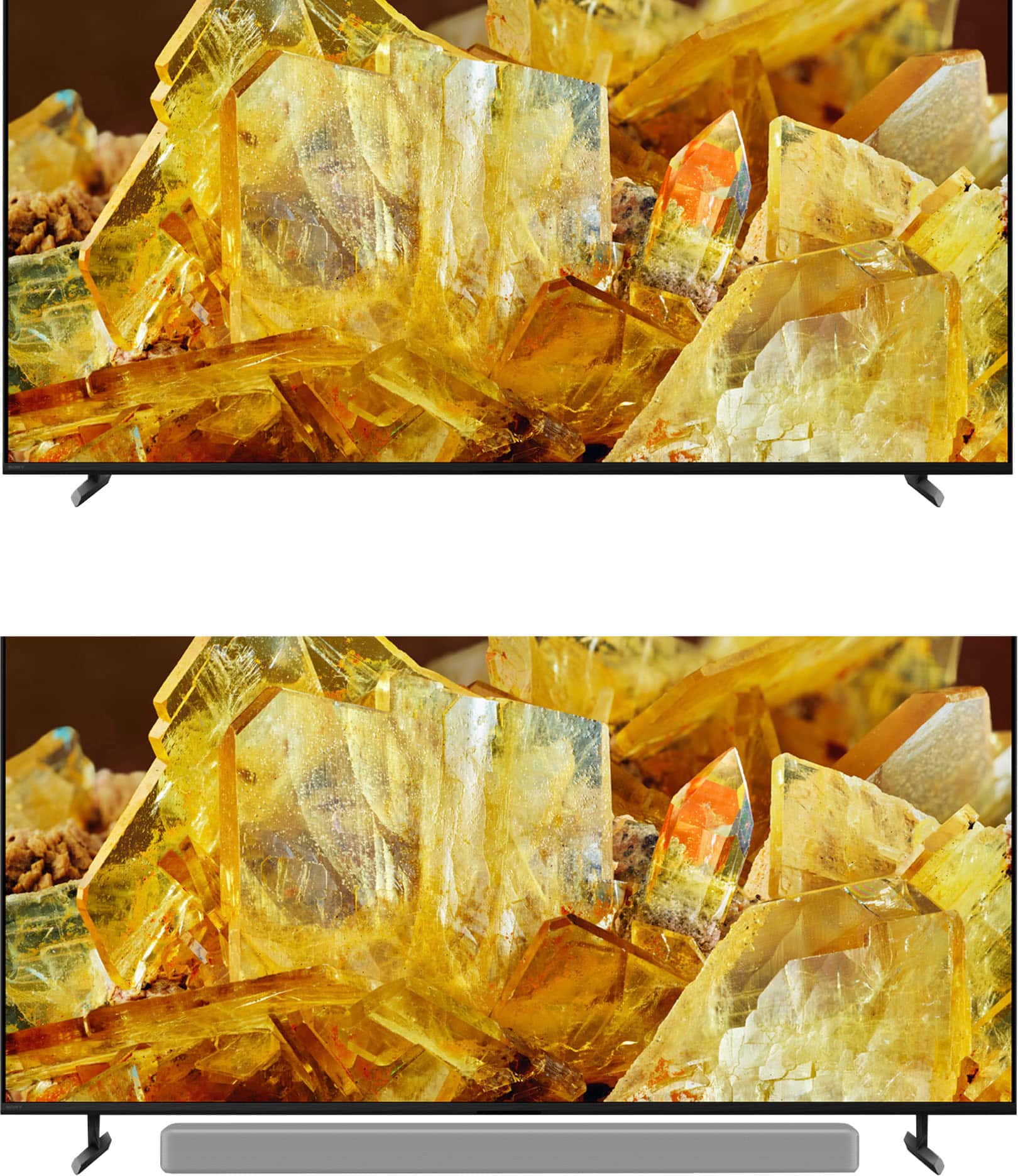
||Posted . Owned for 1 month when reviewed.This reviewer received promo considerations or sweepstakes entry for writing a review.Great TV. No problems. The stand adjusts for sound bar.
I would recommend this to a friendBrand response from SonyListens
Posted .Hi LisaB, we're glad you like your new TV! See a vivid, crisp picture while you watch and game, all enhanced by Full Array LED and powered by the intelligent Cognitive Processor XR. Hear sound straight from the screen, perfectly matching the action. Cognitive Processor XR™ turns any sound immersive with more precise sound position. Our minimalist One Slate design fuses screen and bezel into a single slate, minimizing noise and maximizing your viewing experience. Seamless Edge, available for the first time in this class of BRAVIA™, gives the TV an extremely slim, sophisticated look. Thanks for choosing Sony. ~Earl
Not a fan
||Posted . Owned for 3 weeks when reviewed.This reviewer received promo considerations or sweepstakes entry for writing a review.Picture was pretty good but with fald it was a bloombox Sony tries to do crazy things with the sound but not a fan I have a TCL r646 that blows it's doors off Sorry sony
No, I would not recommend this to a friendBrand response from SonyListens
Posted .Hi, tomcat980
Thanks for the review. We appreciate the comments regarding the Sound quality, as Sony strives to deliver the best quality products. We will definitely be taking the feedback in consideration for future references.
Thanks for considering Sony products, have a good day.
-DiegoV
Sony TV
||Posted . Owned for 1 month when reviewed.This reviewer received promo considerations or sweepstakes entry for writing a review.Quality of TV excellent. Sony TVs one of the best ever.
I would recommend this to a friendBrand response from SonyListens
Posted .Hi Mike, We're happy to hear this feedback! Glad you appreciate the overall quality of your new Sony X90L. With Sony X90L, see breathtakingly beautiful pictures full of realistic depth on our Full Array LED screen powered by Cognitive Processor XR. Hear sound straight from the screen, perfectly matching the action. Cognitive Processor XR™ turns any sound immersive with more precise sound position. And with 4K/120fps, a Variable Refresh Rate and Auto Low Latency Mode, our TVs give you smooth and clear movement for responsive gameplay. Thanks for choosing Sony! -Sam
We love it
||Posted . Owned for 1 month when reviewed.This reviewer received promo considerations or sweepstakes entry for writing a review.So far we are loving our new television. No complaints.
I would recommend this to a friendBrand response from SonyListens
Posted .Awesome, JamesS! We're really glad to hear you're happy and satisfied with the features, especially the amazing picture quality and overall performance of this TV! See a vivid, crisp picture while you watch and game, all enhanced by Full Array LED and powered by the intelligent Cognitive Processor XR™️. Sound positioning tweeters, in additional to the TV speakers, elevates the sound so what you hear matches the picture you see. Take entertainment further by pairing your BRAVIA XR™️ TV with Sony audio equipment. You’ll discover an unmatched audio-visual experience with outstanding XR picture and sound quality. Thank you so much for purchasing our 55" X90L & 5-stars review and for choosing Sony! -Jess
Sony
||Posted . Owned for 3 weeks when reviewed.This reviewer received promo considerations or sweepstakes entry for writing a review.Sony makes a good product albeit far to pricey with possibly a 6 years of usage
I would recommend this to a friendBrand response from SonyListens
Posted .Hi VitoS, thanks for choosing and purchasing our product. Hope you are enjoying your new TV! See a vivid, crisp picture while you watch and game, all enhanced by Full Array LED and powered by the intelligent Cognitive Processor XR. Hear sound straight from the screen, perfectly matching the action. Cognitive Processor XR™ turns any sound immersive with more precise sound position. Our minimalist One Slate design fuses screen and bezel into a single slate, minimizing noise and maximizing your viewing experience. Seamless Edge, available for the first time in this class of BRAVIA™, gives the TV an extremely slim, sophisticated look. Thanks for choosing Sony. ~Earl
- Pros mentioned:Color
Very bright
||Posted . Owned for 3 weeks when reviewed.This reviewer received promo considerations or sweepstakes entry for writing a review.Beautiful color and detail, however the light bloom is a little much.
No, I would not recommend this to a friendBrand response from SonyListens
Posted .Hi RobertM,
Thank you for your time writing this review. While we are glad you like the beautiful colors and detailed image of your X90L TV, we're sorry to hear the blooming issues that you are experiencing with the unit. There are few adjustments that you can do to minimize this condition. Please refer to the link below for some helpful information:
https://www.sony.com/electronics/support/articles/00030311?utm_source=glean
https://www.sony.com/electronics/support/articles/00190409?utm_source=glean
May we contact you to help? If so, please email the below information to socialsupport@am.sony.com:
Name:
Best Buy Username:
Telephone Number:
Model Number:
Issue:
We are sorry for the inconvenience and hope to speak to you to resolve this matter. - Kris
Sony bravia xr90L
||Posted . Owned for less than 1 week when reviewed.This reviewer received promo considerations or sweepstakes entry for writing a review.Incredible.. i have 2 now... Sticking with Sony....
I would recommend this to a friendBrand response from SonyListens
Posted .Hi Jack, We're very happy to hear this feedback! Glad you're satisfied with your new Sony X90L. With Sony X90L, see breathtakingly beautiful pictures full of realistic depth on our Full Array LED screen powered by Cognitive Processor XR. Hear sound straight from the screen, perfectly matching the action. Cognitive Processor XR™ turns any sound immersive with more precise sound position. And with 4K/120fps, a Variable Refresh Rate and Auto Low Latency Mode, our TVs give you smooth and clear movement for responsive gameplay. Thanks for choosing Sony! -Sam
Returned
||Posted . Owned for 1 month when reviewed.This reviewer received promo considerations or sweepstakes entry for writing a review.Great TV, but would not connect to the matching rear speakers properly.
No, I would not recommend this to a friendBrand response from SonyListens
Posted .Hi DavidK,
Thank you for the review and we do apologize for the inconvenience. If the TV is still with you, we're more than happy to help you out. For us to better assist you, please email us at socialsupport@am.sony.com with the following details:
Name:
Best Buy Username:
Model Number:
Issue:
Telephone Number:
Hope to hear from you soon,
-David
Can’t go wrong with Sony.
||Posted . Owned for less than 1 week when reviewed.This reviewer received promo considerations or sweepstakes entry for writing a review.Sony never lets you down on their TVs. Great quality for the price with lots of features.
I would recommend this to a friendBrand response from SonyListens
Posted .Hi AudioGuy,
Thank you for your kind words! It always makes our day to hear that customers like you enjoy our product. We always strive to deliver the best quality and features with our TVs. Your satisfaction with new Sony BRAVIA X90L is greatly appreciated. Thanks for choosing Sony! - Kris
No help no info lots of people
||Posted . Owned for 1 month when reviewed.This reviewer received promo considerations or sweepstakes entry for writing a review.No one told me i was buying a 2023 model. When i purches anything I would like the newest version. No real help or onfo about what i was buying. Should i just buy from Amazon?
No, I would not recommend this to a friendBrand response from SonyListens
Posted .Hi MatthewM,
Thank you for sharing your experience with the Sony X90L. We appreciate your feedback and understand your frustration regarding the lack of information about the model year of the Sony X90L you purchased. When purchasing electronics, having clear details about the product's release year is crucial to ensure you receive the latest technology. You can report your concern directly to the retail store.
If you need further assistance, you can email us at socialsupport@am.sony.com with the following details:
Apologies if you disclosed some of this information in your review and to customer service, we just want to ensure that we have your accurate details at the time of communication.
Full Name:
Best Buy Username:
Telephone Number:
Sony TV Model Number:
Additional Information regarding your experience with the X90L:
Sincerely,
Jess
Broke after 18mo, no options to fix
||Posted . Owned for 1.5 years when reviewed.This reviewer received promo considerations or sweepstakes entry for writing a review.Backlight went out after very light use (5 hours / week) for about 18 months. Warranty period is stated as one year and no repair options in my state so Sony's only recommendation is to buy a new one. Frustrating to say the least given the purchase price.
No, I would not recommend this to a friendNO TITLE
||Posted . Owned for 1 month when reviewed.This reviewer received promo considerations or sweepstakes entry for writing a review.No written review at this time. Maybe another time.
I would recommend this to a friendBrand response from SonyListens
Posted .Hello JohnL,
Thank you for your purchase. Can't wait to hear your awesome review with of your new Sony TV. You will surely love this one! Thank you for choosing Sony! - Marco
Never buy Sony products again.
||Posted . Owned for 1.5 years when reviewed.This reviewer received promo considerations or sweepstakes entry for writing a review.I thought by purchasing a Sony I was getting a quality TV. Within a month the screen started to go blank while watching a show or it gives a split screen with the same picture on both sides. I called Sony and they said it was the app I’m using and when asked why only this TV out of 4 in the house was having issues, they just repeated themselves and said there’s nothing that can be done. Unfortunately Best Buy customer service isn’t much help. Paid for a warranty, hopefully that will help.
No, I would not recommend this to a friendBrand response from SonyListens
Posted .Hi Frank,
We sincerely apologize for the screen issues with your X90L. We want to assure you we will work to get this resolved quickly. To help clear up this blank or split screen issue, please first perform a soft reset by pressing and holding the Power button on your remote for about five seconds until the TV restarts. This, along with ensuring your system software is fully updated under Settings > System > About, typically resolves these types of glitches, and we're confident it will address your TV's behavior.
Thanks for choosing Sony. Best regards, Eliab
Ok
||Posted . Owned for 3 weeks when reviewed.This reviewer received promo considerations or sweepstakes entry for writing a review.I like it. The colors are a bit dull for the price I expected more.
No, I would not recommend this to a friendBrand response from SonyListens
Posted .Thank you for sharing your feedback about your Sony XR85X90L TV, CarlosS. We're glad to hear that you like it overall. Regarding the color quality, there are a few steps you can take to enhance the vibrancy and overall picture quality to better meet your expectations:
1. Adjust Picture Settings:
- Access the TV menu by pressing the HOME button on the remote control.
- Navigate to Settings → Display & Sound → Picture settings.
- Adjust the settings such as Brightness, Contrast, and Color. Increasing these values might provide a more vibrant display.
2. Update Software: Ensure that your TV has the latest software installed, which may include improvements to picture quality. This can be done by:
- Going to Settings → About → System software update.
3. Perform a Power Reset: Sometimes a simple reset can improve the display:
- Unplug the TV from the power outlet, wait for two minutes, and plug it back in.
4. Check Cable Connections: Loose or poor-quality cables can affect picture quality. Ensure all cables are firmly connected and consider replacing them if necessary.
5. Expert Picture Settings:
- Sony TVs typically come with various picture modes (Standard, Cinema, Vivid, etc.). Try switching between these modes to see which one offers the best color enhancement.
If these steps do not resolve the issue and the picture remains dull, please contact us at socialsupport@am.sony.com, providing your name, username, model number, a description of the issue, and your telephone number.
We hope these suggestions help improve your viewing experience and thank you for choosing Sony.
Gus
Pixels Out. Twice.
||Posted . Owned for less than 1 week when reviewed.This reviewer received promo considerations or sweepstakes entry for writing a review.A couple of days after the TV was delivered, I noticed a pixel out. Had it replaced, and that day, I noticed more pixels out. Even more noticeable than the first time. I may consider another brand because of this. The TV also has terrible blooming and noticeable dirty screen effect. C'mon, Sony.
No, I would not recommend this to a friendBrand response from SonyListens
Posted .Hi Palmer, thanks for choosing and purchasing our product. We're sorry to hear that you have a picture issue with your Sony unit. High-precision technology is used to manufacture LCD and OLED displays to maintain a high standard of operation. However, with all LCD/OLED screens, regardless of manufacturer, a small number of dots may not change color. This is normal operation for LCD and OLED screens for all manufacturers. Most defects are only noticeable when an all-white or all-black picture is displayed and shouldn't be noticeable under normal operation. Please check this link for more details:
https://www.sony.com/electronics/support/articles/00026287?utm_source=glean
For other picture issues, please isolate the issue by following this link:
https://www.sony.com/electronics/support/articles/00032635?utm_source=glean
May we contact you to help? If so, please email the below information to socialsupport@am.sony.com .
Apologies if you disclosed some of this information in your review and to customer service, we just want to ensure that we have your accurate details at the time of communication.
Full Name:
Best Buy Username:
Telephone Number:
Sony TV Model Number:
Additional Information regarding your experience with the X90L
We are sorry for the inconvenience and hope to speak to you to resolve this matter.
Sincerely,
Earl
Okay TV
||Posted . Owned for 1 month when reviewed.This reviewer received promo considerations or sweepstakes entry for writing a review.Okay TV. Clear picture as long as you are directly facing TV. At side view the picture is foggy and not clear.
No, I would not recommend this to a friendBrand response from SonyListens
Posted .Hi ManouK, thanks for choosing and purchasing our product. We understand your feedback regarding the picture quality of the TV on a different viewing angle. The best viewing distance depends on the TV's size and display resolution. The recommended distance for comfortable viewing depends on the video or program you are watching, the viewing environment, and the physical conditions of the person watching it. When watching the TV from a suitable distance, we recommend looking away from it occasionally or trying to watch it from a different viewing angle. Please follow this link for more details:
https://www.sony.com/electronics/support/articles/00008601
May we contact you to help? If so, please email the below information to socialsupport@am.sony.com .
Apologies if you disclosed some of this information in your review and to customer service, we just want to ensure that we have your accurate details at the time of communication.
Full Name:
Best Buy Username:
Telephone Number:
Sony TV Model Number:
Additional Information regarding your experience with the X90L
Thanks for choosing Sony.
~Earl
Sony Bravia
||Posted . Owned for 3 weeks when reviewed.This reviewer received promo considerations or sweepstakes entry for writing a review.It's an ok tv. Nothing exceptional. I would pay a little more and buy the OLED instead..
No, I would not recommend this to a friendBrand response from SonyListens
Posted .Hi DineshM,
Thank you for the review. We do apologize for the appreciate. If there's something that we can help you with, we're more than happy to help you out. For us to better assist you, please email us at socialsupport@am.sony.com with the following details:
Name:
Best Buy Username:
Model Number:
Issue:
Telephone Number:
-David
Failed before the one year mark
||Posted . Owned for 11 months when reviewed.This reviewer received promo considerations or sweepstakes entry for writing a review.Worked great until it failed. What a waste of money. My $200 sharp tv lasted 6 years before it failed. So i paid more money to replace it with the sony bravia and it didn't make it past the one year mark. Now i have to go through the pain of working with Sony warranty.
No, I would not recommend this to a friendBrand response from SonyListens
Posted .Hi JoseS,
We're so sorry to hear about the issue you're having with your XR-55X90L and the frustration this has caused. We understand how disappointing it is when a product does not fulfill your expectations. We truly apologize for that experience.
We want to get this sorted out for you as quickly as possible. The best and fastest way to resolve this is to connect with our support team directly. They can guide you through the warranty process and find a solution.
You can reach our technical support team by visiting our website at https://us.esupport.sony.com/support/s/support-contact?language=en_US&category=tv
Thanks for considering Sony products. We appreciate your business and want to make sure you're taken care of.
Sincerely,
Estefany