Customer Ratings & Reviews
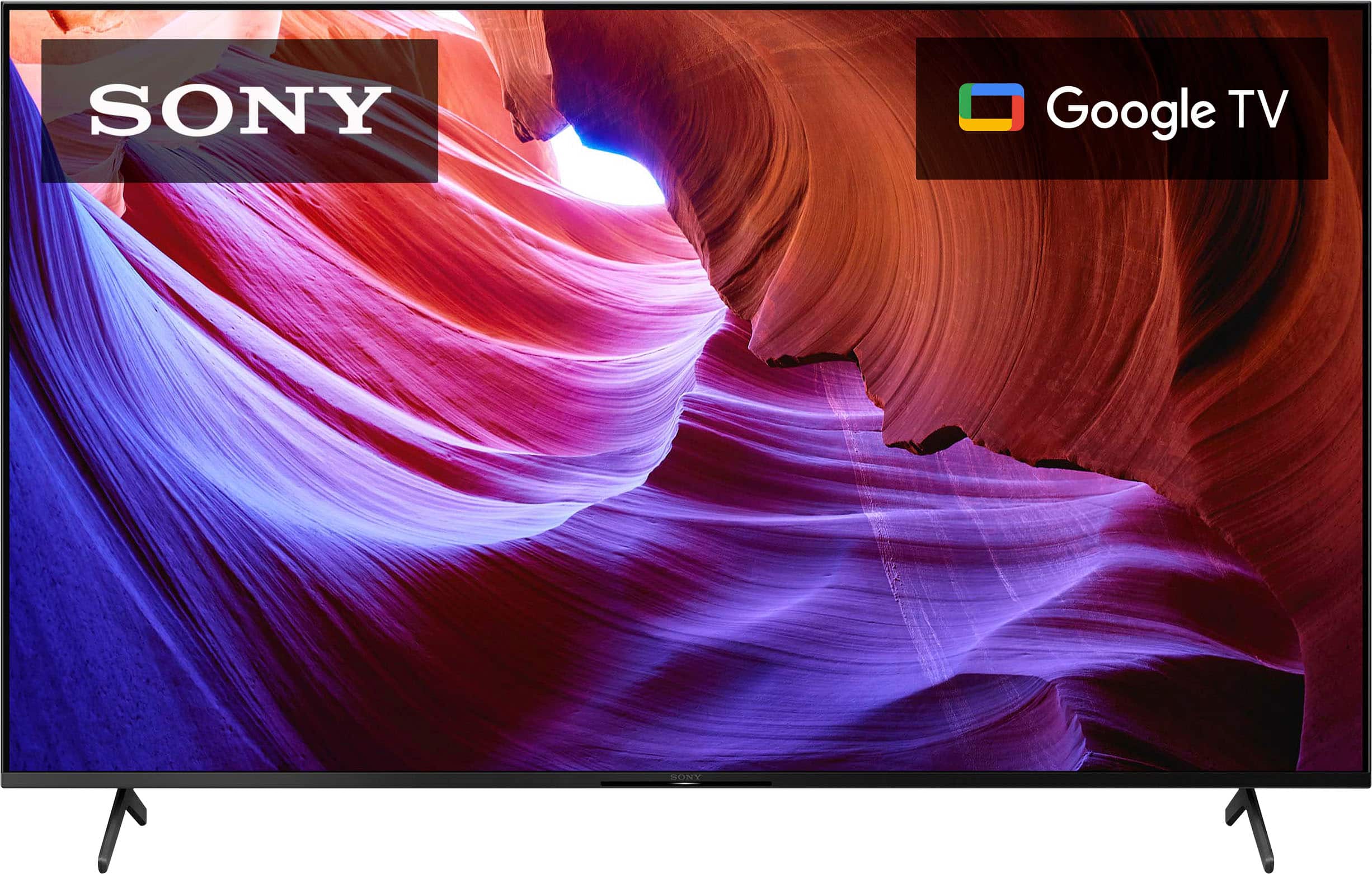
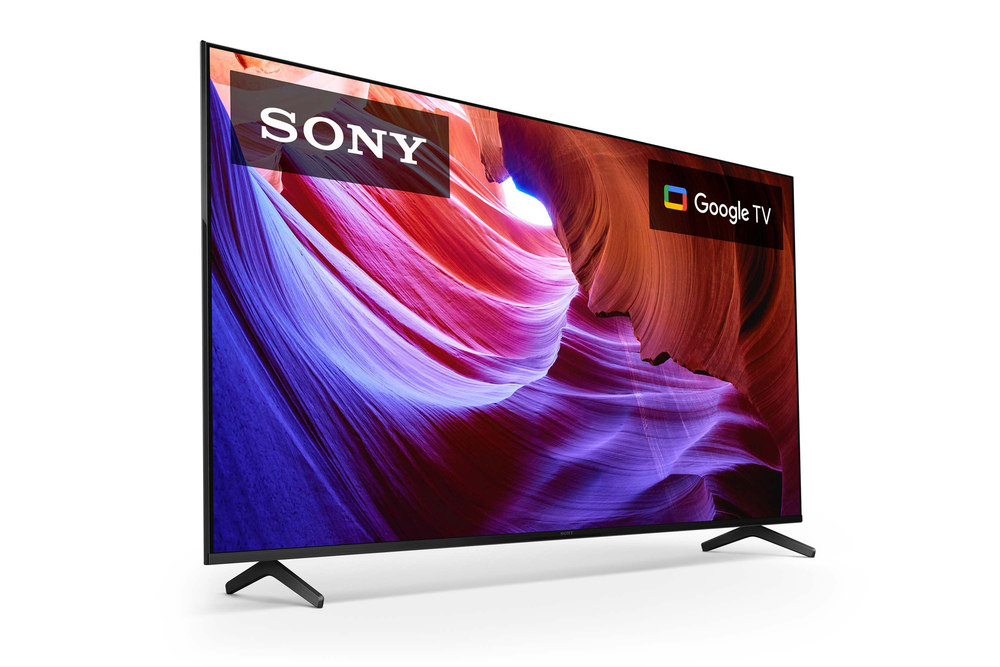
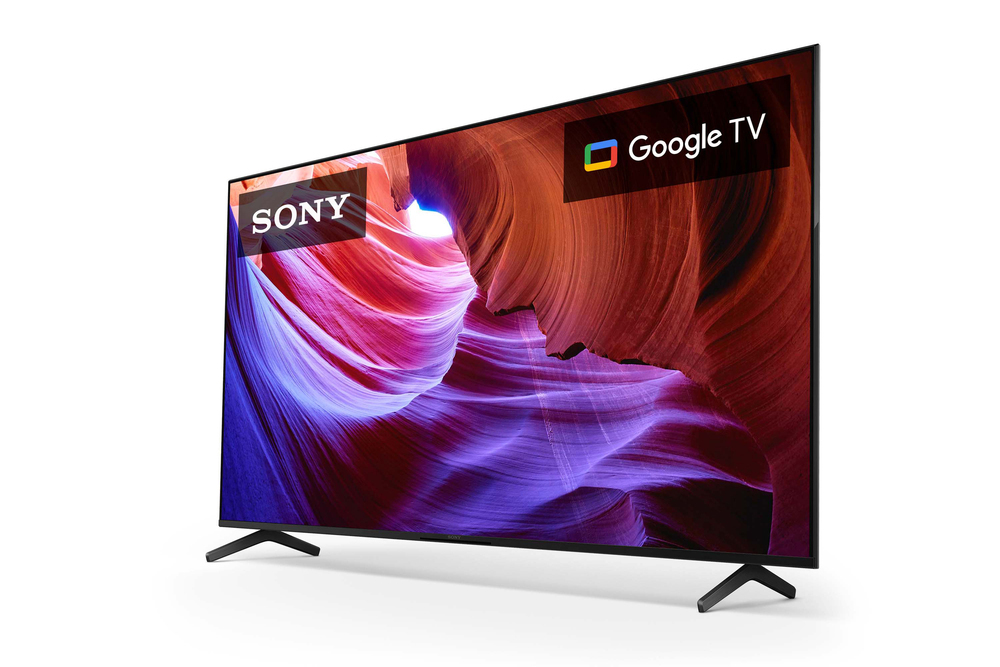
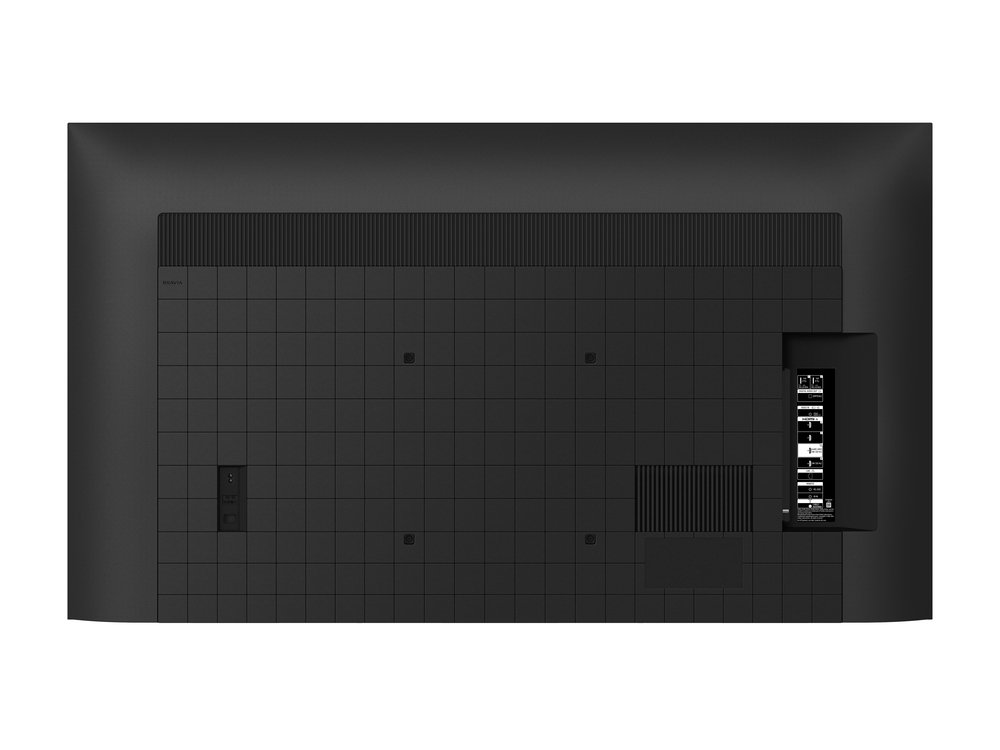
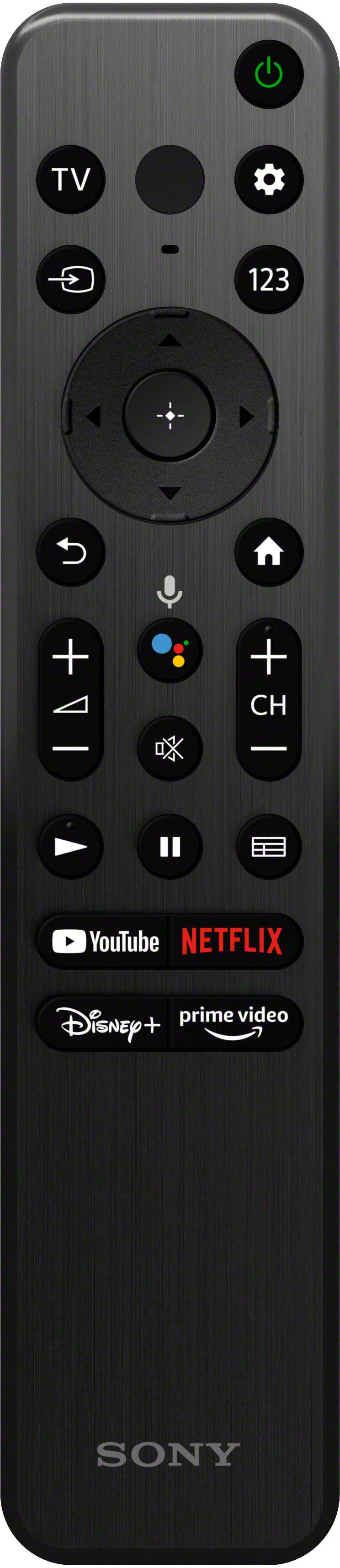
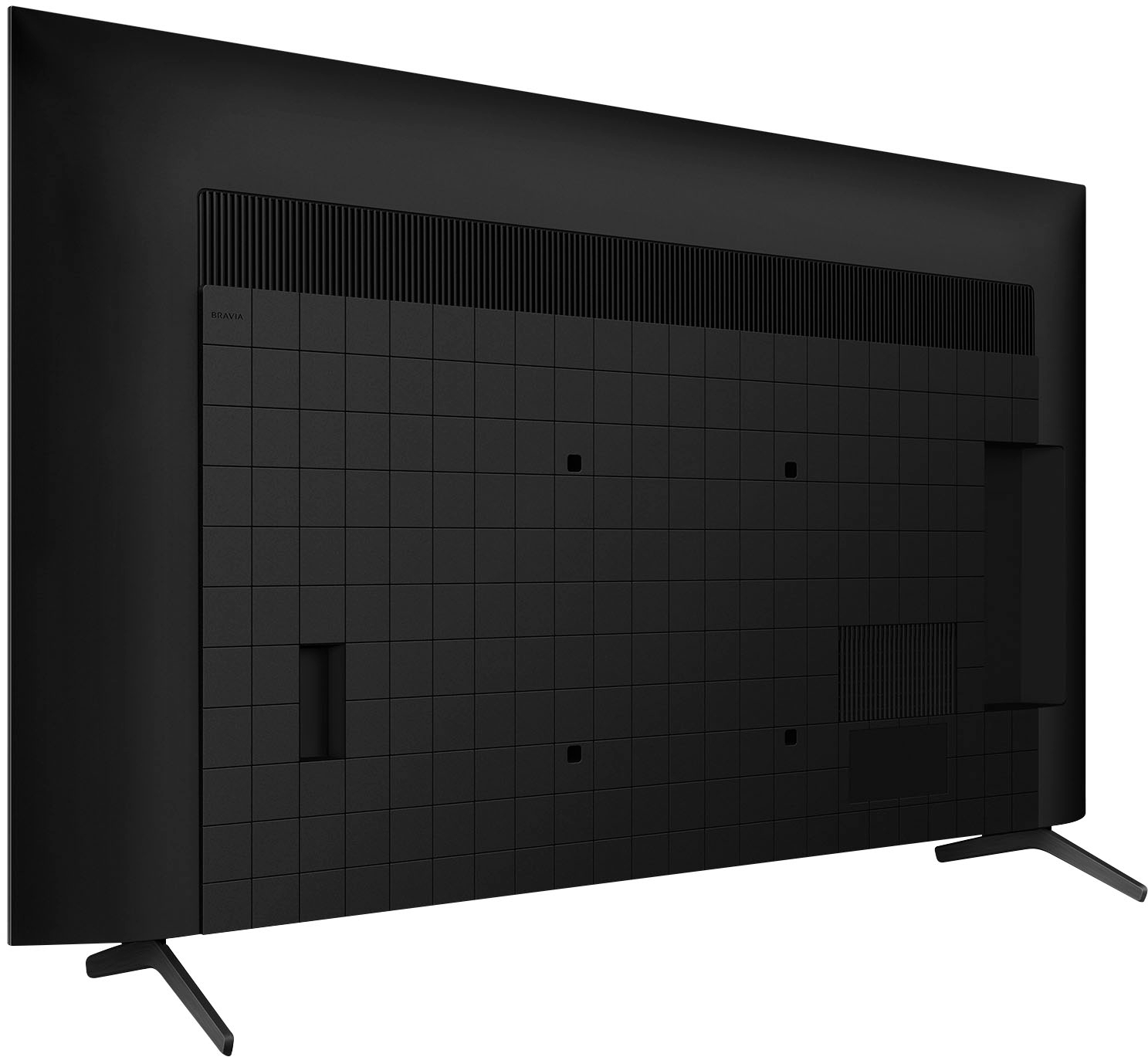

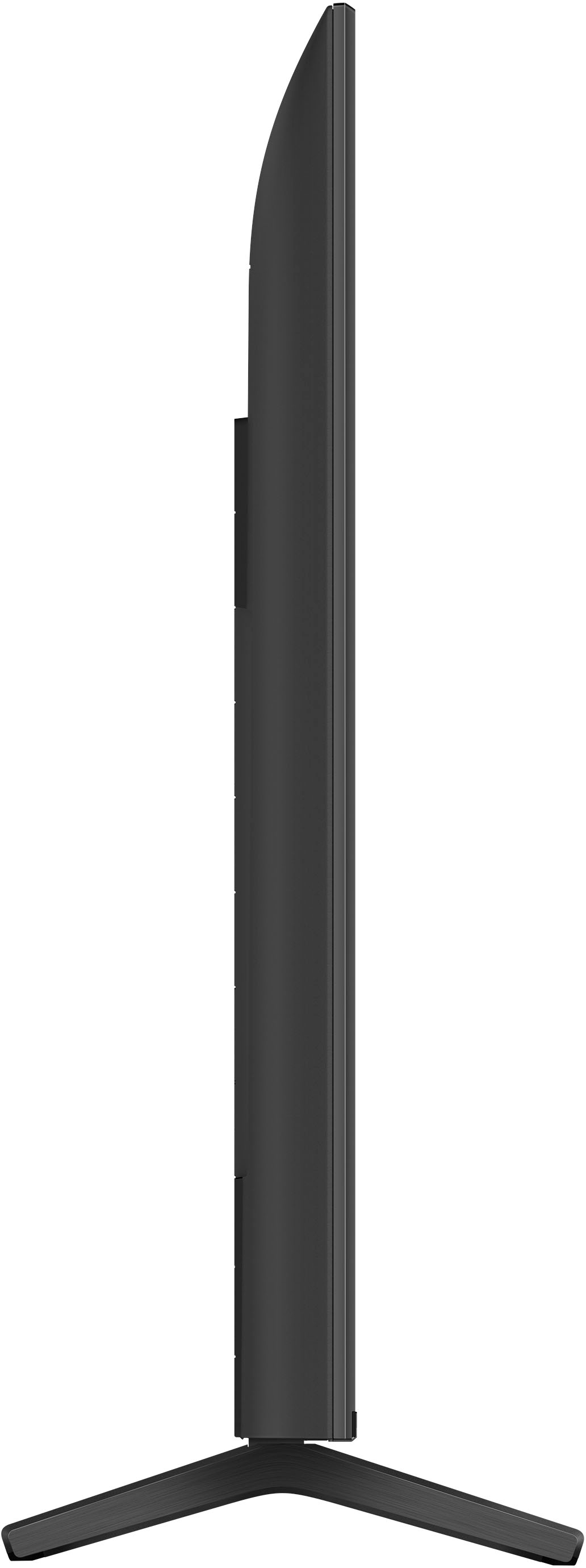
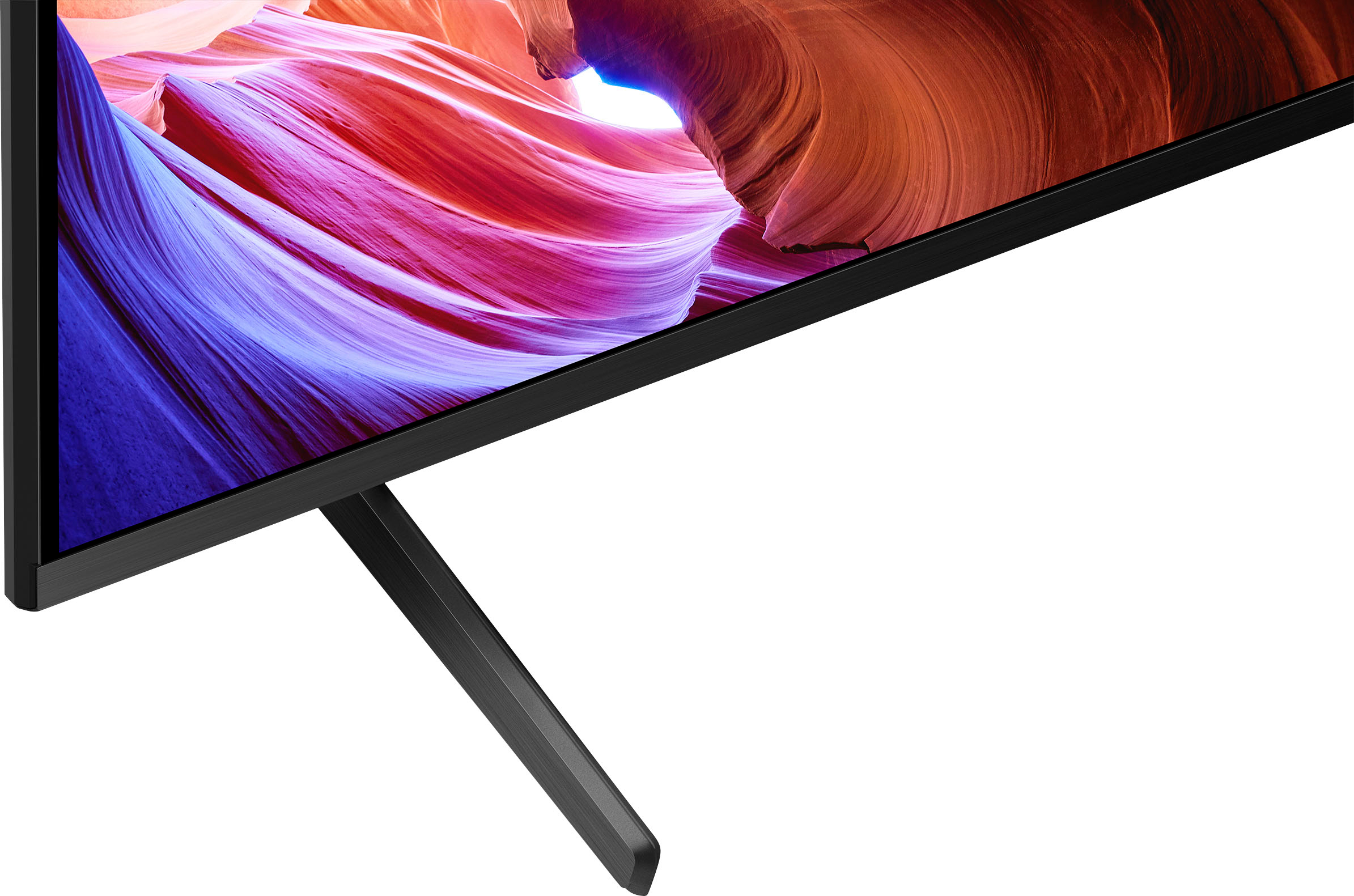






- Model:
- KD55X85K
- SKU:
- 6501540
Rating by feature
- Picture Quality
Rating 4.8 out of 5 stars
- Sound Quality
Rating 4.5 out of 5 stars
- Brightness
Rating 4.8 out of 5 stars
Customers are saying
Customers commend the 55" Class X85K LED 4K UHD Smart Google TV (2023) for its exceptional picture quality, ease of use, and vibrant colors. Many also appreciate the straightforward setup process and the TV's performance with gaming systems. However, some users express dissatisfaction with the remote control's design and functionality, and a few mention concerns about the TV's performance and price point. While some aspects of the Google TV interface and viewing angles received mixed feedback, the overall experience is largely positive.
This summary was generated by AI based on customer reviews.
- Pros mentioned:Picture quality
Lag and OS Issues Not Worth the Price
||Posted . Owned for 1.5 years when reviewed.This reviewer received promo considerations or sweepstakes entry for writing a review.2 months ago I cancelled Netflix as a cost saving measure and deleted it and all other unused apps from my TV to save memory to alleviate lag issues as suggested by Sony support. Last week I decided to renew Netflix, only to find out that it was no longer supported on this TV and could not even be downloaded. We have been suffering lag issues on all apps, have done all the recommended patches and updates, completed pulling the plug and re plugging it in and completed a system reset (wiping all apps and setup and starting from scratch, and even had my internet provider out to check the wi-fi in my house. None of this fixed the issues. I’ve been on Reddit and Sony sites and found there apparently are a slew of Sony Bravia customers with 2 year old+ TV’s having the same issues for which Sony has no answer. I paid extra for Sony due to excellent picture quality and Sony’s reputation for providing a high quality product…never again, just too many issues and lack of support.
No, I would not recommend this to a friendBrand response from SonyListens
Posted .Hi Daddo,
We're sorry to hear about the TV randomly freezes. I can definitely see how this would be frustrating for you. We also appreciate the steps you've gone through to isolate the issue. There are few things that you can check moreover. The Netflix app can be installed from Google Play Store on this model. Make sure that you are logged into the Google Play store in order to download the app. This issue may be resolved by restarting the TV and clearing the data and cache on the Google Play services app.
For more details, please follow the troubleshooting steps from this link here: https://www.sony.com/electronics/support/articles/00119211
If you experience slow, unresponsive or freezes with the TV, please follow the steps from this link to resolve this issue: https://www.sony.com/electronics/support/televisions-projectors-lcd-tvs-android-/kd-55x85k/articles/00202120
We want to make sure you’re taken care of. For us to better assist you, may we contact you to help? If so, please email the below information to socialsupport@am.sony.com.
Apologies if you disclosed some of this information in your review and to customer service, we just want to ensure that we have your accurate details at the time of communication.
Full Name:
Best Buy Username:
Telephone Number:
Sony TV Model Number:
Additional Information regarding your experience with the X85K:
We are sorry for the inconvenience and hope to speak to you to resolve this matter.
Sincerely,
Jess
- Pros mentioned:Picture quality
Worked for 10 months.
||Posted . Owned for 10 months when reviewed.This reviewer received promo considerations or sweepstakes entry for writing a review.Big upgrade from our Vizio that eventually failed. Sony Worked great for about 10 months. Then it decided to no longer turn on. Tried all factory reset and startup options to no avail. Currently dealing with warranty. If it didn’t fail, I’d give it 5/5.
No, I would not recommend this to a friendBrand response from SonyListens
Posted .Hi Andrew,
While we are happy that you like your Sony KD55X85K, we regret to hear that after 10 months it is not turning on anymore. We appreciate you doing the initial troubleshooting steps.
We'd like to make sure you are taken care of. May we contact you to help and get more information? If so, please email the below information to socialsupport@am.sony.com. Apologies if you disclosed some of this information in your review and to customer service, we just want to ensure that we have your accurate details at the time of communication.
Full Name:
BBY Username:
Telephone Number:
Model Number:
Additional Information regarding your experience with the KD55X85K:
We apologize for the inconvenience and hope to speak to you soon and assist you.
Sincerely,
Marco
Meh
||Posted . Owned for 4 months when reviewed.This reviewer received promo considerations or sweepstakes entry for writing a review.We have had this TV for 6 months now and I can’t say i would recommend it. Let me share a few pros and cons. Pros: nice home screen layout, sleek remote control, and intuitive google tv functionality. cons: can be glitchy and laggy at times, picture is very dark, will just randomly shut off at times while watching a show. It also does not work well with our bose soundbar and will often lose connection. Overall, i would not recommend this tv. Its not worth the price. We are returning to Samsung…
No, I would not recommend this to a friendBrand response from SonyListens
Posted .Hi Kath134,
Thank you for the review. We're glad you like the user interface and remote control of the TV. Update the software of your TV. A firmware update improves the functionality and features of your device. It can provide fixes to any performance issues that may occur.
https://www.sony.com/electronics/support/televisions-projectors-lcd-tvs-android-/kd-55x85k/articles/00028577
For further assistance, please email us at socialsupport@am.sony.com with the following details:
Name:
Best Buy Username:
Model Number:
Issue:
Telephone Number:
We are sorry for the inconvenience and hope to speak to you to resolve this matter.
Regards,
David
- Pros mentioned:Picture quality
Instructions???
||Posted . Owned for 3 weeks when reviewed.This reviewer received promo considerations or sweepstakes entry for writing a review.When we are able to watch something we want the picture is perfect. Only because of a lack of clarity of not having clear instructions it’s pathetic. Too difficult to understand or figure it out. This was a great problem setting up tv when taken out of the box. You might not have even included the paper instructions; worthless!!! The 3 stars would be a 5but lower because a lack of help; instructions.
No, I would not recommend this to a friendBrand response from SonyListens
Posted .Hi Help, We're sorry to hear that you're having some difficulties with the picture quality and setting up the TV. This is definitely not the viewing experience we'd like you to have. Allow us to help and turn your experience around.
You can configures display settings that adjust the picture quality, such as screen brightness.
Press the (Quick Settings) button on the remote control, then select [Settings] — [Display & Sound] — the desired option.
https://helpguide.sony.net/tv/jusltn1/v1/en-003/07_08.html
For further assistance, please email us at socialsupport@am.sony.com with the following details:
Name:
Username:
Model Number:
Issue:
Telephone Number:
Sincerely, Erin
- Pros mentioned:Picture quality
Sony internet connection issue
||Posted . Owned for 3 weeks when reviewed.This reviewer received promo considerations or sweepstakes entry for writing a review.Beautiful picture, great sound, would not go to my internet. I tried booking it wireless, it wouldn't connect. I then tried connecting it by ethernet cord but it still wouldn't connect so I returned it and bought the TV I really wanted. I bought the Sony because it was nearly half the price of my preferred brand.
No, I would not recommend this to a friendBrand response from SonyListens
Posted .Hi MLMullen, we're glad you like the picture and sound quality of our product. We're sorry to hear that you had returned your Sony unit because of the internet issue. It is recommended to check this link when dealing with internet connection issues:
https://www.sony.com/electronics/support/articles/00127011?utm_source=glean
We have our Support site that is always happy to assist. You may send us an email anytime at socialsupport@am.sony.com with the following details: Name: Username: Model Number: Issue: Telephone Number:
We hope you consider Sony again. ~Earl
- Pros mentioned:Picture quality
Sony TV
||Posted . Owned for 3 months when reviewed.This reviewer received promo considerations or sweepstakes entry for writing a review.Have had trouble with tv. It freezes when you first turn it on. It’s a pain. The picture is very nice and so is the sound. We made add a sound bar though.
No, I would not recommend this to a friendBrand response from SonyListens
Posted .Hi Delifm,
While we are glad to hear your satisfaction with the exceptional picture & sound quality of your KD55X85K, we are really sorry if you are experiencing an issue after turning it on. This is certainly not the news we'd like to hear from you. If you haven't yet, to ensure you are getting the most out of your X85K, we highly recommend updating its firmware to the latest version. The software includes key features, applications, bug fixes, and feature improvements. For more information, please visit the link below:
https://www.sony.com/electronics/support/televisions-projectors-lcd-tvs-android-/kd-55x85k/downloads
We also recommend performing the steps on these articles if your freezing issue persists:
https://www.sony.com/electronics/support/articles/00202125?cpint=spt-tv_triage_00200862_freeze
https://www.sony.com/electronics/support/articles/00141896
I hope this helps.
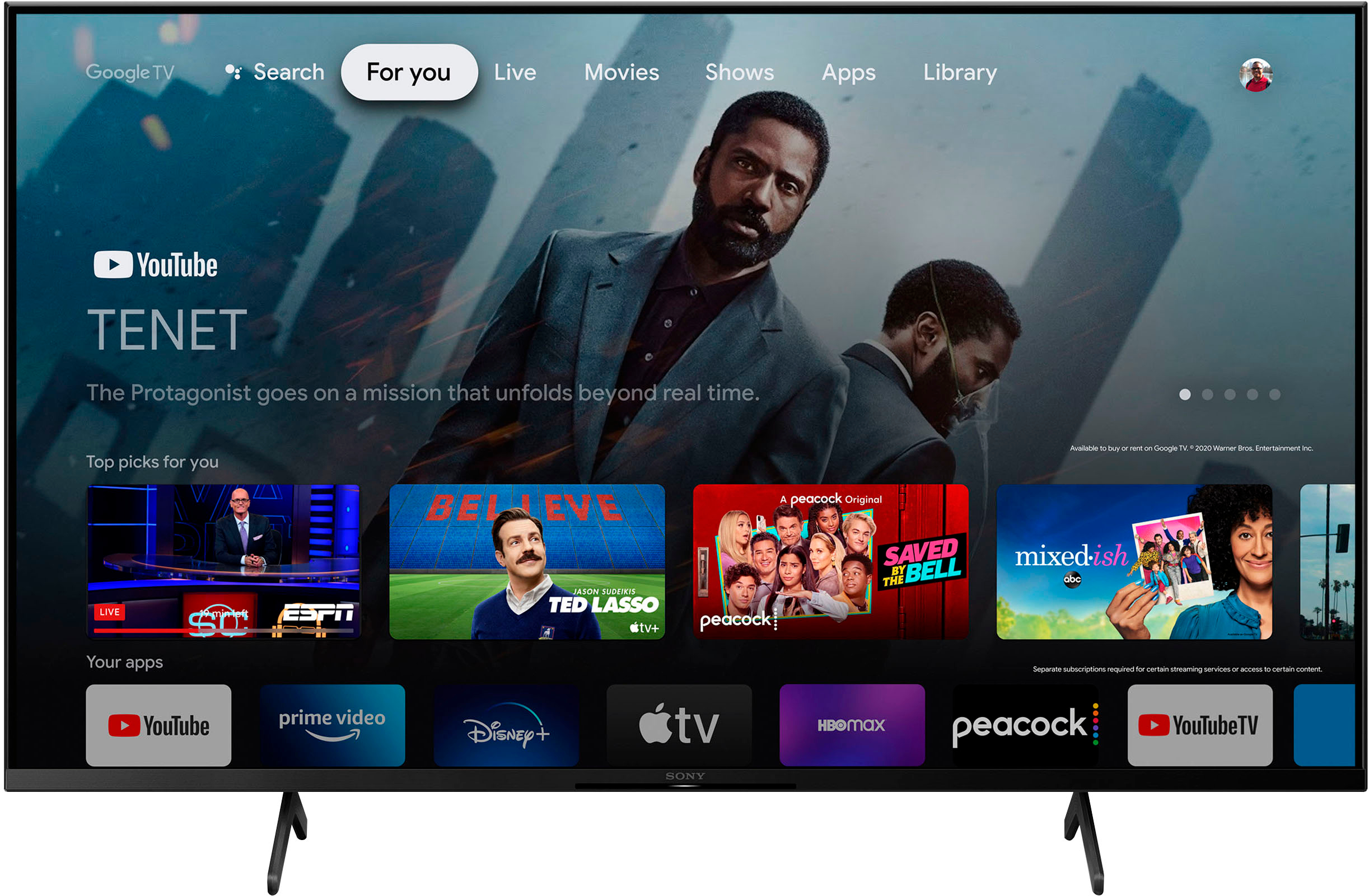
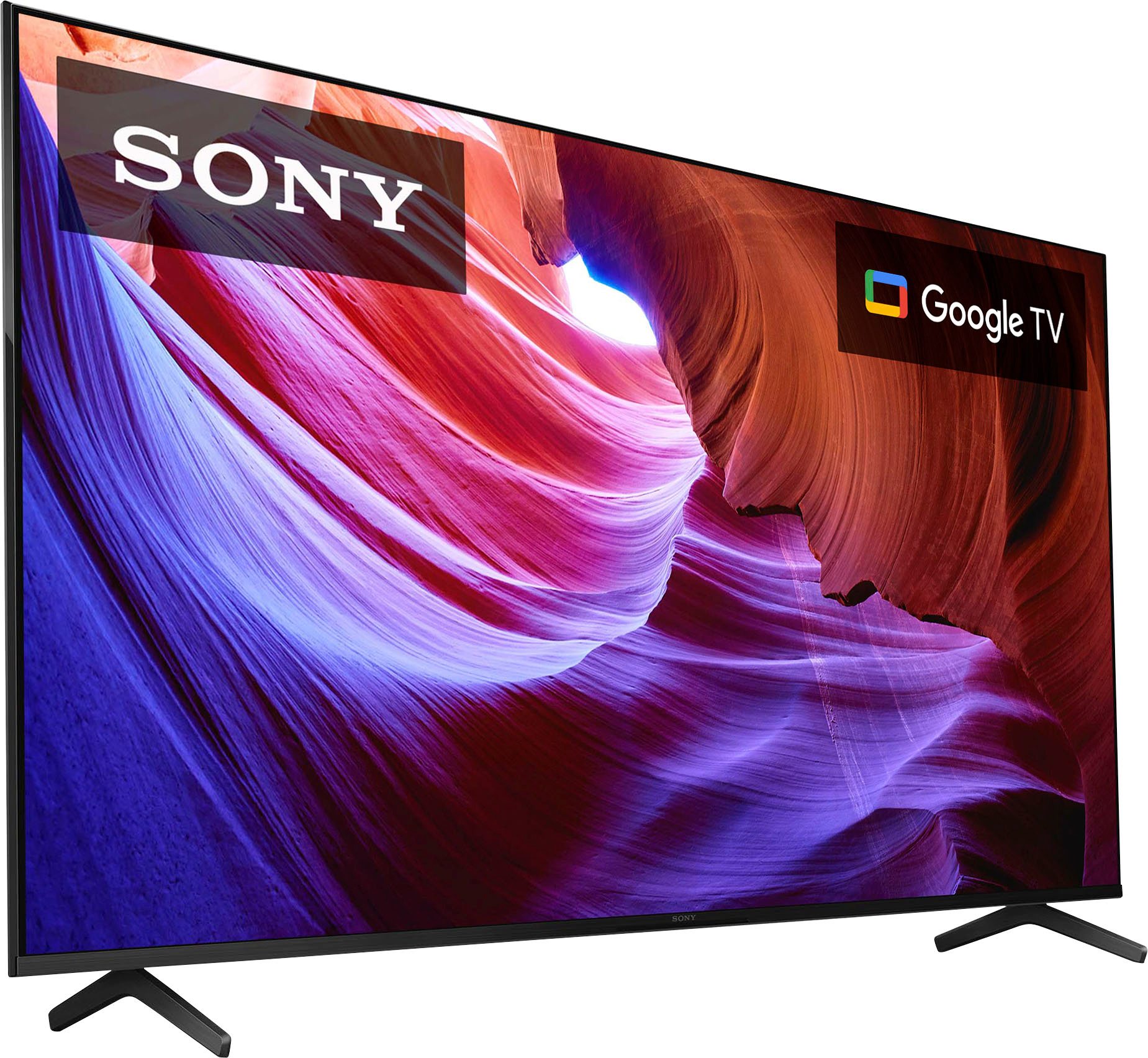
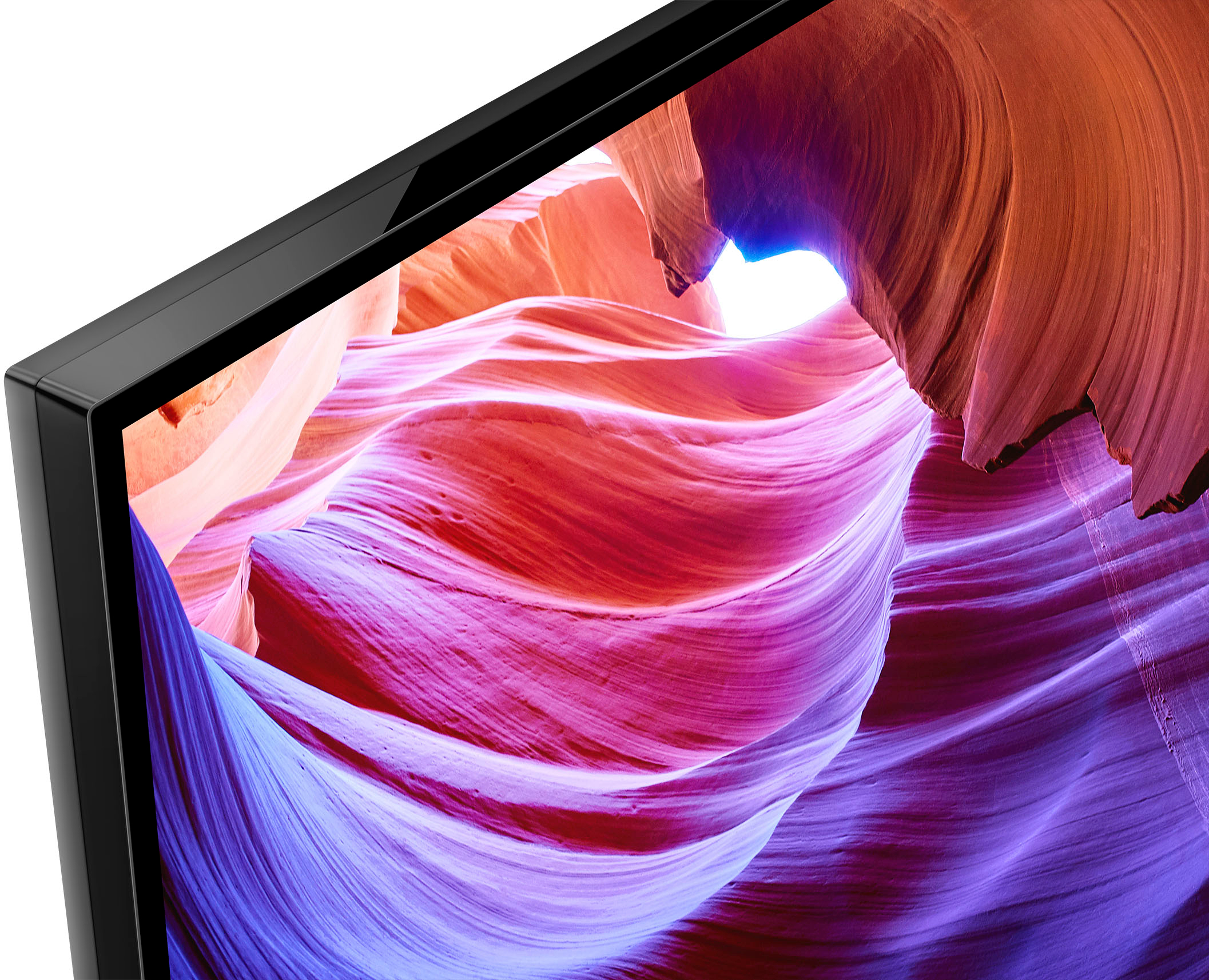
Smart, powerful, and sleek, the BRAVIA X85K 4K HDR LED TV is designed for all your favorite content. Powered by the 4K HDR Processor X1 and TRILUMINOS PRO, picture quality comes to life with billions of colors and realistic contrast. With Google TV and enhanced Motionflow XR refresh rate technology, your favorite content is easy to find and looks clear and blur-free.
Should you need more assistance, please feel free to contact us and we'll be more than happy to assist you. You may send us an email at socialsupport@am.sony.com with the following:
Name:
BestBuy Username:
Model Number:
Issue:
Telephone Number:
Thank you so much for your purchase and for choosing Sony!
Best regards,
Romeo
Sony Social Support
- Cons mentioned:Tv performance
Ms
||Posted . Owned for 1 month when reviewed.This reviewer received promo considerations or sweepstakes entry for writing a review.Doesn’t work well with sound bar; also not a fan of google tv, which requires an additional remote and one more step to connect to cable tv
No, I would not recommend this to a friendBrand response from SonyListens
Posted .Hi FrustratedL,
We're sorry you've been running into difficulty. Your feedback is extremely important to us and is very much appreciated. Performing [Cable/Satellite box control setup] in [Cable/Satellite box setup] allows you to control a cable/satellite box using the TV’s remote control.
Press the (Quick Settings) button on the remote control, then select [Settings] — [Channels & Inputs] — [External inputs] — [Cable/Satellite box setup] — [Cable/Satellite box control setup].
For more details about the supplied remote control functions, refer to this link: https://helpguide.sony.net/tv/jusltn1/v1/en-003/04-08_03.html
To isolate and resolve the audio issues from your TV and soundbar, please follow the troubleshooting steps on this link: https://www.sony.com/electronics/support/televisions-projectors-lcd-tvs-android-/kd-55x85k/articles/00191214
If you need further assistance regarding your concern, you can email us at socialsupport@am.sony.com with the following details:
Name:
Best Buy Username:
Model Number:
Issue:
Telephone Number:
Regards,
Jess
- Pros mentioned:Picture quality
SONY 55" TV
||Posted . Owned for 1 month when reviewed.This reviewer received promo considerations or sweepstakes entry for writing a review.Voice feature breaks down often requiring a complete reboot of the system. Some commands take awhile to complete. Picture quality is GREAT!
I would recommend this to a friend Good product, good service, bad open box system
||Posted . Owned for 1 month when reviewed.This reviewer received promo considerations or sweepstakes entry for writing a review.The product itself was great. The service was fairly good. The only reason I'm giving this rating is because the TV was sold open box as "excellent". What this really means according to a Best Buy Employee is it has all "essential accessories". The accessory that I was missing even though I thought I was basically buying a like-new device was the TV stands. I found out "essential accessories" basically means anything that isn't replaceable: so in this case, JUST THE TV.
I would recommend this to a friendBrand response from SonyListens
Posted .Hi NonW, Thanks for your feedback and insights. We appreciate that you like the TV and service received from Best Buy. The BRAVIA X85K 4K HDR LED TV is designed for all your favorite content. Powered by the 4K HDR Processor X1 and TRILUMINOS PRO, picture quality comes to life with billions of colors and realistic contrast. With Google TV and enhanced Motionflow XR refresh rate technology, your favorite content is easy to find and looks clear and blur-free. Thanks for choosing Sony! Erin
Maybe it’s the cable feed … but
||Posted . Owned for 3 weeks when reviewed.This reviewer received promo considerations or sweepstakes entry for writing a review.Kind of underwhelming picture when hooked to my Charter Cable feed. Wide stance of the legs make it impossible to rotate viewing angle, we could see our Samsung from the dining room table in a pinch never thought about that when I shopped on line
No, I would not recommend this to a friendBrand response from SonyListens
Posted .Hello RobertM,
Thank you for your feedback and for sharing your experience with our KD55X85K. Please allow us to help so you can get the best viewing experience of your new TV.
We'd like to make sure you are taken care of. May we contact you to help and get more information? If so, please email the below information to socialsupport@am.sony.com. Apologies if you disclosed some of this information in your review and to customer service, we just want to ensure that we have your accurate details at the time of communication.
Full Name:
BestBuy Username:
Telephone Number:
Model Number:
Additional Information regarding your experience with the X85K:
Regards,
Marco
Great tv but dont buy open box
||Posted . Owned for 2 weeks when reviewed.This reviewer received promo considerations or sweepstakes entry for writing a review.We got this Tv on a open box deal and the tv itself was amazing but about a month after we purchased it ended up flickerung green and got a bif white spot on in because of the backlight bleed.
I would recommend this to a friendBrand response from SonyListens
Posted .Hi DylanA,
Thank you for the review and we're sorry to hear the display issue with your television. Does the issue occurs in all inputs? Run the Self Diagnostics option on the TV.
https://www.sony.com/electronics/support/televisions-projectors-lcd-tvs-android-/kd-55x85k/articles/00090165
If you did not observe any problems with the test pictures, the TV is functioning correctly. If you are experiencing picture issues while using an externally connected device, verify the physical cable connection between the TV and the device as well as the external device settings.
For further assistance, please email us at socialsupport@am.sony.com with the following details:
Name:
Best Buy Username:
Model Number:
Issue:
Telephone Number:
Regards,
David
My grandparents like it
||Posted . Owned for 1 month when reviewed.This reviewer received promo considerations or sweepstakes entry for writing a review.I prefered the other tv to this google 1 but it appears my granparents preferred a smaller tv that was sony and google vrs the origuonal 1 i got them so it must be ok for them better smaller
No, I would not recommend this to a friendBrand response from SonyListens
Posted .Hello Bnewb,
Thank you for the review and we're glad your grandparents like the TV. If there is something that we can help you with. Please email us at socialsupport@am.sony.com with the following details:
Name:
Best Buy Username:
Model Number:
Issue:
Telephone Number:
Regards,
David
Not my favorite Sony
||Posted . Owned for 2 months when reviewed.This reviewer received promo considerations or sweepstakes entry for writing a review.I really wasn’t impressed by the overall picture quality of this TV, I returned it and purchased a 55” Sony A80J.
No, I would not recommend this to a friendBrand response from SonyListens
Posted .Hi tma6279, We're sorry to hear that the overall picture quality did not live up to your expectations and it had to be returned. But we appreciate you purchasing the Sony A80J.
There are also various settings that you can configure in [Picture] settings of the X85K to increase the brightness, colors, and contrast level to improve the overall viewing experience on your Google TV. You may refer to the link below for more information about the picture adjustment settings of the TV:
https://helpguide.sony.net/tv/iusltn1/v1/en-003/01-03-09_01.html
For future reference, we can offer assistance on how to set up or operate the features and functions, and troubleshoot the issue of your Sony product by visiting our Sony Support website to download the help guide and look for additional information about your product. Also, you can reach out to one of our agents through this link: https://us.esupport.sony.com/support/s/service?language=en_US. who would be glad to help. Thank you for sharing your feedback.
Regards,
Sam
Sony Review
||Posted . Owned for 5 months when reviewed.This reviewer received promo considerations or sweepstakes entry for writing a review.Picture quality not as expected form a Sony TV. Menus are a bit confusing and setup is to crowded.
No, I would not recommend this to a friendJames
||Posted . Owned for 1 month when reviewed.This reviewer received promo considerations or sweepstakes entry for writing a review.Not as clear as I hope for. I guess I was looking for a better picture. Not bad but not as good as I hope for.
I would recommend this to a friendBrand response from SonyListens
Posted .Hi JamesL, thanks for choosing and purchasing our product. We're sorry to hear that you have an issue with the picture of your SONY unit. You can configure various settings related to the TV display such as color and brightness for picture quality, or screen size. Please follow this link for more details:
https://helpguide.sony.net/tv/jusltn1/v1/en-003/01-03-09_01.html?hl=picture
May we contact you to help? If so, please email the below information to socialsupport@am.sony.com.
Apologies if you disclosed some of this information in your review and to customer service, we just want to ensure that we have your accurate details at the time of communication.
Full Name:
Best Buy Username:
Telephone Number:
Sony TV Model Number:
Additional Information regarding your experience with the X85K
We are sorry for the inconvenience and hope to speak to you to resolve this matter.
We appreciate you and thanks again for shopping SONY!
Sincerely,
~Earl
Lets just wait a bit......
||Posted . Owned for 1 month when reviewed.This reviewer received promo considerations or sweepstakes entry for writing a review.I bought this one to replace a 4 month old of the same kind. So we will wait to see if this one just dies out like the previous one.
No, I would not recommend this to a friendBrand response from SonyListens
Posted .Hi Mark,
Thanks for the feedback and we're sorry for your experience. If there is something that we can help you with, please email us at socialsupport@am.sony.com with the following details:
Name:
Best Buy Username:
Model Number:
Issue:
Telephone Number:
Regards,
David
Not a fan of Google TV
||Posted . Owned for 1 month when reviewed.This reviewer received promo considerations or sweepstakes entry for writing a review.I do not like the operating system. The feet of the TV do not support the tv in a very inviting presentation.
No, I would not recommend this to a friendBrand response from SonyListens
Posted .Hi Sdiver1111, You have the option to skip the Google sign-in on the initial setup of the TV. You can enjoy some functions on your Android TV™ device without a Google™ account. You can watch TV programs and enjoy all Sony® apps, home network functions for the Album, Music, and Video apps and use the Network Electronic Program Guide (EPG).
In addition, certain functions, such as the Google voice search function, Chromecast™ built-in (Google Cast), internet browsing, and the YouTube™ app, are available without logging in to a Google account. However, you will not be able to rent or buy movies, TV shows, and apps from the Google Play™ Store.
Regards,
Carl
Make
||Posted . Owned for 3 weeks when reviewed.This reviewer received promo considerations or sweepstakes entry for writing a review.Nice costumer service and frindly, product price are very nice and affordable
I would recommend this to a friendBrand response from SonyListens
Posted .Thanks for the feedback, AhsanA! We're glad that you are impressed with our product. Smart, powerful, and sleek, the BRAVIA X85K 4K HDR LED TV is designed for all your favorite content. Powered by the 4K HDR Processor X1 and TRILUMINOS PRO, picture quality comes to life with billions of colors and realistic contrast. With Google TV and enhanced Motionflow XR refresh rate technology, your favorite content is easy to find and looks clear and blur-free. Thank you for choosing Sony! -Craig
- Cons mentioned:Remote control
Channel Changing
Posted .This reviewer received promo considerations or sweepstakes entry for writing a review.The remote control is difficult to manage. It takes multiple steps to change channels.
No, I would not recommend this to a friendBrand response from SonyListens
Posted .Hi User250382,
We're sorry you've been running into difficulty. There is no numpad on the K series remote control as it has a newly design with smaller, sleeker, and less buttons. However, the supplied TV remote has 123 (Control menu) button. You can press this button, and it will display a menu on the TV to use button functions that are not on the remote control on the screen so you can easily enter a channel.
For more details about the supplied remote control functions, refer to this link: https://helpguide.sony.net/tv/jusltn1/v1/en-003/01-07-04_01.html
If you need further assistance regarding your concern, you can email us at socialsupport@am.sony.com with the following details:
Name:
Best Buy Username:
Model Number:
Issue:
Telephone Number:
Regards,
Jess
Tv
Posted .This reviewer received promo considerations or sweepstakes entry for writing a review.TV was great. It was missing the power cord and remote.
I would recommend this to a friendBrand response from SonyListens
Posted .Hi user311680, While we're glad that you like the TV, we are sorry to hear that the power cord and remote were missing. We recommend reaching out to your dealer so they can provide the missing items. Make sure to keep your device's firmware up to date to enjoy all its features. Thanks for choosing Sony! -Craig