Customer Ratings & Reviews
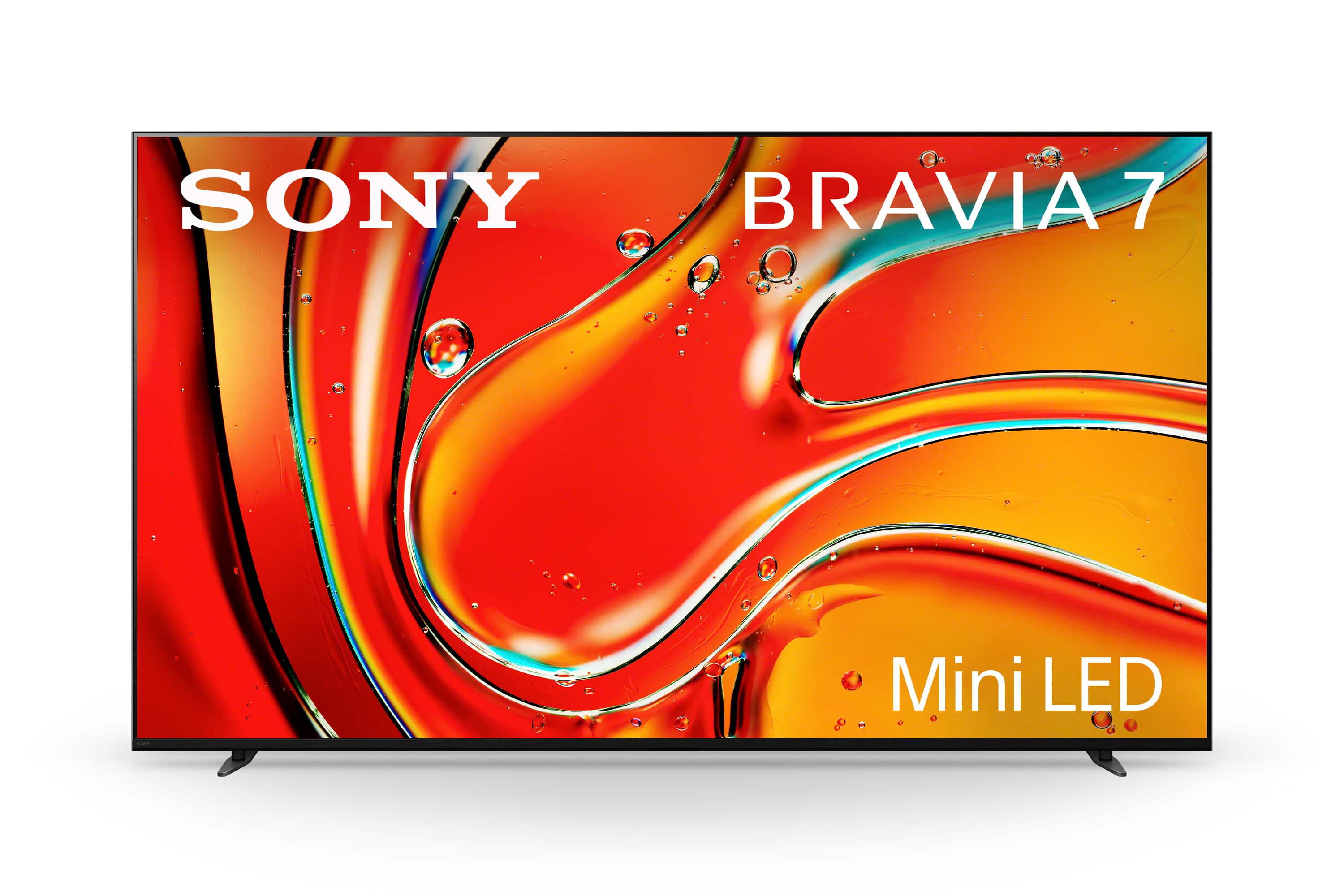
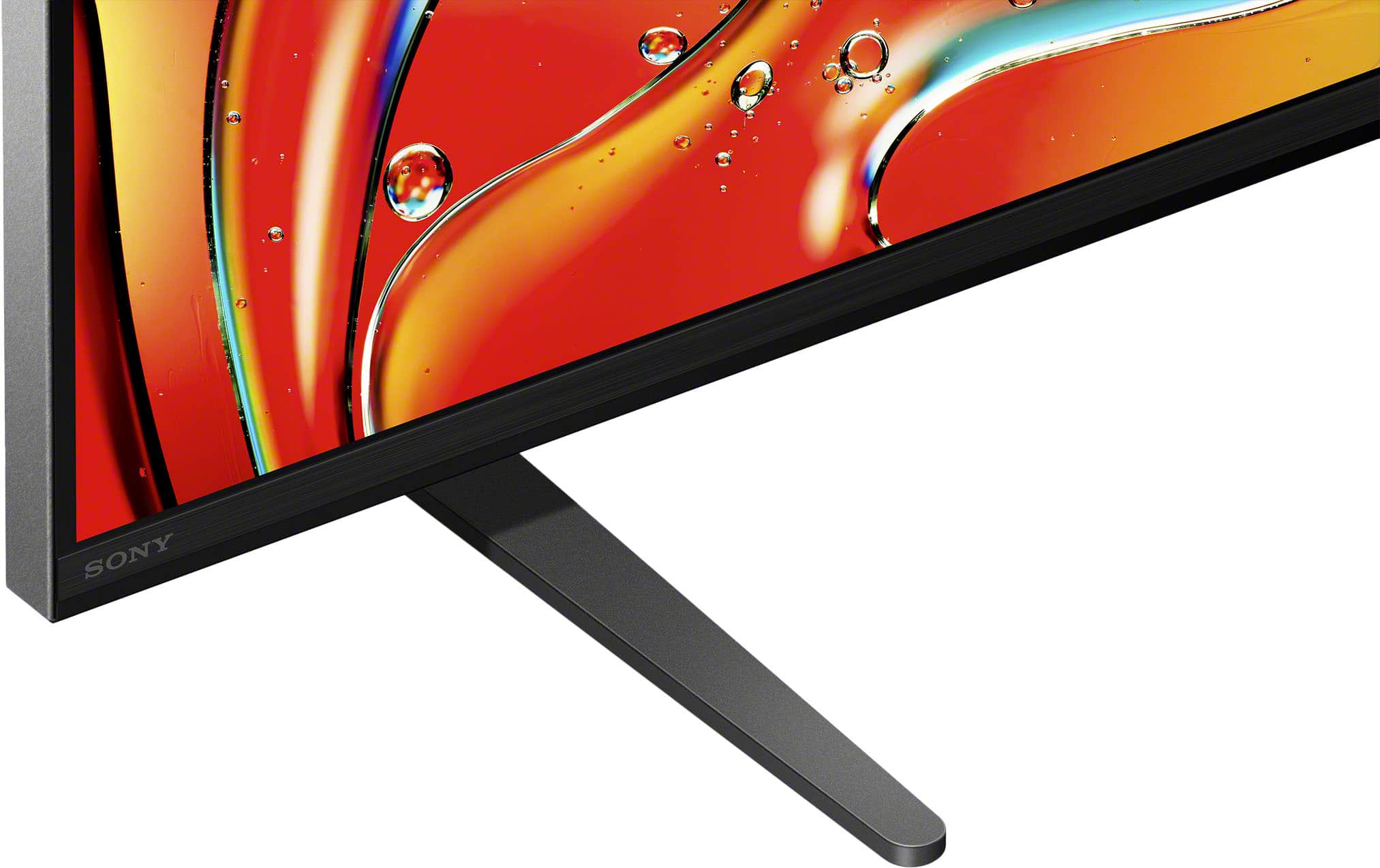
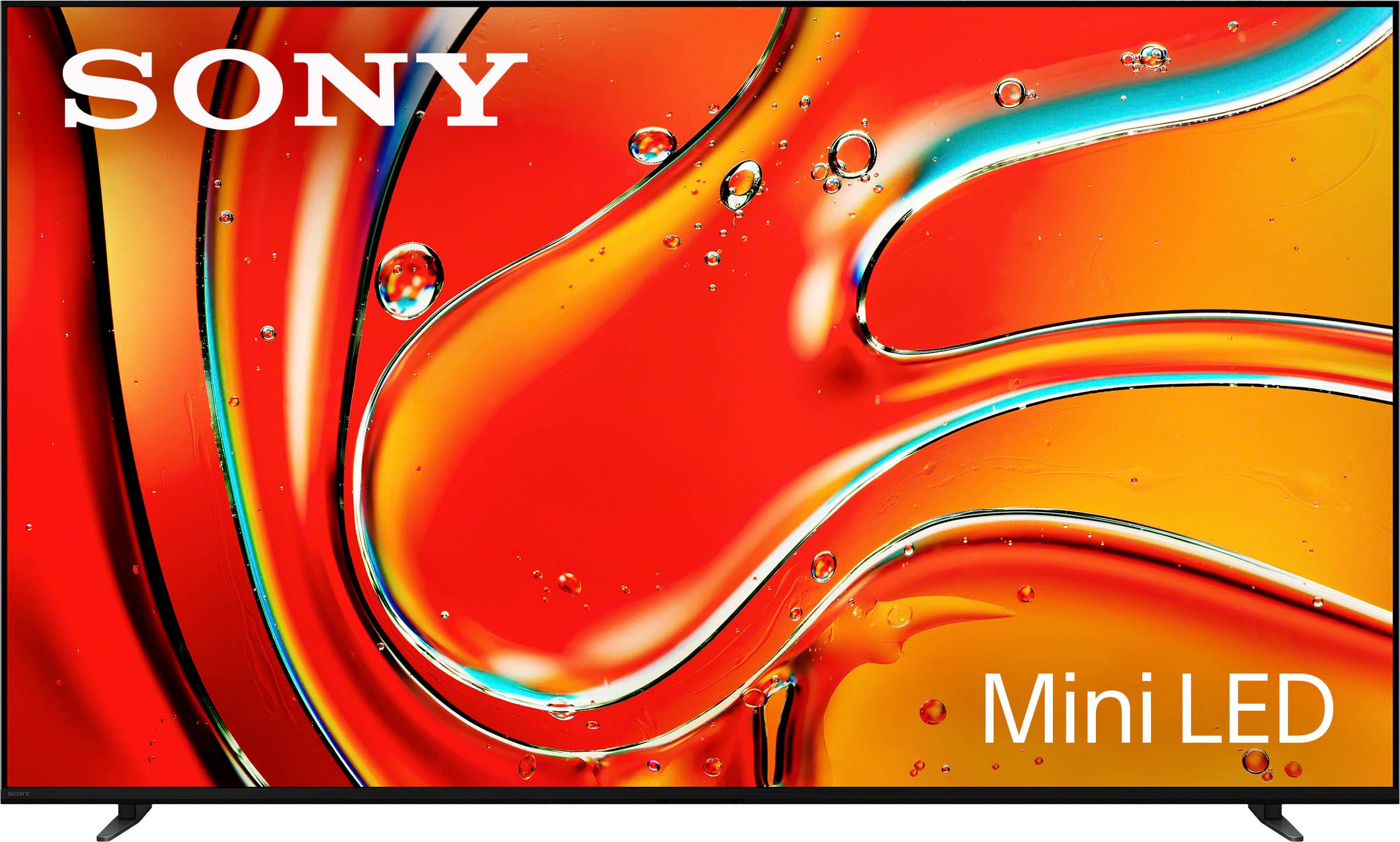
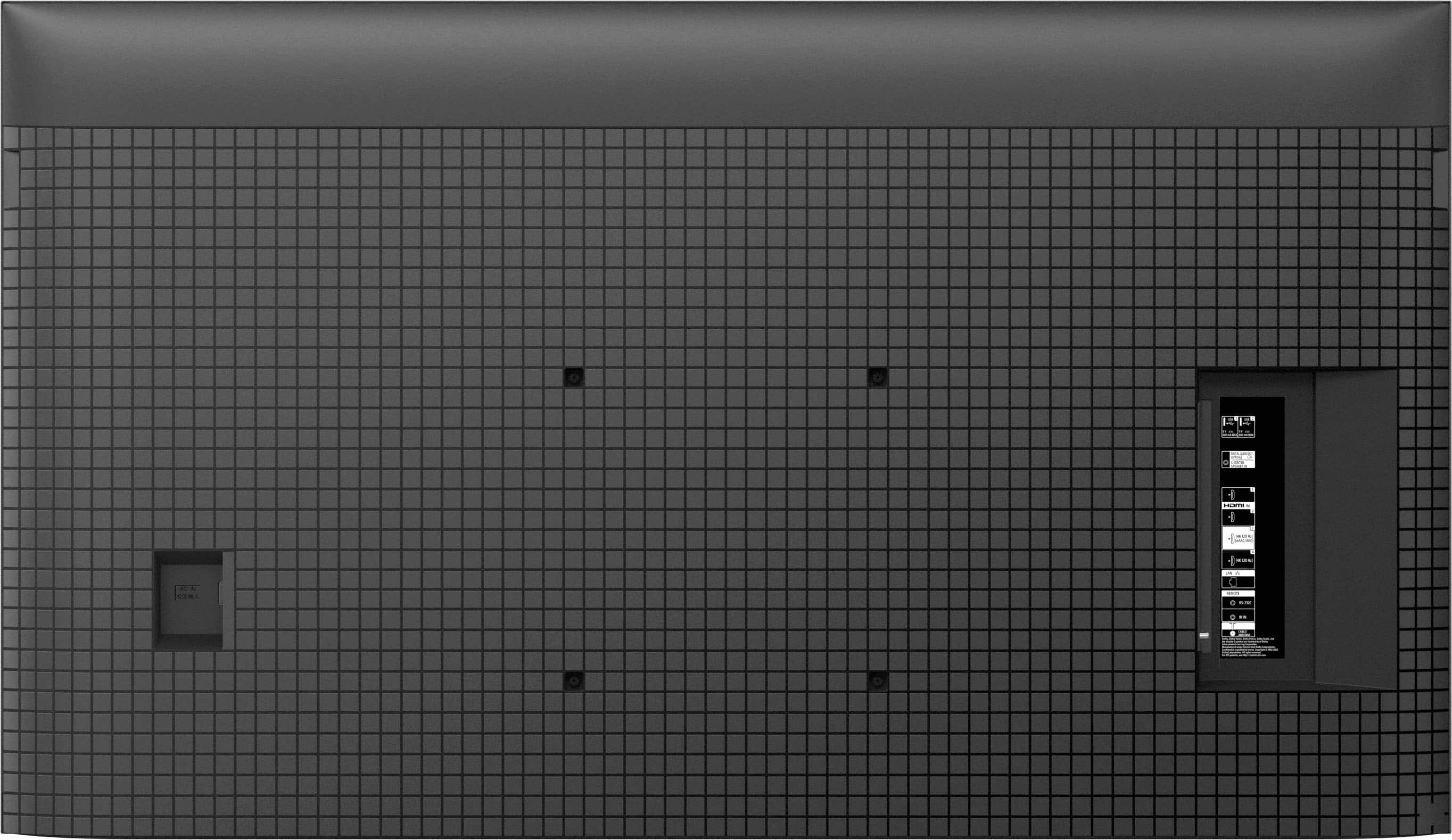








- Model:
- K65XR70
- SKU:
- 10101613
Rating by feature
- Picture Quality
Rating 4.8 out of 5 stars
- Sound Quality
Rating 4.6 out of 5 stars
- Brightness
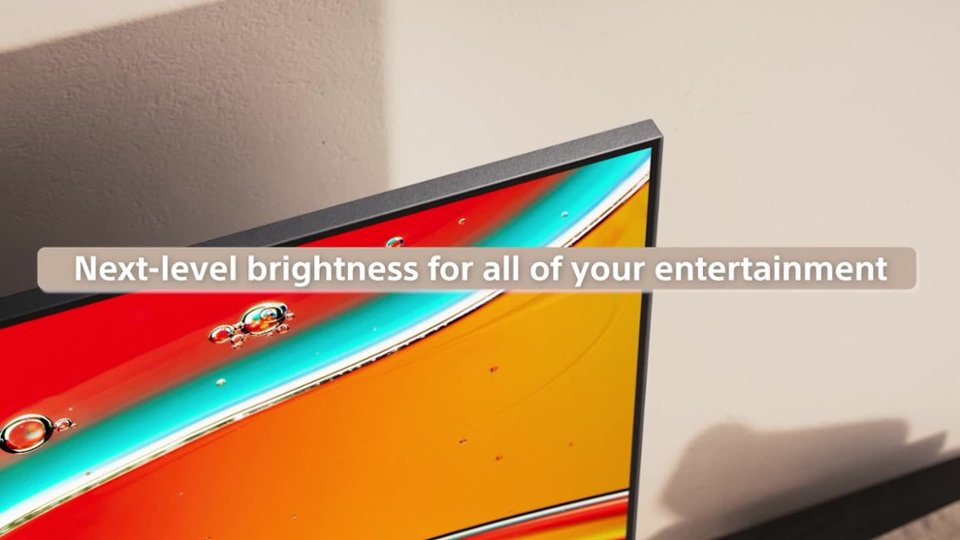
Rating 4.8 out of 5 stars
- Pros mentioned:Picture quality
amazing picture awesome tv
Posted .This reviewer received promo considerations or sweepstakes entry for writing a review.Amazing picture awesome TV. I love the google tv interface.
I would recommend this to a friendBrand response from SonyListens
Posted .Thank you for the fantastic review, CGNY!
We are absolutely thrilled to hear that you are loving your new K-65XR70! It’s great to know that the picture quality is hitting that amazing mark for you.
We’re also glad to hear the Google TV interface is making your entertainment experience even better—we aim to make finding your favorite content as seamless as possible. There is nothing like a premium screen paired with a smart, easy-to-use system!
Thank you for choosing Sony and for being part of the community!
Best regards,
Gus,
Sony Social Media Team
Decent TV
Posted .This reviewer received promo considerations or sweepstakes entry for writing a review.Good TV, just a bit too large for my living room - the way I like it! I saw the reviews re: screen reflections; it is so much worse than discussed. The screen is almost like a mirror! Sound is good so far, holding off on a soundbar until I feel the need. Saw a HDR Youtube video - - - wow!!!! This Sony can stand with the best.
I would recommend this to a friendBrand response from SonyListens
Posted .Hi Pete,
It is fantastic to know that the visual performance of your Sony BRAVIA 7, especially when viewing HDR content, has provided that "wow" factor you were looking for.
We are glad to hear the sound quality is impressing you so far, and we certainly agree that sometimes a larger-than-life screen is exactly what a living room needs! Regarding the reflections you mentioned, we understand that a high-gloss panel can be sensitive to lighting. You may find that slightly adjusting the angle of the TV or using dimmable lighting in the room helps to minimize that mirror effect so you can focus entirely on those stunning HDR highlights.
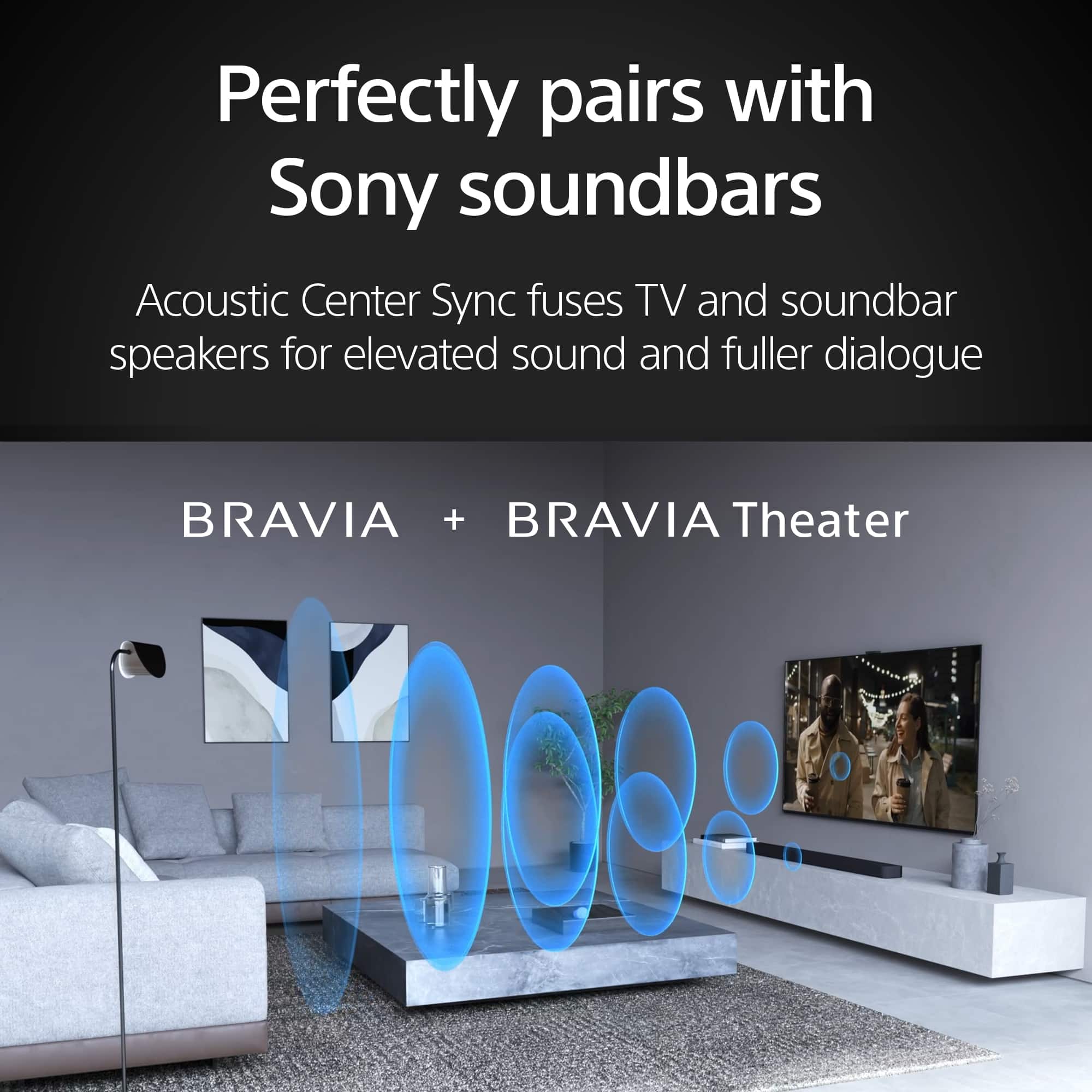
If you ever decide to take the leap and add a soundbar to match that incredible picture, our latest BRAVIA Theatre systems integrate seamlessly to create a truly cinematic atmosphere.
Thank you for trusting Sony to bring the theater experience into your home.
Regards,
Dominick
New Sony 65"
Posted .This reviewer received promo considerations or sweepstakes entry for writing a review.Just delivered yesterday. So far, all is good! We've had several Sony TVs through the years, (always increasing the screen size!) and have yet to be disappointed. We added a sound bar with the last one, but seldom, if ever, used it. Those Dolbys just can't be beat!!
I would recommend this to a friendBrand response from SonyListens
Posted .Hi Tehya,
We’re thrilled the BRAVIA 7 is living up to your expectations! Since you enjoy the built-in sound, you’re likely hearing the Acoustic Multi-Audio system, which uses frame tweeters to make audio feel like it's coming directly from the screen. Thanks for being a loyal Sony fan!
Best regards,
Eliab
- Pros mentioned:Picture quality
Sony Bravia7 Mini LED
Posted .This reviewer received promo considerations or sweepstakes entry for writing a review.Quality is excellent and the features promoted are as advertised.
I would recommend this to a friendBrand response from SonyListens
Posted .Hi MichaelA,
We’re thrilled to hear you’re enjoying the excellent quality of your BRAVIA 7! It’s great to know that the Mini LED performance and features are delivering the premium experience we strive for.
Thanks for choosing Sony.
Best regards,
Eliab
Greay TV
Posted .This reviewer received promo considerations or sweepstakes entry for writing a review.TV is very bright and sharp. Colors are very lifelike. Upscaling of lower resolution content such as DVD or Blu-Ray impressive.
I would recommend this to a friendBrand response from SonyListens
Posted .Thank you for the fantastic review, GaryB!
We’re thrilled to hear that the K-65XR70 is delivering such a bright and sharp experience in your home! It’s great to know that our XR Processor is hitting the mark for you—especially with the lifelike colors and the upscaling of your DVD and Blu-Ray collection. We take a lot of pride in making sure even your classic favorites look modern and crisp on our Bravia 7 Mini LED screens.
Thank you for choosing Sony and for sharing your experience!
Best regards, Gus, Sony Social Media Team
Great
Posted .This reviewer received promo considerations or sweepstakes entry for writing a review.Very good service. Sales person was seemingly new, but we got it complete
I would recommend this to a friendBrand response from SonyListens
Posted .Hi BrendaJ,
We are glad to hear that you received good service and that your purchase was completed smoothly. We hope you enjoy your new BRAVIA 7!
Thanks for choosing Sony.
Best regards,
Eliab
New Sony 65” TV
Posted .This reviewer received promo considerations or sweepstakes entry for writing a review.Love my new Sony TV! As advertised and Service from Best Buy Geek be able to Squad was amazing!
I would recommend this to a friendBrand response from SonyListens
Posted .Hi MariaS,
We feel privileged to know that your new BRAVIA 7 is living up to its reputation and providing the experience you were looking for. There is nothing better than a product delivering exactly what was promised, and we are thrilled that you are loving your new TV!
Thank you for trusting Sony to bring the cinema into your home.
Regards,
Dominick
- Pros mentioned:Picture quality
Found the best TV at last!!
Posted .This reviewer received promo considerations or sweepstakes entry for writing a review.IT took buying three TVs from Besta Buy within a month to land on the right one. This Bravia 7 Mini LED QLED 4kUHD is excellent and much better than the two previous Samsuns I tried
I would recommend this to a friendBrand response from SonyListens
Posted .You made the right choice, internetdependent! We're glad you are impressed on the picture quality of the BRAVIA 7 4K TV. Enjoy and thanks for choosing Sony. -Craig
Sony 65" TV.
Posted .This reviewer received promo considerations or sweepstakes entry for writing a review.We are very happy with our new Sony TV. We are very satisfied with delivery & setup.
I would recommend this to a friendBrand response from SonyListens
Posted .Hi there,
It is great to hear that you are so incredibly happy with your new television!
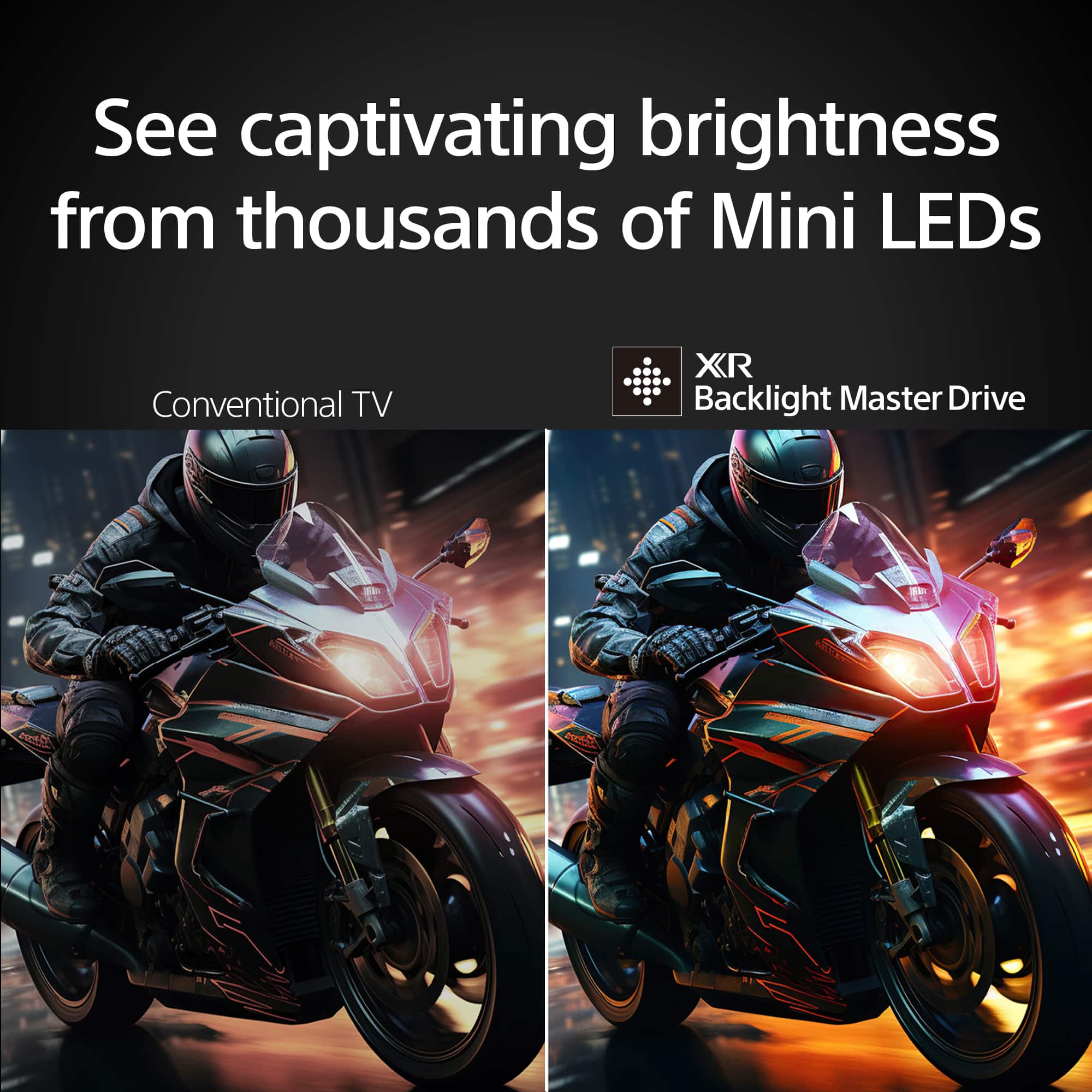
Achieving that level of satisfaction is our ultimate goal, and we are glad the BRAVIA 7 is hitting the mark for you. This model features our advanced XR Backlight Master Drive, which precisely controls thousands of tiny, high-density Mini LEDs to deliver striking brightness and deep blacks. Powered by our XR Processor, the display recreates scenes with lifelike detail and texture, ensuring that everything you watch feels authentic and immersive. It’s wonderful to know that our commitment to premium picture quality has made such a positive impact on your viewing experience.
Thank you for choosing Sony for your home!
Regards,
Dominick
- Pros mentioned:Picture quality
Great tv
Posted .This reviewer received promo considerations or sweepstakes entry for writing a review.Great tv for the price! Did not realize how bad my old tv was until I watched this new tv! Can see so much more detail.
I would recommend this to a friendBrand response from SonyListens
Posted .Hi KarenC. We're thrilled to hear you are enjoying your new Sony Bravia 7 TV and noticing the difference in detail. Good choice!. It’s always impressive to see how much technology has advanced, especially in terms of picture quality with more recent TV models like yours. We hope you keep enjoying your TV and thanks for choosing Sony!. -Milton
- Pros mentioned:Brightness
Sony Bravia worth it and no glare
Posted .This reviewer received promo considerations or sweepstakes entry for writing a review.I have had this Sony Bravia for a couple of months and am happy with my purchase. Great color and bright. No issues with the glare from window right near it at 90 degree angle.
I would recommend this to a friendBrand response from SonyListens
Posted .Hi JenniferJ, Great! We're please to hear that you are enjoying your new TV. Thank you for choosing Sony. Erin
- Pros mentioned:Picture quality
This TV is a headache
Posted .This reviewer received promo considerations or sweepstakes entry for writing a review.I've been buying Sony TVs for over 20 years and always love how the picture looks. The picture quality of this TV is excellent. Sony image processing is best in class. Reflections aren't bad. As a TV in this price range, it's excellent at video. BUT that's where to positives end. The firmware on this is horrible. The first issue is that wifi constantly disconnects and reconnects despite being within a few feet of the router. It's the only device in the house with this issue. I don't even use this for anything internet related but have to see the notifications for wifi while watching other content. It would be unusable if we were using it as a streaming device. The second and more frustrating issue is that this TV switches back to the internal speakers on power up. I've tried it with two different AV receivers and a sound bar. Always the same issue. The TV turns on, outputs audio to the receiver for a few seconds and then switches back to the internal speakers. I've tried everything at this point. I even bought a brand new Denon X3800h and have everything plugged into the receiver. Still it some how manages to switch audio back to the tv speakers. Older Sony TVs had an option to disable the internal speakers completely. Sony needs to bring that option back. A quick google search shows that this has been an issue with Sony TVs for years with no actual fix or work around. Sony needs to ditch these mediatek hdmi boards and get with the rest of the competition. I wish I could return this TV but I'm past the return date. I'm close to giving it away to a family member and buying a different brand. Not sure I'll ever buy another Sony TV after this.
No, I would not recommend this to a friendBrand response from SonyListens
Posted .Hi DanielT, thank you for sharing your detailed thoughts on the Sony - 65" class BRAVIA 7! We're very glad to hear you're enjoying the wonderful picture quality full of natural colors and contrast on this TV. We're sorry about the two issues that you've found, we understand how frustrating this situation must be for you, especially after being a Sony loyal customer for over 20 years. We'd like to share some recommendations and steps to take care of these problems.
For the unstable internet connection:
1- Power cycle the TV and the router at the same time, you can unplug them from the power for 2 min and then plug them back in
2- Turn on Simple IP control on the TV, you can go to settings > network and internet > home network > Ip control > Turn on Simple IP control
3- Connect the TV to the wireless 2.4 ghz network
Please check this link for some other steps and considerations: https://www.sony.com/electronics/support/articles/00184183?utm_source=glean
For the TV switching to internal speakers:
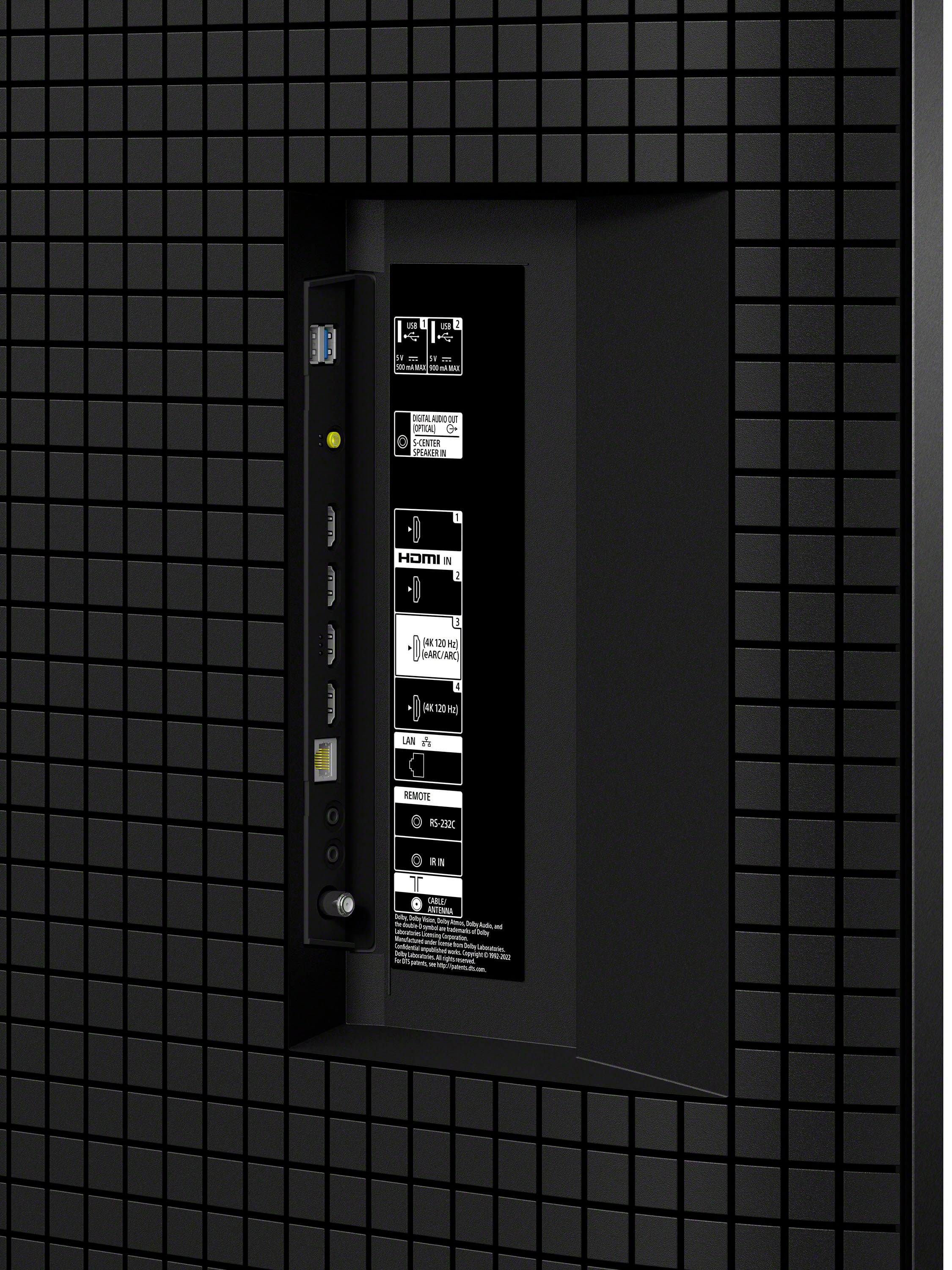
1- Power reset the TV and the AV receiver. You will need to turn off both devices, then disconnect the power cords from the outlet and the HDMI cables for two minutes. Reconnect the HDMI cable to the HDMI 3 (eARC) of the TV and the other end to the HDMI OUT (eARC) of the Receiver. Power on first the TV and then the receiver.
2- Update your TV software. Select settings > system > about > update the TV software
3- Enable Bravia Sync on the TV by accessing Settings > channels and inputs > External inputs > Bravia sync settings > Bravia sync device list > Click enable.
Please check this link for further troubleshooting: https://www.sony.com/electronics/support/articles/00020051?utm_source=glean
We hope you find this steps useful and that the issue gets resolved, if you need further help please email the information below to socialsupport@am.sony.com so we can better assist you.
Full Name:
Best buy username:
Telephone Number:
Model Number:
Issue/Concern:
Thank you for considering Sony products! Regards, -Dominick
- Pros mentioned:Picture quality
Bravia 7
Posted .This reviewer received promo considerations or sweepstakes entry for writing a review.Loving the tv thus far. The picture is amazing, plus i have a soundbar and subwoofer.
I would recommend this to a friendBrand response from SonyListens
Posted .Hi there, Perfect! You've certainly made a great choice! We're truly happy to hear about your satisfaction with the amazing picture quality and superb performance of your BRAVIA 7. Thank you very much for the perfect star review and for choosing the best brand, Sony! - Romeo
Not sending it back.......but
Posted .This reviewer received promo considerations or sweepstakes entry for writing a review.I'm not sending it back, but am disappointed with the picture and the adjustment process. Can't seem to get a great picture. I have a 12 year old BRAVIA with a much better picture.
No, I would not recommend this to a friendBrand response from SonyListens
Posted .Hi BruceS,
Thank you for choosing the Sony BRAVIA 7 and for sharing your feedback. We appreciate your long-term loyalty to the BRAVIA line.
Because this is a high-performance 4K television, the quality of the content being viewed is very important. While older televisions may mask imperfections in low-resolution signals, a 4K display is designed to reveal maximum detail; therefore, lower-quality content may not appear as sharp as native 4K signals.
To ensure you are receiving the highest quality data signal from a cable box or external streaming device, we recommend the following:
- Please use a Premium High-Speed HDMI cable to support the necessary bandwidth.
- Update your signal settings by navigating to:
Settings > Channels & Inputs > External Inputs > HDMI Signal Format > Select the HDMI input > Set the format to Enhanced.
Furthermore, your BRAVIA 7 features extensive customization options, allowing you to fine-tune the picture quality to your specific viewing environment and personal preference. For a comprehensive guide on how to adjust these settings, please visit:
Adjusting the picture quality
https://helpguide.sony.net/tv/musltn1/v1/en-003/contents/TP1001675534.html
Thank you for considering Sony.
Best regards,
Dominick
Do not purchase! Sony Software Problem
Posted .This reviewer received promo considerations or sweepstakes entry for writing a review.I have purchased 2 of these TV’s since 11/2024 but the 2nd one is going back today. Both TV’s freeze and will either not reboot causing you to have to unplug or the TV will just shut down and reboot itself. We thought it was our cable or internet but come to find out on Sony forums this has been a software problem for at least 5 years.
No, I would not recommend this to a friendBrand response from SonyListens
Posted .Hello Jennifer,
Thank you for sharing your feedback with us. We sincerely apologize for the inconvenience you have faced with your BRAVIA 7 (K65XR70) TVs. We are aware that some customers are encountering problems such as their TVs freezing, failing to reboot, or unexpectedly shutting down and restarting, particularly when connected to a cable box via HDMI.
Rest assured, our team is actively investigating this matter and is working diligently on a software update to resolve the issue. In the meantime, we recommend the following steps to help alleviate the problem:
1. Disable BRAVIA Sync:
- On your remote control, press the (Quick Settings) button.
- Navigate to Settings → Channels & Inputs → External Inputs → BRAVIA Sync Settings → turn OFF BRAVIA Sync Control.
2. Utilize a CEC-less HDMI Cable or Adapter:
- This may help prevent your TV from rebooting or restarting unexpectedly.
3. Turn Off Samba Interactive TV:
- On your remote control, press the (Quick Settings) button.
- Go to Settings → System → Samba Interactive TV → turn OFF Samba Interactive TV.
Please note that you will need to use the cable box remote control in this case until the software update is released. We apologize for any inconvenience and appreciate your patience as we work to resolve this issue. For further updates, please check our support site periodically.
https://www.sony.com/electronics/support/televisions-projectors-lcd-tvs-android-/k-65xr70
If these problems persist or if you require further information or technical assistance, please do not hesitate to reach out to us at socialsupport@am.sony.com. To help us assist you more effectively, kindly provide the following details in your email:
- Name:
- Username:
- Model Number:
- Description of the Issue:
- Telephone Number:
We value your input and are committed to improving our products based on customer feedback. Thank you for bringing this to our attention.
Sincerely,
Romeo
Sony Social Support
- Cons mentioned:Price
Weak product. Returning asap
Posted .This reviewer received promo considerations or sweepstakes entry for writing a review.Is very disappointed. Picture looks washed out. Is black levels aren't that great. Is my two year old l g blows this away. Viewing an angle is pitiful. And especially for what Sony is charging, this TV is not worth 1/3 that cost.
No, I would not recommend this to a friendBrand response from SonyListens
Posted .Hi Craigster,
I’m sorry to hear that the picture quality of our BRAVIA 7 (K65XR70) is not to your liking but we would like to know more information or to give you some suggestions about your TV. If you still have your unit and if you are interested, you can schedule a one-on-one consultation with our experts here:
• https://electronics.sony.com/one-on-one-consultation?utm_campaign=ooclink_rsiyt_20201026&utm_source=youtube&utm_medium=social_organic&utm_content=rsi&cid=sco-na-3351
Should you need more information/technical assistance, please email us at socialsupport@am.sony.com with the following details and we'll be more than happy to assist you.
Name:
BestBuy Username:
Model Number:
Issue:
Telephone Number:
We value you, and thanks for your purchase.
Sincerely,
Romeo
Sony Social Support
Best buy Never delivered the TV
Posted .This reviewer received promo considerations or sweepstakes entry for writing a review.I wish I could tell you but Best buy never delivered this after I sat around all day waiting. Unfortunately I cannot actually rate this TV.
No, I would not recommend this to a friend