Customer Ratings & Reviews
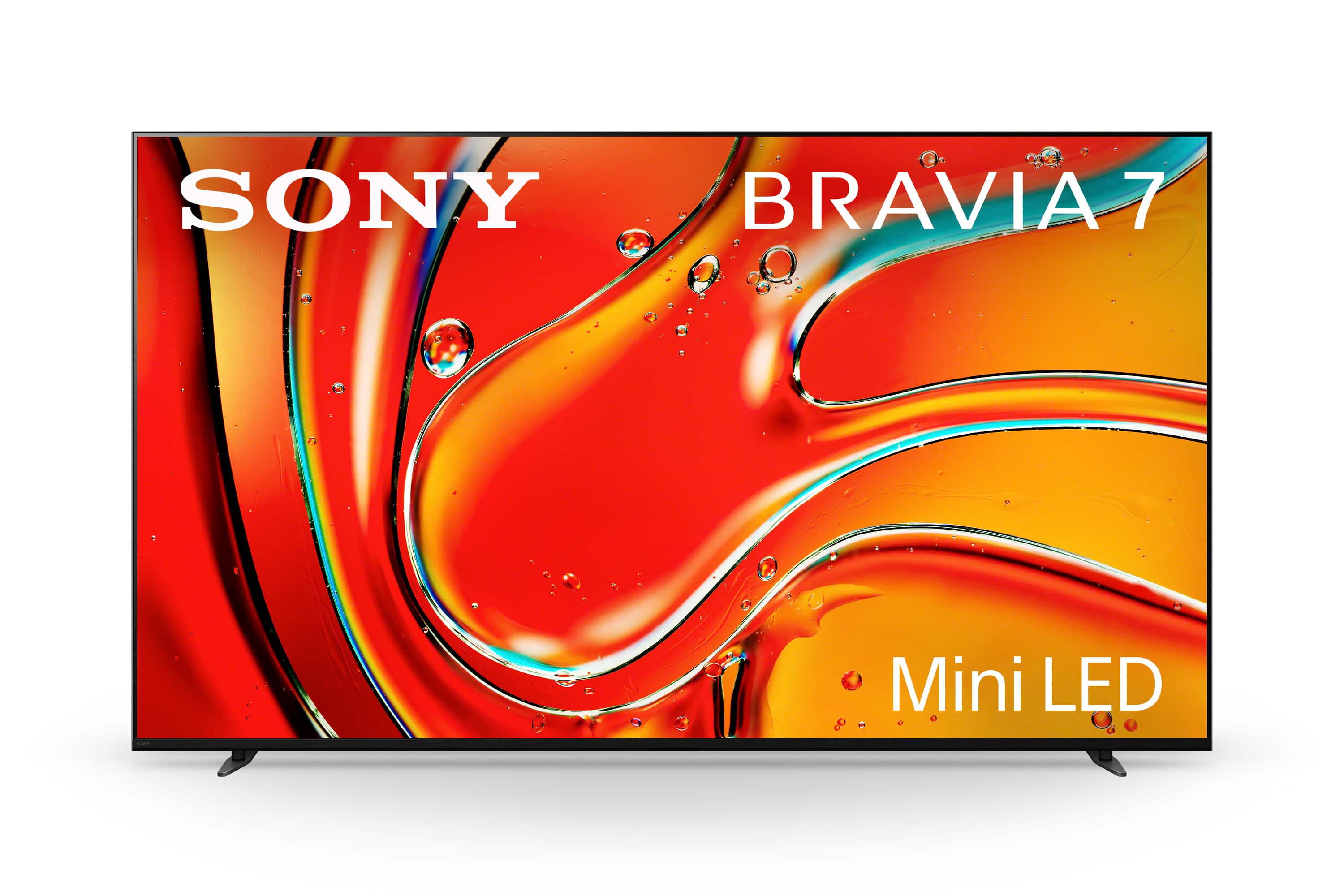
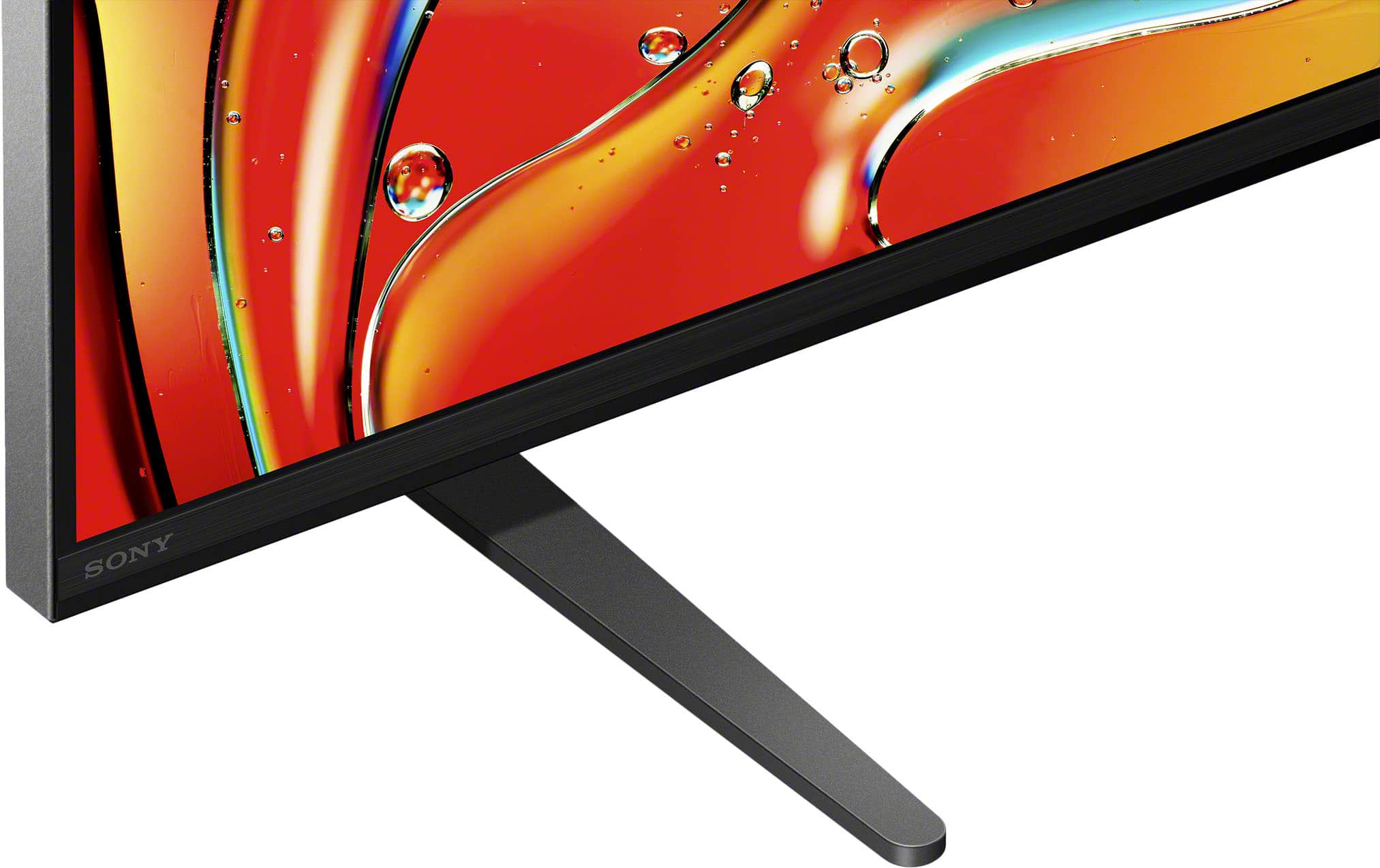
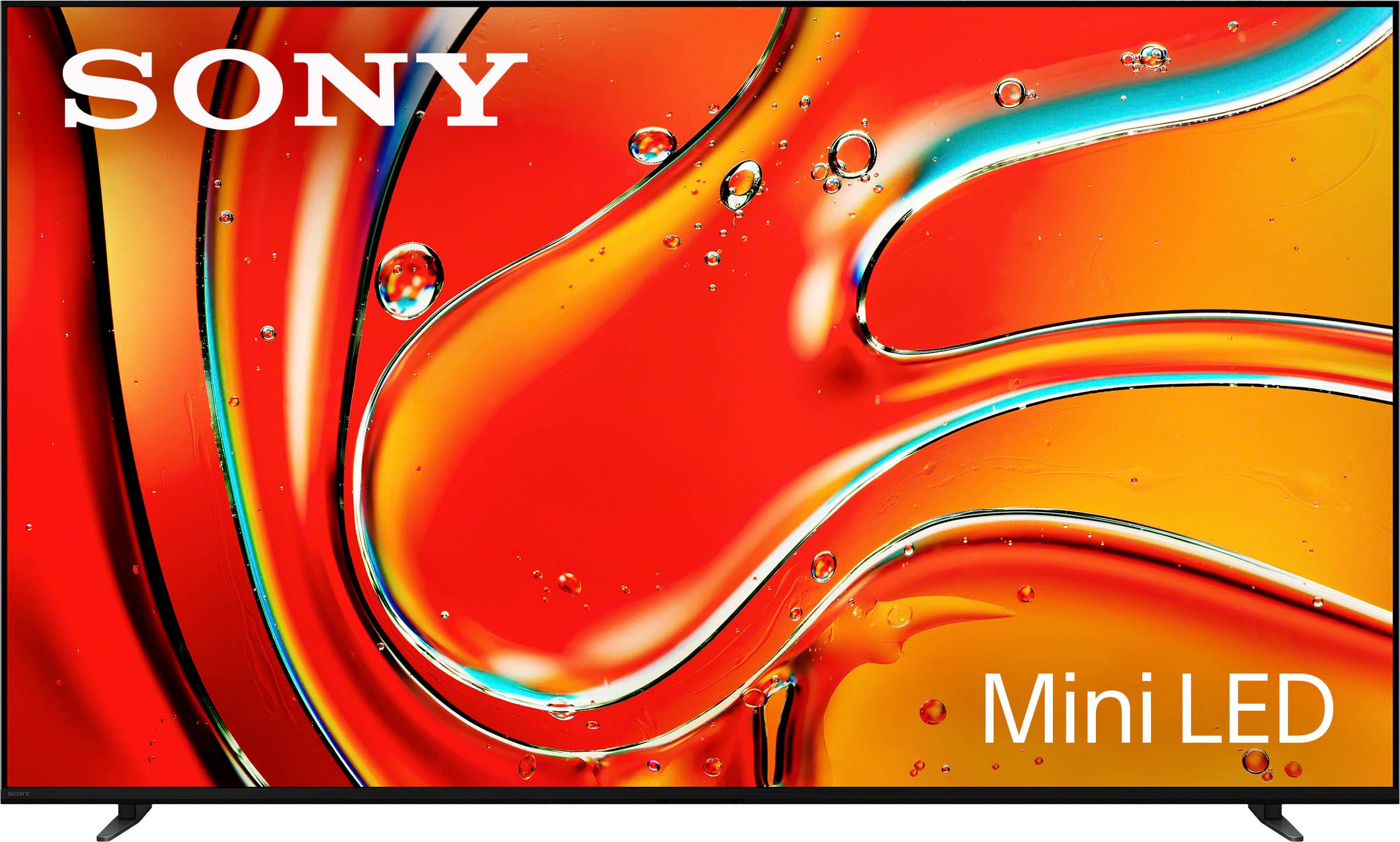
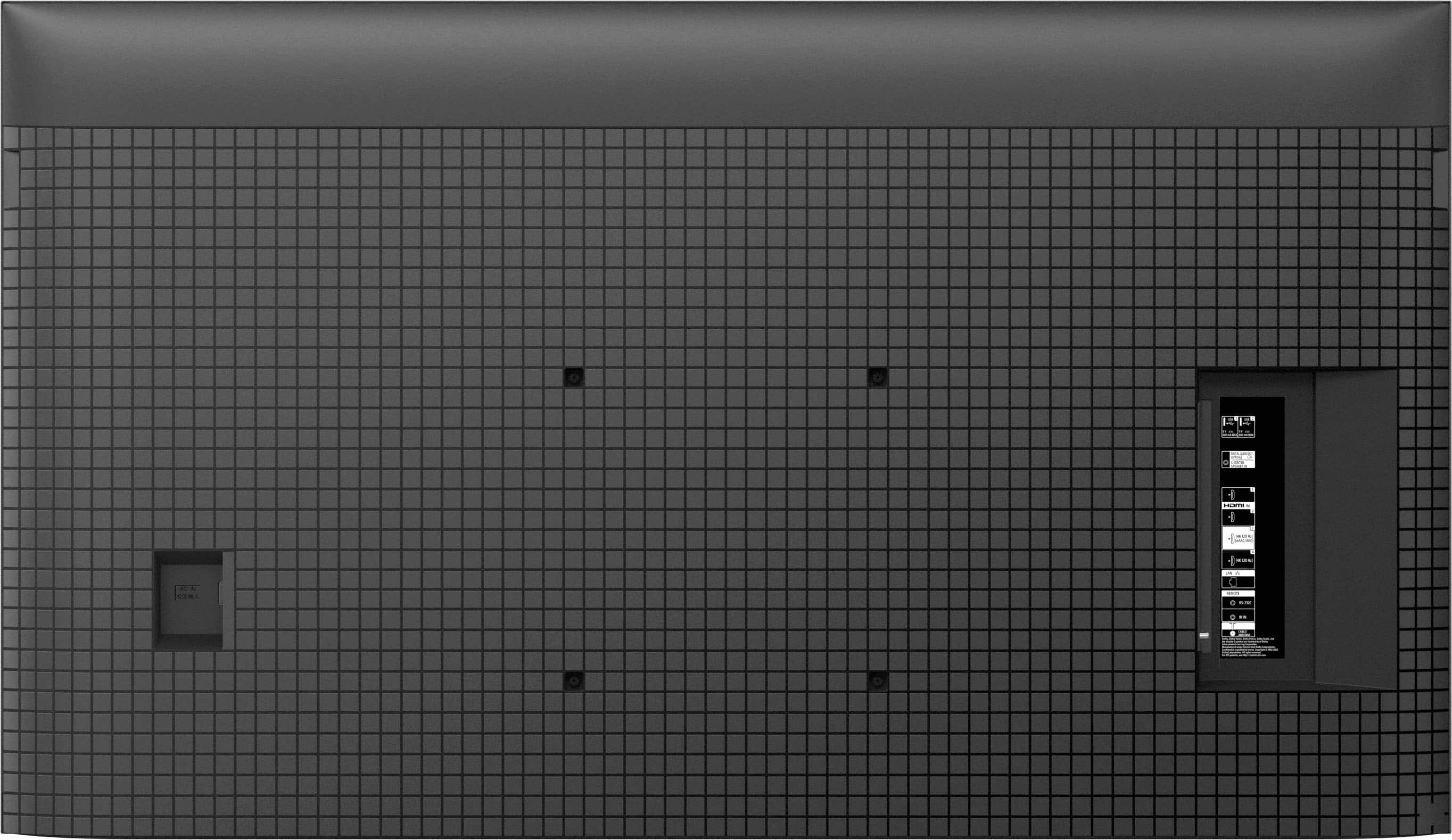







- Model:
- K65XR70
- SKU:
- 6578571
Rating by feature
- Picture Quality
Rating 4.8 out of 5 stars
- Sound Quality
Rating 4.6 out of 5 stars
- Brightness
Rating 4.8 out of 5 stars
to a friend
Customers are saying
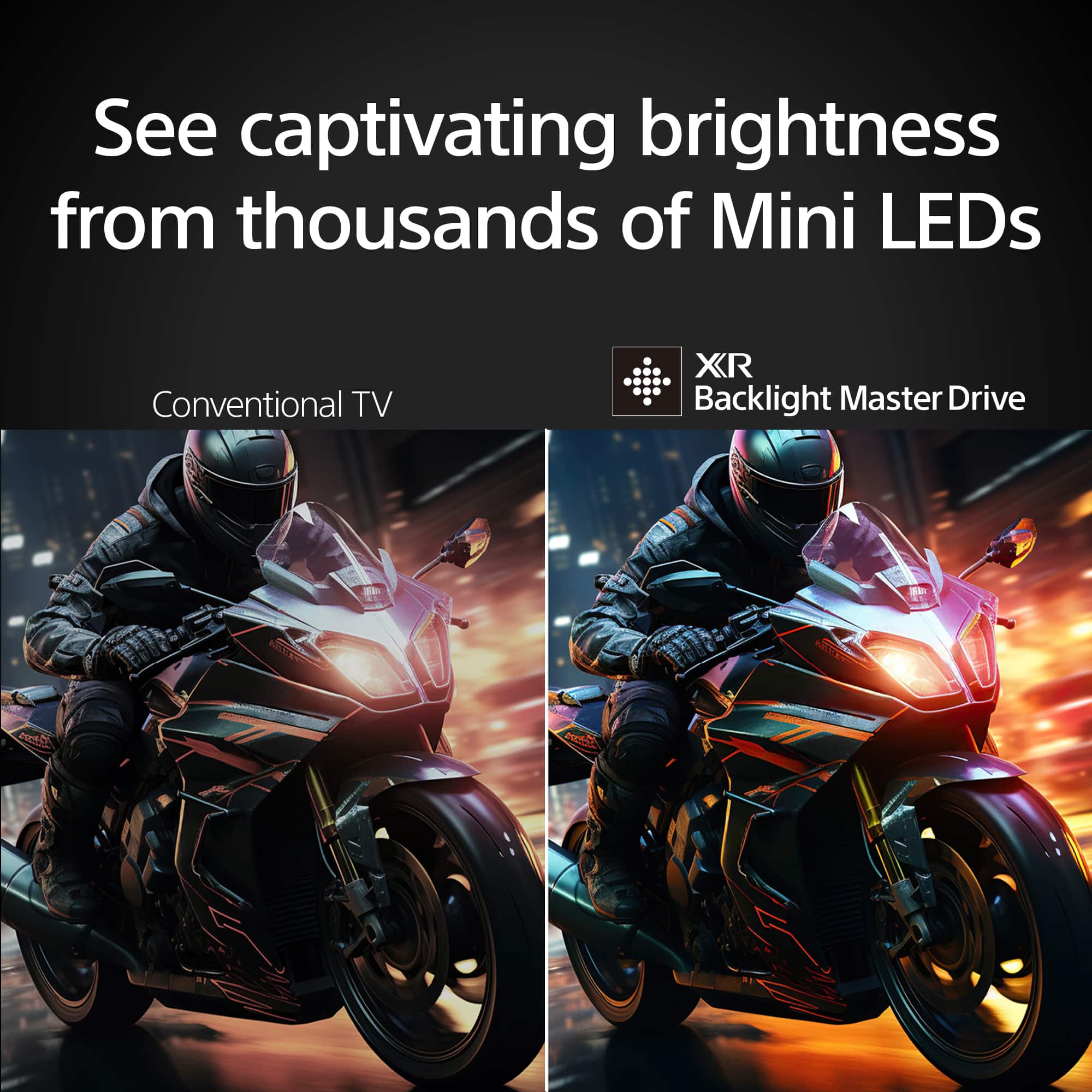
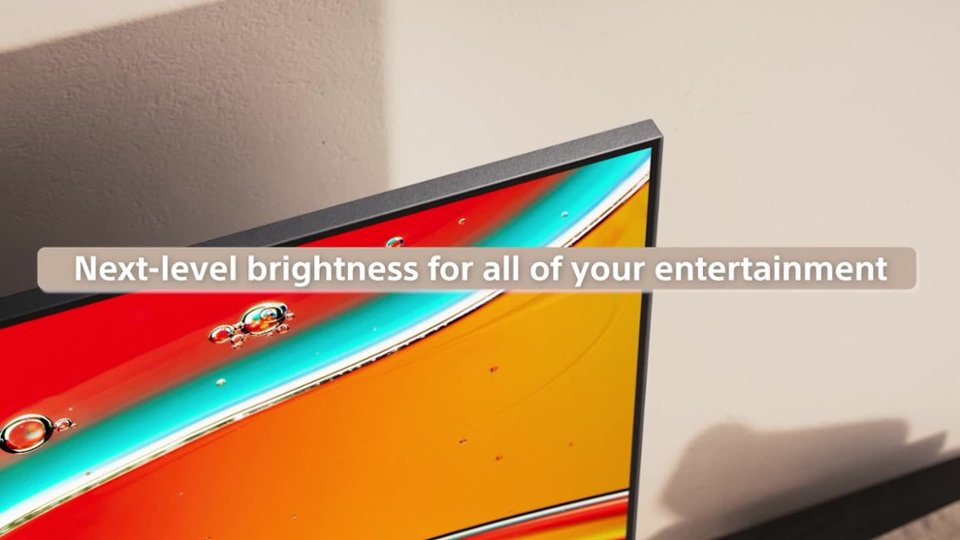
Customers appreciate the exceptional picture quality and brightness of the 65" class BRAVIA 7 Mini LED QLED 4K UHD Smart Google TV (2024), along with its ease of use and impressive black levels. The Mini LED technology is also praised for its brightness. Some customers have noted concerns regarding the remote control, reflections, connectivity options, number of HDMI ports, and price.
This summary was generated by AI based on customer reviews.
65” Sony Bravia 7 blank screen
||Posted . Owned for 2 weeks when reviewed.This reviewer received promo considerations or sweepstakes entry for writing a review.65” Sony Bravia 7 worked great for a couple days, then out of nowhere the screen went blank. Tried unplugging and plugging in and a factory reset. Neither worked. I can hear the initial setup audio, but there’s no picture. Waiting for the geek squad. Someone will be here to check it out in a couple days. The TV I replaced never had a problem and I figured spending the extra money on a reputable brand that I would avoid stuff like this. I can’t tell you how frustrating this is to buy a nice new TV for the family for Christmas and now we have to spend the holidays without a TV. I should have just went with a cheap brand like Hisense.
No, I would not recommend this to a friendBrand response from SonyListens
Posted .Hi NickS,
Thank you for sharing your experience, and we sincerely apologize for the inconvenience this has caused, especially during the holiday season. We understand how frustrating it can be to face issues with your new Sony BRAVIA 7.
It’s good to hear that someone is coming to assist, but if you need any further help or guidance in the meantime, please don't hesitate to contact us directly. Email the following information to socialsupport@am.sony.com. Apologies if you've already shared this information with customer service — we just want to ensure we have your most accurate details:
Full Name:
Best Buy Username:
Telephone Number:
Additional Information regarding your experience with the BRAVIA 7.
We're here to help and ensure you get the best possible experience with your Sony BRAVIA 7.
Sincerely,
Maria
Viewing angle limited
||Posted . Owned for 1 month when reviewed.This reviewer received promo considerations or sweepstakes entry for writing a review.⁹great picture IF you're right in front of screen. For my situation it's fine. For a larger group, I'd have reservations as the viewing angles are quite narrow!!
I would recommend this to a friendBrand response from SonyListens
Posted .Hi JamesF, thank you for sharing your experience! We're glad to hear that you're enjoying the great picture quality of your Sony BRAVIA 7 TV. When it comes to viewing distance, the recommended distance for watching a 4K TV is 1.5 times the TV's vertical screen size. You can find more information about recommended viewing distance here: https://www.sony.com/electronics/support/articles/00008601?utm_source.
While your BRAVIA 7 TV does not feature X-WIDE ANGLE or X-ANTI REFLECTION, you may find this link helpful for adjusting the picture quality to improve your viewing experience: https://www.sony.com/electronics/support/articles/00190409?utm_source.
We hope this information helps! If you need further assistance, we’d be happy to contact you directly. Please email us at socialsupport@am.sony.com with the following details so we can assist you better:
Full Name
Best Buy Username
Telephone Number
Additional Information regarding your experience with your K65XR70
Best regards,
Maria
Sony clear!
||Posted . Owned for 1 week when reviewed.This reviewer received promo considerations or sweepstakes entry for writing a review.Sony always a must buy for best tv quality and picture.
I would recommend this to a friendBrand response from SonyListens
Posted .Hi Ziggy,
You made the right choice! We're glad that you are enjoying the picture quality of the TV. Thank you for choosing Sony!
-Ralph
Not such a perfect picture
||Posted . Owned for 1 month when reviewed.This reviewer received promo considerations or sweepstakes entry for writing a review.Not the quality picture that I expected, nothing like an oled
I would recommend this to a friendBrand response from SonyListens
Posted .Hi, RLLL,
Thanks for the review! Comments and feedback is well received as Sony strives to deliver the best quality products. Keep in mind you can take advantage of the picture settings to find the option you like the most, so you can enjoy your content the way that you deserve to, and with Acoustic Multi-Audio, sound positioning tweeters will produce wider, elevated sound that matches the picture you see.
Thanks for choosing Sony, have an amazing day!
-DiegoV
Sony 65" mini led tv
||Posted . Owned for 1 month when reviewed.This reviewer received promo considerations or sweepstakes entry for writing a review.Love tv but not as good of picture as expected. Do your owe compare of sony tvs.
I would recommend this to a friendBrand response from SonyListens
Posted .Hi ArthurD,
Thanks for sharing your review and experience with the BRAVIA 7. Your feedback is greatly appreciated. For optimum performance, make sure that the software version of the TV is up-to-date. You may find this link helpful:
https://www.sony.com/electronics/support/articles/00028577
Picture quality may vary depending on the source content. You have the option to adjust the settings of the TV to fine-tune the picture quality depending your needs. For more information, please refer to these links:
https://helpguide.sony.net/tv/lusltn1/v1/en-003/01-03-09_01.html
https://www.sony.com/electronics/support/articles/00245141
Hope this helps. In case you need further assistance, please email us at socialsupport@am.sony.com with the following details:
Name:
Username:
Model Number:
Issue:
Telephone Number:
Or contact our product support team via phone call or chat through this link:
https://us.esupport.sony.com/support/s/support-contact?language=en_US&category=tv
Thanks for choosing Sony!
-Ralph
It’s good not great
||Posted . Owned for 1 month when reviewed.This reviewer received promo considerations or sweepstakes entry for writing a review.Picture isn’t as good as my Samsung . Picture quality is the only negative.
No, I would not recommend this to a friendBrand response from SonyListens
Posted .Hi Goblue,
Thanks for sharing your review and experience with the Sony BRAVIA 7. Your feedback is greatly appreciated. For optimum performance, make sure that the software version of the TV is up-to-date. Picture quality may vary depending on the source content. You have the option to adjust the settings of the TV to fine-tune the picture quality depending on your needs. You may find this link helpful:
https://www.sony.com/electronics/support/articles/00190409
Hope this helps. In case you need further assistance, please contact our product support team via phone call or chat through this link:
https://us.esupport.sony.com/support/s/support-contact?language=en_US&category=tv
Thank you for choosing Sony!
-Ralph
Nice upgrade
||Posted . Owned for 2 weeks when reviewed.This reviewer received promo considerations or sweepstakes entry for writing a review.Really nice quality, the only downside (for me at least) is that it cannot control the audio receiver
I would recommend this to a friendBrand response from SonyListens
Posted .Hi Pandaru,
Thank you for your feedback! We're glad to hear you're enjoying the quality of your Sony BRAVIA 7 Mini LED QLED. We understand how important it is to have seamless control over all your devices, and we appreciate you sharing that concern. Thank you for choosing Sony! -Maria
Sony NO Xfinity Stream
||Posted . Owned for 1 week when reviewed.This reviewer received promo considerations or sweepstakes entry for writing a review.very nice tv however if I could stream Xfinity without going thru a fire stick it would be better.
I would recommend this to a friendBrand response from SonyListens
Posted .Hi QueenBee,
Thanks for sharing your review and experience with the BRAVIA 7 TV. Your feedback about the Xfinity app is greatly appreciated. Unfortunately, the Xfinity streaming app is currently not available on this TV. Aside from connecting an external HDMI device that supports the app, you can also use the built-in Chromecast feature to cast the content from the Xfinity app on your mobile device to this TV. For more information, please refer to this link:
https://helpguide.sony.net/tv/lusltn1/v1/en-003/05_04.html
Hope this helps. In case you need further assistance, please email us at socialsupport@am.sony.com with the following details:
Name:
Username:
Model Number:
Issue:
Telephone Number:
Or contact our product support team via phone call or chat through this link:
https://us.esupport.sony.com/support/s/support-contact?language=en_US&category=tv
Sincerely,
-Ralph
Not as expected
||Posted . Owned for 1 week when reviewed.This reviewer received promo considerations or sweepstakes entry for writing a review.Not what I expected from Sony, even after seeing it in the store. My 9 year old Samsung looked and worked better, but it was showing its age. Even the lesser priced, year earlier Sony (that was delivered by mistake) was better picture and features. So, do more research.
No, I would not recommend this to a friendBrand response from SonyListens
Posted .Hi Klaus,
Thank you for your feedback. We're truly sorry to hear that your experience with the BRAVIA 7 did not meet your expectations. This is certainly not the outcome we strive for, and we would appreciate the chance to better understand the issue you're facing and provide assistance.
If you're willing, we would like to reach out to you directly. Please send the following information to socialsupport@am.sony.com so we can ensure we have the most accurate details:
- Full Name:
- Username:
- Telephone Number:
- Model Number:
- Issue/Concern:
We apologize for any inconvenience this may have caused. We look forward to speaking with you and working towards a resolution.
Thank you for bringing this to our attention.
Best regards,
Romeo
Sony Social Support
Good TV, Complex Streaming
||Posted . Owned for 1 month when reviewed.This reviewer received promo considerations or sweepstakes entry for writing a review.The TV is fine, but the google tv is difficult to work with. Plus it is not providing streaming access to the cable channels we prefer, despite what the Best Buy salesman said. We may have to buy additional secondary market streaming services to access the channels we prefer.
I would recommend this to a friendBrand response from SonyListens
Posted .Hi StephenV, Thank you for your feedback on the BRAVIA 7 TV. We're glad to hear that you find the TV itself satisfactory. We apologize for the difficulties you're experiencing with Google TV and the streaming access to your preferred cable channels. To assist you more effectively, please specify the apps or streaming services you are attempting to access. Email us at socialsupport@am.sony.com with the following details:
Name:
Username:
Model Number:
Issue:
Telephone Number:
We appreciate your patience and understanding. Thanks for choosing Sony! -Sam
Sony Mini LED
||Posted . Owned for 1 year when reviewed.This reviewer received promo considerations or sweepstakes entry for writing a review.This TV was a disappointment. Best Buy presented Sony as a recommended option due to its new chip and upscaling potential. I found the picture to be acceptable but inferior to similarly priced LG products. Furthermore, the TV failed after 13 months and Best Buy and Sony offered no recourse despite paying $1,800 for a 65” LCD TV. Sony used to be rock solid. It is now overpriced mediocrity. I recommend staying far away from their products as their positive reviews are suspect and likely endorsed.
No, I would not recommend this to a friendBrand response from SonyListens
Posted .Hi Triffle,
We are very sorry to hear about your experience with your Sony - BRAVIA 7. This is certainly not the level of performance or long-term reliability we want for our customers, and we understand your frustration—especially given your history with Sony products.
We would like to personally review the details of your situation to see how we can better assist you. Please email the information listed below to us at socialsupport@am.sony.com:
Full Name:
Best Buy Username:
Telephone Number:
Model Number:
Issue/Concern:
Thank you for bringing this to our attention and for considering Sony. We look forward to hearing from you soon.
Regards,
Dominick
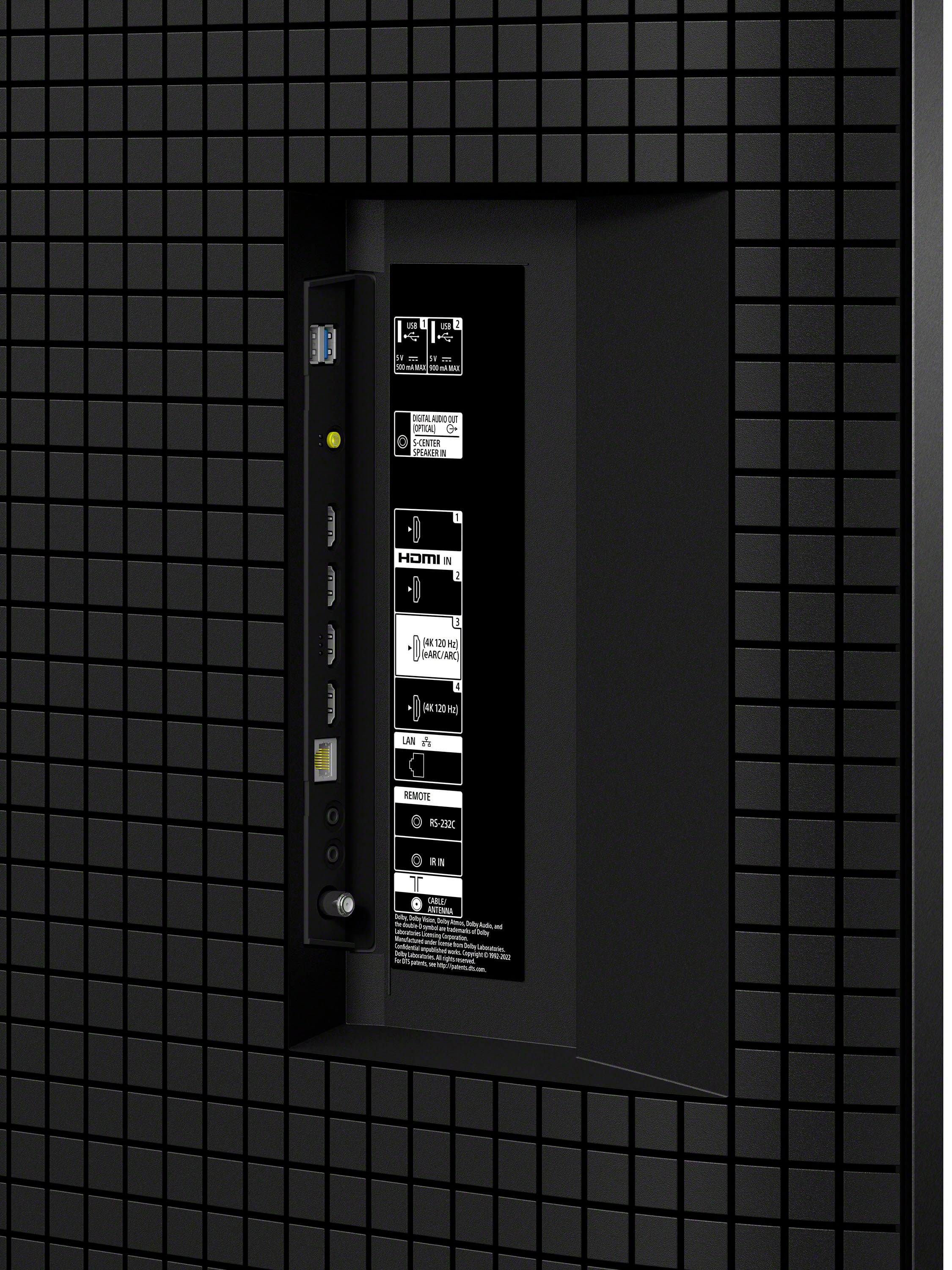
No enough connection access
||Posted . Owned for 3 weeks when reviewed.This reviewer received promo considerations or sweepstakes entry for writing a review.I was disappointed in the Sony had very few connection jacks. I returned it and purchased a LG set instead and am very satisfied with the delivery and return service.
No, I would not recommend this to a friendBrand response from SonyListens
Posted .Hi Kathy, Thank you for your feedback regarding the Sony BRAVIA 7. We apologize for any inconvenience caused by the limited number of connection jacks on this TV. We understand how important connectivity options are for our customers, and we appreciate your input as it helps us improve our products. We're glad to hear that you had a positive experience with the delivery and return service. I hope you consider our Sony products in the future.
Regards,
Sam
TV TOO CLOSE TO WALL
||Posted . Owned for 3 weeks when reviewed.This reviewer received promo considerations or sweepstakes entry for writing a review.REALIZED WHEN TV WAS INSTALLED IT WAS TOO CLOSE TO WALL TO PLUG IN EXTRA GAME FEATURES
No, I would not recommend this to a friendSony mini led 2024
||Posted . Owned for 1 week when reviewed.This reviewer received promo considerations or sweepstakes entry for writing a review.Not as good as they said it would be. Picture sucks
No, I would not recommend this to a friendBrand response from SonyListens
Posted .Hi PatrickB4,
I’m sorry to hear that the picture quality of our BRAVIA 7 (K65XR70) is not to your liking but we would like to know more information or to give you some suggestions about your TV. If you are interested, you can schedule a one-on-one consultation with our experts here:
• https://electronics.sony.com/one-on-one-consultation?utm_campaign=ooclink_rsiyt_20201026&utm_source=youtube&utm_medium=social_organic&utm_content=rsi&cid=sco-na-3351
Should you need more information/technical assistance, please email us at socialsupport@am.sony.com with the following details and we'll be more than happy to assist you.
Name:
BestBuy Username:
Model Number:
Issue:
Telephone Number:
We value you, and thanks for your purchase.
Sincerely,
Romeo
Sony Social Support
Always freezing and restarting
||Posted . Owned for 1 month when reviewed.This reviewer received promo considerations or sweepstakes entry for writing a review.This tv keeps freezing rebooting when it wants. You have to manually unplug and plug back in to restart. When I called best buy they wanted nothing to do with me even though I have warranty. Best buy really going down the tubes. This TV is way too expensive for this many errors.
No, I would not recommend this to a friendBrand response from SonyListens
Posted .Hi Terrible,
We sincerely apologize for the inconvenience you are experiencing with your Sony BRAVIA 7 TV. This is not the experience we want you to have, and we're here to help make this better for you.
To address the issue of your TV freezing and rebooting unexpectedly, you can try the following troubleshooting steps:
Restart or Power Reset:
Using the supplied remote control, point it at the illumination LED or status LED and press and hold the POWER button for about 5 seconds, or until a message "Power off" appears. The TV should restart automatically. Wait for approximately one minute, and the TV will turn back on. If it does not reboot, press the POWER button on the remote control to turn on the TV.
Alternatively, you can restart the TV using the menu:
Press (Quick Settings) → Settings → System → Restart → Restart
Press HOME → Settings → About → Restart → Restart
Press HOME → Settings → Device Preferences → About → Restart → Restart
Power Reset:
Turn off the TV and unplug the power cord from the electrical outlet. Let the TV remain without power for 2 minutes. Plug the power cord back into the electrical outlet and turn on the TV.
Factory Data Reset:
Performing a factory data reset will remove all customer settings in the TV including Google account, app, channel, camera device data, parental lock, and wireless network settings. You can sync your apps with your Google account to recover some of the application's data after you perform a factory reset.
Follow the steps below depending on your TV menu:
Press HOME → navigate to Settings → Device Preferences or Accounts and Sign in → Google → Choose synced apps → select items to sync → Sync now
Press HOME → navigate to Settings → Google → Choose synced apps in Sync → select items to sync → Sync now
Press HOME → navigate to Settings → Personal → Google → Choose synced apps in Sync → select items to sync → Sync now
Forced Factory Data Reset:
This procedure is generally used to resolve issues with app errors, the TV restarting by itself, or the TV not responding to remote control commands.
If you need further assistance, may we contact you directly? If so, please email the following information to socialsupport@am.sony.com. Apologies if you've already shared this information with customer service — we just want to ensure we have your most accurate details:
Full Name:
Best Buy Username:
Telephone Number:
Additional Information regarding your experience with the BRAVIA 7.
Thank you for your patience, and we look forward to improving your experience!
Sincerely,
Maria
Not happy
||Posted . Owned for 1 month when reviewed.This reviewer received promo considerations or sweepstakes entry for writing a review.every time it's turned on, it has to be restarted because the sound is behind picture. Called Sony and they told me how to reset it but that's just not right on a set of this caliber.
No, I would not recommend this to a friendBrand response from SonyListens
Posted .Thank you for sharing your experience and bringing this to our attention, JerrylM. We understand how disappointing it can be to encounter audio lag that requires you to restart your TV, especially with a premium model like the Sony K65XR70. This is not the experience we aim to deliver.
Typically, audio out-of-sync issues can sometimes be resolved by a full reset, as our support team suggested. Resetting is a standard troubleshooting step and often helps resolve temporary software glitches that might affect sound and picture synchronization. However, we agree that needing to do this every time you power on your TV is not acceptable for a set of this caliber and should not be necessary under normal circumstances.
For an issue that persists after a reset or recurs regularly, we recommend ensuring your TV’s firmware is fully up to date, as ongoing updates can include important fixes and optimizations. Double-check connection settings, especially if you use external sound systems (like a soundbar or AV receiver), as incorrect audio settings can also cause sync issues. If the problem is ongoing despite these steps, it may point to a deeper technical concern that requires further assessment.
We sincerely apologize for the inconvenience and appreciate your expectation for a higher-quality experience. If the issue continues after following troubleshooting and updates, we kindly ask that you email us at socialsupport@am.sony.com with the following information:
- Name
- Username
- Model Number
- Description of the Issue
- Telephone Number
- Case number
Your feedback is very important to us and helps drive improvements in our products and services. Thank you for raising this concern and considering Sony—your satisfaction is our priority.
Best regards,
Gus
Sony Social Media Team
Refund not delivered as promised
||Posted . Owned for 1 month when reviewed.This reviewer received promo considerations or sweepstakes entry for writing a review.While purchasing the TV, shop team member informed me that the TV will be delivered as per my timings. Hence based on my request I had hired an person to mount the TV. This TV was not delivered as per my timings because of which I had to pay an additional cost of xx dollars to a person that I had hired for wall mounting. I called the customer service on Apr 26th / 27th and I was promised that I will be compensated with this xx dollar. Till today Best buy team has not fulfilled their promise. Please check the call recordings and as well notes. Today after a long waiting time close to 55 minutes, I was told that there will not be any refund. Best buy is not leaving upto their words.I am also sharing the case number here for reference and this needs to be investigated thoroughly. Ref. number : 356860185. Awaiting for a positive response
I would recommend this to a friendBeen 3 weeks and still no refund!!
||Posted . Owned for 3 weeks when reviewed.This reviewer received promo considerations or sweepstakes entry for writing a review.The delivery and installation were very good but I returned one of the tvs and have still not received a credit refund for over 3 weeks despite several calls to Best Buy!! It has been incredibly frustrating.
I would recommend this to a friendSony bravia
||Posted . Owned for 1 month when reviewed.This reviewer received promo considerations or sweepstakes entry for writing a review.The picture is average. The one in the store was great. This isnot sp great.
No, I would not recommend this to a friendBrand response from SonyListens
Posted .Hi JaneK,
We regret to hear that you are not satisfied with the TV. Sony's commitment to customer satisfaction is our top priority.
For optimum performance, make sure that the software version of the TV is up-to-date. You may find this link helpful:
https://www.sony.com/electronics/support/articles/00028577
Picture quality may vary depending on the source content. You have the option to adjust the settings of the TV to fine-tune the picture quality depending your needs. For more information, please refer to these links:
https://helpguide.sony.net/tv/lusltn1/v1/en-003/01-03-09_01.html
https://www.sony.com/electronics/support/articles/00245141
Hope this helps. If still not resolved or you need further assistance, please email us at socialsupport@am.sony.com with the following details:
Name:
Username:
Model Number:
Issue:
Telephone Number:
Or contact our product support team via phone call or chat through this link:
https://us.esupport.sony.com/support/s/support-contact?language=en_US&category=tv
Sincerely,
-Ralph
Green screen
||Posted . Owned for 1 week when reviewed.This reviewer received promo considerations or sweepstakes entry for writing a review.I am about to return this TV because the screen keeps going green
No, I would not recommend this to a friendBrand response from SonyListens
Posted .Hi Review,
Thank you for bringing this to our attention, and we sincerely apologize for the inconvenience. It is unfortunate to hear that you're having a picture issue with your BRAVIA 7 (K65XR70). This is usually not the case and certainly not the experience we were hoping you would have. To check if the TV is working properly, please perform our suggested troubleshooting steps on this Help Guide link:
Self diagnostics - https://helpguide.sony.net/tv/lusltn1/v1/en-003/08-01_01.html
We'd love to know more about the problem you are having with your unit and help you out. Please email the following details to socialsupport@am.sony.com so we can get more information and assist you further.
Name:
BestBuy Username:
Model Number:
Issue:
Telephone Number:
We value you being a Sony customer. Sorry for the inconvenience and hope to speak directly to try to resolve this matter.
Thank you for letting us help assist you.
Sincerely,
Romeo
Sony Social Support