Customer Ratings & Reviews








- Model:
- K65XR70
- SKU:
- 6578571
Rating by feature
- Picture Quality
Rating 4.8 out of 5 stars
- Sound Quality
Rating 4.6 out of 5 stars
- Brightness
Rating 4.8 out of 5 stars
to a friend
Customers are saying
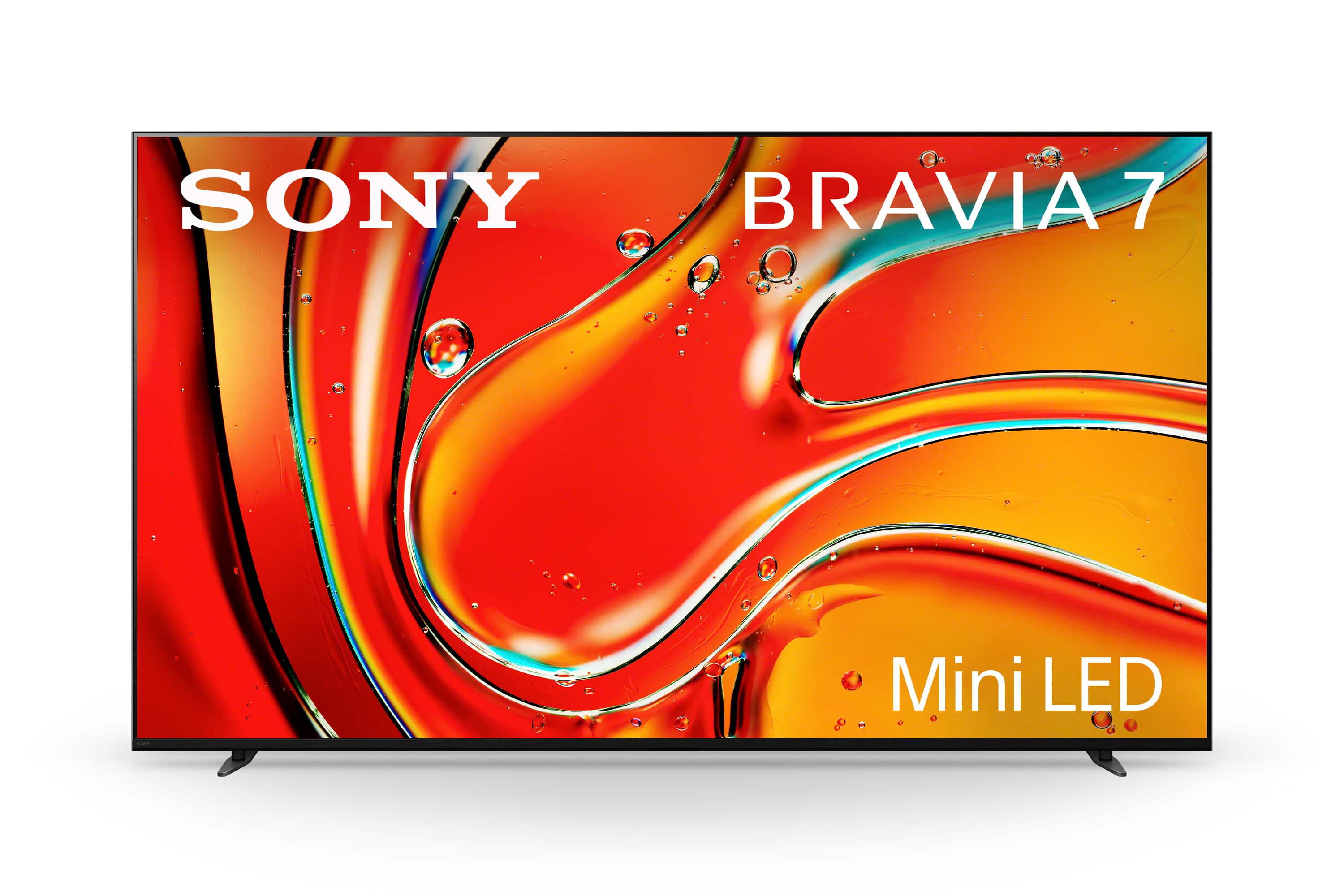
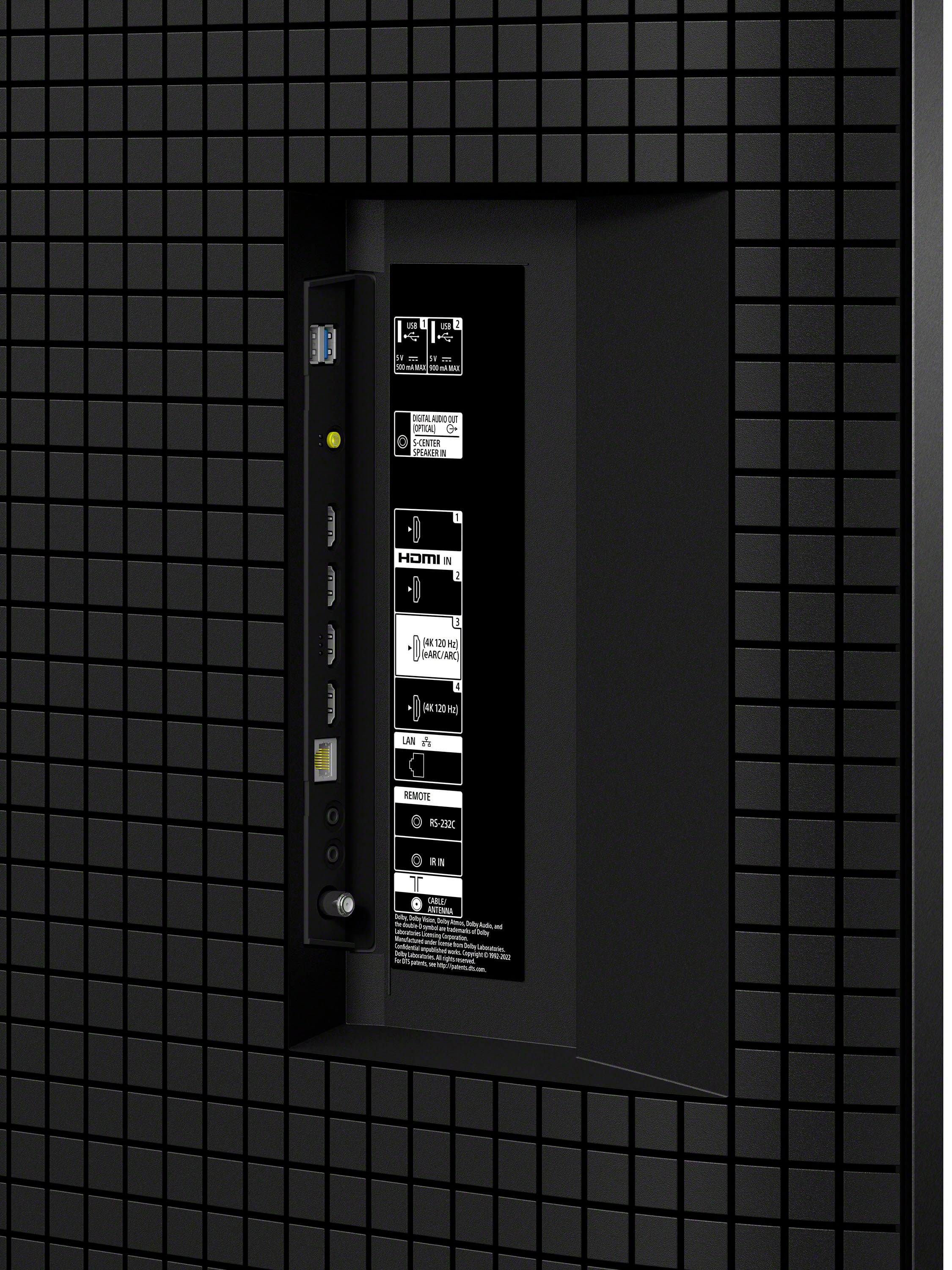
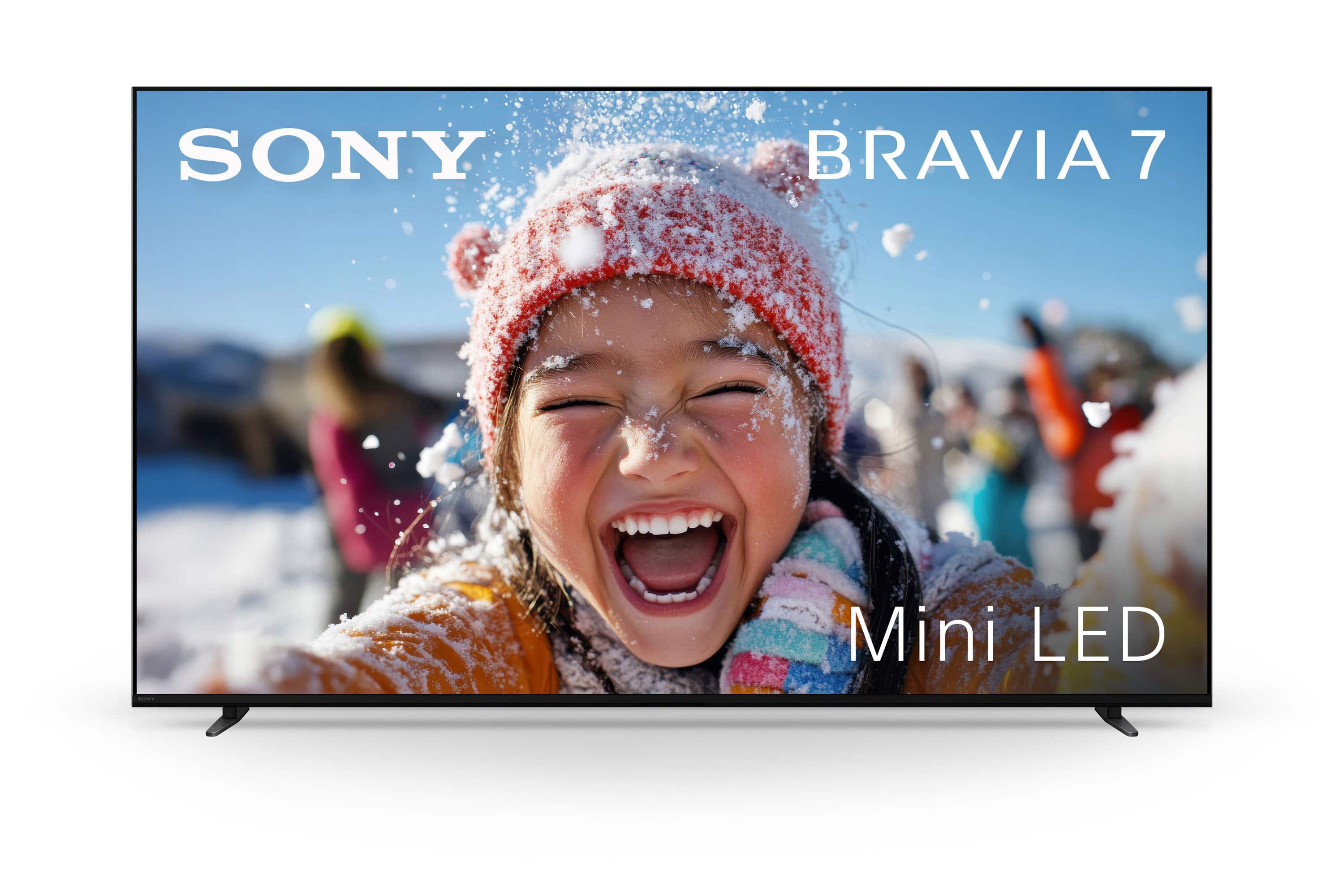
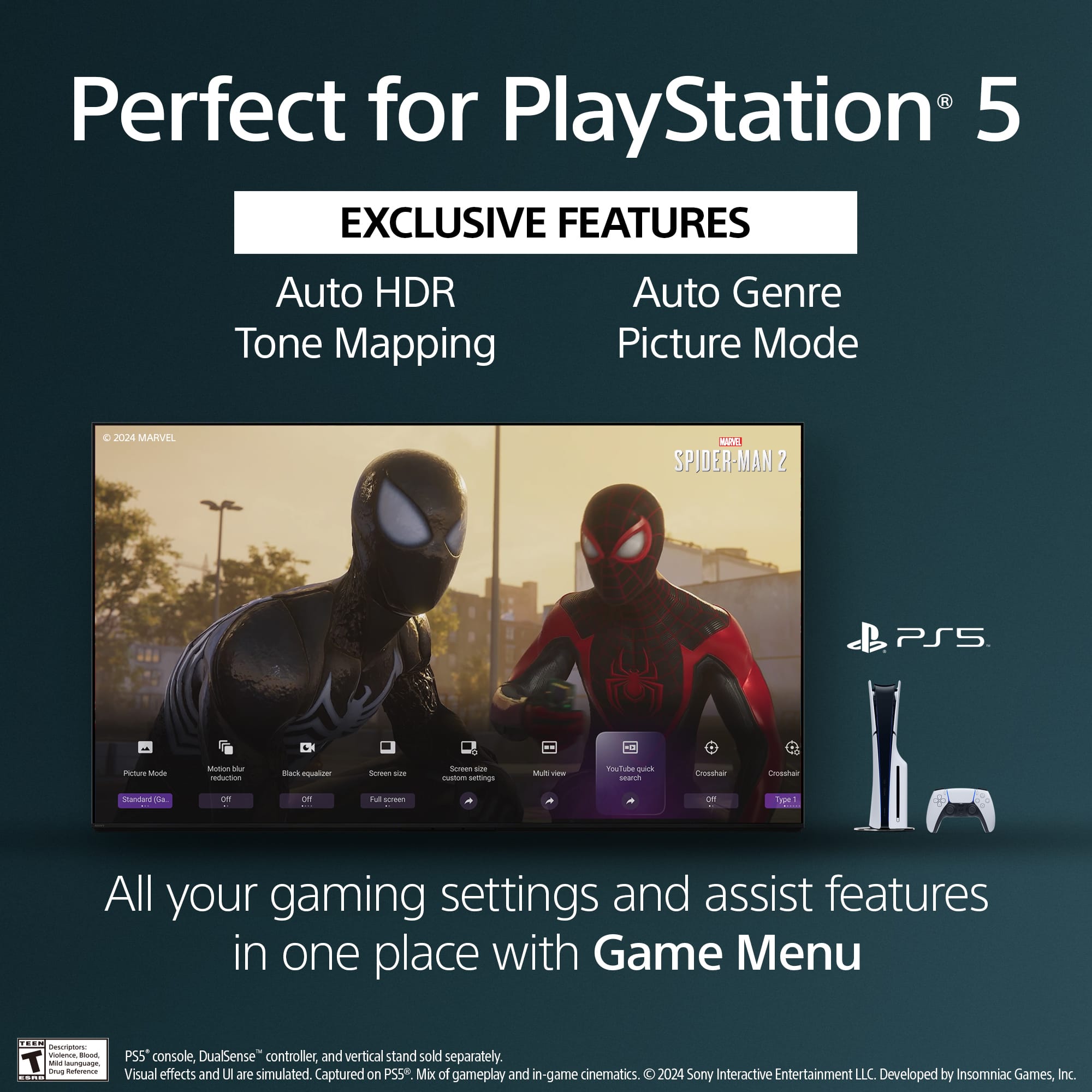
Customers appreciate the exceptional picture quality and brightness of the 65" class BRAVIA 7 Mini LED QLED 4K UHD Smart Google TV (2024), along with its ease of use and impressive black levels. The Mini LED technology is also praised for its brightness. Some customers have noted concerns regarding the remote control, reflections, connectivity options, number of HDMI ports, and price.
This summary was generated by AI based on customer reviews.
My new shiny Sony
Posted .This reviewer received promo considerations or sweepstakes entry for writing a review.So far so good. Love the quality and features of the new tv. Had it delivered. First tv was bad right out of the box. Screen was cracked. No problem for best buy. They picked up the bag one and delivered a replacement.
I would recommend this to a friendBrand response from SonyListens
Posted .Thank you for sharing your experience, kjw49419!
We are so happy to hear that, despite the rough start with the first unit, you are loving the quality and features of your new K-65XR70. It is wonderful to know that our partners at Best Buy took great care of you and got a replacement delivered smoothly.
We’re glad everything is "so far so good" now—enjoy the new TV and thank you for choosing Sony!
Best regards,
Gus,
Sony Social Media Team
Very Nice.
Posted .This reviewer received promo considerations or sweepstakes entry for writing a review.I've only had this TV for about 2 weeks, but I'm very happy with it. The picture is excellent with very realistic colors and tones and the brightness is easy to control. Setup was quick and simple. Construction is solid. I was very concerned with reflection issues that have been brought up in reviews. I did a lot of research and the truth is, most TVs have reflection issues. Years ago matte type screens were common, but hard to find now days. Anyway, If you have windows directly behind where you are sitting, reflections with this TV will likely be an issue during the day time. I have a small window off to the side and a lamp next to the couch that I can turn off, so not really an issue for me, especially if I crank up the brightness a bit. Two other items worth mentioning. The remote is not backlit, so can be a pain if you're watching in the dark. Secondly, I think the negative viewing angle reviews are overblown. The angle you have to be at for it to be an issue is not an angle you would normally be watching TV, imo.
I would recommend this to a friendBrand response from SonyListens
Posted .Hello ThomasW,
Thank you for sharing your feedback about the K65XR70 TV. We're delighted to hear that you're enjoying the exceptional picture quality, realistic colors, and easy brightness control, as well as the solid construction and quick setup. We appreciate your insight about the non-backlit remote. We understand how this can be inconvenient in low-light conditions and will take this feedback into consideration for future designs. As for the viewing angles, we're glad to hear that they meet your needs and that you found the concerns in other reviews to be overstated. Thank you again for your valuable feedback. Thank you for choosing Sony!
Best regards,
-Fred
Tv
||Posted . Owned for 5 months when reviewed.This reviewer received promo considerations or sweepstakes entry for writing a review.Not good quality for price unfortunately. Returned
No, I would not recommend this to a friendBrand response from SonyListens
Posted .Hi Cutiefly1728,
Thank you for taking the time to share your feedback regarding the K65XR70. We apologize for any disappointment you experienced with the product quality and understand your decision to return it. We value your input as it helps us improve our offerings.
We appreciate your support and hope to serve you better in the future.
Thanks for considering Sony products and sharing your feedback.
Best regards,
Stephanie
Great TV but problematic installation
Posted .This reviewer received promo considerations or sweepstakes entry for writing a review.The Sony Bravia 7 is great. Love the TV. However, I was annoyed that when the guys who came to install it and the swivel stand I bought on which to mount it, they said they had not received instructions or sufficient payment to actually mount the TV on the swivel stand. They asked for an additional $50 to do do that, and since I did not want to argue or have to deal with Best Buy about it, I paid the extra $50. They seemed very honest and did the job. I have been very busy moving in and organizing my new apartment so this is the first oportunity I have had to address this.
I would recommend this to a friendBrand response from SonyListens
Posted .Thank you for sharing your feedback, SandraK!
We are absolutely thrilled to hear that you love your new Bravia 7! It’s such a powerhouse of a TV, and we’re glad it’s found a place in your new apartment.
However, we are very sorry to hear about the confusion and the additional charge regarding your swivel stand installation. While our retail partners handle their own professional installation services, we want every part of the Sony experience—from purchase to mounting—to be seamless. We truly appreciate your patience during your move, and we will certainly share this feedback regarding the third-party service experience.
Thank you for choosing Sony, and we hope you enjoy many great movie nights in your new home!
Best regards,
Gus, Sony Social Media Team
Recommended Sony 65”Bravia!
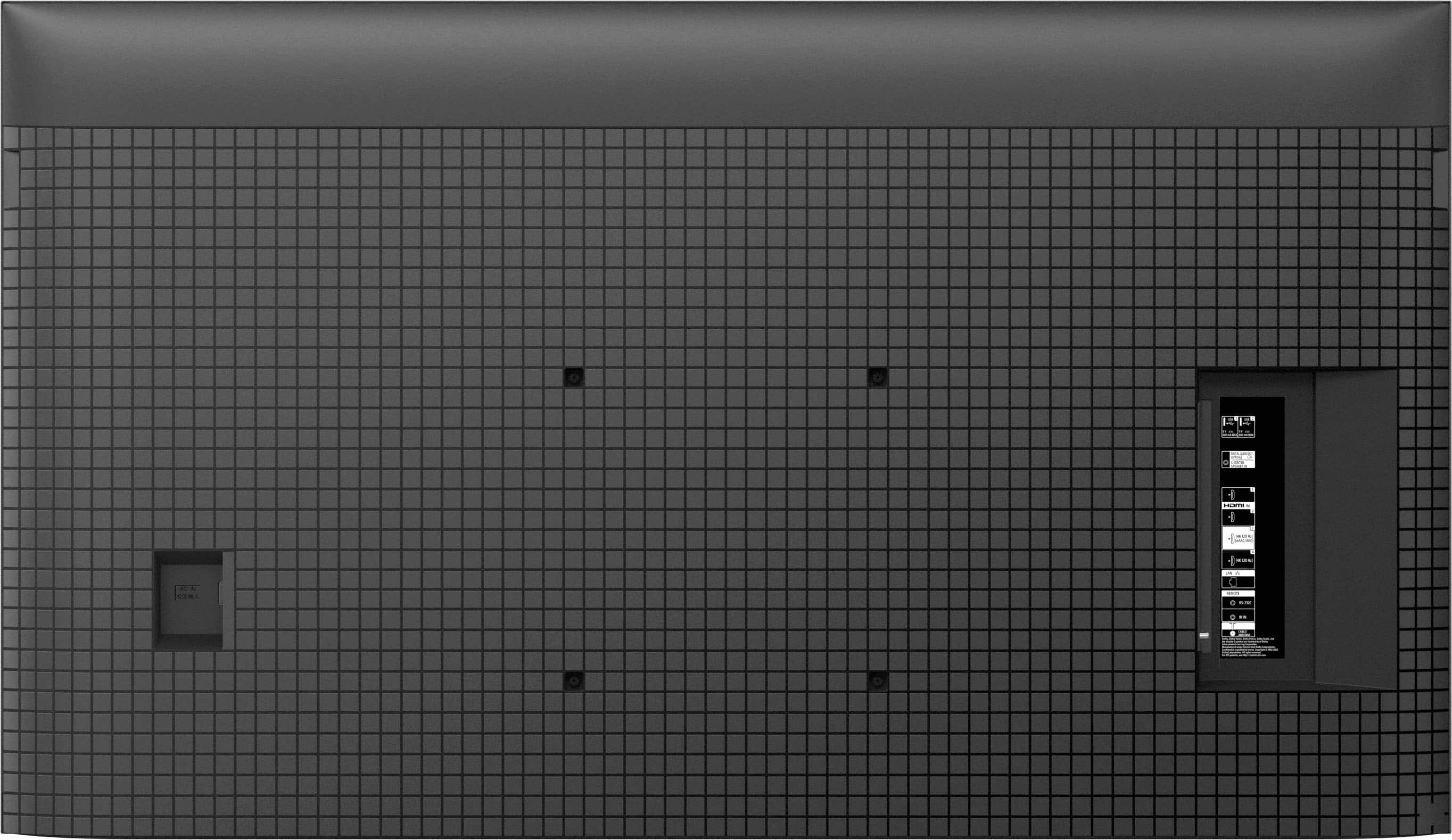
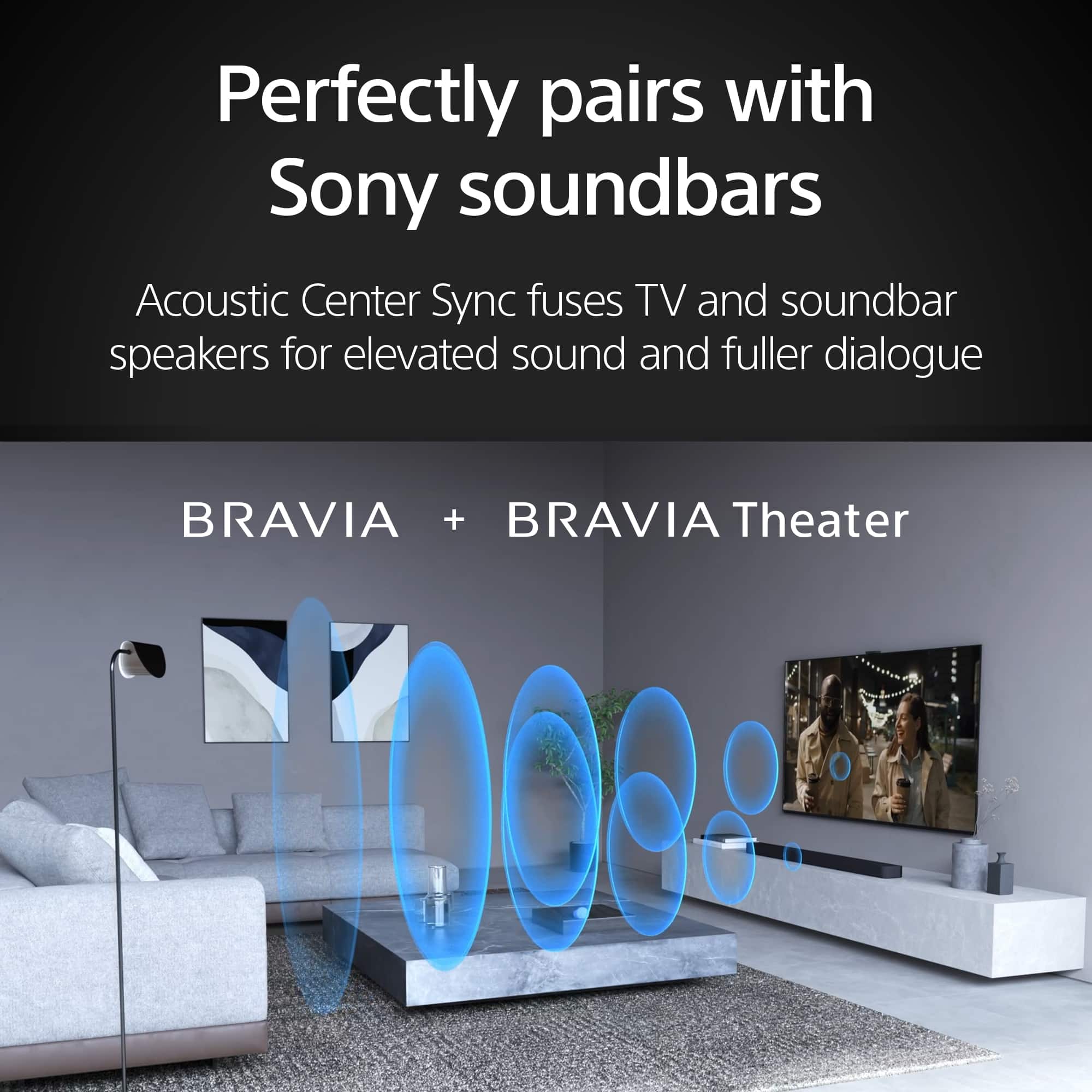
Posted .This reviewer received promo considerations or sweepstakes entry for writing a review.This TV is excellent & has a wonderfully brilliant screen! It replaced our 55” Sony Bravia with an “up to date” 65” model. The installation crew was very good & patient getting the TV to work with our WiFi system. If you’re running Mac’s with this Google TV I recommend professional install service. But Best Buy’s team was worth it & we’ve had no issues since installation. Sony has an optical output for our Bose soundbar, and it works well with the Sony. The screen works great in our bright living room, too, but has the typical options for screen brightness.
I would recommend this to a friendBrand response from SonyListens
Posted .Hi JamesH,
We are delighted to hear that your new BRAVIA 7 is a great fit for your bright living room! We are also glad to know that the installation team provided excellent service and that the optical connection is working seamlessly with your soundbar.
Thanks for choosing Sony.
Best regards,
Eliab
Very Impressed
Posted .This reviewer received promo considerations or sweepstakes entry for writing a review.Great so far and very impressed with the sharpness of the picture. Glad I went with the 65" instead of the 55" I was originally considering. This TV is replacing a Sony Bravia that was > 10 years old, so I'm hoping Sony's quality hasn't changed and this TV lasts just as long. The only issue I'm having is that the Bose soundbar I'm using will automatically power on when the TV is turned on, even though I've changed all the Bravia Sync setting to not allow this to happen.
I would recommend this to a friendBrand response from SonyListens
Posted .Thank you for the fantastic review, MrSanuk!
We are so glad the sharpness of the 65 inch screen is impressing you, and we love hearing that you are sticking with the Sony family after 10 years. Regarding the Bose soundbar powering on, this can sometimes happen due to the HDMI CEC handshake between different brands. Since you have already adjusted the Bravia Sync settings, you might also want to check the specific power settings within your Bose app or menu to ensure its auto-wake feature is disabled there too.
We hope this new TV lasts just as long as your previous Bravia. Thank you for choosing Sony!
Best regards,
Gus, Sony Social Media Team
Sony TV
Posted .This reviewer received promo considerations or sweepstakes entry for writing a review.I love it! I have 3 now. It is excellent picture quality in the size is perfect. I wouldn’t buy any TV but this one. The only downfall is it is really bright in a room.
I would recommend this to a friendBrand response from SonyListens
Posted .Hi Petunia,
It makes us really happy to hear that you’ve made the BRAVIA 7 your television of choice, especially now that you have three of them in your home! While that incredible Mini-LED brightness is designed to make HDR content pop and cut through glare in well-lit rooms, we appreciate the feedback regarding its power. We are thrilled that the picture quality and sizing hit the mark for you so consistently that you wouldn't shop anywhere else.
Thank you for your incredible loyalty and for making Sony a staple in every room of your home.
Regards,
Dominick
amazing picture awesome tv
Posted .This reviewer received promo considerations or sweepstakes entry for writing a review.Amazing picture awesome TV. I love the google tv interface.
I would recommend this to a friendBrand response from SonyListens
Posted .Thank you for the fantastic review, CGNY!
We are absolutely thrilled to hear that you are loving your new K-65XR70! It’s great to know that the picture quality is hitting that amazing mark for you.
We’re also glad to hear the Google TV interface is making your entertainment experience even better—we aim to make finding your favorite content as seamless as possible. There is nothing like a premium screen paired with a smart, easy-to-use system!
Thank you for choosing Sony and for being part of the community!
Best regards,
Gus,
Sony Social Media Team
Updating TV after 20 years
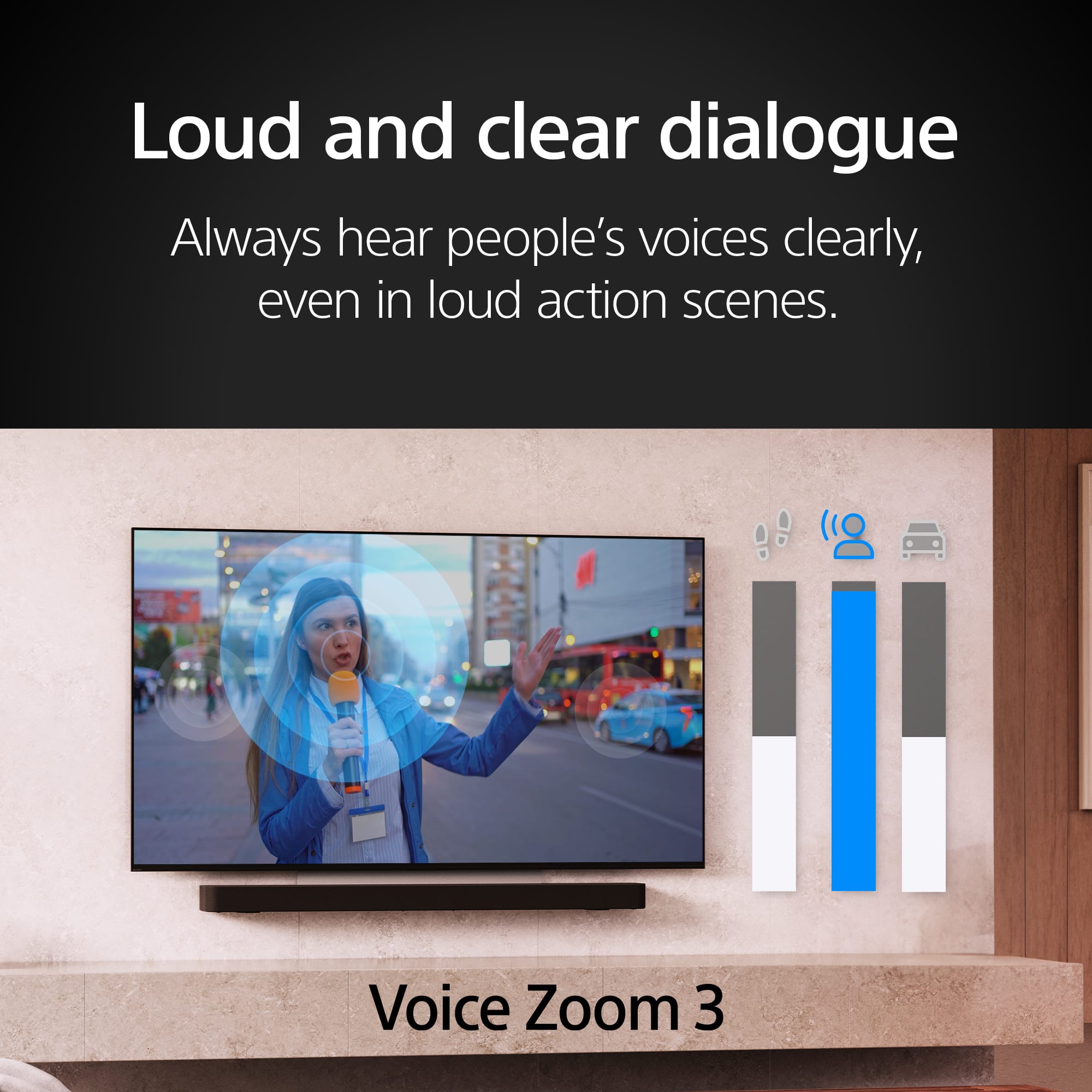
Posted .This reviewer received promo considerations or sweepstakes entry for writing a review.Perfect size for the room, as recommended by salesman. Excellent picture quality with vibrant colors and good definition. The only weakness is the sound, even with a Sony sound bar.
I would recommend this to a friendBrand response from SonyListens
Posted .Hi LynnG,
Thank you for sharing your experience! We are thrilled to hear you’re enjoying the vibrant picture quality and definition of your new BRAVIA 7. Regarding the audio, we recommend checking the "Sound Prioritization" settings in the TV menu to ensure it is perfectly synced with your soundbar.
You might find some useful information here:https://www.sony.com/electronics/support/articles/00302857.
Thanks for choosing Sony.
Best regards,
Eliab
Decent TV
Posted .This reviewer received promo considerations or sweepstakes entry for writing a review.Good TV, just a bit too large for my living room - the way I like it! I saw the reviews re: screen reflections; it is so much worse than discussed. The screen is almost like a mirror! Sound is good so far, holding off on a soundbar until I feel the need. Saw a HDR Youtube video - - - wow!!!! This Sony can stand with the best.
I would recommend this to a friendBrand response from SonyListens
Posted .Hi Pete,
It is fantastic to know that the visual performance of your Sony BRAVIA 7, especially when viewing HDR content, has provided that "wow" factor you were looking for.
We are glad to hear the sound quality is impressing you so far, and we certainly agree that sometimes a larger-than-life screen is exactly what a living room needs! Regarding the reflections you mentioned, we understand that a high-gloss panel can be sensitive to lighting. You may find that slightly adjusting the angle of the TV or using dimmable lighting in the room helps to minimize that mirror effect so you can focus entirely on those stunning HDR highlights.
If you ever decide to take the leap and add a soundbar to match that incredible picture, our latest BRAVIA Theatre systems integrate seamlessly to create a truly cinematic atmosphere.
Thank you for trusting Sony to bring the theater experience into your home.
Regards,
Dominick
GREAT PICTURE
Posted .This reviewer received promo considerations or sweepstakes entry for writing a review.EXCELLENT Sony TV. Love the brightness and clarity. Also the menu access is so well thought out. Great purchase.
I would recommend this to a friendBrand response from SonyListens
Posted .Hi ThomasK,
We are delighted to hear that you are loving the brightness and clarity of your new BRAVIA 7! It’s great to know that the interface is making your viewing experience even better.
Thanks for choosing Sony.
Best regards,
Eliab
New Sony 65"
Posted .This reviewer received promo considerations or sweepstakes entry for writing a review.Just delivered yesterday. So far, all is good! We've had several Sony TVs through the years, (always increasing the screen size!) and have yet to be disappointed. We added a sound bar with the last one, but seldom, if ever, used it. Those Dolbys just can't be beat!!
I would recommend this to a friendBrand response from SonyListens
Posted .Hi Tehya,
We’re thrilled the BRAVIA 7 is living up to your expectations! Since you enjoy the built-in sound, you’re likely hearing the Acoustic Multi-Audio system, which uses frame tweeters to make audio feel like it's coming directly from the screen. Thanks for being a loyal Sony fan!
Best regards,
Eliab
TV Delivery and setup
Posted .This reviewer received promo considerations or sweepstakes entry for writing a review.Delivery was quick. They set up tv on wall and went over quick instructions on tv operation. Smooth and quick..
I would recommend this to a friendBrand response from SonyListens
Posted .Hi DavidM,
It brings us great satisfaction to hear that you had such a seamless experience from delivery to installation! We are glad the setup process was smooth and that you were able to get up and running with your new BRAVIA 7 quickly. We hope you enjoy the stunning brightness and cinematic contrast that this Mini LED display brings to your living room.
Thank you for choosing Sony for your home theater experience.
Regards,
Dominick
Sony Bravia7 Mini LED
Posted .This reviewer received promo considerations or sweepstakes entry for writing a review.Quality is excellent and the features promoted are as advertised.
I would recommend this to a friendBrand response from SonyListens
Posted .Hi MichaelA,
We’re thrilled to hear you’re enjoying the excellent quality of your BRAVIA 7! It’s great to know that the Mini LED performance and features are delivering the premium experience we strive for.
Thanks for choosing Sony.
Best regards,
Eliab
Greay TV
Posted .This reviewer received promo considerations or sweepstakes entry for writing a review.TV is very bright and sharp. Colors are very lifelike. Upscaling of lower resolution content such as DVD or Blu-Ray impressive.
I would recommend this to a friendBrand response from SonyListens
Posted .Thank you for the fantastic review, GaryB!
We’re thrilled to hear that the K-65XR70 is delivering such a bright and sharp experience in your home! It’s great to know that our XR Processor is hitting the mark for you—especially with the lifelike colors and the upscaling of your DVD and Blu-Ray collection. We take a lot of pride in making sure even your classic favorites look modern and crisp on our Bravia 7 Mini LED screens.
Thank you for choosing Sony and for sharing your experience!
Best regards, Gus, Sony Social Media Team
Found the best TV at last!!
Posted .This reviewer received promo considerations or sweepstakes entry for writing a review.IT took buying three TVs from Besta Buy within a month to land on the right one. This Bravia 7 Mini LED QLED 4kUHD is excellent and much better than the two previous Samsuns I tried
I would recommend this to a friendBrand response from SonyListens
Posted .You made the right choice, internetdependent! We're glad you are impressed on the picture quality of the BRAVIA 7 4K TV. Enjoy and thanks for choosing Sony. -Craig
New Sony 65” TV
Posted .This reviewer received promo considerations or sweepstakes entry for writing a review.Love my new Sony TV! As advertised and Service from Best Buy Geek be able to Squad was amazing!
I would recommend this to a friendBrand response from SonyListens
Posted .Hi MariaS,
We feel privileged to know that your new BRAVIA 7 is living up to its reputation and providing the experience you were looking for. There is nothing better than a product delivering exactly what was promised, and we are thrilled that you are loving your new TV!
Thank you for trusting Sony to bring the cinema into your home.
Regards,
Dominick
Great
Posted .This reviewer received promo considerations or sweepstakes entry for writing a review.Very good service. Sales person was seemingly new, but we got it complete
I would recommend this to a friendBrand response from SonyListens
Posted .Hi BrendaJ,
We are glad to hear that you received good service and that your purchase was completed smoothly. We hope you enjoy your new BRAVIA 7!
Thanks for choosing Sony.
Best regards,
Eliab
Great tv
Posted .This reviewer received promo considerations or sweepstakes entry for writing a review.Great tv for the price! Did not realize how bad my old tv was until I watched this new tv! Can see so much more detail.
I would recommend this to a friendBrand response from SonyListens
Posted .Hi KarenC. We're thrilled to hear you are enjoying your new Sony Bravia 7 TV and noticing the difference in detail. Good choice!. It’s always impressive to see how much technology has advanced, especially in terms of picture quality with more recent TV models like yours. We hope you keep enjoying your TV and thanks for choosing Sony!. -Milton
Sony Bravia worth it and no glare
Posted .This reviewer received promo considerations or sweepstakes entry for writing a review.I have had this Sony Bravia for a couple of months and am happy with my purchase. Great color and bright. No issues with the glare from window right near it at 90 degree angle.
I would recommend this to a friendBrand response from SonyListens
Posted .Hi JenniferJ, Great! We're please to hear that you are enjoying your new TV. Thank you for choosing Sony. Erin