Customer Ratings & Reviews
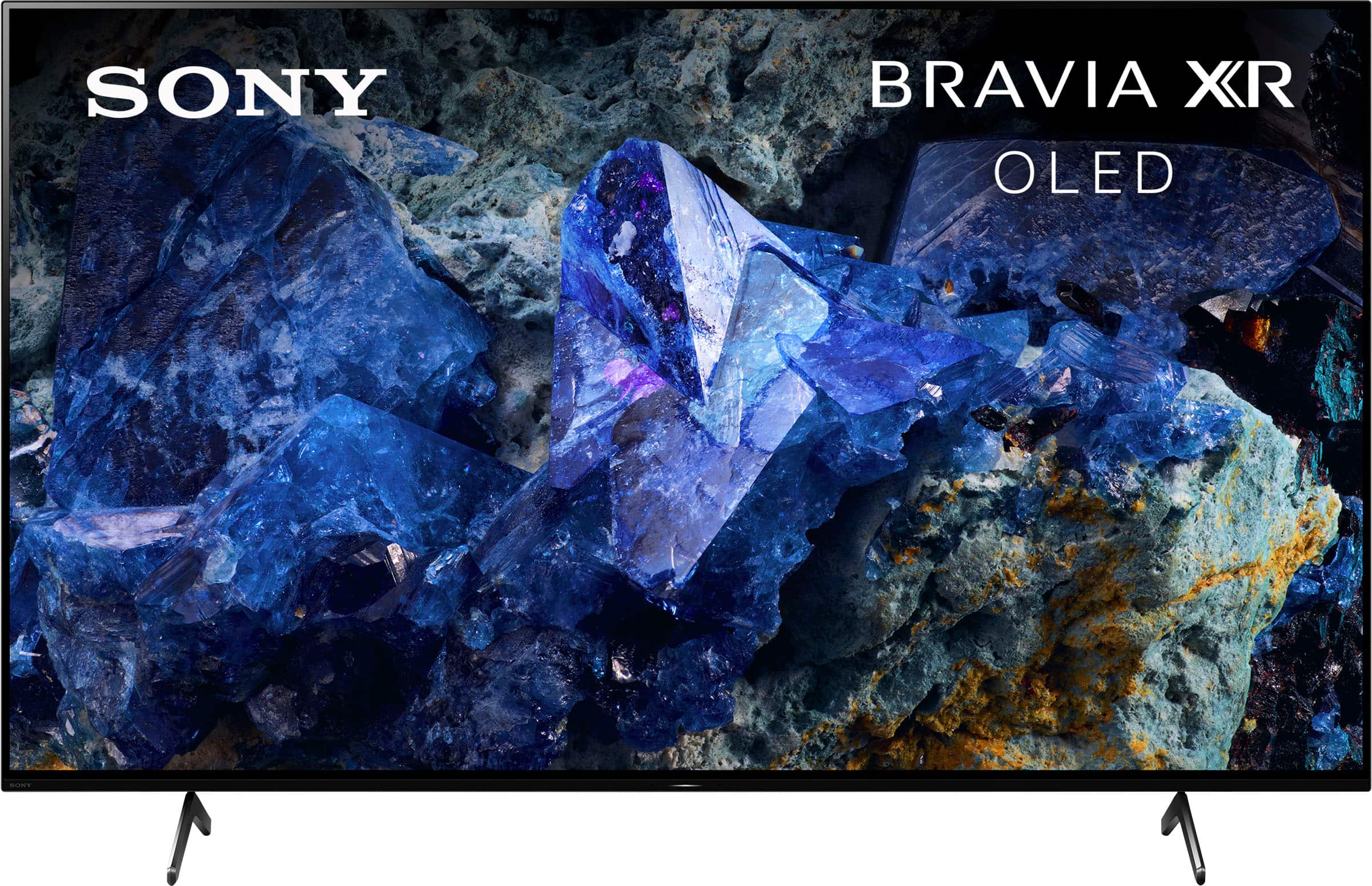
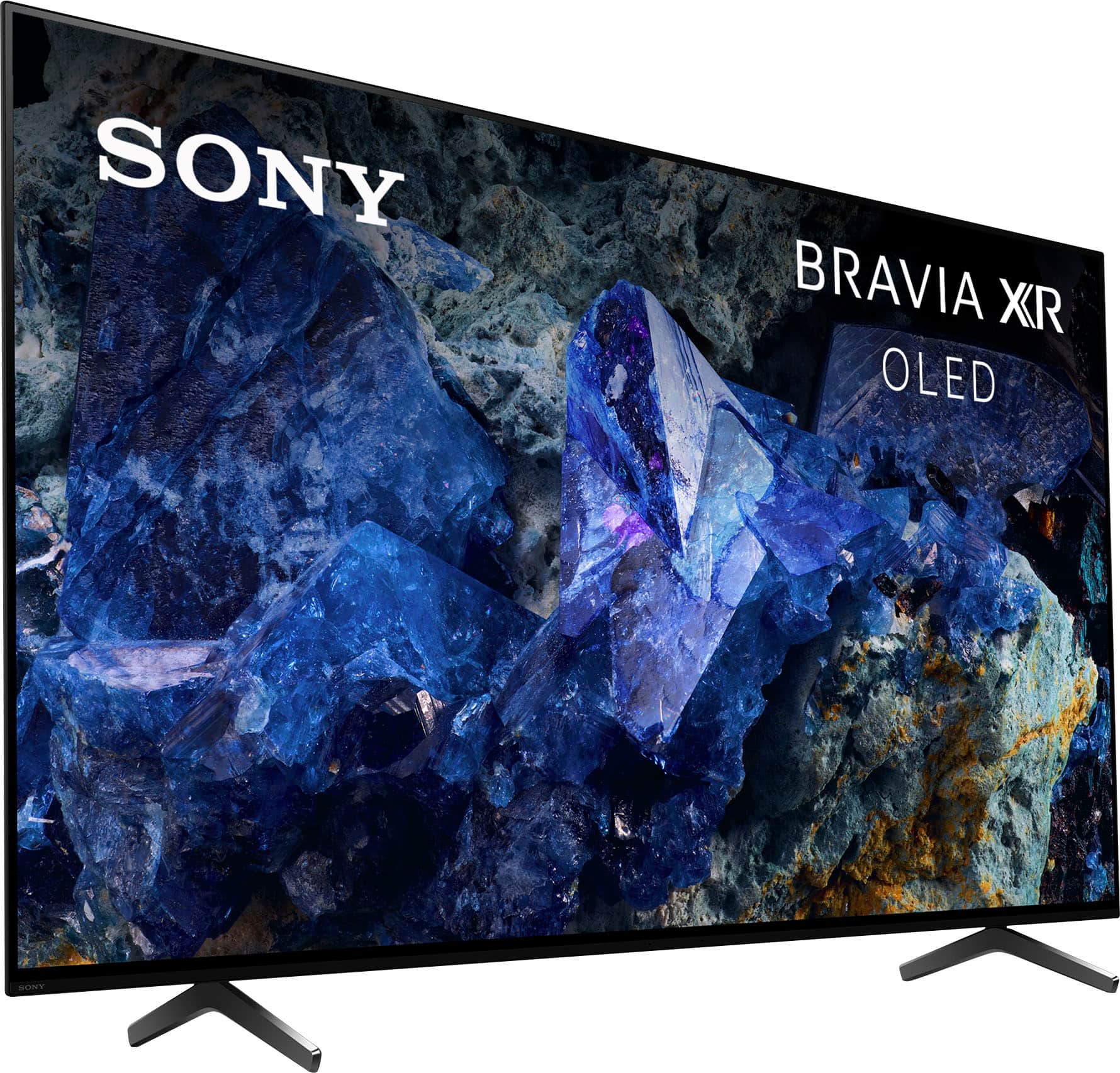

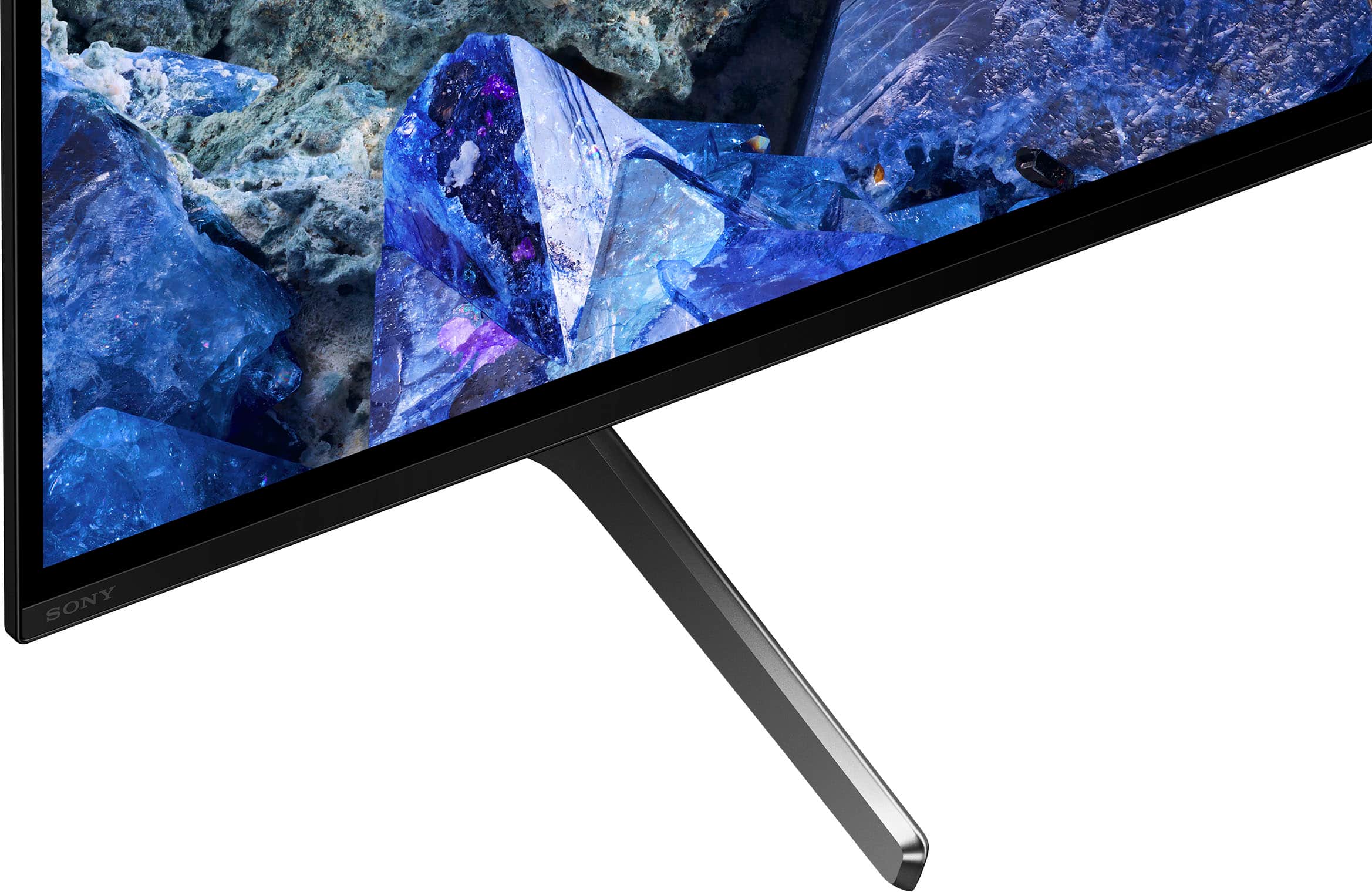








- Model:
- XR65A75L
- SKU:
- 6559011
Rating by feature
- Picture Quality
Rating 4.9 out of 5 stars
- Sound Quality
Rating 4.6 out of 5 stars
- Brightness
Rating 4.8 out of 5 stars
Customers are saying
Customers often highlight the exceptional picture quality and vibrant colors of the 65" class BRAVIA XR A75L OLED 4K UHD Smart Google TV (2023). The TV is also praised for its ease of use, excellent contrast, and suitability for gaming, with some finding the price acceptable. However, some customers have reported concerns about reliability, the quality of the built-in speakers, the operating system performance, the stand, and the remote control.
This summary was generated by AI based on customer reviews.
Good for gaming.
||Posted . Owned for 2 months when reviewed.This reviewer received promo considerations or sweepstakes entry for writing a review.Very good TV great for gaming in PS5. Some times freezes & had to so restart 3-4 times since February when streaming.
I would recommend this to a friendBrand response from SonyListens
Posted .Hi NuttapolkZ, Thank you for the feedback on your experience with your Sony A75L. We're very happy to hear you're enjoying the great PS5 gaming experience with your new Sony A75L. To resolve the freezing issue when you're streaming, please follow the troubleshooting steps on the link below:
https://www.sony.com/electronics/support/articles/00141896
If you are unable to resolve your concern, please email us at socialsupport@am.sony.com with the following details:
Name:
Username:
Model Number:
Issue:
Telephone Number:
Sincerely,
Sam
OLED
||Posted . Owned for 1 week when reviewed.This reviewer received promo considerations or sweepstakes entry for writing a review.Great deal! First OLED and Sony is very nice. Thank You!
I would recommend this to a friendBrand response from SonyListens
Posted .Hi Paul,
You made the right choice with the Sony A75L! Experience unparalleled entertainment with pure OLED black and vibrant color, powered by the Cognitive Processor XR. Immerse yourself in the detailed shadows and real-world hues that bring shows, movies, sports, and games to life in stunning detail. Hear all the nuances and clear dialogue in everything you watch with sound coming directly from the screen. Thank you for choosing Sony!
-Ralph
Really good tv
||Posted . Owned for 1 week when reviewed.This reviewer received promo considerations or sweepstakes entry for writing a review.This is a really really really really really good tv
I would recommend this to a friendBrand response from SonyListens
Posted .Hi JohnL,
You made the right choice with the Sony A75L! Experience unparalleled entertainment with pure OLED black and vibrant color, powered by the Cognitive Processor XR. Immerse yourself in the detailed shadows and real-world hues that bring shows, movies, sports, and games to life in stunning detail. Hear all the nuances and clear dialogue in everything you watch with sound coming directly from the screen. Thank you for choosing Sony!
-Ralph
Sony Only Fan
||Posted . Owned for 1 week when reviewed.This reviewer received promo considerations or sweepstakes entry for writing a review.Excellent choice! Recommend this model. 5 Stars
I would recommend this to a friendBrand response from SonyListens
Posted .Hi Hockeydad,
You made the right choice with the Sony A75L! Experience unparalleled entertainment with pure OLED black and vibrant color, powered by the Cognitive Processor XR. Immerse yourself in the detailed shadows and real-world hues that bring shows, movies, sports, and games to life in stunning detail. Hear all the nuances and clear dialogue in everything you watch with sound coming directly from the screen. Thank you for choosing Sony!
-Ralph
TV Utah
||Posted . Owned for 1 month when reviewed.This reviewer received promo considerations or sweepstakes entry for writing a review.great service ! excellent product and installation
I would recommend this to a friendBrand response from SonyListens
Posted .Hi Lrus, Thank you for sharing your positive experience with your new Sony A75L! Experience unparalleled entertainment with pure OLED black and vibrant color, powered by the Cognitive Processor XR. Immerse yourself in the detailed shadows and real-world hues that bring shows, movies, sports, and games to life in stunning detail. Hear all the nuances and clear dialogue in everything you watch with sound coming directly from the screen. Thank you for choosing Sony! -Sam
Good, not great
||Posted . Owned for 3 weeks when reviewed.This reviewer received promo considerations or sweepstakes entry for writing a review.Generally, a very good product. One annoying flaw: TV freezes up a lot for a few minutes at a time.
I would recommend this to a friendBrand response from SonyListens
Posted .Hi NicholasH, thanks for choosing and purchasing our product. We're glad you like it. We're sorry to hear that you have an issue with your new Sony unit. Ensure all your apps are up to date. Use the Google Play Store on your TV to check for and install any pending updates. After updating, reboot the TV by pressing and holding the power button for 5 seconds, then test your streaming apps again. If specific apps are causing the freezing, try clearing their data and cache. Press the HOME button, go to Settings, and navigate to the app in question. Select Clear data and then Clear cache. Please check this link for more details:
https://www.sony.com/electronics/support/articles/00141896
If you require any additional support with regard to this product, please email us at socialsupport@am.sony.com with the following details: Name: Username: Model Number: Issue: Telephone Number:
Thanks for choosing Sony! ~Earl
Sony T.V
||Posted . Owned for less than 1 week when reviewed.This reviewer received promo considerations or sweepstakes entry for writing a review.Awesome T.V. the black Friday deal made even better.
I would recommend this to a friendBrand response from SonyListens
Posted .Hi Nypdblue55,
You made the right choice with the Sony A75L! Experience unparalleled entertainment with pure OLED black and vibrant color, powered by the Cognitive Processor XR. Immerse yourself in the detailed shadows and real-world hues that bring shows, movies, sports, and games to life in stunning detail. Hear all the nuances and clear dialogue in everything you watch with sound coming directly from the screen. Thank you for choosing Sony!
-Ralph
Almost perfect.
||Posted . Owned for 3 weeks when reviewed.This reviewer received promo considerations or sweepstakes entry for writing a review.Well there is nothing perfect right? However I’m have a couple of issues linking my sound bar other than that it’s been great.
I would recommend this to a friendBrand response from SonyListens
Posted .Hi Opie,
Thanks for sharing your review and experience with the A75L. We would like to know more about those issues and help you out. Please email us at socialsupport@am.sony.com with the following details:
Name:
Username:
Model Number:
Issue:
Telephone Number:
Sincerely,
-Ralph
- Cons mentioned:Reliability
Pretty but Defective
||Posted . Owned for 1 year when reviewed.This reviewer received promo considerations or sweepstakes entry for writing a review.TV quality is very good, but the timing controller board decided to die about 3 months after the extremely short and limited one year warranty ended. Repairman said it can’t be fixed and I need an entirely new set. $1500 down the drain. Never buying a Sony again.
No, I would not recommend this to a friendBrand response from SonyListens
Posted .Hi WilliamB! We do sincerely apologize for the all the inconveniences you have been trough. We truly understand how frustrated this situation can be. This is not the experience we'd like you to have with our products. To ensure we can help you please email us at socialsupport@am.sony.com with the following details: Apologies if you disclosed some of this information in your review and to customer service, we just want to ensure that we have your accurate details at the time of communication. Full Name: Best Buy Username: Issue: Telephone Number: Sony TV Model Number:
Best regards. -Ismael
- Pros mentioned:Picture quality
Freezing problem
||Posted . Owned for 1 month when reviewed.This reviewer received promo considerations or sweepstakes entry for writing a review.The screen is really awesome five-star picture quality. BUT android tv OS needs to fix the freeze problem, the only solution I found is unplug the power cord to restart the tv.
I would recommend this to a friendBrand response from SonyListens
Posted .Hi SantiagoG,
We're glad that you like the picture quality of the TV. It's unfortunate that you are experiencing a software issue with the TV. For optimum performance, make sure that the software version of the TV is up-to-date. Resetting the TV to factory settings may also help resolve the issue. For more information, please refer to these links:
https://www.sony.com/electronics/support/articles/00028577
https://www.sony.com/electronics/support/articles/00159487
Hope this helps. If still not resolved or you need further assistance, please email us at socialsupport@am.sony.com with the following details:
Name:
Username:
Model Number:
Issue:
Telephone Number:
Or contact our product support team via phone call or chat through this link:
https://us.esupport.sony.com/support/s/support-contact?language=en_US&category=tv
Sincerely,
-Ralph
A75l
||Posted . Owned for 2 weeks when reviewed.This reviewer received promo considerations or sweepstakes entry for writing a review.It’s good I wouldn’t say great . Wish they had it on display before purchasing. Returning to upgrade.
I would recommend this to a friendBrand response from SonyListens
Posted .Hi AngelR,
We regret to hear that you are not completely satisfied with the A75L. If you still have the TV, please email us at socialsupport@am.sony.com with the following details so we can turn your experience around:
Name:
Username:
Model Number:
Issue:
Telephone Number:
-Ralph
A little disappointed
||Posted . Owned for 1 month when reviewed.This reviewer received promo considerations or sweepstakes entry for writing a review.The sound seems too low and is not consistent between stations
I would recommend this to a friendBrand response from SonyListens
Posted .Hi JuliaC,
Thanks for sharing your review and experience with the A75L. Your feedback about the sound quality is greatly appreciated.
Most TV commercials are created to be loud simply so you can hear the advertisement and get your attention. The Federal Communications Commission (FCC) does not regulate the volume of commercials, nor does it regulate the volume of TV programs. But, the FCC does require broadcasters to limit the power that is used to transmit the signal. So, technically, a commercial cannot be any louder than the loudest portion of the TV program you are watching. That said, however, if you are watching a program with soft dialog, when the program cuts to a commercial you will most likely hear a boost or fluctuation in the volume.
Some Sony® TV models have built-in technology or settings that can help compensate for these sound differentials between a program and a commercial. Here are some suggestions:
IMPORTANT: If model-specific information is required to complete any of the steps in this solution, refer to the operating instructions supplied with the TV. Manuals are posted on your model support page (https://www.sony.com/electronics/support/televisions-projectors-oled-tvs-android-/xr-65a75l/manuals).
-If the TV has Steady Sound® volume control, set it to On.
IMPORTANT: On certain model TVs, the Steady Sound feature may only works when the RF input is being used; for some models it work with composite, component or HDMI® inputs.
-If the TV has the Advanced Auto Volume feature, set it to On.
-If the TV has sound or audio effect options (Simulated, SRS, WOW, or TruSurround), try changing the effect option to Off.
-If the previous options are not available on your TV, use the MUTE or MUTING button on the TV remote control.
Hope this helps. In case you need further assistance, please email us at socialsupport@am.sony.com with the following details:
Name:
Username:
Model Number:
Issue:
Telephone Number:
Or contact our product support team via phone call or chat through this link:
https://us.esupport.sony.com/support/s/support-contact?language=en_US&category=tv
Sincerely,
-Ralph
Good TV
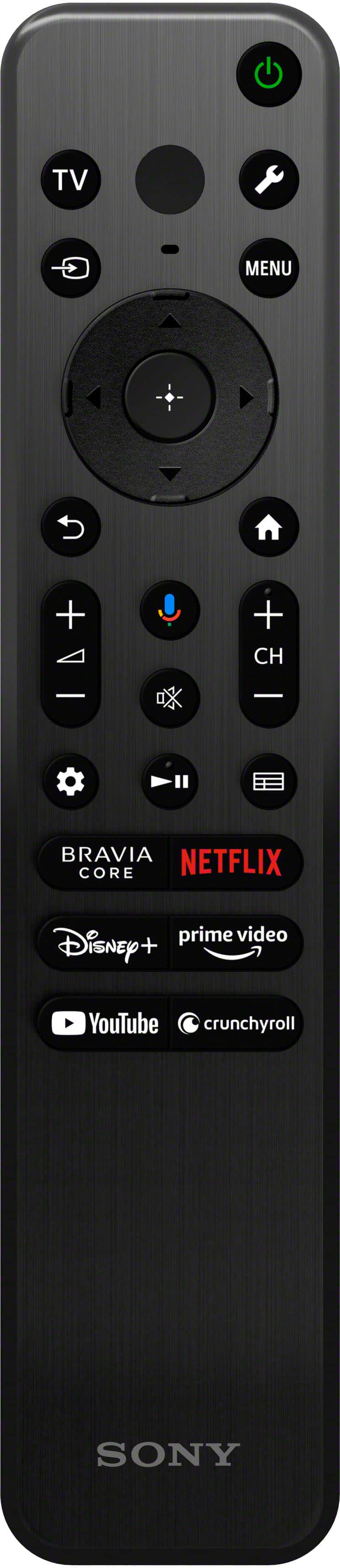
||Posted . Owned for 1 month when reviewed.This reviewer received promo considerations or sweepstakes entry for writing a review.Good screen but very uncomfortable remote control.
I would recommend this to a friendBrand response from SonyListens
Posted .Hi IuriiM,
Thanks for sharing your review and experience with the A75L. We're glad that you like the picture quality of the TV. Your feedback about the remote is greatly appreciated. Thank you for choosing Sony!
-Ralph
Sony Bravia TV
||Posted . Owned for 1 week when reviewed.This reviewer received promo considerations or sweepstakes entry for writing a review.Great TV. Wish the remote keys lit up when in use.
I would recommend this to a friendBrand response from SonyListens
Posted .Hi TerryR,
Thanks for sharing your review and experience with the A75L. Your feedback about the remote is greatly appreciated. Experience unparalleled entertainment with pure OLED black and vibrant color, powered by the Cognitive Processor XR. Immerse yourself in the detailed shadows and real-world hues that bring shows, movies, sports, and games to life in stunning detail. Hear all the nuances and clear dialogue in everything you watch with sound coming directly from the screen. Thank you for choosing Sony!
-Ralph
Not Satisified With This TV
||Posted . Owned for less than 1 week when reviewed.This reviewer received promo considerations or sweepstakes entry for writing a review.I was convinced that this would be a great TV based on so many positive reviews. Right before buying it, I found out that this is a special model only made for the holidays. Best Buy did not have this model on display when I went into the store, so I couldn't view the TV at the time to get an opinion on it. Nevertheless, I decided to give it a try based on all those positive reviews. Once it arrived and I hooked it all up, both my fiancée and I couldn't believe the poor quality, particularly how dark the picture was. We tried to go into settings and brighten it, but it was already set to the brightest level. It is way too dark, but boasts about its energy saving capabilities instead (hence probably why it is not able to be brightened to a decent level). There was one option we found to change the mode to "vivid", which lightened it a bit, but also made the picture quality worse. In my opinion, the plasma TVs they discontinued around 2014 or so, were much better in terms of picture quality than this TV here. Do not be fooled by all the positive reviews, you will regret it if you buy this TV.
No, I would not recommend this to a friendBrand response from SonyListens
Posted .Hi BlakeB,
We regret to hear that you are not satisfied with the A75L. Your feedback is extremely important to us and is very much appreciated. For optimum performance, make sure to install the latest software version of the TV. Picture quality may also vary depending on the source content. If adjusting the picture settings doesn't help improve the picture quality, reset the TV. For more information, please refer to these links:
https://www.sony.com/electronics/support/articles/00028577
https://www.sony.com/electronics/support/articles/00159487
Hope this helps. If still not resolved or you need further assistance, please email us at socialsupport@am.sony.com with the following details:
Name:
Username:
Model Number:
Issue:
Telephone Number:
Or contact our product support team via phone call or chat through this link:
https://us.esupport.sony.com/support/s/support-contact?language=en_US&category=tv
Sincerely,
-Ralph
Not my first choice
||Posted . Owned for less than 1 week when reviewed.This reviewer received promo considerations or sweepstakes entry for writing a review.Not completely satisfied with the Picture quality, Brightness and Audio. I returned it and go for a higher end Samsung
No, I would not recommend this to a friendBrand response from SonyListens
Posted .Hi SriM,
We regret to hear that you were not satisfied with the A75L TV. Your feedback is extremely important to us and is very much appreciated. For optimum performance, it is recommended to install the latest software version of the TV. Sound and picture quality may vary depending on the source content. With the TV's built-in settings, you can tailor-fit the sound and picture quality depending on your needs.
Thanks again for sharing your review and we hope you will consider Sony for your future purchases.
-Ralph
Great TV, not great service
||Posted . Owned for 2 weeks when reviewed.This reviewer received promo considerations or sweepstakes entry for writing a review.Unfortunately, while the TV is amazing, the buying experience was very stressful. We went to a store 60miles away from home just to find that the item we bought was not available in that location. Then, we ordered the TV for delivery and got a unit with a damaged screen. Finally, ten days after, we got the TV that we wanted.
I would recommend this to a friendScreen Shut off
||Posted . Owned for 1 month when reviewed.This reviewer received promo considerations or sweepstakes entry for writing a review.Periodically the TV just shuts off and goes to a black screen for about 2 to 7 seconds and then pops back on
No, I would not recommend this to a friendBrand response from SonyListens
Posted .Hi AprilK,
This is not the experience that we want you to have. For optimum performance, make sure that the software version of the TV is up-to-date. Make sure that all cables are connected properly. Resetting the TV may also help resolve the issue. You may find these links helpful:
https://www.sony.com/electronics/support/articles/00028577
https://www.sony.com/electronics/support/articles/00159487
Hope this helps. If still not resolved or you need further assistance, please email us at socialsupport@am.sony.com with the following details:
Name:
Username:
Model Number:
Issue:
Telephone Number:
Or contact our product support team via phone call or chat through this link:
https://us.esupport.sony.com/support/s/support-contact?language=en_US&category=tv
Sincerely,
-Ralph
- Cons mentioned:Reliability
Avoid
||Posted . Owned for 1 month when reviewed.This reviewer received promo considerations or sweepstakes entry for writing a review.TV has a blinking read light after 49 days of use no picture doesn’t work. Had to contact Sony as Best Buy won’t help. Never had a problem with LG or Samsung. Sony can’t even live 50 days.
No, I would not recommend this to a friendBrand response from SonyListens
Posted .Hi GregoryB,
This is not the experience that we want you to have. This isn't normally the case with the A75L. We would like to know more about what happened and review your file. We also want to make sure that everything is handled accordingly. Please email us at socialsupport@am.sony.com with the following details:
Name:
Username:
Model Number:
Issue:
Telephone Number:
Case Number:
Sincerely,
-Ralph
Sony - 65" class BRAVIA XR A75L OLED 4K UHD Smart
||Posted . Owned for 3 weeks when reviewed.This reviewer received promo considerations or sweepstakes entry for writing a review.Tv constantly brightens and dims while trying to play video games. An apparently sony day its a feature to stop image retention. But it kills the picture quality.
No, I would not recommend this to a friendBrand response from SonyListens
Posted .Hello, RoyK! Of course we understand you want to enjoy the best brightness while playing video games. As you correctly mentioned, this is happening due to the TV's automatic brightness adjustment features that are designed to protect the screen from image retention and optimize the viewing experience, but also you can customize this settings by yourself adjusting the ambient light sensor! Here you can find the steps to follow: https://www.sony.com/electronics/support/articles/00190409?utm_source=glean -Jenn