Customer Ratings & Reviews
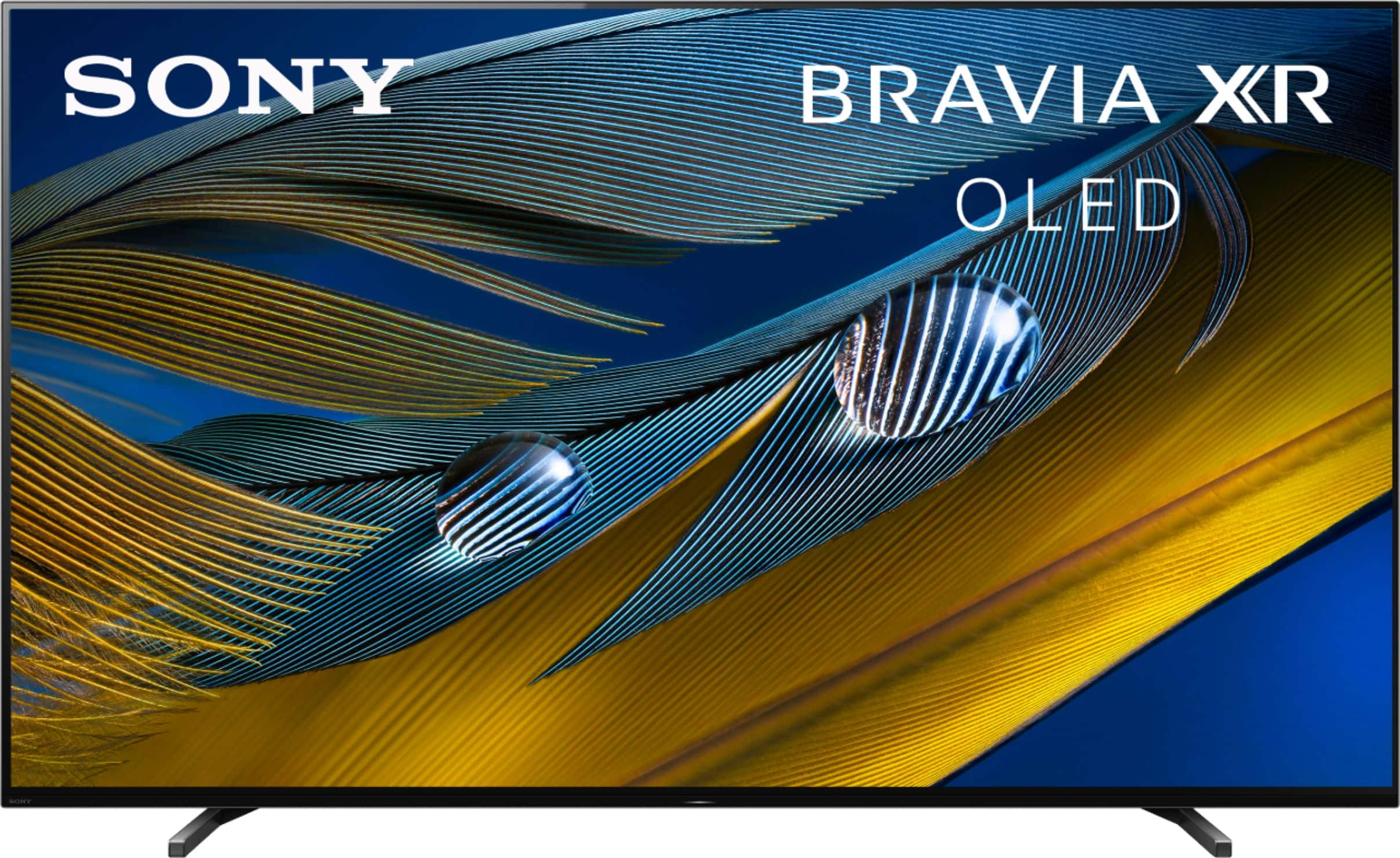
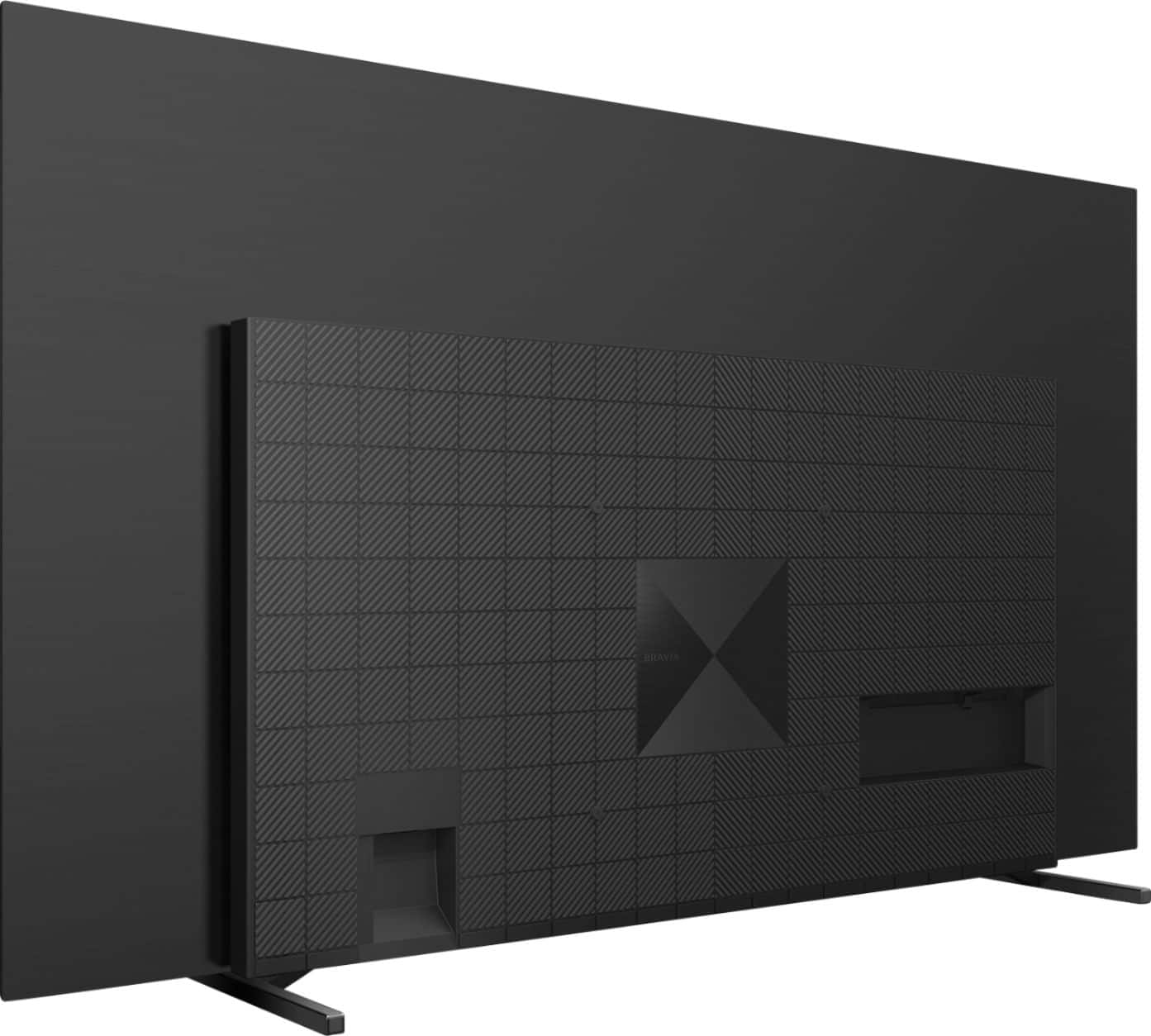

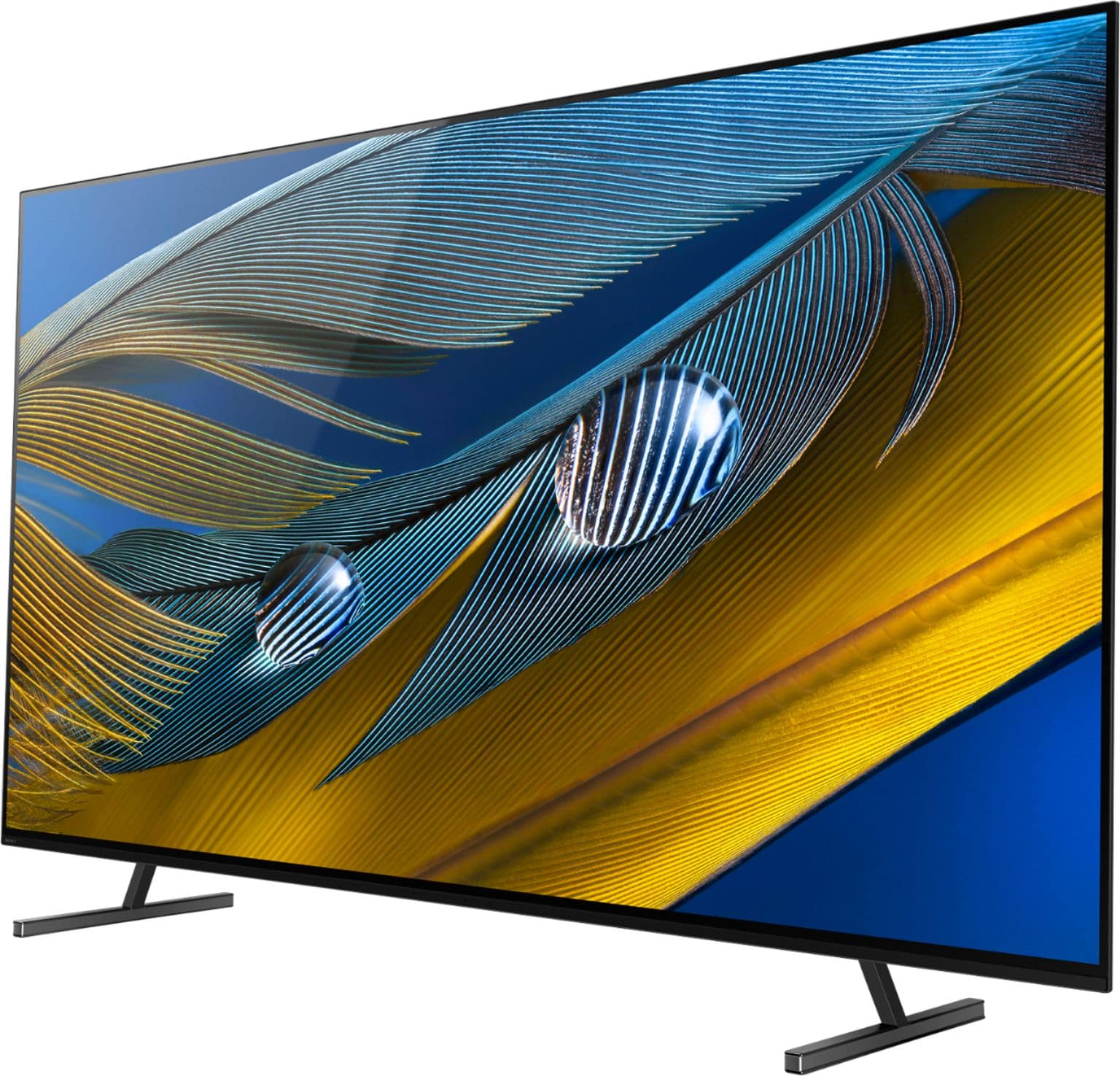
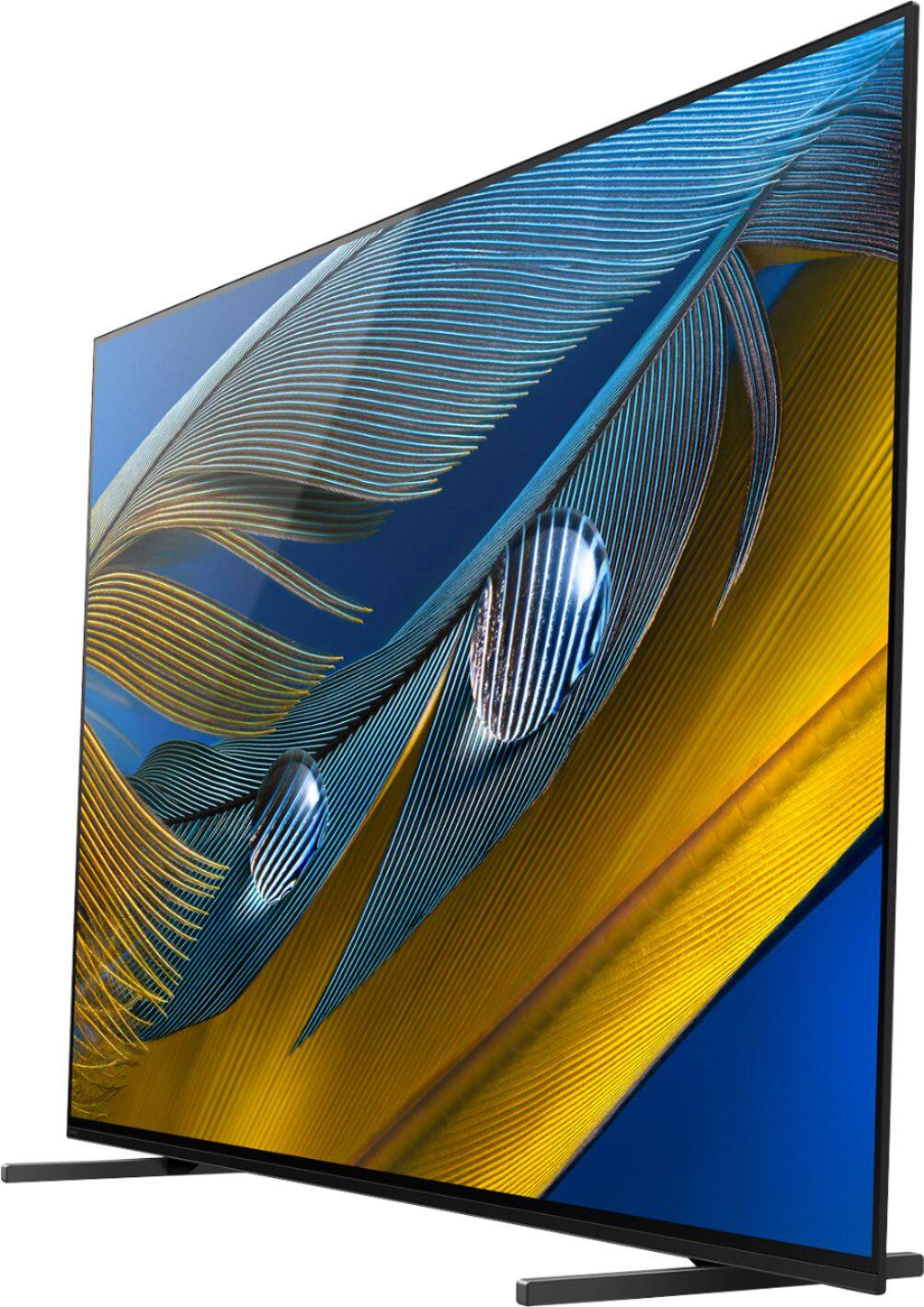
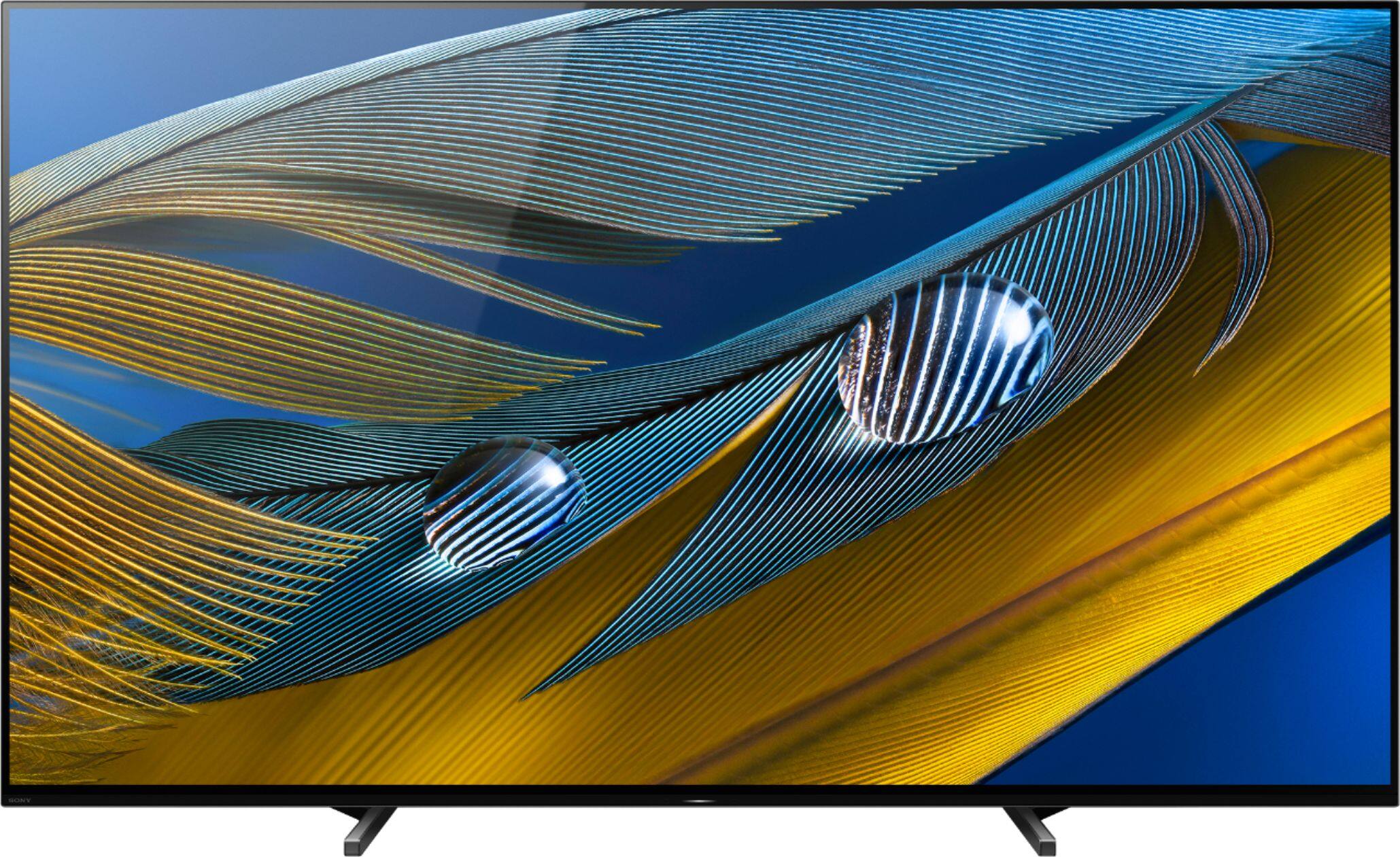
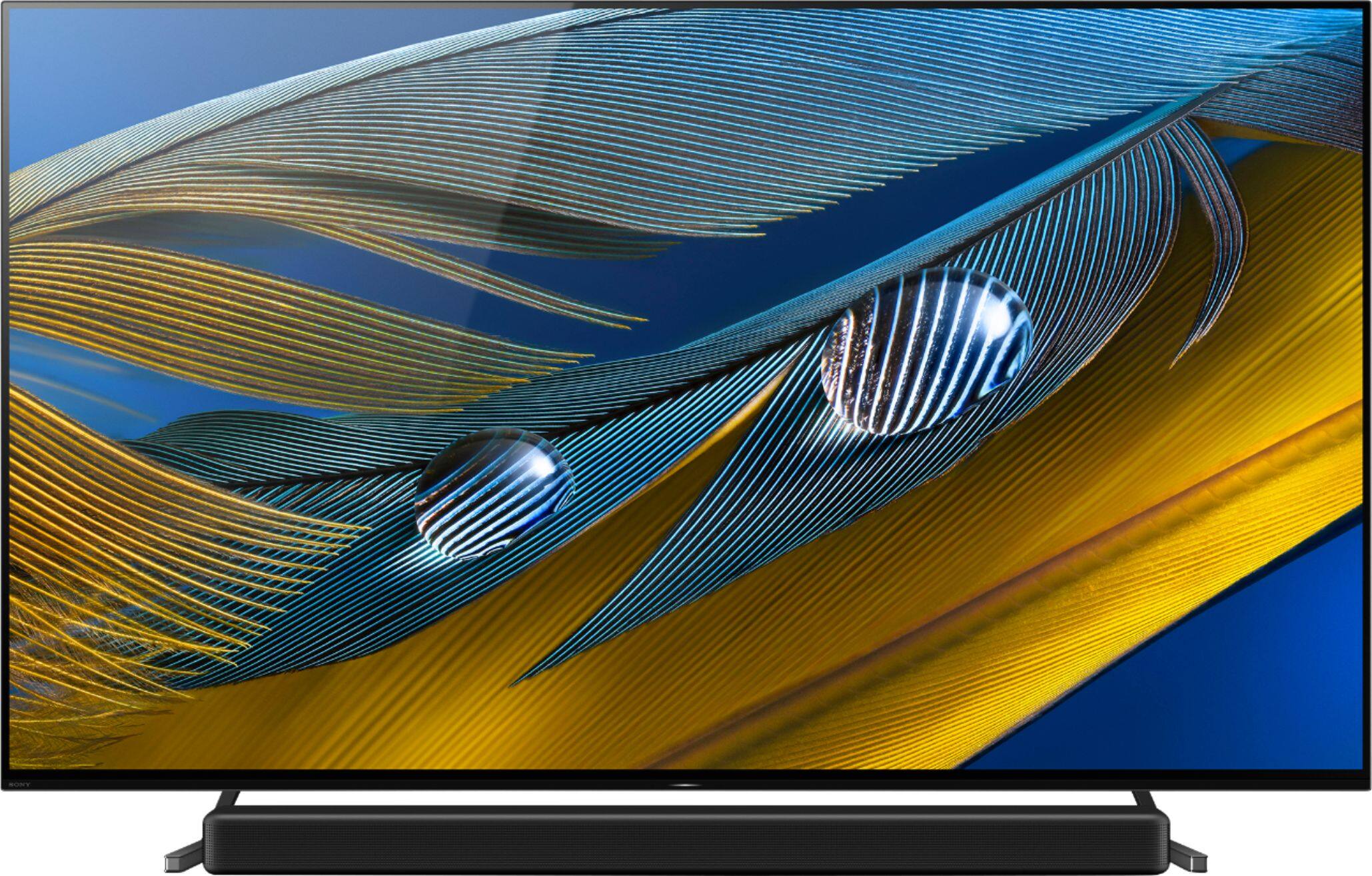

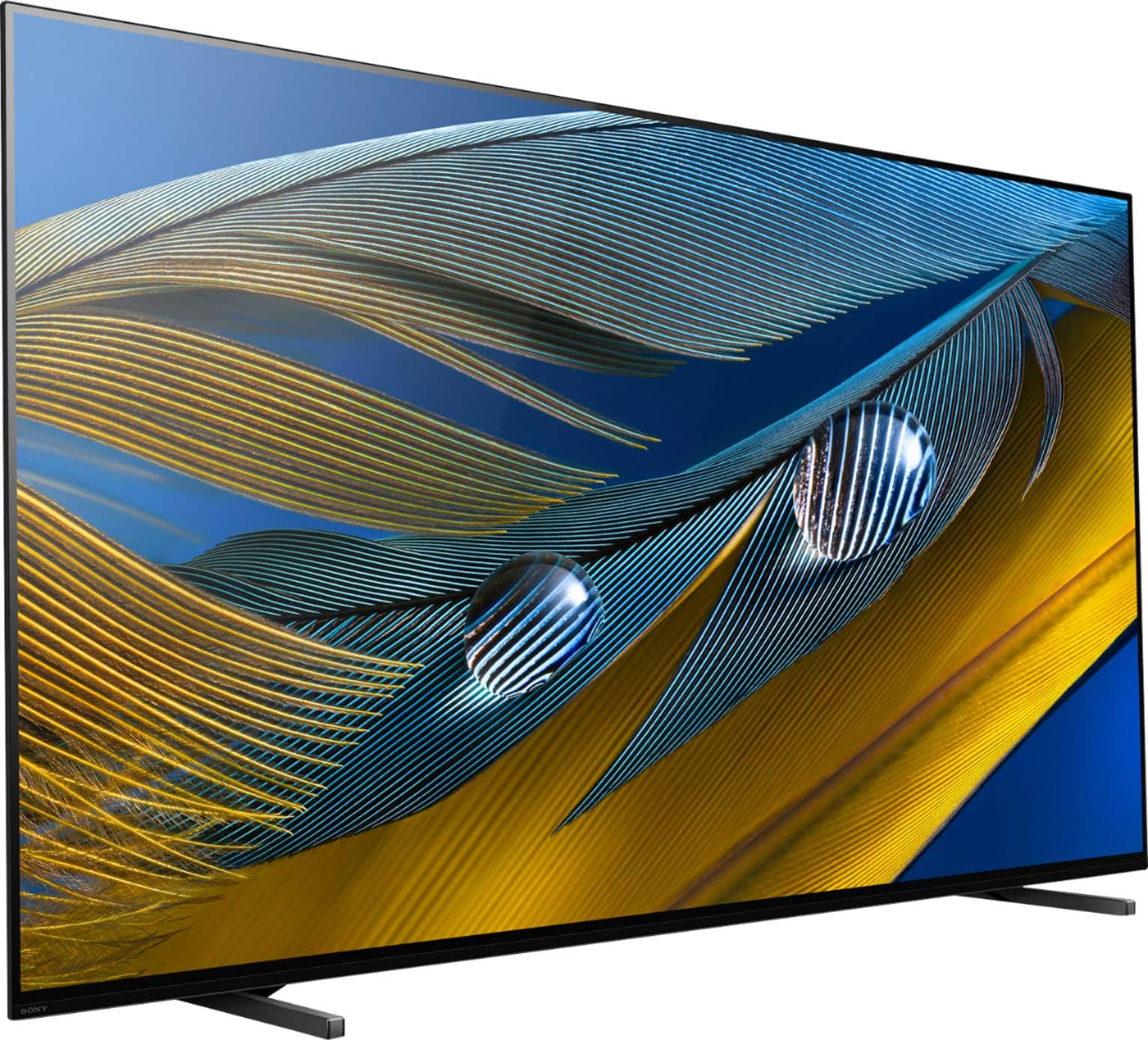
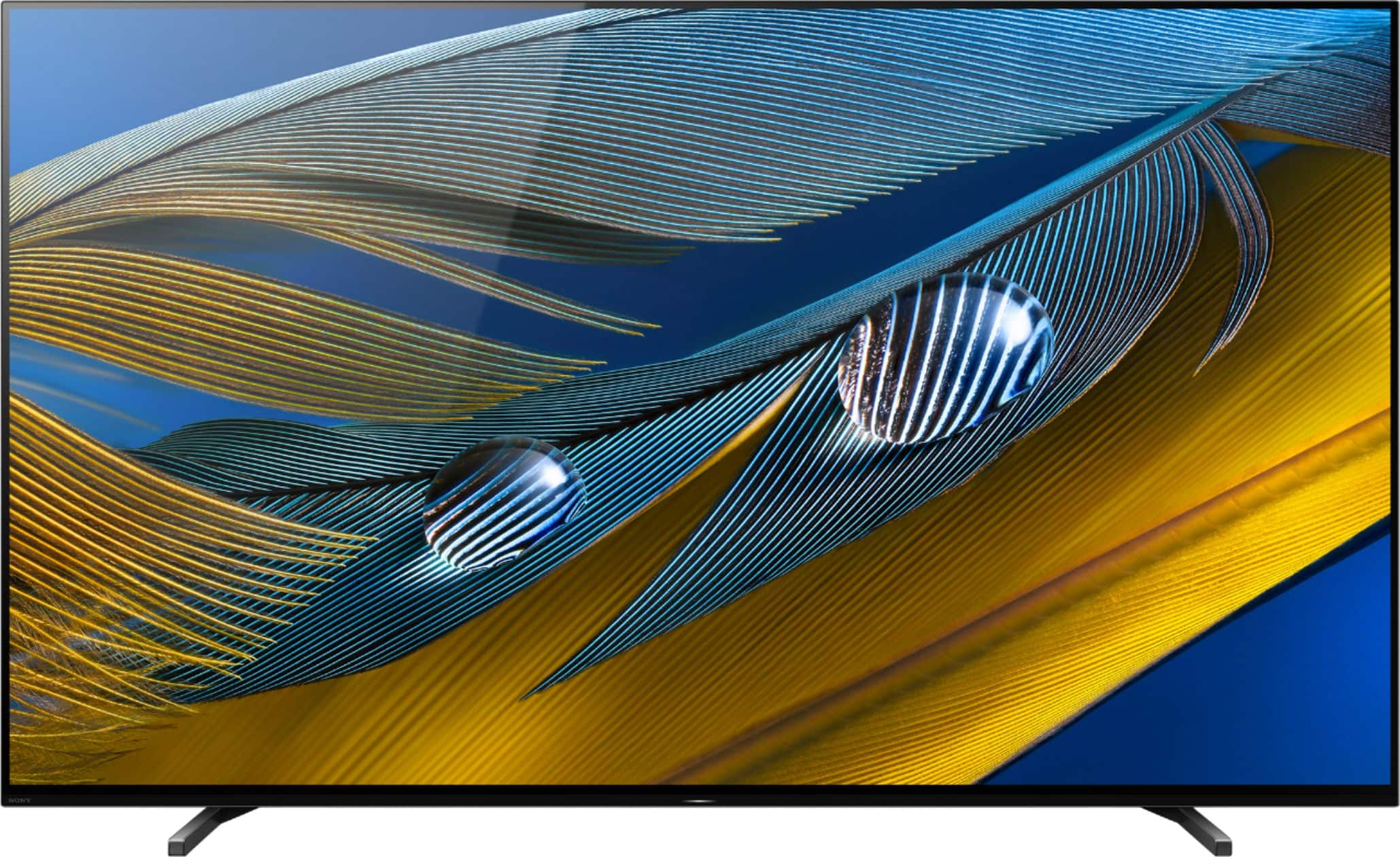
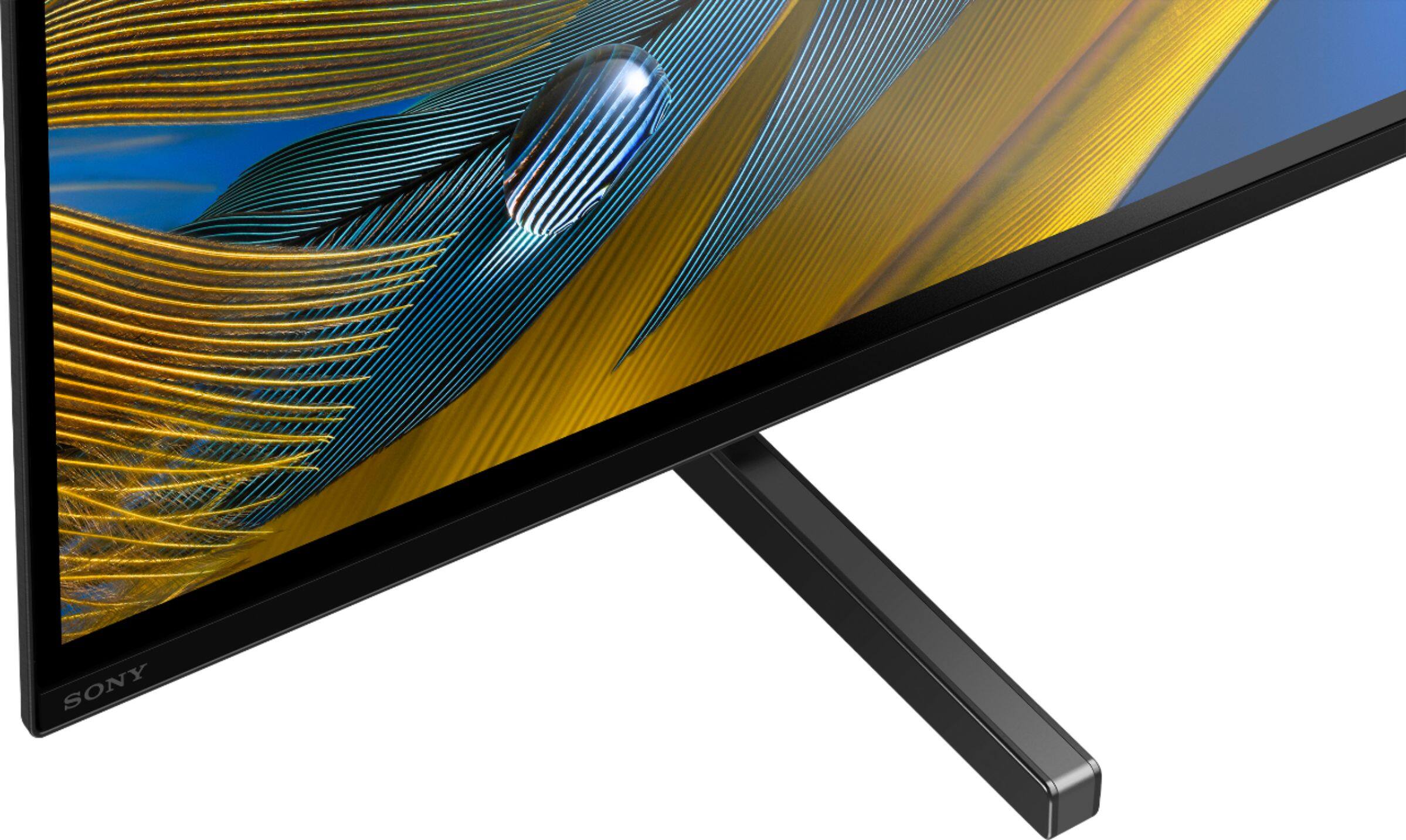
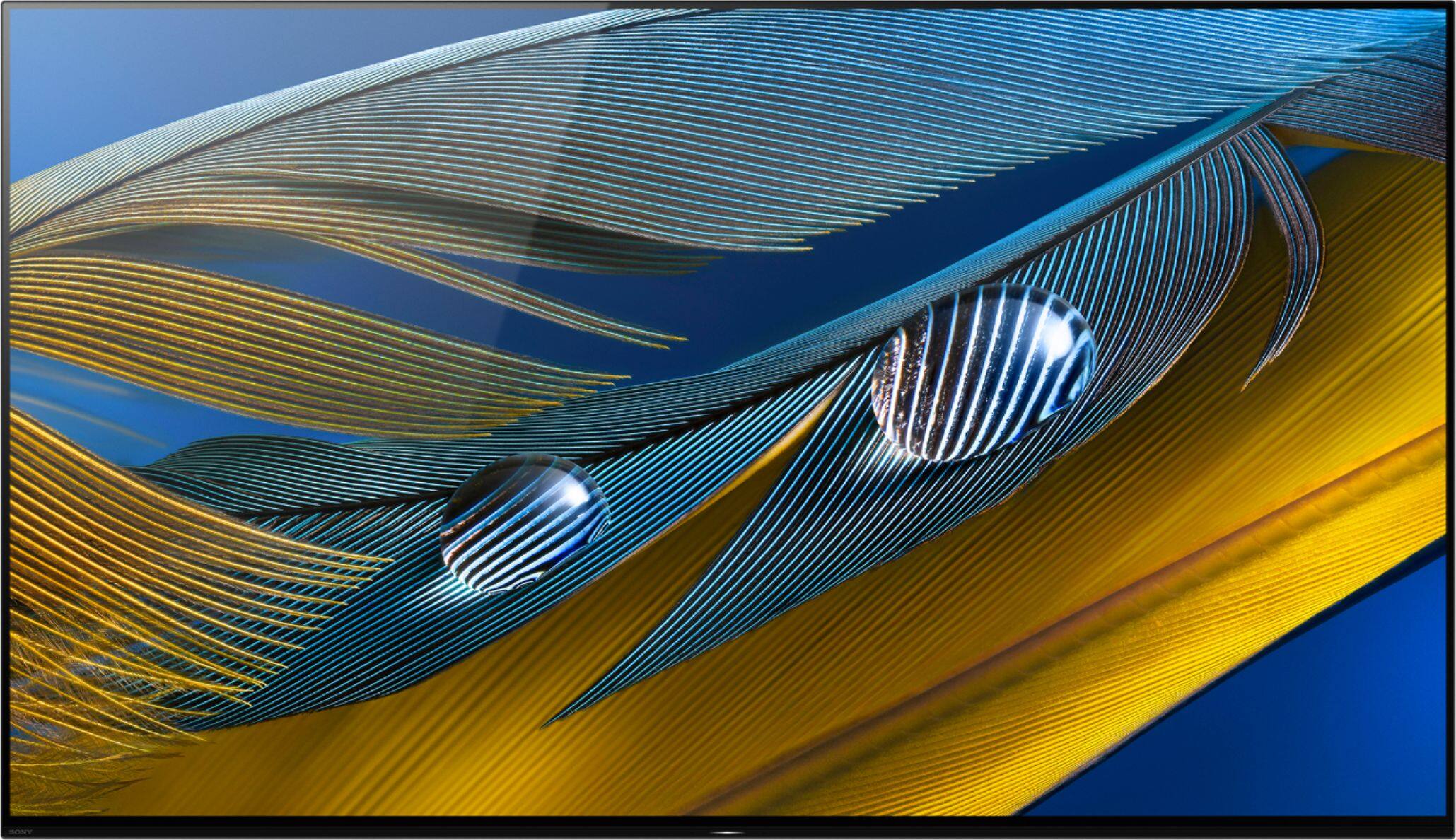

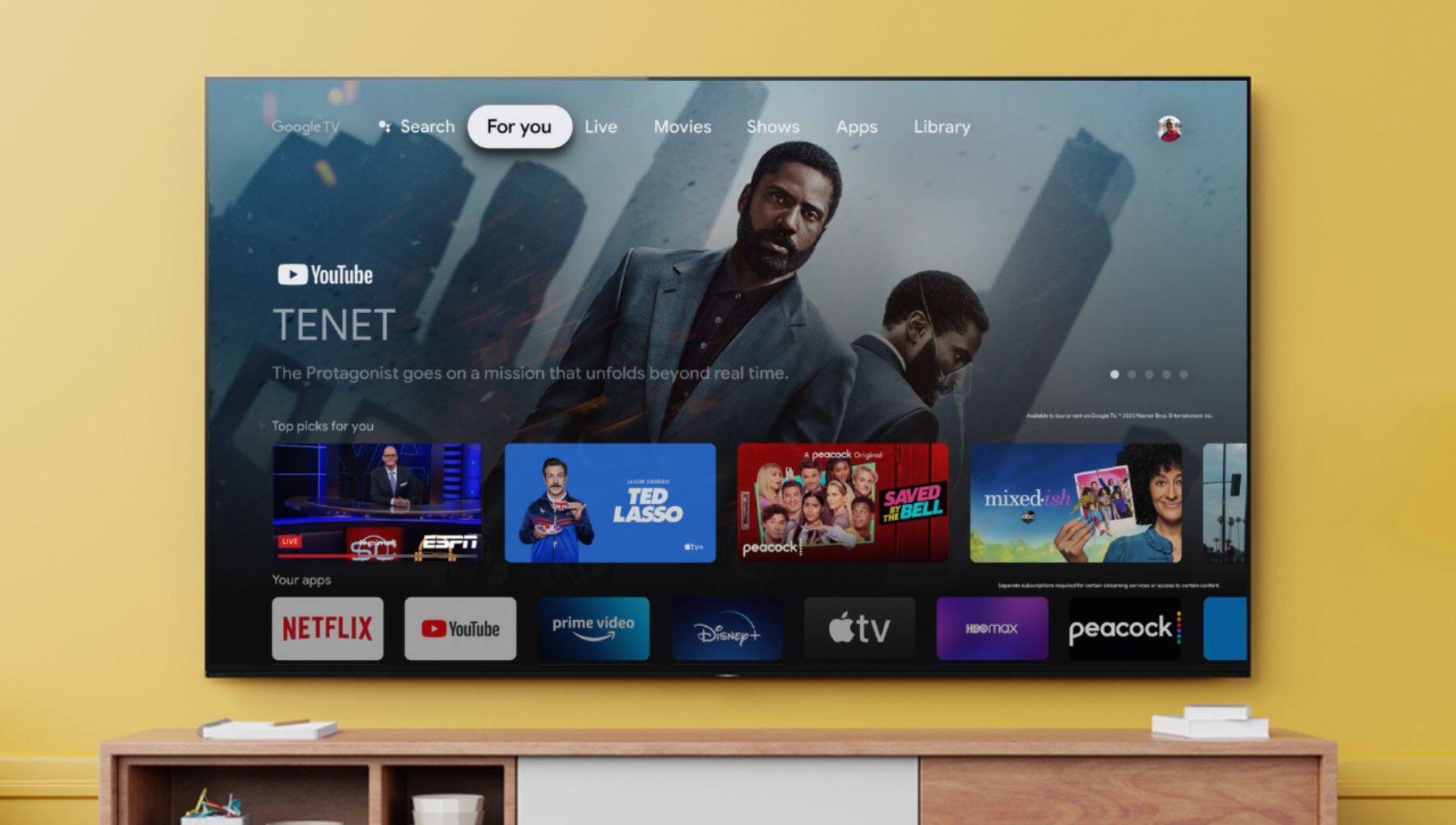







- Model:
- XR65A80J
- SKU:
- 6455218
Rating by feature
- Picture Quality
Rating 4.9 out of 5 stars
- Sound Quality
Rating 4.7 out of 5 stars
- Brightness
Rating 4.8 out of 5 stars
Customers are saying
Customers often highlight the exceptional picture quality, vibrant colors, and impressive OLED display of the Sony 65" Class BRAVIA XR A80J Series OLED 4K UHD Smart Google TV. They appreciate the easy setup and excellent sound quality, making it a great choice for gaming and movie enthusiasts. While some users find the price to be a bit high, many agree that it offers great value for the features and performance it delivers.
This summary was generated by AI based on customer reviews.
Defective
||Posted . Owned for 5 months when reviewed.This reviewer received promo considerations or sweepstakes entry for writing a review.Had the TV less than six months and there is a single white line down the middle of the screen! I should have went online to research before I purchased, apparently it’s a common issue
No, I would not recommend this to a friendBrand response from SonyListens
Posted .Hi there, We're sorry to hear about what happened to the TV. This is definitely not the experience we wanted you to have on our products. We apologize for the inconvenience. Kindly check the link below. It contains steps you can follow to resolve the issue : https://www.sony.ca/en/electronics/support/televisions-projectors-oled-tvs-android-/xr-65a80j/articles/00032635
In any case that you need our assistance, please email the below information to socialsupport@am.sony.com or chat with us from Sony’s e-support webpage. Apologies if you disclosed some of this information in your review and to customer service, we just want to ensure that we have your accurate details at the time of communication.
Full Name:
Best Buy Username:
Telephone Number:
Sony Model Number:
Additional Information regarding your experience with the A80J:
We are sorry for the inconvenience and hope to speak to you to resolve this matter. We appreciate you and thanks again for shopping Sony!
Sincerely,
-Craig
Very Disappointed
||Posted . Owned for 2 months when reviewed.This reviewer received promo considerations or sweepstakes entry for writing a review.We have had nothing but problems with the TV, and remote. 3 different techs have been in our home to help us and one tech many many times. Nothing seems to work. We have been without TV more days than with TV. Very dissatisfied with the product and service from Best Buy.
No, I would not recommend this to a friendBrand response from SonyListens
Posted .Hi Dispip,
Thank you for sharing your feedback on your experience using our BRAVIA XR A80J OLED TV. We regret to hear you're running into difficulty with the TV and supplied remote control. We would like to know more about the situation that you faced with the TV and turn this into a better experience.
In the meantime, we do have troubleshooting steps that may help resolve some issues, especially if your TV is responding too slowly when remote control buttons are pressed or remote control is not responding at all. You may refer to this link for more information: https://www.sony.com/electronics/support/televisions-projectors-oled-tvs-android-/xr-65a80j/articles/00202043
We want to make sure you get taken care of. May we contact you to help? If so, please email the below information to socialsupport@am.sony.com.
Apologies if you disclosed some of this information in your review and to customer service, we just want to ensure that we have your accurate details at the time of communication.
Full Name:
Best Buy Username:
Telephone Number:
Sony TV Model Number:
Additional Information regarding your experience with the A80J:
We are sorry for the inconvenience and hope to speak to you to resolve this matter.
Sincerely,
Jess
Inspect your panel with gray uniformity test.
||Posted . Owned for 2 months when reviewed.This reviewer received promo considerations or sweepstakes entry for writing a review.Great TV but I got a bad panel. Dirty screen/ gray uniformity issue, large area on left side of 65inch TV. Massive shaded area with dark splotches 6inch x 20 inch. Only noticeable on low light solid backgrounds. Noticed after exchange period. Sony warranty shop here I come.
I would recommend this to a friendBrand response from SonyListens
Posted .Hi Disappointed,
This is not the experience that we want you to have. The TV comes with a 1-year manufacturer's limited warranty. We would like to know more about the issue and help you out. Please email the below information to socialsupport@am.sony.com. Apologies if you disclosed some of this information in your review and to customer service, we just want to ensure that we have your accurate details at the time of communication.
Full Name:
Best Buy Username:
Telephone Number:
Sony TV Model Number:
Issue:
Additional Information regarding your experience with your XR65A80J.
Sincerely,
-Ralph
Sony Social Support
Noisy and Partially Smart
||Posted . Owned for 2 months when reviewed.This reviewer received promo considerations or sweepstakes entry for writing a review.The TV makes a sound like the modem or fan is going. In addition, not all the Apps work. Notes that there is connectivity issues for Amazon Prime and Netflix, but the TV is hardwired in and other apps are working fine.
No, I would not recommend this to a friendBrand response from SonyListens
Posted .Hi DosXX2085,
This is not the experience that we want you to have. Regarding the sound you are hearing from the TV, you may refer to the troubleshooting steps on this link to help resolve the issue:
https://www.sony.com/electronics/support/televisions-projectors-oled-tvs-android-/xr-65a80j/articles/00023593
For app-related issues, please refer to this link:
https://www.sony.com/electronics/support/televisions-projectors-oled-tvs-android-/xr-65a80j/articles/00155548
Clearing the data and cache may also help resolve those app-related issues:
https://www.sony.com/electronics/support/televisions-projectors-oled-tvs-android-/xr-65a80j/articles/00202472
If still not resolved or you need further assistance, please email the below information to socialsupport@am.sony.com. Apologies if you disclosed some of this information in your review and to customer service, we just want to ensure that we have your accurate details at the time of communication.
Full Name:
Best Buy Username:
Telephone Number:
Sony TV Model Number:
Issue:
Additional Information regarding your experience with your XR65A80J.
Sincerely,
-Ralph
Sony Social Support
Integration issue between sound bar and TV
||Posted .This reviewer received promo considerations or sweepstakes entry for writing a review.Not sure weak link in sound system...TV or Bose sound bar, sound system has stop working with sound bar, but, not sure if TV has bad connection to Soundbar or or Soundbar has bad output to TV...TV saying not picking up signal....
No, I would not recommend this to a friendBrand response from SonyListens
Posted .Hi Sound,
This is not the experience that we want you to have. We're here to help. If you are having sound issues, please refer to the troubleshooting steps on this link:
https://www.sony.com/electronics/support/televisions-projectors-oled-tvs-android-/xr-65a80j/articles/00137387
For Bluetooth issues, please refer to this link:
https://www.sony.com/electronics/support/televisions-projectors-oled-tvs-android-/xr-65a80j/articles/00175078
If still not resolved or you need further assistance, please email the below information to socialsupport@am.sony.com. Apologies if you disclosed some of this information in your review and to customer service, we just want to ensure that we have your accurate details at the time of communication.
Full Name:
Best Buy Username:
Telephone Number:
Sony TV Model Number:
Issue:
Additional Information regarding your experience with your XR65A80J.
Sincerely,
-Ralph
Sony Social Support
Sony A80J
||Posted . Owned for 3 months when reviewed.This reviewer received promo considerations or sweepstakes entry for writing a review.Not happy with this tv at all. The LG C1 in my opinion is way nicer than this tv. I wish i would have returned it aooner to be honest. Sony customer support is also not very good.
No, I would not recommend this to a friendBrand response from SonyListens
Posted .Hi Tyler,
This is not the experience that we want you to have. We're here to help. If you still have the TV, please email the below information to socialsupport@am.sony.com so we can turn your experience around. Apologies if you disclosed some of this information in your review and to customer service, we just want to ensure that we have your accurate details at the time of communication.
Full Name:
Best Buy Username:
Telephone Number:
Sony TV Model Number:
Issue:
Case Number:
Additional Information regarding your experience with your XR65A80J.
Sincerely,
-Ralph
Sony Social Support
Not what I expected
||Posted . Owned for 1 month when reviewed.This reviewer received promo considerations or sweepstakes entry for writing a review.Totally disappointed with this picture looks nothing like what I saw in the store not quite sure what the problem is but I will be contacting Sony.
I would recommend this to a friendBrand response from SonyListens
Posted .Hi Johnny,
We regret to hear that the TV is not performing to your expectations. Picture quality may vary depending on the source content. To experience the highest quality picture on your TV, the video source should be the same quality (HD, 4K, etc.) as specified for your TV. You may find these links helpful:
https://www.sony.com/electronics/support/televisions-projectors-oled-tvs-android-/xr-65a80j/articles/00026355
https://www.sony.com/electronics/support/televisions-projectors-oled-tvs-android-/xr-65a80j/articles/00245141
Additionally, you can adjust the picture settings of the TV to tailor-fit the picture quality to your needs. For more information, please refer to this link:
https://helpguide.sony.net/tv/iusltn1/v1/en-003/01-03-09_01.html
If still not resolved or you need further assistance, please email the below information to socialsupport@am.sony.com. Apologies if you disclosed some of this information in your review and to customer service, we just want to ensure that we have your accurate details at the time of communication.
Full Name:
Best Buy Username:
Telephone Number:
Sony TV Model Number:
Issue:
Additional Information regarding your experience with your XR65A80J.
Sincerely,
-Ralph
Sony Social Support
Good image bad app problems
||Posted . Owned for 3 months when reviewed.This reviewer received promo considerations or sweepstakes entry for writing a review.After a few months the tv is solid for a oled tv but the constant app issues are just terrible
No, I would not recommend this to a friendBrand response from SonyListens
Posted .Hi Dippins,
We're sorry to hear about the issue with this TV. This is definitely not the experience we wanted you to have on our products. We apologize for the inconvenience. You can isolate the issue on your apps by following the troubleshooting steps from this link: https://www.sony.com/electronics/support/televisions-projectors-oled-tvs-android-/xr-65a80j/articles/00202618?cpint=spt-tv_triage_00200862_apps
If you are unable to resolve your concern, may we contact you to help? If so, please email the below information to socialsupport@am.sony.com or chat with us from Sony’s e-support webpage. Apologies if you disclosed some of this information in your review and to customer service, we just want to ensure that we have your accurate details at the time of communication.
Full Name:
Best Buy Username:
Telephone Number:
Sony Model Number:
Additional Information regarding your experience with the A80J:
We are sorry for the inconvenience and hope to speak to you to resolve this matter. We appreciate you and thanks again for shopping Sony!
Sincerely,
Jay
- Pros mentioned:Picture quality
Xr65a80j Review
Posted .This reviewer received promo considerations or sweepstakes entry for writing a review.Wonderful TV for a well vibrant picture quality. Recommend it..
I would recommend this to a friend Not worth the $
||Posted . Owned for 2 months when reviewed.This reviewer received promo considerations or sweepstakes entry for writing a review.Very dissatisfied. We have a 15 year old plasma that the picture is better than this TV.
No, I would not recommend this to a friendBrand response from SonyListens
Posted .Hi KCWTX,
We regret to hear that the TV is not performing to your standards. Picture quality may vary depending on the source content. You do have the option to adjust the picture settings of the TV to tailor-fit the picture quality to your needs. Please refer to this link for more information:
https://helpguide.sony.net/tv/iusltn1/v1/en-003/01-03-09_01.html
You may also find these links helpful:
https://www.sony.com/electronics/support/televisions-projectors-oled-tvs-android-/xr-65a80j/articles/00026355
https://helpguide.sony.net/tv/iusltn1/v1/en-003/08-04_07.html
https://helpguide.sony.net/tv/iusltn1/v1/en-003/08-06_01.html
In case you need further assistance, please email the below information to socialsupport@am.sony.com. Apologies if you disclosed some of this information in your review and to customer service, we just want to ensure that we have your accurate details at the time of communication.
Full Name:
Best Buy Username:
Telephone Number:
Sony TV Model Number:
Additional Information regarding your experience with the XR65A80J.
Sincerely,
-Ralph
Sony Social Support
Televisor
||Posted . Owned for 1 month when reviewed.This reviewer received promo considerations or sweepstakes entry for writing a review.It didn't serve to turn off on its own and no longer turned on or using the control
No, I would not recommend this to a friendBrand response from SonyListens
Posted .Hi Flaco,
Thank you for the feedback on using your A80J OLED 4K HDR Google TV. We're sorry to hear about the issue with your TV turning off by itself and not turning on properly. This is definitely not the experience we wanted you to have in our product. Please allow us to help you and turn this into a better experience. If you haven't yet, you can isolate this issue by following the troubleshooting steps below.
1. Perform a power reset of the TV
Unplug the power cord from the wall outlet for 60 seconds, then plug the power cord back into the wall outlet.
Note: If your TV was plugged into a power strip or surge protector, plug it directly into the wall outlet in case the power strip or surge protector was causing a problem.
2. Press the POWER button on the TV (not the button on the remote) to turn it on. If the TV turns on, the batteries in the remote may need to be replaced or there may be a problem with the remote control.
3. Replace the batteries in the remote control and check if the problem persists. This tests whether the remote is malfunctioning, rather than the TV.
4. Verify if the TV turns off at regular intervals such as 30 minutes to an hour, or if the TV turns off when an HDMI-connected device is powered off:
• If your TV turns off at regular intervals, such as 30 minutes to an hour, it's likely caused by power saving functions such as Idle TV Standby, Auto shut-off, and Sleep Timer.
• If the TV turns on or off when an HDMI-connected device is powered on or off, check the Bravia Sync settings.
Follow the steps from this link to disable Sleep timer, Idle TV standby, and Auto shut-off settings that may cause the TV to turn off automatically: https://www.sony.com/electronics/support/televisions-projectors-oled-tvs-android-/xr-65a80j/articles/00114471
If you're unable to resolve the issue, please follow the steps below for ways to contact us.
May we contact you to help and get more information? If so, please email the below information to socialsupport@am.sony.com.
Apologies if you disclosed some of this information in your review and to customer service, we just want to ensure that we have your accurate details at the time of communication.
Full Name:
Best Buy Username:
Telephone Number:
Sony TV Model Number:
Additional Information regarding your experience with the A80J:
We are sorry for the inconvenience and hope to speak to you to resolve this matter.
Sincerely,
Jess
Hometv
||Posted . Owned for 3 weeks when reviewed.This reviewer received promo considerations or sweepstakes entry for writing a review.Can’t connect wifi to the tv call customer service never answer
No, I would not recommend this to a friendBrand response from SonyListens
Posted .Hi Nogoodquality,
This is not the experience that we want you to have. You may refer to the troubleshooting steps on this link to help resolve the issue:
https://www.sony.com/electronics/support/televisions-projectors-oled-tvs-android-/xr-65a80j/articles/00203686
You may also find this link helpful:
https://www.sony.com/electronics/support/televisions-projectors-oled-tvs-android-/xr-65a80j/articles/00133631
If still not resolved or you need further assistance, please email the below information to socialsupport@am.sony.com. Apologies if you disclosed some of this information in your review and to customer service, we just want to ensure that we have your accurate details at the time of communication.
Full Name:
Best Buy Username:
Telephone Number:
Sony TV Model Number:
Issue:
Additional Information regarding your experience with your XR65A80J.
Sincerely,
-Ralph
Sony Social Support
bad viewing of picture, to dark
||Posted .This reviewer received promo considerations or sweepstakes entry for writing a review.canot view programs in daylight especially those om netflix and prime video
No, I would not recommend this to a friendBrand response from SonyListens
Posted .Hi robertb,
We regret to hear that you're having a quality issue with the picture of the TV. This is definitely not the experience we wanted you to have with our products. We apologize for the inconvenience. This TV includes a Light Sensor that optimizes picture brightness to room conditions, boosting brightness in light rooms and reducing it to dark ones so you get the perfect view.
You can configure various settings related to the TV display such as color and brightness for picture quality, or screen size. The actual display may vary or some settings may not be available depending on your model/country/region and the content you are watching. Press the (Quick Settings) button on the remote control, then select [Settings] — [Display & Sound] — the desired option. Refer to the link below for more details:
https://helpguide.sony.net/tv/husltn2/v1/en-003/01-03-09_01.html
If you are unable to resolve your concern, may we contact you to help? If so, please email the below information to socialsupport@am.sony.com or chat with us from Sony’s e-support webpage. Apologies if you disclosed some of this information in your review and to customer service, we just want to ensure that we have your accurate details at the time of communication.
Full Name:
Best Buy Username:
Telephone Number:
Sony Model Number:
Additional Information regarding your experience with the A80J:
We are sorry for the inconvenience and hope to speak to you to resolve this matter. We appreciate you and thanks again for shopping Sony!
Sincerely,
Jay
- Pros mentioned:Picture quality
The best TV
Posted .This reviewer received promo considerations or sweepstakes entry for writing a review.This TV is the best I plan on having it for a decade before thinking of upgrading.
I would recommend this to a friend - Pros mentioned:Picture quality
Great TV, maybe the best I have owned.
Posted .This reviewer received promo considerations or sweepstakes entry for writing a review.I love Sony. This is my favorite TV. I just purchased the 77inch in this model.
I would recommend this to a friend - Pros mentioned:Picture quality
TV Show/Movie Watcher and a Casual Console Gamer
Posted .This reviewer received promo considerations or sweepstakes entry for writing a review.This is hands one of the best TVs i have ever seen. I ordered off Amazon but always do my reviews on Best Buy. Out the box picture quality is better than my LG C7 that I own. Even better than an LG CX that a friend of mines has. When watching shows or movies with dark scenes my gosh this outperforms everything on the market with the exception of the A90J. After letting two months of watching different content I can say the TV broke in and the picture got better after day one. Setup was very easy and simple. Some people may pay to have their set calibrated but you dont need to. Look on YouTube and with just another few tweaks it gets that much better. From a console gamer perspective I know everyone says LG is the way to go since they offer every gaming feature. If you are a hardcore gamer then yes go LG. But if you are not gaming 8 hours a day you should go this route. Yes it sucks that not all four HDMI ports are HDMI 2.1 but Amazon does sell a switcher for your Series X and PS5 assuming that you are using the eARC port. There is no drop off at all in terms of picture quality. Only downsides of this tv is VRR and Dolby Vision gaming is not available for the time being apparently. But without it this is still the best picture you are going to get from games. Next gen console gamers dont worry tv is great for games especially if you are a casual gamer. Last thing to touch on is the XR processor. This is simply worth the price of the TV alone. What it does to enhance the picture quality on standard defintion, HD, and 4K is simply remarkable. If you want the best TV on the market that is worth what you are getting this is it. You should look no where else unless you are a hardcore gamer then by a CX or C1 because we still do not know if Sony will provide an update for VRR and Dolby Vision gaming. Last note if you worried about the remote not being backlit you can buy the A90J remote for around 80 bucks and it works with the A90J. Thank you sony for raising the bar and setting a standard when it comes to OLEDS.
I would recommend this to a friendBrand response from SonyListens
Posted .Hi B1ackAlloy,
You made the right choice with the Sony A80J! With the BRAVIA XR A80J, you will enjoy a premium OLED picture with contrast and color that feels deep, natural, and real. The revolutionary Cognitive Processor XR™ optimizes thousands of on-screen elements simultaneously for a lifelike picture. Feel the action with Acoustic Surface Audio+ and experience truly immersive sound that perfectly matches the picture on the screen. Thank you for choosing Sony.
-Ralph
Oled tv
Posted .This reviewer received promo considerations or sweepstakes entry for writing a review.If you’re in the market for a television that delivers breathtaking visuals, deep blacks, and vibrant colors, an OLED TV is the ultimate choice. After spending time with this display, I can confidently say it’s a game-changer for movie lovers, gamers, and everyday viewers alike
No, I would not recommend this to a friend- Pros mentioned:Ease of use, Picture quality
Excellent TV, highly recommended
Posted .This reviewer received promo considerations or sweepstakes entry for writing a review.Flawless video, great audio. Very user-friendly and easy to set up. Despite its size, TV wasn't heavy. The stands snapped into place under the TV and I connected it to my 4K Apple TV and surround sound system in minutes. I am not using use Sony's Google apps. It's a pain to download and log into each and every app. Using Apple TV instead. It's a steal for the price.
I would recommend this to a friendBrand response from SonyListens
Posted .Hi Artie,
We're glad that you are enjoying the sound, picture quality, and user-friendly functions of the TV. Your feedback about the TV apps is greatly appreciated. We hope you continue to enjoy this amazing TV.
With the BRAVIA XR A80J, you will enjoy a premium OLED picture with contrast and color that feels deep, natural, and real. The revolutionary Cognitive Processor XR™ optimizes thousands of on-screen elements simultaneously for a lifelike picture. Feel the action with Acoustic Surface Audio+ and experience truly immersive sound that perfectly matches the picture on the screen. Thanks for choosing Sony!
-Ralph
- Pros mentioned:Picture quality
Great picture but watch for burn in!
Posted .This reviewer received promo considerations or sweepstakes entry for writing a review.I bought this TV back in October 2021. I purchased the extended warranty and im glad i did. The tv was great. A picture tough to bear but, after only three years it’s already getting significant burn in. We dont pause it often and had pixel shift turned on (which is still pretty useless if there are banners on the program youre watching). Now it has a burnt in banner along the bottom and other artifacts on the screen as well. Called geek squad and am replacing this tv. Sony doesnt make replacement panels so thats the only option. Recommend a mini led in leiu of this (assuming viewing angles arent and issue for you).
No, I would not recommend this to a friend Awesome
Posted .This reviewer received promo considerations or sweepstakes entry for writing a review.I am glad that I purchased this product. Using it from last 4 years and even after all these years, I don't have any issue that I can come up with.
I would recommend this to a friend