Customer Ratings & Reviews
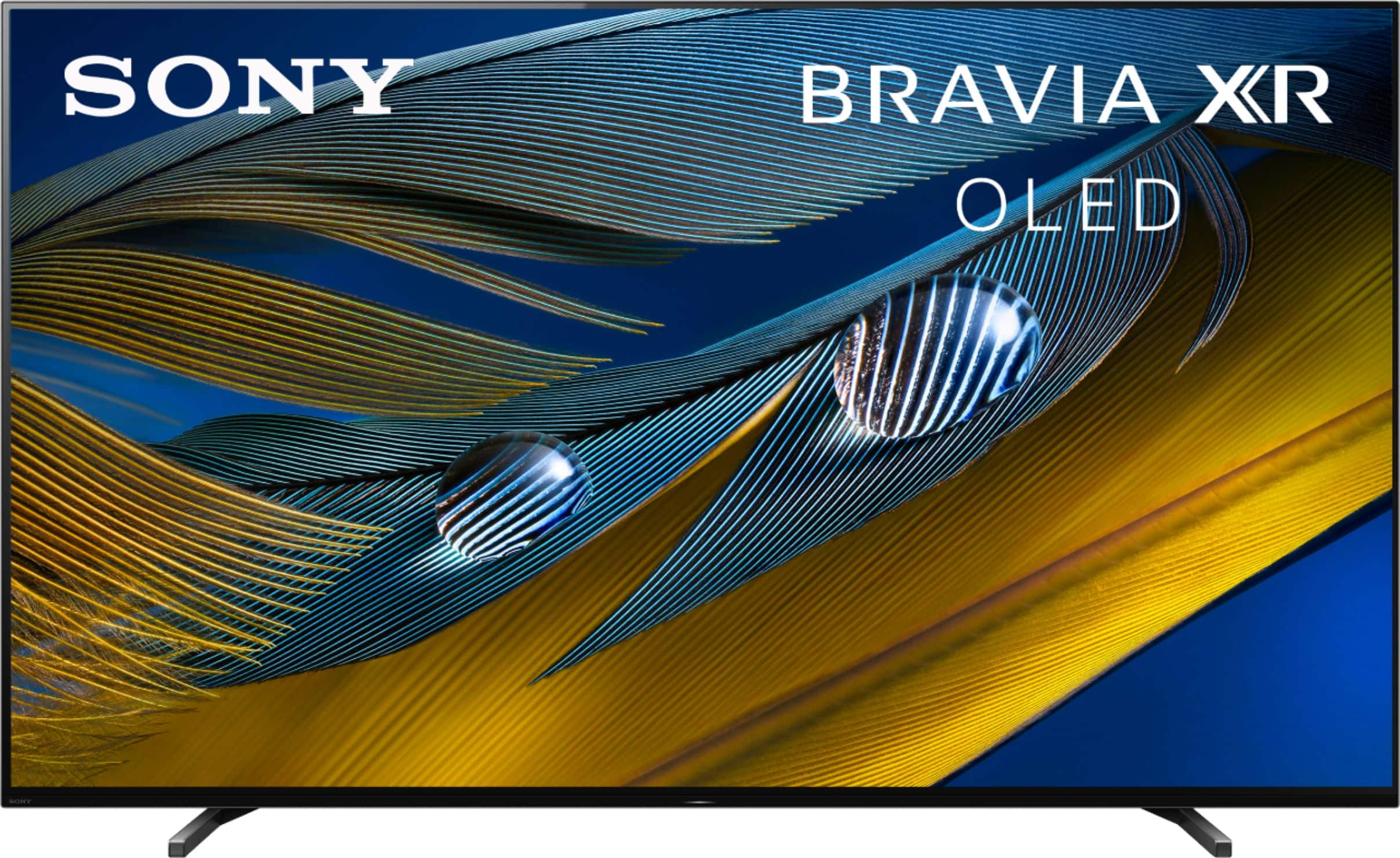
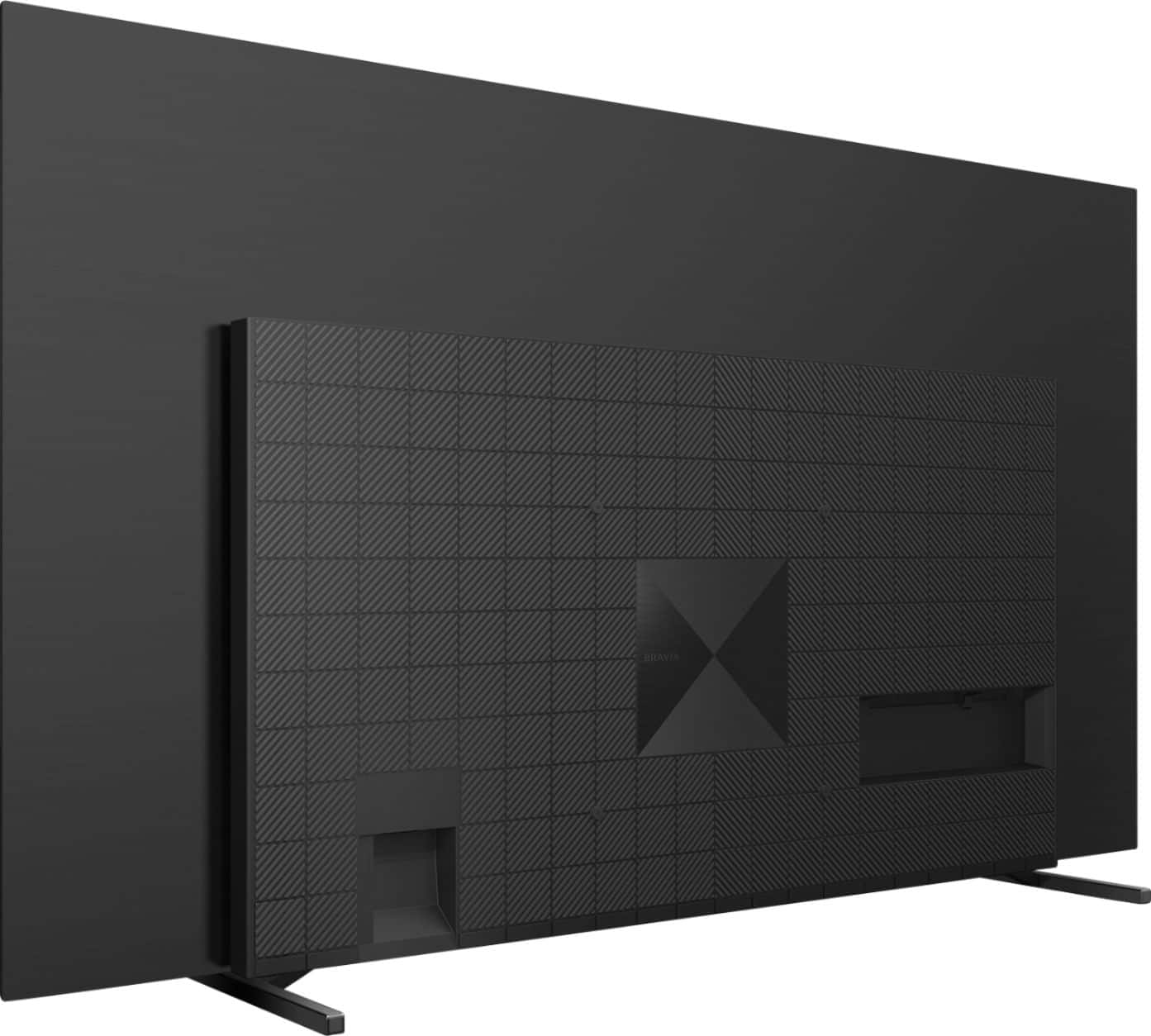
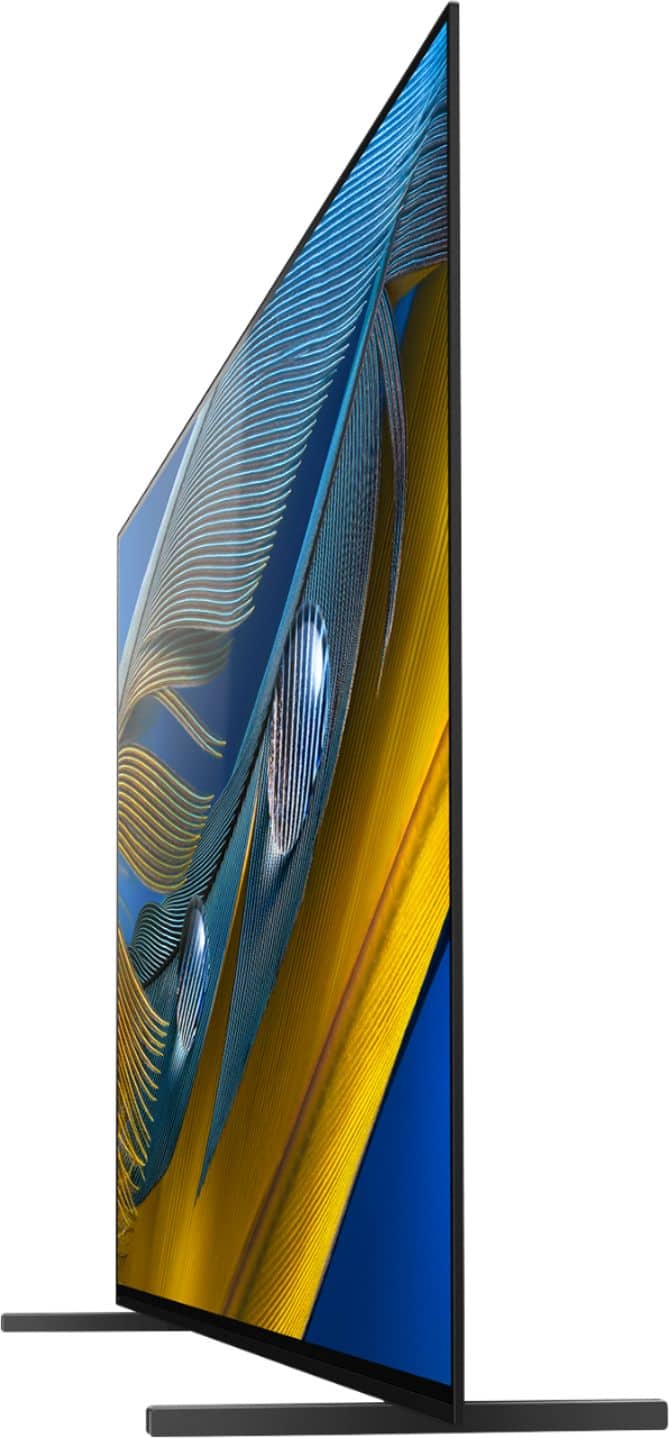
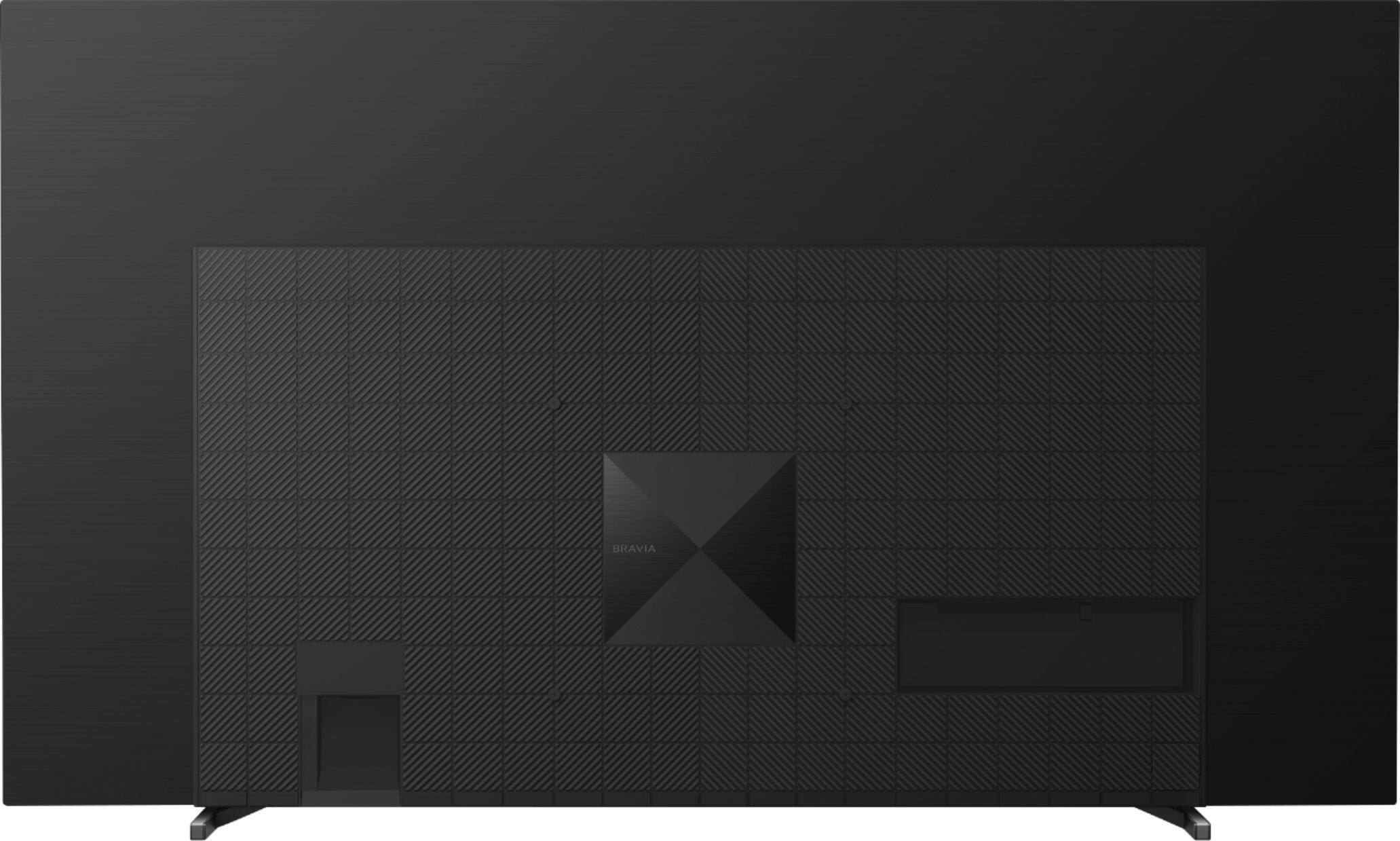

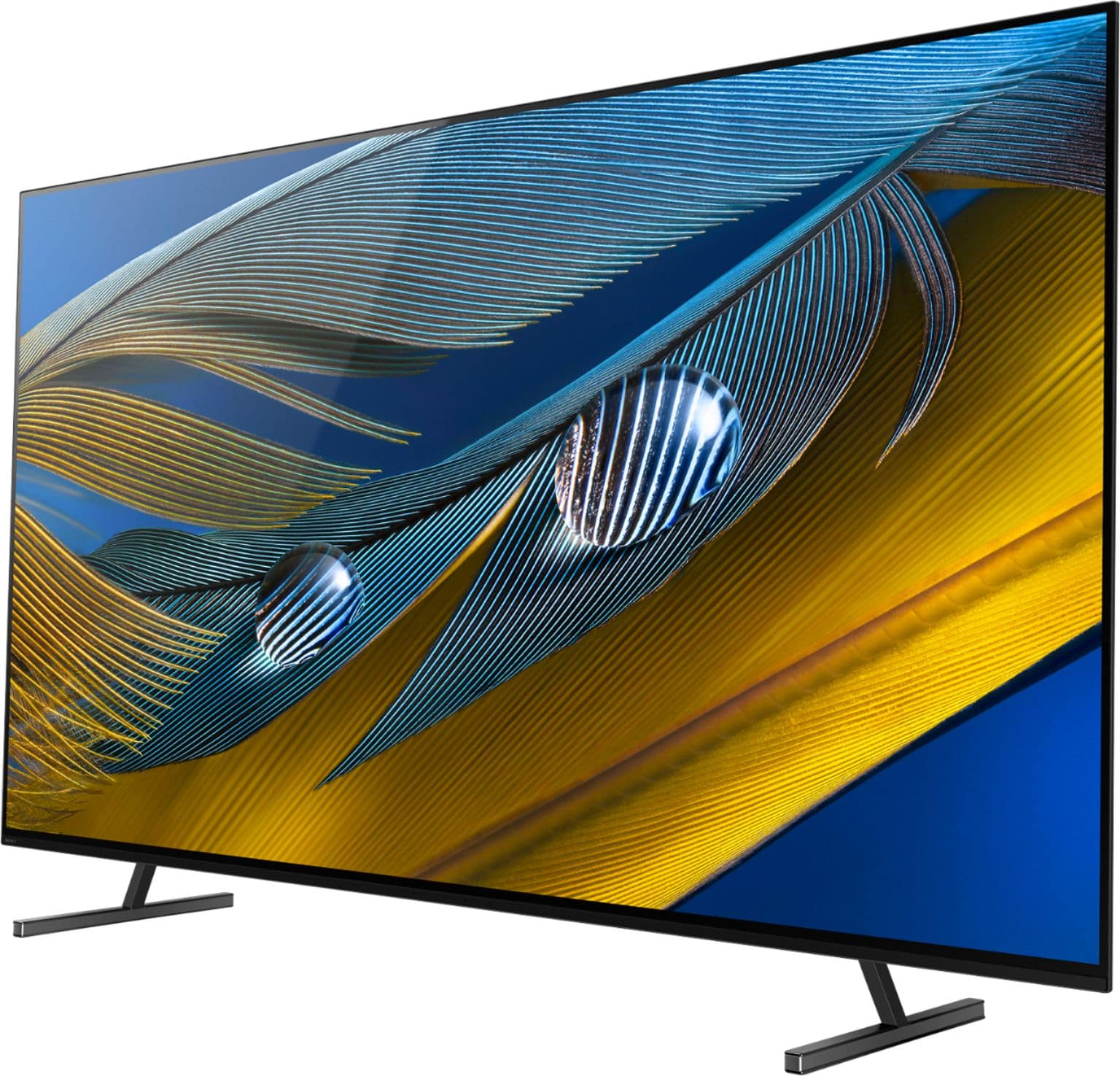
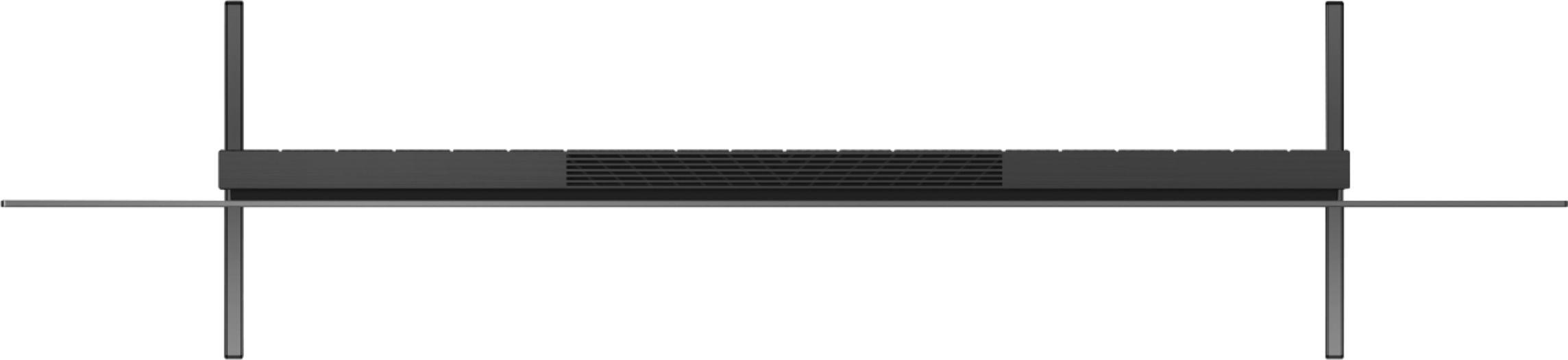
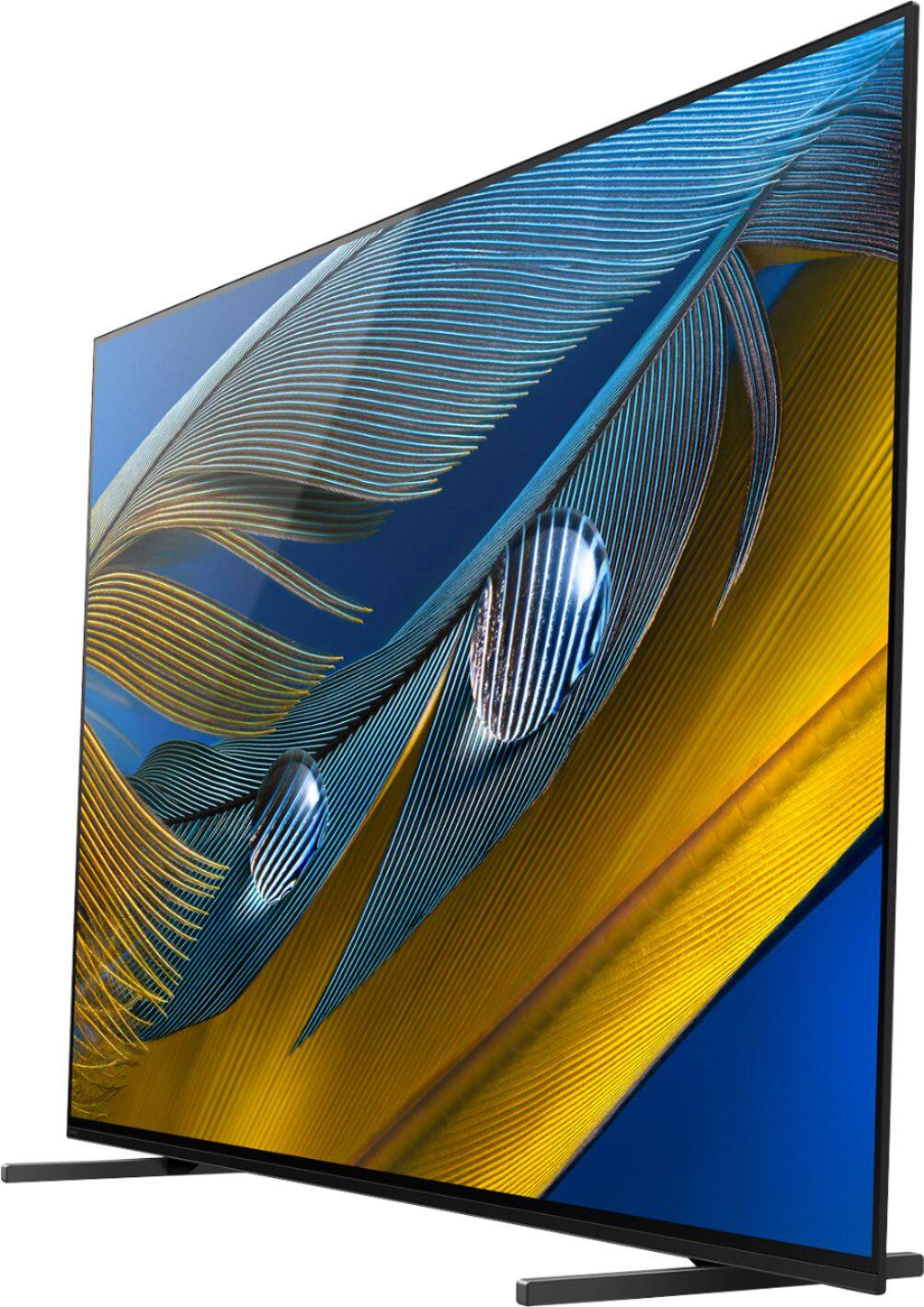
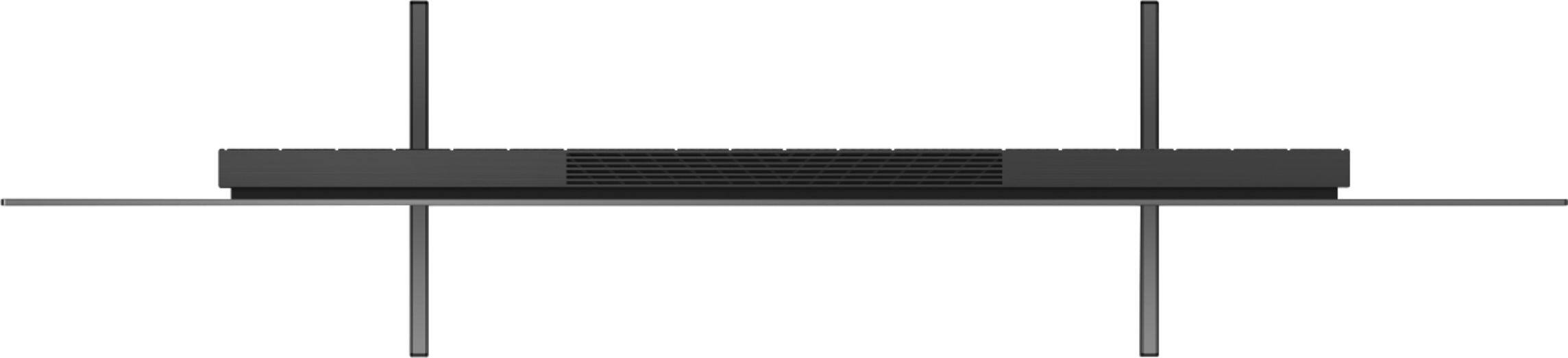
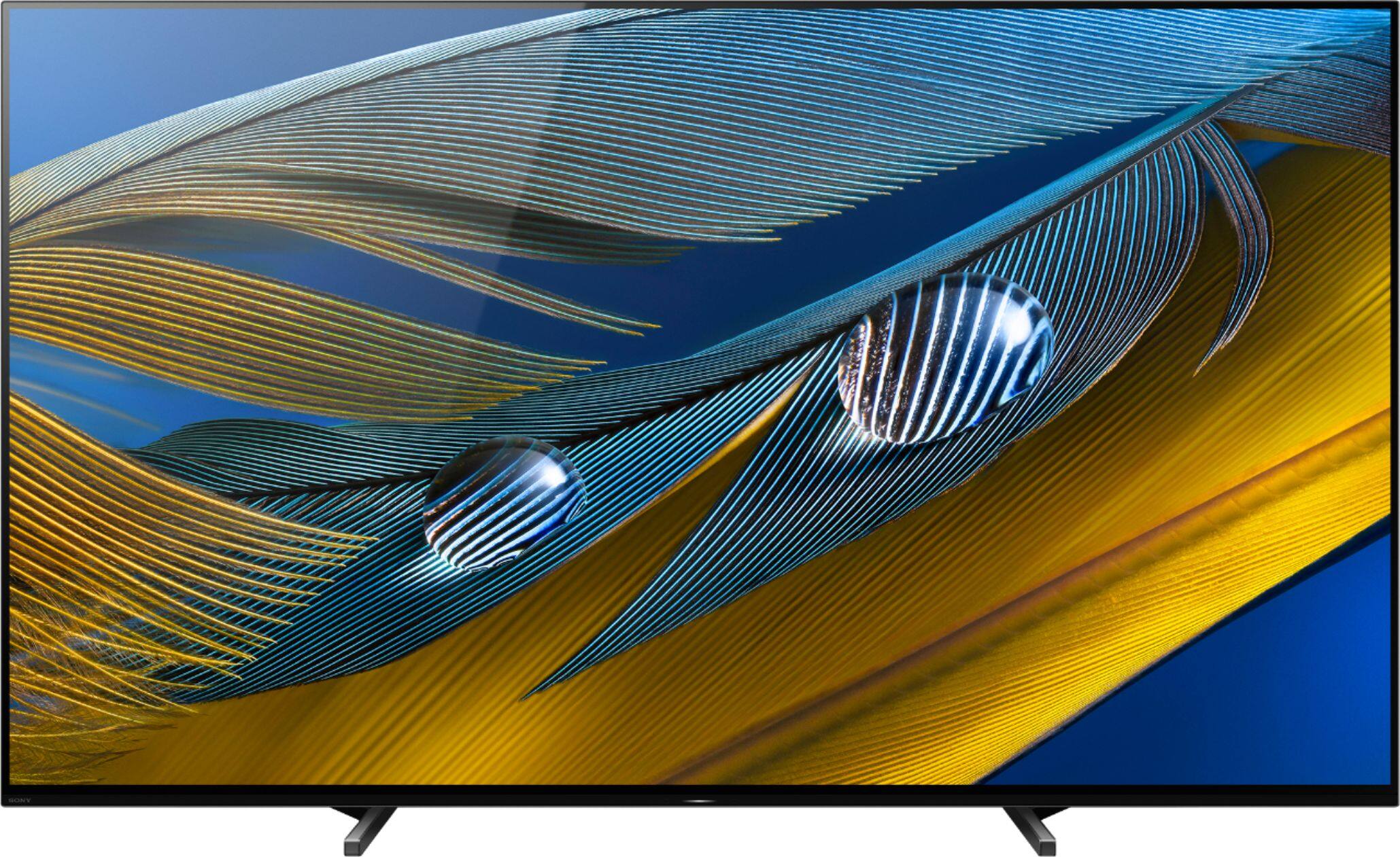
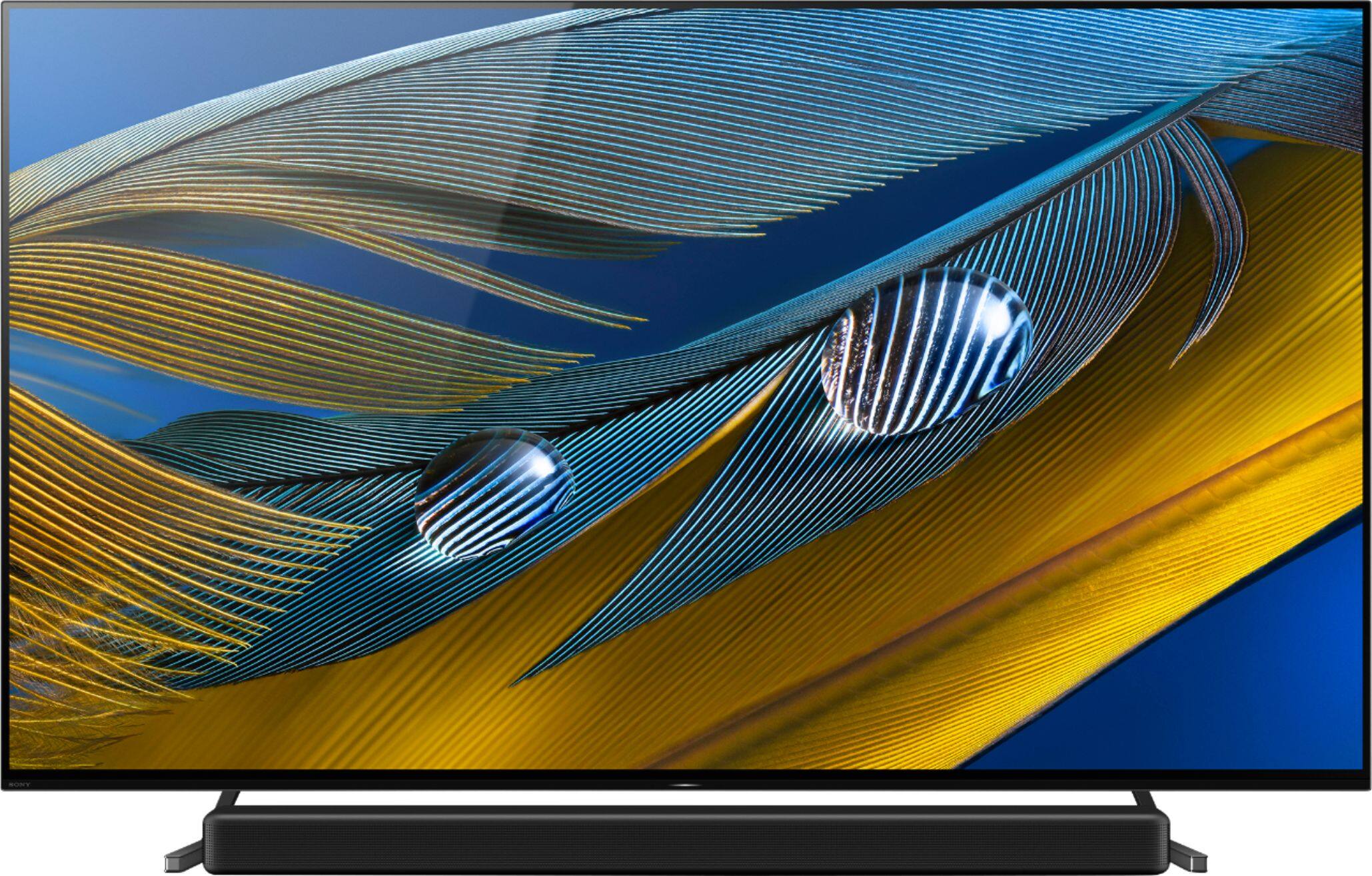

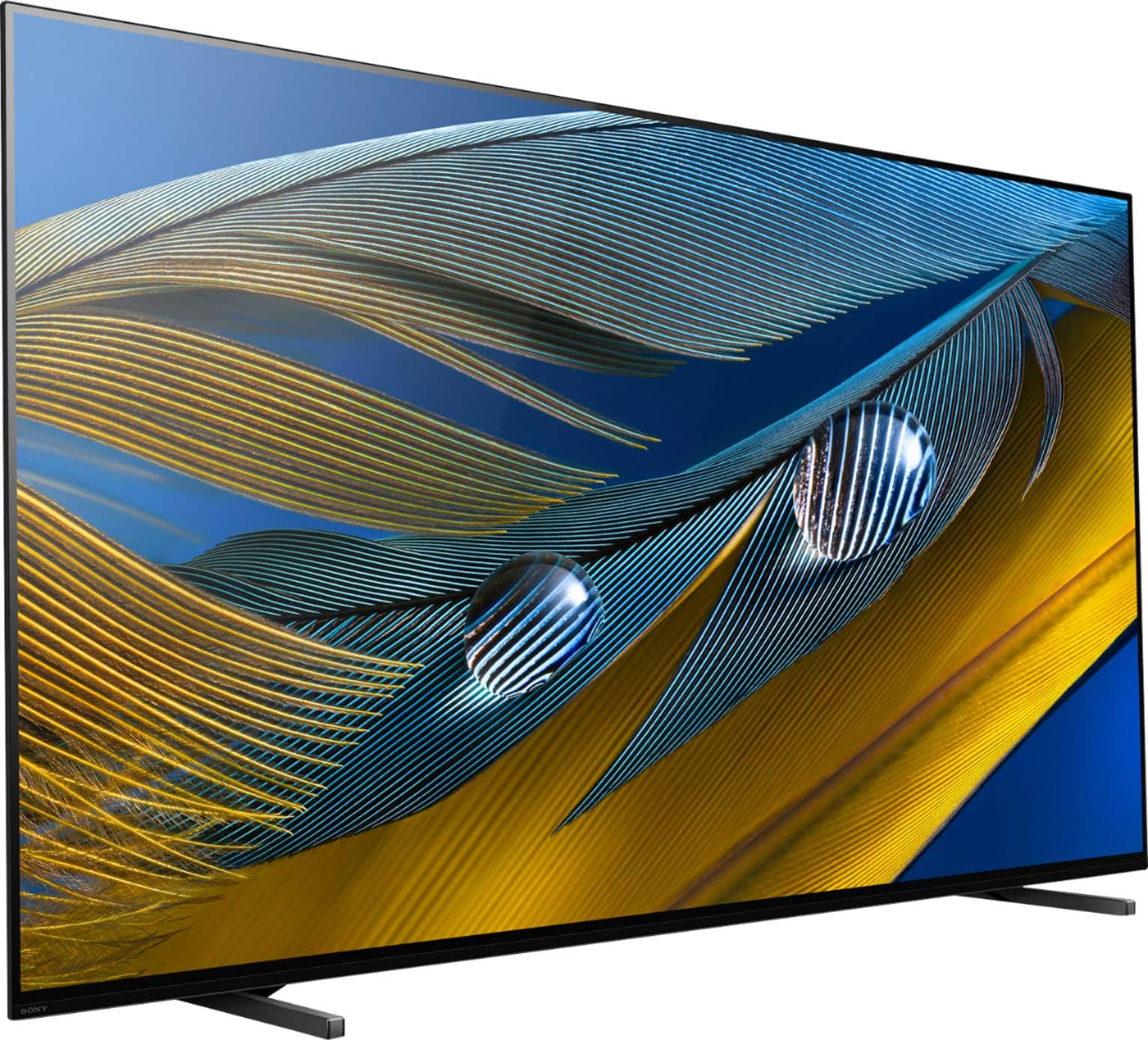
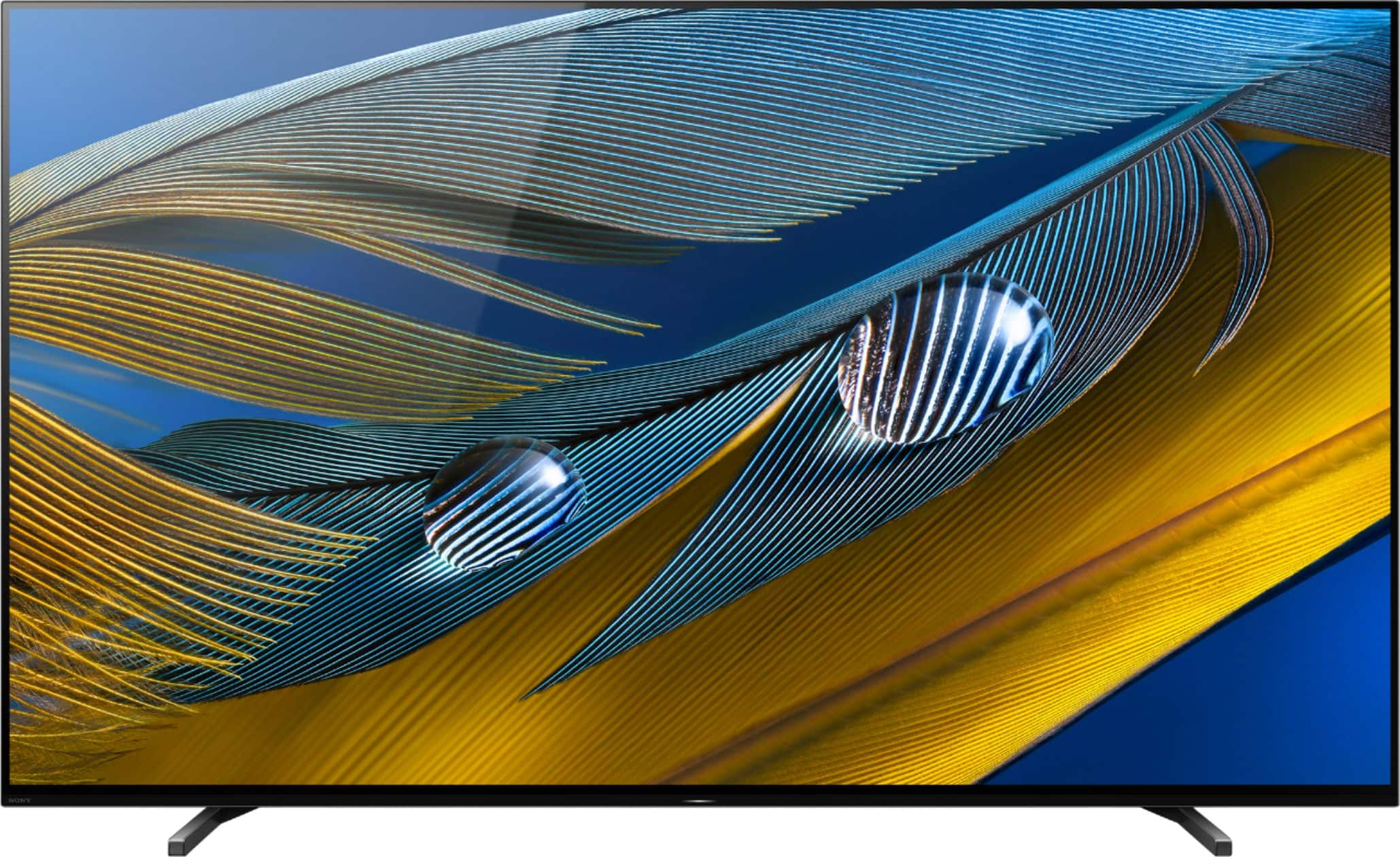









- Model:
- XR65A80J
- SKU:
- 6455218
Rating by feature
- Picture Quality
Rating 4.9 out of 5 stars
- Sound Quality
Rating 4.7 out of 5 stars
- Brightness
Rating 4.8 out of 5 stars
Customers are saying
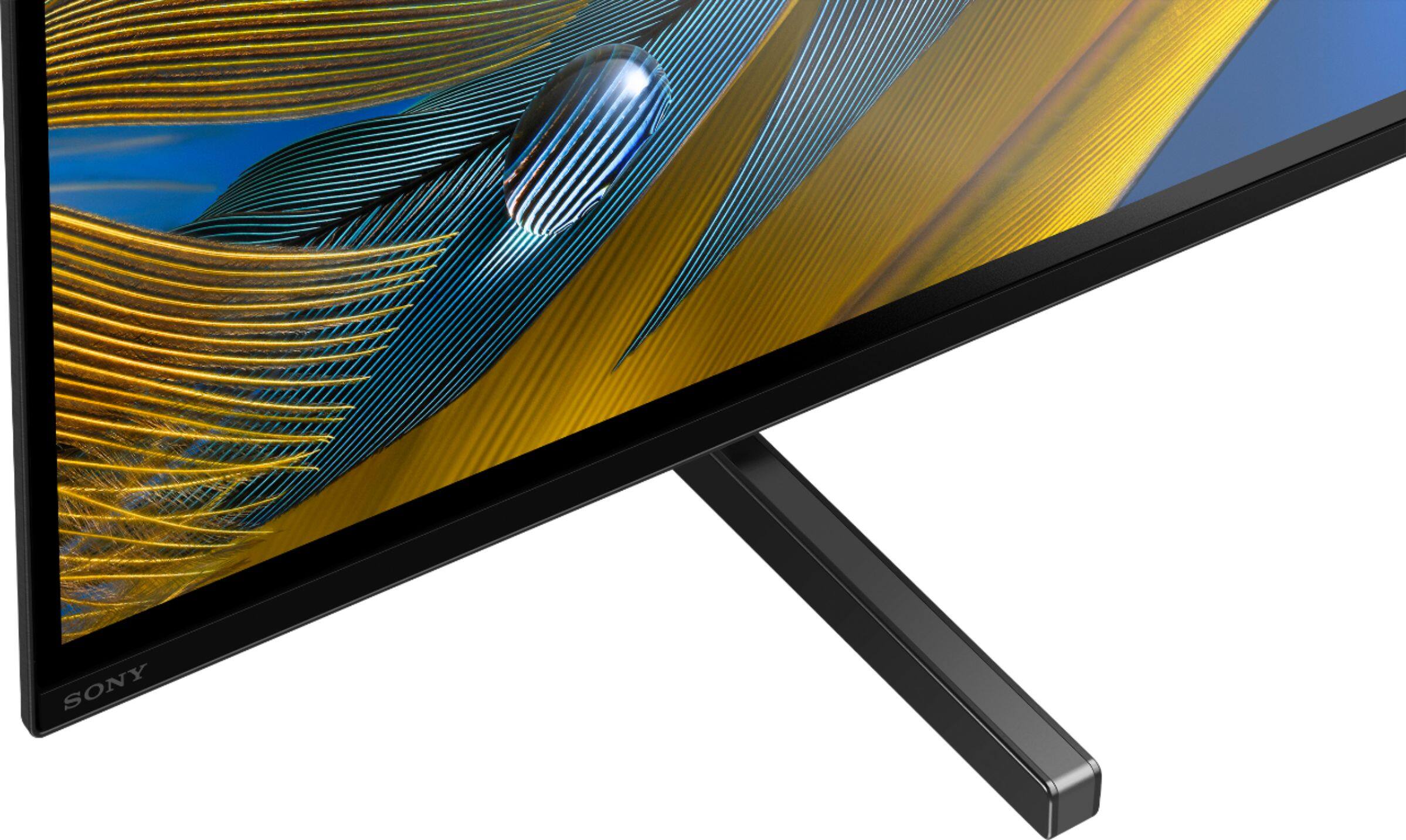
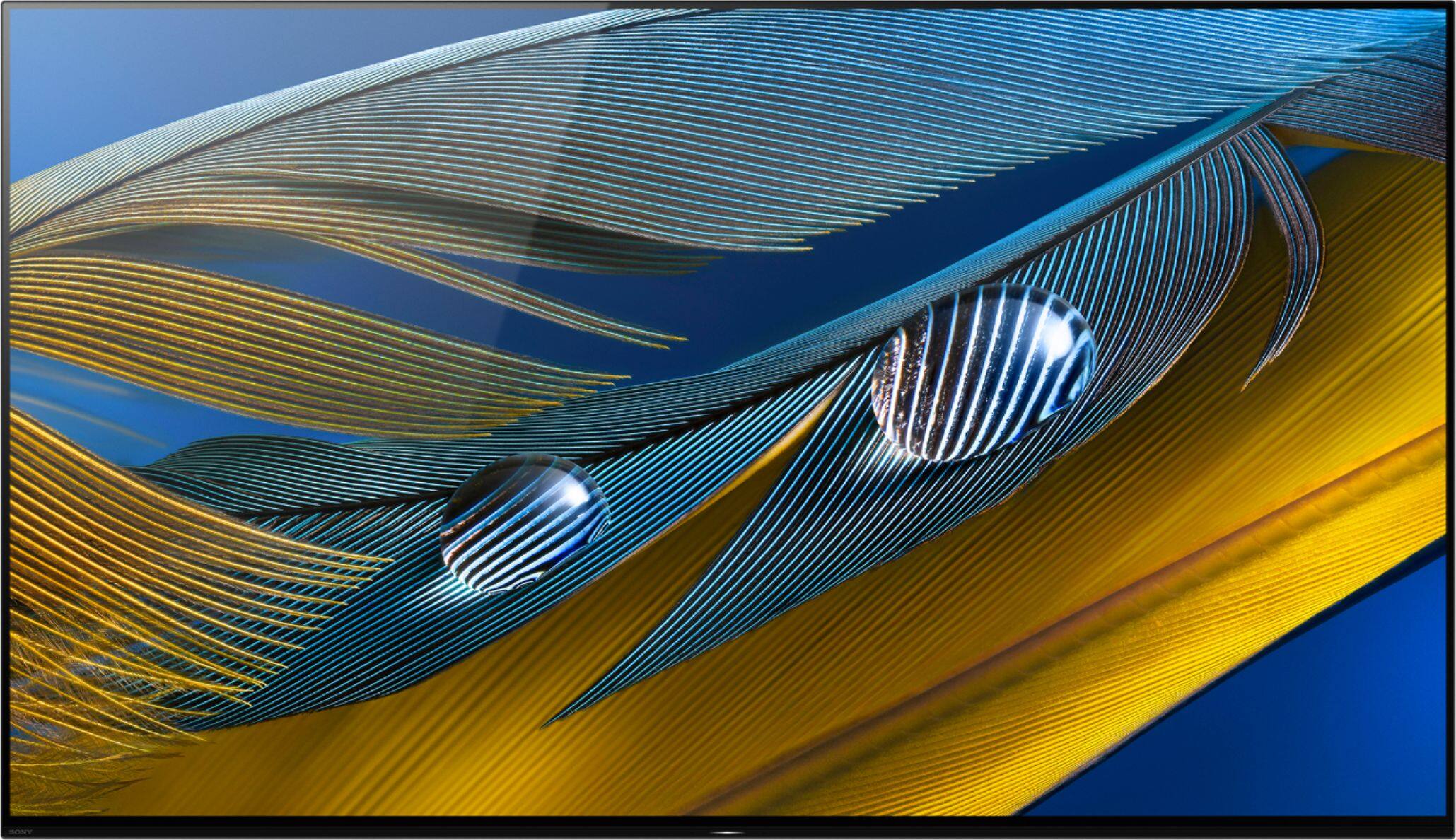
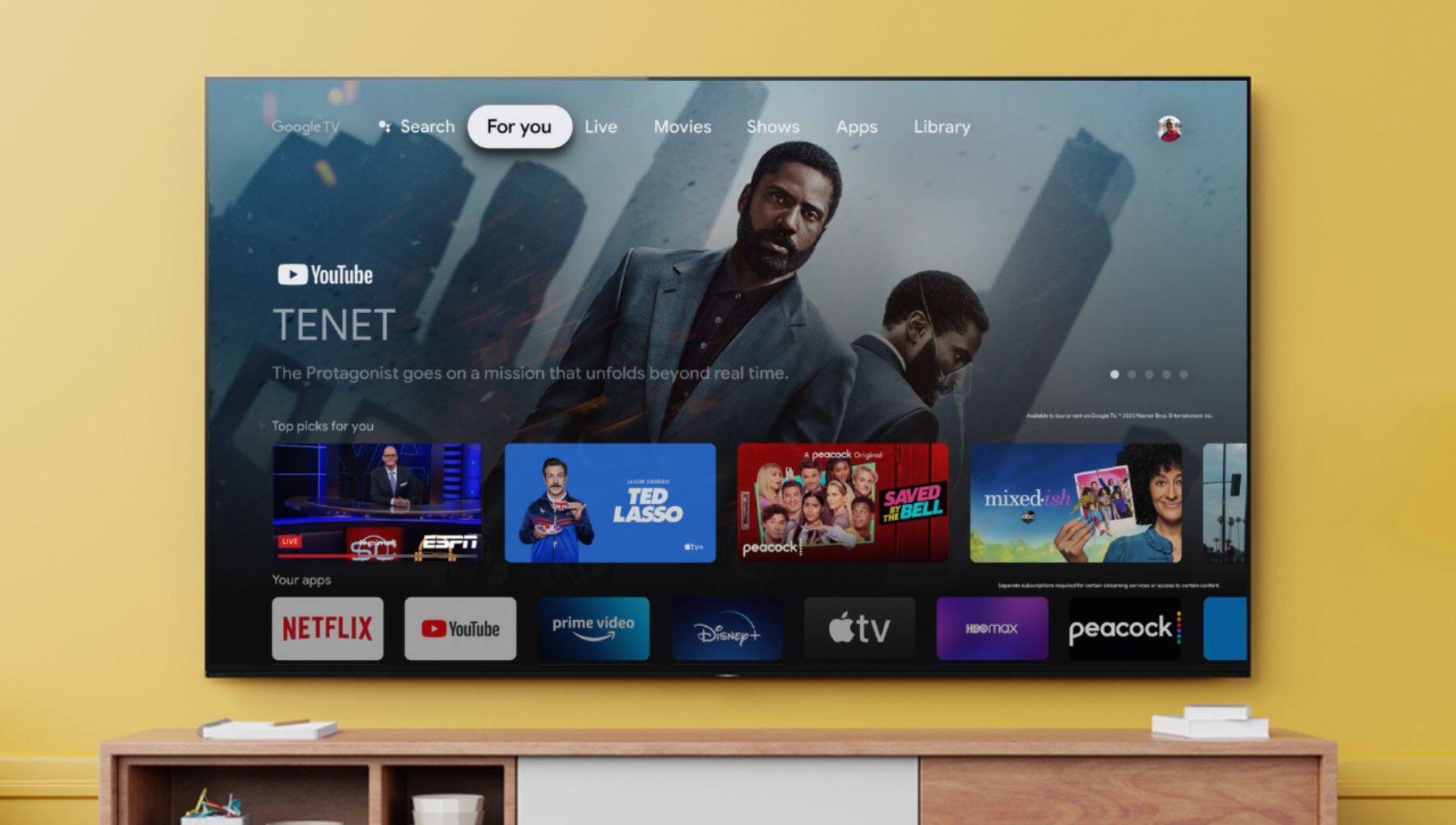
Customers often highlight the exceptional picture quality, vibrant colors, and impressive OLED display of the Sony 65" Class BRAVIA XR A80J Series OLED 4K UHD Smart Google TV. They appreciate the easy setup and excellent sound quality, making it a great choice for gaming and movie enthusiasts. While some users find the price to be a bit high, many agree that it offers great value for the features and performance it delivers.
This summary was generated by AI based on customer reviews.
Disappointed is an understatement
Posted .This reviewer received promo considerations or sweepstakes entry for writing a review.The Sony A80j has a matte finish on the screen and it makes the colors & contrast look like doody , very dull looking and brightness is really bad to dark- No amount of playing with settings help this by the way. Picture quality is nowhere near what an Oled picture should look like in my opinion. Tv also has issues with pixelation, dse, banding, etc… Could be due to the mediatek soc chipset , but who knows. Also dolby atmos seems to be an issue and doesn’t work with hbo max built in app. I used to love Sony but honestly their quality has gone downhill & it’s sad because they used to be great, I have returned this tv because of to many issues & exchanged for the Lg C1 Oled 65” which blows the Sony out of the water. Although the C1 isn’t perfect, I find it to be way better than anything Sony has this year.
No, I would not recommend this to a friendBrand response from SonyListens
Posted .Hi Golden37, We are sorry to hear that you had picture issues with your Sony TV.and had to return it. This is usually not the case with our premium TVs and changing the picture setting or brightness setting of the TV based on your preference may improve your viewing experience.
To check on the picture settings of the TV please check on this link: https://helpguide.sony.net/tv/iusltn1/v1/en-003/01-03-09_01.html
Also, changing the power saving of the TV will help improve to brighten the screen.
Please check on this link: https://helpguide.sony.net/tv/iusltn1/v1/en-003/08-02_04.html?hl=picture+adjustment
We hope that you consider Sony again in your future purchases.
Regards,
Carl
Image not clear when watching cable in HD
Posted .This reviewer received promo considerations or sweepstakes entry for writing a review.So I have replaced my 16 years old Sony Grand Wega with a Sony Bravia 65 inch OLED tv. I’m disappointed, I think the picture quality on cable mode was much clearer on my old TV than on this new one. Do I need any special cables ? I’m using a coaxial from Home Depot.
No, I would not recommend this to a friendBrand response from SonyListens
Posted .Hi Cristina,
We're sorry to hear about your concern with the picture quality of this TV. Install your TV and connect your sources. To help assure the highest quality for your HD experience, use Ultra High-Speed HDMI (High-Definition Multimedia Interface) cables.
Also, you can configure various settings related to the TV display such as color and brightness for picture quality, or screen size. Press the (Quick Settings) button on the remote control, then select [Settings] — [Display & Sound] — the desired option.
If you are unable to resolve your concern, may we contact you to help? If so, please email the below information to socialsupport@am.sony.com or chat with us from Sony’s e-support webpage. Apologies if you disclosed some of this information in your review and to customer service, we just want to ensure that we have your accurate details at the time of communication.
Full Name:
Best Buy Username:
Telephone Number:
Sony Model Number:
Additional Information regarding your experience with the A80J:
We are sorry for the inconvenience and hope to speak to you to resolve this matter. We appreciate you and thanks again for shopping Sony!
Sincerely,
Jay
DO NOT BUY
Posted .This reviewer received promo considerations or sweepstakes entry for writing a review.Had the tv for 10 months and now the screen goes black every few days while the audio still plays. Other times there is a black line down the center with two pictures of the same thing I am watching. Support is horrific. Did factory reset and was told that would take care of the issue. Two days layer, it's doing the same thing.
No, I would not recommend this to a friendBrand response from SonyListens
Posted .Hi Chalk,
This is not the experience that we want you to have. This isn't normally the case with the A80J. We would like to know more about what happened and help you out. Please email us at socialsupport@am.sony.com with the following details:
Full Name:
Best Buy Username:
Telephone Number:
Sony TV Model Number:
Issue:
Case Number:
Additional Information regarding your experience with the XR65A80J.
Sincerely,
-Ralph
Sony Social Support
Never again Sony or Best Buy
Posted .This reviewer received promo considerations or sweepstakes entry for writing a review.$2000 plus TV does not recognize the HDMI input upon wake up of TV. Tried multiple devices, one different and two brand new HDMI cords... Sony customer service is beyond useless, wait 30 minutes then they barely read from script. Best Buy no longer takes calls at this location... Beyond useless as well. NEVER AGAIN SONY AND NEVER AGAIN BEST BUY.
No, I would not recommend this to a friendBrand response from SonyListens
Posted .Hi Burk,
This is not the experience that we want you to have. For optimum performance, make sure to use a Premium High Speed HDMI cable. Try the other HDMI ports of the TV. Perform a power reset:
1. To perform a power reset
-Turn off the TV, unplug the power cord for two minutes, then turn on the TV
-Note: Skip this step if your power cord is not accessible.'
2. Restart your TV using the TV remote. These options vary depending on your TV:
Use the option that best matches your TV when using the power button on the supplied remote control to perform a restart:
-Press and hold the POWER button until Power off appears on the screen
-Press and hold the POWER button until a menu appears → select Restart
Resetting the TV to factory settings may also help the issue. Please refer to this link for more information (option B):
https://www.sony.com/electronics/support/televisions-projectors-oled-tvs-android-/xr-65a80j/articles/00159487?model=XR-65A80J&category=televisions-projectors-oled-tvs-android-
If still not resolved, please let us know so we can provide further assistance. Please email the below information to socialsupport@am.sony.com. Apologies if you disclosed some of this information in your review and to customer service, we just want to ensure that we have your accurate details at the time of communication.
Full Name:
Best Buy Username:
Telephone Number:
Sony TV Model Number:
Case Number:
Additional Information regarding your experience with the XR65A80J.
We are sorry for the inconvenience and hope to speak to you to resolve this matter. We appreciate you and thanks again for shopping Sony!
Sincerely,
~Ralph
Sony Social Support