Customer Ratings & Reviews
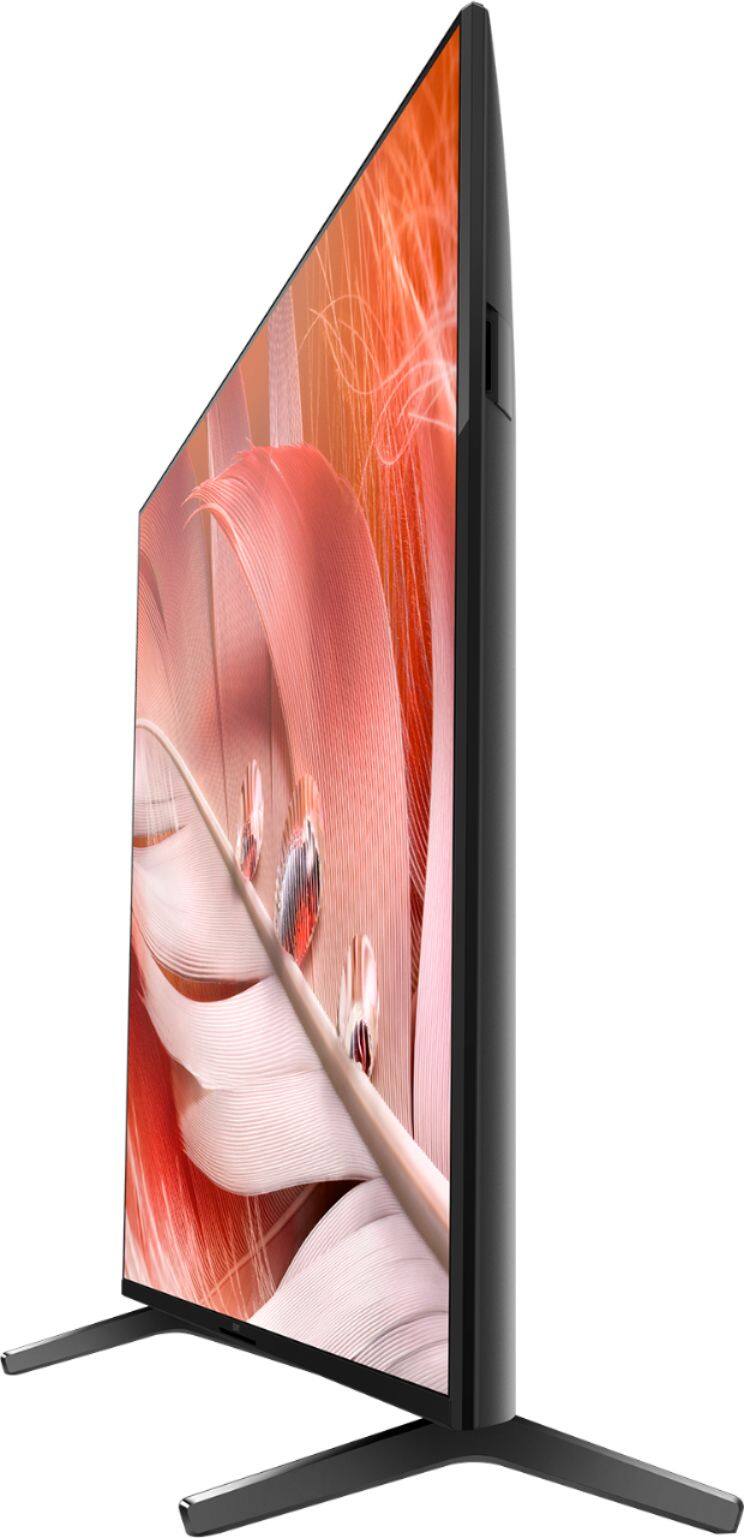

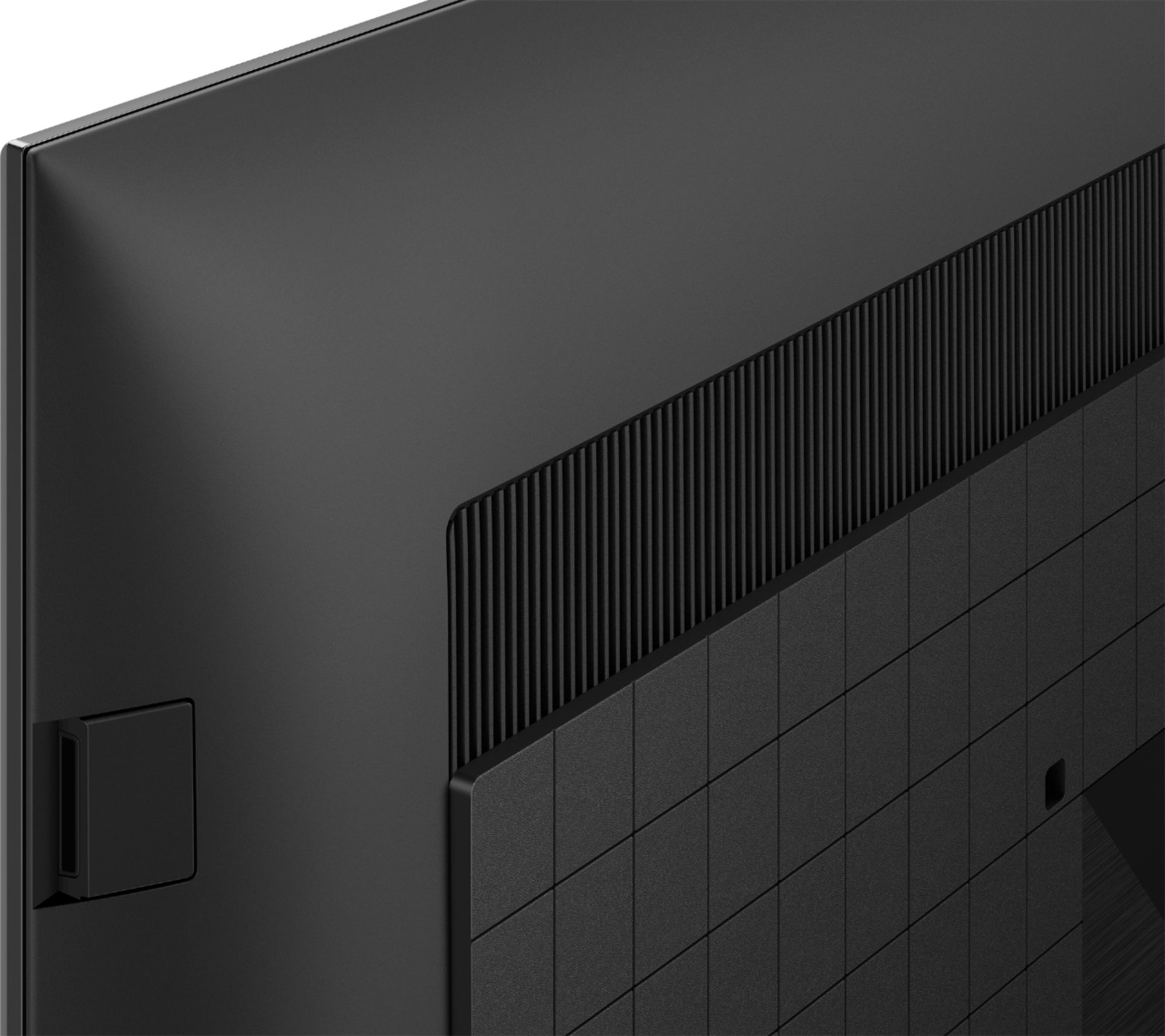
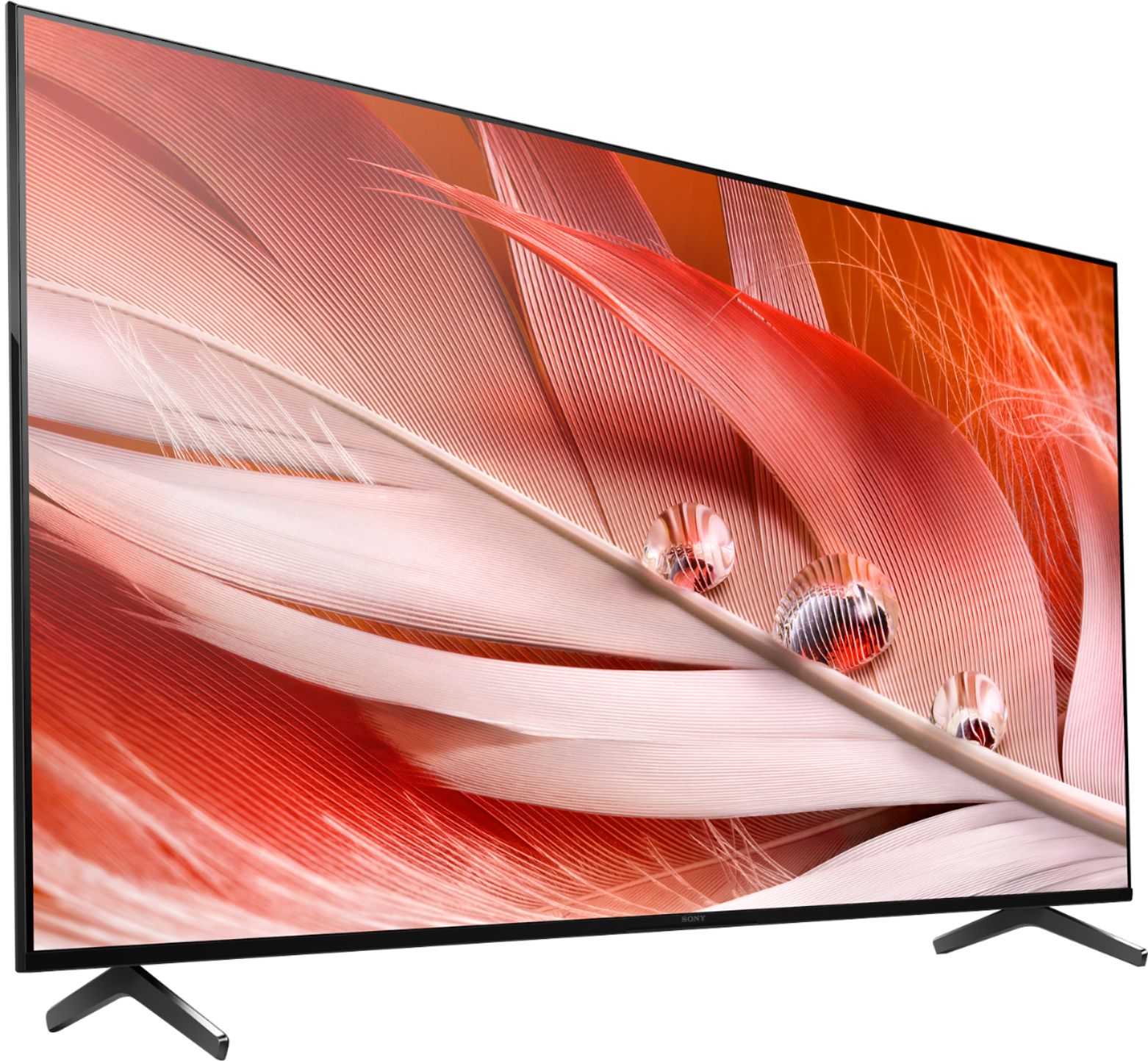
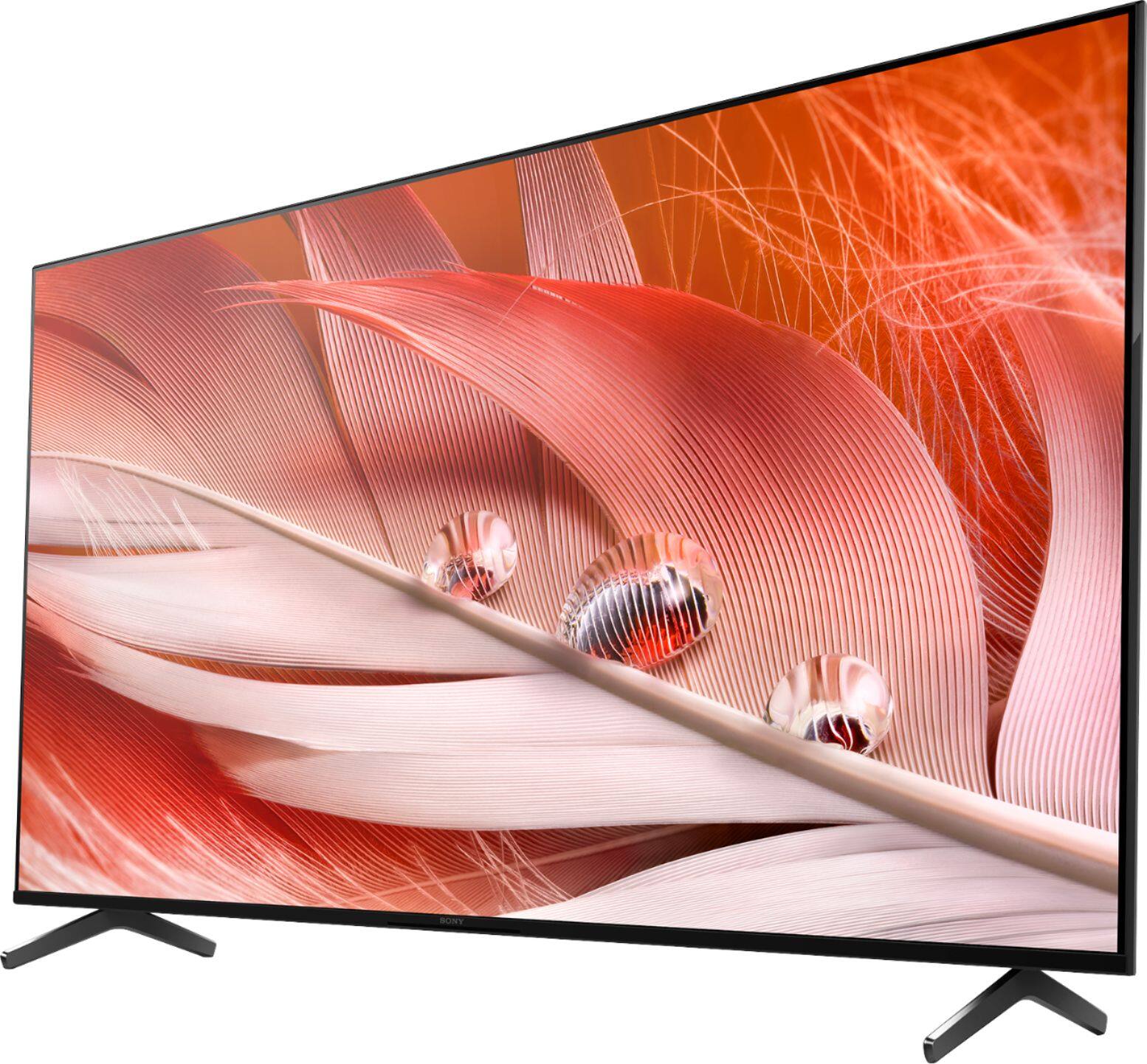
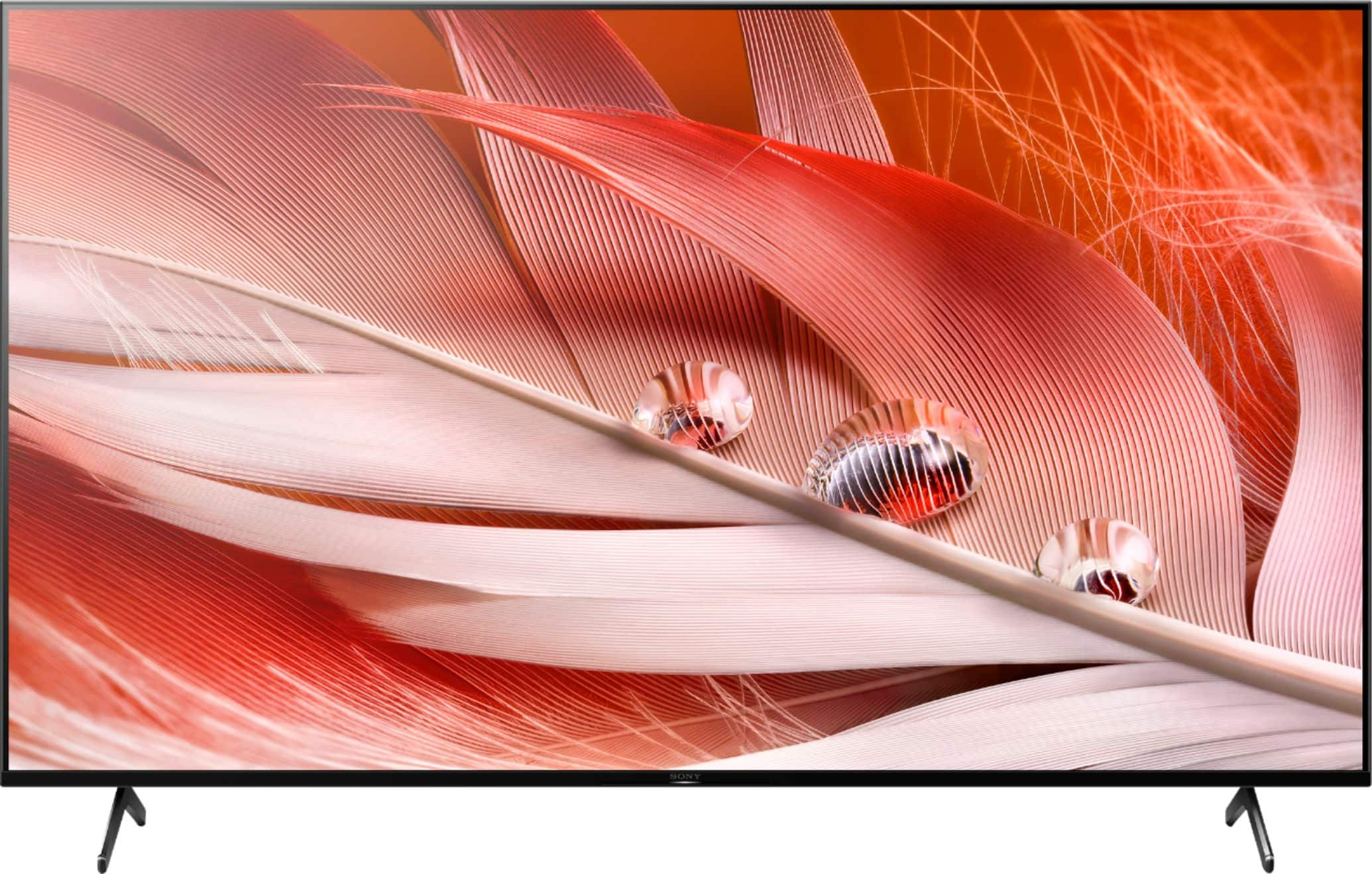
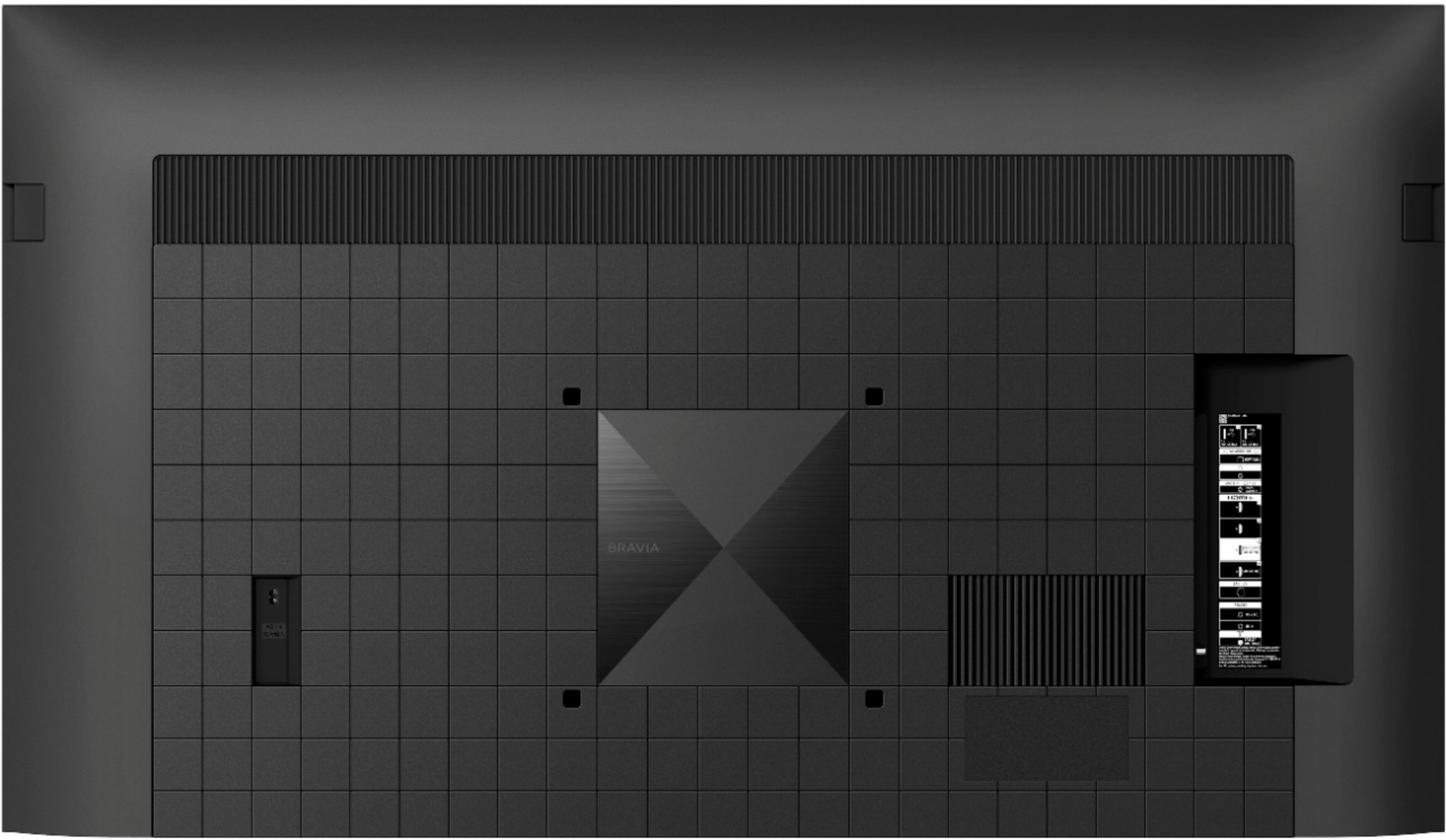

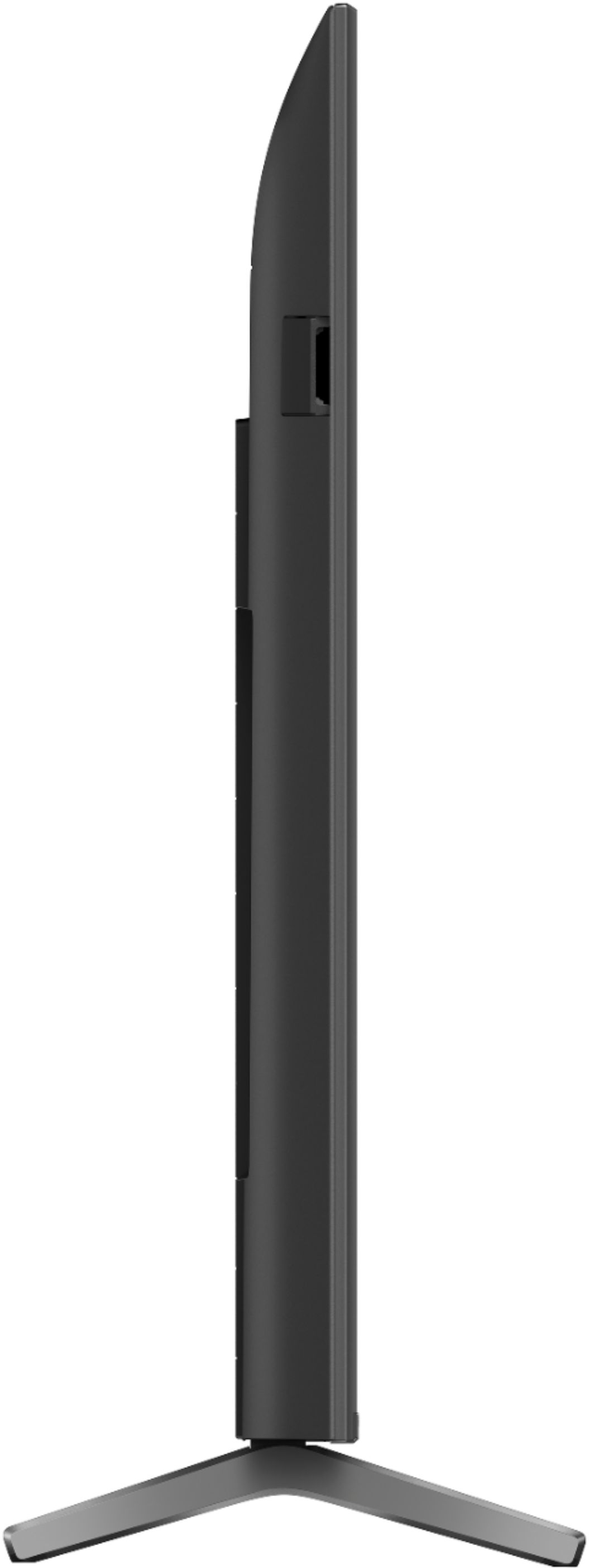









- Model:
- XR65X90J
- SKU:
- 6453208
Rating by feature
- Picture Quality
Rating 4.8 out of 5 stars
- Sound Quality
Rating 4.5 out of 5 stars
- Brightness
Rating 4.7 out of 5 stars
Customers are saying
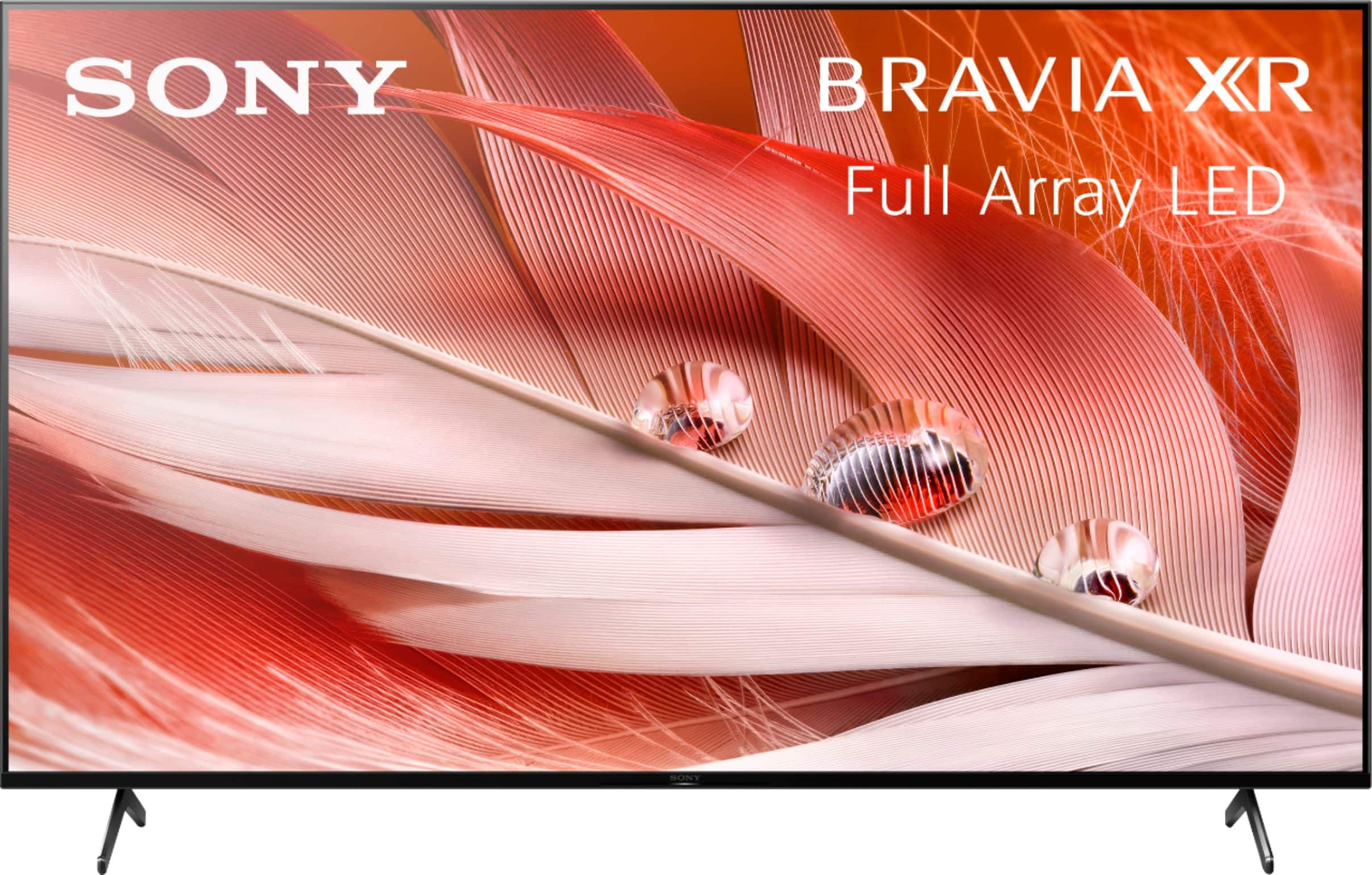
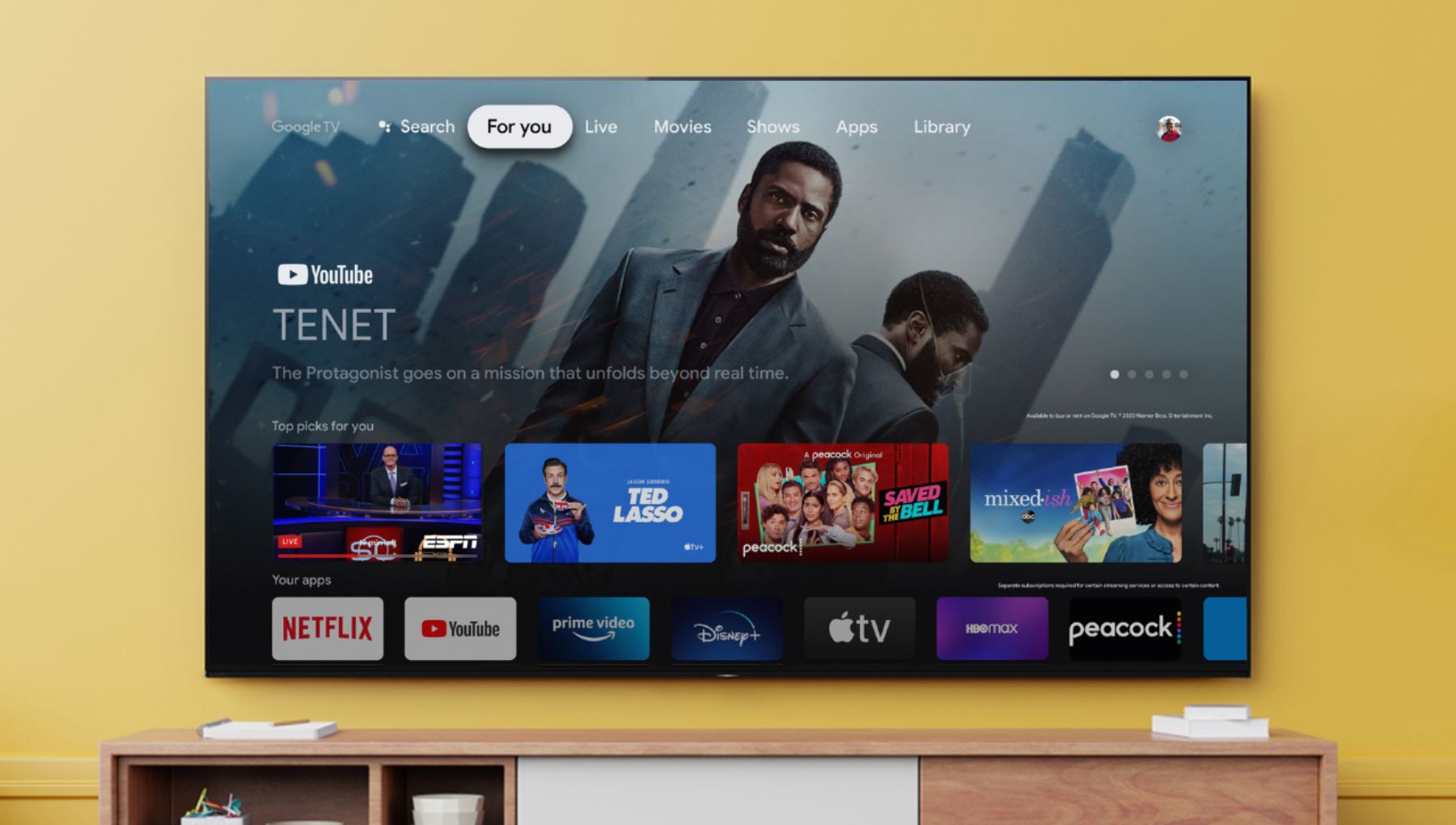
Customers commend the 65" Class BRAVIA XR X90J Series LED 4K UHD Smart Google TV for its exceptional picture quality, describing it as beautiful, incredible, and perfect. They also appreciate its user-friendly setup and reasonable price point compared to OLED TVs. While some users have concerns about glare and the limited number of HDMI 2.1 ports, overall, customers are highly satisfied with the TV's performance, especially for gaming.
This summary was generated by AI based on customer reviews.
- Cons mentioned:Reliability
Major Power issue, lots of complaints online
||Posted . Owned for 6 months when reviewed.This reviewer received promo considerations or sweepstakes entry for writing a review.Purchased in March, and dead in September. Turned off mid viewing, won't turn back on, did all trouble shooting with Sony and now waiting for a technician to visit. Living in remote Montana I'm not counting on that anytime soon. Most likely a bad motherboard, we will see if/when it gets replaced. I have two cheap Insignia TVs that have lasted 5 years without any issues. Sony? Not so much.
No, I would not recommend this to a friendBrand response from SonyListens
Posted .Hi Bitterrooter, we're sorry to hear that you have an issue with your SONY unit. This is not the experience we want you to have. We would like to review your file to better assist you. Please email us at socialsupport@am.sony.com with the following details: Name: Username: Model Number: Issue: Telephone Number: Case Number:
~Earl
Middle of the road.
||Posted . Owned for 1 month when reviewed.This reviewer received promo considerations or sweepstakes entry for writing a review.For the price it’s not a bad tv. Picture quality overall is decent. Sound not so great. Need a sound bar to complete the set up.
I would recommend this to a friendBrand response from SonyListens
Posted .Hi Jdkr,
Thank you for the feedback on your experience with your X90J Full Array LED 4K HDR Google TV. We are sorry to hear if the product did not meet your expectations, particularly with its sound quality. You can configure various settings related to the TV’s sound such as sound quality and sound mode. The sound quality may improve if you change it in [Sound] under [Settings].
Press the HOME button, and select [Settings] — [Display & Sound] — [Sound] — [Sound mode] or [Sound customization].
If you're planning on getting a specific audio system, we recommend the G700, Z9F, ST5000, or the A5000/A7000 to complement the TV audio.
Glad to know you appreciate the great picture quality this TV delivers. With the BRAVIA XR X90J Full Array LED TV everything you watch becomes more detailed and immersive with true-to-life 4K HDR, powered by the all-new Cognitive Processor XR™. With outstanding picture and sound quality, as well as a sleek flush bezel design, be prepared to level up your favorite movies, TV shows, and games. Thank you choosing Sony! -Jess
Sony65
||Posted . Owned for 3 weeks when reviewed.This reviewer received promo considerations or sweepstakes entry for writing a review.The television is nice but it was not connecting to my WiFi and Netflix, Disney+. When we watch a show it will go back to the menu every couple of minutes and disturbing the show we are watching.
No, I would not recommend this to a friendBrand response from SonyListens
Posted .Hello Sony65,
We do apologize for the inconvenience. The network-related settings that are required may vary depending on the Internet service provider or router. You may find this article helpful on how to resolve your WiFi issue.
https://www.sony.com/electronics/support/televisions-projectors-lcd-tvs-android-/xr-65x90j/articles/00184183
If you need further assistance, please email us at socialsupport@am.sony.com with the following details:
Name:
Best Buy Username:
Model Number:
Issue:
Telephone Number:
Regards,
David
- Cons mentioned:Glare
Glare problem
||Posted . Owned for 1 month when reviewed.This reviewer received promo considerations or sweepstakes entry for writing a review.Tv is not suited for room that is well lit with windows. Glare is excessive. Best Buy is exchanging it for a different set.
No, I would not recommend this to a friendBrand response from SonyListens
Posted .Hi Glare, we're sorry to hear that our product did not meet your expectations. Unfortunately, this unit does not support anti reflection technology. You can check our X95J which supports the X-Anti Reflection technology. (Available in 75 inches and 85 inches screen sizes.)
We have our support team that is always happy to assist you. You may email us including the information below to socialsupport@am.sony.com.
Apologies if you disclosed some of this information in your review and to customer service, we just want to ensure that we have your accurate details at the time of communication.
Full Name:
Best Buy Username:
Telephone Number:
Sony TV Model Number:
Additional Information regarding your experience with the X90J
We appreciate you and thanks again for shopping Sony!
Sincerely,
~Earl
Bad Panel and Poor Picture Quality for DirecTV
||Posted .This reviewer received promo considerations or sweepstakes entry for writing a review.Bought this TV in July of 2021 and my panel is damaged, leaving me with some hot spots in certain areas of the screen. Luckily, Geek Squad was able to come out and look over the TV by going on YouTube and selecting Red, Blue, Green, and Gray screen modes. Turns out those test showed exactly where those hot spots were. Geek Squad ended up submitting a claim on my behalf to Sony and the TV will be replaced. Also - side note, the TV does not give a crisp picture while watching DirecTV.. picture comes in blurry/pixelated and I have tried every picture setting mode possible... but this may be due to the bad panel I suppose.
No, I would not recommend this to a friendBrand response from SonyListens
Posted .Hi Zach, thank you for choosing and purchasing our product. We're sorry to hear that you have picture issues with your SONY unit. If you are referring to the dead pixels on the screen, high-precision technology is used to manufacture LCD and OLED displays to maintain a high standard of operation. However, with all LCD/OLED screens, regardless of manufacturer, there may be a small number of dots that do not change color. This is normal operation for LCD and OLED screens for all manufacturers. Please check this link for more details:
https://www.sony.com/electronics/support/televisions-projectors-lcd-tvs-android-/xr-65x90j/articles/00026287
You can configure various settings related to the TV display such as color and brightness for picture quality, or screen size. Please follow this link:
https://helpguide.sony.net/tv/iusltn1/v1/en-003/01-03-09_01.html
It is also recommended to follow this link when isolating picture issues on the TV:
https://www.sony.com/electronics/support/televisions-projectors-lcd-tvs-android-/xr-65x90j/articles/00032635
May we contact you to help? If so, please email the below information to socialsupport@am.sony.com.
Apologies if you disclosed some of this information in your review and to customer service, we just want to ensure that we have your accurate details at the time of communication.
Full Name:
Best Buy Username:
Telephone Number:
Sony TV Model Number:
Additional Information regarding your experience with the X90J
We are sorry for the inconvenience and hope to speak to you to resolve this matter.
We appreciate you and thanks again for shopping Sony!
Sincerely,
~Earl
It’s okay.
||Posted . Owned for 5 months when reviewed.This reviewer received promo considerations or sweepstakes entry for writing a review.Nice picture but loses wireless connection a lot. I have to restart it about twice a week. Also one hdmi input has no sound. Expected better from Sony.
No, I would not recommend this to a friendBrand response from SonyListens
Posted .Hi Cardinalfan55. thank you for choosing and purchasing our product. We're glad you like the picture quality of our X90J. We're sorry to hear that you have an issue with the wireless connection and the sound.
For wireless connection issue. please follow this link:
https://www.sony.com/electronics/support/televisions-projectors-lcd-tvs-android-/xr-65x90j/articles/00015293
For sound issue when using HDMI connection. please follow this link:
https://www.sony.com/electronics/support/televisions-projectors-lcd-tvs-android-/xr-65x90j/articles/00028375
May we contact you to help? If so, please email the below information to socialsupport@am.sony.com.
Apologies if you disclosed some of this information in your review and to customer service, we just want to ensure that we have your accurate details at the time of communication.
Full Name:
Best Buy Username:
Telephone Number:
Sony TV Model Number:
Additional Information regarding your experience with the X90J
We are sorry for the inconvenience and hope to speak to you to resolve this matter.
We appreciate you and thanks again for shopping Sony!
Sincerely,
Earl
Expected better
||Posted . Owned for 3 weeks when reviewed.This reviewer received promo considerations or sweepstakes entry for writing a review.Expected better from a recent model Sony. I understand it’s not an oled or qled, but still. A decent TCL that costs less would be better.
No, I would not recommend this to a friendBrand response from SonyListens
Posted .Hi Lucky1, thank you for choosing and purchasing our product. We're sorry to hear that you have an issue with your SONY unit. We would like to know more about the issue. You can email the below information to socialsupport@am.sony.com.
Apologies if you disclosed some of this information in your review and to customer service, we just want to ensure that we have your accurate details at the time of communication.
Full Name:
Best Buy Username:
Telephone Number:
Sony TV Model Number:
Additional Information regarding your experience with the X90J
We are sorry for the inconvenience and hope to speak to you to resolve this matter.
We appreciate you and thanks again for shopping Sony!
~Earl
Hit or miss?
||Posted . Owned for 2 months when reviewed.This reviewer received promo considerations or sweepstakes entry for writing a review.Loved this tv in the store. Got it home and it was blurry. Returned it for another of the same and it was good. Overall inconsistent quality.
No, I would not recommend this to a friendBrand response from SonyListens
Posted .Hi MovieNight2, thank you for choosing and purchasing our product. We're sorry to hear what happened to your 1st unit. We're glad to hear your dealer was able handle your replacement. For blurry picture, it is recommended to follow this link to isolate the issue:
https://www.sony.ca/en/electronics/support/televisions-projectors-lcd-tvs-android-/xr-65x90j/articles/00141958
May we contact you to help? If so, please email the below information to socialsupport@am.sony.com.
Apologies if you disclosed some of this information in your review and to customer service, we just want to ensure that we have your accurate details at the time of communication.
Full Name:
Best Buy Username:
Telephone Number:
Sony TV Model Number:
Additional Information regarding your experience with the X90J
We appreciate you and thanks again for shopping Sony!
Sincerely,
~Earl
Sony bravia
||Posted . Owned for 1 year when reviewed.This reviewer received promo considerations or sweepstakes entry for writing a review.This tv screen started turning green after a year of use do not buy
No, I would not recommend this to a friendDisappointed
||Posted . Owned for 5 months when reviewed.This reviewer received promo considerations or sweepstakes entry for writing a review.5 months in and it already has burn in. Its very noticeable in the settings menu. Other than that it is a nice tv.
I would recommend this to a friendBrand response from SonyListens
Posted .Hi Zmachine, thank you for choosing and purchasing our product. We're sorry to hear that you have an issue with the picture of your SONY unit. Please follow this link to isolate the issue:
https://www.sony.com/electronics/support/televisions-projectors-lcd-tvs-android-/xr-65x90j/articles/00032635
May we contact you to help? If so, please email the below information to socialsupport@am.sony.com.
Apologies if you disclosed some of this information in your review and to customer service, we just want to ensure that we have your accurate details at the time of communication.
Full Name:
Best Buy Username:
Telephone Number:
Sony TV Model Number:
Additional Information regarding your experience with the X90J
We are sorry for the inconvenience and hope to speak to you to resolve this matter.
We appreciate you and thanks again for shopping Sony!
~Earl
Known Wifi issue with Sony
||Posted . Owned for 11 months when reviewed.This reviewer received promo considerations or sweepstakes entry for writing a review.Apparently there is a known issue with this TV that Sony says they are working on where the Wifi will stay off and the only way to get it to turn back on is to unplug your tv and plug it back in again. I have had this issue where the wifi will not turn on for the last 8 months or so and Sonys solution is to unplug and plug back in my new tv every day in order for it to work. Sony says they are working on it but it's been 8 months for us so far so not holding my breath. Do not buy.
No, I would not recommend this to a friendBrand response from SonyListens
Posted .Hi Mikerton,
We're sorry to hear about the issue with this TV. We apologize for the inconvenience. Our Engineering Team is working on a software update to isolate the resolve the issue. To isolate this issue, please follow the troubleshooting steps from this link: https://www.sony.com/electronics/support/televisions-projectors-lcd-tvs-android-/xr-65x90j/articles/00184183
If you are unable to resolve your concern, may we contact you to help? If so, please email the below information to socialsupport@am.sony.com or chat with us from Sony’s e-support webpage. Apologies if you disclosed some of this information in your review and to customer service, we just want to ensure that we have your accurate details at the time of communication.
Full Name:
Best Buy Username:
Telephone Number:
Sony Model Number:
Additional Information regarding your experience with the X90J:
We are sorry for the inconvenience and hope to speak to you to resolve this matter. We appreciate you and thanks again for shopping Sony!
Sincerely,
Jay
Sony X90J review
||Posted . Owned for 1 month when reviewed.This reviewer received promo considerations or sweepstakes entry for writing a review.Ok ok TV for the price. The picture is too dark and there isn’t an option to fix it even after selecting the brightness level to “Max”.
No, I would not recommend this to a friendBrand response from SonyListens
Posted .Hi Coolboy, thank you for choosing and purchasing our BRAVIA XR X90J 4K HDR Full Array LED with Smart Google TV (2021). We're sorry to hear that you have an issue with your SONY unit. You may follow this link for adjusting the picture quality of your unit:
https://helpguide.sony.net/tv/iusltn1/v1/en-003/01-03-09_01.html
May we contact you to help? If so, please email the below information to socialsupport@am.sony.com.
Apologies if you disclosed some of this information in your review and to customer service, we just want to ensure that we have your accurate details at the time of communication.
Full Name:
Best Buy Username:
Telephone Number:
Sony TV Model Number:
Additional Information regarding your experience with the X90J
We are sorry for the inconvenience and hope to speak to you to resolve this matter.
We appreciate you and thanks again for shopping Sony!
Sincerely,
Earl
Sony
||Posted . Owned for more than 2 years when reviewed.This reviewer received promo considerations or sweepstakes entry for writing a review.Worse experience I have ever had buying a television.
No, I would not recommend this to a friendLighting/Quality Issue
||Posted . Owned for 1 year when reviewed.This reviewer received promo considerations or sweepstakes entry for writing a review.Dark spot in top middle of screen after 1.5 years.
No, I would not recommend this to a friendScreen developed partial dark green tint
||Posted . Owned for 1 year when reviewed.This reviewer received promo considerations or sweepstakes entry for writing a review.I'm disappointed with this TV. The TV screen developed a dark greenish cast in the middle top portion of the screen- which shouldn't be on a supposable higher end TV, I expected better. Unfortunately I waited a little more than year after purchase to make claim and im out of luck. No comparison to my other samsung tvs picture quality.
No, I would not recommend this to a friendBrand response from SonyListens
Posted .Hi MikeD,
We're sorry to hear the display issue with your television. Please allow us to help you and turn this into a better experience. To isolate the issue, try an external source (such as a cable or satellite box, internet video device, or other devices like a DVD player) and check if the dark green tint occurs. You may also update the software of your TV. A firmware update improves the functionality and features of your device. It can provide fixes to any performance issues that may occur.
https://www.sony.com/electronics/support/televisions-projectors-lcd-tvs-android-/xr-65x90j/articles/00028577
For us to better assist you, please email us at socialsupport@am.sony.com with the following details:
Name:
Best Buy Username:
Model Number:
Issue:
Telephone Number:
Regards,
David
Poor picture quality of a Sony 65 inch tv…Led 4k.
||Posted .This reviewer received promo considerations or sweepstakes entry for writing a review.I always buy Sony tv’s but this 65 inch tv has been the worst tv I have purchased. The screen is discolored and does not have the clarity as the ones that I have purchased in the past. The technician is working on getting it repaired or exchanged which I would rather do. It’s been a week and I haven’t heard from him. I’m hoping Sony will do the right thing and exchange the tv’s. It was purchased in November of 2021.
No, I would not recommend this to a friendBrand response from SonyListens
Posted .Hi DerrellAllbritton, thank you for choosing and purchasing our product. We're sorry to hear that you have a picture issue with your SONY unit. We would like to check your file to better assist you. Please email us the below information to socialsupport@am.sony.com.
Apologies if you disclosed some of this information in your review and to customer service, we just want to ensure that we have your accurate details at the time of communication.
Full Name:
Best Buy Username:
Telephone Number:
Sony TV Model Number:
Additional Information regarding your experience with the X90J
We are sorry for the inconvenience and hope to speak to you to resolve this matter.
We appreciate you and thanks again for shopping Sony!
Sincerely,
~Earl
Netflix doesn’t work
||Posted . Owned for less than 1 week when reviewed.This reviewer received promo considerations or sweepstakes entry for writing a review.Anytime I stream Netflix the app fails and kicks me out of the app and I have to open it back up. After a quick search it seems like this has been a problem on some Bravias since 2017. Will most likely be returning this TV.
No, I would not recommend this to a friendBrand response from SonyListens
Posted .Hi Kikouy, thank you for choosing and purchasing our Sony BRAVIA XR X90J 4K HDR Full Array LED with Smart Google TV (2021). We're sorry to hear that you have an issue with your SONY. For Netflix related issues, please follow this link to isolate them:
https://www.sony.com/electronics/support/televisions-projectors-lcd-tvs-android-/xr-65x90j/articles/00094005
May we contact you to help? If so, please email the below information to socialsupport@am.sony.com.
Apologies if you disclosed some of this information in your review and to customer service, we just want to ensure that we have your accurate details at the time of communication.
Full Name:
Best Buy Username:
Telephone Number:
Sony TV Model Number:
Additional Information regarding your experience with the X90J
We are sorry for the inconvenience and hope to speak to you to resolve this matter.
We appreciate you and thanks again for shopping Sony!
Sincerely,
Earl
computerman
||Posted . Owned for 1 month when reviewed.This reviewer received promo considerations or sweepstakes entry for writing a review.poor lighting view, just fair not to happy to say, sorry sony u lost this one.
No, I would not recommend this to a friendBrand response from SonyListens
Posted .Hi force77, thank you for choosing and purchasing our product. We're sorry to hear that you have an issue lighting view. You can configure various settings related to the TV display such as color and brightness for picture quality, or screen size. Please follow this link for more details.
https://helpguide.sony.net/tv/iusltn1/v1/en-003/01-03-09_01.html
May we contact you to help? If so, please email the below information to socialsupport@am.sony.com.
Apologies if you disclosed some of this information in your review and to customer service, we just want to ensure that we have your accurate details at the time of communication.
Full Name:
Best Buy Username:
Telephone Number:
Sony TV Model Number:
Additional Information regarding your experience with the X90J
We are sorry for the inconvenience and hope to speak to you to resolve this matter.
We appreciate you and thanks again for shopping Sony!
Sincerely,
Earl
not buying sony again!
||Posted . Owned for less than 1 week when reviewed.This reviewer received promo considerations or sweepstakes entry for writing a review.definitely not buying sony again, dull colors, lots of blooming and cloudy haze, dirty screen effect is a joke it’s all over the screen, been buying tvs for 17 years and this is first year i’ve ever seen problems like this, got the x90j few weeks ago and had dead pixel, now this one looks like it has a dirty smudge and ITS UNDER THE SCREEN LITERALLY gosh dang sonys Quality control is as bad as samsung.
No, I would not recommend this to a friendBrand response from SonyListens
Posted .Hi Codyallen113,
Thank you for sharing your thoughts and experience using your X90J Full Array LED 4K Ultra HD Google TV. We are sorry to hear you are having issues with your unit. This is not the experience we want you to have. Please allow us to help you and turn this into a better experience.
Please note we have a customer hotline that is happy to assist you and help troubleshoot any concerns you have, and your headphones has a 1-year warranty from the date of purchase. In the meantime, please refer to the link below and check the information about the dead pixels:
https://www.sony.com/electronics/support/televisions-projectors-lcd-tvs-android-/xr-65x90j/articles/00026287
We want to make sure you’re taken care of.
May we contact you to help and get more information? If so, please email the below information to socialsupport@am.sony.com.
Apologies if you disclosed some of this information in your review and to customer service, we just want to ensure that we have your accurate details at the time of communication.
Full Name:
Best Buy Username:
Telephone Number:
Sony TV Model Number:
Additional Information regarding your experience with the X90J:
We value you being a Sony customer. Sorry for the inconvenience and hope to speak directly to you to resolve this matter.
Thank you for letting us help assist you.
Sincerely,
Jess
unsatisfied
||Posted .This reviewer received promo considerations or sweepstakes entry for writing a review.Item was perfect the geek squad was unable to correct reception issue
I would recommend this to a friendBrand response from SonyListens
Posted .Hi there, While we are glad to hear that you are happy with your new TV, we are sorry to hear about your shopping experience. Rest assured, you will be enjoying your new TV! Enjoy picture quality that feels deep, natural and real. Our revolutionary processor uses human perspective analysis to cross-analyze and optimize hundreds of thousands of elements in the blink of an eye. Combined with our Full Array LED panel, this technology creates ultra-realistic picture quality full of lifelike contrast. -Carl